
7 Tunnelling Engineer - Nuclear Infrastructure Cover Letter Templates with Example
This practical guide helps you write a Tunnelling Engineer - Nuclear Infrastructure cover letter and compare its seven layouts.
What Makes a Great Tunnelling Engineer - Nuclear Infrastructure Cover Letter in 2026
A strong letter connects your interest in nuclear infrastructure with clear evidence of tunnelling and underground design work. State your reason for applying, then show how your technical contribution fits the role.
Use relevant examples, such as modelling excavation and support conditions with PLAXIS or FLAC, reviewing construction methods, or contributing to risk assessment and technical assurance. Link each example to the employer’s work on underground infrastructure for a nuclear SMR programme.
The featured example moves from interest in the nuclear SMR work to relevant modelling, assurance and construction review evidence, then closes with a clear next step; adapt this focused progression and choose a presentation suited to the employer and communication context.
#1 Simple One Column Format Cover Letter Example
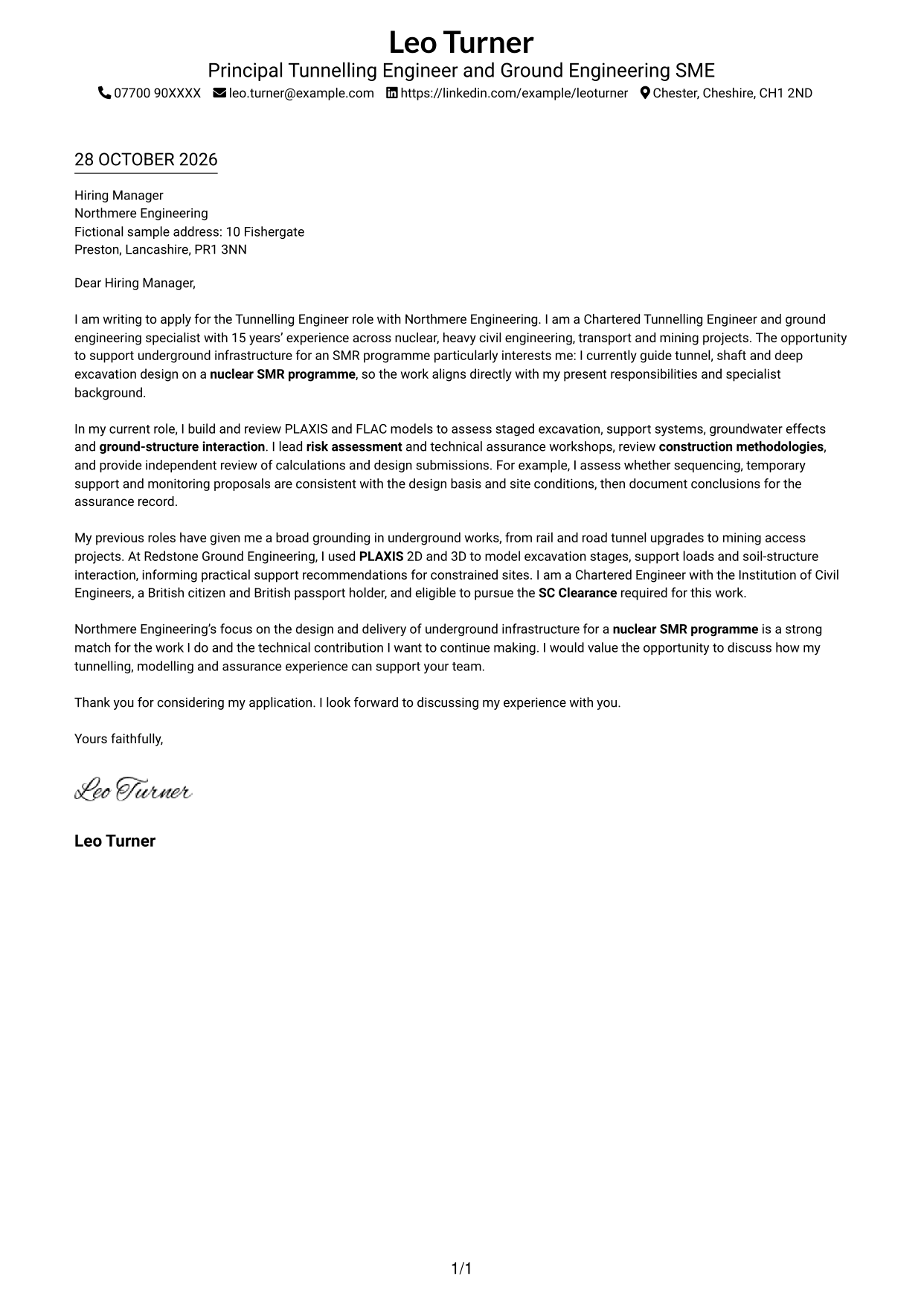
A single-column layout keeps the sender details in the header and the letter body on one clear reading path.
Why This Format Works
- Sender details in the header remain separate from the letter’s persuasive content.
- A single column gives the greeting, supporting paragraphs and close one reading order.
- Continuous paragraphs let motivation and evidence develop without artificial section breaks.
Best For
- Single-column correspondence
- Letters with a compact contact header
- Traditional letter reading order
- Applications needing uninterrupted prose
- Text-led presentation
#2 Two Column Format Cover Letter Example
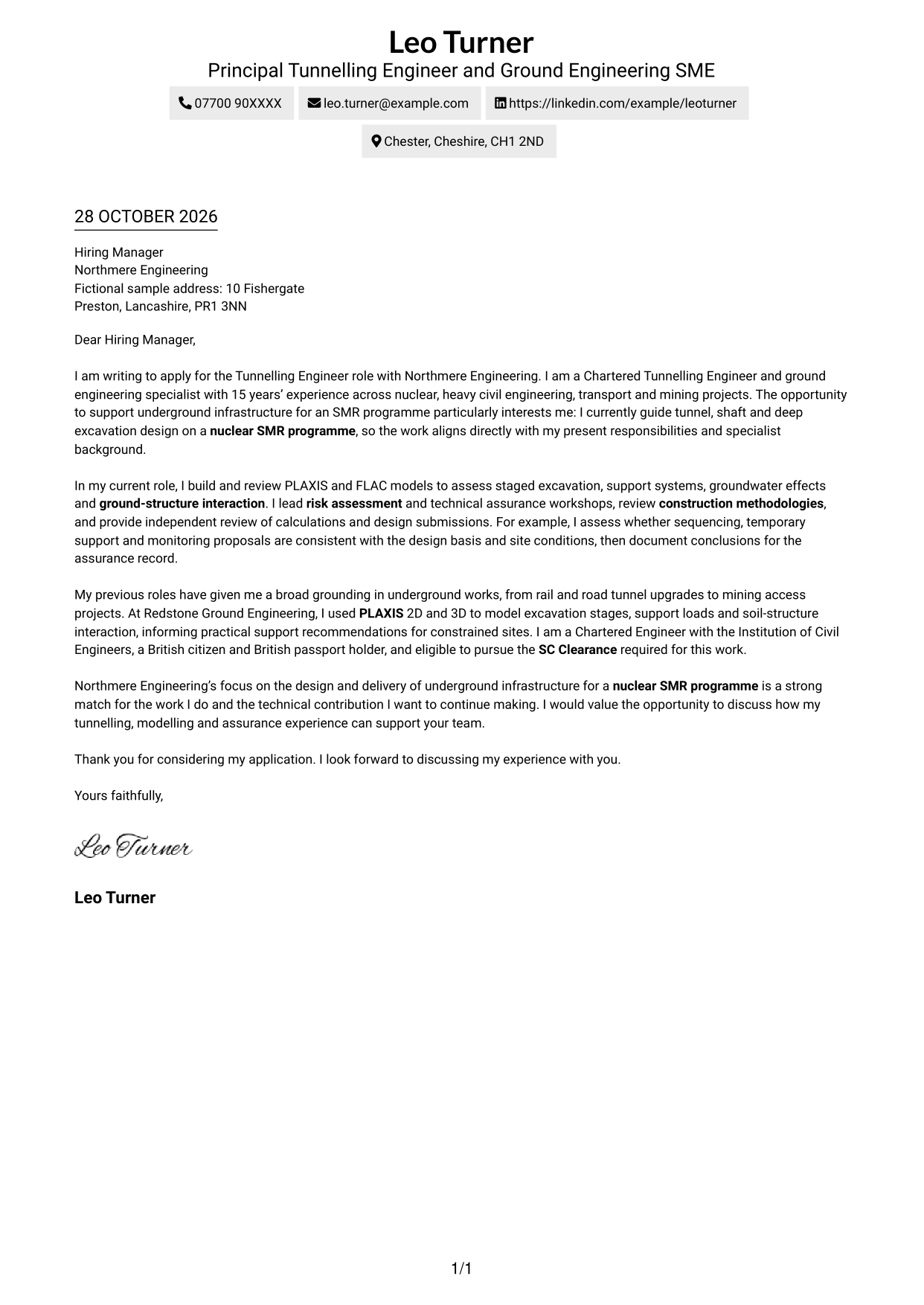
A contact sidebar sits beside one continuous letter column, keeping contact details separate from the message.
Why This Format Works
- The sidebar keeps contact information apart from the continuous letter body.
- One body column preserves a natural progression from opening interest to closing request.
- The separate contact area gives readers a clear place to find sender details.
Best For
- Separate contact and letter areas
- Single-body correspondence
- Side-by-side contact and message layout
- Readers who prefer clear contact separation
- Letters with a longer contact block
#3 Photo Header Two Column Format Cover Letter Example
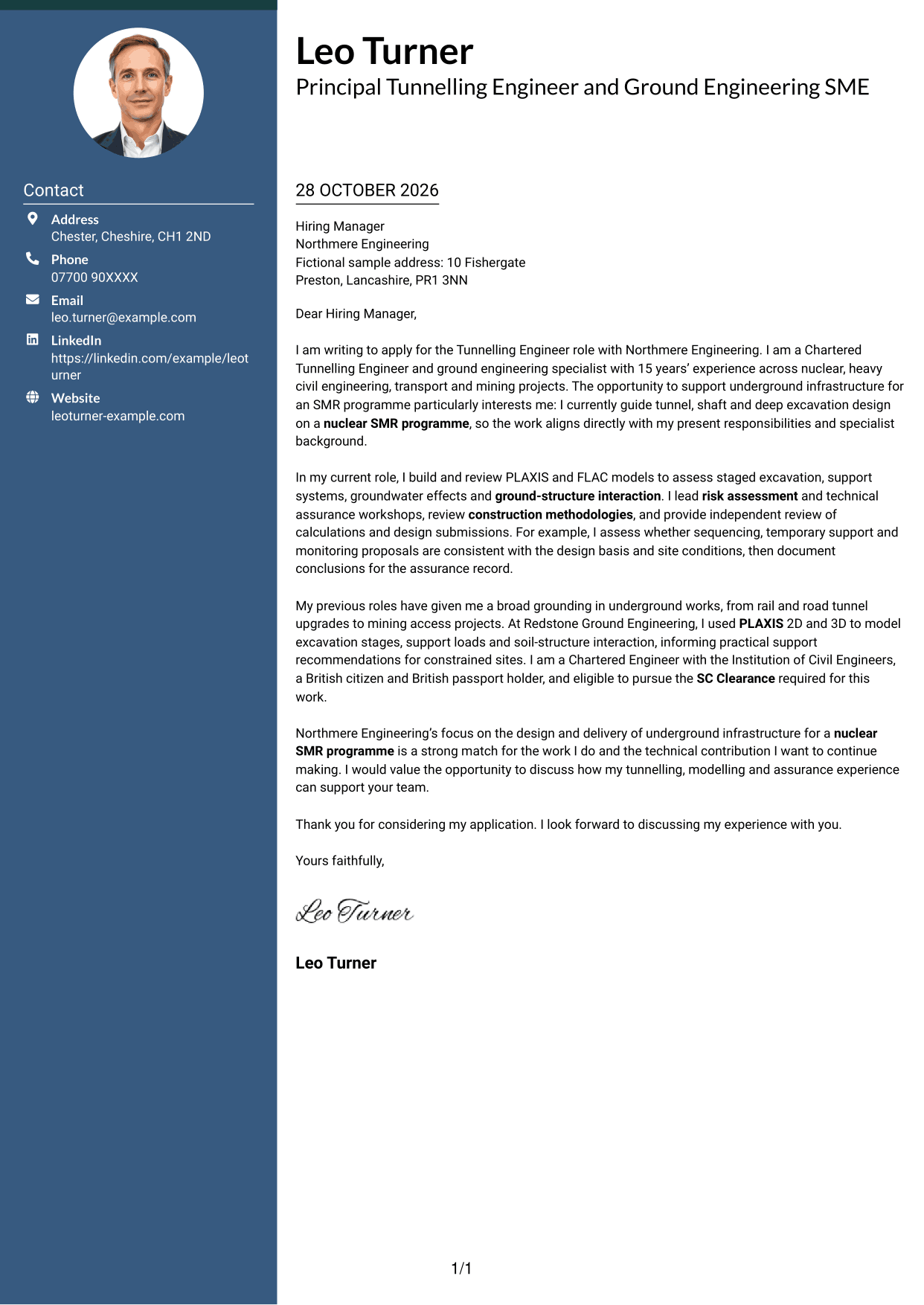
A portrait-led header and contact sidebar give the page a clear visual identity while the letter stays in one column.
Why This Format Works
- The portrait adds a personal visual element without interrupting the letter body.
- Contact details sit apart from the message for straightforward reference.
- One letter column keeps the opening, supporting paragraphs and close in sequence.
Best For
- Portrait-led contact presentation
- Two-column page organisation
- Letters with a continuous body
- Applications where a photo is preferred
- Contact details beside the correspondence
#4 One Column Format with Photo Cover Letter Example
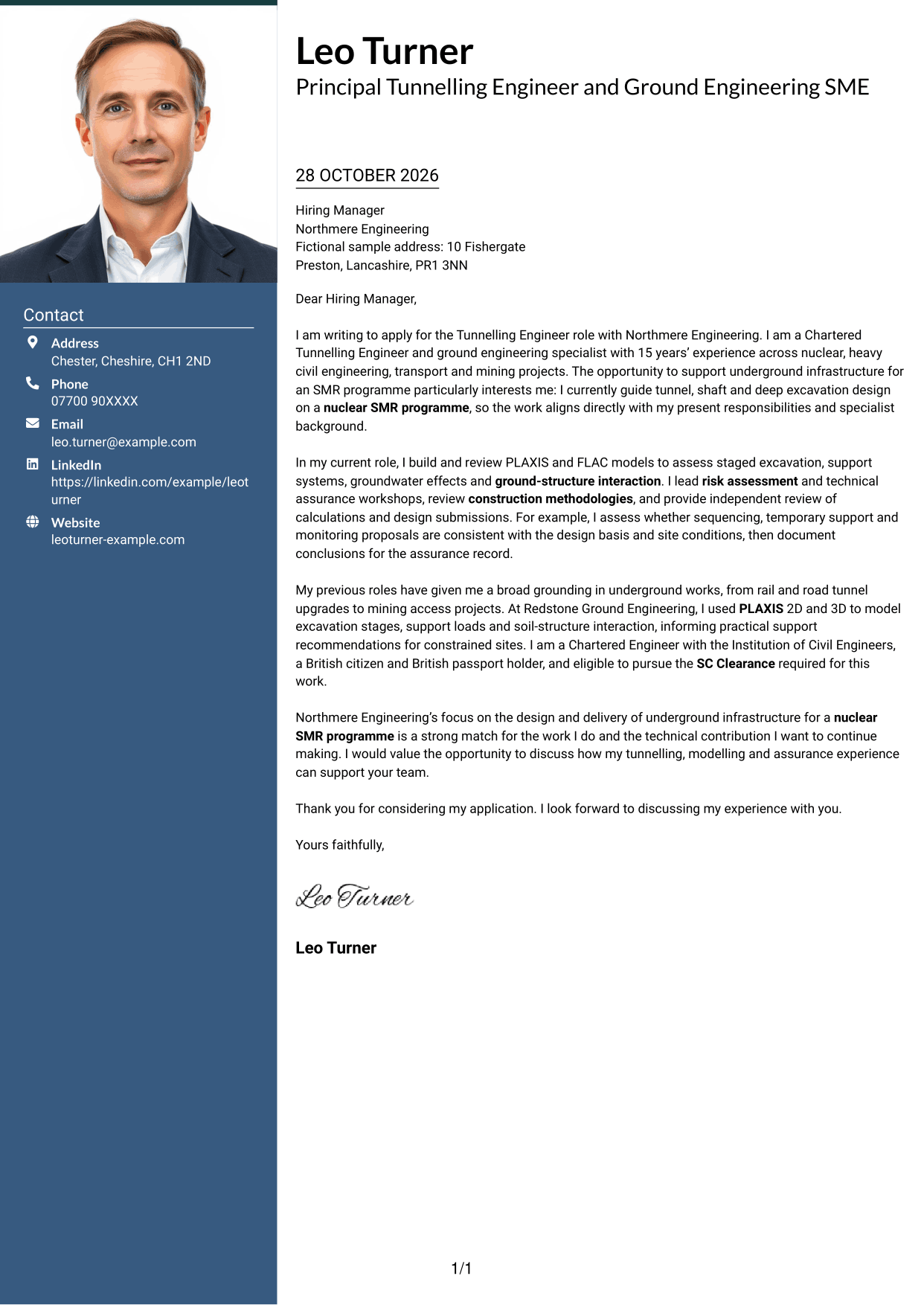
The single-column letter includes a photo, giving readers a portrait alongside an uninterrupted correspondence layout.
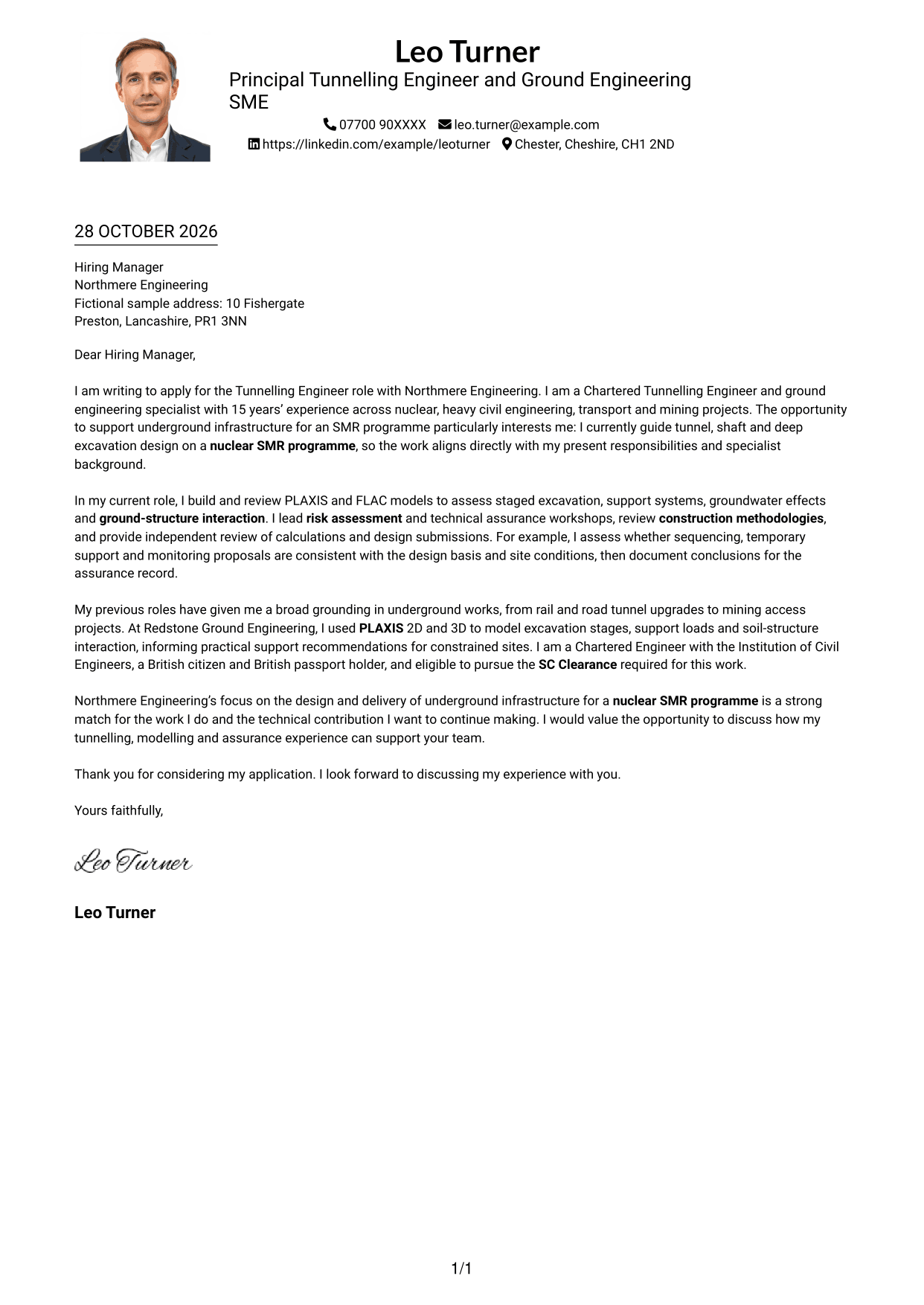
Why This Format Works
- The photo adds a visual point of identification to the letter presentation.
- A single body column keeps the correspondence in a familiar reading order.
- Sender details remain in the header rather than interrupting the letter paragraphs.
Best For
- Single-column letter reading
- Photo-inclusive correspondence
- Letters with header contact details
- A portrait alongside the written message
- Uninterrupted letter paragraphs
#5 Simple Two Column Format Cover Letter Example
A simple contact sidebar sits beside the uninterrupted letter, keeping correspondence in one clear column.
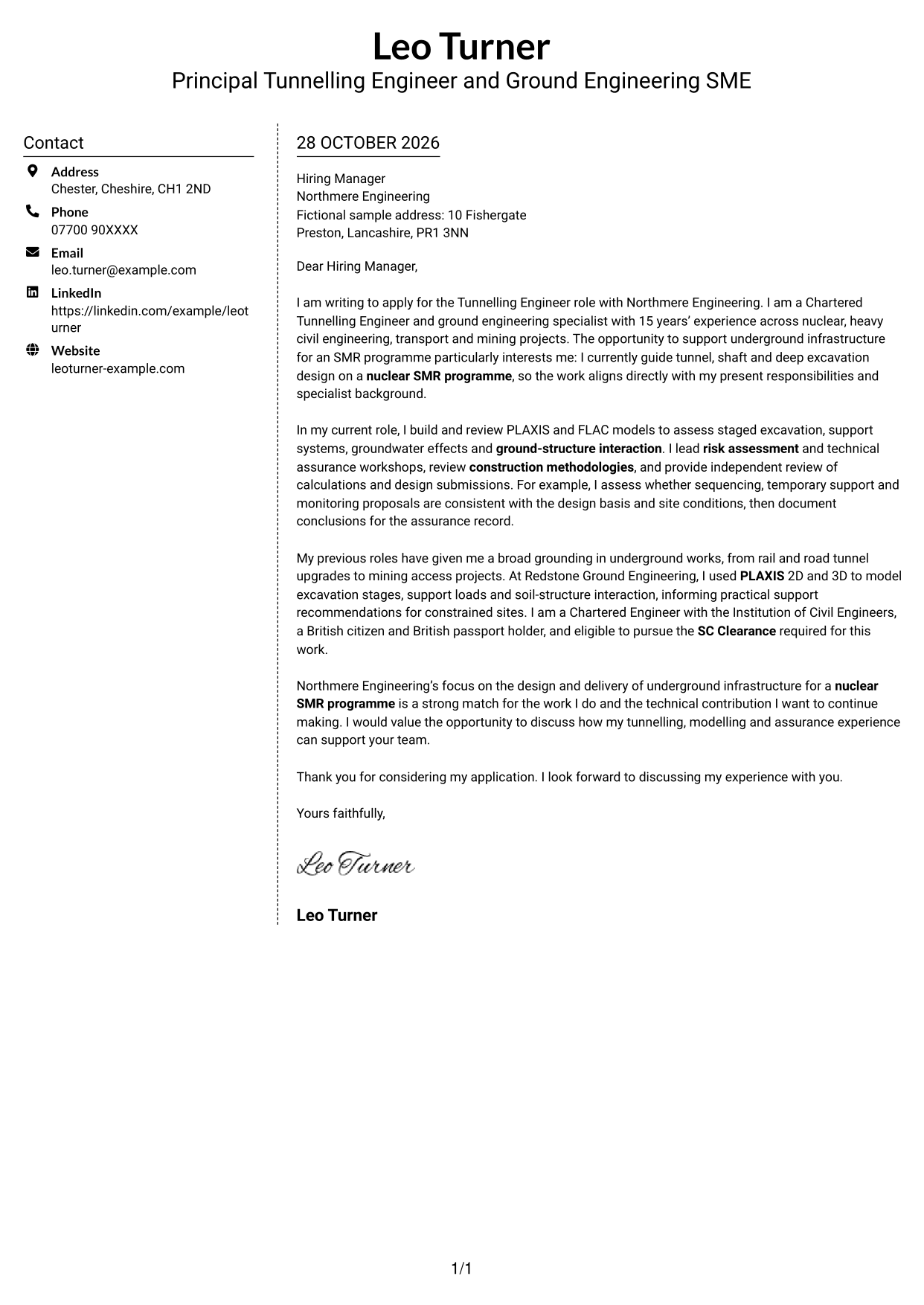
Why This Format Works
- The contact sidebar gives sender details a distinct place beside the letter.
- The main column keeps the message in a familiar letter sequence.
- A simple arrangement keeps contact information from interrupting the correspondence.
Best For
- Simple two-column organisation
- Contact details beside the letter
- One-column correspondence
- Letters with a clear reading order
- Separate sender and message areas
#6 Modern Icon Format Cover Letter Example
Contact icons sit alongside a single continuous letter column, helping readers locate details without dividing the message.
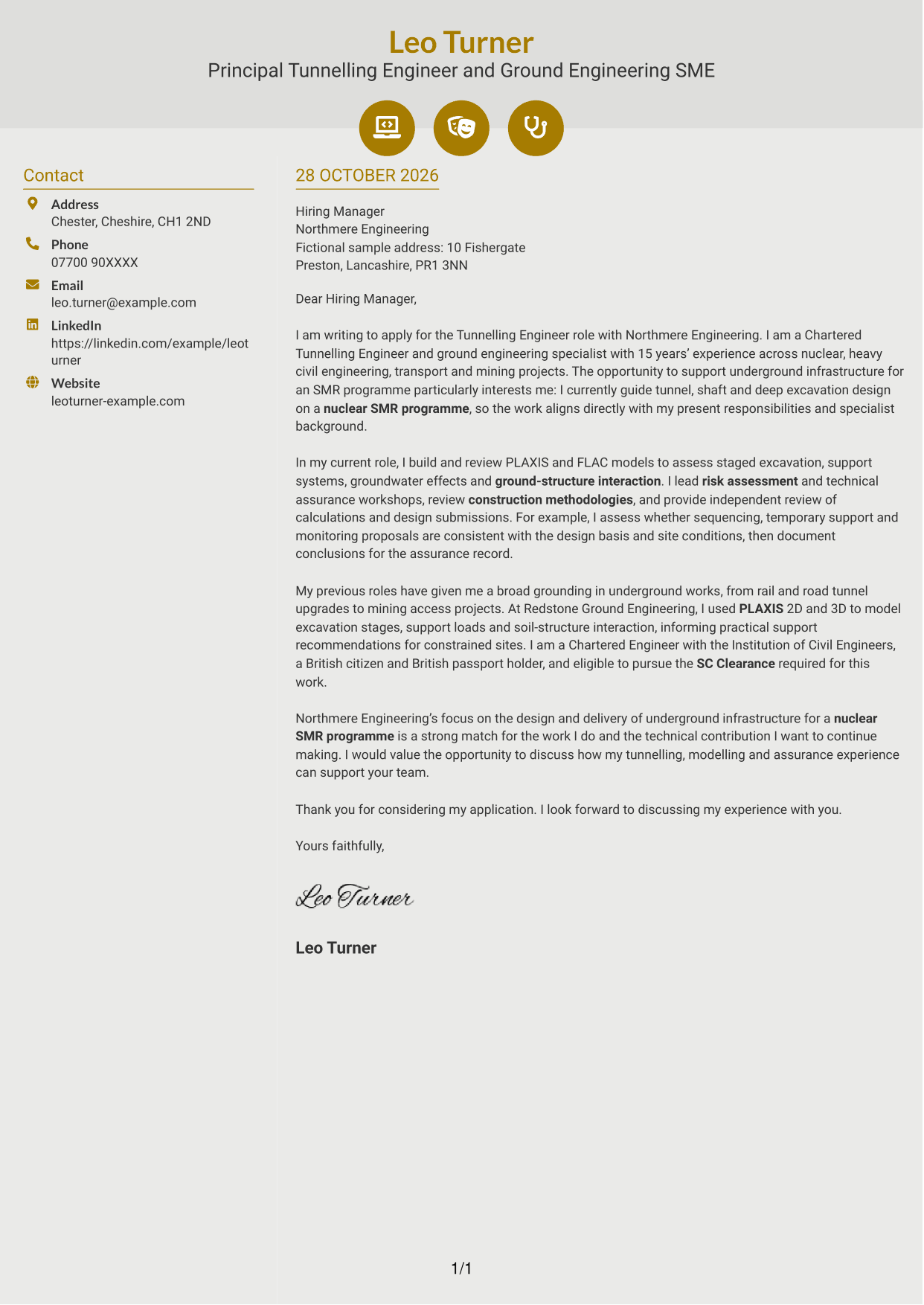
Why This Format Works
- Icons mark contact details, not stages of the letter’s argument.
- The sidebar keeps contact information distinct from the continuous letter body.
- One body column lets the opening, evidence and closing read in order.
Best For
- Icon-marked contact details
- Two-column page organisation
- Continuous letter paragraphs
- Readers who value quick contact reference
- A clear distinction between contact and message
#7 Creative Two Tone Format Cover Letter Example
The two-column arrangement keeps contact details beside, rather than within, the continuous letter body.
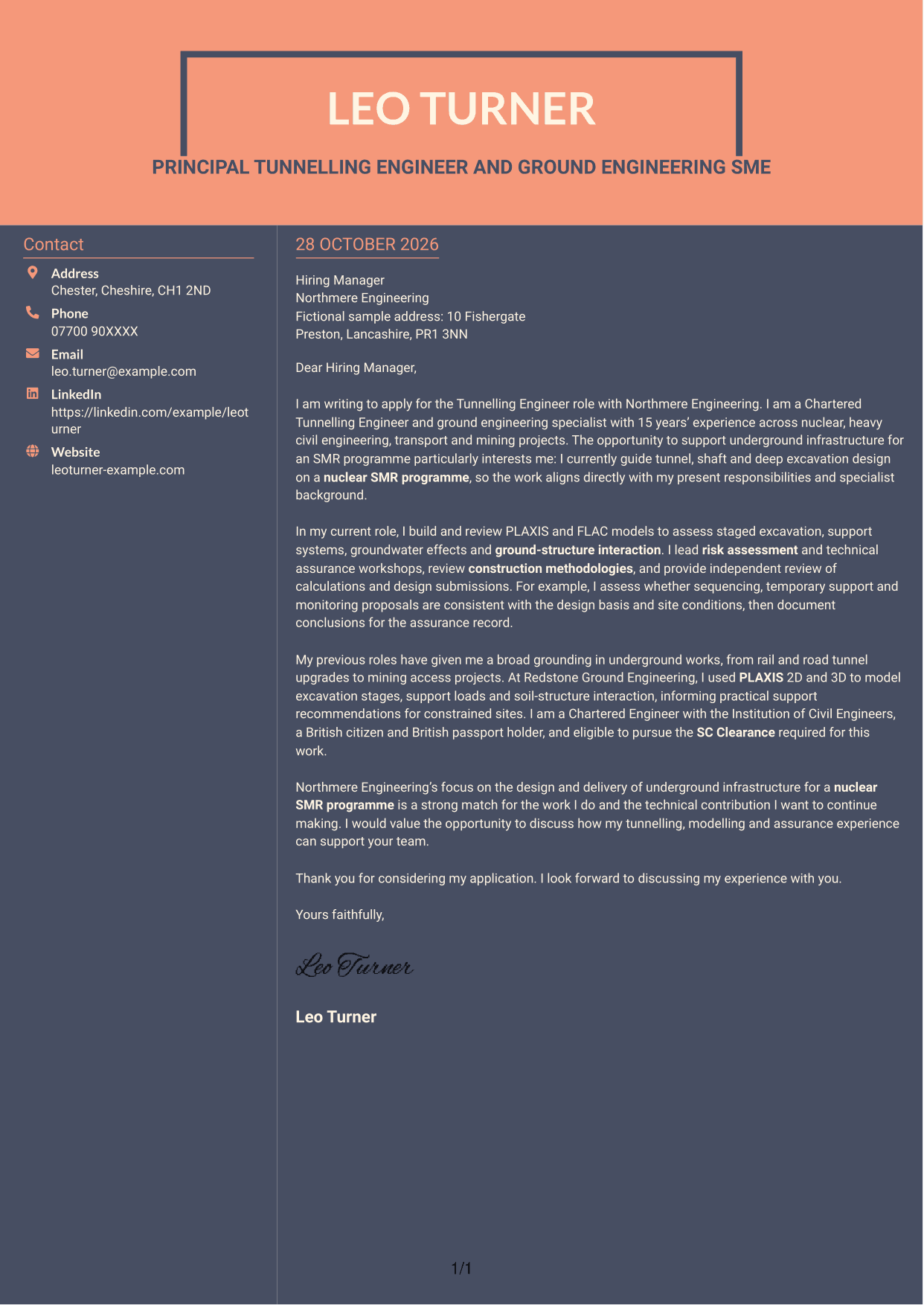
Why This Format Works
- Contact details have a separate location alongside the letter message.
- The letter stays in one column, preserving its familiar paragraph sequence.
- The continuous body lets motivation and supporting evidence read as one connected case.
Best For
- Contact details beside the message
- One-column letter body
- Letters with connected paragraphs
- Two-column document organisation
- A clear separation between sender details and correspondence
See Also
- 7 Tunnelling Engineer - Nuclear Infrastructure CV Templates with Example
- 7 Civil Infrastructure Engineer - Nuclear New-Build CV Templates with Example
- 7 Civil and Structural Engineer - Refinery Infrastructure CV Templates with Example
- 7 Civil Design Engineer - Water and Wastewater Infrastructure CV Templates with Example
- 7 Civil Engineer - Development Infrastructure CV Templates with Example
- 7 Civil Engineer - HV Infrastructure CV Templates with Example
- 7 Civil Engineer Lead - Drainage and Infrastructure Design CV Templates with Example
- 7 Graduate Civil Engineer - Rail Infrastructure Design CV Templates with Example
- 7 Civil Infrastructure Engineer - Nuclear New-Build Cover Letter Templates with Example
- 7 Civil and Structural Engineer - Refinery Infrastructure Cover Letter Templates with Example
Frequently Asked Questions
What should a Tunnelling Engineer - Nuclear Infrastructure cover letter highlight?
Show how your tunnelling or underground engineering work relates to the role. Useful evidence may include excavation support analysis, ground-structure interaction, numerical modelling, construction method reviews, risk assessment or technical assurance.
How can I make my experience relevant to this role?
Choose a specific example and explain your contribution. You could describe how PLAXIS or FLAC modelling informed an excavation or support decision, or how you checked that construction sequencing matched the design basis and site conditions.
How should I explain my interest in the employer?
Refer to Northmere Engineering’s work on underground infrastructure for a nuclear SMR programme. Explain why that work interests you and connect it to the contribution you can make through your tunnelling, modelling or assurance experience.
What is a clear way to structure this cover letter?
Open by naming the role and explaining your interest. Use the body to give focused examples of relevant technical work and role fit, then close by restating your interest and inviting a discussion.
Should I mention SC Clearance eligibility in my cover letter?
If you meet the stated eligibility requirements, briefly confirm that you are a British citizen and hold a British passport, and note that you are eligible to pursue SC Clearance. Keep the focus on your fit for the engineering work.




