
7 Academic Advisor - Automated Industrial Technology Resume Templates with Example
This guide shows you how to build an Academic Advisor - Automated Industrial Technology resume that presents your student support work clearly and helps readers review your qualifications for this specific role. Learn how to organize advising, program coordination, and student service evidence so key details are easy to find.
Show how you turn degree audits and student goals into course plans, track progress, coordinate referrals, and connect academic pathways with transfer and employment goals. Include relevant experience with faculty and industry partners, orientations, outreach, confidential records, service measures, and process improvements.
The resume example is presented in 7 layouts. Compare the image previews to see how each presents the same information, then open an example in the editor to view or customize it.
What Makes a Great Academic Advisor - Automated Industrial Technology Resume in 2026
A strong resume makes academic planning, student support, and program coordination easy to review. Clear headings and focused experience bullets help readers find your most relevant work quickly.
Use role-related terms such as academic advising, course sequence alignment, at-risk referrals, student records compliance, Ready Tech Go, and service quality measures. Support each claim with accurate examples, results, or scope where available.
Note: Resume examples are for educational purposes only. Use only information that accurately reflects your experience and qualifications. References to real organizations do not imply affiliation or endorsement.
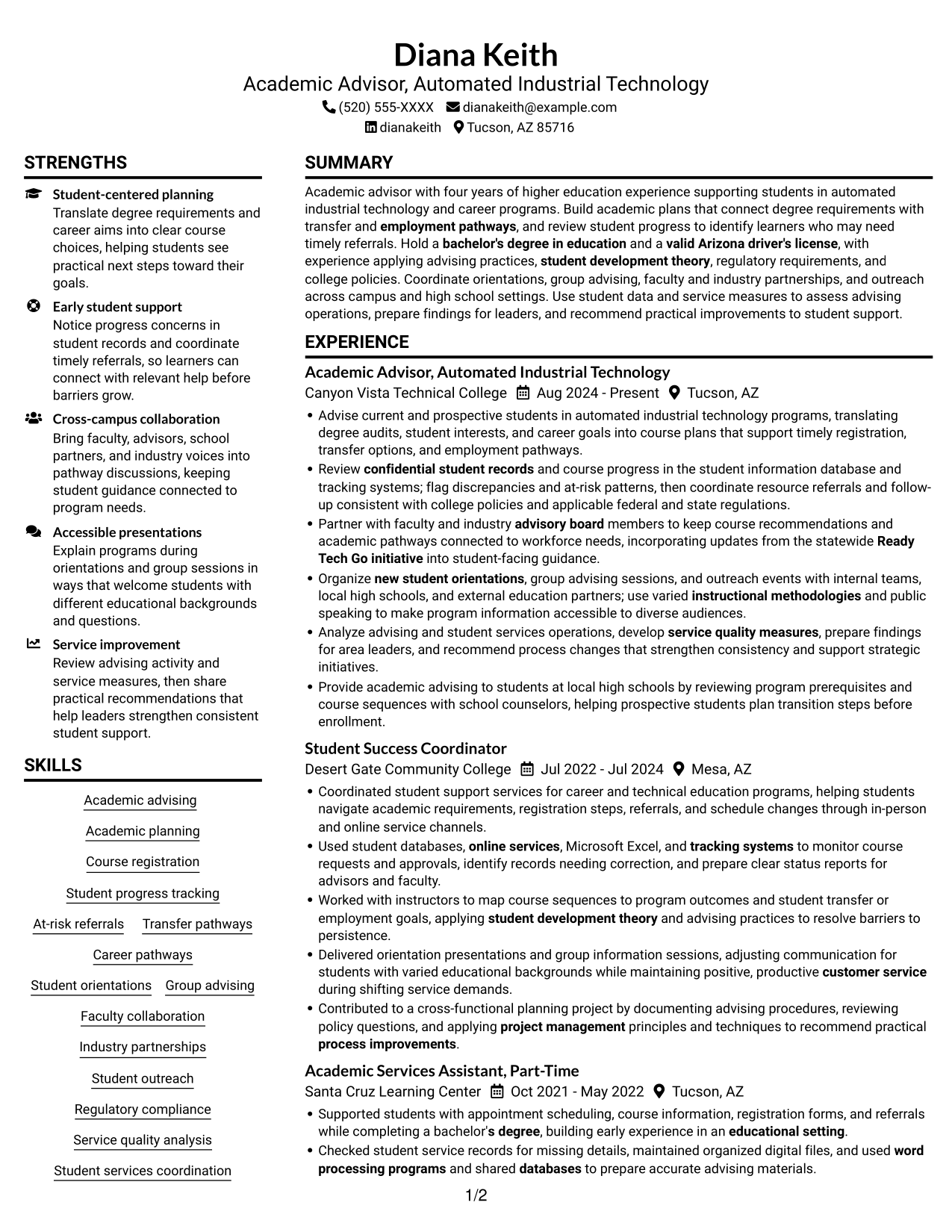
#1 Plain Two Column Format Resume Example
The Plain Two Column Format suits readers who prefer resume information arranged in two visible columns.
Resume Snapshot
- Four years of higher education experience
- Academic advising and student progress tracking
- Bachelor of Arts in Education, 2022
- Valid Arizona driver's license
Why This Format Works
- Education and certifications can sit apart from work history for quick reference.
- Skills and tools have room beside the experience timeline, not inside its bullets.
- Section groups help reviewers follow career progression and locate achievements.
Best For
- Resumes with varied section types
- Career timelines with supporting qualifications
- Readers who scan by category
- Multiple experience entries
- Education, credentials, and skills together
Resume Keywords
- bachelor's degree in education
- valid Arizona driver's license
- translating degree audits, student interests, and career goals into course plans
- Student progress tracking
- flag discrepancies and at-risk patterns, then coordinate resource referrals
- Transfer pathways
- employment pathways
- Faculty collaboration
- Partner with faculty and industry advisory board members
- keep course recommendations and academic pathways connected to workforce needs
- Ready Tech Go initiative
- new student orientations
- Group advising
- Organize new student orientations, group advising sessions, and outreach events
- Provide academic advising to students at local high schools
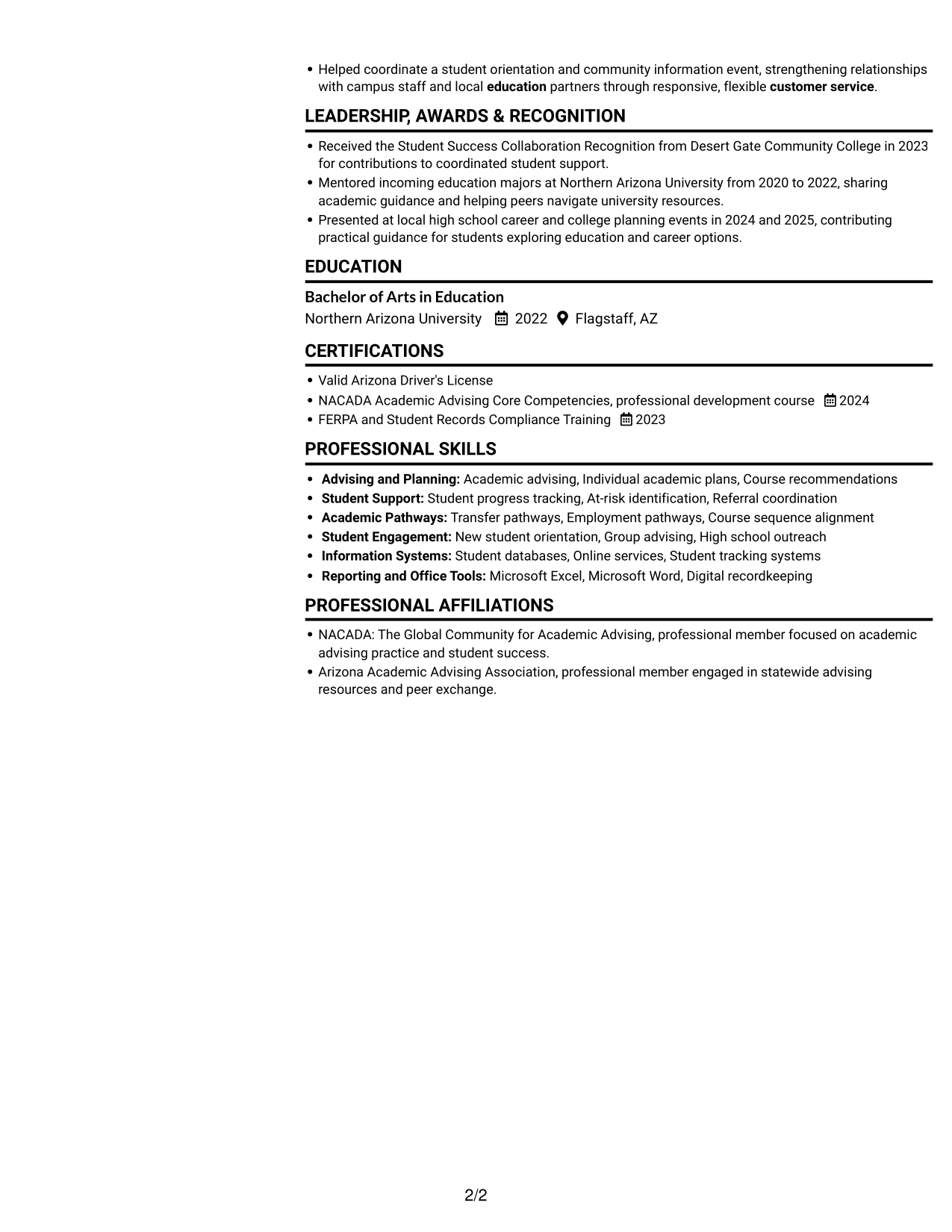
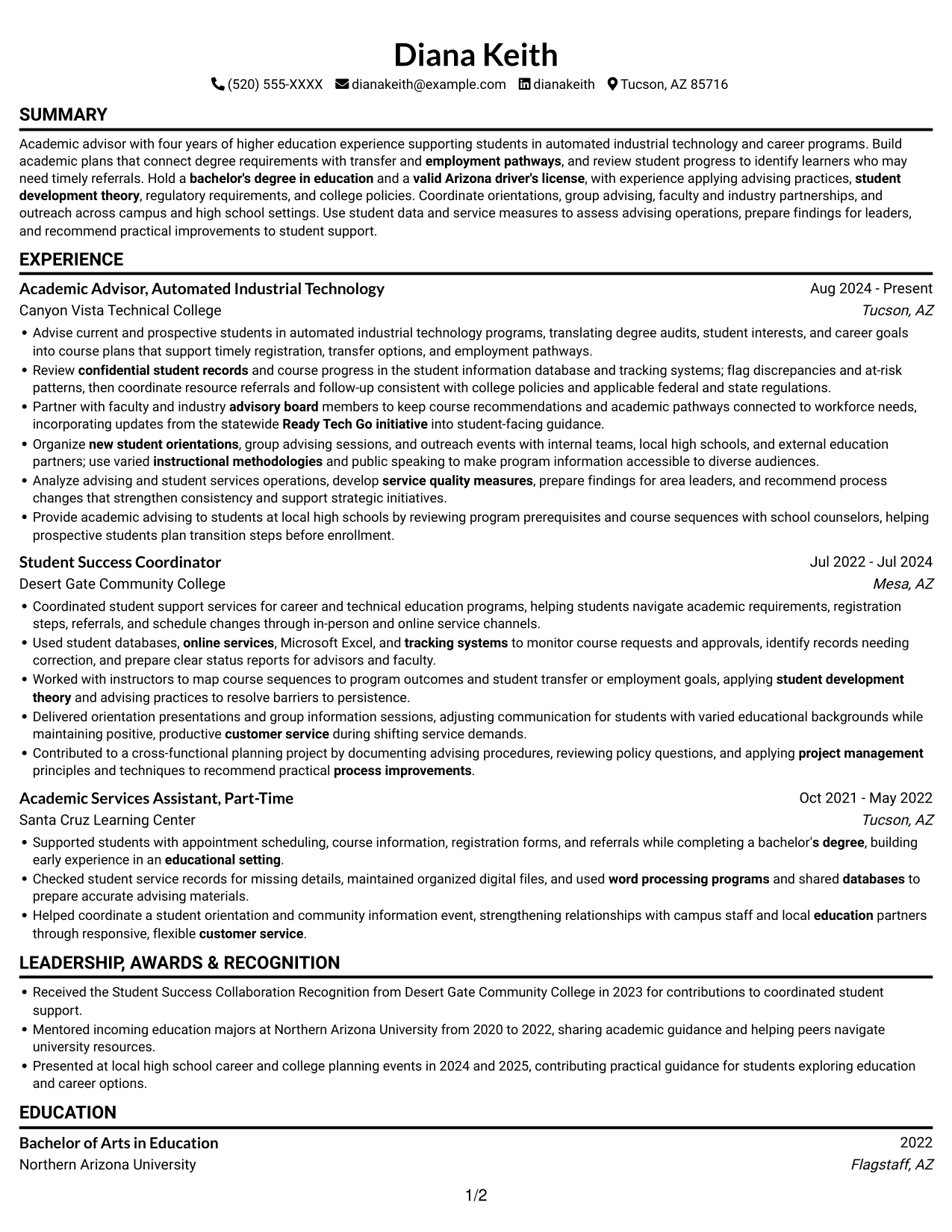
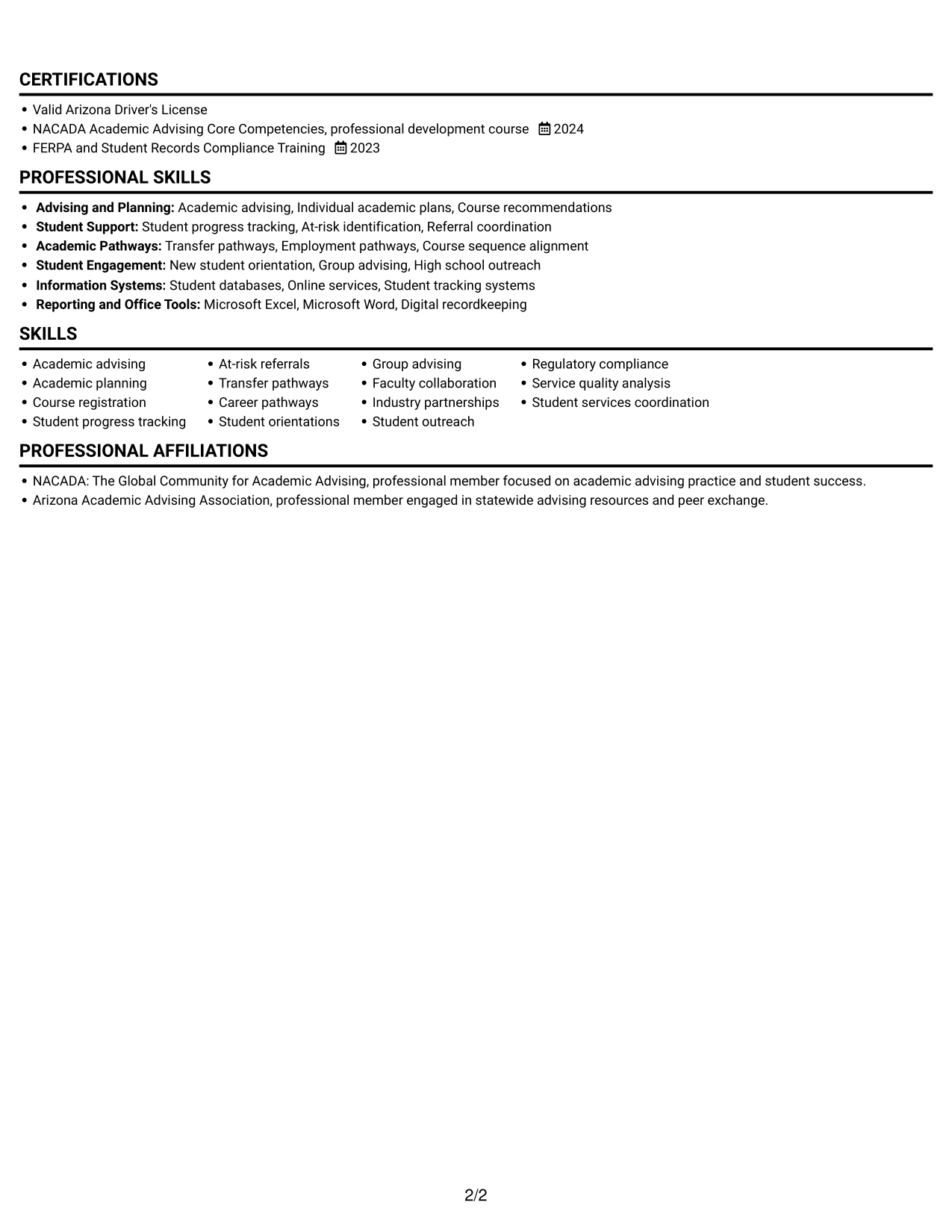
#2 Simple One Column Format Resume Example
The Simple One Column Format keeps resume sections in a single vertical sequence, a fit for readers who prefer a direct top-to-bottom review.
Why This Format Works
- One vertical sequence guides reviewers from current experience through earlier roles.
- Full-width bullets give detailed advising work room to remain readable.
- Skills, education, and credentials follow the same clear reading path.
Best For
- Top-to-bottom reading preference
- Detailed experience descriptions
- Chronological career histories
- Resume sections in a single sequence
- Readers avoiding parallel columns
#3 Clean Two Column Sidebar Format Resume Example
The Clean Two Column Sidebar Format uses two columns to separate supporting sections from the main experience area, helping readers choose between those review paths.
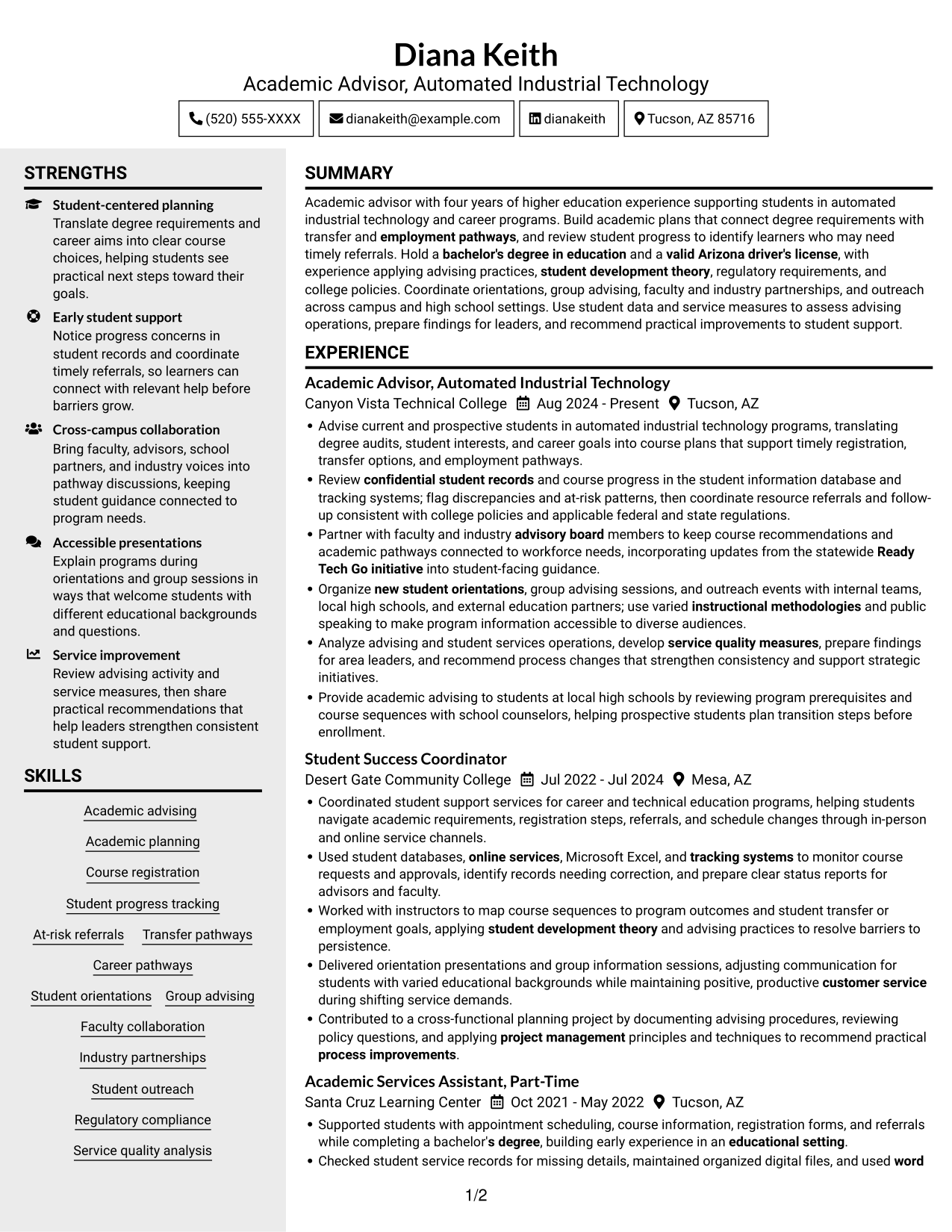
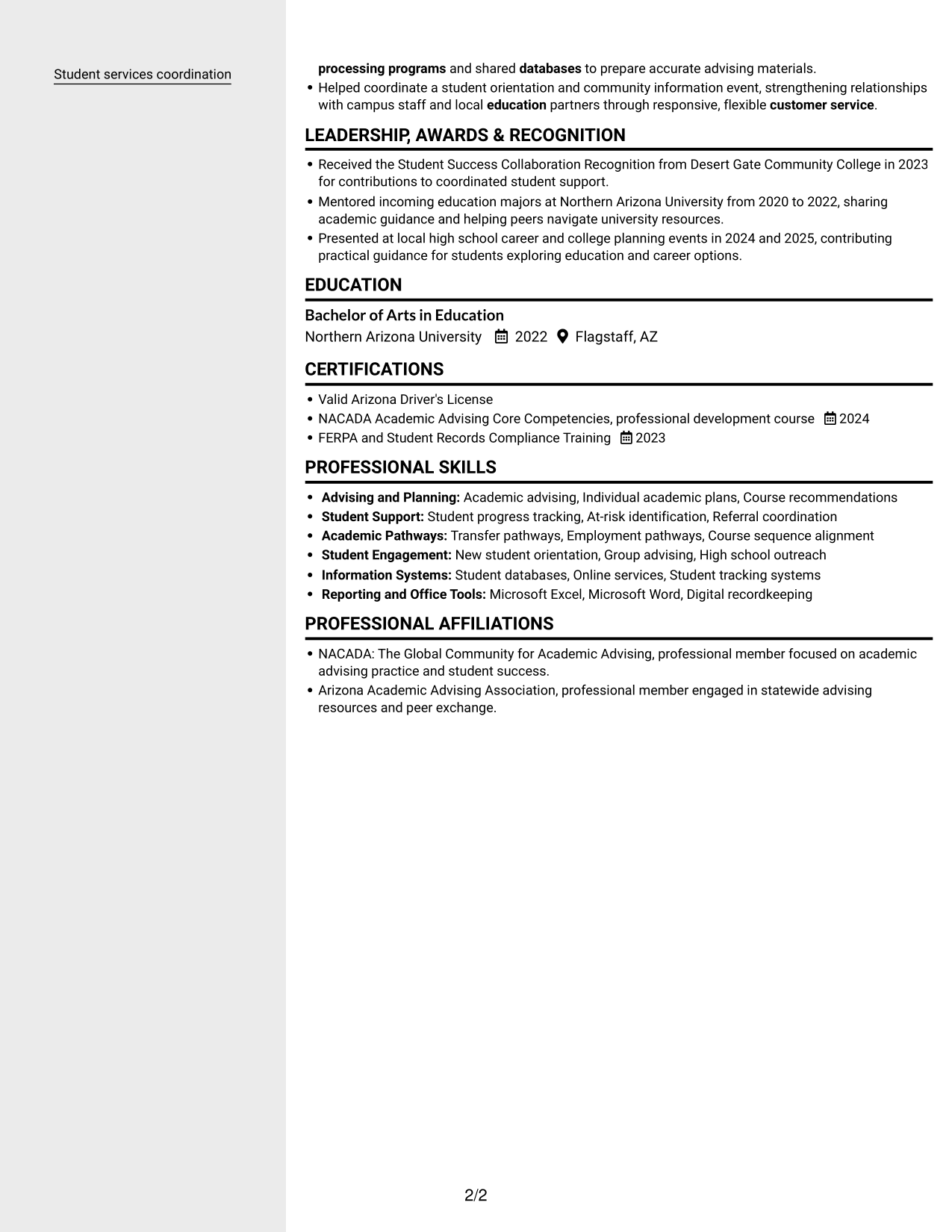
Why This Format Works
- Distinct content areas make education and credentials easier to locate.
- Skills and tools can be reviewed without interrupting the experience timeline.
- Career progression remains visible as readers move between the resume's sections.
Best For
- Category-based resume review
- Skills and credentials beside experience
- Readers who scan supporting details first
- Multiple types of qualifications
- Resumes balancing work and education
#4 Two Column Format Resume Example
The Two Column Format arranges the resume body in two columns, a practical choice for readers who want career history and supporting qualifications visible together.
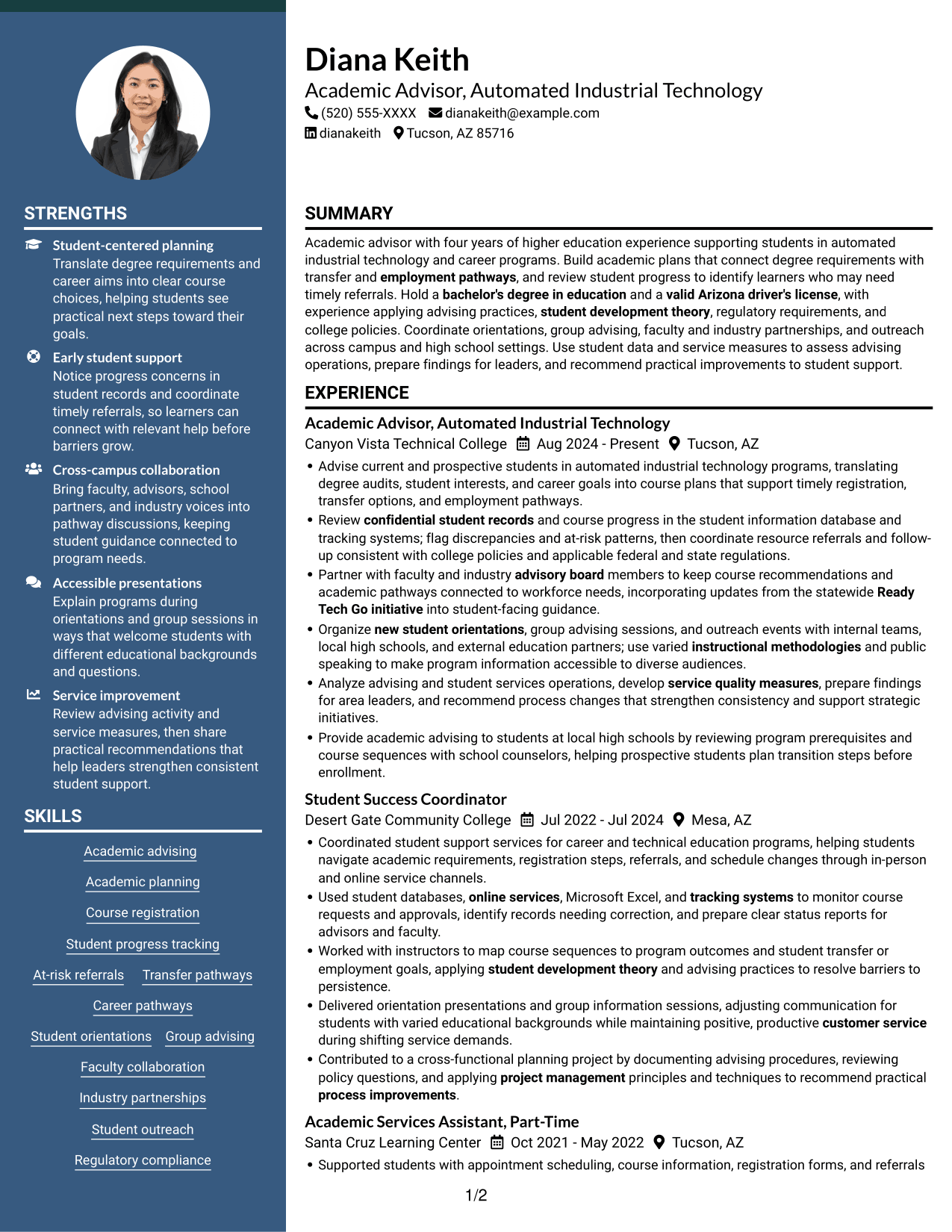
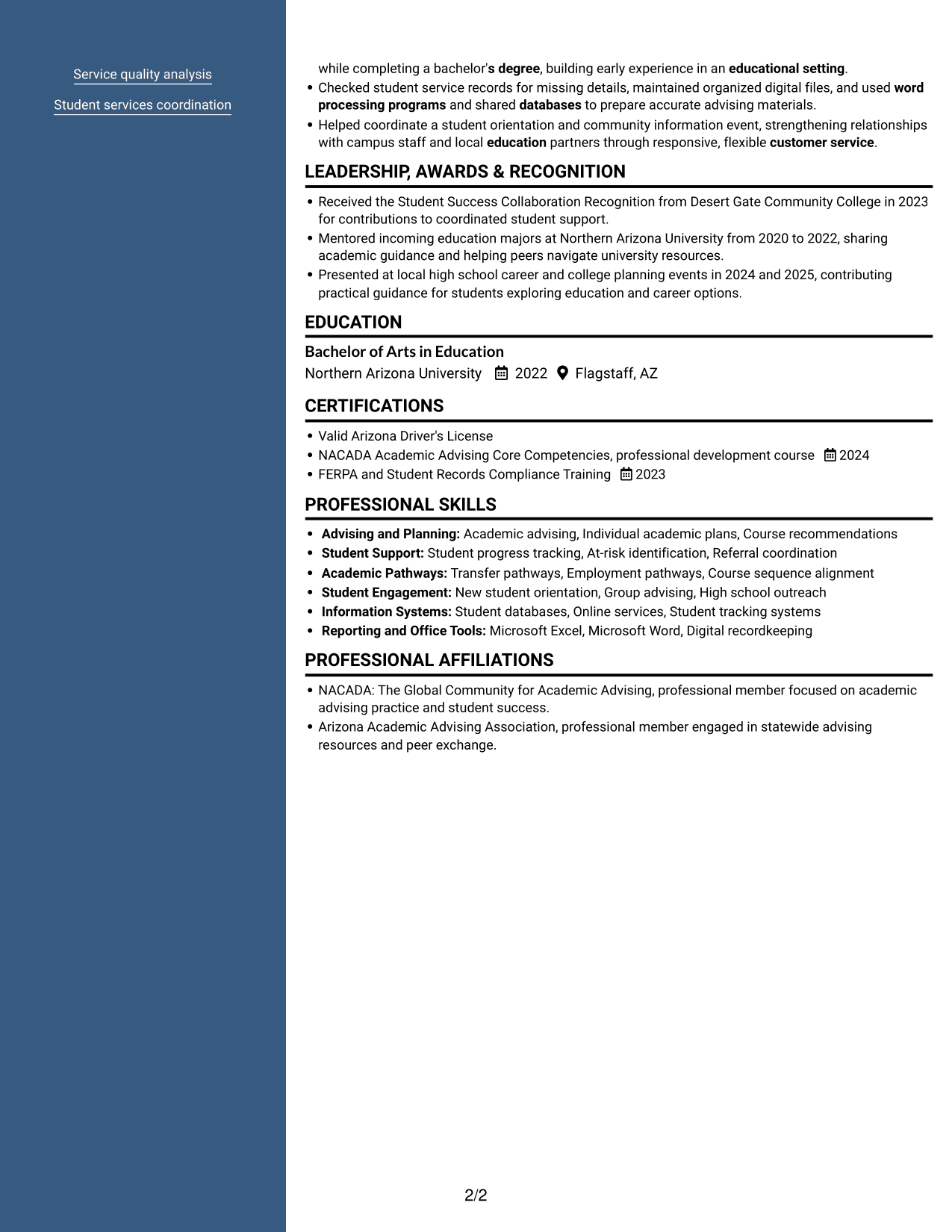
Why This Format Works
- Two parallel areas let readers compare experience with education and credentials.
- Skill and tool sections remain distinct from achievement bullets.
- Section order helps reviewers connect career progression with related qualifications.
Best For
- Side-by-side section review
- Career history with several roles
- Experience and education in one document
- Readers comparing qualifications by category
- Resumes with varied information types
#5 Photo Header Two Column Format Resume Example
The Photo Header Two Column Format combines a photo with a two-column resume body, suited to readers who want both elements present.
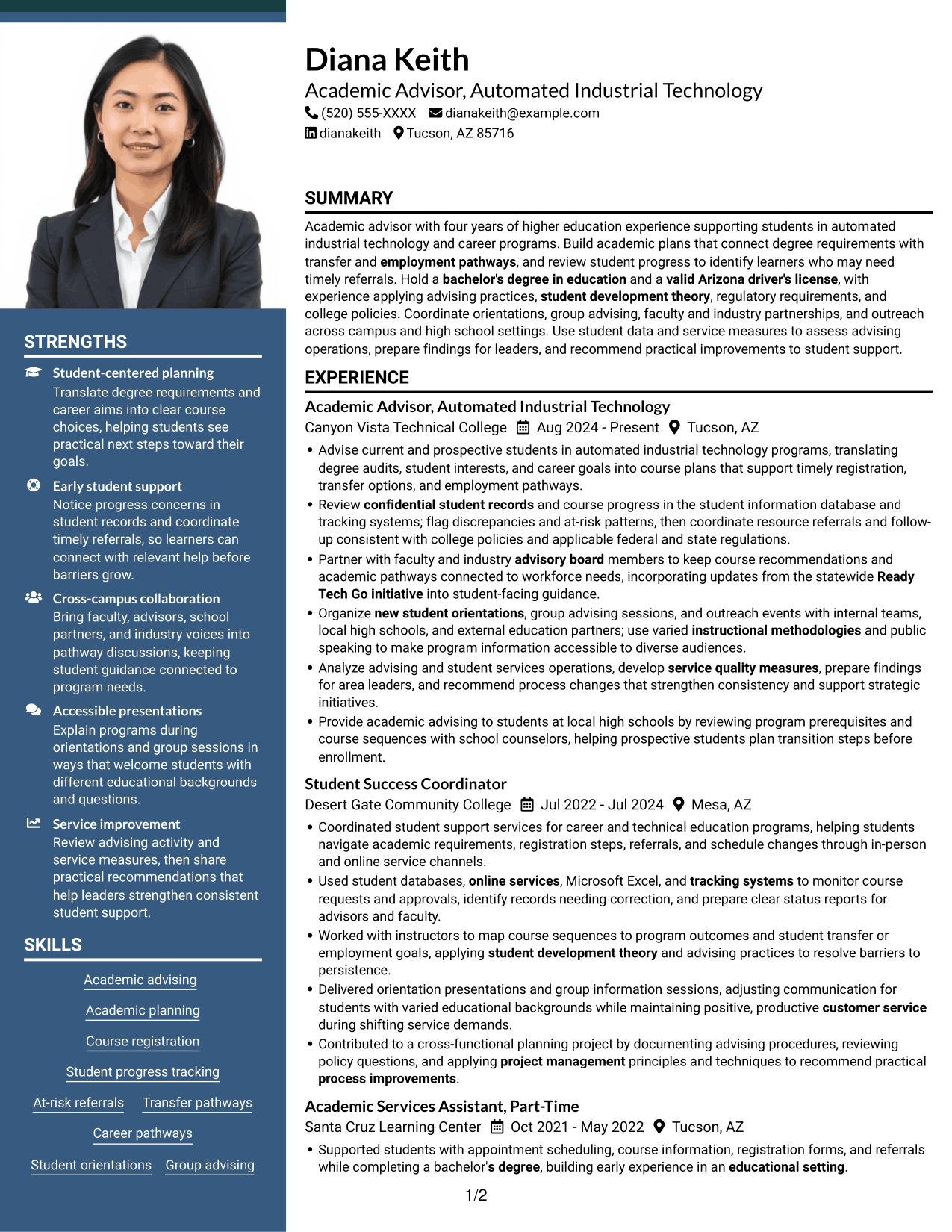
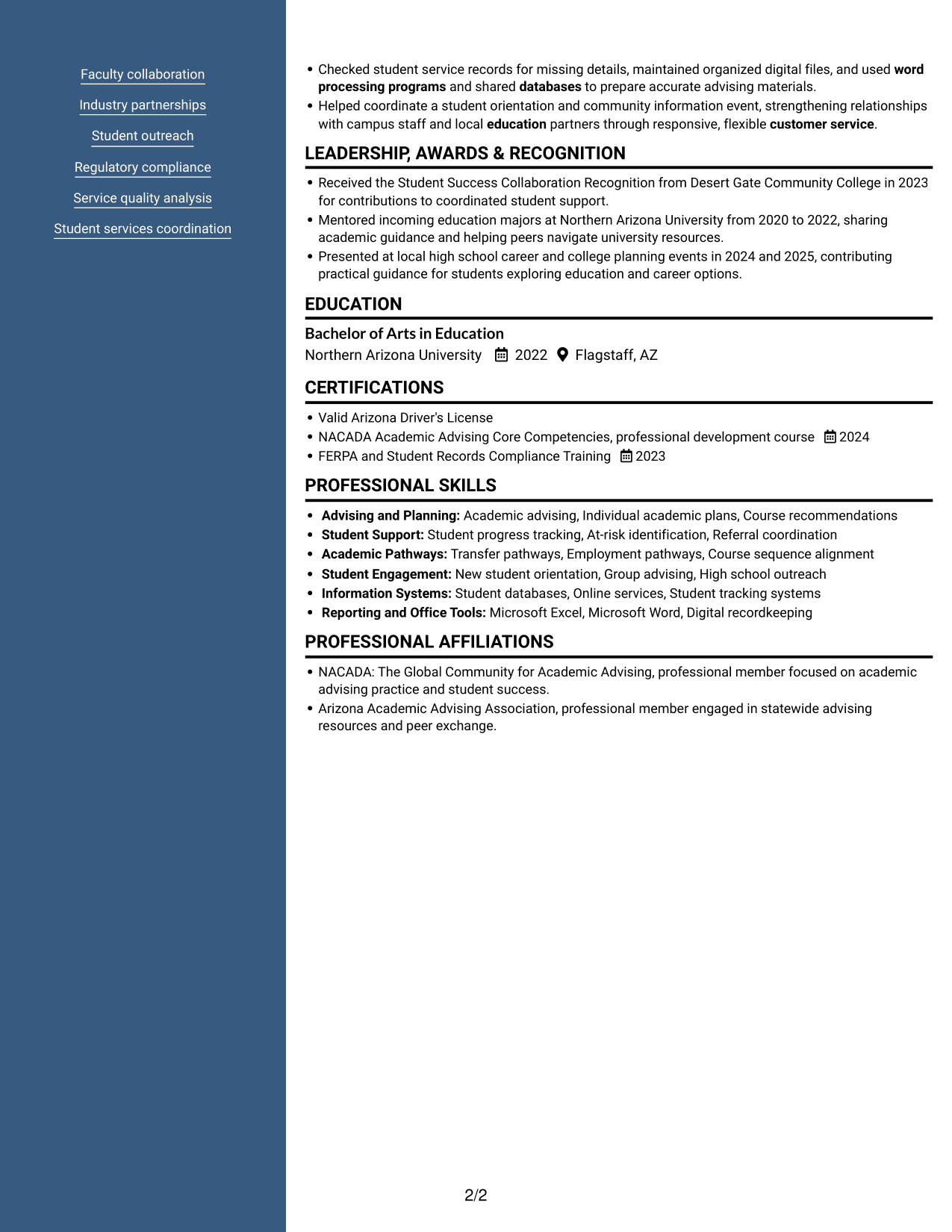
Why This Format Works
- Two-column organization keeps career history distinct from supporting sections.
- Education and credentials can be located without interrupting the experience sequence.
- The photo adds a personal visual element without changing how qualifications are organized.
Best For
- Photo-inclusive resume presentation
- Two-column section navigation
- Career history with supporting credentials
- Readers who scan by resume category
- Applications where a profile photo is appropriate
#6 Colored Two Column Format Resume Example
The Colored Two Column Format arranges content in two columns for readers who prefer resume categories visible side by side.
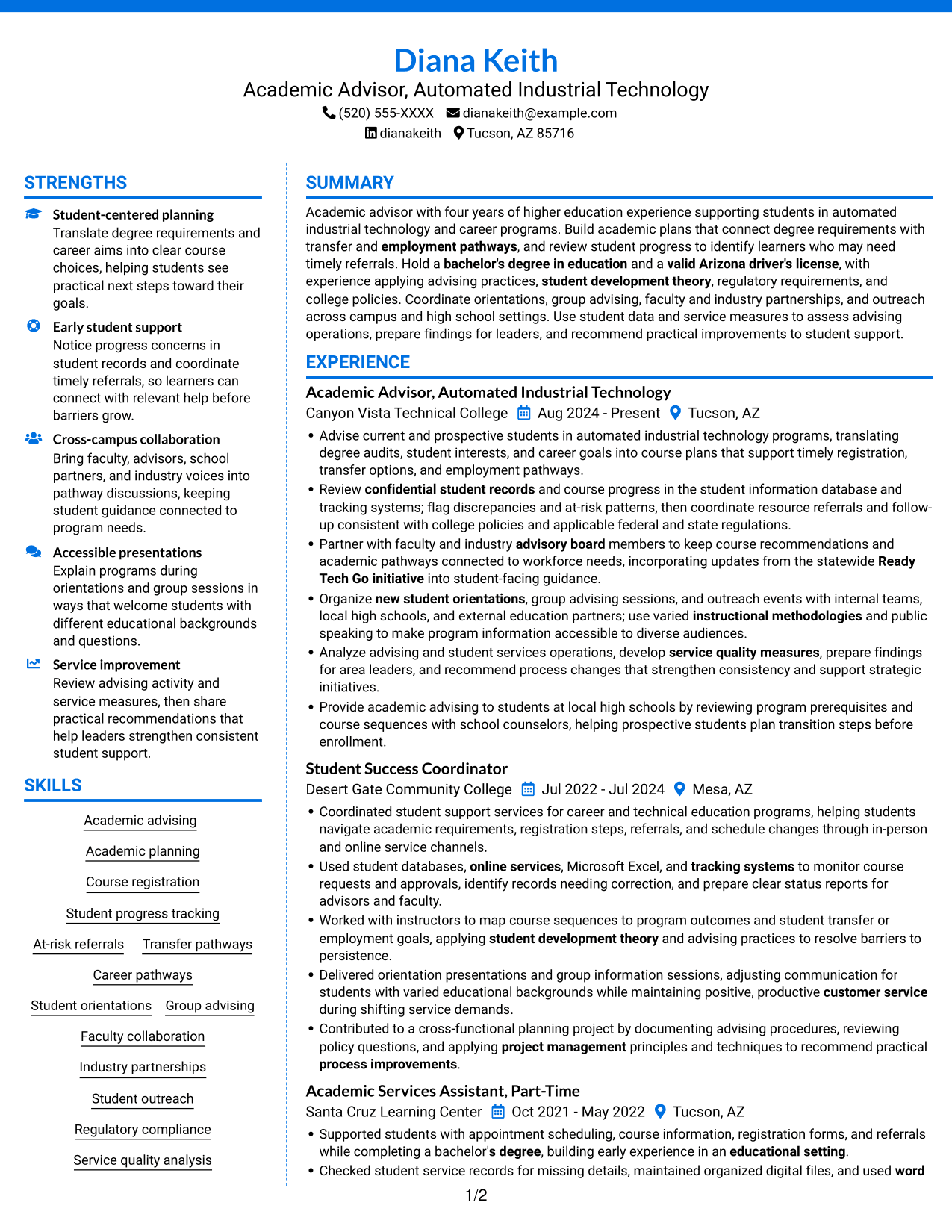
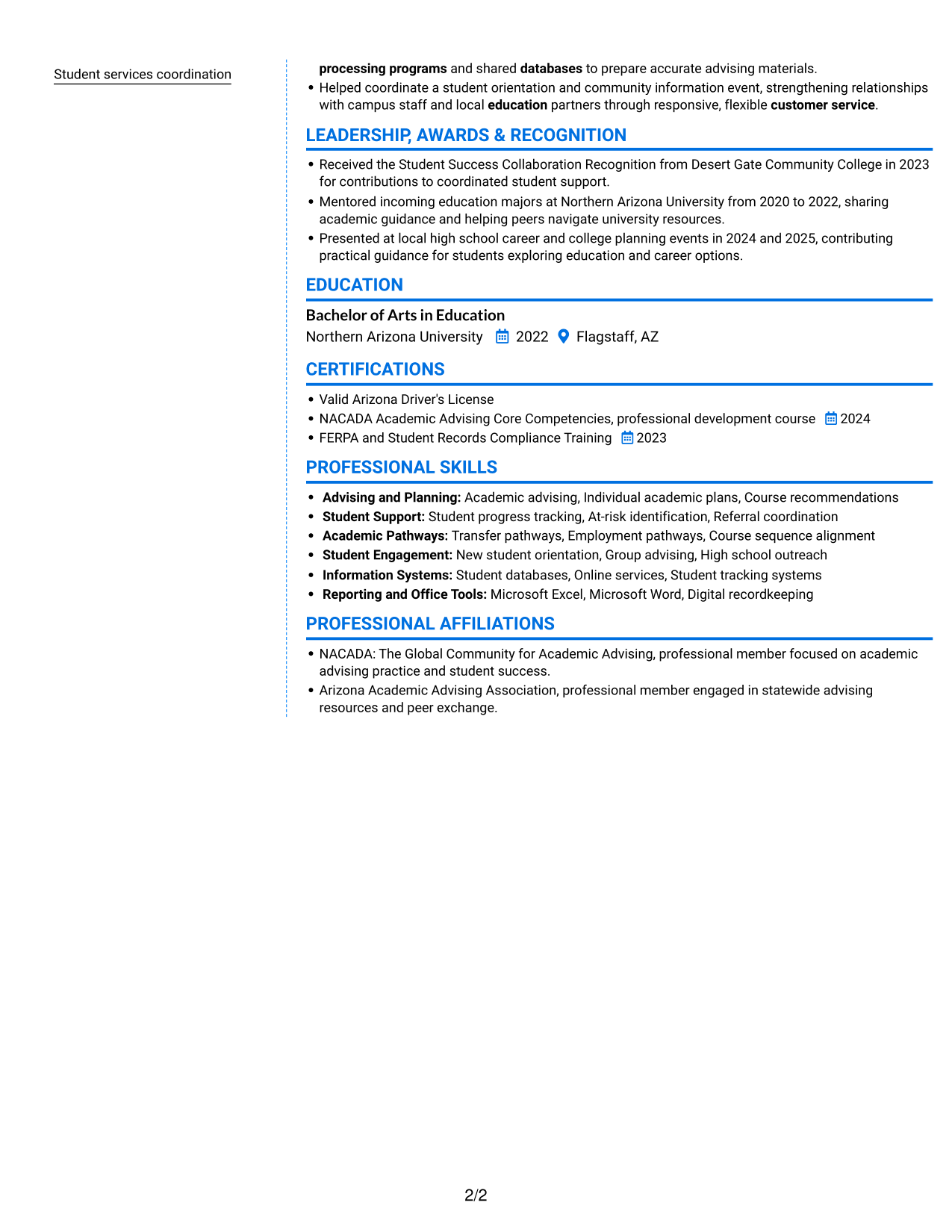
Why This Format Works
- Career history can be read alongside education and credentials in distinct areas.
- Skills and tools stay apart from detailed experience bullets.
- Readers can move between content groups without losing the overall resume structure.
Best For
- Resume categories viewed side by side
- Experience with supporting education
- Readers who scan distinct content groups
- Skills and tools beyond work history
- Resumes with several section types
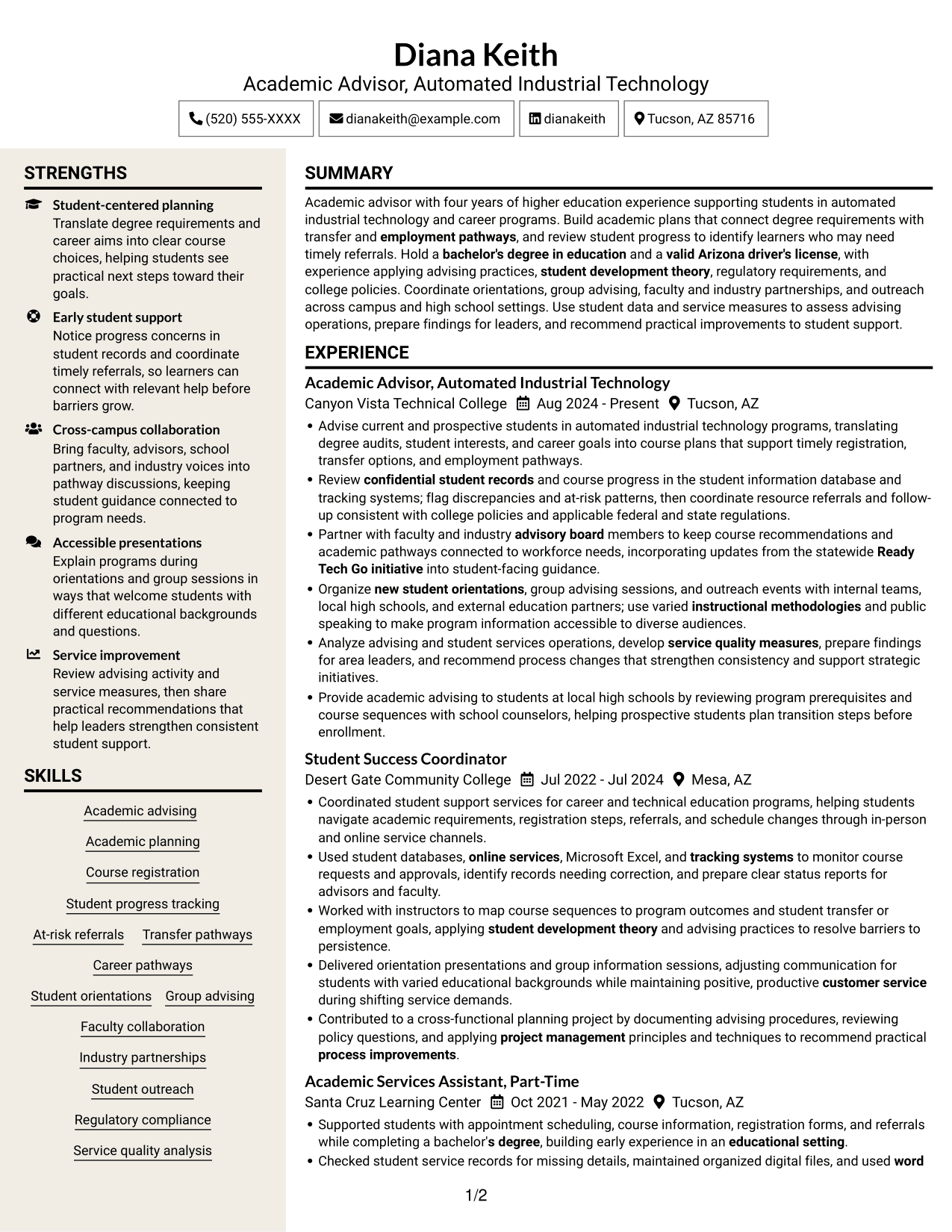
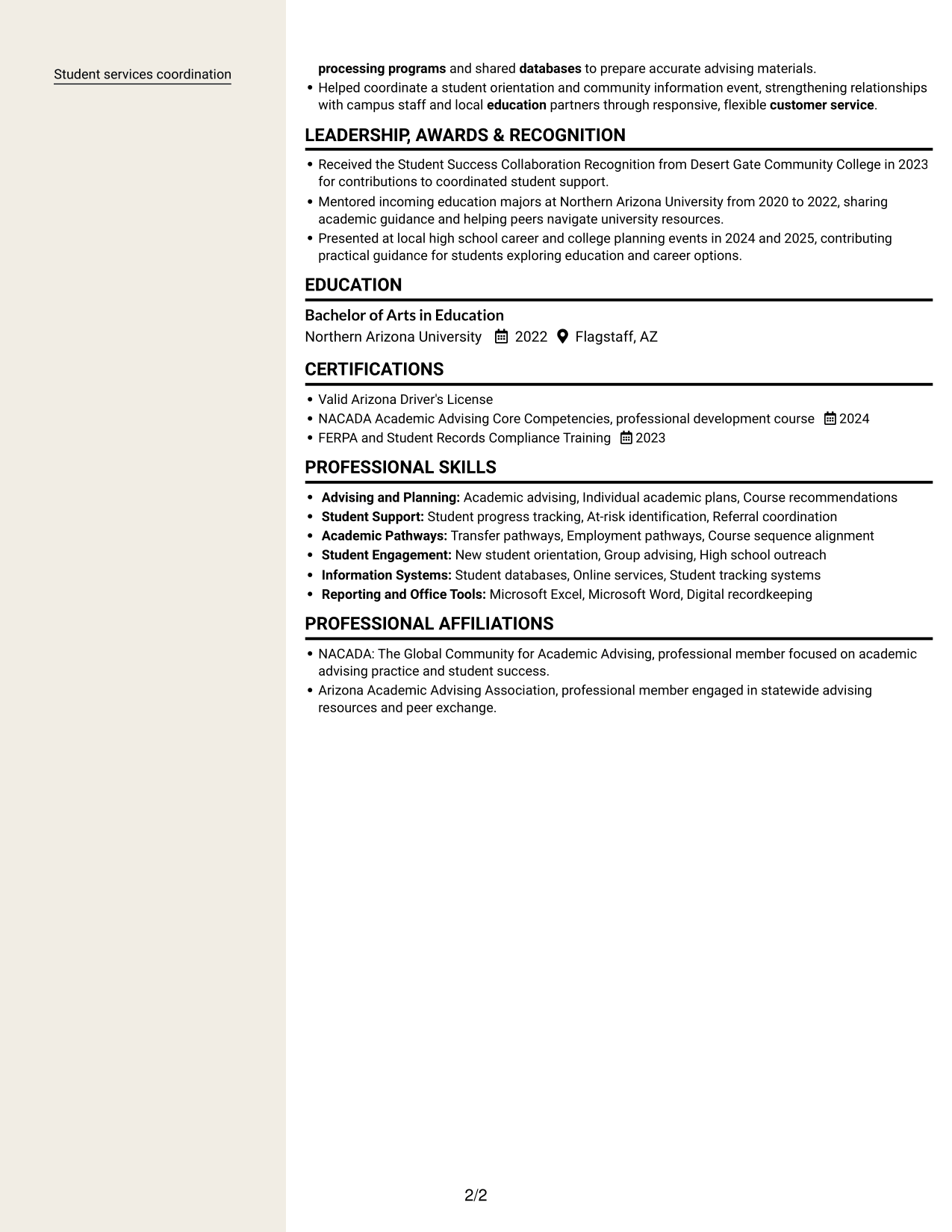
#7 Stylish Two Column Designer Format Resume Example
The Stylish Two Column Designer Format places content in two columns, a practical choice for readers who want a side-by-side view of resume sections.
Why This Format Works
- Separate content areas let reviewers locate education and credentials beyond work history.
- Experience remains distinct from skills and supporting tools.
- Related sections can be reviewed together while career progression remains clear.
Best For
- Side-by-side section browsing
- Resumes with varied supporting details
- Readers comparing experience and credentials
- Distinct skills and work history
- Career progression across several roles
Why Build Your Academic Advisor - Automated Industrial Technology Resume with ResumeInMinutes
ResumeInMinutes gives you a way to view and customize a resume example while keeping the focus on the evidence this role calls for. Use the layout to organize advising experience, student support, education, skills, and relevant training.
- Layouts with clear section structure
- Readable headings for quick review
- Space for role-related keywords
- Organized experience and skills
- Image previews for comparing layouts
- Examples you can open in the editor
Build your resume around the work that matters for this role: individual academic plans, progress monitoring, timely referrals, partnerships, and practical improvements to student services.
See Also
- 7 Graduate Academic Advisor Resume Templates with Example
- 7 Academic and Recruiting Events Manager Resume Templates with Example
- 7 Academic Counselor - Student-Athlete Services Resume Templates with Example
- 7 Academic Dean of Undergraduate Studies and Honors Resume Templates with Example
- 7 Academic Intervention Specialist - Reading/Math Resume Templates with Example
- 7 Academic Program Specialist - Global Academic Programs Resume Templates with Example
- 7 Academic Records Assistant - Student Records Resume Templates with Example
- 7 Associate Director for Academic, Career, and Professional Development Resume Templates with Example
- 7 Academic Advisor - Automated Industrial Technology Cover Letter Templates with Example
- 7 Private Tutor - K-16 Academic Support Cover Letter Templates with Example
Frequently Asked Questions
Are these Academic Advisor - Automated Industrial Technology resume templates ATS-friendly?
The layouts use clear sections and headings to support resume scanning. Use relevant terms such as academic advising, course planning, student progress tracking, regulatory compliance, and student services coordination when they accurately describe your experience.
Does this page show one resume example in different layouts?
Yes. The page presents the resume example in different layouts. Compare the image previews, then open an example in the editor to view or customize it.
What should an Academic Advisor - Automated Industrial Technology resume include?
Include a focused summary, education, relevant experience, skills, and applicable training or credentials. Highlight academic plans, course recommendations, student progress, referrals, faculty and industry partnerships, orientations, and service improvements when supported by your experience.
Which resume style works well for this academic advisor role?
Choose a clear layout with easy-to-find headings and readable experience bullets. Keep sections in a logical order so academic advising, student support, education, and relevant skills are simple to scan.
How can I show the impact of my advising work?
Describe the action you took, the student or program need you addressed, and the result when you can support it. Use accurate measures, such as service activity or process changes, only when they are documented.
Should I include a photo on my resume?
For U.S. applications, a resume without a photo is usually a safe choice. Add one only if it is expected for the role or customary in the place where you are applying.




