
7 Accounts and Compliance Administrator - Purchasing and Financial Operations Cover Letter Templates with Example
This practical guide helps you create an Accounts and Compliance Administrator - Purchasing and Financial Operations cover letter and compare 7 layouts for a clear, evidence-based application.
What Makes a Strong Accounts and Compliance Administrator - Purchasing and Financial Operations Cover Letter in 2026
A strong letter links the role’s purchasing, financial operations, and administrative needs to relevant experience. Use a direct opening, focused body paragraphs, and a clear closing.
Support your fit with specific examples, such as resolving payment issues, following purchasing controls, or preparing fiscal close records. Explain why this work and the employer’s property operations interest you.
The featured example moves from role motivation to accounts and compliance evidence, then broader administrative support and a concise close. Adapt that progression while choosing a presentation that suits the employer and communication context.
#1 Simple One Column Format Cover Letter Example
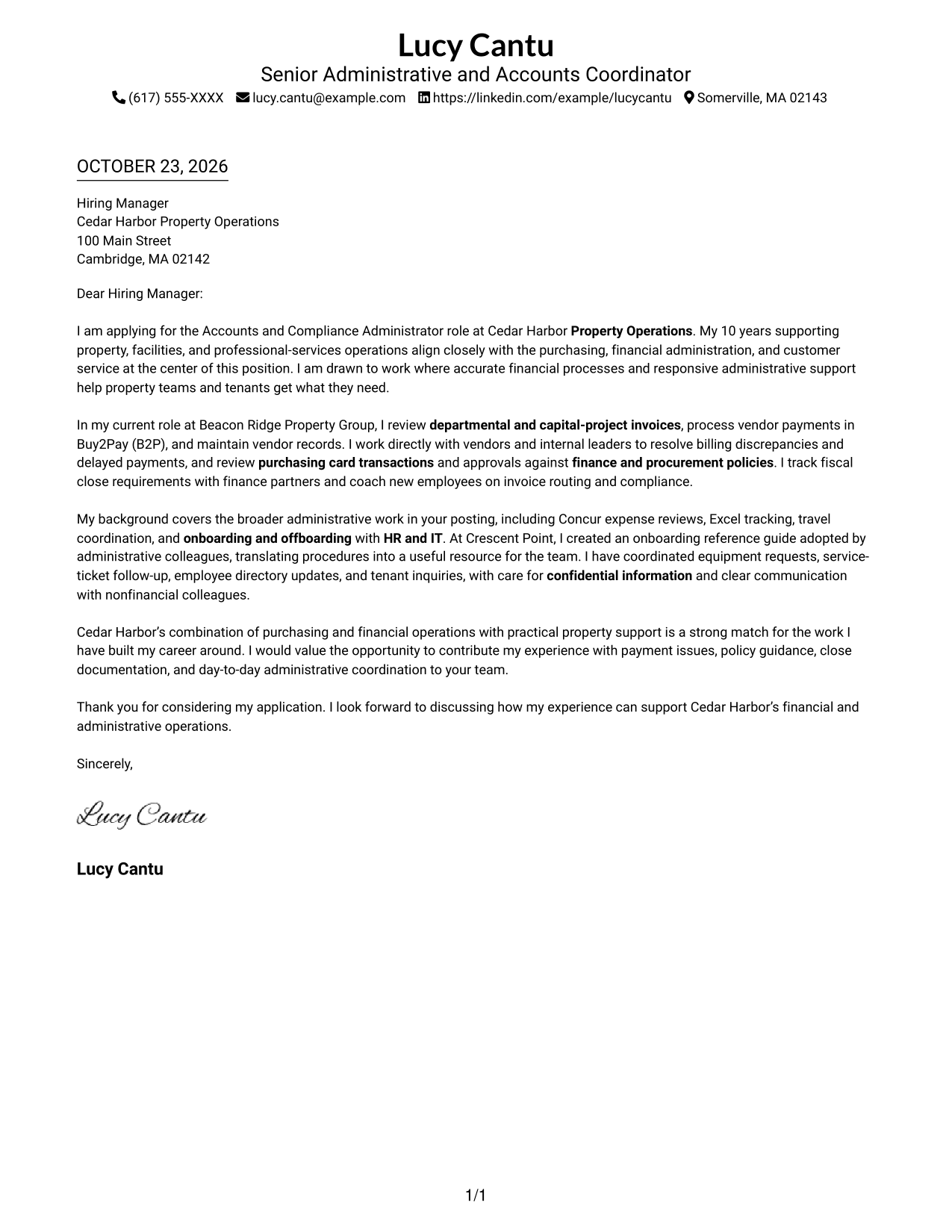
A one-column letter keeps the message in a single reading path, a practical choice for readers who prefer a straightforward layout.
Why This Format Works
- Sender details remain in the header, apart from the letter's continuous body.
- One-column reading lets reviewers follow motivation, evidence, and closing in sequence.
- Full-width paragraphs give each part of the message room to read clearly.
Best For
- Single-column letter reading
- Header-based sender details
- Text-led correspondence
- Several persuasive paragraphs
- Photo-free applications
#2 Two Column Format Cover Letter Example
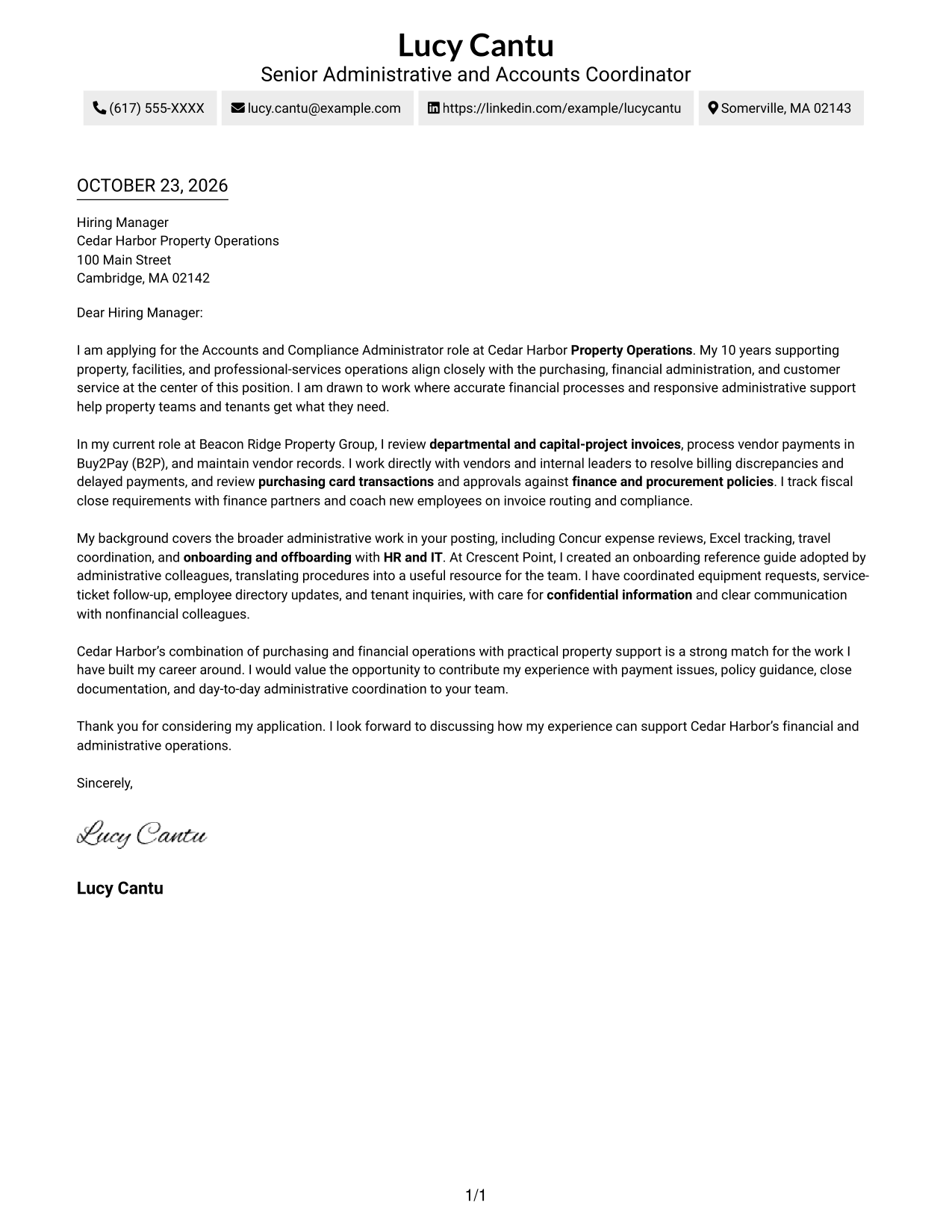
A contact sidebar sits beside one continuous letter body, keeping sender information easy to find while the message stays together.
Why This Format Works
- Contact details sit in a sidebar, separate from the employer-facing letter body.
- One continuous body keeps motivation, evidence, and closing in a clear sequence.
- A photo-free page suits a text-led approach to professional correspondence.
Best For
- Separate contact and letter areas
- Continuous employer-directed prose
- Company-specific applications
- Evidence-led correspondence
- Photo-free page preference
#3 Photo Header Two Column Format Cover Letter Example
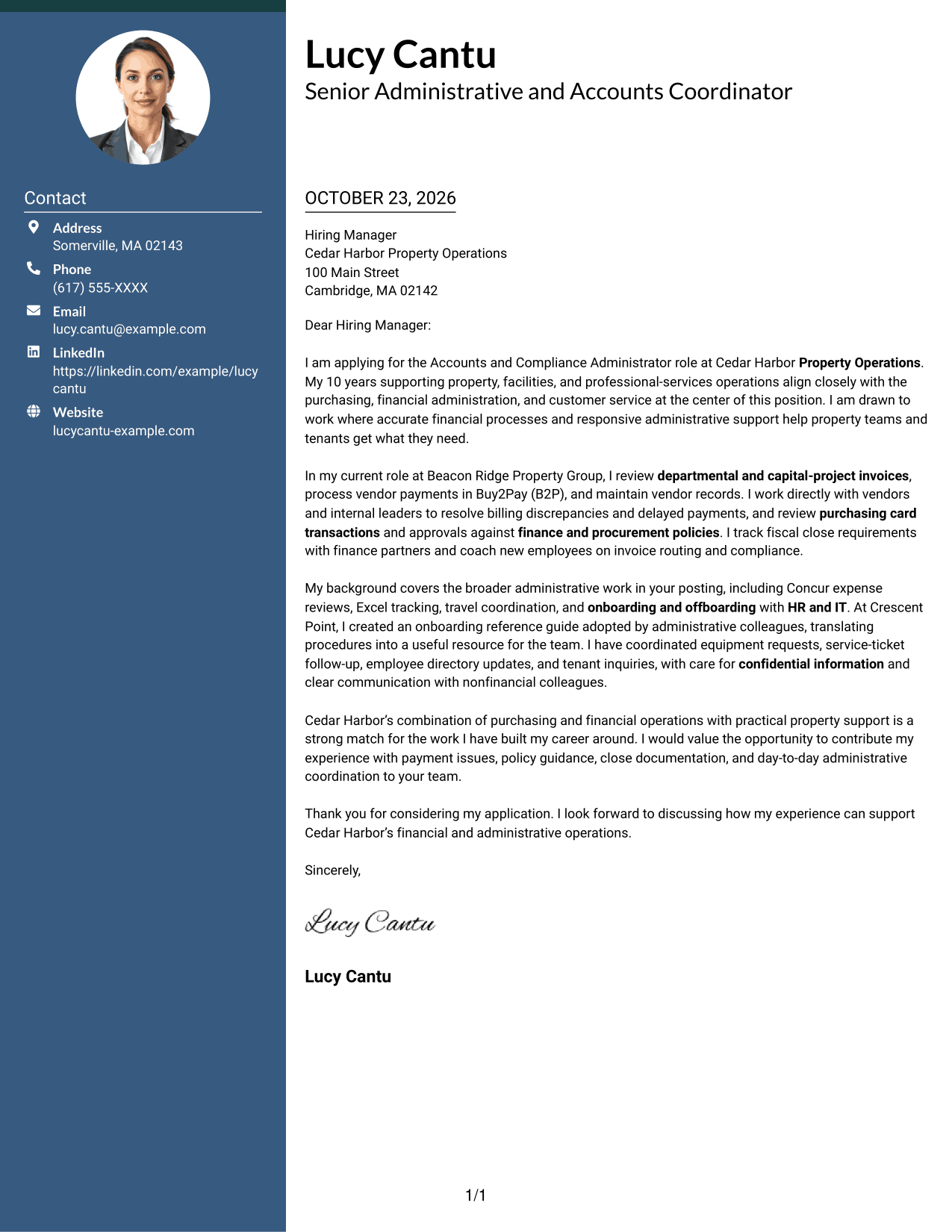
A photo in the header adds a visual identifier, while the contact sidebar keeps details apart from the continuous letter body.
Why This Format Works
- The photo offers a visual choice for correspondence that includes a portrait.
- Letter paragraphs remain together, helping reviewers follow the message from opening through close.
- Sidebar placement gives sender details a distinct location beside the main letter.
Best For
- Header portrait preference
- Separate sender contact details
- Continuous letter argument
- Company-focused motivation
- Detailed sender information
#4 One Column Format with Photo Cover Letter Example
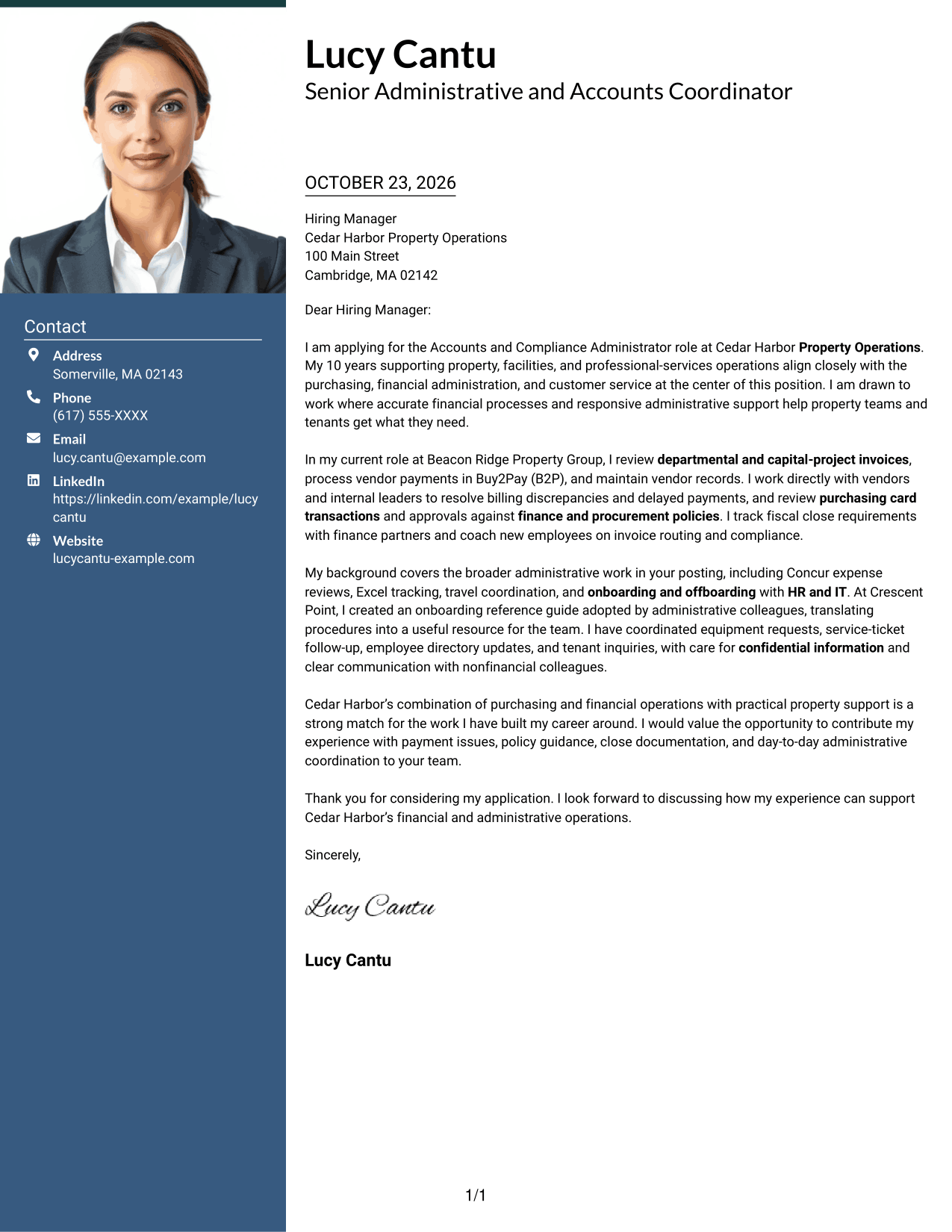
This one-column letter includes a photo and keeps the message in one reading path, for readers who want a portrait with a straightforward layout.
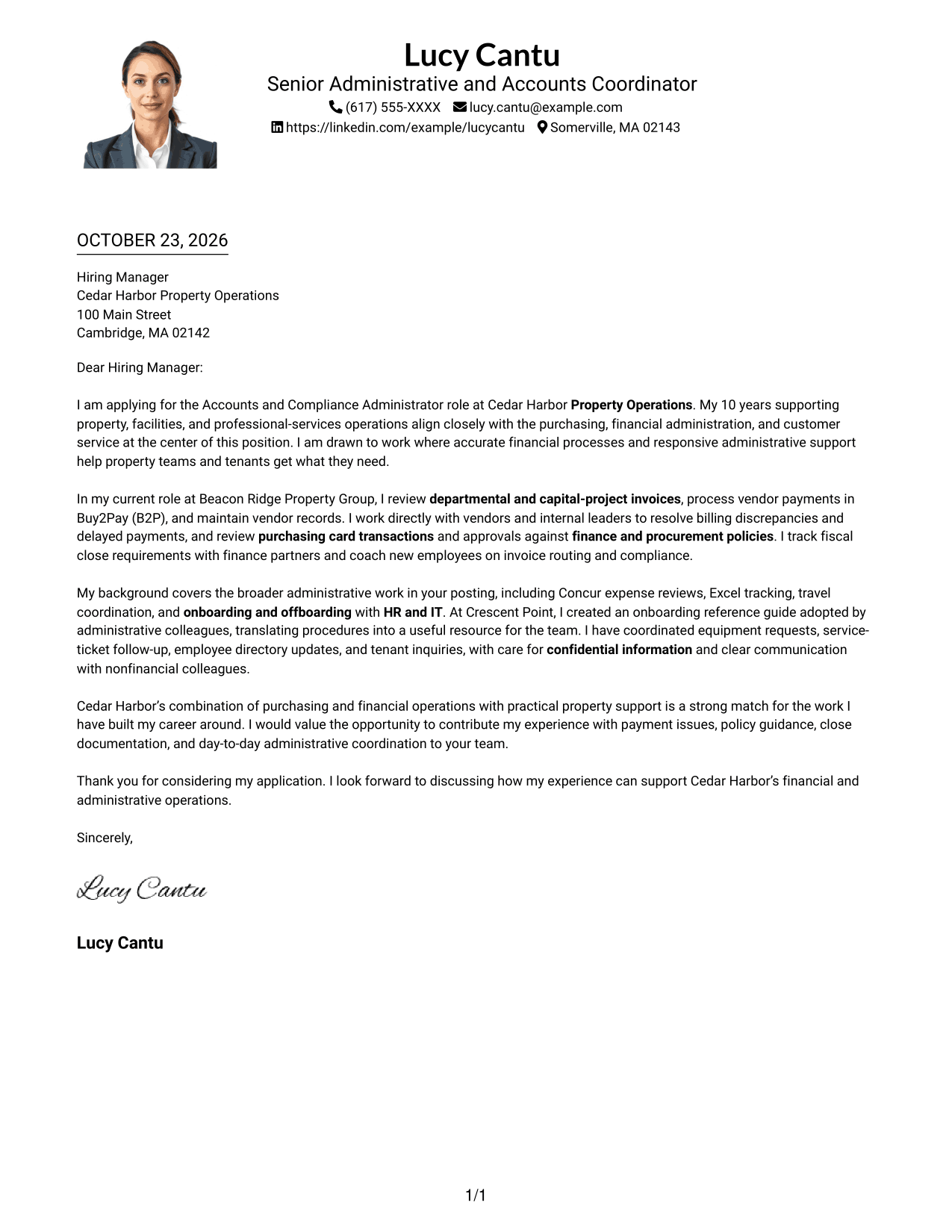
Why This Format Works
- The single-column letter keeps sender details in the header and the message in one reading path.
- Reviewers can follow motivation, evidence, and closing without a second body column.
- A photo provides a visual identifier without changing the letter's paragraph order.
Best For
- Single-path letter reading
- Photo-inclusive correspondence
- Header-based contact details
- Full paragraph arguments
- Visual identification in correspondence
#5 Simple Two Column Format Cover Letter Example
A contact sidebar beside the continuous letter body gives sender details a separate place without dividing the message.
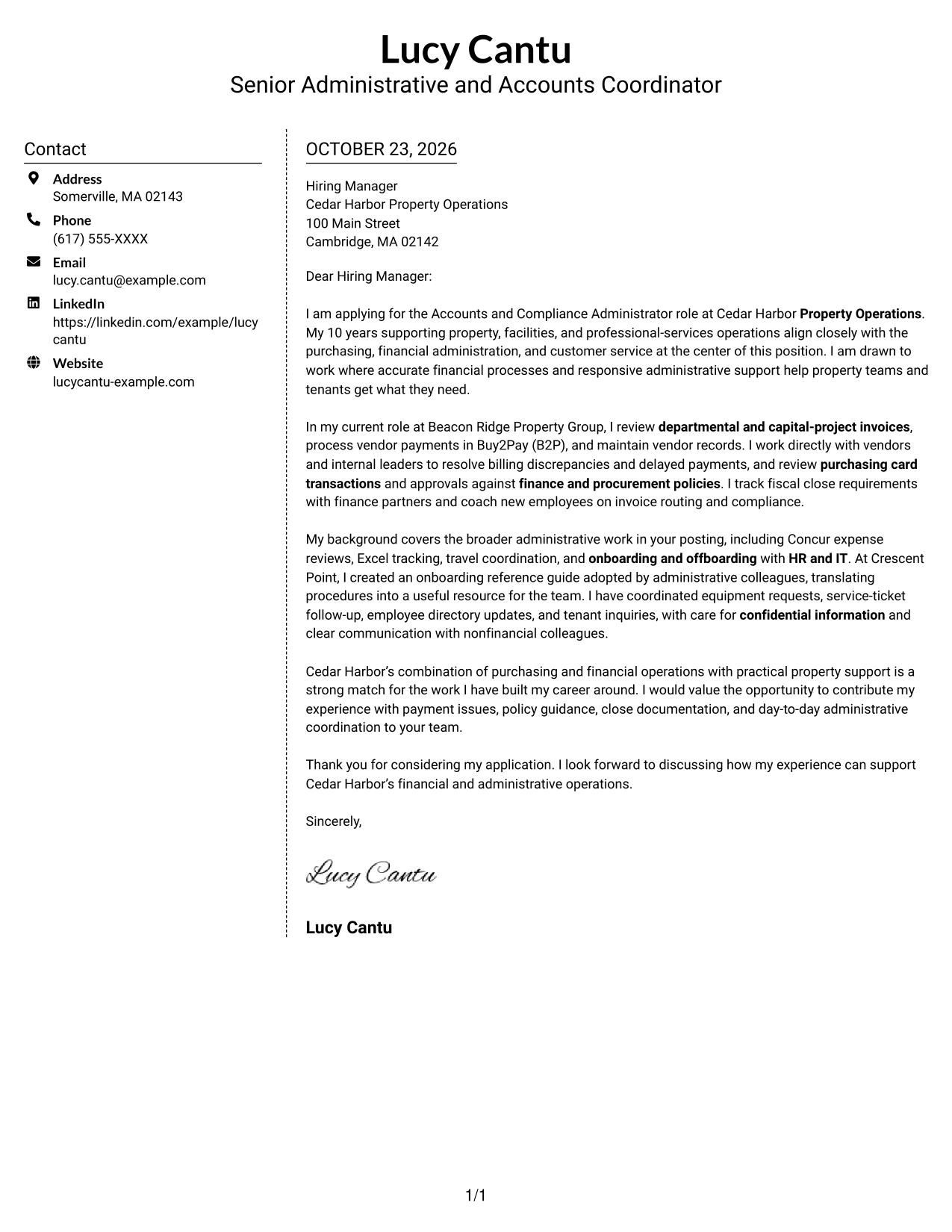
Why This Format Works
- Contact information stays apart from the employer-facing paragraphs in the adjacent sidebar.
- Continuous prose lets the opening, motivation, evidence, and close read together.
- A two-column view suits letters with complete contact details and substantial prose.
Best For
- Sidebar contact presentation
- Continuous letter paragraphs
- Substantive employer correspondence
- Complete sender contact details
- Written-first applications
#6 Modern Icon Format Cover Letter Example
The two-column layout uses icons as contact cues, while keeping the letter's opening, evidence, and closing together in one body.
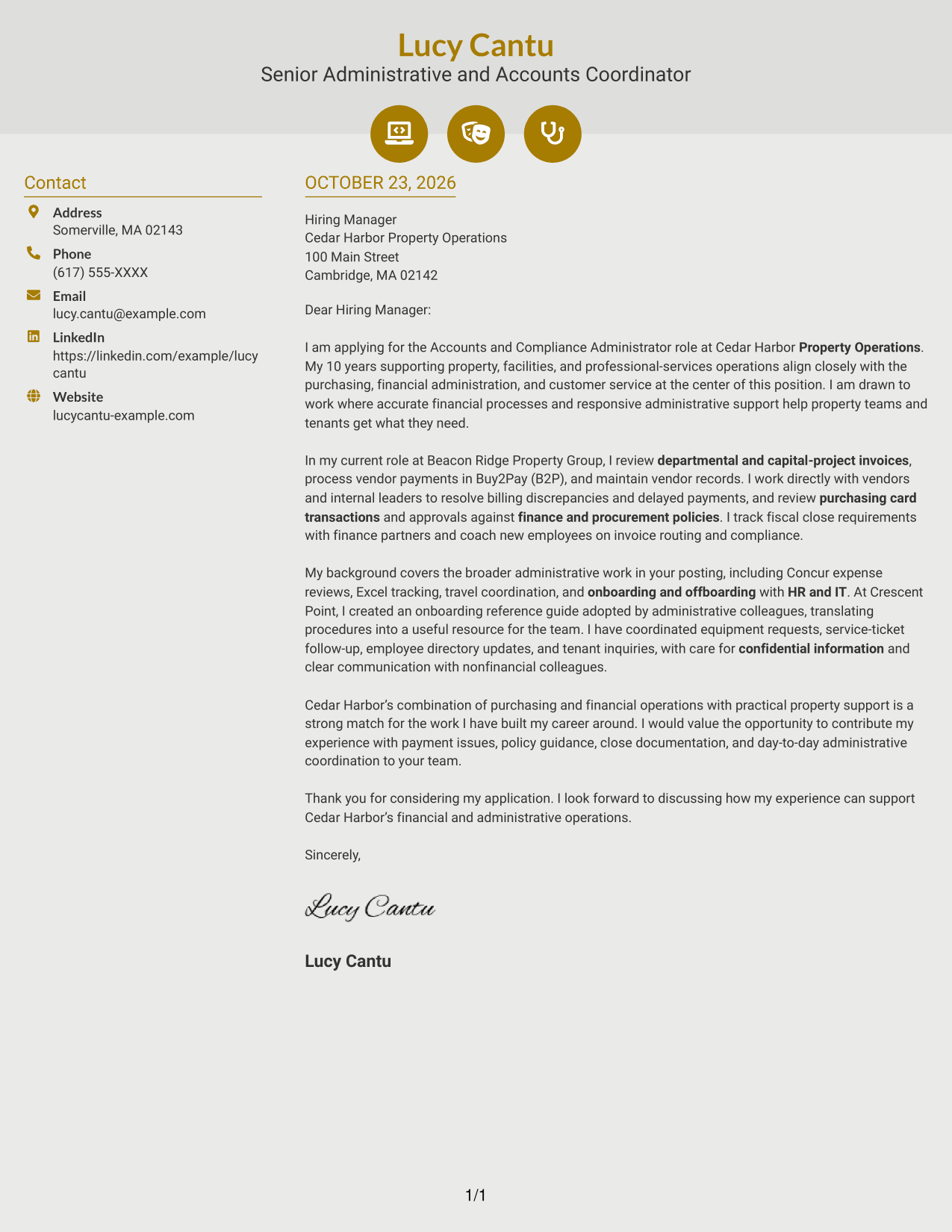
Why This Format Works
- Small icons cue contact details without serving as labels for letter paragraphs.
- Sidebar placement separates sender information from the employer-directed message.
- One continuous body keeps motivation, evidence, and closing in their intended order.
Best For
- Contact icons as visual cues
- Sidebar contact details
- Uninterrupted letter argument
- Clear employer correspondence
- Text-led applications
#7 Creative Two Tone Format Cover Letter Example
A contact sidebar beside the continuous letter body keeps sender details distinct while preserving one clear path through the message.
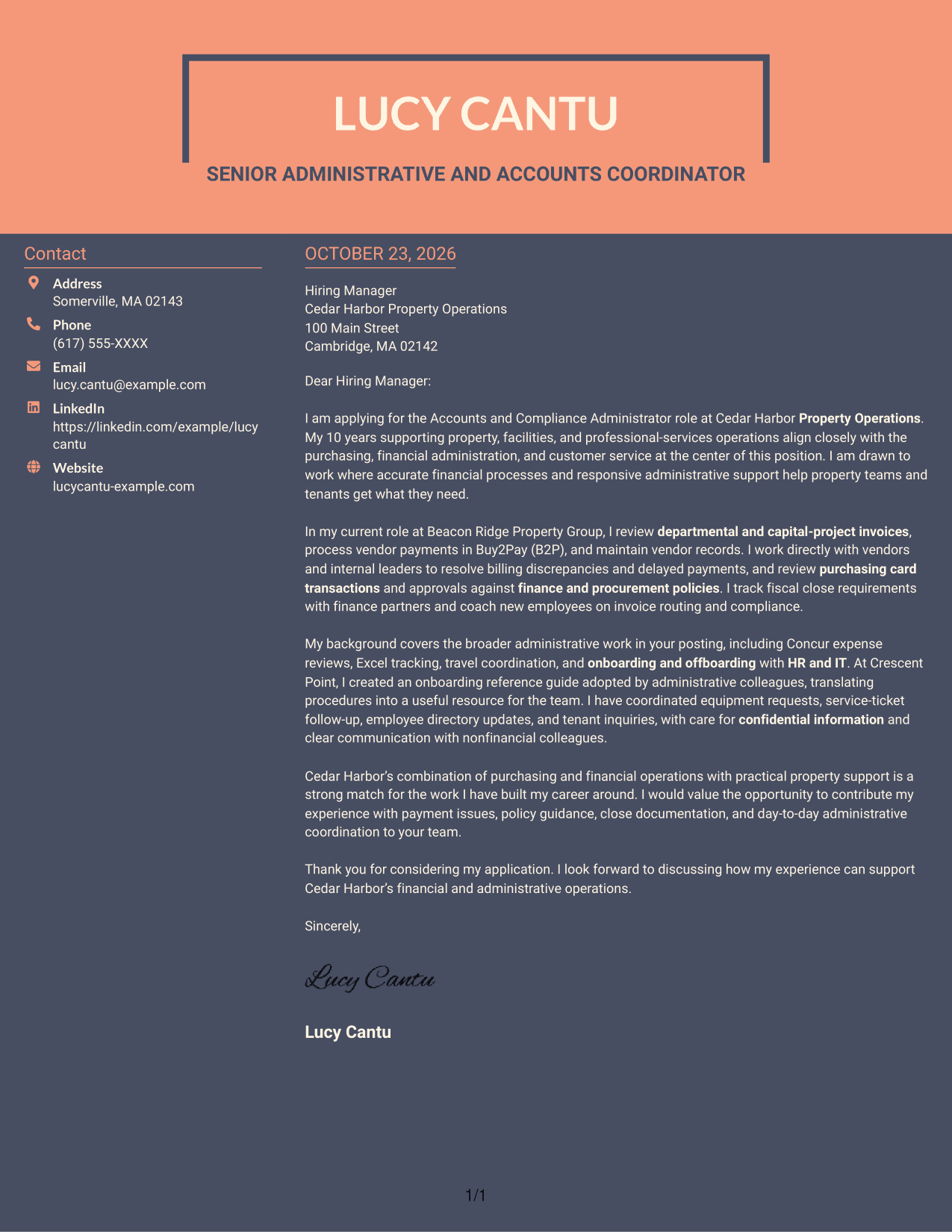
Why This Format Works
- Contact details occupy a sidebar, keeping them apart from the letter's main text.
- One continuous body carries the message from motivation through the closing.
- Photo-free styling favors a written-first look for formal employer correspondence.
Best For
- Two-column contact organization
- Continuous letter paragraphs
- Photo-free correspondence
- Formal hiring communication
- Concise sender contact access
Why Use ResumeInMinutes for an Accounts and Compliance Administrator - Purchasing and Financial Operations Cover Letter
Review the image previews to compare letter presentations, then open an example in the editor to study its structure and adapt the wording to your application.
- Role-focused letter examples
- Clear opening, body, and closing
- Purchasing and finance topics
- Professional presentation options
- Company-alignment guidance
- Cover letter customization
Use the examples to shape a focused account of invoice processing, vendor support, purchasing compliance, and administrative coordination that speaks to the position’s priorities.
See Also
- 7 Accounts and Compliance Administrator - Purchasing and Financial Operations Resume Templates with Example
- 7 Program Compliance Administrator Resume Templates with Example
- 7 Bookkeeper / Office Administrator - Construction Office Operations Resume Templates with Example
- 7 IT Operations Support Administrator III - Department Onboarding Resume Templates with Example
- 7 Code Compliance Official Resume Templates with Example
- 7 Code Officer / Senior Code Officer - Code Compliance Resume Templates with Example
- 7 Compliance Oversight Officer - Payments Compliance Resume Templates with Example
- 7 Compliance Specialist Lead Resume Templates with Example
- 7 Bookkeeper / Office Administrator - Construction Office Operations Cover Letter Templates with Example
- 7 IT Operations Support Administrator III - Department Onboarding Cover Letter Templates with Example
Frequently Asked Questions
What should an Accounts and Compliance Administrator - Purchasing and Financial Operations cover letter emphasize?
Show how your experience relates to invoice processing, vendor payments, purchasing controls, policy guidance, and financial close support. Use clear examples that match the position’s responsibilities.
How are the cover letter examples presented?
The guide presents one example in different layouts. Compare the image previews, then open an example in the editor to review its organization and wording.
Which details can make the letter more specific to this position?
Relevant evidence may include work with Buy2Pay (B2P), Concur, Excel, vendor records, purchasing card approvals, fiscal close documentation, or employee onboarding. Include only details that reflect your own experience.
How can I explain my interest in the employer?
Connect your interest to the role’s mix of purchasing, financial operations, and property support. A clear reason tied to the employer’s work makes the opening and closing feel more personal.
What is a useful way to close this cover letter?
Briefly restate the contribution you can make, such as accurate financial processing, careful policy support, or responsive administrative coordination. Then thank the reader and express interest in discussing your fit.




