
7 Adjunct Faculty - Career Development Cover Letter Templates with Example
This practical guide helps you create an Adjunct Faculty - Career Development cover letter by comparing seven layouts and learning how to present teaching, course administration, and student guidance clearly.
What Makes a Great Adjunct Faculty - Career Development Cover Letter in 2026
A strong letter connects your interest in teaching career development with the course duties and student support needs of the position. It should make your fit clear from the opening through the closing.
Use relevant evidence of assignment design, grading, professor collaboration, and student guidance. Link those examples to the college’s teaching needs and explain why the role interests you.
The featured application follows a focused progression from role interest to teaching evidence, qualifications, student guidance, and a clear close. Adapt that flow while choosing a presentation that suits the employer and communication context.
#1 Simple One Column Format Cover Letter Example
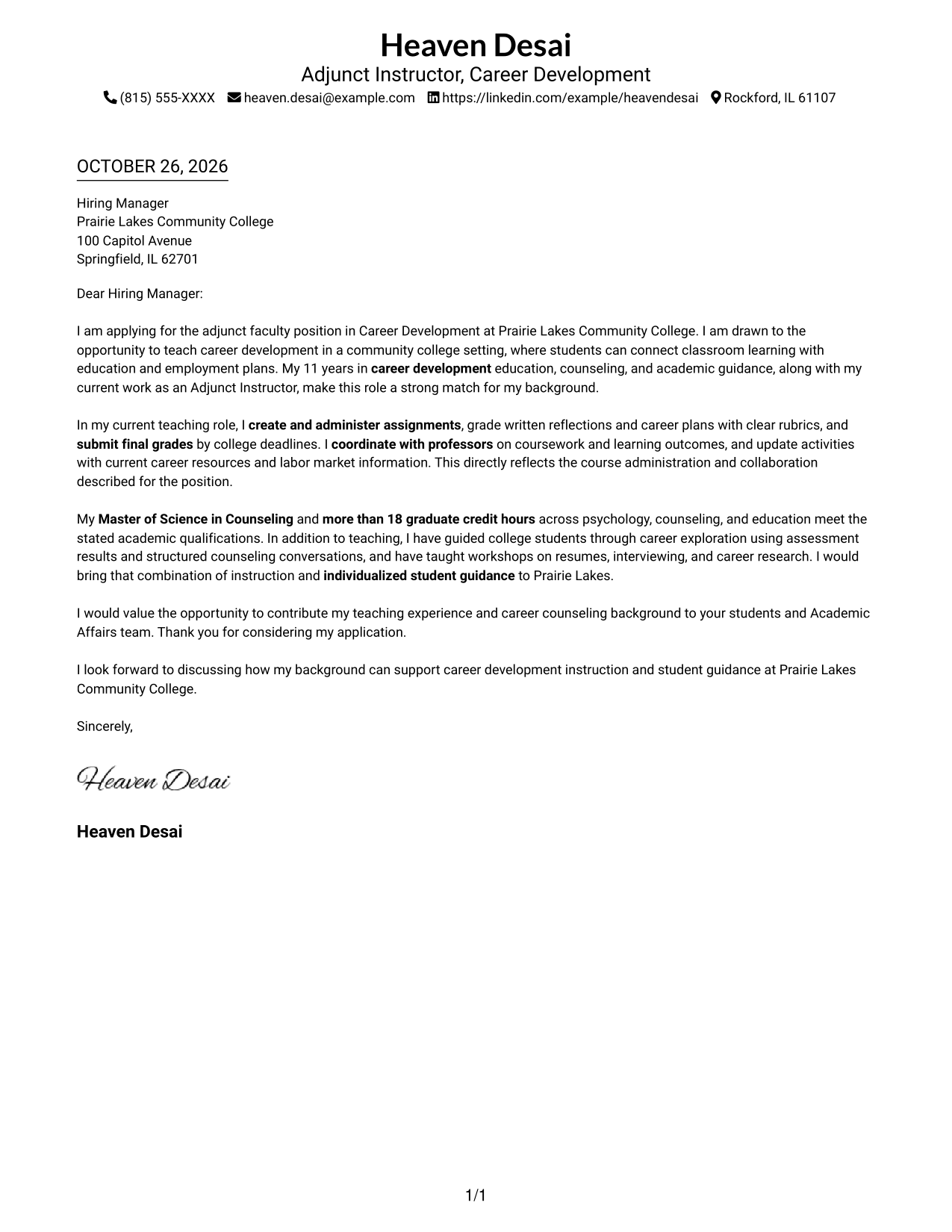
The Simple One Column Format keeps sender details in the header and the letter in one continuous body, giving the message a direct reading path.
Why This Format Works
- Header details stay apart from the letter's message, making contact information easy to find.
- A single reading path carries the opening, evidence, and closing in order.
- The unheaded body keeps attention on the letter's wording rather than section labels.
Best For
- Direct, single-column reading
- Header-based contact details
- Paragraph-led application letters
- Traditional letter presentation
- Straightforward employer correspondence
#2 Two Column Format Cover Letter Example
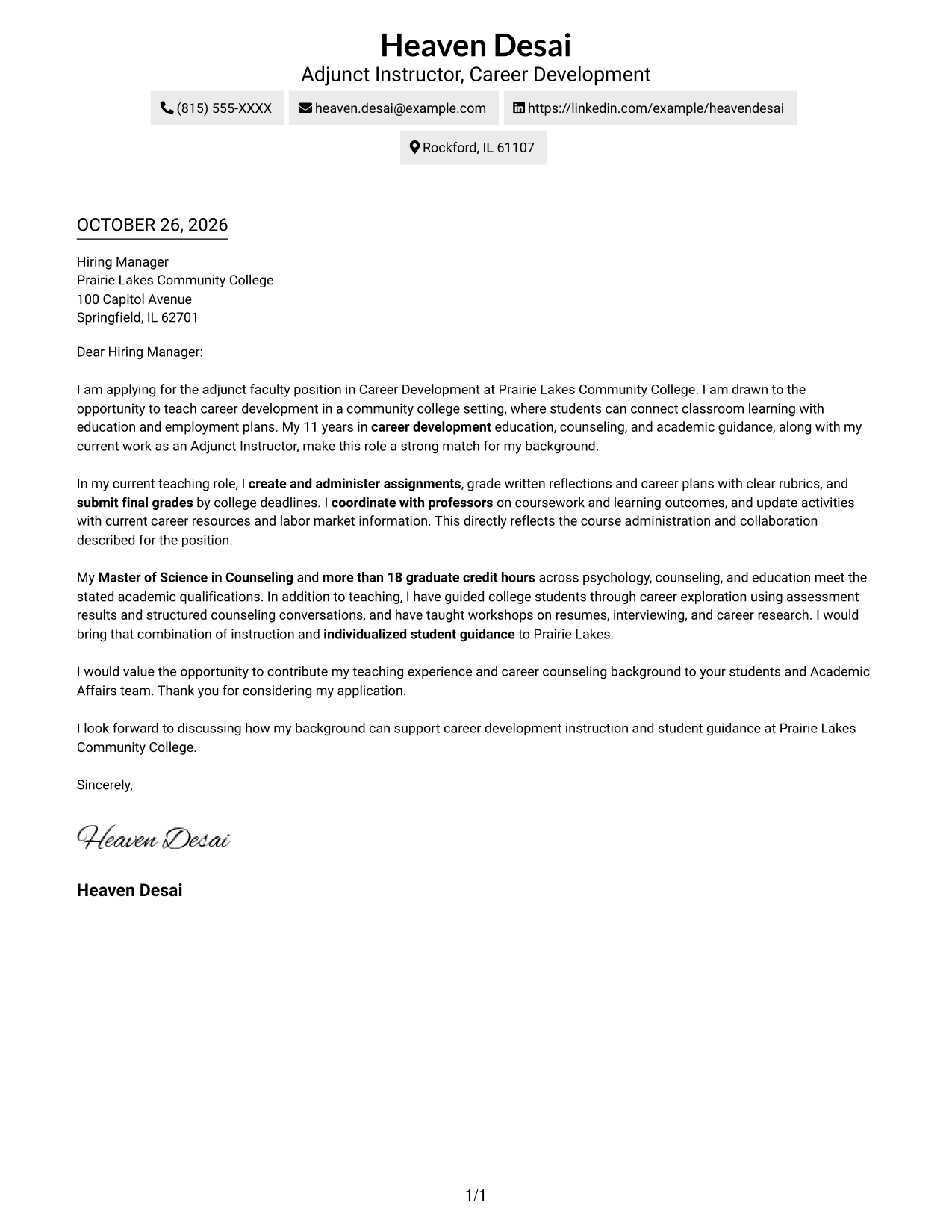
In the Two Column Format, a contact sidebar sits beside one uninterrupted letter body, separating reference details from the message.
Why This Format Works
- The sidebar gathers contact details in one place for quick reference.
- The letter stays in one body column instead of splitting its argument.
- A clear division distinguishes sender information from the employer-facing message.
Best For
- Contact details beside letter text
- Single-column letter bodies
- Separate sender information
- Paragraph-based application messages
- Two-area document organization
#3 Photo Header Two Column Format Cover Letter Example
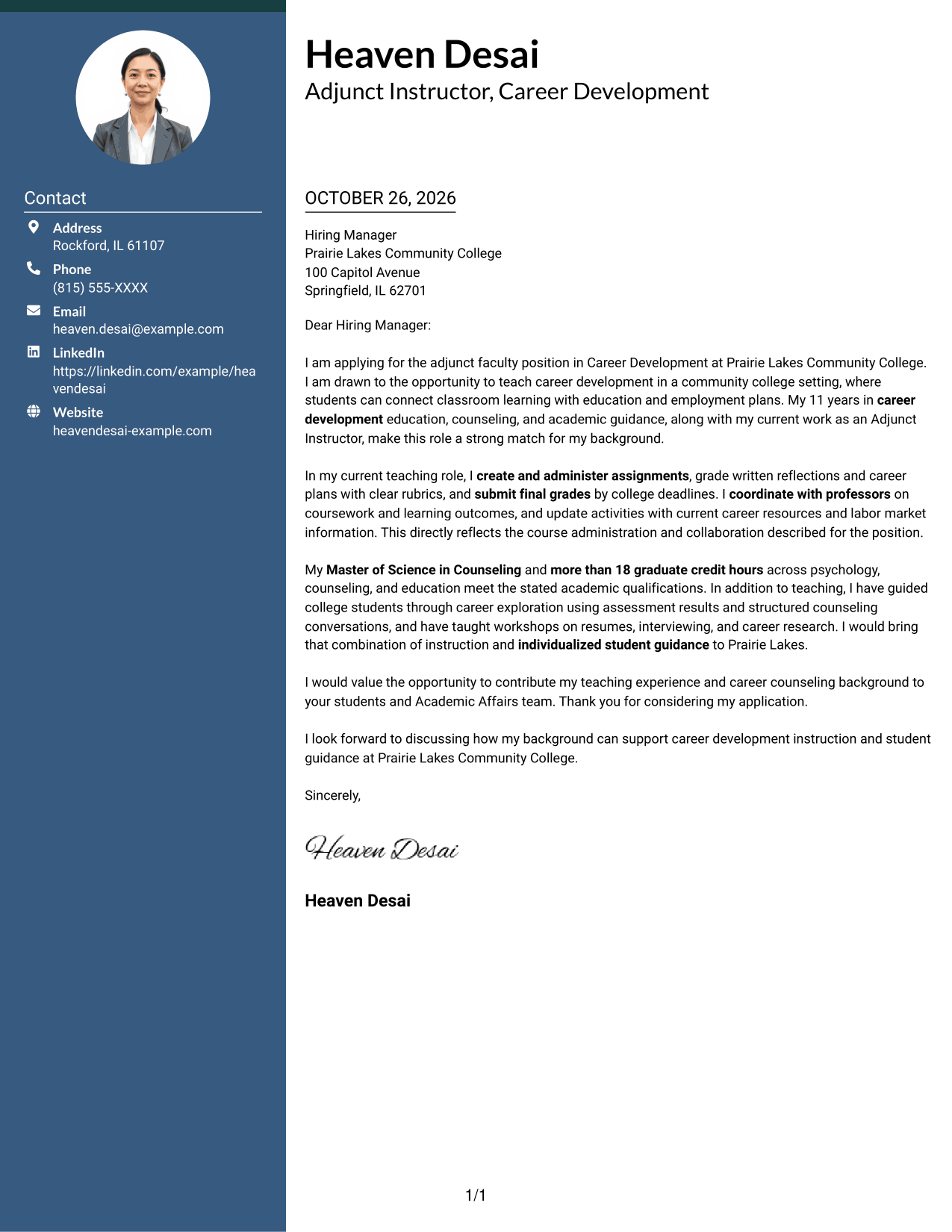
The Photo Header Two Column Format pairs a photo with a contact-sidebar layout while keeping the letter itself in one continuous body.
Why This Format Works
- The contact sidebar keeps sender details separate from the message to the employer.
- A continuous body lets the opening, supporting points, and closing read in sequence.
- The photo adds a personal visual element without serving as evidence of qualifications.
Best For
- Photo-inclusive letter layouts
- Contact details set apart
- One-column letter text
- Continuous application narratives
- A personal visual presentation
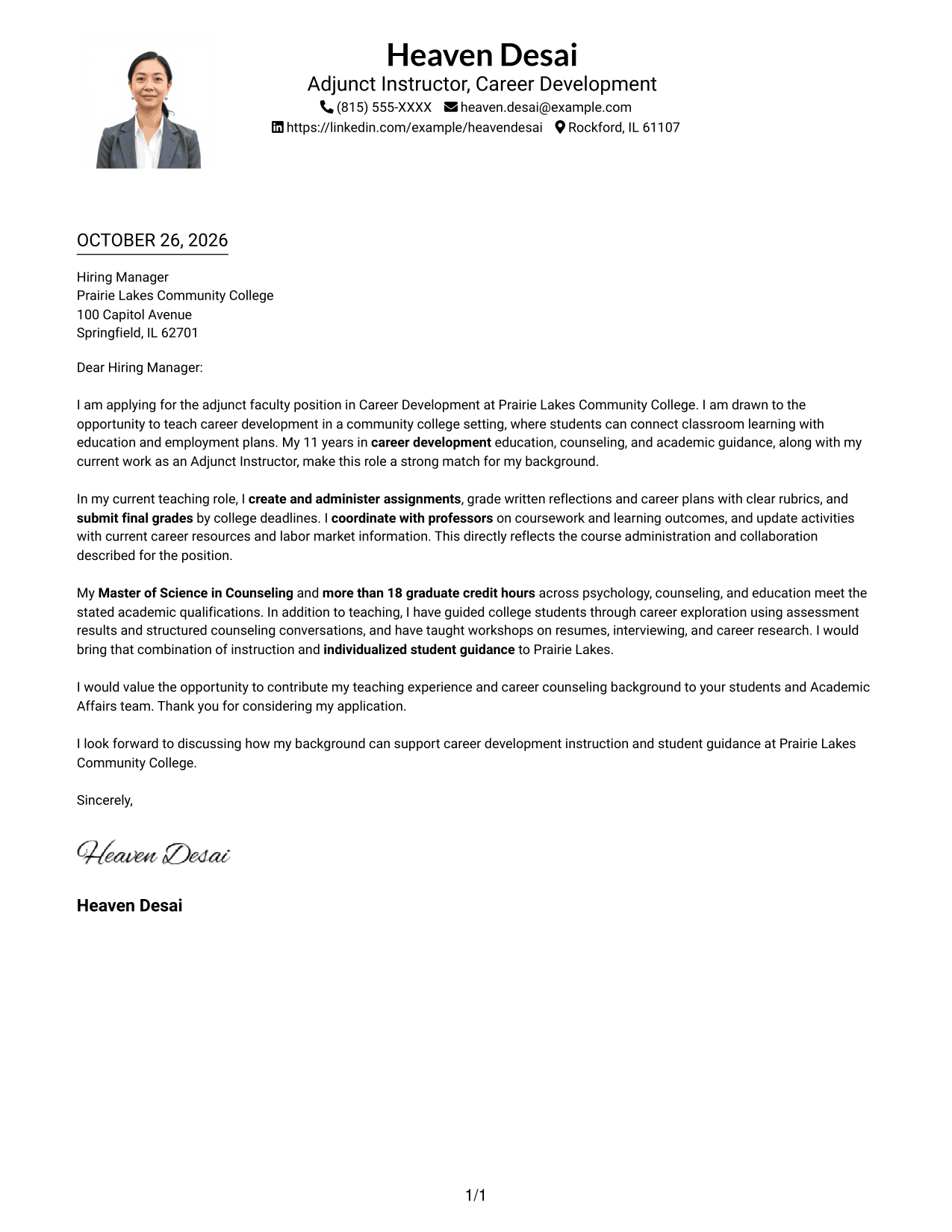
#4 One Column Format with Photo Cover Letter Example
The One Column Format with Photo keeps the letter body in one column and includes a photo for a personal visual presentation.
Why This Format Works
- The header-based details and single body column give the letter a direct reading order.
- Connected paragraphs preserve the progression from interest in the role to a closing.
- The photo provides a visual feature while leaving the message in a familiar letter form.
Best For
- Single-column letter reading
- Photo-inclusive applications
- Continuous paragraph structure
- A direct message flow
- Personal visual presentation
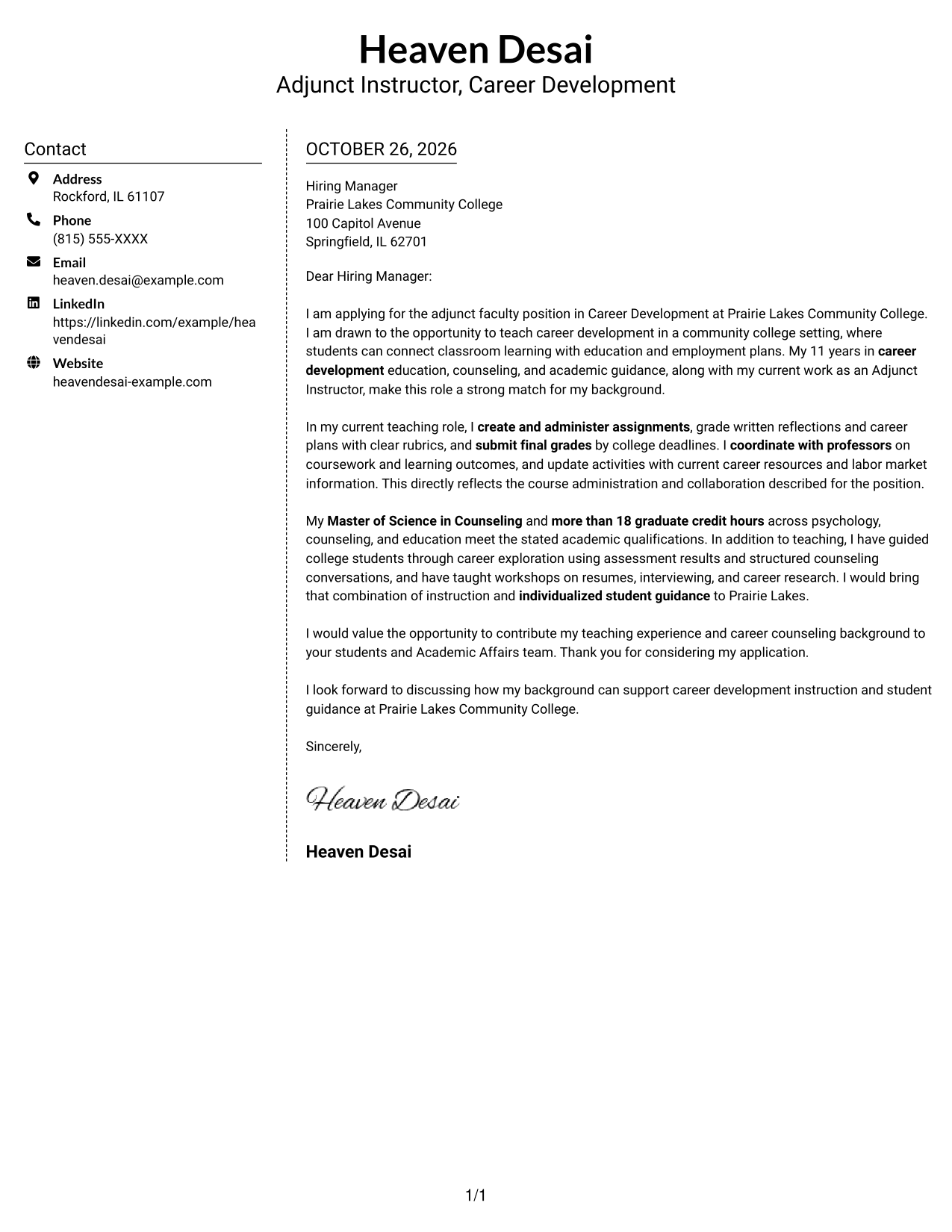
#5 Simple Two Column Format Cover Letter Example
The Simple Two Column Format places contact details beside a continuous letter body, offering a clear division without splitting the message.
Why This Format Works
- A separate contact area makes sender information easy to locate.
- The letter remains one connected message rather than parallel content columns.
- The straightforward two-column arrangement keeps the main text distinct from contact details.
Best For
- Separate contact reference
- One-column letter argument
- Clear contact and message areas
- Simple application correspondence
- Side-by-side document organization
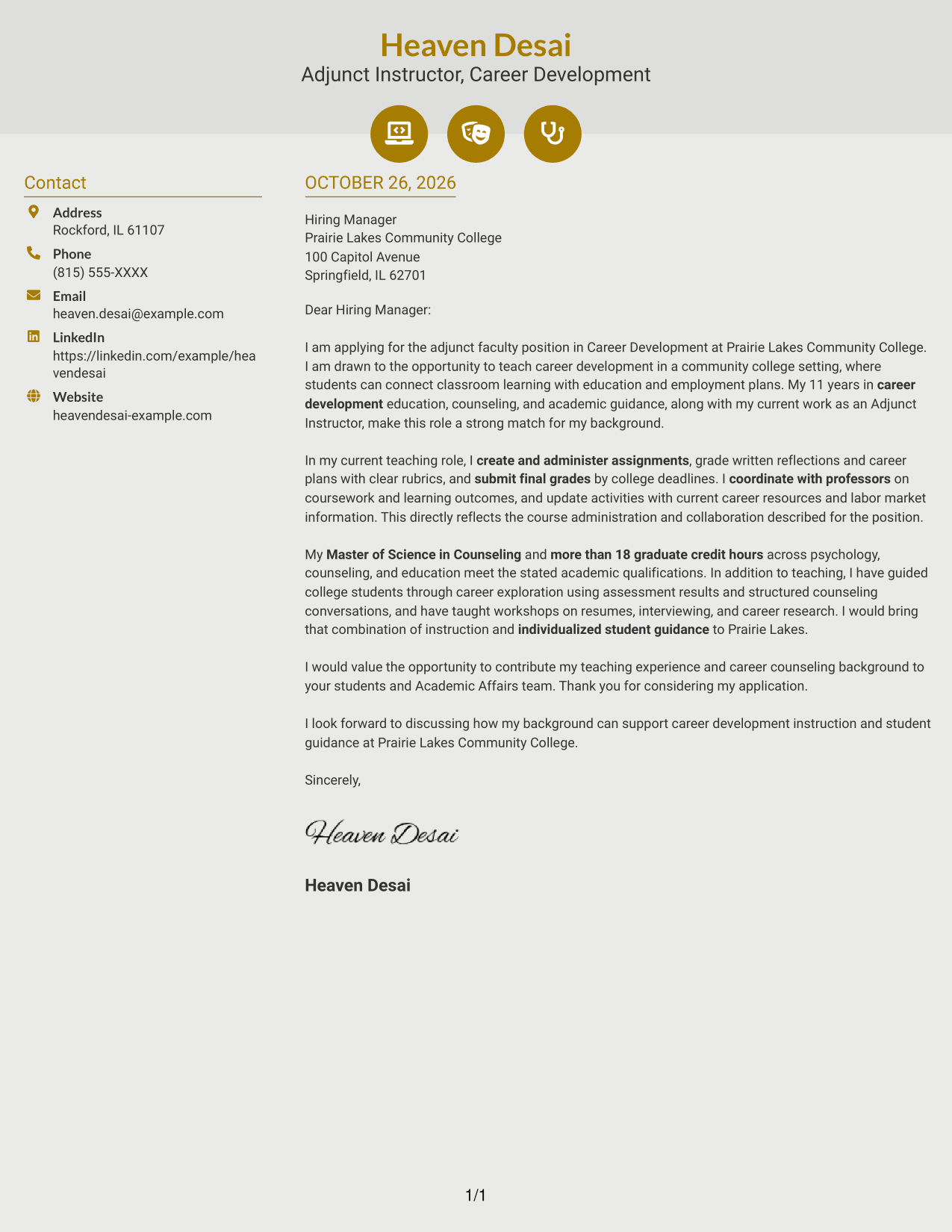
#6 Modern Icon Format Cover Letter Example
The Modern Icon Format uses icons as cues for contact details, while its sidebar and single body column keep the letter's argument intact.
Why This Format Works
- Icons help identify contact details without labeling the letter's argument.
- The sidebar keeps sender information apart from the continuous message.
- One body column preserves the letter's progression from opening to closing.
Best For
- Icon-marked contact details
- A separate contact sidebar
- Single-column letter body
- Continuous persuasive writing
- Visual cues in the header
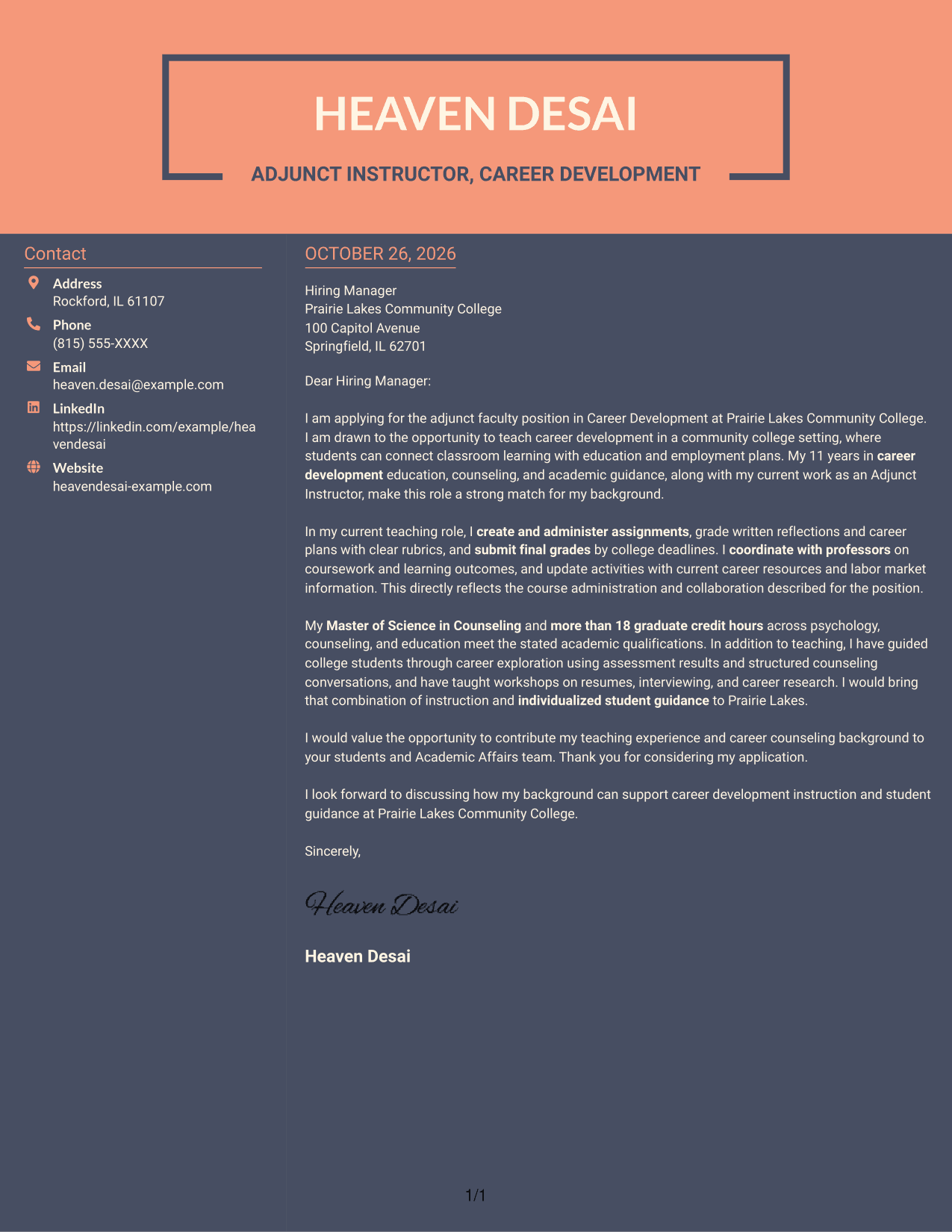
#7 Creative Two Tone Format Cover Letter Example
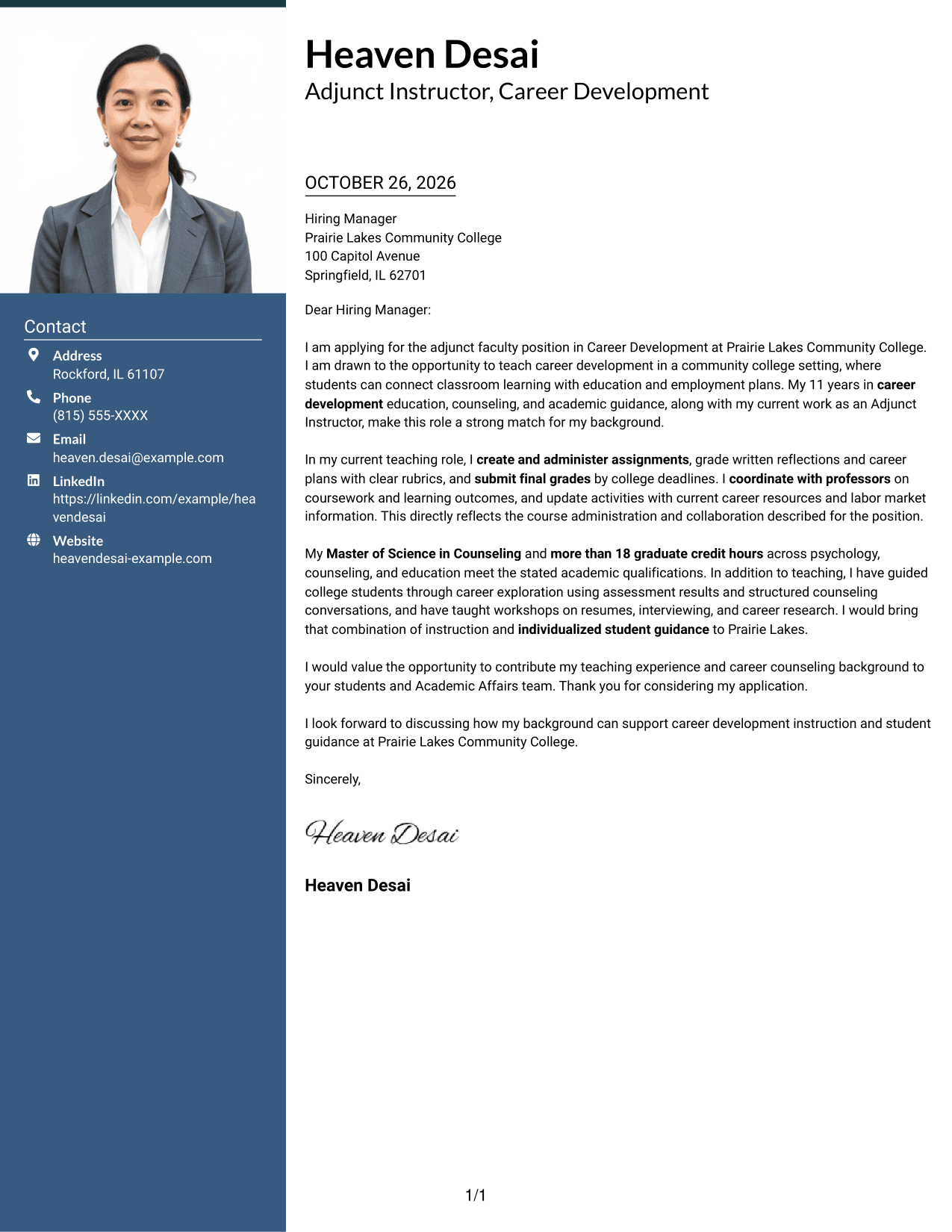
The Creative Two Tone Format sets a contact sidebar beside one continuous letter body, so the message remains a single connected argument.
Why This Format Works
- The sidebar provides a distinct place for contact information beside the letter.
- The message stays in one body column, keeping its argument together.
- A separate contact area lets readers return to sender details without losing the letter's flow.
Best For
- Contact details in a sidebar
- Connected letter arguments
- One-column message reading
- Separate sender and recipient communication
- Clear contact reference
See Also
- 7 Adjunct Faculty - Career Development Resume Templates with Example
- 33 Adjunct Faculty - Chemical Engineering Technology Resume Templates with Example 2026 (ATS-Optimized)
- 7 Adjunct Faculty in Disability Ministry Concepts Resume Templates with Example
- 7 Adjunct Faculty - Nursing Simulationist Resume Templates with Example
- 7 Adjunct Faculty - OTA Program Instructor Resume Templates with Example
- 7 Adjunct Faculty - Written Communication Resume Templates with Example
- 7 Online Adjunct Faculty - Kinesiology Resume Templates with Example
- 7 Dental Hygienist, Faculty Practice Resume Templates with Example
- 30+ Adjunct Faculty - Chemical Engineering Technology Cover Letter Templates with Example 2026
- 30+ Adjunct Instructor, Nursing Cover Letter Templates with Example 2026
Frequently Asked Questions
What should an Adjunct Faculty - Career Development cover letter include?
Use the opening to name the position and explain your interest. In the body, connect relevant teaching, course administration, and student guidance to the role, then close with a clear expression of interest.
Are these separate cover letters?
The guide presents one role-focused example in different visual layouts. Compare the image previews, then open a version in the editor to review or customize it.
How can I show that I am prepared to teach career development?
Describe relevant teaching duties, such as creating assignments, evaluating student work, submitting grades, and coordinating course content. Add examples of how you provide clear career guidance to students.
How should I connect my qualifications to the position?
Briefly name qualifications that match the posting, then explain how they support your teaching and student guidance. Keep the focus on the needs of the specific college role.
Should I use a photo on my cover letter?
Use a photo only if it is common or expected in your country, region, or field. For U.S. applications, a cover letter without a photo is usually the safer choice.




