
7 Admissions and Records Officer - Transfer Credit Evaluation Resume Templates with Example
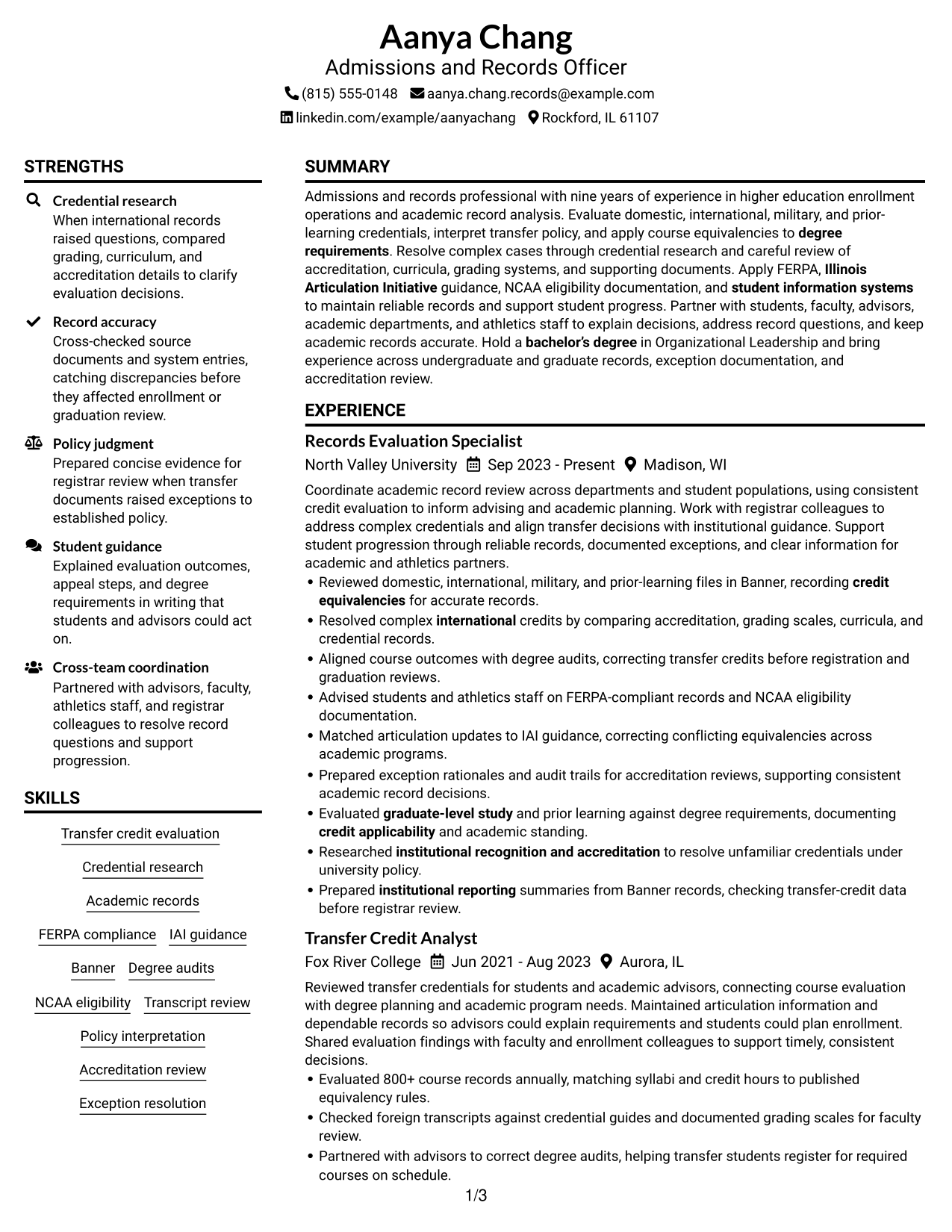
This guide shows you how to build an Admissions and Records Officer - Transfer Credit Evaluation resume that clearly presents your work and results. You will learn how to organize your evidence and choose a format that helps readers review it quickly.
Strong resumes connect credential research and policy decisions to reliable records and student progress. Use clear experience bullets to show how you assess domestic, international, military, and prior-learning records, apply equivalencies, and resolve exceptions.
The resume example is presented in 7 layouts so you can compare different ways to arrange experience, skills, education, and certifications. For this role, relevant terms may include Banner, FERPA, Illinois Articulation Initiative, degree audits, accreditation review, and NCAA eligibility documentation.
What Makes a Great Admissions and Records Officer Resume in 2026
A strong resume makes transfer-credit decisions, policy judgment, and record accuracy easy to assess. Use brief experience bullets to connect your work to outcomes such as corrected degree audits, reliable records, and timely student progress.
Include relevant keywords in context, such as credential research, credit equivalencies, Banner, FERPA, IAI guidance, accreditation, and degree requirements. Add measurable evidence when available, such as the 800+ course records evaluated annually.
The examples shown below are intentionally detailed to demonstrate a range of experiences, skills, accomplishments and relevant keywords. We prefer detailed resumes as they provide more context to the hiring managers and also help the ATS systems identify relevant qualifications and score your resume better for a match. But the length of a resume is an individual choice. If you want a one page resume, just keep the most relevant experience and information for the job. Note: Resume examples are for educational purposes only. Use only information that accurately reflects your experience and qualifications. References to real organizations do not imply affiliation or endorsement.
#1 Plain Two Column Format Resume Example
The Plain Two Column Format places resume content in two body columns, helping recruiters scan distinct sections side by side.
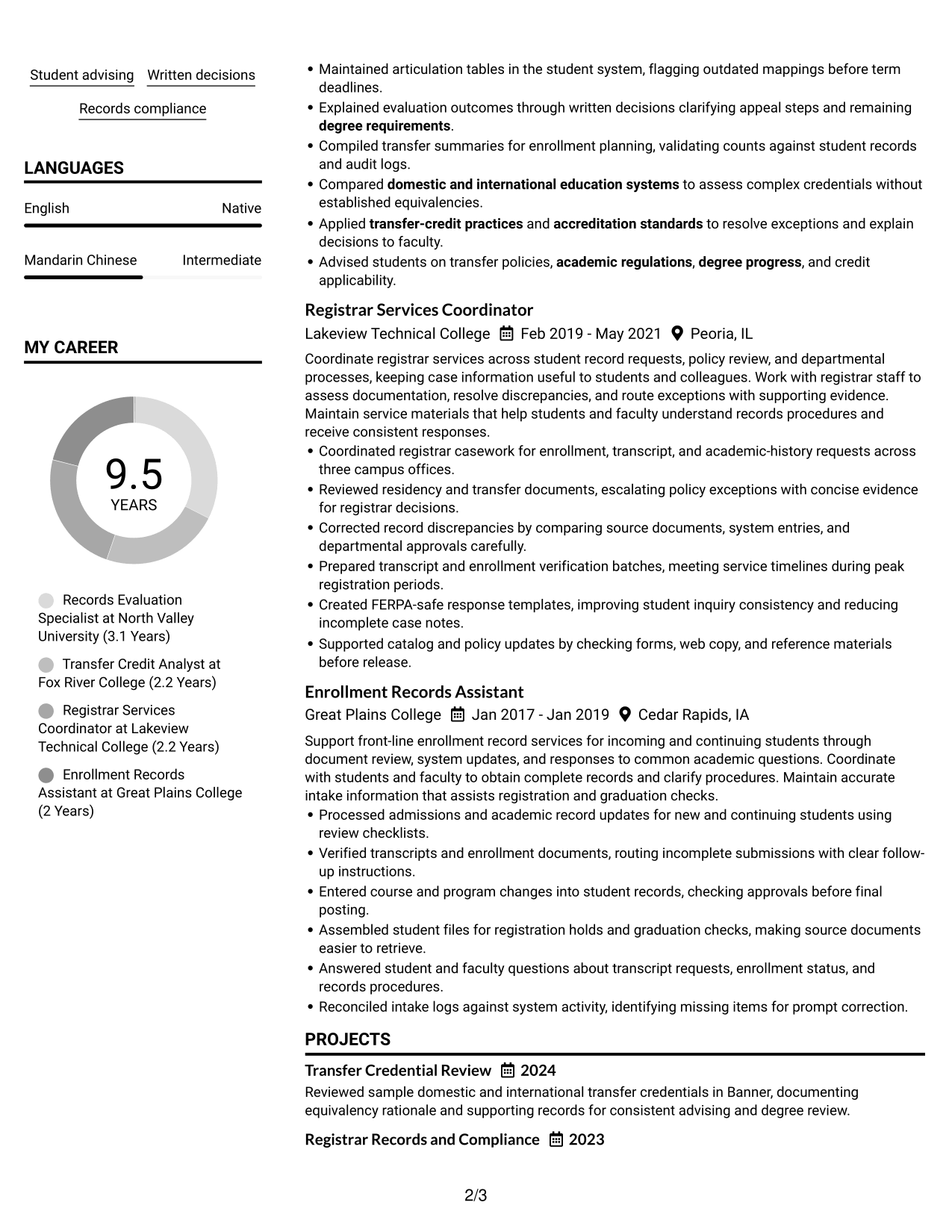
Resume Snapshot
- Nine years of higher education enrollment and academic records experience
- Reviews domestic, international, military, and prior-learning credentials
- Bachelor of Science in Organizational Leadership
- Experience with FERPA, Illinois Articulation Initiative guidance, and NCAA eligibility documentation
Why This Format Works
- Two body columns let recruiters compare experience and skills without losing section boundaries.
- Separate column groups keep education and credentials distinct from detailed work history.
- Clear reading order helps reviewers move from career progression to supporting qualifications.
Best For
- Side-by-side section scanning
- Grouped experience and skills
- Compact education and credential details
- Resumes with several content categories
- Readers comparing qualifications across sections
Resume Keywords
- Transfer credit evaluation
- domestic and international education systems
- credit equivalencies
- FERPA compliance
- Illinois Articulation Initiative
- accreditation standards
- institutional recognition and accreditation
- degree requirements
- credit applicability
- academic standing
- Evaluated graduate-level study and prior learning against degree requirements, documenting credit applicability and academic standing.
- transfer-credit practices
- Exception resolution
- student information systems
- compliance
#2 Simple One Column Format Resume Example
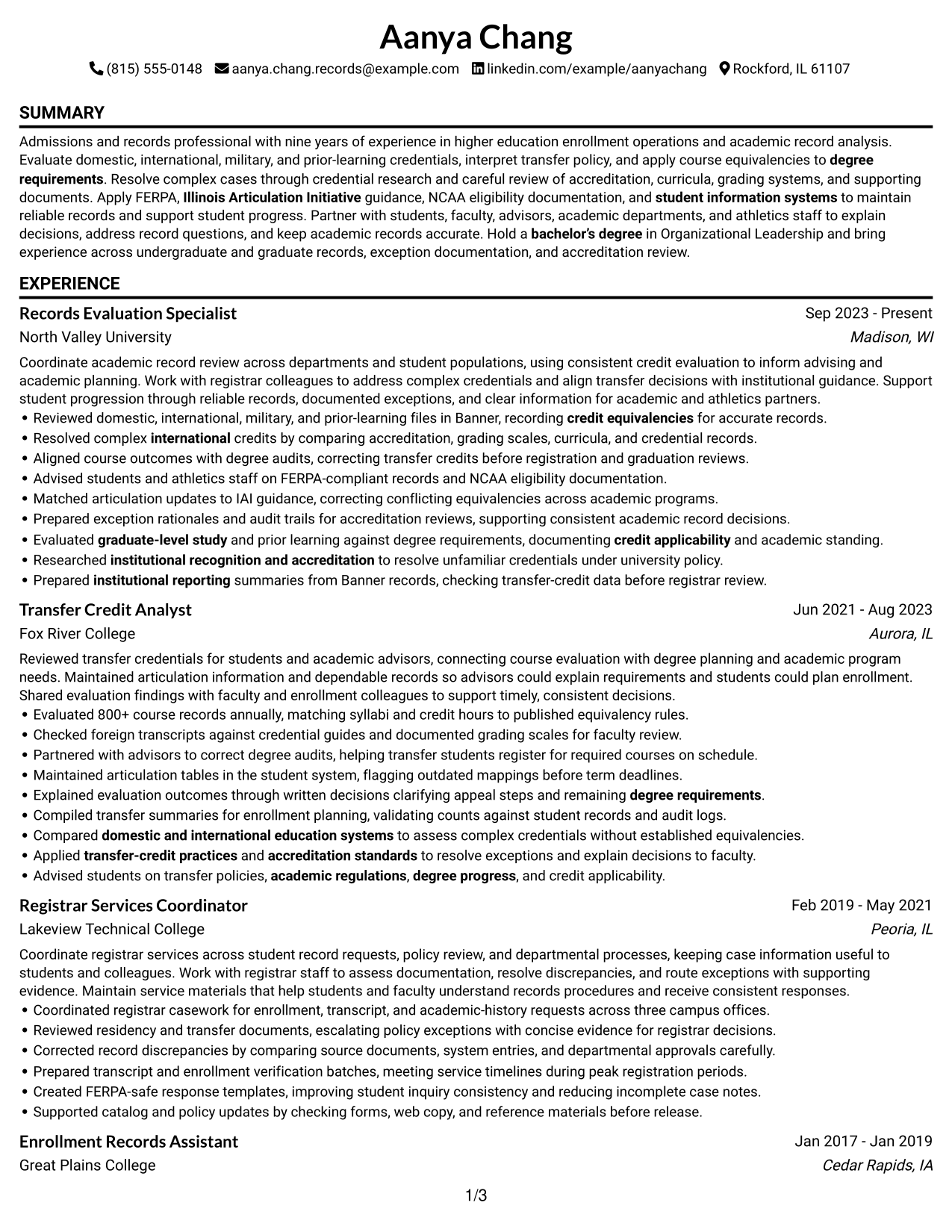
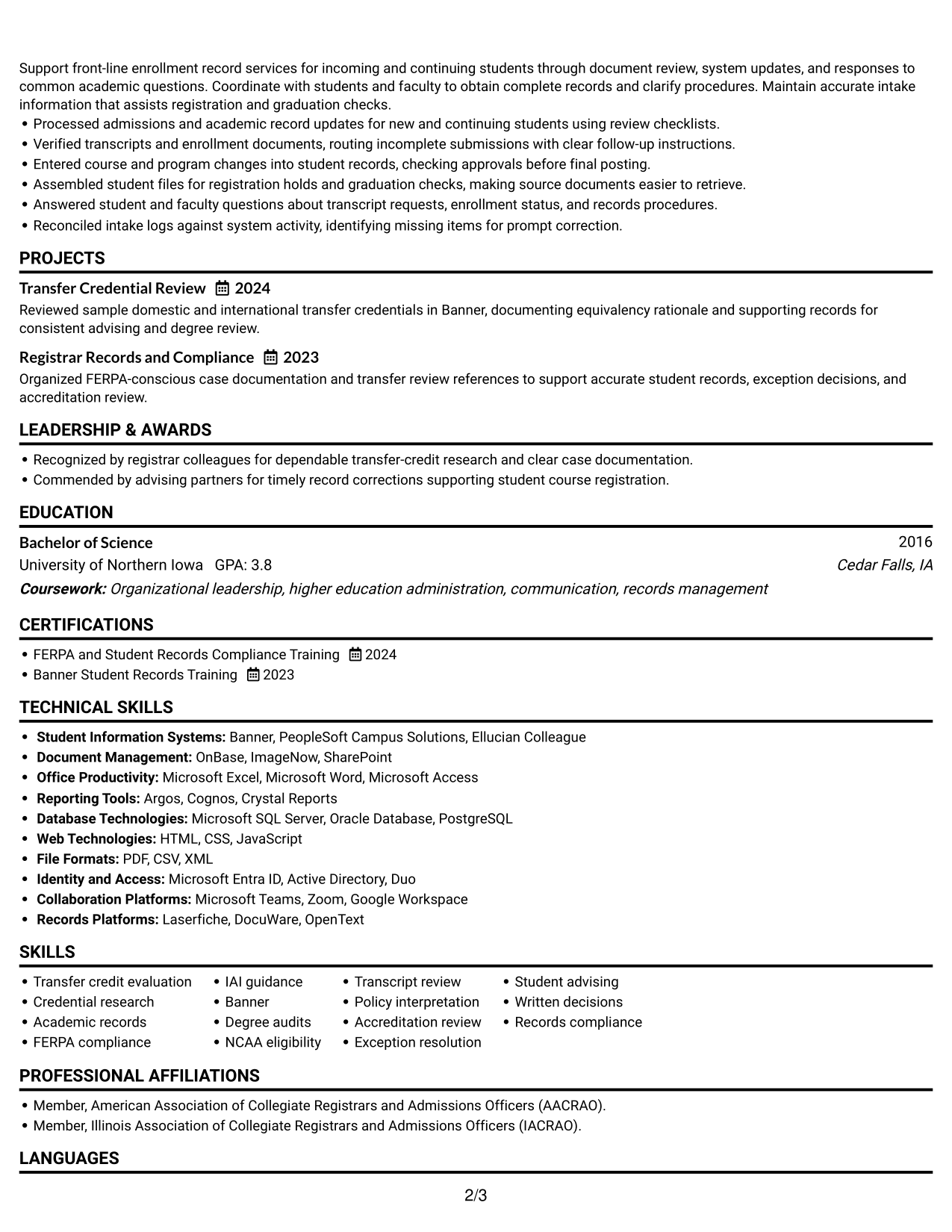
The Simple One Column Format keeps resume sections in a single vertical sequence, so recruiters can follow experience from one entry to the next.
Why This Format Works
- One continuous column lets recruiters follow experience entries in their listed order.
- Full-width sections give achievements and role details room to read without side-by-side competition.
- A steady vertical flow makes education and credentials easy to locate after experience.
Best For
- Sequential experience review
- Full-width role descriptions
- Chronological career histories
- Resumes with detailed achievement bullets
- Readers who prefer one reading path
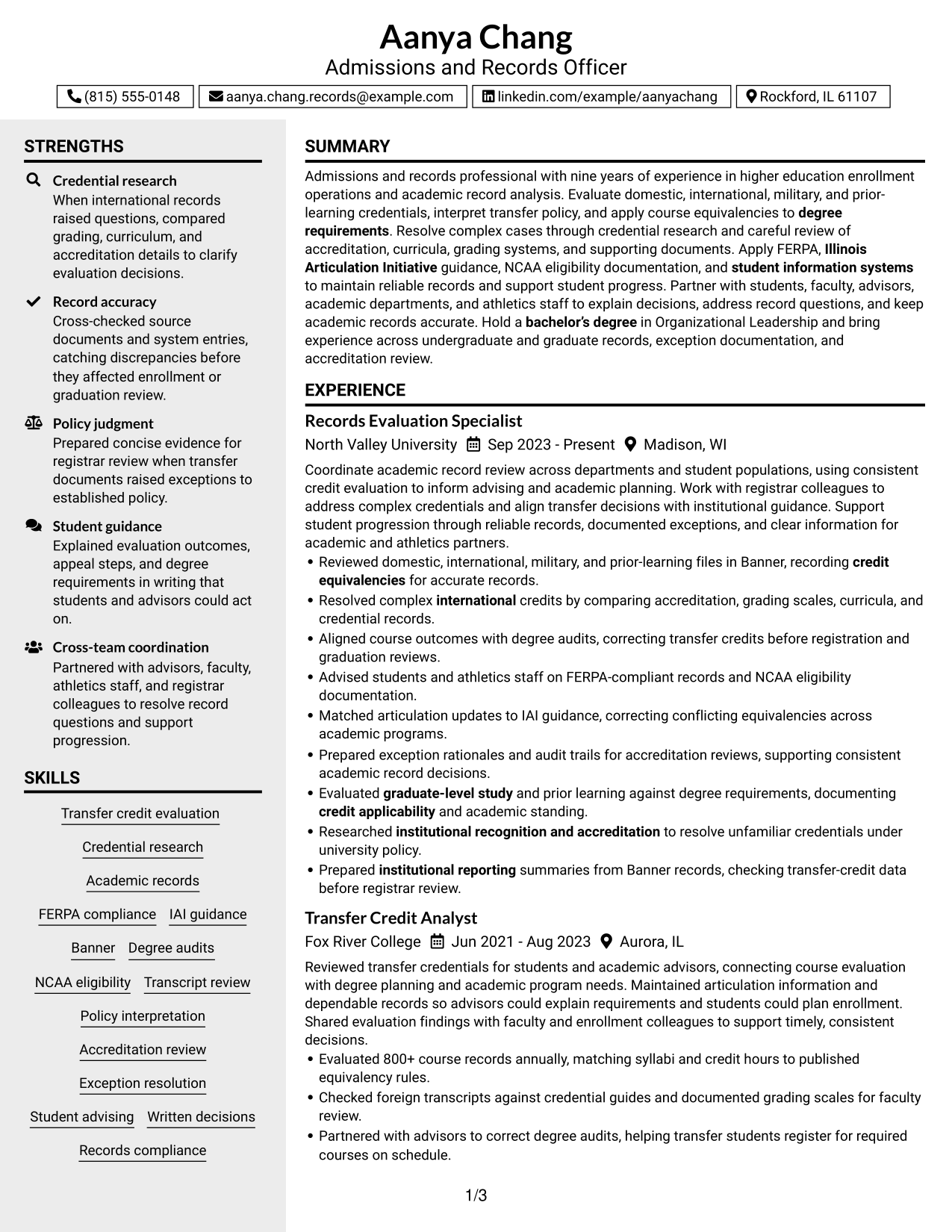
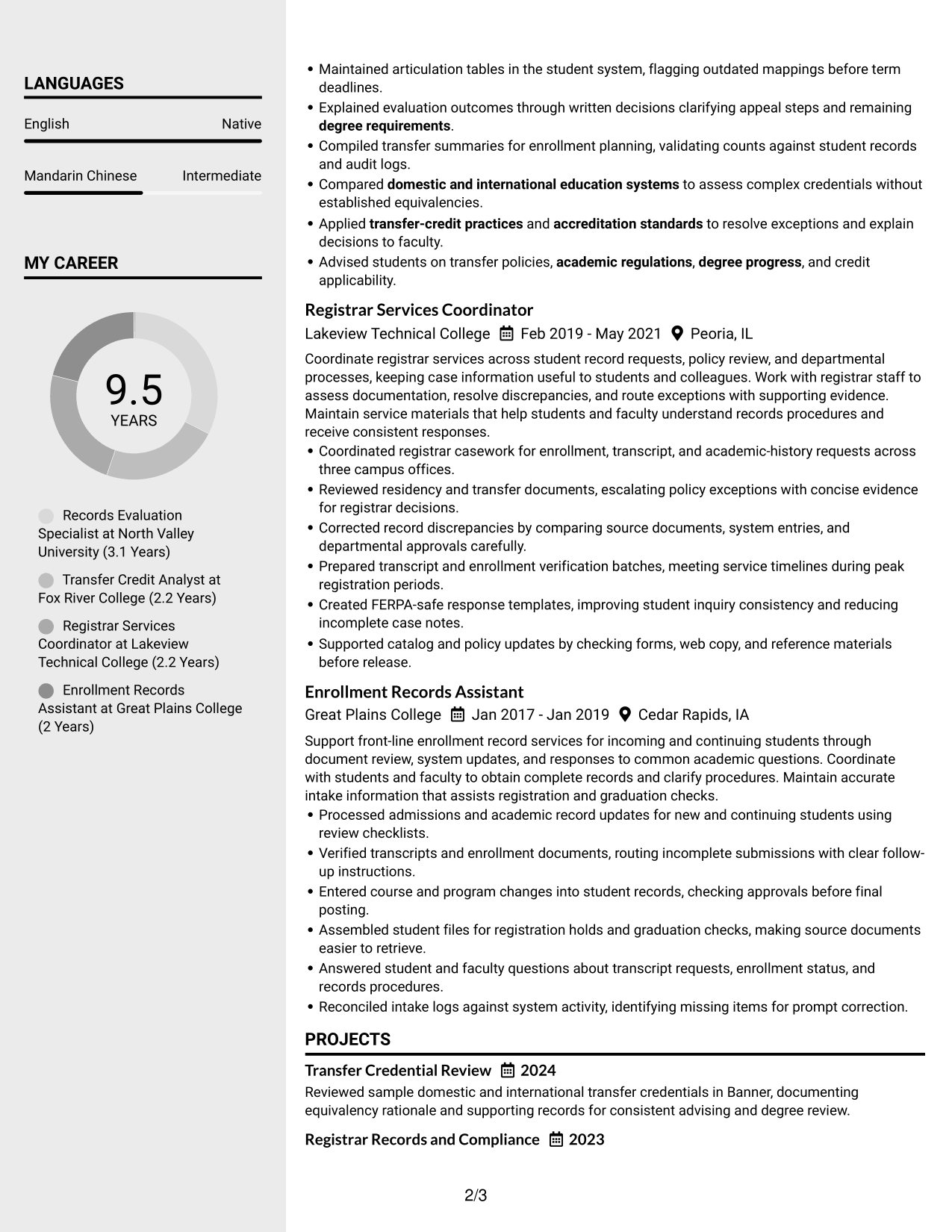
#3 Clean Two Column Sidebar Format Resume Example
The Clean Two Column Sidebar Format creates a distinct reading lane beside the main content, helping recruiters scan brief sections apart from fuller career details.
Why This Format Works
- The sidebar creates a second reading lane, separating concise qualifications from fuller career details.
- Distinct column areas help reviewers locate education without interrupting career progression.
- Grouped sections let recruiters move between brief credentials and detailed experience.
Best For
- A separate lane for compact sections
- Detailed work history beside brief qualifications
- Fast movement between resume sections
- Education and credentials needing clear separation
- Readers scanning both summaries and career detail
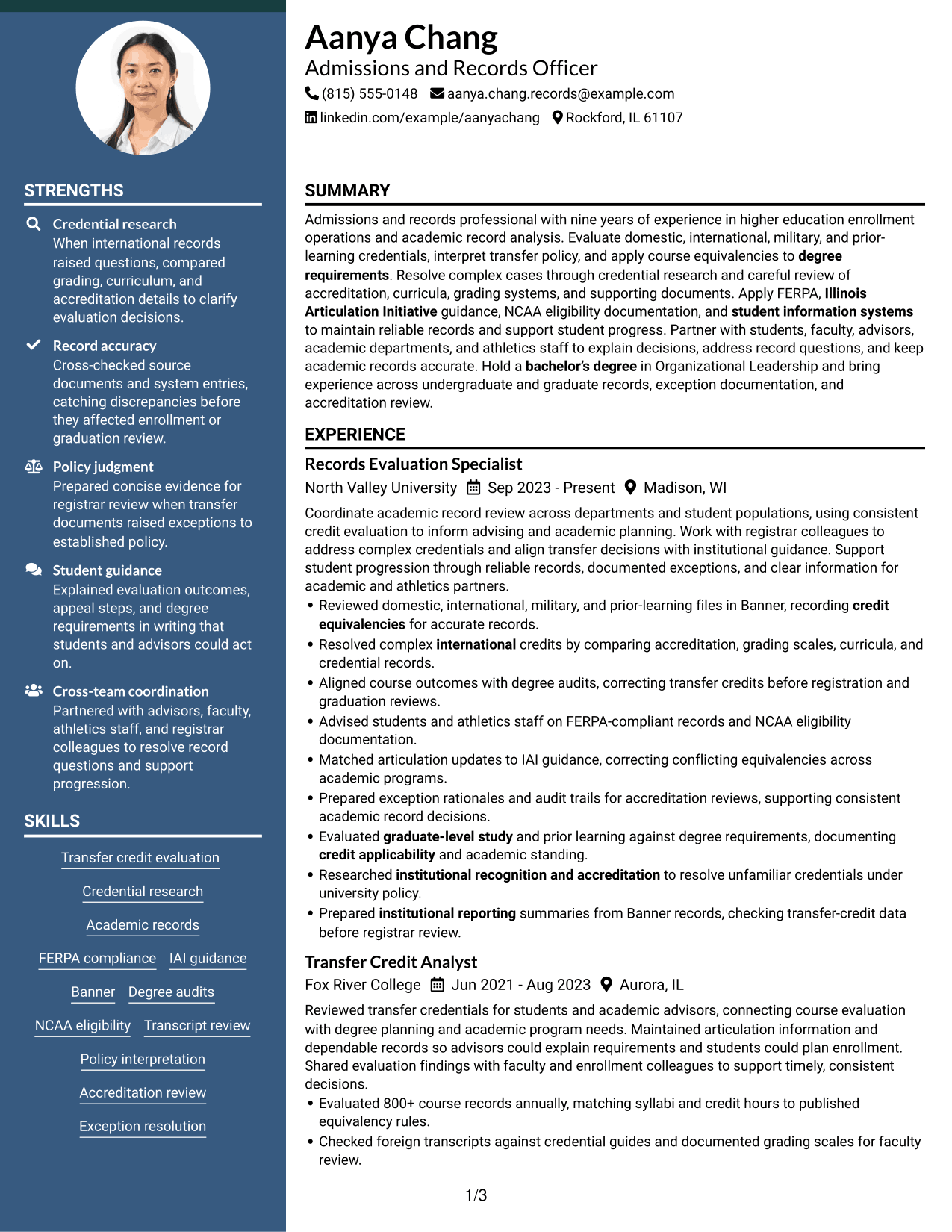
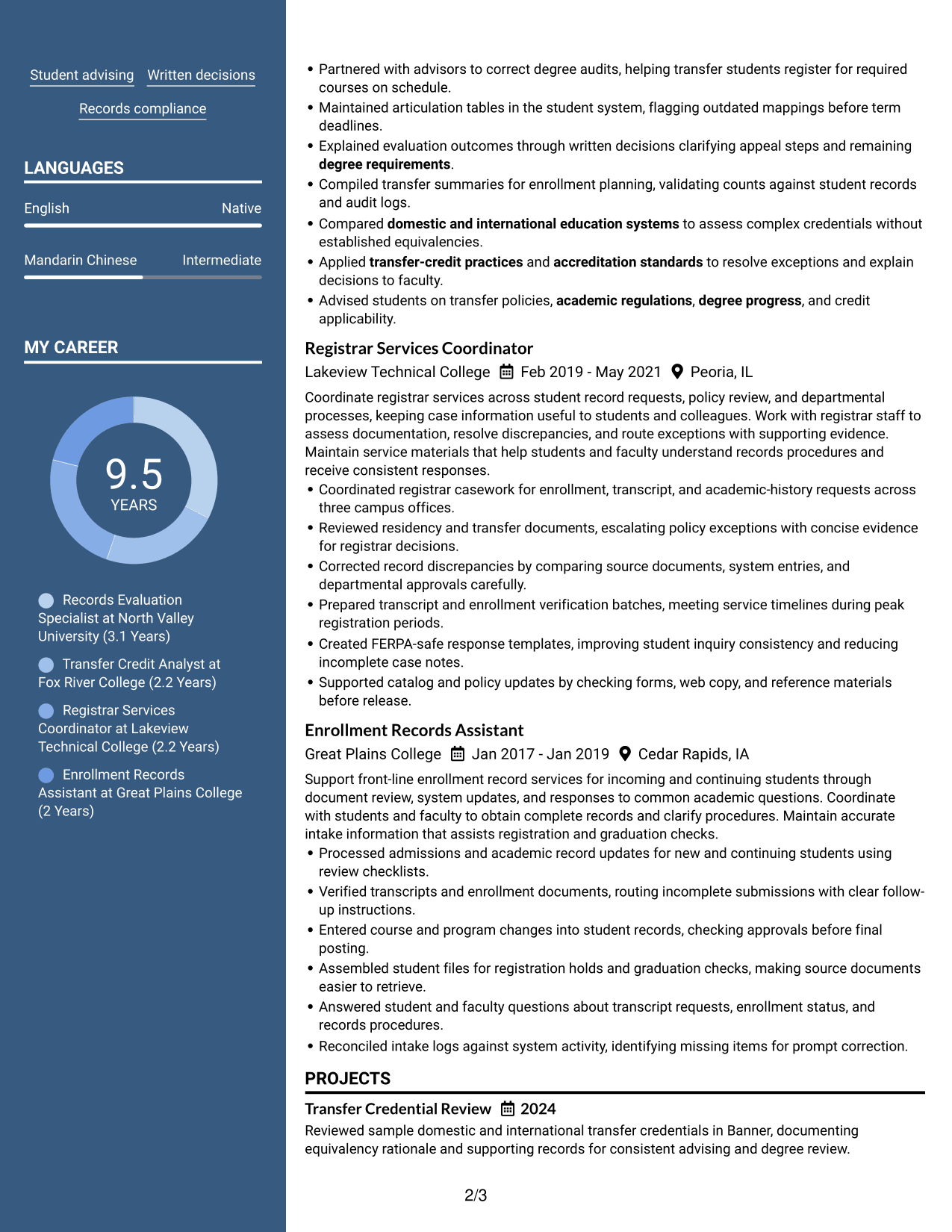
#4 Two Column Format Resume Example
The Two Column Format gives resume sections separate areas side by side, allowing recruiters to scan categories and follow each group clearly.
Why This Format Works
- Parallel columns help recruiters scan separate resume sections while keeping each group visually distinct.
- Separate reading areas keep skills and education apart from detailed experience entries.
- Clear section boundaries help reviewers return to credentials without retracing the full career history.
Best For
- Side-by-side review of distinct resume sections
- Skills and experience shown as separate groups
- Career histories with several content categories
- Education details alongside work history
- Readers returning to specific sections
#5 Photo Header Two Column Format Resume Example
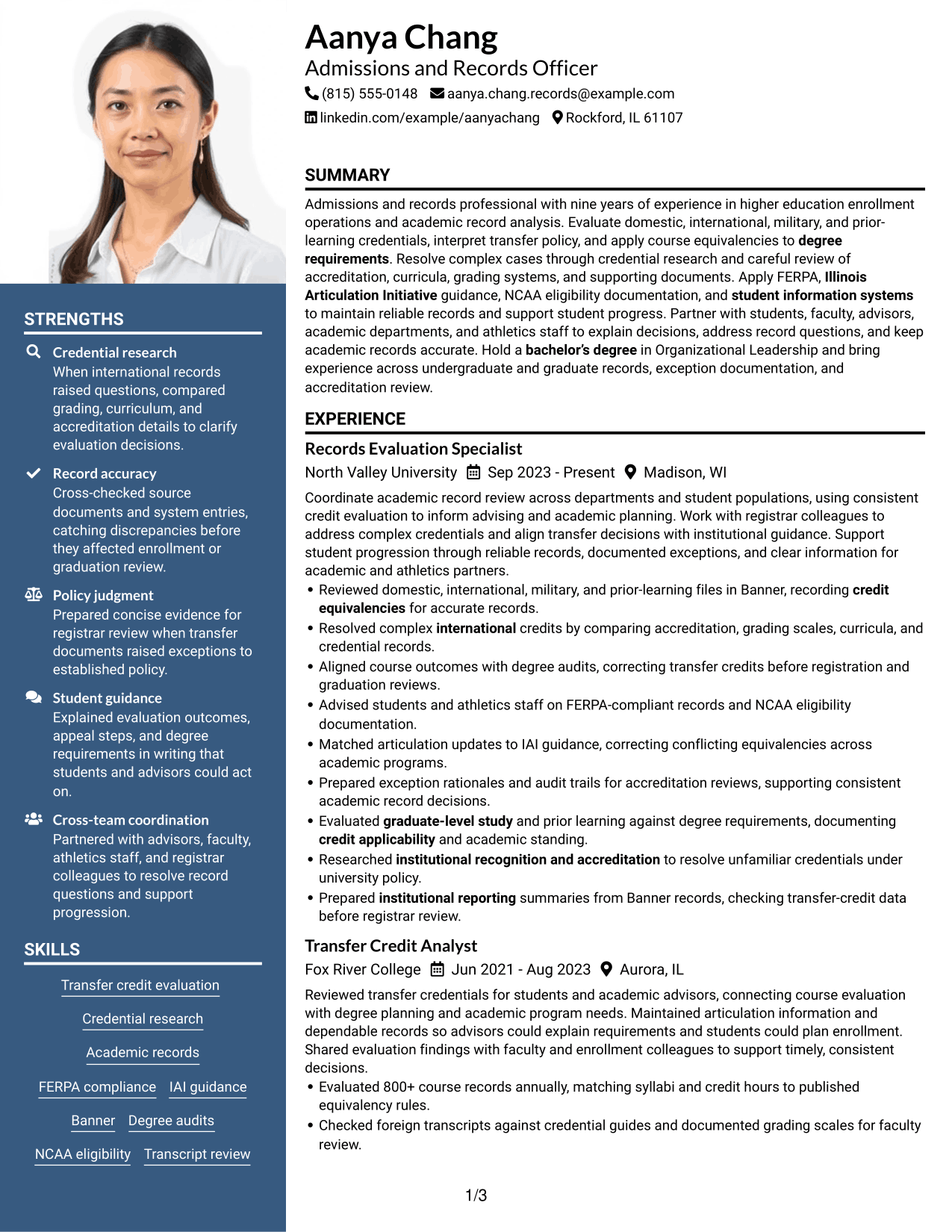
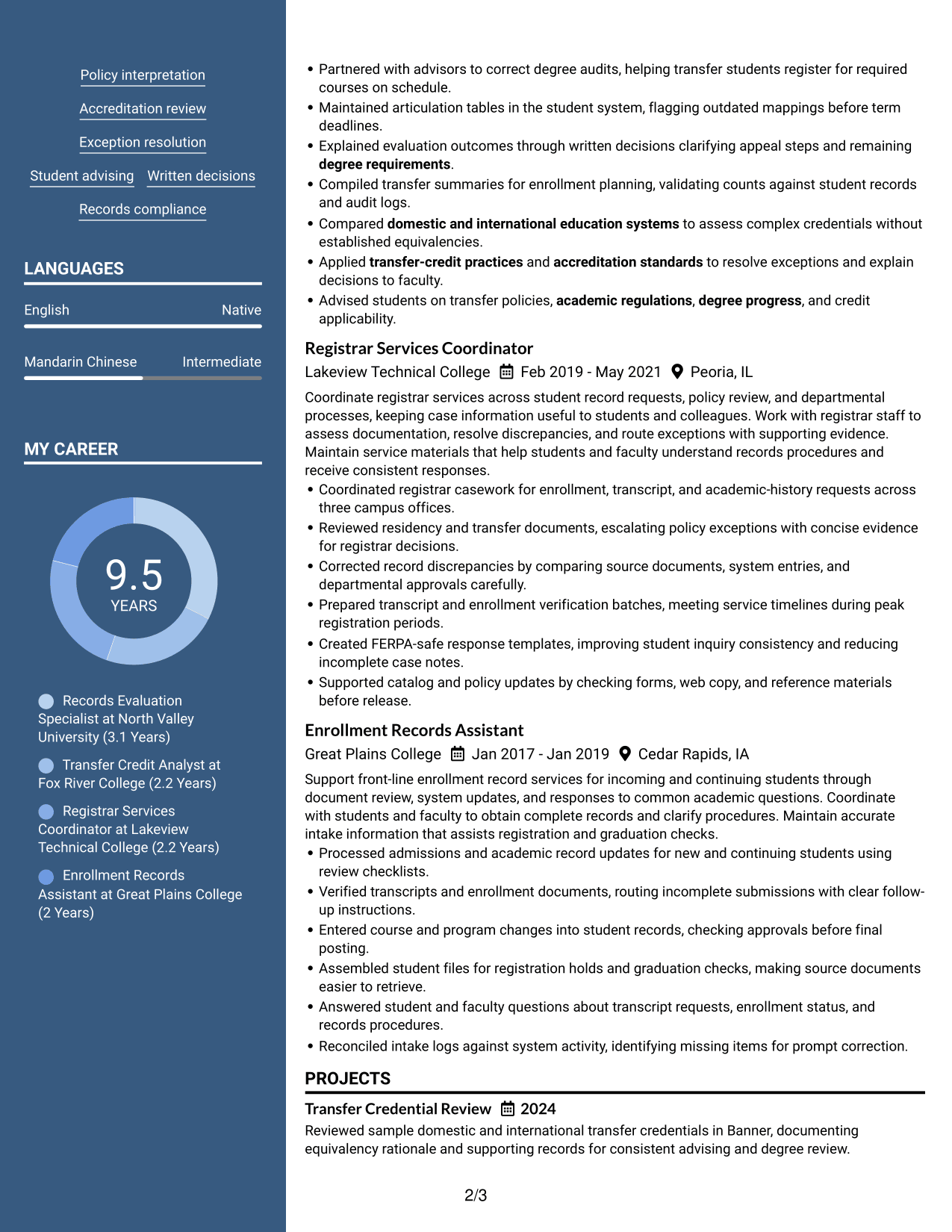
The Photo Header Two Column Format places a portrait in the header above a two-column body, keeping the identity area separate from resume sections for recruiter review.
Why This Format Works
- A separate header keeps identity details from interrupting recruiters as they review experience.
- Two body columns give experience and education distinct areas for scanning.
- Section breaks help reviewers find skills after reading the career history.
Best For
- Applications where a portrait is requested
- A separate portrait and resume body
- Side-by-side review of experience and qualifications
- Resume content grouped into clear sections
- Readers who scan identity details before career history
#6 Colored Two Column Format Resume Example
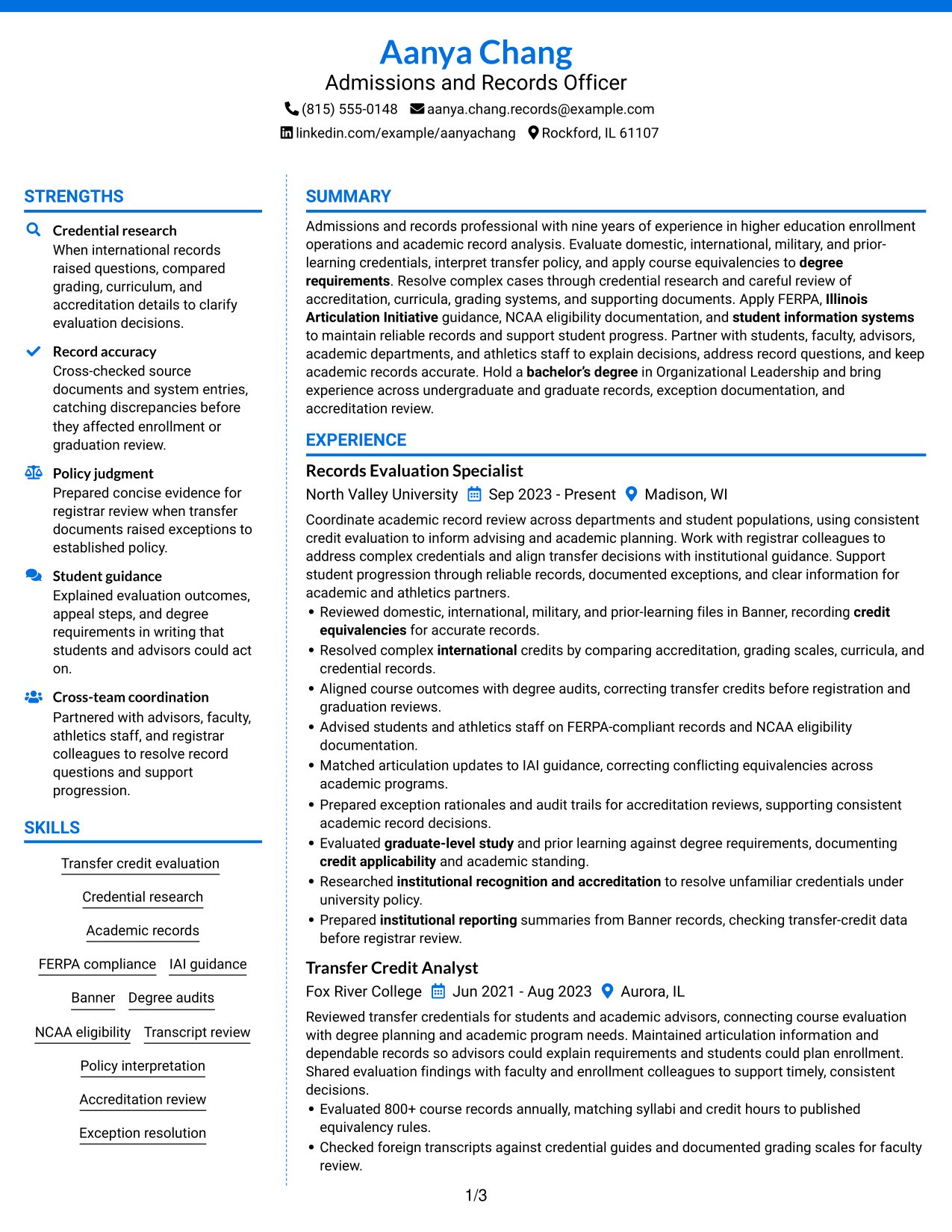
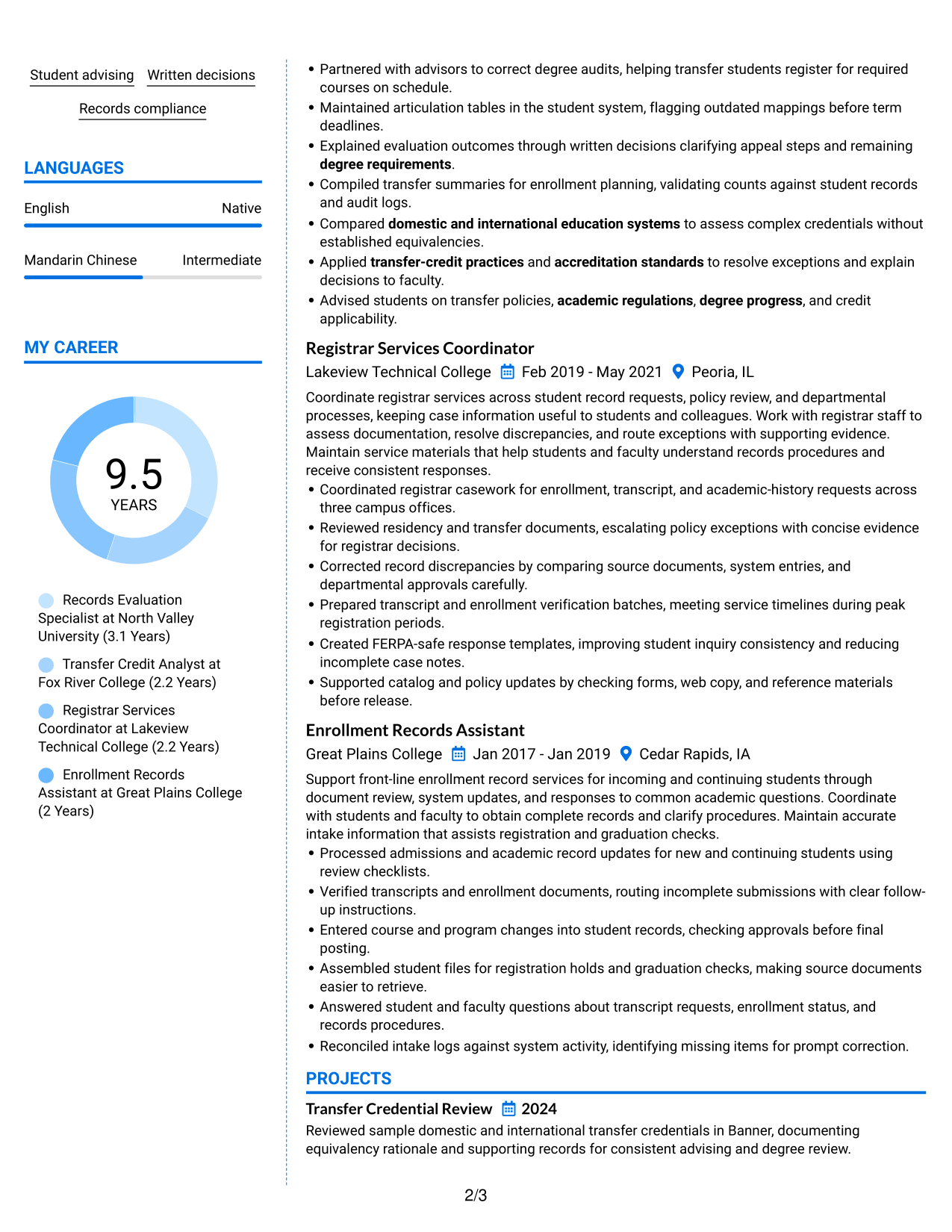
The Colored Two Column Format uses color across two body columns, giving recruiters visible cues as they move between resume sections.
Why This Format Works
- Color contrast helps reviewers distinguish section groups while scanning experience and education.
- Two columns keep skills and career history in separate reading areas.
- Visible section changes make credentials easier to revisit during a focused review.
Best For
- Color cues between resume sections
- Side-by-side skills and career history
- Credentials that readers may revisit
- Several content groups needing visual separation
- Recruiters scanning for specific section types
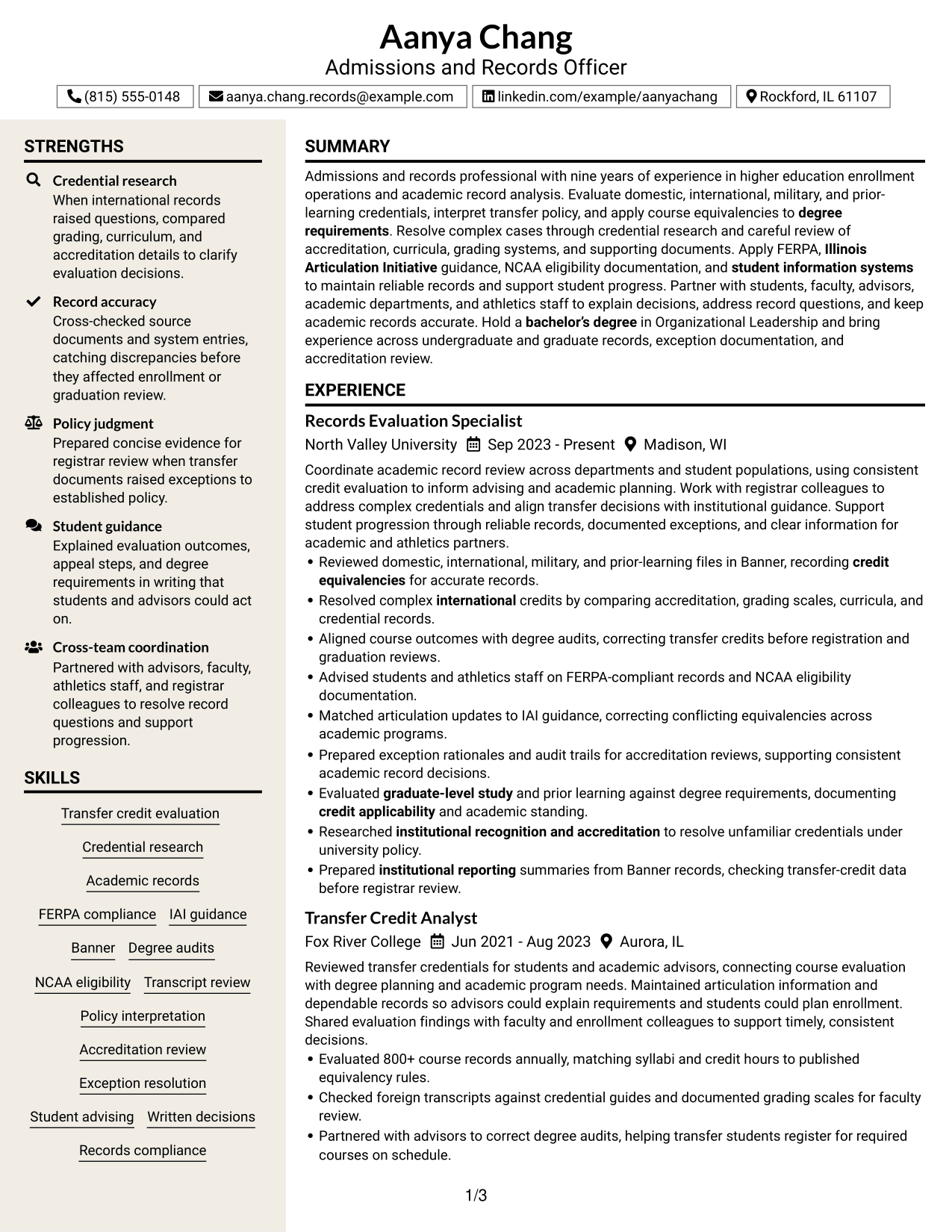
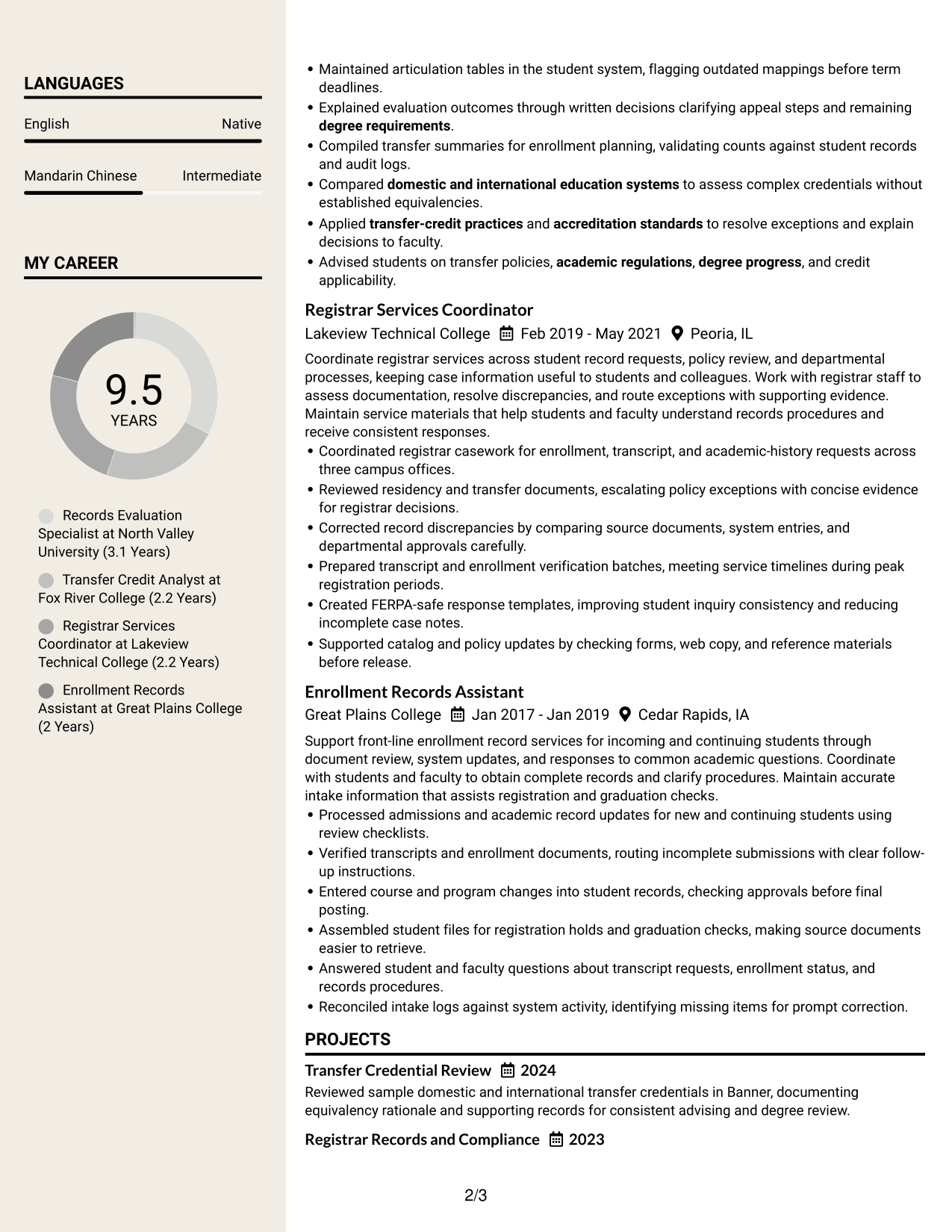
#7 Stylish Two Column Designer Format Resume Example
The Stylish Two Column Designer Format combines a designed presentation with two body columns, helping recruiters scan grouped qualifications and follow the experience sequence.
Why This Format Works
- Two-column grouping helps recruiters scan qualifications while keeping the experience sequence clear.
- Separate content areas keep academic background visible alongside the career record.
- Visual grouping helps reviewers return to achievements without rereading every section.
Best For
- Designed presentation with clear section groups
- Career record paired with academic background
- Qualifications that benefit from quick scanning
- Resumes with achievements across several roles
- Readers who revisit selected sections
Why Build Your Admissions and Records Officer Resume with ResumeInMinutes
ResumeInMinutes helps you organize experience, skills, education, and certifications into a clear resume. You can show how your evaluation work supports accurate records and informed degree planning.
- Multiple resume formats
- Clear, ATS-friendly sections
- Role-specific keyword guidance
- Organized skills and experience
- Free PDF resume previews
- Resume editing tools
Build a focused resume that highlights credential review, policy decisions, record accuracy, and measurable results relevant to transfer credit evaluation.
See Also
- 7 Adult Probation Officer - Pretrial Supervision Resume Templates with Example
- 33 Animal Control Officer - Field Animal Enforcement Resume Templates with Example 2026 (ATS-Optimized)
- 7 Bridge Traffic Officer Resume Templates with Example
- 7 Building Maintenance Officer - Events Set Up Resume Templates with Example
- 7 Business Service Officer Resume Templates with Example
- 7 Campus Safety Officer Resume Templates with Example
- 7 Chief Information Officer Resume Templates with Example
- 7 Chief Pharmacy Officer - Enterprise Medication Management Resume Templates with Example
- 7 Admissions and Records Officer - Transfer Credit Evaluation Cover Letter Templates with Example
- 30+ Chief Technology Officer - Cybersecurity Cover Letter Templates with Example 2026
Frequently Asked Questions
Are these Admissions and Records Officer resume templates ATS-friendly?
They use readable headings and clear sections that help applicant tracking systems and people scan your experience. Include relevant terms such as transfer-credit evaluation, credit equivalencies, FERPA, Banner, and degree audits where they accurately describe your work.
Do the examples show different resumes or different formats?
The examples show one resume profile arranged in different formats. Compare how each design presents experience, education, skills, and other details.
What should an Admissions and Records Officer resume include?
Include a focused summary, relevant experience, education, skills, and certifications. Use specific bullets to show credential research, transfer decisions, exception documentation, record accuracy, and results such as course records evaluated or degree audits corrected.
Can I download the resume templates as PDFs?
Yes. You can preview the resume formats as PDFs and choose a layout that suits your content.
Which resume style works well for transfer credit evaluation?
A simple layout with clear headings and an easy-to-follow experience section works well. Keep key skills and results easy to find, and use a format that allows ATS software to read the text clearly.
How can I show complex credential review on my resume?
Describe the records you reviewed, the factors you compared, and the decision or result. For example, note research into accreditation, grading scales, curricula, and supporting documents, then explain how the review supported accurate equivalencies or degree audits.
Should I include a photo on my resume?
For U.S. applications, a resume without a photo is usually the safer choice. Use a photo only when it is expected in the region or field where you are applying.
Can I customize these resume templates?
Yes. You can edit the resume content and layout to make your relevant transfer-credit evaluation work, skills, and accomplishments clear.




