
7 Admitting Representative - Hospital Patient Access Cover Letter Templates with Example
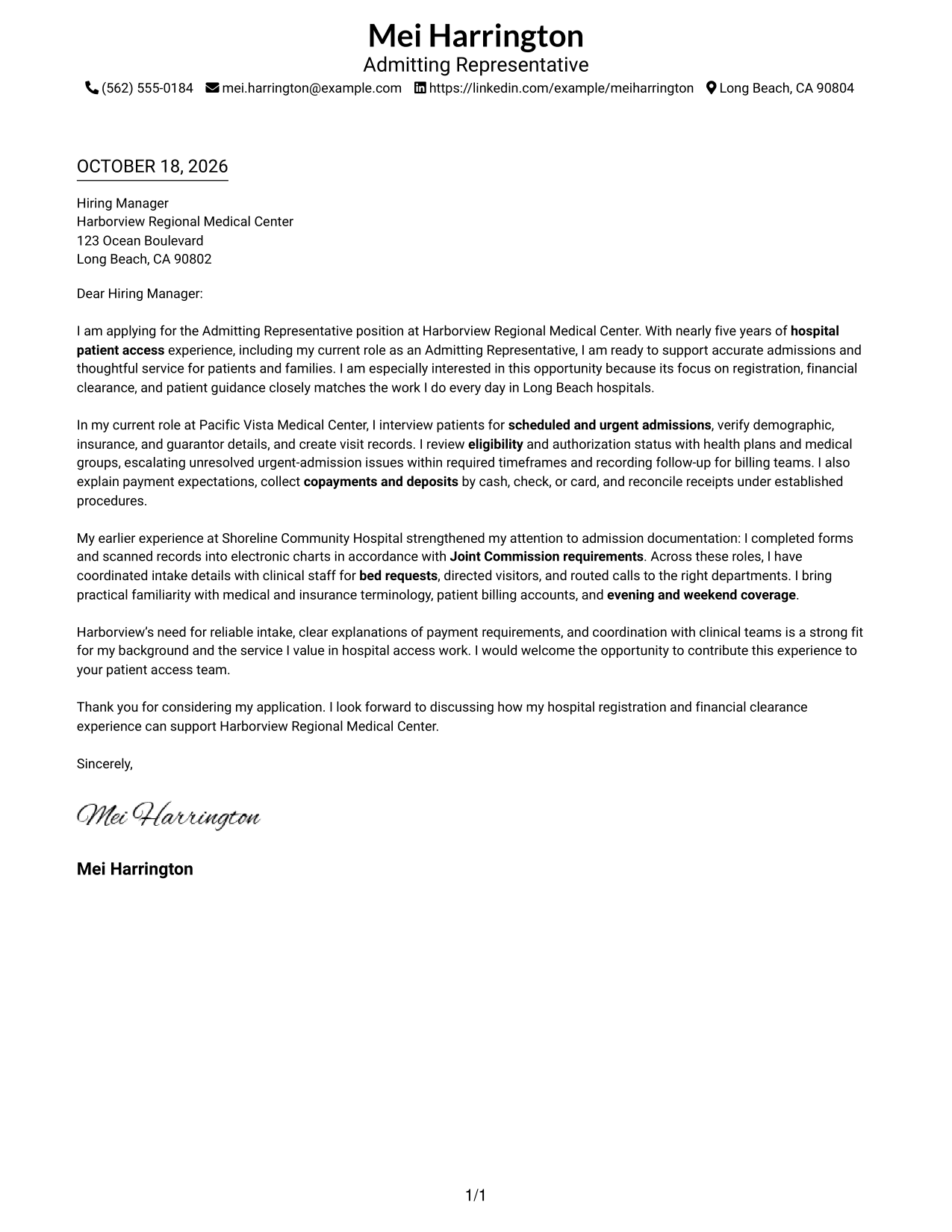
This practical guide helps you create an Admitting Representative - Hospital Patient Access cover letter and compare seven layouts for presenting your hospital registration and patient service experience clearly.
What Makes a Great Admitting Representative - Hospital Patient Access Cover Letter in 2026
A strong cover letter links your patient access experience to accurate admissions, financial clearance, and considerate guidance for patients and families. A clear opening should name the role and explain your interest.
Use the body to support your fit with relevant examples, such as verifying insurance details, explaining payments, or coordinating intake with clinical staff. Connect that evidence to the employer’s needs, then close with a direct expression of interest.
The featured example moves from interest in the role to current hospital admission work, related experience, and a clear closing. Adapt that focused progression while choosing a presentation that suits the employer and the communication context.
#1 Simple One Column Format Cover Letter Example
A single-column layout keeps the letter body on one direct reading path, a useful choice for a straightforward message.
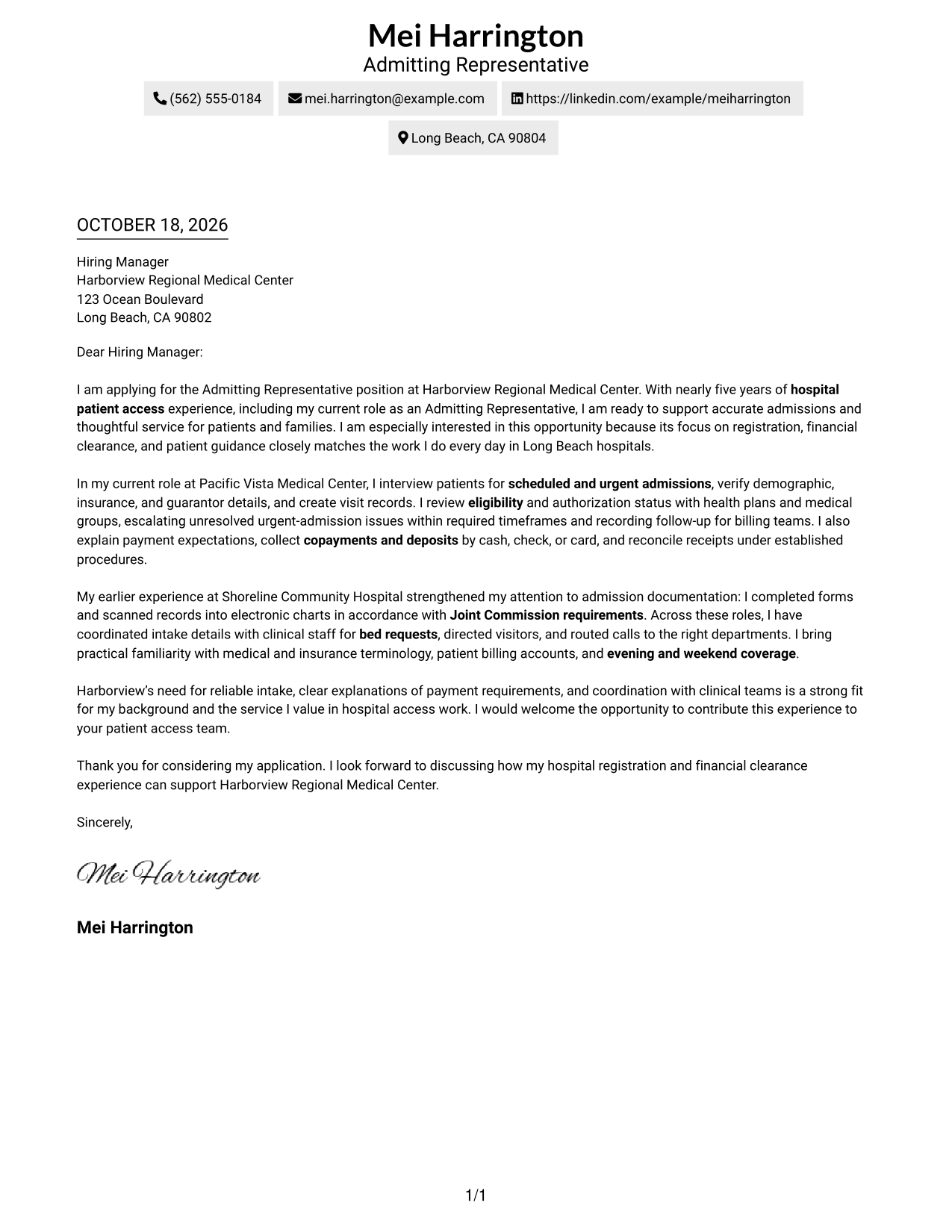
Why This Format Works
- Sender details stay in the header, separate from the letter’s message.
- One reading path helps reviewers follow the case from opening to close.
- Continuous paragraphs keep motivation, evidence, and the closing request connected.
Best For
- One-column letter reading
- Contact details outside the body
- A continuous persuasive message
- Direct opening-to-closing flow
- Letters without a portrait
#2 Two Column Format Cover Letter Example
A contact sidebar sits beside one continuous letter body, keeping sender information apart from the message.
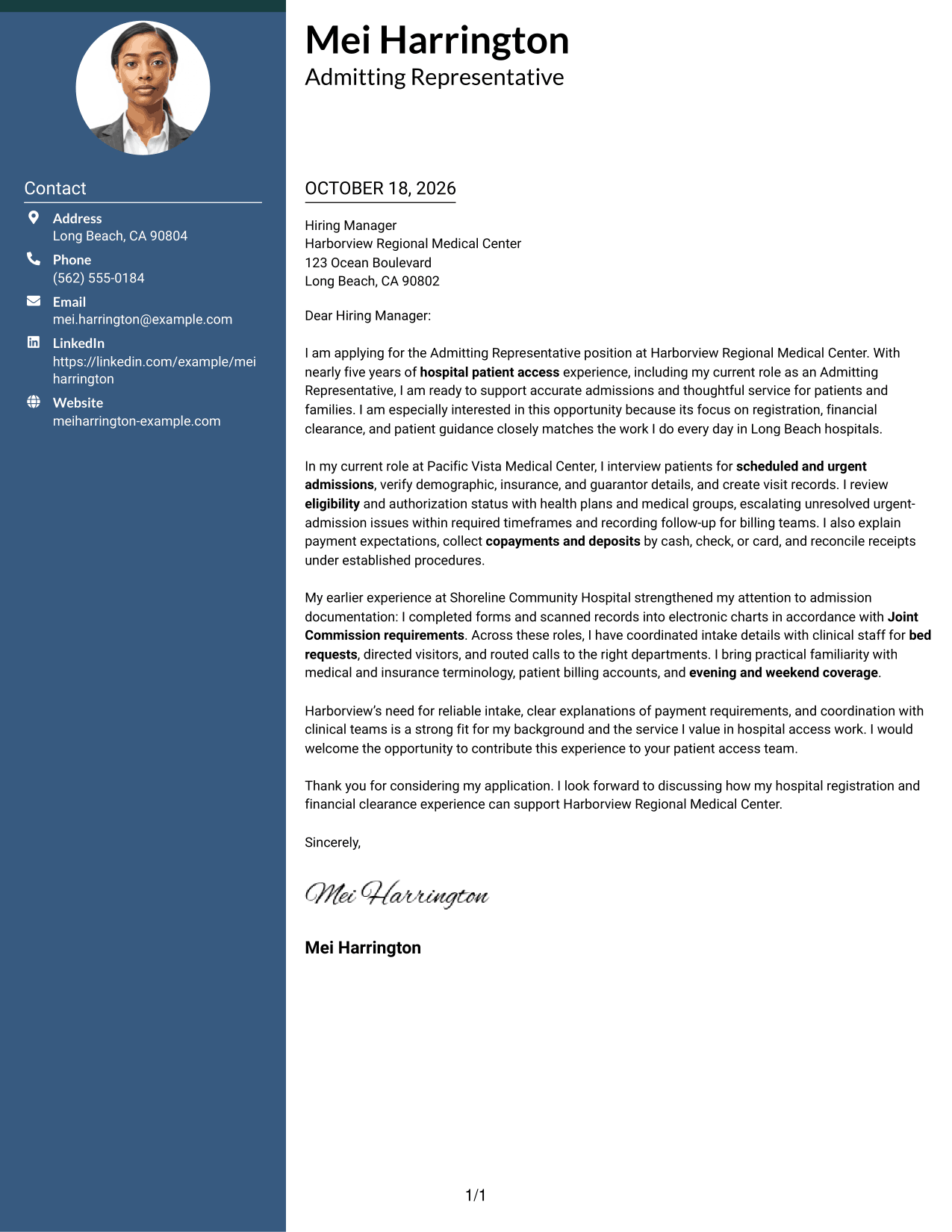
Why This Format Works
- The contact sidebar gives sender details a separate place beside the letter.
- One continuous body lets the opening and closing read as a connected case.
- The clear division distinguishes contact information from the letter’s persuasive message.
Best For
- Contact details beside the letter
- A separate contact area
- Continuous argument paragraphs
- Side-by-side information access
- Letters without a portrait
#3 Photo Header Two Column Format Cover Letter Example
A photo header accompanies the contact sidebar and continuous letter body, for a layout that includes a portrait.
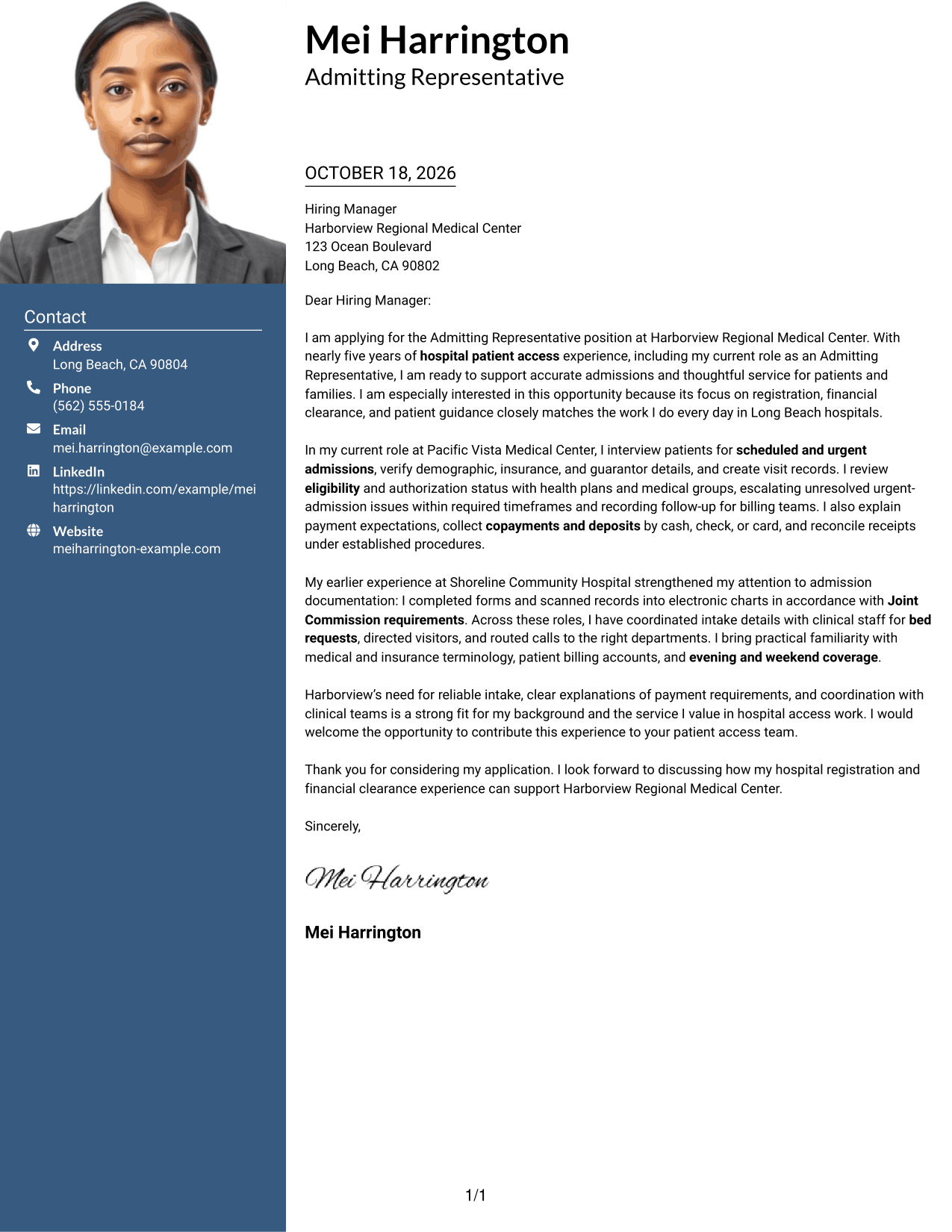
Why This Format Works
- The portrait adds a personal visual element to the contact presentation.
- A separate contact sidebar keeps sender details apart from the letter’s message.
- The continuous body preserves a clear sequence from application to closing.
Best For
- Letters with a portrait
- Contact details beside the message
- A continuous case for fit
- Photo-led contact presentation
- Clear opening-to-closing order
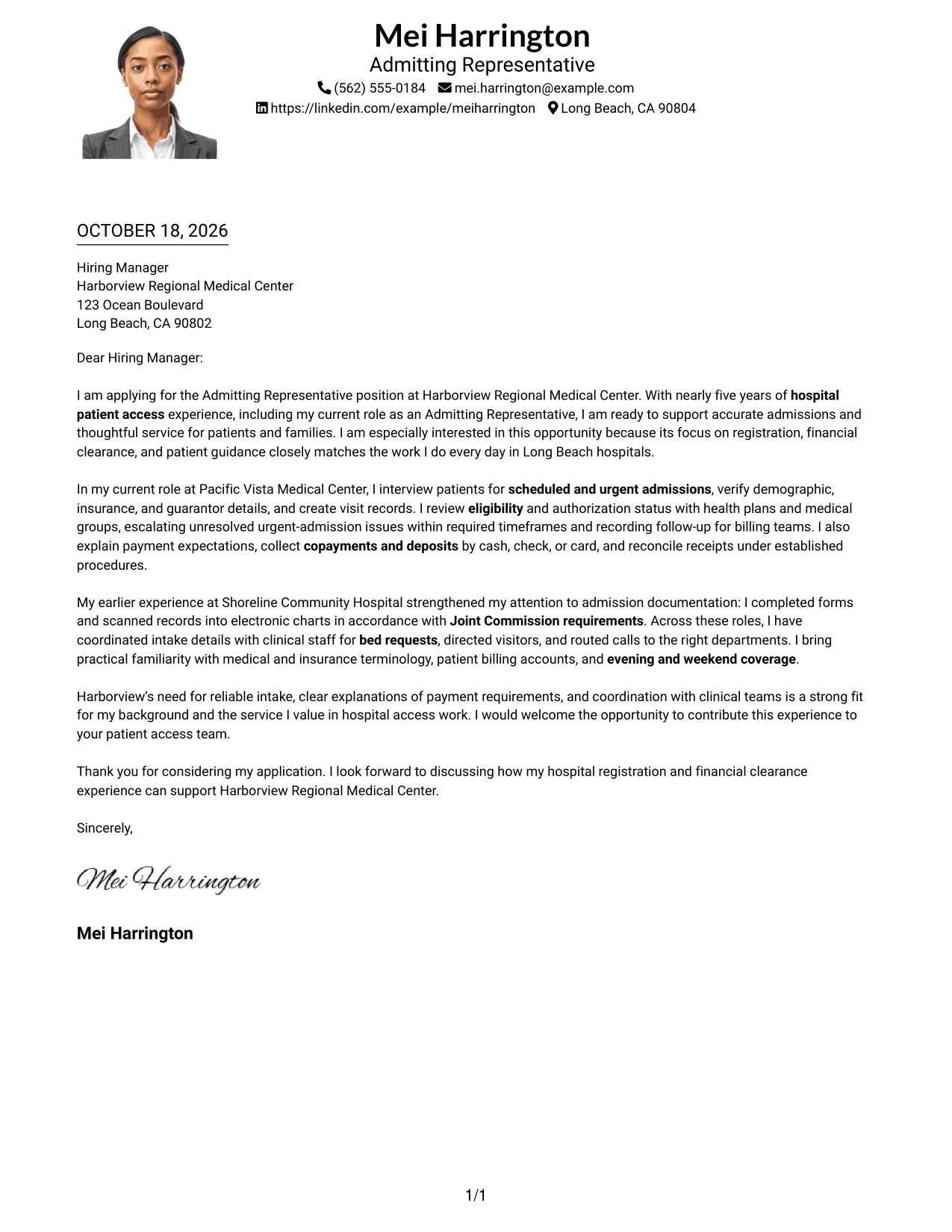
#4 One Column Format with Photo Cover Letter Example
The one-column letter body shares the page with a photo, combining a direct reading path with a portrait.
Why This Format Works
- The portrait adds a visual feature without dividing the letter into body columns.
- Sender details remain in the header, apart from the letter paragraphs.
- A single reading path helps reviewers follow the message in order.
Best For
- One-column letter reading
- A portrait in the header
- Contact details apart from paragraphs
- A direct message sequence
- Letters with a personal visual element
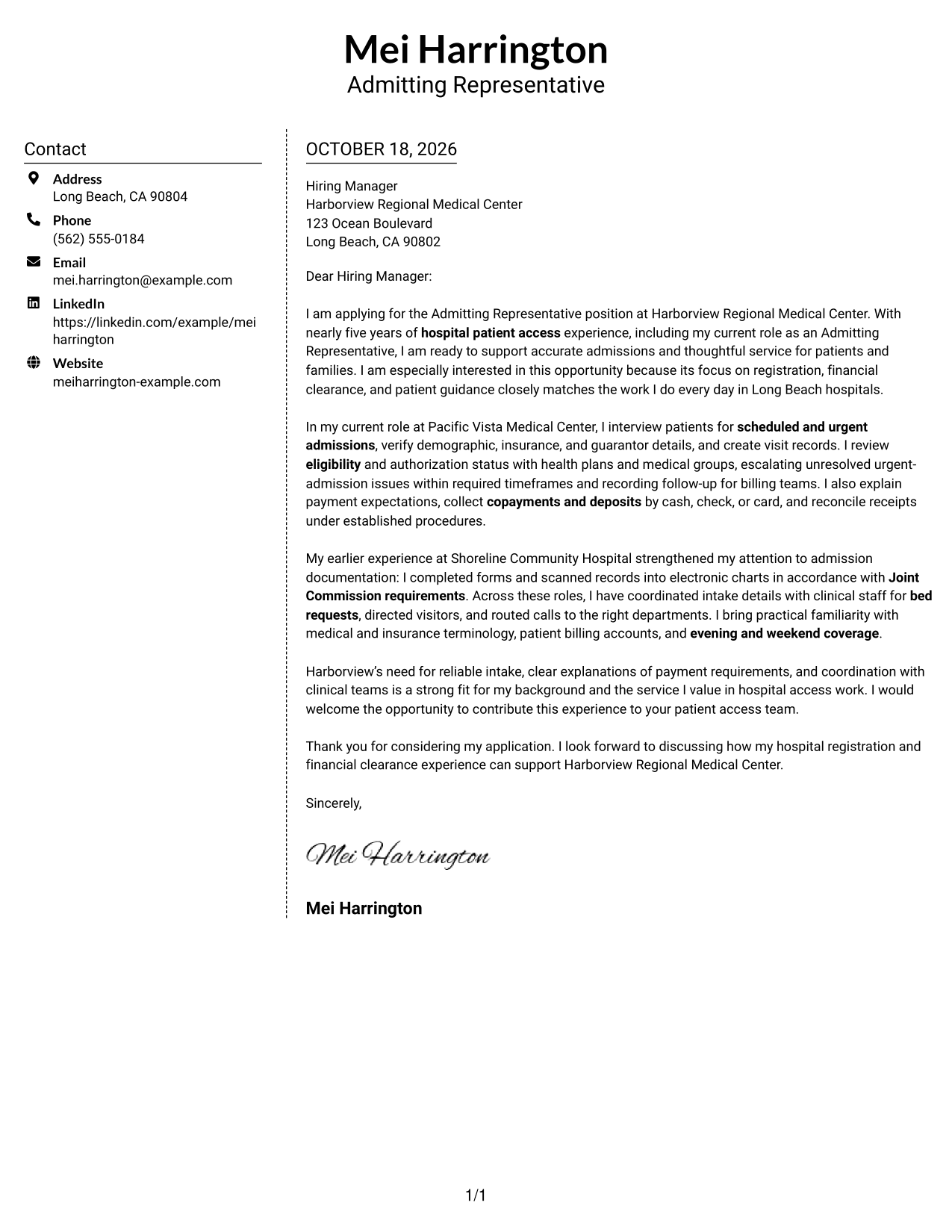
#5 Simple Two Column Format Cover Letter Example
A contact sidebar gives sender details their own column while the letter stays in one continuous body.
Why This Format Works
- The sidebar separates contact information from the letter’s argument.
- A single body column keeps the opening, evidence, and closing in sequence.
- Two distinct areas let reviewers locate sender details without interrupting the message.
Best For
- Separate contact and letter areas
- Continuous persuasive paragraphs
- A clear message sequence
- Side-by-side contact access
- Letters without a portrait
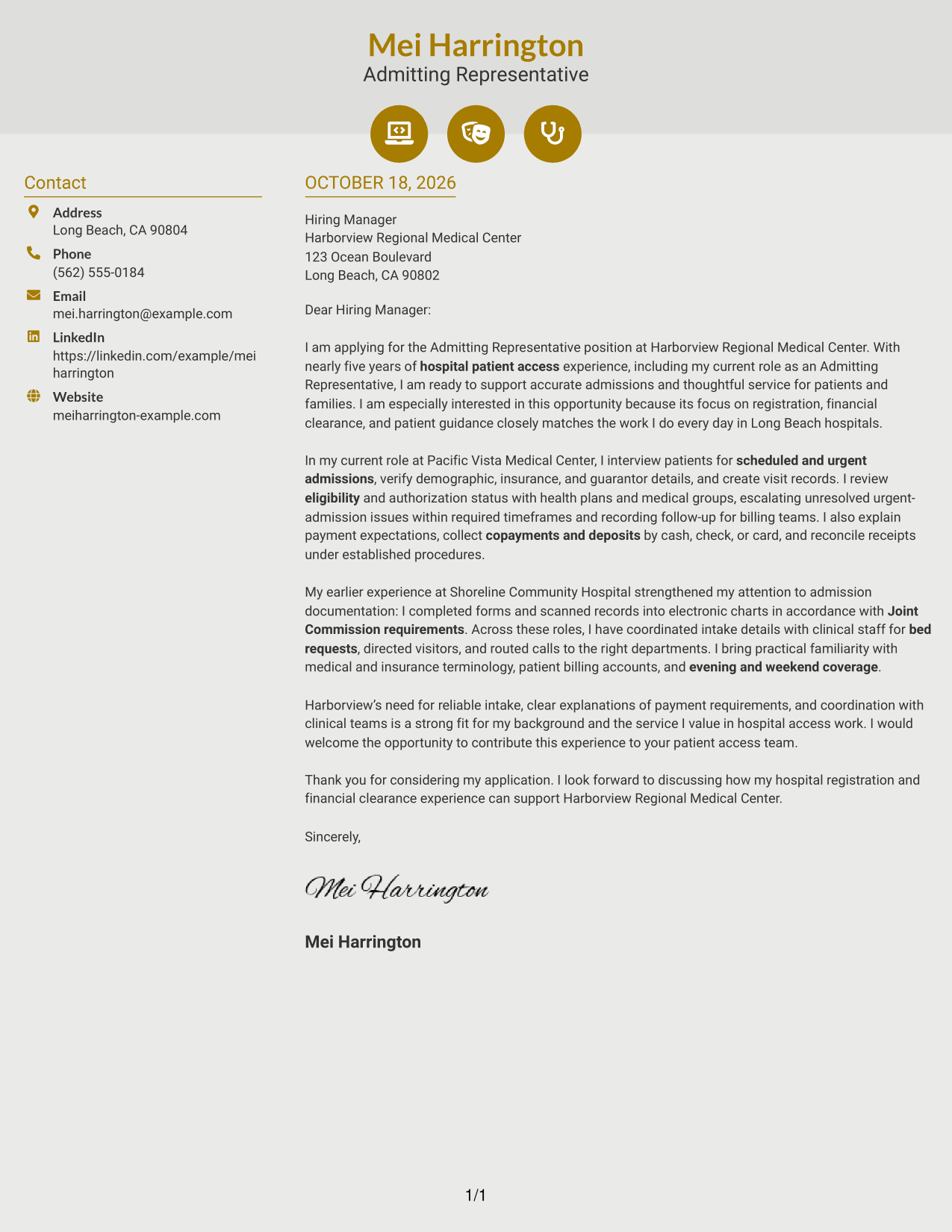
#6 Modern Icon Format Cover Letter Example
Contact icons cue sender details in the sidebar, while the letter itself remains one continuous body.
Why This Format Works
- Contact icons help distinguish sender details from the letter paragraphs.
- The sidebar keeps contact information beside, not within, the message.
- One continuous body supports a natural progression from opening to close.
Best For
- Icon-cued contact details
- Contact information beside the message
- A continuous letter argument
- A clear opening-to-close sequence
- Letters without a portrait
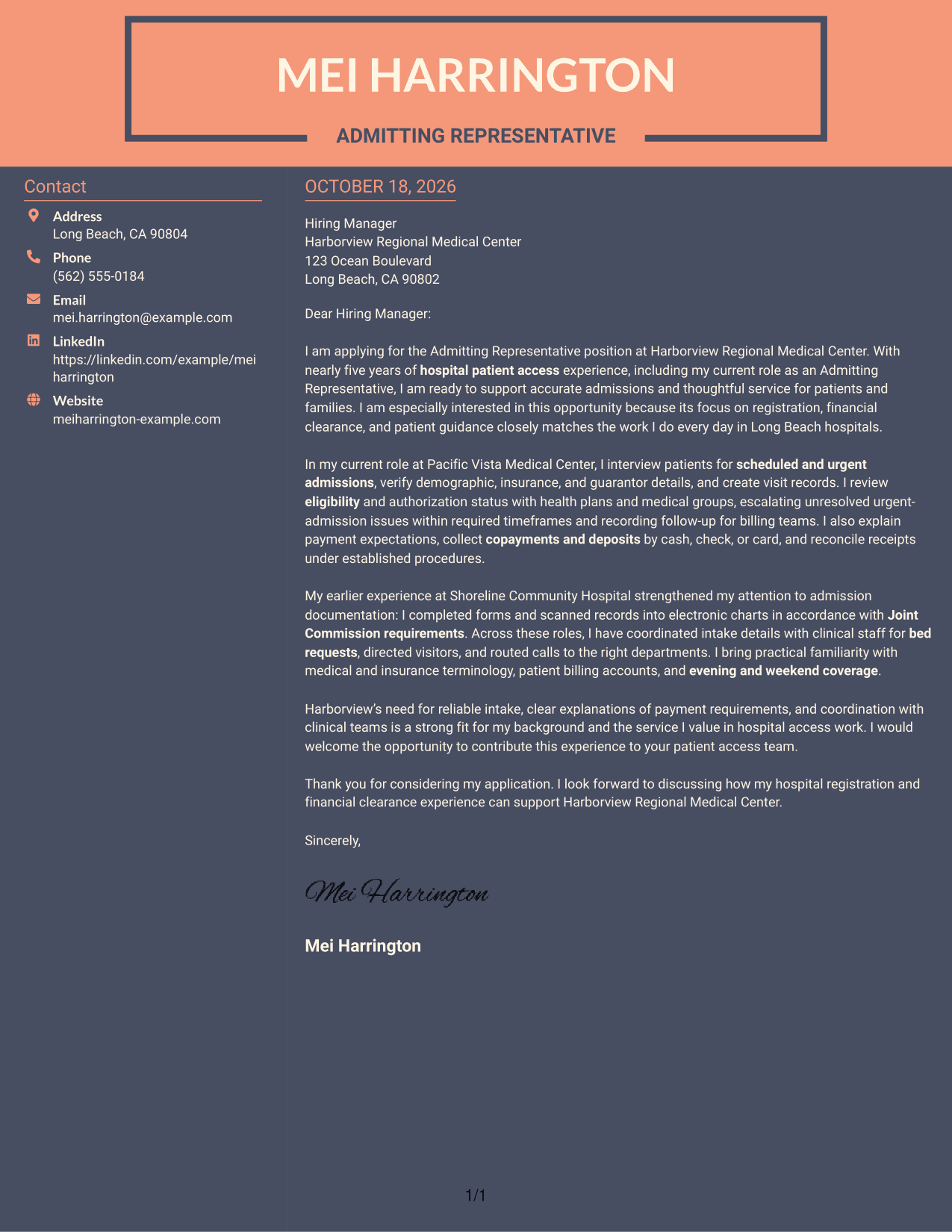
#7 Creative Two Tone Format Cover Letter Example
The contact sidebar and single letter body create two clear areas for sender information and the message.
Why This Format Works
- Sender details remain distinct from the letter’s connected paragraphs.
- The main body keeps motivation and supporting evidence in one reading sequence.
- The sidebar lets reviewers refer to contact information without breaking the message’s flow.
Best For
- Contact details in a sidebar
- A single continuous letter body
- Connected motivation and evidence
- Separate sender information
- Letters without a portrait
Why Use ResumeInMinutes for an Admitting Representative - Hospital Patient Access Cover Letter
Compare the image previews to find a letter style that feels clear and professional. You can open an example in the editor to customize its presentation and wording for the role.
- Clear, readable letter styles
- Professional layouts
- Role-focused examples
- Simple letter structure
- Support for tailored writing
- Cover letter examples in the editor
Use the examples to explain your approach to registration, financial clearance, patient communication, and hospital coordination in a way that fits the position.
See Also
- 7 Admitting Representative - Hospital Patient Access Resume Templates with Example
- 7 Patient Access Representative III - Emergency Department Resume Templates with Example
- 7 Patient Access Representative - Registration and Care Coordination Resume Templates with Example
- 33 Part Time Patient Customer Service Representative Resume Templates with Example 2026 (ATS-Optimized)
- 33 Part Time Patient Service Representative Resume Templates with Example 2026 (ATS-Optimized)
- 7 Patient Representative - Patient and Family Relations Resume Templates with Example
- 33 Advanced Worker – Area Sales Representative Resume Templates with Example 2026 (ATS-Optimized)
- 33 Annual Reports Client Service Representative Resume Templates with Example 2026 (ATS-Optimized)
- 7 Patient Access Representative - Registration and Care Coordination Cover Letter Templates with Example
- 30+ Part Time Patient Customer Service Representative Cover Letter Templates with Example 2026
Frequently Asked Questions
What should an Admitting Representative - Hospital Patient Access cover letter include?
Show how your experience relates to patient registration, insurance and authorization follow-up, payment explanations, and patient service. Use specific examples that are accurate to your background.
How can I show that I understand hospital admission work?
Describe relevant tasks, such as confirming patient details, preparing admission records, coordinating with clinical staff, or helping patients understand payment requirements. Explain how your actions support accurate and timely intake.
How should I connect my experience to the hospital?
Refer to the needs stated in the job posting, then connect them to work you have actually done. Keep the reason for your interest specific and sincere.
Which cover letter style should I choose?
Choose a clean style that is easy to read and gives your message room to stand out. Compare the image previews, then open a suitable example in the editor if you want to customize it.
Should I include a photo on my cover letter?
For U.S. applications, a no-photo style is usually a safe choice. Follow the employer’s instructions if they give specific guidance.




