
7 AI Application Solutions Architect - Generative AI Cover Letter Templates with Example
This practical guide to an AI Application Solutions Architect - Generative AI cover letter presents one example in seven layouts to help you shape a clear, evidence-led application.
What Makes a Great AI Application Solutions Architect - Generative AI Cover Letter in 2026
A strong letter explains how you turn business needs into sound AI architecture choices. Show how you weigh RAG, agent, workflow, or non-AI options and plan for production needs.
Use clear evidence, such as prototype evaluation, architecture decisions, or security reviews. Connect that evidence to the employer’s needs and explain why your approach fits its business and communication context.
The featured example moves from role motivation to a specific technical example, broader architecture fit, and a direct close. Adapt this focused progression while choosing a presentation that suits the employer and communication context.
#1 Simple One Column Format Cover Letter Example
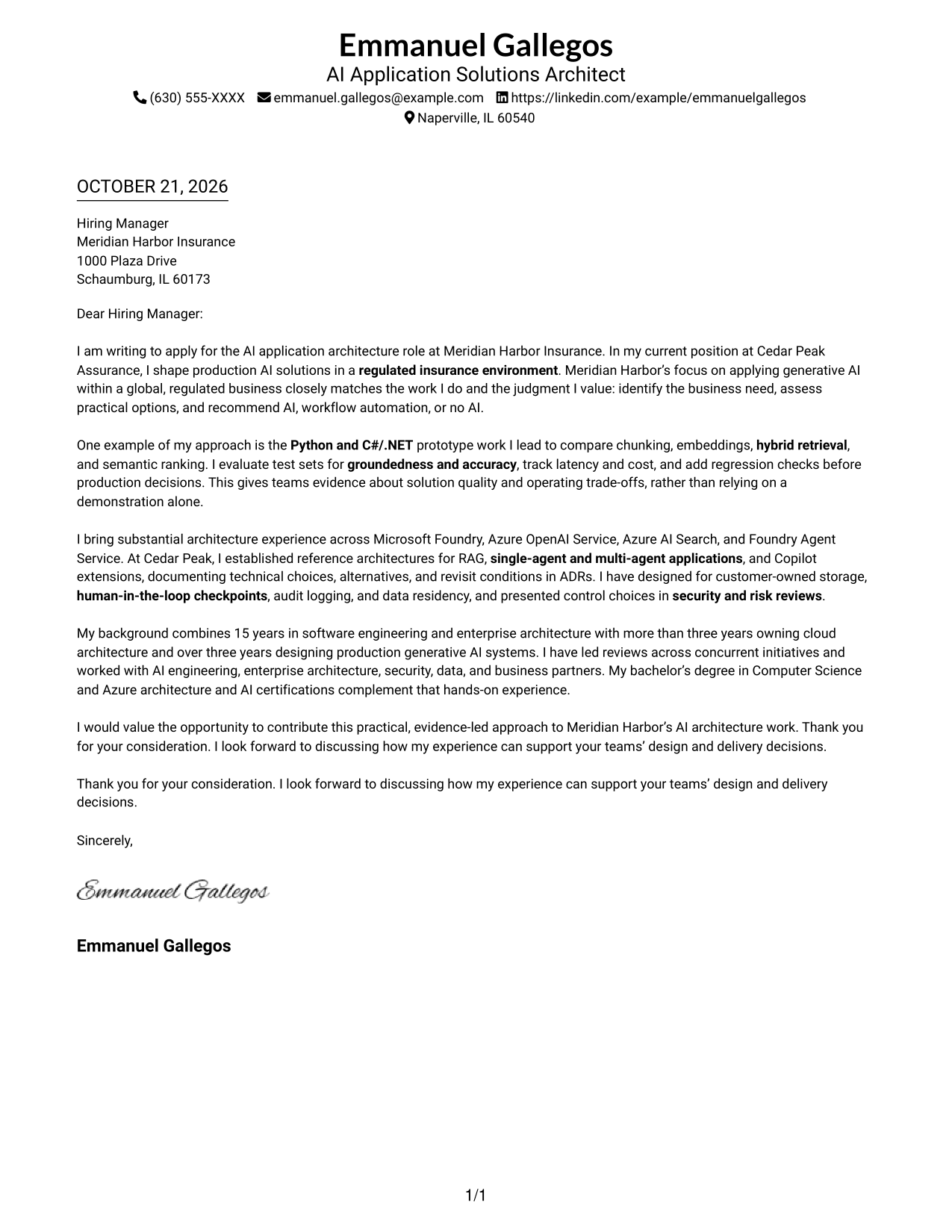
The Simple One Column Format places sender details in the header and keeps the message in one continuous body, so the letter reads from opening to closing without a sidebar.
Why This Format Works
- Header contact details leave the letter body in one reading path.
- Continuous paragraphs let reviewers follow motivation, evidence, and closing in order.
- One body column keeps attention on the message rather than a separate contact panel.
Best For
- Traditional letter reading order
- Continuous motivation-to-close narratives
- Contact details in the header
- Single-column correspondence
- Photo-free application materials
#2 Two Column Format Cover Letter Example
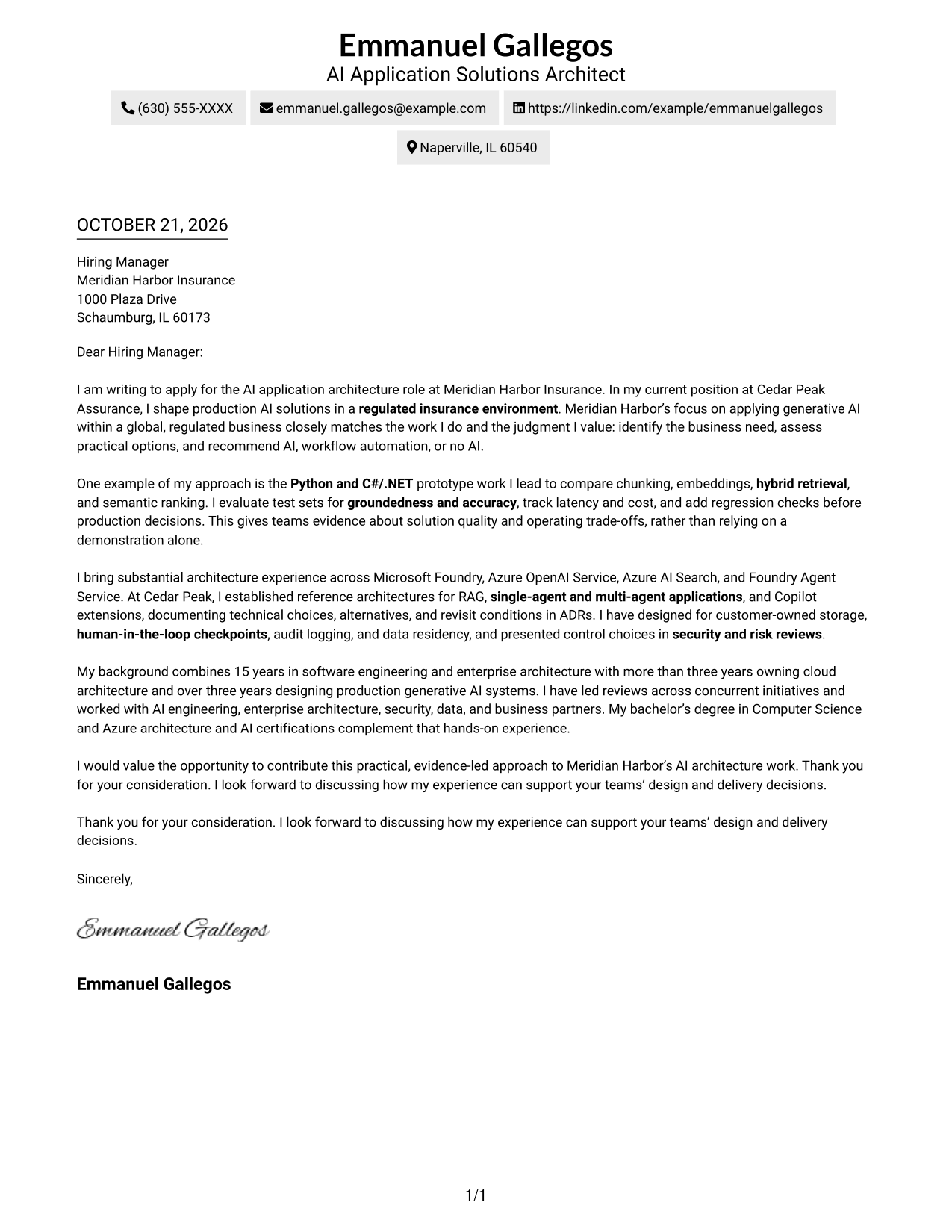
The Two Column Format places a contact sidebar beside one continuous letter body, keeping sender information apart from the message.
Why This Format Works
- The contact sidebar gives sender information a consistent, easy-to-find place.
- One continuous body carries the message from opening through closing.
- The side-by-side arrangement separates correspondence details from the letter's main argument.
Best For
- Contact details beside the message
- Continuous multi-paragraph letters
- Side-by-side information layout
- Quick access to sender information
- Photo-free correspondence
#3 Photo Header Two Column Format Cover Letter Example
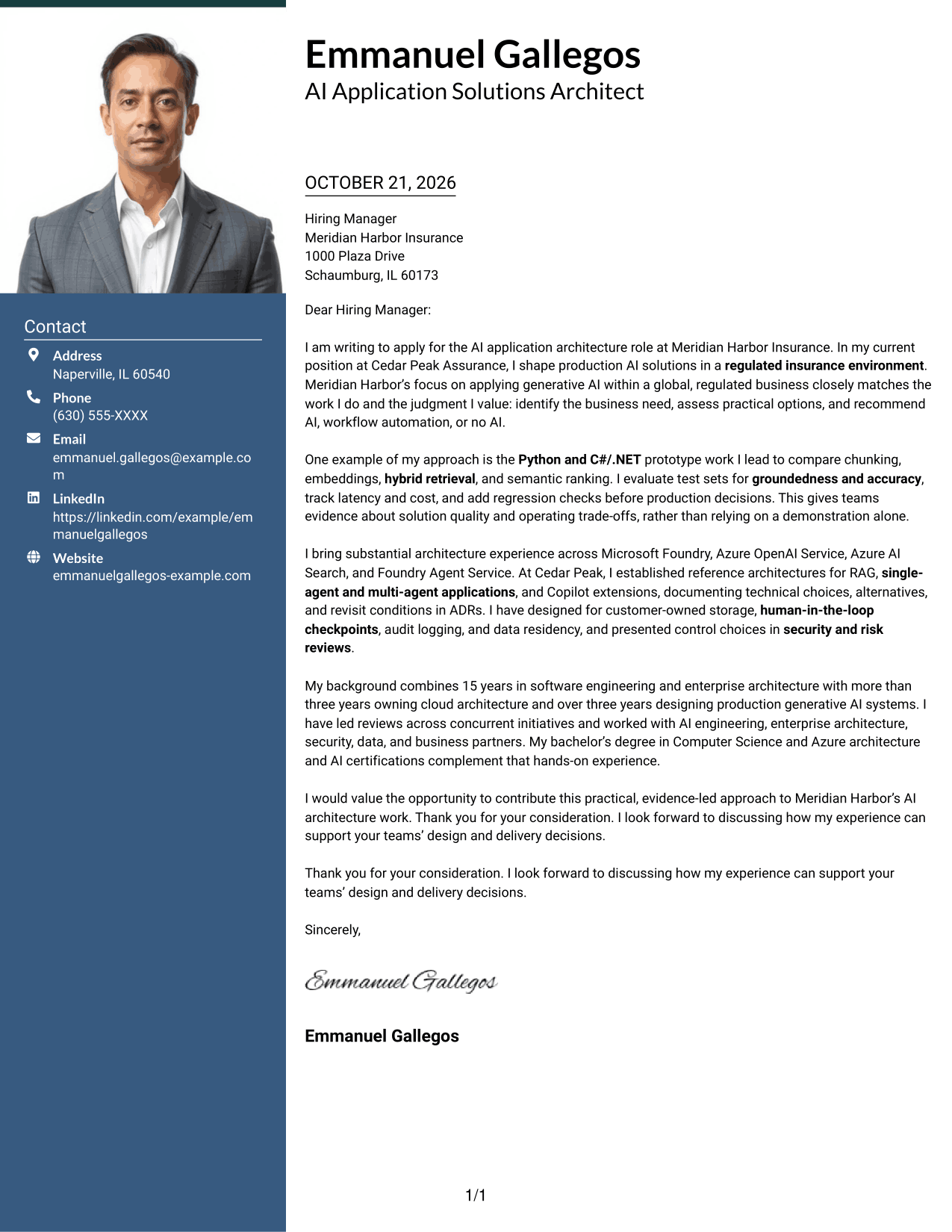
The Photo Header Two Column Format includes a photo with a contact sidebar beside one continuous letter body, adding a visible personal element without dividing the message.
Why This Format Works
- The photo adds a visible personal element to the letter's presentation.
- Contact details stay apart from the continuous message in the sidebar.
- The uninterrupted body lets reviewers follow the letter's argument in order.
Best For
- Applications where a portrait is preferred
- Contact details beside the letter
- Continuous persuasive narratives
- A visible personal introduction
- Two-column letter organization
#4 One Column Format with Photo Cover Letter Example
The One Column Format with Photo includes a photo and keeps sender details in the header above one continuous letter body, bringing the visual introduction and message into a single reading path.
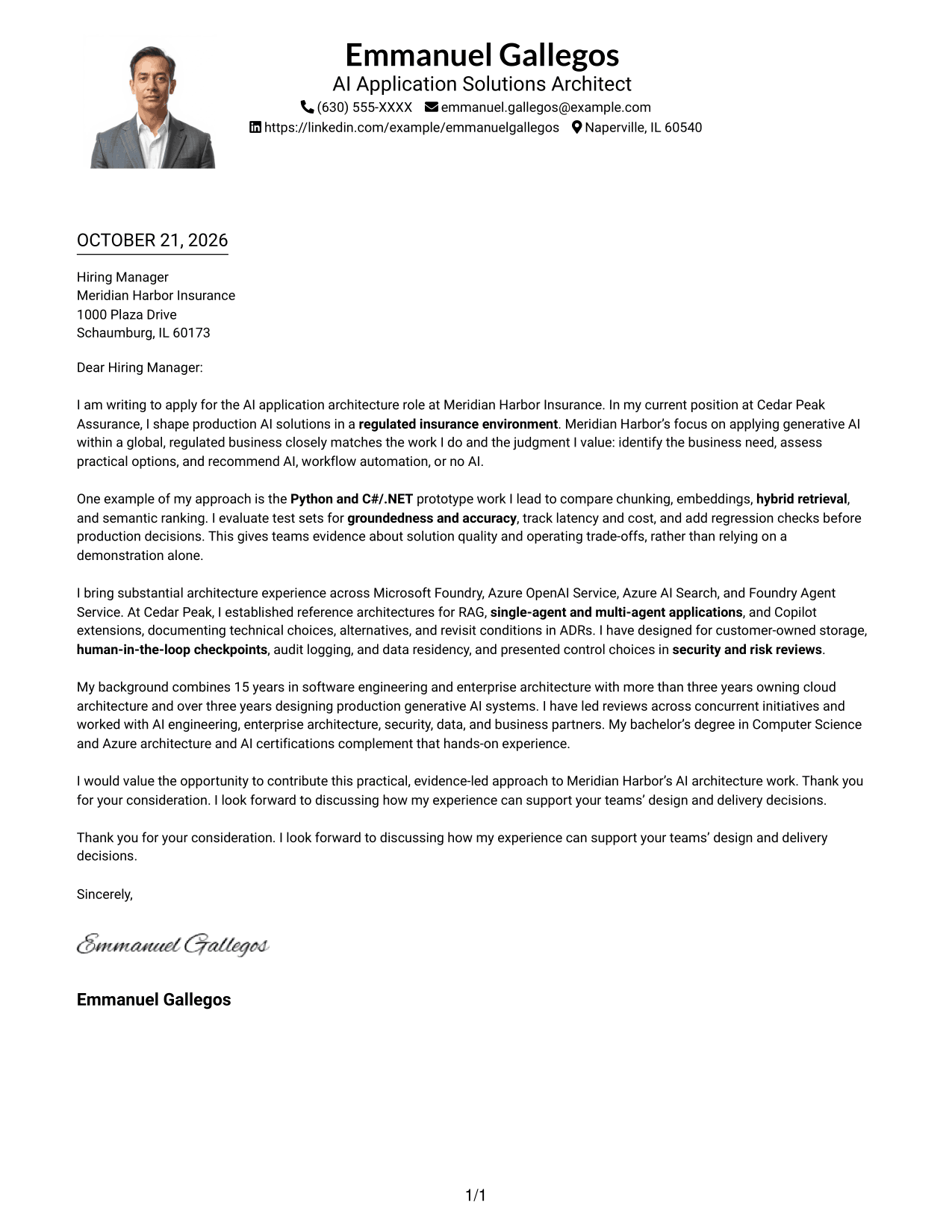
Why This Format Works
- The photo gives the header a visible personal element without interrupting the letter.
- Header contact details sit apart from the continuous body paragraphs.
- A single reading path carries the message from its opening to its closing.
Best For
- Letters that include a portrait
- Single-column message flow
- Contact details above the letter
- Continuous application narratives
- A visual introduction with one body column
#5 Simple Two Column Format Cover Letter Example
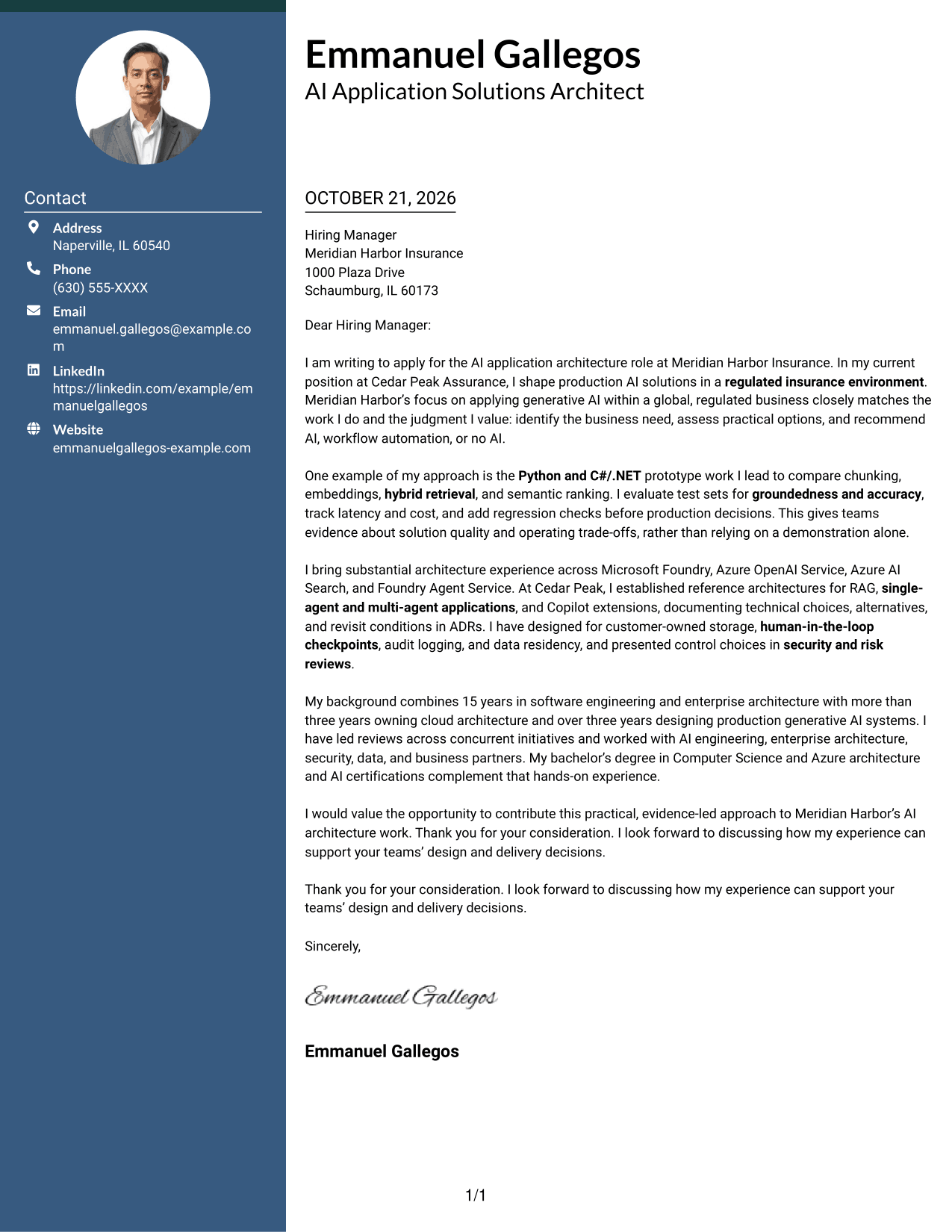
The Simple Two Column Format sets contact details in a sidebar beside one continuous letter body, so the correspondence information and the message have separate places.
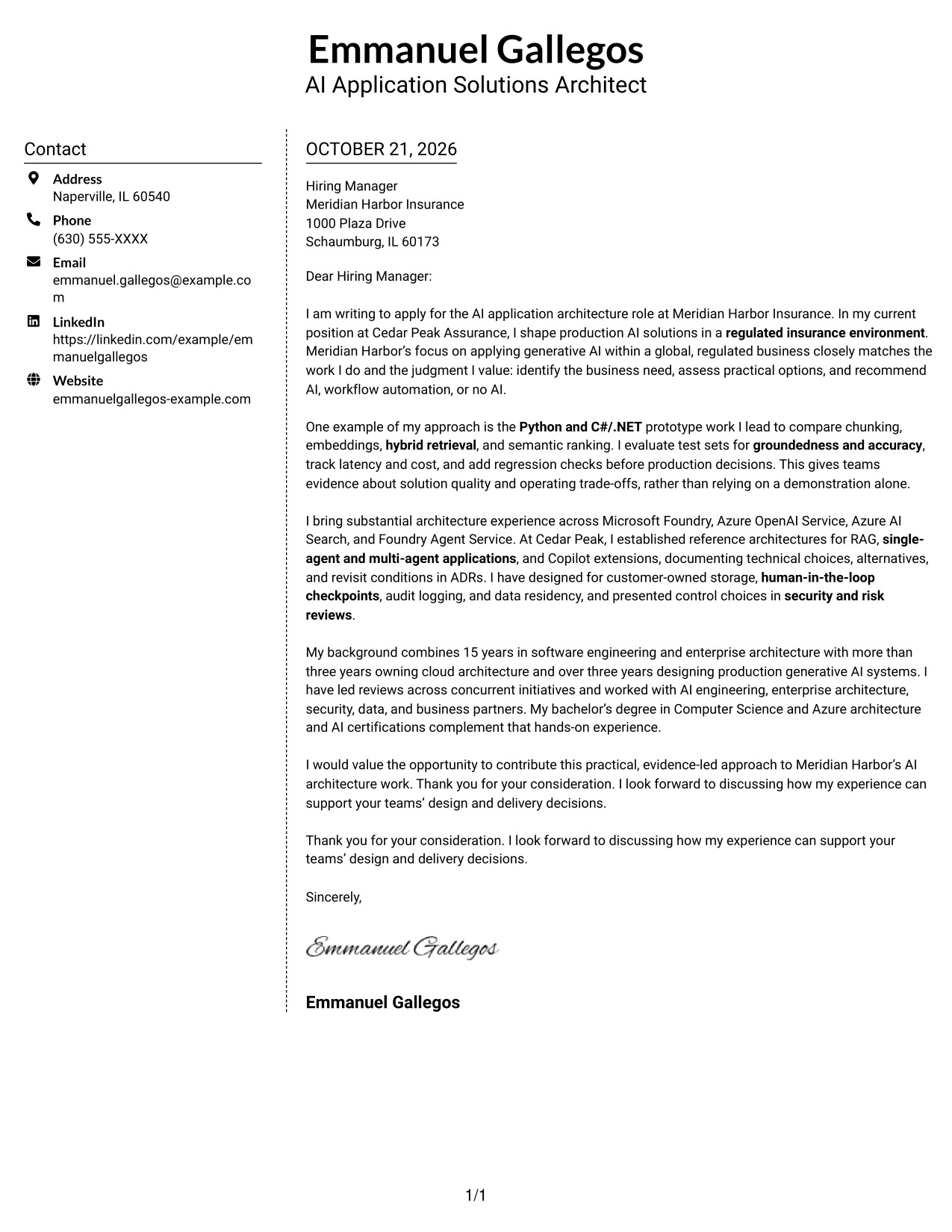
Why This Format Works
- The sidebar keeps contact information available without placing it inside the message.
- A continuous letter body preserves the sequence of the persuasive case.
- Separate areas make the sender details and letter content easy to distinguish.
Best For
- Contact information beside the letter
- A continuous persuasive case
- Two-column information organization
- Sender details kept out of the body
- Photo-free letters
#6 Modern Icon Format Cover Letter Example
The Modern Icon Format uses a contact sidebar beside one continuous letter body, with icons serving as cues for contact details rather than labels for parts of the message.
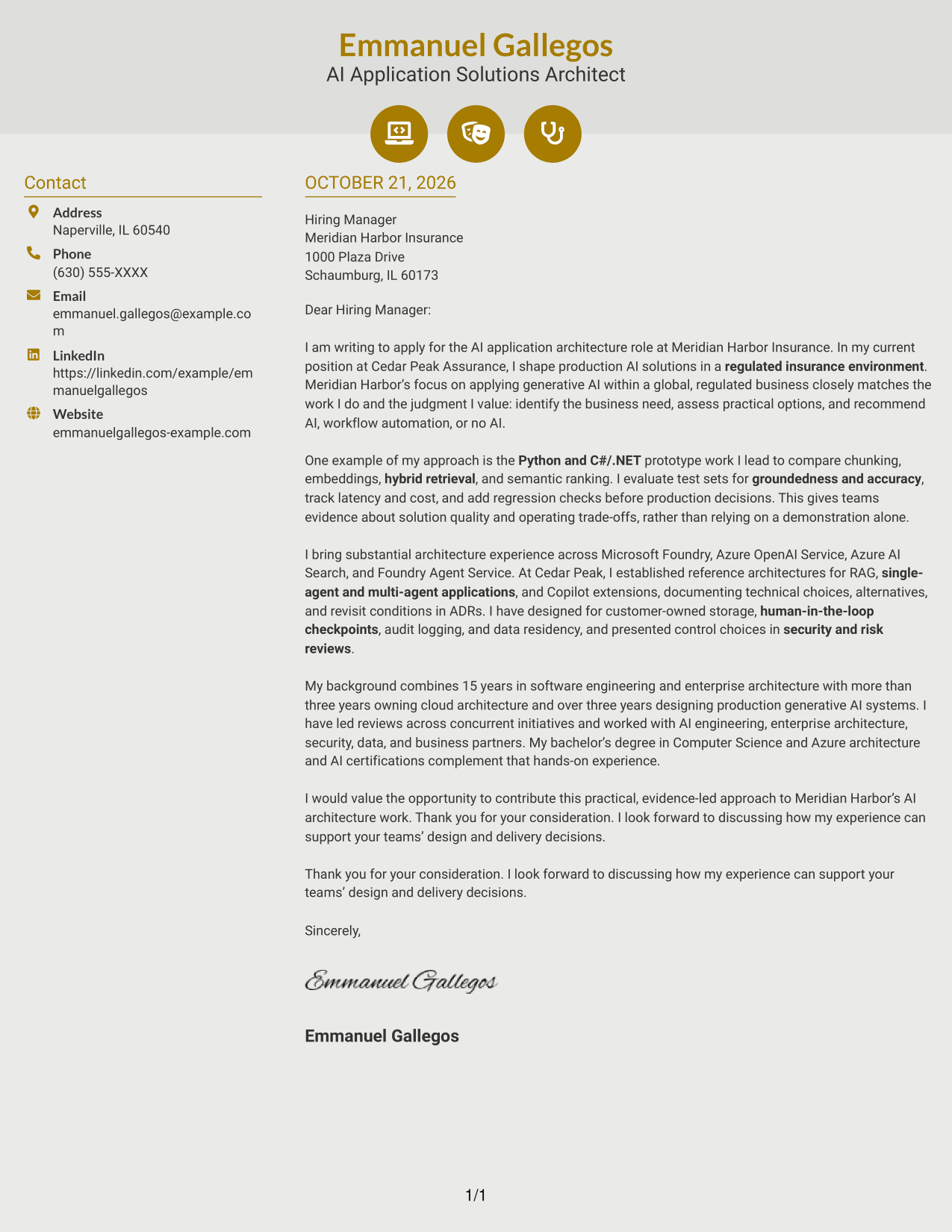
Why This Format Works
- Contact icons help distinguish correspondence details from the letter itself.
- The main message remains a continuous body from opening through closing.
- Icons stay with contact information instead of dividing the argument into stages.
Best For
- Icon cues for contact details
- Continuous letter narratives
- Contact information in a sidebar
- A modern visual accent
- Photo-free correspondence
#7 Creative Two Tone Format Cover Letter Example
The Creative Two Tone Format places a contact sidebar beside one continuous letter body, keeping sender details separate while the message moves from opening to close.
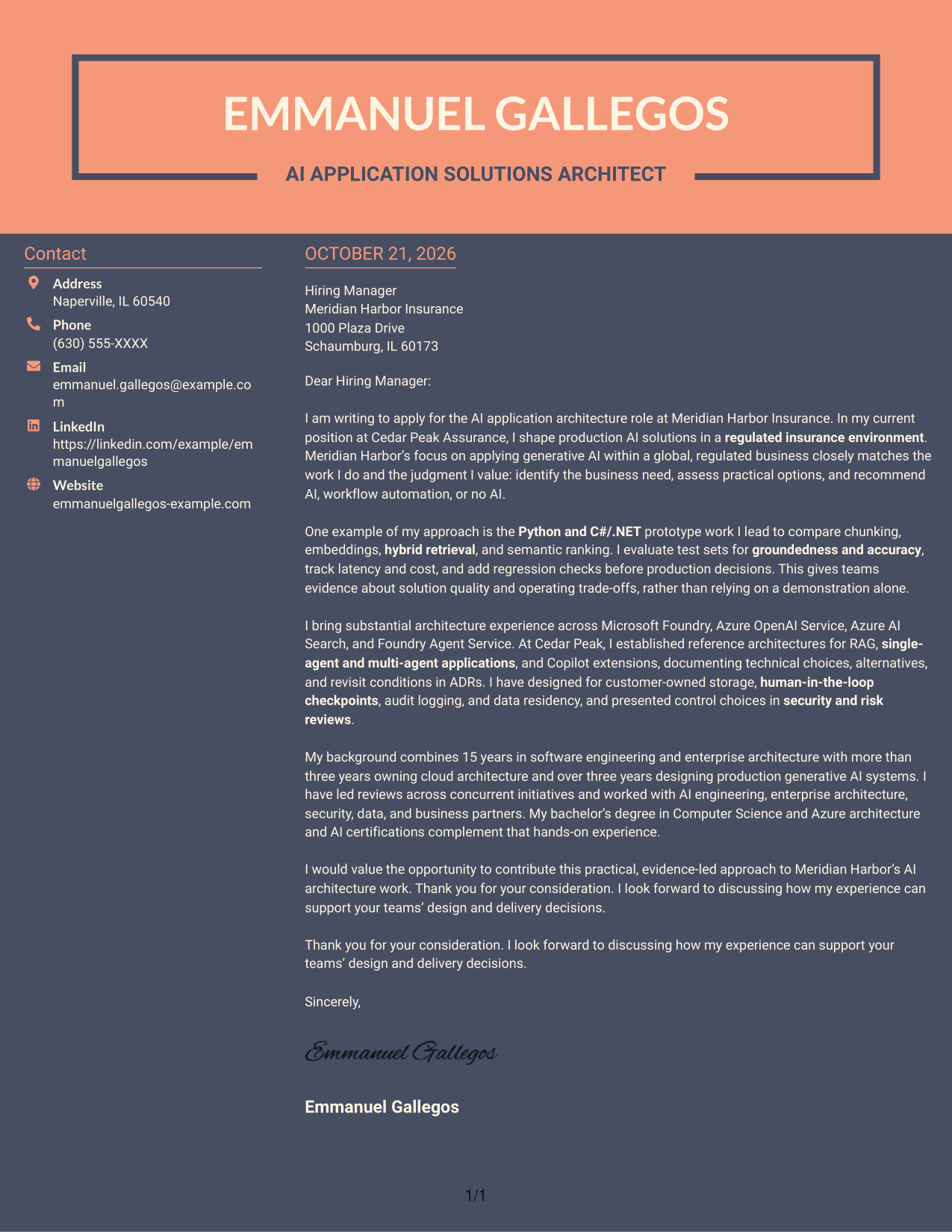
Why This Format Works
- The contact sidebar gives correspondence details a place apart from the message.
- Reviewers can follow the letter's argument in one uninterrupted body.
- The two-column arrangement keeps contact information distinct from the letter's paragraphs.
Best For
- Contact details separate from the message
- A continuous opening-to-close narrative
- Two-column letter organization
- Easy-to-find sender information
- Photo-free application letters
See Also
- 7 AI Application Solutions Architect - Generative AI Resume Templates with Example
- 7 Lead Solution Architect - Generative AI and AWS Resume Templates with Example
- 7 Enterprise Solution Architect - Application Modernization Resume Templates with Example
- 7 AI Engineering Solutions Architect Resume Templates with Example
- 33 AI/ML Solutions Architect Resume Templates with Example 2026 (ATS-Optimized)
- 33 AI Solutions Architect Resume Templates with Example 2026 (ATS-Optimized)
- 7 Associate AI Solution Architect - Enterprise GenAI Resume Templates with Example
- 7 Agentic Solution Architect Resume Templates with Example
- 7 Lead Solution Architect - Generative AI and AWS Cover Letter Templates with Example
- 7 Enterprise Solution Architect - Application Modernization Cover Letter Templates with Example
Frequently Asked Questions
What should the opening paragraph say for this role?
State the AI Application Solutions Architect - Generative AI role and give a clear reason for your interest. Connect that reason to the employer’s business needs and your relevant architecture experience.
What technical evidence belongs in the body of the letter?
Choose one or two relevant examples. You might describe testing retrieval quality, groundedness, accuracy, latency, or cost, then explain how the evidence helped guide a design decision.
How can I show that I understand production AI architecture?
Explain how your design choices address practical needs such as security, data residency, audit logging, operational support, and cost. Include only details that reflect your own work.
How should I discuss tools such as Microsoft Foundry or Azure AI Search?
Name tools when they support a specific example. Briefly explain how you used them to make or test an architecture decision instead of presenting a long list of product names.
What is a clear way to close this cover letter?
Restate your interest and the value you could bring to the team. Thank the reader and invite a conversation about how your approach can support the organization’s AI architecture work.
Can I view an example before opening it in the editor?
Yes. Review the PNG image preview to see the presentation, then use the editor link to view or customize the example.




