
7 AI Automation Engineer - Workflow Automation Resume Templates with Example
This guide shows you how to build an AI Automation Engineer - Workflow Automation resume that is clear, focused, and easy to review. You will learn how to organize relevant evidence so recruiters can quickly assess your fit for this role.
Strong resumes connect workflow tools and technical skills to practical work. Use concise bullets to show how you built or tested automations, connected systems with APIs or webhooks, handled errors, and documented results.
The resume example is presented in 7 layouts. Compare the PNG image previews to see how each format organizes experience, skills, education, and project evidence, then open an example in the editor to view or customize it.
What Makes a Great AI Automation Engineer - Workflow Automation Resume in 2026
A strong resume is easy to scan and backs up each skill with clear evidence. Use focused sections and specific bullets to show how you built, tested, monitored, or improved workflows.
Include relevant terms such as n8n, UiPath, Python, JavaScript, APIs, webhooks, GPT, NLP, computer vision, SQL, and RPA when your experience supports them. Add details about testing, troubleshooting, and documentation to show how you approach reliable automation.
Note: Resume examples are for educational purposes only. Use only information that accurately reflects your experience and qualifications. References to real organizations do not imply affiliation or endorsement.
#1 Simple One Column Format Resume Example
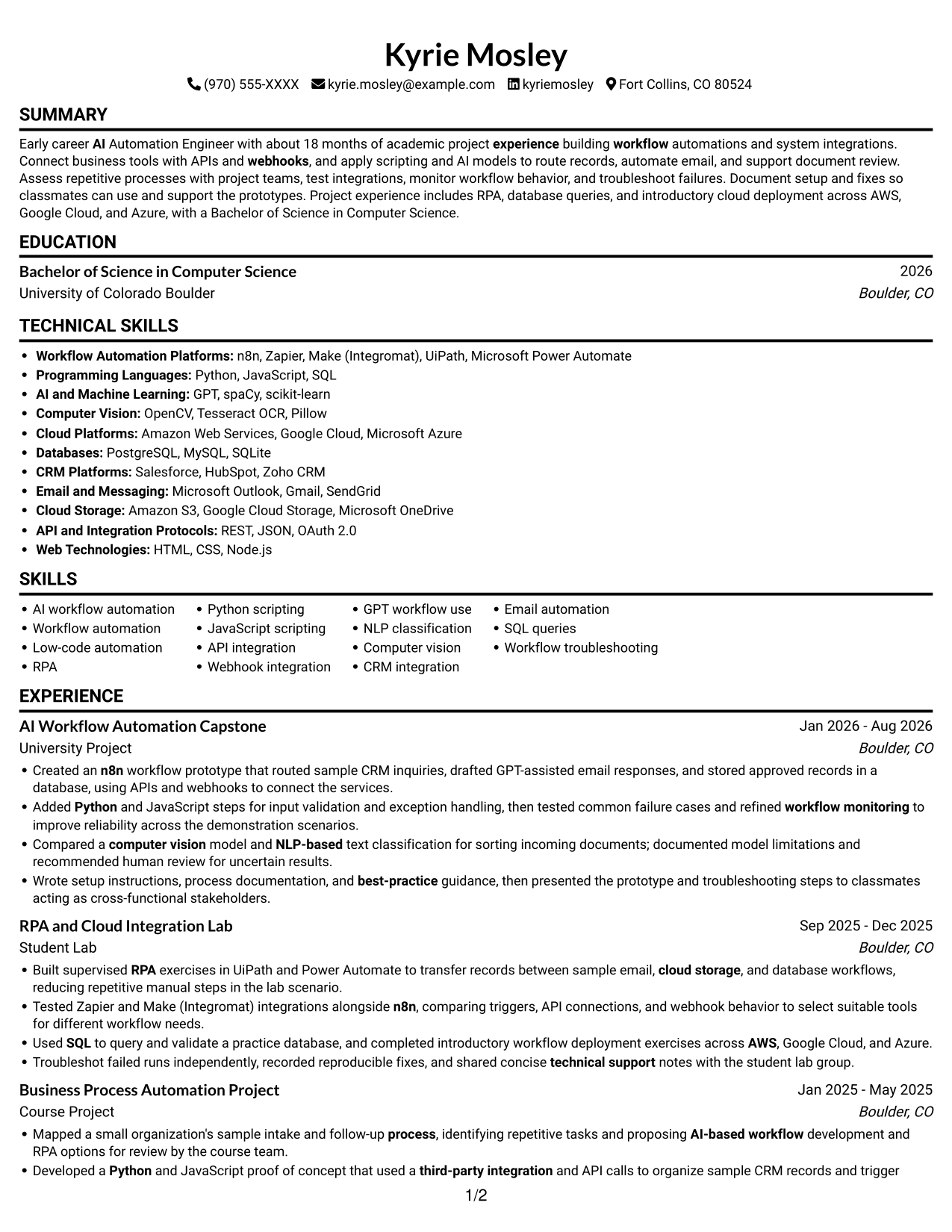
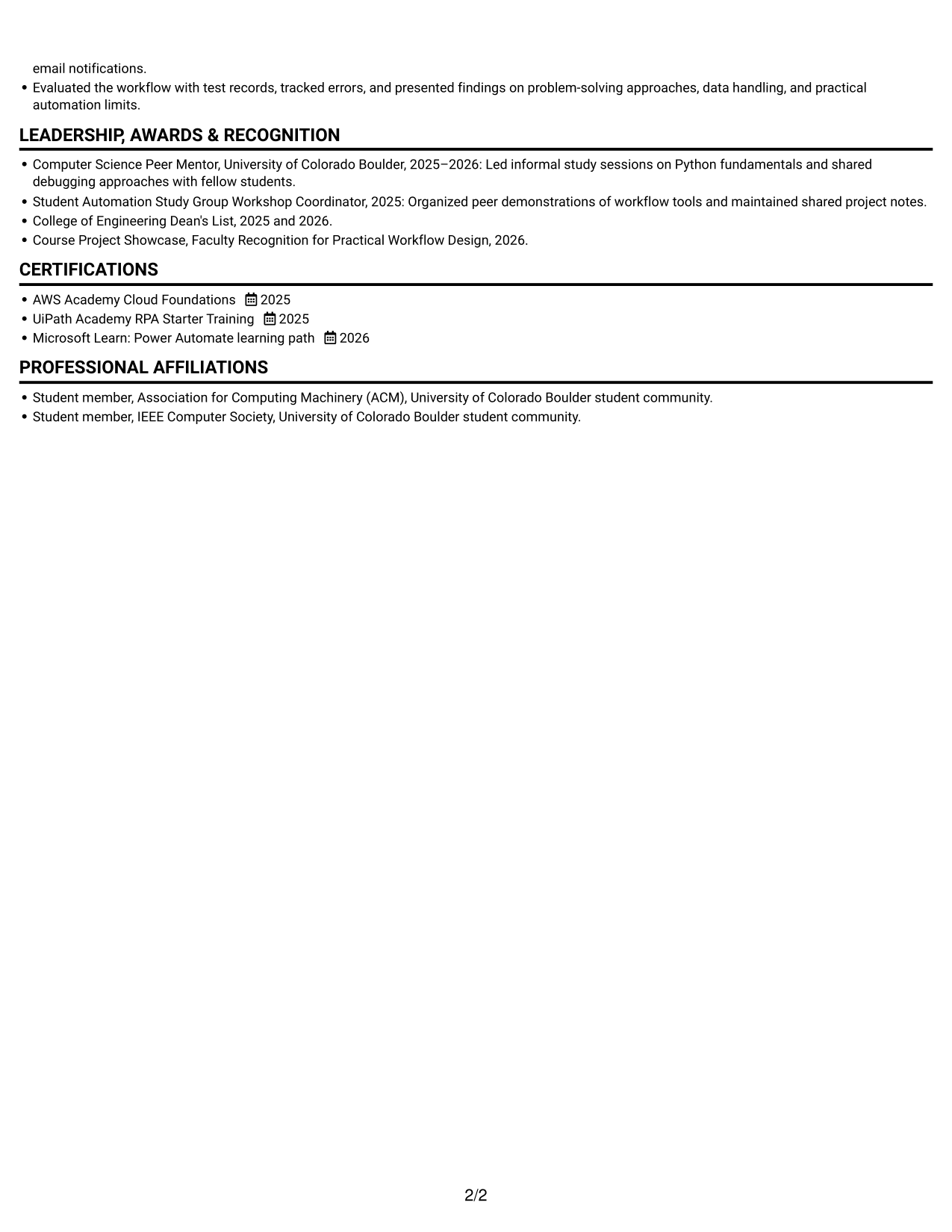
The Simple One Column Format places resume sections in one vertical reading path, a practical choice for reviewers who prefer to scan content in sequence.
Why This Format Works
- Experience, education, and credentials follow one reading path for a predictable review.
- Section breaks keep projects and skills distinct without creating parallel reading routes.
- Chronological entries remain easy to follow as reviewers move through career history.
Best For
- Section-by-section recruiter review
- Chronological experience records
- Resumes with several content sections
- ATS-oriented text structure
- Text-first document preference
Resume Keywords
- n8n
- Python
- apply scripting and AI models to route records, automate email, and support document review
- API integration
- webhooks
- third-party integration
- GPT
- NLP
- Computer Vision
- workflow monitoring
- Workflow troubleshooting
- refined workflow monitoring to improve reliability across the demonstration scenarios
- identifying repetitive tasks and proposing AI-based workflow development and RPA options
- Mapped a small organization's sample intake and follow-up process
- Troubleshot failed runs independently
#2 Simple Two Column Format Resume Example
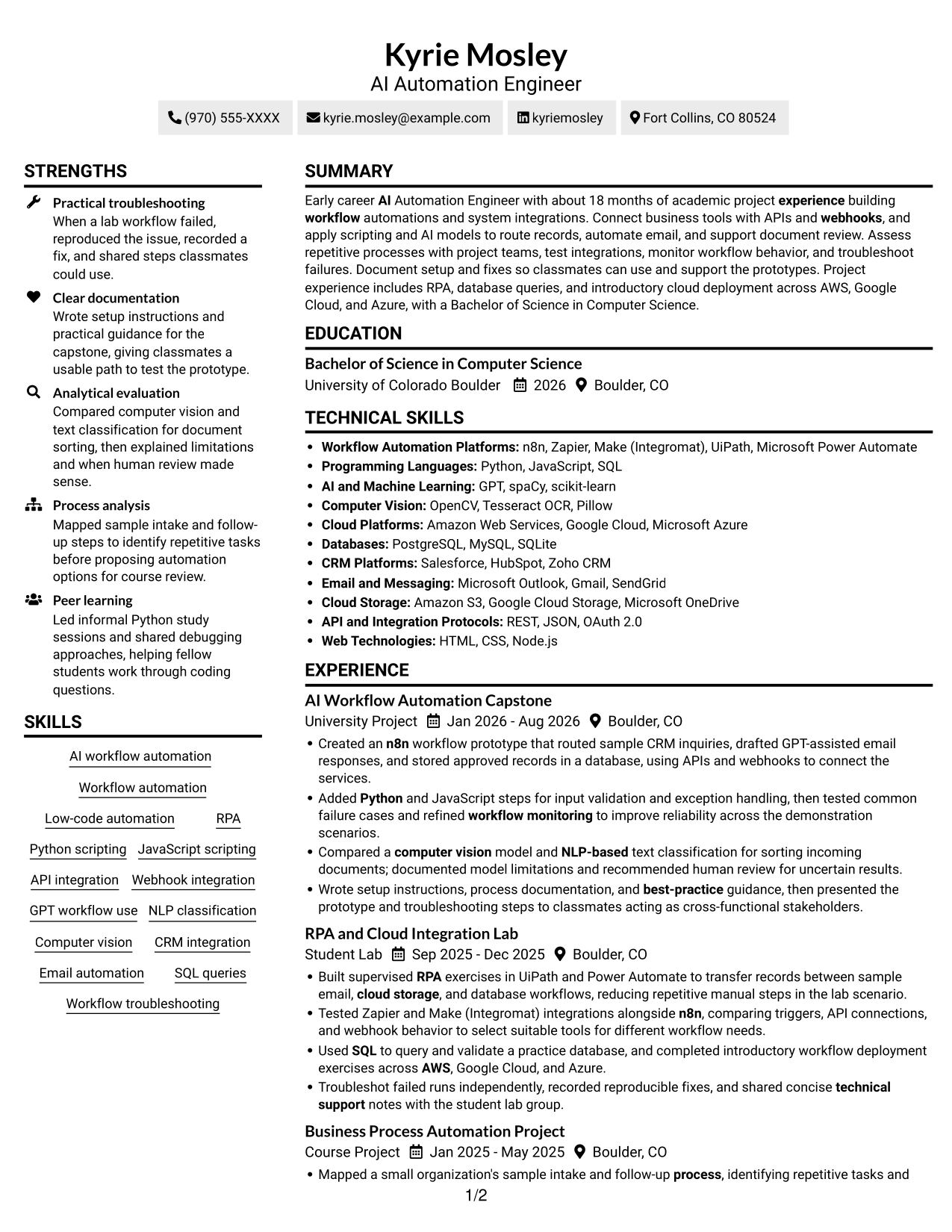
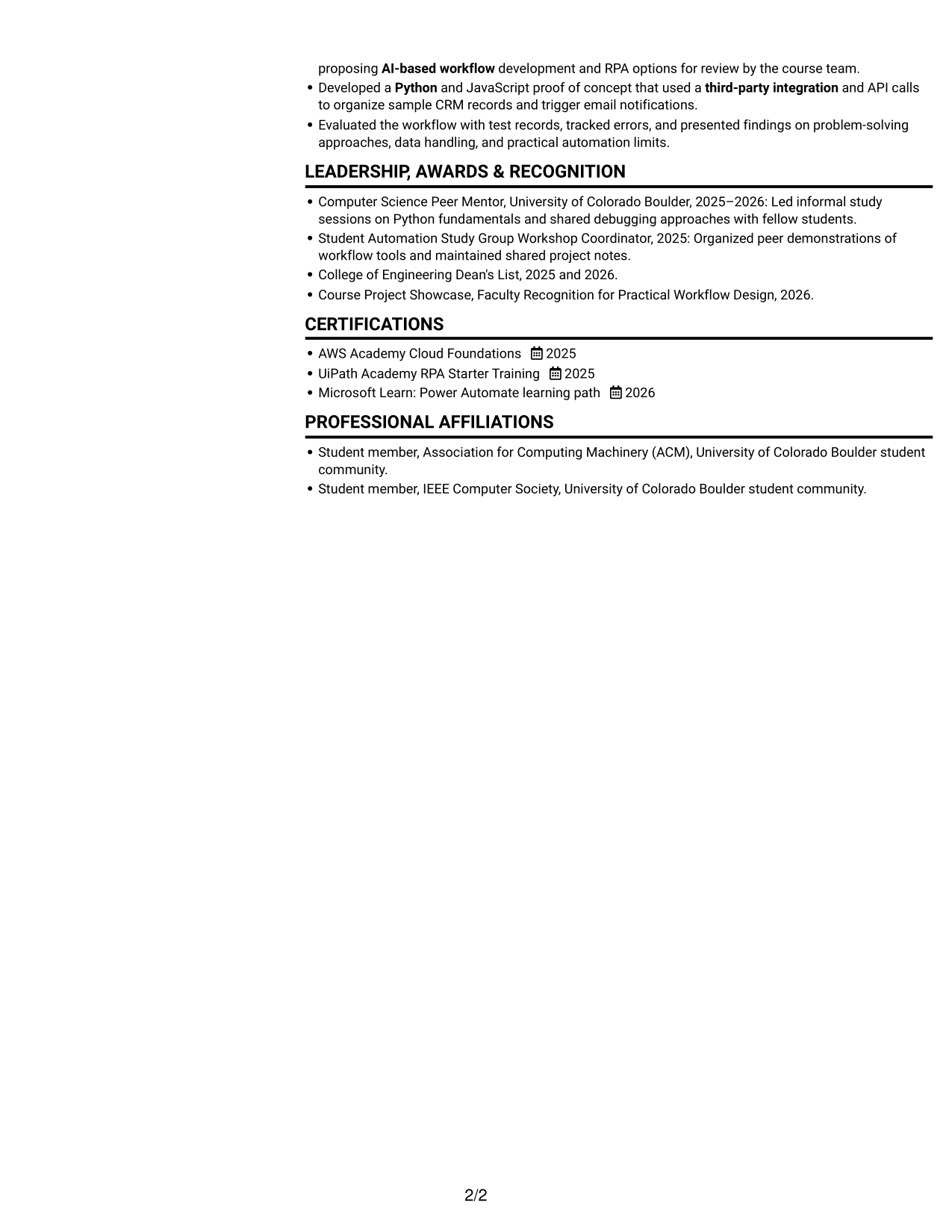
The Simple Two Column Format places resume information in two columns, a useful option for reviewers who want to scan related sections side by side.
Why This Format Works
- Side-by-side sections let reviewers locate experience and supporting details within the same view.
- Separate columns can keep skills and credentials apart from experience entries.
- A clear reading order helps reviewers move between career history and education.
Best For
- Side-by-side section organization
- Resumes with varied content areas
- Quick comparison of experience and skills
- Compact supporting details
- Readers who prefer two columns
#3 Plain One Column with Shaded Labels Resume Example
The Plain One Column with Shaded Labels keeps the resume in one vertical column, a straightforward choice for readers who prefer a single path through its sections.
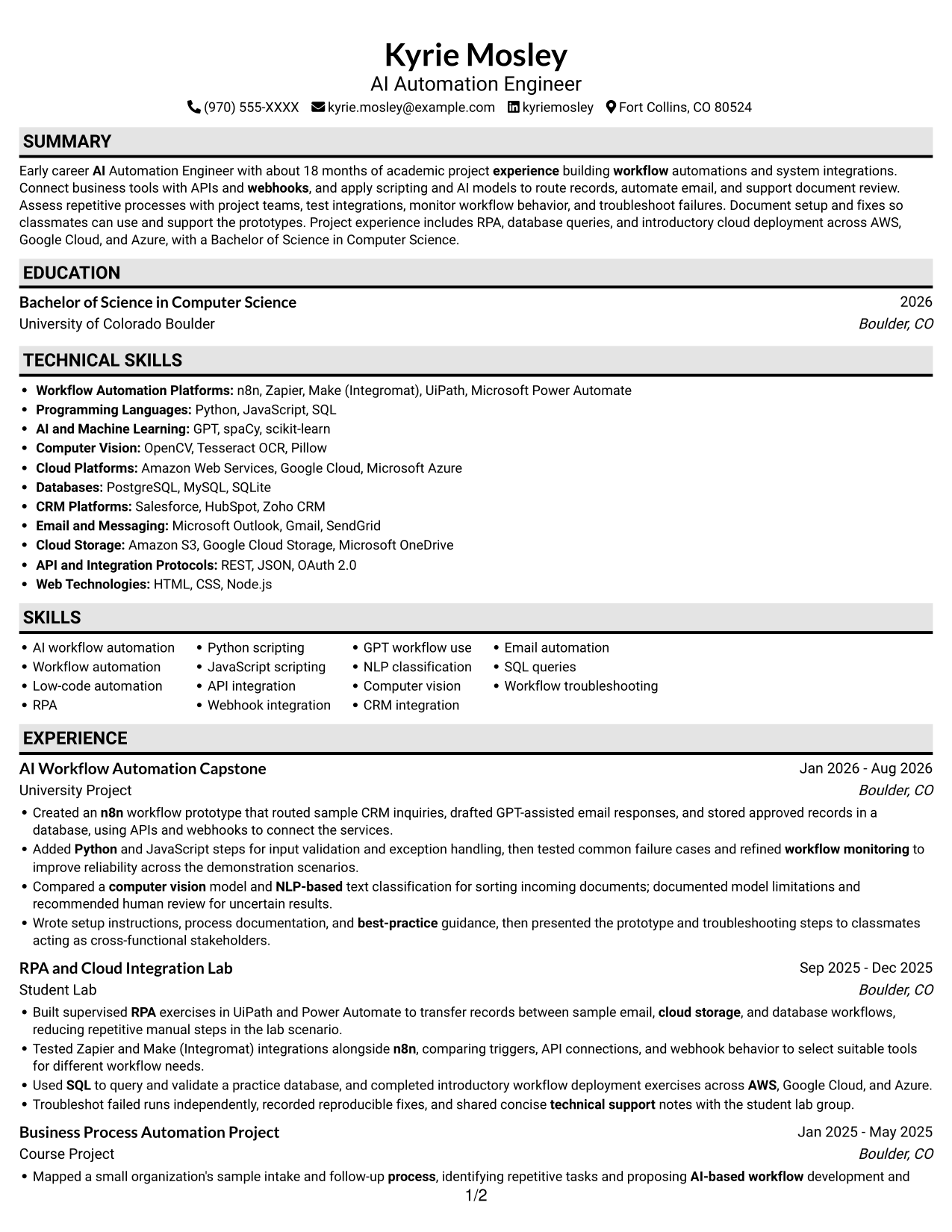
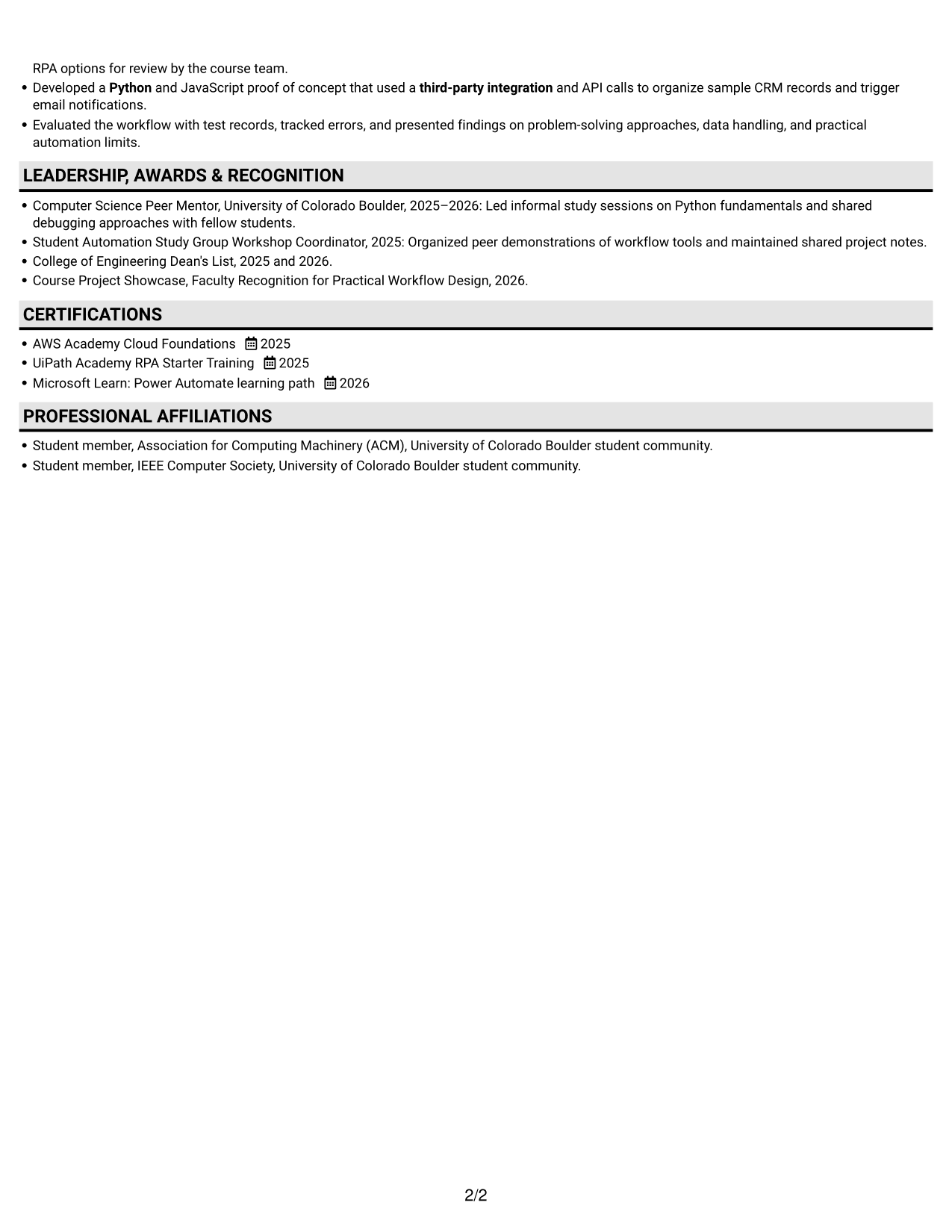
Why This Format Works
- A single vertical sequence helps reviewers follow experience from one entry to the next.
- Skills, education, and certifications remain part of the same overall reading order.
- Projects and measurable results can be reviewed without moving between parallel columns.
Best For
- Single-path resume review
- Sequential experience records
- Projects alongside work history
- Text-first section scanning
- Readers who prefer a vertical layout
#4 One Column Format with Photo Right Resume Example
The One Column Format with Photo Right pairs a vertical section sequence with a portrait on the right, suiting readers who want a photo within a familiar resume layout.
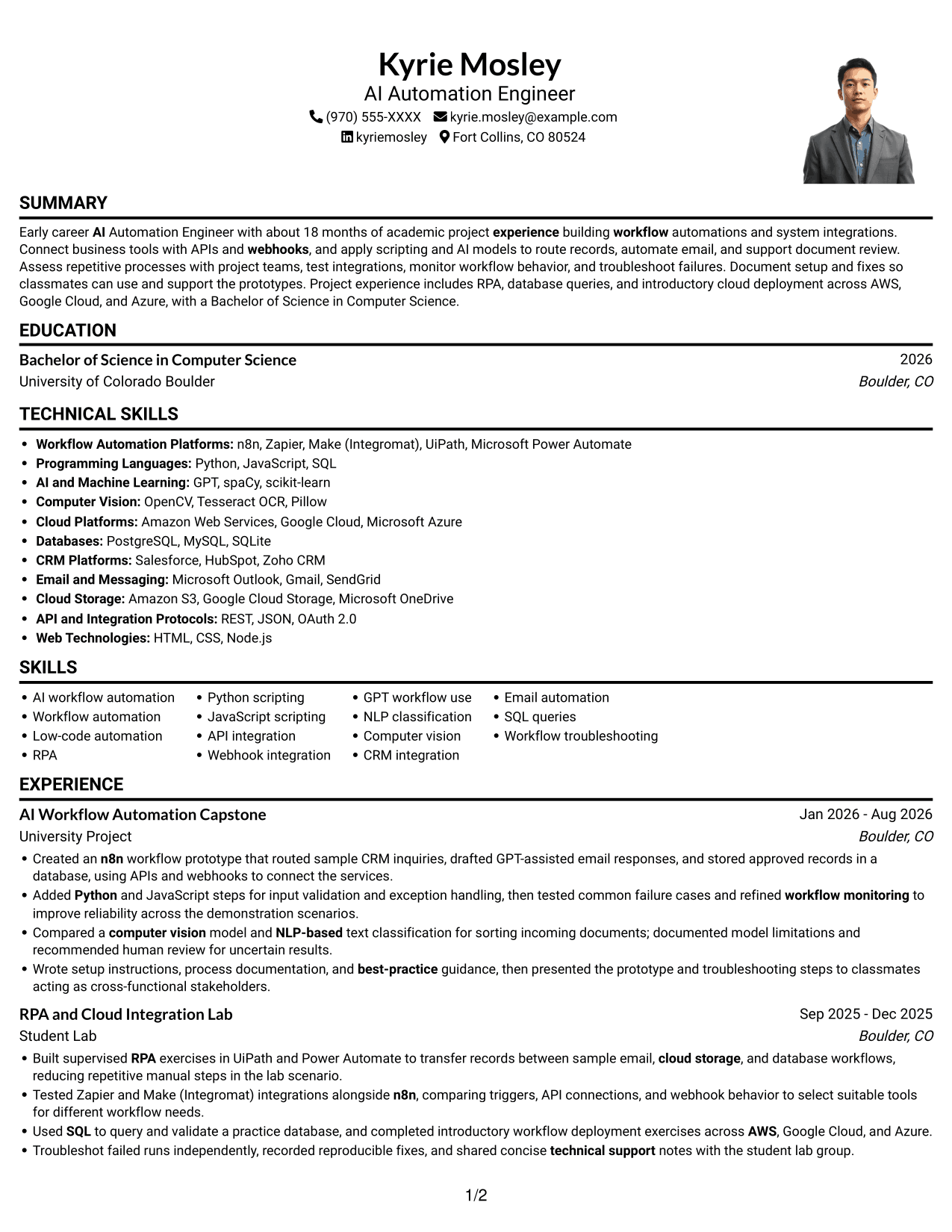
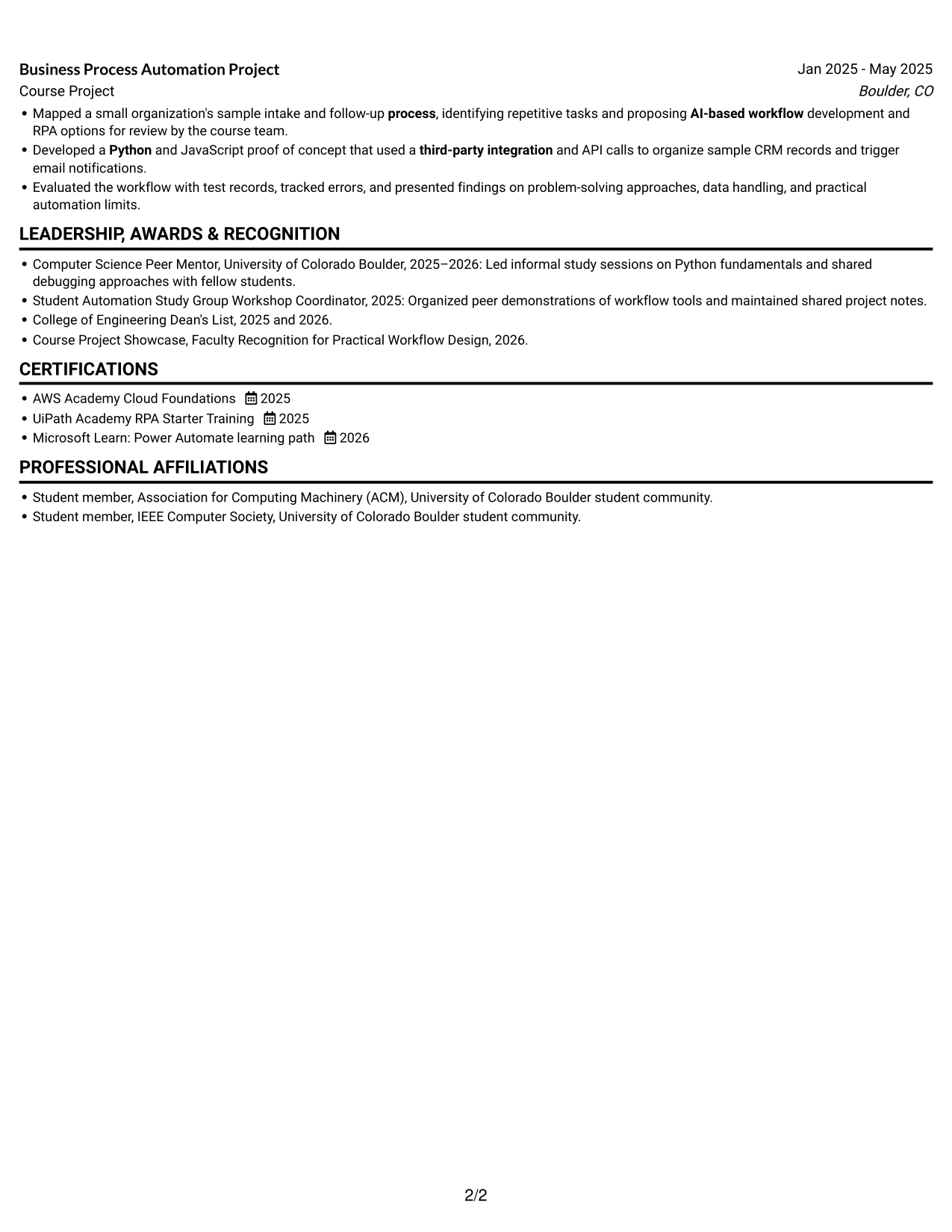
Why This Format Works
- The single-column sequence keeps experience, skills, and education in a consistent reading order.
- Reviewers can follow career progression without switching between body columns.
- A right-side portrait suits applications where a photo is expected in the resume.
Best For
- Single-column section review
- Applications requiring a portrait
- Sequential career history
- Readers who prefer a vertical layout
- Photo-inclusive resume presentation
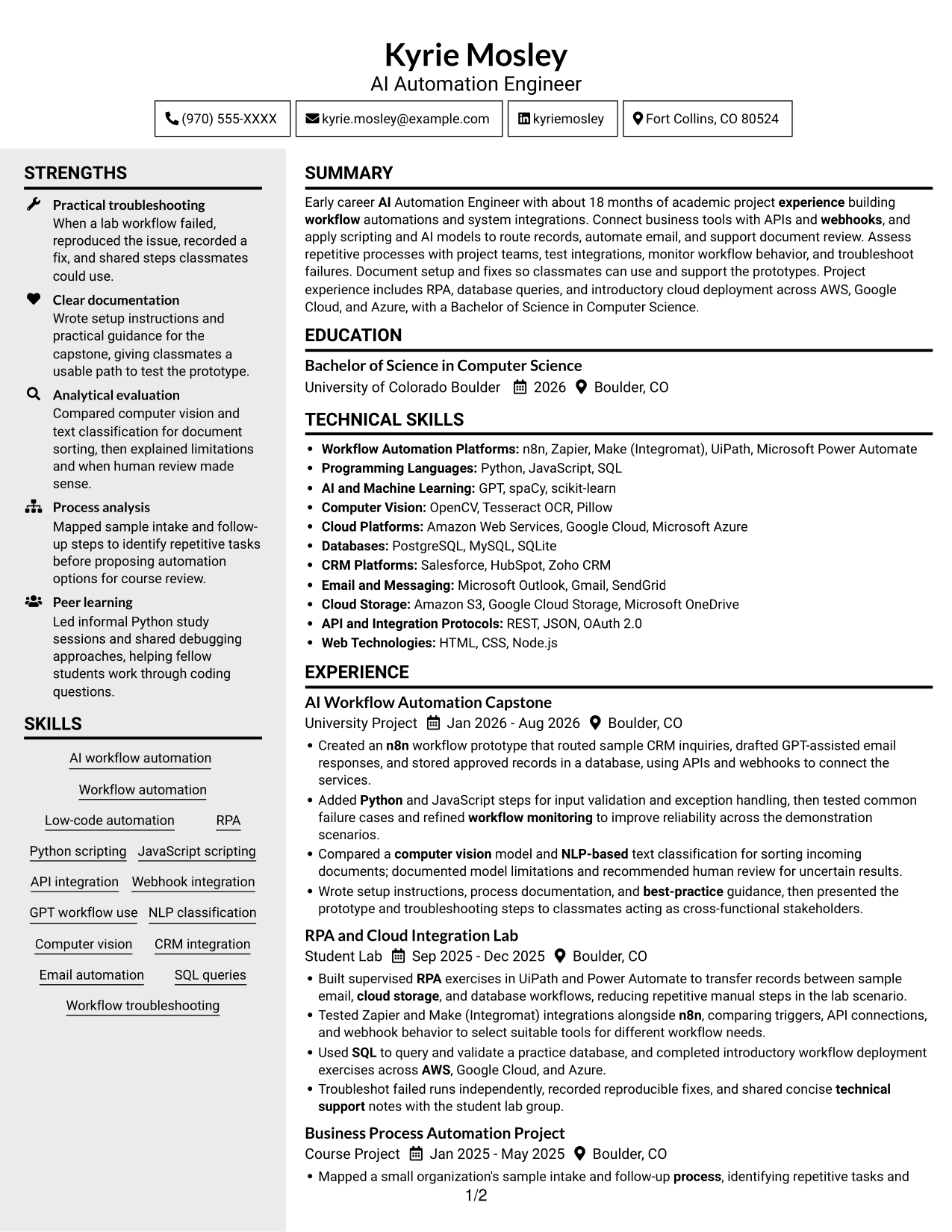
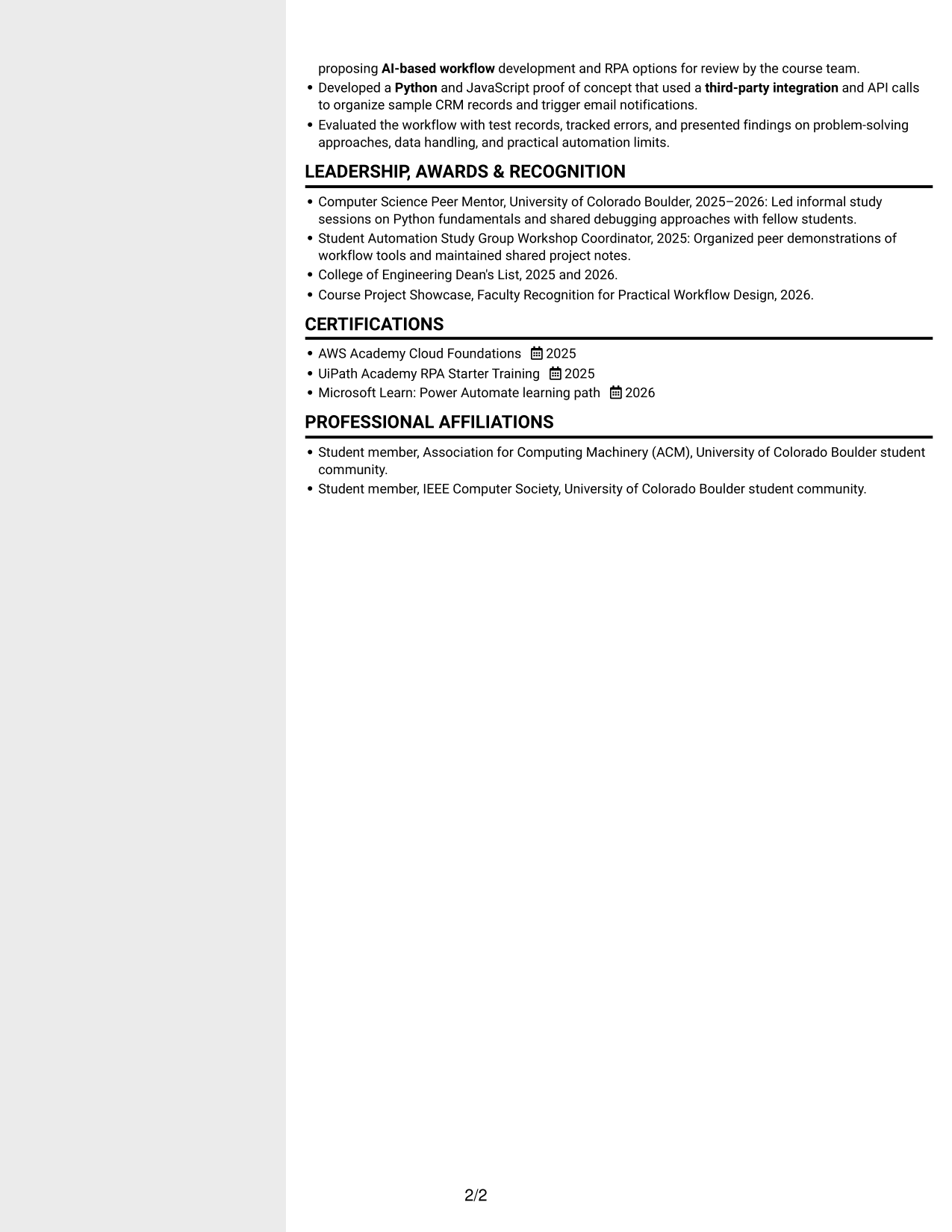
#5 Clean Two Column Sidebar Format Resume Example
The Clean Two Column Sidebar Format arranges resume content in two columns, a good fit for reviewers who value a clear separation between information areas.
Why This Format Works
- Two columns give experience and supporting resume sections distinct areas for review.
- The separate reading areas help reviewers find skills without losing the experience sequence.
- Education and credentials can be scanned apart from project and career details.
Best For
- Distinct resume information areas
- Experience with supporting sections
- Skills and credentials review
- Readers who scan by section
- Two-column document preference
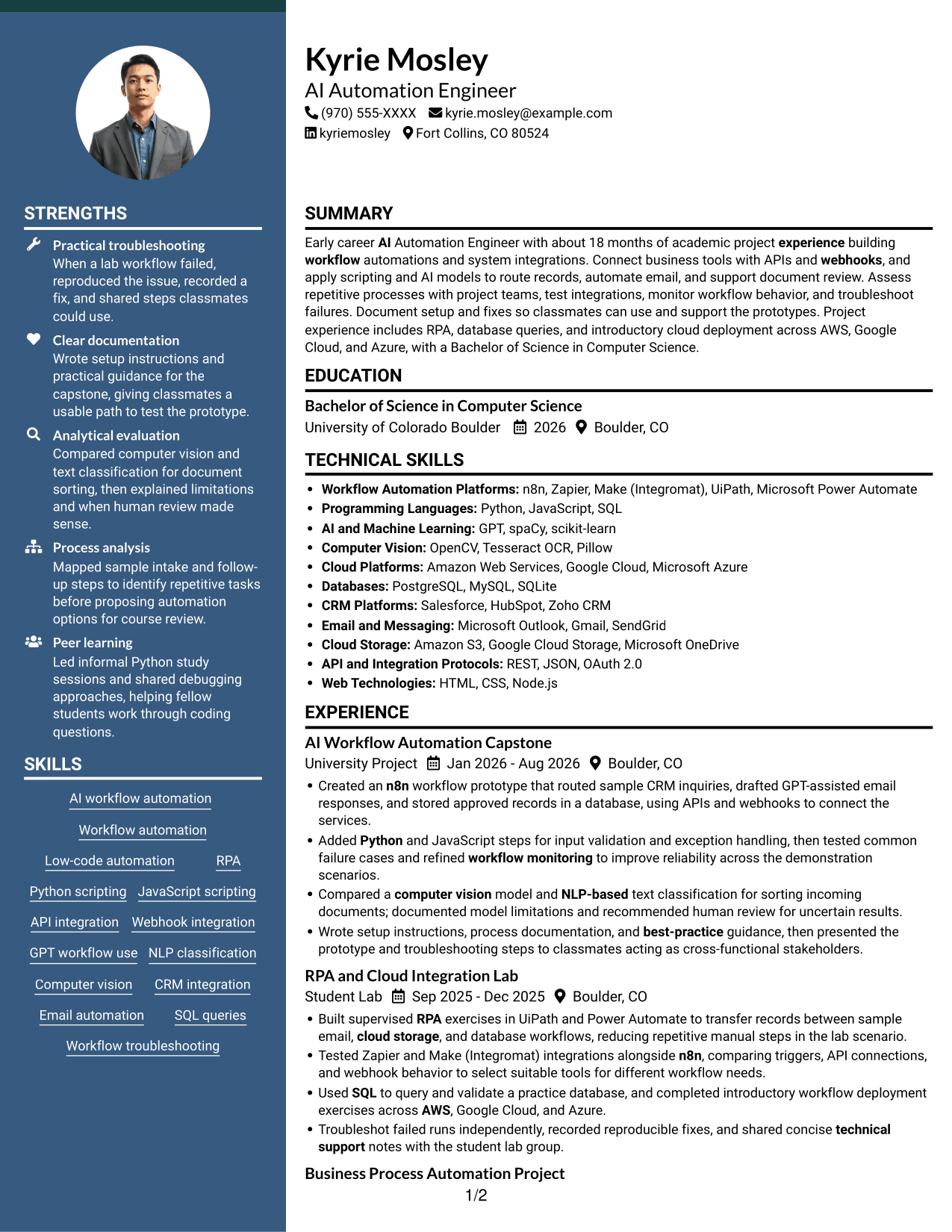
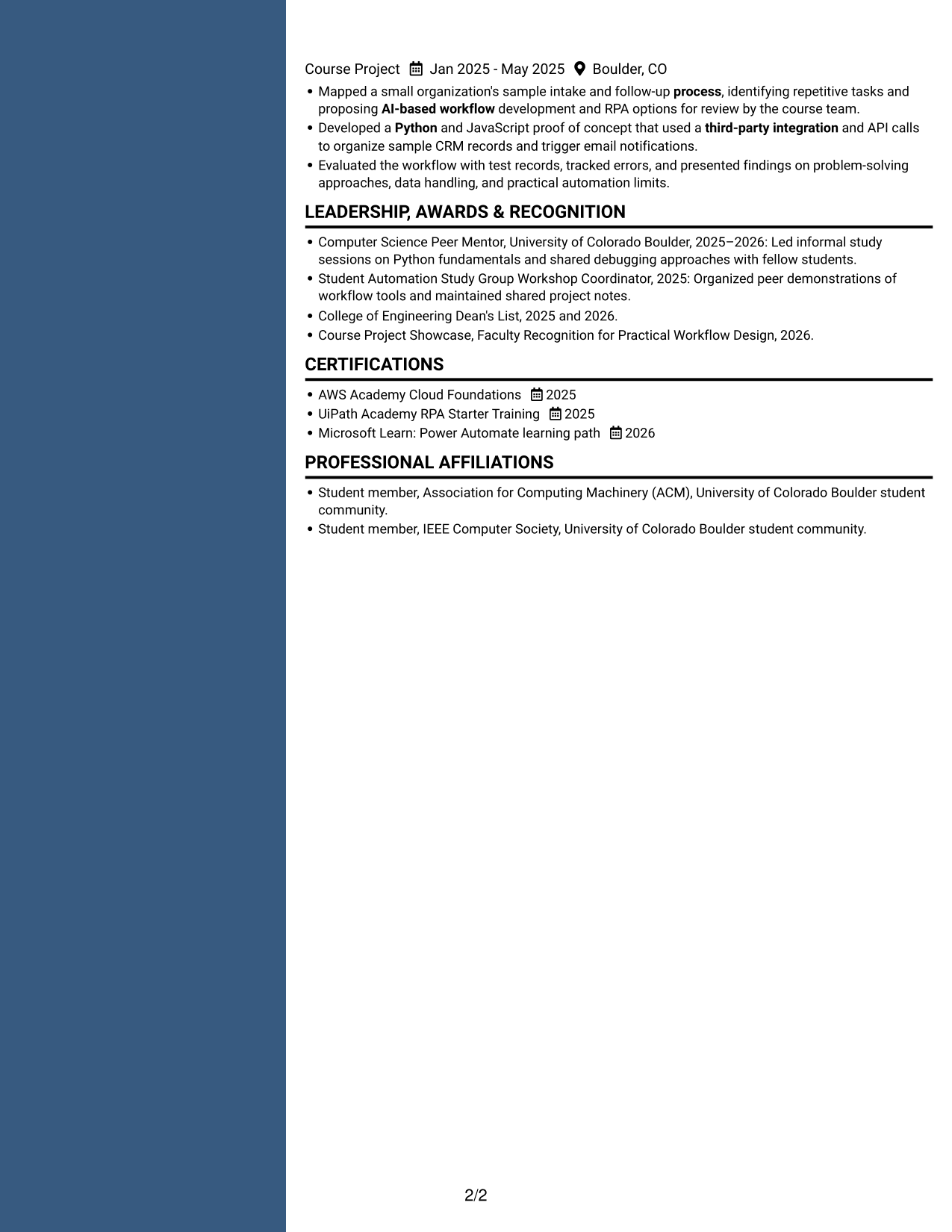
#6 Two Column Format Resume Example
The Two Column Format uses parallel columns for resume content, helping reviewers move between experience and related sections without one long vertical sequence.
Why This Format Works
- Parallel columns let reviewers compare career details with other resume sections at a glance.
- The layout offers separate reading areas for experience, skills, and education.
- A consistent column structure gives projects and credentials clear places in the review.
Best For
- Parallel content review
- Experience and skills together
- Multiple resume section types
- Readers who scan across columns
- Side-by-side information needs
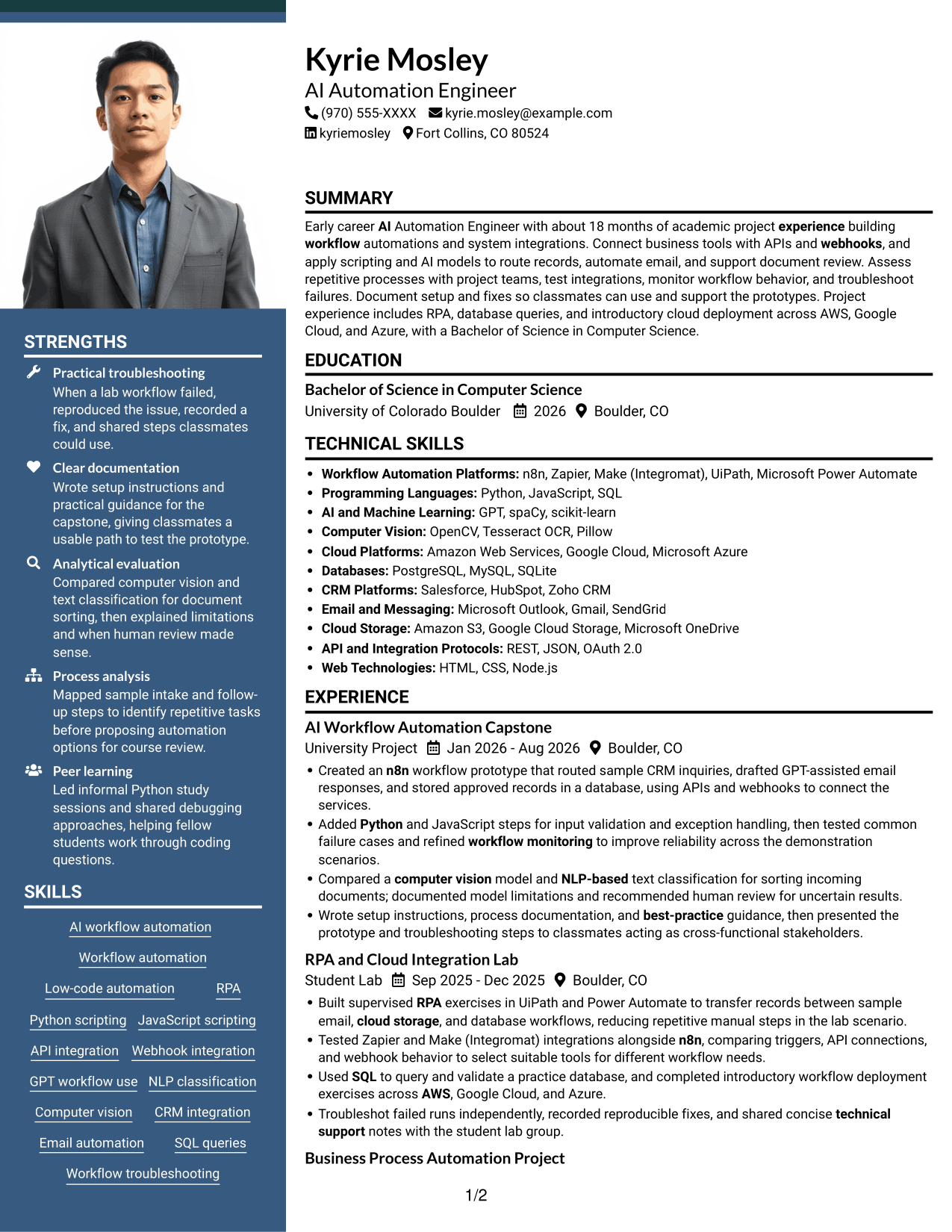
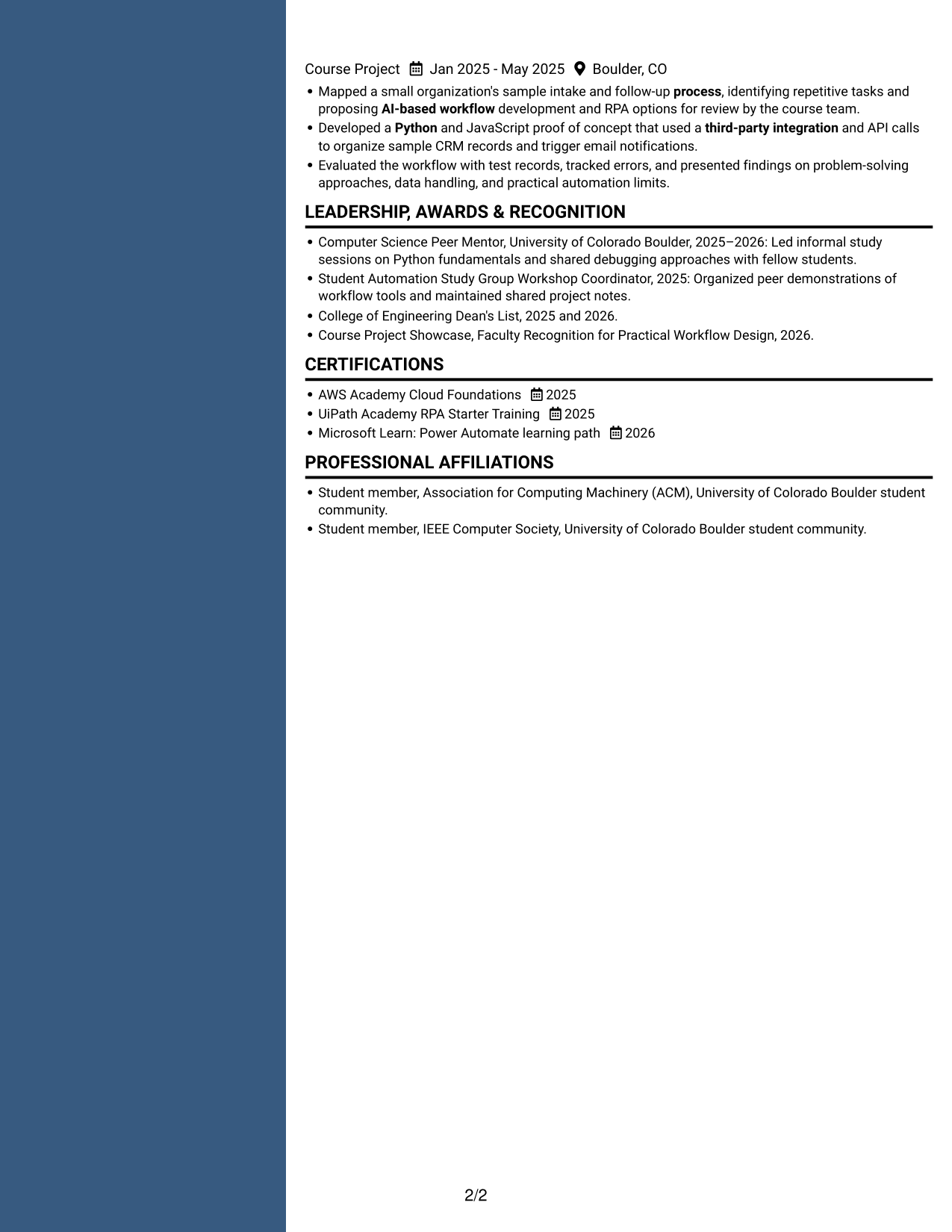
#7 Photo Header Two Column Format Resume Example
The Photo Header Two Column Format combines a portrait with a two-column resume body, suiting readers who want a photo and side-by-side content organization.
Why This Format Works
- Two columns give experience and supporting information separate areas for recruiter review.
- The portrait adds a visual element while the body retains a two-column reading structure.
- Reviewers can scan education and credentials alongside the broader career record.
Best For
- Photo-inclusive two-column resumes
- Side-by-side section organization
- Portrait expected in the application
- Experience with supporting details
- Readers who scan parallel sections
Why Build Your AI Automation Engineer - Workflow Automation Resume with ResumeInMinutes
ResumeInMinutes gives you resume examples to review and customize. Use the preview to check how sections appear, then open the example in the editor to make changes to your resume.
- ATS-friendly section structure
- Clear experience and project organization
- Space for technical skills and tools
- Support for relevant keywords
- PNG image previews
- Resume customization in the editor
Choose a format that makes your workflow projects, integrations, and technical evidence easy to find. Keep each section relevant to the AI Automation Engineer - Workflow Automation role.
See Also
- 33 AI Automation Engineer / Full-Stack Developer Resume Templates with Example 2026 (ATS-Optimized)
- 7 AI Automation Engineer Intern Resume Templates with Example
- 33 AI Automation Engineer Resume Templates with Example 2026 (ATS-Optimized)
- 33 AI Automation Engineer, Security Resume Templates with Example 2026 (ATS-Optimized)
- 33 AI Business Automation Engineer Resume Templates with Example 2026 (ATS-Optimized)
- 33 AI Finance Automation Engineer Resume Templates with Example 2026 (ATS-Optimized)
- 33 Experienced AI Automation Engineer Resume Templates with Example 2026 (ATS-Optimized)
- 33 Full-Stack x AI Automation Engineer Resume Templates with Example 2026 (ATS-Optimized)
- 7 AI Automation Engineer - Workflow Automation Cover Letter Templates with Example
- 30+ AI Automation Engineer Cover Letter Templates with Example 2026
Frequently Asked Questions
Are these AI Automation Engineer - Workflow Automation resume templates ATS-friendly?
The examples use clear headings and readable sections. For your own resume, use job-relevant terms such as workflow automation, API integration, Python, RPA, and workflow troubleshooting when they match your experience.
What should an AI Automation Engineer - Workflow Automation resume include?
Include a focused summary, relevant experience or projects, technical skills, education, and certifications. Use concise bullets to explain the workflow, tools, integrations, testing, and results.
How can I compare the resume formats?
Review the PNG image previews to compare section order and readability. You can open an example in the editor to view or customize it.
Which resume style works well for workflow automation roles?
A simple layout with clear headings usually makes technical skills and project details easy to scan. Keep columns and visual elements straightforward so the information remains readable.
How should I describe automation projects on my resume?
State the process or task, the tools and integrations you used, and how you tested or monitored the workflow. Include a measurable result only when you have reliable evidence for it.
Should I include a photo on my resume?
Include a photo only if it is customary or expected in your country or industry. For U.S. applications, a no-photo resume is generally the safer choice.




