
7 AI Engineering Intern - Agentic AI and RAG Cover Letter Templates with Example
This practical guide to an AI Engineering Intern - Agentic AI and RAG cover letter shows how seven layouts can help you present your fit clearly.
What Makes a Great AI Engineering Intern - Agentic AI and RAG Cover Letter in 2026
A strong letter connects a clear reason for applying with direct examples of agentic AI and RAG work. Its opening, body, and closing should make your interest and fit easy to understand.
Show how you built and evaluated an agentic workflow or RAG pipeline, then link that evidence to the employer's practical AI work. Mention relevant tools and collaboration only when they reflect your experience.
The featured example moves from role interest to specific project evidence and a focused close, giving you a clear progression to adapt while choosing a presentation that fits the employer and communication context.
#1 Simple One Column Format Cover Letter Example
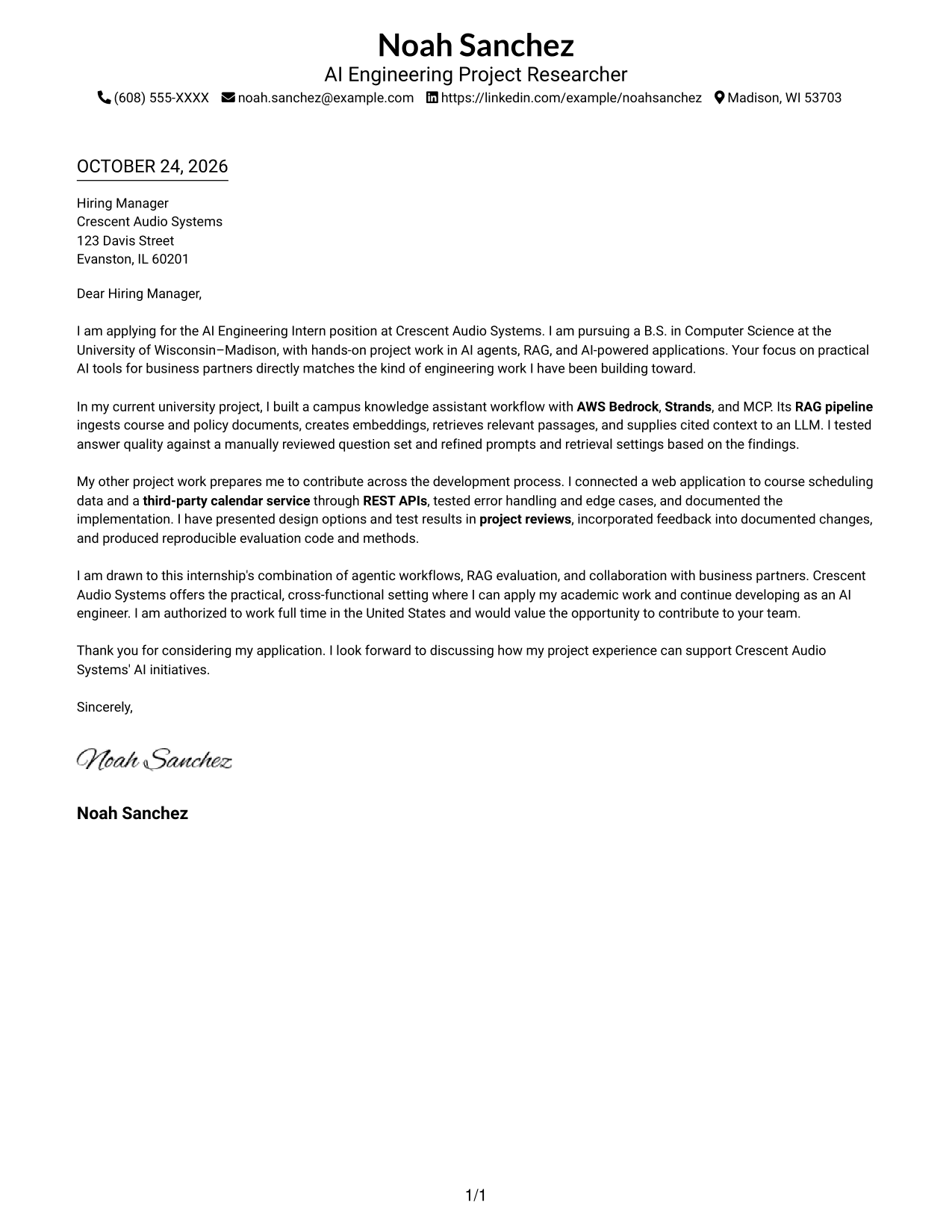
A single-column body keeps sender details in the header and lets the letter read as one continuous message.
Why This Format Works
- The single-column body gives each paragraph a clear place in the reading order.
- Sender details remain in the header, separate from the letter's continuous message.
- Without argument headings, paragraph transitions carry the message from motivation to evidence.
Best For
- Single-column reading preference
- Letters with a continuous argument
- Header-based contact details
- Photo-free submissions
- Minimal visual structure
#2 Two Column Format Cover Letter Example
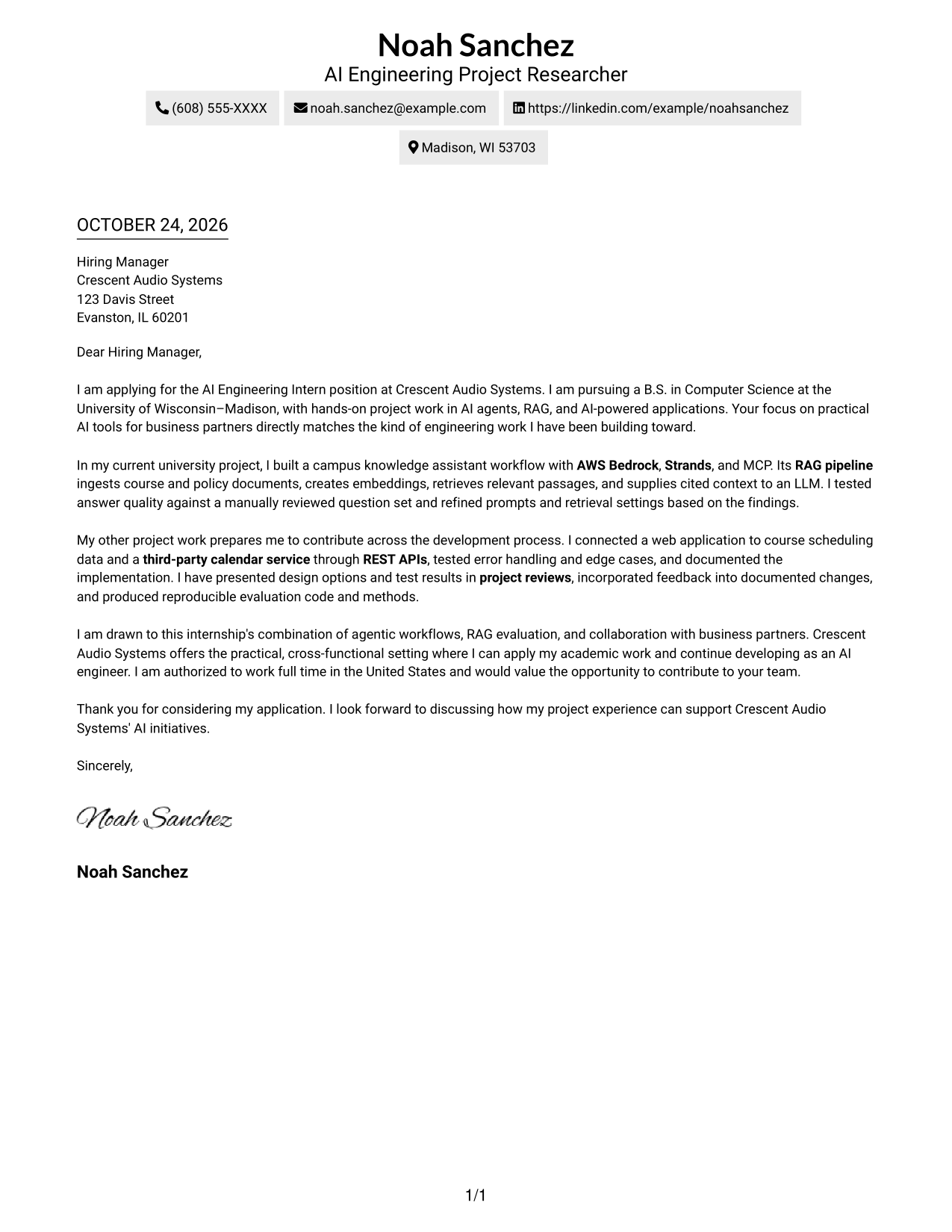
A contact sidebar sits beside one continuous letter body, separating sender information from the application message.
Why This Format Works
- The sidebar keeps sender contact details distinct from the application message.
- The main column holds the full letter, so its paragraphs remain in sequence.
- Opening, supporting examples, and closing stay together in one letter body.
Best For
- Contact details apart from the message
- Continuous paragraph-based letters
- Two-area page organization
- Photo-free applications
- Clear contact reference
#3 Photo Header Two Column Format Cover Letter Example
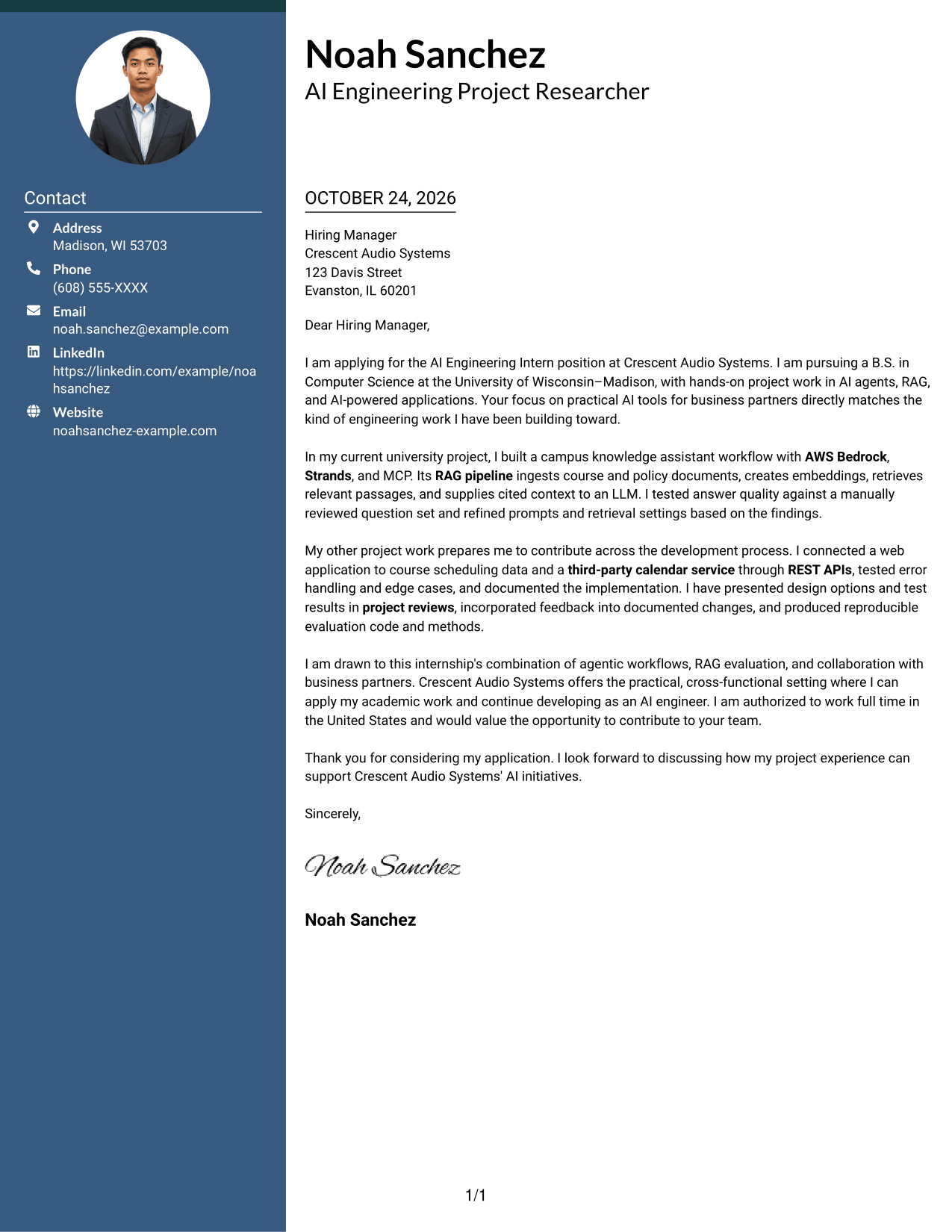
A photo adds a personal visual element to this two-column letter, with contact details beside one continuous body.
Why This Format Works
- The photo offers a personal visual touch without changing the letter's message.
- A contact sidebar keeps sender details apart from the continuous letter body.
- The main body lets the opening, evidence, and closing read in order.
Best For
- Letters that include a portrait
- Contact details beside the message
- Continuous letter paragraphs
- Two-column page organization
- Photo-inclusive applications
#4 One Column Format with Photo Cover Letter Example
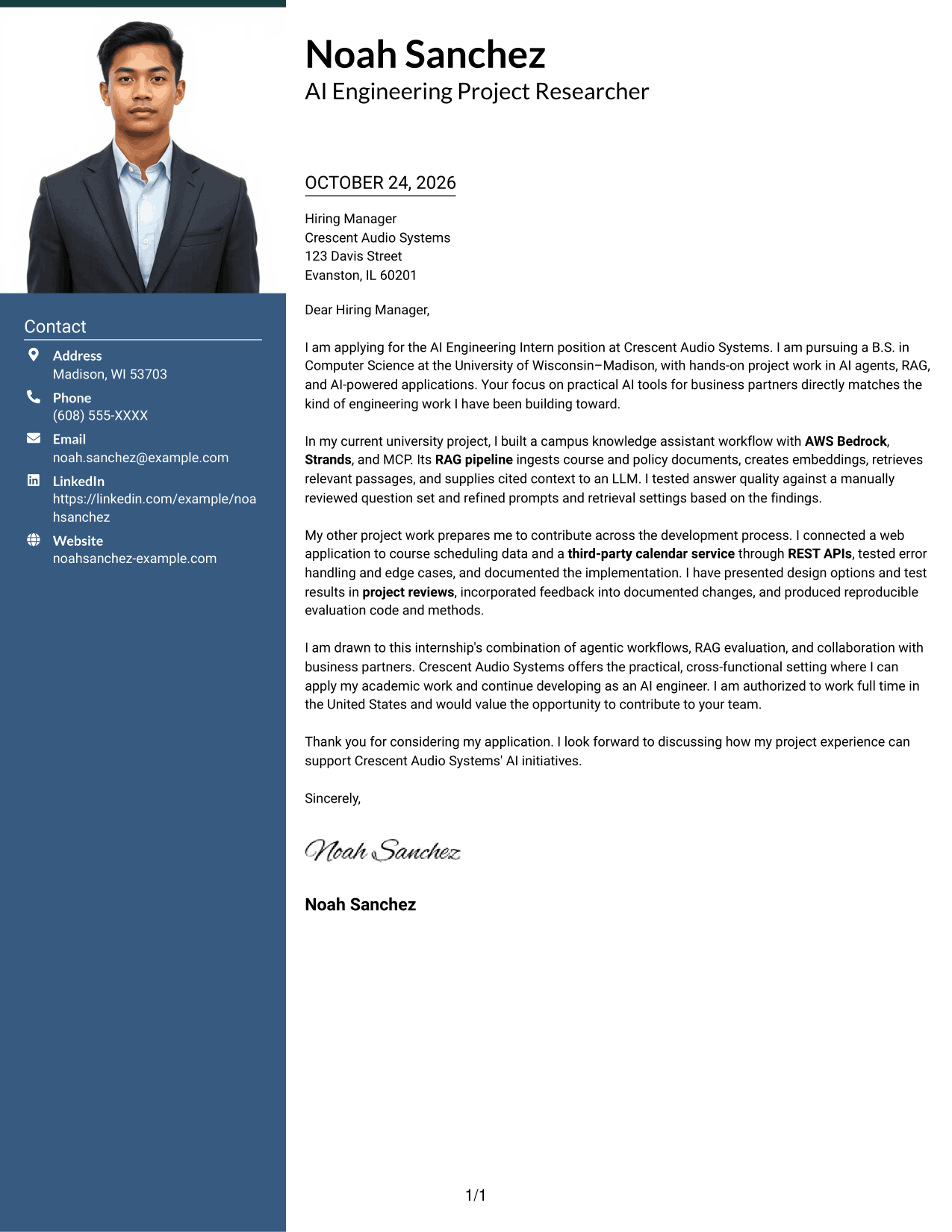
A photo accompanies the single-column letter, adding a personal visual element without dividing its message.
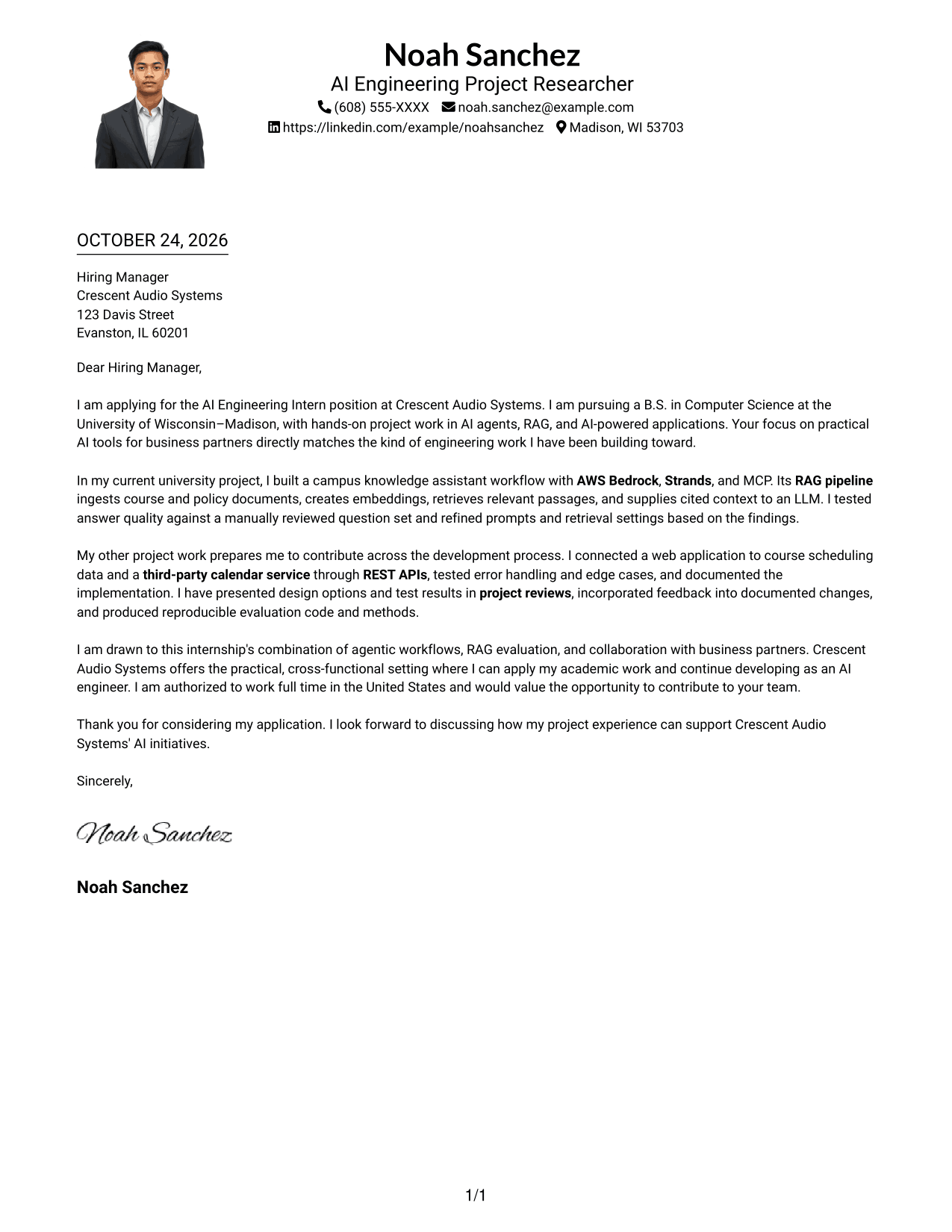
Why This Format Works
- The portrait adds a visible personal element to the page.
- One body column keeps every letter paragraph in a consistent reading path.
- Sender details in the header remain distinct from the message below.
Best For
- One-column letter reading
- Letters that include a portrait
- Header-based sender details
- Continuous paragraph format
- No-sidebar layouts
#5 Simple Two Column Format Cover Letter Example
A contact sidebar and continuous letter body give this layout a clear division between sender details and message.
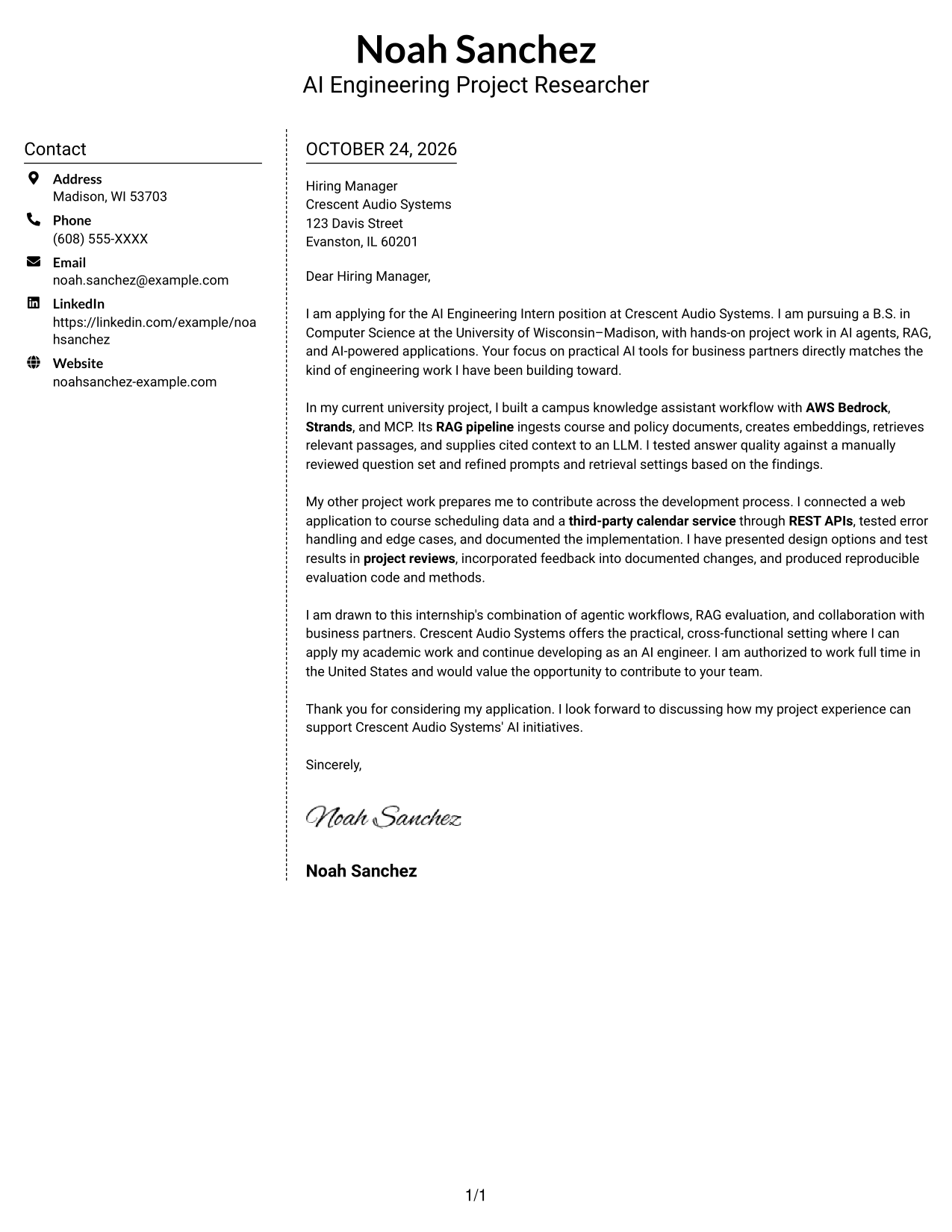
Why This Format Works
- The sidebar gives sender contact details a distinct place beside the letter.
- One continuous body keeps the application message together from start to finish.
- The two areas make contact information and letter text easy to distinguish.
Best For
- Letters with a clear contact area
- Continuous paragraph format
- Photo-free documents
- Two-column page preference
- Separate sender details
#6 Modern Icon Format Cover Letter Example
Contact icons add visual cues for sender details, while a sidebar sits beside the continuous letter body.
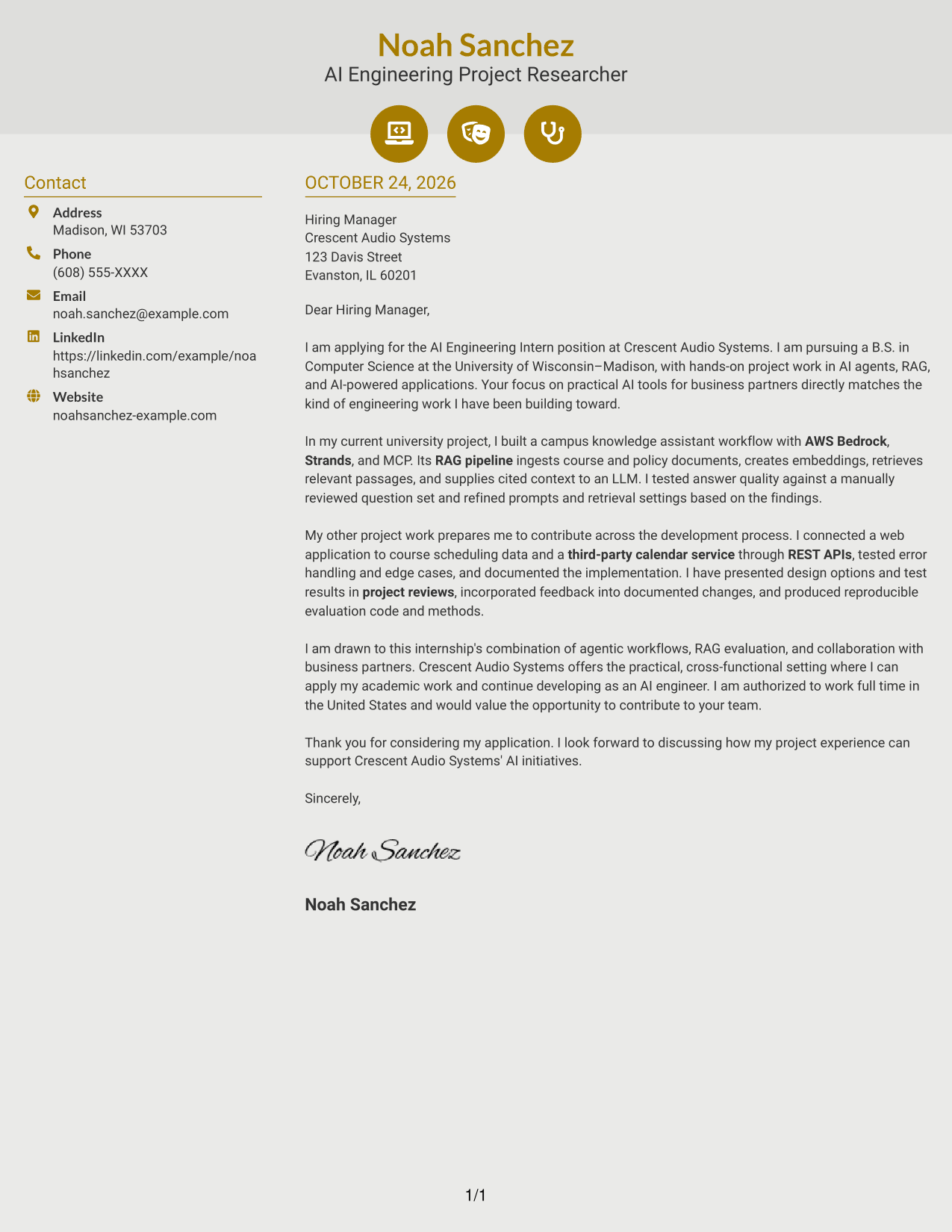
Why This Format Works
- Contact icons help distinguish sender details from the letter's main message.
- The sidebar holds contact information alongside one uninterrupted letter body.
- The paragraphs remain together, carrying the reader from application to closing.
Best For
- Icon-marked contact details
- Decorative header accents
- Continuous letter text
- Sidebar-based contact layout
- Photo-free letters
#7 Creative Two Tone Format Cover Letter Example
The two-column layout places contact details beside one continuous letter body, keeping the message distinct from the sidebar.
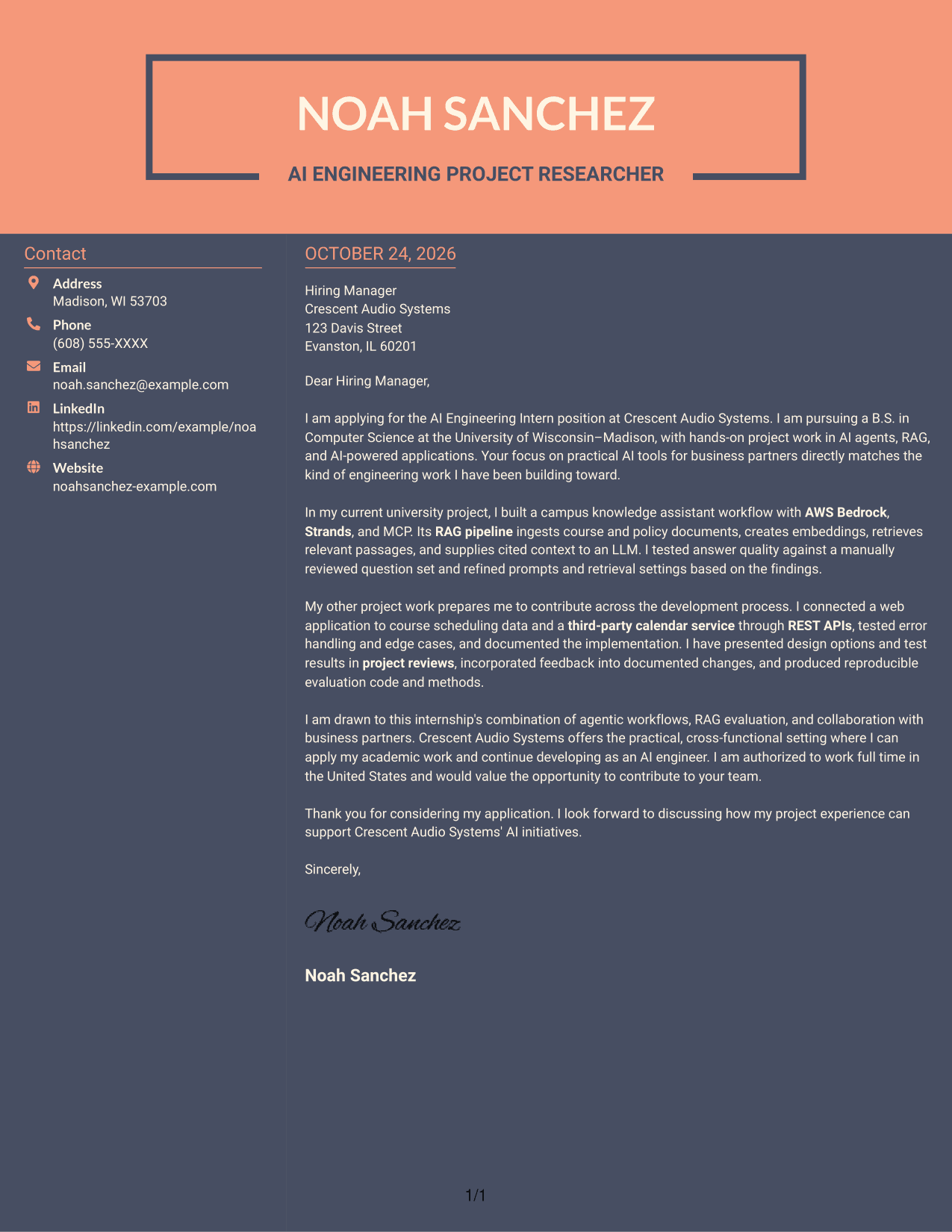
Why This Format Works
- Contact details have their own area, apart from the letter's argument.
- The continuous body keeps the opening, supporting points, and close together.
- A clear reading order connects the contact area with the letter text.
Best For
- Letters with a clear contact area
- Continuous letter arguments
- Photo-free submissions
- Two-column reading order
- Unheaded letter bodies
See Also
- 7 AI Engineering Intern - Agentic AI and RAG Resume Templates with Example
- 7 AI Engineering Intern - Generative AI and RAG Resume Templates with Example
- 33 AI and Software Development Engineering Intern Resume Templates with Example 2026 (ATS-Optimized)
- 33 AI Automation Engineering Intern Resume Templates with Example 2026 (ATS-Optimized)
- 33 AI Engineering Intern Resume Templates with Example 2026 (ATS-Optimized)
- 33 AI Engineering Intern, Voice & LLM Systems Resume Templates with Example 2026 (ATS-Optimized)
- 7 AI Engineering Manager - Generative AI Evaluation Resume Templates with Example
- 7 AI Engineering Solutions Architect Resume Templates with Example
- 7 AI Engineering Intern - Generative AI and RAG Cover Letter Templates with Example
- 30+ AI and Software Development Engineering Intern Cover Letter Templates with Example 2026
Frequently Asked Questions
What should an AI Engineering Intern - Agentic AI and RAG cover letter emphasize?
Explain your interest in the role, then give specific examples of agentic workflows, RAG development, evaluation, or API integration that you have actually completed. Close by connecting your experience to the employer's work.
How can I describe RAG work clearly in a cover letter?
Briefly explain what information your pipeline handled, how it supported an AI response, and how you checked answer quality. Keep the details tied to your own work and relevant to the role.
How should I show interest in the employer?
Refer to a specific part of the role, such as building practical AI tools with business partners. Explain why that work fits your interests without making claims about the company that you cannot support.
How can I compare the cover letter examples?
Use the PNG image previews to compare how each example is presented. Open an example in the editor to view or customize it.
Should I include every AI tool I have used?
No. Mention only the tools that support your main example and match the role. A focused explanation of your contribution is more useful than a long list.




