
7 AI Engineering Solutions Architect Cover Letter Templates with Example
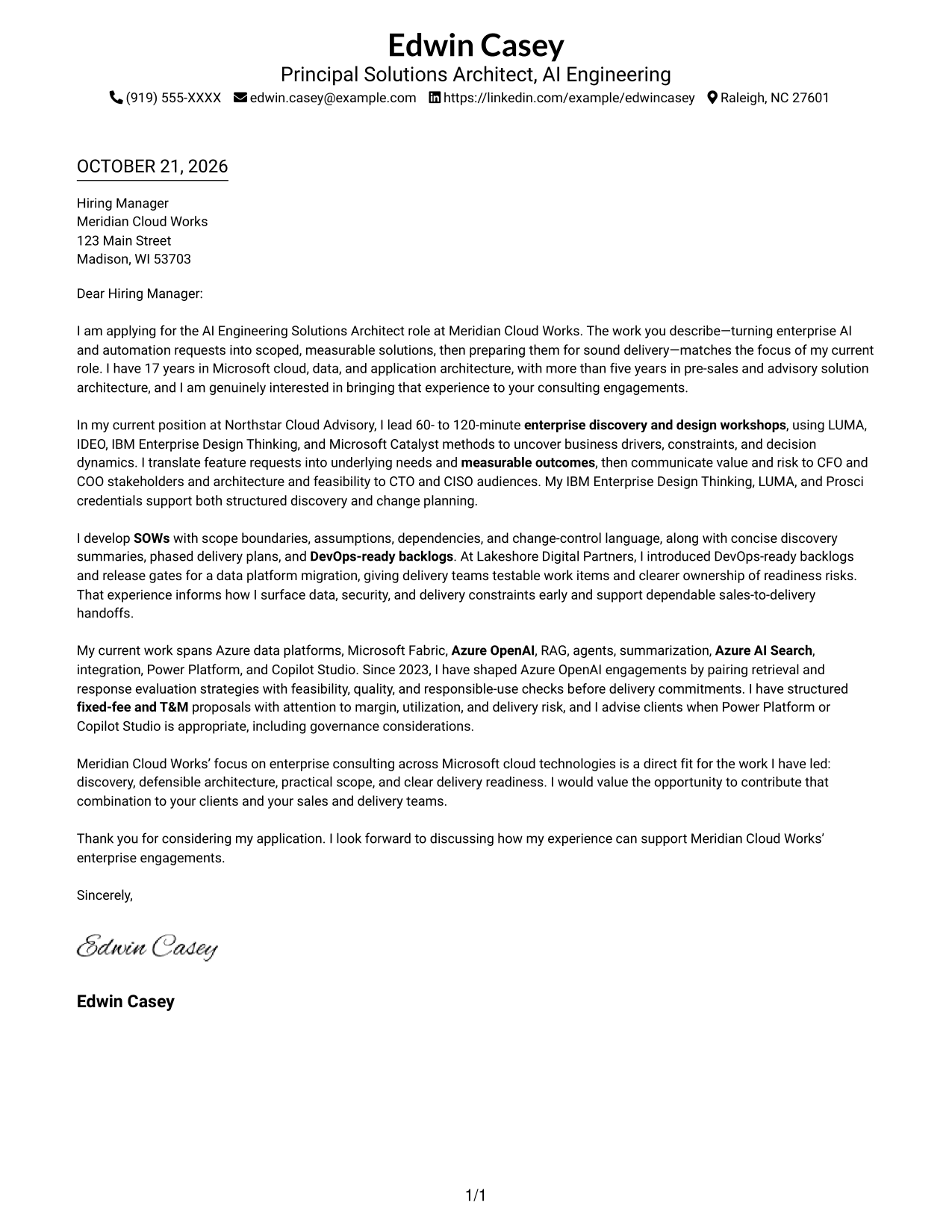
This practical guide helps you shape an AI Engineering Solutions Architect cover letter, with seven layouts to compare and adapt for a clear, persuasive application.
What Makes a Great AI Engineering Solutions Architect Cover Letter in 2026
A strong letter connects enterprise discovery, responsible AI solution design, and delivery readiness to the employer’s needs. Its opening should show clear interest in the role and the value of turning complex requests into measurable outcomes.
Use relevant evidence to show how you communicate with business and technical leaders, define practical scope, and raise risks early. Link that evidence to the employer’s work and explain why its consulting approach interests you.
The featured AI Engineering Solutions Architect example follows a focused progression readers can adapt, while leaving room to choose a presentation suited to the employer and communication context.
#1 Simple One Column Format Cover Letter Example
The Simple One Column Format keeps sender details in the header and the letter body in one column, giving the full message a direct reading path.
Why This Format Works
- The single-column arrangement keeps contact details and the letter body in one reading path.
- Continuous paragraphs let reviewers follow motivation, evidence, and closing without section breaks.
- Sender details stay in the header, making contact information easy to locate.
Best For
- One-column correspondence
- Header-based contact details
- Continuous paragraph arguments
- Letters without body headings
- Photo-free applications
#2 Two Column Format Cover Letter Example
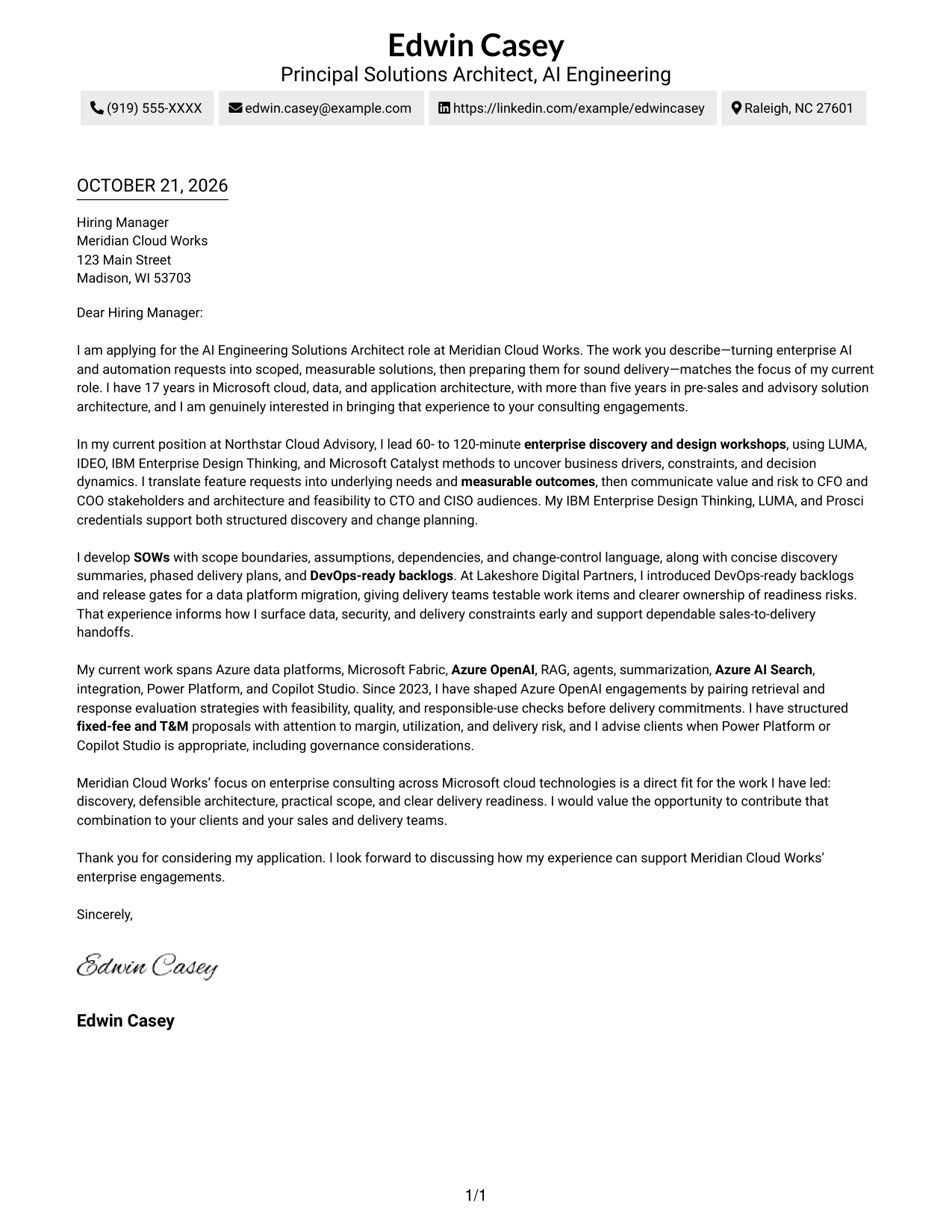
A contact sidebar sits beside one continuous letter body in the Two Column Format, keeping sender details separate from the message.
Why This Format Works
- Contact details sit apart from the continuous letter, making sender information easy to locate.
- The single body keeps motivation, supporting evidence, and closing in one sequence.
- The absence of a photo keeps the presentation centered on written correspondence.
Best For
- Sidebar contact presentation
- One-column letter body
- Photo-free submissions
- Letters with multiple contact methods
- Continuous paragraph correspondence
#3 Photo Header Two Column Format Cover Letter Example
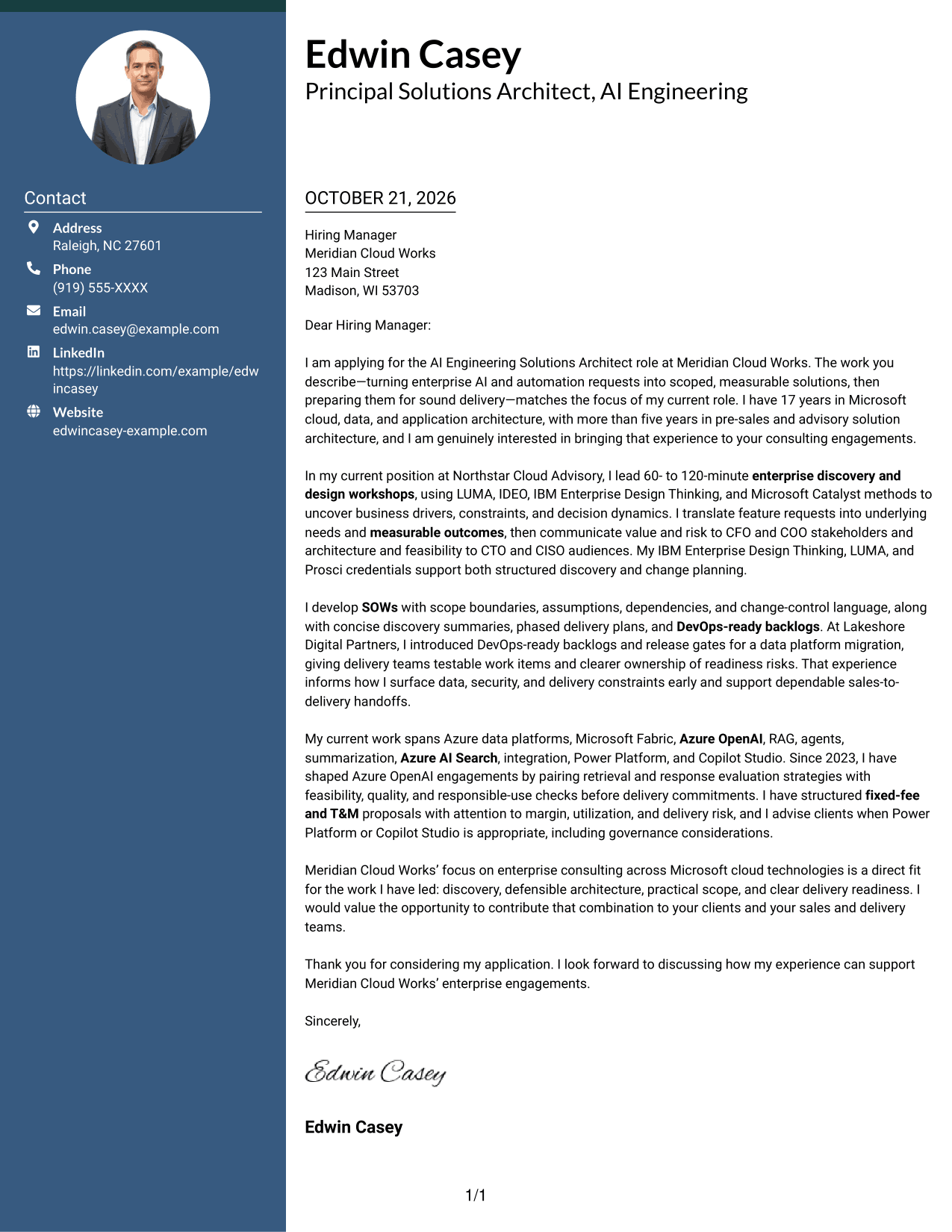
The Photo Header Two Column Format pairs a portrait with a contact sidebar while keeping the letter body continuous, for a photo-inclusive presentation.
Why This Format Works
- Contact details remain apart from the continuous letter body, clarifying the page's two areas.
- One body column carries the opening, evidence, and closing in a familiar sequence.
- A portrait adds a visible personal element to the header presentation.
Best For
- Applications requesting a portrait
- Sidebar contact information
- One-column letter body
- Letters with multiple contact methods
- Continuous paragraph correspondence
#4 One Column Format with Photo Cover Letter Example
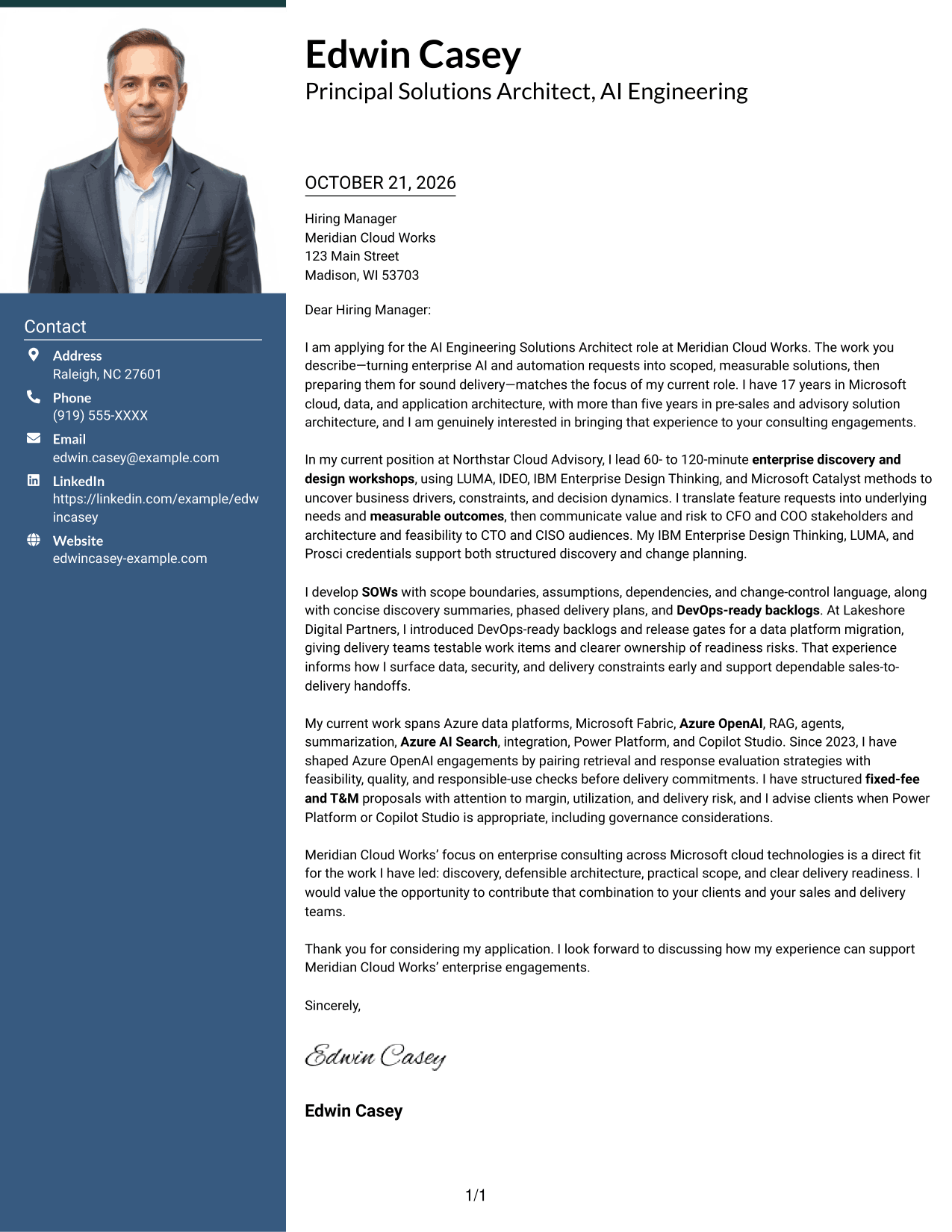
The One Column Format with Photo keeps the letter in one body column and includes a portrait, for readers who prefer a photo-inclusive layout.
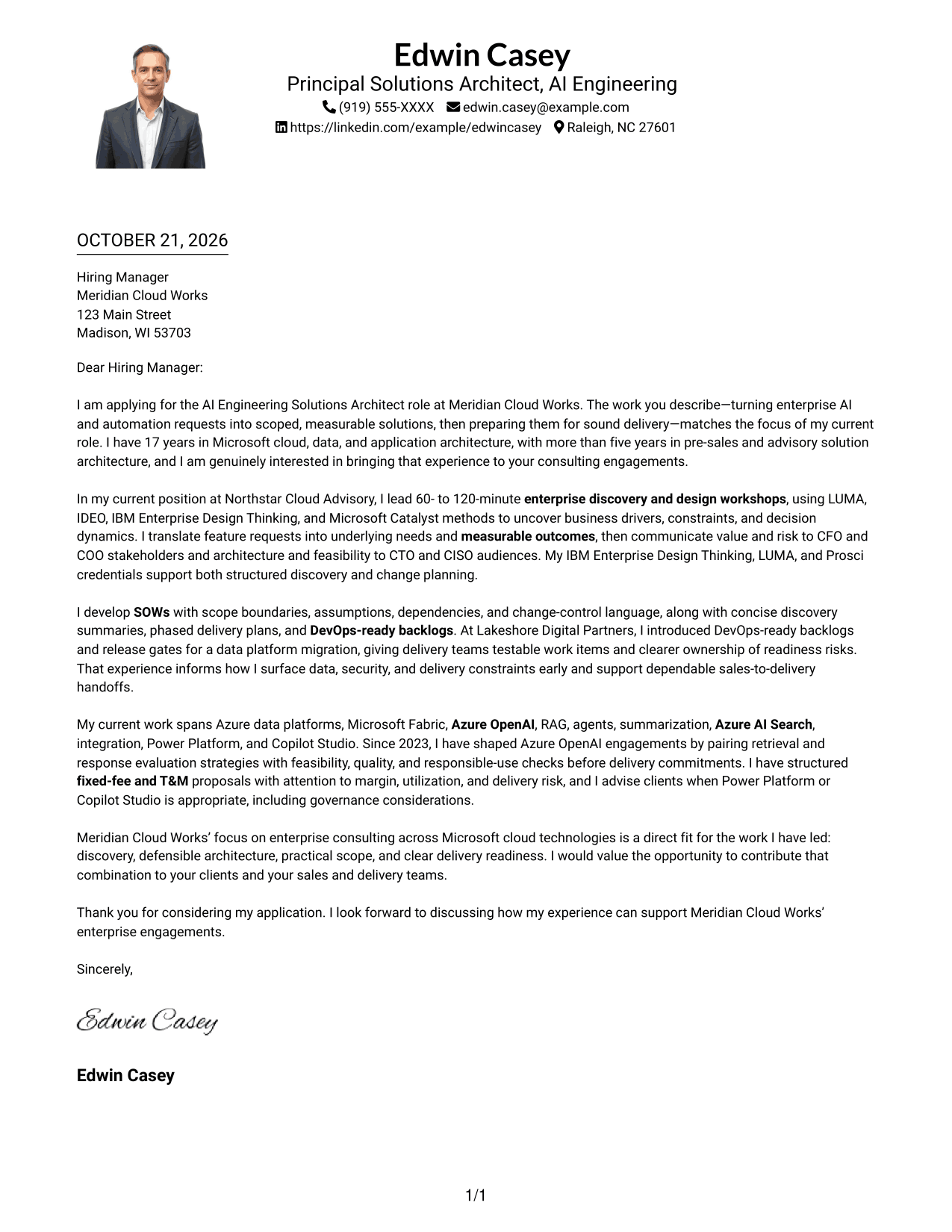
Why This Format Works
- A single text column gives the opening, evidence, and closing a clear order.
- The portrait provides a photo-inclusive header option without changing the letter text.
- Sender details appear with the letter rather than in a separate sidebar.
Best For
- Photo-inclusive applications
- One-column correspondence
- Header-based sender details
- Letters without body headings
- Continuous paragraph arguments
#5 Simple Two Column Format Cover Letter Example
In the Simple Two Column Format, a contact sidebar sits beside the uninterrupted letter, giving sender details a separate place.
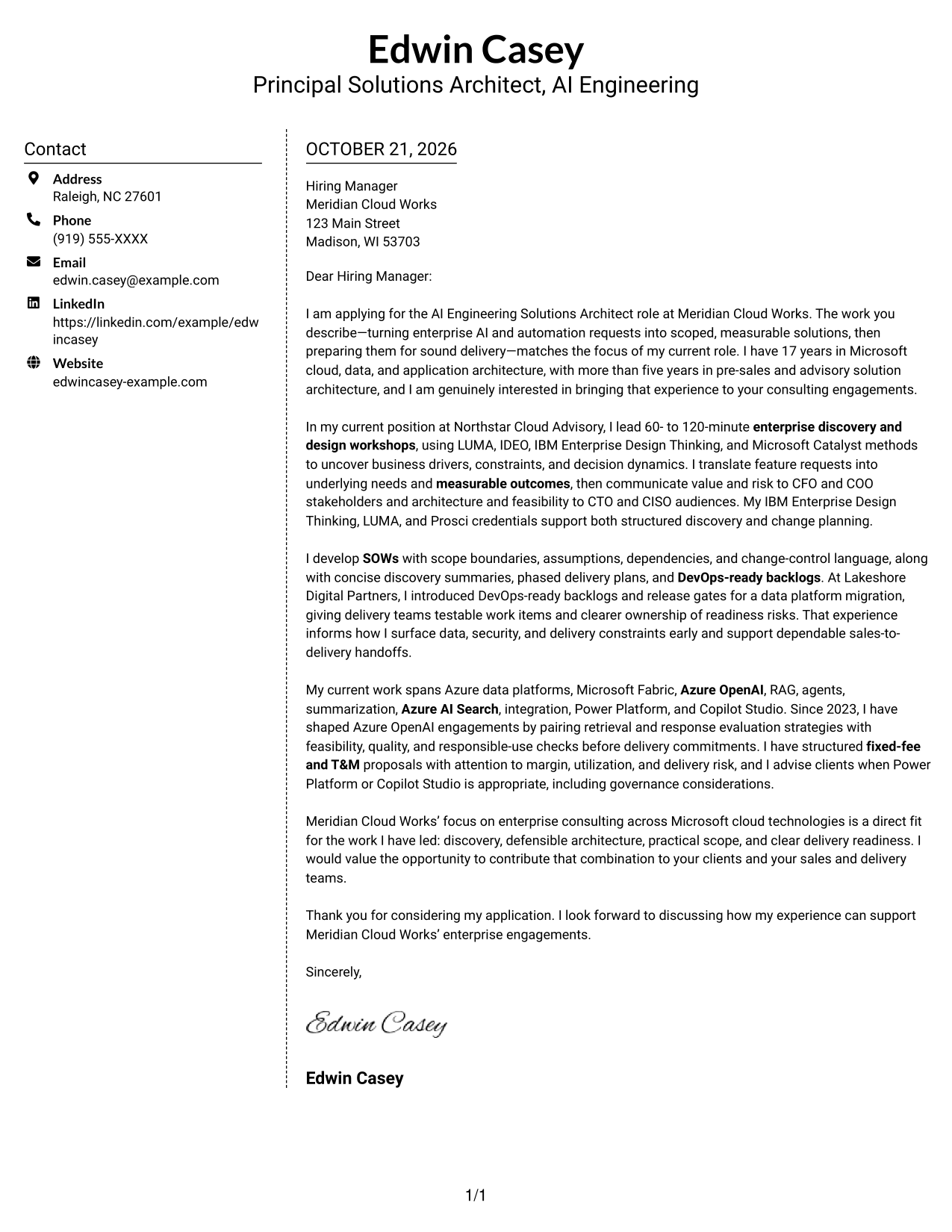
Why This Format Works
- A dedicated contact area keeps address details outside the letter's persuasive paragraphs.
- The continuous body preserves the order from opening through supporting evidence to closing.
- Without a photo, the layout keeps attention on the written correspondence.
Best For
- Sidebar contact presentation
- Photo-free submissions
- Single-column letter text
- Letters with continuous prose
- Two-column page preference
#6 Modern Icon Format Cover Letter Example
The Modern Icon Format places contact cues in a sidebar beside the continuous letter, so icons identify contact details without breaking the message.
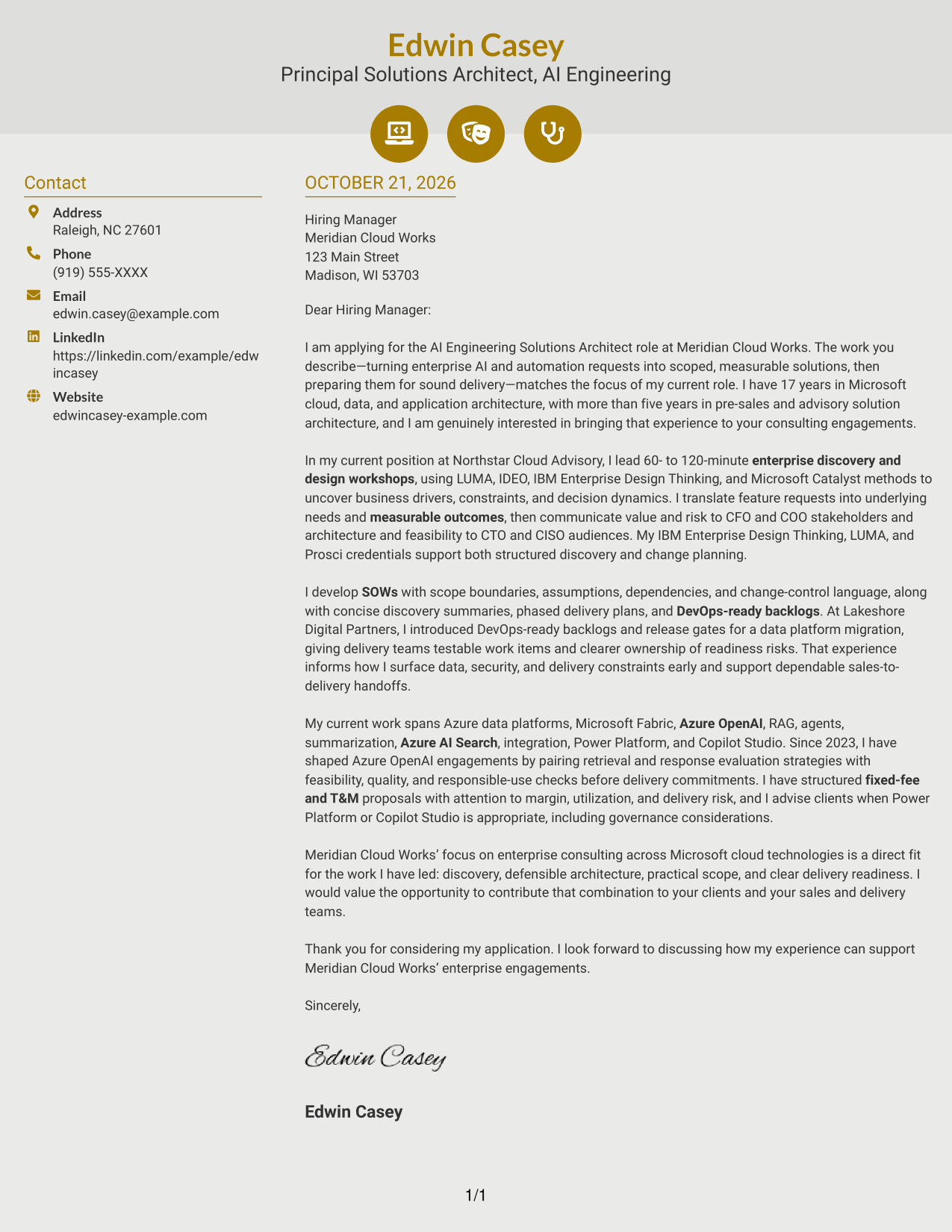
Why This Format Works
- Contact icons act as cues for sender details, not for letter arguments.
- The sidebar stays distinct from the continuous body, preserving a clear reading order.
- One uninterrupted set of paragraphs carries motivation, evidence, and closing.
Best For
- Icon-based contact cues
- Two-column reading preference
- Photo-free correspondence
- Letters with several sender details
- Continuous letter text
#7 Creative Two Tone Format Cover Letter Example
The Creative Two Tone Format places contact details beside a continuous letter body, keeping the message together while setting sender information apart.
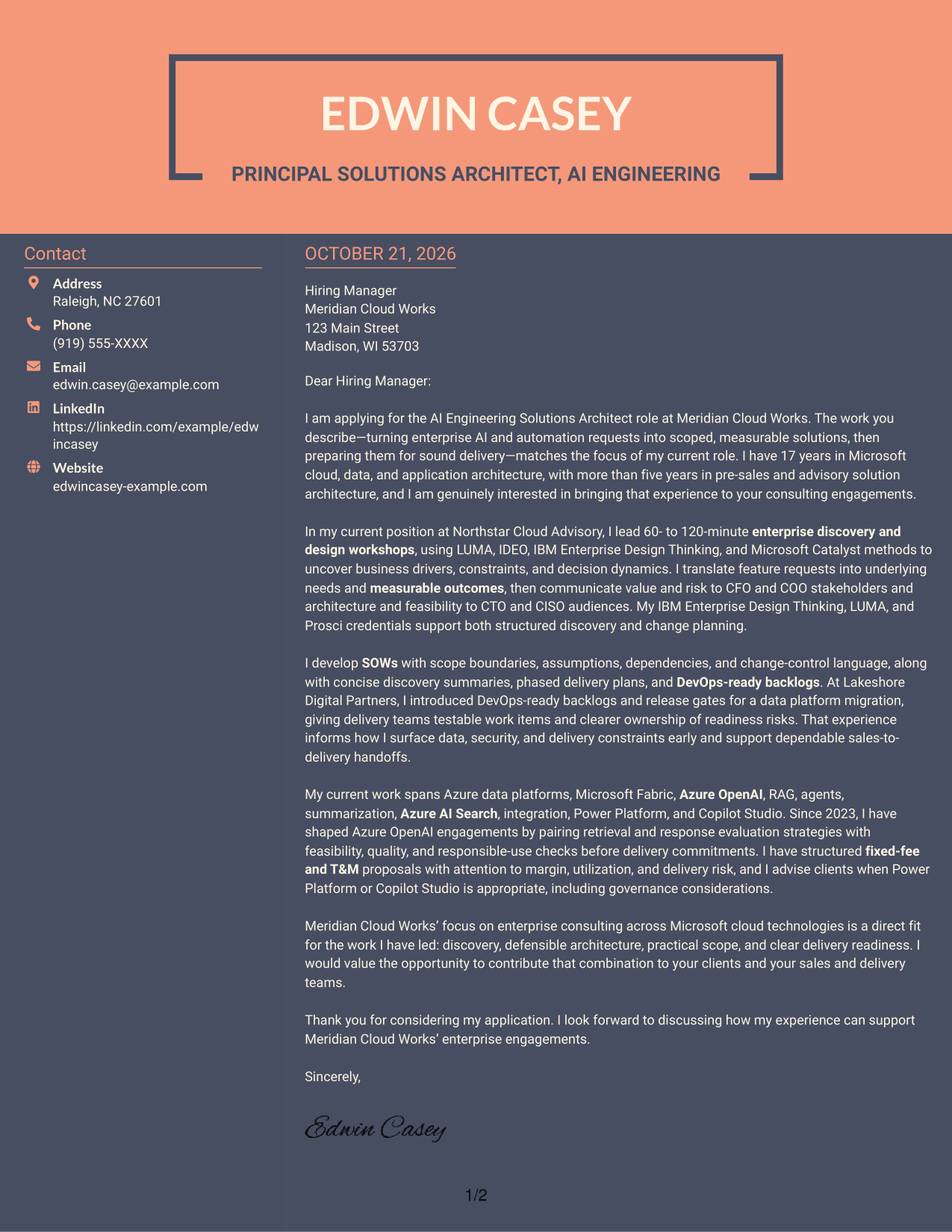

Why This Format Works
- Contact information has its own column, apart from the complete letter.
- The uninterrupted body lets readers trace the message from opening through closing.
- With no photo, the two-column layout keeps the page focused on written content.
Best For
- Separate sender contact details
- Continuous letter text
- Photo-free applications
- Two-column page preference
- Paragraph-led persuasion
See Also
- 7 AI Engineering Solutions Architect Resume Templates with Example
- 7 AI Application Solutions Architect - Generative AI Resume Templates with Example
- 33 AI/ML Solutions Architect Resume Templates with Example 2026 (ATS-Optimized)
- 33 AI Solutions Architect Resume Templates with Example 2026 (ATS-Optimized)
- 7 Associate AI Solution Architect - Enterprise GenAI Resume Templates with Example
- 7 Lead Solution Architect - Generative AI and AWS Resume Templates with Example
- 7 Agentic Solution Architect Resume Templates with Example
- 7 AWS Cloud Solutions Architect Resume Templates with Example
- 7 AI Application Solutions Architect - Generative AI Cover Letter Templates with Example
- 30+ AI/ML Solutions Architect Cover Letter Templates with Example 2026
Frequently Asked Questions
What should an AI Engineering Solutions Architect cover letter emphasize?
Show how you connect enterprise needs to feasible AI and cloud solutions. Explain how you approach discovery, communicate value and risk, and prepare clear scope and delivery plans.
How can I show that I can lead enterprise discovery?
Describe how you uncover business drivers, constraints, and decision needs. Give a relevant example of how you guide stakeholders from a feature request toward a clear problem and measurable outcome.
How should I discuss applied AI in my cover letter?
Focus on the business need and how you assess feasibility, response quality, data readiness, and responsible use. Mention tools such as Azure OpenAI or Azure AI Search only when they reflect your own experience.
How can I connect my experience to consulting delivery?
Explain how you define scope, assumptions, dependencies, and decision gates. You can also describe how clear discovery summaries and DevOps-ready backlogs support a dependable handoff from sales to delivery.
How do I choose a cover letter presentation style?
Choose a clear layout that fits the employer and the communication context. Compare the PNG image previews, then use the editor link to view or customize an example.




