
7 AI Operations Adoption and Enablement Analyst Cover Letter Templates with Example
Use this practical guide to build an AI Operations Adoption and Enablement Analyst cover letter, with seven layouts to compare.
What Makes a Great AI Operations Adoption and Enablement Analyst Cover Letter in 2026
A strong letter connects responsible AI adoption with the daily needs of enterprise teams. It explains why your approach to user enablement and change readiness fits the role.
Use clear evidence, such as learning sessions, readiness work, or adoption measures, to show how you support teams. Connect that evidence to the employer’s goals and explain how you use feedback to improve adoption.
The featured example moves from motivation to practical enablement evidence, broader coordination strengths, and a focused close, giving you a progression to adapt while choosing a presentation that suits the employer and communication context.
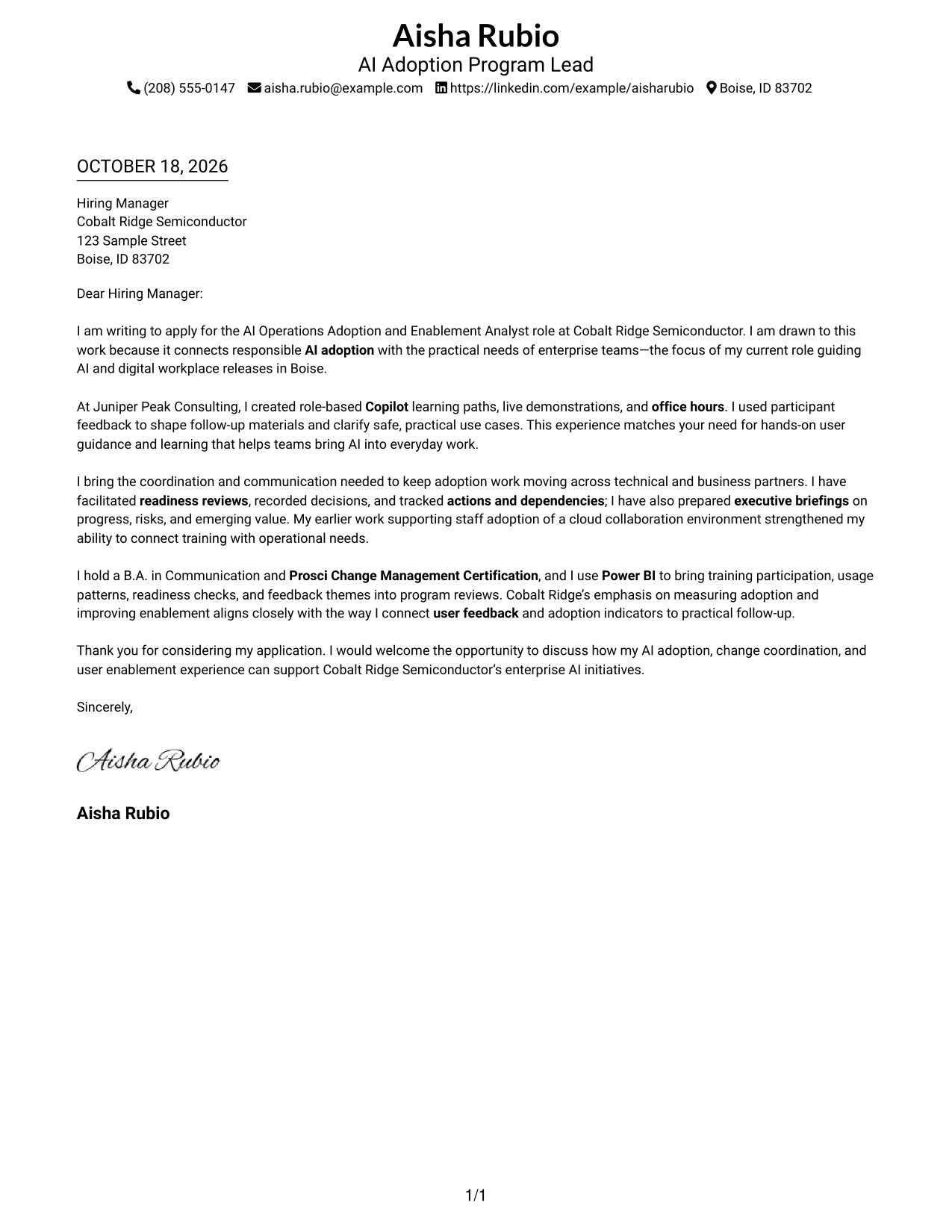
#1 Simple One Column Format Cover Letter Example
The Simple One Column Format places sender details in the header and keeps the letter in one continuous column, so the opening, case for fit, and closing read in order.
Why This Format Works
- Header contact details leave the body free for a direct case for fit.
- One reading column carries motivation, evidence, and closing in a clear sequence.
- Plain structure suits readers who prefer a restrained letter presentation.
Best For
- Single-column reading preference
- Continuous persuasive message
- Header-based contact details
- Minimal visual structure
- Direct role-focused applications
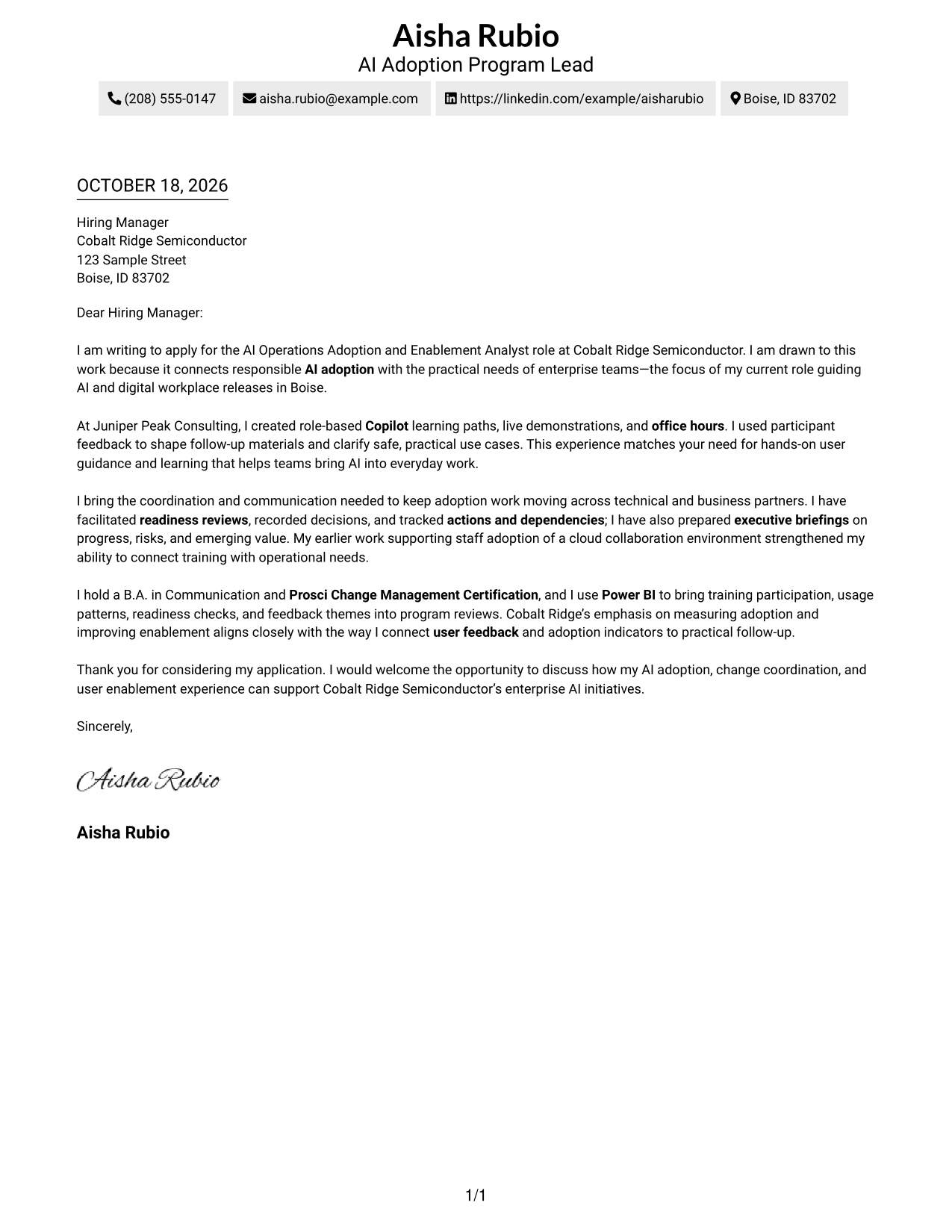
#2 Two Column Format Cover Letter Example
The Two Column Format places a contact sidebar beside one continuous letter body, keeping contact information distinct from the message.
Why This Format Works
- A contact sidebar makes sender information easy to locate during review.
- The single letter body keeps motivation and evidence in a clear order.
- Full paragraphs let the case for fit develop without section labels.
Best For
- Contact details beside the message
- Continuous paragraph-based arguments
- Quick access to sender information
- Two-column reading preference
- Photo-free presentation
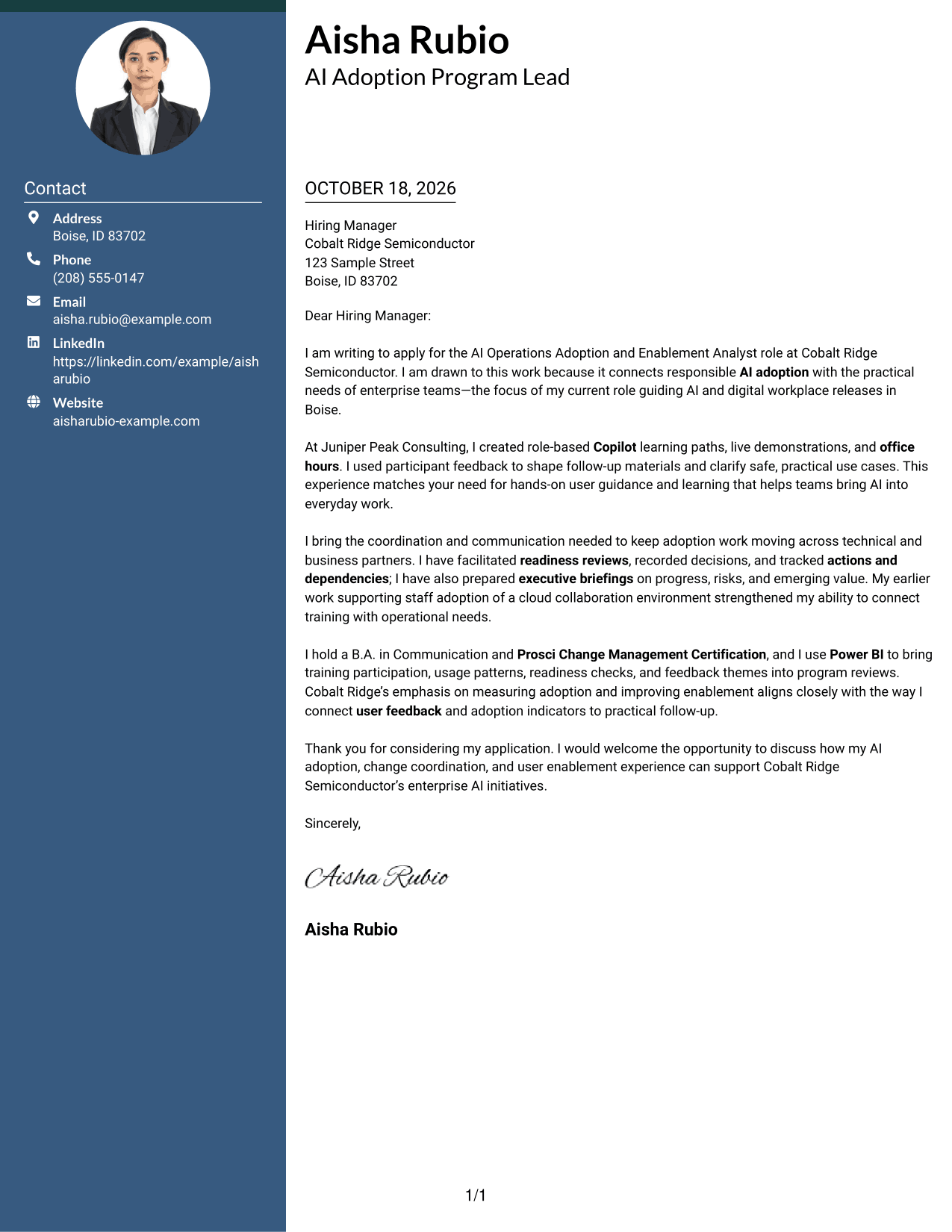
#3 Photo Header Two Column Format Cover Letter Example
The Photo Header Two Column Format includes a photo and sets contact details beside one continuous letter body, combining a visible portrait with a direct message.
Why This Format Works
- The sidebar keeps contact details separate from the letter's persuasive content.
- A single body carries motivation, supporting evidence, and the closing in sequence.
- Without argument headings, the paragraphs keep a familiar letter tone.
Best For
- Photo-inclusive letter layouts
- Contact details beside the message
- Continuous written case for fit
- Full-paragraph explanations
- A clear opening-to-closing sequence
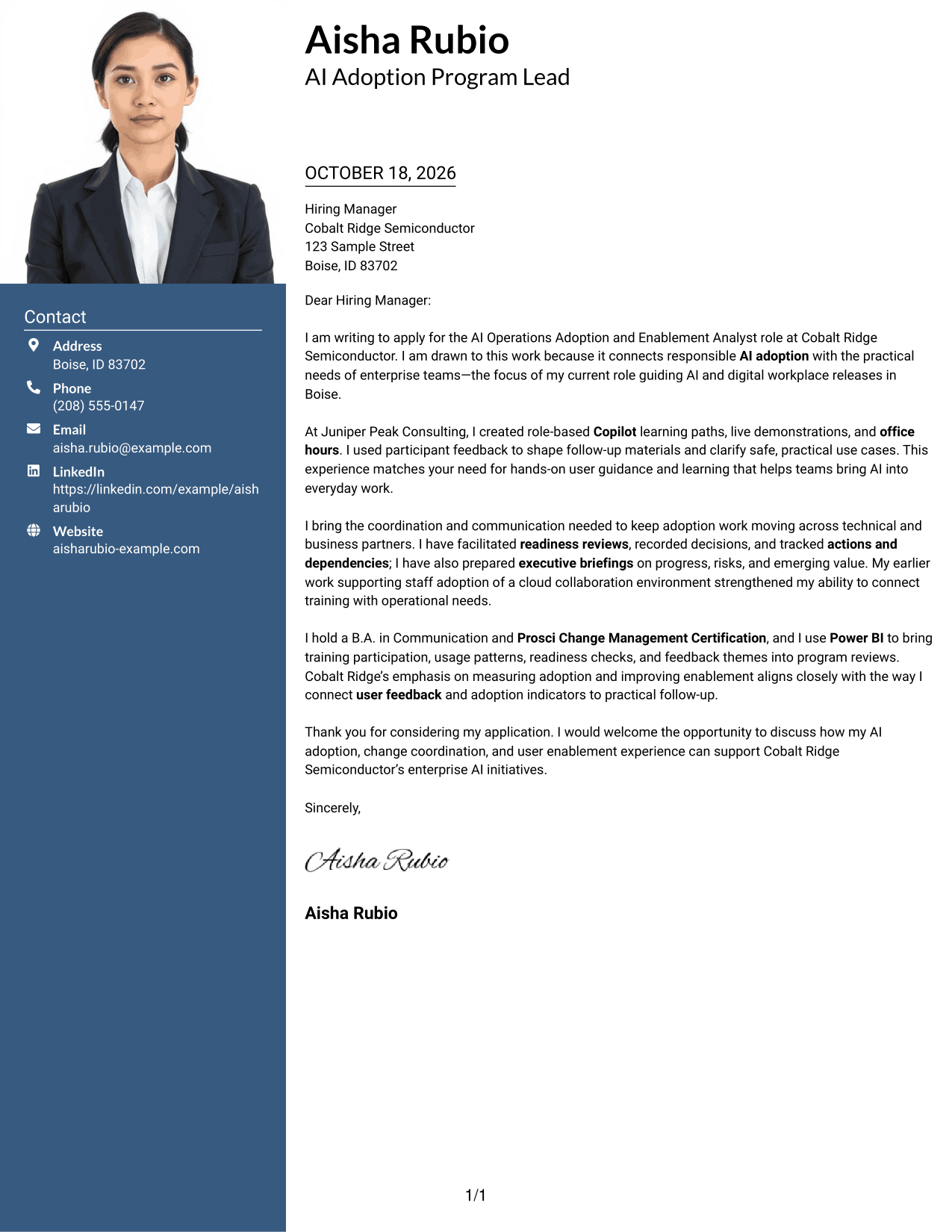
#4 One Column Format with Photo Cover Letter Example
The One Column Format with Photo includes a photo while keeping sender details in the header and the letter in one continuous column.
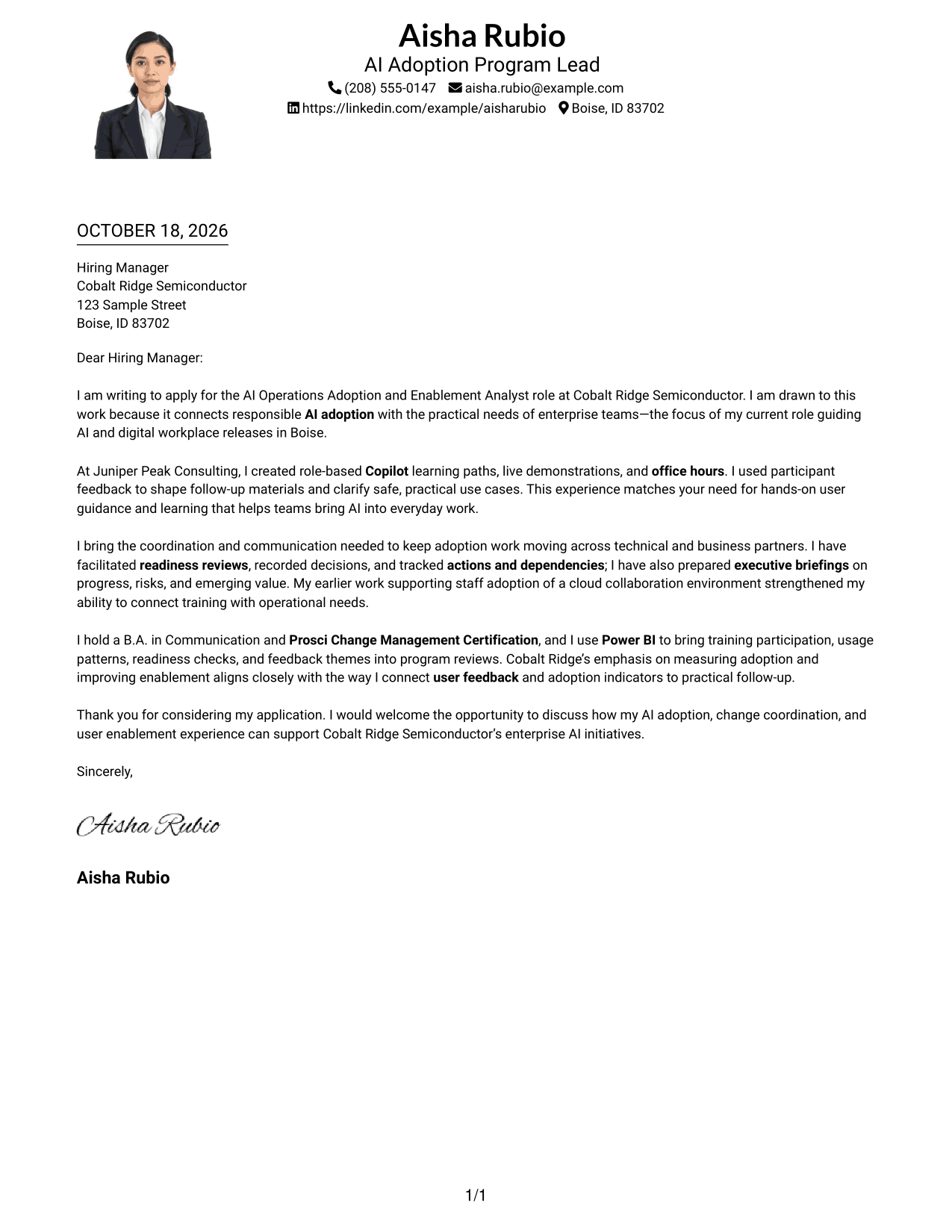
Why This Format Works
- One column keeps the message together from its opening through its close.
- Header contact details stay separate from the letter's central argument.
- The unbroken body lets each paragraph add context to the application.
Best For
- Photo-inclusive one-column layouts
- A continuous letter argument
- Header-based sender information
- Paragraph-led explanations
- A single reading path
#5 Simple Two Column Format Cover Letter Example
The Simple Two Column Format sets the contact sidebar apart from the continuous letter body, giving contact details their own place beside the message.
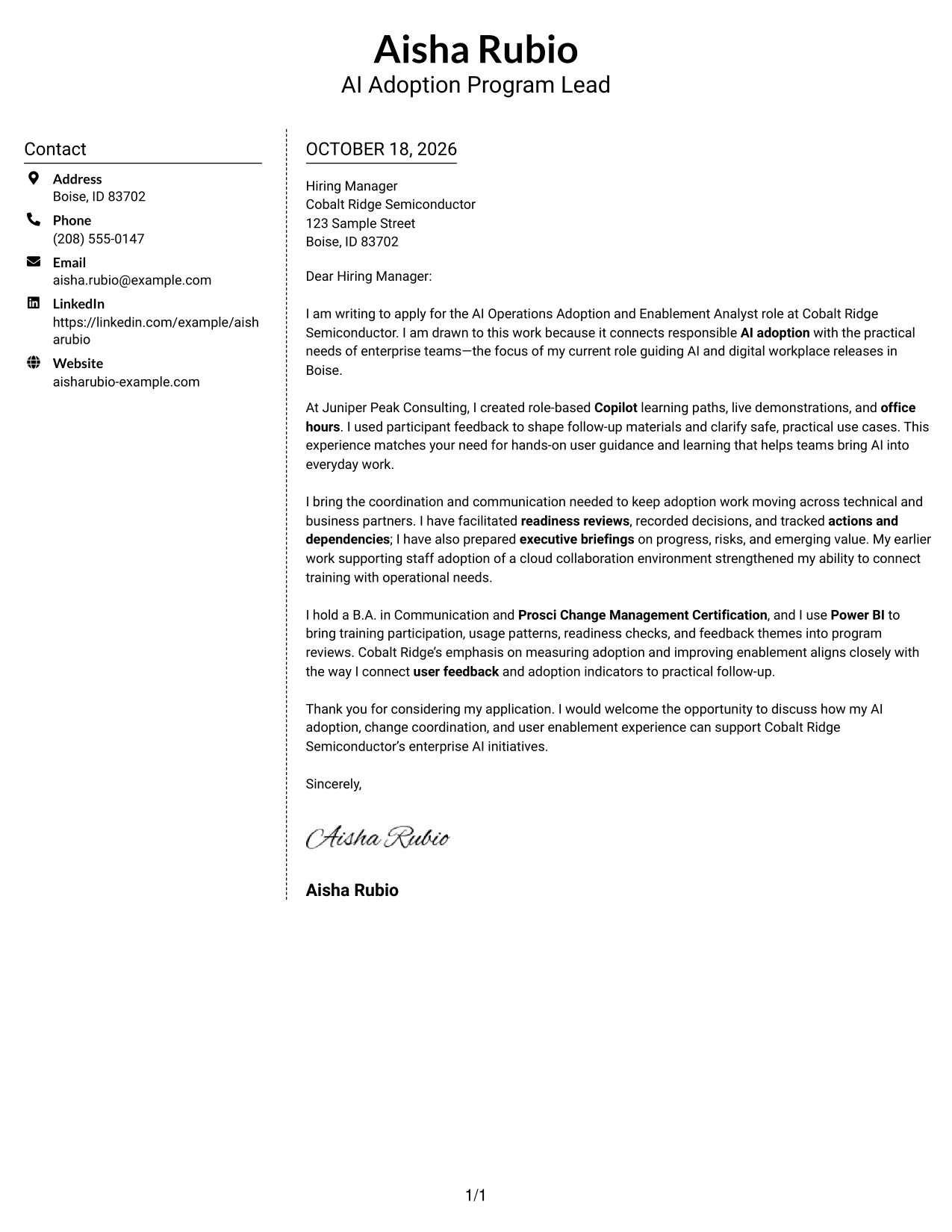
Why This Format Works
- Contact information stays available at the side as readers follow the letter.
- The letter body keeps its opening, evidence, and closing together.
- Full paragraphs allow the message to explain role fit without parallel columns.
Best For
- Contact sidebar layouts
- A unified letter body
- Easy-to-find sender details
- Paragraph-based persuasion
- Photo-free letter design
#6 Modern Icon Format Cover Letter Example
The Modern Icon Format uses icons as contact-detail cues in a two-column layout, with a contact sidebar beside one continuous letter body.
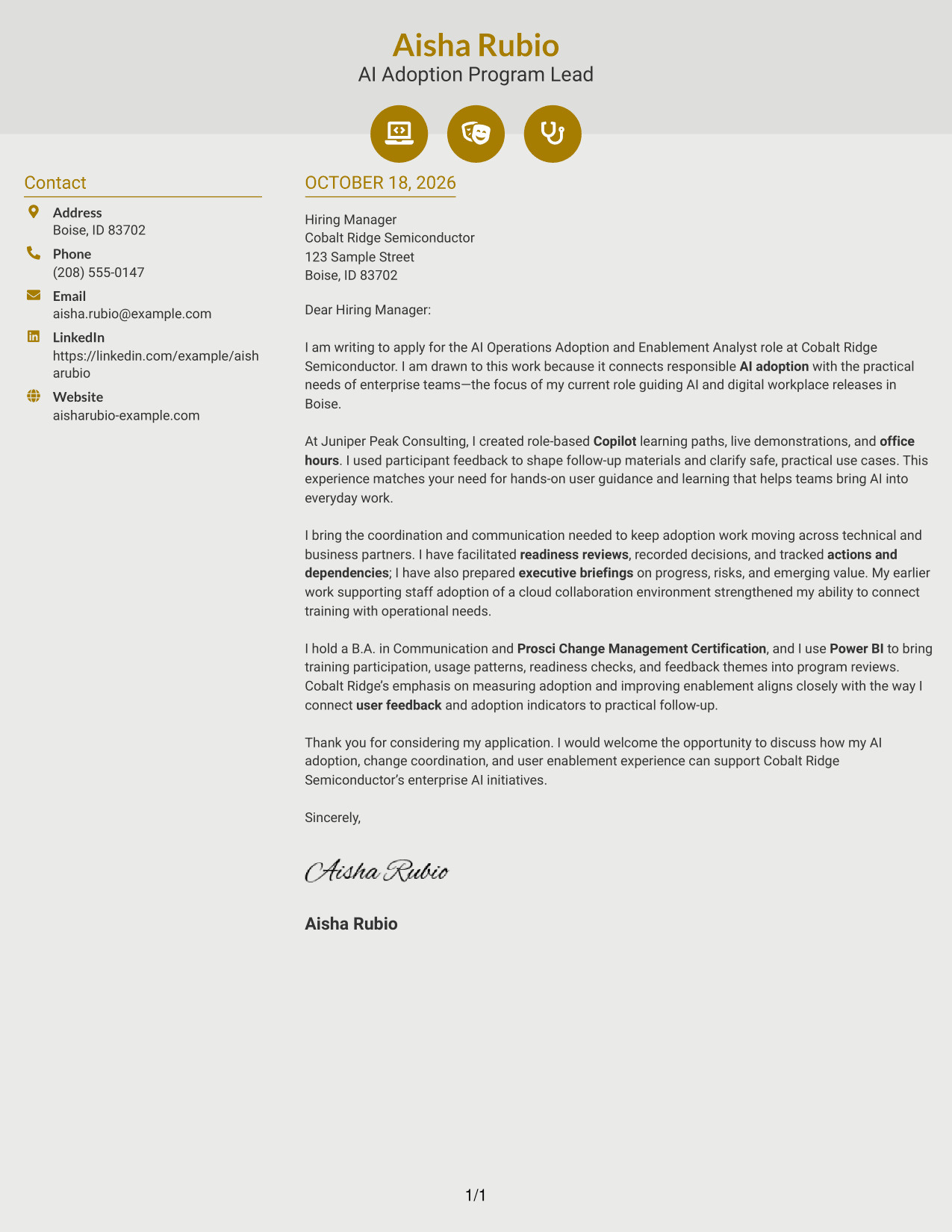
Why This Format Works
- Contact icons give readers visual cues for finding sender information.
- The sidebar leaves the letter body in one continuous reading path.
- Motivation, evidence, and closing remain part of the same letter.
Best For
- Icon-based contact cues
- Two-column letter layouts
- A continuous written argument
- Quick contact-detail lookup
- Photo-free presentation
#7 Creative Two Tone Format Cover Letter Example
The Creative Two Tone Format places contact information in a sidebar beside one continuous letter body, keeping the message in a single sequence.
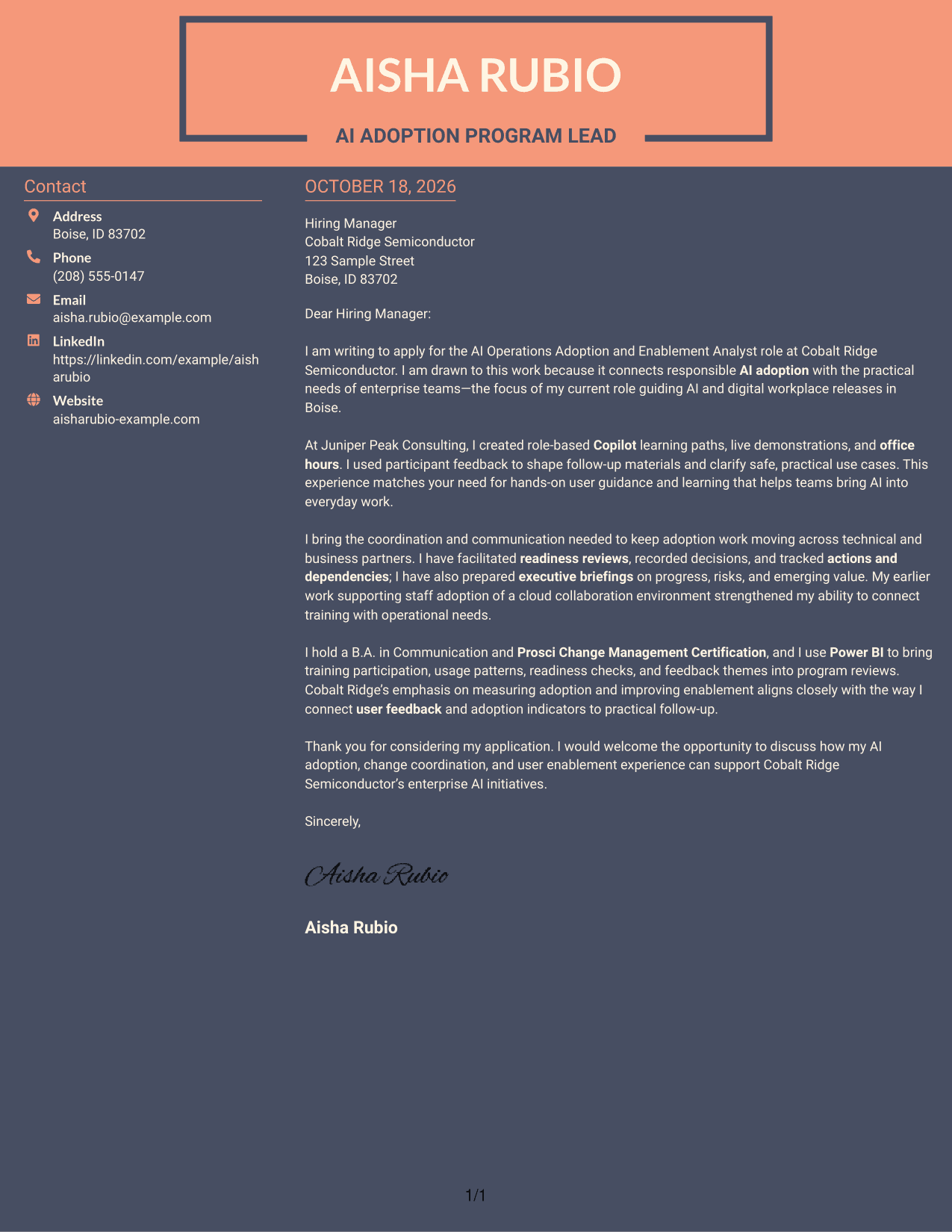
Why This Format Works
- The contact sidebar separates sender details from the persuasive message.
- The letter's paragraphs remain together, from the opening through the close.
- A single body gives the role-fit explanation room to develop in order.
Best For
- Side-by-side contact and letter
- One continuous body
- A connected role-fit explanation
- Easy-to-locate contact information
- Photo-free two-column layouts
See Also
- 7 AI Operations Adoption and Enablement Analyst Resume Templates with Example
- 33 Analyst - Cybersecurity Operations Resume Templates with Example 2026 (ATS-Optimized)
- 33 Data Analyst, Operations Resume Templates with Example 2026 (ATS-Optimized)
- 7 Facilities Operations Analyst - Data Center Operations Resume Templates with Example
- 33 Legal Operations Analyst - Corporate Governance Resume Templates with Example 2026 (ATS-Optimized)
- 7 Management Analyst IV - Medicaid Managed Care Operations Resume Templates with Example
- 7 Mid-Level Manufacturing Operations Analyst - Inventory and Tool Control Resume Templates with Example
- 33 Operations Data Analyst Resume Templates with Example 2026 (ATS-Optimized)
- 30+ Analyst - Cybersecurity Operations Cover Letter Templates with Example 2026
- 30+ Data Analyst, Operations Cover Letter Templates with Example 2026
Frequently Asked Questions
What should an AI Operations Adoption and Enablement Analyst cover letter emphasize?
Show how you help people adopt AI in their daily work. Give relevant evidence of user guidance, readiness coordination, clear communications, and the use of feedback or adoption measures.
How can I show fit for an AI adoption role?
Choose examples that match the role’s needs. For example, describe learning sessions, office hours, executive updates, or ways you tracked readiness and user feedback. Explain the outcome without claiming results you cannot support.
How should I explain my interest in the employer?
Connect your motivation to the employer’s stated work. For this role, you can explain why responsible AI adoption and practical support for enterprise teams matter to you.
Which cover letter layout should I choose?
Choose a clear layout that makes the opening, supporting examples, and closing easy to follow. Consider the employer and the communication context, then keep the design professional and readable.
Can I customize an example in the editor?
Yes. Compare the image previews, then open an example in the editor to view or customize it.




