
7 Aircraft Paint Processor Cover Letter Templates with Example
This practical guide to an Aircraft Paint Processor cover letter presents seven layouts and shows how to explain your role fit with clear, job-focused language.
What Makes a Great Aircraft Paint Processor Cover Letter in 2026
A strong letter connects your aircraft component preparation and finishing experience to the needs of the role. Use a clear opening, focused body, and direct closing to explain your interest and fit.
Give relevant examples of coordinating parts and tools, checking equipment records, and reporting work issues. Show how your safe work habits and current qualifications align with the employer’s stated needs.
The featured Aircraft Paint Processor example follows a focused progression from role interest to relevant evidence and a clear close, which you can adapt while choosing a presentation suited to the employer and communication context.
#1 Simple One Column Format Cover Letter Example
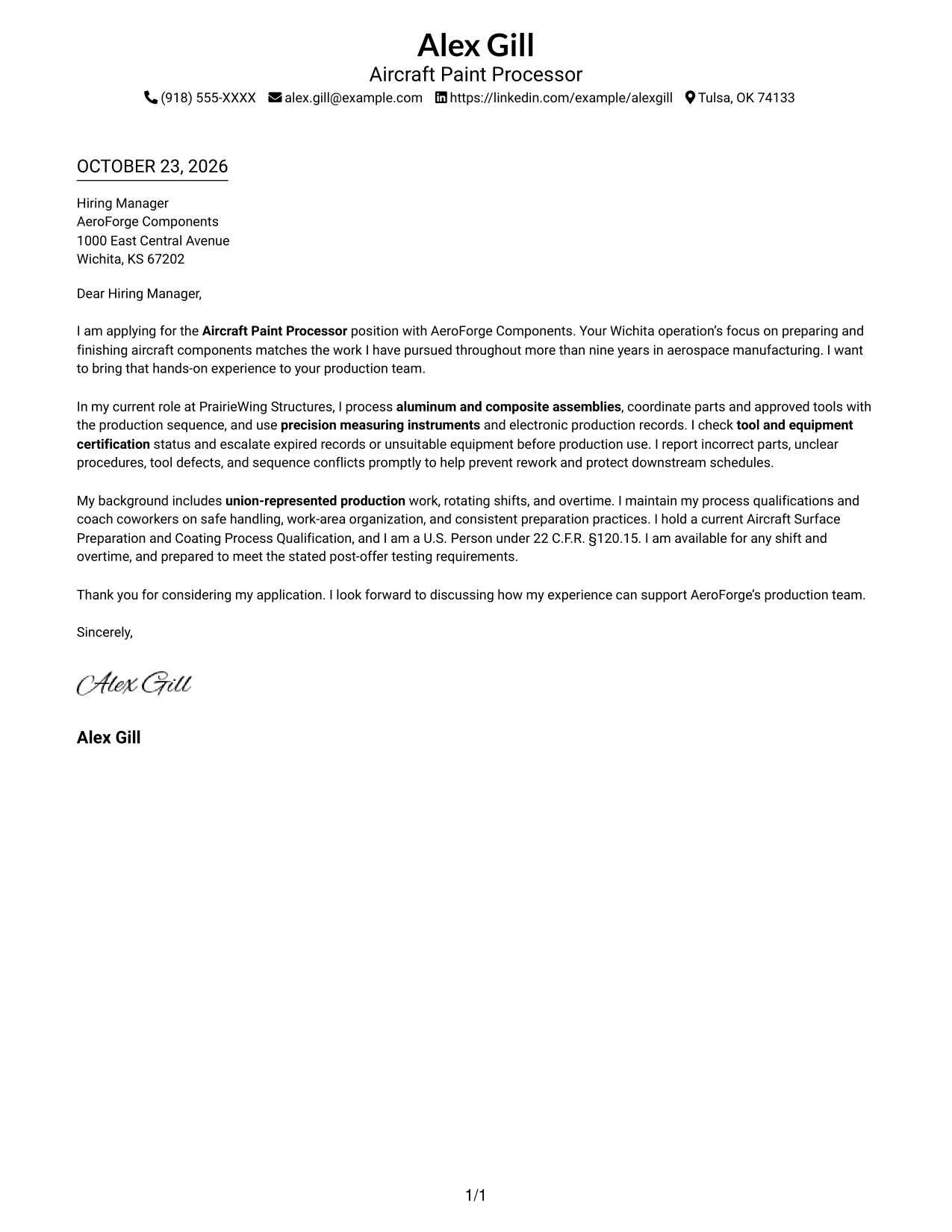
A single-column layout keeps sender details in the header and the letter body in one direct reading path.
Why This Format Works
- One reading track keeps the opening, supporting case, and close in sequence.
- Sender details in the header stay apart from the continuous letter paragraphs.
- Without a photo, the page keeps its visual emphasis on written communication.
Best For
- Single-track reading preference
- Header-based contact details
- Opening-to-close paragraph flow
- Written communication focus
- No-photo document preference
#2 Two Column Format Cover Letter Example
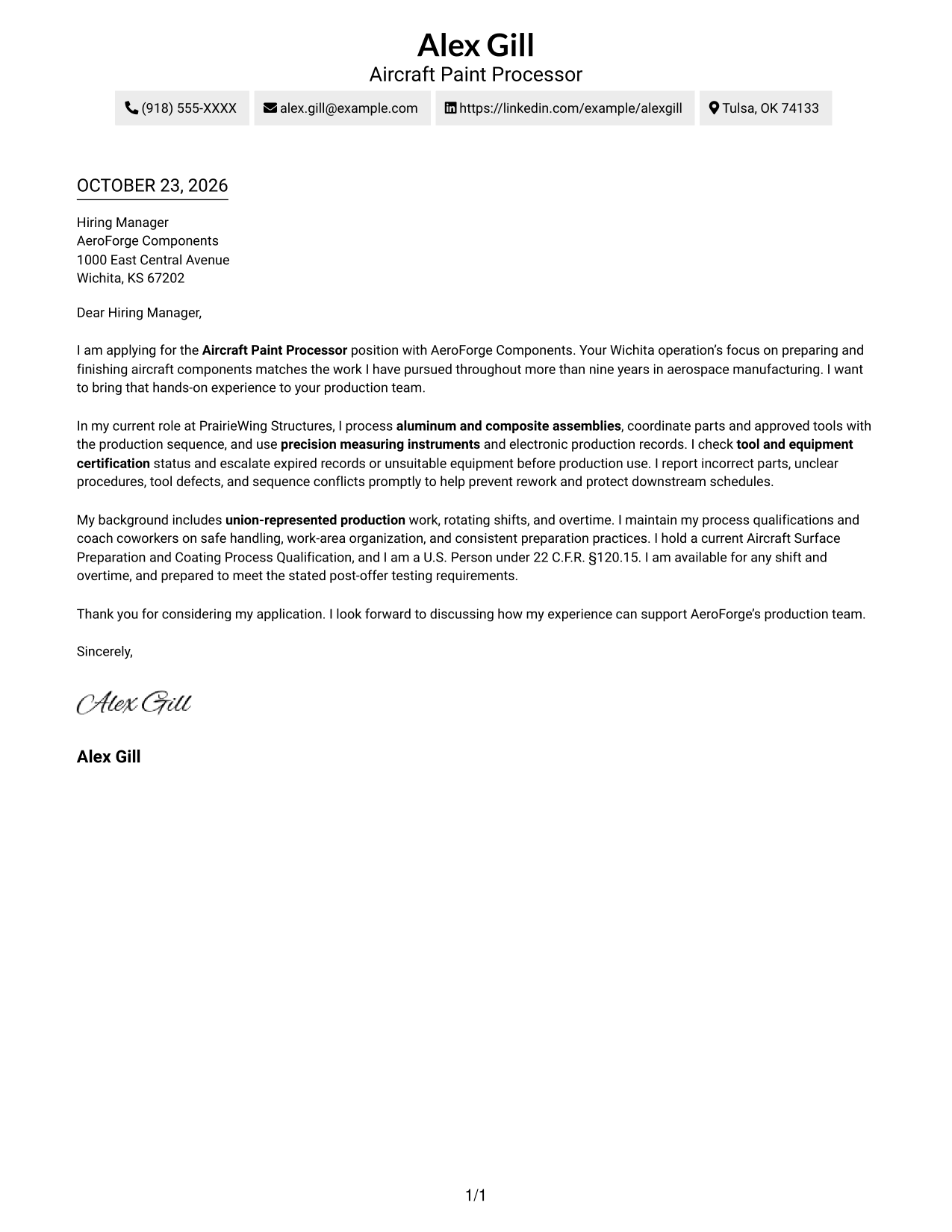
A contact sidebar sits beside one continuous letter body, separating sender details from the message.
Why This Format Works
- A separate contact sidebar lets reviewers find sender details without searching the letter body.
- The message remains continuous, so its opening, reasons, and closing read in order.
- No portrait keeps the page focused on the written application.
Best For
- Sidebar contact organization
- Continuous letter paragraphs
- Two-column reading preference
- Quick sender-detail lookup
- Written application focus
#3 Photo Header Two Column Format Cover Letter Example
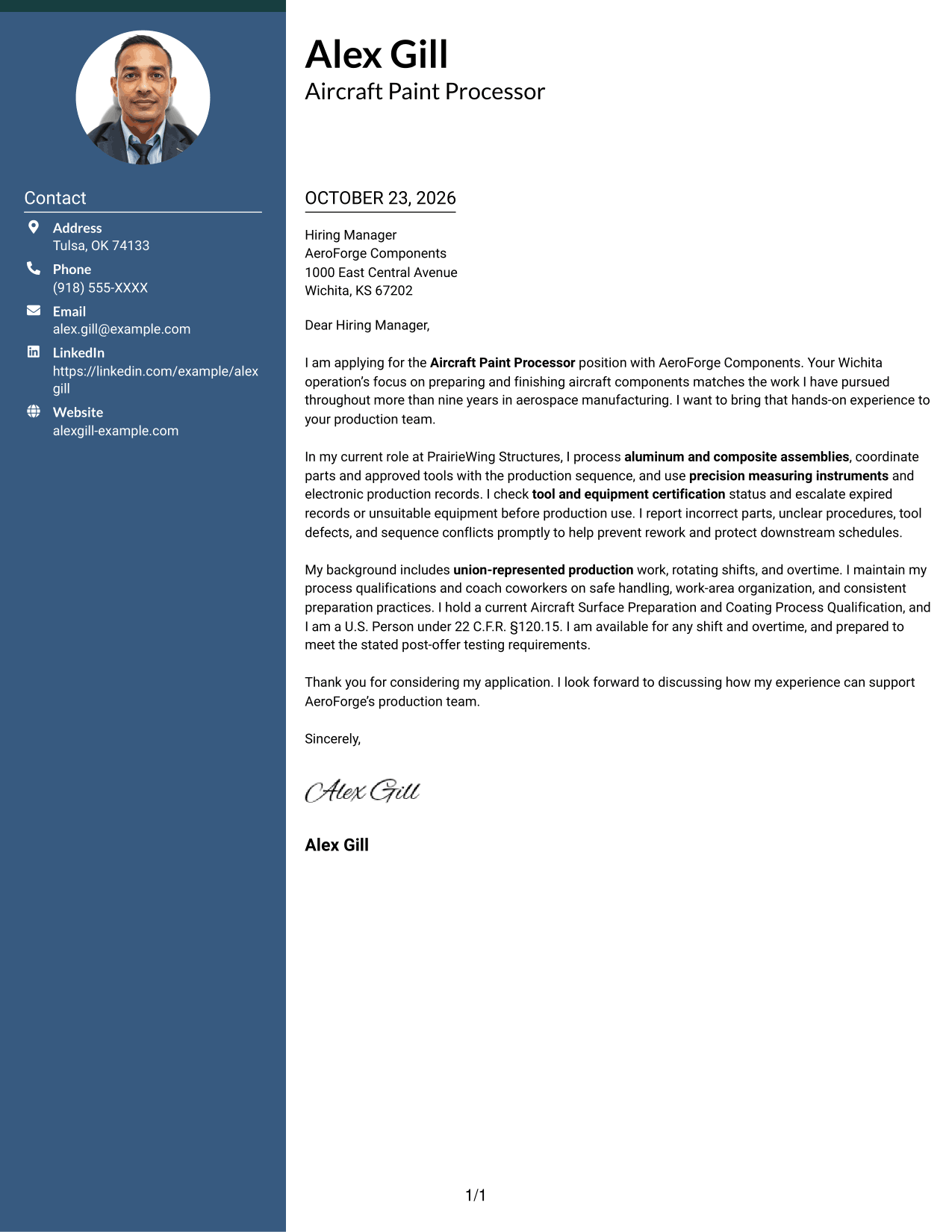
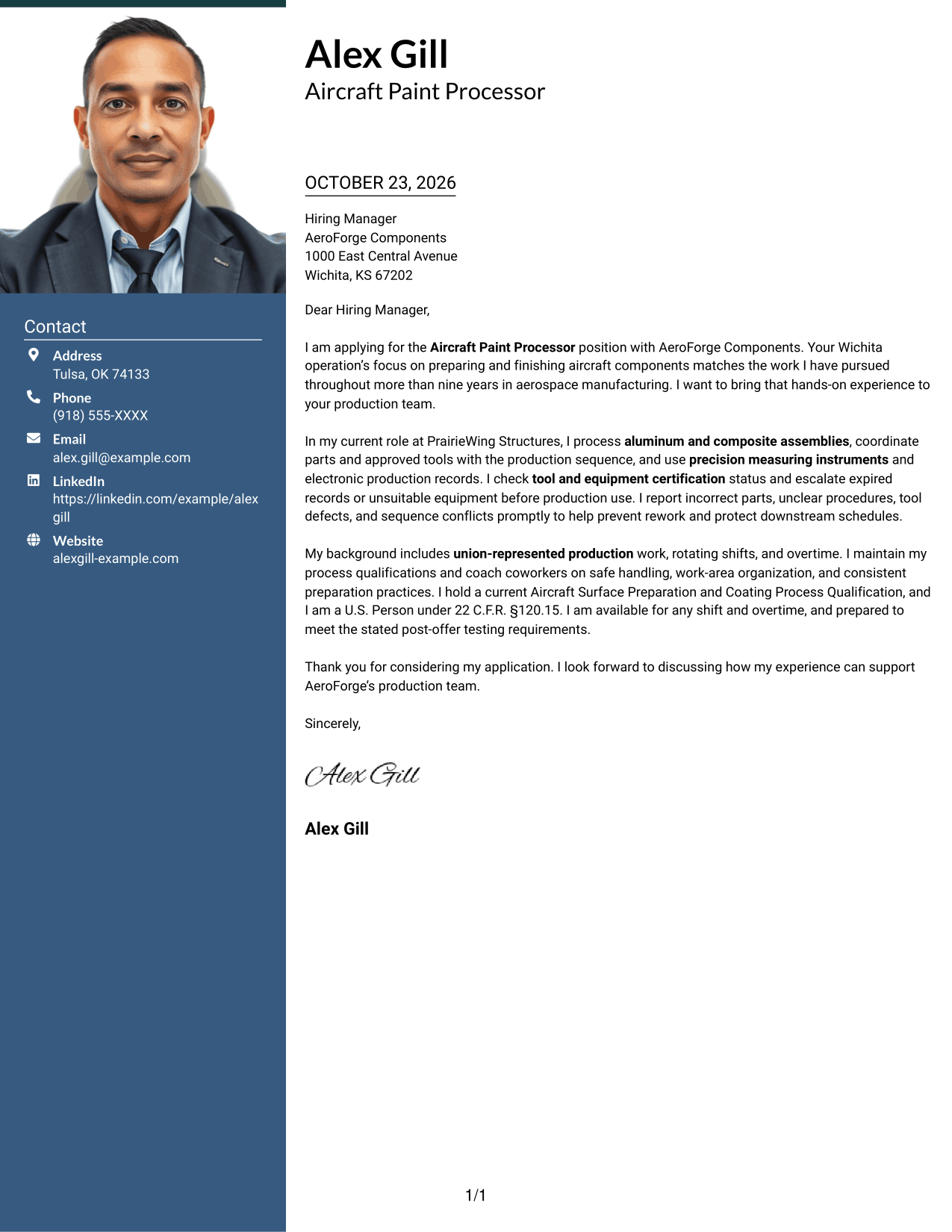
A portrait appears in this two-column format, alongside a contact sidebar and one continuous letter body.
Why This Format Works
- The contact sidebar keeps sender details distinct from the message paragraphs.
- Readers can follow the opening, case for fit, and closing in one sequence.
- The portrait adds a personal visual element for readers who prefer photo-inclusive letters.
Best For
- Photo-inclusive correspondence
- Two-column page preference
- Contact details beside the letter
- Continuous paragraph arguments
- Portrait-based visual introductions
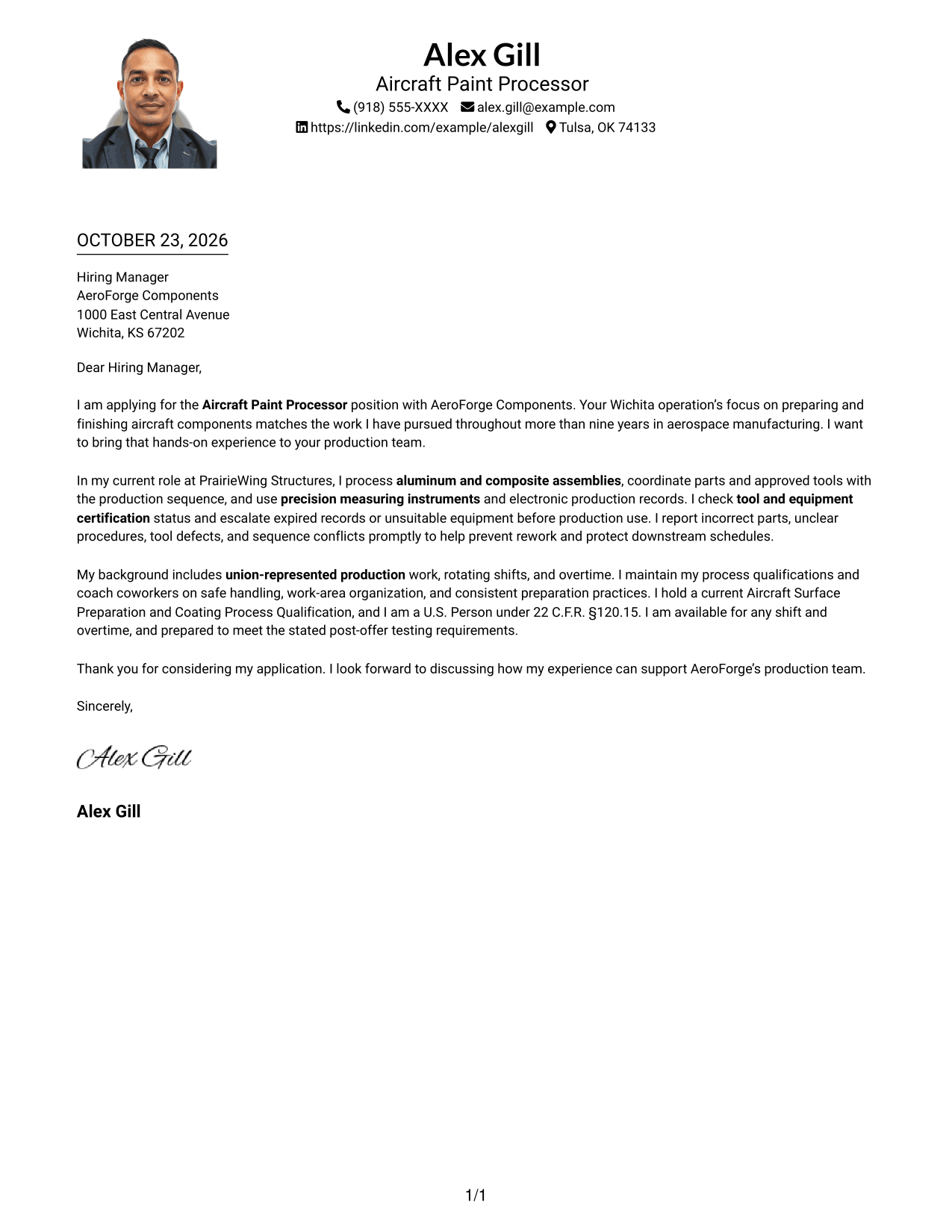
#4 One Column Format with Photo Cover Letter Example
A portrait is included in this single-column format, while the letter remains in one reading track.
Why This Format Works
- A single reading track carries the opening, evidence, and closing in order.
- The portrait adds a personal visual element without changing paragraph order.
- Header-based sender details remain distinct from the message paragraphs.
Best For
- One-column letter layouts
- Photo-inclusive applications
- Paragraph-based persuasion
- Header-based contact details
- Direct reading order
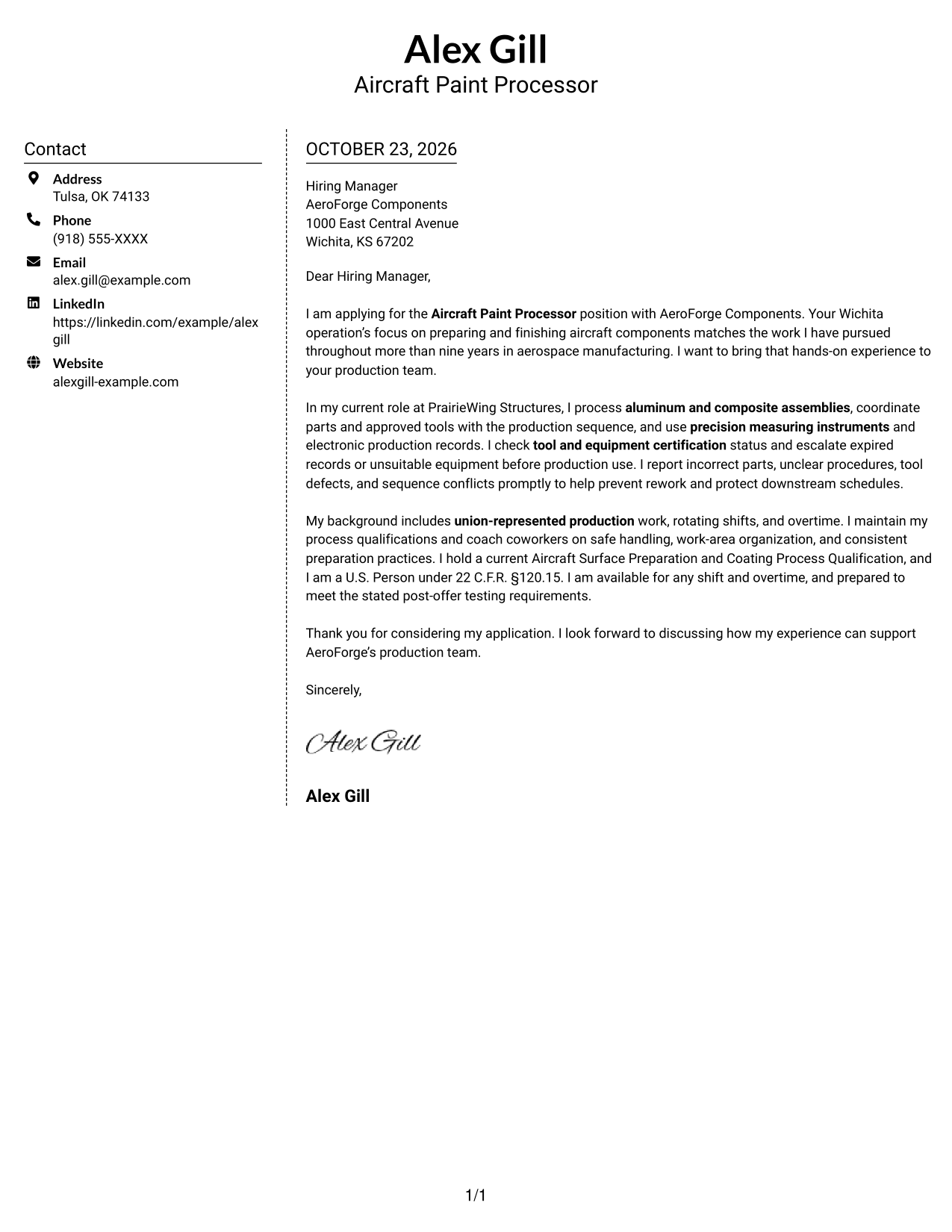
#5 Simple Two Column Format Cover Letter Example
A contact sidebar and one continuous letter body form the two main areas of this layout.
Why This Format Works
- Contact details have a dedicated area beside the message for easy reference.
- The letter’s paragraphs stay together, preserving the sequence from opening to close.
- The two-column arrangement gives the page a clear division between contact and correspondence.
Best For
- Separate contact details
- Continuous paragraph flow
- Two-column page organization
- Fast contact reference
- Photo-free correspondence
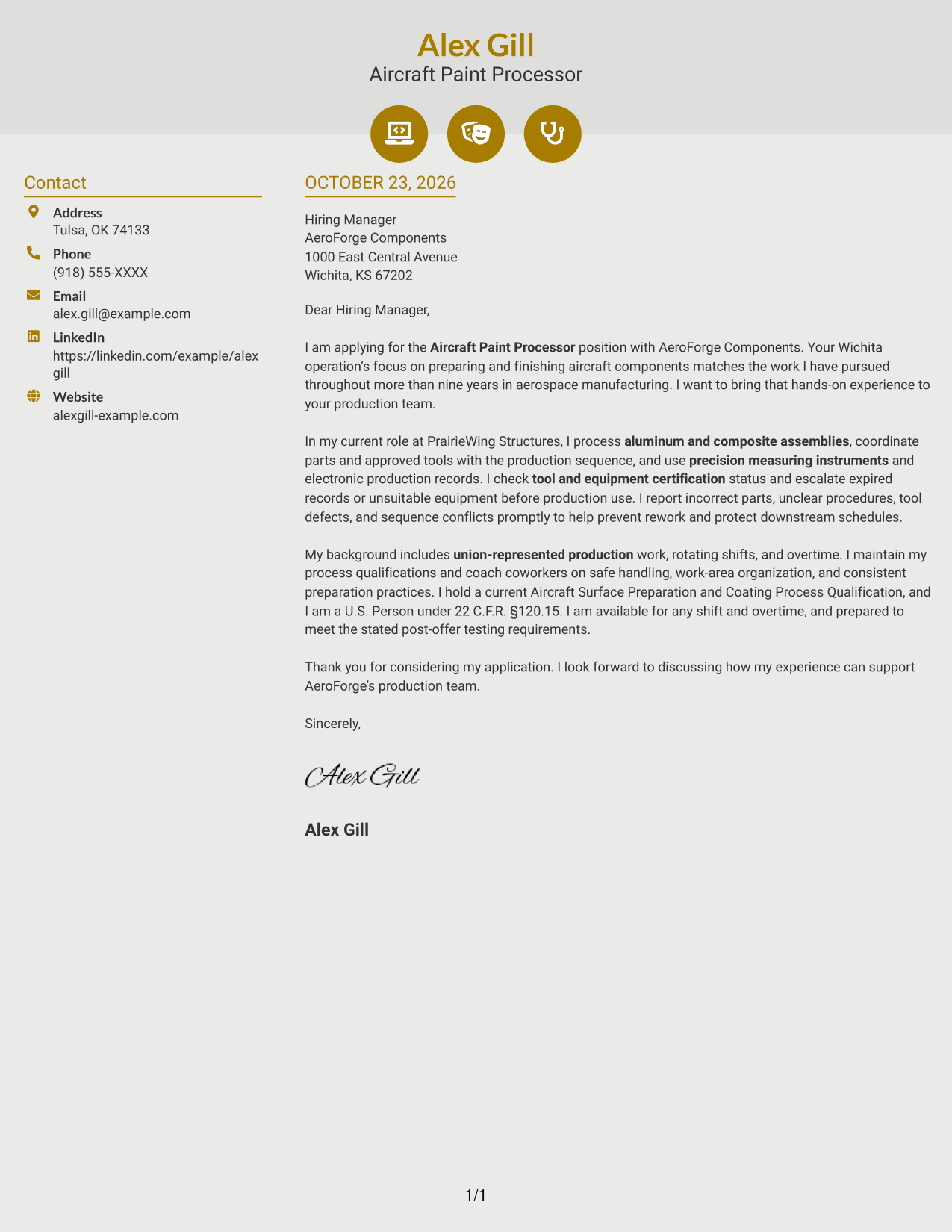
#6 Modern Icon Format Cover Letter Example
Contact icons appear with a sidebar in this two-column layout, while the letter remains one continuous body.
Why This Format Works
- Contact icons identify the details they accompany in the sidebar.
- One continuous body keeps motivation and supporting points in paragraph order.
- The sidebar separates contact information from the message without dividing its argument.
Best For
- Icon-marked contact details
- Continuous letter paragraphs
- Two-column reading preference
- Distinct contact and message areas
- Text-led correspondence
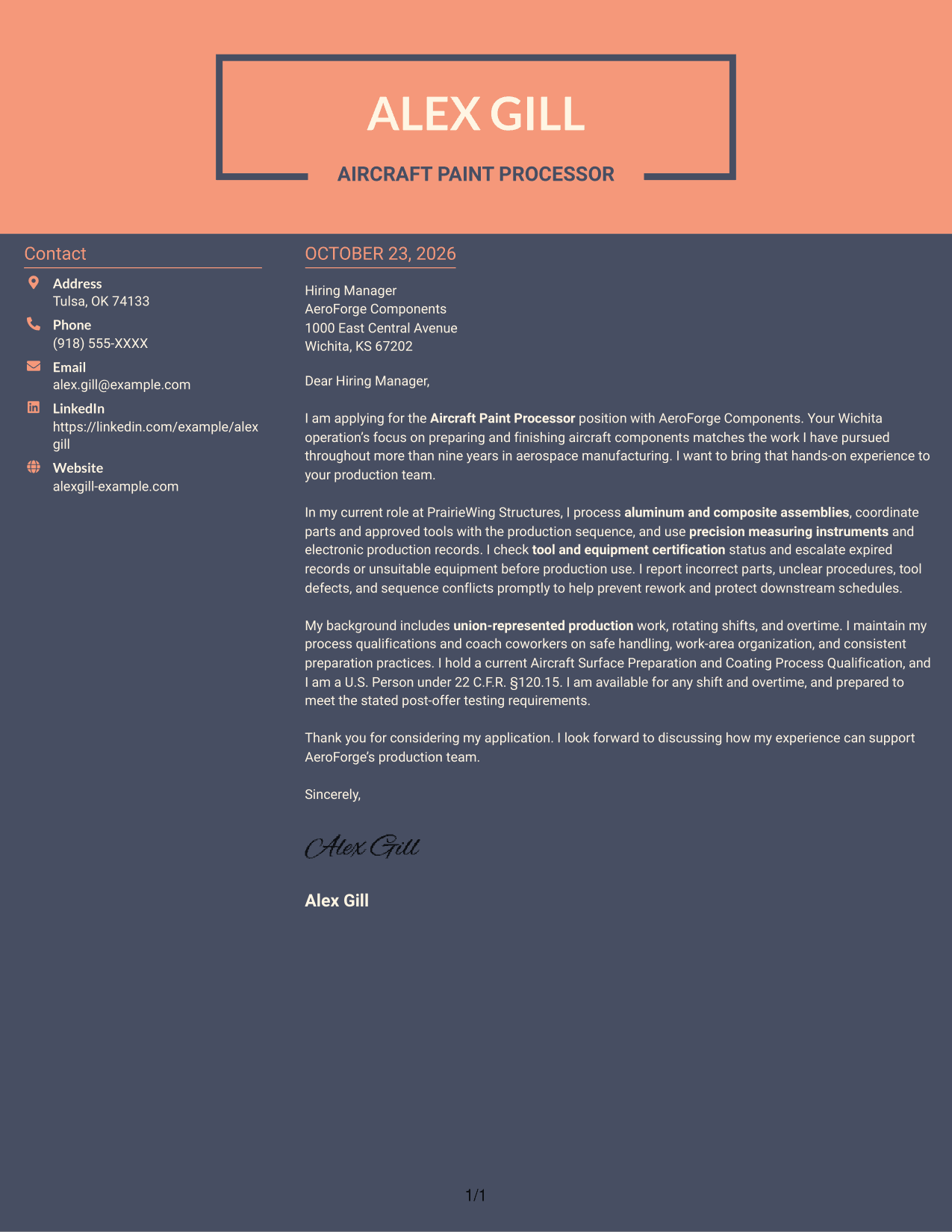
#7 Creative Two Tone Format Cover Letter Example
A contact sidebar sits beside one continuous letter body in this two-column format.
Why This Format Works
- The sidebar keeps sender details apart from the letter’s continuous paragraphs.
- A single body lets readers follow the opening, supporting points, and close in sequence.
- The two-column structure gives contact information its own place beside the message.
Best For
- Contact details beside the message
- Unbroken letter paragraphs
- Two-column page preference
- Simple contact lookup
- Photo-free application materials
See Also
- 7 Aircraft Paint Processor Resume Templates with Example
- 7 Manufacturing Engineer - Fabrication, Paint, or Assembly Resume Templates with Example
- 7 Processor - Coordination of Benefits Resume Templates with Example
- 33 Skilled Meat Processor / Butcher Resume Templates with Example 2026 (ATS-Optimized)
- 7 Airport Rescue Fire Fighter (ARFF) - Aircraft Services Resume Templates with Example
- 7 Line Service Agent - Aircraft Ground Services Resume Templates with Example
- 33 Principal Engineer – Aircraft Cybersecurity Operations Resume Templates with Example 2026 (ATS-Optimized)
- 7 Services Specialist Assistant - Family Team Support Resume Templates with Example
- 7 Processor - Coordination of Benefits Cover Letter Templates with Example
- 30+ Skilled Meat Processor / Butcher Cover Letter Templates with Example 2026
Frequently Asked Questions
What should an Aircraft Paint Processor cover letter emphasize?
Explain your interest in the role and give examples of preparing aircraft components, coordinating materials and tools, following work instructions, and maintaining safe practices. Include details only when they reflect your own experience.
How can I describe experience with production issues?
Briefly describe how you identify and report issues such as incorrect parts, unclear procedures, tool problems, or sequence conflicts. Explain how timely communication helps protect quality and production flow.
How should I address shift, overtime, and export-control requirements?
If accurate for you, state your availability for shifts and overtime, and address any applicable U.S. Person requirement directly. Do not claim eligibility or availability unless it is true.
How do I choose a cover letter layout?
Compare the image previews for readability and a clear presentation of your message. Use the editor link to open an example and consider which layout suits the employer and communication context.
Should I include a photo on my cover letter?
For U.S. applications, a cover letter without a photo is usually the safer choice unless the employer specifically asks for one.




