
7 Architectural Designer - Construction Documentation Cover Letter Templates with Example
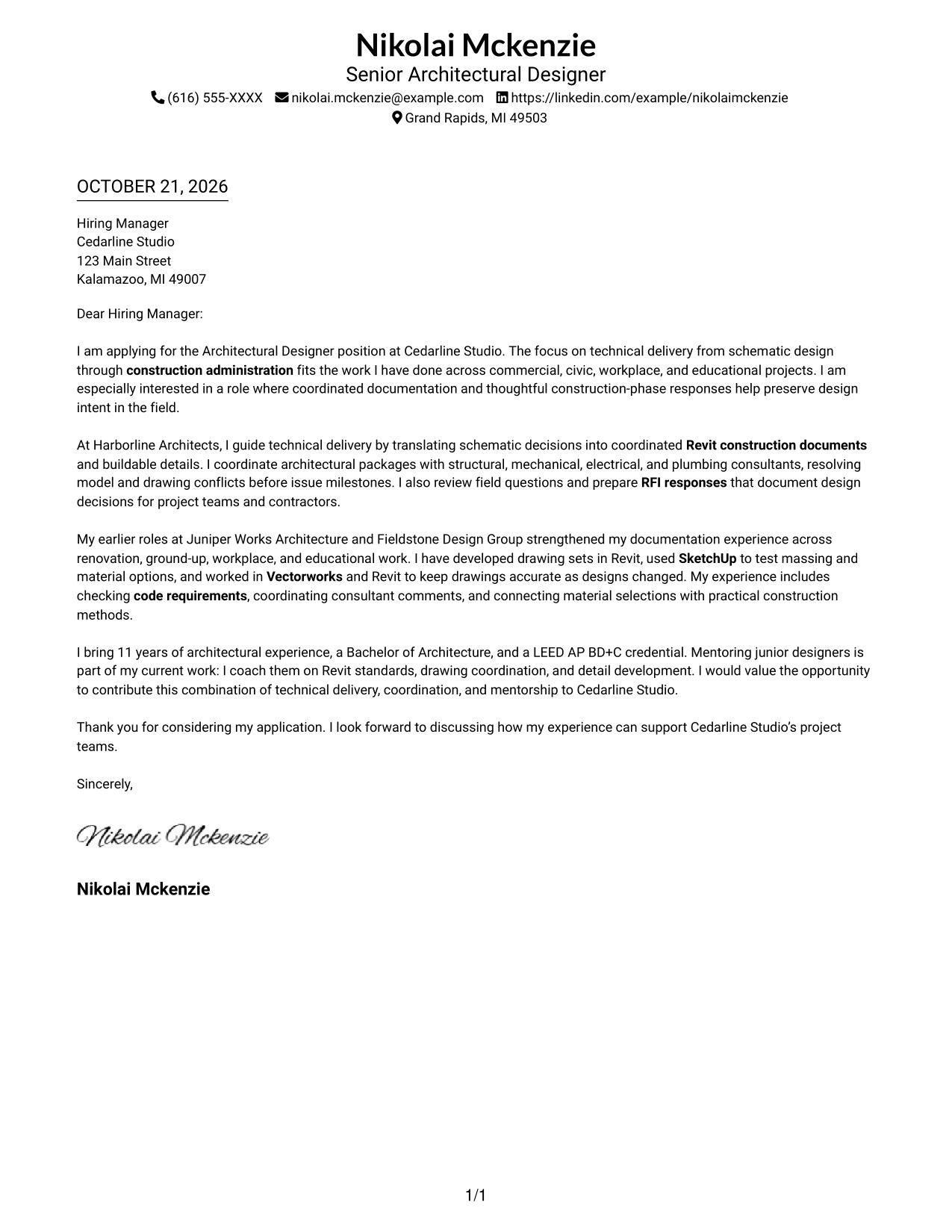
This guide helps you write an Architectural Designer - Construction Documentation cover letter, with one example presented in 7 layouts.
What Makes a Great Architectural Designer - Construction Documentation Cover Letter in 2026
A strong letter connects careful construction documentation with the work of coordinating details, building systems, materials, and code requirements. It also explains why the role's technical focus is a good fit.
Use specific examples of consultant coordination, construction-phase responses, and buildable details to support your claims. Connect that evidence to the employer's needs, and mention tools such as Revit, SketchUp, or Vectorworks only when they reflect your experience.
The featured example moves from interest in the role to current technical work, supporting experience, and a clear close; adapt this focused progression while choosing a presentation that suits the employer and communication context.
#1 Simple One Column Format Cover Letter Example
The Simple One Column Format places sender details in the header and keeps the continuous letter body in one column for a direct reading path.
Why This Format Works
- Sender details stay in the header, leaving the letter body in one reading column.
- A single text column keeps the opening, supporting points, and close in sequence.
- The header keeps contact information separate from the letter's persuasive paragraphs.
Best For
- Single-column reading preference
- Header-based contact information
- Text-led application letters
- Letters without section headings
- Photo-free page preference
#2 Two Column Format Cover Letter Example
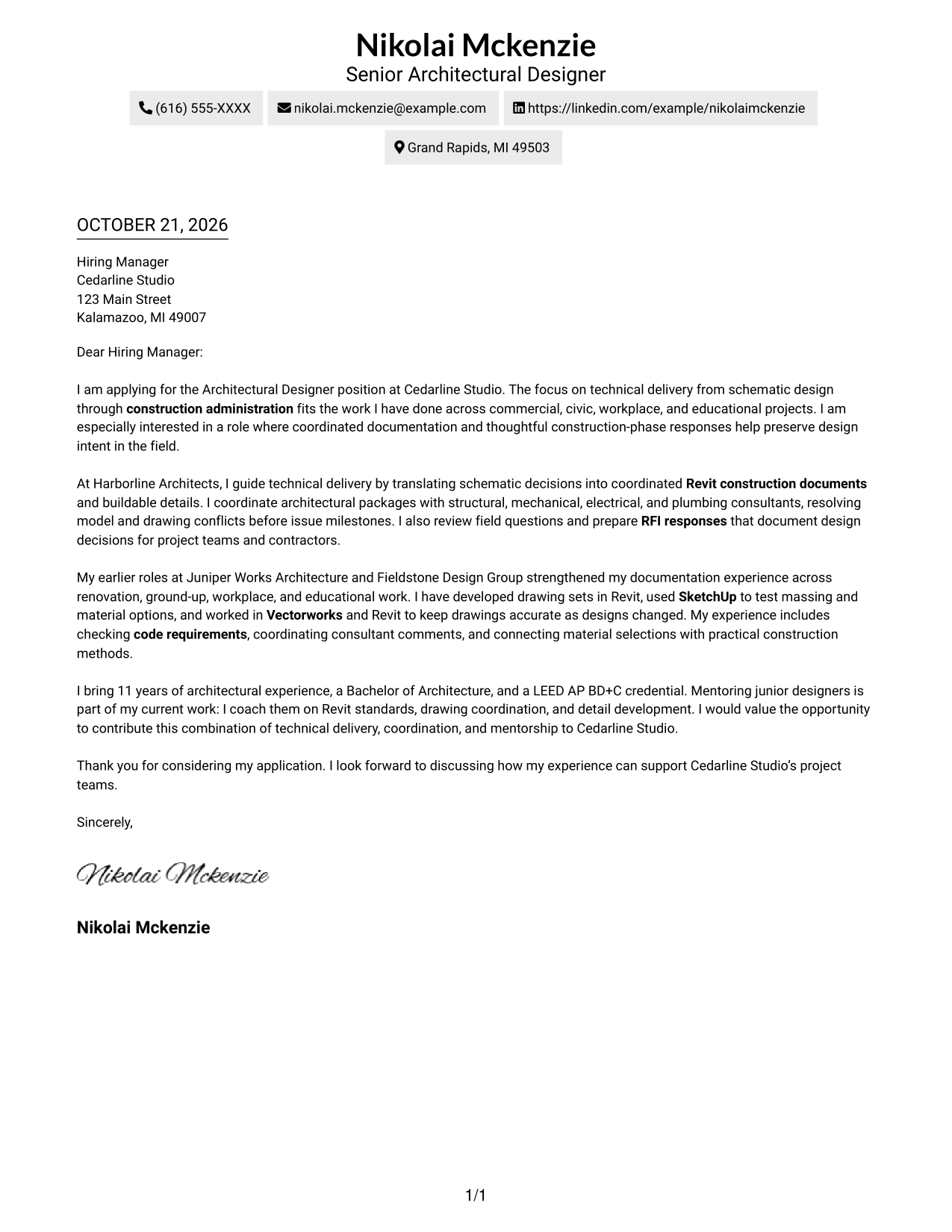
The Two Column Format places contact details in a sidebar beside one continuous letter body, keeping sender information distinct from the message.
Why This Format Works
- Side-by-side placement lets reviewers locate contact details without interrupting the letter's prose.
- One continuous body keeps motivation, evidence, and closing in their intended order.
- Paragraph-led prose keeps the letter's case clear without section labels.
Best For
- Separate contact-detail reference
- Side-by-side page organization
- Continuous letter paragraphs
- Applications with several supporting paragraphs
- Letters without argument headings
#3 Photo Header Two Column Format Cover Letter Example
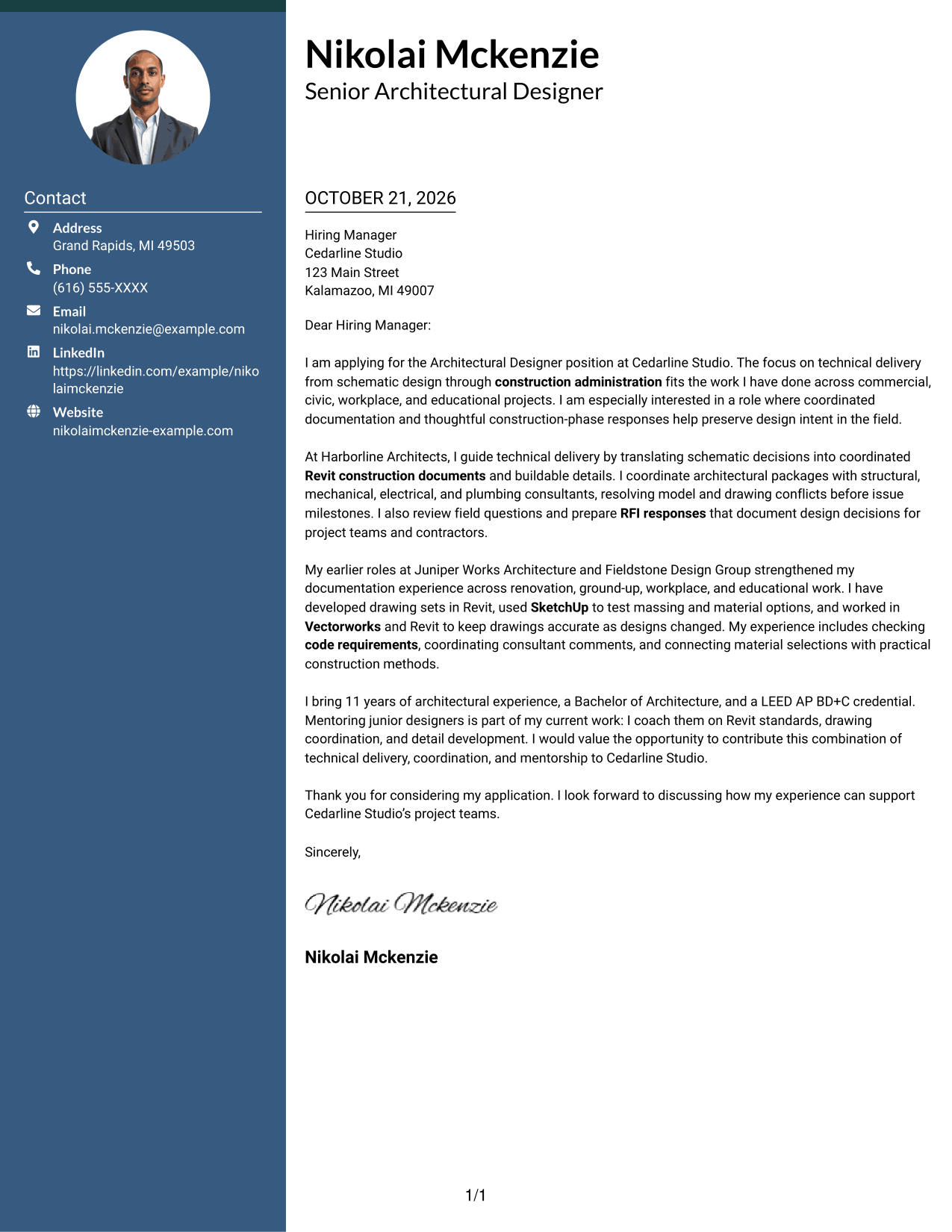
The Photo Header Two Column Format pairs a header photo with a contact sidebar and one continuous letter body for a personal visual introduction.
Why This Format Works
- The header photo adds a visible personal detail before reviewers begin the letter.
- Contact details stay apart while the message remains one continuous body.
- Paragraphs carry the opening, evidence, and closing without section headings.
Best For
- Photo-led header presentation
- Separate contact and message areas
- Continuous letter paragraphs
- Contact details needing quick reference
- Letters without body headings
#4 One Column Format with Photo Cover Letter Example
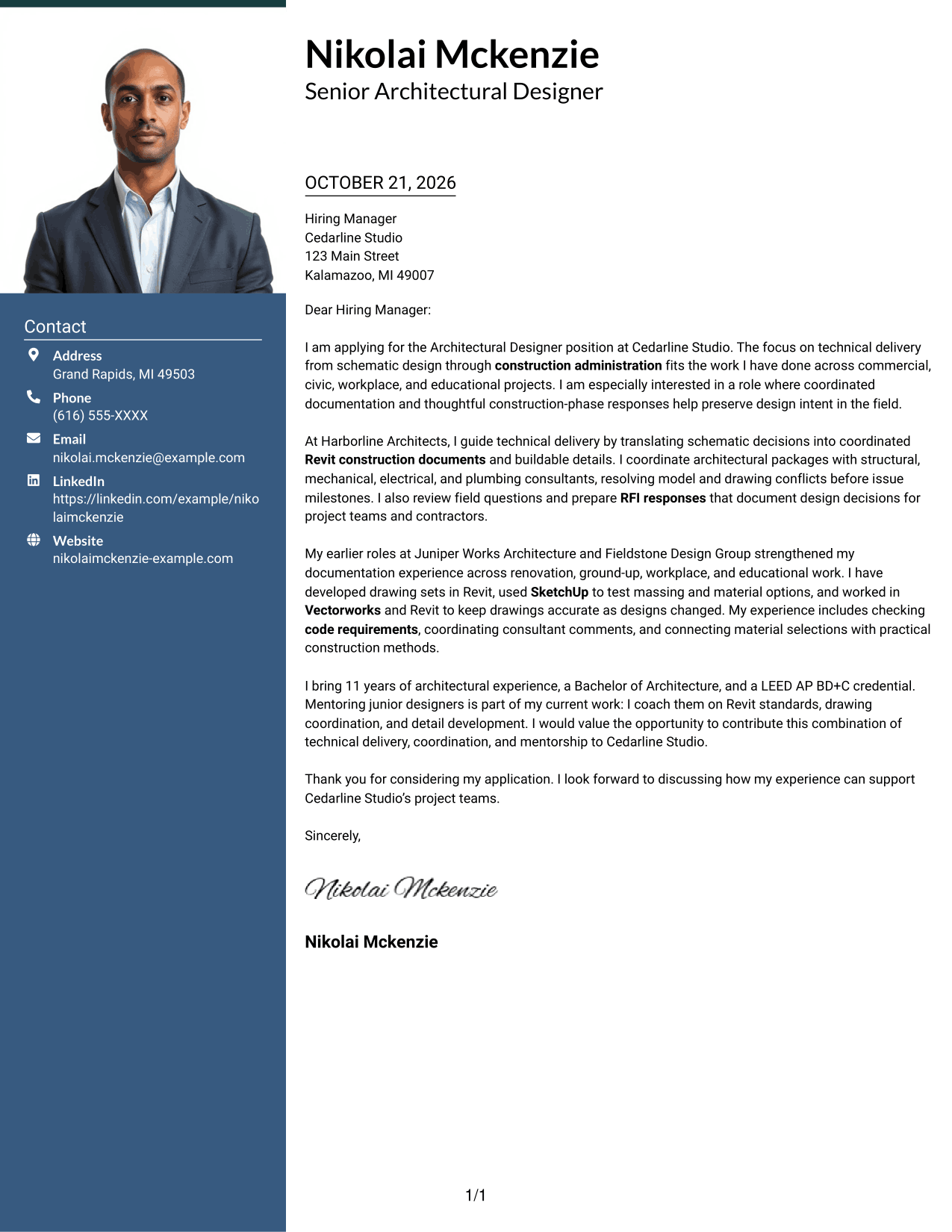
The One Column Format with Photo includes a photo with a single-column letter body, adding a personal visual element while keeping the message in one reading column.
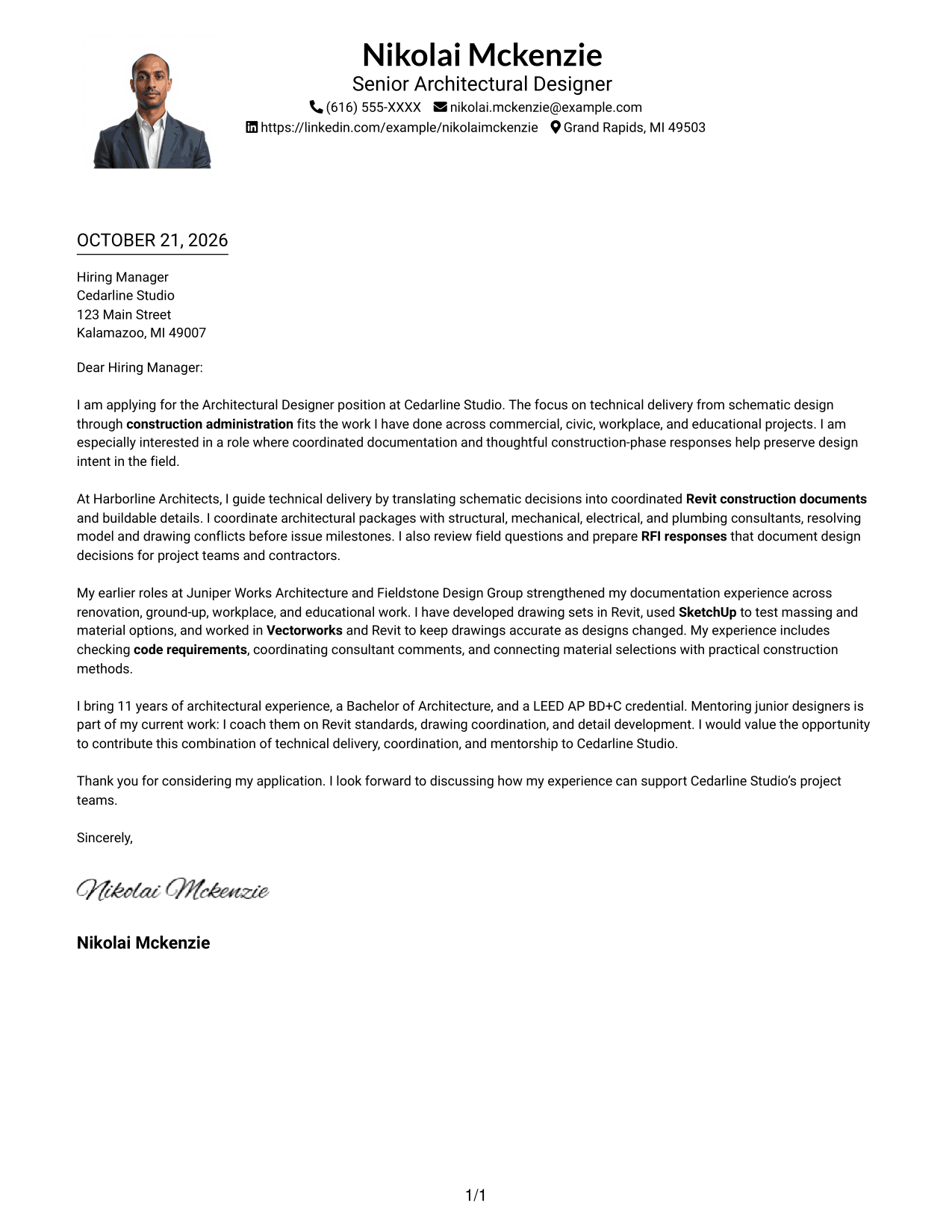
Why This Format Works
- The photo adds a personal visual element without dividing the single-column message.
- One text column keeps the opening, supporting points, and closing in sequence.
- Sender details in the header stay distinct from the letter paragraphs.
Best For
- Photo-inclusive letter design
- Single-column message flow
- Header-based sender details
- Continuous paragraph argument
- Letters without body labels
#5 Simple Two Column Format Cover Letter Example
The Simple Two Column Format sets contact details in a sidebar beside the letter's continuous body, giving sender information its own area.
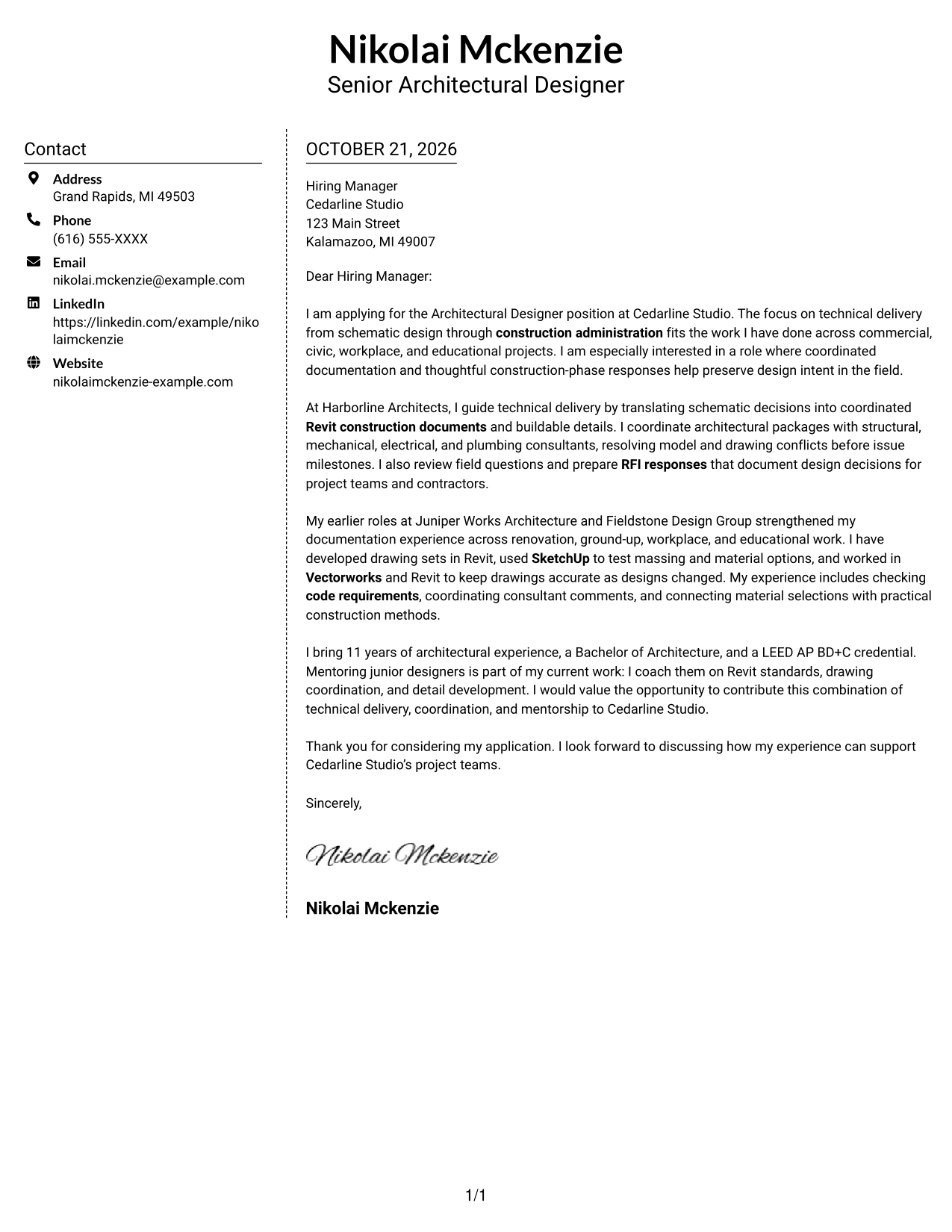
Why This Format Works
- Sidebar contact details remain distinct from the persuasive letter text.
- The single body carries the opening, supporting case, and close in order.
- Paragraph-led writing keeps the letter clear without adding body headings.
Best For
- Sidebar contact reference
- One-body-column letter reading
- Paragraph-led persuasive writing
- Applications with several supporting paragraphs
- Letters without body headings
#6 Modern Icon Format Cover Letter Example
The Modern Icon Format uses icons as contact cues in a sidebar beside one continuous letter body, keeping visual markers tied to sender information.
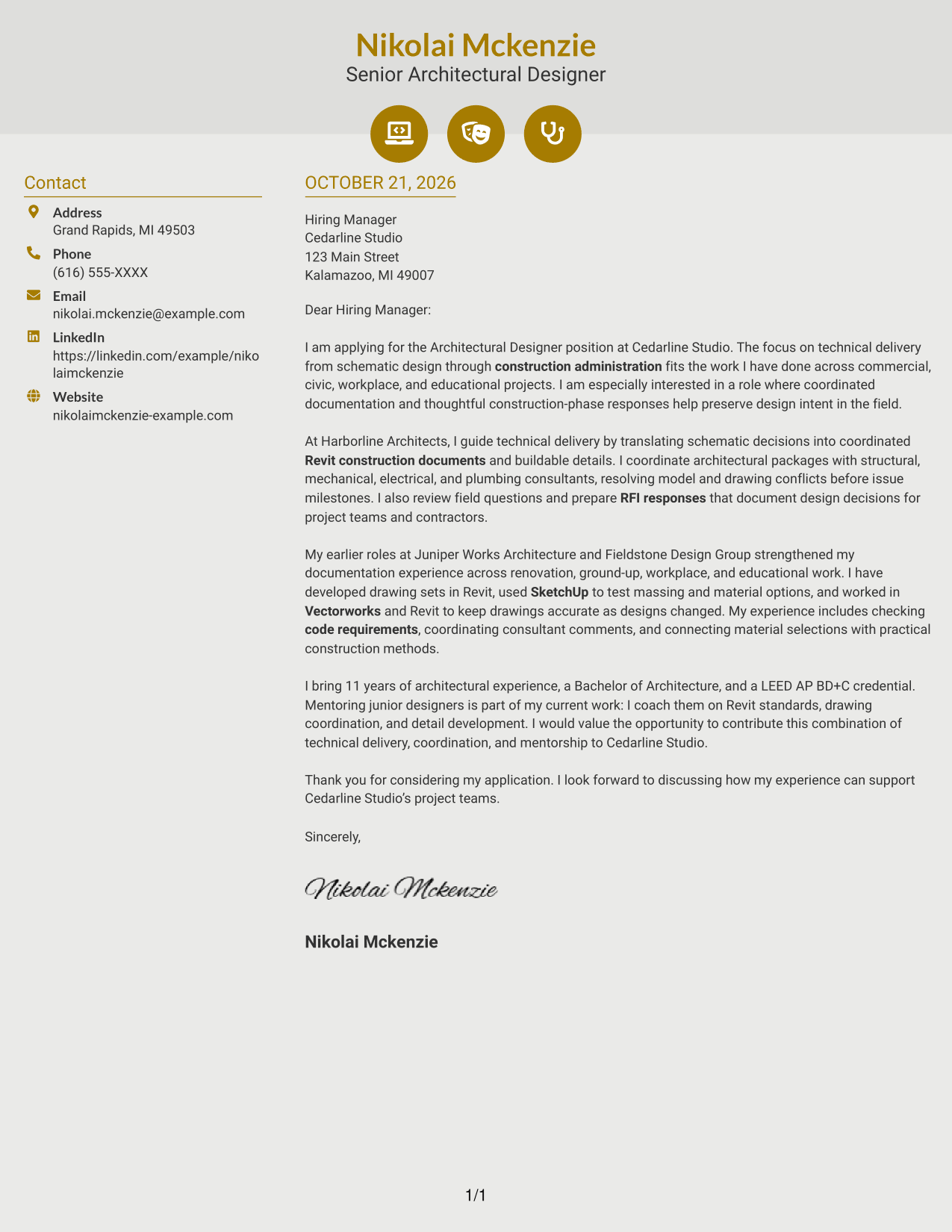
Why This Format Works
- Icons act as contact cues, not labels for parts of the letter argument.
- The sidebar sets sender information apart while leaving the message in continuous prose.
- Opening, supporting points, and closing remain together without section headings.
Best For
- Icon-cued contact details
- Sidebar contact reference
- Continuous letter body
- Letters without argument labels
- Visual cues for sender information
#7 Creative Two Tone Format Cover Letter Example
The Creative Two Tone Format places contact details in a sidebar beside the continuous letter body, separating sender information from the message.
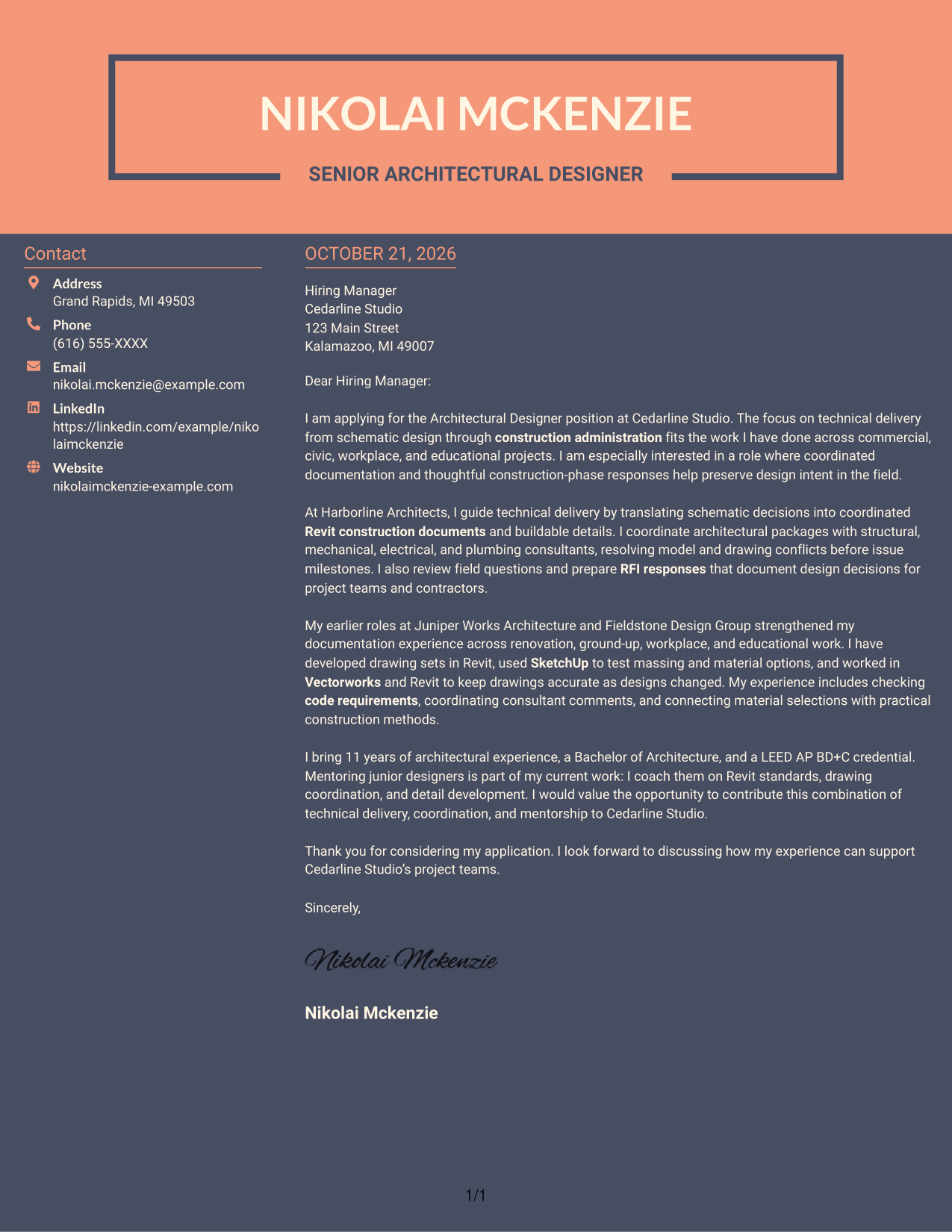
Why This Format Works
- Side-by-side columns separate contact details from the continuous letter body.
- A continuous body presents motivation and evidence as one connected written case.
- The separate contact area leaves the letter paragraphs focused on the message.
Best For
- Separate sender-contact area
- Side-by-side page organization
- Continuous persuasive prose
- Letters with several supporting paragraphs
- Contact details apart from the message
See Also
- 7 Architectural Designer - Construction Documentation Resume Templates with Example
- 7 Entry-Level Architectural Designer - Construction Documentation Resume Templates with Example
- 7 Architectural Designer / Project Architect - Commercial and Institutional Resume Templates with Example
- 7 BIM Architectural Designer Resume Templates with Example
- 7 Custom Residential Architectural Designer Resume Templates with Example
- 7 Landscape Designer - Site Planning and Documentation Resume Templates with Example
- 33 Associate Director, Senior Service Designer (GenAI Experience) Resume Templates with Example 2026 (ATS-Optimized)
- 33 Automotive CAD Designer – Exterior Mirrors & Vision Systems Resume Templates with Example 2026 (ATS-Optimized)
- 7 Entry-Level Architectural Designer - Construction Documentation Cover Letter Templates with Example
- 7 Architectural Designer / Project Architect - Commercial and Institutional Cover Letter Templates with Example
Frequently Asked Questions
What should the opening paragraph of this cover letter explain?
State your interest in the Architectural Designer - Construction Documentation role and connect it to the work's focus on technical delivery. Keep the opening direct, then use the body to support your fit with specific examples.
How can I show that I can prepare construction documents?
Describe relevant work on coordinated drawing sets, technical details, code checks, or building systems. Explain your contribution clearly and connect it to accurate, buildable documentation.
Should I mention Revit, SketchUp, and Vectorworks?
Mention the tools you have used and explain how they supported your documentation or design work. Do not list software without showing its connection to the role.
How should I discuss consultant coordination and RFIs?
Give a clear example of coordinating information or responding to a field question. Show how your communication helped resolve an issue and keep project decisions aligned with design intent.
How can I compare the cover letter presentations?
Review the image preview to see the presentation, then use View in Editor to open an example or choose the customization action to adapt it.




