
7 Area Director - Dental Implant Sales Cover Letter Templates with Example
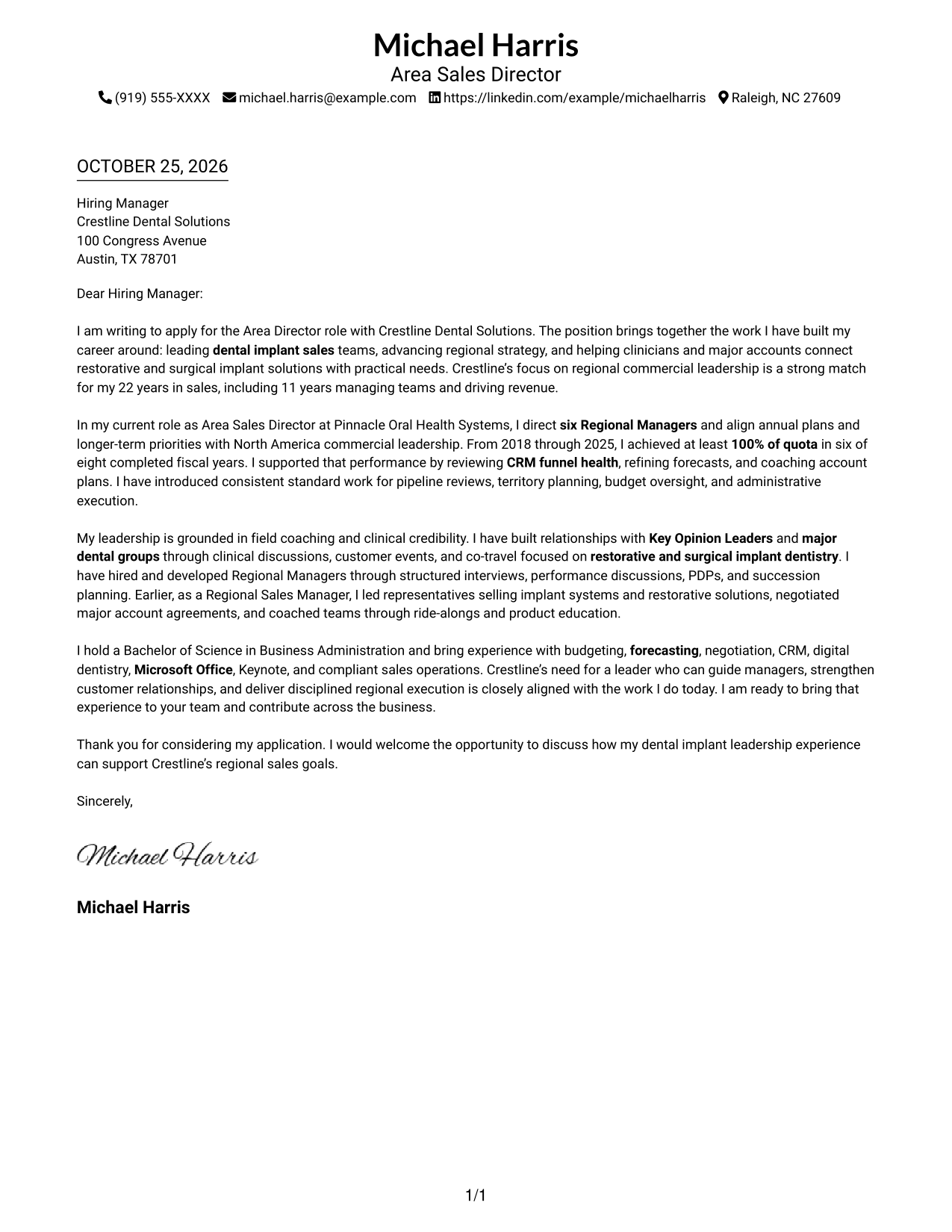
This practical guide to an Area Director - Dental Implant Sales cover letter helps you present your leadership and sales results in one of seven layouts.
What Makes a Great Area Director - Dental Implant Sales Cover Letter in 2026
A strong letter connects regional sales leadership to the needs of a dental implant business. Use the opening to show your interest, the body to make your case, and the closing to invite a conversation.
Support your fit with clear evidence, such as team leadership, quota results, coaching, and customer relationships. Connect that evidence to the employer’s goals for regional growth and reliable sales execution.
The featured Area Director - Dental Implant Sales example follows a focused progression from role interest to sales results, leadership approach, and a clear close. Adapt that flow to your own evidence, then choose a presentation that suits the employer and communication context.
#1 Simple One Column Format Cover Letter Example
Simple One Column Format keeps the letter in one body column, a practical choice for readers who prefer a direct path through the message.
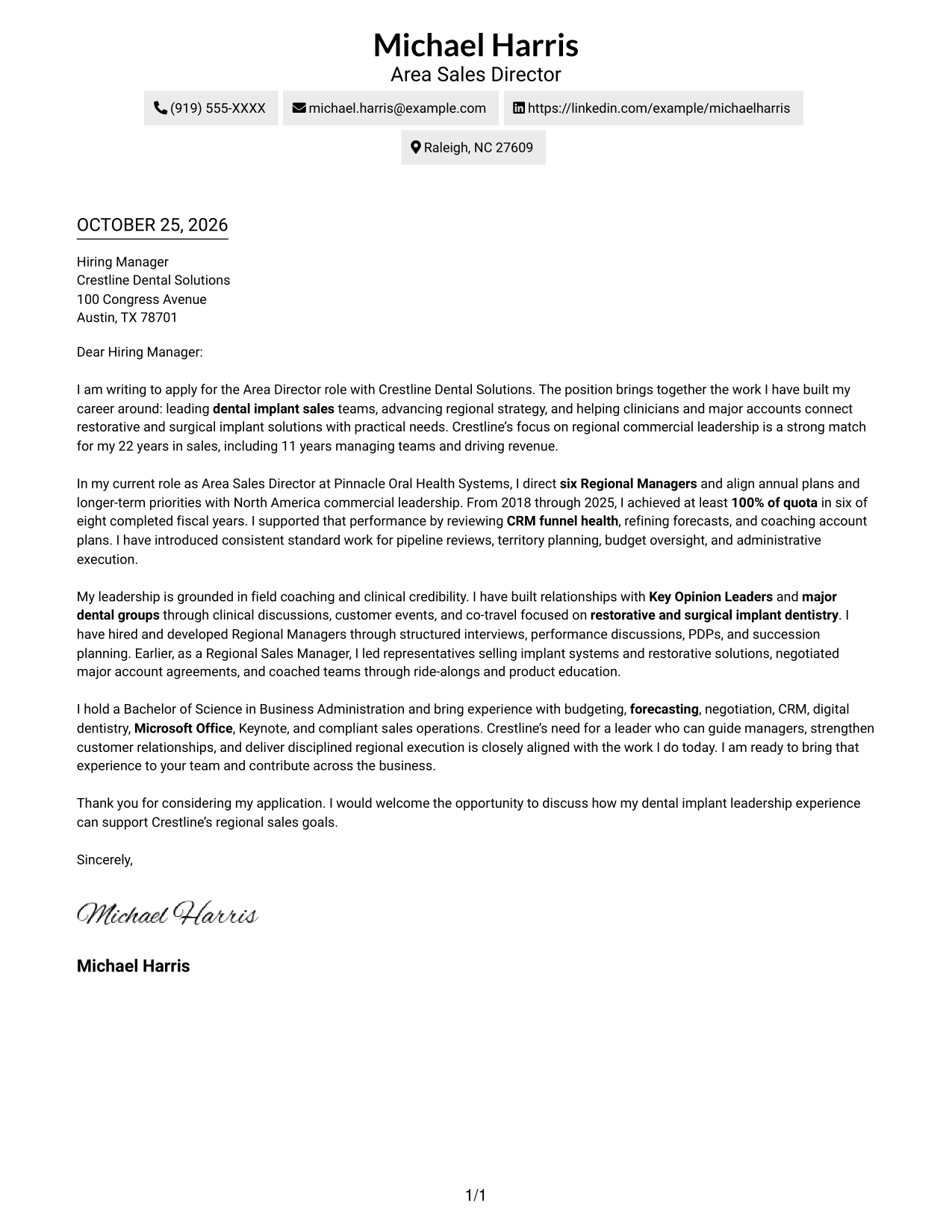
Why This Format Works
- A single body column keeps the letter's argument in its natural paragraph order.
- Sender contact details remain in the header, apart from the message paragraphs.
- Paragraphs carry the message without headings that divide its argument.
Best For
- Single-column correspondence
- Header-based contact details
- Paragraph-led application letters
- One-path reading preference
- No-photo documents
#2 Two Column Format Cover Letter Example
Two Column Format places a contact sidebar beside the letter, giving the page a clear side-by-side structure.
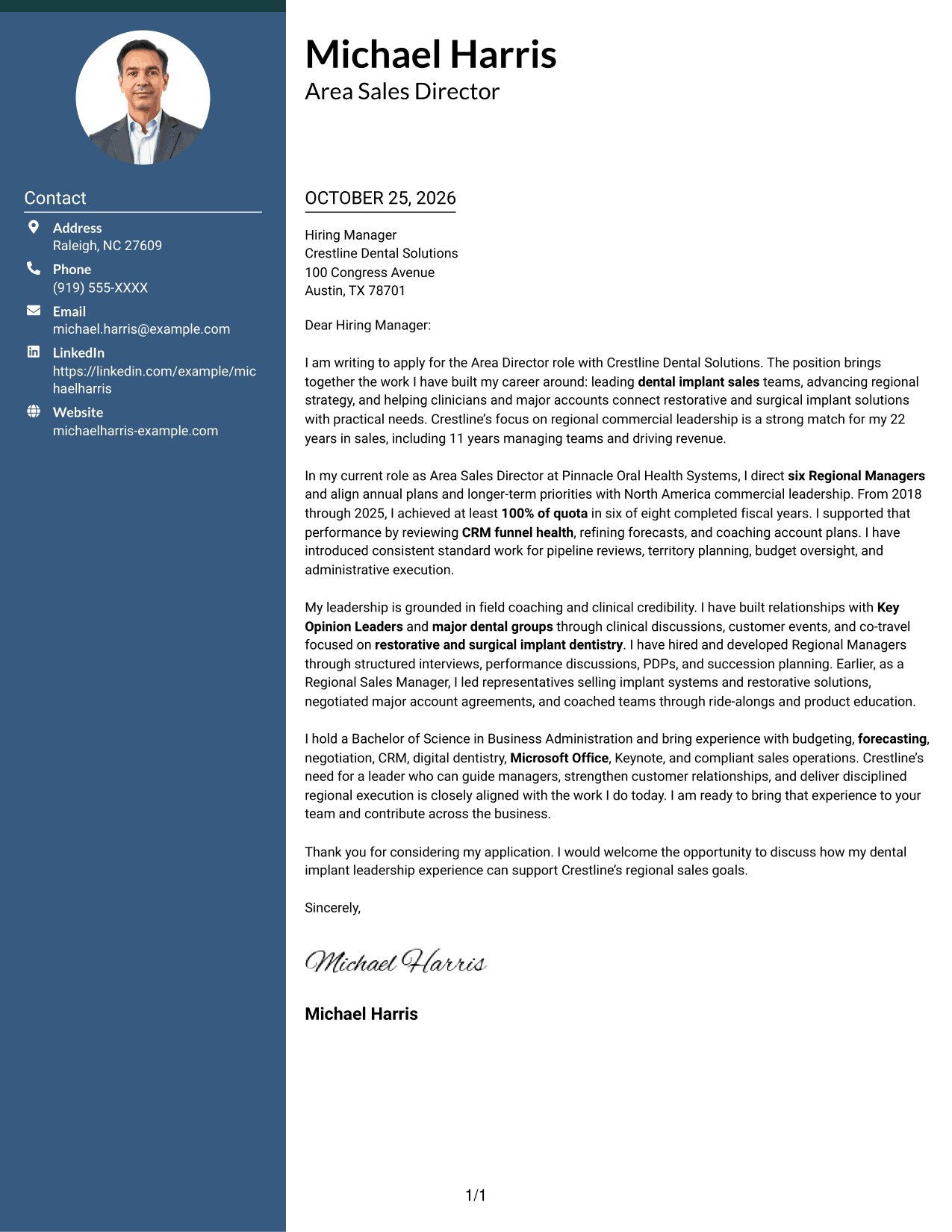
Why This Format Works
- The sidebar keeps sender contact information apart from the recipient-facing message.
- The main letter body remains in one column, keeping its argument intact.
- The reviewer can follow the paragraphs without added headings between ideas.
Best For
- Contact details beside correspondence
- One-column letter body
- Visible sender information
- Paragraph-based persuasion
- Side-by-side page organization
#3 Photo Header Two Column Format Cover Letter Example
Photo Header Two Column Format combines a photo with a contact sidebar and one letter body, suiting readers who want a personal visual element alongside the correspondence.
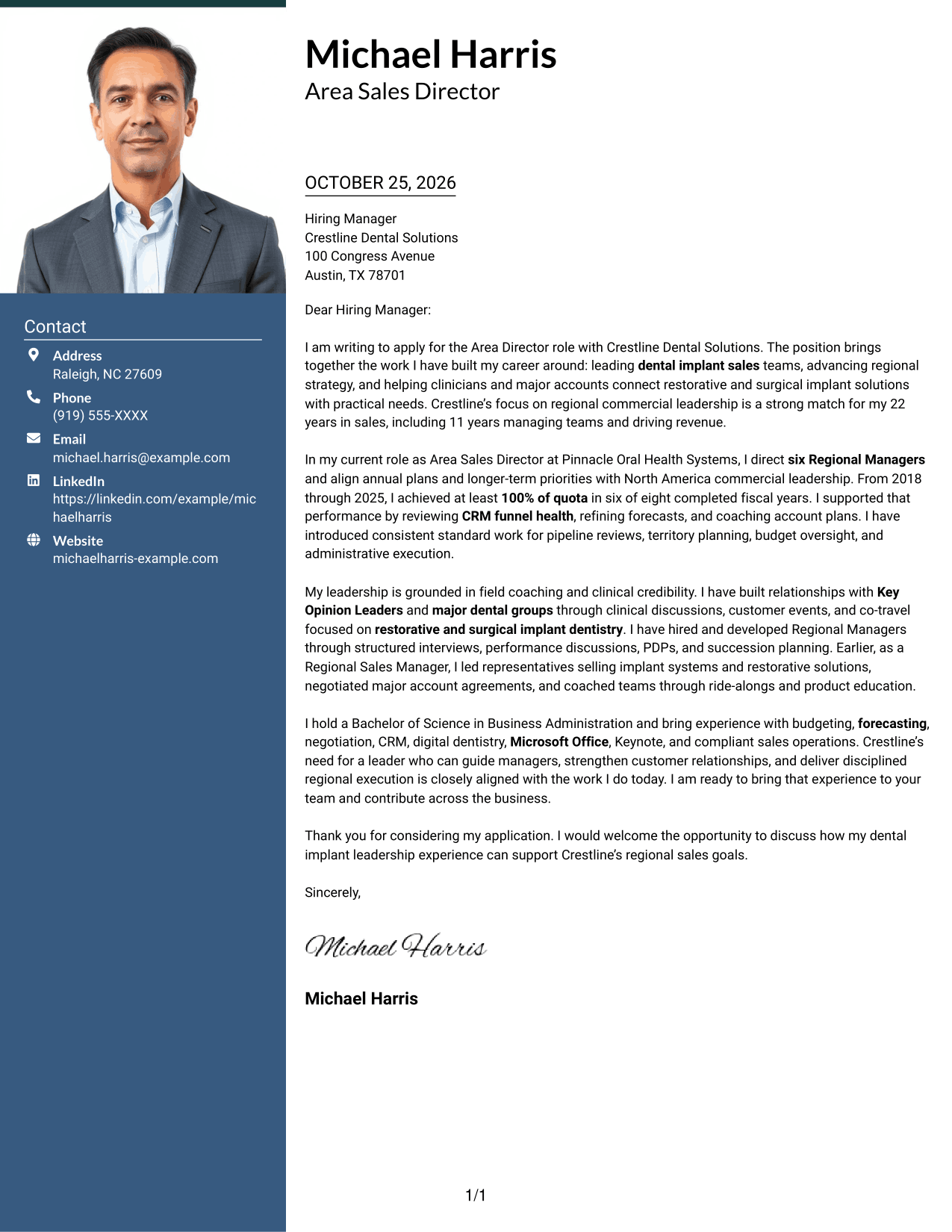
Why This Format Works
- The contact sidebar gives sender details a place apart from the letter's argument.
- A single letter body keeps motivation, evidence, and closing in paragraph form.
- The photo offers a personal visual choice without labeling parts of the message.
Best For
- Photo-inclusive correspondence
- Contact details beside the letter
- Continuous paragraph arguments
- A personal visual element
- Single-body-column letters
#4 One Column Format with Photo Cover Letter Example
One Column Format with Photo pairs a photo with a single-column letter, a suitable choice when a personal image is preferred alongside a direct reading path.
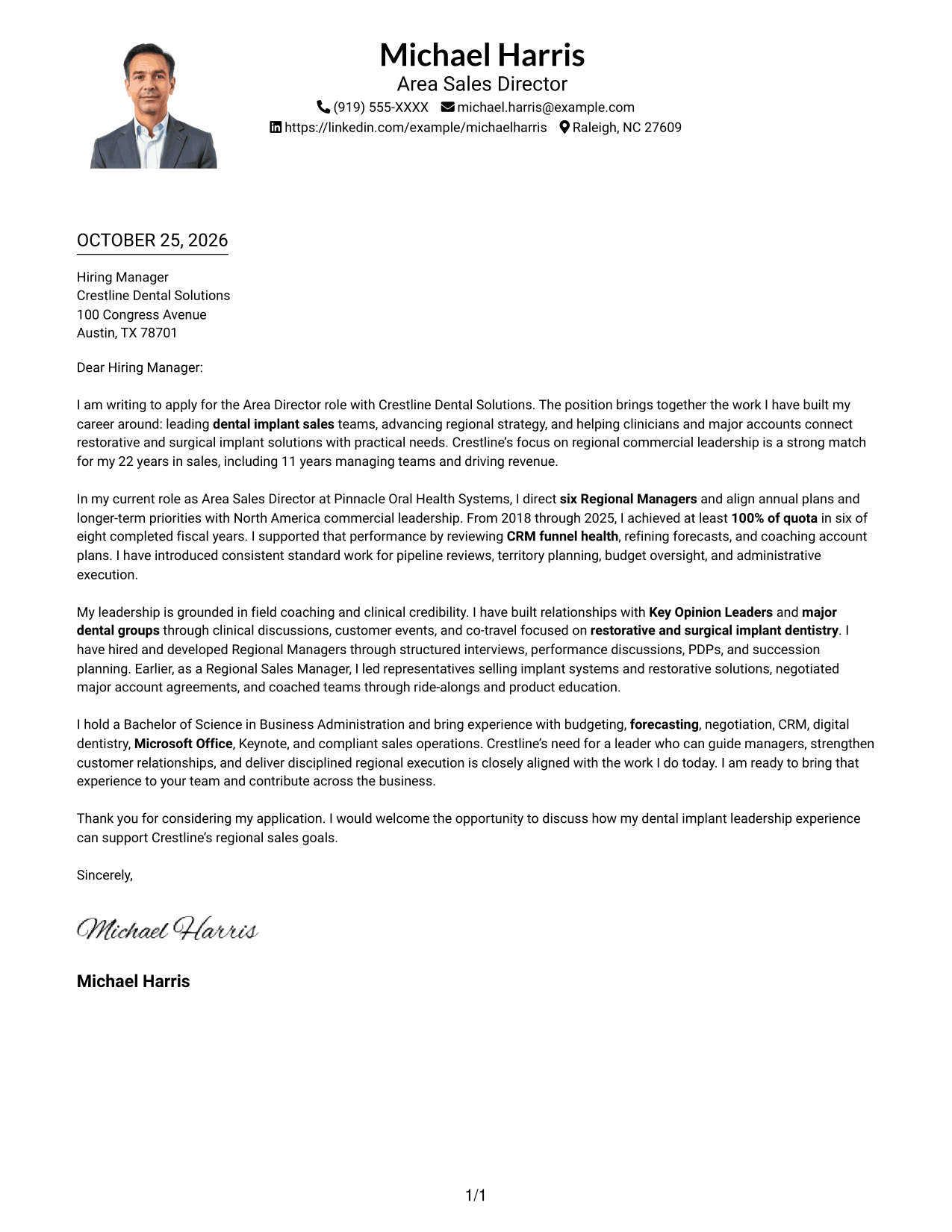
Why This Format Works
- The body keeps the full letter on one reading path from opening to close.
- Sender details sit in the header, distinct from the letter's paragraphs.
- The photo adds a personal visual element without dividing the written message.
Best For
- Single-column letters with a photo
- Header-based contact details
- Opening-to-close reading
- Personal visual presentation
- Paragraph-led applications
#5 Simple Two Column Format Cover Letter Example
Simple Two Column Format sets contact details beside one continuous letter body, making the separation between sender information and correspondence easy to see.
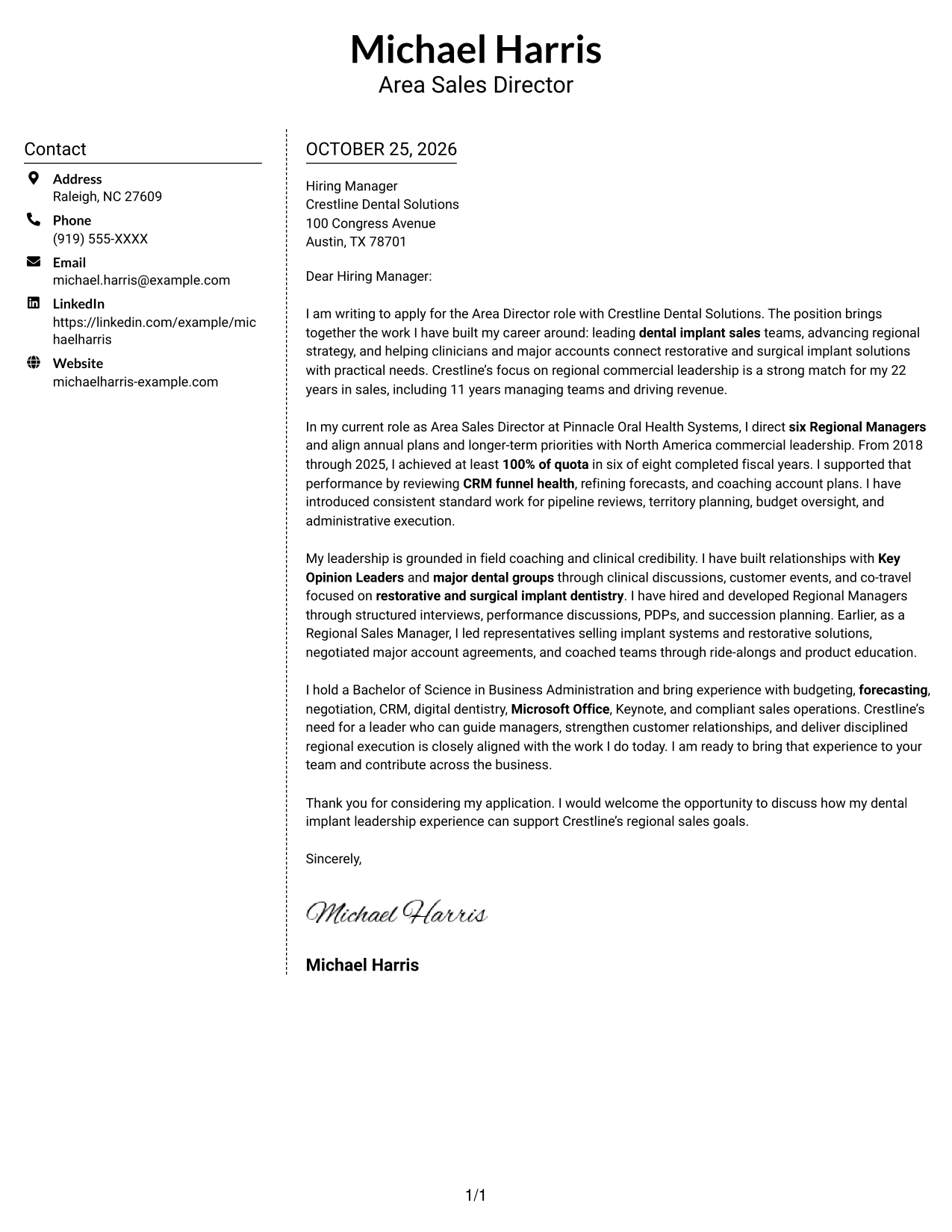
Why This Format Works
- The sidebar places sender contact details outside the main letter text.
- The body stays together in a single column rather than splitting the case.
- Paragraphs guide the message without headings for its argument stages.
Best For
- Separate contact and letter areas
- A single-column argument
- Quick access to sender details
- Letters without argument headings
- Two-area page organization
#6 Modern Icon Format Cover Letter Example
Modern Icon Format uses two columns and contact-detail icons, a practical choice for readers who value visual cues alongside a continuous letter.
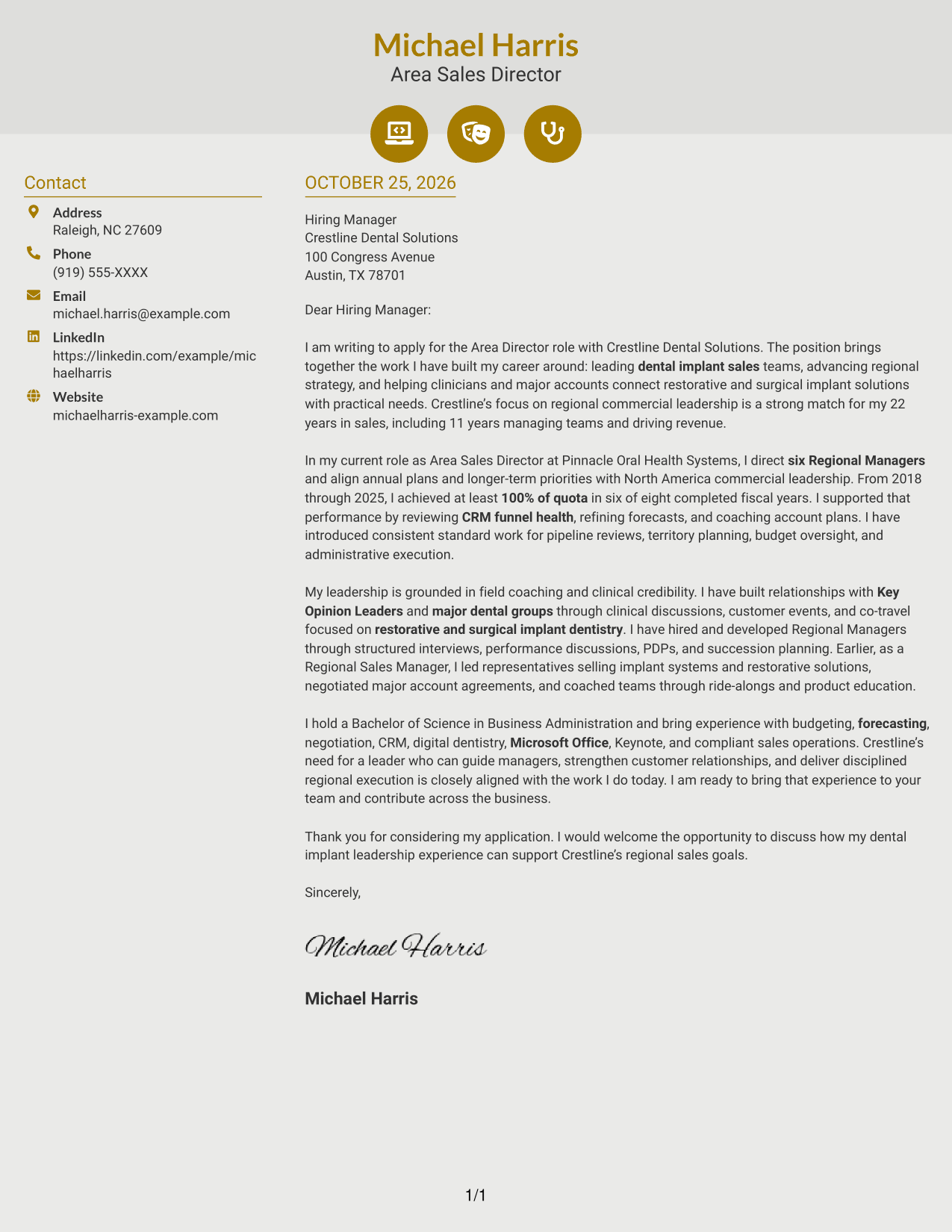
Why This Format Works
- Icons cue contact details rather than labeling the letter's argument.
- The sidebar keeps sender information separate from the continuous message.
- The reviewer can follow the letter's paragraphs from opening through closing.
Best For
- Icon-cued contact information
- A sidebar beside the letter
- Continuous paragraph correspondence
- Opening-to-close reading
- No-photo applications
#7 Creative Two Tone Format Cover Letter Example
Creative Two Tone Format uses a contact sidebar beside one continuous letter body, offering a side-by-side layout while keeping the message in a single sequence.
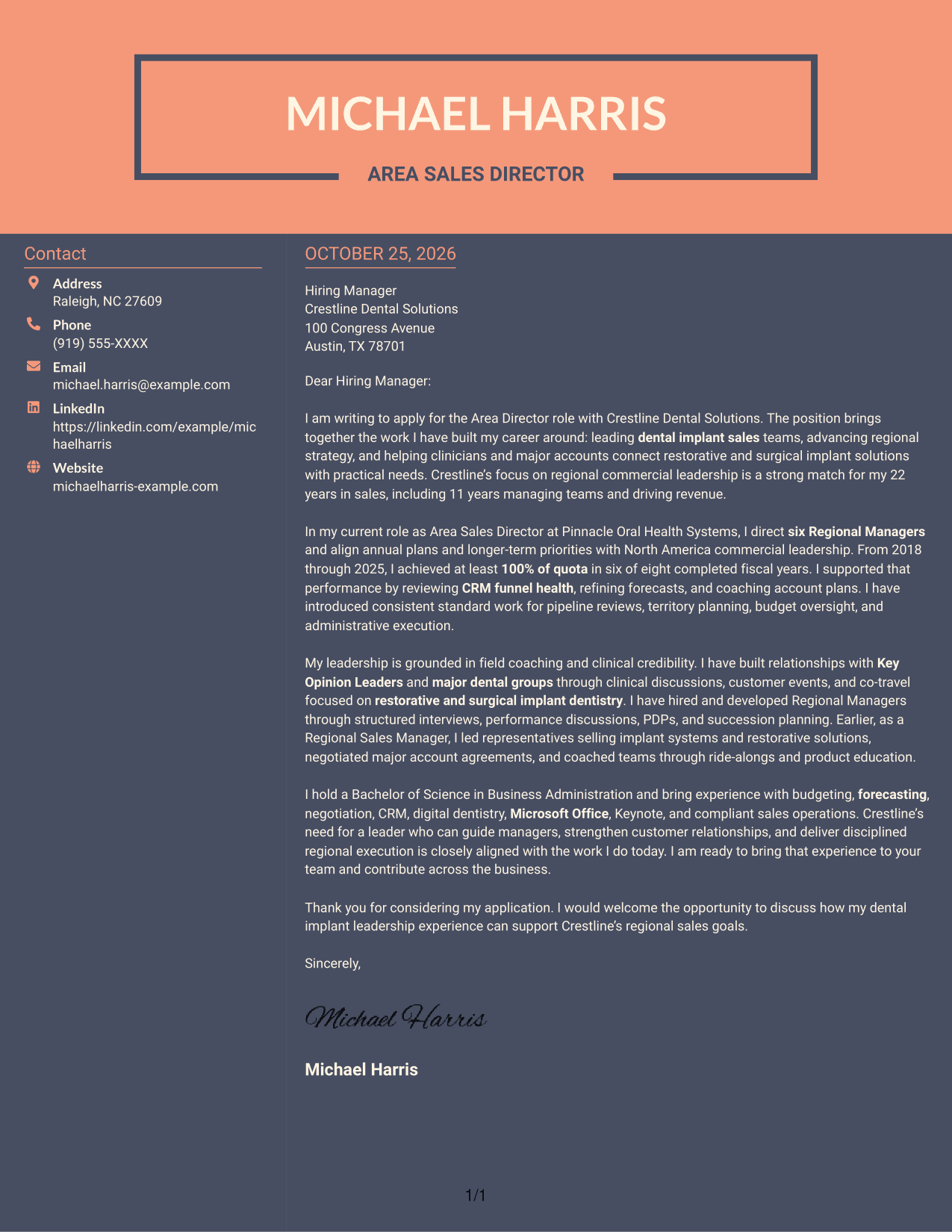
Why This Format Works
- Contact details have a separate place beside the recipient-facing letter.
- The letter's body stays together instead of dividing the argument into columns.
- Paragraphs carry motivation and evidence without added section headings.
Best For
- Side-by-side contact and letter areas
- One-column letter arguments
- Visible sender contact details
- Paragraph-based motivation and evidence
- Continuous correspondence
Why Use ResumeInMinutes for an Area Director - Dental Implant Sales Cover Letter
Use the PNG previews to compare how a cover letter looks, then open an example in the editor to view or customize it. Keep your message focused on the role, your strongest evidence, and the employer’s priorities.
- Cover letter examples for this role
- Readable letter layouts
- Clear opening, body, and closing
- PNG image previews
- Examples to view in the editor
- Guidance for connecting your experience to the role
For an Area Director - Dental Implant Sales application, show how you guide managers, build customer relationships, and support disciplined regional sales plans. Choose details that are accurate for your background and relevant to the employer.
See Also
- 7 Area Director - Dental Implant Sales Resume Templates with Example
- 7 Director of Sales Operations, FX Sales Strategy Resume Templates with Example
- 7 Director, Residential Connectivity Sales Resume Templates with Example
- 7 Senior Account Director - Enterprise Software Sales Resume Templates with Example
- 7 Assistant Director, Athletic Compliance Resume Templates with Example
- 7 Assistant Director Construction Management Resume Templates with Example
- 7 Assistant Director, Doctoral Programs Resume Templates with Example
- 7 Assistant Director for Employer Engagement Resume Templates with Example
- 7 Assistant Director, Athletic Compliance Cover Letter Templates with Example
- 7 Assistant Director, Doctoral Programs Cover Letter Templates with Example
Frequently Asked Questions
What should an Area Director - Dental Implant Sales cover letter highlight?
Focus on relevant sales leadership, team development, regional planning, and customer relationships. Use specific results to show how you have supported revenue and sales execution.
What evidence does the featured cover letter use?
The example describes directing six Regional Managers and reaching at least 100% of quota in six of eight completed fiscal years. It also discusses forecasting, coaching, Key Opinion Leader relationships, and budget oversight.
How should I structure this cover letter?
Start with your interest in the Area Director role and connect it to the work. Use the body to show relevant sales results and leadership experience, then close by inviting a discussion.
How can I tailor the letter to a dental implant sales employer?
Refer to the employer’s needs and explain how your own experience relates to regional sales strategy, implant dentistry, manager development, and major accounts. Add a company-specific reason for applying when you have a genuine one.
Can I compare the cover letter previews and open an example in the editor?
Yes. Review the PNG image previews to compare the presentation, then use the editor link to view or customize an example.
Should I include a photo on my cover letter?
For U.S. applications, a cover letter without a photo is usually a safe choice. Follow the employer’s instructions and local hiring norms if they specify otherwise.




