
7 Assembler II - Manufacturing Assembly Cover Letter Templates with Example
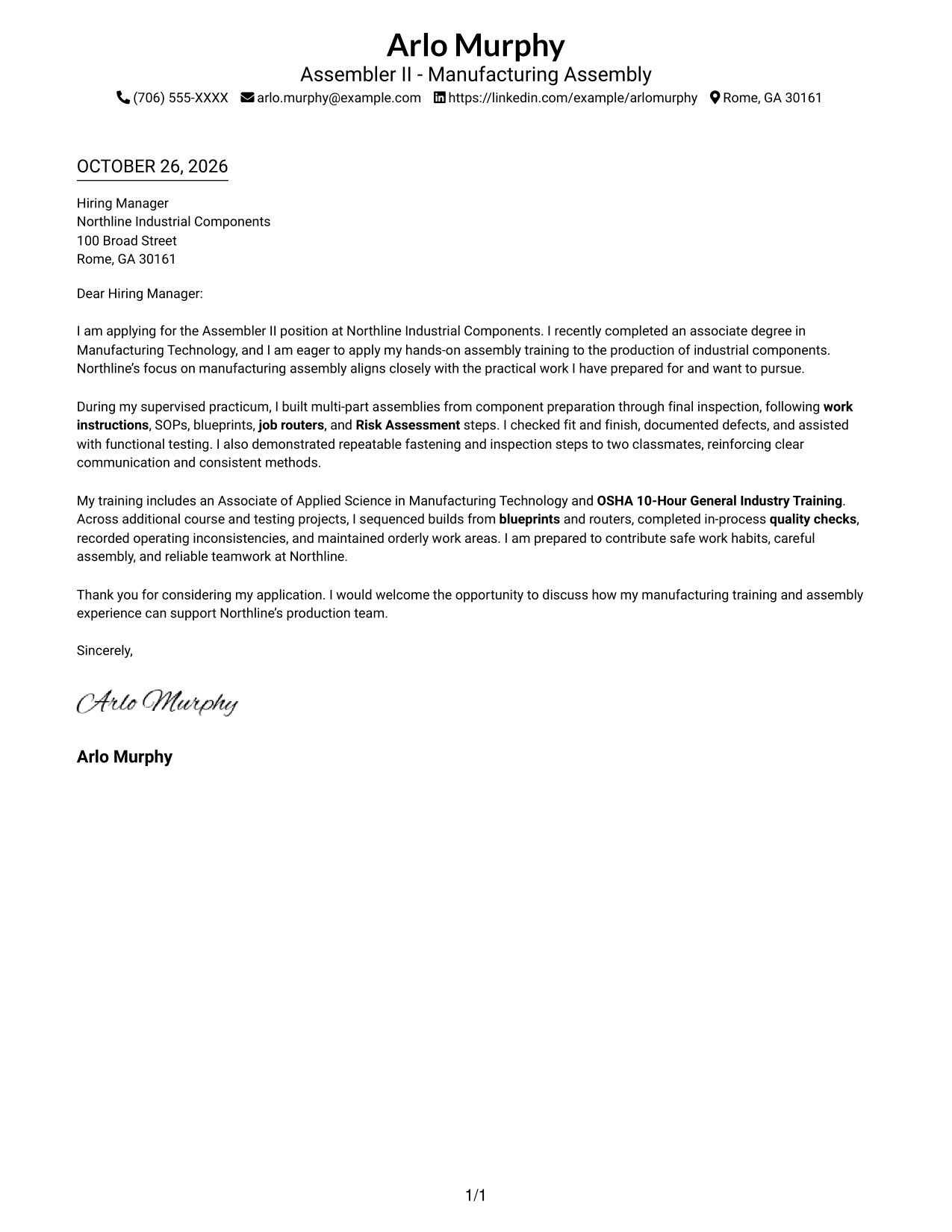
This practical guide to an Assembler II - Manufacturing Assembly cover letter presents one example in seven layouts to help you shape a clear, role-focused application.
What Makes a Great Assembler II - Manufacturing Assembly Cover Letter in 2026
A strong Assembler II - Manufacturing Assembly cover letter opens with clear interest, then shows how your preparation supports safe, accurate assembly. Keep the message direct and connect it to the employer's production needs.
Use a focused example of following work instructions, checking fit, recording defects, or supporting functional tests. Link that evidence to the employer's stated needs, and name a company detail only when you can verify it.
The featured Assembler II - Manufacturing Assembly letter moves from job interest to supervised assembly evidence, then to relevant training and a concise close. Use that focused progression as a guide, while choosing a presentation that suits the employer and communication context.
#1 Simple One Column Format Cover Letter Example
The Simple One Column Format places sender details in the header above one continuous letter body, a straightforward arrangement for readers who prefer a direct page layout.
Why This Format Works
- Header contact details keep practical response information apart from the persuasive paragraphs.
- The continuous paragraphs let the opening, supporting evidence, and closing read as one message.
- Without a photo, the written message remains the main visual focus.
Best For
- Reader preference for one-column pages
- Header-based sender information
- Photo-free letter pages
- Direct written introductions
- Continuous paragraph-based messages
#2 Two Column Format Cover Letter Example
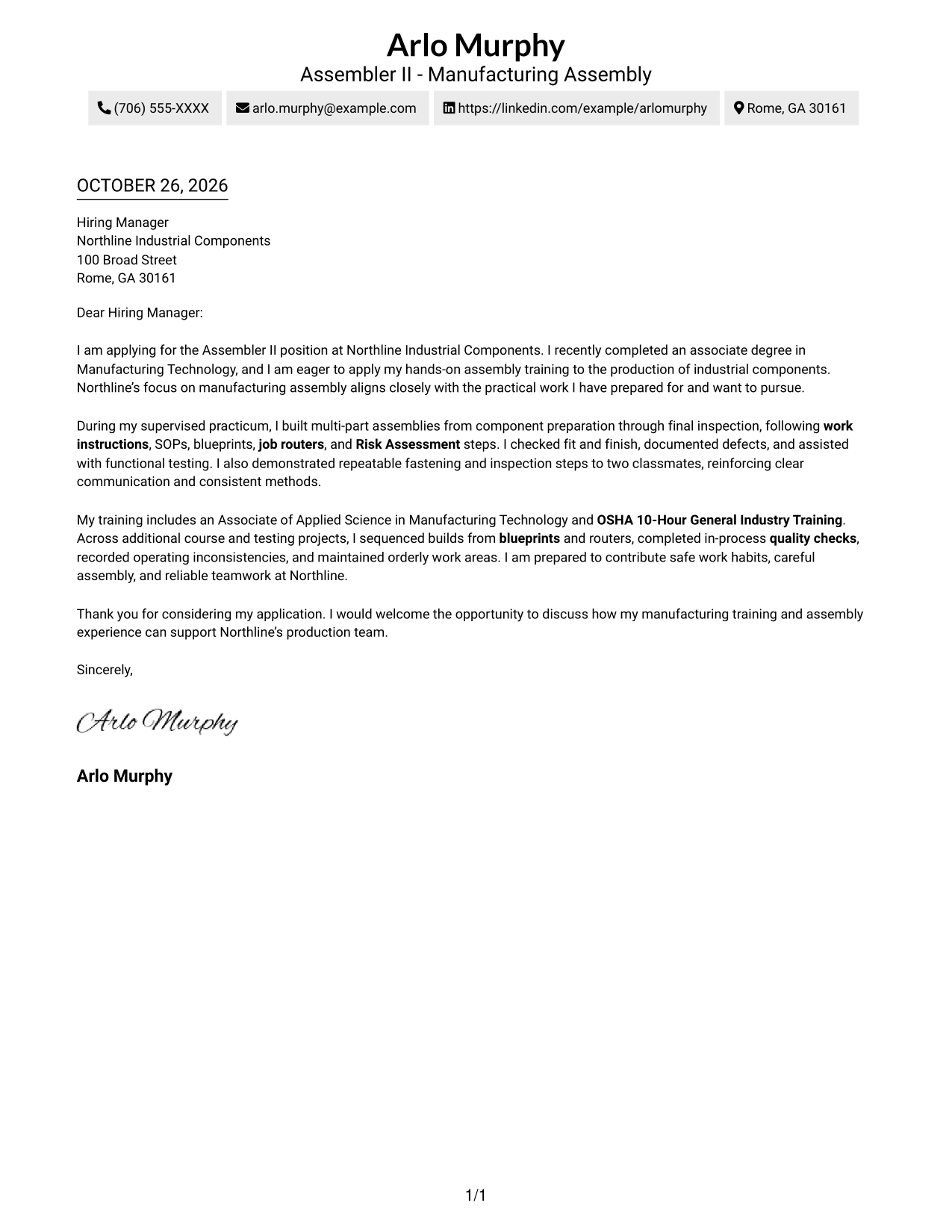
The Two Column Format sets a contact sidebar beside one continuous letter body, giving contact details a separate place while the message remains in a single column.
Why This Format Works
- The contact sidebar separates response details from the letter's persuasive paragraphs.
- One body column keeps the greeting, supporting evidence, and closing in reading order.
- Paragraphs without argument headings keep attention on the letter's own wording.
Best For
- Side-by-side page preference
- Separate contact reference
- Single-column letter text
- Photo-free communication
- Applications with paragraph-led arguments
#3 Photo Header Two Column Format Cover Letter Example
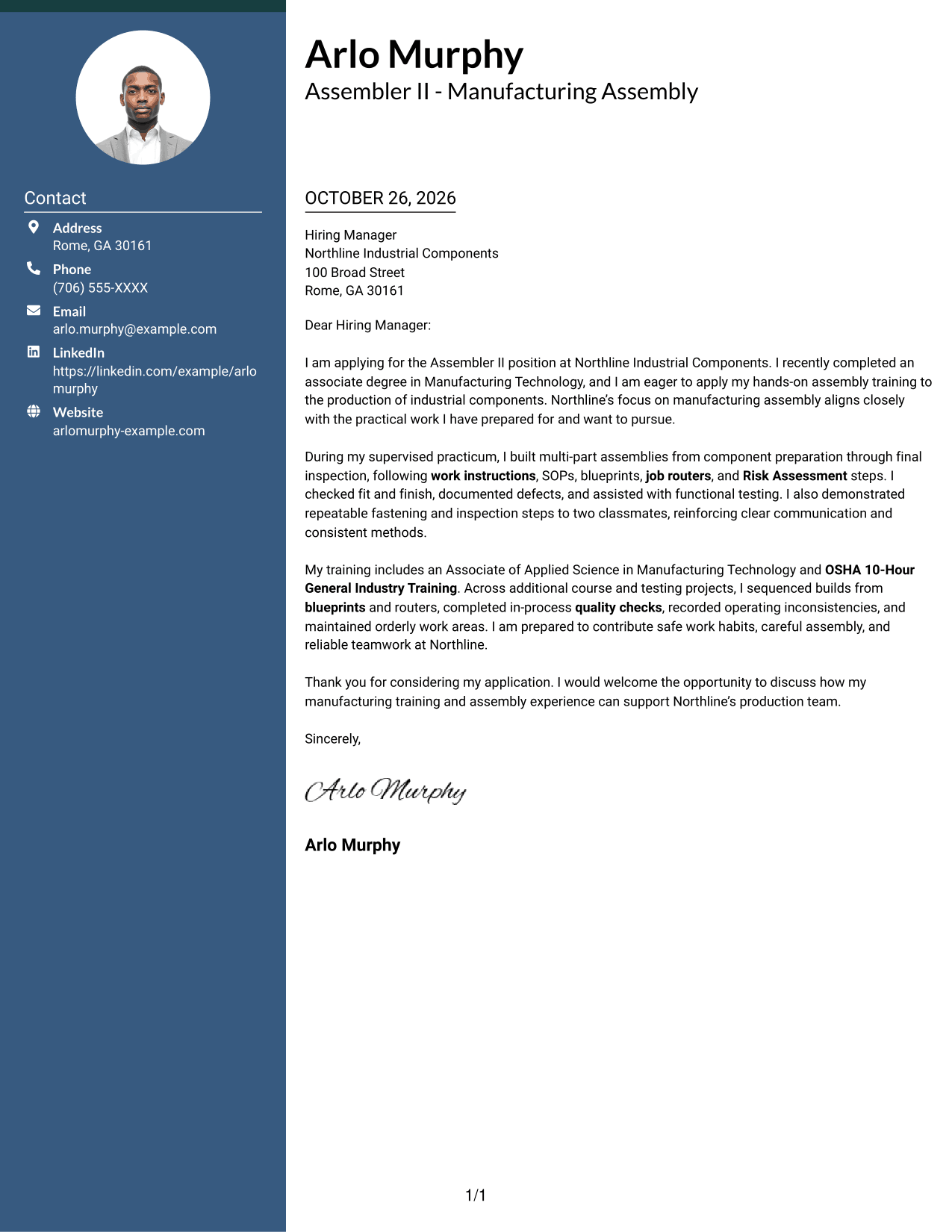
The Photo Header Two Column Format includes a photo and a contact sidebar beside one continuous letter body, offering a portrait option without dividing the message.
Why This Format Works
- The contact sidebar gives practical details a distinct place beside the letter.
- A single body column preserves the natural order of the letter's paragraphs.
- The included photo offers a portrait-based visual choice without changing the message.
Best For
- Photo-inclusive letter pages
- Reader preference for two columns
- Contact details beside the letter
- Portrait-based visual presentation
- Continuous prose in one column
#4 One Column Format with Photo Cover Letter Example
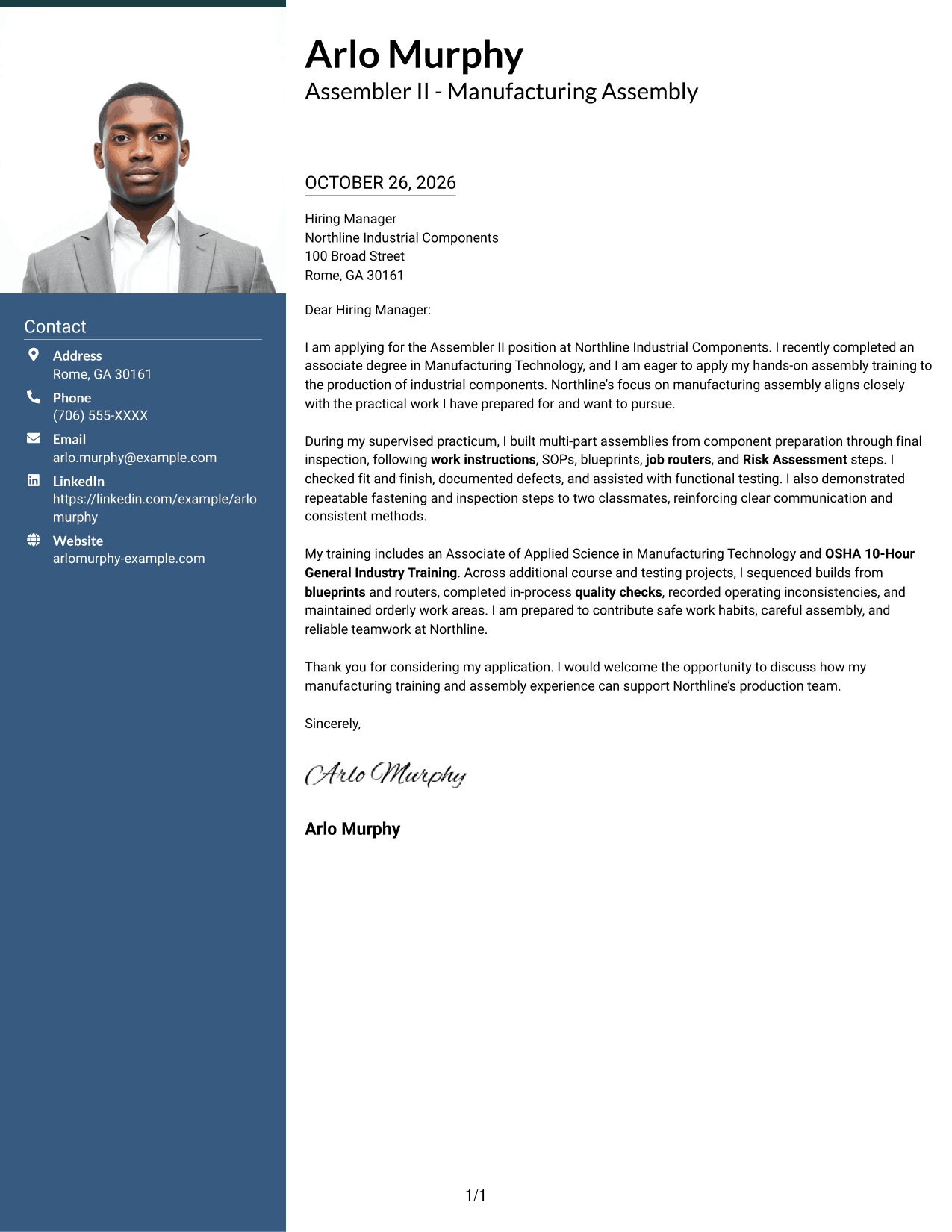
The One Column Format with Photo includes a photo while keeping sender details in the header and the letter in one continuous column, for readers who want a portrait with a direct reading path.
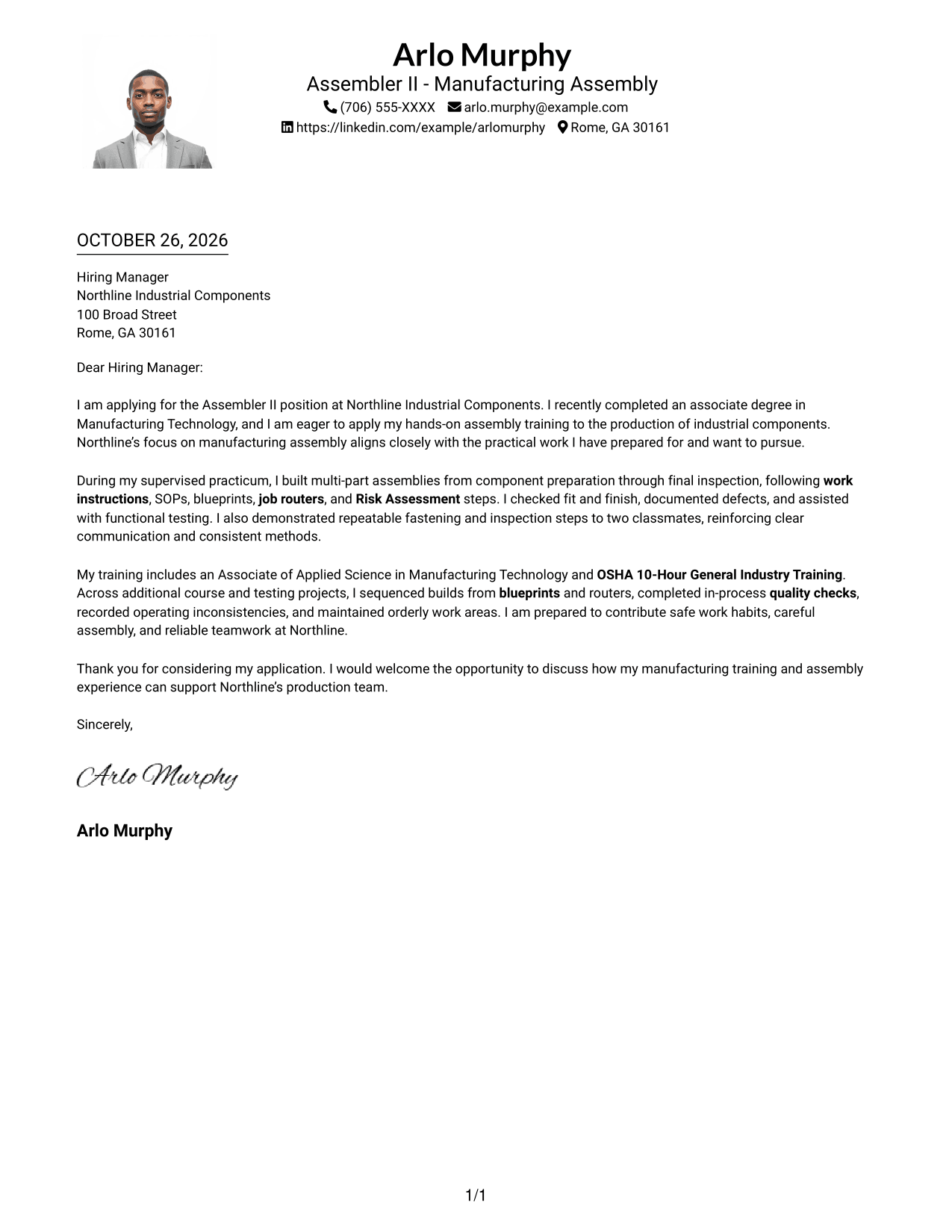
Why This Format Works
- The single-column structure keeps the message moving through its paragraphs in order.
- Header contact details remain distinct from the letter's personal case.
- A photo adds a portrait option without splitting the written message.
Best For
- One-column reading preference
- Photo-inclusive applications
- Header-led sender details
- Direct letter-page organization
- Portrait alongside continuous prose
#5 Simple Two Column Format Cover Letter Example
The Simple Two Column Format places contact details in a sidebar next to a single continuous letter body, a practical choice when contact information should sit apart from the message.
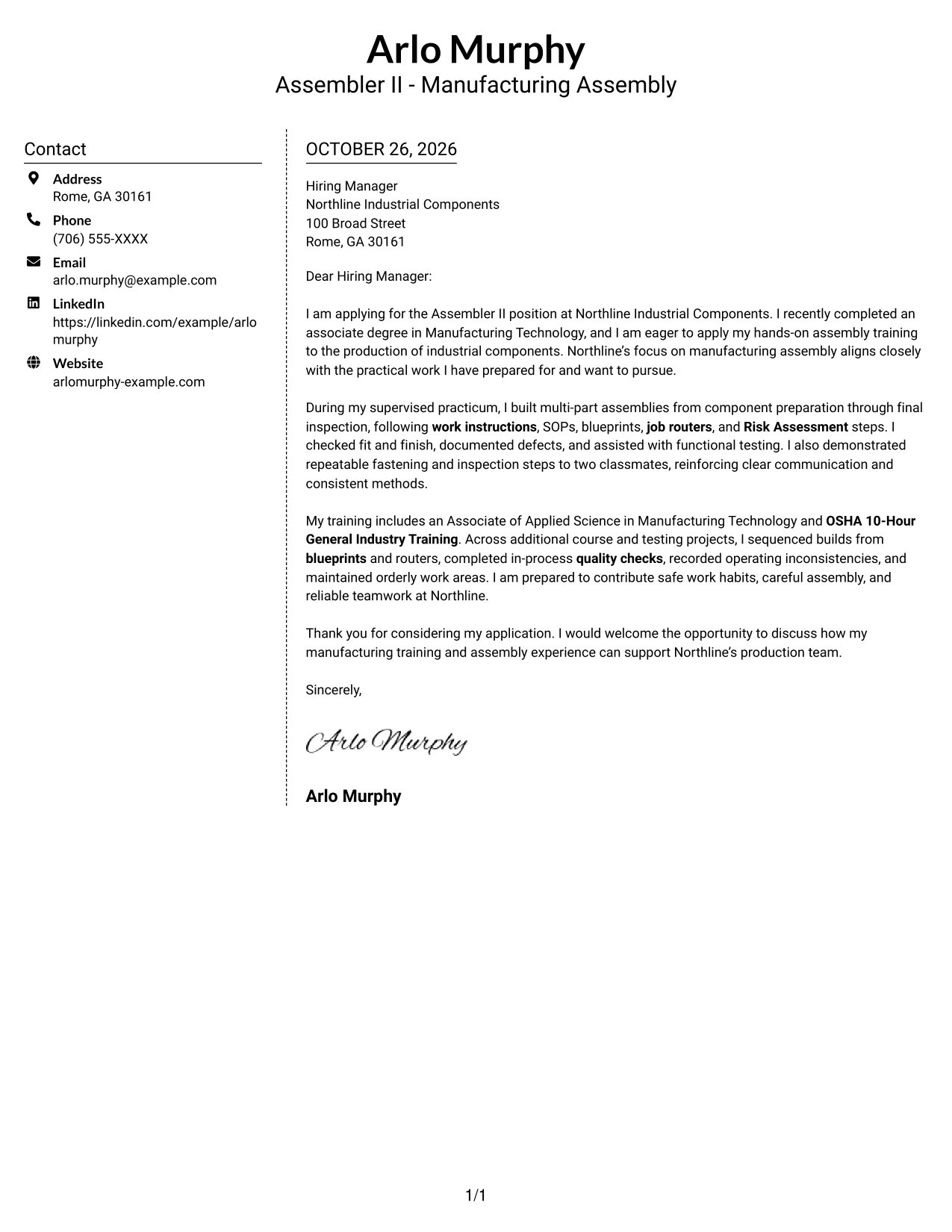
Why This Format Works
- Contact information has its own sidebar, separate from the letter's persuasive paragraphs.
- The body remains a single column, keeping each paragraph in a familiar sequence.
- No photo keeps the page focused on contact details and written communication.
Best For
- Separate contact-information area
- Single-column letter prose
- Photo-free page preference
- Side-by-side document layout
- Letters centered on written communication
#6 Modern Icon Format Cover Letter Example
The Modern Icon Format uses two columns, with contact details in a sidebar beside one continuous letter body; contact cues can add visual guidance without labeling the letter's argument.
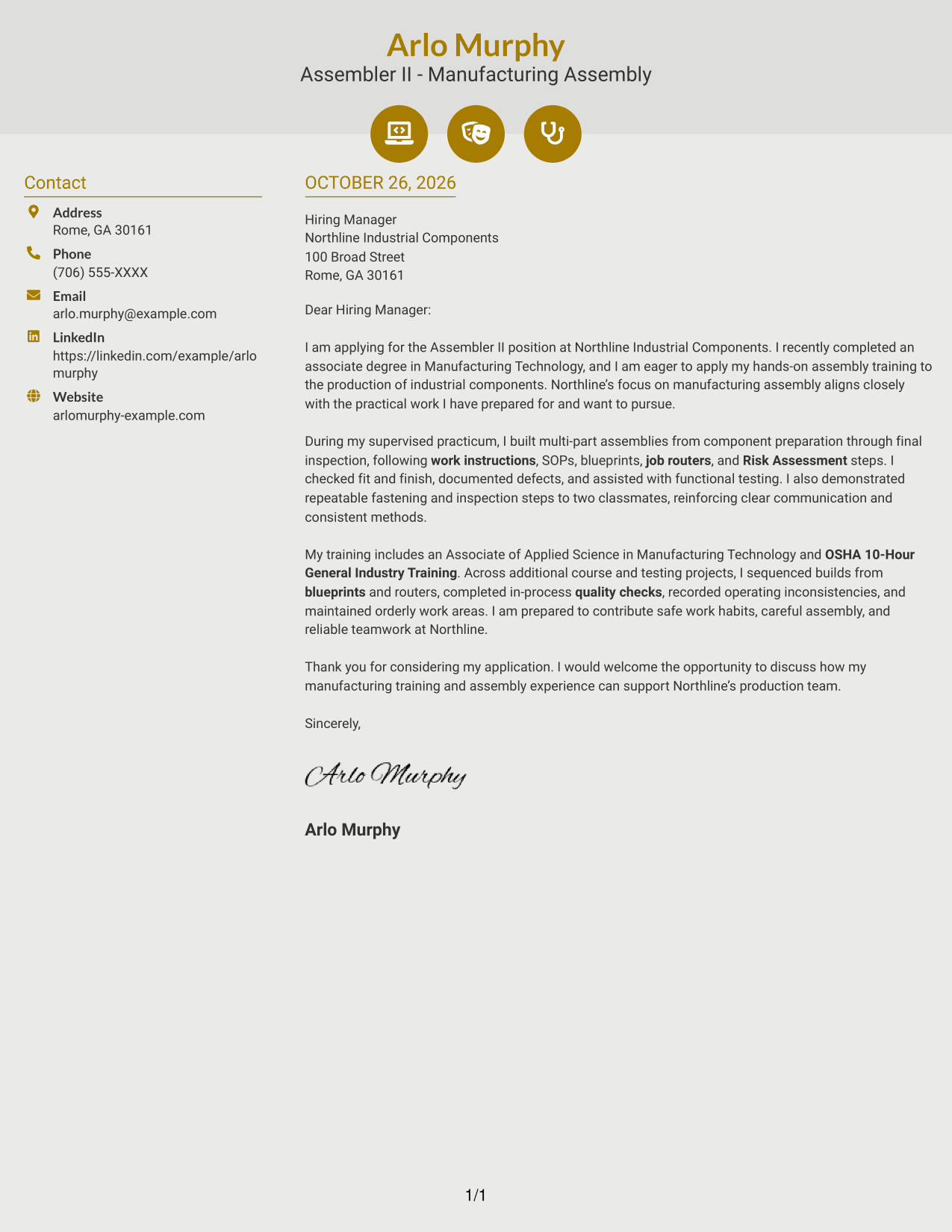
Why This Format Works
- The contact sidebar keeps practical details apart from the personal message.
- One letter column preserves the sequence from greeting through the closing.
- Contact icons can help distinguish details without acting as argument headings.
Best For
- Two-column reading preference
- Contact details with visual cues
- One-column letter body
- Letters without a portrait
- Clear separation of contact and message
#7 Creative Two Tone Format Cover Letter Example
The Creative Two Tone Format places a contact sidebar beside one continuous letter body, giving the page a side-by-side structure while keeping the argument together.
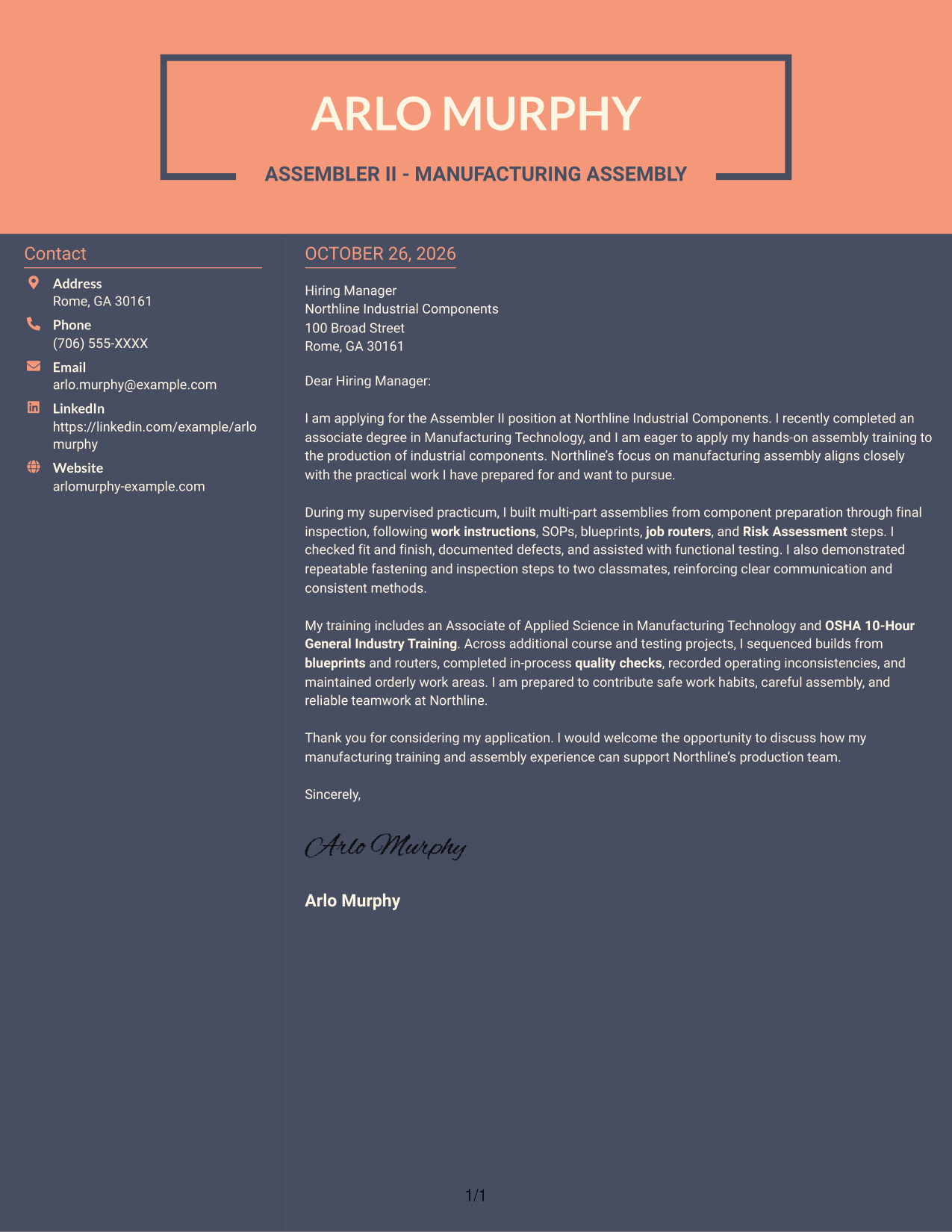
Why This Format Works
- The sidebar gives sender details a location apart from the letter's paragraphs.
- The single body column keeps the opening, evidence, and closing in sequence.
- Without a photo, the layout keeps its focus on written content and contact details.
Best For
- Side-by-side page organization
- Contact details outside the prose
- Continuous letter arguments
- Photo-free applications
- Readers preferring a single body column
See Also
- 7 Assembler II - Manufacturing Assembly Resume Templates with Example
- 7 Mechanical Assembler II - Aerospace Assembly Resume Templates with Example
- 7 Manufacturing Assembler Resume Templates with Example
- 7 Assembler III Resume Templates with Example
- 33 Assembler Resume Templates with Example 2026 (ATS-Optimized)
- 7 Wire Harness Assembler Resume Templates with Example
- 33 Manufacturing Engineer II (Arc Vehicle) Resume Templates with Example 2026 (ATS-Optimized)
- 7 Accountant II - Billing Operations Resume Templates with Example
- 7 Mechanical Assembler II - Aerospace Assembly Cover Letter Templates with Example
- 30+ Assembler Cover Letter Templates with Example 2026
Frequently Asked Questions
What should an Assembler II - Manufacturing Assembly cover letter include?
Use the opening to state your interest in the role. In the body, connect relevant assembly preparation to work instructions, quality checks, safety, and testing. Close with a clear expression of interest in discussing the position.
What evidence is useful for this role?
Examples may include following work instructions and SOPs, reading blueprints or job routers, checking fit and finish, recording defects, supporting functional testing, and communicating clearly with a team. Choose details that reflect your actual experience.
How can I show interest in a manufacturing employer?
Connect your interest to a verified detail about the employer's products or production work. Explain briefly why that detail matters to you, and avoid claims about the company that you cannot confirm.
Which cover letter style should I choose?
Choose a clear, readable style that suits the employer and the communication context. Compare the image previews, then open an example in the editor to view or customize it.
Can supervised training help support my application?
Yes. If your experience comes from supervised training, describe the tasks you completed, the procedures you followed, and how you checked the finished work. Be clear about the setting and the level of responsibility you had.




