
7 Assistant Director, Doctoral Programs Cover Letter Templates with Example
This guide helps you shape an Assistant Director, Doctoral Programs cover letter with seven layouts that make your fit for the role clear.
What Makes a Great Assistant Director, Doctoral Programs Cover Letter in 2026
A strong letter connects your interest in doctoral student advising with the role’s work in admissions, progress planning, and career preparation. A clear opening shows why this combination of responsibilities matters to you.
Use specific examples, such as advising students, coordinating annual progress reviews, or planning doctoral orientation. Then connect that evidence to the school’s support for students, faculty, and graduate programs.
The featured example moves from role motivation to relevant evidence and a focused close, giving you a clear progression to adapt while choosing a presentation that suits the employer and communication context.
#1 Simple One Column Format Cover Letter Example
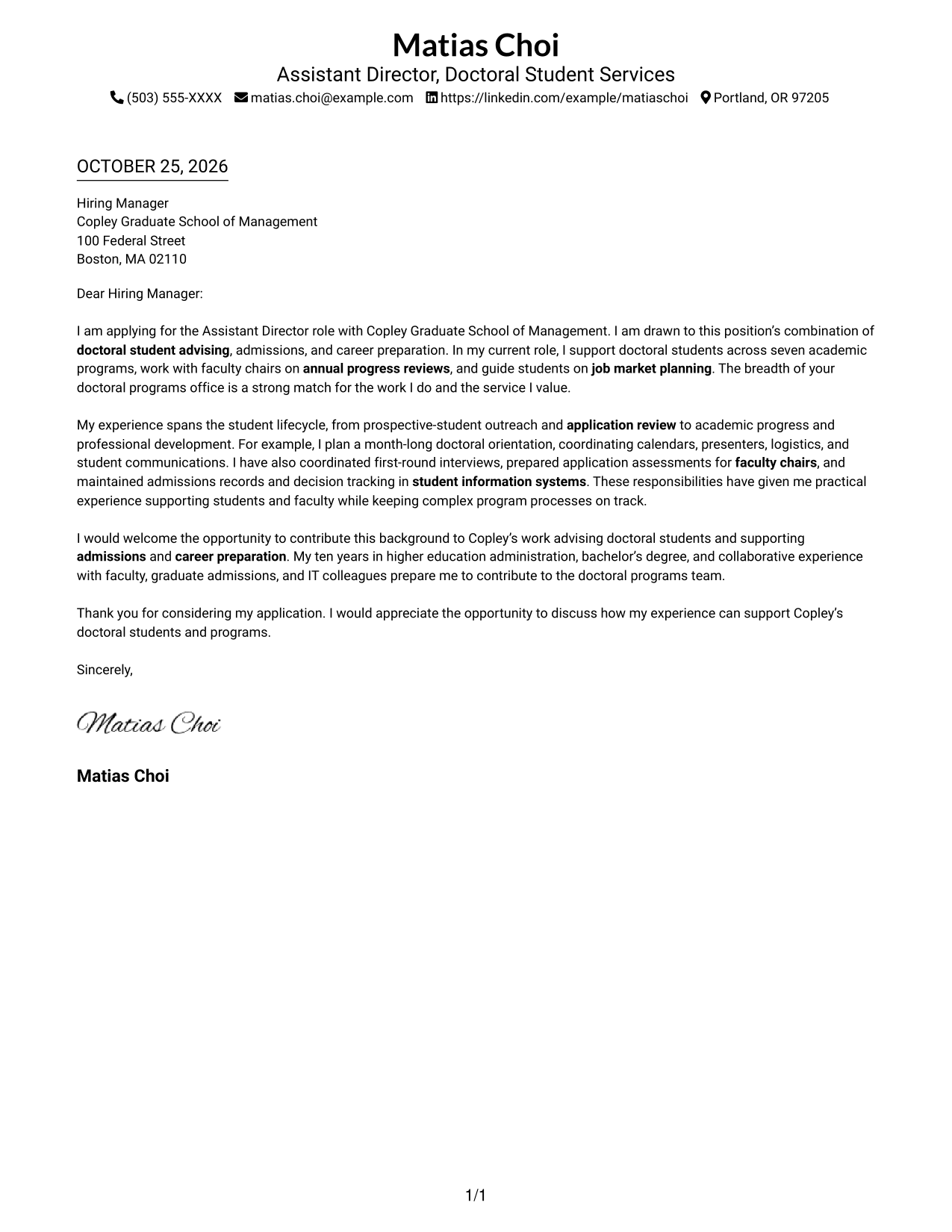
The sender details sit in the header above a single-column letter, a good choice for a direct reading path from greeting to closing.
Why This Format Works
- Sender details stay in the header, separate from the paragraphs making the case.
- One column gives the opening, supporting points, and closing a direct reading path.
- The photo-free page keeps attention on the written message and contact information.
Best For
- Single-column letter reading
- Header-based contact information
- Direct opening-to-closing flow
- Text-focused application materials
- Letters without portrait imagery
#2 Two Column Format Cover Letter Example
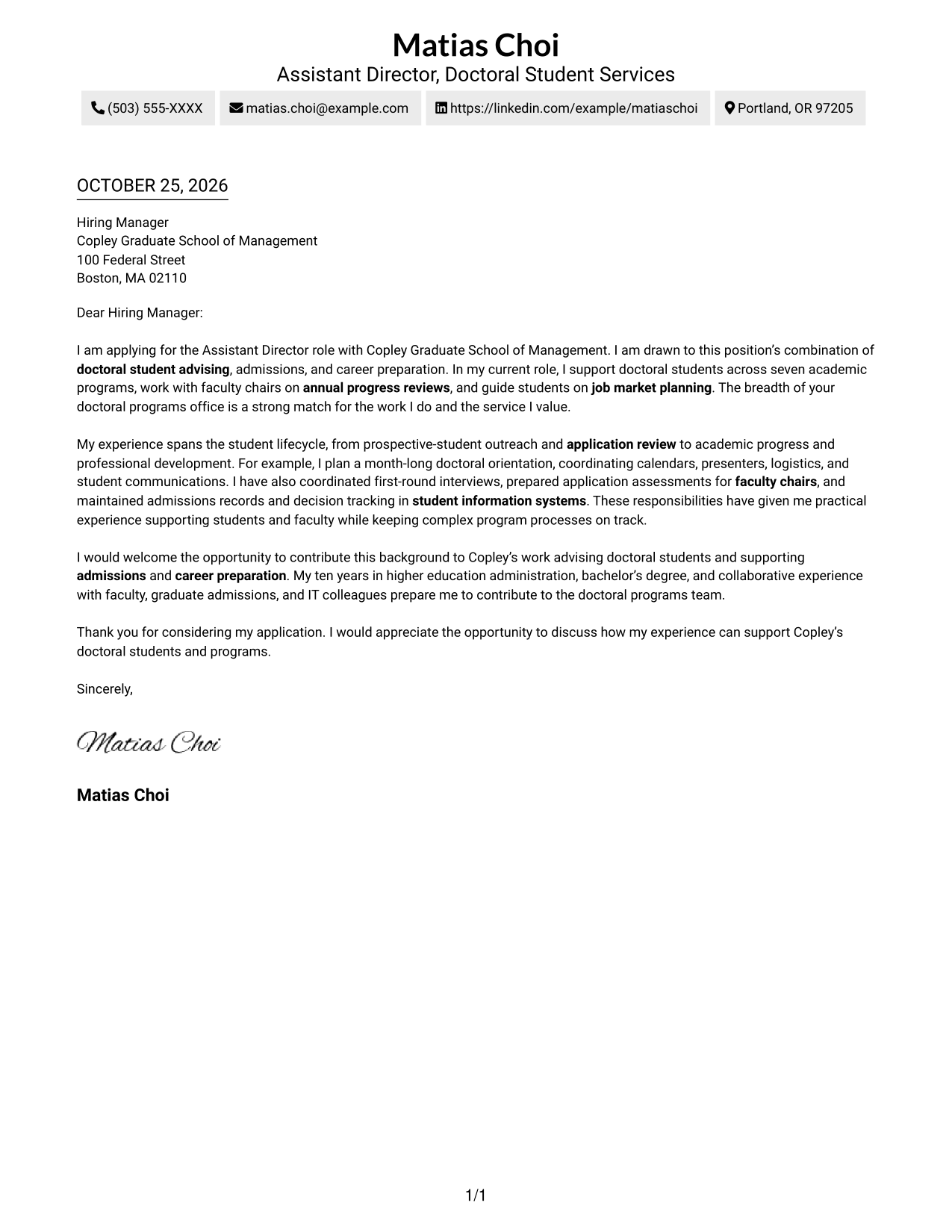
A contact sidebar sits beside one continuous letter body, keeping sender information easy to find without dividing the letter's message.
Why This Format Works
- Contact details have a separate place, making sender information easy to locate.
- The letter remains one continuous body, preserving its opening-to-closing sequence.
- A photo-free sidebar keeps the page focused on contact details and letter text.
Best For
- Separate contact and letter areas
- Side-by-side contact access
- Continuous letter narratives
- Photo-free application materials
- Letters with several supporting points
#3 Photo Header Two Column Format Cover Letter Example
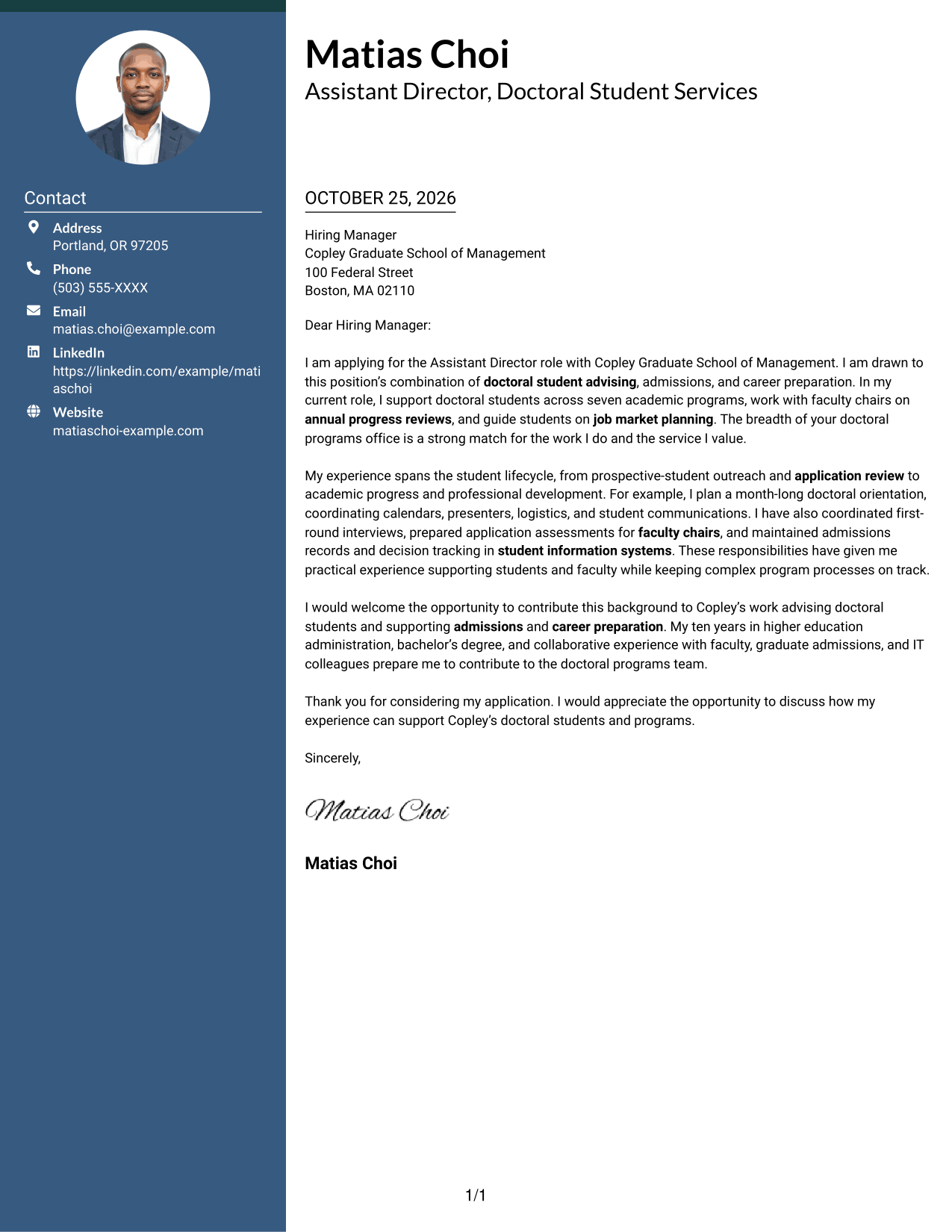
A photo appears in the header, while a contact sidebar sits beside the continuous letter body, suiting readers who prefer a portrait with their correspondence.
Why This Format Works
- The header portrait adds a personal visual element without breaking up the letter body.
- Contact details stay in a sidebar, apart from the letter's persuasive paragraphs.
- One continuous body lets the reviewer follow the message in its intended order.
Best For
- Portrait-forward headers
- Contact details beside letter text
- Single-body application letters
- Applications where a portrait is preferred
- Letters with distinct supporting paragraphs
#4 One Column Format with Photo Cover Letter Example
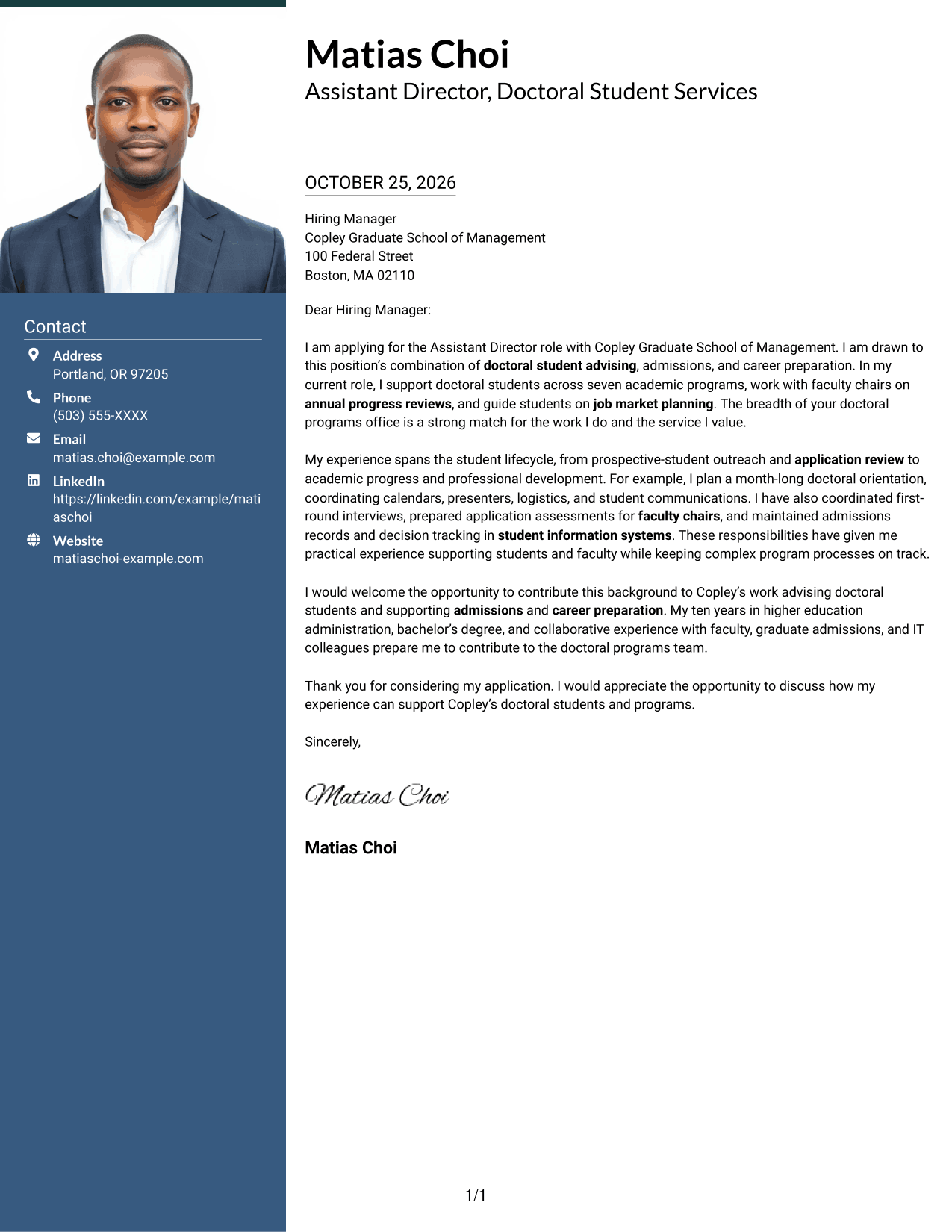
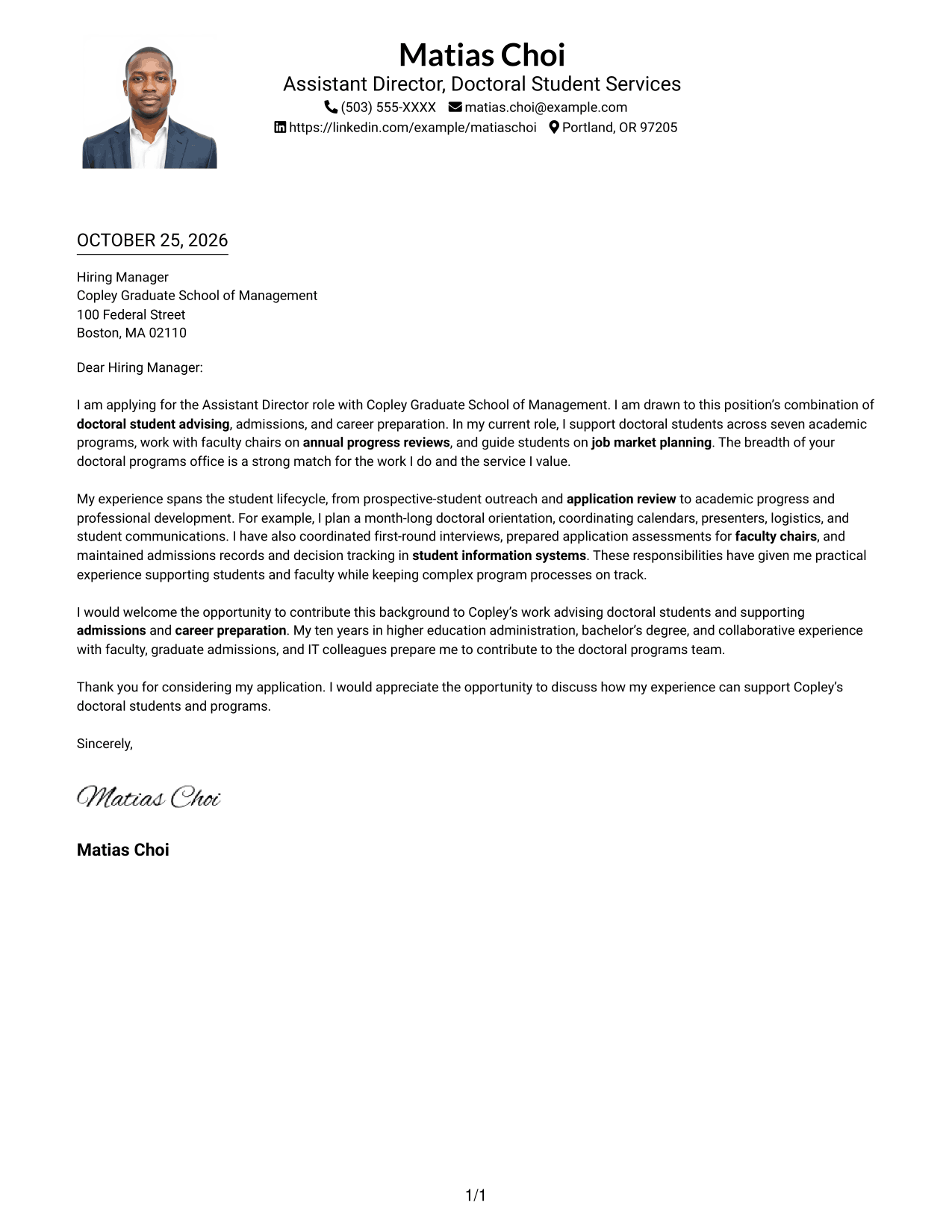
The portrait accompanies the header above a single-column letter, a practical choice when a visible personal touch and a direct reading path are preferred.
Why This Format Works
- The header portrait appears near sender details, not within the letter's argument.
- One column gives the opening, supporting paragraphs, and closing a shared reading path.
- Sender details remain in the header rather than in a contact sidebar.
Best For
- Single-column letters with a portrait
- Header-based contact details
- Photo-inclusive application materials
- Sequential letter reading
- Text-led cover letter content
#5 Simple Two Column Format Cover Letter Example
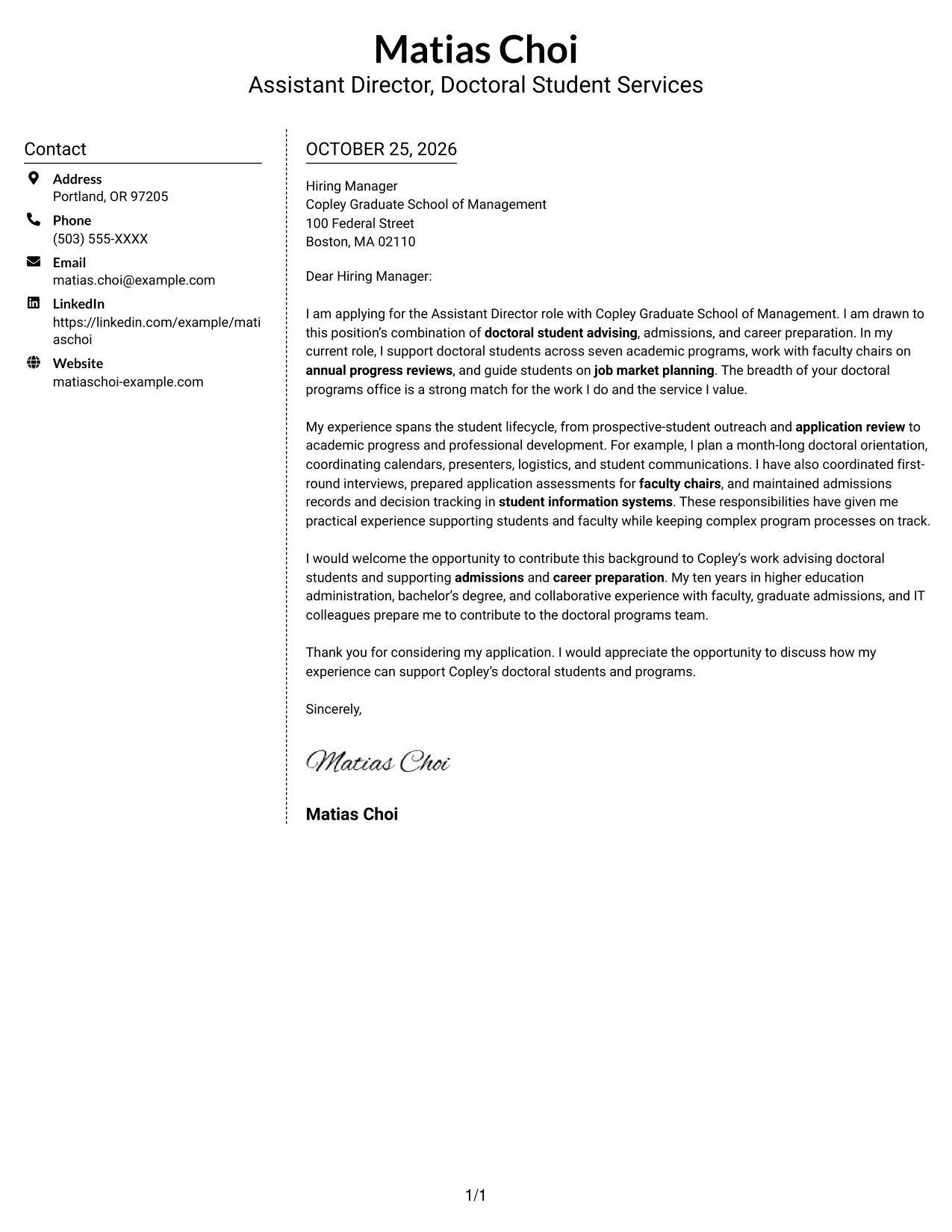
Sender details occupy a contact sidebar beside the continuous letter, suiting correspondence that keeps contact information apart from the message.
Why This Format Works
- The contact sidebar separates sender information from the letter's persuasive paragraphs.
- A single letter body keeps the opening, supporting points, and closing together.
- With no photo, the sidebar remains dedicated to contact details.
Best For
- Contact sidebar layouts
- Uninterrupted paragraph arguments
- Photo-free correspondence
- Letters with multiple supporting points
- Employer-facing cover letters
#6 Modern Icon Format Cover Letter Example
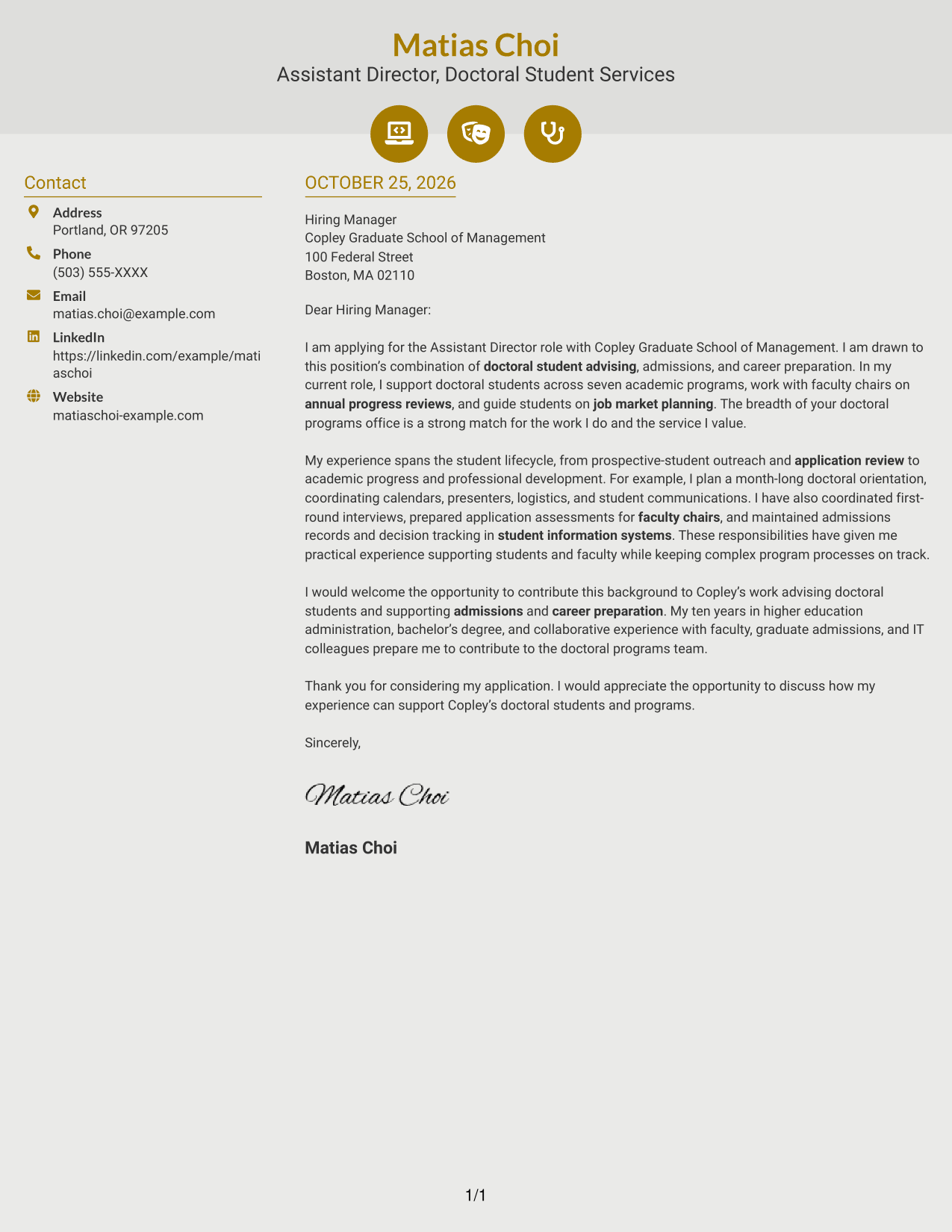
Contact icons cue sender information in the sidebar beside a continuous letter body, a useful choice when contact details should be easy to distinguish.
Why This Format Works
- Icons cue contact details without labeling parts of the letter's argument.
- The sidebar holds sender information beside, rather than within, the letter body.
- Header accents add visual detail while the letter remains one continuous text.
Best For
- Icon-cued contact information
- Sidebar contact access
- Letters with uninterrupted body text
- Photo-free application materials
- Decorative header accents
#7 Creative Two Tone Format Cover Letter Example
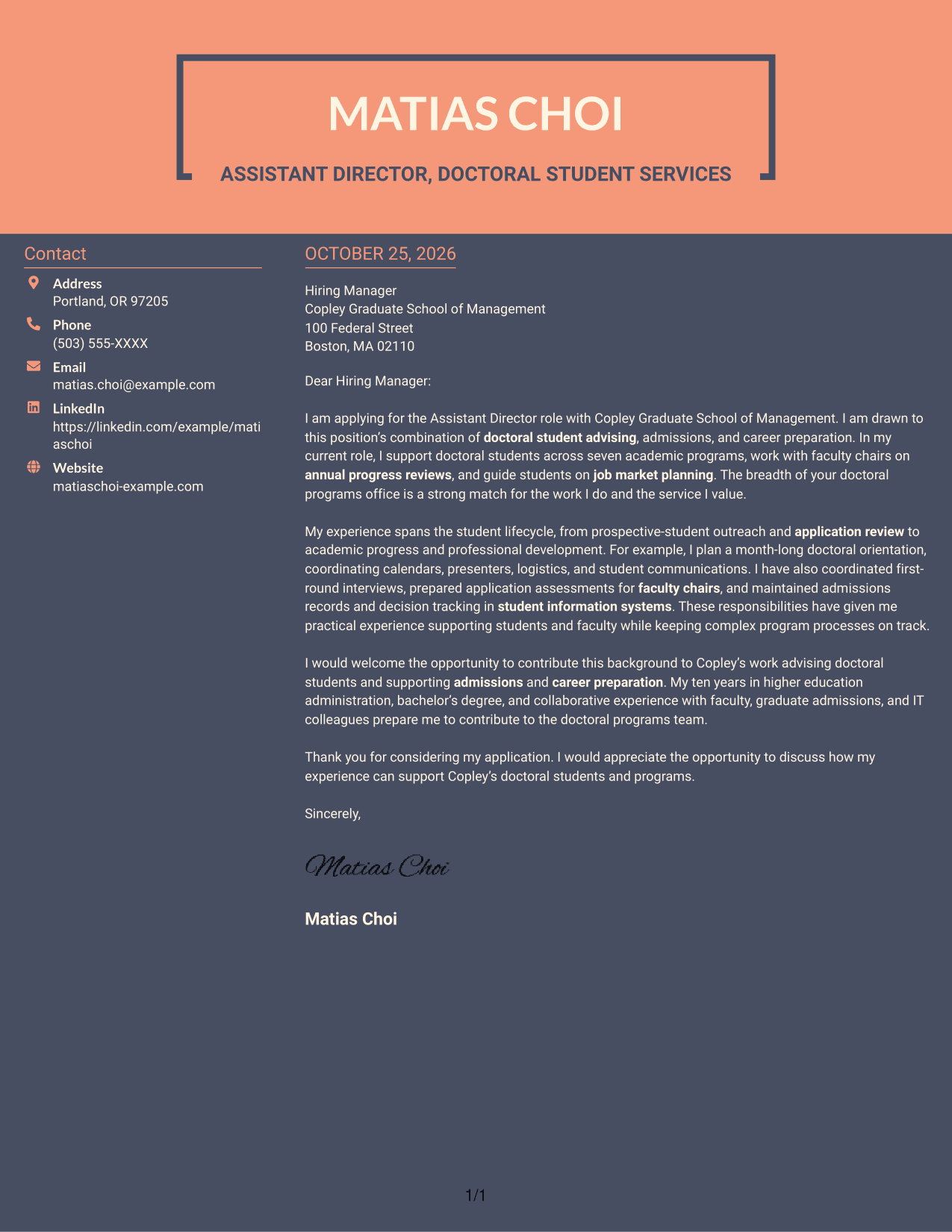
The two-column layout places contact details beside one continuous letter, a practical choice for keeping sender information distinct from the message.
Why This Format Works
- The sidebar keeps contact information distinct from the letter's opening and supporting paragraphs.
- A single body preserves a clear sequence from the greeting through the closing.
- The photo-free design leaves the page focused on written correspondence.
Best For
- Contact details apart from letter prose
- Single-body persuasive letters
- Photo-free correspondence
- Two-column page preferences
- Multi-paragraph application messages
Why Use ResumeInMinutes for an Assistant Director, Doctoral Programs Cover Letter
Compare the image previews, then open an example in the editor to customize its wording for the role and the employer’s needs.
- Focused cover letter examples
- Clear, readable layouts
- Role-specific guidance
- Professional presentation
- Examples you can customize in the editor
- Support for a persuasive application letter
Use the opening to explain your interest in doctoral program work, the body to show relevant advising and admissions experience, and the close to state how you could contribute.
See Also
- 7 Assistant Director, Doctoral Programs Resume Templates with Example
- 7 Director - College Access Programs Resume Templates with Example
- 7 Assistant Director, Athletic Compliance Resume Templates with Example
- 7 Assistant Director Construction Management Resume Templates with Example
- 7 Assistant Director for Employer Engagement Resume Templates with Example
- 33 Assistant Director of Development - Athletics Fundraising Resume Templates with Example
- 7 Assistant Director of Operations - Financial Aid Resume Templates with Example
- 7 Assistant Director, Public Works Agency Resume Templates with Example
- 7 Assistant Director, Athletic Compliance Cover Letter Templates with Example
- 7 Area Director - Dental Implant Sales Cover Letter Templates with Example
Frequently Asked Questions
What should the opening paragraph say for an Assistant Director, Doctoral Programs cover letter?
State your interest in the role and connect it to its mix of doctoral student advising, admissions, and career preparation. Keep the opening direct and specific to the position.
What experience should I highlight in the body of the letter?
Choose examples that show how you support students and keep program work moving. Advising, annual progress reviews, orientation planning, application assessments, interview coordination, and admissions records can all be relevant when they match your experience.
How can I show that I understand the school’s doctoral programs?
Refer to the position’s stated priorities, such as advising students across doctoral programs, supporting admissions, and coordinating professional development. Explain how your experience relates to those needs without repeating the job description.
How should I close the cover letter?
Briefly restate the contribution you hope to make, thank the reader for considering your application, and invite a conversation about your fit for the role.
Can I compare the cover letter examples before customizing one?
Yes. Review the image previews to compare their presentation, then use the editor link to view or customize an example.




