
7 Assistant Director, Public Works Agency Resume Templates with Example
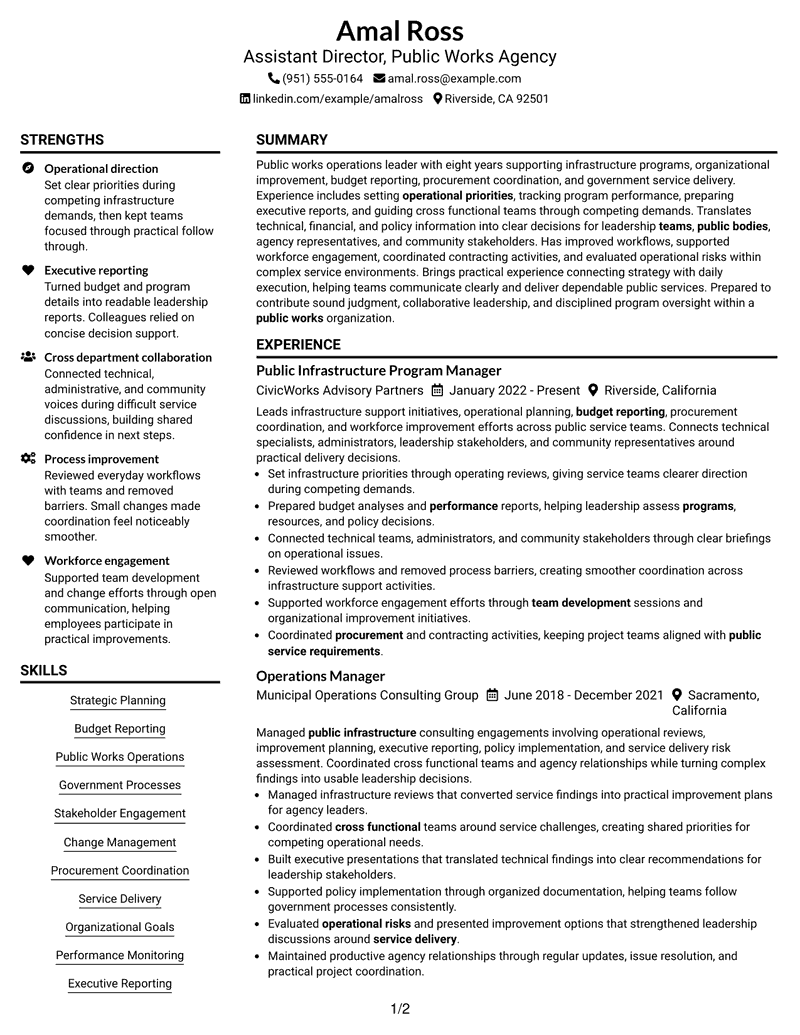
This guide shows you how to create an Assistant Director, Public Works Agency resume that is clear, focused, and easy to adapt. It helps you organize leadership evidence and review professional resume formats.
An effective resume for this role should present operational planning, public service experience, budget reporting, stakeholder communication, and process improvement in a way that is easy to scan.
The guide presents the document in 7 layouts only, so you can compare different ways to arrange experience, skills, education, projects, and credentials.
What Makes a Great Assistant Director, Public Works Agency Resume in 2026
A strong resume in 2026 uses clear sections, focused keywords, and achievement-based bullets to show public works leadership abilities.
Use terms connected to strategic planning, government processes, executive reporting, procurement coordination, and organizational improvement when they match your background.
The examples shown below are intentionally detailed to demonstrate a range of experiences, skills, accomplishments and relevant keywords. We prefer detailed resumes as they provide more context to the hiring managers and also help the ATS systems identify relevant qualifications and score your resume better for a match. But the length of a resume is an individual choice. If you want a one page resume, just keep the most relevant experience and information for the job. Note: Resume examples are for educational purposes only. Use only information that accurately reflects your experience and qualifications. References to real organizations do not imply affiliation or endorsement.
#1 Plain Two Column Format Resume Example
This Plain Two Column Format presents the resume with two organized columns, helping reviewers scan experience, skills, education, and credentials.
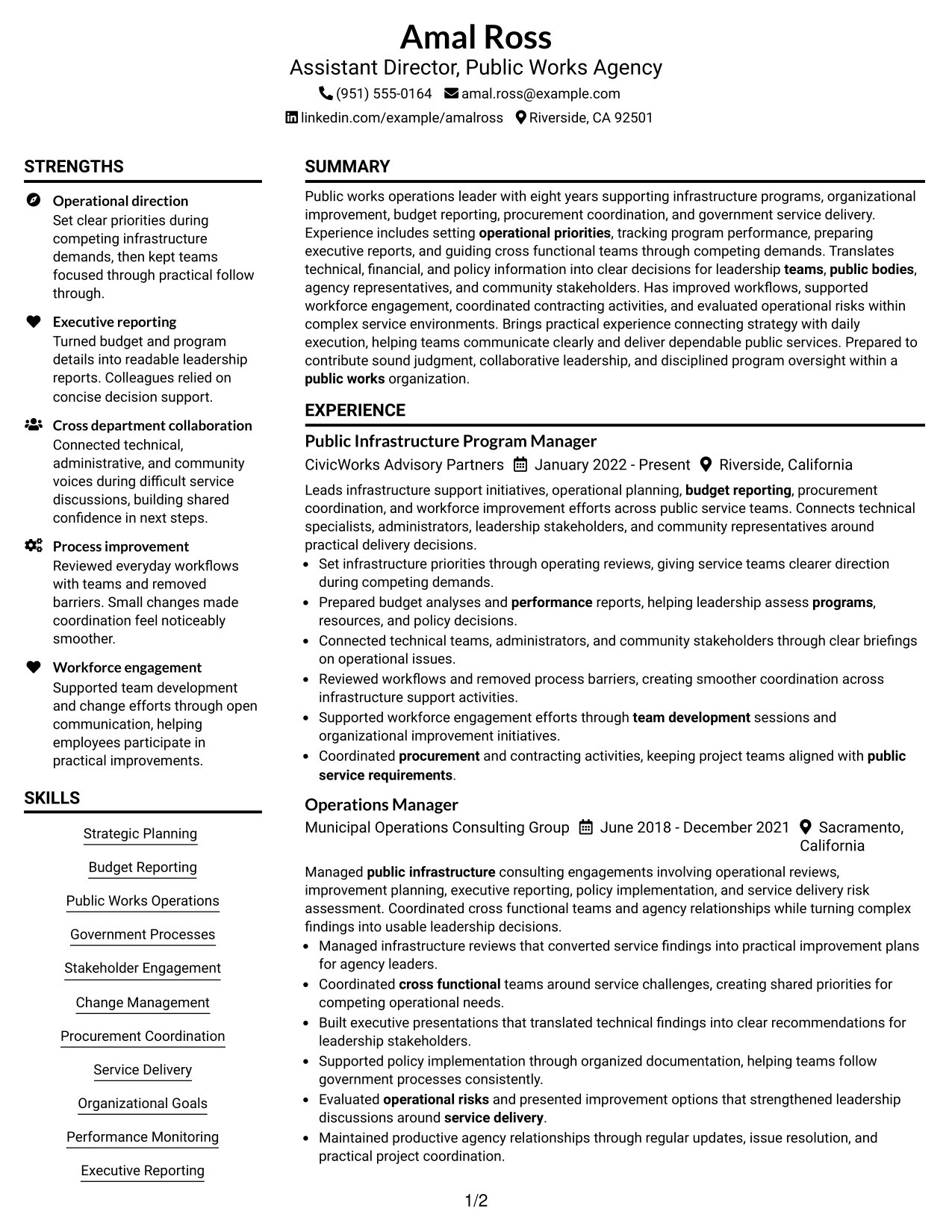
Resume Snapshot
- Public works operations leadership focus
- Strategic planning and budget reporting
- Government process experience
- Cross functional team coordination
Why This Format Works
- Experience and achievements gain clear visual separation
- Skills and credentials are grouped for quick review
- Education details have a defined reading area
Best For
- Resume sections with balanced reading areas
- Experience details with clear separation
- Credentials and education summaries
- Leadership resumes needing structured flow
- Public administration resume organization
Resume Keywords
- Assistant Director
- Public Works
- Public Infrastructure
- Organizational Goals
- Performance
- teams
- operational priorities
- budget
- program
- executive stakeholders
- public bodies
- collaboration
- department
- employee engagement
- Organizational change
#2 Simple One Column Format Resume Example
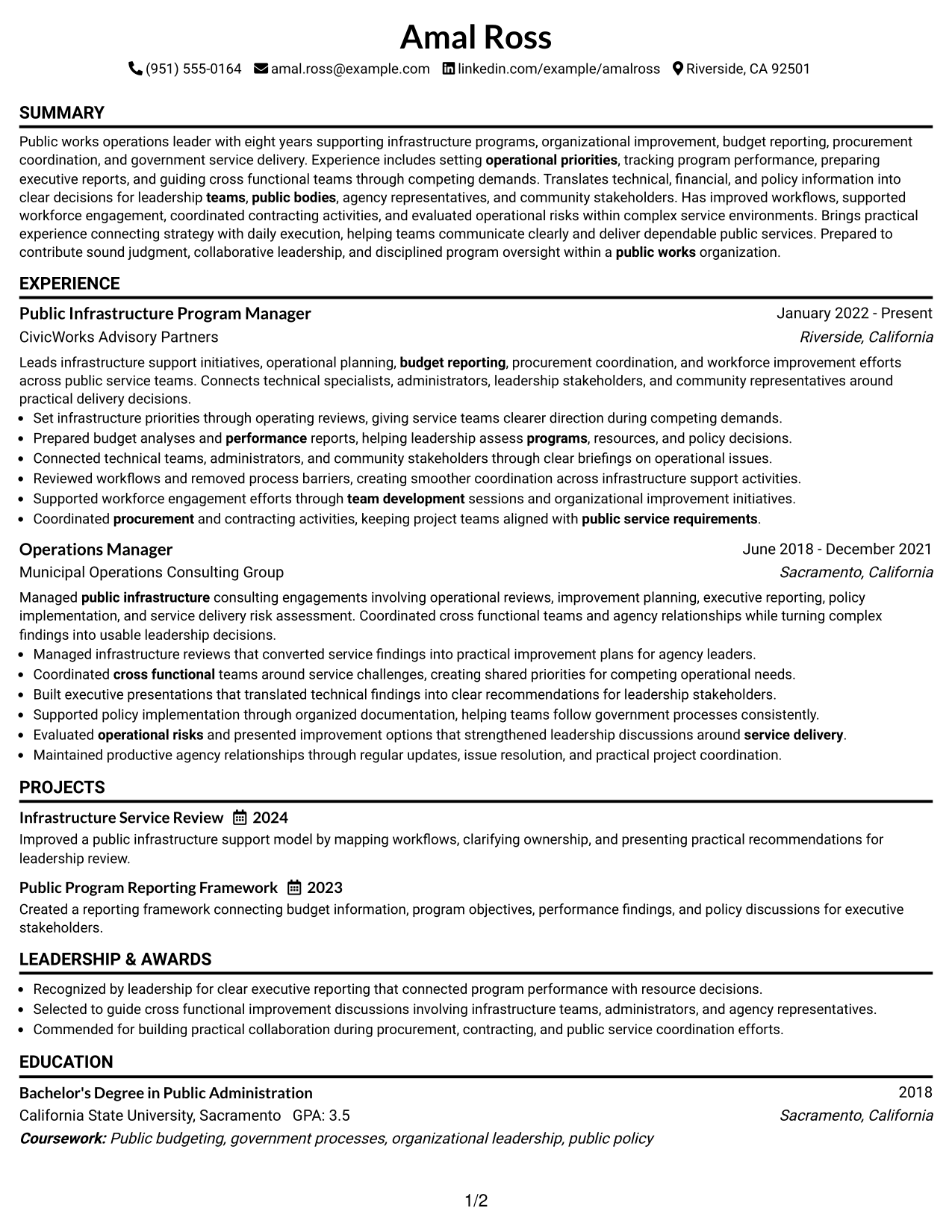
This Simple One Column Format presents the resume with a single reading path, helping reviewers scan experience, skills, education, and credentials.
Why This Format Works
- Sections follow a direct path for easy scanning
- Career history appears in a simple sequence
- Content spacing helps readers locate details
Best For
- Straightforward resume reading
- Traditional section order
- Simple content review
- Focused professional summaries
- ATS-focused layouts
#3 Clean Two Column Sidebar Format Resume Example
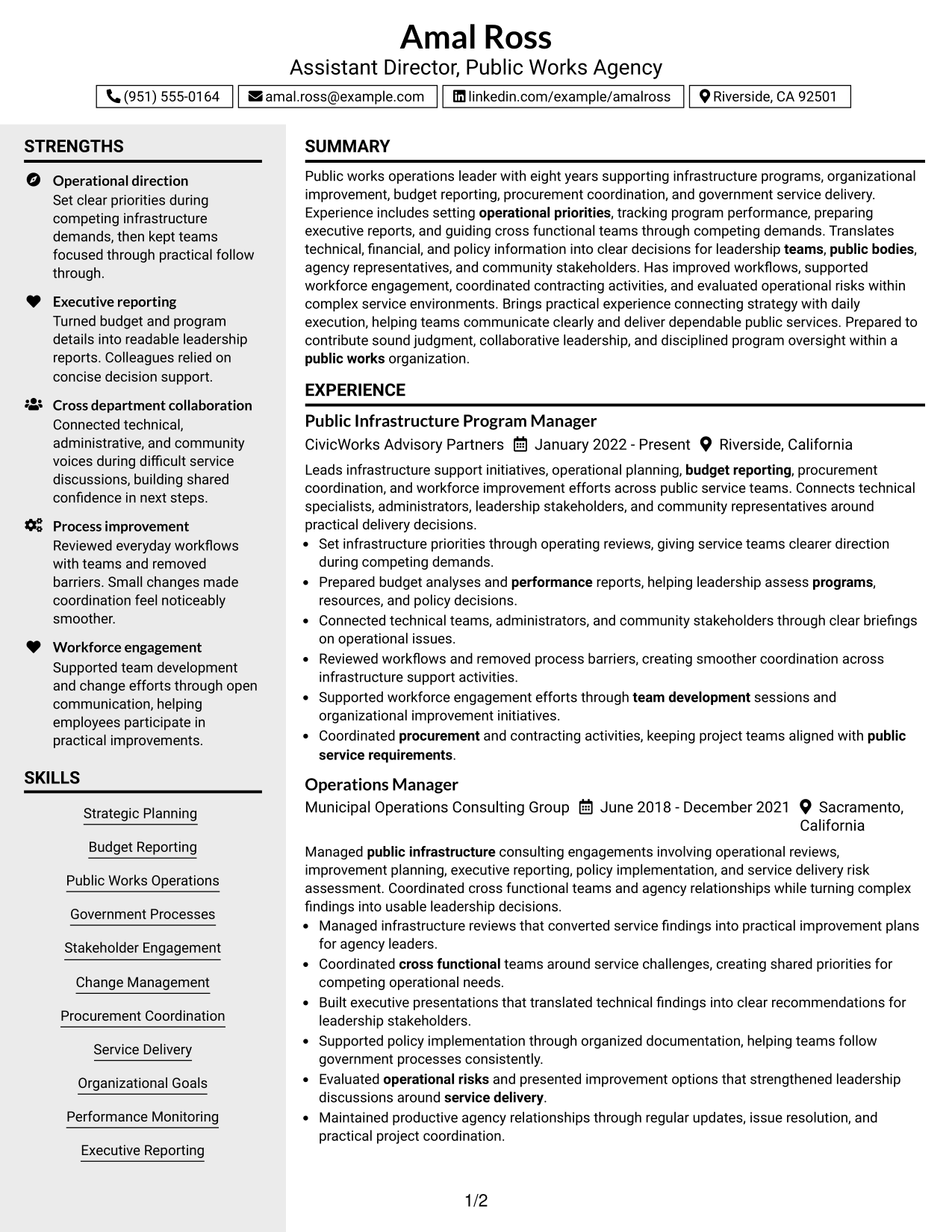
This Clean Two Column Sidebar Format presents the resume with two organized columns, helping reviewers scan experience, skills, education, and credentials.
Why This Format Works
- Sidebar areas separate supporting details from experience
- Main content keeps career progress easy to follow
- Section boundaries help readers find credentials
Best For
- Side information organization
- Skill and credential grouping
- Structured professional summaries
- Resume comparison needs
- Balanced information display
#4 Two Column Format Resume Example
This Two Column Format presents the resume with two organized columns, helping reviewers scan experience, skills, education, and credentials.
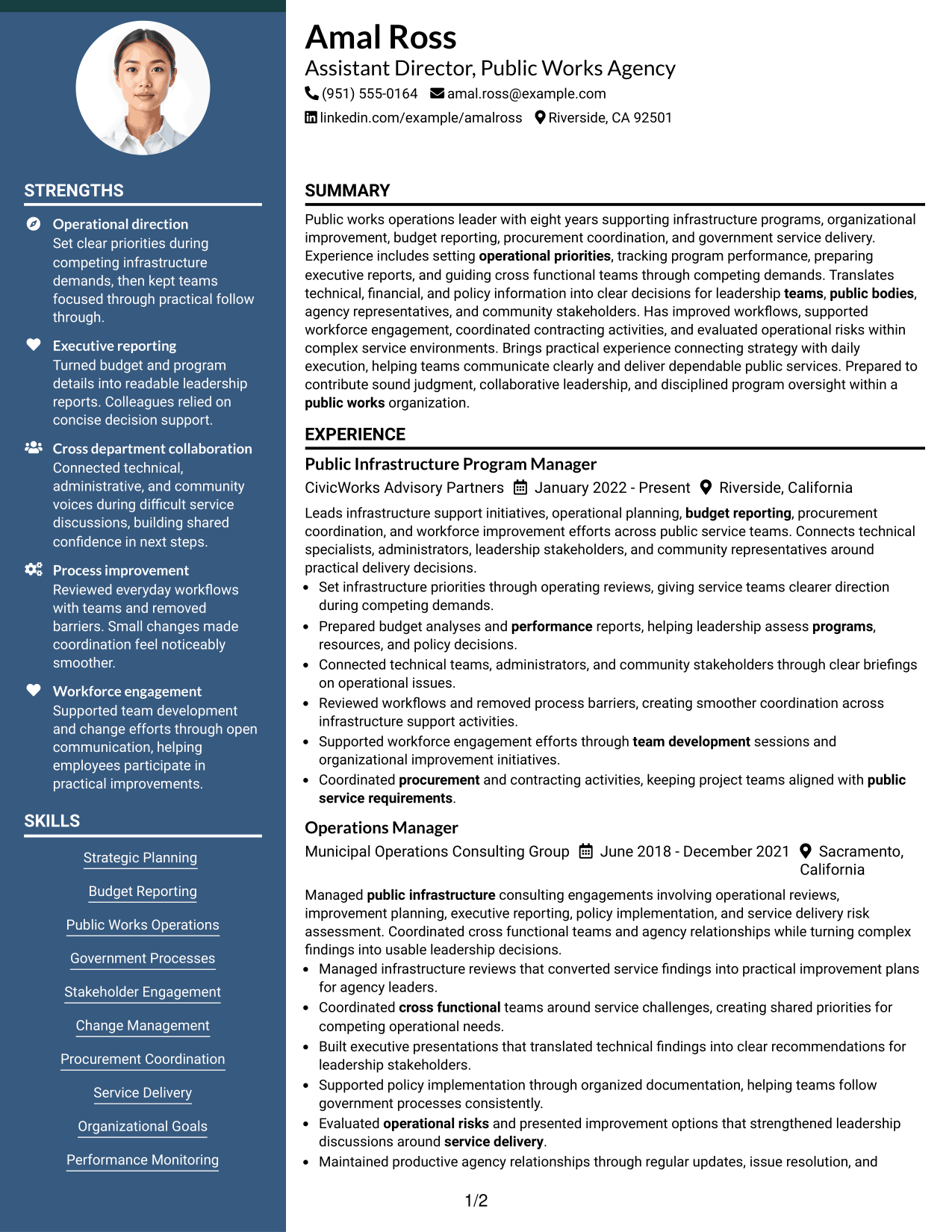
Why This Format Works
- Two areas help separate content categories
- Experience and supporting sections remain easy to navigate
- Visual balance supports resume review
Best For
- Parallel content organization
- Detailed experience presentation
- Skill and education grouping
- Professional resume updates
- Information-rich documents
#5 Photo Header Two Column Format Resume Example
This Photo Header Two Column Format presents the resume with two organized columns, helping reviewers scan experience, skills, education, and credentials.
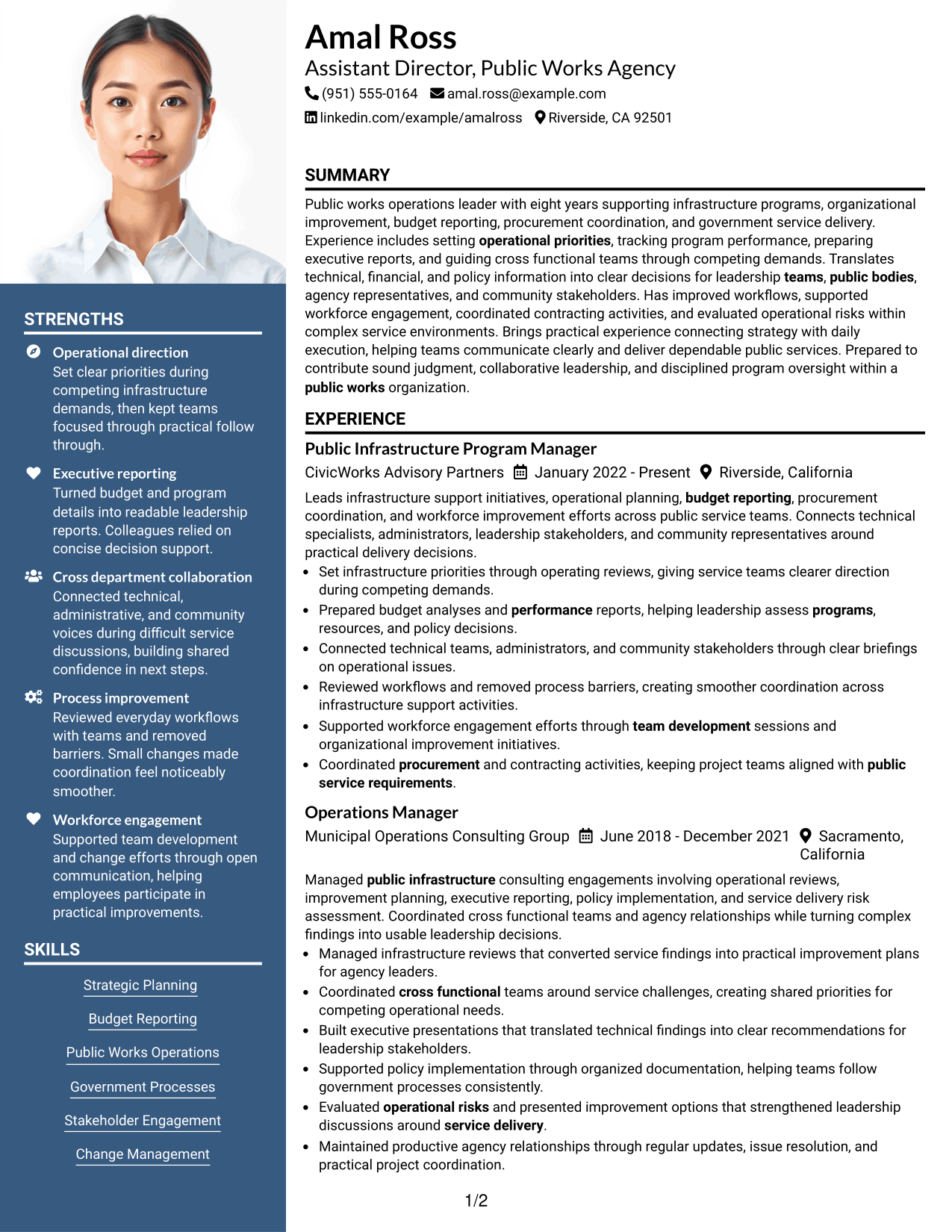
Why This Format Works
- The header gives contact details a distinct location
- Body sections organize experience and credentials
- Separate areas support faster document navigation
Best For
- Photo resume requirements
- Header-focused layouts
- Two area information flow
- Visual contact presentation
- Professional profile documents
#6 Colored Two Column Format Resume Example
This Colored Two Column Format presents the resume with two organized columns, helping reviewers scan experience, skills, education, and credentials.
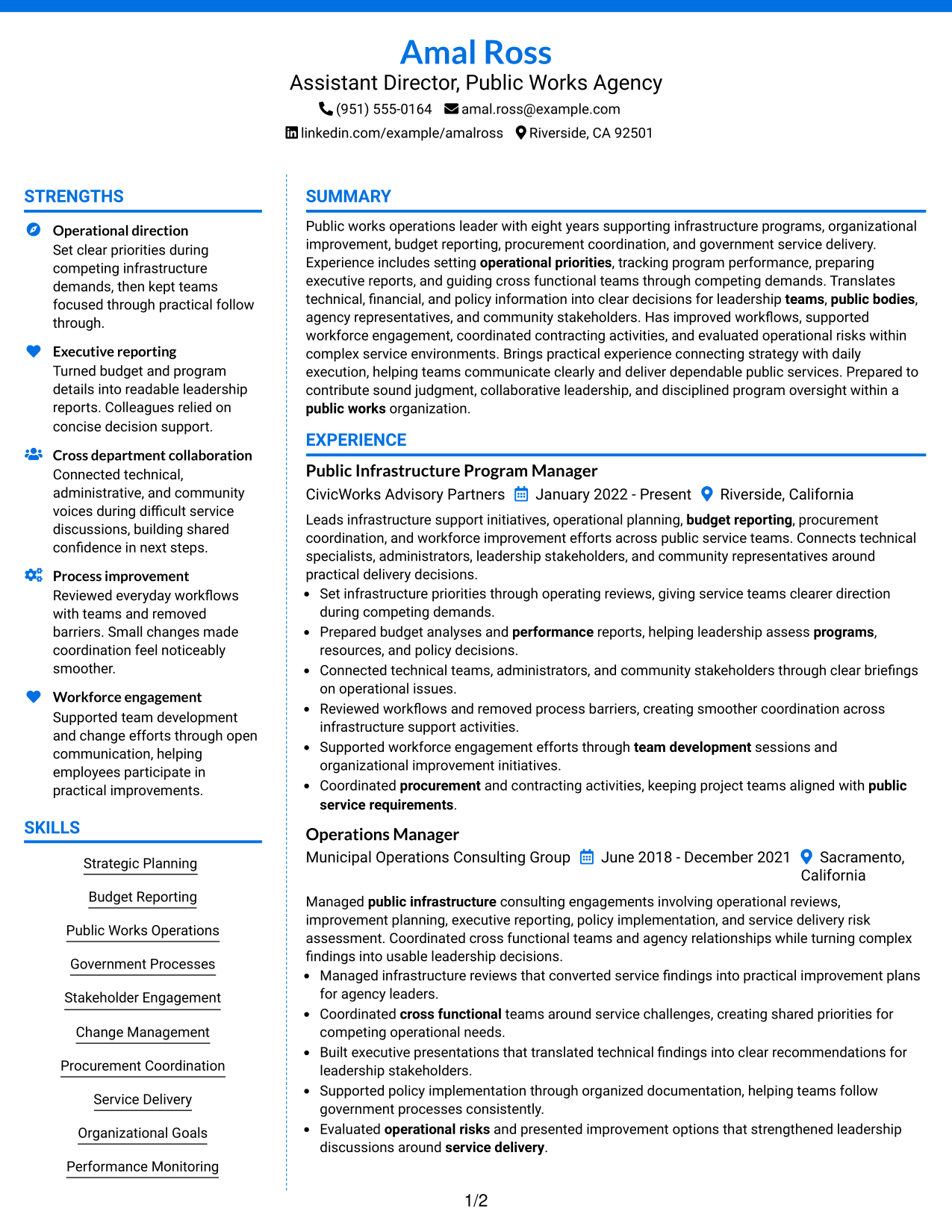
Why This Format Works
- Color areas separate major resume sections
- Content groups help readers follow information
- Section contrast improves navigation
Best For
- Visual section separation
- Organized resume content
- Professional presentation needs
- Structured skill summaries
- Readable leadership documents
#7 Stylish Two Column Designer Format Resume Example
This Stylish Two Column Designer Format presents the resume with two organized columns, helping reviewers scan experience, skills, education, and credentials.
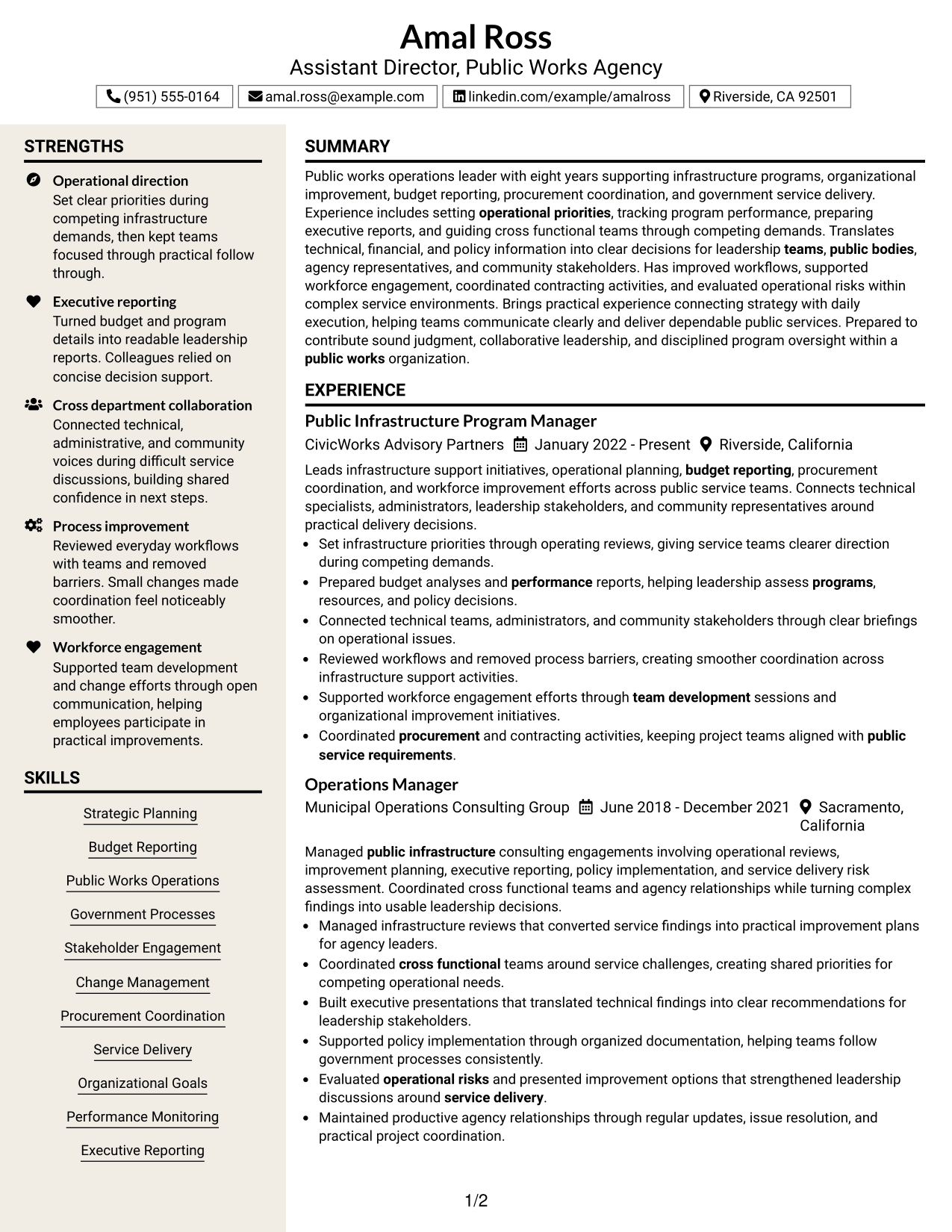
Why This Format Works
- Design elements create clear content areas
- Section placement guides the review order
- Balanced columns support information discovery
Best For
- Modern resume presentation
- Creative professional layouts
- Organized achievements
- Visual resume structure
- Distinct section arrangement
See Also
- 7 Executive Director - Public-Safety Communications Resume Templates with Example
- 7 Assistant Director, Athletic Compliance Resume Templates with Example
- 7 Assistant Director Construction Management Resume Templates with Example
- 7 Assistant Director, Doctoral Programs Resume Templates with Example
- 7 Assistant Director for Employer Engagement Resume Templates with Example
- 33 Assistant Director of Development - Athletics Fundraising Resume Templates with Example
- 7 Assistant Director of Operations - Financial Aid Resume Templates with Example
- 7 Assistant Director - Transportation Planning & Traffic Engineering Resume Templates with Example
- 7 Assistant Director, Athletic Compliance Cover Letter Templates with Example
- 7 Assistant Director, Doctoral Programs Cover Letter Templates with Example
Frequently Asked Questions
Are these Assistant Director, Public Works Agency resume templates ATS-friendly?
Yes. They use clear headings, organized sections, and relevant resume keywords.
Are these different resumes?
No. This guide shows one resume example in different layouts.
What should this resume include?
Include a summary, experience, education, skills, projects, and certifications when applicable.




