7 Assistant Store Manager Resume Templates with Example
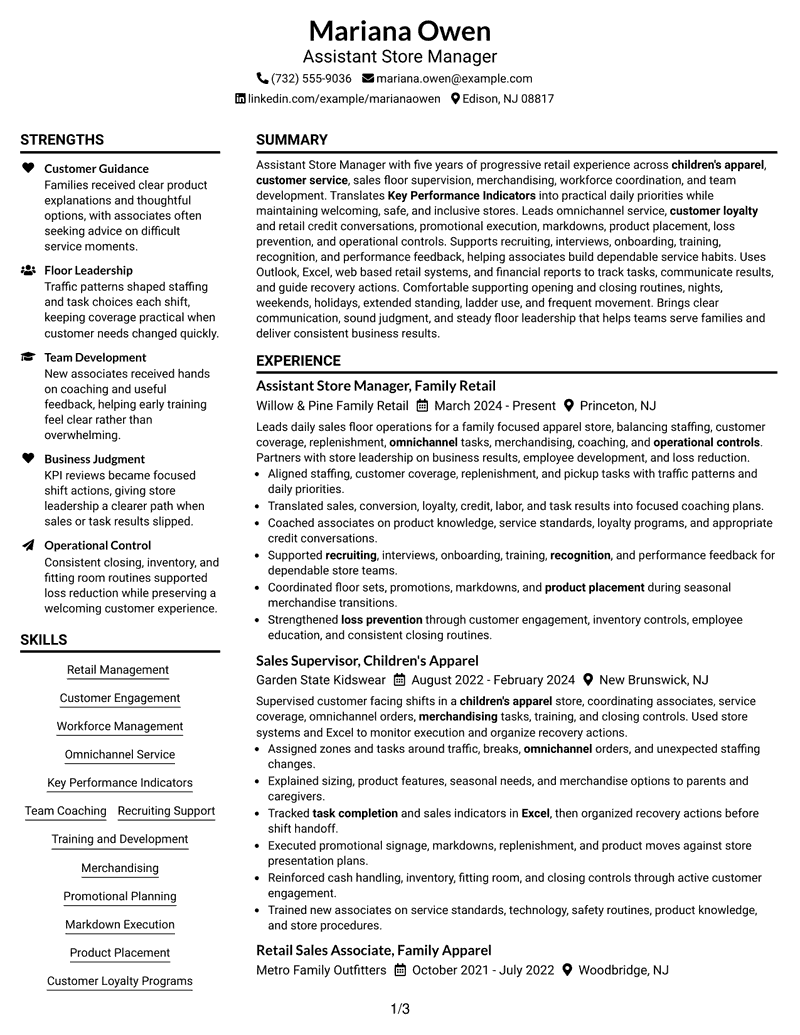
This practical guide shows you how to build an Assistant Store Manager resume that is clear, focused, and easy to review. You will see how strong structure helps present leadership, retail operations, and customer service evidence without making the resume hard to scan.
For this role, useful resume content often includes workforce management, KPI use, team coaching, merchandising, omnichannel service, loyalty and credit programs, loss prevention, operational controls, and common retail tools such as Outlook and Excel. Keep these details tied to real experience and place them where recruiters can find them quickly.
Below, one complete resume example is shown in 7 layouts. Compare the reading order, section separation, and visual balance to choose a format that fits your content and keeps important evidence easy to find.
What Makes a Great Assistant Store Manager Resume in 2026
A strong Assistant Store Manager resume shows steady floor leadership, customer focus, team development, and control of daily store operations. It should make career progression and supervisory scope easy to understand.
Use clear bullets and role-relevant terms such as workforce management, KPIs, omnichannel service, merchandising, customer loyalty, loss prevention, Outlook, and Excel when they are supported by your experience.
The examples shown below are intentionally detailed to demonstrate a range of experiences, skills, accomplishments and relevant keywords. We prefer detailed resumes as they provide more context to the hiring managers and also help the ATS systems identify relevant qualifications and score your resume better for a match. But the length of a resume is an individual choice. If you want a one page resume, just keep the most relevant experience and information for the job. Note: Resume examples are for educational purposes only. Use only information that accurately reflects your experience and qualifications. References to real organizations do not imply affiliation or endorsement.
#1 Plain Two Column Format Resume Example
The Plain Two Column Format separates core sections into two readable areas, helping recruiters scan experience and supporting qualifications without losing the overall career story.
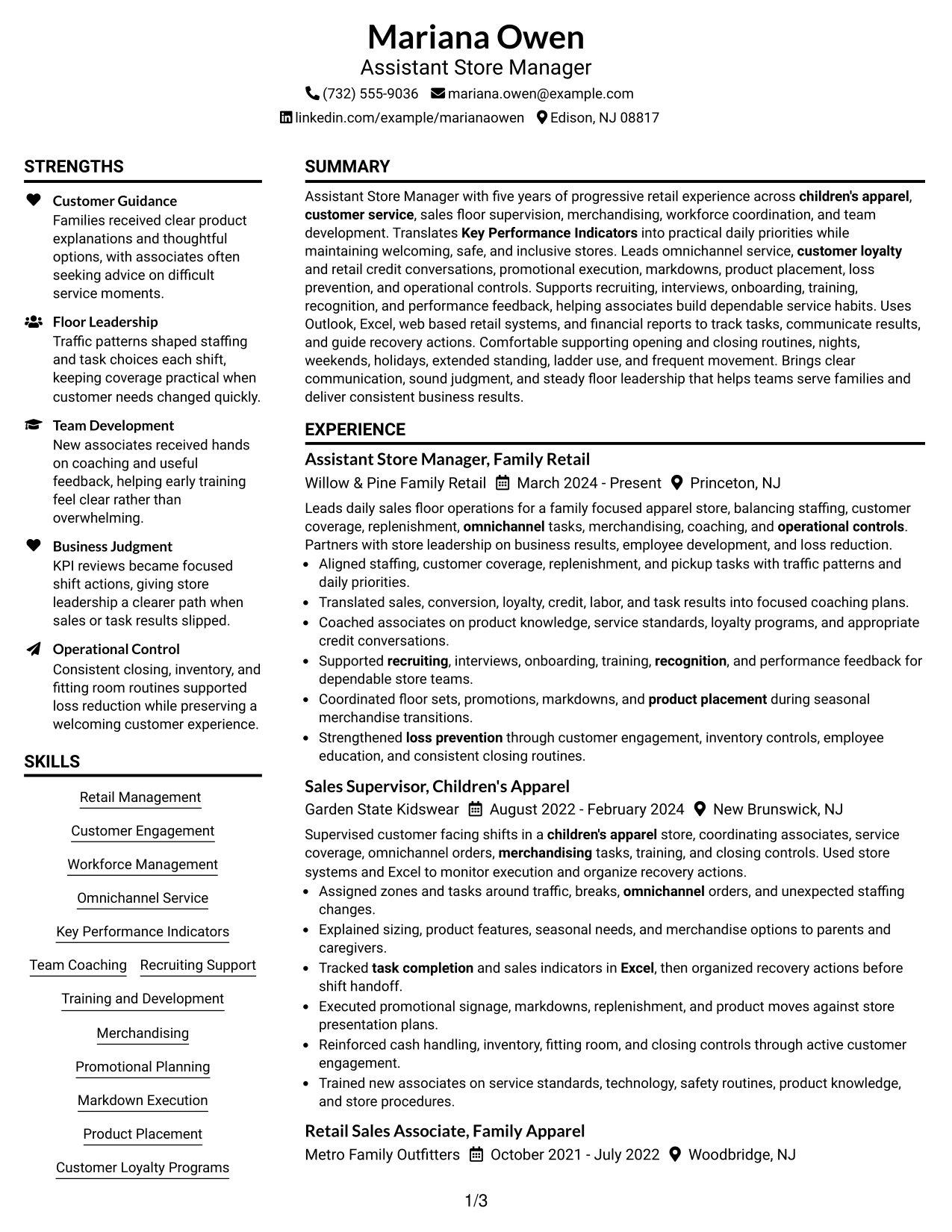
Resume Snapshot
- 5 years of progressive retail experience
- Assistant Store Manager since March 2024
- High School Diploma, Woodbridge High School
- Experience with Outlook, Excel, retail systems, and financial reports
Why This Format Works
- Parallel sections keep career experience visible while supporting skills stay easy to locate.
- Clear section separation helps recruiters follow progression from frontline work into supervision.
- Balanced space gives achievements and credentials distinct places without crowding the reading path.
Best For
- Mixed leadership and operations evidence
- Readers comparing experience with supporting skills
- Career progression across several retail roles
- Resumes with varied skills and credentials
- Structured review of supervisory growth
Resume Keywords
- Assistant Store Manager
- Retail
- customer service
- Workforce Management
- Omnichannel
- KPI
- Customer Loyalty
- Credit Programs
- Recruiting
- training
- Development
- recognition
- Performance
- Merchandising
- Promotional Planning
#2 Simple One Column Format Resume Example
The Simple One Column Format gives recruiters one direct reading path, making the resume easy to follow from summary through experience, skills, education, and credentials.
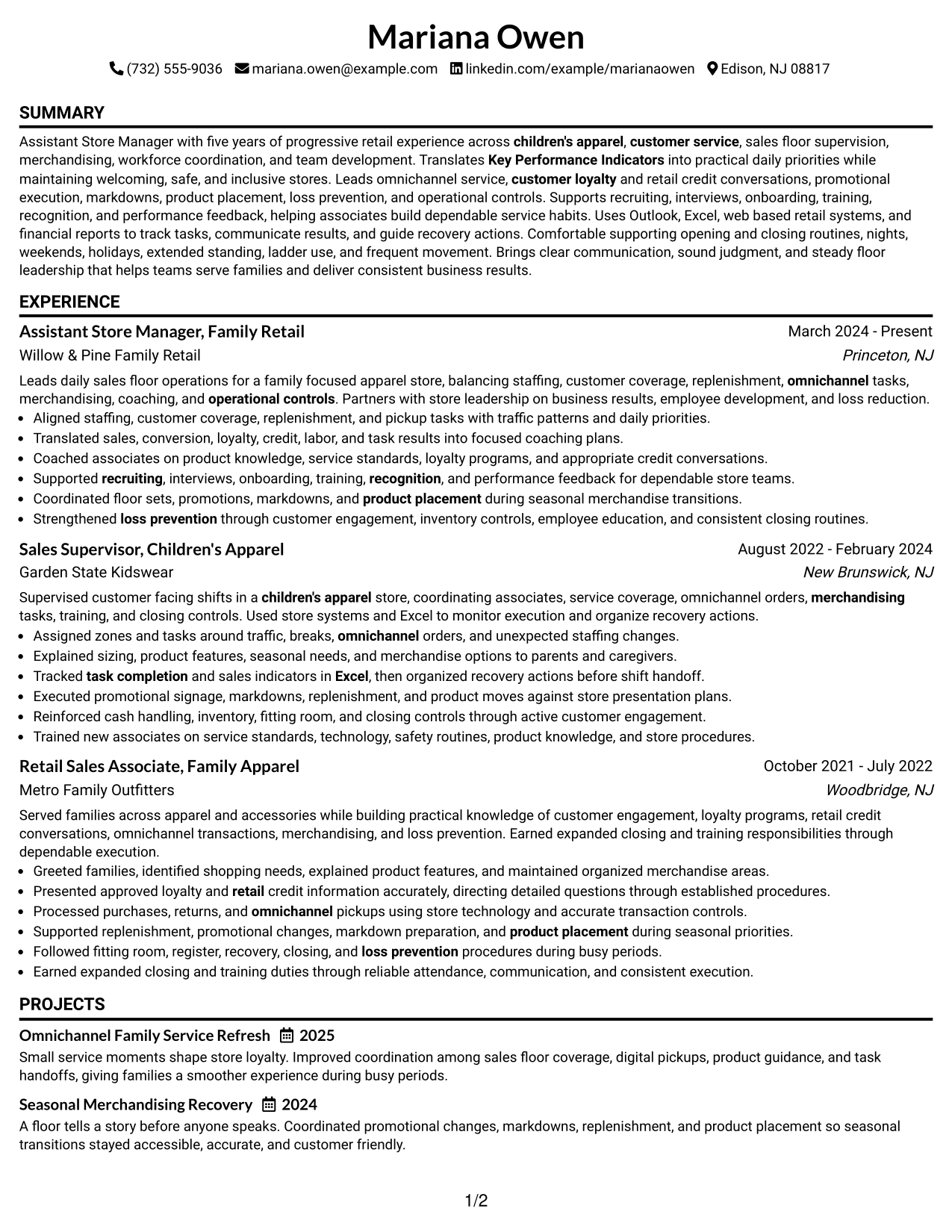
Why This Format Works
- A single reading path keeps career progression easy to follow from top to bottom.
- Full-width sections give experience bullets room to remain clear and evenly spaced.
- Straight section order helps recruiters move from achievements to skills and education naturally.
Best For
- Direct top-to-bottom reading
- Detailed experience bullets
- Straightforward ATS-friendly organization
- Applications needing familiar section order
- Readers who prefer simple navigation
#3 Clean Two Column Sidebar Format Resume Example
The Clean Two Column Sidebar Format keeps the main career story in a broad content area while a separate sidebar gives recruiters quick access to supporting resume sections.
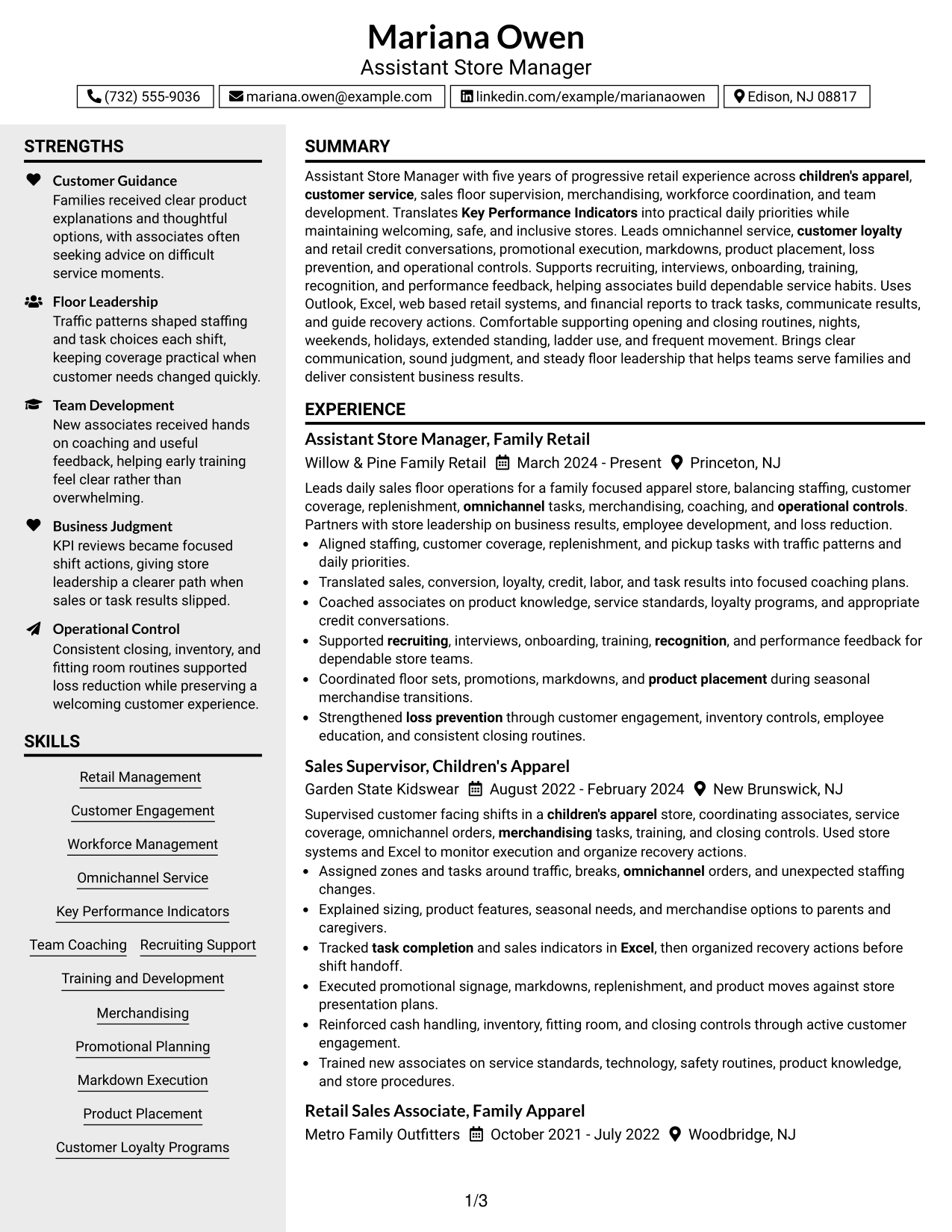
Why This Format Works
- The main column protects a clear sequence for experience and career progression.
- A separate sidebar makes supporting skills and credentials easier to locate quickly.
- Distinct section areas reduce visual mixing between achievements and secondary qualifications.
Best For
- Experience-led resumes with supporting details
- Quick access to skills and credentials
- Readers scanning several qualification types
- Career histories needing a clear main narrative
- Compact separation of secondary sections
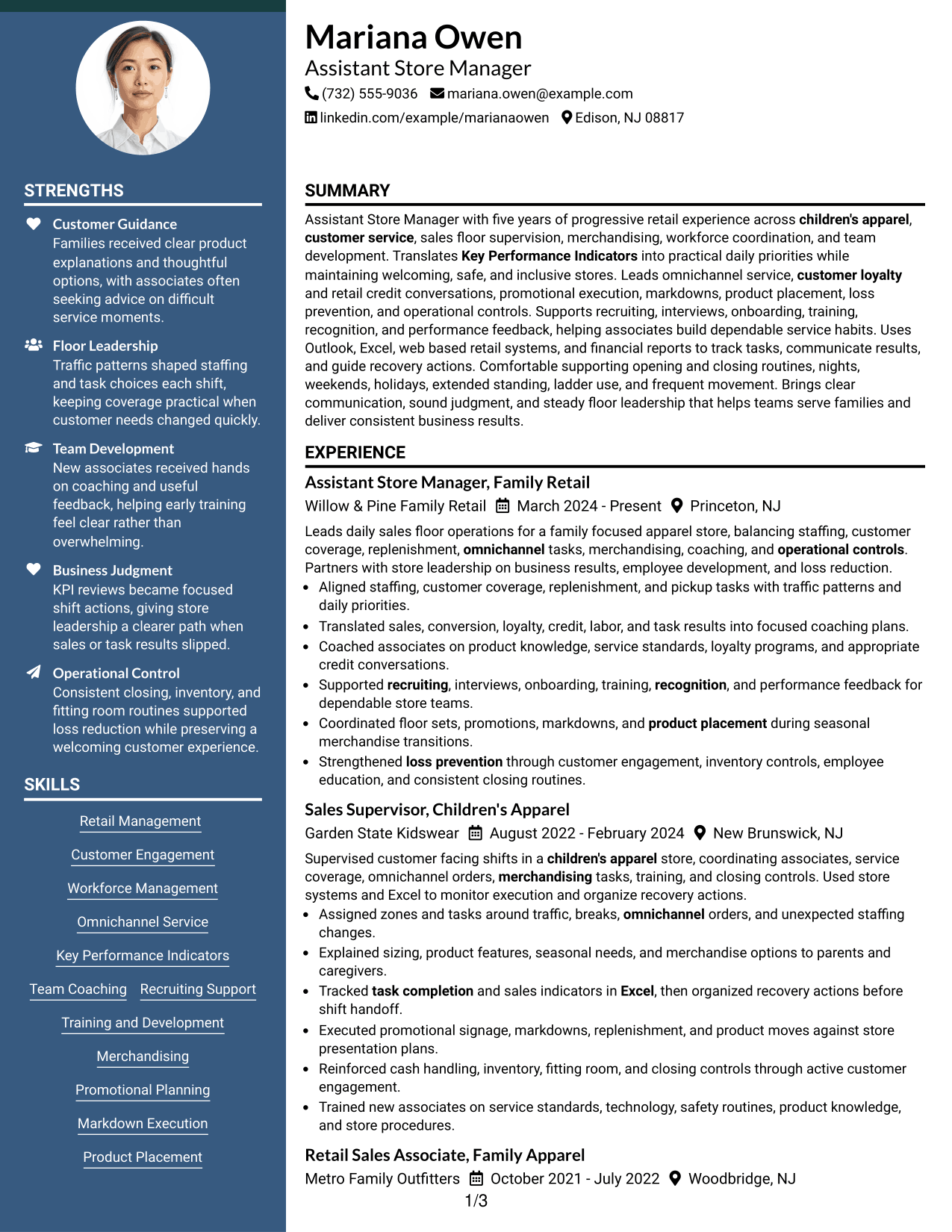
#4 Two Column Format Resume Example
The Two Column Format divides resume content into parallel sections, letting recruiters compare career evidence with supporting qualifications while keeping both areas easy to scan.
Why This Format Works
- Parallel columns let recruiters review experience and supporting content with less scrolling.
- Separate content areas give achievements and skills clear visual boundaries during review.
- The divided structure supports quick comparison between career history and credentials.
Best For
- Balanced amounts of experience and skills
- Side-by-side qualification review
- Resumes with several supporting sections
- Readers comparing career history and credentials
- Content that benefits from parallel grouping
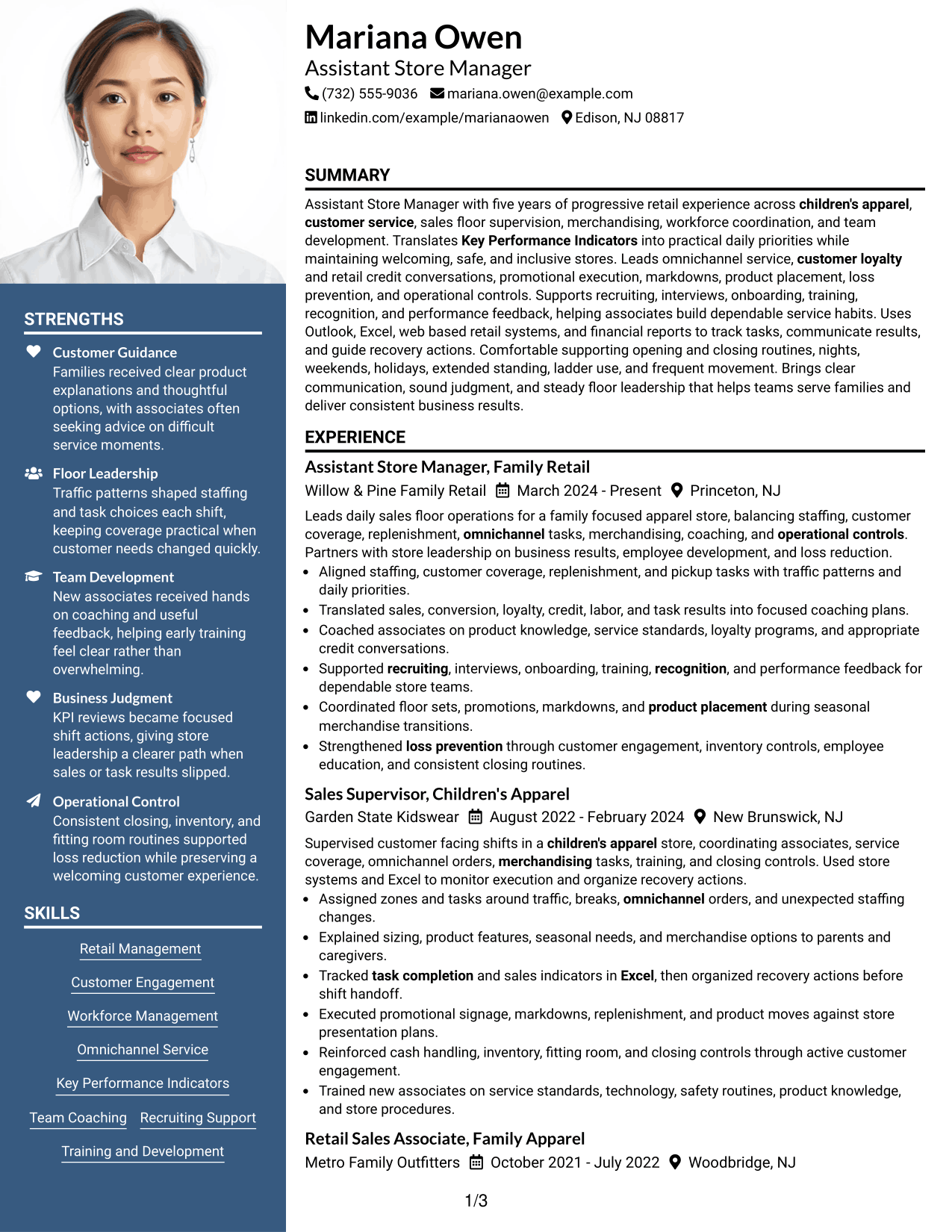
#5 Photo Header Two Column Format Resume Example
The Photo Header Two Column Format combines a photo-based header with a two-column body, giving recruiters a clear personal header and organized access to the resume sections below.
Why This Format Works
- The photo header identifies the person without interrupting the body reading order.
- Two body columns keep experience and supporting sections visually separated for scanning.
- Section boundaries help recruiters distinguish career evidence from skills and credentials.
Best For
- Markets where resume photos are customary
- Applications needing a visible personal header
- Two-column organization with clear section separation
- Resumes balancing career evidence and credentials
- Readers who value quick section recognition
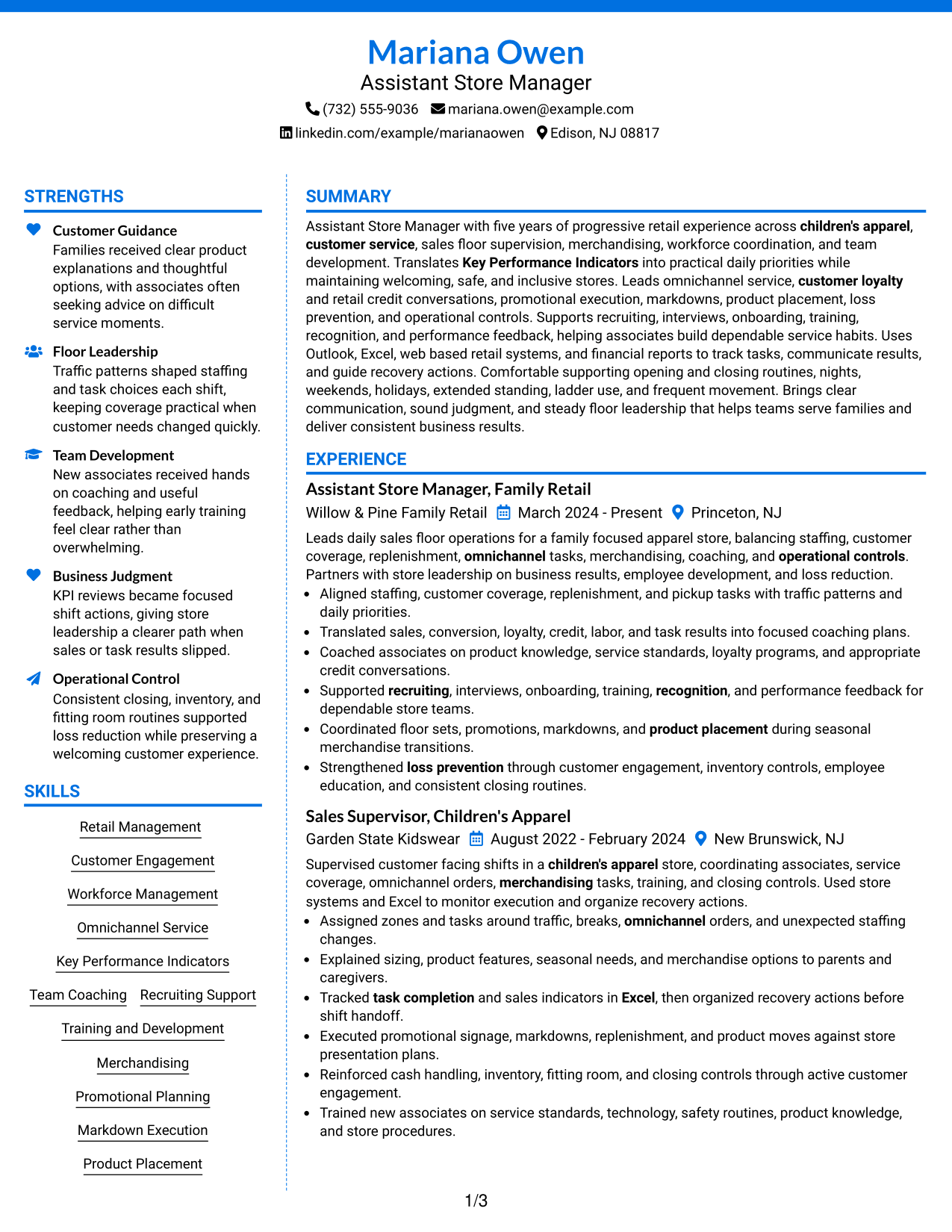
#6 Colored Two Column Format Resume Example
The Colored Two Column Format uses color to mark section areas within a two-column structure, helping recruiters separate the main career content from supporting information at a glance.
Why This Format Works
- Color-defined section areas make major resume categories easier to distinguish during review.
- Two columns divide career history from supporting qualifications without mixing their reading paths.
- Visual separation helps achievements, skills, and credentials remain easy to revisit.
Best For
- Readers who scan by section boundaries
- Resumes with several distinct content groups
- Applications allowing restrained color use
- Quick return to skills or credentials
- Career evidence needing visual separation
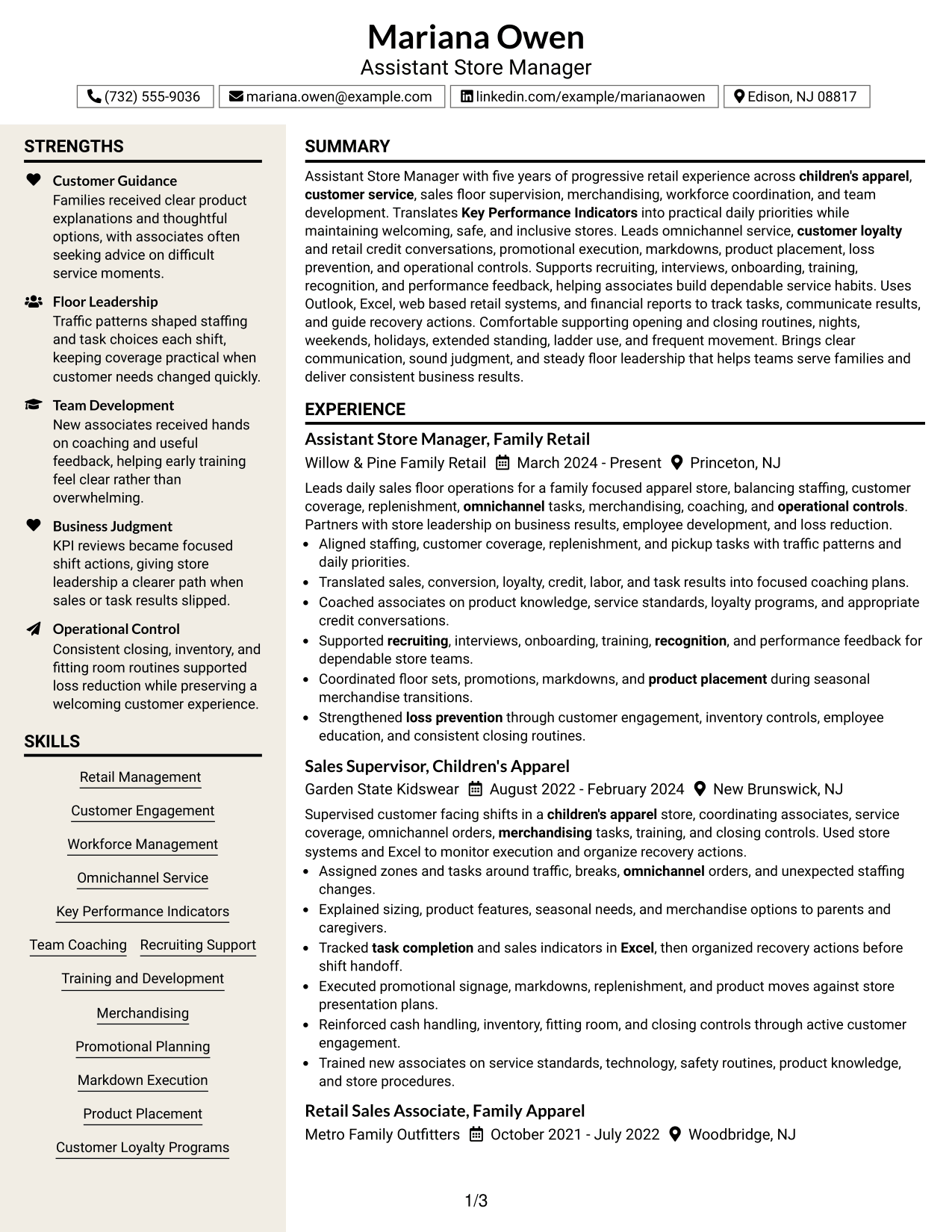
#7 Stylish Two Column Designer Format Resume Example
The Stylish Two Column Designer Format gives the resume a more designed two-column presentation while preserving separate areas that help recruiters locate experience, skills, and credentials quickly.
Why This Format Works
- Defined content blocks keep experience and achievements grouped for faster visual review.
- A separate supporting area helps skills and credentials remain easy to find.
- The two-column structure creates clear navigation across several resume content categories.
Best For
- Applications welcoming stronger visual styling
- Readers needing fast section location
- Resumes with broad supporting qualifications
- Career stories paired with many skills
- Distinct grouping of experience and credentials
Why Build Your Assistant Store Manager Resume with ResumeInMinutes
ResumeInMinutes helps retail professionals turn store leadership, customer service, team coaching, merchandising, and operational work into a resume that is easy to review and tailor.
- Professional resume formats
- ATS-friendly section structure
- Role-focused keyword guidance
- Clear experience and skills organization
- Free PDF resume previews
- Simple resume customization
You can adjust the wording and layout to emphasize the parts of your retail background that matter most, while keeping the resume focused on the Assistant Store Manager role.
See Also
- 7 Assistant Store Manager - Fashion Retail Resume Templates with Example
- 7 Assistant Store Manager - Telecommunications Retail Resume Templates with Example
- 7 Campus Store Lead Assistant Resume Templates with Example
- 7 Retail Assistant Store Manager Beauty and Personal Care Resume Templates with Example
- 33 Senior Assistant Store Manager Resume Templates with Example 2026 (ATS-Optimized)
- 7 Academic Records Assistant - Student Records Resume Templates with Example
- 33 Accounting Assistant Resume Templates with Example 2026 (ATS-Optimized)
- 7 Accounts Payable Assistant - Claims Payments Resume Templates with Example
- 30+ Assistant Store Manager Cover Letter Templates with Example 2026
- 7 Retail Assistant Store Manager Beauty and Personal Care Cover Letter Templates with Example
Frequently Asked Questions
Are these Assistant Store Manager resume templates ATS-friendly?
They use clear resume sections and readable structure that can support ATS scanning. Your results still depend on accurate wording, standard headings, and keywords that match your real experience.
Are these different resumes?
No. This guide presents one Assistant Store Manager resume example in different visual formats so you can compare how the same content reads in each layout.
What should an Assistant Store Manager resume include?
Include a focused summary, relevant work experience, leadership and customer service skills, education, retail tools, and supported strengths such as workforce planning, merchandising, KPI use, and loss prevention.
Can I download the resume templates as PDFs?
Yes. Each resume design offers a free PDF download so you can preview the format and compare its organization before choosing a layout.
Which resume style works well for an Assistant Store Manager application?
A clear one-column format is useful for direct reading, while a well-organized two-column format can separate supporting skills from career history. Choose the version that keeps your strongest evidence easy to follow.
How can I make retail leadership experience stronger on the resume?
Use concise bullets that show what you led, coached, organized, tracked, or improved. Connect duties to store priorities such as staffing, customer service, merchandising, task completion, and operational controls.
Should I include a photo on my resume?
For U.S. applications, a no-photo resume is usually the safer choice. Use a photo only when it is normal and appropriate for the country or market where you are applying.
Can I customize these resume templates?
Yes. You can edit the resume text and visual format so the final version reflects your real experience and the needs of the Assistant Store Manager position.