
7 Associate AI Solution Architect - Enterprise GenAI Cover Letter Templates with Example
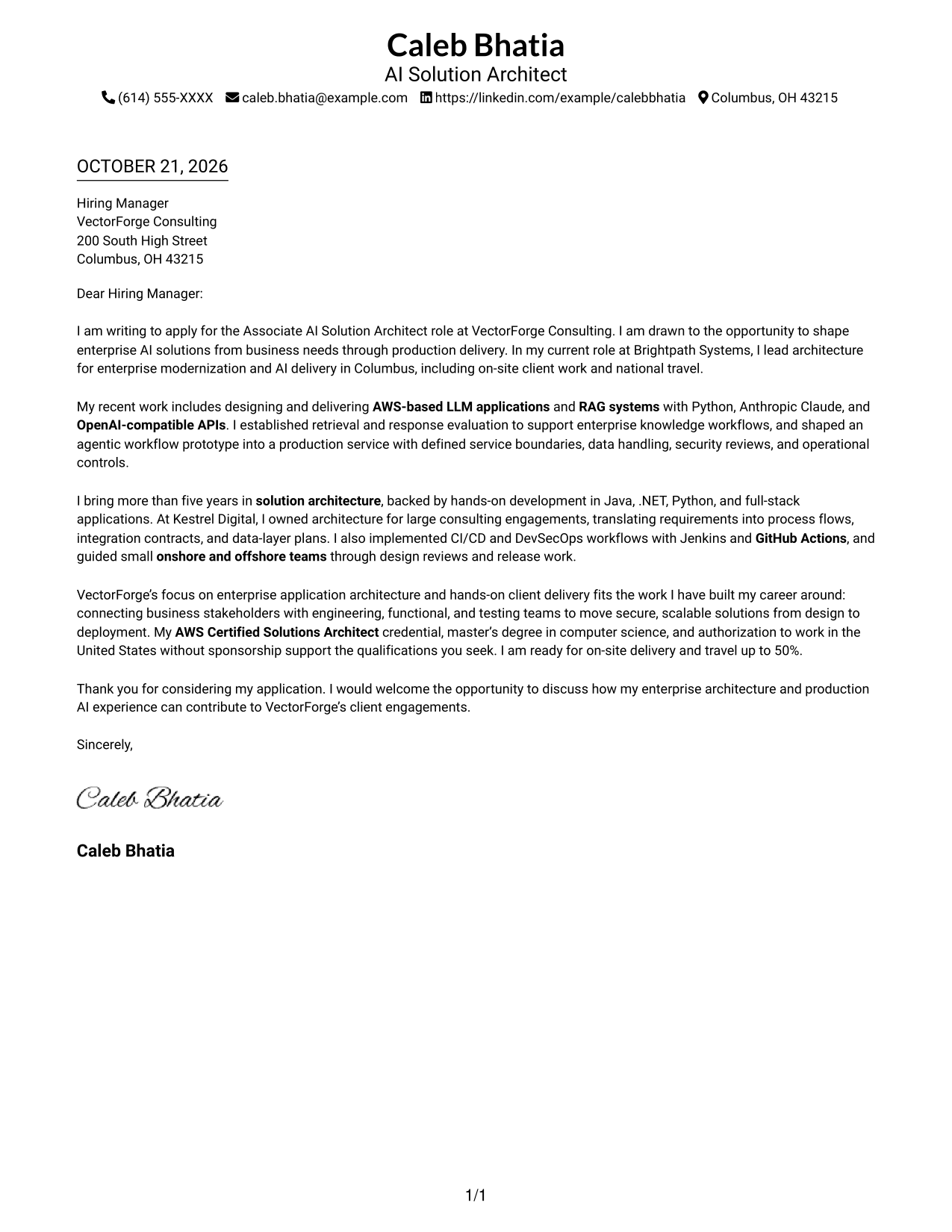
This practical guide helps you create an Associate AI Solution Architect - Enterprise GenAI cover letter, with 7 layouts to compare as you plan a clear, persuasive application.
What Makes a Great Associate AI Solution Architect - Enterprise GenAI Cover Letter in 2026
A strong letter connects interest in enterprise AI architecture with the role’s work, from business needs through secure production delivery. Keep the opening direct, the body focused, and the closing confident.
Use relevant evidence, such as production LLM or RAG delivery, cloud architecture, and guidance for engineering teams. Explain how this work fits the employer’s client needs and consulting approach.
The featured example moves from role-specific interest to evidence of production AI and architecture work, then closes with employer alignment and a clear next step. Adapt that focused progression, choosing a presentation that fits the employer and communication context.
#1 Simple One Column Format Cover Letter Example
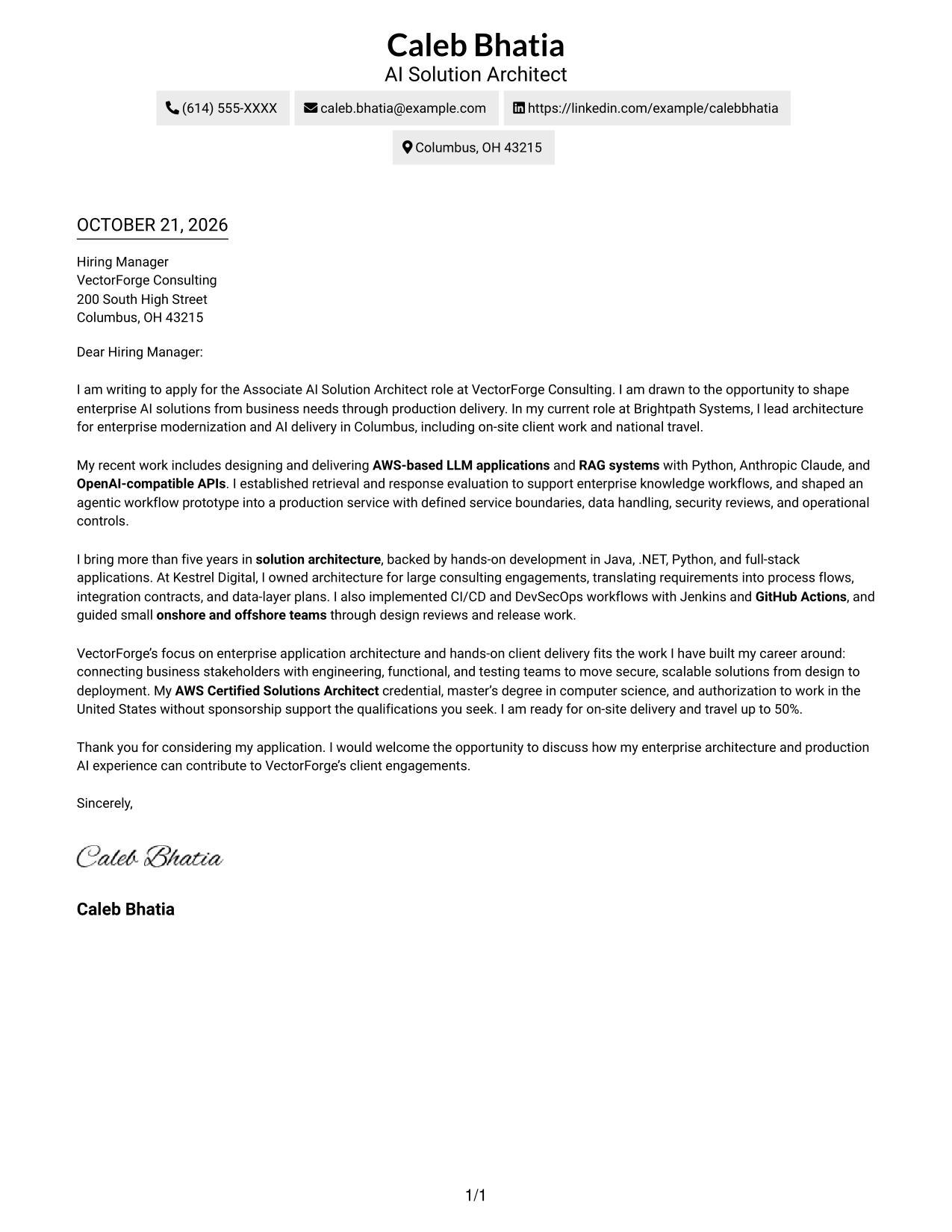
The Simple One Column Format keeps sender details in the header and the letter in one column, making the message easy to follow from greeting to close.
Why This Format Works
- One column keeps the greeting, motivation, evidence, and close in a clear sequence.
- Sender details in the header remain easy to find apart from the letter.
- Without a portrait, the page keeps visual attention on the written message.
Best For
- Single-column letter reading
- Direct opening-to-close flow
- Letters with detailed motivation
- Applications with several supporting points
- Text-first presentation
#2 Two Column Format Cover Letter Example
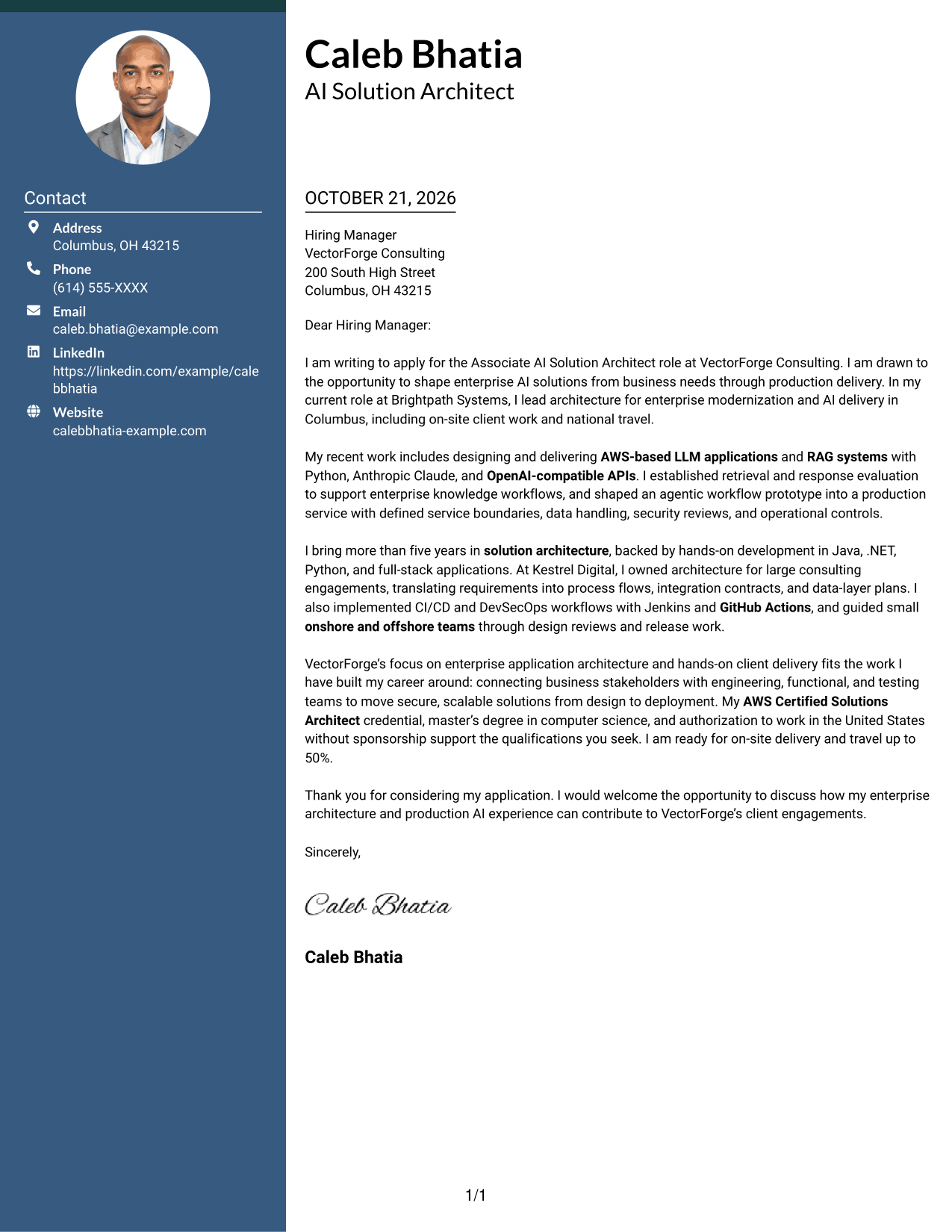
The Two Column Format places a contact sidebar beside one continuous letter body, keeping sender information accessible while the message reads in sequence.
Why This Format Works
- Contact details in the sidebar are easy to locate without interrupting the letter.
- The body keeps the opening, supporting points, and closing in one reading sequence.
- With no portrait, the page suits readers who prefer a text-led look.
Best For
- Separate contact and message areas
- Continuous argument paragraphs
- Quick access to sender details
- Letters with several evidence points
- Photo-free application materials
#3 Photo Header Two Column Format Cover Letter Example
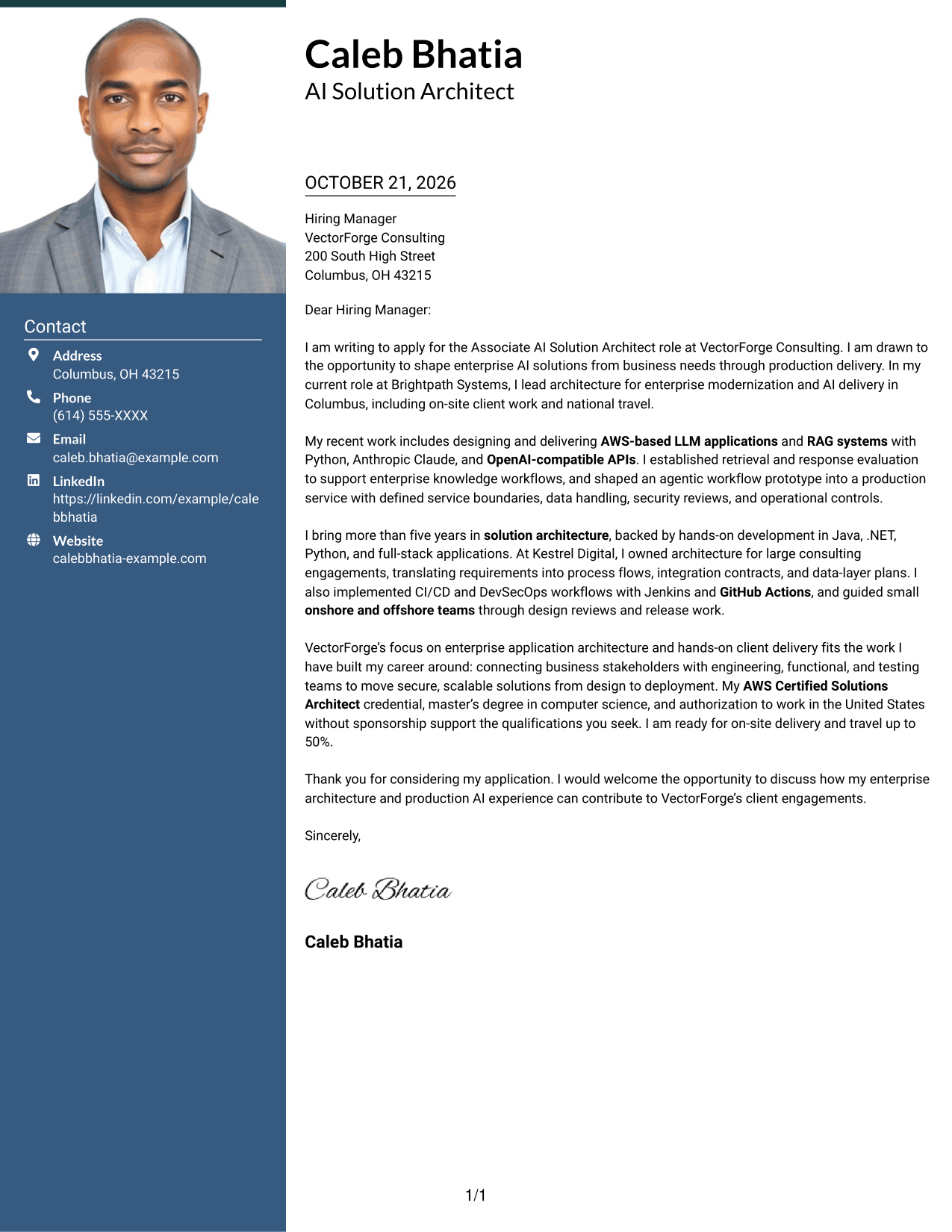
The Photo Header Two Column Format pairs a portrait and contact sidebar with one continuous letter body, for readers who want a personal visual element and a separate message area.
Why This Format Works
- The portrait adds a visible personal element without changing the letter's paragraph order.
- Contact details stay apart from the message in the sidebar.
- One continuous body lets reviewers follow motivation, evidence, and closing in order.
Best For
- Portrait-led letter presentation
- Separate sender and message areas
- Continuous persuasive paragraphs
- Applications with detailed role fit
- Visible personal identification
#4 One Column Format with Photo Cover Letter Example
The One Column Format with Photo combines a portrait with a single-column letter, suiting a preference for a personal visual element and direct reading order.
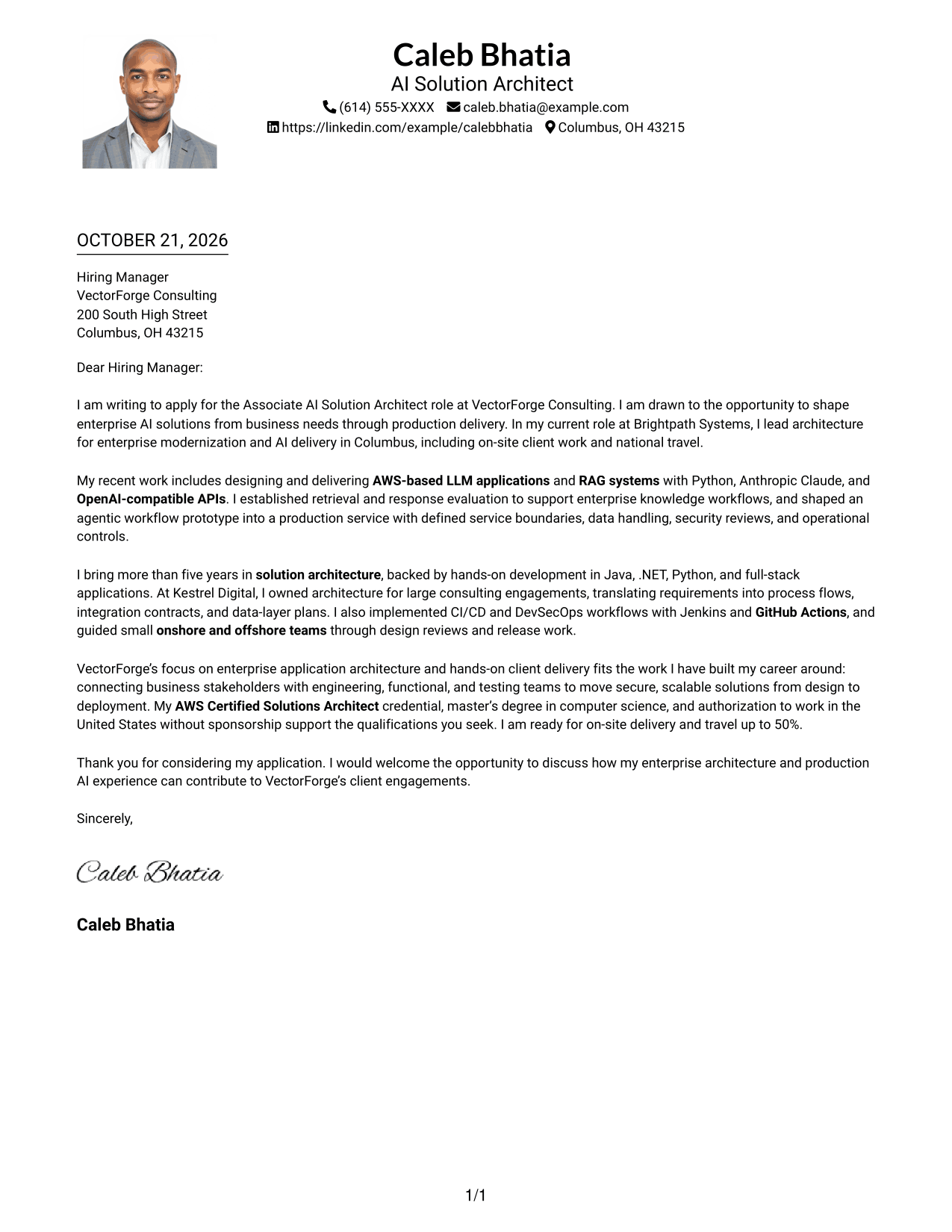
Why This Format Works
- One column gives the greeting, case for fit, and close a direct reading path.
- The portrait adds a personal visual element while sender details remain in the header.
- Continuous paragraphs keep the cover letter's argument together without body headings.
Best For
- Single-column letter with portrait
- Personal visual introduction
- Direct greeting-to-close reading
- Letters with several evidence paragraphs
- Contact details in the header
#5 Simple Two Column Format Cover Letter Example
The Simple Two Column Format places sender details in a sidebar beside one continuous letter body, separating contact information from the message.
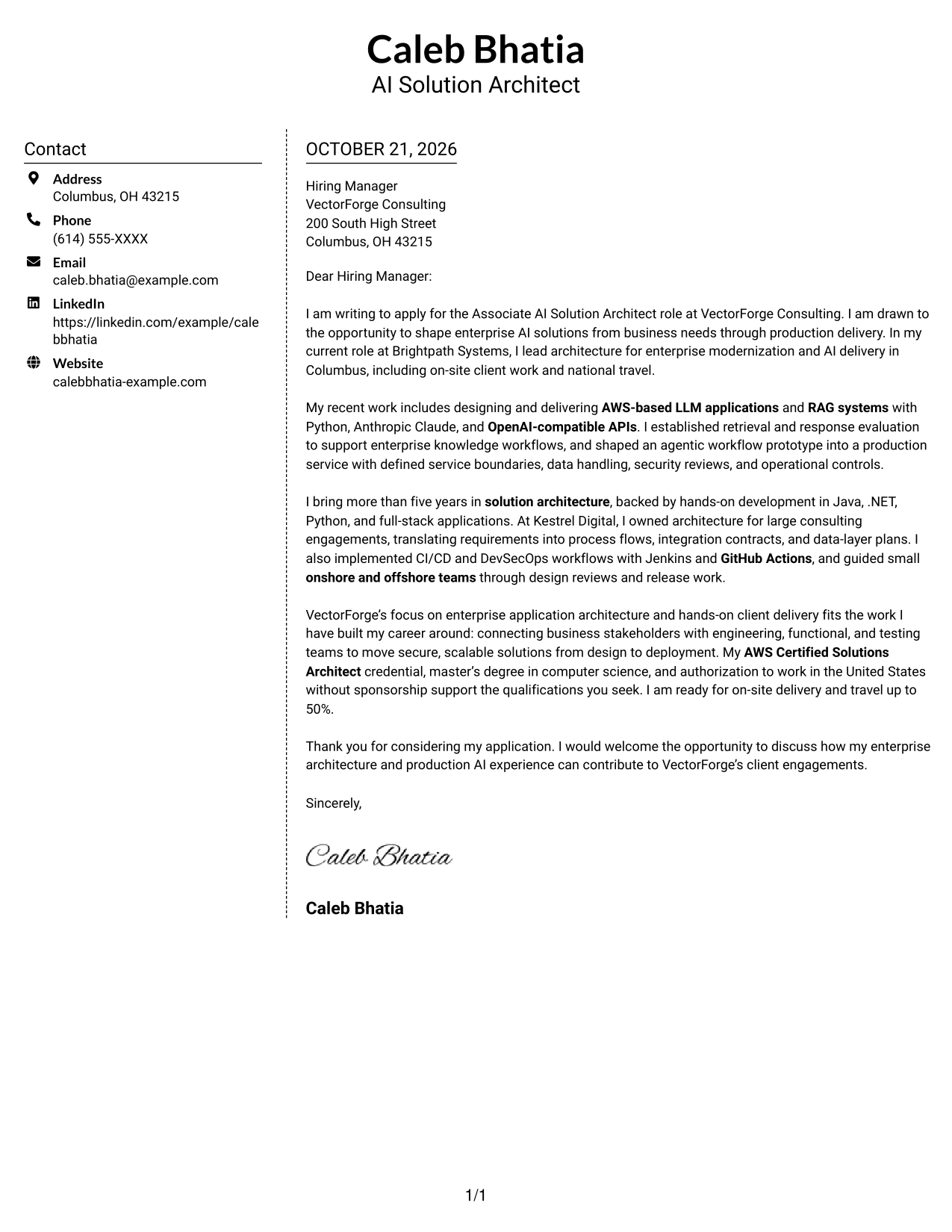
Why This Format Works
- The sidebar gives contact information a set place beside the letter body.
- Readers can follow the opening, evidence, and closing as one continuous message.
- Without a portrait, the layout keeps its visual focus on written correspondence.
Best For
- Contact details beside the message
- One uninterrupted letter body
- Text-focused application materials
- Letters connecting motivation with evidence
- A clear contact lookup area
#6 Modern Icon Format Cover Letter Example
The Modern Icon Format uses contact cues in a sidebar beside one continuous letter body, making sender details distinct without dividing the argument.
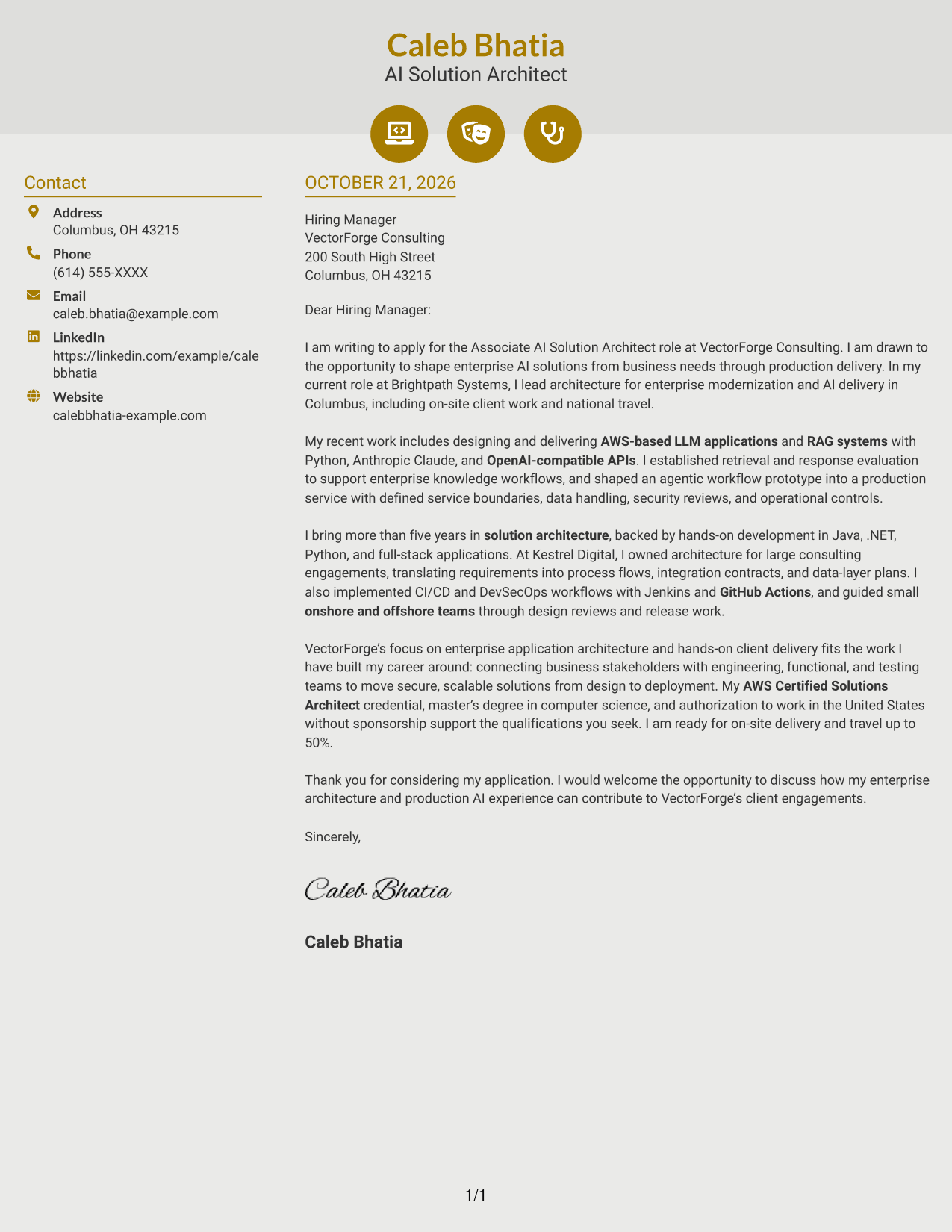
Why This Format Works
- Contact icons help reviewers identify sender details in the sidebar.
- The letter body stays continuous, so its appeal and evidence read in sequence.
- Decorative header accents add visual detail without turning paragraphs into labeled stages.
Best For
- Icon-cued contact details
- A continuous letter argument
- Visual cues for sender information
- Letters with a clear case for fit
- Contact-focused sidebar organization
#7 Creative Two Tone Format Cover Letter Example
The Creative Two Tone Format pairs a contact sidebar with one continuous letter body, keeping the sender information separate from the written message.
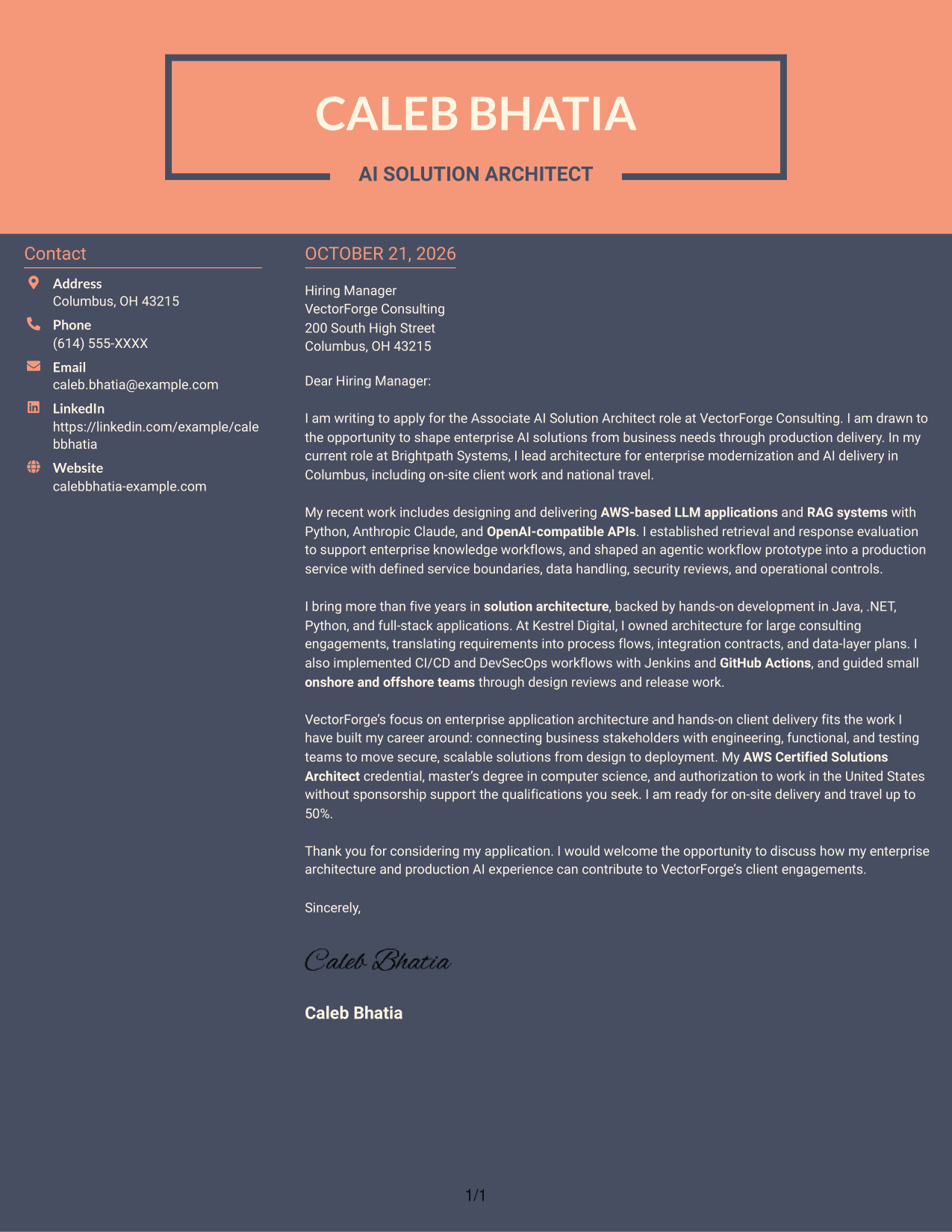
Why This Format Works
- Separate contact space lets readers find sender information apart from the message.
- The uninterrupted body carries the opening, case for fit, and close in order.
- The photo-free page suits a text-led approach to employer interest and fit.
Best For
- Contact details outside the message
- A continuous cover letter body
- Photo-free letter presentation
- Applications focused on company interest
- Clear opening-to-close reading
Why Use ResumeInMinutes for an Associate AI Solution Architect - Enterprise GenAI Cover Letter
ResumeInMinutes gives you a starting point for shaping a focused cover letter around your experience and the position’s needs.
- Cover letter styles to compare
- Clear, readable layouts
- Role-specific wording
- Guided cover letter creation
- Professional presentation options
- Examples you can open in the editor
Use the example to plan how you will explain your interest in enterprise GenAI, support your claims with relevant delivery evidence, and show how your approach fits the employer’s work.
See Also
- 7 Associate AI Solution Architect - Enterprise GenAI Resume Templates with Example
- 7 AI Application Solutions Architect - Generative AI Resume Templates with Example
- 7 AI Engineering Solutions Architect Resume Templates with Example
- 33 AI/ML Solutions Architect Resume Templates with Example 2026 (ATS-Optimized)
- 33 AI Solutions Architect Resume Templates with Example 2026 (ATS-Optimized)
- 7 Lead Solution Architect - Generative AI and AWS Resume Templates with Example
- 7 Enterprise Solution Architect - Application Modernization Resume Templates with Example
- 7 Senior Solutions Architect - Enterprise Cloud Resume Templates with Example
- 7 AI Application Solutions Architect - Generative AI Cover Letter Templates with Example
- 7 AI Engineering Solutions Architect Cover Letter Templates with Example
Frequently Asked Questions
What should an Associate AI Solution Architect - Enterprise GenAI cover letter include?
State your interest in the role, then give focused evidence of relevant architecture and production AI work. Connect that evidence to secure delivery, stakeholder communication, and the employer’s client needs.
How can I describe production AI work clearly?
Name the work you performed and explain its purpose and outcome. For example, describe designing an AWS-based LLM or RAG solution, setting up retrieval and response evaluation, or moving an agentic workflow into production, when those details match your experience.
How should I show fit for an enterprise consulting role?
Explain how you connect business requirements with technical design and delivery. Useful examples may include coordinating engineering, functional, and testing teams, reviewing designs, or guiding a solution from planning through deployment.
Which cover letter style works best for this role?
Choose a clear, easy-to-read style that supports a focused message. A simple presentation can keep attention on your motivation, technical evidence, and fit for the employer’s client work.
How do I compare the cover letter examples?
Review the PNG image previews to compare how each letter is presented, then open an example in the editor to view or customize it.




