
33 Associate QA Automation Engineer Resume Templates with Example 2026 (ATS-Optimized)
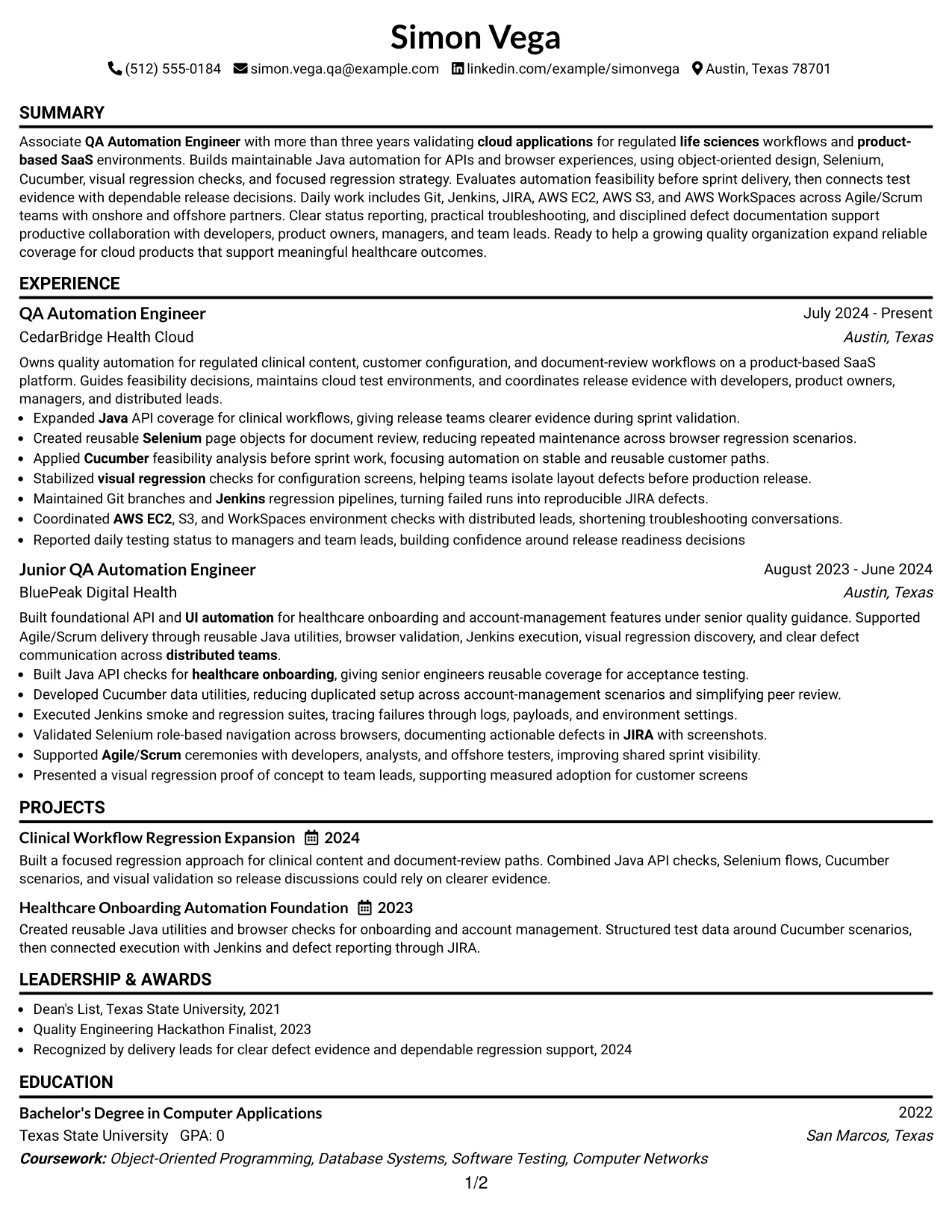
This guide shows you how to build an Associate QA Automation Engineer resume that is clear, focused, and easy to adapt. You will learn how to present your testing experience so recruiters can quickly understand your value and technical direction.
Strong resumes for this role connect automation work to release quality. Use clear sections, concise achievement bullets, and relevant terms such as Java, object-oriented design, API testing, UI automation, Selenium, Cucumber, visual regression, Git, Jenkins, JIRA, AWS, and Agile/Scrum when they accurately reflect your background.
The examples below present one Associate QA Automation Engineer resume in 33 ATS-friendly layouts. Compare the formats to see how section order, skills, projects, education, certifications, and measurable testing evidence can improve recruiter scanning.
What Makes a Great Associate QA Automation Engineer Resume in 2026
Effective resumes for this role are focused, evidence-based, and easy to scan. They show how you build reliable automation, investigate defects, support regression testing, and connect test results to release decisions.
Use accurate keywords such as Java, API testing, Selenium, Cucumber, visual regression, automation feasibility analysis, Git, Jenkins, JIRA, AWS EC2, AWS S3, AWS WorkSpaces, and Agile/Scrum to help both ATS tools and recruiters understand your qualifications.
The examples shown below are intentionally detailed to demonstrate a range of experiences, skills, accomplishments and relevant keywords. We prefer detailed resumes as they provide more context to the hiring managers and also help the ATS systems identify relevant qualifications and score your resume better for a match. But the length of a resume is an individual choice. If you want a one page resume, just keep the most relevant experience and information for the job.
#1 Simple One Column Format Resume Example
The Simple One Column Format presents the resume in a direct top-to-bottom order. A clear summary leads into experience, projects, education, certifications, and skills, helping readers find the Associate QA Automation Engineer profile quickly.
Each section has room for ATS-friendly keywords such as Java, Selenium, Cucumber, API testing, Git, Jenkins, JIRA, and AWS. Short achievement bullets can show automation coverage, reusable test design, defect evidence, and release support without crowding the page.
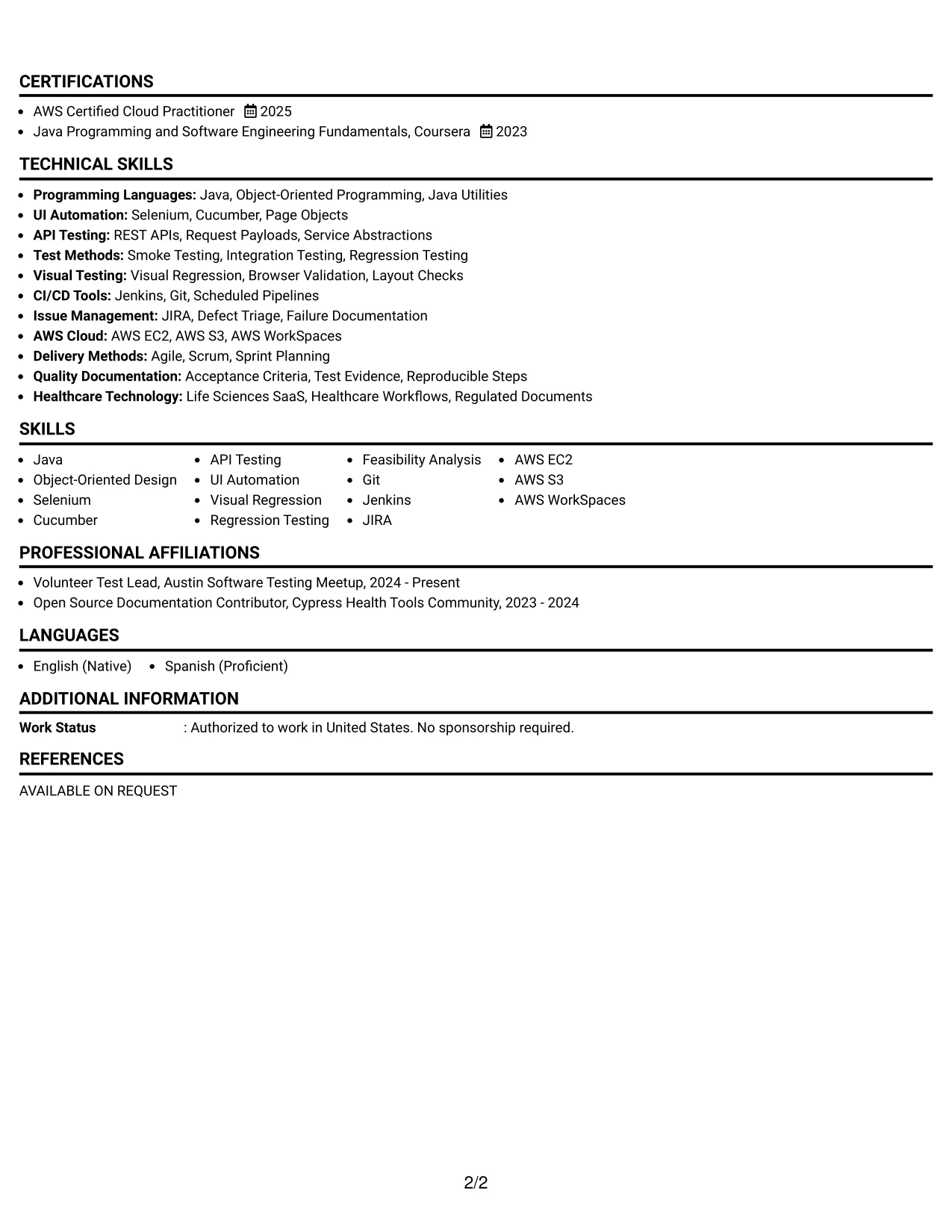
Why the Simple One Column Format Works for a Resume
- A single reading path supports fast recruiter scanning.
- Clear section hierarchy helps ATS tools identify experience, education, skills, and certifications.
- Full-width bullets provide space for technical evidence and measurable results.
- Java, Selenium, Cucumber, and API testing can appear naturally in skills and experience sections.
- Project entries can explain regression expansion and healthcare onboarding automation in useful detail.
- The format keeps Jenkins, Git, JIRA, and AWS tools easy to locate.
- Consistent spacing makes test documentation and defect triage accomplishments easier to compare.
Best For
- Readers who prefer a straightforward top-to-bottom review
- Resumes that need strong ATS parsing and predictable section order
- Candidates presenting technical experience with several supporting projects
- Applications that require a visible education and certification section
- Documents with detailed achievement bullets and keyword-rich skills
- Professionals who want one continuous evidence trail from summary to experience
- Resume versions that must remain easy to update for different applications
Resume Keywords
- Associate QA Automation Engineer
- QA Automation Engineer
- Java
- Agile
- Scrum
- Bachelor's Degree
- Computer Applications
- Selenium
- Cucumber
- life sciences
- healthcare
- CI/CD
- Git
- Jenkins
- JIRA
#2 Plain One Column with Shaded Labels Resume Example
Readers move from the summary to clearly labeled experience, projects, education, certifications, and skills. Shaded labels act as signposts, so a reviewer can locate automation work or cloud tools without searching through dense text.
The one-column structure supports a substantial technical record while keeping each entry in a familiar order. Focused bullets can connect Java automation, API and UI testing, visual regression, and Jenkins results to dependable release decisions.
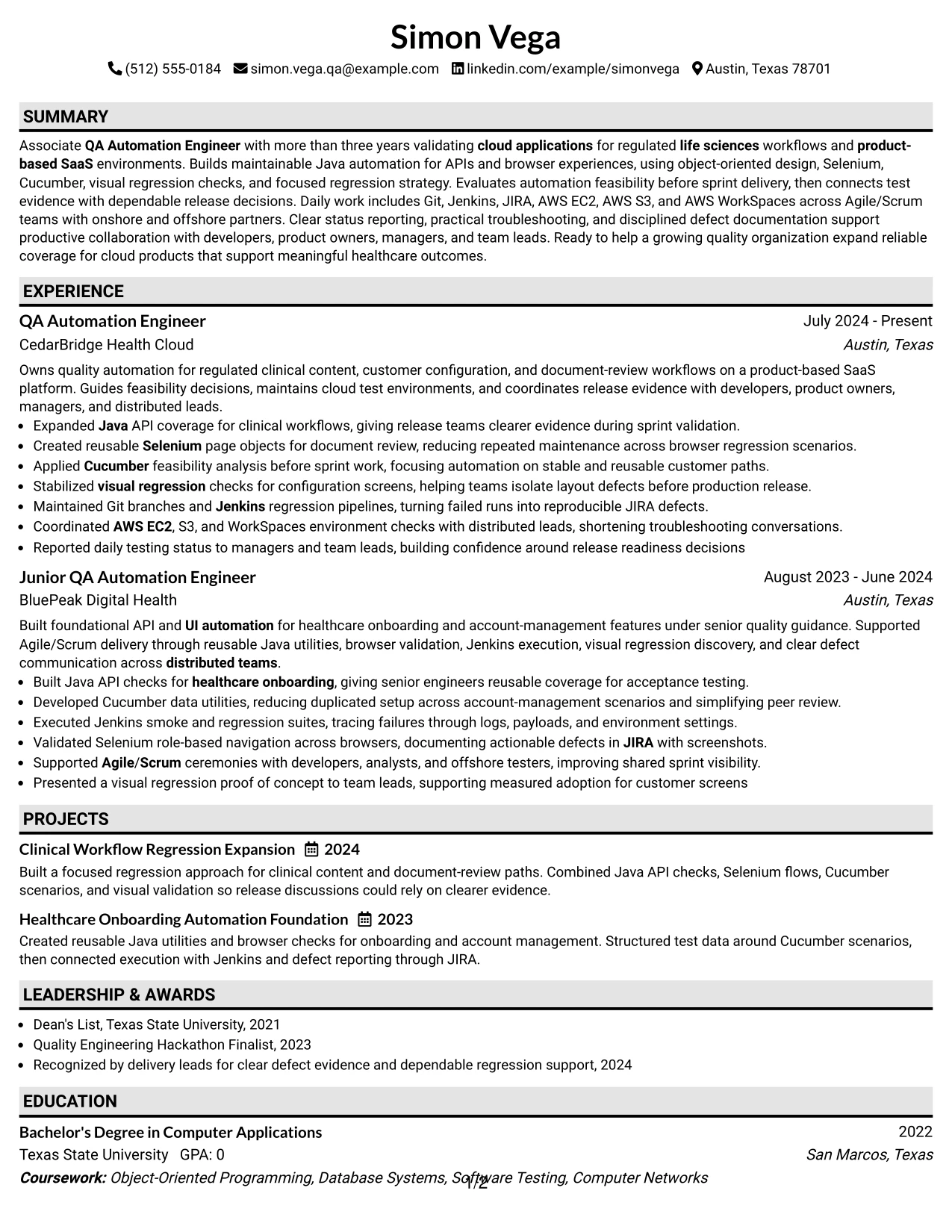
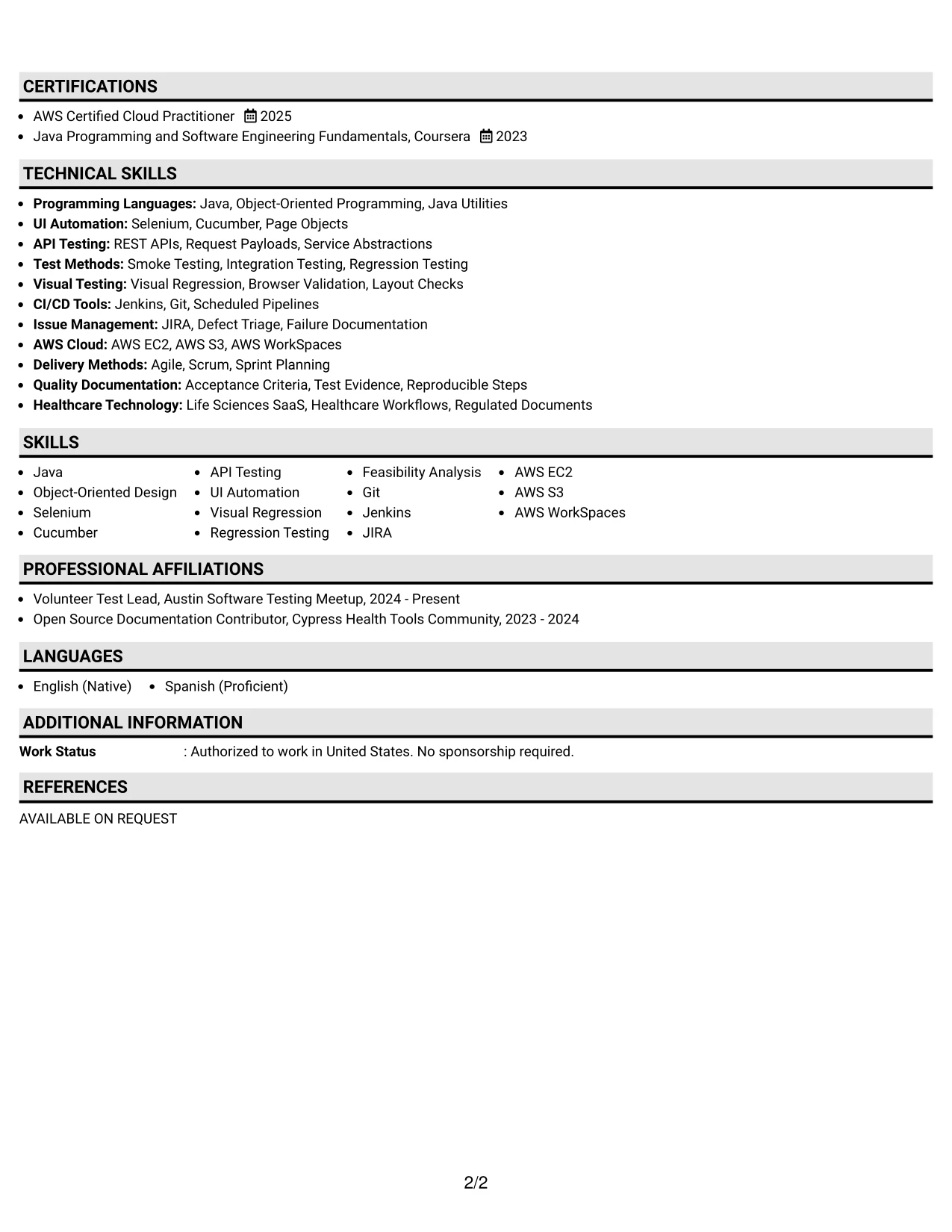
Why the Plain One Column with Shaded Labels Works for a Resume
- Shaded labels separate major resume sections without adding complex design elements.
- A predictable order helps ATS systems process dates, titles, employers, and skills.
- The full-width layout supports longer experience bullets with clear action and outcome.
- Technical keywords remain close to the evidence that proves their use.
- Projects can add context without competing with professional experience.
- Education and AWS Certified Cloud Practitioner certification stay easy to find.
- The plain presentation keeps attention on automation results rather than decoration.
Best For
- Resumes carrying several technical sections in a familiar sequence
- Applications where section labels should stand out during a quick review
- Candidates who need room for multiple testing methods and cloud platforms
- Documents combining professional experience with projects and community activities
- ATS-conscious applications that benefit from simple text flow
- Readers comparing automation responsibilities across more than one position
- Resume updates that require adding new tools without redesigning the page
#3 One Column Format with Photo Right Resume Example
API coverage, browser automation, and release evidence receive priority in this resume structure. The main column keeps technical accomplishments in a clear sequence, while the right-side photo area gives the header a distinct point of recognition without interrupting the experience section.
The format can present Java, object-oriented design, Selenium, Cucumber, and cloud environment work through concise bullets. Visual regression and defect investigation fit naturally beside project and certification details, giving the resume both technical depth and a polished personal header.
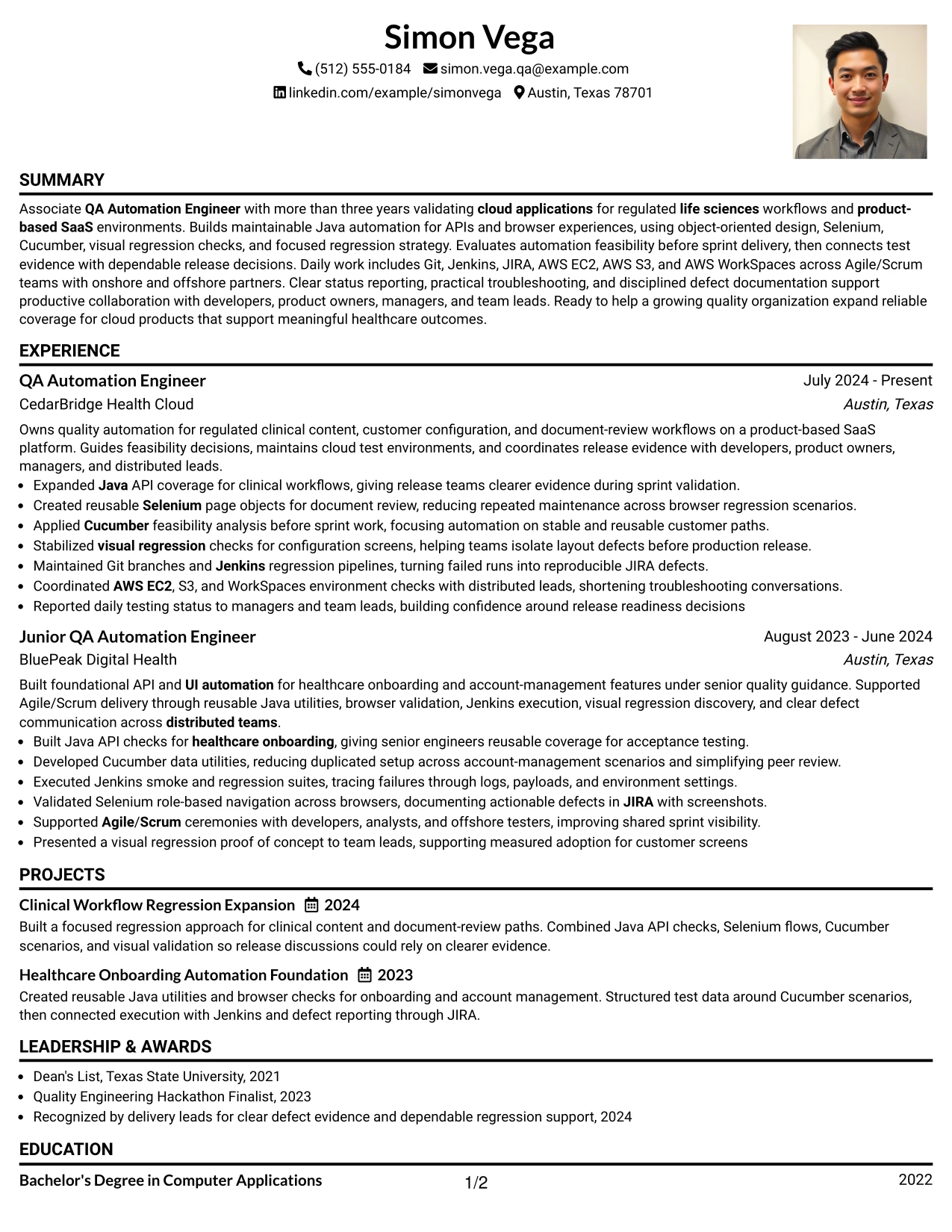
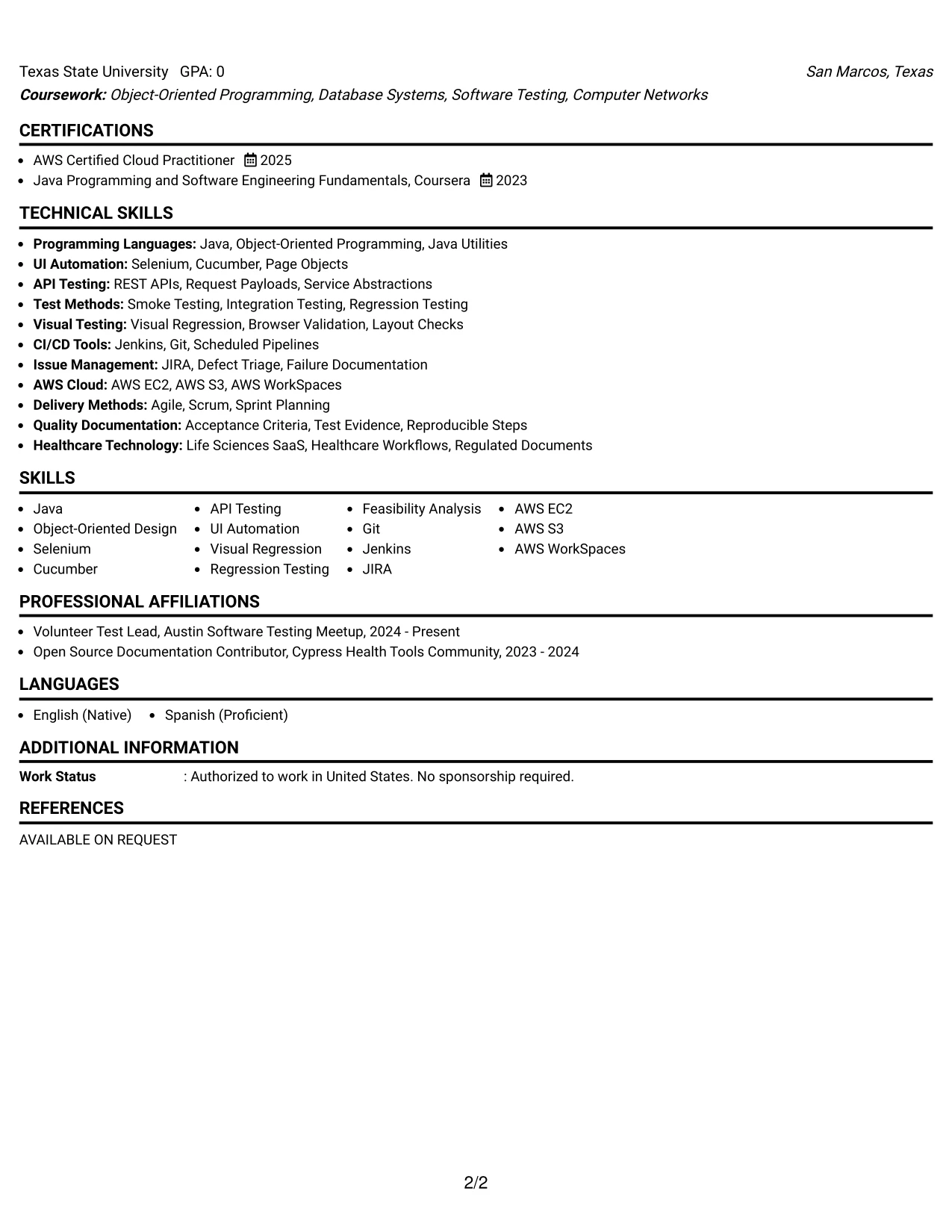
Why the One Column Format with Photo Right Works for a Resume
- The main column gives evidence-based experience the largest reading area.
- A right-side photo creates a recognizable header while preserving the resume's content flow.
- API and UI automation results can lead each role with strong technical relevance.
- Project details can show how tools combine across a regression approach.
- A dedicated skills section supports keywords such as Java, Selenium, Cucumber, and AWS.
- Certification and education details remain separate from the photo area and easy to scan.
- The layout balances personal presentation with practical ATS and recruiter review needs.
Best For
- Professionals who want a recognizable personal header with a content-led body
- Resumes where automation achievements should remain the strongest visual priority
- Applications that benefit from a polished presentation alongside technical evidence
- Candidates combining role history, projects, certifications, and cloud tools
- Documents that need a clear skills block without reducing experience space
- Readers who review browser, API, and regression evidence in sequence
- Resume versions intended for direct human review as well as structured parsing
#4 Clean Two Column Sidebar Format Resume Example
Content is balanced between a main experience area and a compact sidebar. The main column can carry achievement bullets and project evidence, while the sidebar groups skills, certifications, education, and contact details for quick reference.
This arrangement suits a practical application review where a reader needs both context and fast access to technical keywords. Java, Selenium, Cucumber, API testing, Git, Jenkins, JIRA, and AWS can be grouped without breaking the story of release support and defect investigation.
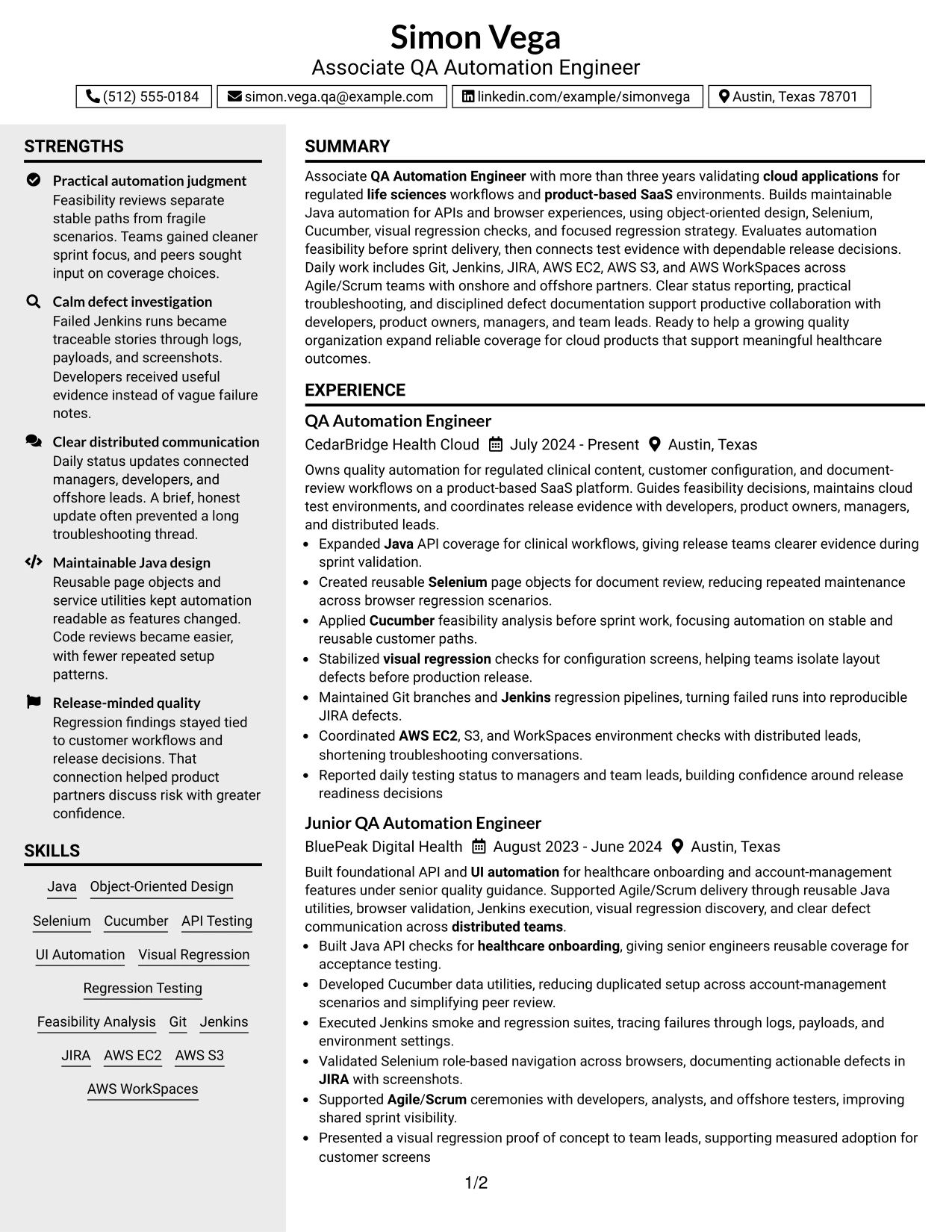
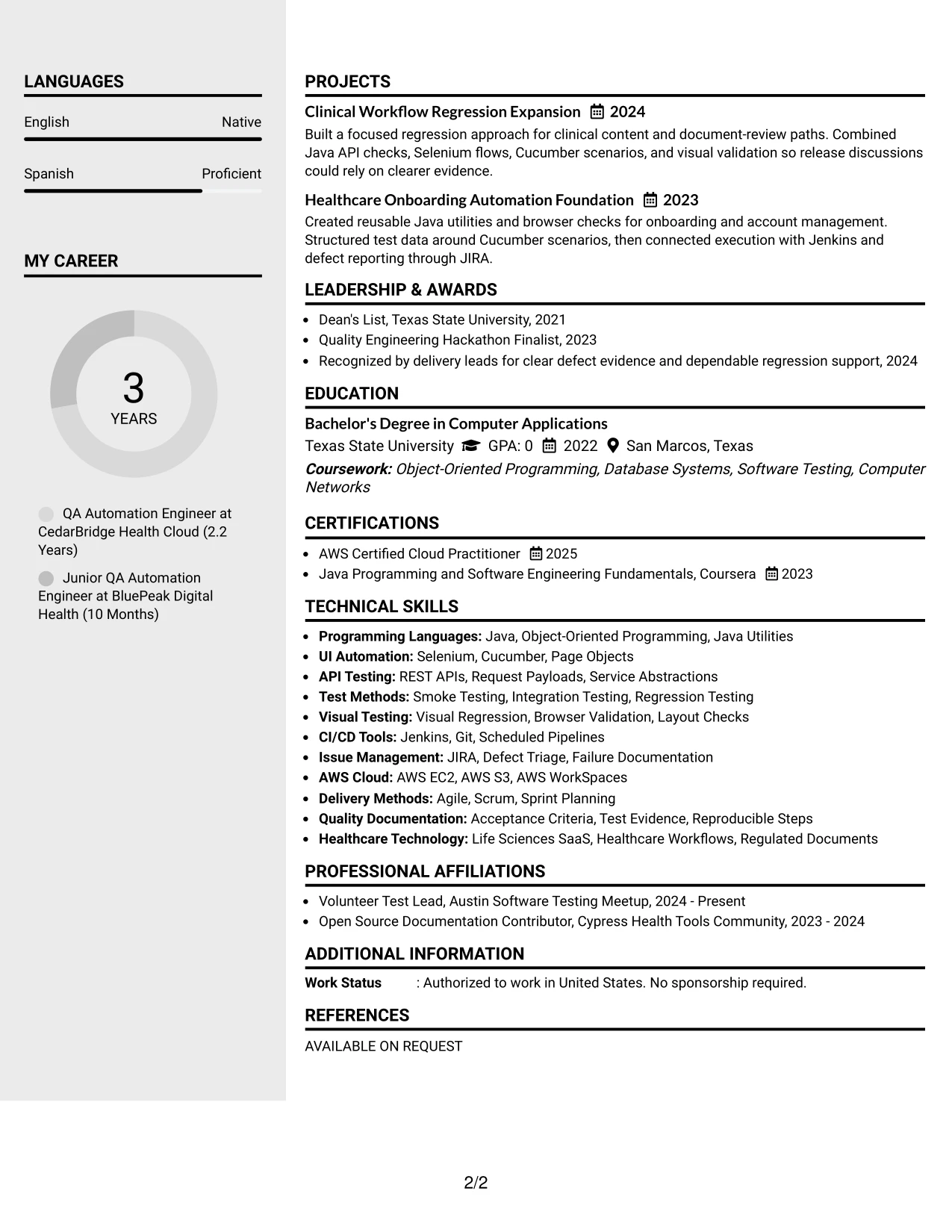
Why the Clean Two Column Sidebar Format Works for a Resume
- The main column protects space for detailed experience bullets.
- The sidebar keeps skills and certifications visible during a quick review.
- Grouped keywords make Java, Selenium, Cucumber, and API testing easy to confirm.
- Projects can show applied testing work without taking over the main employment section.
- The design separates supporting facts from evidence-based achievements.
- Two distinct areas help readers compare technical breadth with role responsibilities.
- Clean spacing keeps the resume readable even when it includes cloud tools and delivery methods.
Best For
- Applications needing a fast reference panel for skills and credentials
- Resumes that must separate detailed achievements from supporting information
- Candidates presenting both role history and focused technical projects
- Reviewers who want tools visible while reading experience bullets
- Documents with enough information to benefit from deliberate two-area grouping
- Resume versions that place contact, education, and certifications in one compact location
- Technical applications where evidence belongs in the main column and keywords in the sidebar
#5 Two Column Format Resume Example
For a practical application review, the Two Column Format separates core evidence from supporting details. The wider area can show experience and project outcomes, while the second column presents skills, education, certifications, and activities in a compact view.
That visual fit helps a technical resume show both depth and range. API and UI automation, regression testing, Java design, CI/CD tools, and AWS environments can appear as organized groups instead of a long undifferentiated list.
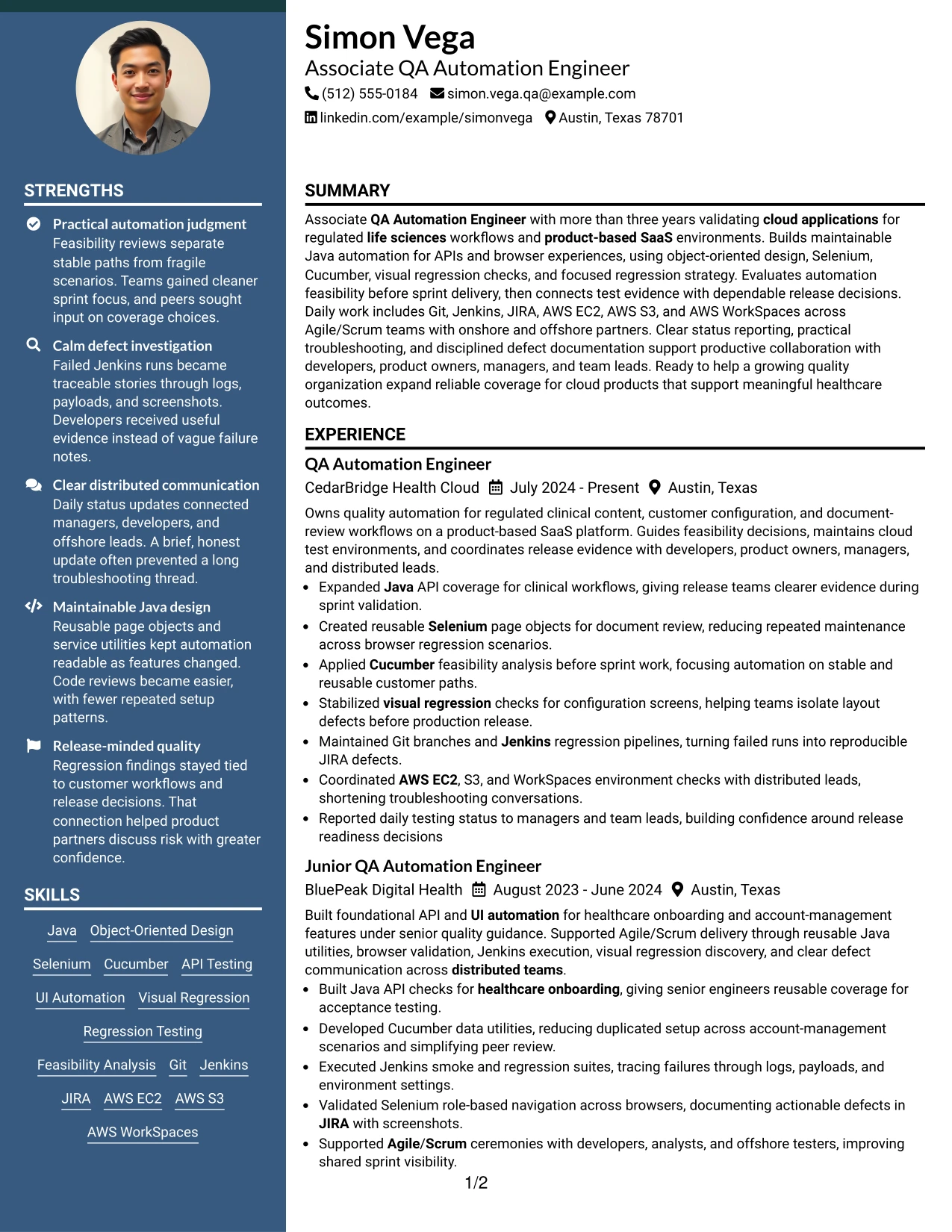
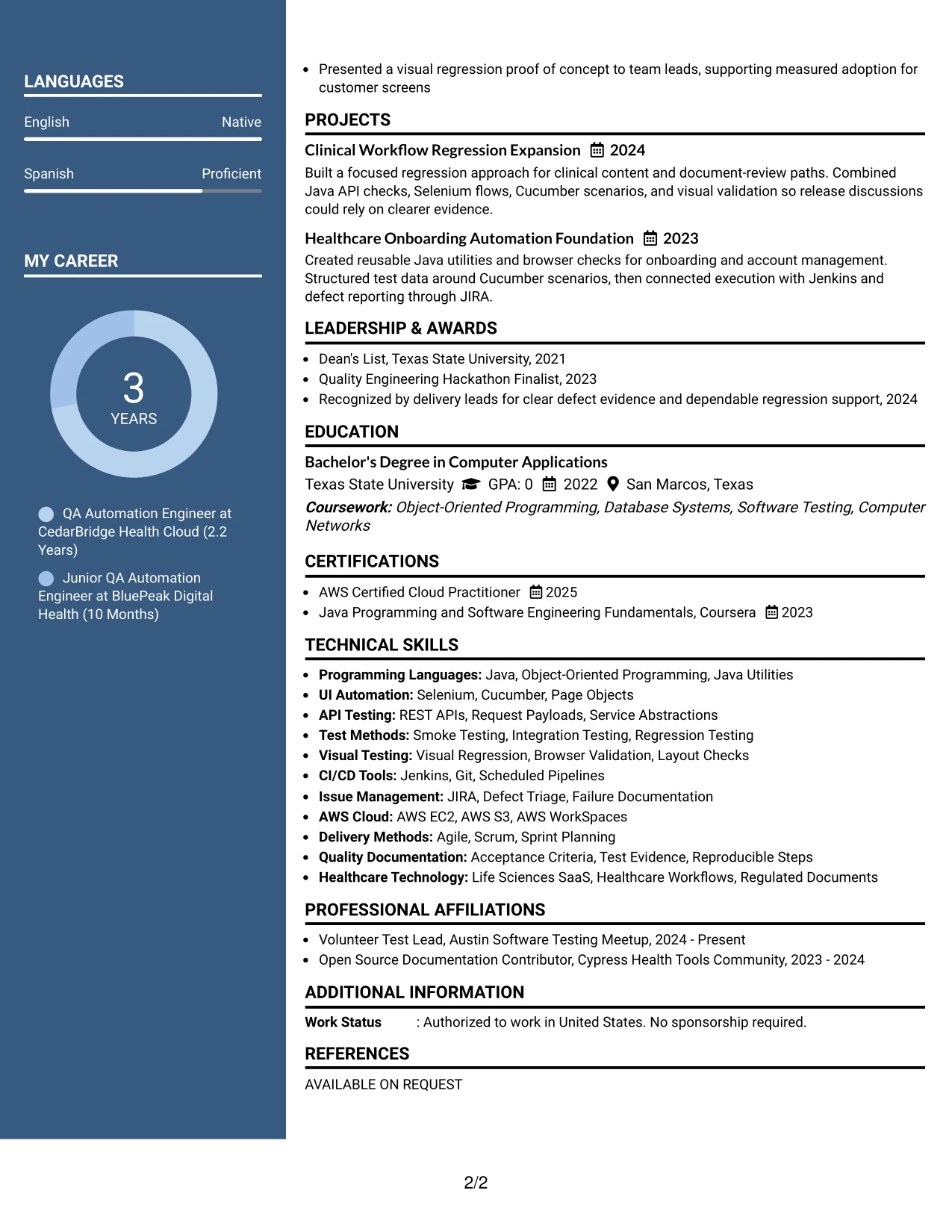
Why the Two Column Format Works for a Resume
- A wider content area gives achievement bullets room to stay specific.
- The secondary column creates a clear home for skills and credentials.
- Grouped tools help readers understand the breadth of the testing toolkit.
- Projects can sit near experience while remaining visually distinct.
- The format supports a quick comparison of technical strengths and career evidence.
- Education, certification, and community activity can be included without weakening the experience section.
- Balanced columns create a polished structure for both human review and keyword checks.
Best For
- Resumes that need to show depth in experience and breadth in skills
- Applications with several tools, testing methods, and supporting credentials
- Candidates combining project work with employment history
- Readers who prefer grouped information over one long vertical list
- Documents where education and certifications should remain visible but compact
- Technical profiles that need space for both delivery practices and automation evidence
- Resume layouts requiring a balanced presentation without a large design feature
#6 Photo Header Two Column Format Resume Example
A restrained visual hierarchy places the contact area and photo in the header, then divides the resume into two useful content zones. The experience area can carry release evidence and automation achievements, while the secondary area keeps skills, education, certifications, and activities aligned with the target role.
For an Associate QA Automation Engineer application, this role alignment makes the technical profile easy to understand. Java, Selenium, Cucumber, API testing, Jenkins, JIRA, and AWS appear alongside evidence of feasibility analysis, visual regression, and distributed-team coordination.
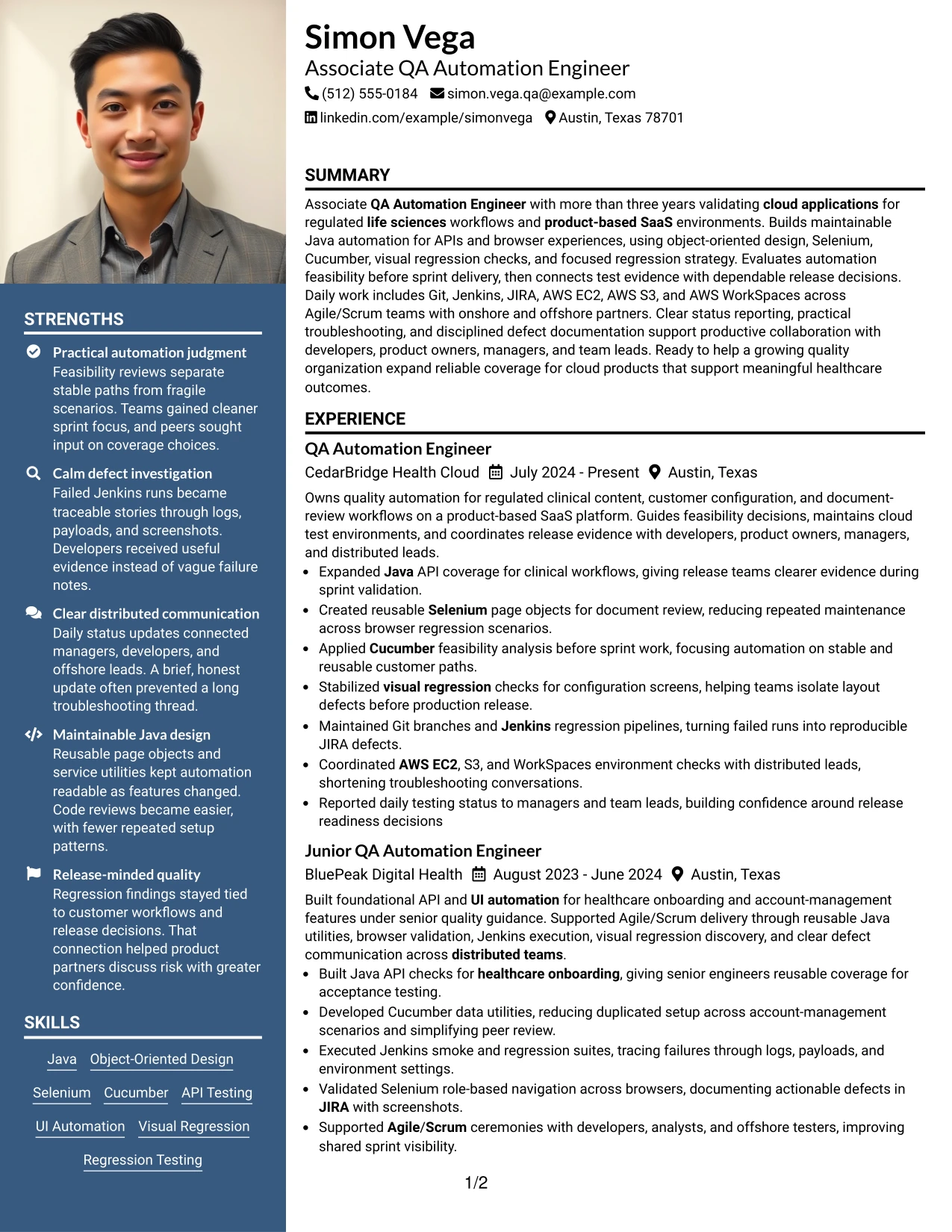
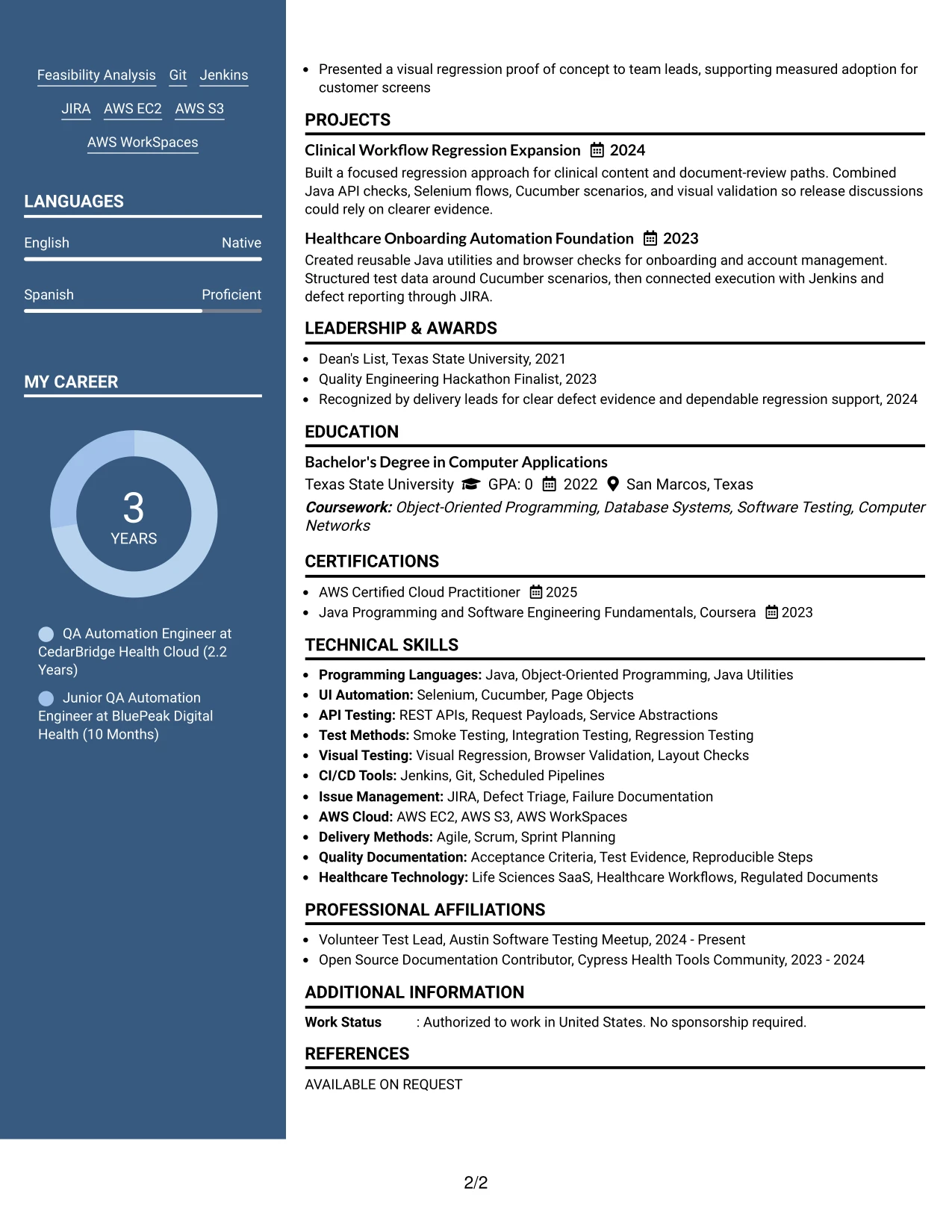
Why the Photo Header Two Column Format Works for a Resume
- The photo header creates a clear personal introduction before technical details begin.
- Two columns let experience receive strong space while supporting information stays compact.
- Role-relevant tools can be grouped for quick confirmation against the job description.
- Achievement bullets show how automation supports release decisions.
- Projects and community activities can add evidence without overwhelming the main history.
- Education and certification details remain visible in the secondary area.
- The format combines a polished header with a practical review structure.
Best For
- Professionals who want a polished header paired with organized technical content
- Applications where role alignment should be clear from the first screen
- Resumes combining detailed experience with a substantial skills inventory
- Candidates who need a compact area for education, certification, and activities
- Readers who value a distinct personal header before reviewing evidence
- Documents presenting automation, cloud, and collaboration strengths together
- Resume versions prepared for direct human review in a two-area layout
#7 Simple Two Column Format Resume Example
The Simple Two Column Format divides the resume into an evidence column and a support column. Experience and projects can carry the main narrative, while skills, education, certifications, and activities remain available for quick scanning.
Simple grouping prevents important keywords from getting buried. A reviewer can connect Java and object-oriented design with API testing, Selenium, Cucumber, Jenkins, JIRA, and AWS experience, then verify the supporting credentials in the adjacent column.
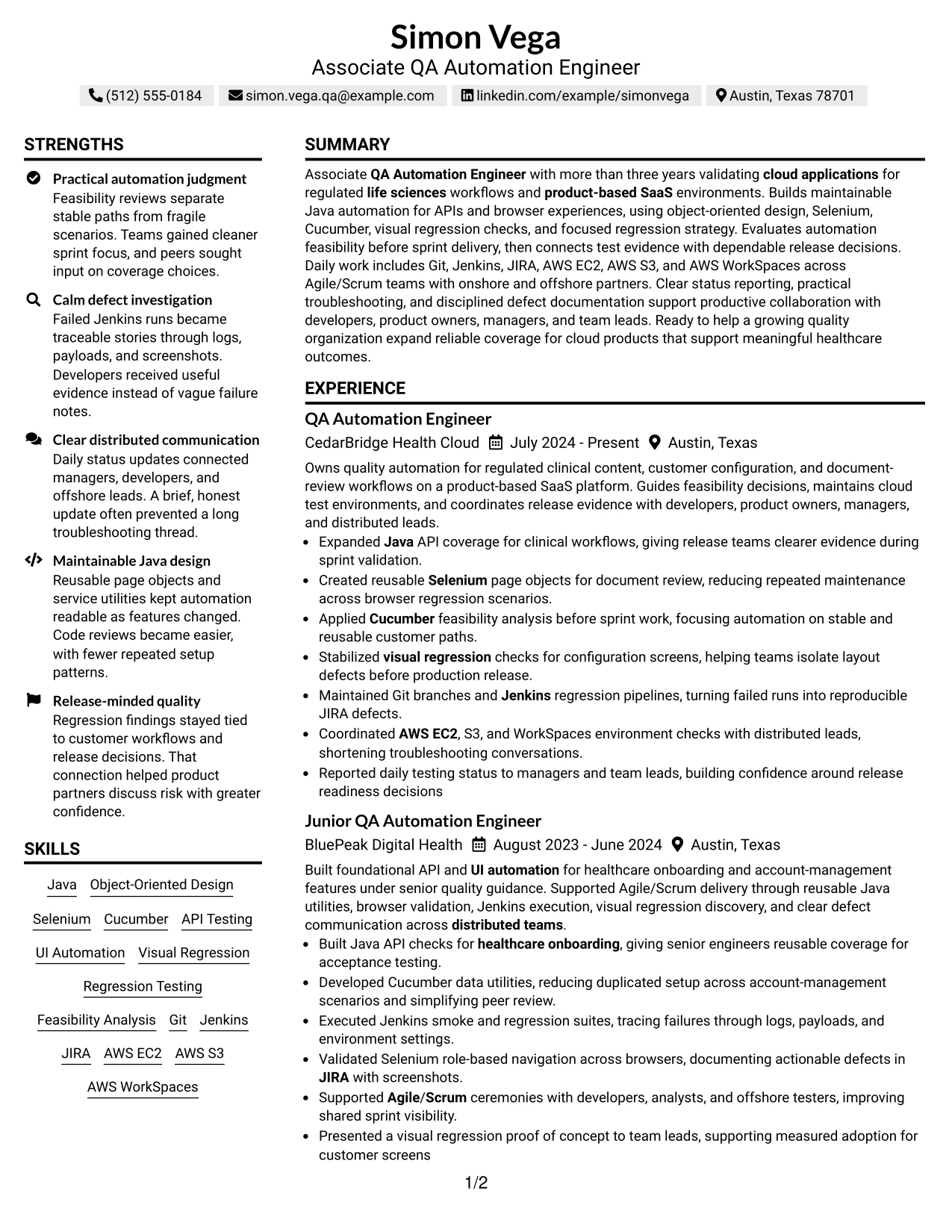
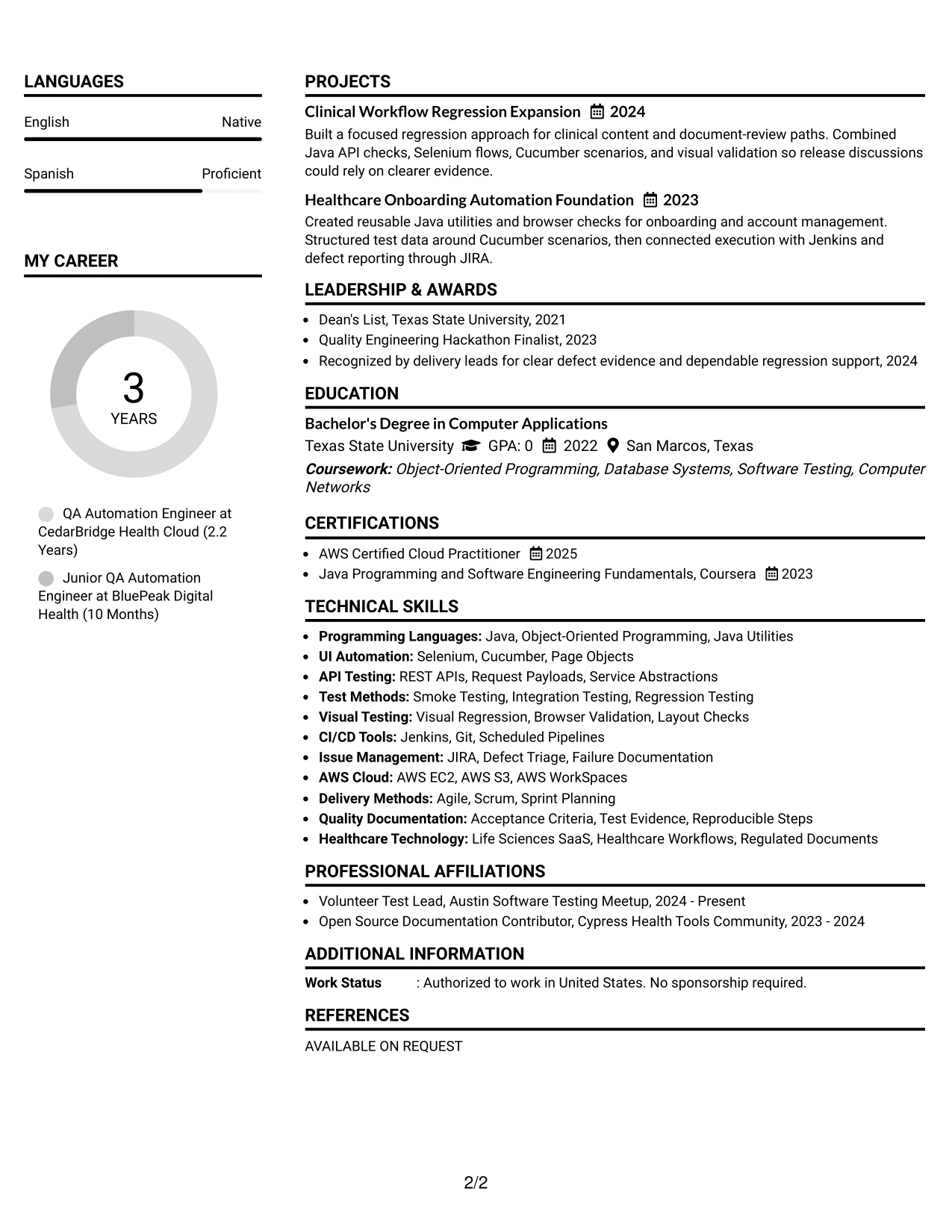
Why the Simple Two Column Format Works for a Resume
- Two clear zones shorten the path to both achievements and qualifications.
- The main area supports concise bullets with action, method, and result.
- The supporting area keeps technical keywords easy to locate.
- Projects can reinforce experience without repeating every employment bullet.
- Education and certifications can be scanned independently from work history.
- The simple design reduces visual distractions that can hinder ATS processing.
- Consistent alignment helps readers compare skills with the evidence behind them.
Best For
- Resumes needing a clear split between achievements and supporting details
- Applications where technical keywords must be visible at a glance
- Candidates with project evidence that should complement work history
- Readers who scan skills first and then verify them in experience bullets
- Documents that include education, certification, and community activity
- Technical profiles that benefit from simple grouping rather than dense decoration
- Resume updates where new tools can be added to one focused column
#8 Text/Fang Style Resume Example
Readers move through this text-focused resume in a steady sequence, from summary and experience to projects, education, certifications, and skills. The single column gives each section a clear place and keeps the review centered on written evidence.
This content volume supports detailed technical bullets without forcing information into narrow blocks. The resume can explain Java utilities, API and UI automation, Cucumber scenarios, visual regression, Jenkins runs, and JIRA defect documentation in plain, searchable text.
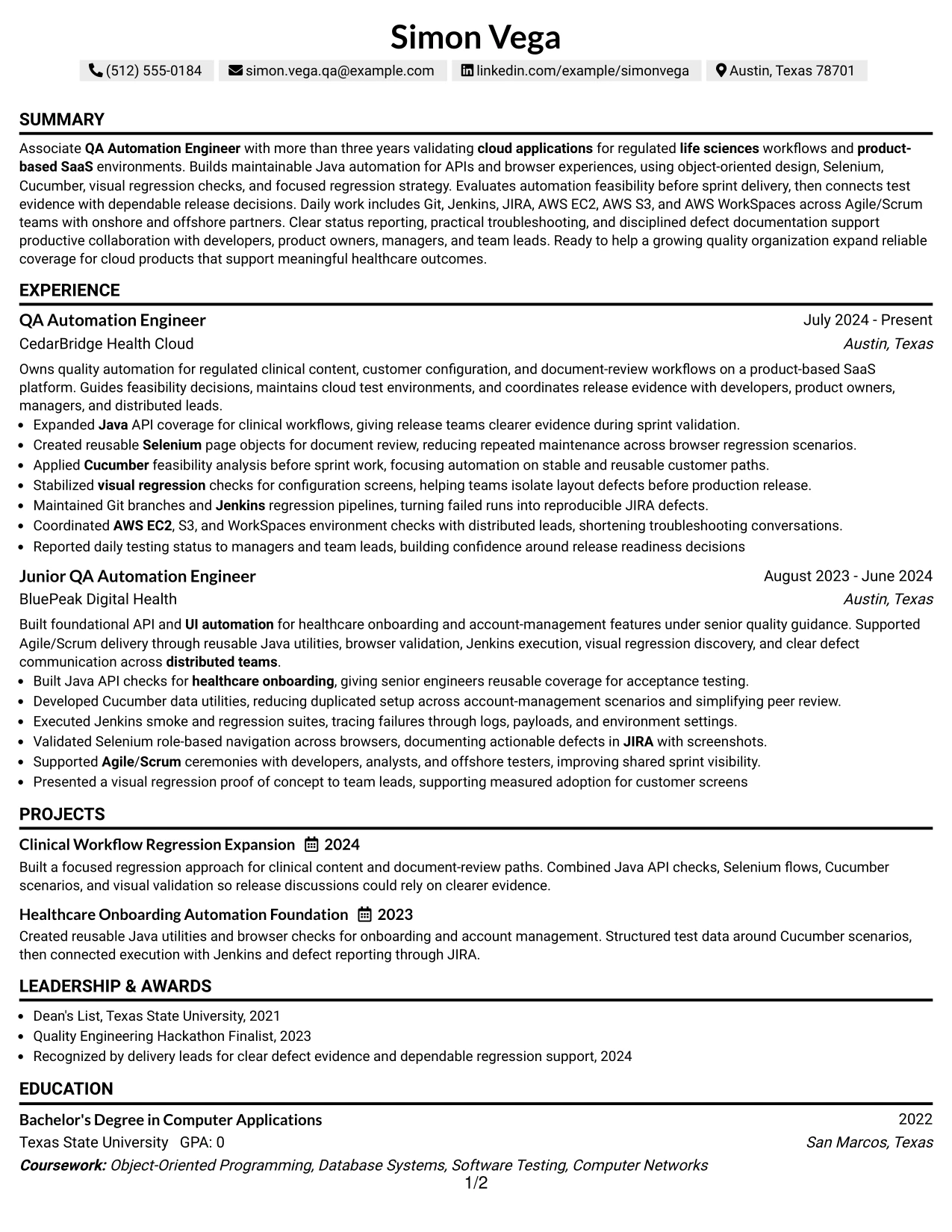
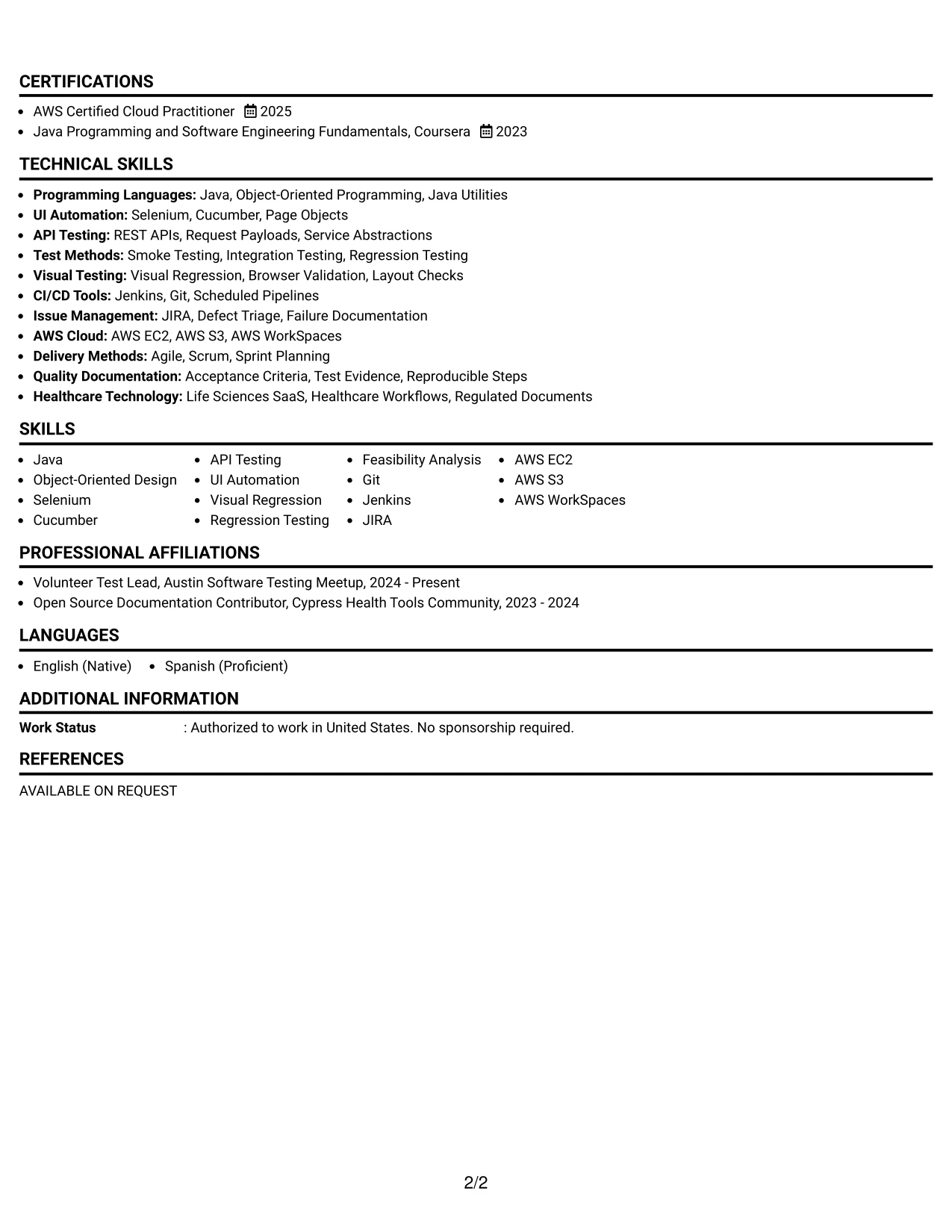
Why the Text/Fang Style Works for a Resume
- A text-led structure gives technical evidence room to stay readable.
- The one-column sequence supports reliable ATS extraction of headings and dates.
- Detailed bullets can explain methods, tools, and outcomes in context.
- Projects add useful depth for automation work without relying on visual elements.
- Skills remain searchable because they are presented as clear text groups.
- Certifications and education can be reviewed without competing side panels.
- The format favors substance for readers who want complete testing context.
Best For
- Resumes with a high volume of technical evidence and project detail
- Applications where searchable text matters more than decorative structure
- Candidates explaining test methods, tools, and outcomes in full context
- Readers who prefer one continuous path through work and education
- Documents that need room for multiple automation examples
- ATS-focused submissions with clear headings and conventional ordering
- Technical profiles where written detail is the main presentation strength
#9 One Column Boxed Contact Header Format Resume Example
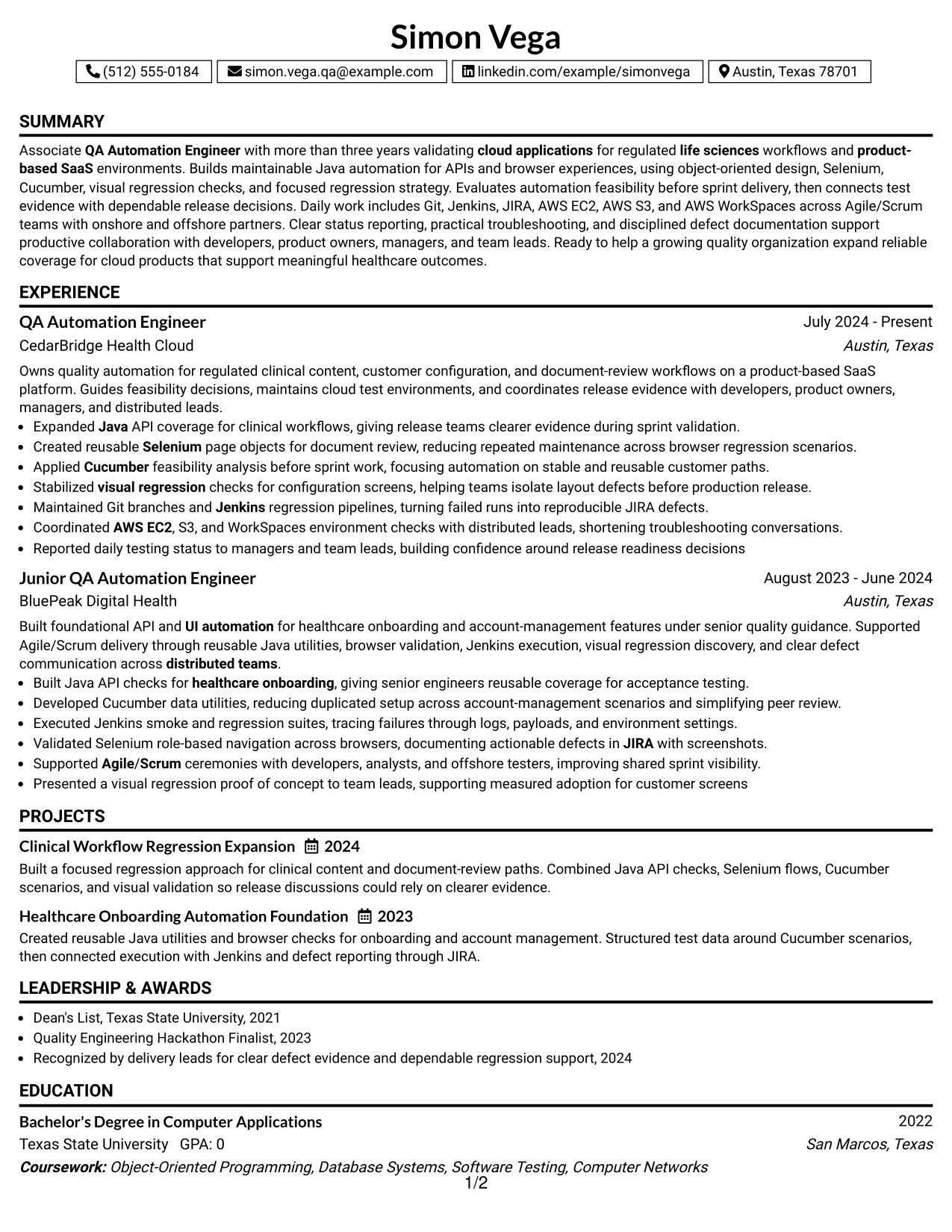
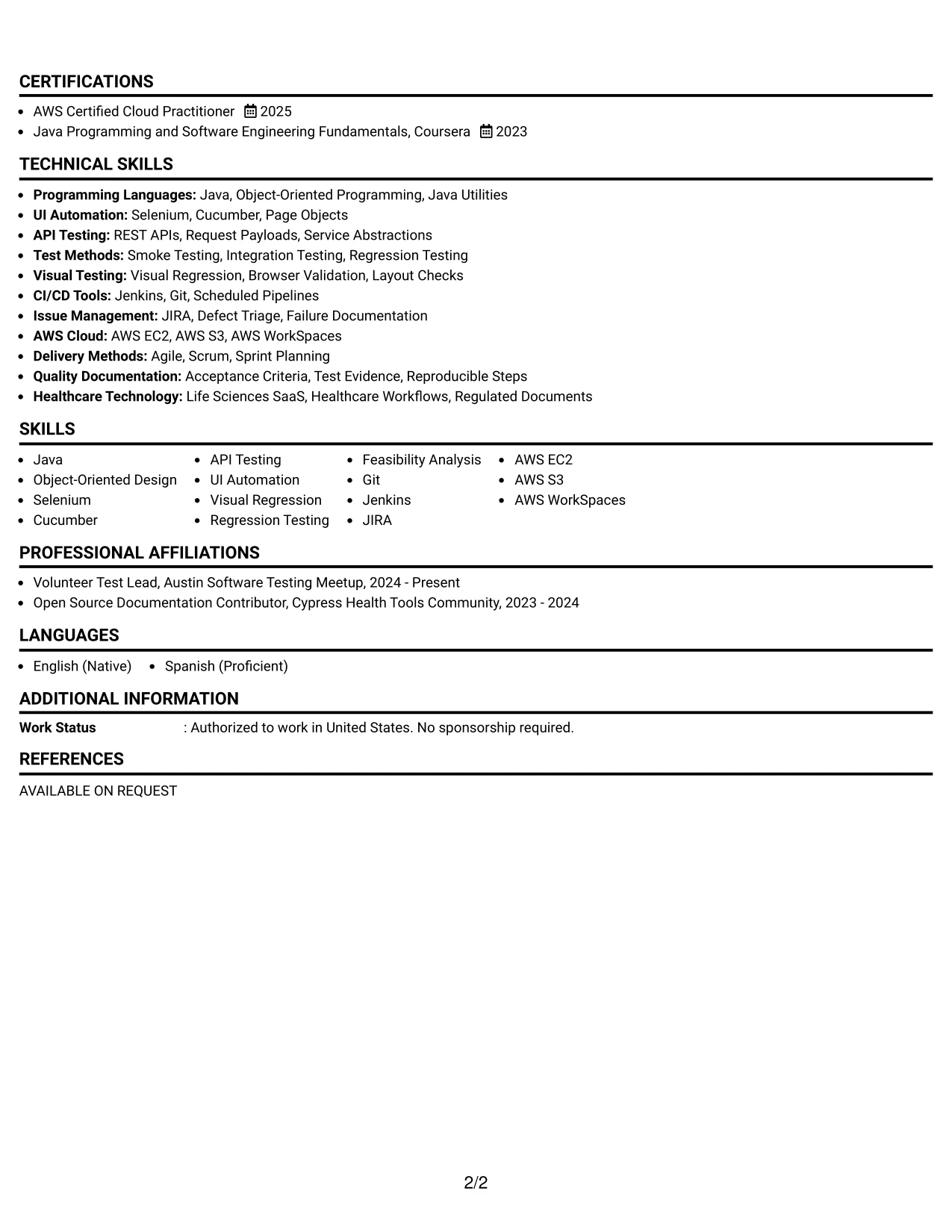
Release evidence receives priority below a clearly separated contact header. The boxed header establishes the candidate's contact and professional identity, while the main column gives experience, projects, skills, education, and certifications a clean review path.
This format works well when the resume must make technical proof easy to verify. Bullets can connect API and UI automation to Java, Selenium, Cucumber, Jenkins, JIRA, AWS, and visual regression, with each tool supported by a relevant responsibility or result.
Why the One Column Boxed Contact Header Format Works for a Resume
- A boxed contact area separates personal details from professional evidence.
- The single column keeps experience and project results in logical order.
- Technical keywords can be tied directly to the bullets that demonstrate them.
- The layout gives regression and defect investigation work enough width for clarity.
- Education and certifications remain easy to find near the end of the document.
- A consistent header helps identify the resume during multi-document review.
- The structure supports clean ATS reading when headings and dates remain conventional.
Best For
- Applications that need contact details clearly separated from resume evidence
- Resumes where achievement bullets should lead the review after the header
- Candidates showing several testing tools through specific work examples
- Readers who want a strong identity block followed by conventional sections
- Documents combining professional experience, projects, and certifications
- ATS-aware submissions that benefit from one continuous content column
- Technical profiles where each keyword should connect to a clear proof point
#10 Plain Two Column Format Resume Example
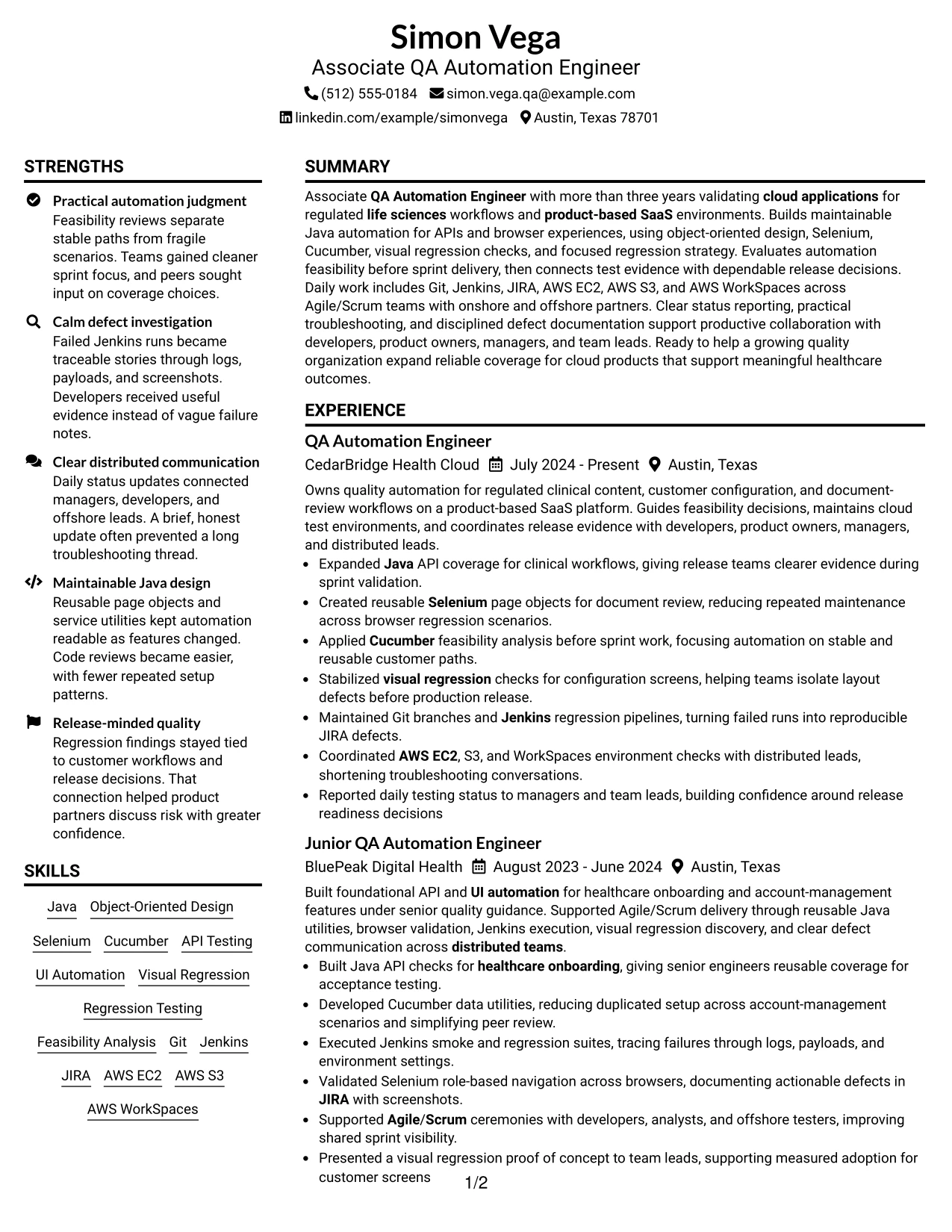
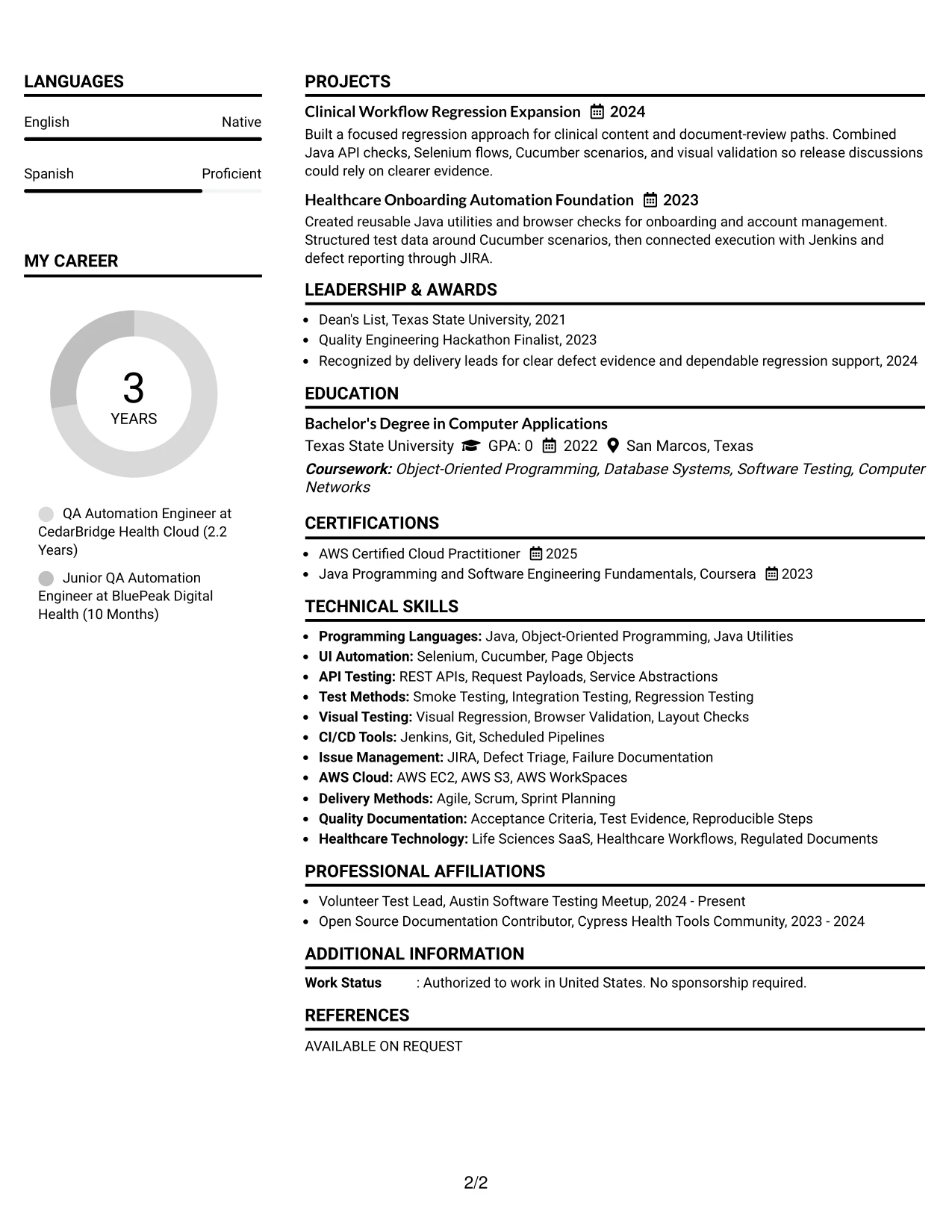
Content is balanced between a main evidence column and a compact supporting column. Simon Vega's resume can use the main area for automation experience and projects, while the secondary area presents a focused snapshot of tools, credentials, and application keywords.
The plain structure keeps the resume easy to scan and easy to tailor. It can highlight Java, Selenium, Cucumber, API testing, Git, Jenkins, JIRA, AWS EC2, AWS S3, and AWS WorkSpaces without hiding the evidence behind those keywords.
Resume Snapshot
- Associate QA Automation Engineer with more than three years of cloud application testing experience
- Java, object-oriented design, API testing, Selenium, Cucumber, and UI automation
- Git, Jenkins, JIRA, AWS EC2, AWS S3, and AWS WorkSpaces
- Bachelor's Degree in Computer Applications and AWS Certified Cloud Practitioner
Why the Plain Two Column Format Works for a Resume
- Balanced columns separate detailed evidence from quick-reference facts.
- The snapshot gives readers an immediate view of role focus and core qualifications.
- A compact keyword area supports ATS matching without repeating every achievement.
- Experience bullets can explain automation decisions and release support in full.
- Projects provide additional proof of API, browser, and visual testing work.
- Education and certification details remain visible without interrupting the main story.
- The plain design makes targeted edits straightforward for different applications.
#11 Colored Two Column Format Resume Example
For a practical application, the Colored Two Column Format uses restrained color to separate major resume areas without weakening the evidence. The main column can show experience and project results, while the colored side area groups skills, education, certifications, and activities.
This visual fit helps a technical profile stay organized during a fast review. Core proof remains in the achievement bullets, including Java API coverage, Selenium page objects, Cucumber feasibility analysis, Jenkins pipelines, JIRA defects, visual regression, and AWS environment checks.
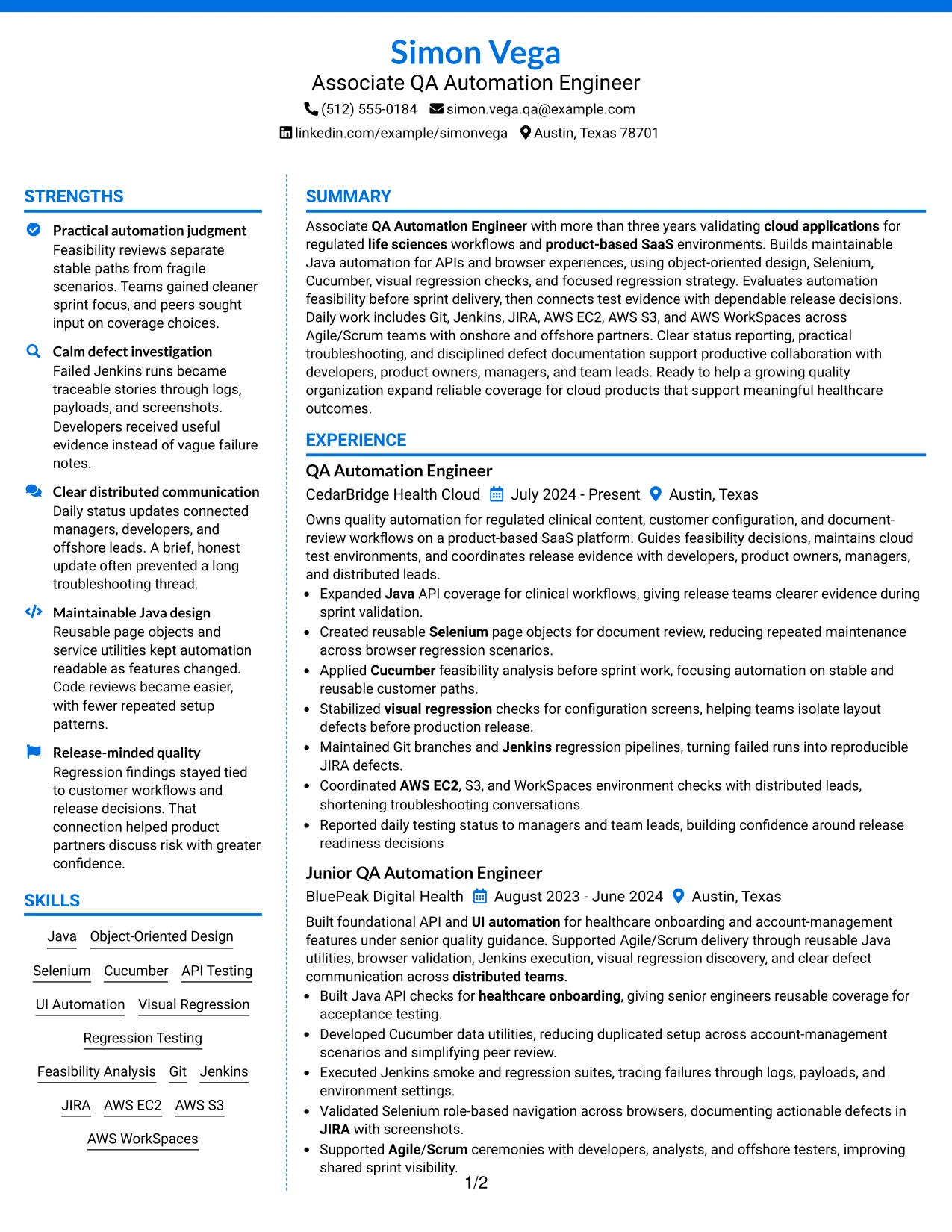
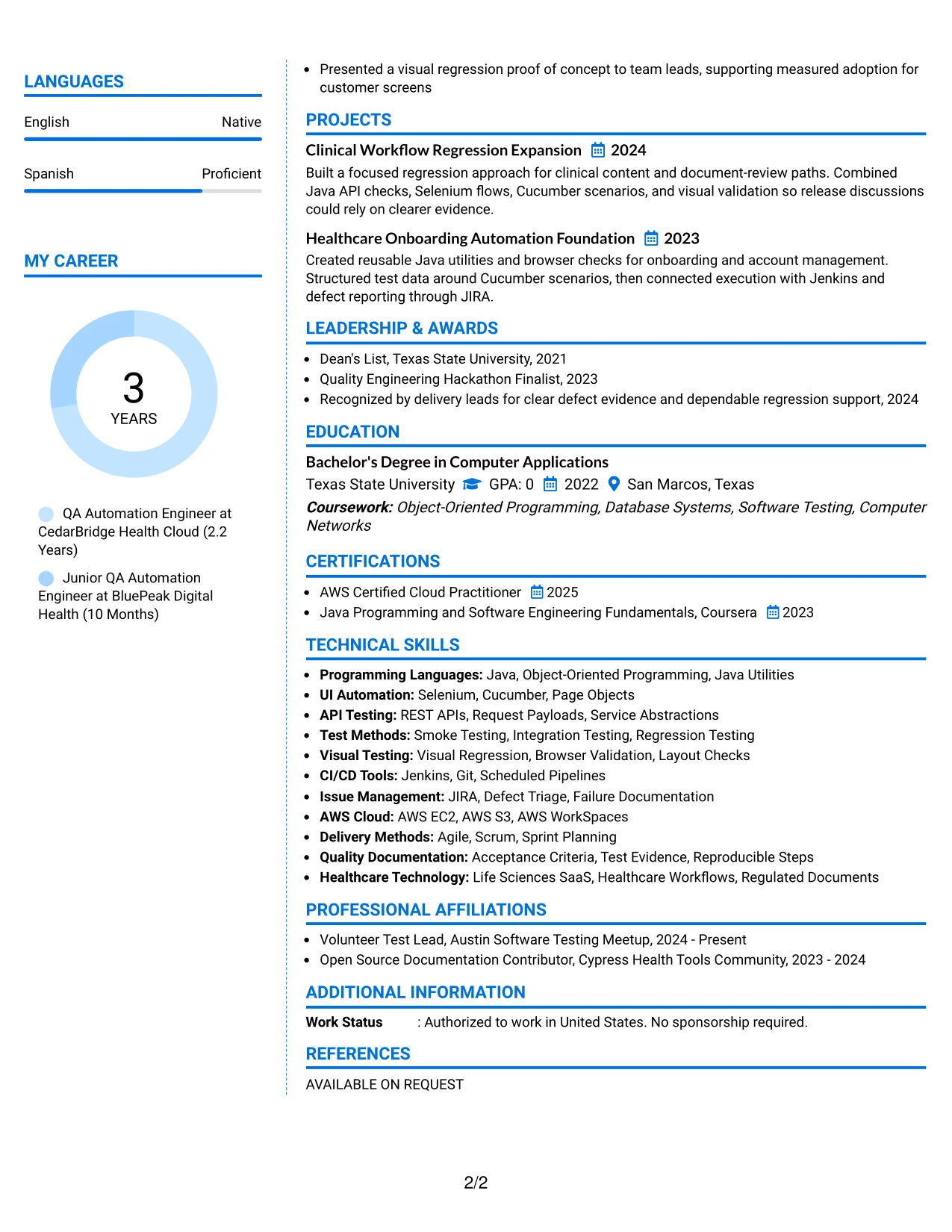
Why the Colored Two Column Format Works for a Resume
- Restrained color creates section separation while keeping the page professional.
- The main column gives measurable or evidence-based bullets room to lead.
- The side column makes skills and credentials easy to locate.
- Projects can reinforce the technical profile without crowding employment history.
- Color cues help readers move between experience, tools, and education.
- The layout supports a polished presentation while retaining recognizable resume sections.
- Clear grouping keeps automation keywords connected to the right evidence.
Best For
- Applications that benefit from light visual separation between resume areas
- Resumes where experience should lead and supporting facts should stay compact
- Candidates presenting a mix of automation, cloud, and collaboration evidence
- Readers who use visual cues to move quickly between sections
- Documents needing space for projects, certifications, and community activity
- Technical profiles that want polish without sacrificing structured content
- Resume versions intended for human review with conventional section labels
#12 One Column Shaded Contact Header Format Resume Example
A restrained visual hierarchy gives the contact details and target role a clear starting point. The one-column flow then moves through the summary, experience, projects, education, certifications, and skills without side-to-side scanning.
This structure supports a focused resume for an Associate QA Automation Engineer role. Java, API testing, Selenium, Cucumber, Jenkins, JIRA, AWS, and measurable release evidence can appear in a logical order that is easy to review and parse.
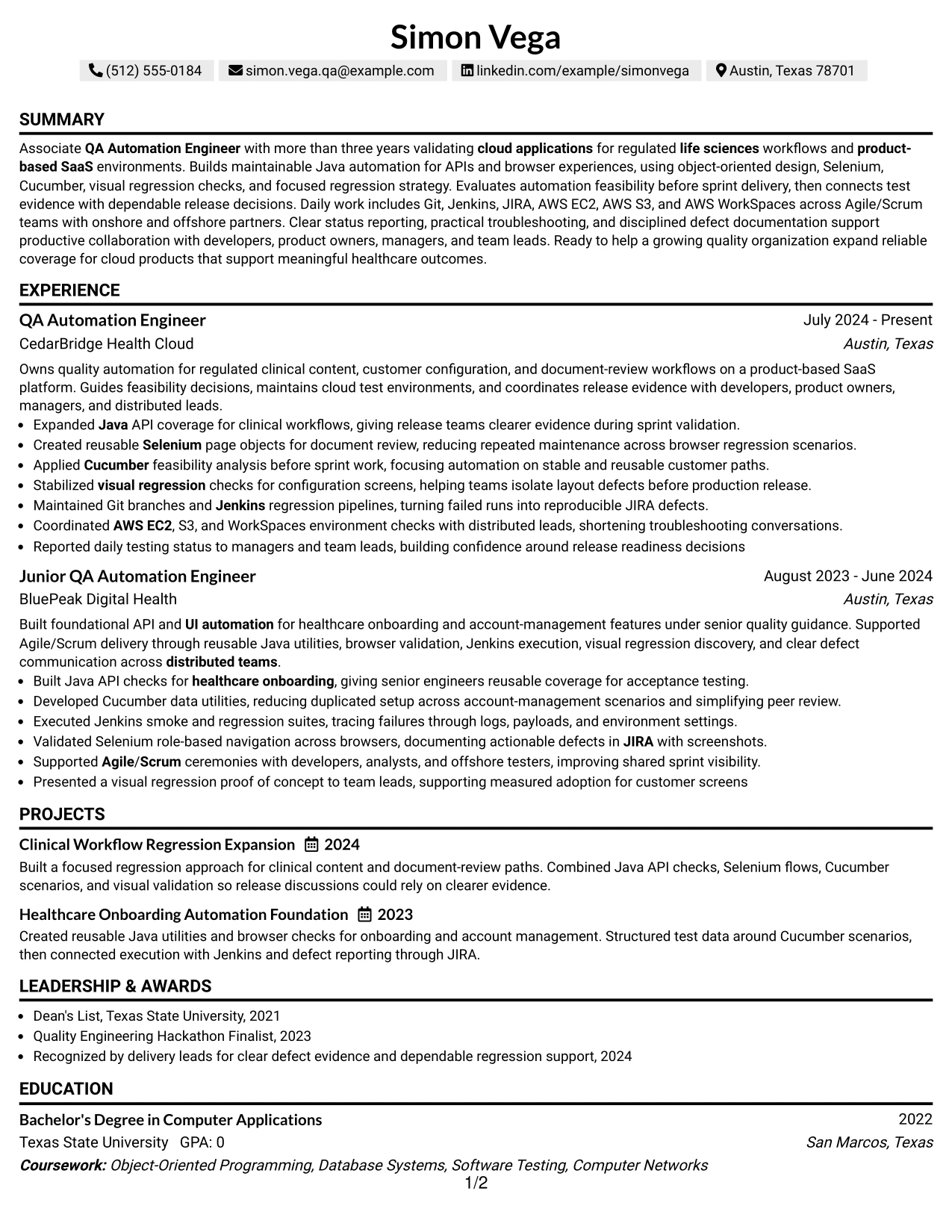
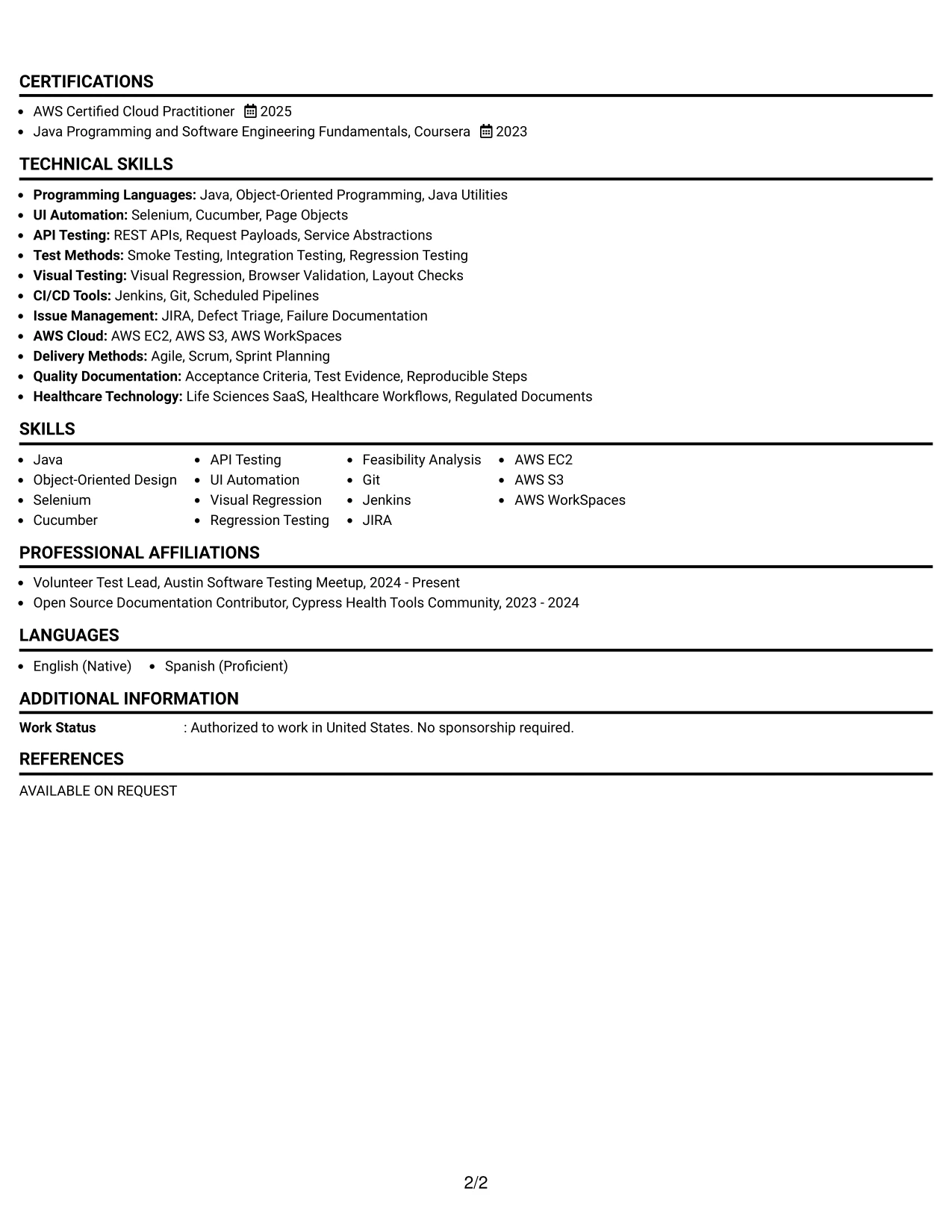
Why the One Column Shaded Contact Header Format Works for a Resume
- Places contact details and the target role in a prominent but compact header.
- Keeps every section in one predictable reading path.
- Gives the professional summary enough space to connect QA automation experience with the target role.
- Supports clear bullet points for API, UI, regression, and visual testing work.
- Makes tools such as Git, Jenkins, JIRA, and AWS easy to locate in a skills section.
- Presents projects, education, certifications, and activities without competing sidebars.
- Uses simple section separation that supports ATS parsing and quick recruiter scanning.
Best For
- Applicants who want a direct one-column path from contact details to qualifications.
- Resumes that need strong alignment between the target role and the opening summary.
- Candidates with technical keywords that should remain easy to scan and parse.
- Documents combining professional experience, projects, certifications, and education.
- Applicants who need room for detailed automation bullets and test evidence.
- ATS-conscious applications where predictable section order matters.
- Resume reviews focused on Java, API testing, UI automation, and CI/CD tools.
#13 Boxed Contact Header with Job Title Format Resume Example
The boxed header places the contact information and job title in a defined opening block. Below it, the resume follows a clean sequence of summary, experience, projects, education, certifications, and skills.
That structure helps a reviewer confirm role alignment before reading the evidence. Strong bullets can show Java automation, API and UI coverage, feasibility analysis, Jenkins execution, JIRA defect reporting, and AWS environment support.
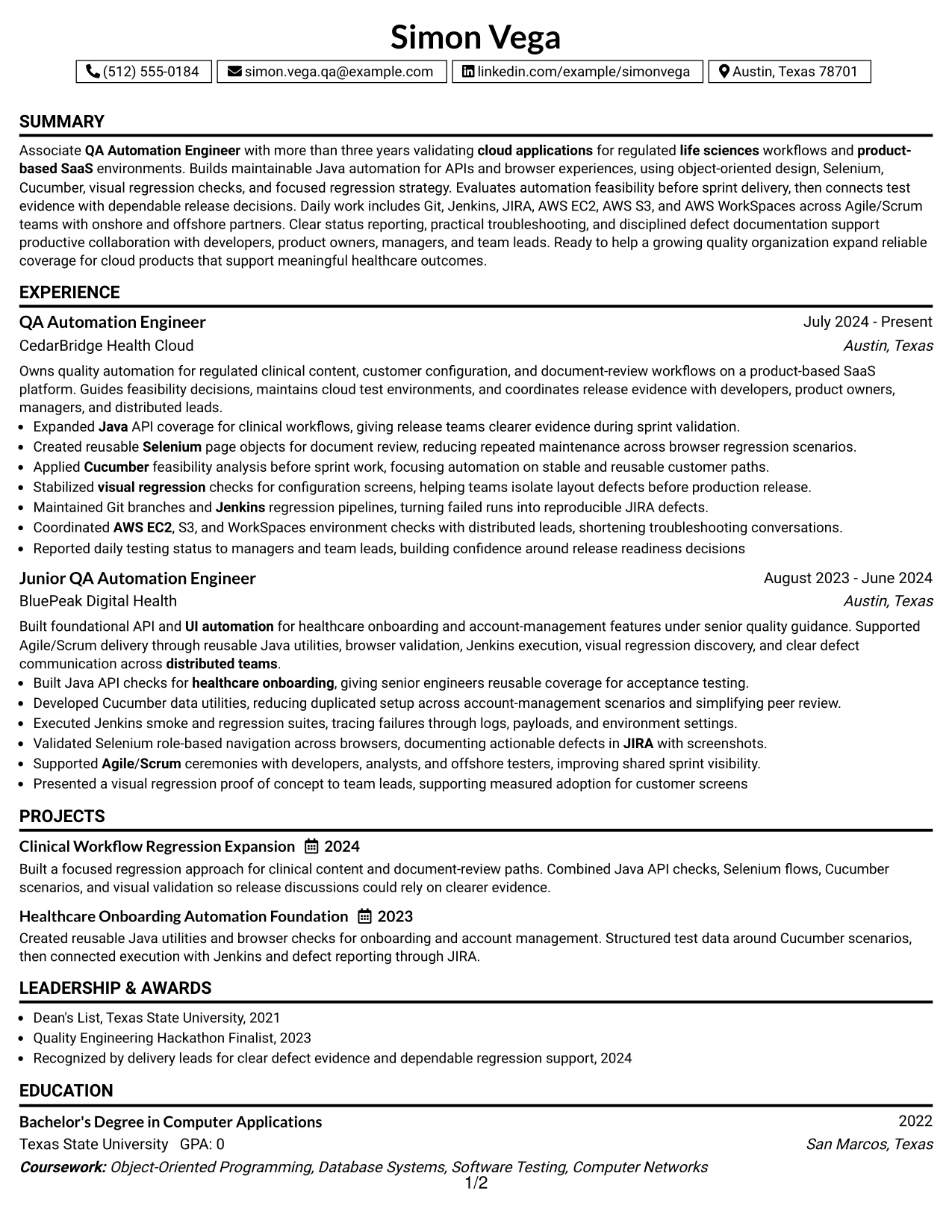
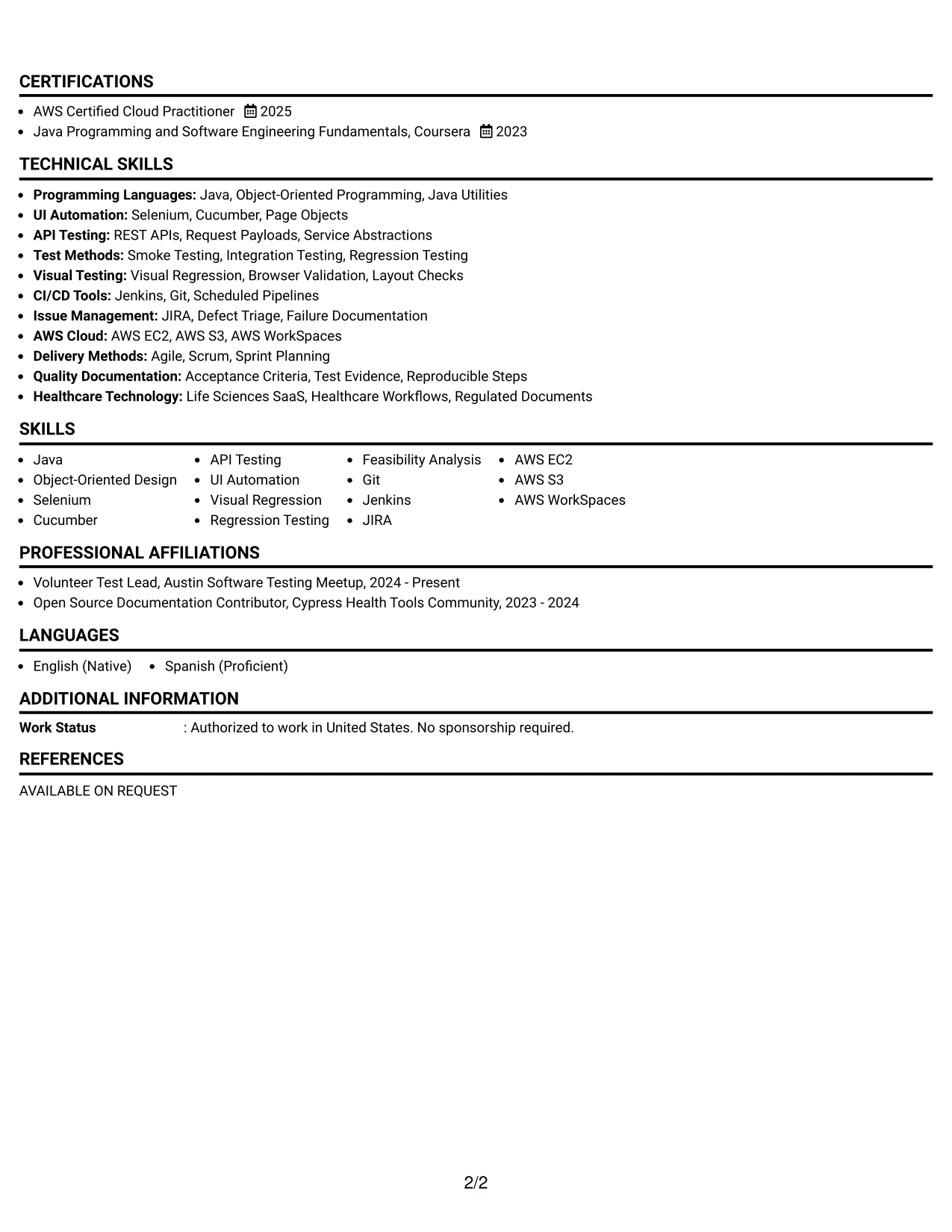
Why the Boxed Contact Header with Job Title Format Works for a Resume
- Separates identity and role targeting from the detailed resume content.
- Makes the target title visible before the reviewer reaches the work history.
- Creates a stable hierarchy for summary, experience, projects, and education.
- Gives technical skills a dedicated place instead of scattering keywords through the page.
- Supports concise bullets with clear actions, tools, and testing outcomes.
- Keeps certifications and community activities visible without interrupting experience.
- Offers a structured format that remains readable in digital and printed review.
Best For
- Applicants who want the target role confirmed at the top of the document.
- Resumes that benefit from a strong visual boundary around contact details.
- Candidates organizing several technical sections in a straightforward order.
- Applications where project work should appear beside, or directly after, experience.
- Readers who need to locate tools and certifications quickly.
- Documents with detailed testing bullets that require a consistent content hierarchy.
- Resume submissions that need a polished structure without complex columns.
#14 Stylish Two Column Designer Format Resume Example
Readers can move from the primary experience column to a compact skills and credentials sidebar, then return to projects and education as needed. This navigation separates detailed evidence from fast-reference information.
The two-column design can hold a broad technical profile without forcing every section into the same narrow line. Experience bullets can explain automation decisions and release support, while the sidebar surfaces Java, Selenium, Cucumber, AWS, certifications, and activities.
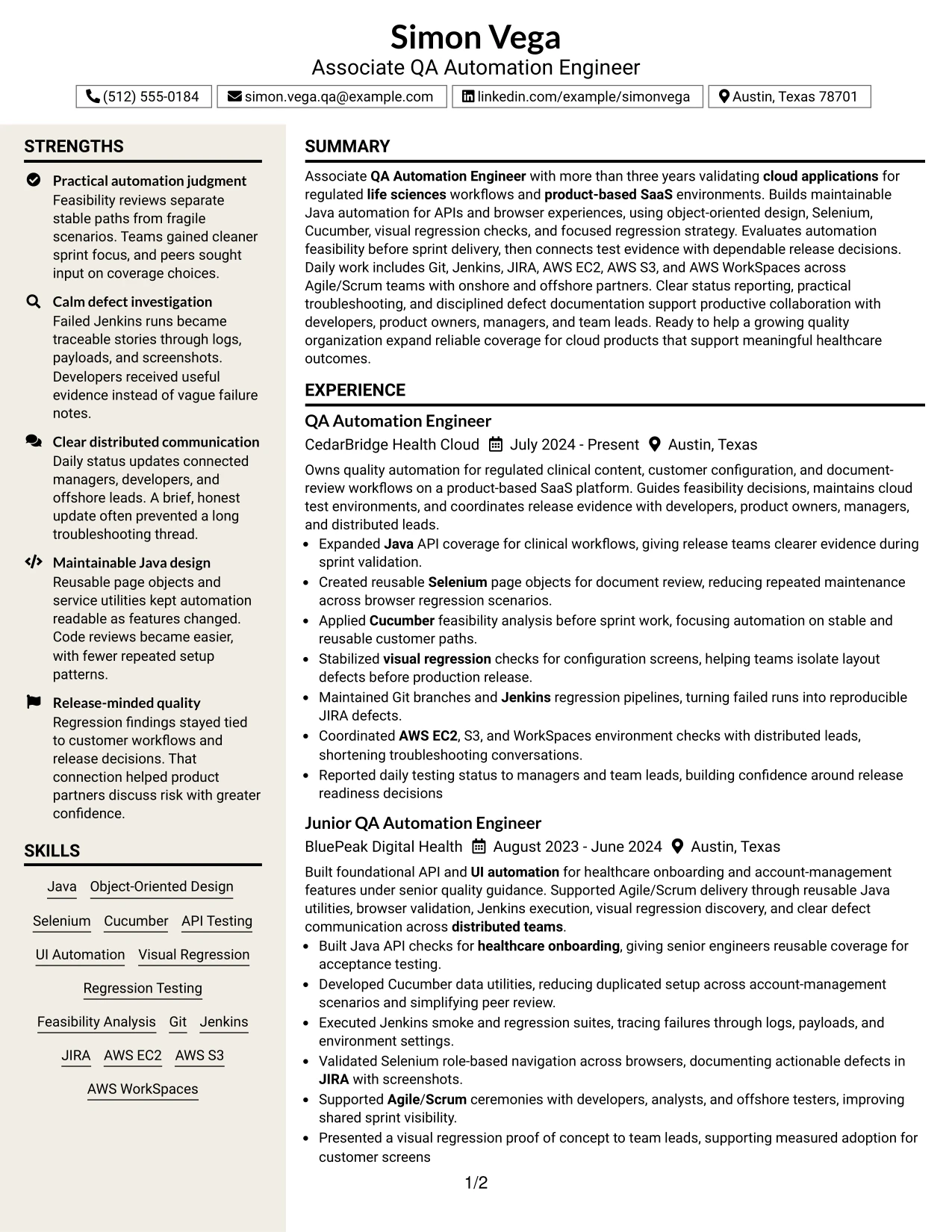
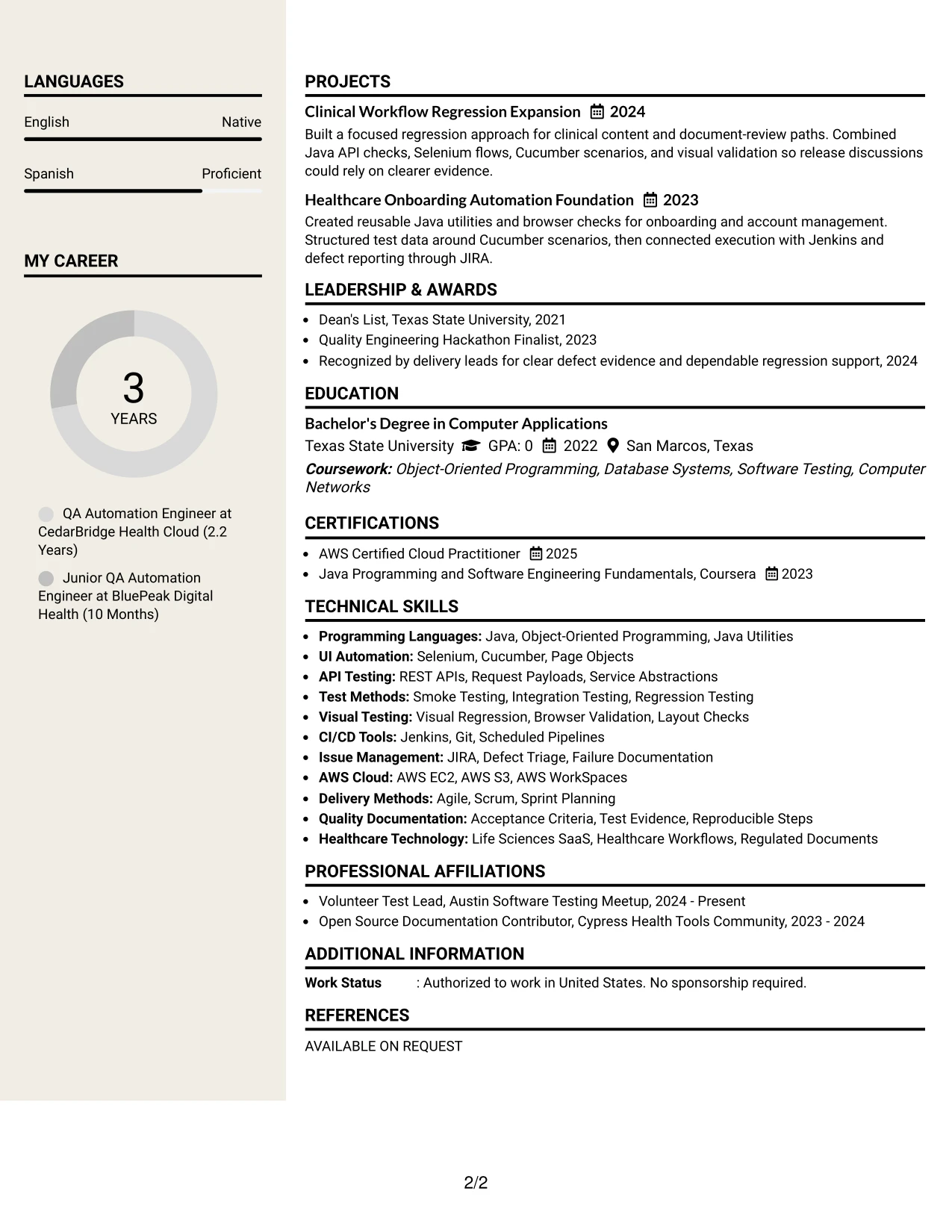
Why the Stylish Two Column Designer Format Works for a Resume
- Separates detailed experience bullets from quick-reference qualifications.
- Lets a reviewer find core tools without leaving the main work history.
- Creates room for projects that demonstrate API, browser, and visual regression coverage.
- Supports a summary that connects regulated cloud workflows with quality decisions.
- Uses the sidebar for education, certifications, and community involvement.
- Allows evidence-rich work entries while keeping the page visually organized.
- Can present a substantial technical profile without repeating the same keywords in every section.
Best For
- Applicants with both detailed experience and a substantial technical skills list.
- Resumes that need a quick-reference area for tools, certifications, and education.
- Candidates presenting projects alongside work history without adding another page.
- Applications where a reviewer may scan skills first and read evidence second.
- Documents combining automation frameworks, cloud services, testing methods, and delivery practices.
- Readers who value visual separation between supporting credentials and achievement bullets.
- Resume content with enough depth to benefit from two distinct information zones.
#15 Modern Icon Format Resume Example
The strongest evidence receives priority: automation results, testing scope, tools used, and the release decisions those findings supported. Small visual markers can guide the eye, while the words remain responsible for explaining each qualification.
For this QA resume, the main content can highlight Java API checks, Selenium page objects, Cucumber scenarios, visual regression work, Jenkins pipelines, and reproducible JIRA defects. The format adds energy without replacing specific technical evidence.
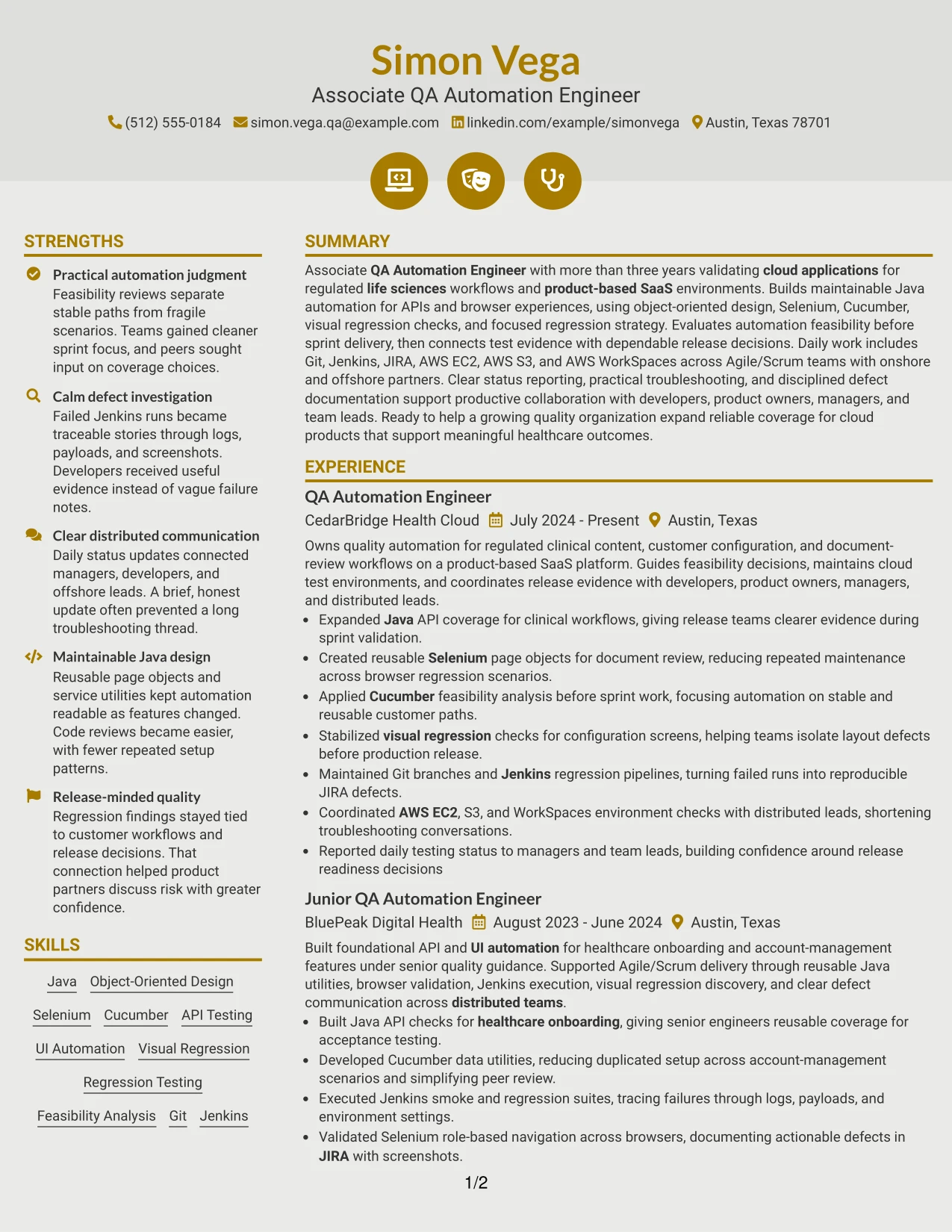
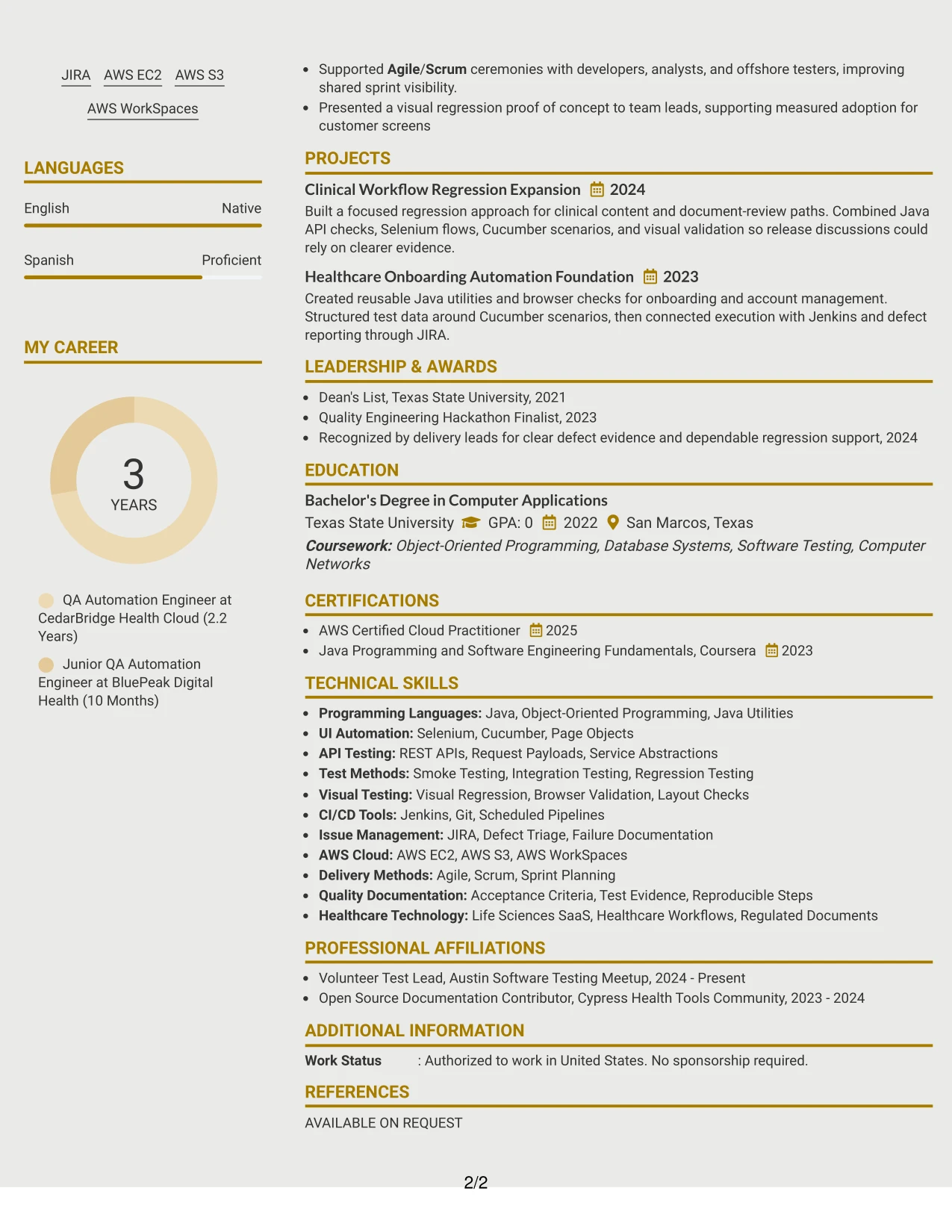
Why the Modern Icon Format Works for a Resume
- Draws attention to evidence rather than decorative elements.
- Makes technical categories easier to identify during a fast review.
- Supports action-focused bullets that connect tools with testing outcomes.
- Gives API, UI, regression, and visual testing work distinct points of emphasis.
- Keeps CI/CD tools and cloud environments visible in a compact skills area.
- Can highlight projects that show reusable automation and release support.
- Retains a clear text hierarchy so ATS-relevant content remains accessible.
Best For
- Applicants whose strongest value is shown through specific testing evidence.
- Resumes that need clear visual cues for technical categories and project work.
- Candidates presenting several automation methods without burying the main achievements.
- Applications where tools should be connected directly to test coverage or defect results.
- Documents that benefit from a modern look while keeping text-based qualifications central.
- Readers scanning for API, UI, regression, and CI/CD experience.
- Technical resumes that use restrained visual markers to organize dense information.
#16 Plain Professional Layout with Job Title & Shaded Labels Resume Example
Content is balanced through a clear header, practical section labels, and consistent spacing. The shaded labels separate the summary, experience, projects, education, certifications, and skills without taking attention away from the evidence.
This approach fits an application that values dependable review over visual complexity. It gives the resume room to show automation feasibility analysis, maintainable Java design, API and UI testing, cloud environment support, and concise status reporting.
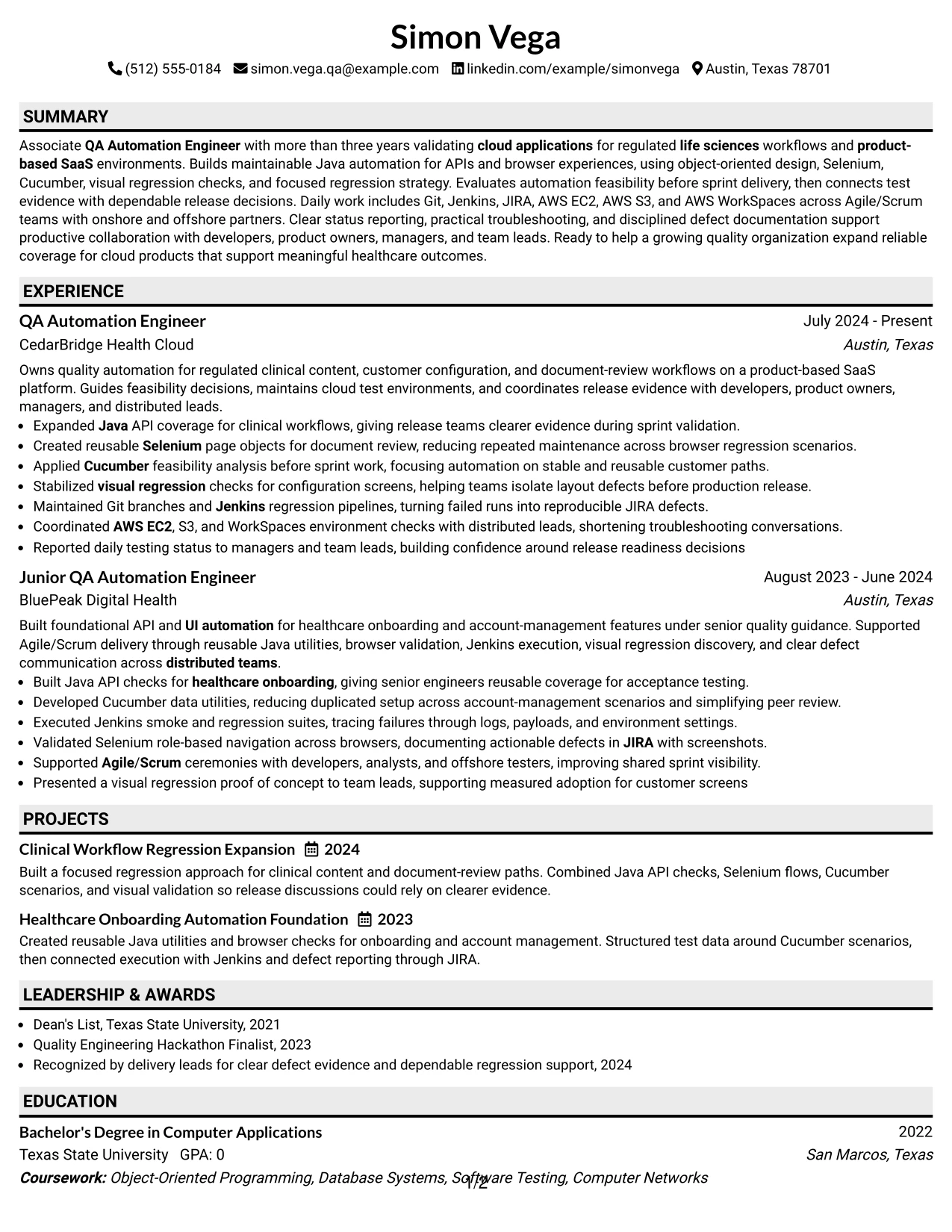
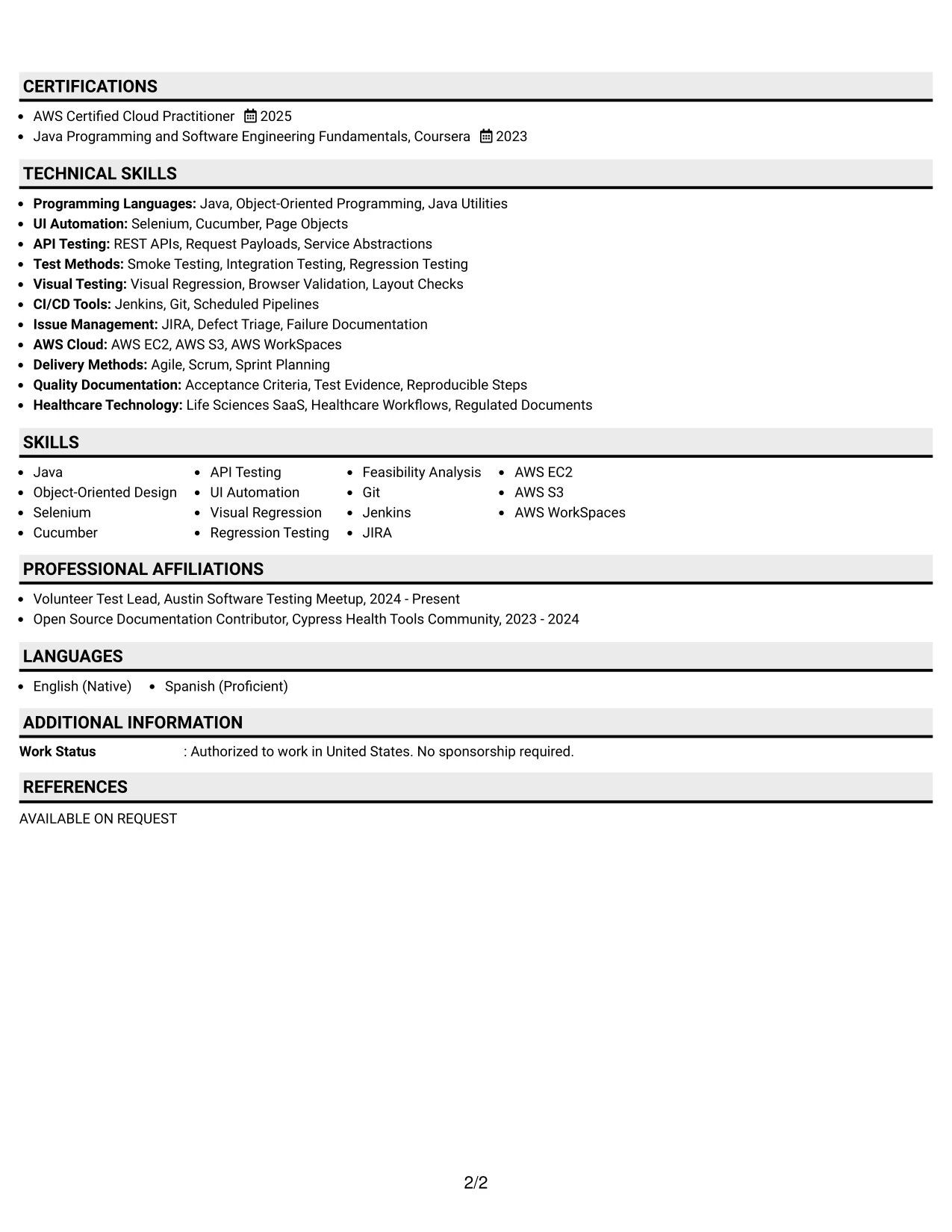
Why the Plain Professional Layout with Job Title & Shaded Labels Works for a Resume
- Balances visual structure with a professional, text-first presentation.
- Makes each resume section easy to identify during a fast review.
- Places the target job title near the contact details for clear application context.
- Gives experience bullets room to explain actions, tools, and quality outcomes.
- Supports a dedicated skills section for Java, Selenium, Cucumber, AWS, and CI/CD.
- Keeps projects and certifications visible without adding visual clutter.
- Provides a predictable structure that works well for ATS review and human scanning.
Best For
- Applicants seeking a polished resume for a formal application process.
- Candidates who need clear labels for experience, projects, education, and certifications.
- Resumes where application context should be established before technical details.
- Documents that depend on concise automation bullets rather than decorative design.
- Readers who prefer familiar section placement and consistent spacing.
- ATS-focused submissions with a broad set of testing and cloud keywords.
- Applications that need a professional presentation for distributed quality teams.
#17 Classic One Column Resume Format Resume Example
For a direct application, a classic one-column resume keeps the reviewer focused on qualifications in a familiar order. The document can lead with the summary, then move through experience, projects, skills, education, certifications, and activities.
This visual fit works well when the evidence needs to speak plainly. Detailed bullets can connect Java, Selenium, Cucumber, API testing, regression strategy, Jenkins, JIRA, and AWS to reliable cloud application releases.
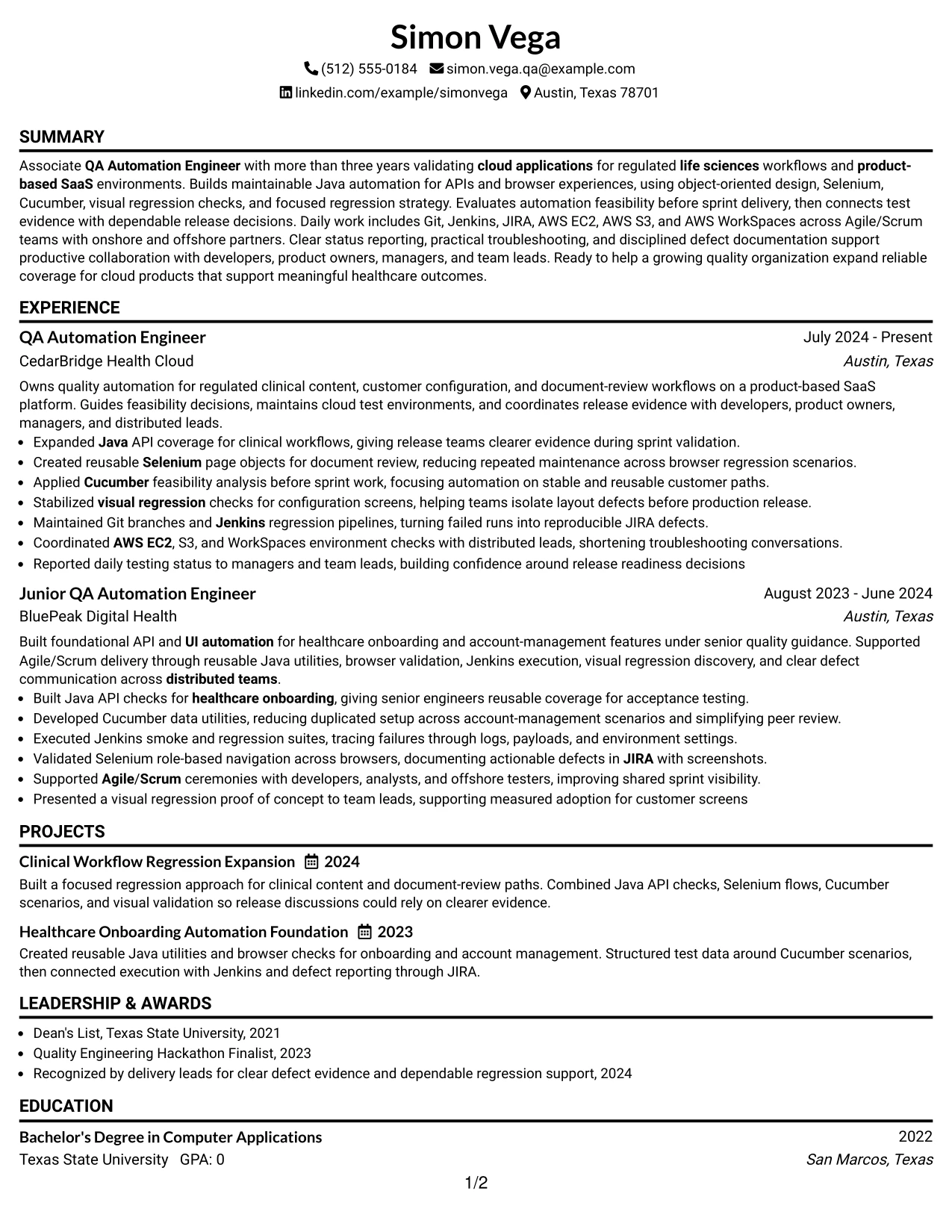
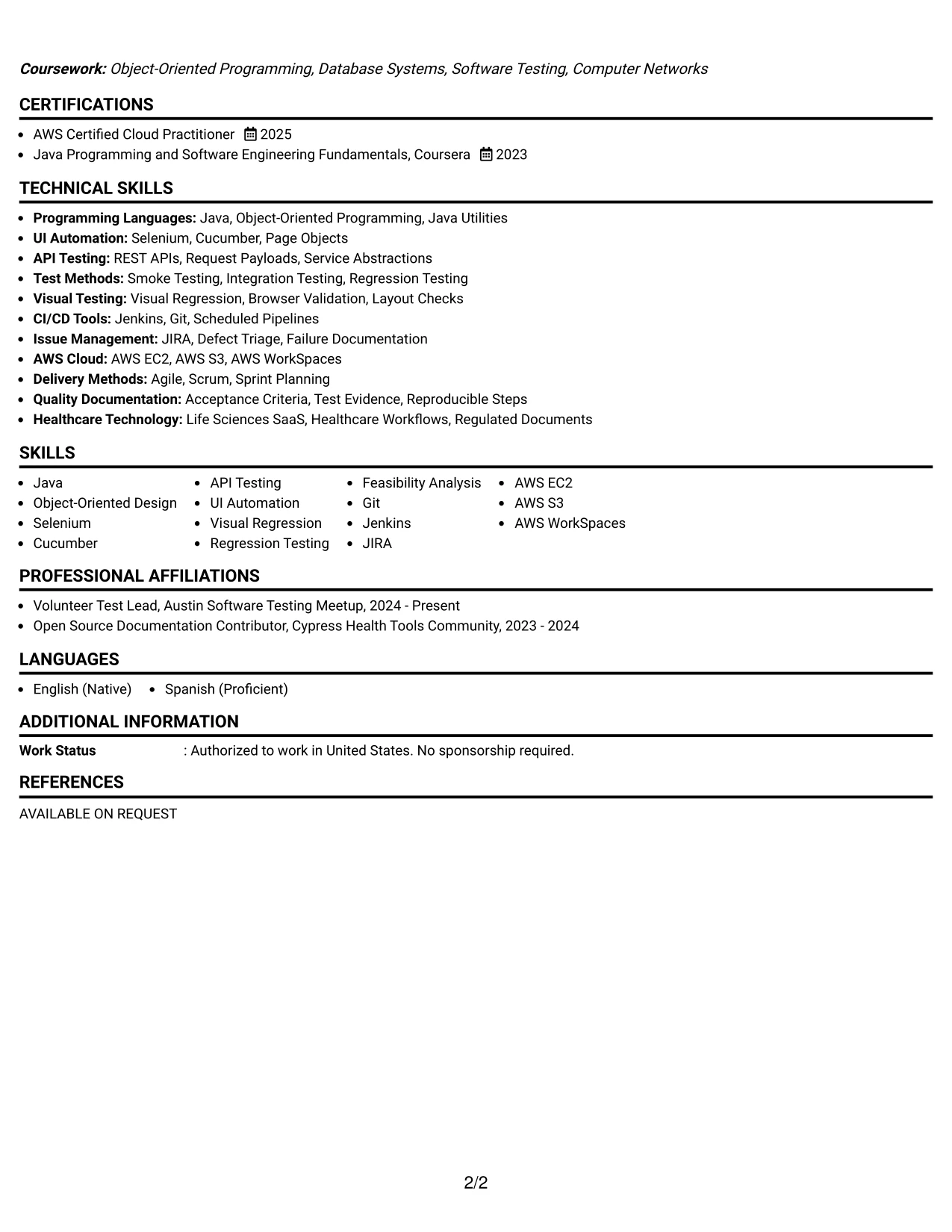
Why the Classic One Column Resume Format Works for a Resume
- Uses a familiar sequence that supports fast qualification review.
- Keeps the target role and summary close to the top of the page.
- Provides a full-width area for detailed experience and project bullets.
- Makes technical keywords easy to locate in both skills and work history.
- Supports education and certifications without reducing the space for evidence.
- Works well for applications that value clarity over visual experimentation.
- Offers a dependable structure for ATS parsing and recruiter scanning.
Best For
- Applicants submitting resumes through standard online application systems.
- Candidates who want full-width bullets for technical work and project results.
- Applications where familiar section order can reduce review friction.
- Documents with a balanced mix of experience, education, certifications, and activities.
- Readers who prefer a traditional presentation of qualifications.
- ATS-sensitive submissions requiring straightforward headings and readable text.
- Resume reviews centered on clear evidence of automation and release support.
#18 One Column Format with Photo Resume Example
A clean one-column hierarchy keeps the resume focused, while a professional photo can support a consistent personal presentation when the application context allows it. The photo should remain secondary to the role title, summary, experience, and technical evidence.
The main content can show Java automation, API and UI testing, Cucumber, Selenium, visual regression, Jenkins, JIRA, AWS, and regulated healthcare workflows in a straightforward sequence. A text-first structure also keeps the qualifications easy to review.
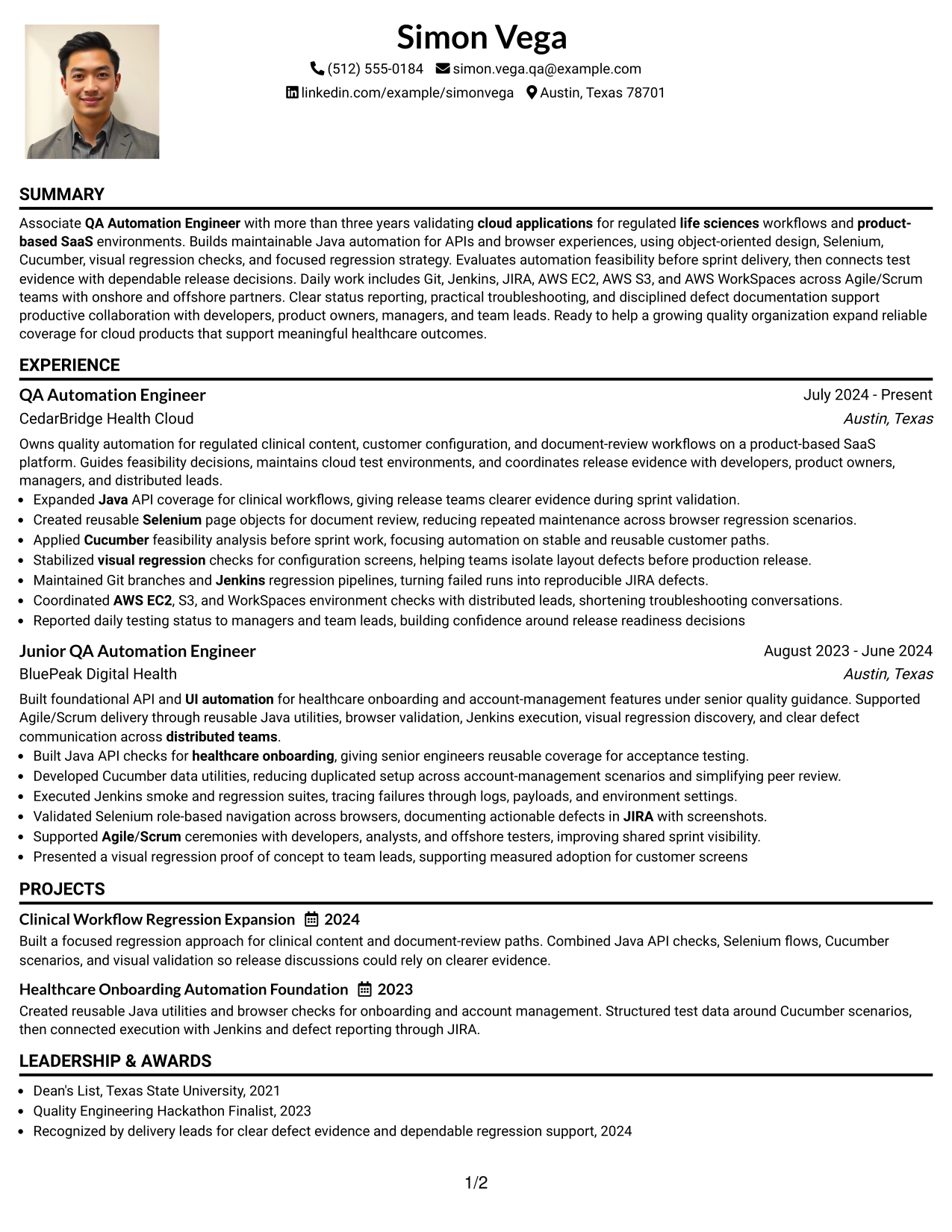
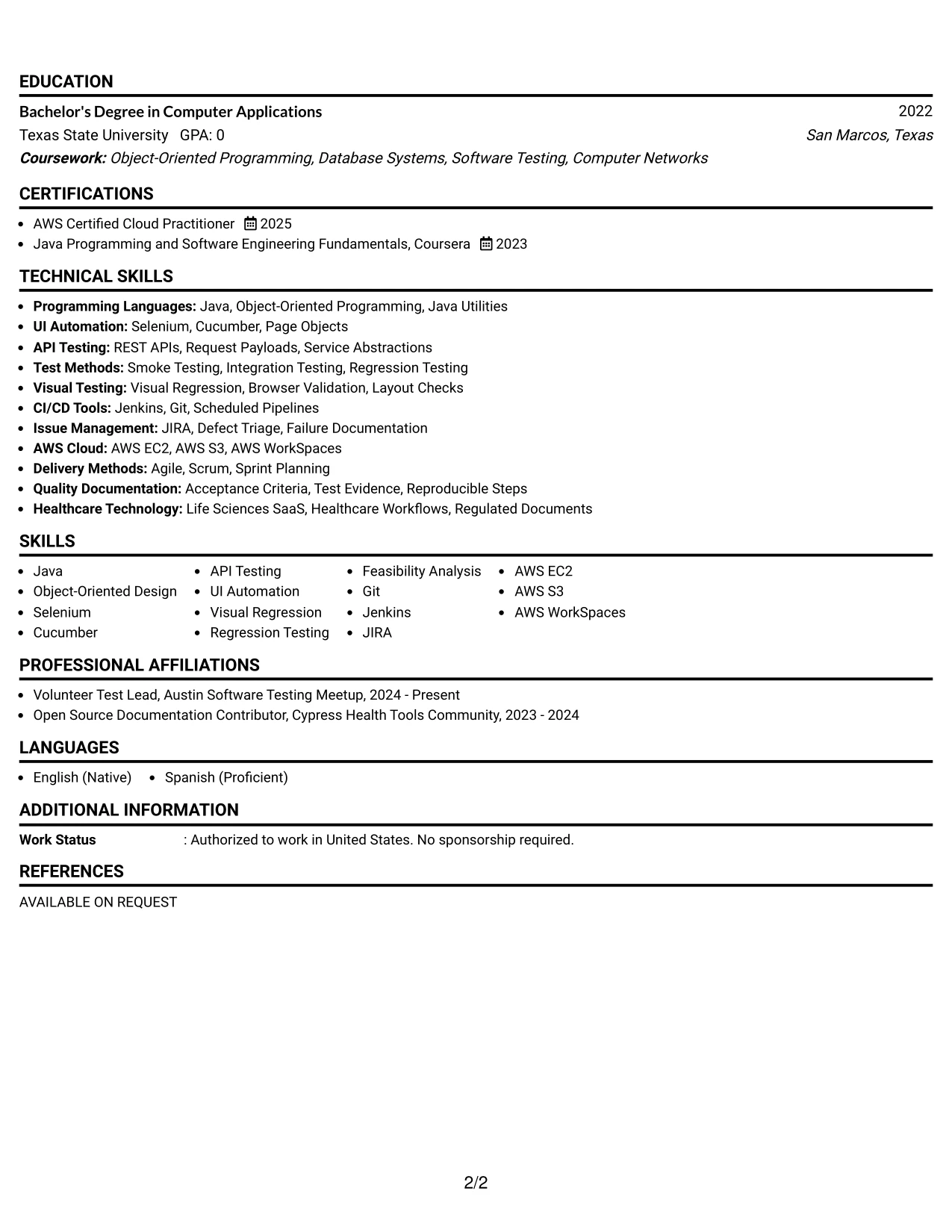
Why the One Column Format with Photo Works for a Resume
- Keeps the contact area, photo, and target role together without creating side columns.
- Maintains one clear path through summary, experience, projects, and skills.
- Lets technical evidence remain more prominent than the visual identity element.
- Provides room for detailed bullets about automation coverage and defect investigation.
- Supports visible placement of certifications, education, and community activities.
- Works best when the application context accepts or benefits from a professional photo.
- Preserves a simple text hierarchy for reviewing tools, keywords, and achievements.
Best For
- Applications where a professional photo is appropriate and accepted.
- Applicants who want personal presentation paired with a direct one-column structure.
- Candidates whose technical evidence should remain more prominent than visual design.
- Resumes combining detailed experience with projects, certifications, and education.
- Readers who prefer a single path through automation and cloud qualifications.
- Documents that need room for Java, API testing, browser automation, and CI/CD terms.
- Role applications where a consistent visual identity supports the overall presentation.
#19 Minimal Header Format Resume Example
A minimal header establishes the contact details and role target with very little visual noise. The resume then uses a simple vertical sequence for the summary, experience, projects, skills, education, and certifications.
That economy helps a reviewer find core qualifications quickly. The document can still include precise evidence such as reusable Java utilities, Selenium coverage, Cucumber scenarios, Jenkins regression runs, JIRA defects, and AWS environment checks.
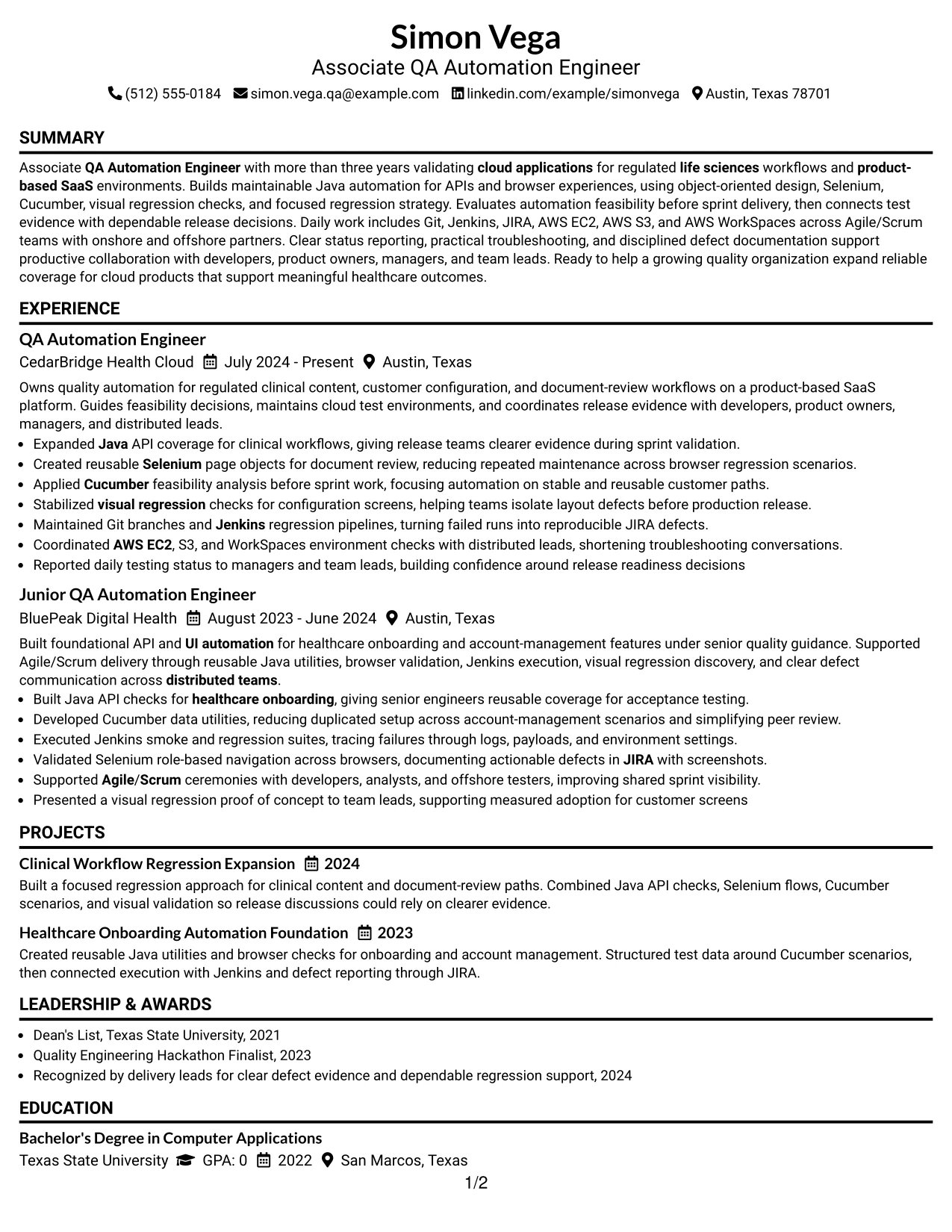
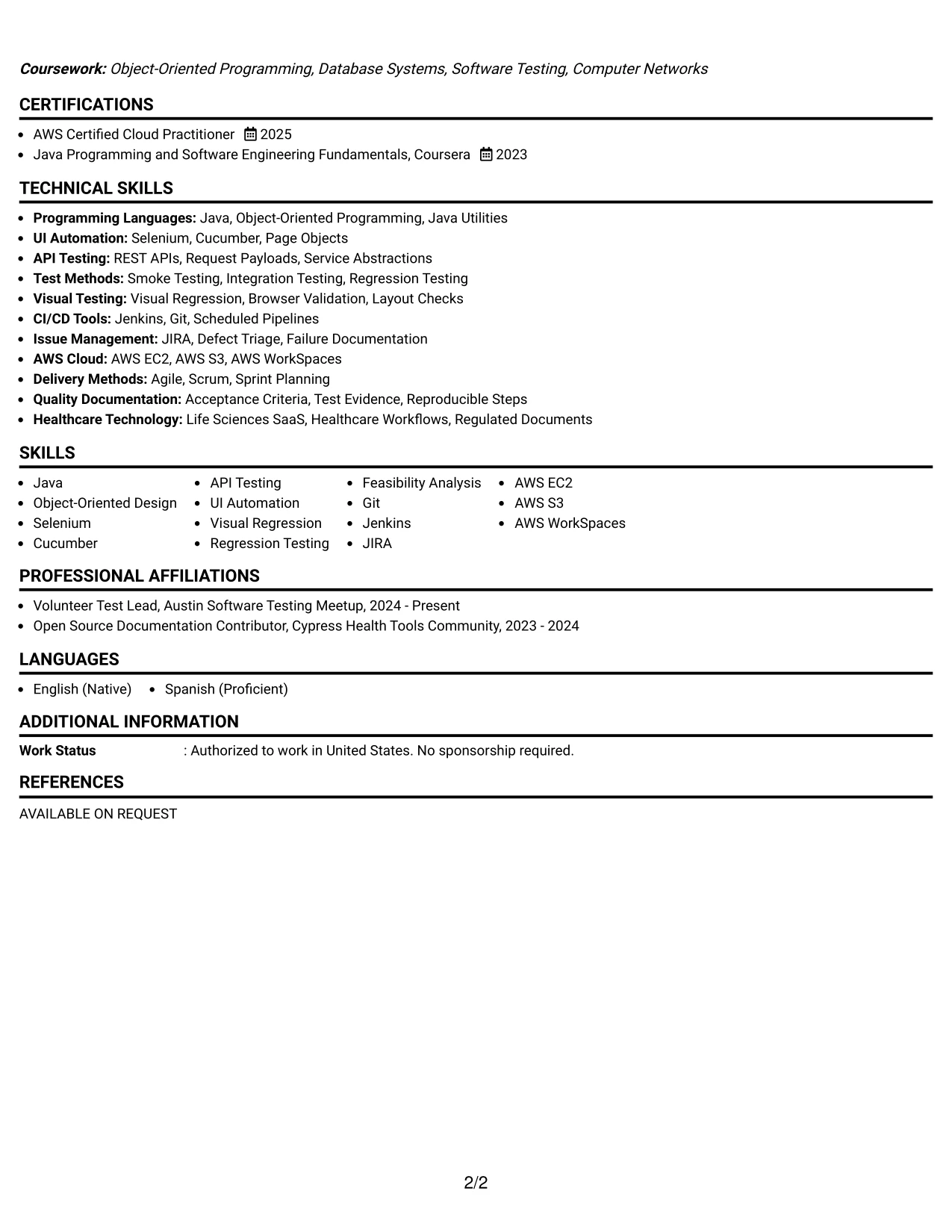
Why the Minimal Header Format Works for a Resume
- Keeps the opening area compact and easy to scan.
- Moves the reviewer quickly from the target role to the professional summary.
- Creates consistent space for experience bullets and project descriptions.
- Avoids visual distractions around technical keywords and evidence.
- Makes education, certifications, and activities easy to place in a clear sequence.
- Supports a clean text structure for ATS processing.
- Works well when the resume needs clarity without a strong decorative treatment.
Best For
- Applicants who want a clean opening with no unnecessary visual elements.
- Candidates prioritizing fast access to the summary and work history.
- Resumes with technical keywords that should stand out through wording, not decoration.
- Documents that need a simple path across experience, projects, and credentials.
- Applications reviewed in systems where restrained formatting improves readability.
- Readers who prefer compact contact details and clear section boundaries.
- QA resumes that rely on concise evidence of automation, testing, and release support.
#20 Modern Full Background Two Column Format Resume Example
A reviewer can use the primary column for the summary, experience, and project evidence, while the secondary column provides fast access to skills, education, certifications, and activities. This split supports both detailed reading and quick qualification checks.
For Simon Vega, the arrangement can show cloud QA automation work in the main column and reinforce it with Java, Selenium, Cucumber, AWS, Jenkins, JIRA, and Agile/Scrum details in the supporting column. The two zones help manage substantial content without repeating it.
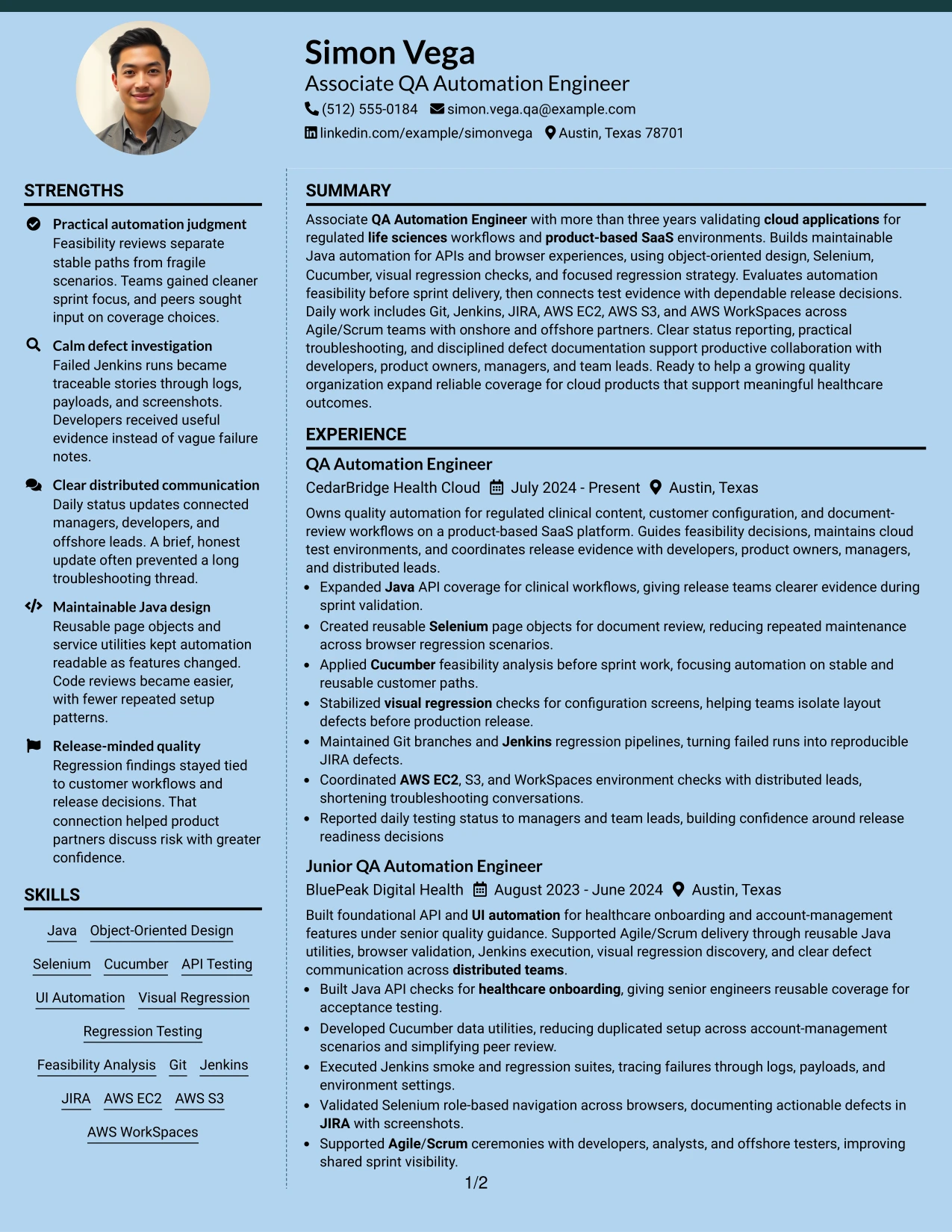
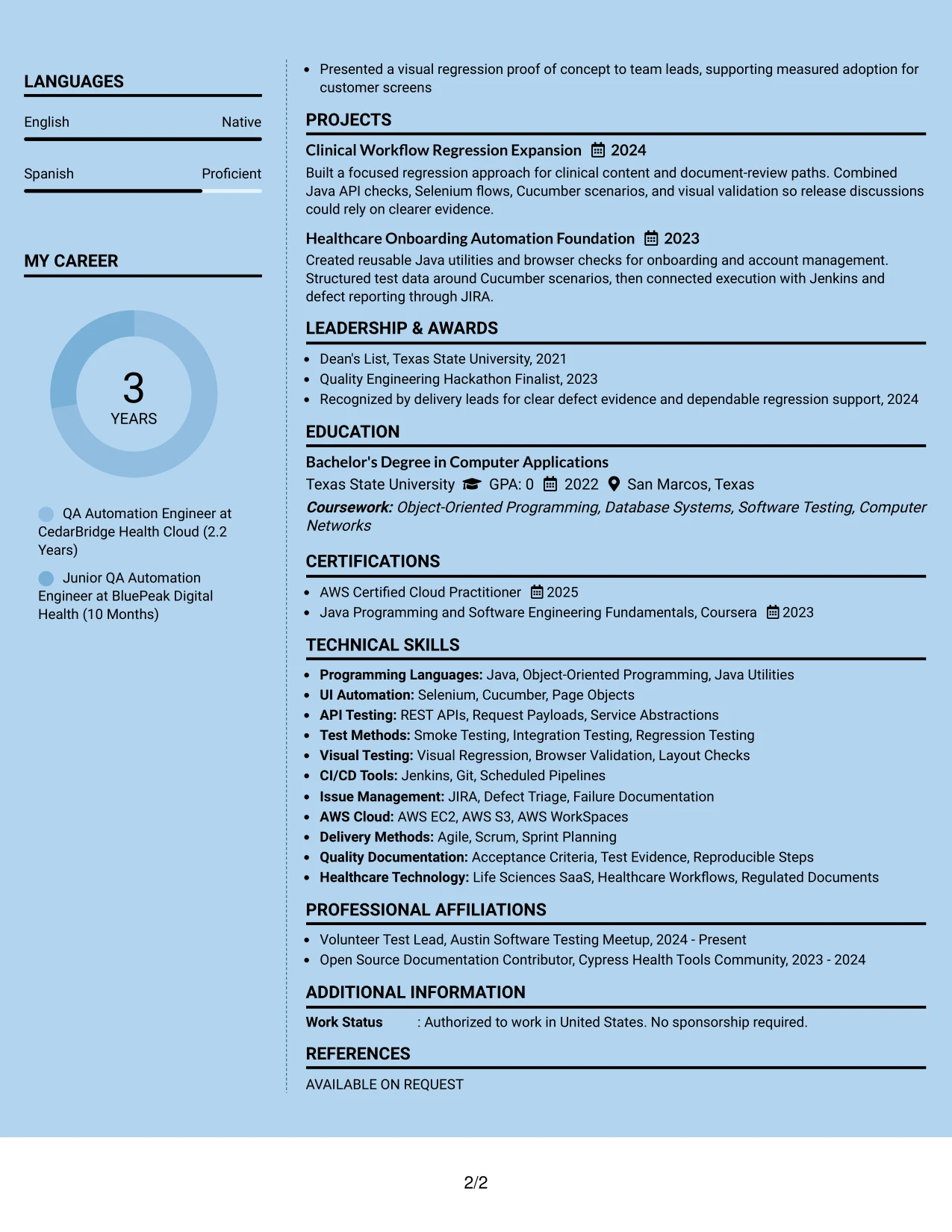
Why the Modern Full Background Two Column Format Works for a Resume
- Creates separate reading zones for work evidence and supporting qualifications.
- Lets the reviewer scan tools and certifications without losing the experience narrative.
- Provides space for detailed bullets about automation coverage and release readiness.
- Supports project entries that reinforce API, browser, and visual testing experience.
- Groups education, activities, and credentials in a compact reference area.
- Handles a broad technical profile while reducing repeated keyword use.
- Uses strong visual separation to guide review across a content-rich resume.
Best For
- Applicants with a large set of technical qualifications and detailed work evidence.
- Candidates who need a sidebar for skills, education, certifications, and activities.
- Resumes combining multiple projects with substantial professional experience.
- Applications where reviewers may switch between quick scanning and close reading.
- Documents that need to show cloud tools, test frameworks, and delivery methods together.
- Content-rich submissions that benefit from two distinct information zones.
- Readers comfortable with a modern layout that still preserves clear resume sections.
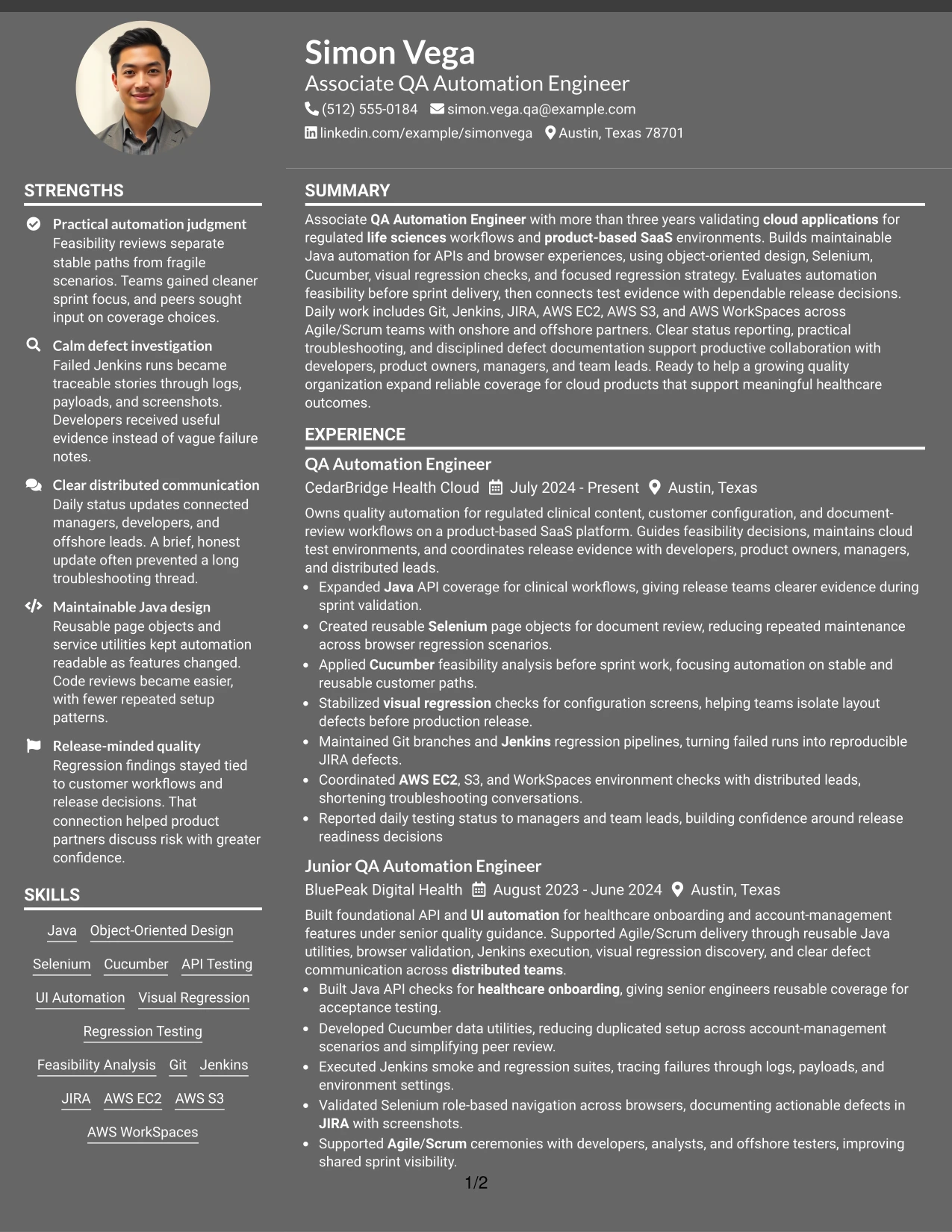
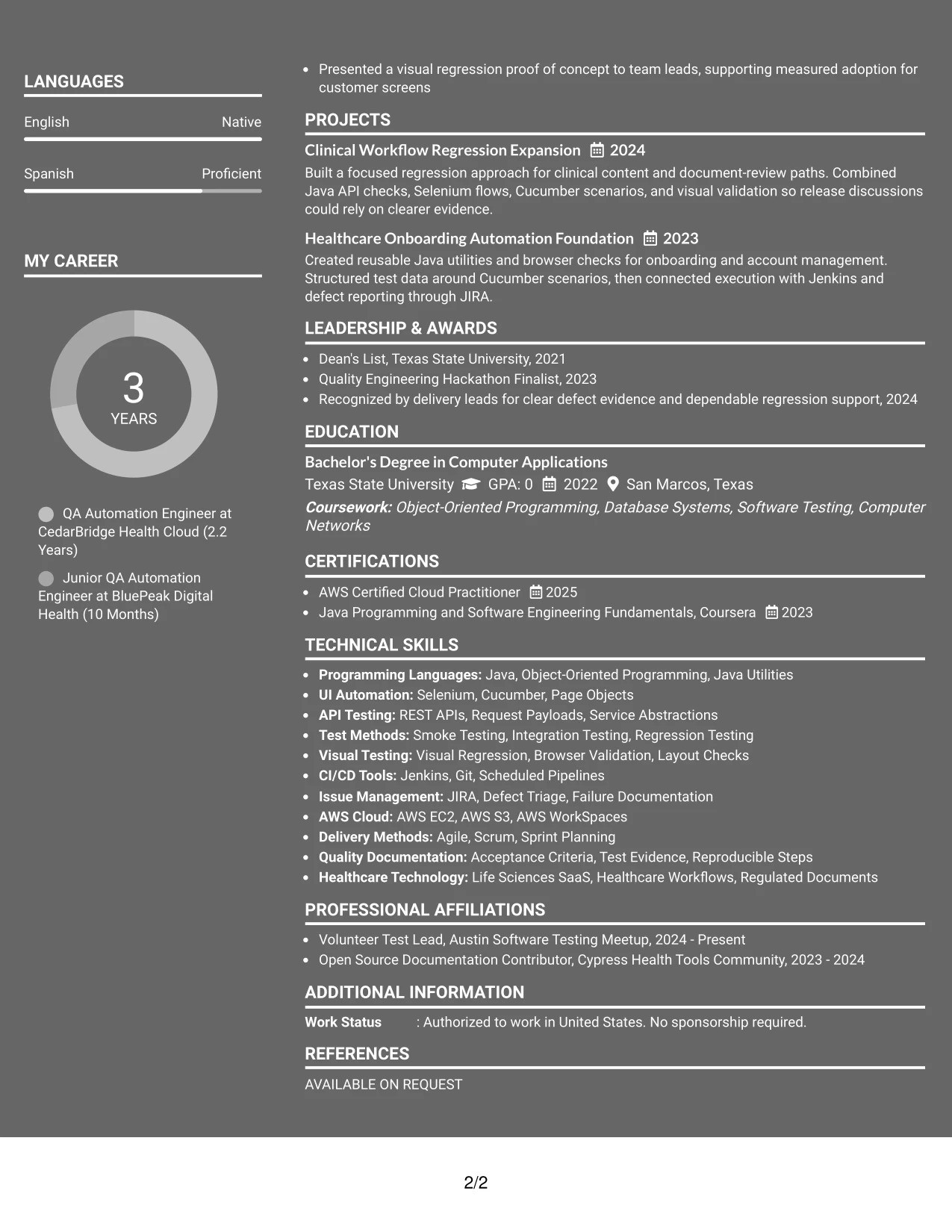
#21 Dark Mode Two Column Format Resume Example
The evidence receives priority through a two-column hierarchy: the main area carries experience and project results, while the secondary area surfaces skills, education, and certifications. Dark styling should support contrast and section recognition without weakening readability.
This format can emphasize API automation, UI automation, visual regression, defect triage, and release support as the central proof. Supporting keywords such as Java, Selenium, Cucumber, Jenkins, JIRA, and AWS can remain easy to find in the secondary column.
Why the Dark Mode Two Column Format Works for a Resume
- Gives work achievements and project evidence the largest reading area.
- Separates quick-reference skills from the detailed qualification story.
- Helps technical categories stand out through clear section contrast.
- Supports bullets that connect automation tools with testing coverage and release decisions.
- Keeps education, certifications, and activities available without crowding experience.
- Offers a distinctive presentation while preserving a practical two-column hierarchy.
- Requires strong text contrast so ATS-relevant wording and human-readable evidence remain clear.
Best For
- Applicants seeking a distinctive format with a clear evidence-first structure.
- Candidates whose experience and projects need more space than supporting credentials.
- Applications where technical categories should be visible at a glance.
- Resumes presenting API, UI, visual regression, and defect investigation evidence.
- Documents that benefit from a separate area for tools, certifications, and education.
- Readers who can review a modern dark presentation with strong text contrast.
- Content that needs visual emphasis without replacing action-focused resume bullets.
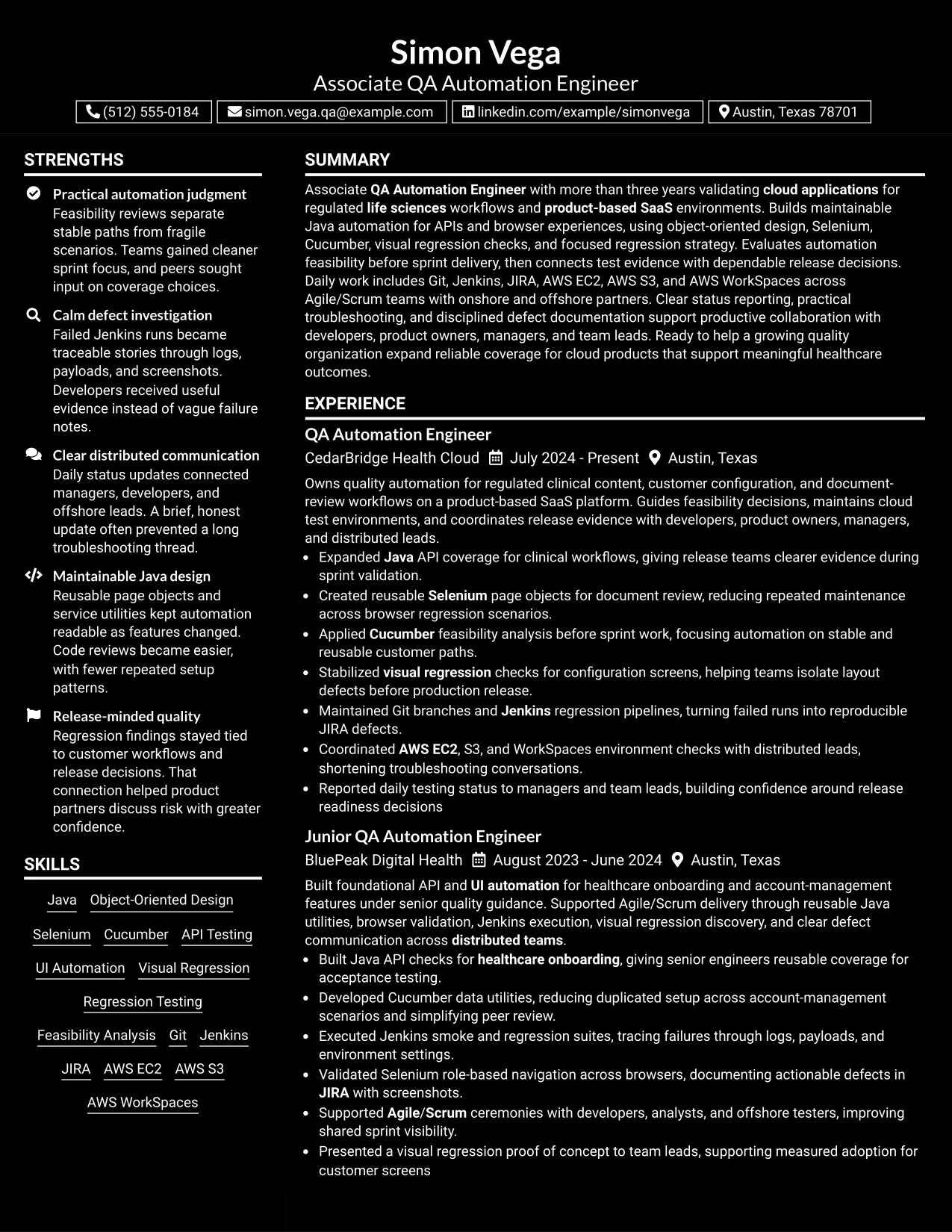
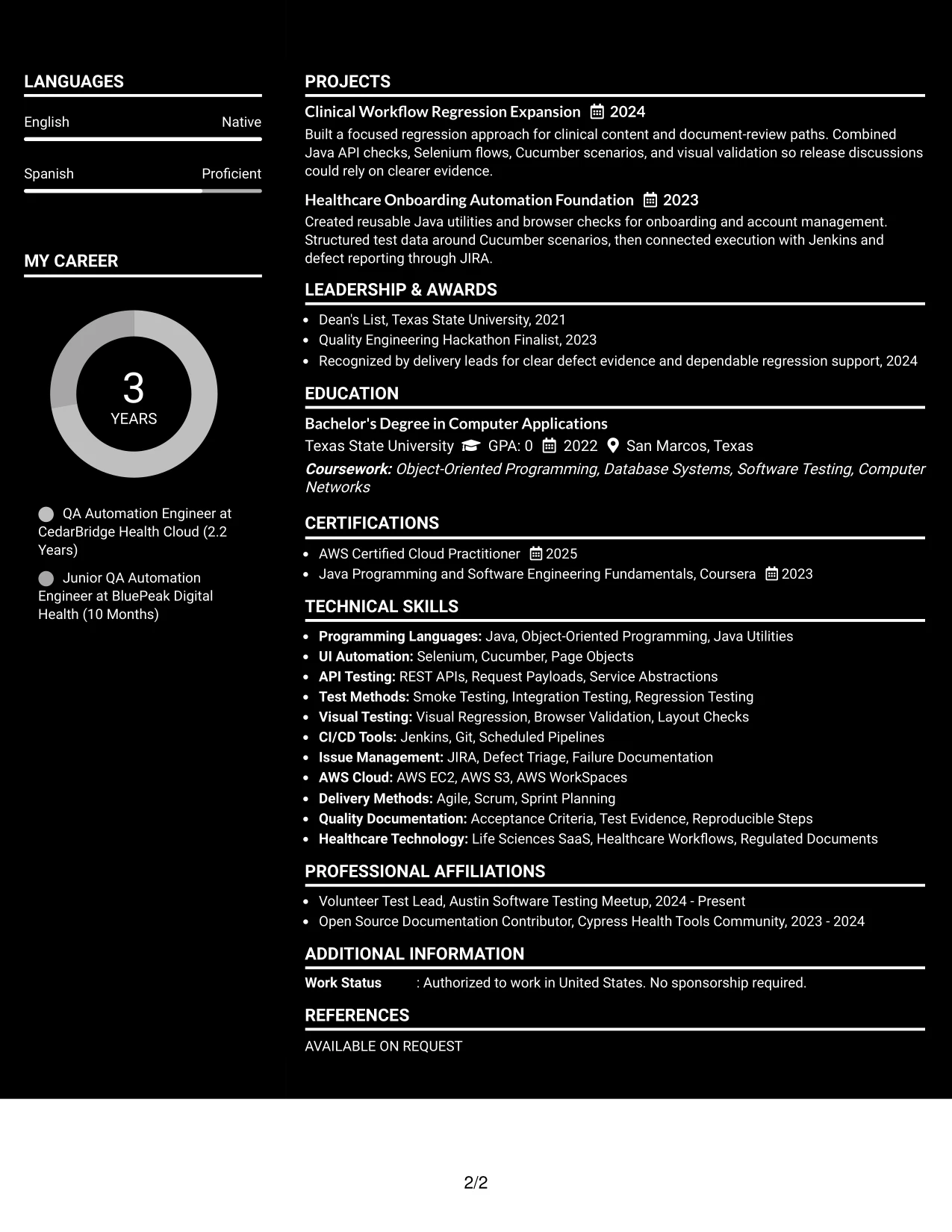
#22 Dark Mode Box Header Format Resume Example
Content is balanced through a defined header box, measured spacing, and a single-column reading path. The darker visual treatment frames the contact details and target role, while the sections below carry the qualifications in a familiar order.
This application-focused design can present a concise summary followed by experience, projects, skills, education, and certifications. It is well suited to evidence such as feasibility reviews, Java automation, Selenium and Cucumber coverage, Jenkins pipelines, JIRA defects, and cloud environment checks.
Why the Dark Mode Box Header Format Works for a Resume
- Creates a strong boundary around contact details and the target role.
- Keeps the rest of the resume in one straightforward reading path.
- Balances a modern visual treatment with familiar resume section order.
- Provides enough space for detailed bullets and project descriptions.
- Makes technical skills and cloud tools easy to group under clear labels.
- Keeps certifications, education, and activities visible without competing with experience.
- Works best when contrast, spacing, and text hierarchy remain easy to read.
Best For
- Applicants wanting a modern header with a controlled one-column structure.
- Candidates who need the target role and application context visible immediately.
- Resumes with detailed automation bullets that should remain easy to follow.
- Applications combining professional experience, projects, skills, and certifications.
- Documents that need strong section boundaries without using a sidebar.
- Readers who prefer a distinctive header but a familiar content sequence.
- Submissions where technical evidence and ATS-friendly wording remain central.
#23 Elegant Full Background Two Column Format Resume Example
For an Associate QA Automation Engineer resume, this format gives technical evidence a clear place beside supporting details. The two-column structure can keep Java, Selenium, Cucumber, API testing, AWS tools, certifications, and education easy to locate without crowding the experience section.
The main column can carry the professional summary, experience, projects, and measurable release contributions. A narrower column can group skills, certifications, education, and activities. That balance helps a reviewer move from automation results to the keywords that support the Associate QA Automation Engineer target.
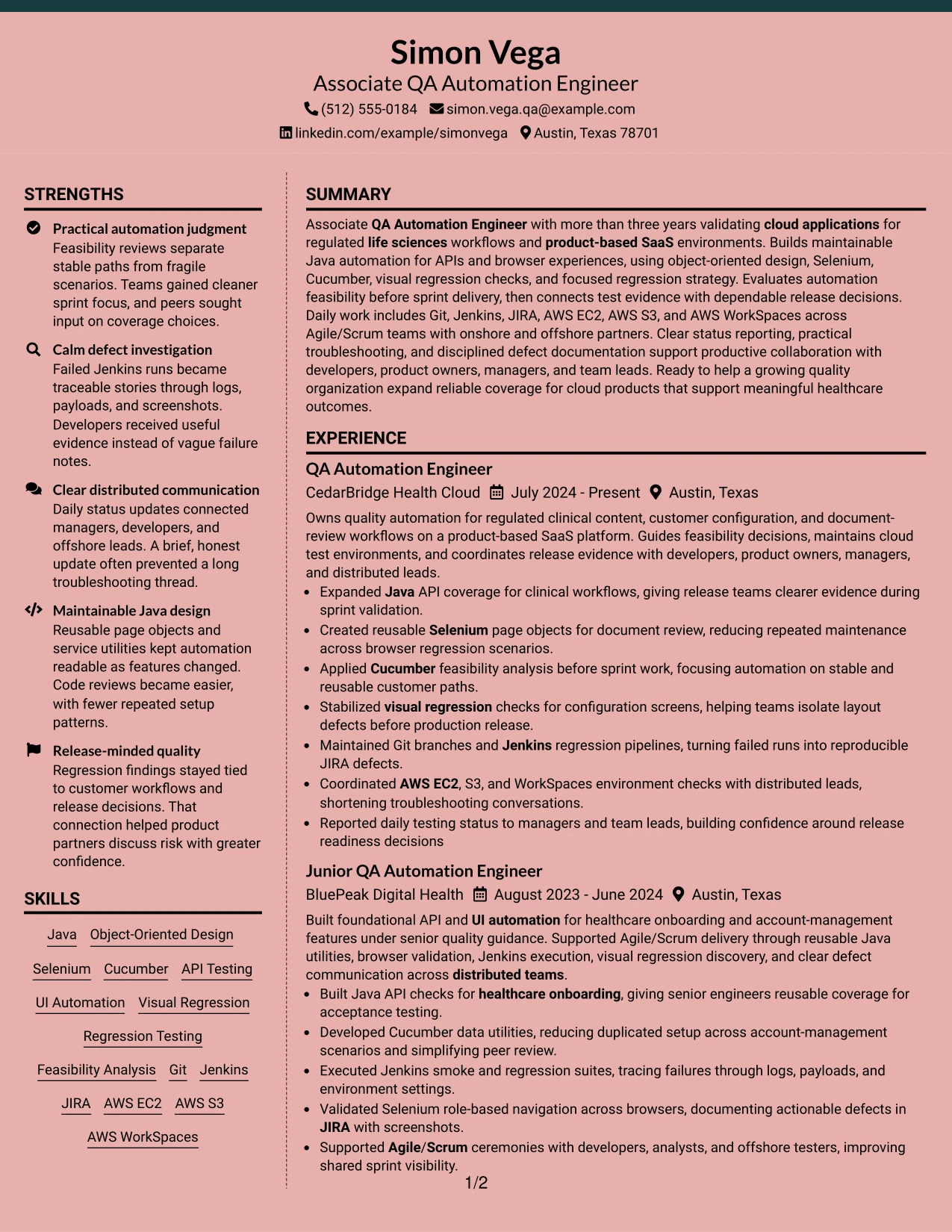
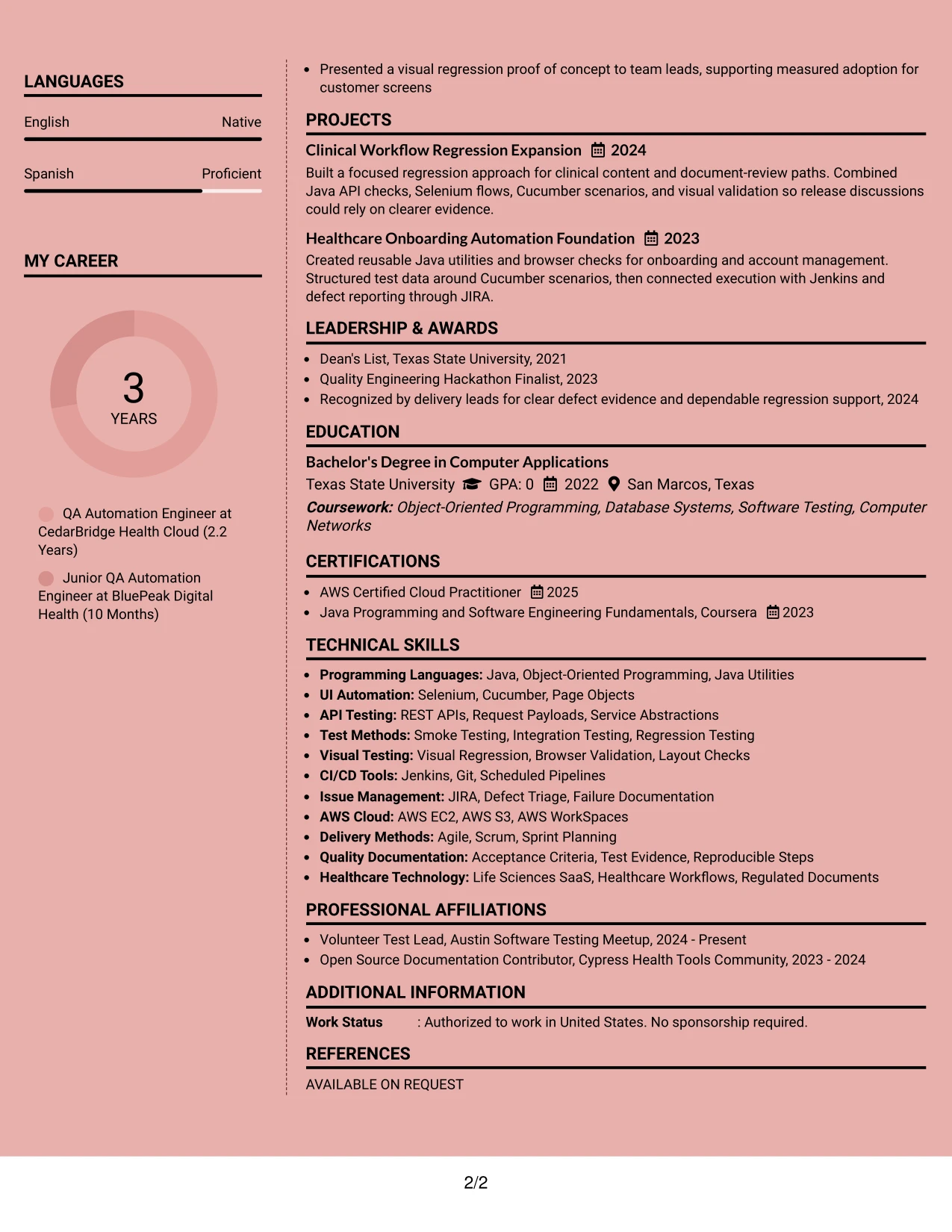
Why the Elegant Full Background Two Column Format Works for a Resume
- Two columns separate experience evidence from supporting qualifications.
- The summary can establish more than three years of automation experience quickly.
- Java API checks and Selenium browser work can appear as focused achievement bullets.
- A dedicated skills area keeps Cucumber, Jenkins, Git, JIRA, and AWS keywords visible.
- Projects add useful proof of regression expansion and healthcare onboarding automation.
- Education and AWS Certified Cloud Practitioner certification remain easy to scan.
- The structure supports a polished presentation while keeping resume sections distinct.
Best For
- Resumes that need a clear split between achievements and supporting details
- Candidates combining work experience, projects, education, and certifications
- Readers who prefer technical keywords grouped in a compact side column
- Applications where API testing and UI automation need equal visual weight
- Documents with several cloud tools, delivery methods, and quality practices to organize
- Resume reviews that benefit from quick movement between experience and skills
- A polished two-column presentation with strong section separation
#24 Creative Two Tone Format Resume Example
A restrained two-tone hierarchy gives the resume a confident visual identity while keeping technical content readable. The top area can introduce cloud application testing, followed by Java automation, API and UI coverage, regression work, and the tools used to support release decisions.
One-column reading keeps the career story in a natural order. Short sections and consistent bullets make it easier to connect Cucumber scenarios, Selenium checks, Jenkins runs, JIRA defects, and AWS environment work to the Associate QA Automation Engineer role.
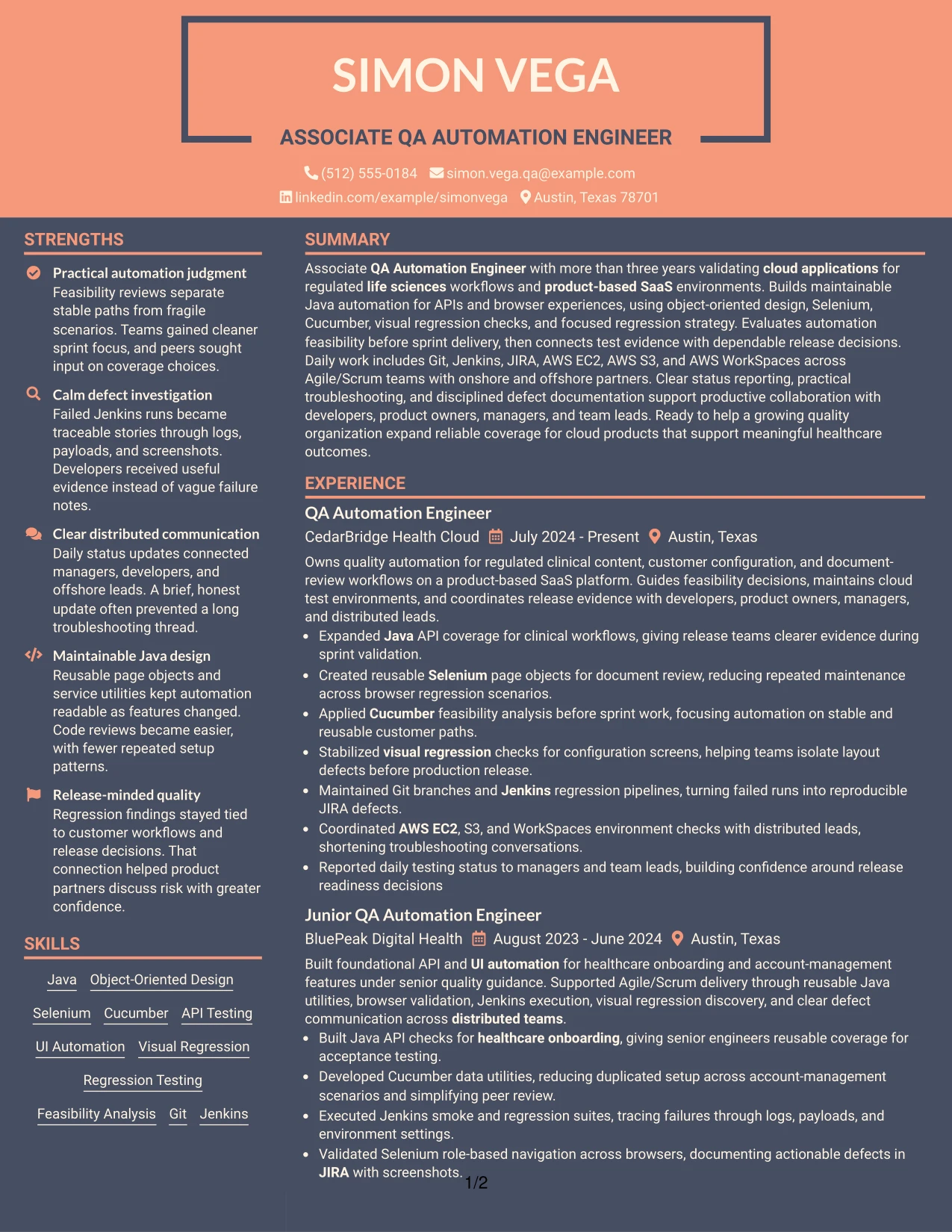
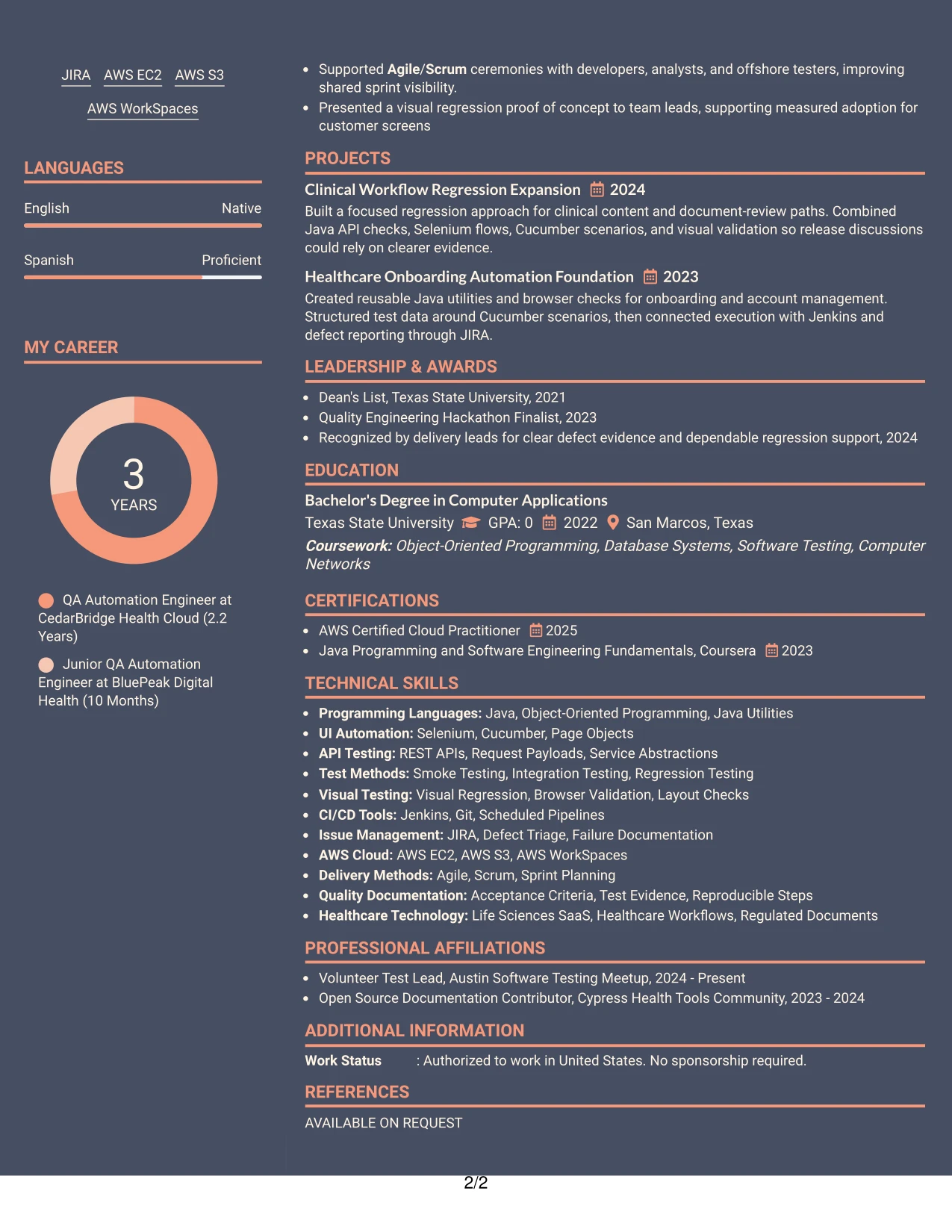
Why the Creative Two Tone Format Works for a Resume
- Two visual tones distinguish headings from detailed resume content without hiding keywords.
- A single column gives experience bullets a straightforward reading order.
- The summary can connect regulated workflows with cloud application testing.
- Bullets can show automation feasibility analysis before implementation details.
- Technical tools such as Java, Selenium, Cucumber, and Jenkins remain searchable text.
- Project entries can reinforce API coverage, visual regression, and reusable test design.
- The format adds visual energy while preserving a professional resume hierarchy.
Best For
- Technical resumes that need personality without sacrificing clear structure
- One-column applications where experience should be read from top to bottom
- Candidates presenting both automation methods and cloud delivery tools
- Documents that benefit from strong distinction between headings and body text
- Resume readers who want a direct path from summary to experience to skills
- Applications with projects that reinforce the main work history
- A modern presentation for a technical role with specific ATS keywords
#25 Bold Color Header Professional Format Resume Example
The format name leads with a strong header, then settles into a practical resume structure for scanning. Contact details and the Associate QA Automation Engineer target can appear first, followed by a focused summary, experience, skills, projects, education, and certifications.
A clear header gives the document an immediate anchor, while the body keeps evidence in standard sections. Achievement bullets can show expanded Java API coverage, reusable Selenium page objects, stabilized visual regression checks, and reproducible JIRA defects.
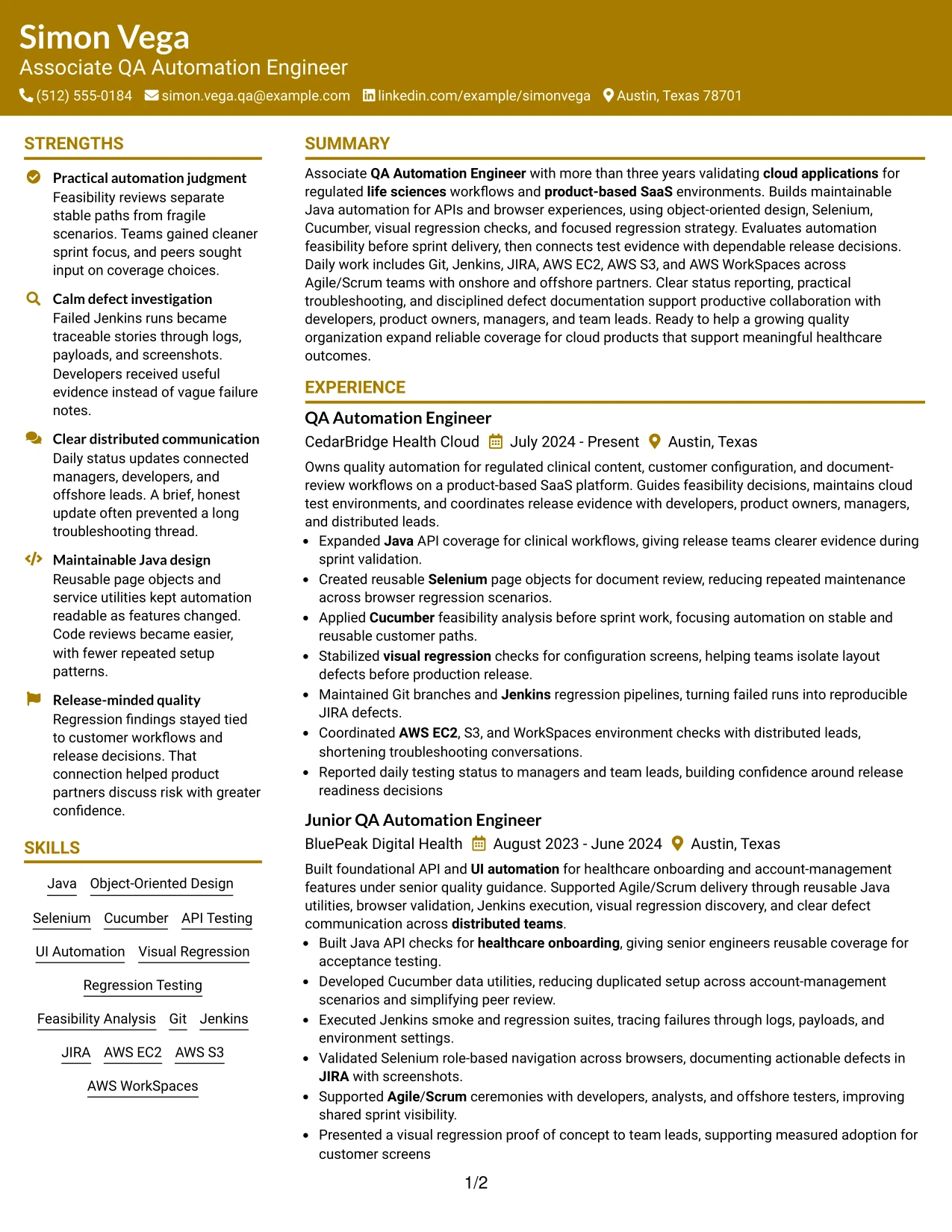
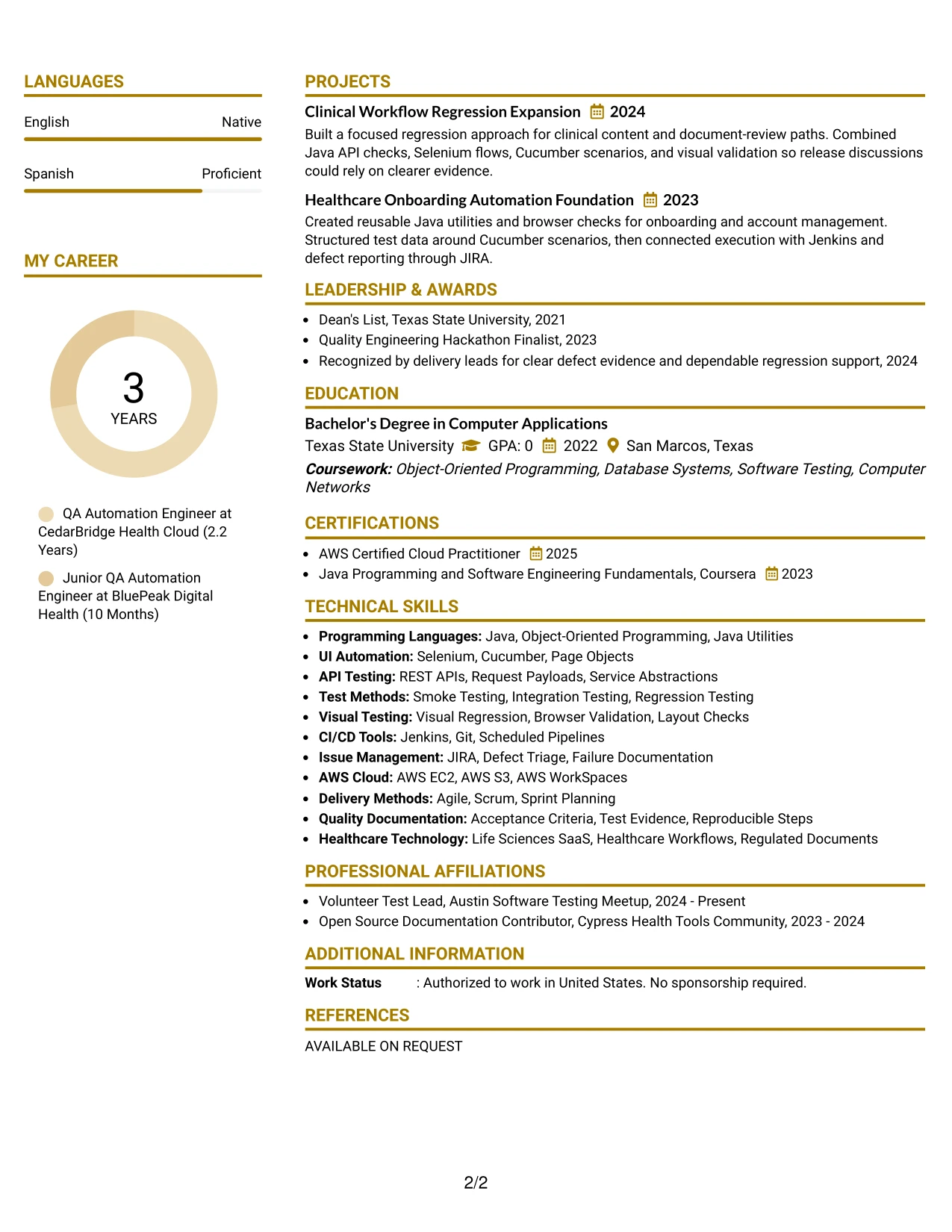
Why the Bold Color Header Professional Format Works for a Resume
- A strong header makes the target role and contact details easy to identify.
- Standard section order supports quick review and reliable ATS parsing.
- The summary can place regulated life sciences and product-based SaaS experience near the top.
- Achievement bullets make automation results more prominent than task lists.
- Skills can repeat important terms such as object-oriented design, API testing, and CI/CD.
- Projects provide extra evidence without interrupting the employment timeline.
- Education and certifications finish the document with concise qualification support.
Best For
- Resumes that need an immediate, high-contrast entry point
- Applications where the target role should be visible before detailed content
- Candidates with several achievement bullets to organize under clear employers
- Documents that must balance visual polish with conventional resume sections
- ATS-conscious applications using standard headings and searchable technical terms
- Readers who scan headers first and details second
- Technical resumes that include both work history and supporting projects
#26 Photo Header Color Sidebar Format Resume Example
A recruiter can start with the header, then follow the color sidebar to the skills, certifications, or contact details before reading the main experience column. For this resume, that path can quickly surface Java, Selenium, Cucumber, AWS tools, and the Associate QA Automation Engineer target.
The main content area has room for a detailed summary, two QA automation roles, projects, and education. A professional photo can support the header when appropriate for the application, but the resume's strongest evidence remains its automation bullets, release support, and cloud testing work.
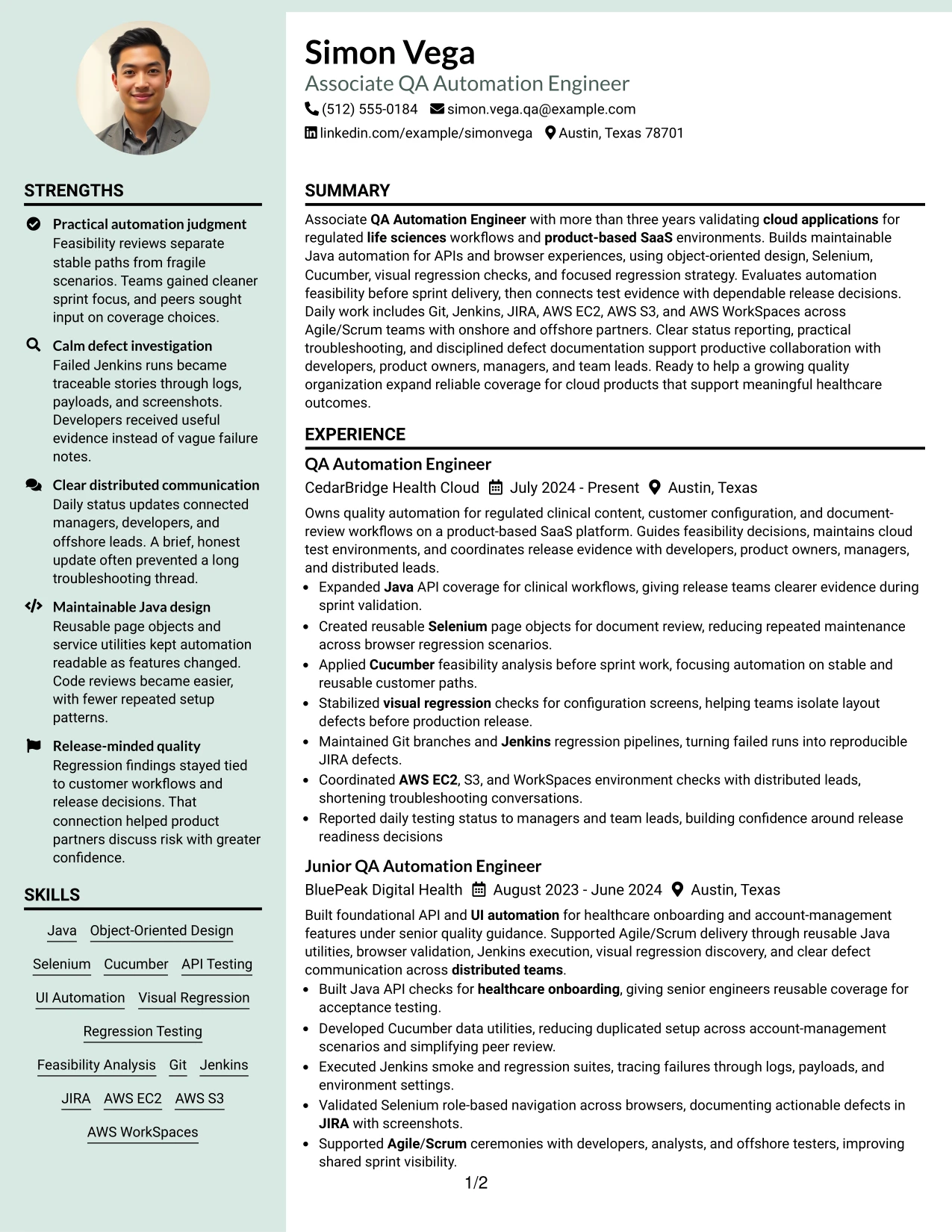
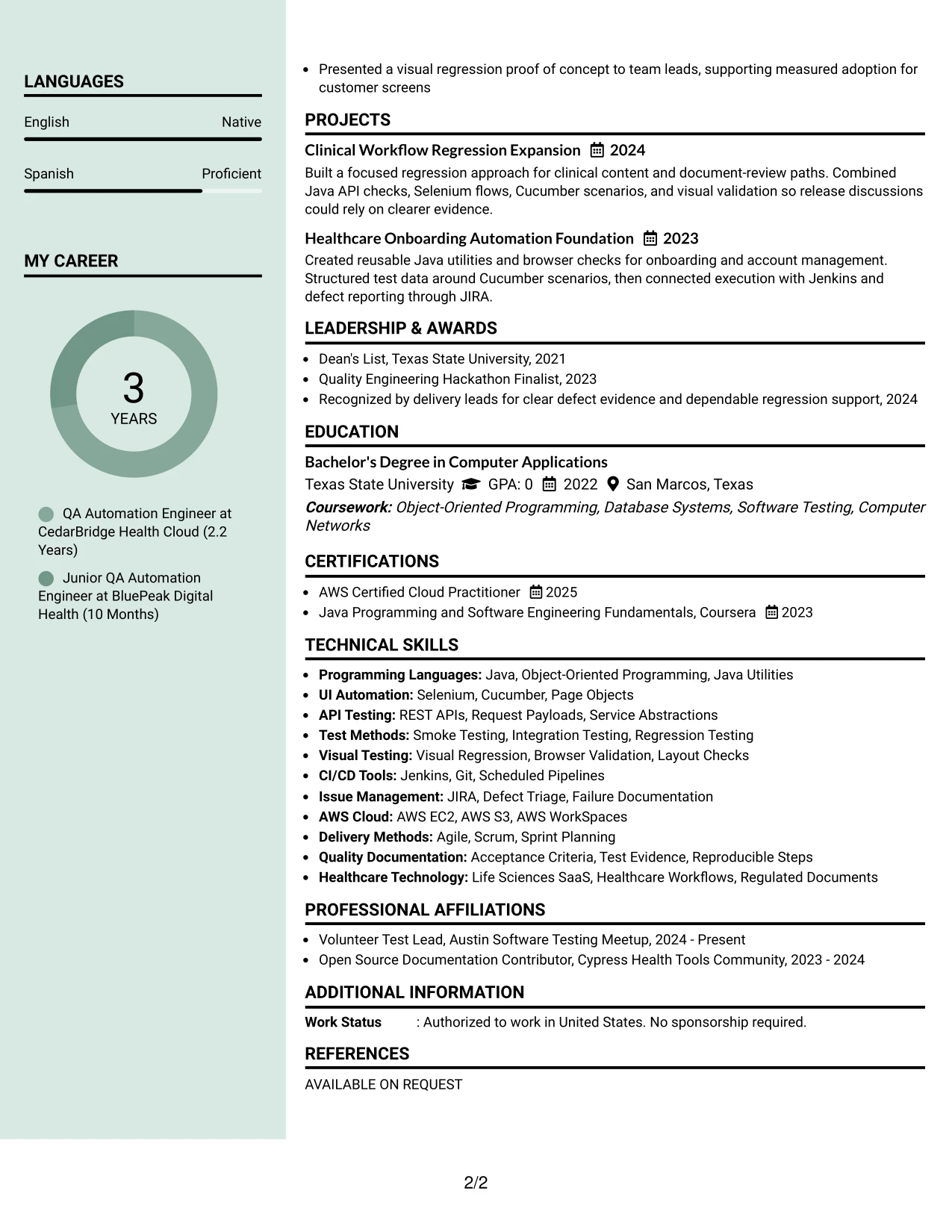
Why the Photo Header Color Sidebar Format Works for a Resume
- The header gives the document an identifiable starting point for human review.
- A sidebar can group contact details, skills, languages, and certifications efficiently.
- The main column leaves room for detailed experience and project descriptions.
- A photo can be included when the application context supports that choice.
- Java, API testing, Selenium, and Cucumber can remain prominent in the skills area.
- Cloud tools such as AWS EC2, S3, and WorkSpaces can be grouped for quick reference.
- The format supports a full work history without making the page feel unstructured.
Best For
- Applications where a photo is accepted and adds useful professional context
- Resumes with enough experience detail to need a wide primary content area
- Candidates who want skills and certifications separated from achievement bullets
- Documents combining technical work, projects, education, and language information
- Readers who scan a sidebar before reviewing the employment timeline
- Applications that need a visible visual identity alongside substantial content
- Resume layouts where cloud tools should be available at a glance
#27 Top Left Header Color Accent Format Resume Example
Expanded Java API coverage and reusable Selenium page objects deserve priority because they show direct automation value. This format can place those results high in the experience section, then support them with Cucumber feasibility analysis, Jenkins pipelines, JIRA evidence, and AWS environment work.
A top-left accent creates a clear entry point without taking attention away from the evidence. The resume can use short, result-focused bullets for experience and projects, while skills, education, and certifications reinforce the technical keywords needed for an Associate QA Automation Engineer application.
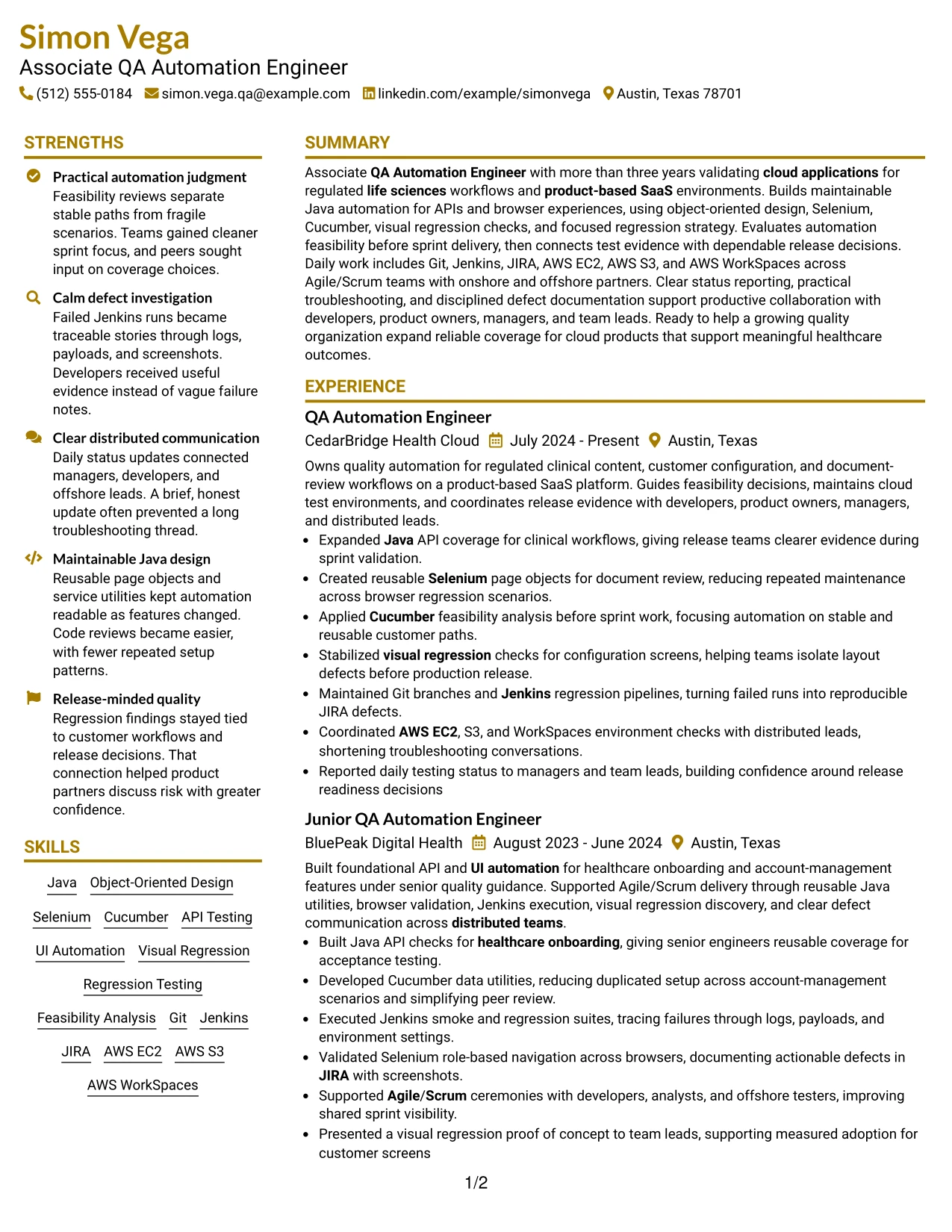
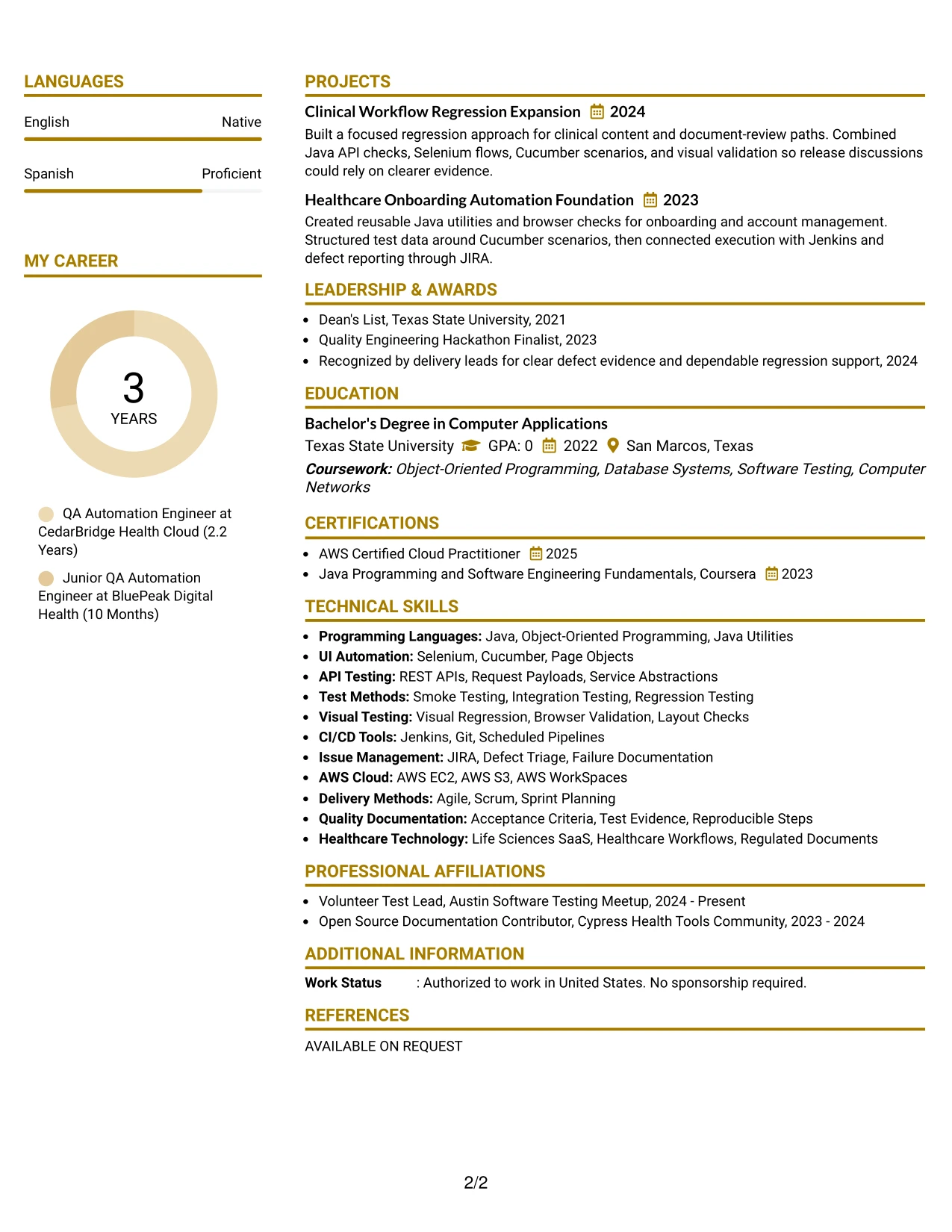
Why the Top Left Header Color Accent Format Works for a Resume
- The top-left starting point helps the reviewer find the target role and summary quickly.
- Experience bullets can lead with automation output rather than broad responsibilities.
- Java API coverage and Selenium page objects provide concrete evidence near the top.
- Cucumber feasibility analysis shows judgment about where automation adds value.
- Jenkins, Git, and JIRA terms support both recruiter scanning and ATS matching.
- Projects can extend evidence for clinical workflows and healthcare onboarding.
- The accent adds distinction while the content remains easy to parse.
Best For
- Resumes that should lead with technical achievements and proof of impact
- Applications where the first few experience bullets carry the main evidence
- Candidates with strong API, browser, and regression testing examples
- Documents that need a clear starting point without a complex visual system
- ATS-focused submissions using familiar sections and exact technical keywords
- Readers comparing automation methods, tools, and release support quickly
- Technical roles where project evidence strengthens the employment record
#28 Centered Header Classic Two Column Format Resume Example
Content can be balanced between a central identity area and two practical columns: one for experience and projects, the other for skills, education, certifications, and activities. This arrangement suits a resume that needs to show technical depth while keeping supporting qualifications available during a quick review.
A centered header gives the page a stable starting point, and concise bullets keep both columns readable. The experience side can present API and UI automation, visual regression, and defect triage, while the supporting side carries Java, AWS, CI/CD, Agile/Scrum, and degree details.
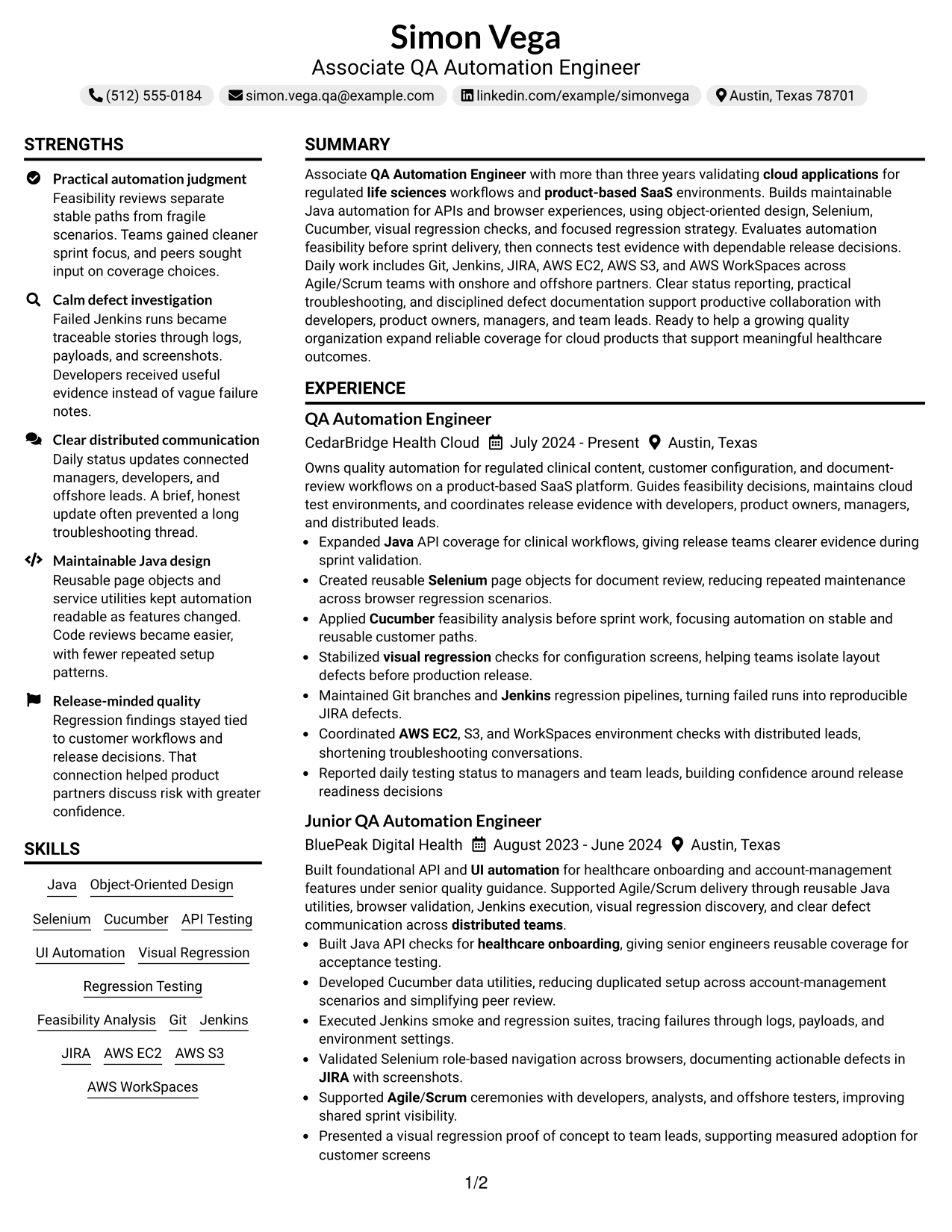
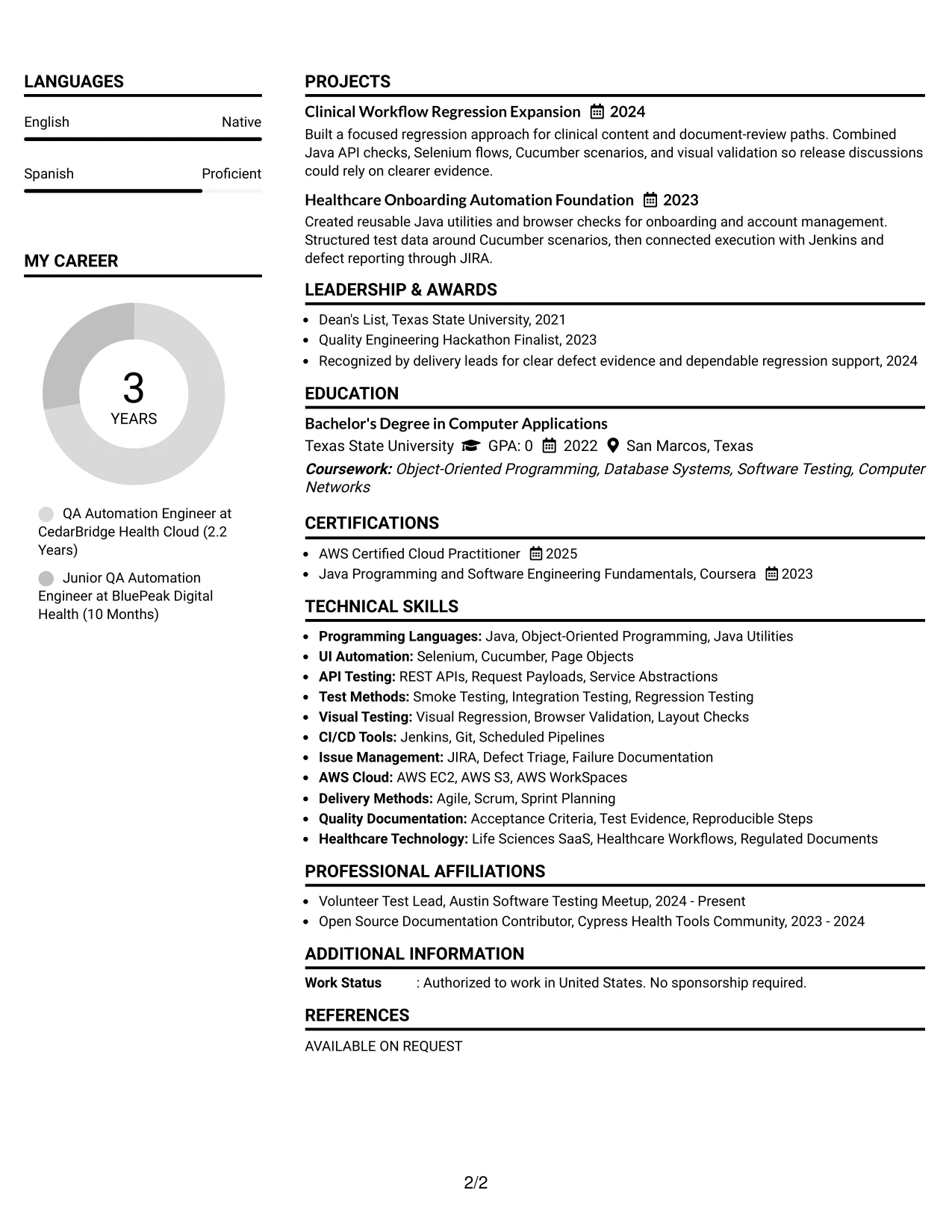
Why the Centered Header Classic Two Column Format Works for a Resume
- A centered header creates a balanced introduction before the two-column content begins.
- The main column can hold detailed experience and project achievements.
- The supporting column keeps skills, education, certifications, and activities compact.
- Bullets make smoke, integration, and regression testing easy to distinguish.
- Technical keywords remain grouped instead of being scattered across long paragraphs.
- The layout can show both hands-on automation and distributed team coordination.
- Classic section organization supports familiar recruiter and ATS review patterns.
Best For
- Applications that need balanced presentation of evidence and qualifications
- Candidates with detailed experience plus a substantial skills inventory
- Resumes combining employment, projects, education, certifications, and activities
- Readers who want supporting keywords visible beside the main work history
- Documents where concise bullets must carry technical and delivery context
- Applications with both cloud tools and quality methods to organize
- A traditional two-column presentation with a centered visual starting point
#29 Left Aligned Header Clean Two Column Format Resume Example
For a practical application to Northstar Life Sciences Cloud, the resume can open with a direct left-aligned header and move quickly into relevant automation evidence. The two-column structure gives experience and projects room on one side while keeping skills, certifications, and education visible on the other.
Clean alignment reduces visual friction during review. A recruiter can find the Associate QA Automation Engineer title, regulated healthcare work, Java and object-oriented design, and CI/CD tools without searching through decorative elements.
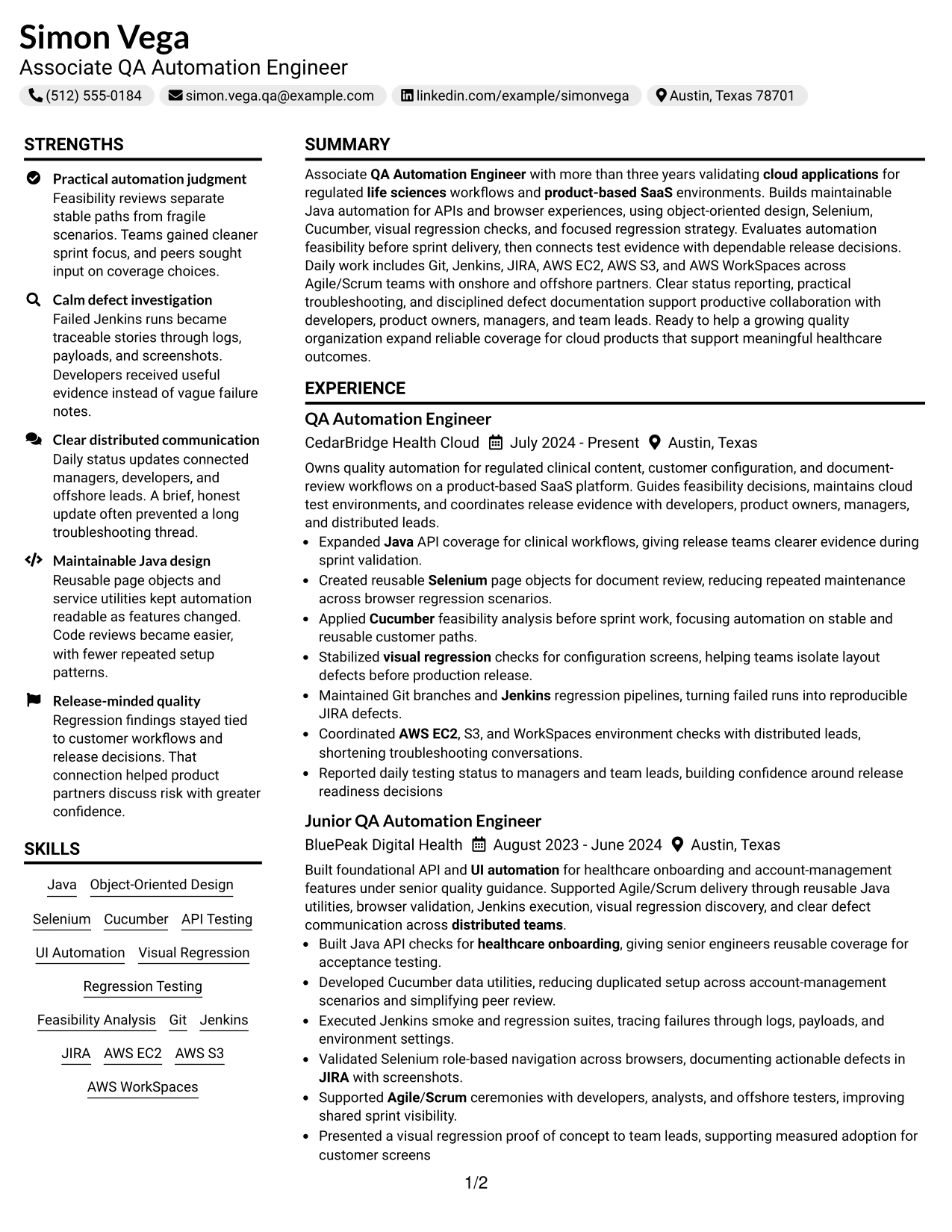
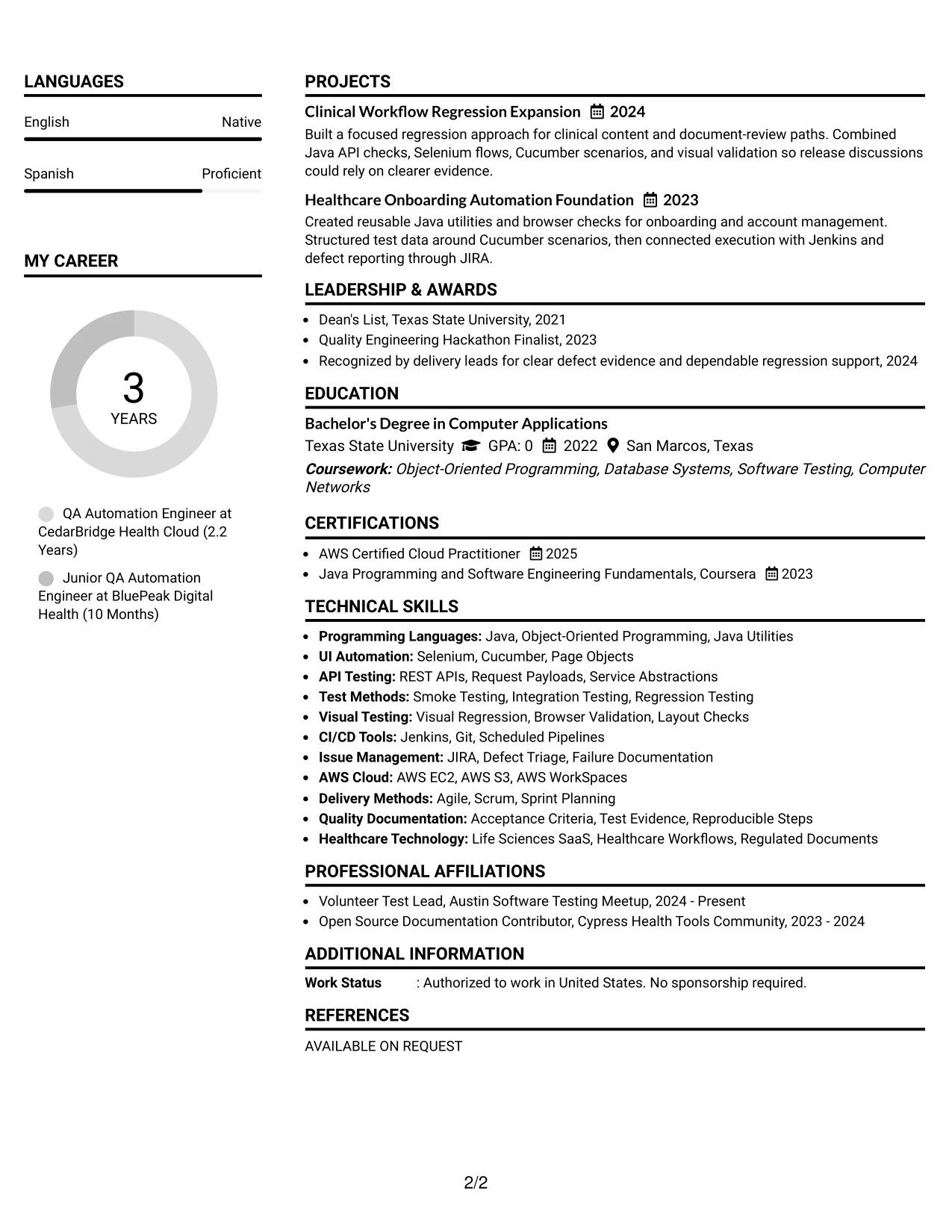
Why the Left Aligned Header Clean Two Column Format Works for a Resume
- Left alignment creates a familiar reading path from contact details to qualifications.
- Two columns make detailed experience and compact skills work well together.
- The summary can match cloud, life sciences, and automation terms near the top.
- Project entries add evidence for clinical workflow and healthcare onboarding coverage.
- A focused skills column keeps Git, Jenkins, JIRA, and AWS easy to locate.
- Consistent bullets help show troubleshooting, feasibility analysis, and release support.
- The clean design keeps visual choices from competing with technical evidence.
Best For
- Direct applications where role relevance should appear early
- Candidates who need both a detailed experience column and a compact keyword area
- Documents presenting healthcare or life sciences work with technical qualifications
- Readers who prefer left-to-right alignment and familiar section order
- Applications that include projects as supporting evidence rather than a separate portfolio
- Resumes with many tools that must remain easy to scan
- A clean two-column format for focused, evidence-led presentation
#30 Accent Divider Modern Two Column Format Resume Example
Java automation, API testing, and reliable regression evidence receive clear emphasis in this modern layout. Simon Vega's experience can lead the main column, with concise bullets showing feasibility analysis, Selenium page objects, visual checks, Jenkins pipelines, and reproducible JIRA defects.
Accent dividers separate major sections without adding unnecessary text. A secondary column can hold skills, AWS tools, certifications, education, and activities, giving the resume a modern structure that still supports fast review for an Associate QA Automation Engineer role.
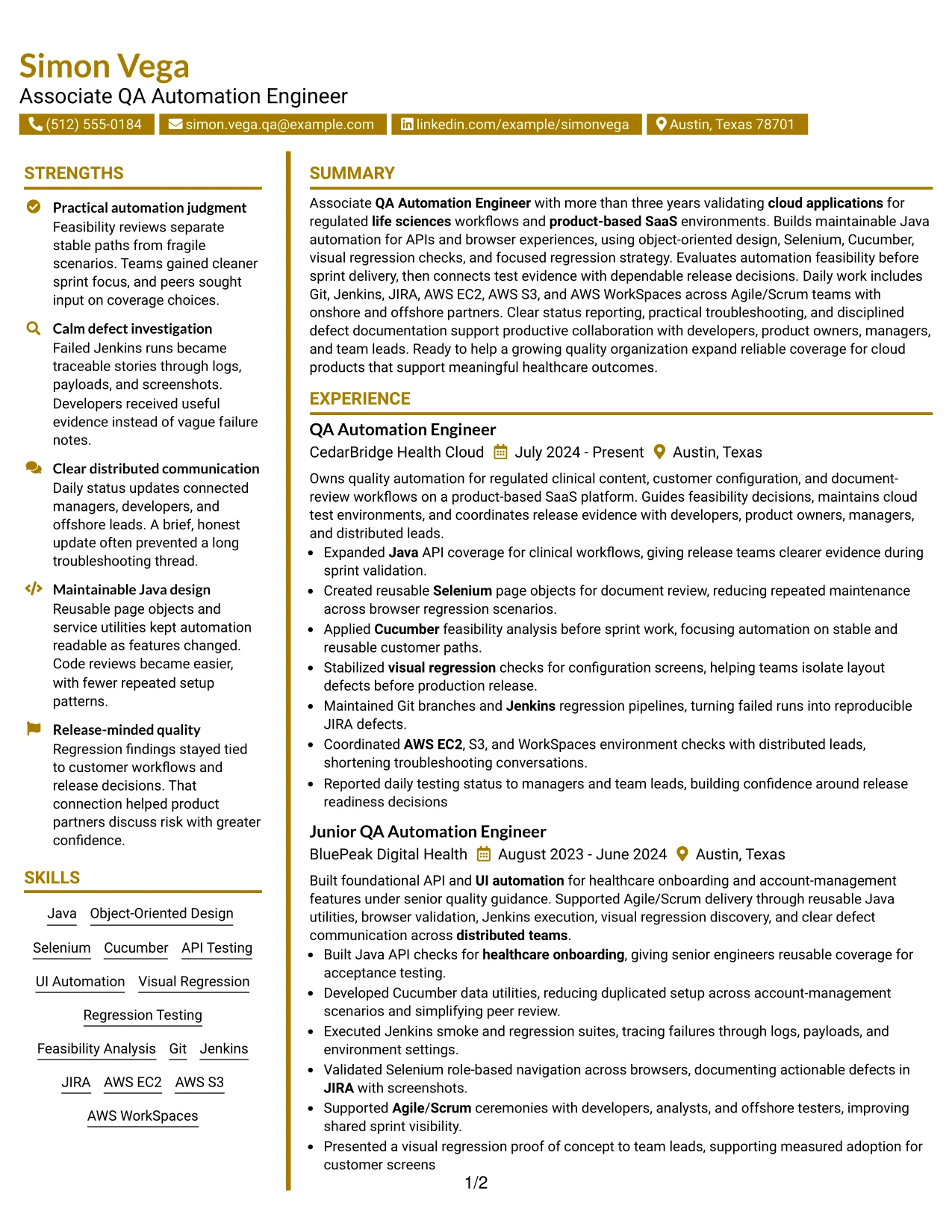
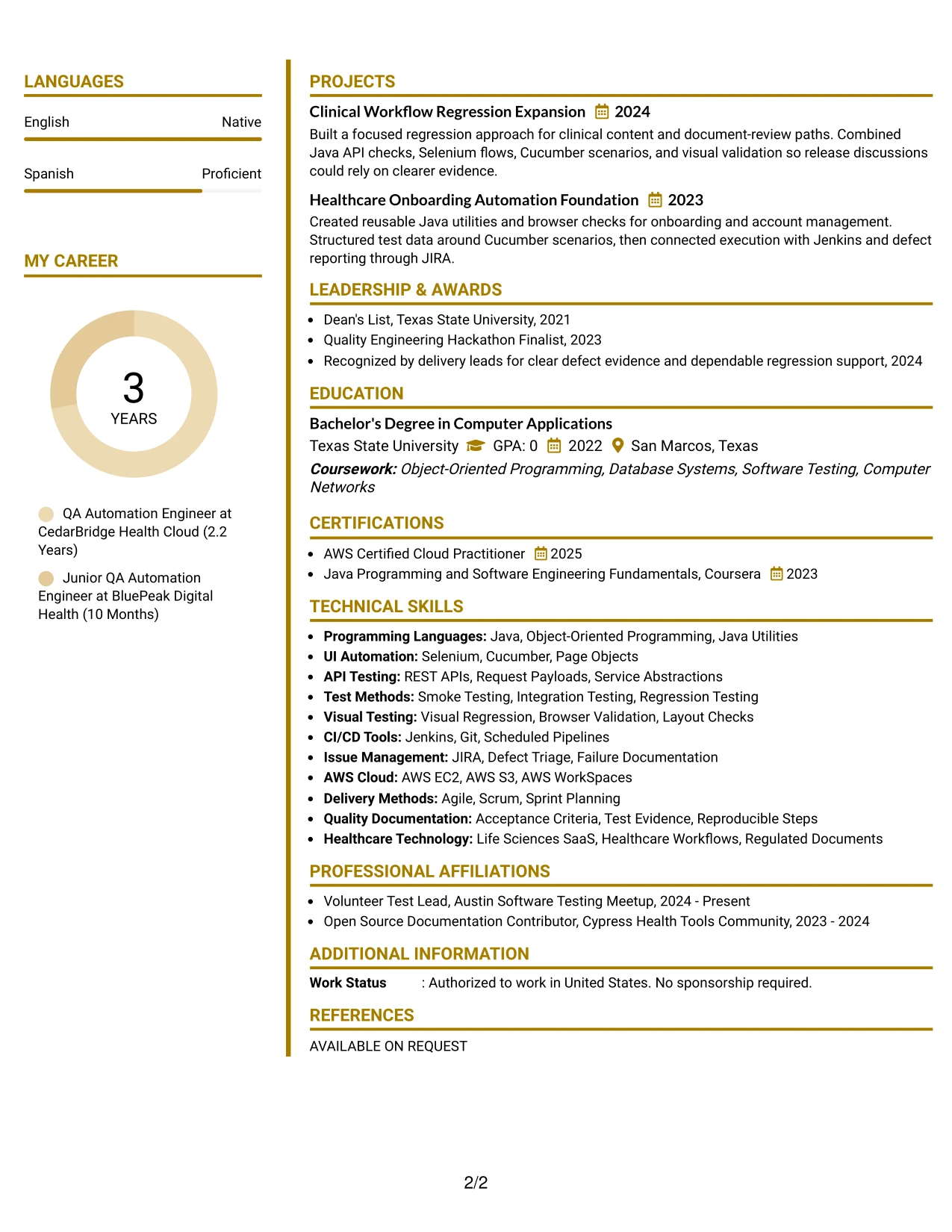
Why the Accent Divider Modern Two Column Format Works for a Resume
- Accent dividers make section changes clear during a fast resume review.
- The main column can prioritize Java, API, UI, and regression automation evidence.
- A secondary column keeps cloud tools, certifications, and education easy to find.
- Short bullets support quick comparison of testing methods and release contributions.
- Projects can show how technical tools combine across clinical and onboarding workflows.
- The modern structure separates supporting information without weakening ATS-readable text.
- Clear grouping helps connect skills to the experience bullets that demonstrate them.
Best For
- Technical applications that benefit from visible section boundaries
- Candidates showing several related automation methods across two roles
- Resumes that need a compact place for AWS tools and certifications
- Readers comparing experience evidence with a supporting keyword list
- Documents where projects should reinforce, not interrupt, the work history
- Applications seeking a modern look with disciplined information grouping
- Two-column submissions that need strong navigation between evidence types
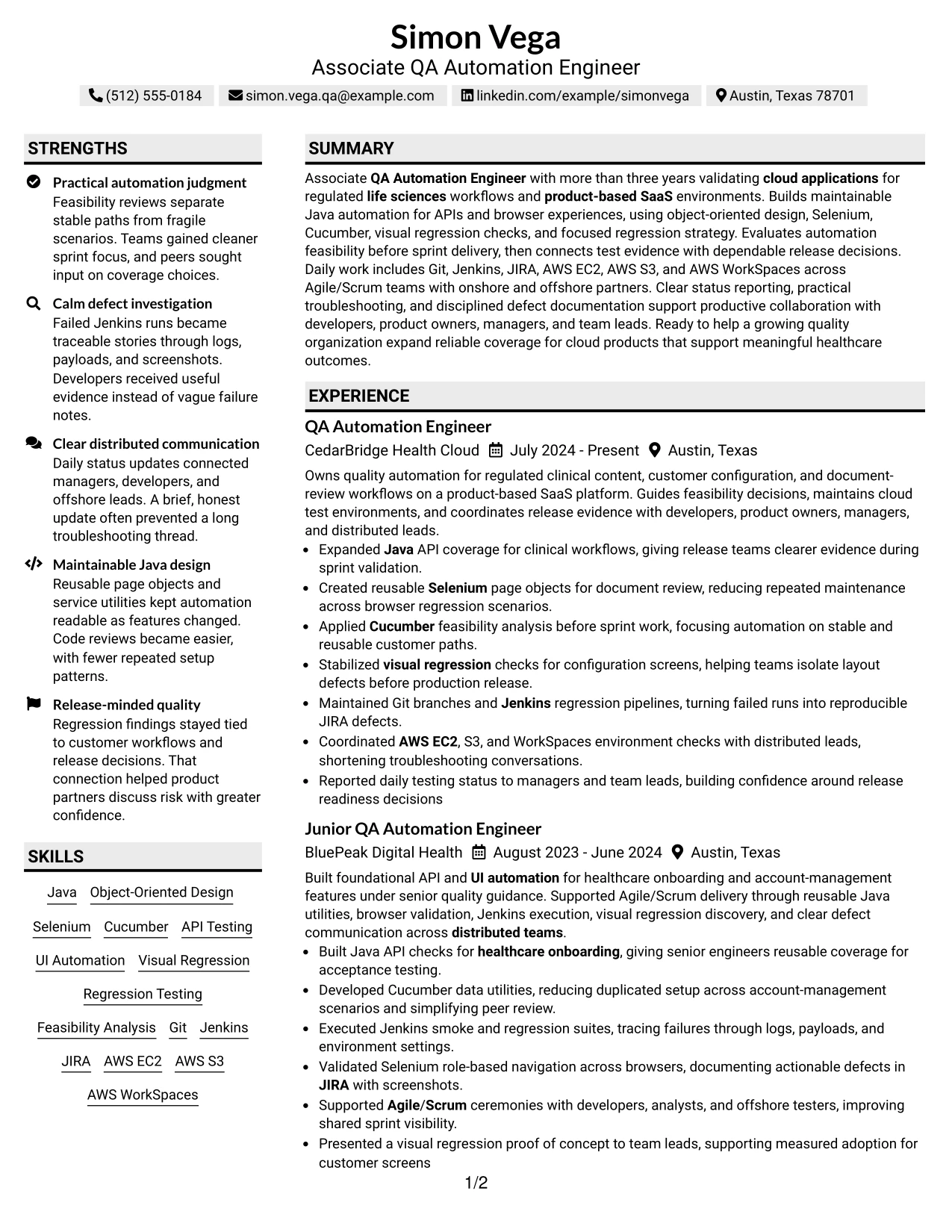
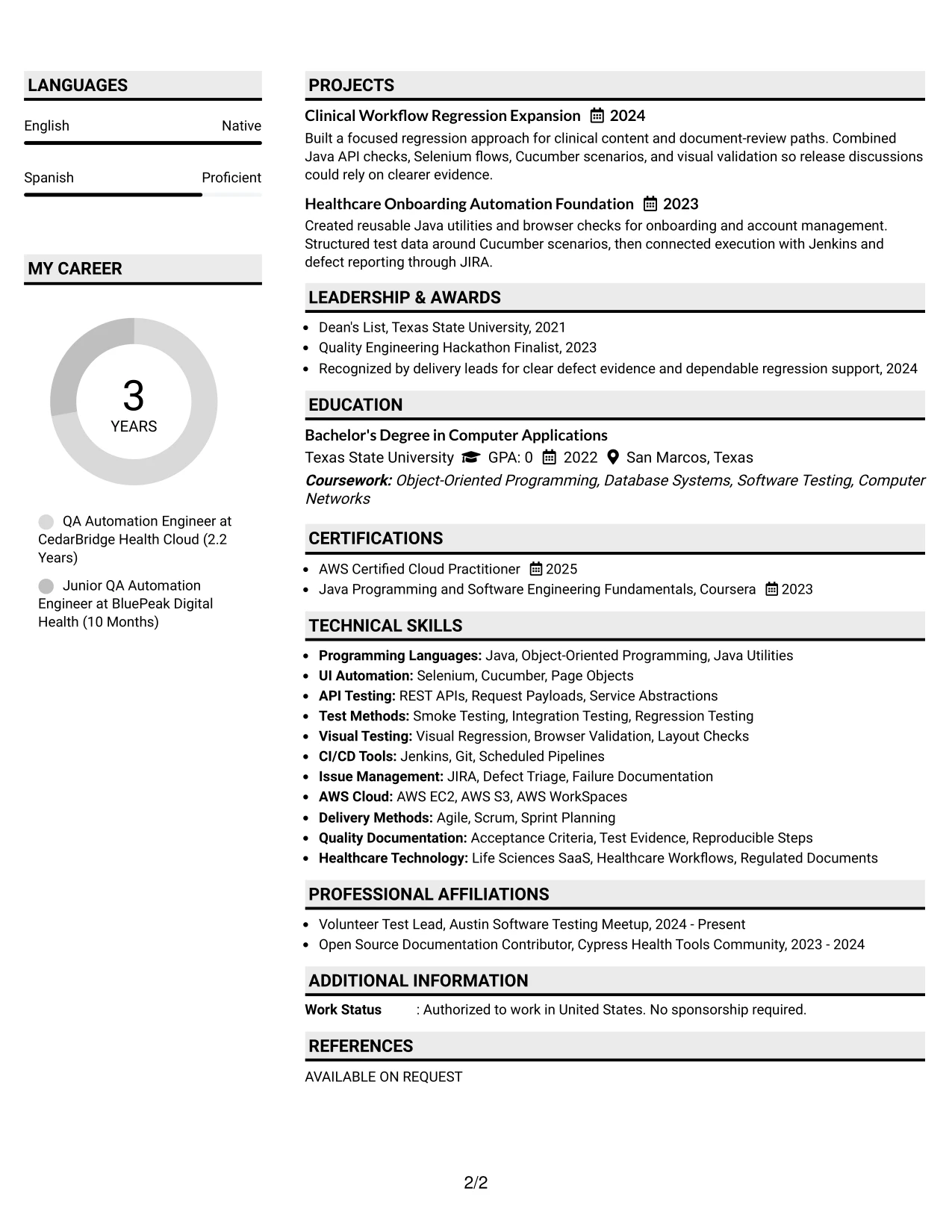
#31 Shaded Labels Clean Two Column Format Resume Example
Shaded labels organize the resume into clear content zones, while the two-column structure separates detailed experience from quick-reference qualifications. The main area can show API and UI automation achievements, and the secondary area can list Java, Selenium, Cucumber, AWS, certifications, education, and activities.
Consistent labels help a reviewer understand where each fact belongs. That clarity supports a focused scan of regulated cloud work, visual regression, defect triage, Agile/Scrum delivery, and the projects that demonstrate reusable automation design.
Why the Shaded Labels Clean Two Column Format Works for a Resume
- Shaded labels make section names easy to identify without long introductory text.
- The two-column design separates achievement detail from supporting information.
- Experience bullets can connect testing actions with release and defect evidence.
- Skills remain grouped for quick checks of Java, Selenium, Cucumber, and AWS.
- Projects provide a clear place for reusable utilities and regression expansion.
- Education and certifications can be reviewed without interrupting the career timeline.
- The clean structure supports readable content and consistent ATS-friendly headings.
Best For
- Resumes that need strong labels for quick section recognition
- Candidates organizing detailed work history beside a broad technical skills list
- Applications where project evidence and certifications need separate visibility
- Readers who scan headings before deciding which bullets to read
- Documents with related testing tools that benefit from grouped categories
- Two-column resumes requiring a clear distinction between primary and secondary content
- Technical applications where consistency matters more than decorative detail
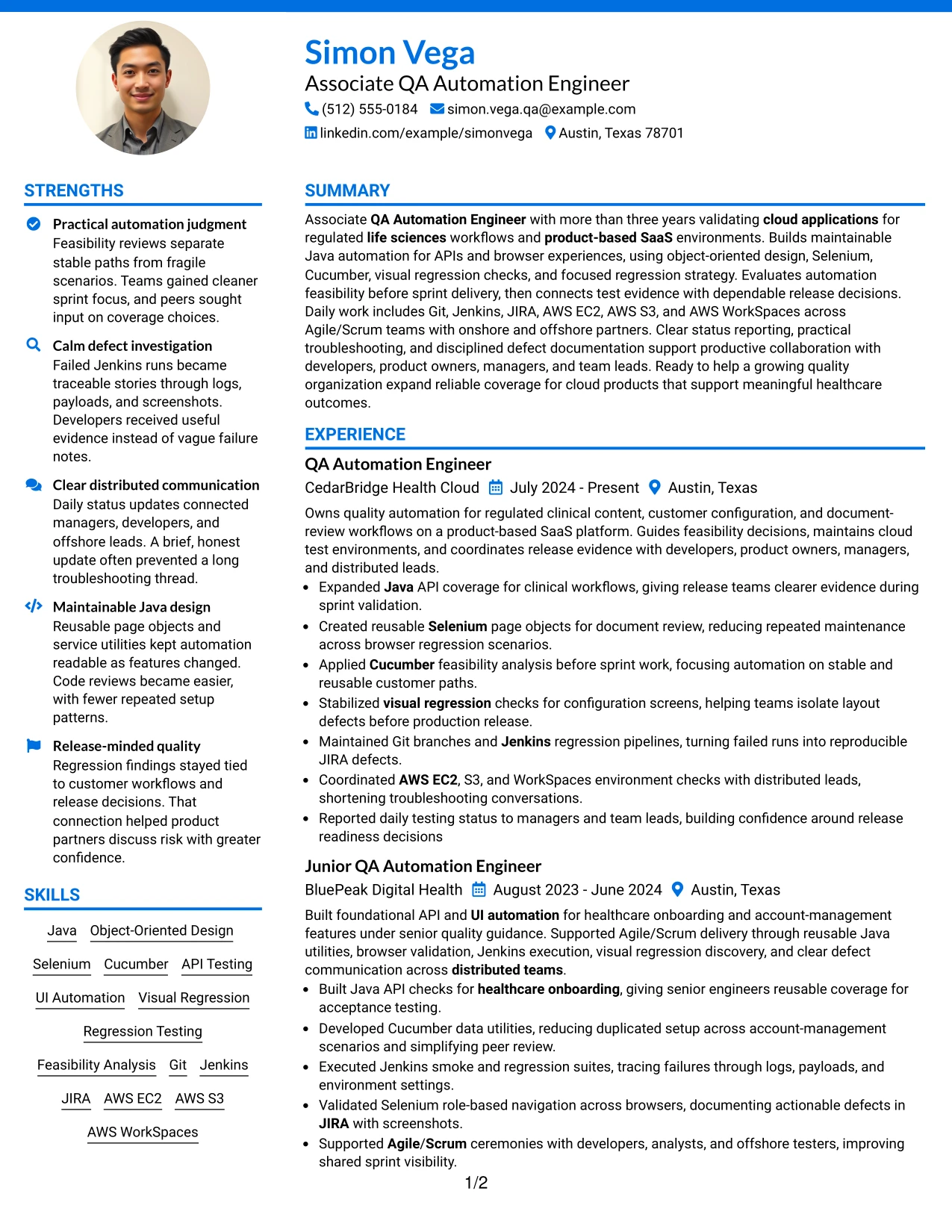
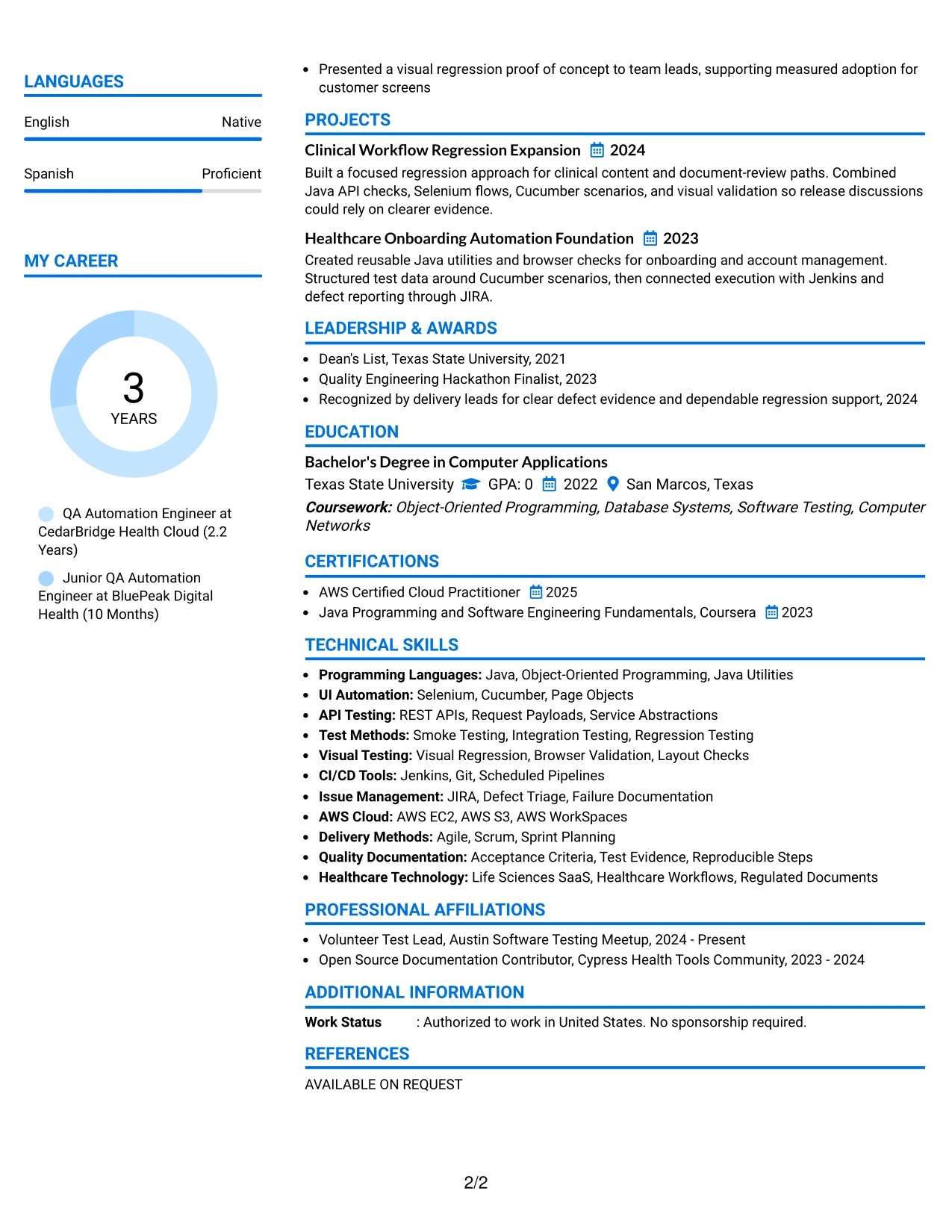
#32 Photo Header Color Accent International Format Resume Example
A reader can begin with the header, review the color-accented contact and skills area, and then move through the main experience sections. This format gives space to present Java automation, API and UI testing, AWS tools, certifications, and language information alongside the Associate QA Automation Engineer target.
The main body can carry detailed bullets for regulated cloud workflows, visual regression, Jenkins execution, and distributed team coordination. A professional photo may suit applications or regions where it is customary, but technical evidence and clear resume keywords should remain the priority.
Why the Photo Header Color Accent International Format Works for a Resume
- The header gives readers a clear place to begin reviewing qualifications.
- A color accent can separate identity details from the main resume content.
- A photo may be appropriate when local application practice supports one.
- The main content area can hold detailed automation experience and projects.
- Language information can sit with skills and certifications for quick reference.
- AWS tools, Java, Selenium, and Cucumber remain visible as searchable keywords.
- The format supports a broad professional profile without losing technical focus.
Best For
- Applications or regions where including a professional photo is customary
- Candidates presenting technical experience alongside language information
- Resumes with enough project and employment detail to need a spacious main area
- Readers who prefer contact and skills grouped near the header
- Documents combining certifications, cloud tools, and automation methods
- Applications that value a clear visual identity with structured evidence
- Internationally oriented presentations that still require readable resume sections
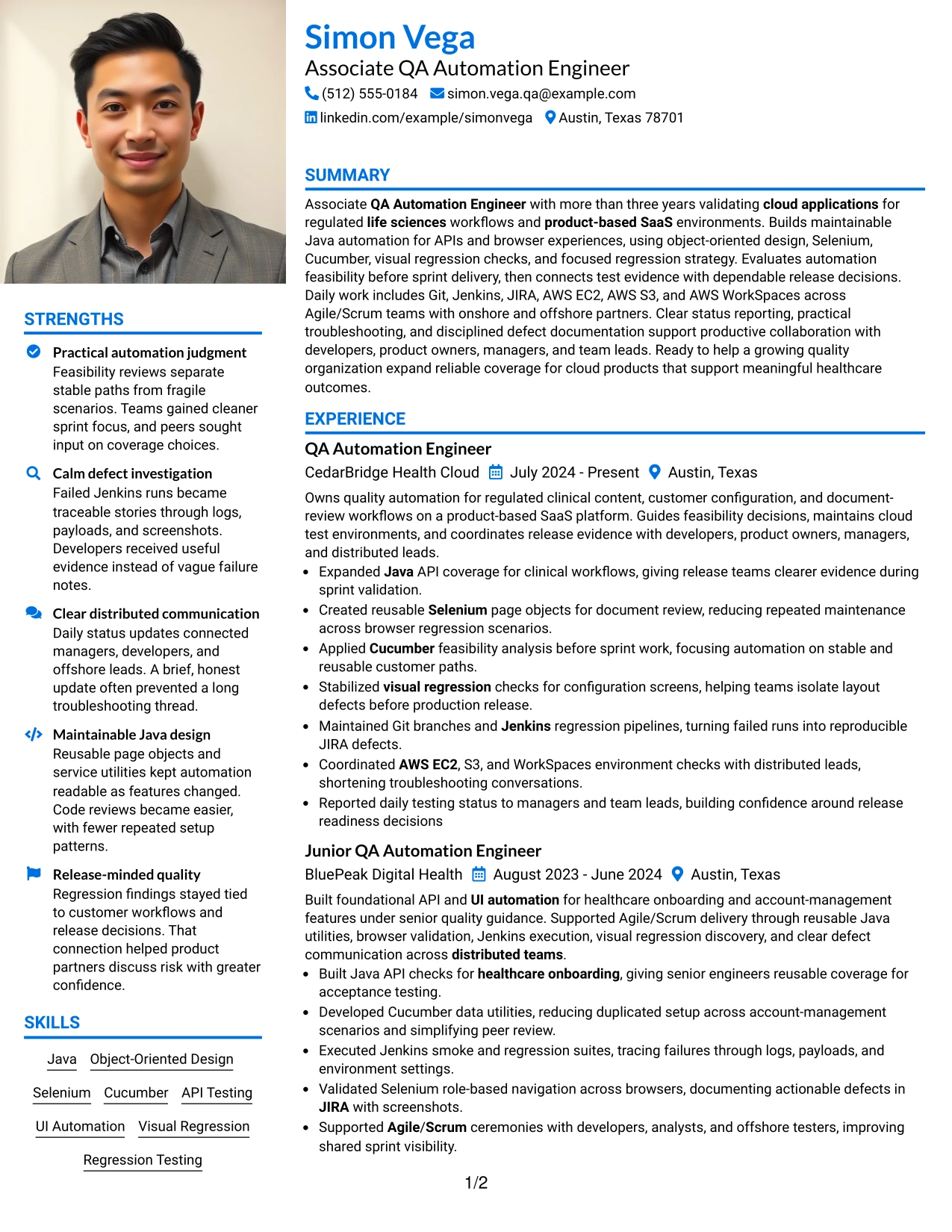
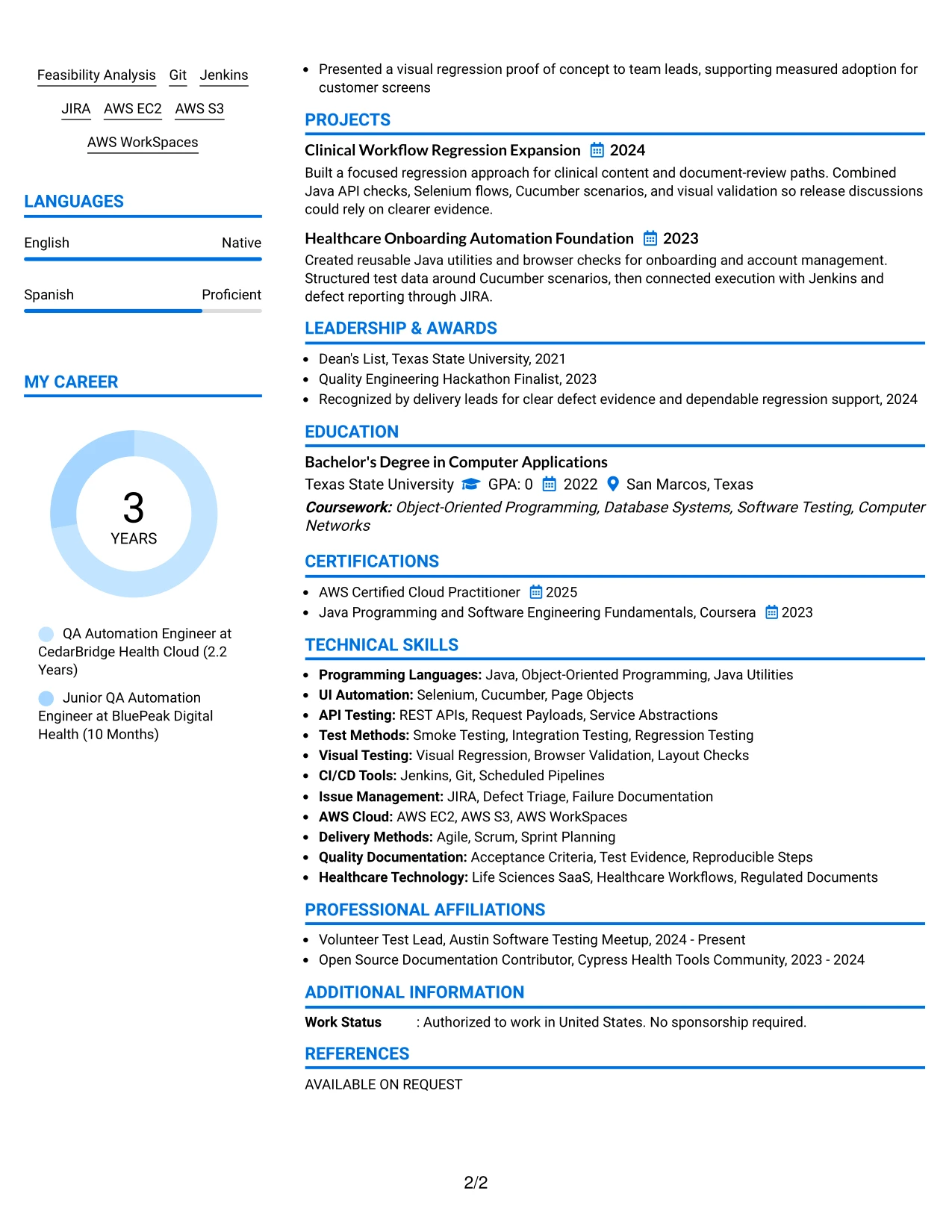
#33 Large Profile Photo International Two Column Format Resume Example
Clinical workflow automation and release evidence receive priority in the main column, where longer achievement bullets can explain Java API checks, Selenium flows, Cucumber scenarios, and visual validation. A secondary column can hold the skills, AWS tools, certifications, education, and language details that support the Associate QA Automation Engineer target.
The large profile area creates a strong identity block, while the two-column body separates proof of work from reference information. A professional photo may be useful in application settings that accept it, but the resume should still let ATS tools and human reviewers find its technical keywords in text.
Why the Large Profile Photo International Two Column Format Works for a Resume
- The main column gives priority to detailed automation and release evidence.
- A secondary column keeps skills, education, certifications, and languages compact.
- A large profile area can support a photo when the application context allows it.
- Clinical workflow and document-review projects can receive enough space for clarity.
- Bullets can explain both technical implementation and defect investigation.
- AWS EC2, S3, WorkSpaces, Git, Jenkins, and JIRA remain easy to reference.
- The format distinguishes primary evidence from supporting qualifications without removing either.
Best For
- Applications where a professional photo is accepted and visual identity matters
- Candidates whose strongest proof comes from detailed technical achievements
- Resumes combining substantial experience with a wide supporting qualification set
- Readers who need a clear distinction between evidence and reference details
- Documents presenting projects, certifications, languages, and activities together
- International application contexts that support structured profile information
- Two-column resumes where the primary column must carry deeper technical detail
Why Build Your Associate QA Automation Engineer Resume with ResumeInMinutes
ResumeInMinutes helps you turn automation work, technical skills, projects, education, and certifications into a resume that is structured for fast review. You can focus each section on the evidence that matters in cloud quality engineering.
- ATS-friendly resume structure
- Clear technical skills organization
- Keyword-focused resume content
- Project and experience formatting
- Free PDF resume previews
- Resume customization support
Highlight automation feasibility decisions, reusable Java design, API and browser coverage, regression testing, defect documentation, cloud environments, and communication across distributed Agile/Scrum teams. A targeted resume makes these strengths easier to verify and easier to remember.
See Also
- 33 Entry Level QA Automation Engineer Resume Templates with Example 2026 (ATS-Optimized)
- 33 Junior QA Automation Engineer Resume Templates with Example 2026 (ATS-Optimized)
- 33 Lead QA Automation Engineer (Python, Networking & AI-Assisted Testing) Resume Templates with Example
- 33 QA Automation Engineer Intern, (Nationwide) - Summer 2027 Resume Templates with Example 2026 (ATS-Optimized)
- 33 Senior AI QA Automation Engineer Resume Templates with Example 2026 (ATS-Optimized)
- 33 Senior QA Automation Engineer (Java or Python) Resume Templates with Example 2026 (ATS-Optimized)
- 33 Advanced Manufacturing Automation Engineer - Mechatronics Resume Templates with Example 2026 (ATS-Optimized)
- 33 AI Automation Engineer / Full-Stack Developer Resume Templates with Example 2026 (ATS-Optimized)
- 30+ Associate QA Automation Engineer Cover Letter Templates with Example 2026
- 30+ Entry Level QA Automation Engineer Cover Letter Templates with Example 2026
Frequently Asked Questions
Are these Associate QA Automation Engineer resume templates ATS-friendly?
Yes. The templates use readable headings and organized sections for keywords such as Java, object-oriented design, API testing, Selenium, Cucumber, Git, Jenkins, JIRA, AWS, and Agile/Scrum.
Are these different resumes?
No. This guide presents one Associate QA Automation Engineer resume example in different layouts and design themes so you can compare formatting choices.
What should an Associate QA Automation Engineer resume include?
Include a focused summary, professional experience, technical skills, projects, education, certifications, and clear bullets that show automation coverage, test methods, tools, defect investigation, and release support.
Can I download the resume templates as PDFs?
Yes. Each resume style provides a free PDF download so you can preview the format and choose a layout that presents your QA automation experience clearly.
Which resume style is best for an Associate QA Automation Engineer?
A clean one-column or simple two-column format is usually the safest choice. It gives ATS tools and recruiters a clear path through your summary, experience, skills, projects, education, and certifications.
How can I show automation achievements on my resume?
Describe the application or workflow, the testing method, the tools used, and the result. Strong bullets can show API or UI coverage, reusable Java utilities, stable regression checks, clearer defect evidence, or better release visibility when those details are accurate.
Should I include a photo on my resume?
Include a photo only if it is customary or expected in your country, region, or industry. For U.S. applications, a no-photo resume is generally the safer option.
Can I customize these resume templates?
Yes. ResumeInMinutes allows you to modify the resume text, layout, design style, and PDF format for your Associate QA Automation Engineer application.




