
7 Automated Long Arm Sewing Machine Operator Cover Letter Templates with Example
This practical guide helps you create an Automated Long Arm Sewing Machine Operator cover letter, with 7 layouts to compare and advice on showing your role fit.
What Makes a Great Automated Long Arm Sewing Machine Operator Cover Letter in 2026
A strong letter connects your long-arm sewing experience to the role’s needs, such as machine changeovers, steady cushion production, and stitch quality.
Use clear examples of setup, material checks, and safe work practices. Show how your communication supports quality and keeps production moving.
The featured example moves from interest and role fit to current machine responsibilities, a past example of material checks, and a courteous close. Adapt this focused progression while choosing a presentation that suits the employer and the way you will communicate.
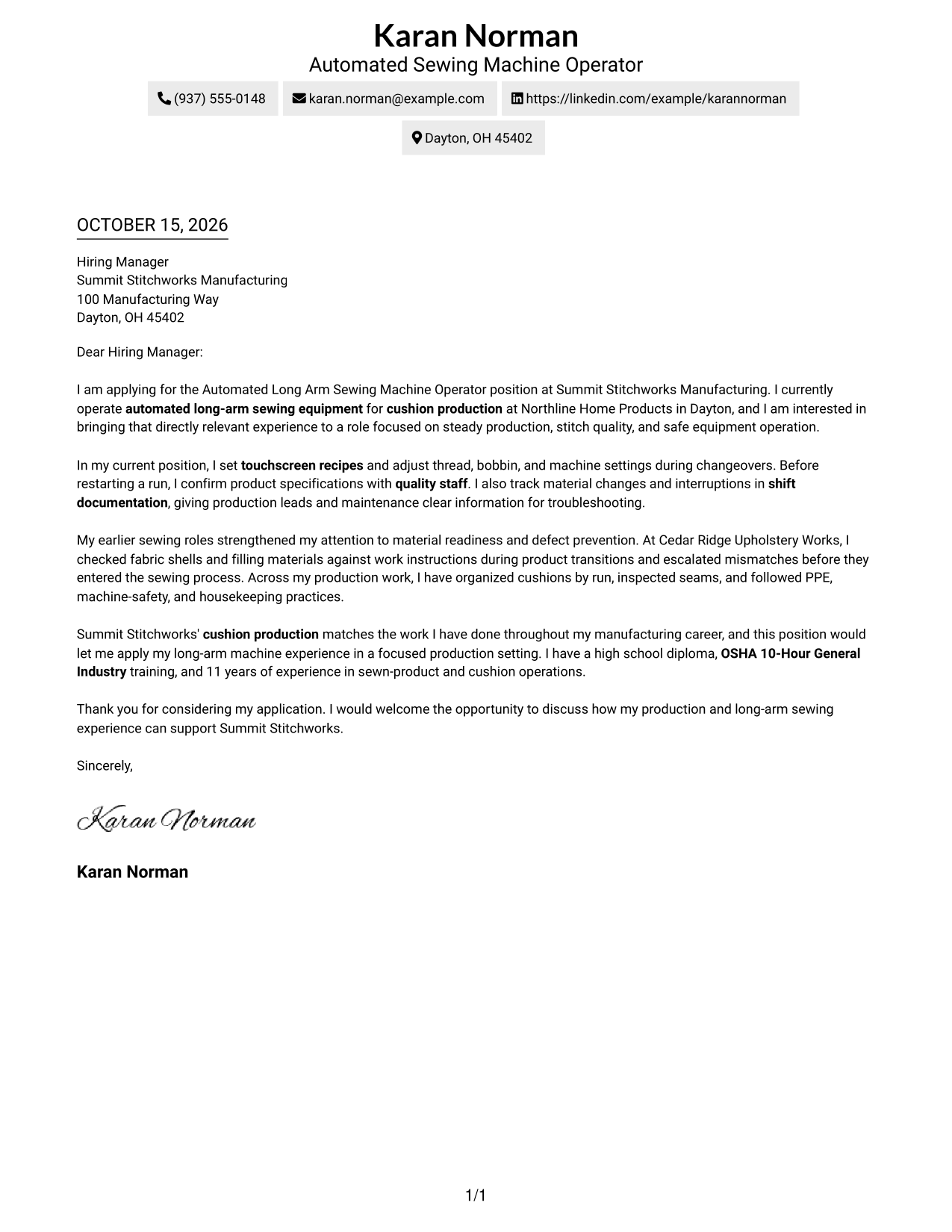
#1 Simple One Column Format Cover Letter Example
A single-column layout keeps the letter on one direct reading path, helping readers follow the message from start to finish.
Why This Format Works
- Sender details stay in the header, apart from the letter's main message.
- One reading path carries the opening, motivation, evidence, and closing in order.
- Without a portrait, the written message remains the page's visual focus.
Best For
- Letters without body headings
- Photo-free correspondence
- Text-focused application pages
- Straightforward sender identification
- Direct paragraph progression
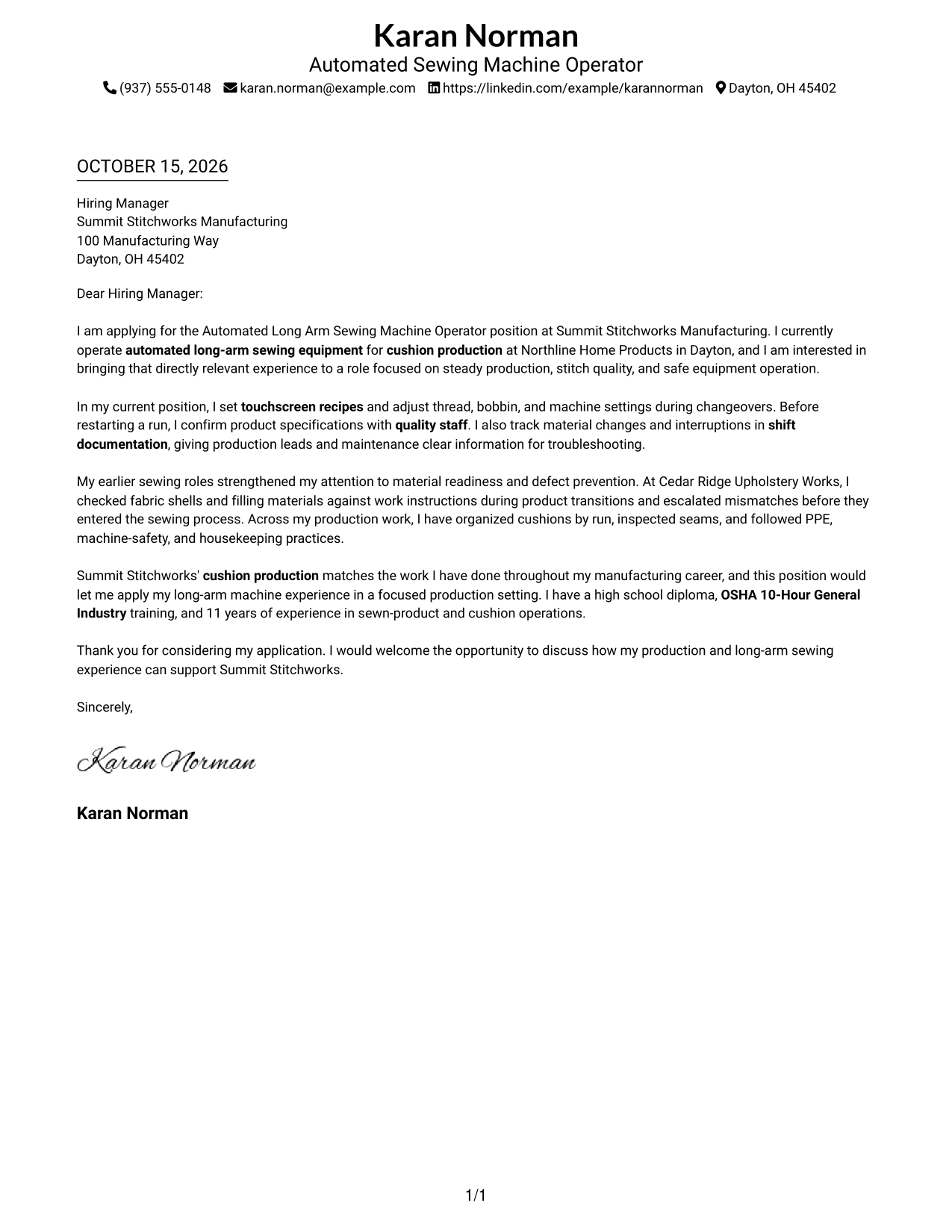
#2 Two Column Format Cover Letter Example
A contact sidebar sits beside one continuous letter body, keeping contact information separate from the written message.
Why This Format Works
- The sidebar gives sender details a separate place beside the letter.
- One continuous body lets reviewers follow the case from opening through closing.
- Without a portrait, the page gives visual space to contact details and prose.
Best For
- Sidebar contact presentation
- Letters without argument headings
- Photo-free applications
- Clear two-column reading order
- Continuous persuasive paragraphs
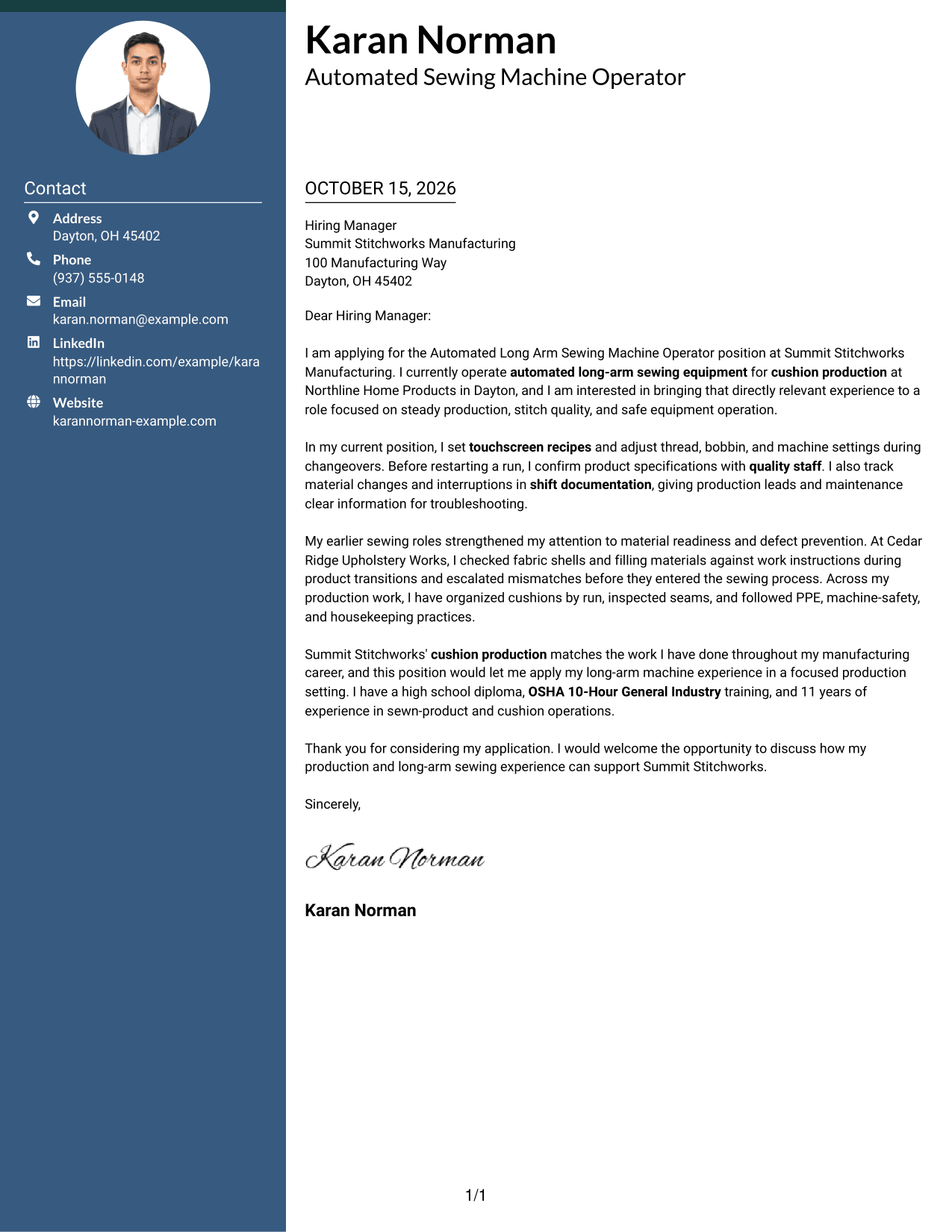
#3 Photo Header Two Column Format Cover Letter Example
A photo is included in this two-column design, while contact details sit beside the letter's continuous body.
Why This Format Works
- Contact details remain beside, not inside, the continuous letter body.
- One body column keeps the opening, evidence, and closing in a single reading sequence.
- An included photo offers a portrait option without changing the letter's paragraph flow.
Best For
- Applications that include a portrait
- Contact details beside the message
- Continuous letter narratives
- Two-column page organization
- Portrait-inclusive correspondence
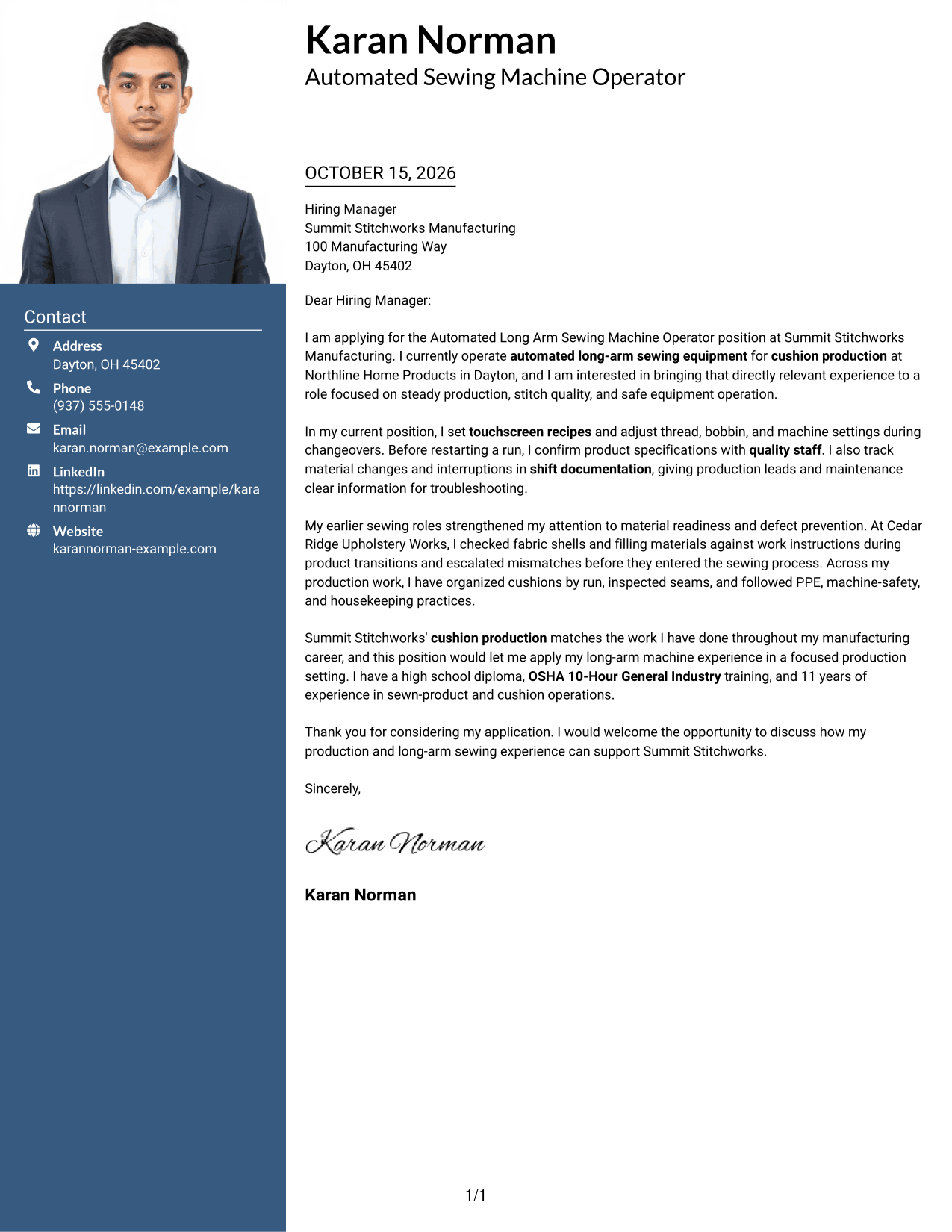
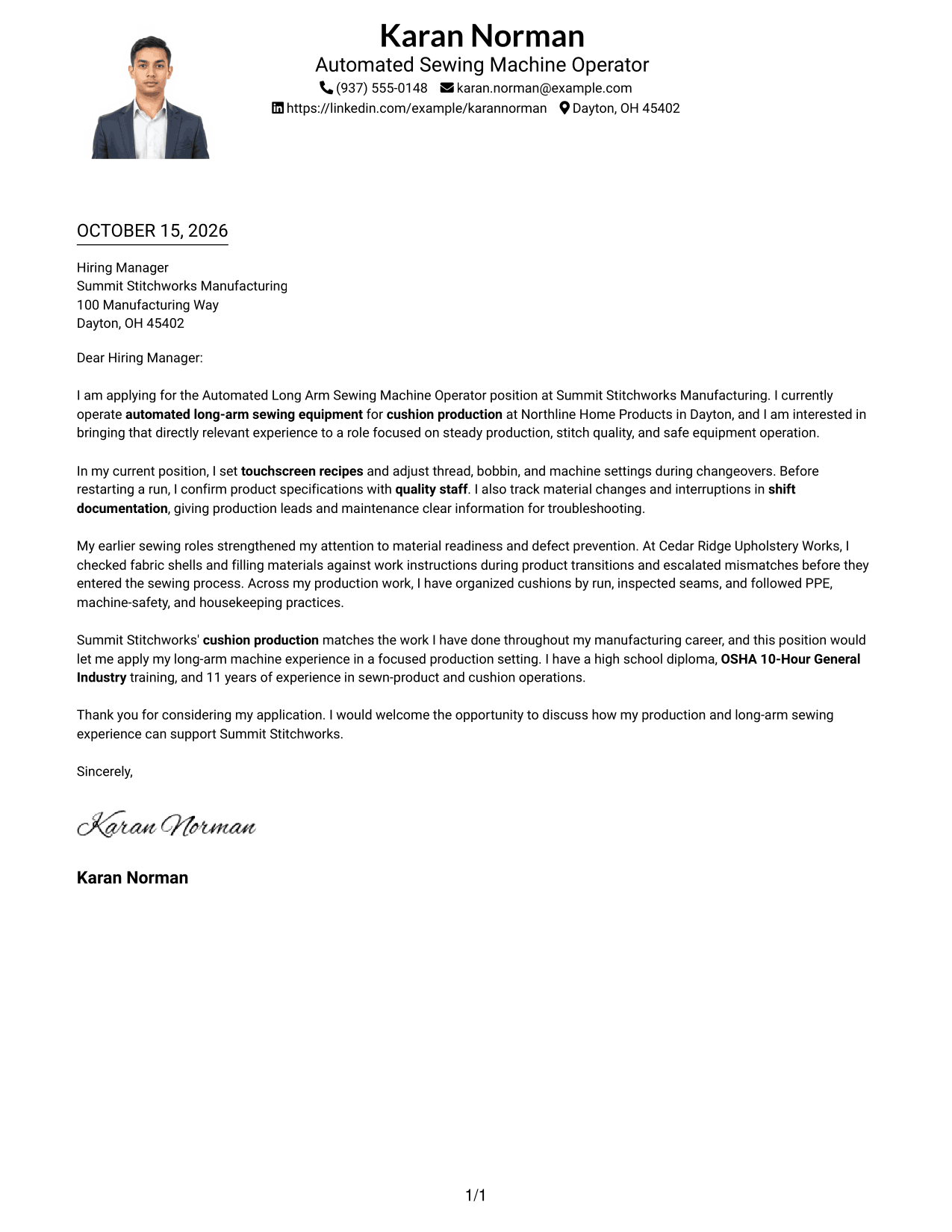
#4 One Column Format with Photo Cover Letter Example
The one-column letter includes a photo and keeps sender details in the header, giving readers a direct path through the message.
Why This Format Works
- The sender information shares the header, keeping it distinct from the message.
- One column presents the paragraphs in a direct sequence from interest to close.
- The portrait adds a personal visual element while leaving the argument in continuous prose.
Best For
- Single-column photo letters
- Portrait-inclusive applications
- Header-based contact details
- Unheaded letter paragraphs
- Linear message reading
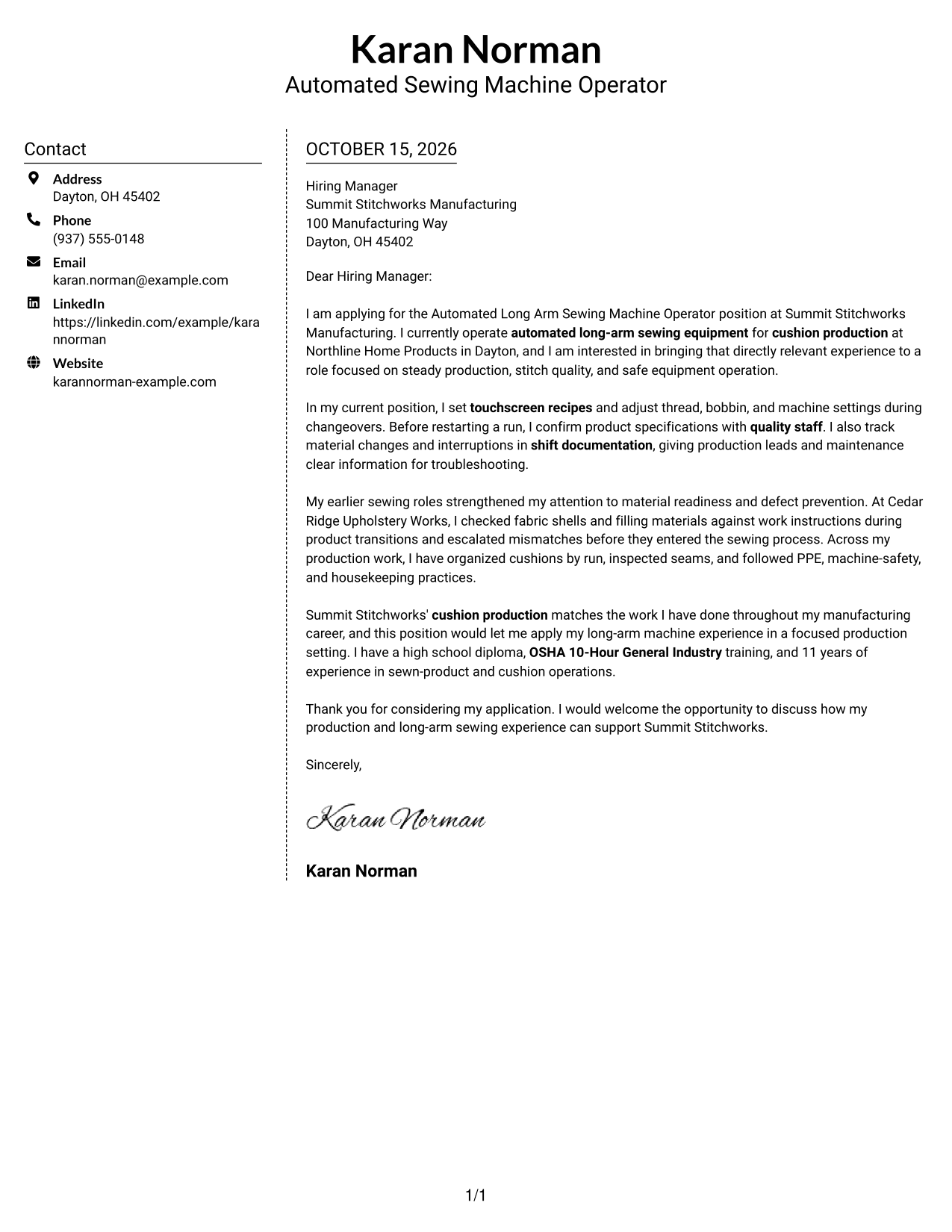
#5 Simple Two Column Format Cover Letter Example
A contact sidebar and a continuous letter body give this two-column layout a clear division between sender information and the message.
Why This Format Works
- Contact details have a separate place, while the letter remains one connected message.
- Readers can follow motivation and evidence without body-section labels.
- The photo-free page suits readers who prefer a text-centered application letter.
Best For
- Contact sidebar layouts
- Letters without body labels
- Photo-free job applications
- Connected letter narratives
- Separate sender information
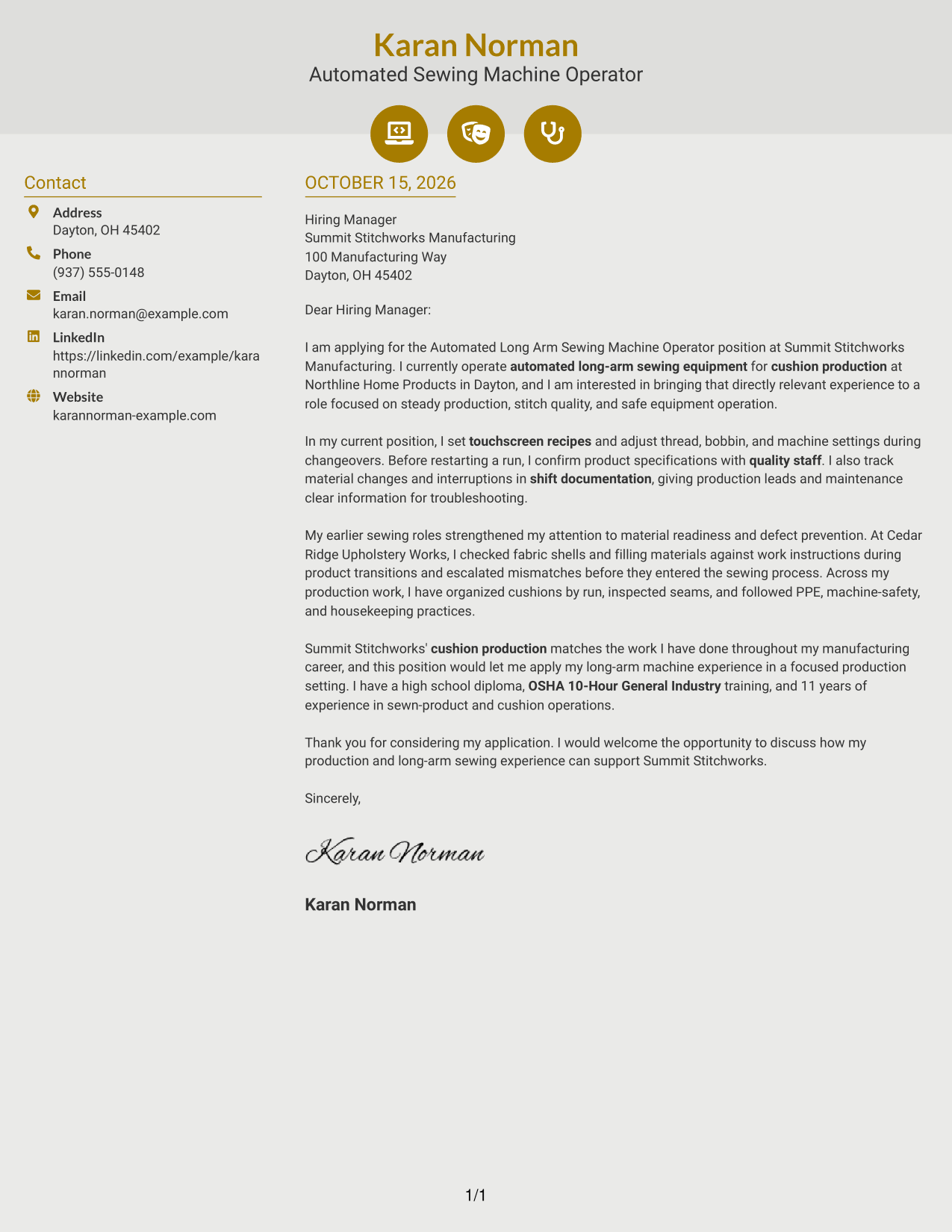
#6 Modern Icon Format Cover Letter Example
Contact icons provide visual cues in the sidebar, while the letter stays together in one continuous body column.
Why This Format Works
- Icons cue contact details, helping readers locate practical information beside the letter.
- The message stays in one body column, not divided into argument sections.
- Without a portrait, contact cues and written content remain the page's visual elements.
Best For
- Icon-cued contact details
- Letters without argument headings
- Photo-free correspondence
- One-body-column reading
- Quick sender-information checks
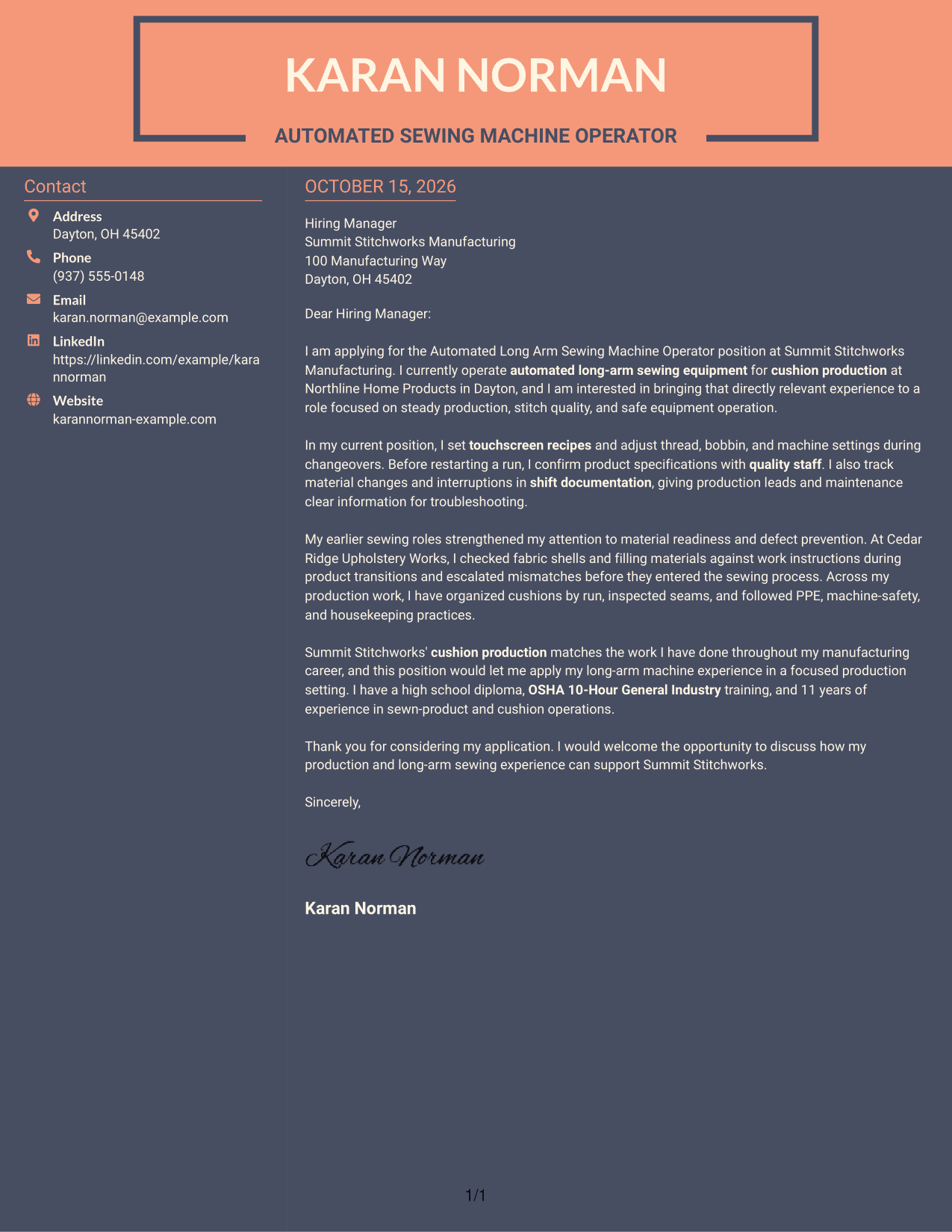
#7 Creative Two Tone Format Cover Letter Example
The two-column layout places contact details beside the continuous letter body, separating practical information from the message.
Why This Format Works
- Contact details occupy a sidebar, with the letter kept together in its own column.
- One uninterrupted body carries the application message from its opening through the closing.
- No photo keeps the page focused on contact details and written content.
Best For
- Sidebar-based contact details
- Uninterrupted letter paragraphs
- Photo-free application letters
- Two-column page preference
- Letters without section headings
Why Use ResumeInMinutes for an Automated Long Arm Sewing Machine Operator Cover Letter
ResumeInMinutes helps you shape a focused cover letter around your machine work, production experience, and interest in the role.
- Clear cover letter styles
- Readable layouts
- Role-focused customization
- Guided letter writing
- Professional templates
- Cover letter examples
Use the image previews to compare presentations, then open an example in the editor to customize your letter. Highlight relevant work such as touchscreen recipe selection, bobbin and thread changes, stitch checks, and clear shift communication.
See Also
- 7 Automated Long Arm Sewing Machine Operator Resume Templates with Example
- 33 Dish Machine Operator Resume Templates with Example 2026 (ATS-Optimized)
- 7 Folder/Gluer Machine Operator I Resume Templates with Example
- 7 Machine Operator - Pet Food Production Resume Templates with Example
- 33 Machine Operator Resume Templates with Example 2026 (ATS-Optimized)
- 7 Manufacturing Machine Operator - Electric Motor Assembly Resume Templates with Example
- 7 Production Machine Operator - Carbon Operations Resume Templates with Example
- 33 Production Machine Operator Resume Templates with Example 2026 (ATS-Optimized)
- 30+ Dish Machine Operator Cover Letter Templates with Example 2026
- 30+ Machine Operator Cover Letter Templates with Example 2026
Frequently Asked Questions
How can I make my cover letter relevant to an automated long arm sewing machine operator role?
Connect your experience to the work described in the posting. You might discuss machine setup, touchscreen recipes, bobbin and thread changes, cushion handling, stitch checks, and safe equipment practices when those details match your background.
Does the guide show one letter in different layouts?
Yes. The guide pairs a cover letter example with different visual presentations. Compare the image previews and choose a style that supports a clear, professional message.
What should the opening paragraph say?
Name the Automated Long Arm Sewing Machine Operator position and state your interest. Then give a brief reason your production experience fits the work, such as operating automated long-arm equipment for cushion production.
What evidence can strengthen the body of my letter?
Give a specific example of machine setup, a changeover, a material check, or a quality concern you handled. Explain how you communicated with production leads, quality staff, or maintenance when relevant.
How should I close the cover letter?
Thank the employer for reviewing your application and express interest in discussing how your experience can support production. Keep the closing direct, polite, and focused on the role.




