
7 Azure Principal Solution Architect - Cloud Go-to-Market Cover Letter Templates with Example
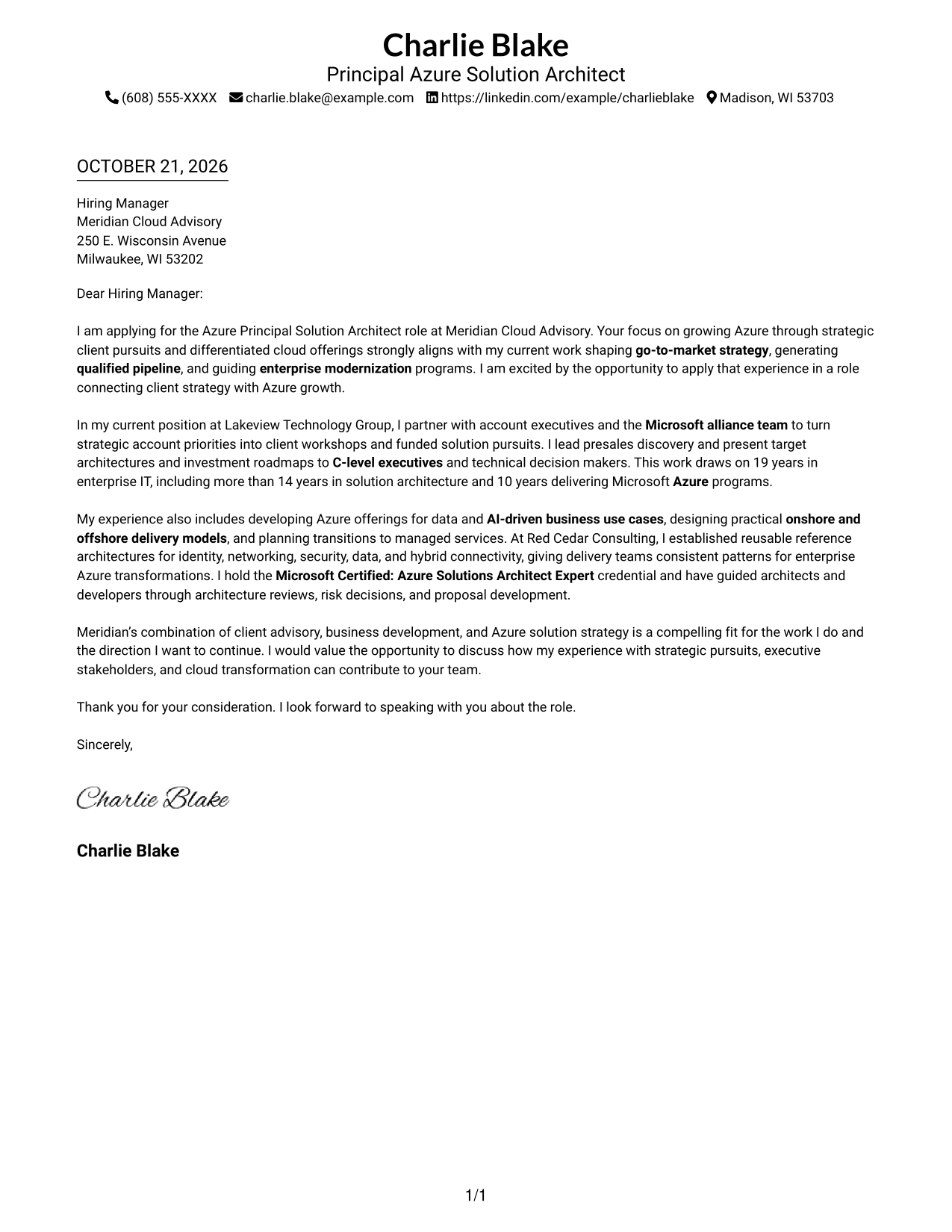
This practical guide to an Azure Principal Solution Architect - Cloud Go-to-Market cover letter presents seven layouts to help you make a clear case for your approach to Azure growth and client pursuits.
What Makes a Great Azure Principal Solution Architect - Cloud Go-to-Market Cover Letter in 2026
A strong letter connects Azure go-to-market work with client strategy, enterprise transformation, and business development. It also gives the reader a clear reason for your interest in the role.
Use specific evidence, such as shaping qualified pipeline, presenting roadmaps to executives, or establishing useful architecture patterns. Link that evidence to the employer’s goals and explain how you communicate across business and technical teams.
The featured example moves from role interest to relevant Azure pursuit experience, supporting architecture evidence, employer alignment, and a direct close. Adapt this focused progression while choosing a presentation that suits the employer and the communication context.
#1 Simple One Column Format Cover Letter Example
A single-column page places sender details in the header above one continuous letter body, giving the reader a direct path through the message.
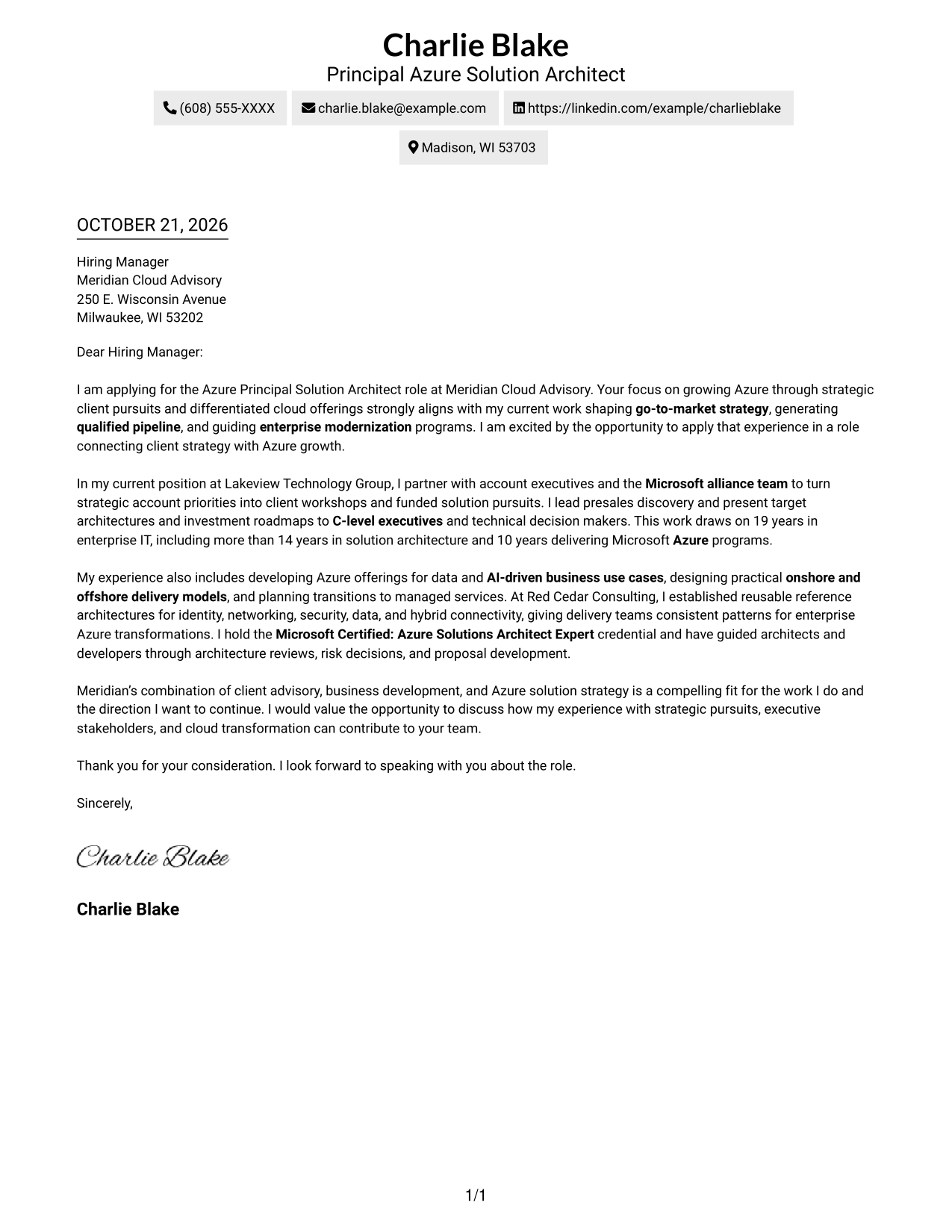
Why This Format Works
- Sender details sit in the header, apart from the main letter message.
- The continuous body carries the opening, evidence, and closing in one sequence.
- Reviewers can follow a direct reading path from greeting to sign-off.
Best For
- Single-column correspondence
- Header-based contact information
- Continuous persuasive letters
- Readers who prefer a direct reading order
- Photo-free letter layouts
#2 Two Column Format Cover Letter Example
A contact sidebar sits beside one continuous letter body, keeping sender information distinct from the message while preserving a familiar letter sequence.
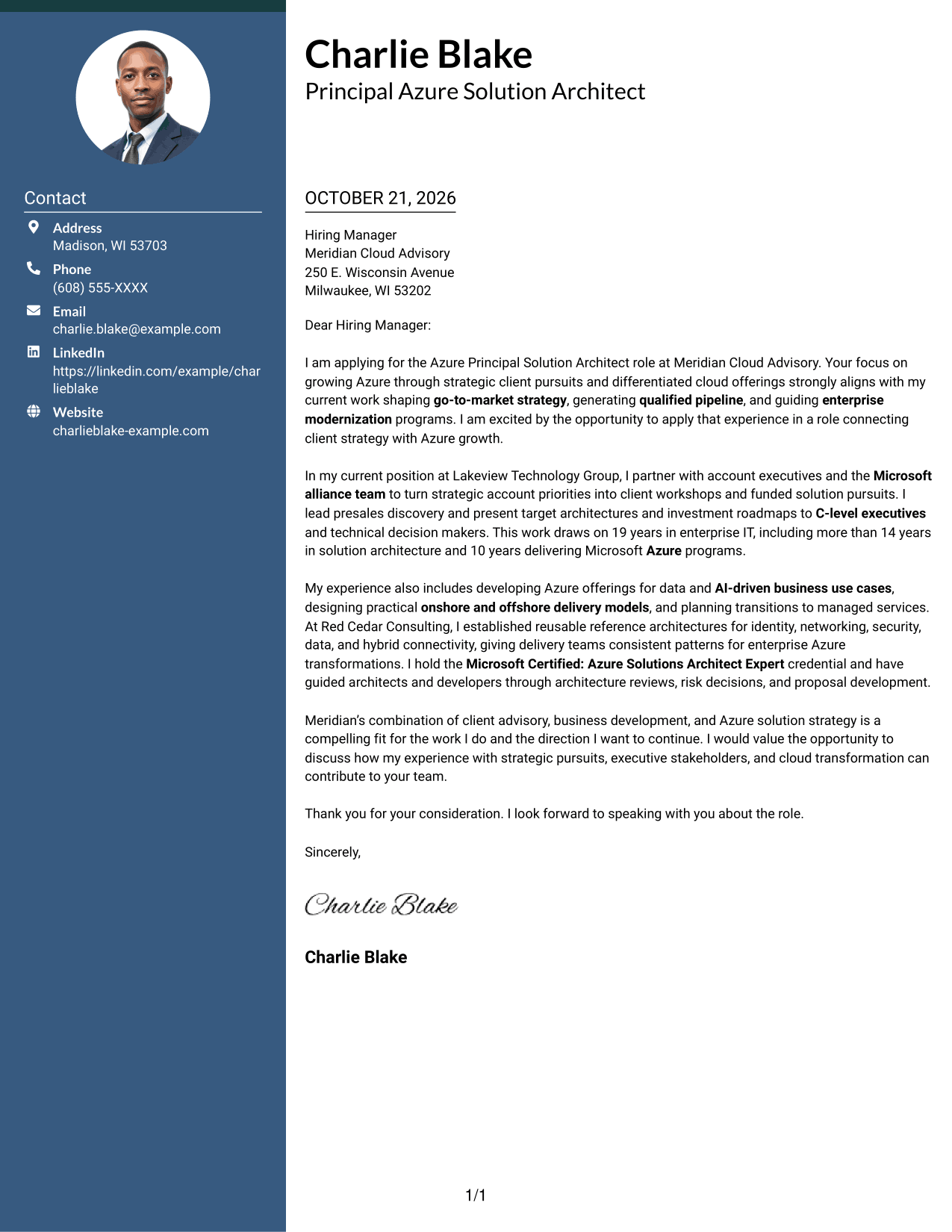
Why This Format Works
- Contact information stays in a sidebar, separate from the letter's main message.
- One continuous body keeps motivation and evidence in a natural paragraph sequence.
- The layout suits readers who prefer contact details beside familiar letter prose.
Best For
- Sidebar contact details
- Continuous persuasive letters
- Multi-paragraph correspondence
- Side-by-side page preference
- Photo-free application documents
#3 Photo Header Two Column Format Cover Letter Example
A header photo accompanies the two-column layout, where contact details sit beside one continuous letter body, offering a visible portrait without dividing the message.
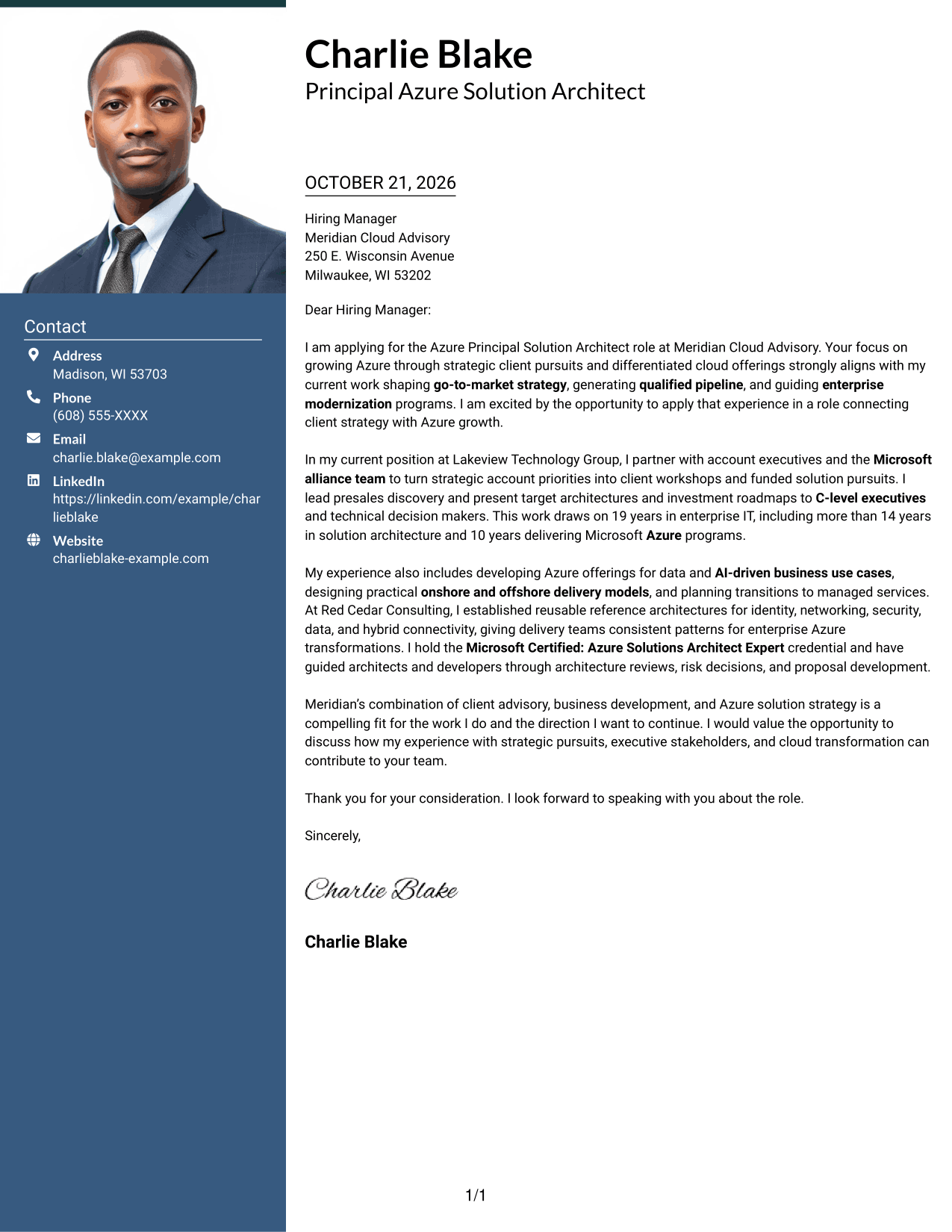
Why This Format Works
- The header photo adds a personal visual element without changing the letter's structure.
- The sidebar keeps sender details apart from the letter's continuous argument.
- Readers can follow the message in one body, from opening through closing.
Best For
- Cover letters with a header portrait
- Sidebar contact information
- Continuous letter arguments
- Multi-paragraph correspondence
- Readers who prefer two-column layouts
#4 One Column Format with Photo Cover Letter Example
This one-column letter includes a photo while keeping the message in one continuous body, a practical choice for readers who prefer a portrait with a direct reading path.
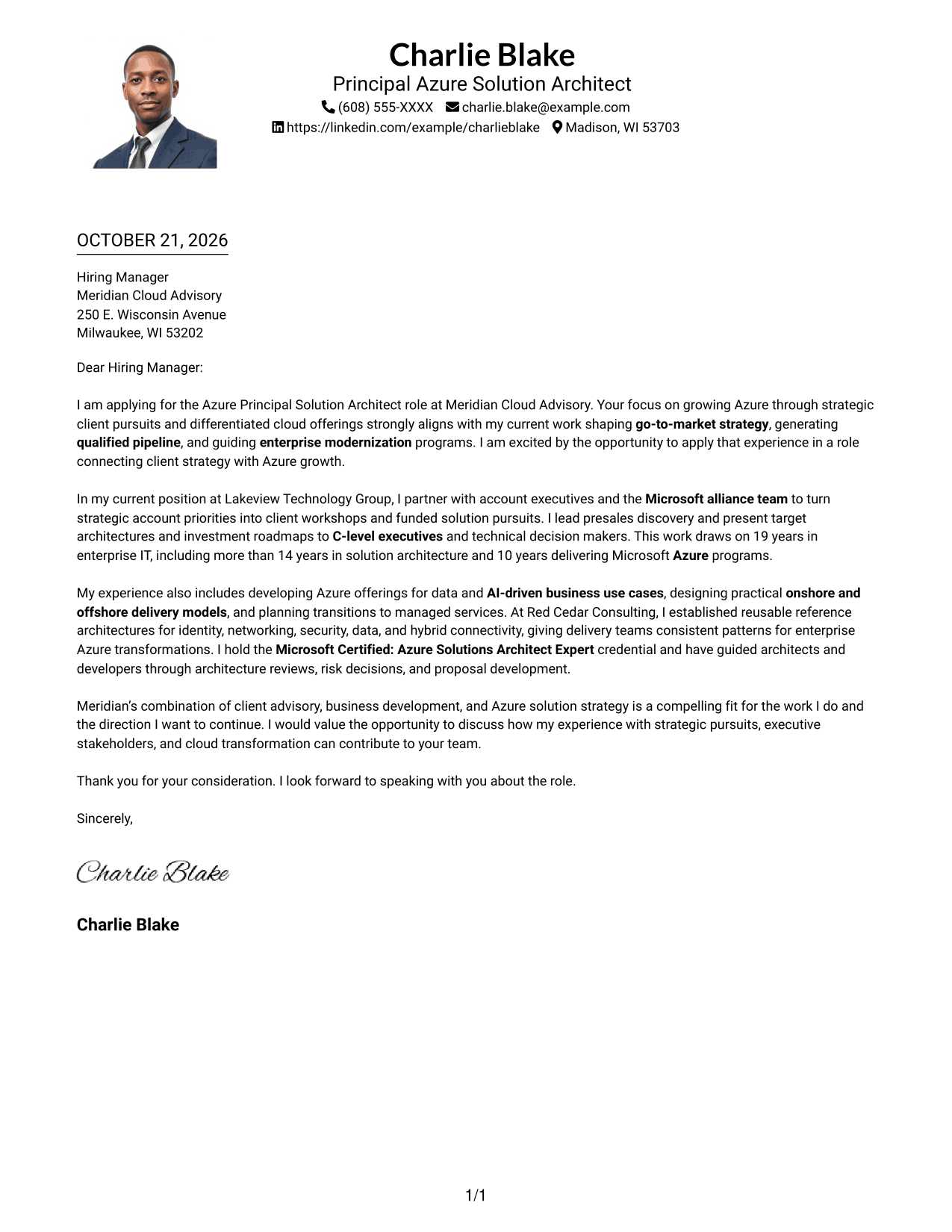
Why This Format Works
- The single-column body keeps the letter's paragraphs in one straightforward sequence.
- A photo adds a visual point of identification without serving as an argument label.
- Sender details remain in the header, apart from the letter's main message.
Best For
- Single-column reading preference
- Portrait in the correspondence
- Header-based sender details
- Uninterrupted letter narrative
- Multi-paragraph letters
#5 Simple Two Column Format Cover Letter Example
A two-column arrangement places the contact sidebar beside a continuous letter body, keeping the message intact while giving sender information its own space.
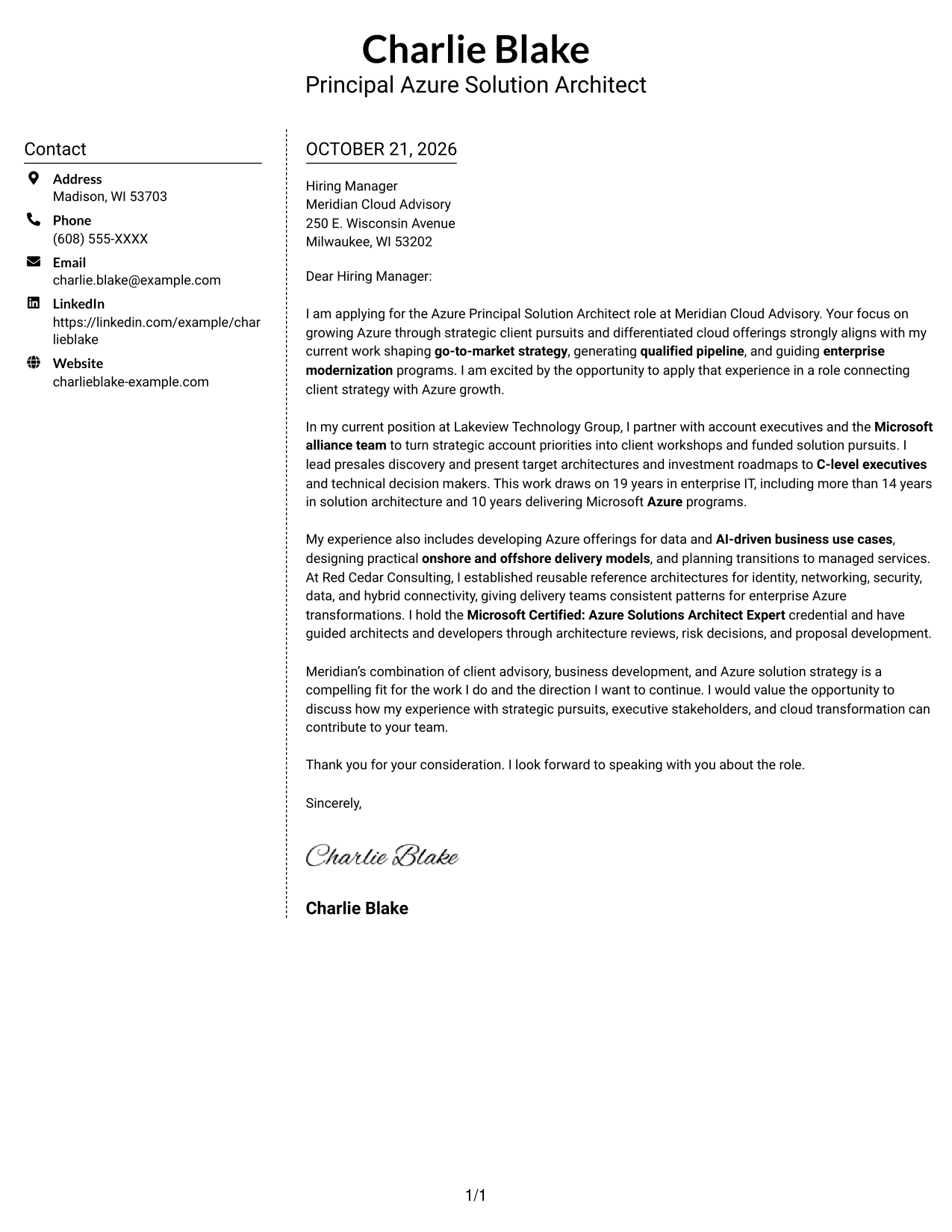
Why This Format Works
- The sidebar gives contact details a dedicated place outside the letter body.
- Opening, supporting points, and closing remain part of one continuous message.
- Readers can locate sender information without moving through the letter paragraphs.
Best For
- Contact details in a sidebar
- Unbroken letter narratives
- Readers who scan sender information first
- Two-column page preference
- Photo-free correspondence
#6 Modern Icon Format Cover Letter Example
Contact icons and decorative header cues accompany the two-column layout, while the letter remains one continuous body, a useful choice for readers who value visual contact cues.
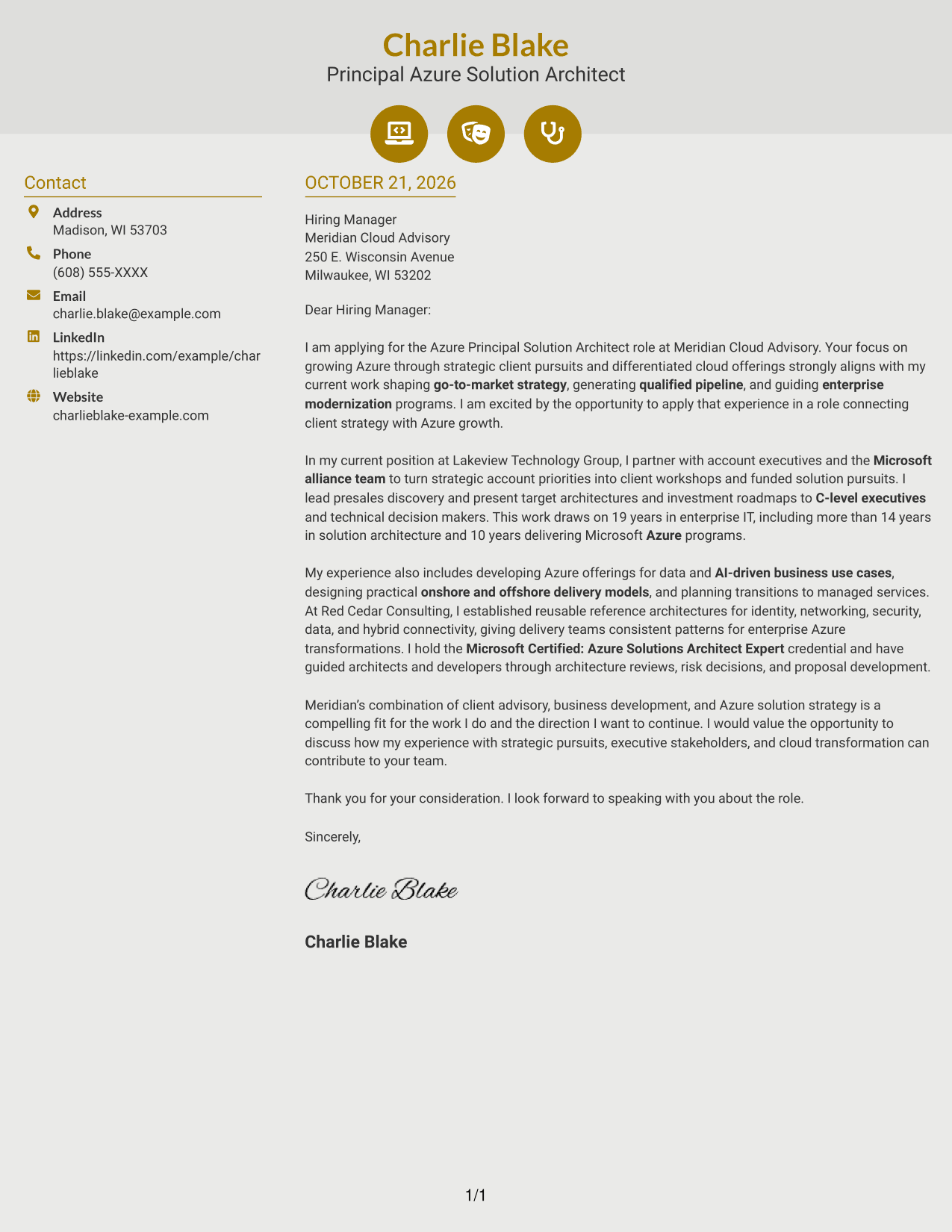
Why This Format Works
- Contact icons help distinguish sender details from the continuous letter body.
- Decorative header cues add visual character without labeling stages of the message.
- The single letter body preserves a natural sequence from motivation to closing.
Best For
- Icon-guided contact details
- Decorative header accents
- Continuous letter prose
- Readers who value visual contact cues
- Photo-free application materials
#7 Creative Two Tone Format Cover Letter Example
The two-column layout sets contact details beside one continuous letter body, keeping sender information distinct while the message reads as a single narrative.
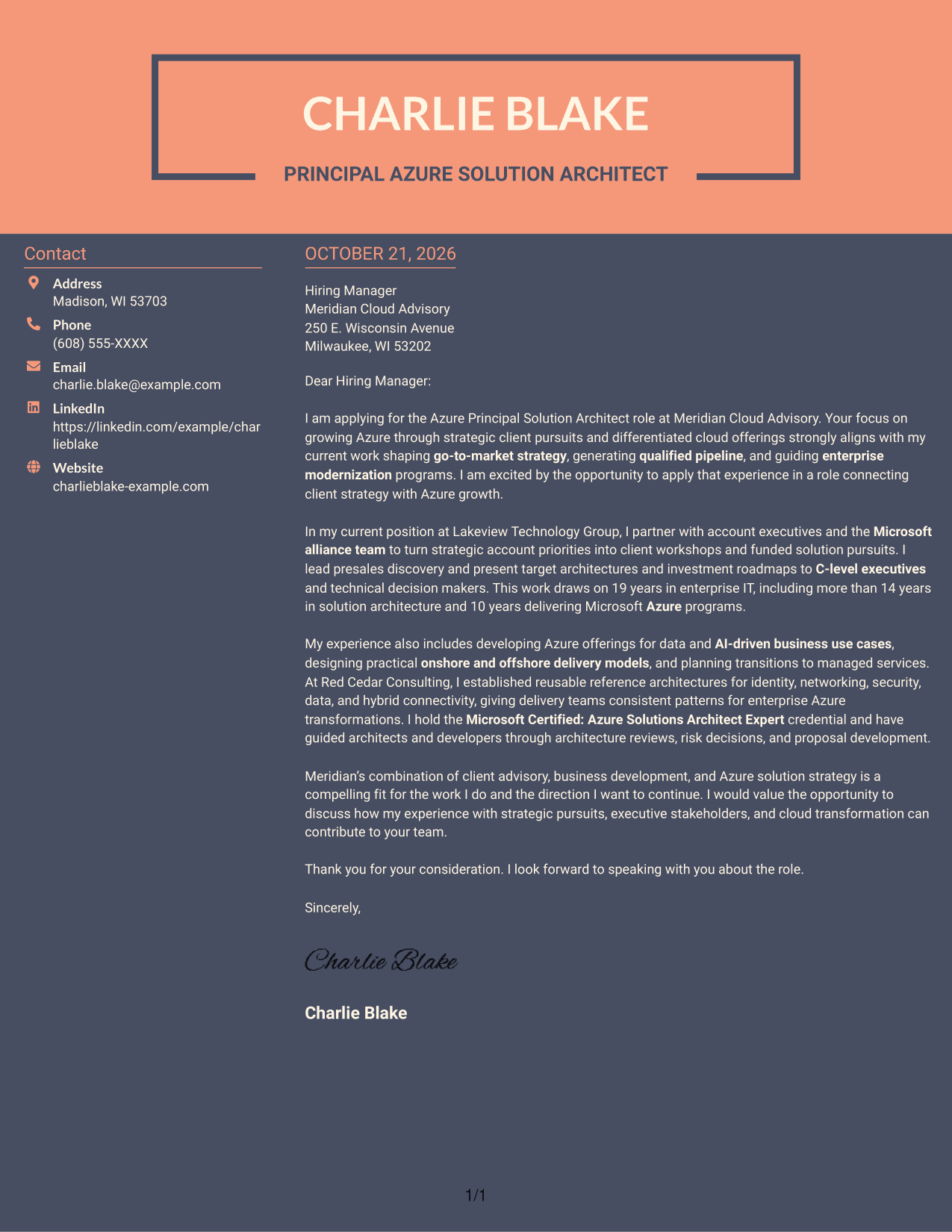
Why This Format Works
- Contact details have their own sidebar, separate from the letter's main text.
- The continuous body lets the argument develop without parallel message columns.
- Readers can follow the letter from greeting to closing in one reading path.
Best For
- Sidebar-based contact information
- Single-narrative letters
- Readers who prefer two-column layouts
- Multi-paragraph correspondence
- Photo-free cover letters
Why Use ResumeInMinutes for an Azure Principal Solution Architect - Cloud Go-to-Market Cover Letter
ResumeInMinutes gives you a clear starting point for presenting your Azure strategy, client advisory work, and business development experience. Compare the PNG previews, then open an example in the editor to customize it.
- Distinct writing styles
- Clear, professional formatting
- Role-focused letter guidance
- Preview images for comparison
- Examples for executive communication
- Editor access for customization
Build a focused message around Azure growth, strategic client pursuits, and the way your architecture decisions support business outcomes.
See Also
- 7 Azure Principal Solution Architect - Cloud Go-to-Market Resume Templates with Example
- 7 Principal Analytics Solutions Architect Resume Templates with Example
- 7 AWS Cloud Solutions Architect Resume Templates with Example
- 7 IFS Cloud Solution Architect - Utility Asset Management Resume Templates with Example
- 7 Senior Solutions Architect - Enterprise Cloud Resume Templates with Example
- 7 Agentic Solution Architect Resume Templates with Example
- 7 AI Application Solutions Architect - Generative AI Resume Templates with Example
- 7 AI Engineering Solutions Architect Resume Templates with Example
- 7 Principal Analytics Solutions Architect Cover Letter Templates with Example
- 7 AWS Cloud Solutions Architect Cover Letter Templates with Example
Frequently Asked Questions
What should an Azure Principal Solution Architect - Cloud Go-to-Market cover letter emphasize?
Connect Azure strategy and cloud transformation work to client pursuits and business goals. Give specific examples of presales, executive communication, architecture decisions, or delivery planning that you can support with your experience.
How can I show alignment with a cloud go-to-market role?
Explain how you have worked with account executives or Microsoft alliance stakeholders to advance client opportunities. Show how you connect a business need with a practical Azure offering or roadmap.
How should I present architecture experience in the letter?
Choose a relevant example and explain the decision or pattern you helped shape, who needed to act on it, and how it supported the transformation. Keep the detail tied to the role’s needs.
How do I tailor the closing paragraph?
Restate your interest in the role and connect your experience to the employer’s stated priorities. End with a direct, professional expression of interest in discussing your fit.
Can I compare the cover letter previews and edit an example?
Yes. Review the PNG preview images to compare presentation styles, then use the editor link to open an example and customize it.




