
7 Banking Customer Support Specialist Cover Letter Templates with Example
This practical guide to a Banking Customer Support Specialist cover letter presents seven layouts and shows how to connect clear customer service with role-specific evidence.
What Makes a Great Banking Customer Support Specialist Cover Letter in 2026
A strong letter opens with clear interest in the role and shows how you support banking customers across service channels. It should make your approach to payment questions, careful judgment, and calm communication easy to understand.
Use specific evidence, such as accurate interaction records, thoughtful escalations, and clear explanations during difficult conversations. Connect those strengths to the employer’s service needs without making claims you cannot support.
The featured example follows a focused progression from interest, to relevant banking and contact center evidence, to a direct close; adapt that flow while choosing a presentation suited to the employer and communication context.
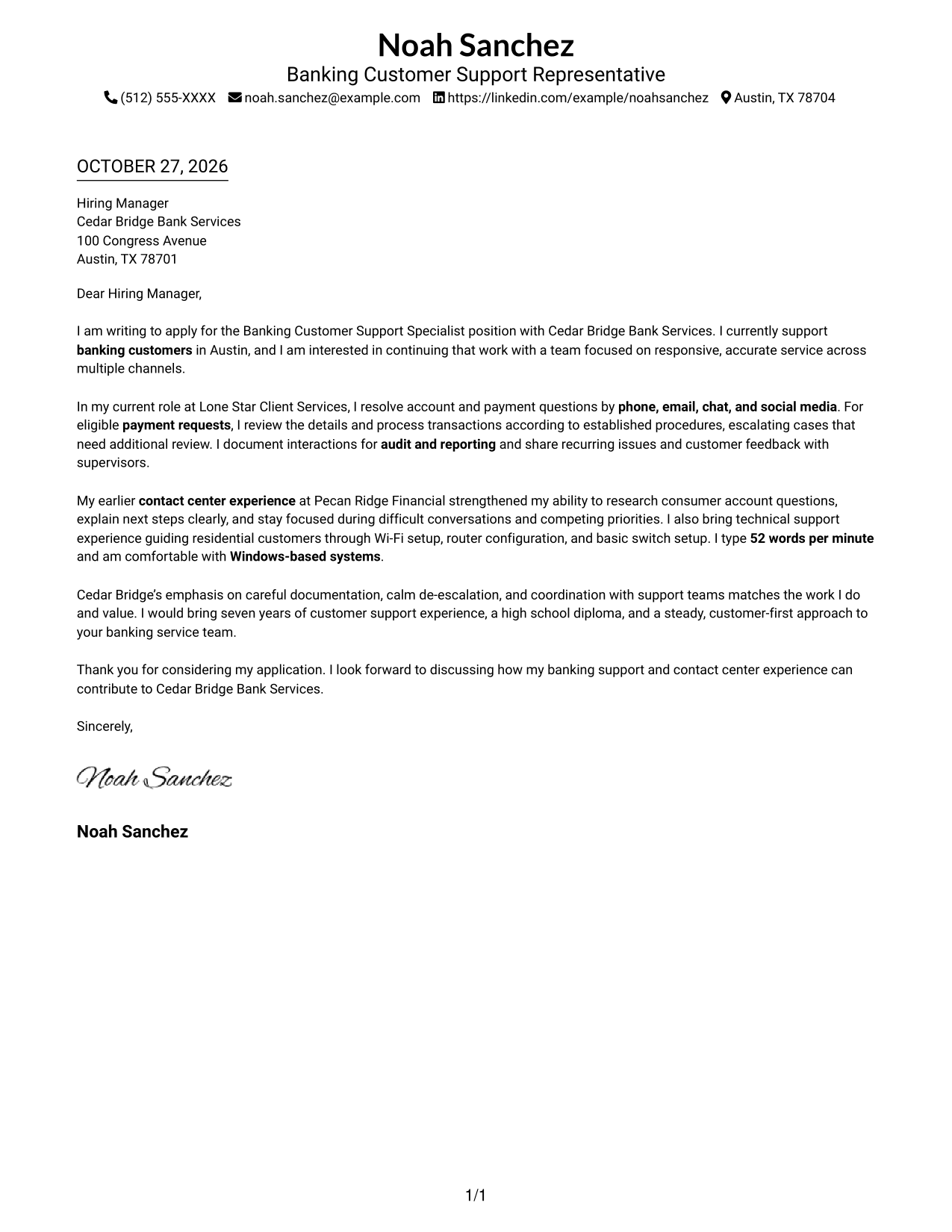
#1 Simple One Column Format Cover Letter Example
This one-column format keeps sender details and the continuous letter body in one reading path, making the message easy to follow.
Why This Format Works
- Sender details and letter text share one path, making the opening easy to follow.
- Continuous paragraphs let readers follow motivation, evidence, and closing in order.
- Contact details remain easy to find without interrupting the letter body.
Best For
- Single-column letter preferences
- Letters with clear paragraph flow
- Contact details kept in the header
- Banking support applications
- Payment-processing evidence in a letter
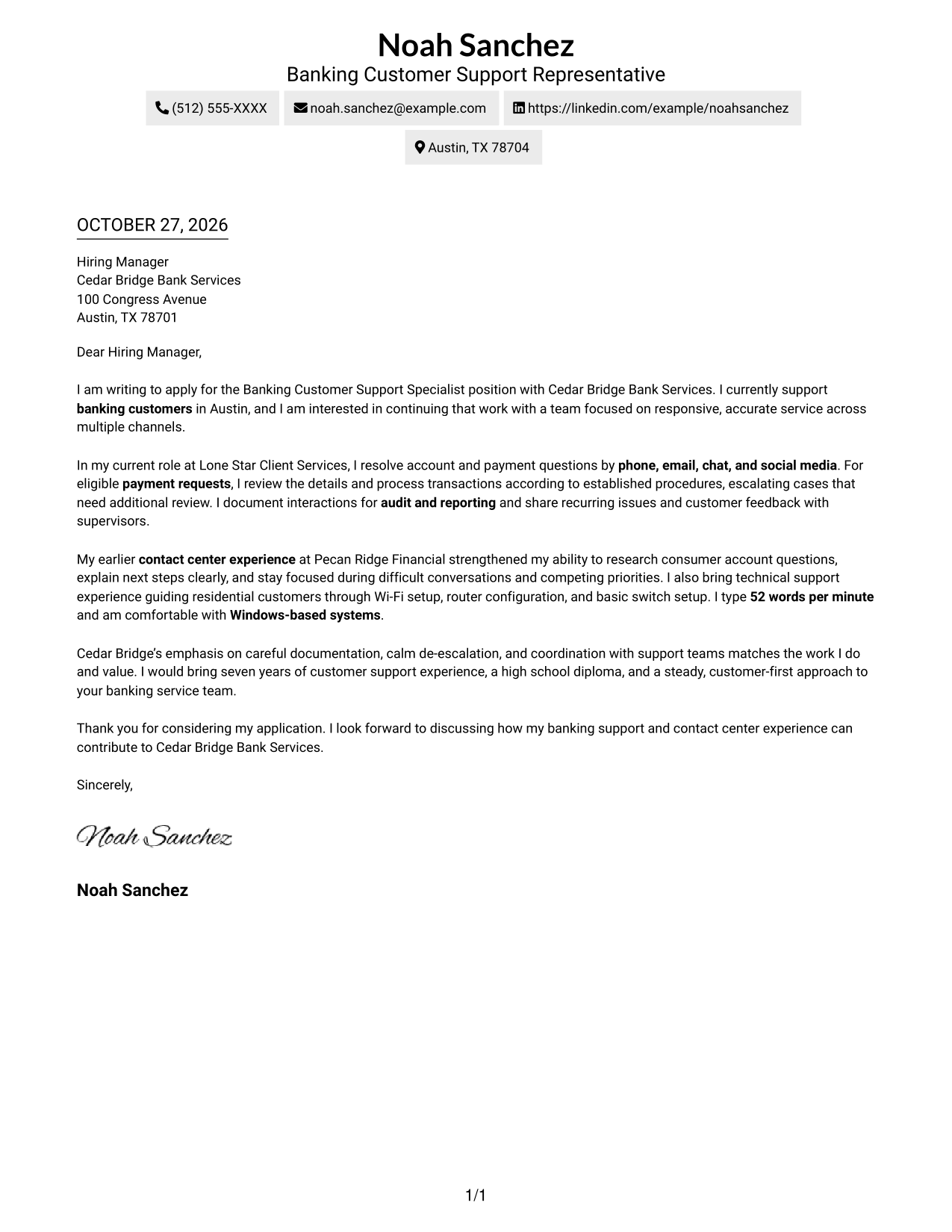
#2 Two Column Format Cover Letter Example
This two-column format places a contact sidebar beside one continuous letter body, keeping contact details distinct from the message.
Why This Format Works
- The contact sidebar gives sender details a separate, easy-to-locate position.
- One continuous text area keeps the opening, evidence, and closing in order.
- Readers can move between contact information and the letter without splitting its paragraphs.
Best For
- Contact details beside the letter
- Continuous paragraph arguments
- Applications with several contact channels
- Letters connecting current work to a new role
- Clear separation of sender and message
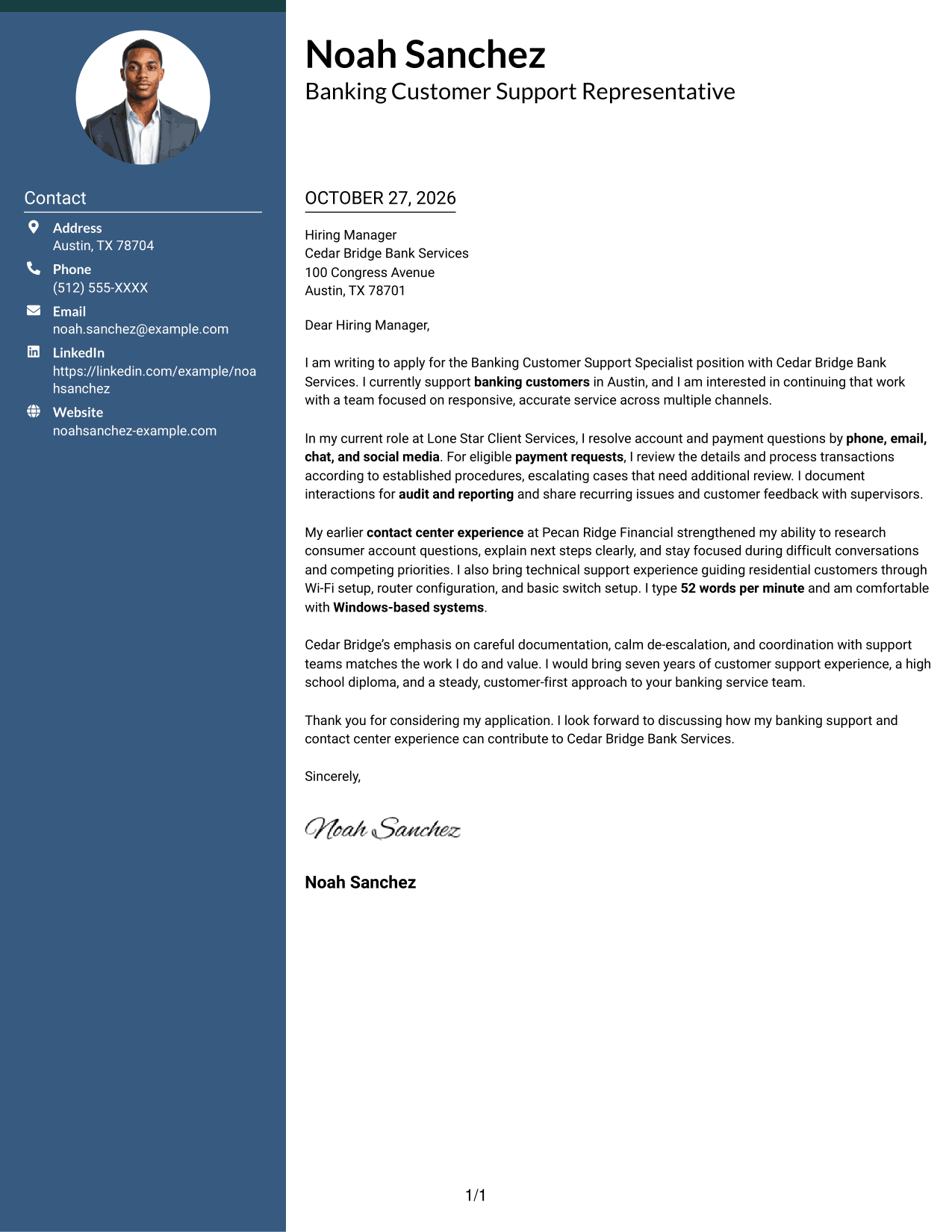
#3 Photo Header Two Column Format Cover Letter Example
This two-column format pairs a contact sidebar with a photo, offering a personal visual element while keeping the letter body continuous.
Why This Format Works
- The sidebar keeps sender details apart from the letter's paragraph sequence.
- The photo adds a personal visual element without interrupting the message.
- A continuous body carries the opening, supporting points, and close in order.
Best For
- Photo-inclusive letter layouts
- Contact details beside uninterrupted prose
- Applications with a personal visual preference
- Letters presenting multichannel service experience
- Banking roles with payment-related evidence
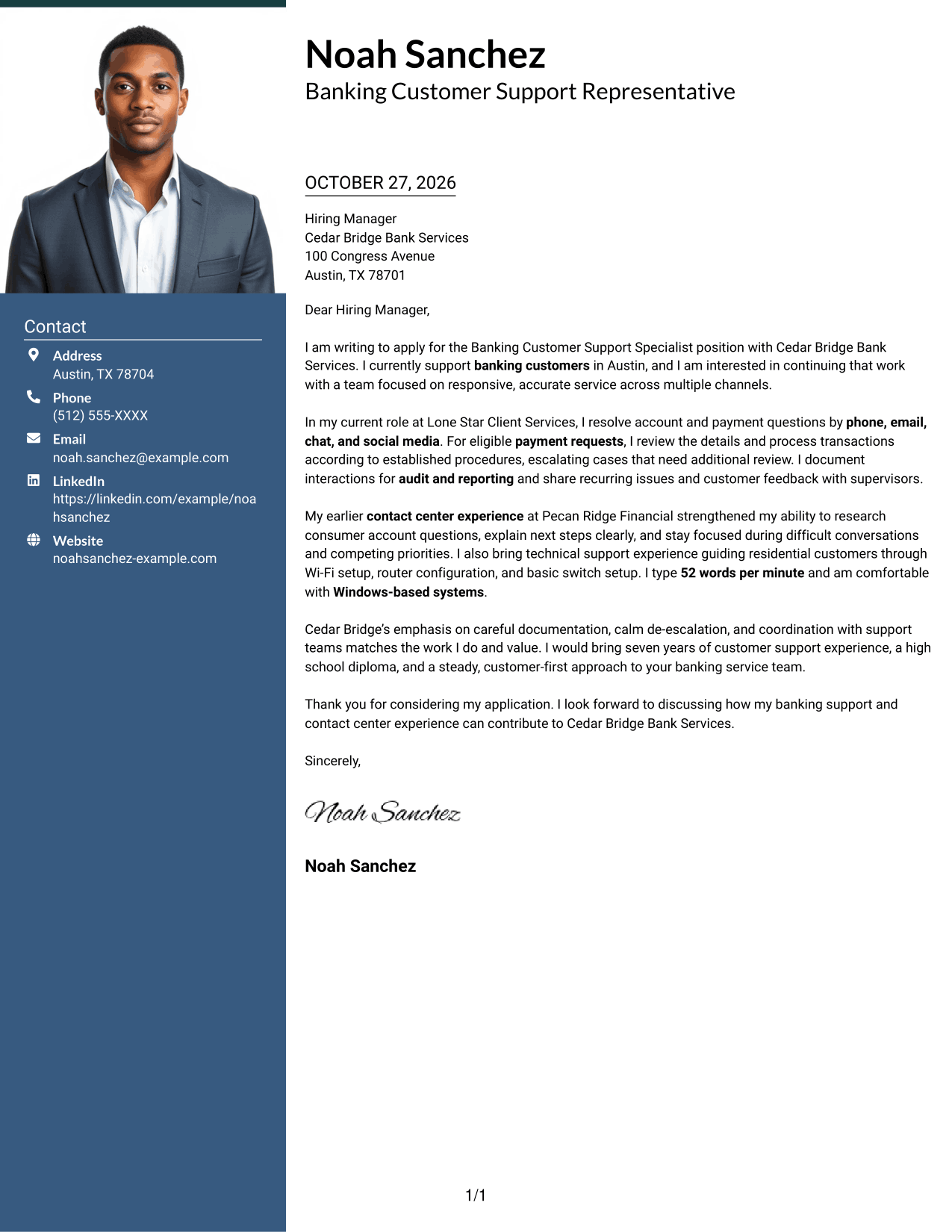
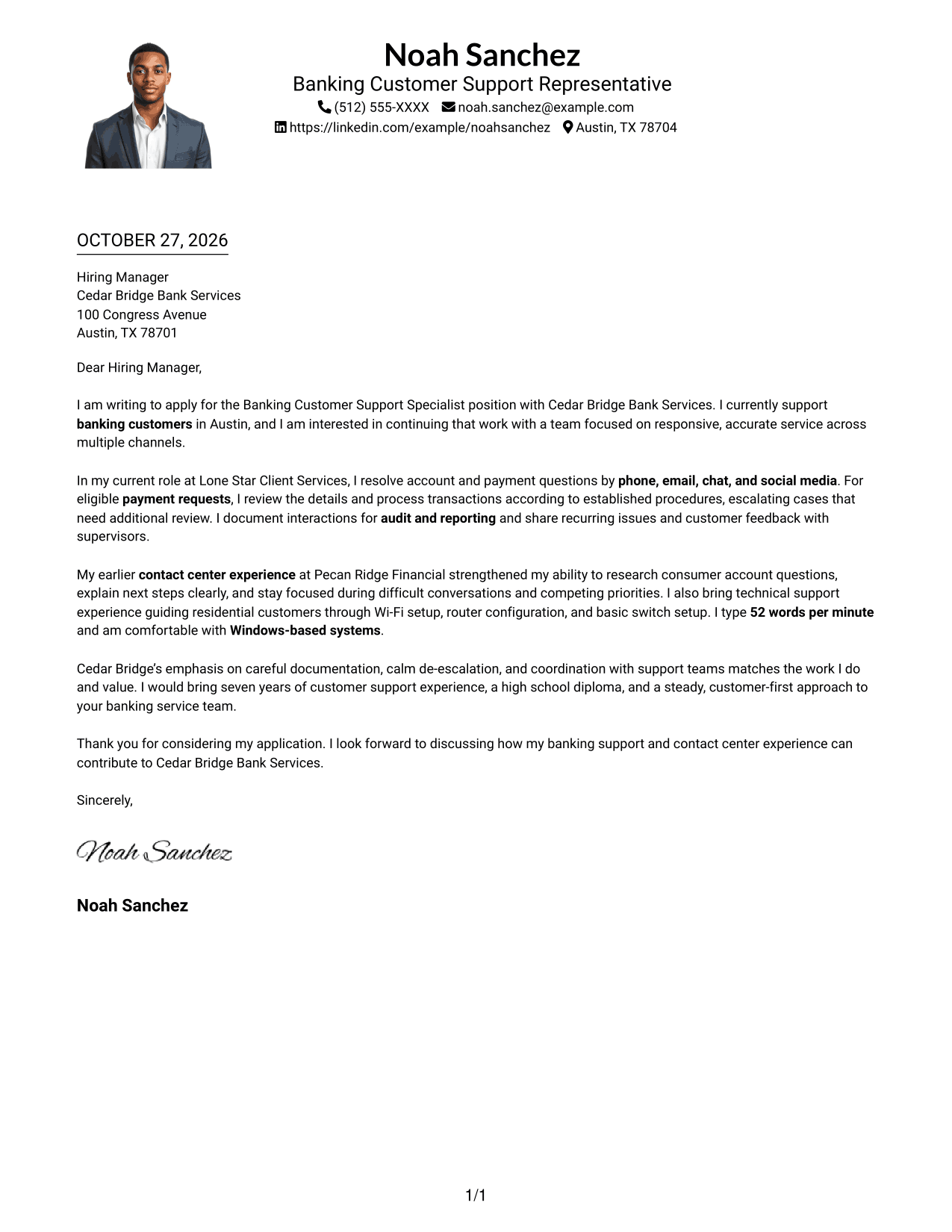
#4 One Column Format with Photo Cover Letter Example
This one-column format includes a photo alongside sender details and the continuous letter body, keeping the message in a direct reading path.
Why This Format Works
- The single-column reading order keeps sender details and letter text together.
- A photo provides a personal visual element without dividing the letter's paragraphs.
- The body stays continuous from the opening through the closing.
Best For
- One-column reading preferences
- Photo-inclusive application letters
- Letters with a continuous argument
- A direct path from greeting to close
- Customer support applications with concrete examples
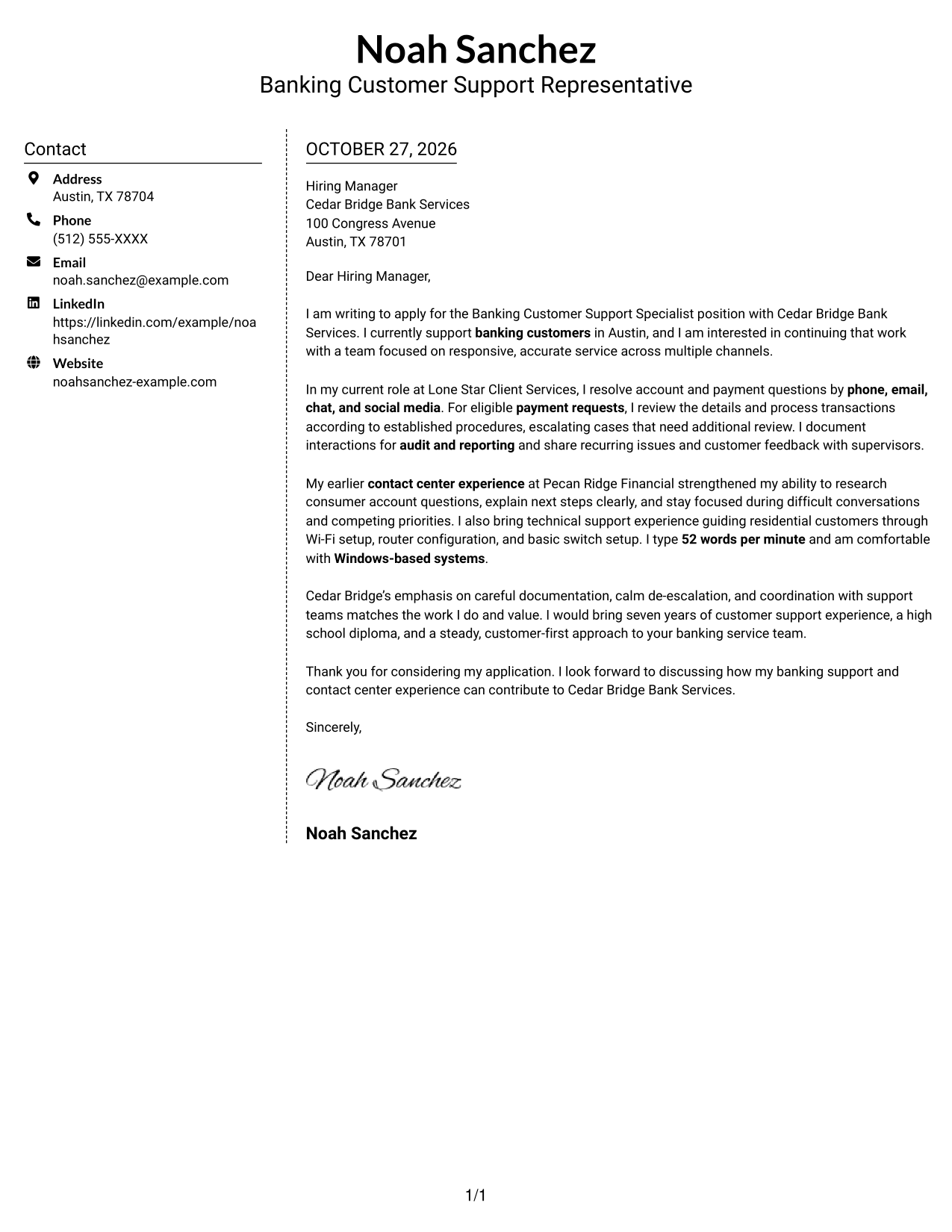
#5 Simple Two Column Format Cover Letter Example
This simple two-column format gives contact details a sidebar beside the continuous letter body, keeping the message's paragraphs together.
Why This Format Works
- The contact sidebar makes sender information distinct from the application message.
- The letter stays in one body area, preserving its natural paragraph order.
- Readers can return to contact details without losing the message's progression.
Best For
- Sidebar contact details
- Letters with paragraph-based evidence
- Applications needing a distinct sender area
- Clear opening-to-close reading order
- Customer service roles with payment examples
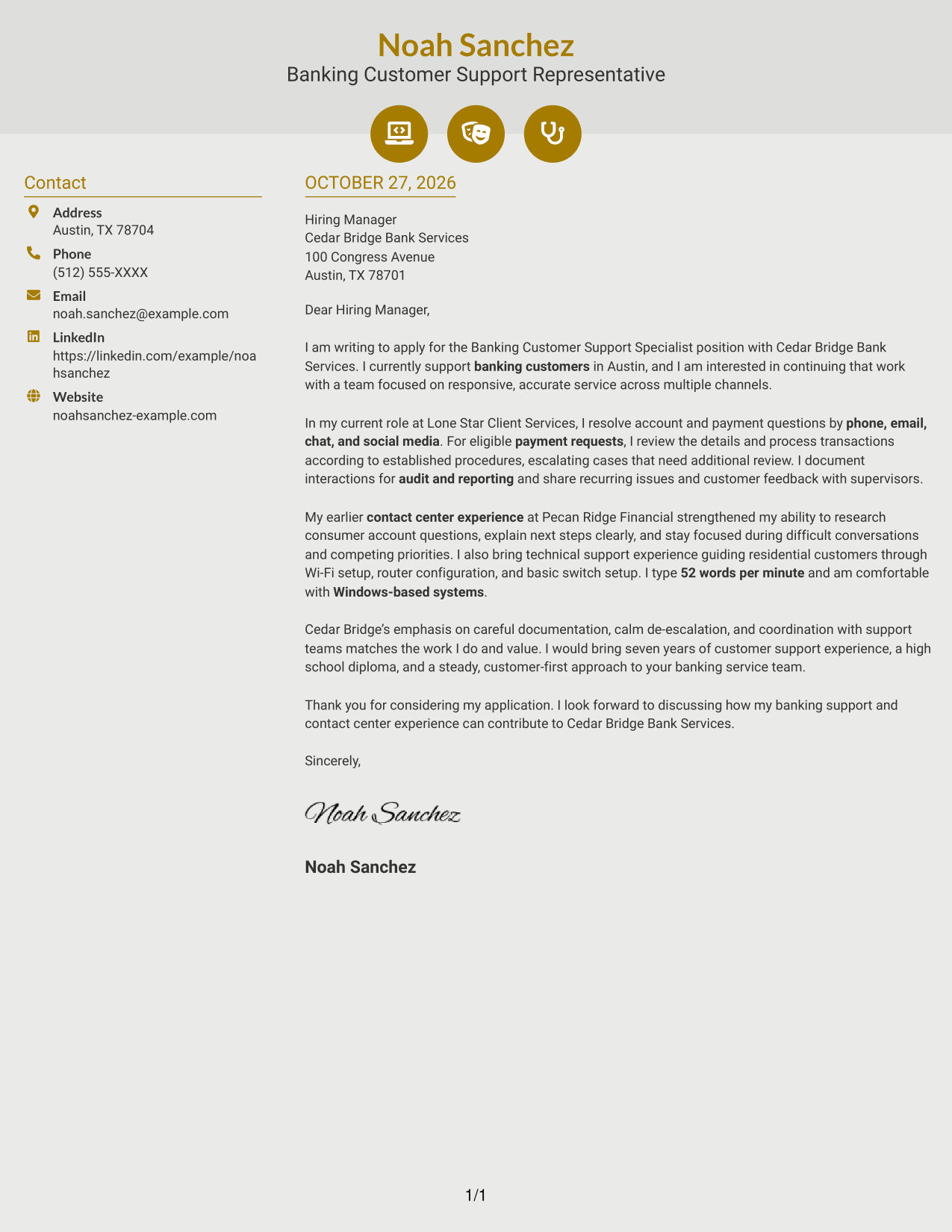
#6 Modern Icon Format Cover Letter Example
This two-column format uses icons as contact cues beside the continuous letter body, helping distinguish contact information from the message.
Why This Format Works
- Contact icons help readers identify sender details without labeling letter arguments.
- The sidebar separates contact information while the body remains continuous.
- The paragraph sequence carries the reader from the opening to the close.
Best For
- Icon cues for contact details
- Letters with continuous paragraph text
- Applications needing quick contact lookup
- A distinct boundary between contact and message
- Multichannel customer support letters
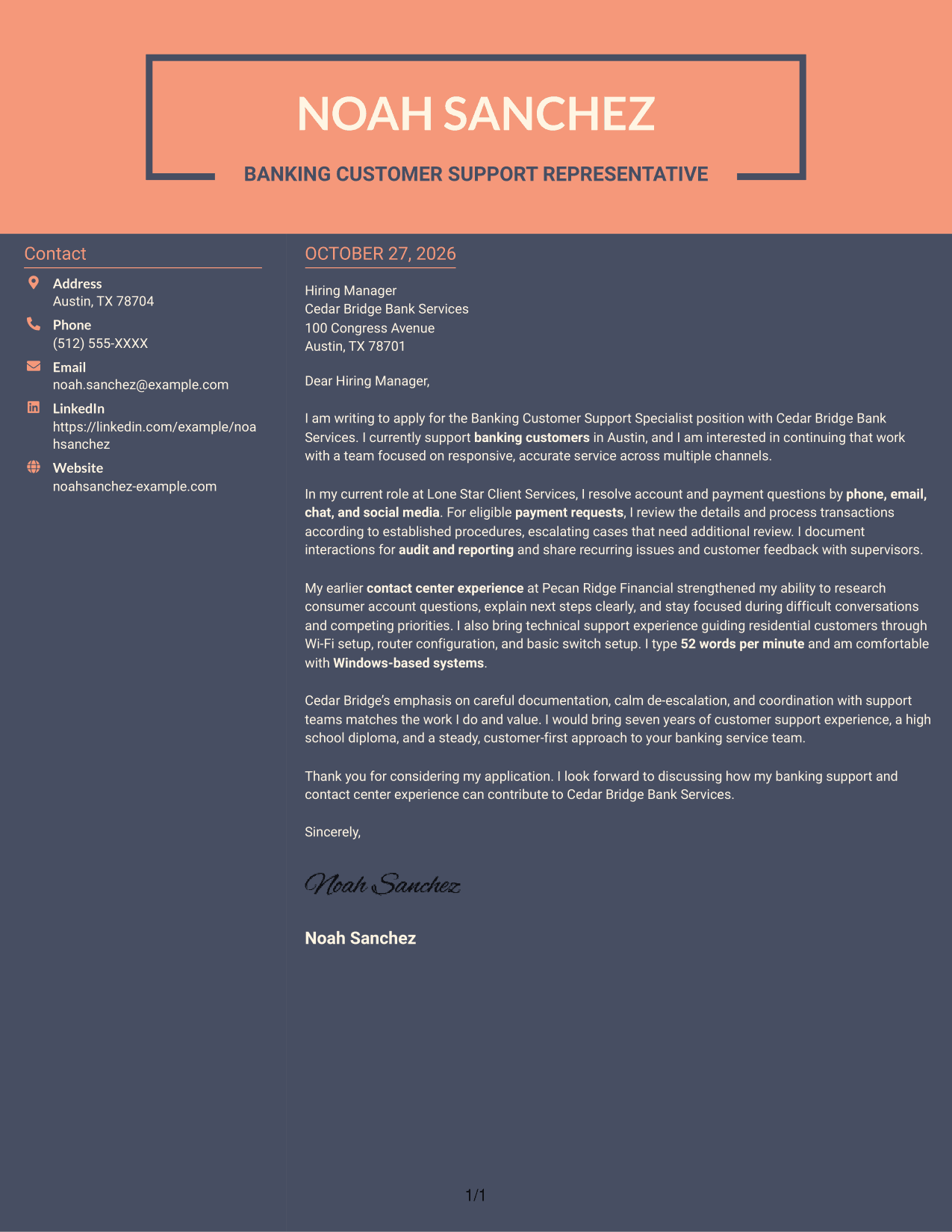
#7 Creative Two Tone Format Cover Letter Example
This two-column format places sender details in a sidebar beside the continuous letter body, offering a clear separation between contact information and message.
Why This Format Works
- The contact sidebar gives sender information a separate place beside the message.
- One continuous body keeps the letter's argument in its intended order.
- Readers can follow the paragraphs without moving between separate text columns.
Best For
- Side-by-side contact and letter content
- Letters with a clear paragraph sequence
- Applications emphasizing careful service communication
- Messages with current and earlier role evidence
- A separate space for sender details
See Also
- 7 Banking Customer Support Specialist Resume Templates with Example
- 33 Bi-Lingual Medical Billing Customer Service Support Representative Resume Templates with Example 2026
- 7 Bilingual Customer Service Representative - Insurance Support Resume Templates with Example
- 7 Customer Care Advisor - Health Plan Member Support Resume Templates with Example
- 7 Customer Experience Agent - Medicare Advantage Member Support Resume Templates with Example
- 7 Customer Service/Information Services Support Representative Resume Templates with Example
- 7 Customer Service Representative - Benefits Support Resume Templates with Example
- 7 Customer Service Representative - Public Service Support Resume Templates with Example
- 30+ Bi-Lingual Medical Billing Customer Service Support Representative Cover Letter Templates with Example 2026
- 7 Bilingual Customer Service Representative - Insurance Support Cover Letter Templates with Example
Frequently Asked Questions
What should a Banking Customer Support Specialist cover letter emphasize?
Show how you listen to customers, explain next steps, handle payment questions, and record interactions accurately. Include an example of staying composed or knowing when to refer a concern for further support.
How can I show that my experience fits this banking support role?
Choose a clear example from customer service or contact center work. Describe your actions and connect them to the role’s needs, such as multichannel communication, careful payment processing, de-escalation, or accurate documentation.
Should I mention technical skills in my cover letter?
Include them when they relate to the role or its stated requirements. Windows experience, typing speed, and basic network troubleshooting may help show that you are comfortable with the tools and tasks described in the posting.
How should I personalize the closing paragraph?
Restate your interest in the Banking Customer Support Specialist position, name the service strengths you would bring, and invite a conversation. Keep the close courteous and direct.
Can I compare the example image and open a layout in the editor?
Yes. Review the PNG preview, then use the editor link to view or customize the example.




