
7 Bilingual Customer Service Representative - Insurance Support Cover Letter Templates with Example
This practical guide helps you write a focused Bilingual Customer Service Representative - Insurance Support cover letter and compare seven layouts.
What Makes a Great Bilingual Customer Service Representative - Insurance Support Cover Letter in 2026
A strong letter connects bilingual customer service to the needs of insurance support. Use a clear opening, focused body, and direct closing.
Give relevant evidence, such as handling insurance questions, researching customer information, explaining next steps, and documenting interactions. Then show how that approach fits the employer’s service needs.
The featured example moves from interest in the role to relevant insurance and contact center experience, then closes with a clear next step. Adapt this focused progression and choose a presentation that fits the employer and communication context.
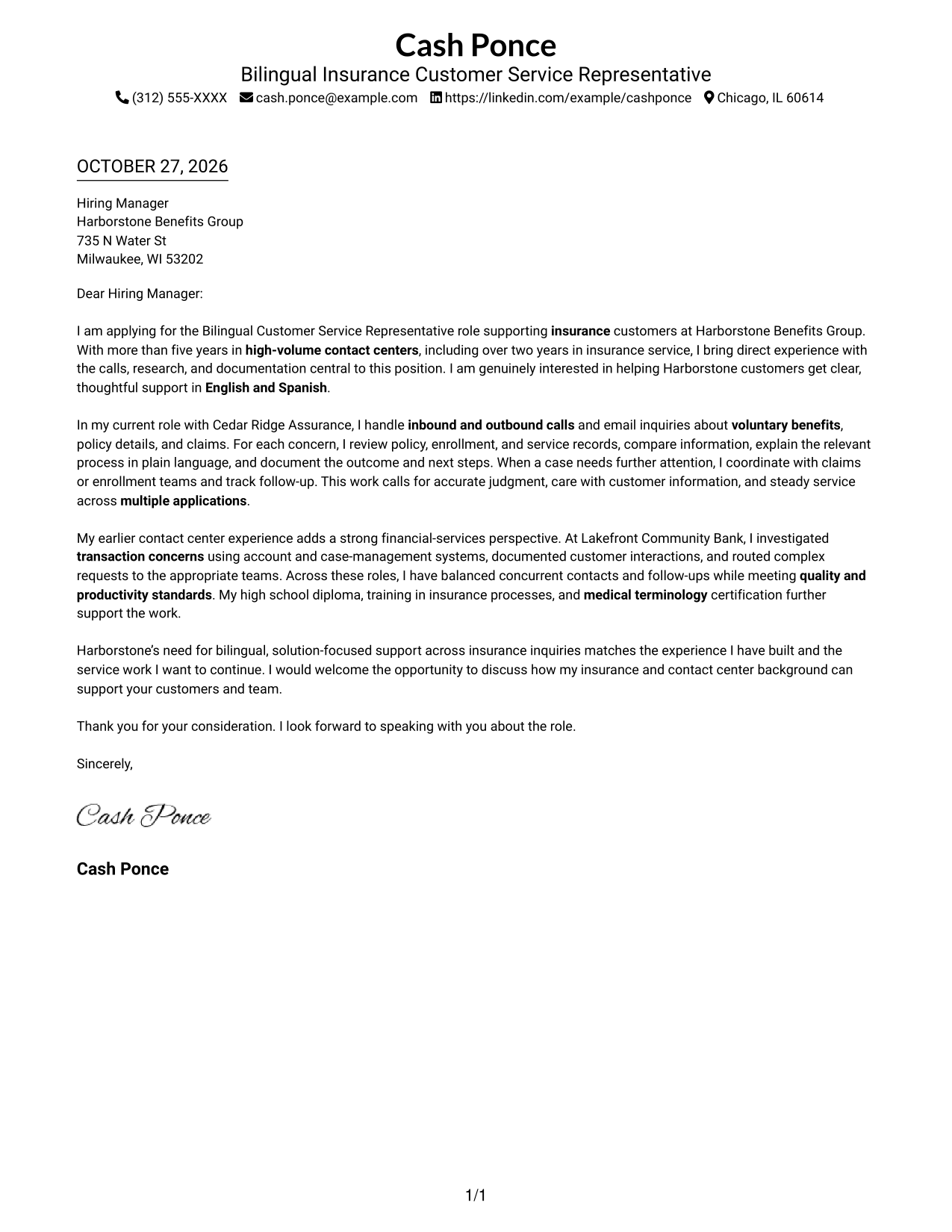
#1 Simple One Column Format Cover Letter Example
A single-column page places sender details in the header above the letter, giving contact information and the message a familiar, straightforward presentation.
Why This Format Works
- The reviewer can focus on the letter without a separate contact panel competing for space.
- Paragraph order carries the opening, supporting case, and closing in a clear sequence.
- The header keeps sender details apart from the main message.
Best For
- Single-column reading preference
- Header-based contact details
- Paragraph-led messages
- Cover letters without a contact sidebar
- No-photo submissions
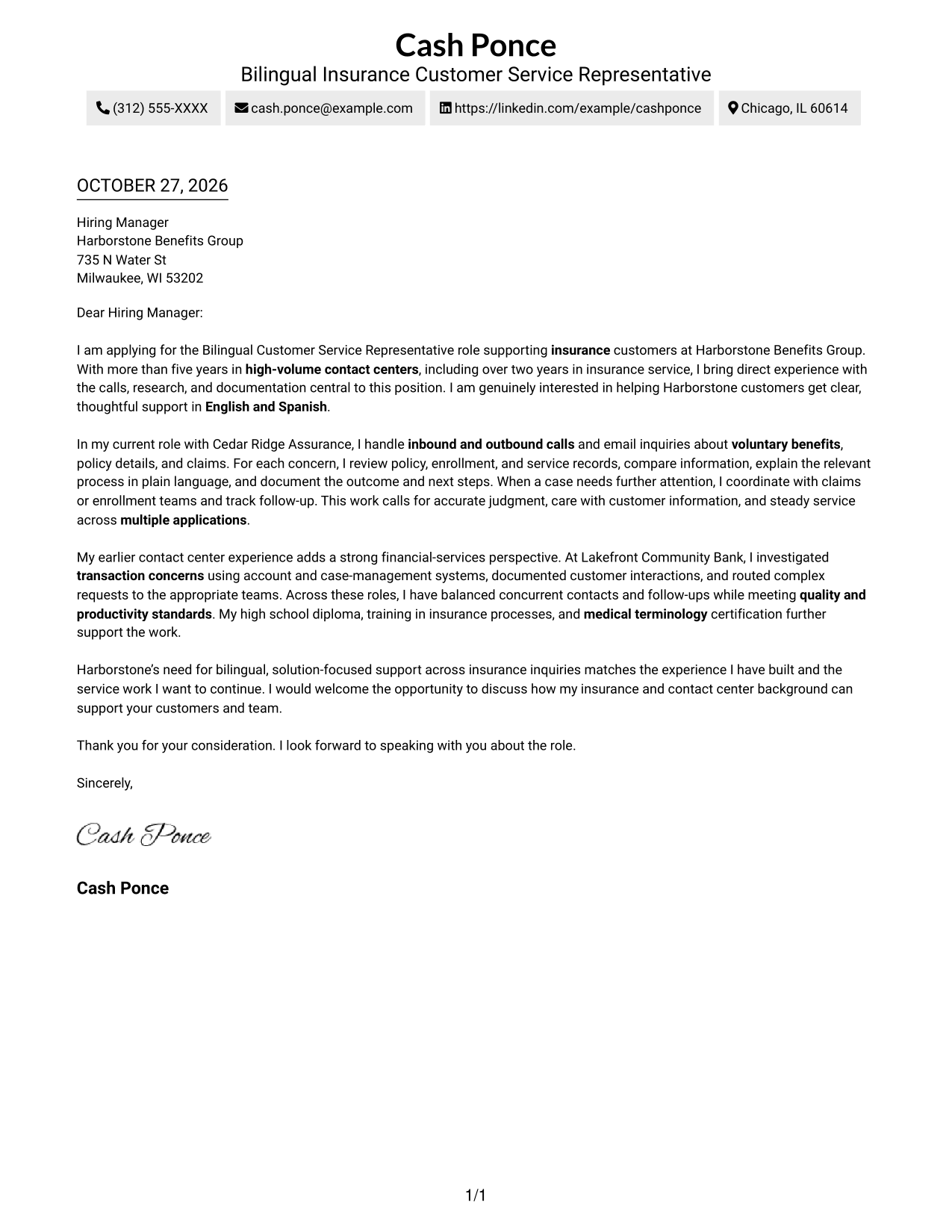
#2 Two Column Format Cover Letter Example
A contact sidebar sits beside one continuous letter body, using two columns while keeping the message in a single sequence.
Why This Format Works
- The sidebar makes sender details easy to find without searching through the message.
- Opening, supporting evidence, and closing remain together in paragraph order.
- Readers can follow the letter without switching between body columns.
Best For
- Contact sidebar preference
- Separate sender and message areas
- Continuous paragraph-based letters
- Two-part page organization
- Letters without body headings
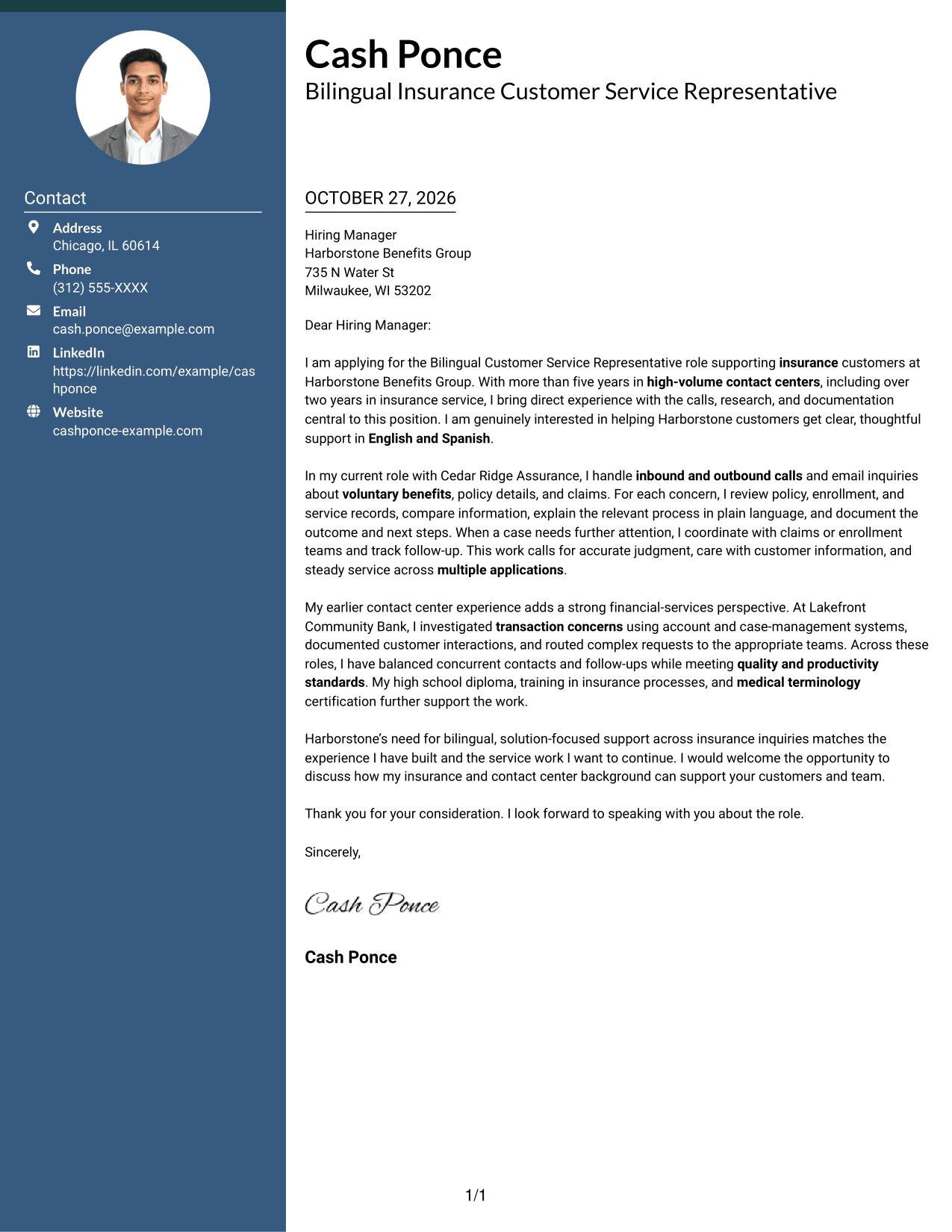
#3 Photo Header Two Column Format Cover Letter Example
A header photo accompanies the two-column layout, with contact details in a sidebar beside one continuous letter body.
Why This Format Works
- Contact details stay in the sidebar rather than interrupting the letter's paragraphs.
- One body column lets readers follow the message from opening to closing.
- The header photo adds a visual element without changing how the letter reads.
Best For
- Header photo preference
- Contact sidebar layouts
- Letters with a continuous body
- A clear visual identifier
- Applications with paragraph-based reasoning
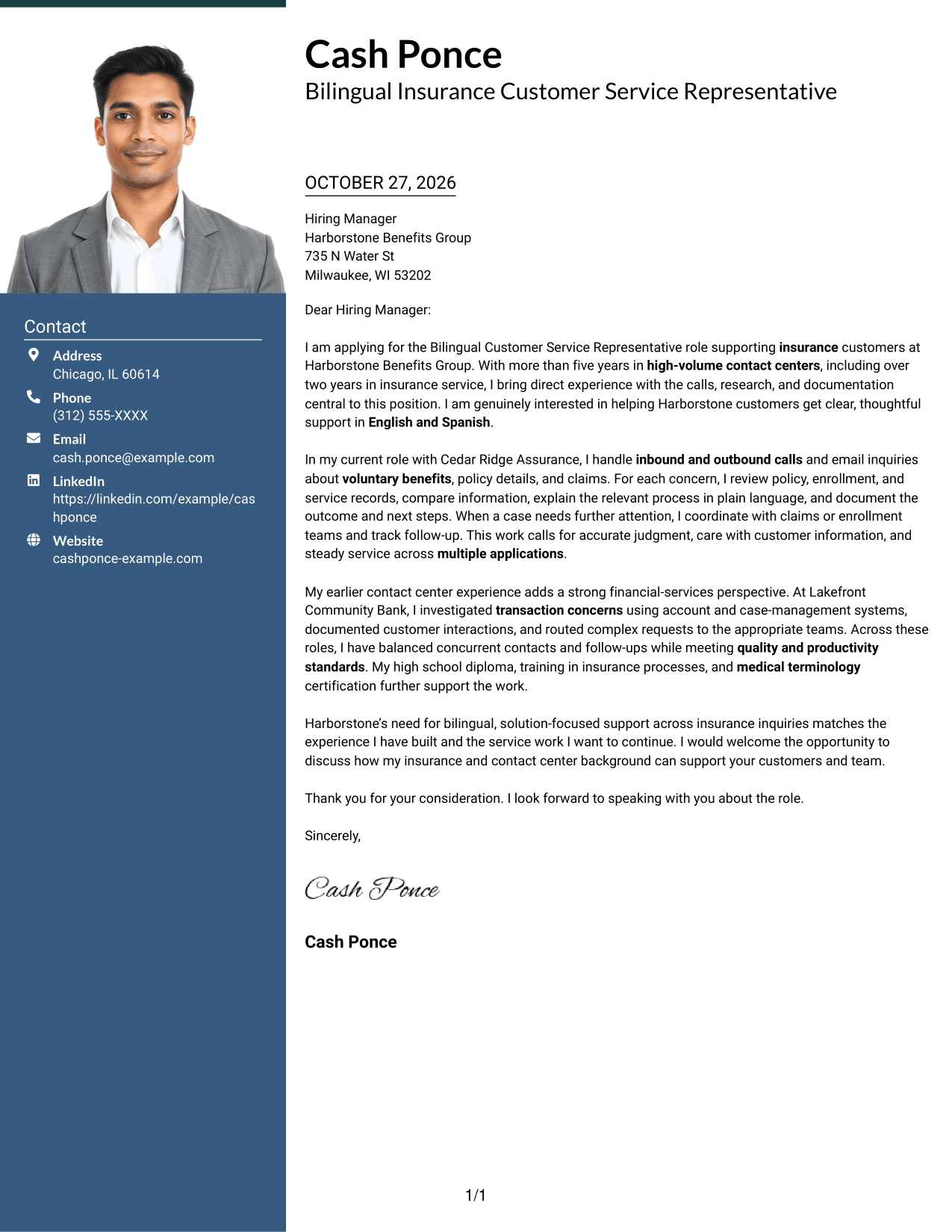
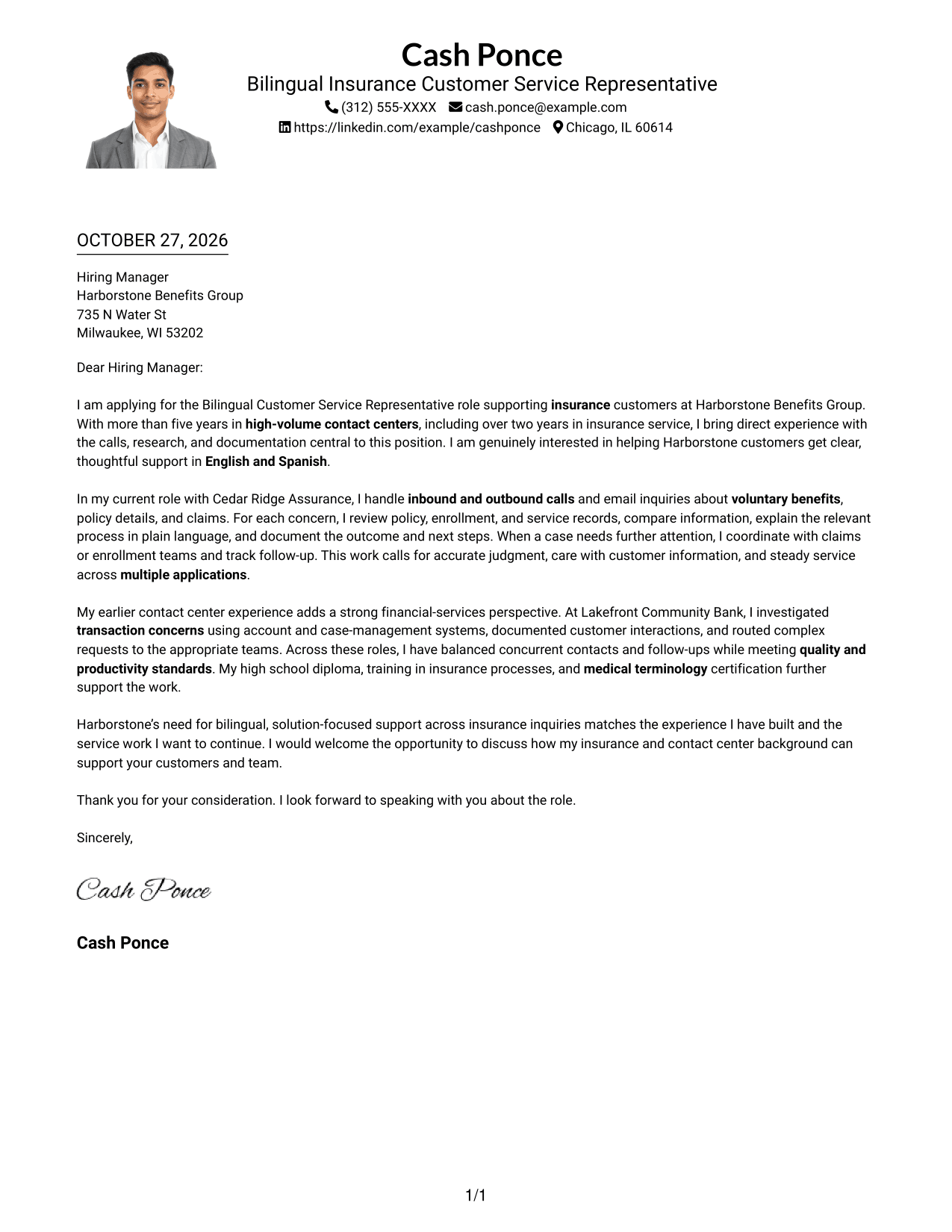
#4 One Column Format with Photo Cover Letter Example
A photo appears with the header above the single-column letter, adding a visual element while keeping the page in one reading path.
Why This Format Works
- Sender details and the letter stay within one column for direct reading.
- Paragraph order carries the case from role interest through the closing request.
- The photo adds a visible header element while leaving the message continuous.
Best For
- Single-column page preference
- Photo in the header
- Letters read from top to bottom
- Paragraph-based application messages
- A visible personal identifier
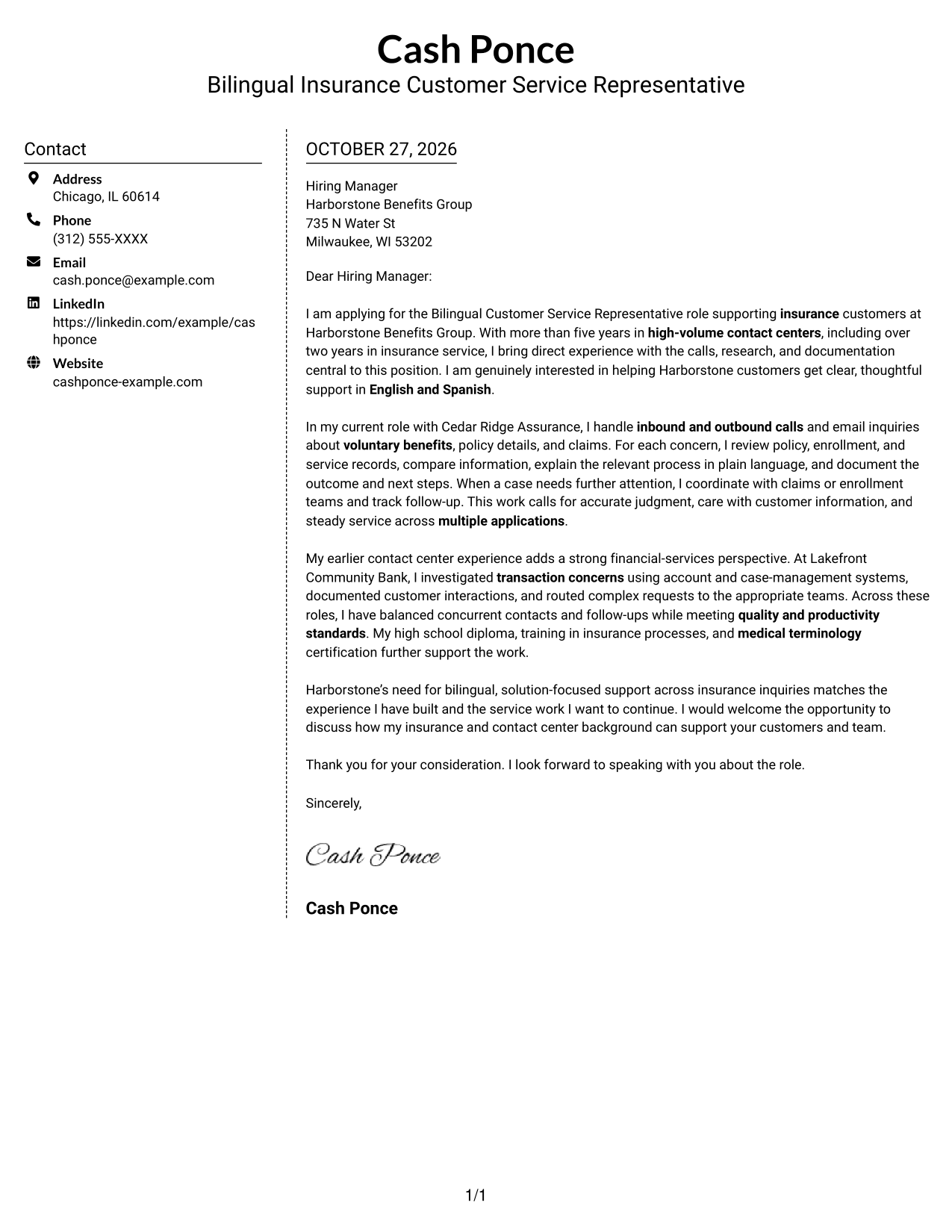
#5 Simple Two Column Format Cover Letter Example
The two-column layout places contact details beside a single, continuous letter body for a compact page with a clear division between them.
Why This Format Works
- The sidebar gives contact information a defined place beside the letter.
- The message stays in one body column, so its paragraphs retain their order.
- Readers can move from the contact area to the letter without crossing body columns.
Best For
- Side-by-side contact and message
- One-column letter text
- Compact page organization
- Letters with a clear closing
- No-photo document preference
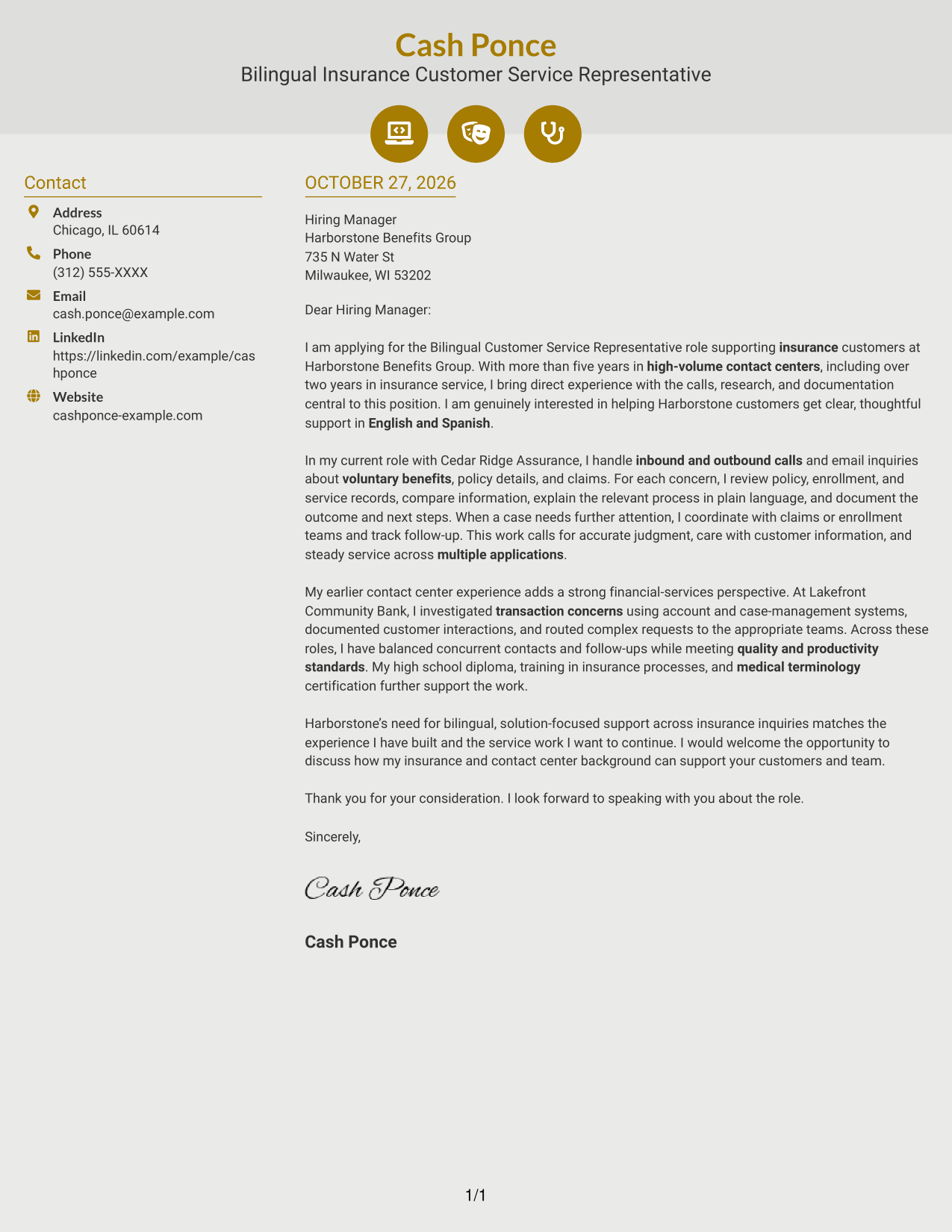
#6 Modern Icon Format Cover Letter Example
Contact icons provide visual cues in the sidebar, while the letter remains one continuous body beside it.
Why This Format Works
- Contact icons help readers identify details in the sidebar at a glance.
- The continuous body keeps the opening, evidence, and closing in one sequence.
- The contact area stays separate from the letter's main message.
Best For
- Icon-marked contact details
- Sidebar-based page organization
- Continuous letter paragraphs
- A visual cue for contact information
- Messages without body section headings
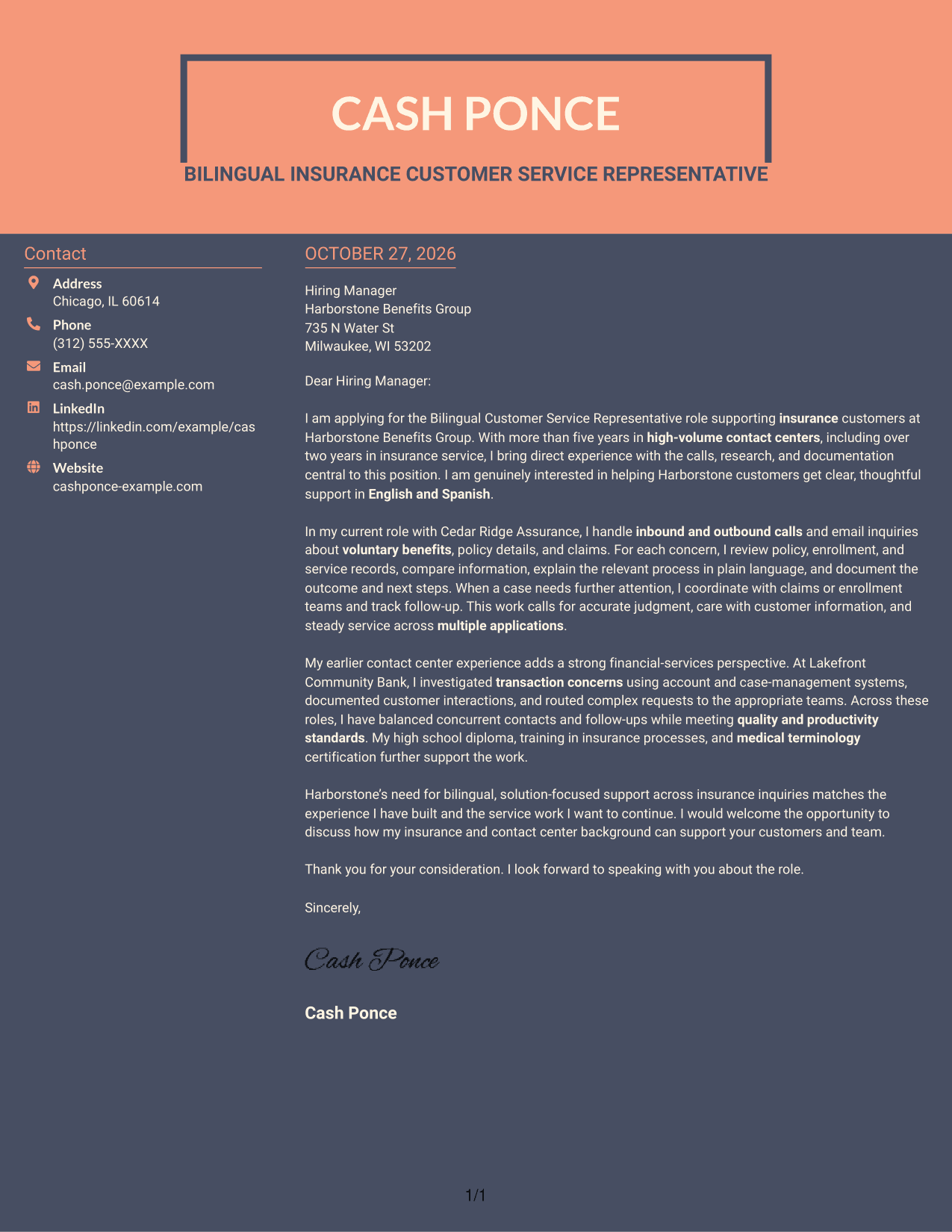
#7 Creative Two Tone Format Cover Letter Example
Contact information occupies one column beside the continuous letter body, keeping the sender details distinct from the message.
Why This Format Works
- A dedicated contact area lets readers locate sender details separately from the letter.
- The body keeps its opening, supporting points, and closing in one column.
- Paragraph order helps the reviewer follow the message without body section labels.
Best For
- Separate contact information
- Continuous letter body
- Paragraph-led role explanations
- Two-column page preference
- Letters without body labels
Why Use ResumeInMinutes for a Bilingual Customer Service Representative - Insurance Support Cover Letter
ResumeInMinutes gives you a structured starting point for a role-focused cover letter. Review the image preview, then open the example in the editor to customize it.
- Different writing styles
- Clear, readable layouts
- Role-focused wording
- Focused opening and closing
- Professional presentation
- Cover letter customization
Keep the message centered on bilingual service, insurance questions, careful research, and clear communication. Use specific examples that reflect your own experience.
See Also
- 7 Bilingual Customer Service Representative - Insurance Support Resume Templates with Example
- 33 Customer Service Representative - Bilingual English/Spanish Resume Templates with Example 2026 (ATS-Optimized)
- 33 Customer Service Representative - Bilingual Resume Templates with Example 2026 (ATS-Optimized)
- 33 Insurance Customer Service Representative Resume Templates with Example 2026 (ATS-Optimized)
- 33 Bi-Lingual Medical Billing Customer Service Support Representative Resume Templates with Example 2026
- 7 Customer Service/Information Services Support Representative Resume Templates with Example
- 7 Customer Service Representative - Benefits Support Resume Templates with Example
- 7 Customer Service Representative - Public Service Support Resume Templates with Example
- 30+ Customer Service Representative - Bilingual Cover Letter Templates with Example 2026
- 30+ Customer Service Representative - Bilingual English/Spanish Cover Letter Templates with Example 2026
Frequently Asked Questions
What should a Bilingual Customer Service Representative - Insurance Support cover letter include?
Show how you communicate in English and Spanish, respond to insurance questions, research customer concerns, and document each interaction. Connect those examples to the employer’s support needs.
Does this page show one example or several different letters?
It presents one featured cover letter example through several visual layouts. Use the preview to compare the presentation, then open an example in the editor to customize it.
How can I make my opening paragraph relevant to insurance support?
Name the role and briefly explain why your background fits. Focus on relevant customer service, bilingual communication, or insurance support experience that you can support with real examples.
How can I show that I can handle customer concerns?
Describe how you listen, research information across systems, explain the next step in plain language, and record the outcome. Keep the example accurate and specific.
What is a strong way to close this cover letter?
Restate your interest in supporting insurance customers, thank the reader, and invite a conversation about the role. Keep the closing professional and brief.




