
7 BIM Architectural Designer Cover Letter Templates with Example
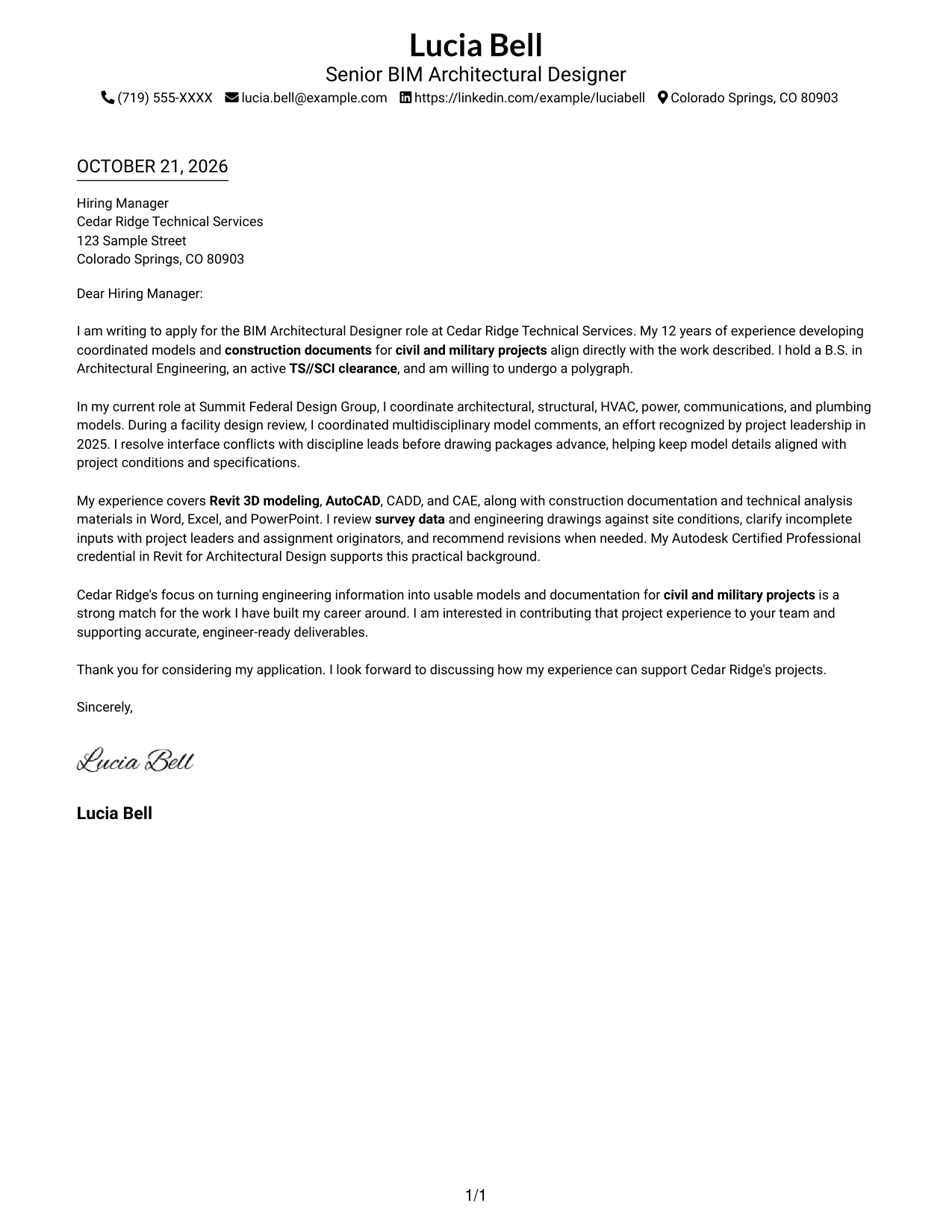
This practical guide helps you write a BIM Architectural Designer cover letter, compare seven layouts, and present your fit for coordinated civil and military project work.
What Makes a Great BIM Architectural Designer Cover Letter in 2026
A strong BIM Architectural Designer cover letter links Revit modeling and construction documentation to the needs of civil and military projects. It makes your role fit clear from the opening and gives the employer a direct reason to keep reading.
Use specific evidence, such as coordinating building systems or resolving model conflicts, to show how you support accurate project delivery. Connect that experience to the employer’s work, and mention clearance or other role requirements only when they apply to you.
The featured example moves from role fit to coordination evidence, technical scope, employer motivation, and a clear close; adapt that focused progression while choosing a presentation that suits the employer and communication context.
#1 Simple One Column Format Cover Letter Example
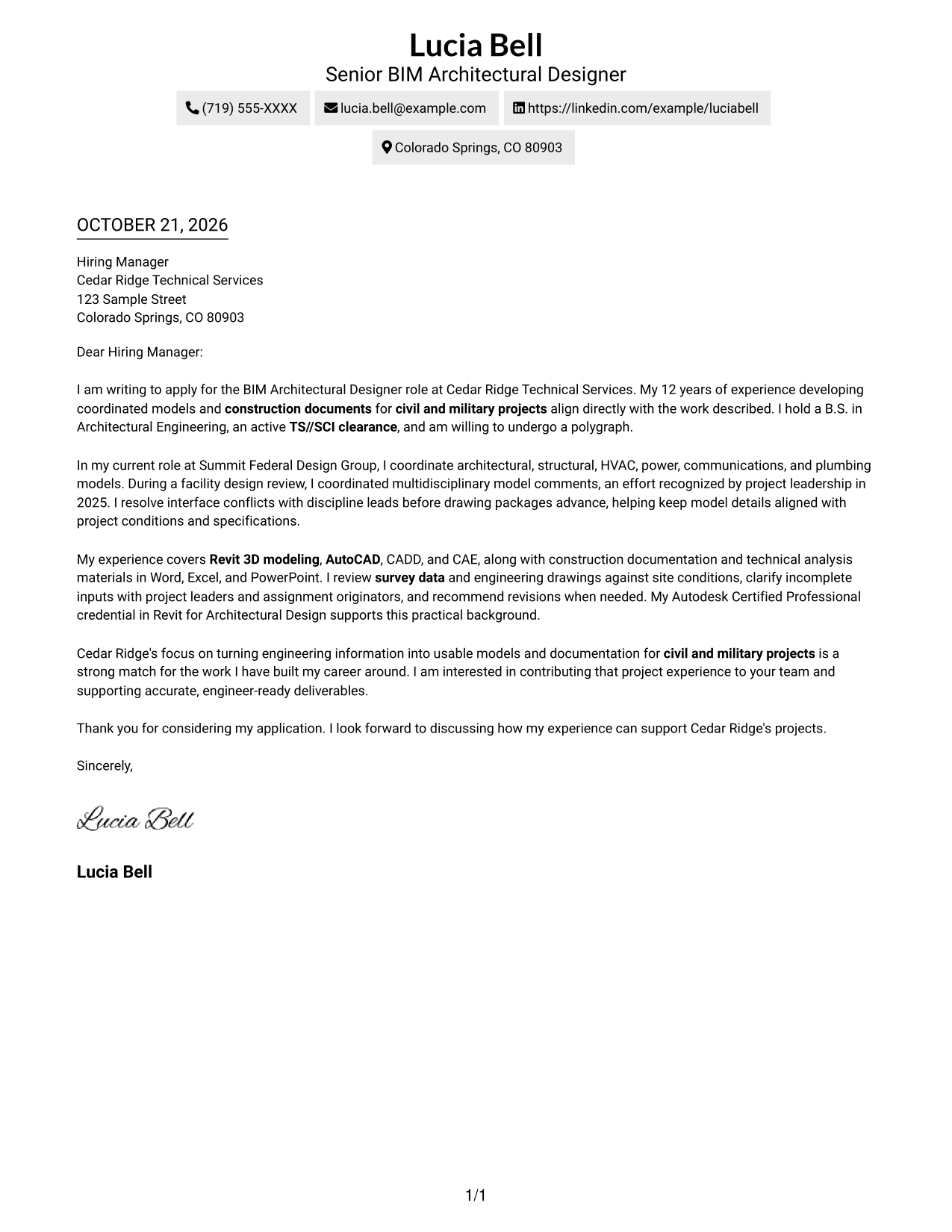
A single-column page keeps sender details in the header and lets the letter read as one uninterrupted body.
Why This Format Works
- Header details appear before the letter, and one body preserves a direct reading order.
- Without a sidebar, the letter remains one continuous path from opening through closing.
- Unheaded paragraphs let motivation and evidence develop in a familiar letter sequence.
Best For
- Single-column letter reading
- Contact details in the header
- Paragraph-led persuasion
- A direct opening-to-close sequence
- No-sidebar letter layouts
#2 Two Column Format Cover Letter Example
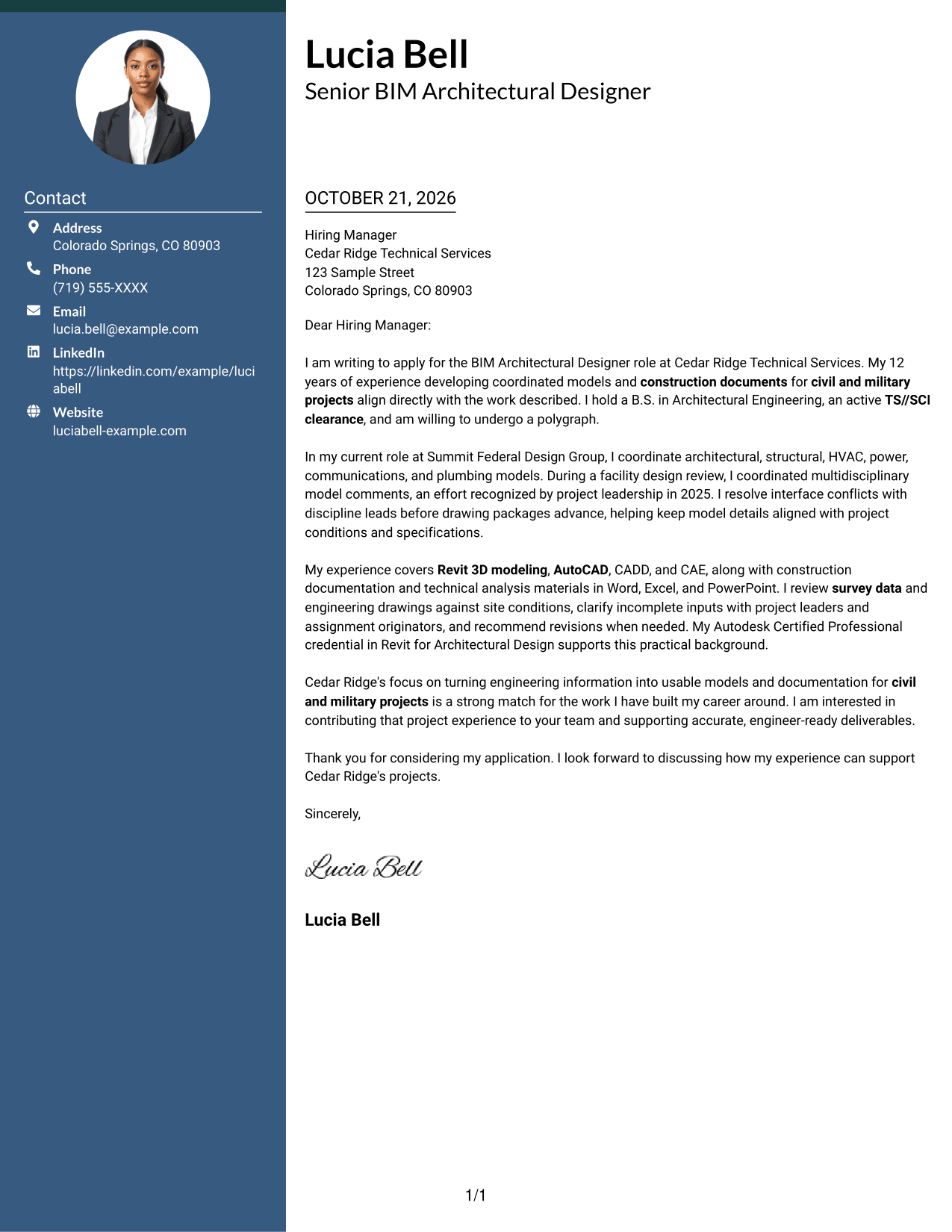
A contact sidebar sits beside one continuous letter body, separating reference details while keeping the argument in its own reading path.
Why This Format Works
- Contact information has its own sidebar, so readers can locate it without entering the message.
- One continuous body keeps the opening, supporting case, and closing in sequence.
- Separate areas distinguish reference details from the letter's persuasive content.
Best For
- Sidebar-based contact lookup
- Continuous persuasive letters
- Multi-paragraph application messages
- Detailed motivation and supporting evidence
- Formal closing paragraphs
#3 Photo Header Two Column Format Cover Letter Example
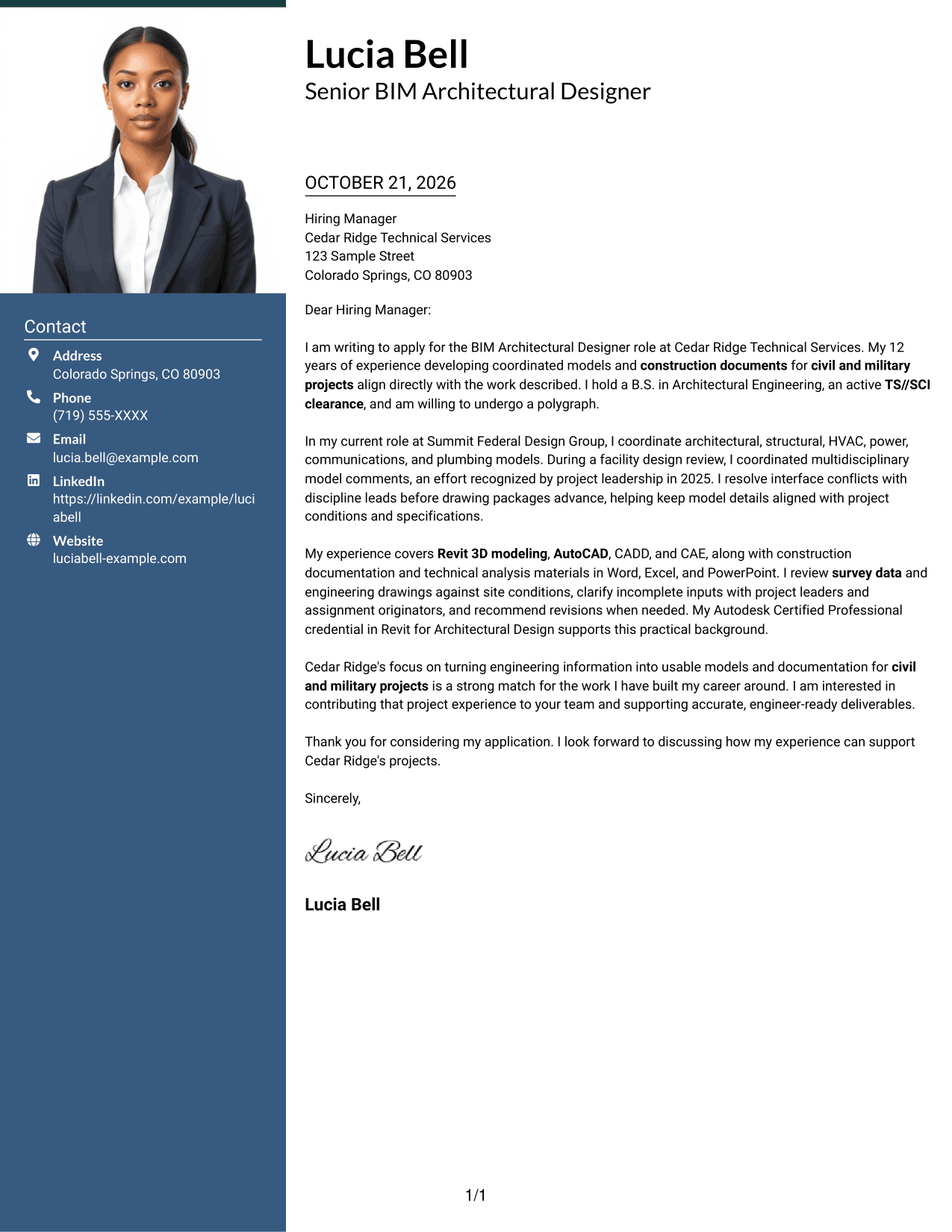
The two-column arrangement includes a photo with the contact sidebar, while the letter itself stays in one continuous body.
Why This Format Works
- A photo adds a visible personal element without dividing the letter body.
- Contact details remain separate from the continuous body for quick reference.
- Paragraph order carries the message from its opening through the closing.
Best For
- Photo-inclusive application correspondence
- Side-by-side contact reference
- Continuous letter arguments
- Messages with several supporting paragraphs
- A clear greeting-to-close sequence
#4 One Column Format with Photo Cover Letter Example
A photo accompanies the one-column layout, with sender details in the header and the letter body continuing as one sequence.
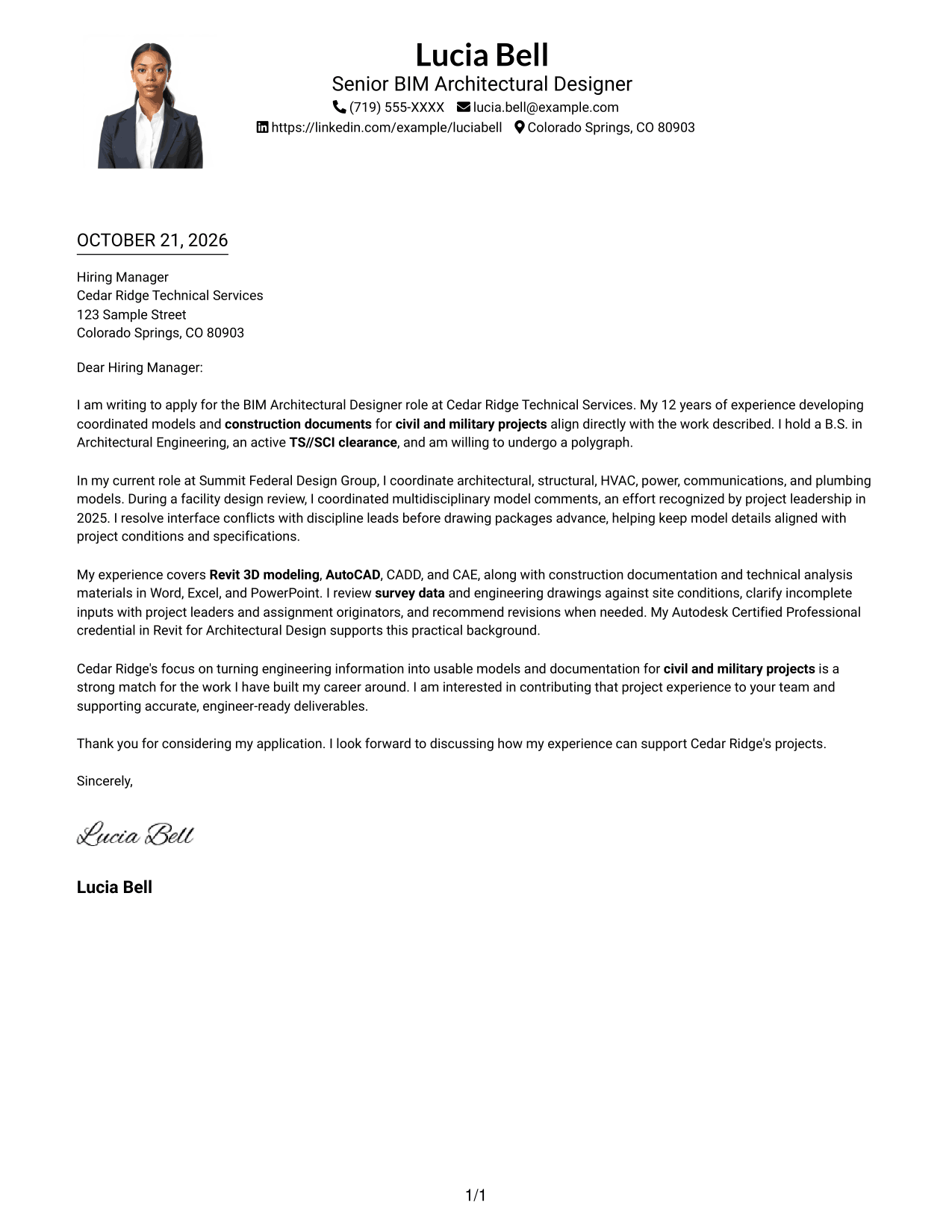
Why This Format Works
- The photo adds a visible personal element without splitting the letter body.
- Sender details appear in the header, giving contact information a clear place.
- One continuous body lets the request and supporting case read in sequence.
Best For
- Photo-inclusive letter layouts
- Header-based sender details
- Single-column letter reading
- Paragraph-led role alignment
- Applications with a visible photo preference
#5 Simple Two Column Format Cover Letter Example
Contact details occupy a sidebar beside the uninterrupted letter, keeping reference information distinct from the message.
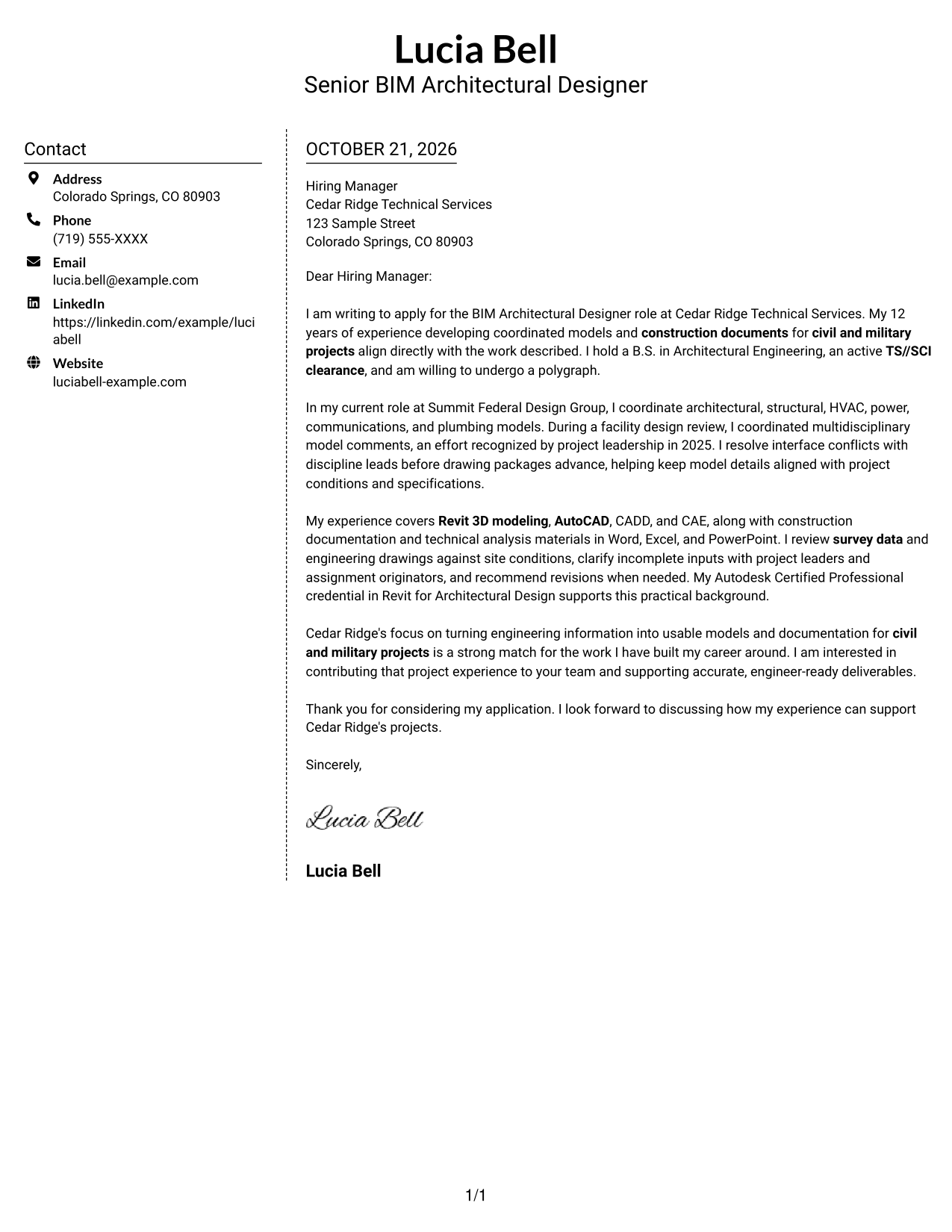
Why This Format Works
- The sidebar gives contact details a separate reference point beside the letter.
- One uninterrupted body keeps the message in a natural paragraph order.
- No argument labels break the letter's progression from motivation to evidence.
Best For
- Separate contact reference
- Uninterrupted application letters
- Multi-paragraph messages
- Motivation followed by supporting evidence
- A distinct contact and message layout
#6 Modern Icon Format Cover Letter Example
Contact icons provide visual cues beside the letter, while a sidebar and one continuous body keep the message intact.
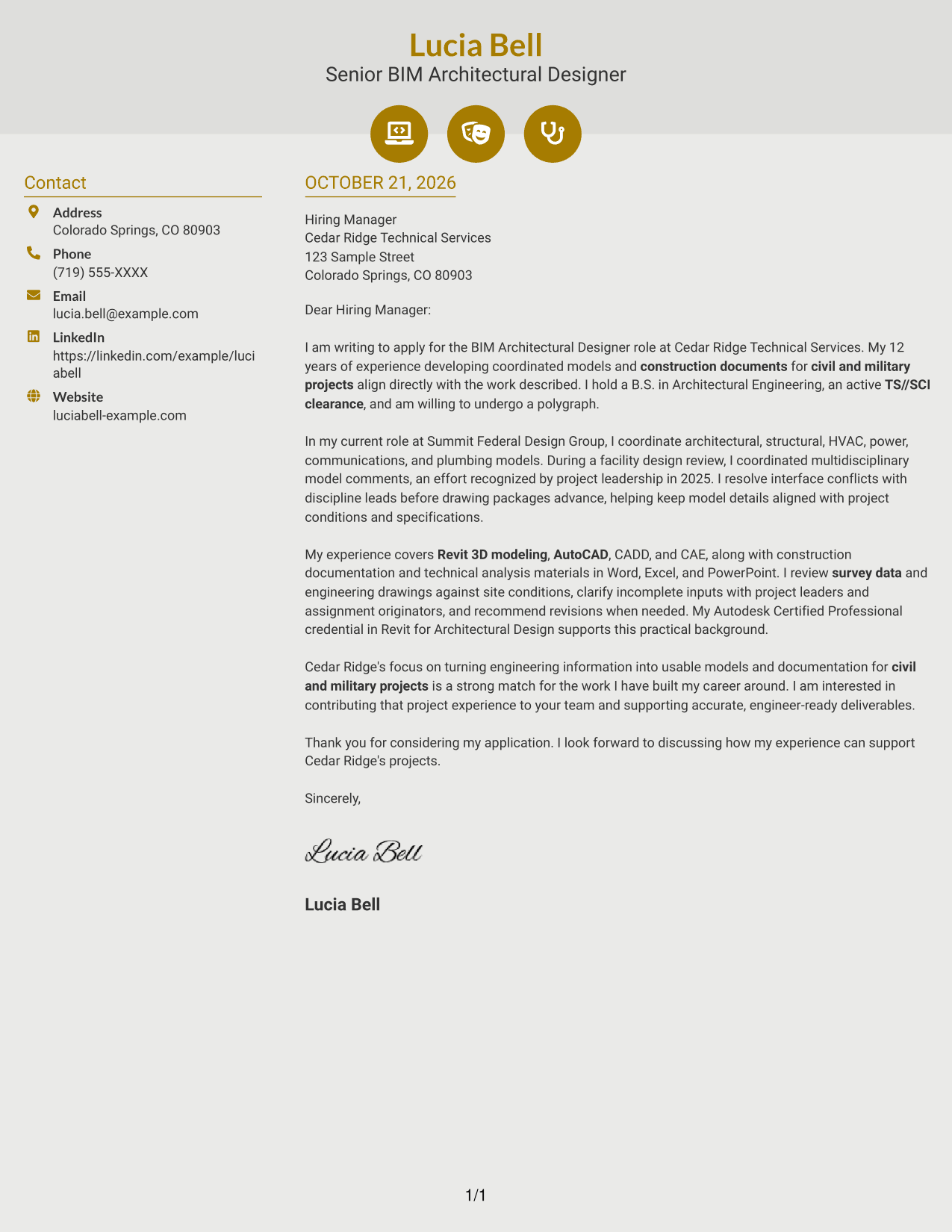
Why This Format Works
- Icons cue contact details, helping readers identify reference information without labeling the argument.
- The sidebar keeps contact information apart from the continuous letter body.
- With no argument headings, the message retains a direct letter-style progression.
Best For
- Icon-led contact details
- Quick contact information lookup
- Continuous letter narratives
- Unheaded application messages
- A clear boundary between contact and message
#7 Creative Two Tone Format Cover Letter Example
A contact sidebar sits alongside one continuous letter body, giving the page a clear two-column arrangement.
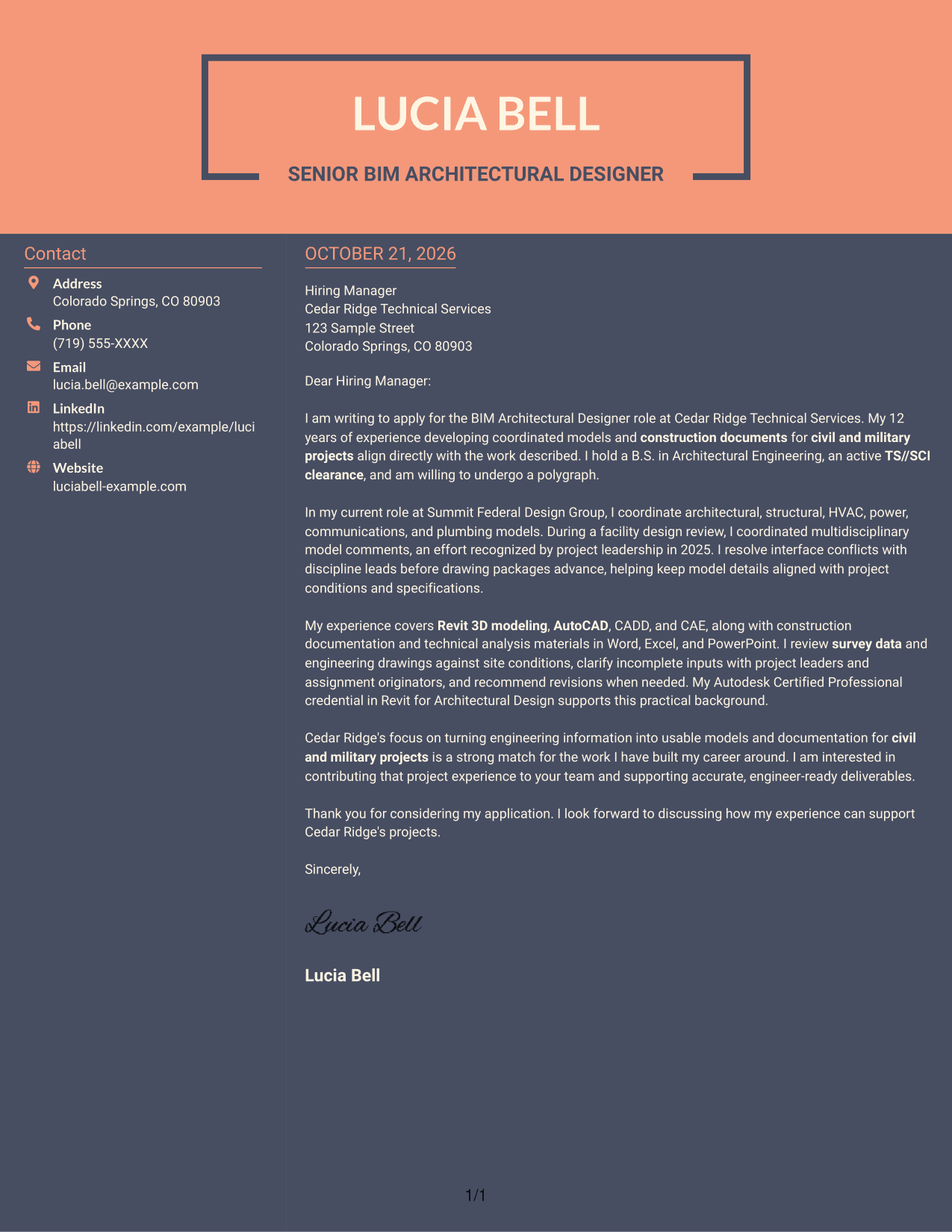
Why This Format Works
- Contact details remain beside, not inside, the letter's continuous message.
- The body preserves paragraph order from the opening through the closing.
- Two columns keep reference information visually distinct from the written appeal.
Best For
- Side-by-side contact reference
- Continuous application messages
- Paragraph-based role alignment
- Several supporting letter paragraphs
- Visibly separate contact and message areas
See Also
- 7 BIM Architectural Designer Resume Templates with Example
- 7 Architectural Designer - Construction Documentation Resume Templates with Example
- 7 Architectural Designer / Project Architect - Commercial and Institutional Resume Templates with Example
- 7 Custom Residential Architectural Designer Resume Templates with Example
- 7 Entry-Level Architectural Designer - Construction Documentation Resume Templates with Example
- 33 Associate Director, Senior Service Designer (GenAI Experience) Resume Templates with Example 2026 (ATS-Optimized)
- 33 Automotive CAD Designer – Exterior Mirrors & Vision Systems Resume Templates with Example 2026 (ATS-Optimized)
- 7 CAD Drafter/Designer - Fiber Network Design Resume Templates with Example
- 7 Architectural Designer - Construction Documentation Cover Letter Templates with Example
- 7 Architectural Designer / Project Architect - Commercial and Institutional Cover Letter Templates with Example
Frequently Asked Questions
What should a BIM Architectural Designer cover letter emphasize?
Show how your experience fits the role’s modeling, coordination, and construction documentation needs. Use a clear example, such as aligning architectural, structural, HVAC, power, communications, and plumbing models.
Does this guide show different cover letters or different layouts?
It presents one BIM Architectural Designer cover letter example in several visual layouts. The example’s message focuses on project fit, coordination evidence, relevant technical work, and employer interest.
How can I explain my coordination experience?
Describe the disciplines involved, the issue you addressed, and how you worked with project leads or assignment originators. For example, the featured letter notes multidisciplinary model coordination and recognition during a facility design review.
Should I mention Revit and other design tools?
Include tools that you have used and that matter to the position. The featured example names Revit, AutoCAD, CADD, and CAE, and connects them to modeling, review, and documentation work.
How should I address clearance requirements?
If you hold the required clearance and meet any stated screening conditions, say so briefly and clearly. The featured letter states an active TS//SCI clearance and willingness to undergo a polygraph.




