
7 Bookkeeper / Office Administrator - Construction Office Operations Cover Letter Templates with Example
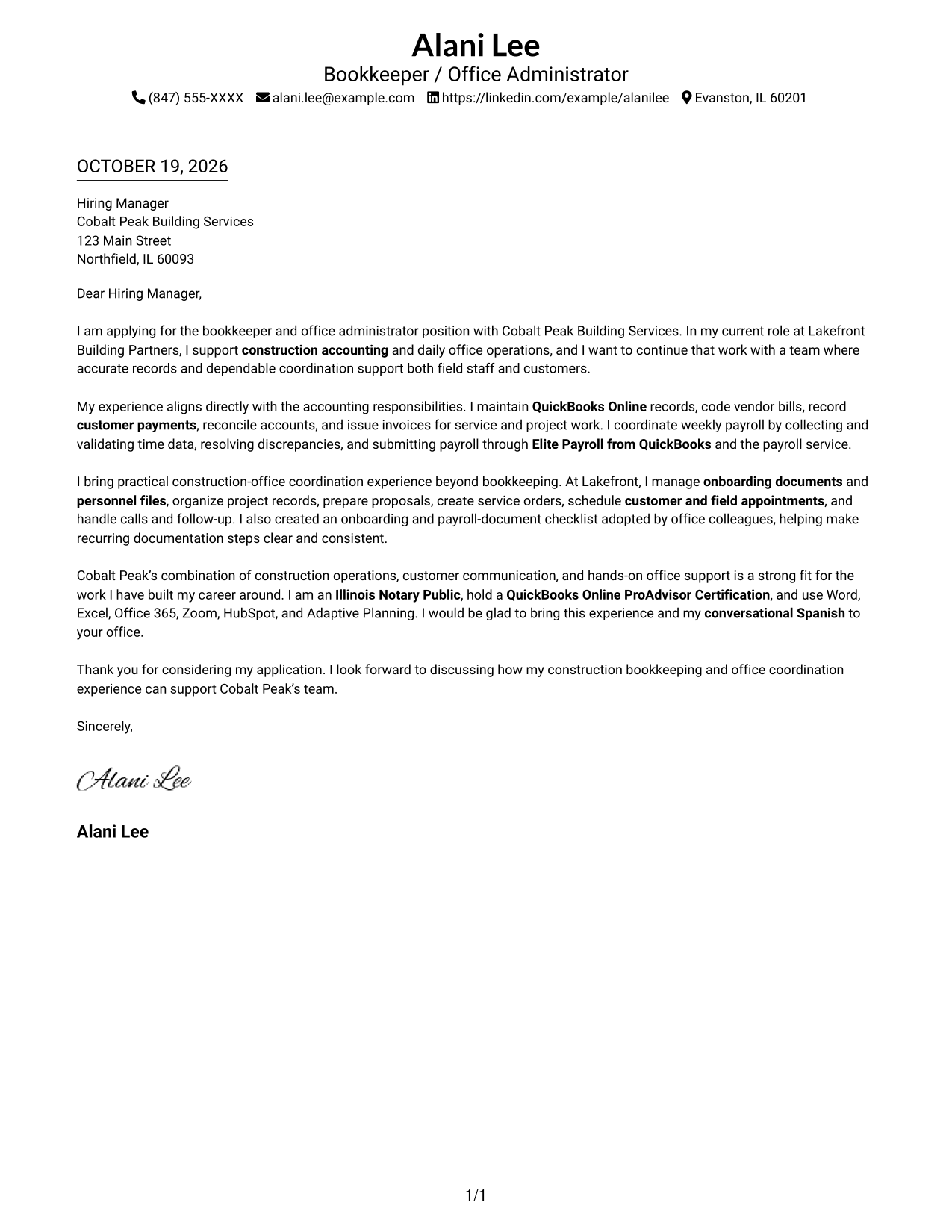
This practical guide to a Bookkeeper / Office Administrator - Construction Office Operations cover letter presents seven layouts to help you build a clear, role-focused application.
What Makes a Great Bookkeeper / Office Administrator - Construction Office Operations Cover Letter in 2026
A strong letter connects accurate bookkeeping and weekly payroll coordination with the daily needs of a construction office. Its opening should show clear interest in the role, while the body explains how your work supports customers and field teams.
Use specific examples, such as handling vendor bills, preparing invoices, organizing personnel files, or coordinating service appointments. Link that evidence to the employer’s needs, and explain why its mix of office support and construction operations interests you.
The featured example moves from interest in the role to accounting evidence, wider office coordination, employer fit, and a clear close. Adapt that progression to your own experience, choosing a presentation that suits the employer and the communication context.
#1 Simple One Column Format Cover Letter Example
Simple One Column Format keeps sender details in the header and the letter body in one column, a familiar choice for readers who prefer a direct reading path.
Why This Format Works
- Sender details sit in the header, separate from the letter's message.
- The single text column keeps the opening and closing on one reading path.
- With no portrait, the visual focus stays on the written application.
Best For
- Single-column letter layouts
- Header-based contact details
- Linear reading preferences
- Portrait-free applications
- Continuous letter paragraphs
#2 Two Column Format Cover Letter Example
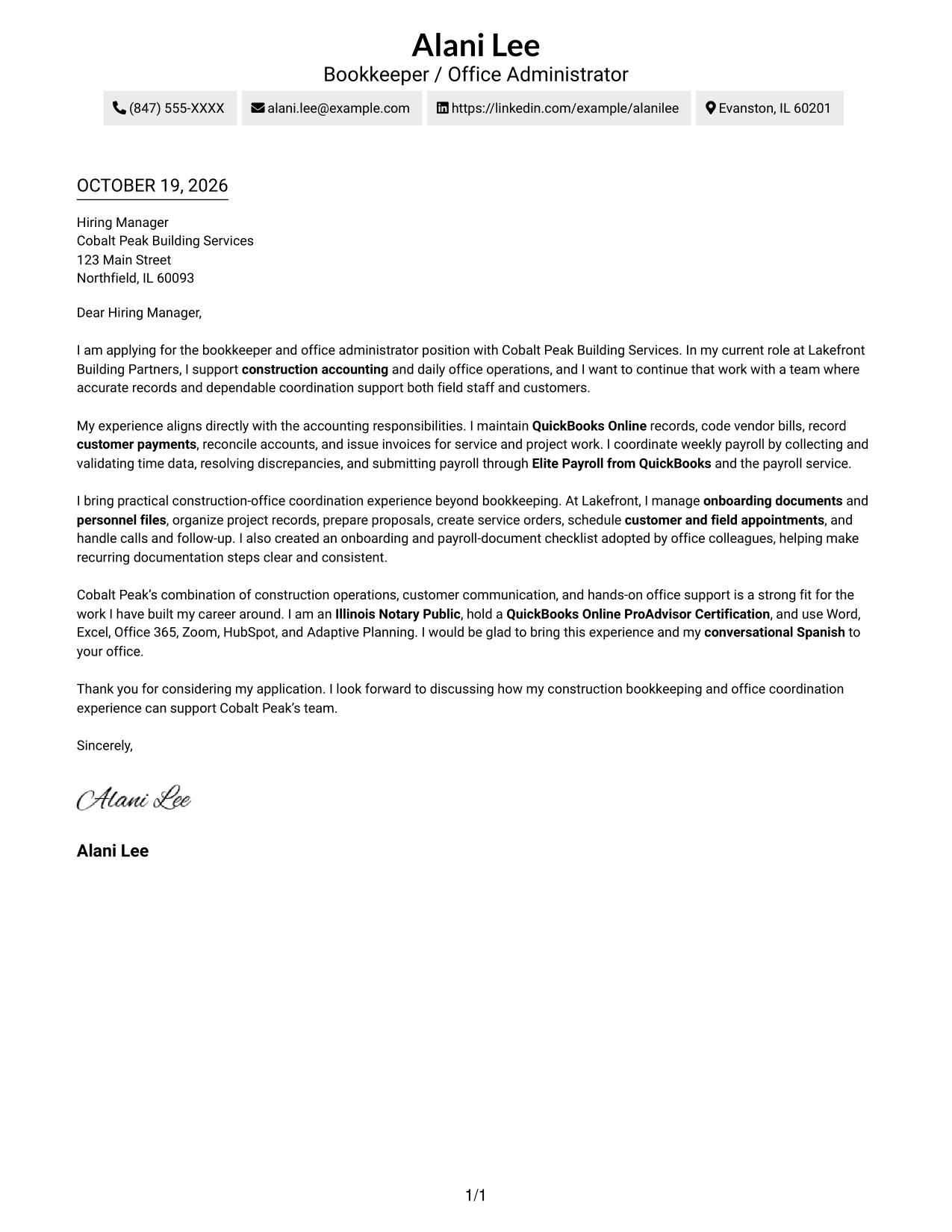
Two Column Format places contact details in a sidebar beside the continuous letter body, separating practical information from the message for readers who want both easy to locate.
Why This Format Works
- The contact sidebar gives reviewers a separate place to find sender information.
- The letter body stays in one column, keeping the argument in sequence.
- No section labels divide the message into named stages.
Best For
- Separate contact information
- Continuous letter arguments
- Quick access to sender details
- Unlabeled letter paragraphs
- Photo-free layouts
#3 Photo Header Two Column Format Cover Letter Example
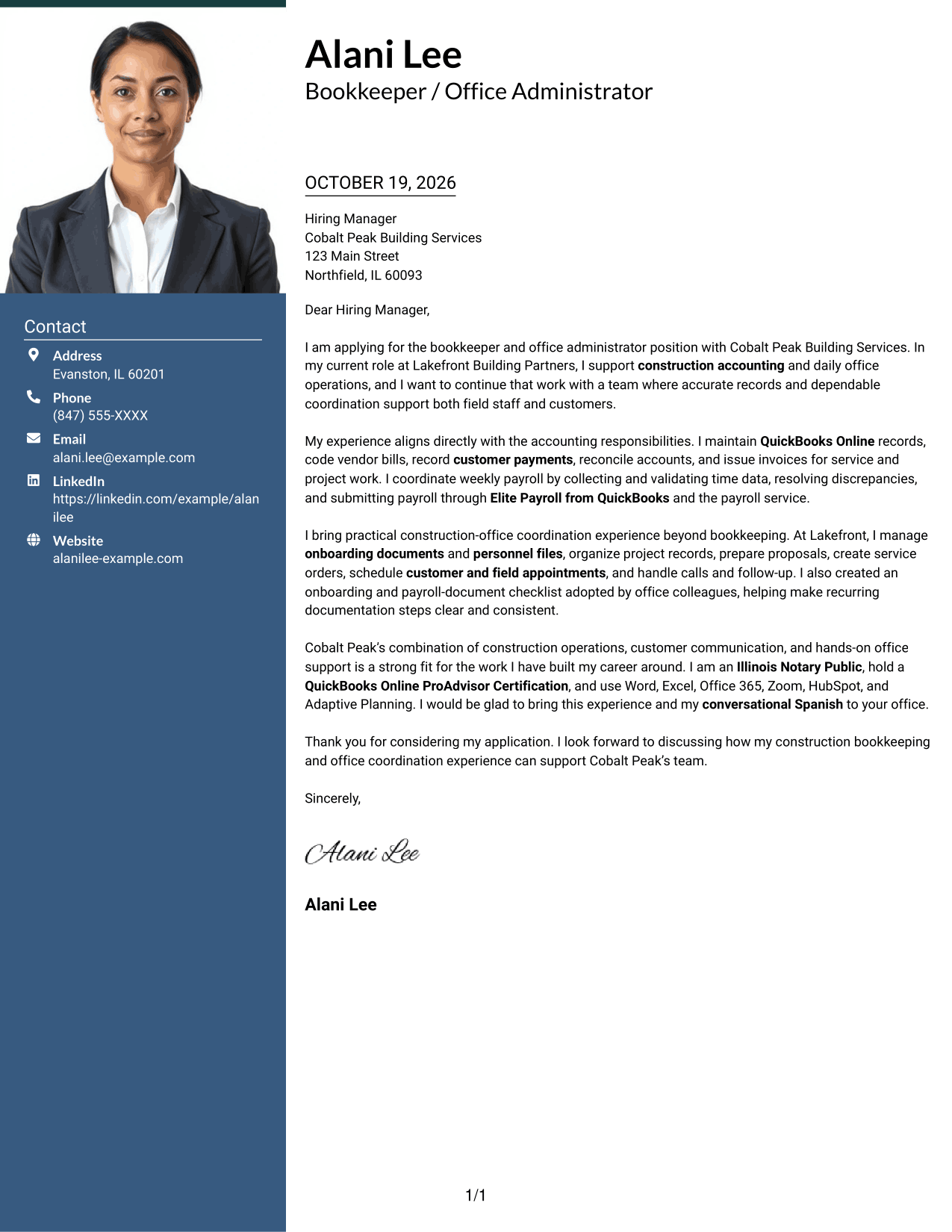
Photo Header Two Column Format pairs a photo with a contact sidebar beside the continuous letter body, adding a personal visual element while keeping contact details apart from the message.
Why This Format Works
- The photo gives the header a personal visual element without dividing the letter.
- A separate contact sidebar keeps sender details apart from the message.
- The continuous body lets reviewers follow the letter from opening to close.
Best For
- Photo-led header preferences
- Separate contact details
- Continuous letter paragraphs
- Personal visual presentation
- Sidebar-based organization
#4 One Column Format with Photo Cover Letter Example
One Column Format with Photo includes a photo with a single-column letter body, a useful choice for readers who want a personal visual element and a direct reading path.
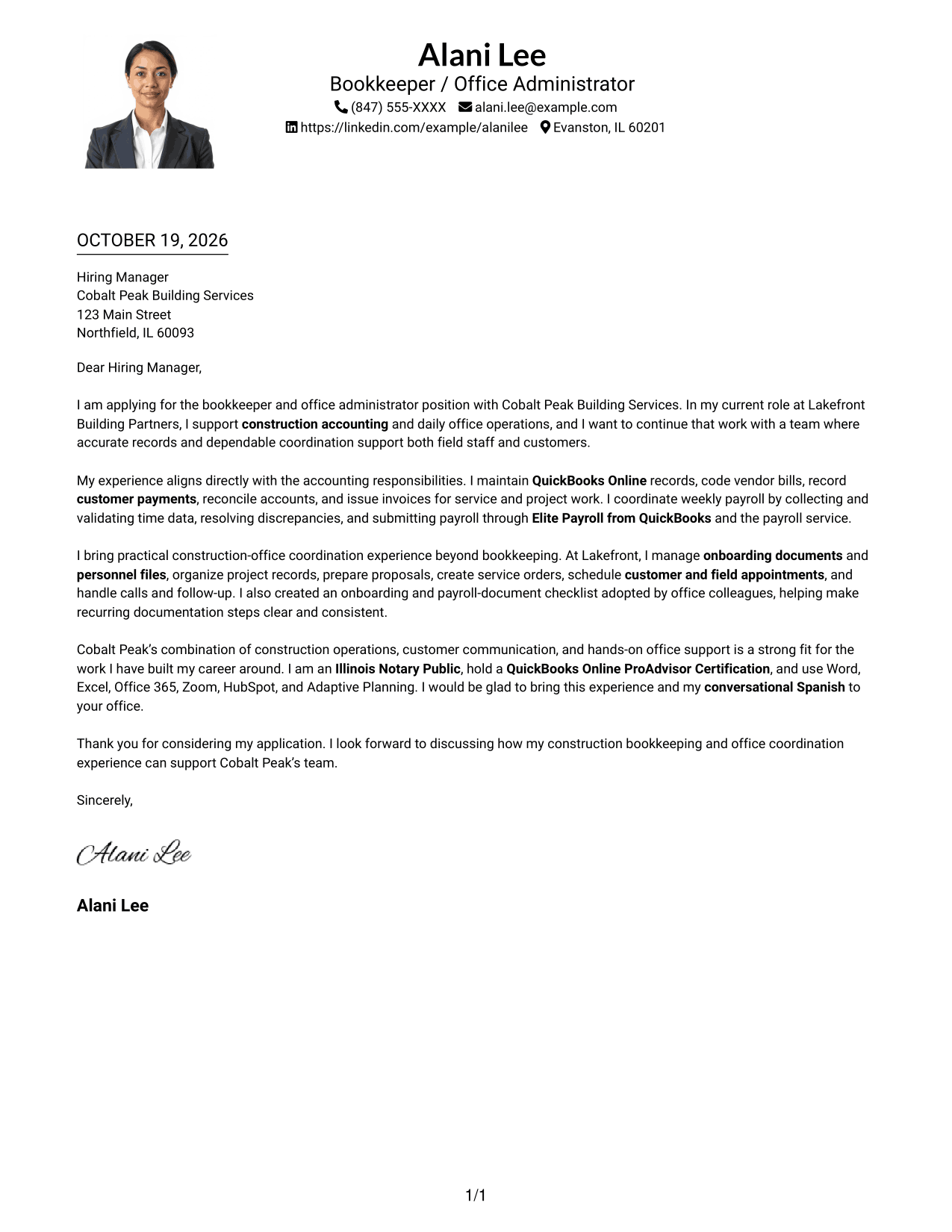
Why This Format Works
- The photo adds a personal visual detail without splitting the letter body.
- One text column carries the opening, supporting points, and close in order.
- Sender details remain in the header, apart from the letter's paragraphs.
Best For
- Single-column letter reading
- Photo-inclusive applications
- Header-based sender details
- Uninterrupted message flow
- Personal visual detail
#5 Simple Two Column Format Cover Letter Example
Simple Two Column Format places a contact sidebar alongside one continuous letter body, a practical arrangement for readers who want clear separation without dividing the letter's argument.
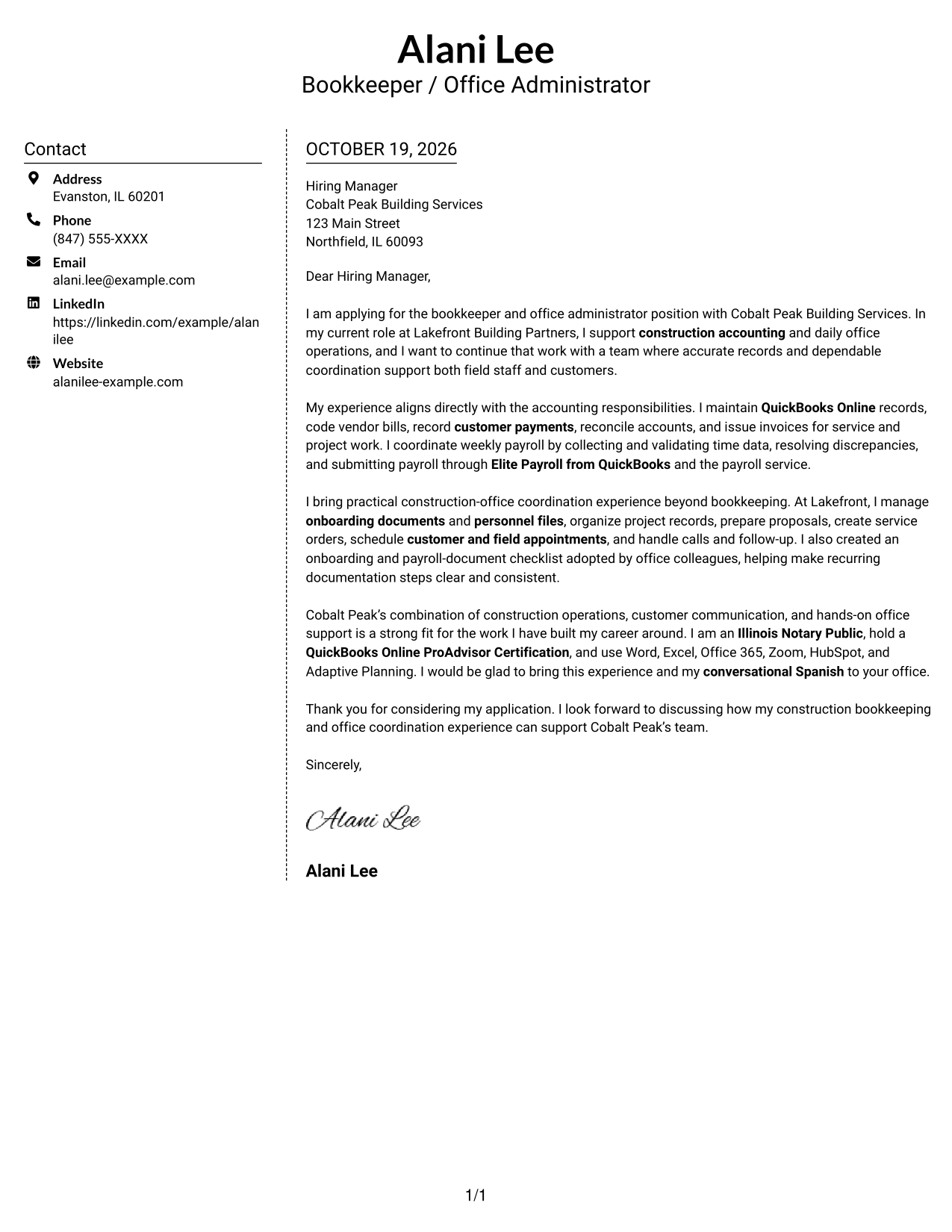
Why This Format Works
- The sidebar keeps sender contact information distinct from the letter's message.
- One continuous body preserves the natural order of the paragraphs.
- The simple two-column arrangement keeps contact details and the letter easy to distinguish.
Best For
- Distinct contact and message areas
- Continuous letter body
- Straightforward two-column reading
- Photo-free applications
- Simple contact presentation
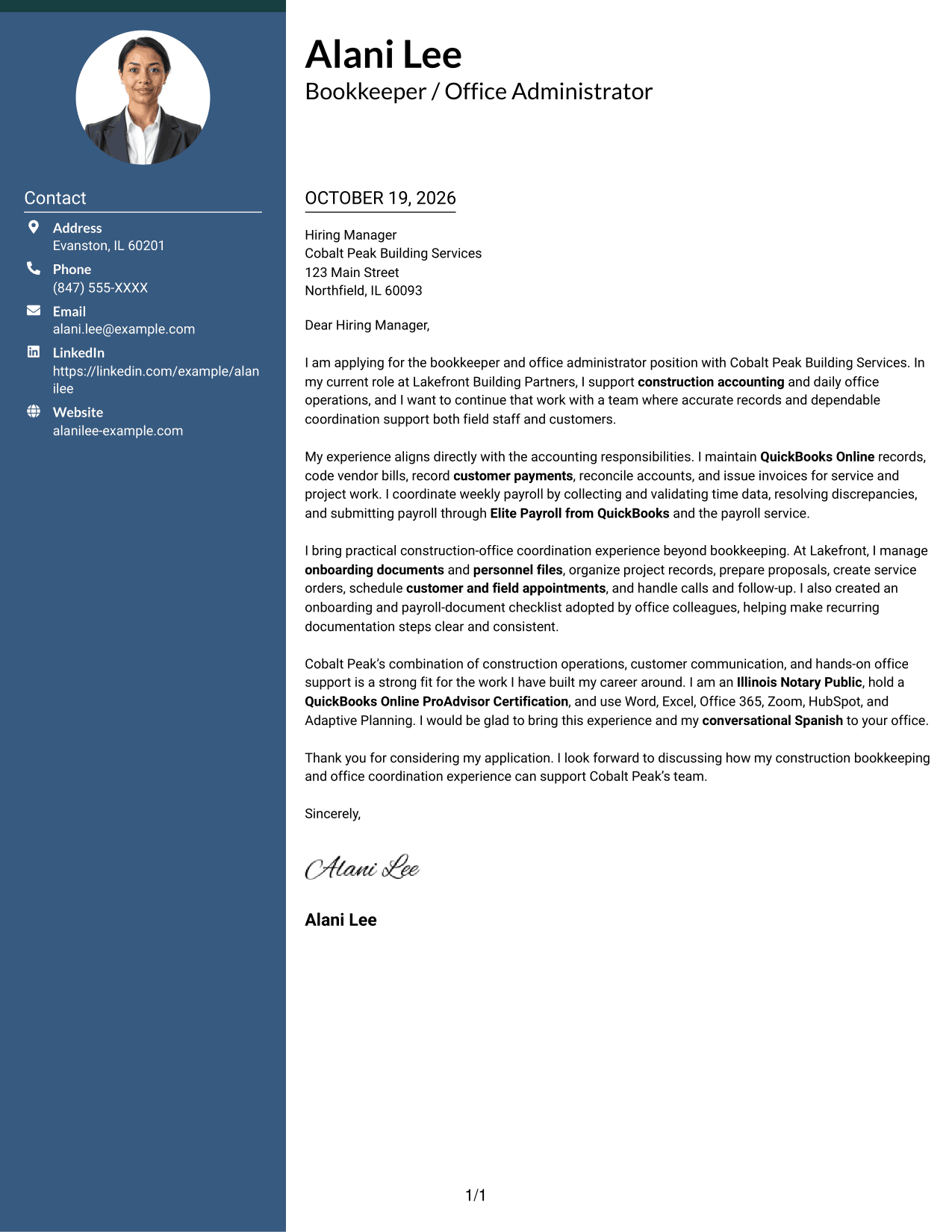
#6 Modern Icon Format Cover Letter Example
Modern Icon Format pairs a contact sidebar with a continuous letter body, while contact icons provide visual cues for readers looking through the sender's details.
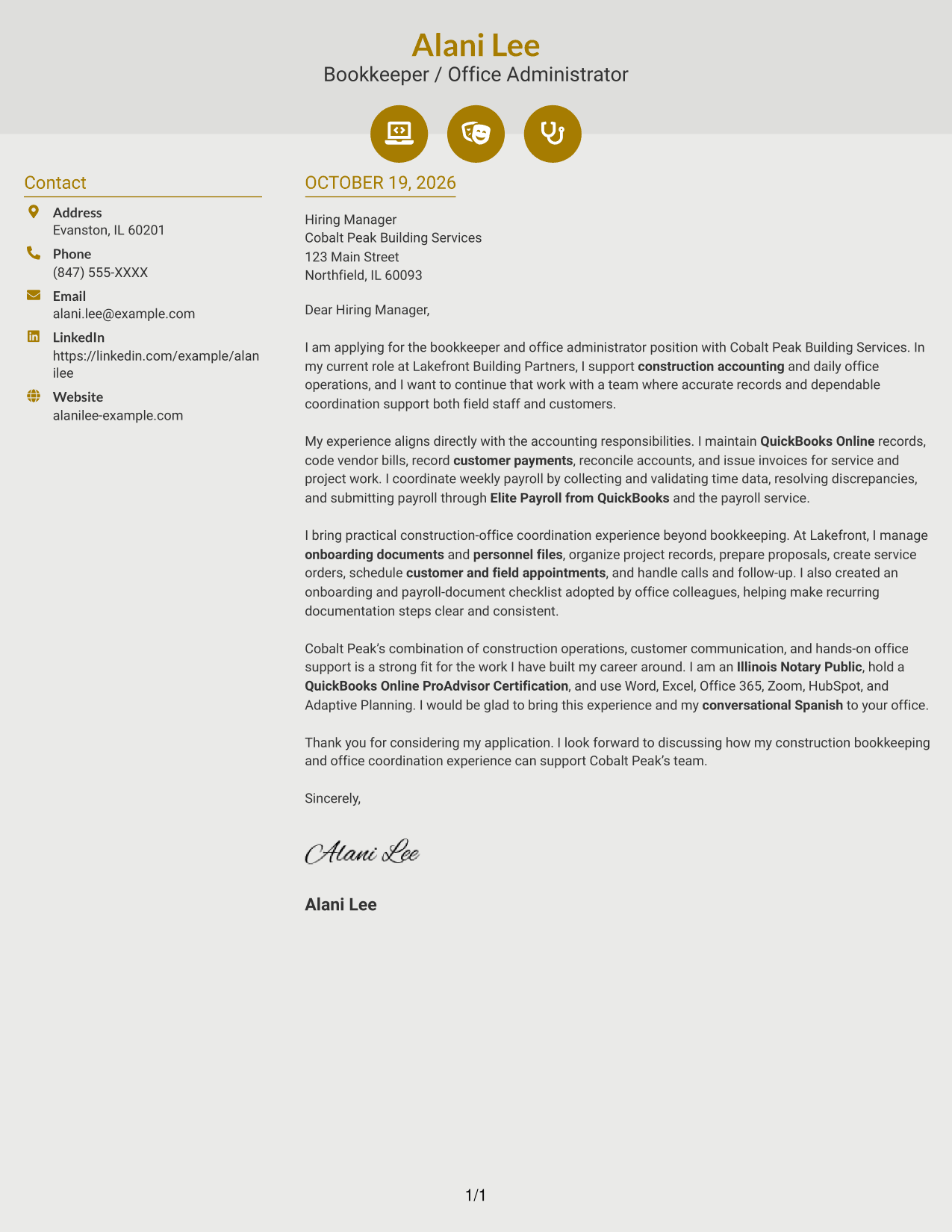
Why This Format Works
- Icons cue contact details without labeling the letter's argument or evidence.
- The contact sidebar keeps sender information separate from the message.
- A single continuous body lets the letter's points unfold in order.
Best For
- Icon-cued contact details
- Sidebar-based organization
- Continuous letter paragraphs
- Visual contact navigation
- Photo-free letter layouts
#7 Creative Two Tone Format Cover Letter Example
Creative Two Tone Format sets a contact sidebar beside the continuous letter body, offering a clear distinction between sender information and the letter's message.
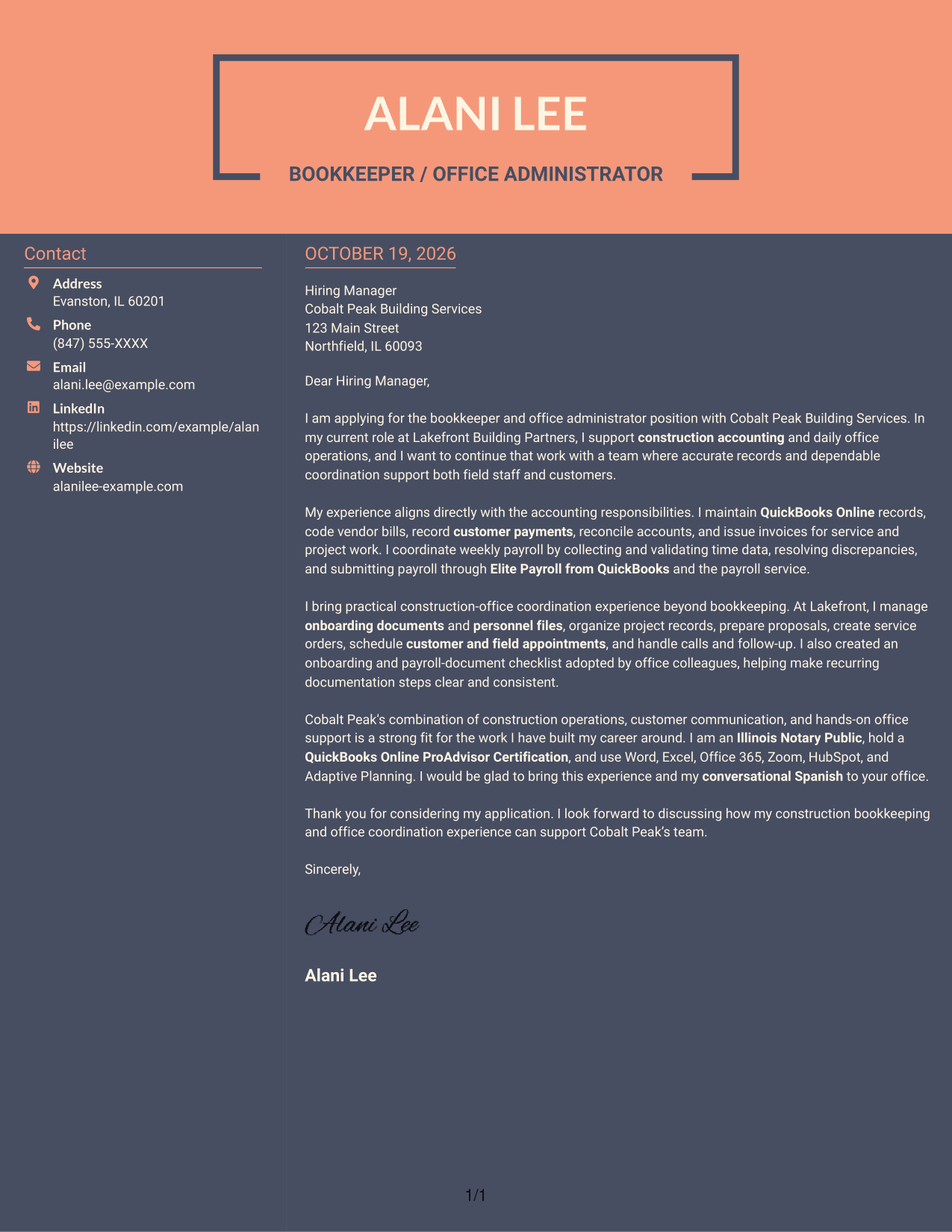
Why This Format Works
- Contact details have their own sidebar, apart from the letter's message.
- The letter remains a continuous body rather than parallel argument columns.
- Without section headings, the paragraphs retain the form of a personal letter.
Best For
- Sidebar contact organization
- Single-body letter arguments
- Personal letter format
- Photo-free applications
- Clear separation of sender details
See Also
- 7 Bookkeeper / Office Administrator - Construction Office Operations Resume Templates with Example
- 7 Entry-Level Bookkeeper / Payroll Administrator Resume Templates with Example
- 33 Bookkeeper/Office Accountant Resume Templates with Example 2026 (ATS-Optimized)
- 7 Human Resources Office Administrator Resume Templates with Example
- 7 IT Operations Support Administrator III - Department Onboarding Resume Templates with Example
- 33 Administrative Assistant Bookkeeper Resume Templates with Example 2026 (ATS-Optimized)
- 33 Assistant Bookkeeper Resume Templates with Example 2026 (ATS-Optimized)
- 7 Entry-Level Bookkeeper - Accounts Payable and Receivable Resume Templates with Example
- 7 Entry-Level Bookkeeper / Payroll Administrator Cover Letter Templates with Example
- 30+ Bookkeeper/Office Accountant Cover Letter Templates with Example 2026
Frequently Asked Questions
What should a Bookkeeper / Office Administrator - Construction Office Operations cover letter include?
Show why the role interests you, then give relevant examples of bookkeeping, payroll coordination, customer communication, and office support. Close by connecting your experience to the employer’s needs.
How can I describe construction bookkeeping experience?
Explain your role in maintaining QuickBooks Online records, coding vendor bills, recording customer payments, reconciling accounts, and preparing invoices. Include only tasks you have actually performed.
How can I show that I can support construction office operations?
Use a brief example of coordinating payroll information, organizing project records, scheduling service appointments, or following up with customers and field personnel. State what you handled and why it mattered to the office.
What tone works well for this cover letter?
Use a direct, professional tone that is also helpful and approachable. Clear examples of accuracy, organization, and timely communication can show how you would support a busy construction office.
How should I choose a cover letter layout?
Compare the preview images for readability and presentation, then open an example in the editor to review or customize it. Choose a layout that fits the employer and the way you want to communicate.




