
7 Branch Manager - Minerals Sample Preparation Cover Letter Templates with Example
This practical guide helps you shape a Branch Manager - Minerals Sample Preparation cover letter and compare seven layouts.
What Makes a Great Branch Manager - Minerals Sample Preparation Cover Letter in 2026
A strong letter connects branch leadership to dependable sample flow, safe work, quality checks, and sound financial results. A clear opening names the role and gives a direct reason for your interest.
Use specific evidence, such as coordinating shifts, improving sample handoffs, or resolving a quality issue. Then link your experience to the employer’s needs and close with a direct, courteous request to discuss your fit.
The featured letter moves from role fit to current leadership, a specific quality example, and employer alignment before its closing request. Adapt that focused progression, and choose a presentation that suits the employer and the way you will communicate.
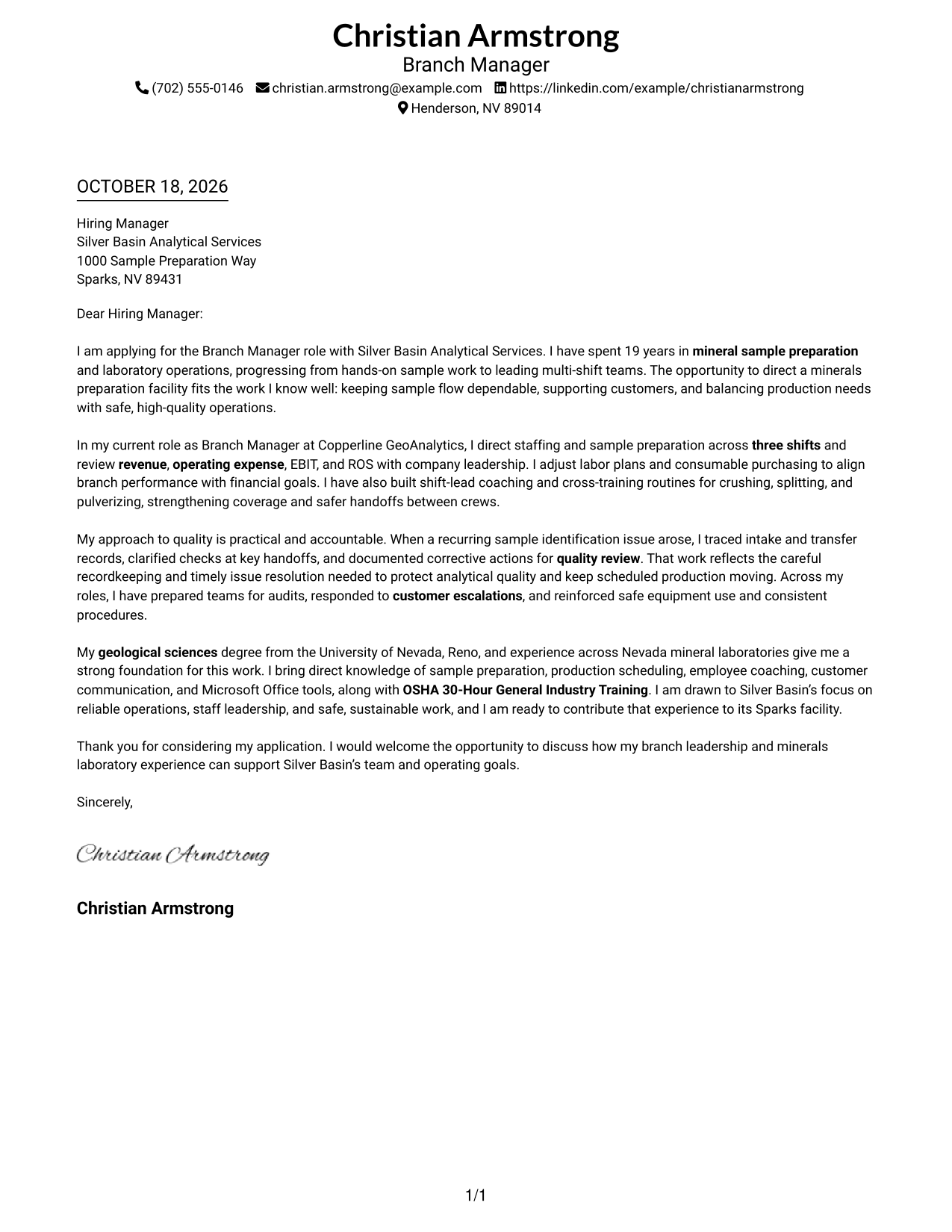
#1 Simple One Column Format Cover Letter Example
The Simple One Column Format places sender details in the header and keeps the letter in one body column, offering a direct reading path.
Why This Format Works
- Sender details stay in the header, apart from the letter's persuasive paragraphs.
- One body column keeps the opening, evidence, motivation, and close in sequence.
- No photo leaves the written message as the page's main visual focus.
Best For
- One-column letter reading
- Header-based contact details
- Uninterrupted persuasive paragraphs
- Photo-free document preference
- Text-led presentation
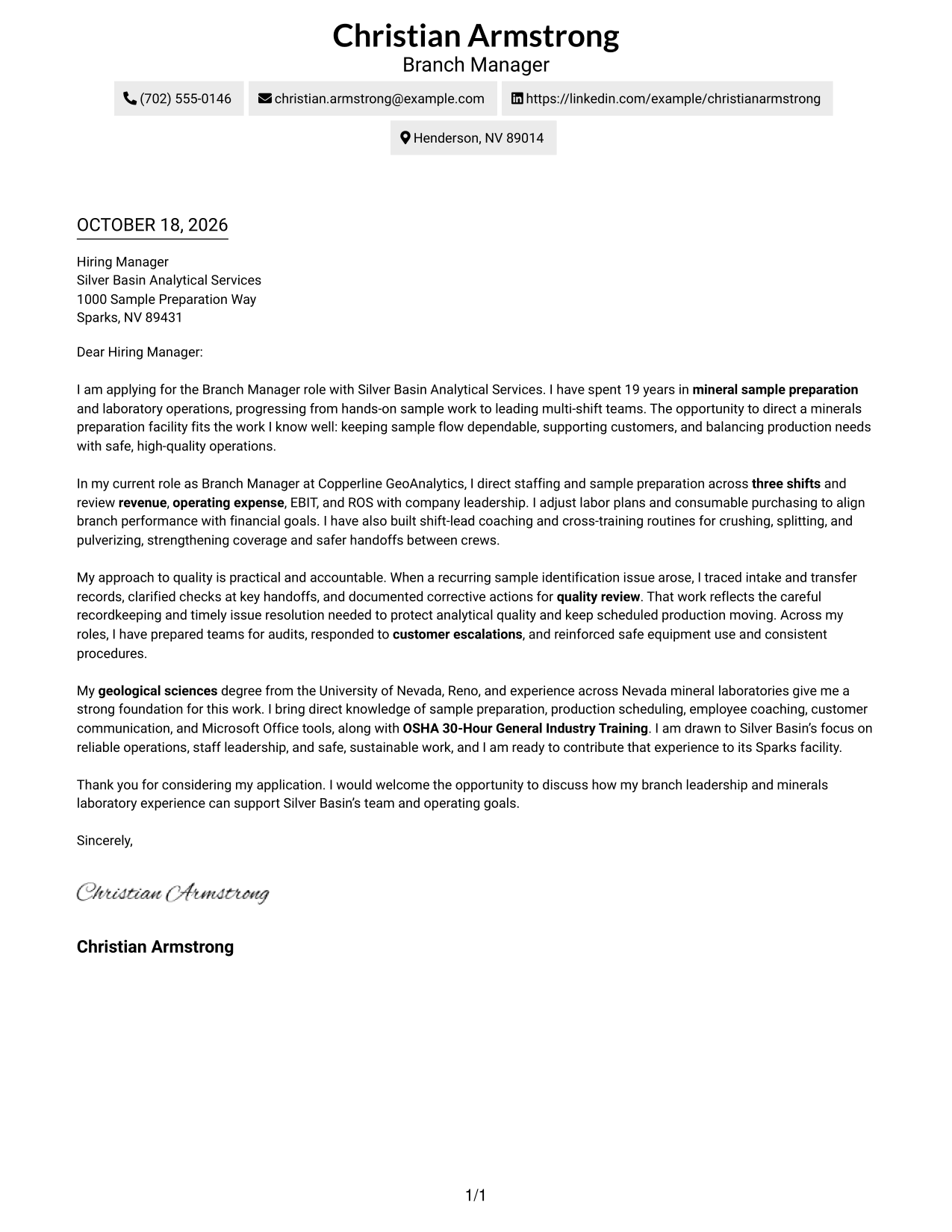
#2 Two Column Format Cover Letter Example
The Two Column Format places contact details in a sidebar beside one continuous letter body, keeping the contact information apart from the message.
Why This Format Works
- Contact information is easy to locate without searching through the letter paragraphs.
- The body stays together, preserving the move from role fit to closing.
- Its photo-free presentation suits readers who prefer a text-led appearance.
Best For
- Contact details beside the letter
- Quick access to sender information
- A continuous letter argument
- Text-led page design
- Separate contact and message areas
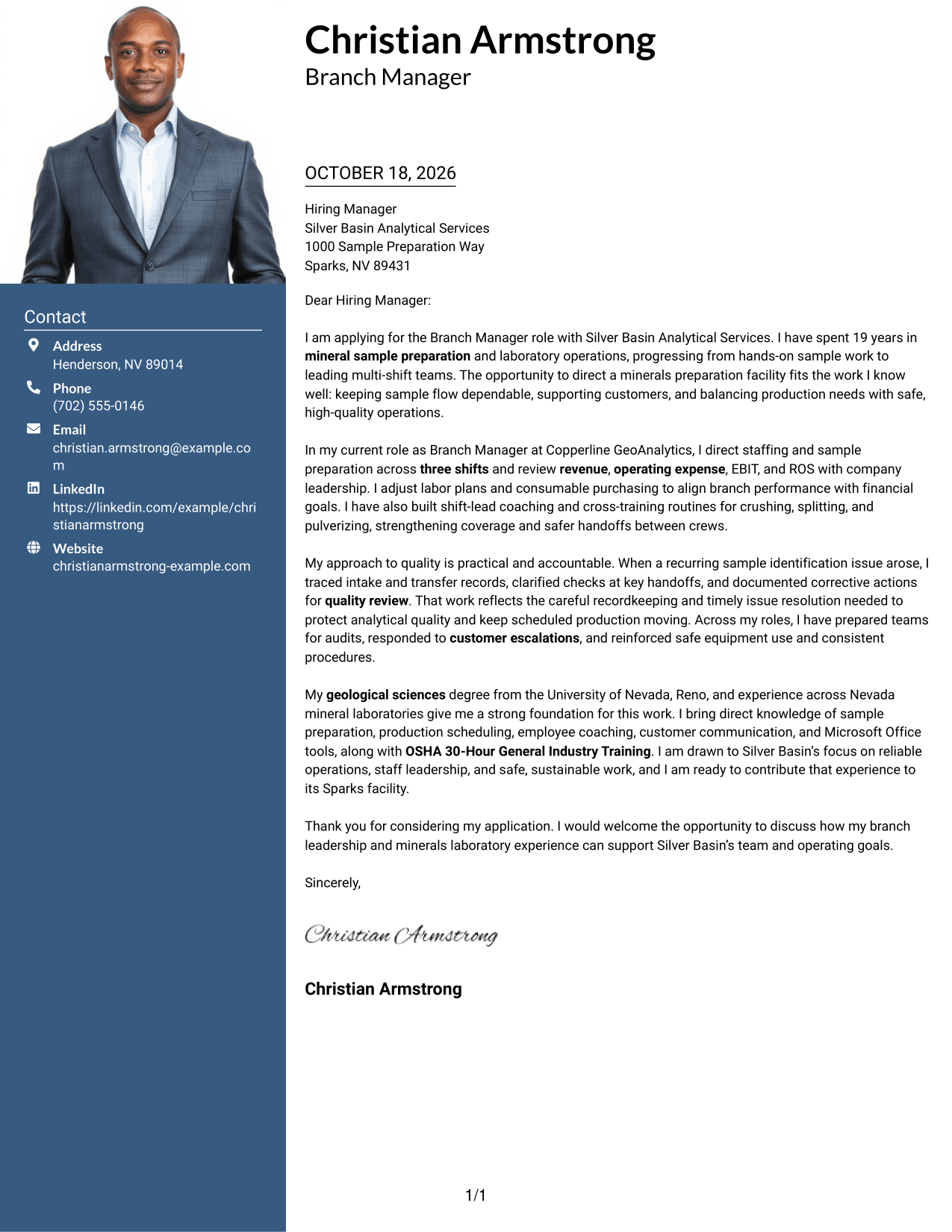
#3 Photo Header Two Column Format Cover Letter Example
The Photo Header Two Column Format includes a photo and contact sidebar alongside one continuous letter body, pairing a portrait with a separate message area.
Why This Format Works
- The sidebar keeps contact information available without interrupting the letter body.
- One body column carries the case from the opening through the close.
- An included photo adds a portrait to the document's visual presentation.
Best For
- Portrait-inclusive letter presentation
- Contact details outside the message
- A continuous persuasive body
- Two-column page organization
- Applications with a photo
#4 One Column Format with Photo Cover Letter Example
The One Column Format with Photo pairs a portrait with a single-column letter, for readers who want a photo alongside a direct reading path.
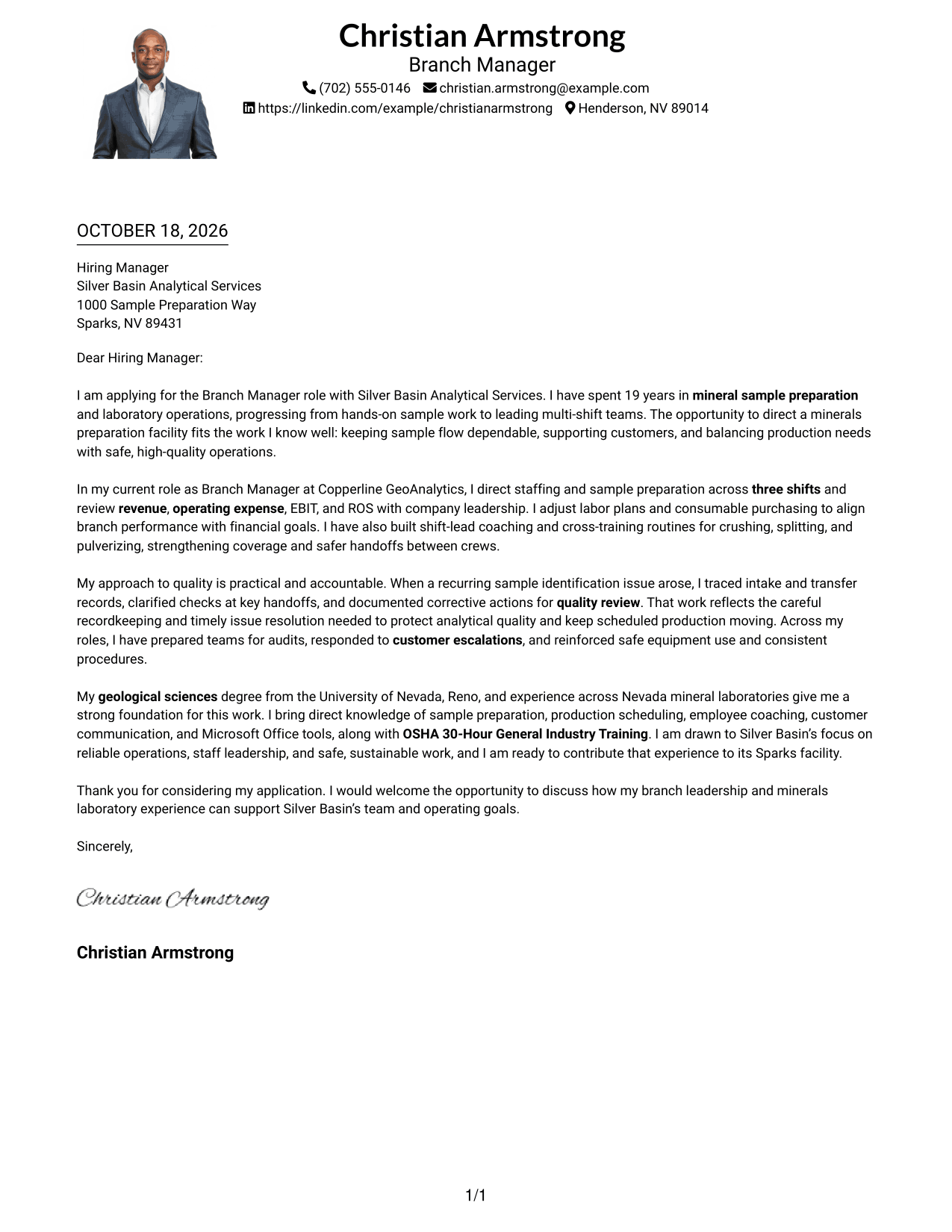
Why This Format Works
- Sender details in the header keep contact information apart from the message.
- The letter's paragraph order carries its reasoning without labels between sections.
- A single body column keeps the message in one reading sequence.
Best For
- Single-column letter reading
- A portrait with the letter
- Header-based contact details
- Letters without body headings
- A direct message layout
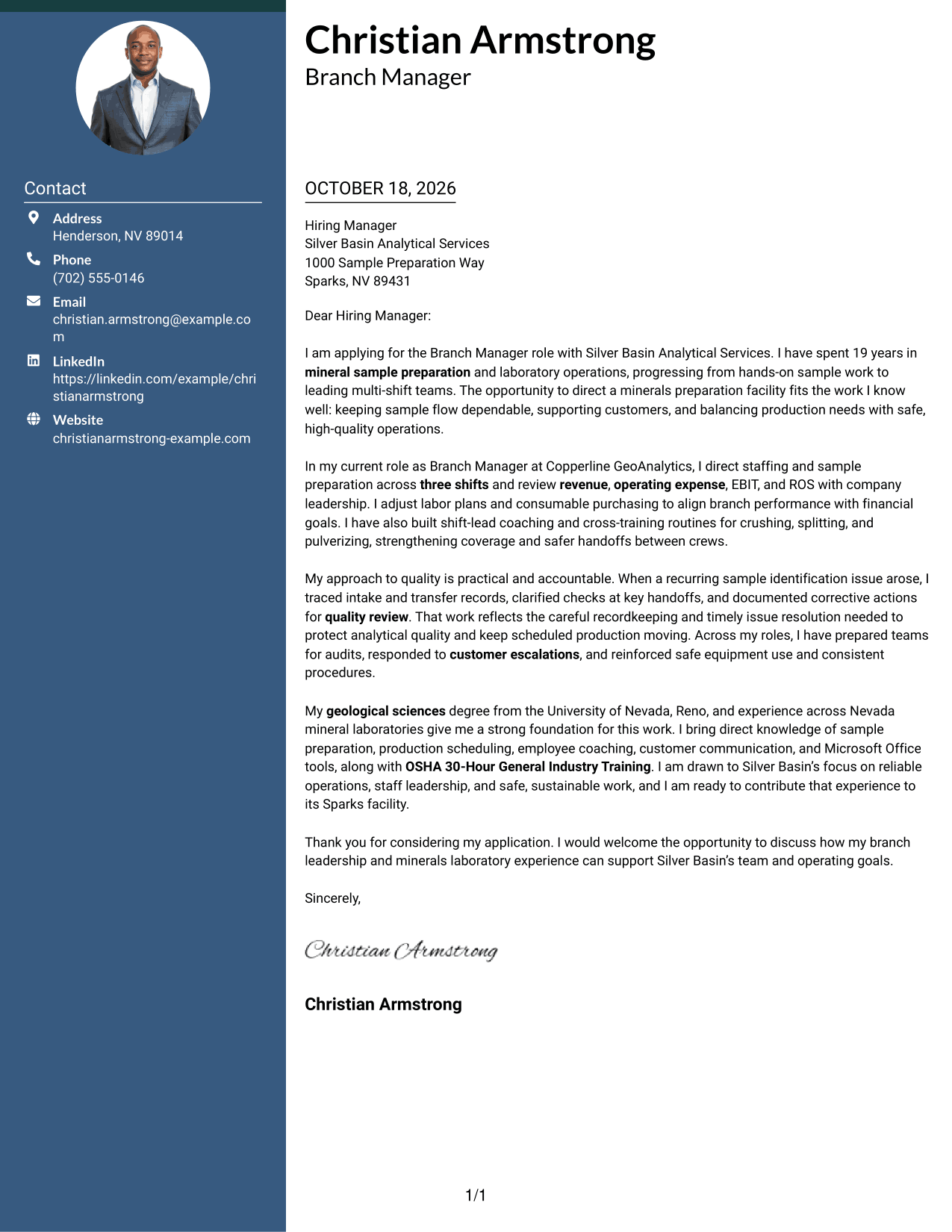
#5 Simple Two Column Format Cover Letter Example
The Simple Two Column Format sets a contact sidebar beside one continuous letter body, giving sender information its own space next to the message.
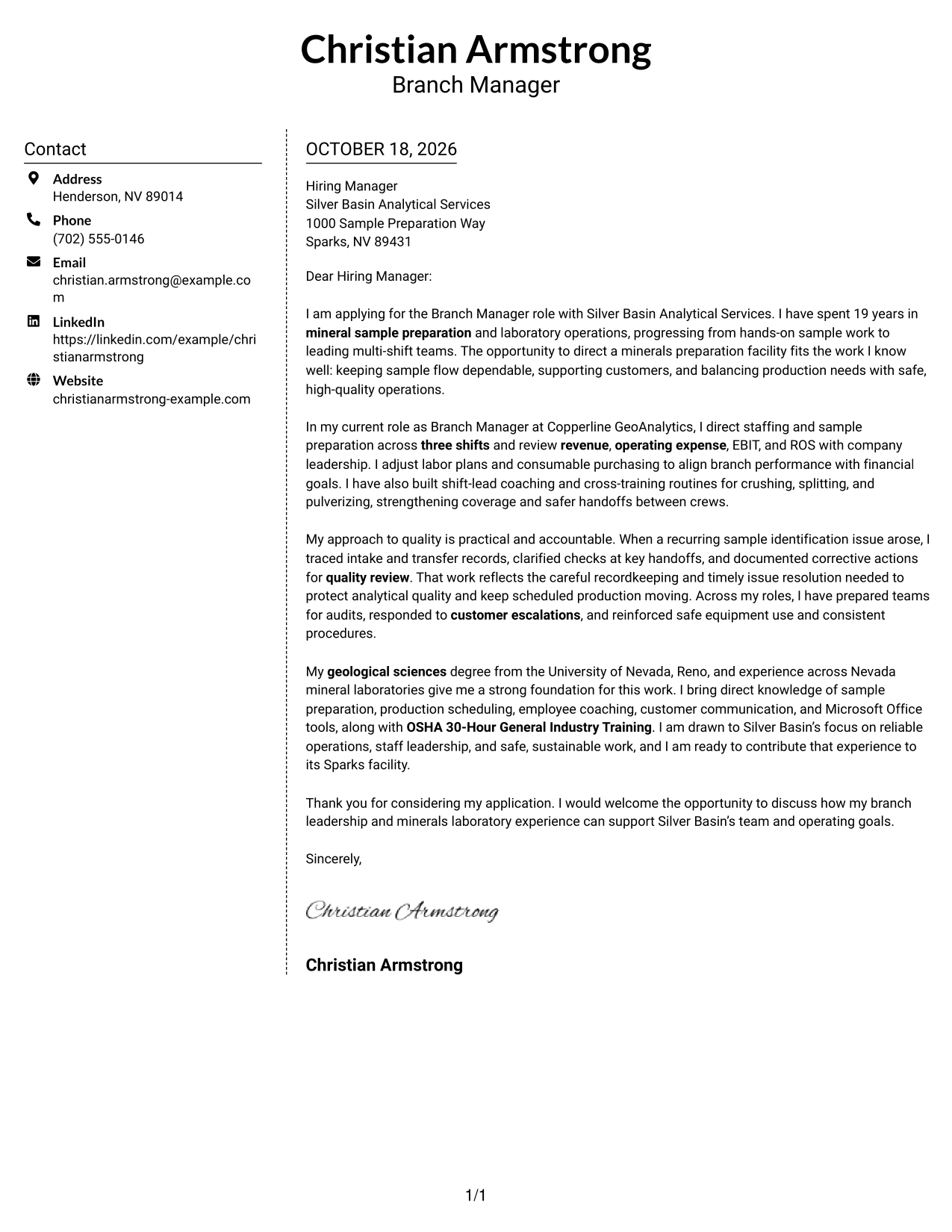
Why This Format Works
- The separate sidebar lets readers find contact details at a glance.
- The letter remains one body, so its reasoning does not split across columns.
- A simple two-column arrangement distinguishes sender information from the message.
Best For
- Sidebar-based contact details
- A letter with one argument flow
- Clear separation of sender and message
- Two-column page organization
- Photo-free correspondence
#6 Modern Icon Format Cover Letter Example
The Modern Icon Format uses two columns, with contact details in a sidebar and one continuous letter body, while icons provide cues for contact information.
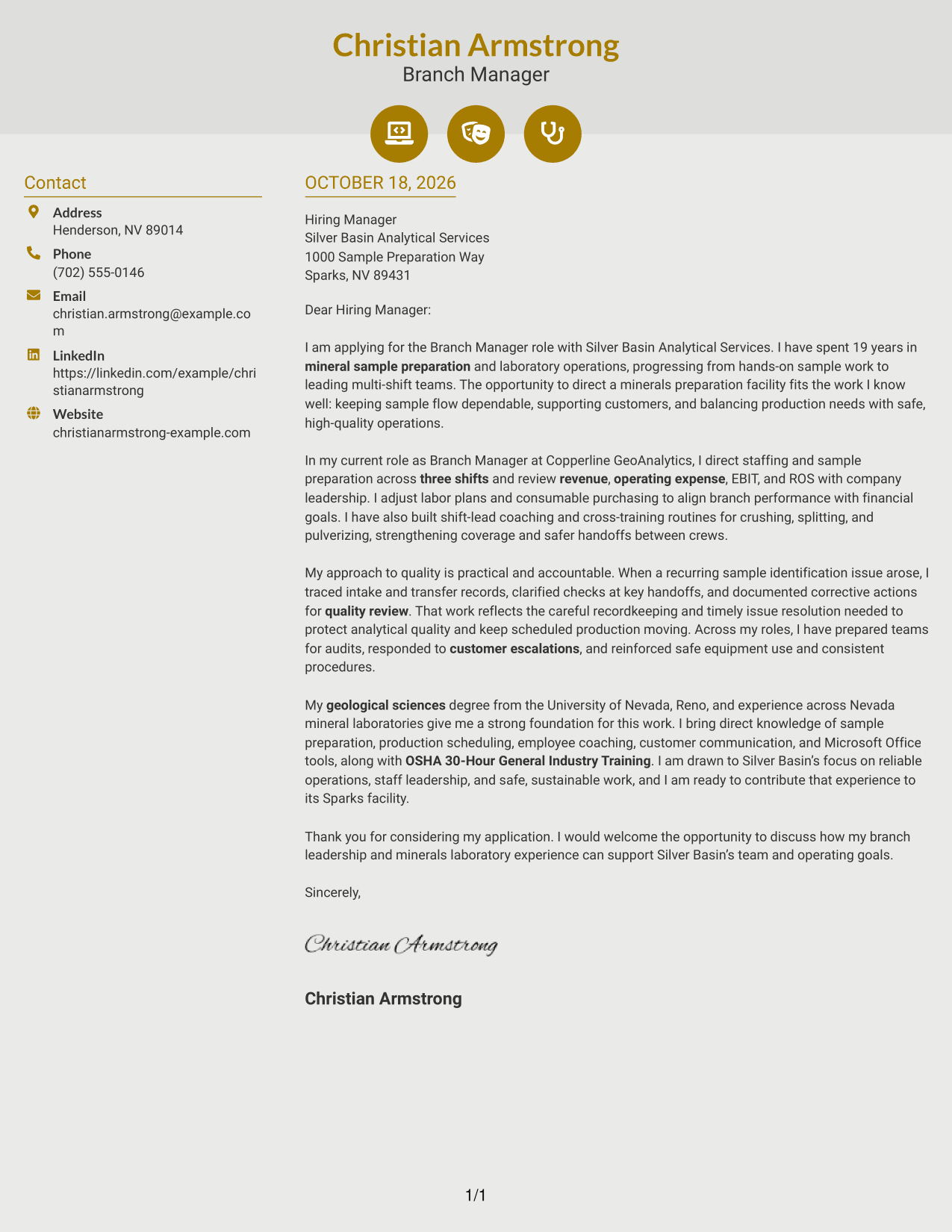
Why This Format Works
- Contact icons help distinguish details such as email and phone information.
- The sidebar keeps sender details apart from the letter's persuasive paragraphs.
- One continuous body preserves the message's opening-to-close reading order.
Best For
- Icon-cued contact information
- A separate contact sidebar
- One continuous letter message
- Two-column page organization
- Photo-free document design
#7 Creative Two Tone Format Cover Letter Example
The Creative Two Tone Format pairs a contact sidebar with one continuous letter body, giving contact details a separate place beside the message.
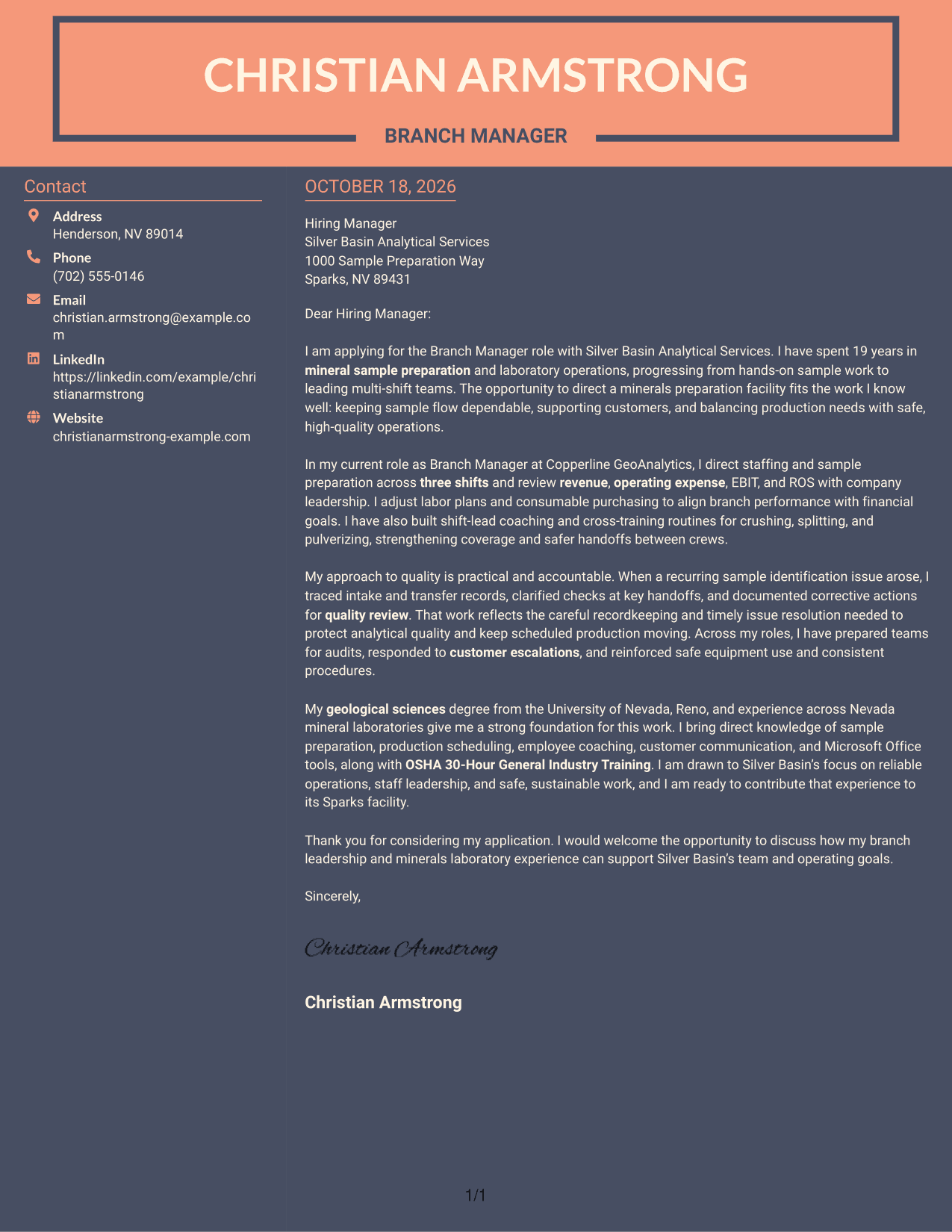
Why This Format Works
- The sidebar gives contact information a clear place beside the letter.
- The body stays continuous, keeping the opening, supporting points, and closing in order.
- Without a photo, the message remains the main visual content.
Best For
- Separate contact and letter areas
- A continuous persuasive message
- Photo-free page presentation
- Sidebar-based contact details
- A clear opening-to-close sequence
Why Use ResumeInMinutes for a Branch Manager - Minerals Sample Preparation Cover Letter
ResumeInMinutes offers cover letter examples and layouts that can help you shape a clear message for a branch leadership role.
- Cover letter examples
- Clean, readable layouts
- Role-focused guidance
- Clear paragraph structure
- Professional presentation
- Image previews and editor links
Compare the image previews to see how each presentation looks, then open an example in the editor to view or customize it.
See Also
- 7 Branch Manager - Minerals Sample Preparation Resume Templates with Example
- 7 Branch Administrator Resume Templates with Example
- 7 LMS Administrator - Higher Education Learning Platforms Resume Templates with Example
- 7 Library Technical Assistant I - Technical Services Resume Templates with Example
- 7 Restaurant Shift Lead - Front-of-House Service Resume Templates with Example
- 7 Lifeguard - Waterpark Safety Resume Templates with Example
- 7 Director/Senior Director, Life Sciences Industry Strategy Resume Templates with Example
- 7 Equity Research Associate - Immuno-Oncology Resume Templates with Example
- 7 Production Line Helper - Manufacturing Resume Templates with Example
- 7 Healthcare Consulting Supervisor - Epic Clinical Delivery Resume Templates with Example
Frequently Asked Questions
What should a Branch Manager - Minerals Sample Preparation cover letter emphasize?
Connect your leadership approach to sample flow, shift coordination, quality records, safe work, and branch financial performance. Support your points with specific examples that reflect your own experience.
What does the featured cover letter example show?
It shows a focused progression from role fit to branch responsibilities, a quality issue example, relevant background, and interest in the employer’s operating priorities.
How should I describe a sample preparation quality issue?
Briefly explain the issue, the steps you took to check records or handoffs, and how you documented the response. Keep the account factual and explain how your actions supported quality and scheduled work.
Which cover letter presentation should I choose?
Choose a clear, professional layout that is easy to read and suits the employer and communication context. Compare the image previews, then open an example in the editor to view or customize it.
How can I show financial and team leadership in the letter?
Use concise examples of staffing decisions, shift coverage, coaching, or tracking measures such as revenue, operating expense, EBIT, and ROS. Explain how your actions supported reliable operations and the team.




