
7 Business Analysis Manager - Innovation and Technology Enablement Cover Letter Templates with Example
This guide helps you create a focused Business Analysis Manager - Innovation and Technology Enablement cover letter and compare its 7 layouts to choose a clear way to present your fit.
What Makes a Great Business Analysis Manager - Innovation and Technology Enablement Cover Letter in 2026
A strong letter connects business challenges to practical, scalable technology solutions. It also shows sound judgment about innovation, risk, and controls.
Use clear evidence, such as dashboards, automation prototypes, or work across data and control teams. Link that evidence to the employer’s goals and explain how your approach can support responsible, lasting change.
The featured example moves from role interest to specific evidence and a clear close. Adapt that focused progression, then choose a presentation that suits the employer and the communication context.
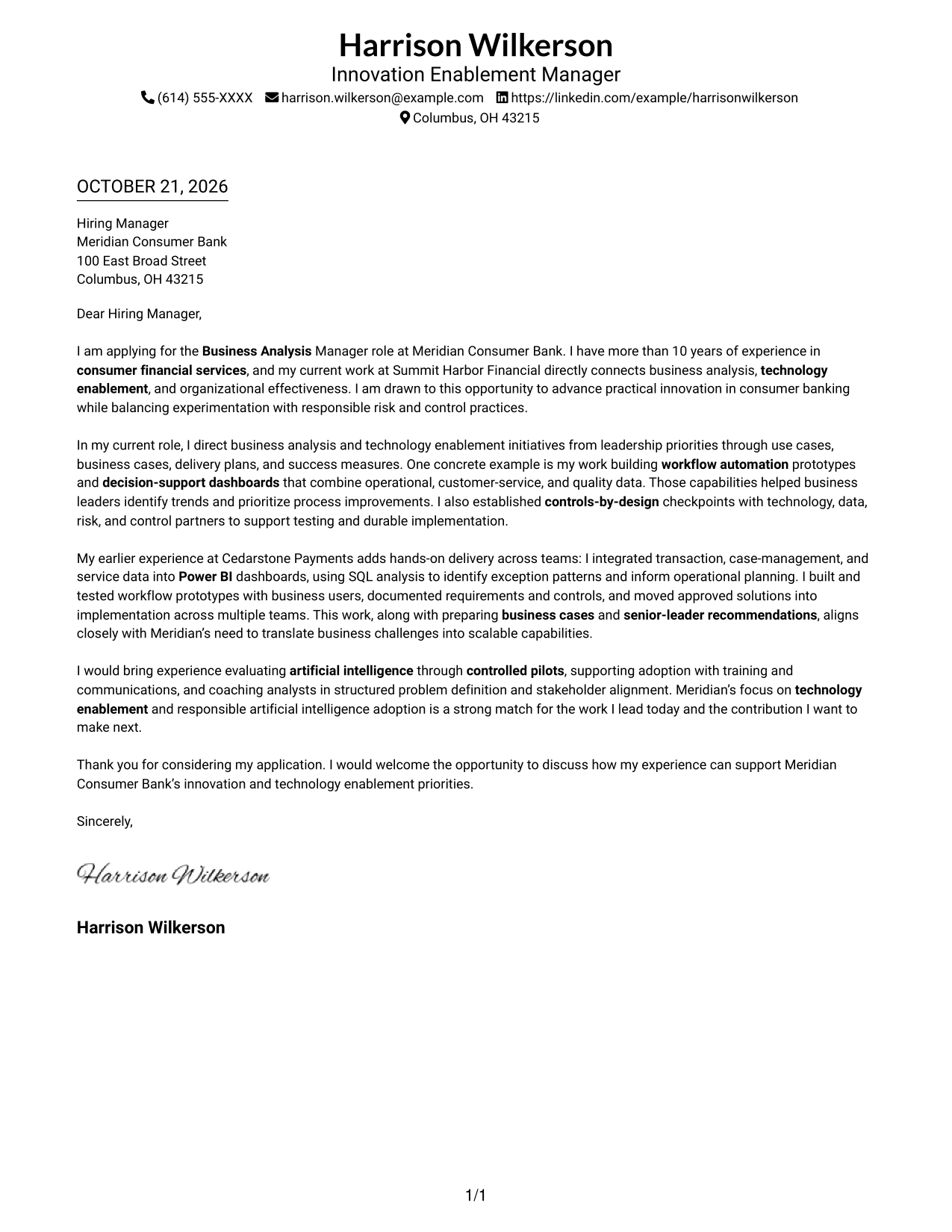
#1 Simple One Column Format Cover Letter Example
A single-column layout gives the sender details and letter body a direct vertical reading path.
Why This Format Works
- One column carries the message from opening through closing without a layout change.
- Sender details remain in the header, separate from the letter's argument.
- Without section labels, the paragraphs keep the tone of direct correspondence.
Best For
- One-column correspondence
- Header-based contact details
- Paragraph-led letter reading
- Photo-free document preference
- Letters without internal headings
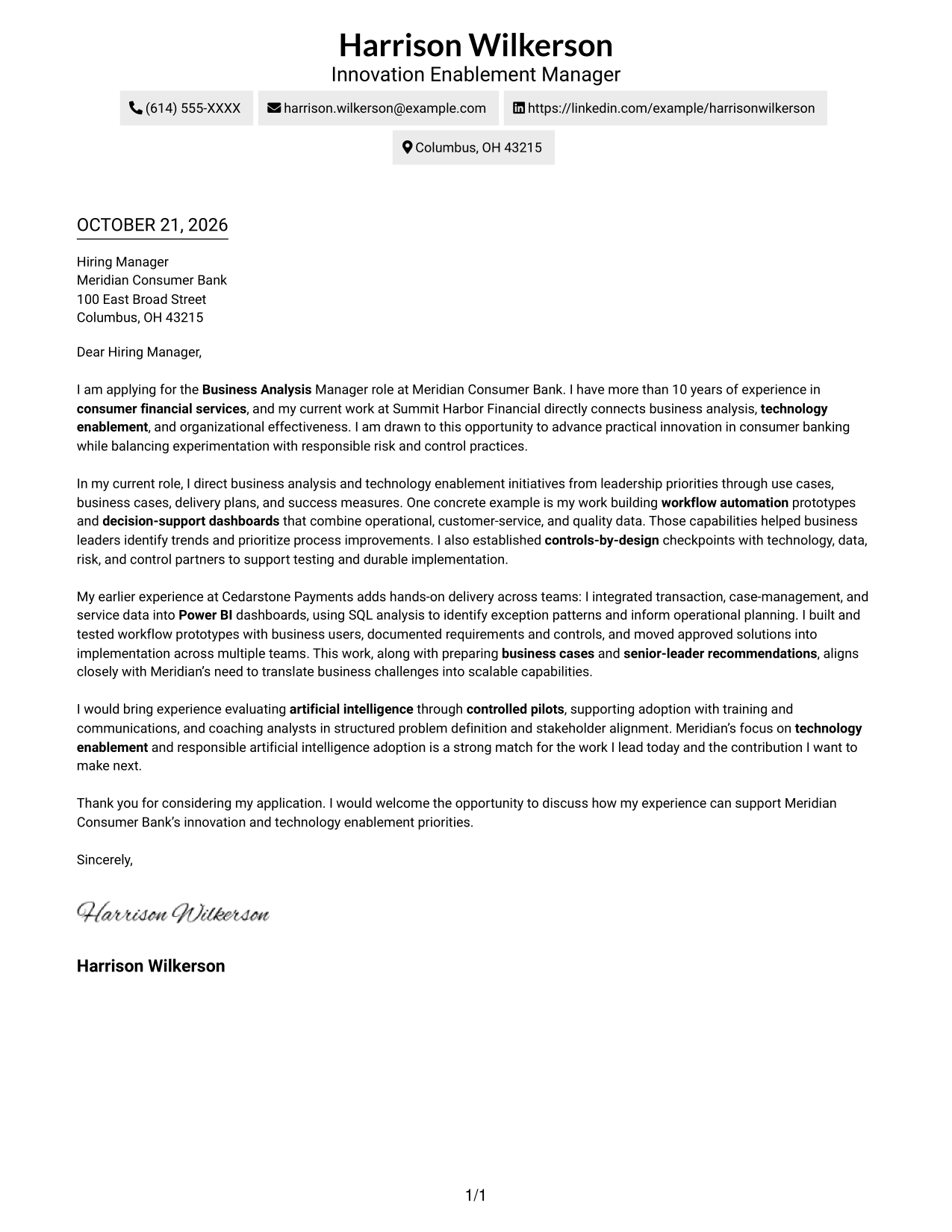
#2 Two Column Format Cover Letter Example
A contact sidebar sits beside one continuous letter body, keeping contact information apart from the message.
Why This Format Works
- The contact sidebar makes sender details easy to find apart from the message.
- The body stays in one column, keeping the letter's points in a clear sequence.
- Without section labels, the paragraphs read as direct correspondence rather than form fields.
Best For
- Sidebar-based contact details
- One-column letter body
- Continuous paragraph argument
- Photo-free correspondence
- Letters with several supporting examples
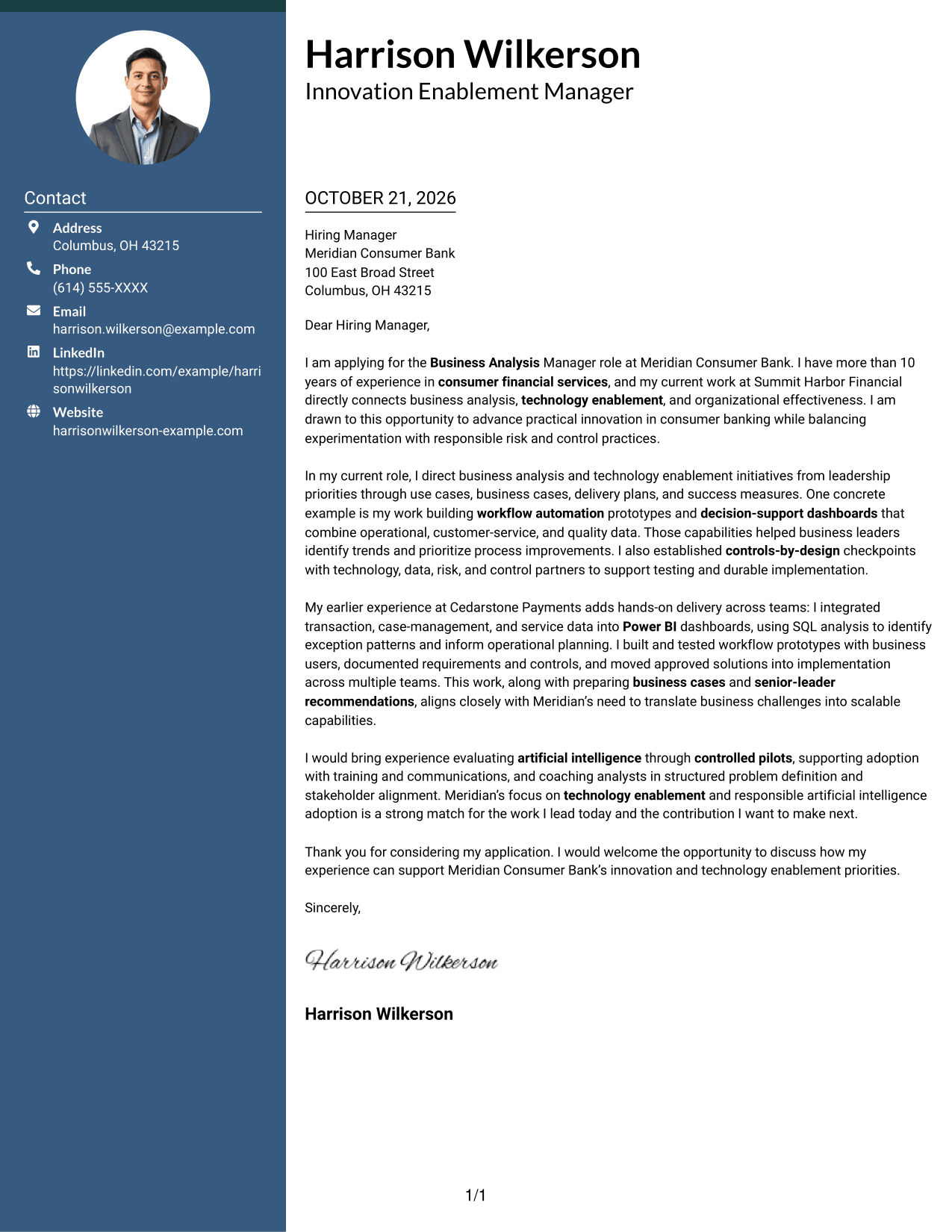
#3 Photo Header Two Column Format Cover Letter Example
A portrait adds a visible personal element to the contact presentation, while the letter stays in one body column.
Why This Format Works
- The sidebar keeps contact information distinct from the letter's uninterrupted body.
- One body column lets reviewers follow the message without shifting between argument areas.
- The portrait belongs to the contact presentation, not to the letter's argument.
- With no internal headings, the paragraphs retain a natural letter-style progression.
Best For
- Portrait-led contact presentation
- Separate contact and message areas
- One-column letter reading
- Continuous prose without headings
- Applications with detailed supporting points
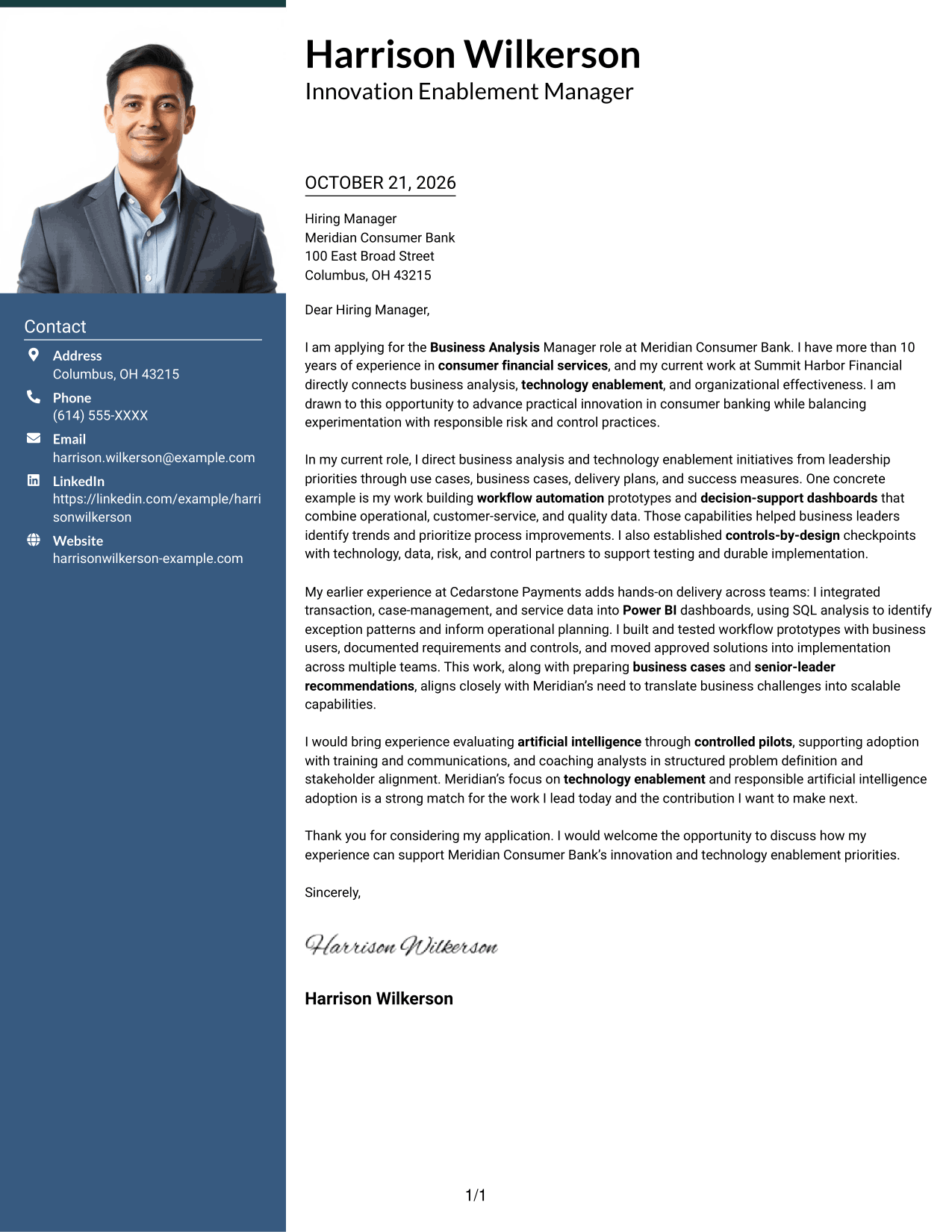
#4 One Column Format with Photo Cover Letter Example
A photo in the header adds a personal visual element while the letter body follows one continuous column.
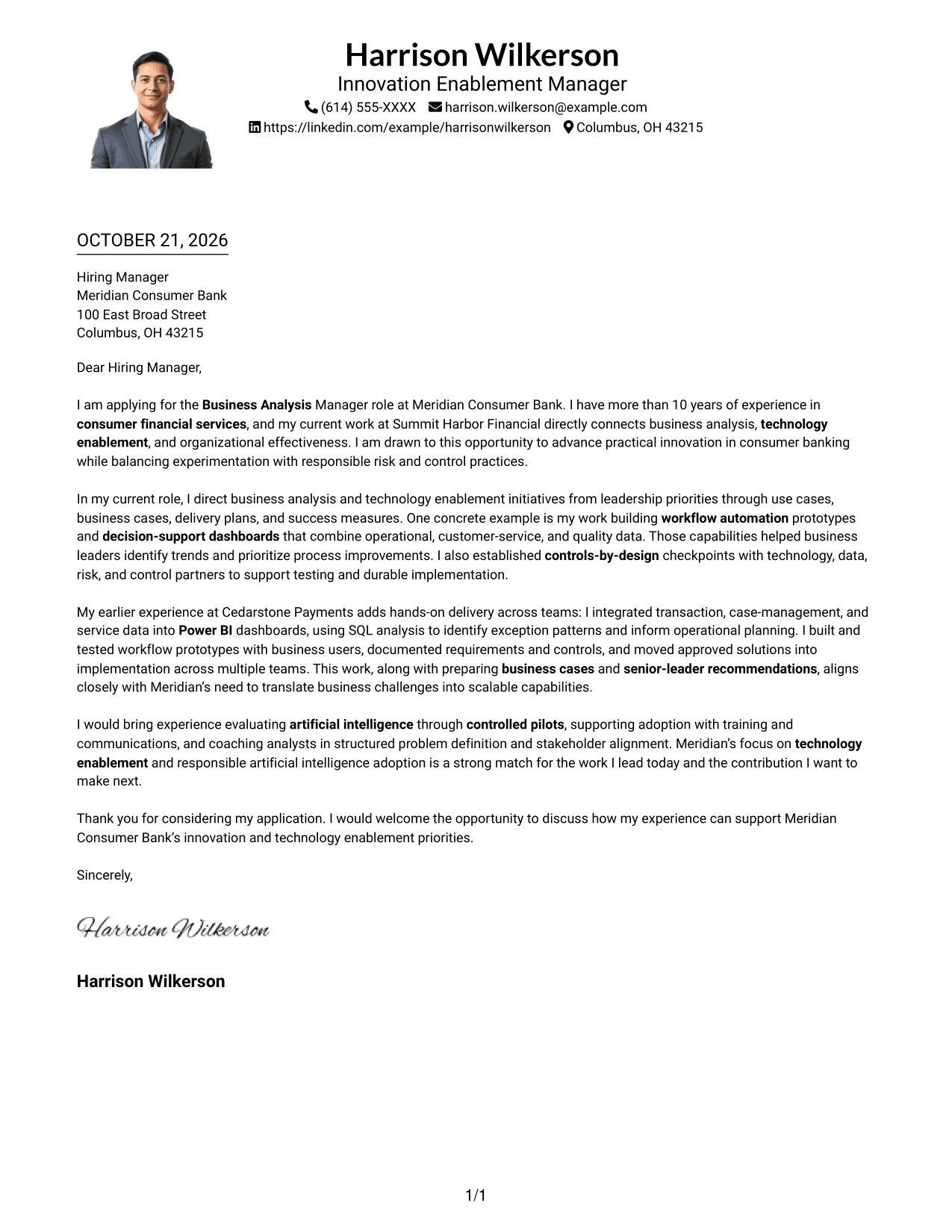
Why This Format Works
- Sender details remain in the header while the letter follows one vertical reading path.
- Paragraphs keep motivation, supporting points, and closing together as a single message.
- The portrait stays in the header presentation, apart from the letter's written case.
Best For
- Photo in the contact header
- Single-column letter body
- Continuous paragraph correspondence
- Applications with supporting examples
- Direct opening-to-closing reading
#5 Simple Two Column Format Cover Letter Example
The contact sidebar and continuous letter body occupy separate columns, giving each a clear place on the page.
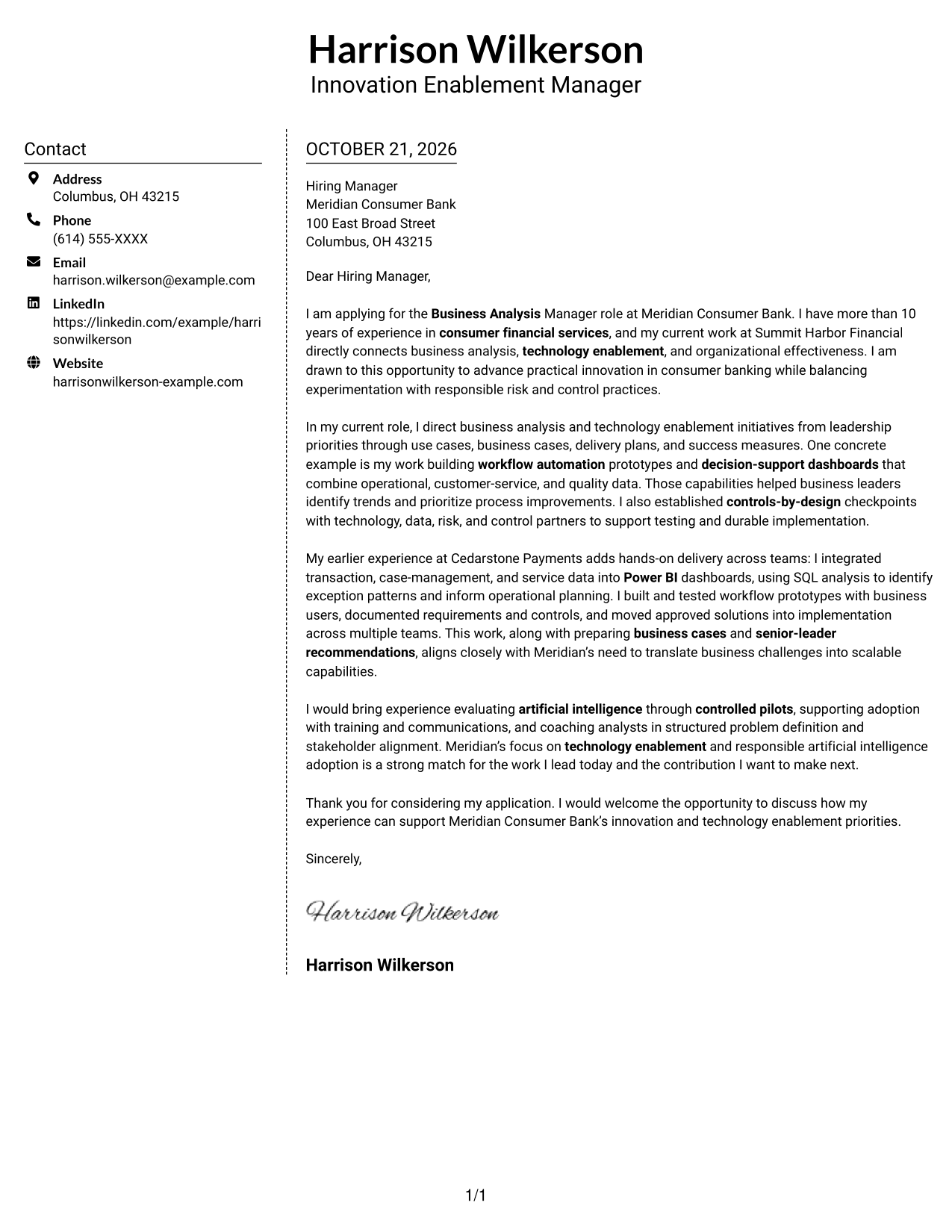
Why This Format Works
- Contact details occupy their own sidebar, apart from the letter's message.
- One body column keeps opening, evidence, and closing in a single reading sequence.
- Paragraphs remain free of section labels, preserving a conventional letter format.
Best For
- Contact sidebar organization
- Continuous letter body
- Paragraphs without section labels
- Photo-free page design
- Letters with distinct supporting points
#6 Modern Icon Format Cover Letter Example
Contact cues and decorative header accents distinguish the contact area while the letter remains in one body column.
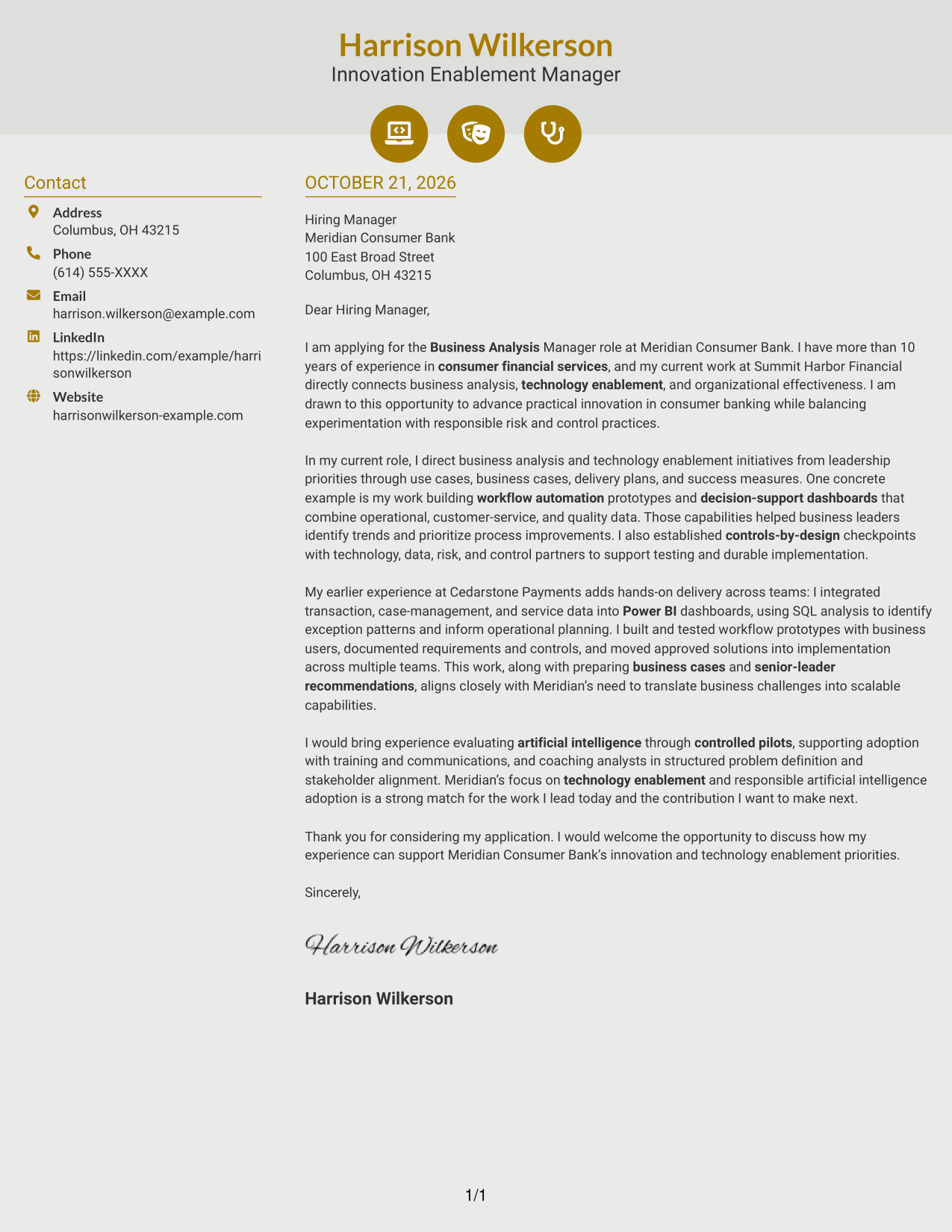
Why This Format Works
- Contact icons act as cues for sender details, not as labels for letter arguments.
- One body column keeps the message in a direct, uninterrupted reading order.
- Decorative header accents add visual detail without dividing the letter's paragraphs.
Best For
- Icon-cued contact details
- Two-column page organization
- One-column letter reading
- Decorative header details
- Continuous paragraph correspondence
#7 Creative Two Tone Format Cover Letter Example
A contact sidebar shares the page with one continuous letter body, giving contact details and the message separate places.
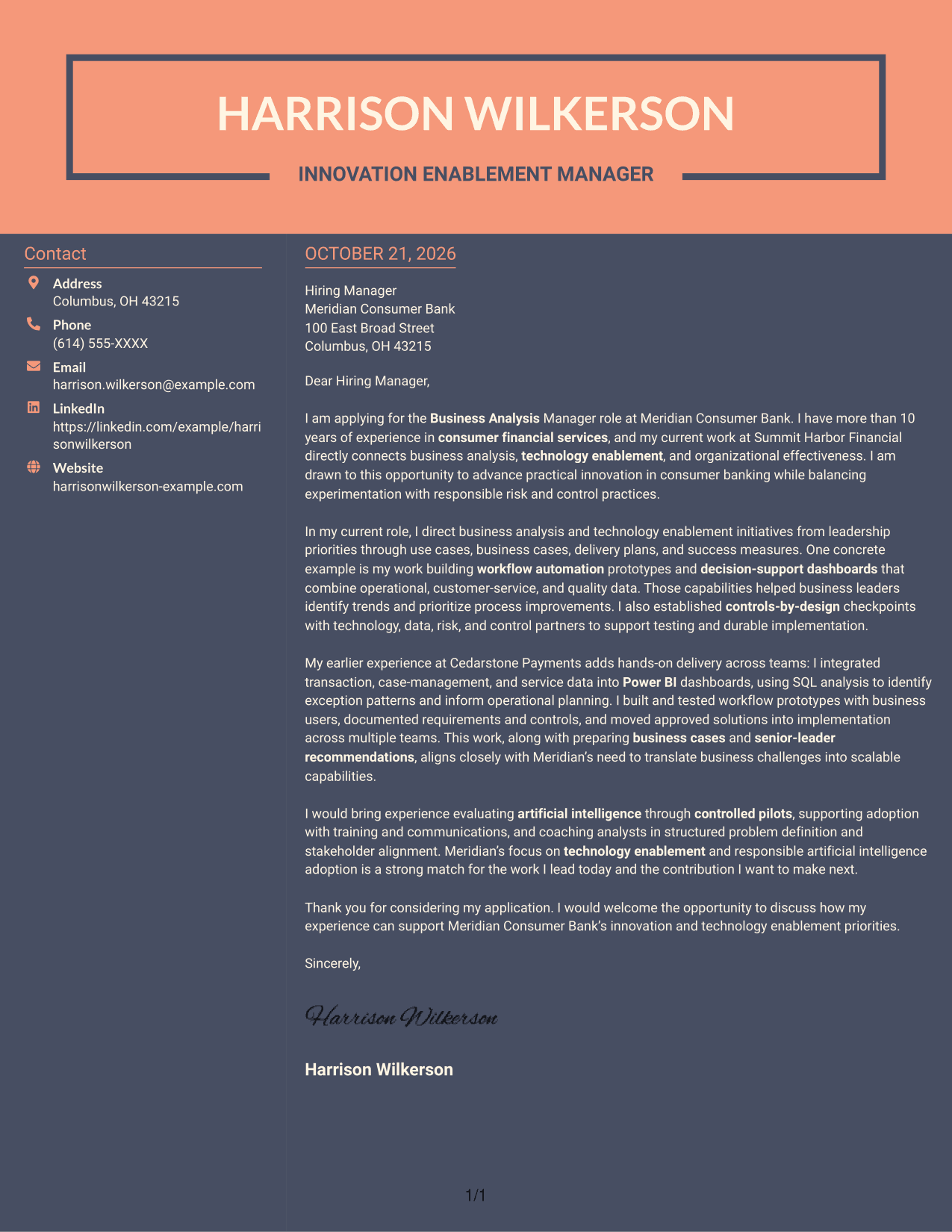
Why This Format Works
- Contact information sits apart from the message, making the two areas easy to distinguish.
- The continuous body keeps the letter's opening, supporting points, and closing together.
- The body has no section headings, so its paragraphs retain a letter-like form.
Best For
- Contact information beside the message
- Continuous letter paragraphs
- Two-column page organization
- Photo-free document preference
- Letters without argument headings
See Also
- 7 Business Analysis Manager - Innovation and Technology Enablement Resume Templates with Example
- 33 Director, Business Analysis Resume Templates with Example 2026 (ATS-Optimized)
- 7 Senior Performance Analyst - KPI Reporting and Business Analysis Resume Templates with Example
- 7 Information Technology Programmer Analyst - IT Business Analyst Resume Templates with Example
- 33 All Source Intelligence Analyst - Intelligence Analysis Resume Templates with Example
- 7 Design and Analysis Engineer - Avionics Test Resume Templates with Example
- 7 Development Analyst - Laboratory Analysis Resume Templates with Example
- 7 Entry-Level Data Scientist - Python and Data Analysis Resume Templates with Example
- 7 Senior Performance Analyst - KPI Reporting and Business Analysis Cover Letter Templates with Example
- 7 Entry-Level Data Scientist - Python and Data Analysis Cover Letter Templates with Example
Frequently Asked Questions
What should a Business Analysis Manager - Innovation and Technology Enablement cover letter emphasize?
Show how you turn business needs into useful solutions, guide work from idea through implementation, and bring business, technology, data, and control partners together. Give a specific example that supports your claims.
How can I show fit for this role?
Connect your evidence to the employer’s priorities. Relevant examples may include business cases, prototypes, dashboards, workflow automation, data insights, controls, and clear recommendations to senior leaders.
How should I discuss artificial intelligence adoption?
Be specific about your role. If supported by your experience, explain how you assessed a use case, considered data and controls, tested it, or helped people adopt a new capability through training and communication.
How do I choose a cover letter format?
Choose a clear format that makes your opening, evidence, and closing easy to follow. Compare the image previews, then open an example in the editor to review or customize its presentation.
Should I name the employer in my cover letter?
Yes, when you can connect the employer’s stated priorities to your own relevant experience and motivation. Keep the connection specific and accurate, and avoid unsupported claims about the organization.




