
7 Business Architecture Consultant - Enterprise Information Management Cover Letter Templates with Example
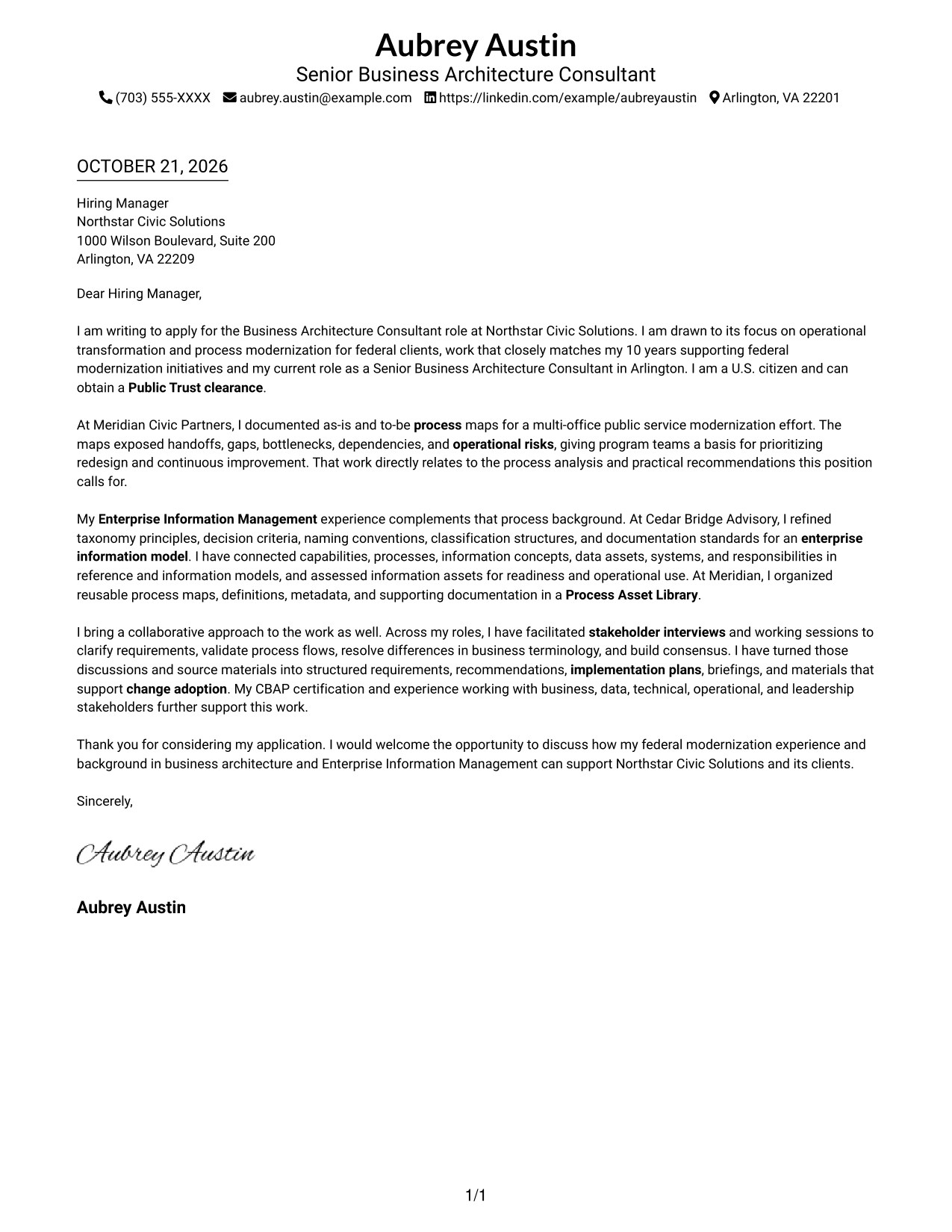
This practical guide helps you write a Business Architecture Consultant - Enterprise Information Management cover letter, with seven layouts to compare and adapt.
What Makes a Great Business Architecture Consultant - Enterprise Information Management Cover Letter in 2026
A strong letter connects your interest in the role to its focus on process modernization and Enterprise Information Management. It should clearly explain how you can help turn complex business and information needs into useful, consistent documentation.
Use specific evidence, such as process maps, information models, or stakeholder workshops, to show how you approach the work. Link that evidence to the employer's needs and close with a clear statement of interest.
The featured application moves from role motivation to process evidence, information management experience, collaboration, and a direct closing. Adapt this focused progression while choosing a presentation that suits the employer and the communication context.
#1 Simple One Column Format Cover Letter Example
A single-column layout keeps sender details in the header and the full letter in one direct reading path.
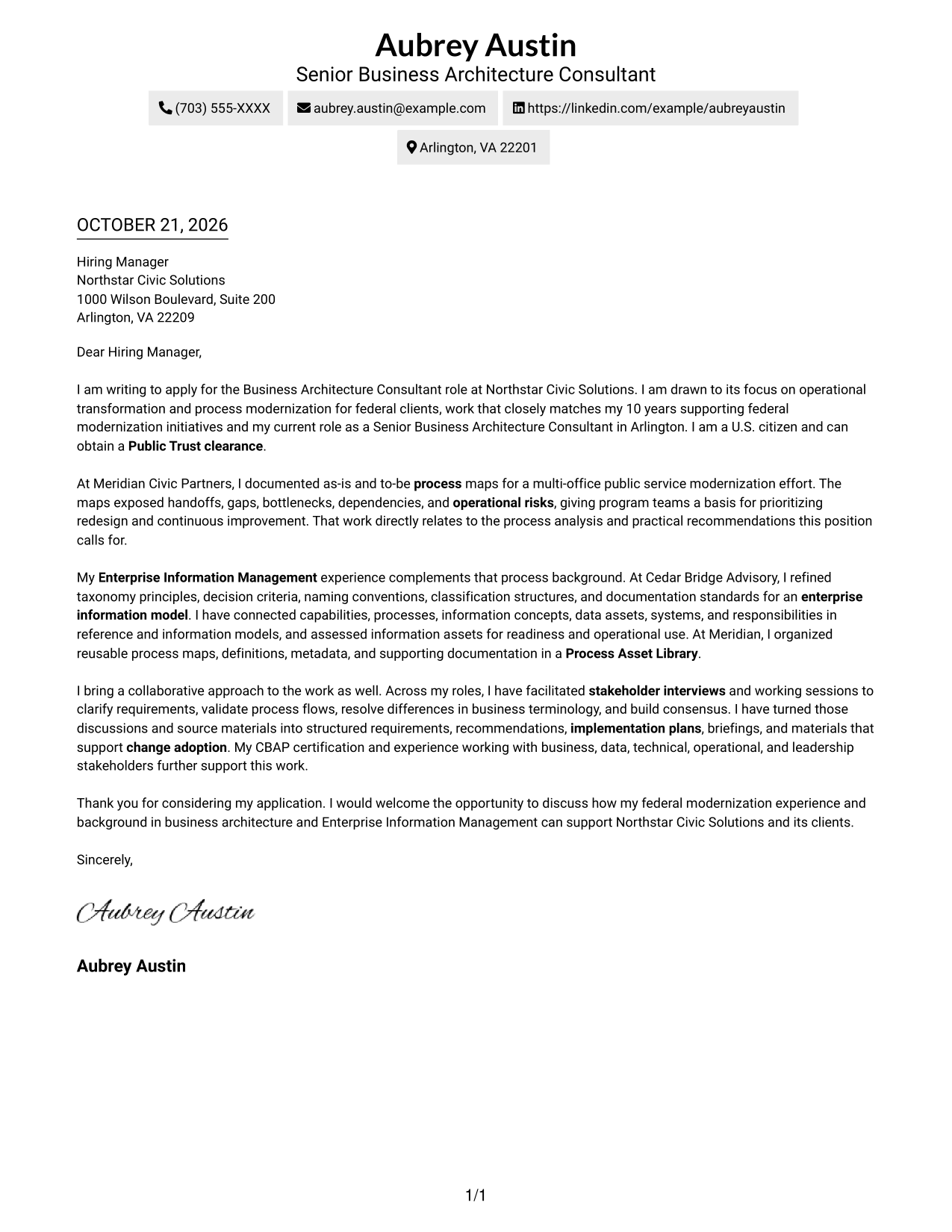
Why This Format Works
- A single reading path keeps motivation, evidence, and closing in sequence.
- Sender details remain in the header, separate from the letter's persuasive message.
- A photo-free page keeps attention on the wording and argument.
Best For
- Single-column reading
- Header-based contact details
- Continuous letter arguments
- Photo-free applications
- Letters with detailed supporting paragraphs
#2 Two Column Format Cover Letter Example
A contact sidebar sets sender details apart, while the letter itself remains one continuous body.
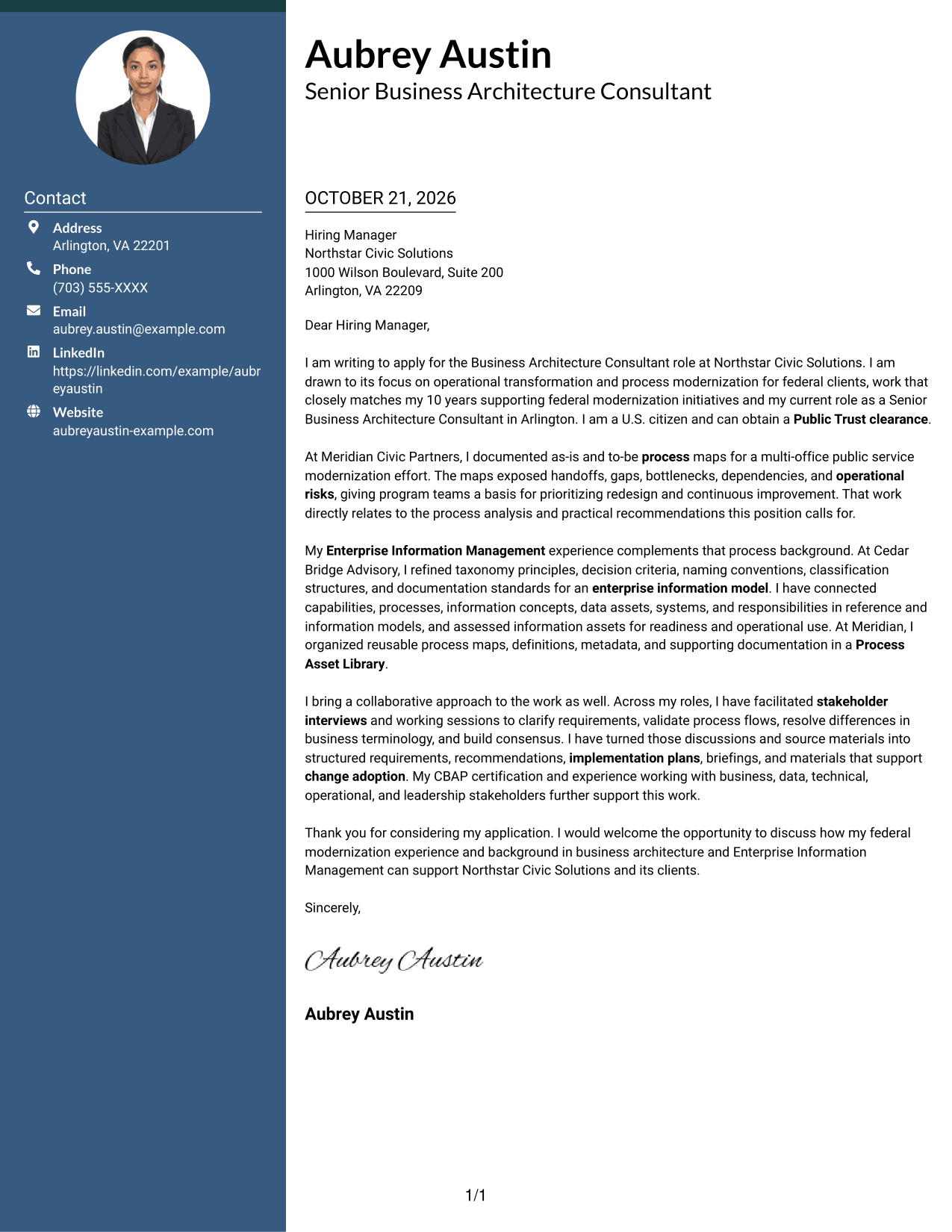
Why This Format Works
- Contact details sit apart from the letter, making sender information easy to locate.
- The main text retains one continuous route from opening through closing.
- A photo-free presentation suits applicants who want the written case to lead.
Best For
- Contact sidebar layouts
- Photo-free correspondence
- Continuous letter arguments
- Letters with multiple supporting paragraphs
- Written-message-first applications
#3 Photo Header Two Column Format Cover Letter Example
A portrait appears with a contact sidebar, keeping sender details distinct from the continuous letter body.
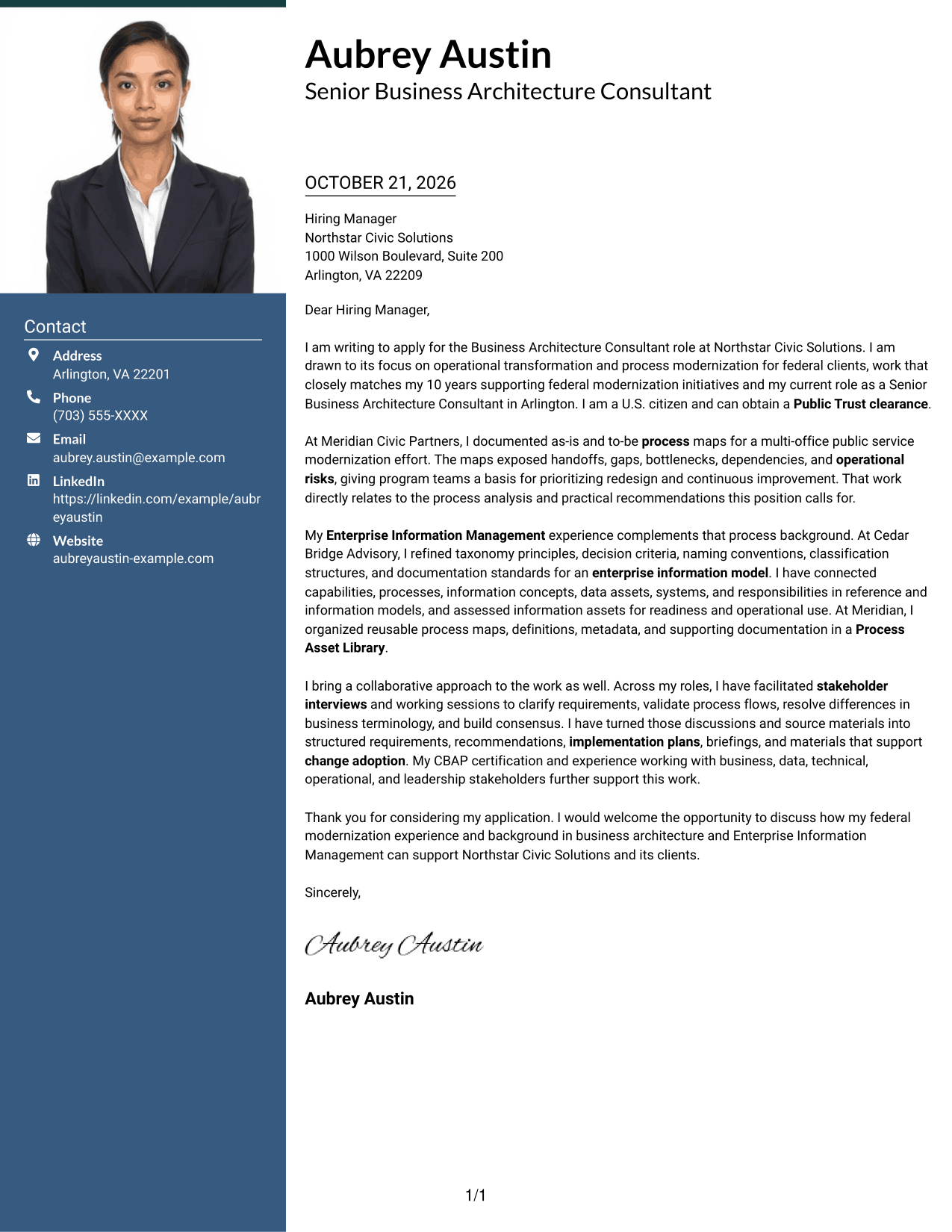
Why This Format Works
- A portrait adds a personal visual element while the letter remains one continuous body.
- Contact details sit in a sidebar, apart from the paragraphs making the case.
- The opening, supporting evidence, and closing stay together in the letter body.
Best For
- Portrait-inclusive applications
- Separate sender contact details
- Detailed supporting paragraphs
- Continuous persuasive letters
- Federal consulting applications
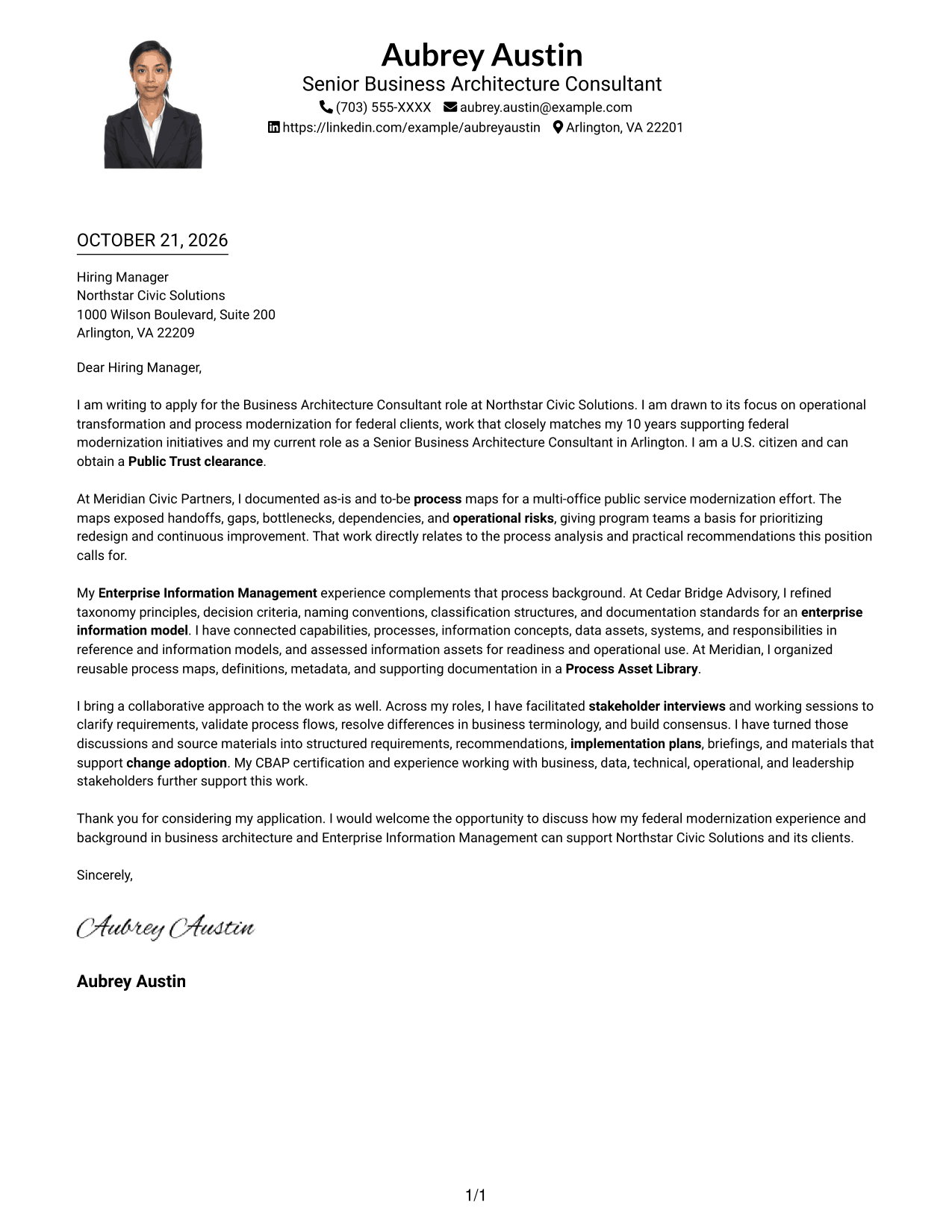
#4 One Column Format with Photo Cover Letter Example
The one-column design includes a photo while keeping sender details in the header and the letter body continuous.
Why This Format Works
- One column gives the opening, supporting points, and closing a direct reading sequence.
- The portrait adds a personal visual touch while leaving the written case central.
- Sender details remain in the header rather than a separate contact sidebar.
Best For
- Portrait-inclusive letters
- Single-column reading
- Header-based sender details
- Continuous persuasive writing
- Applications with detailed prose
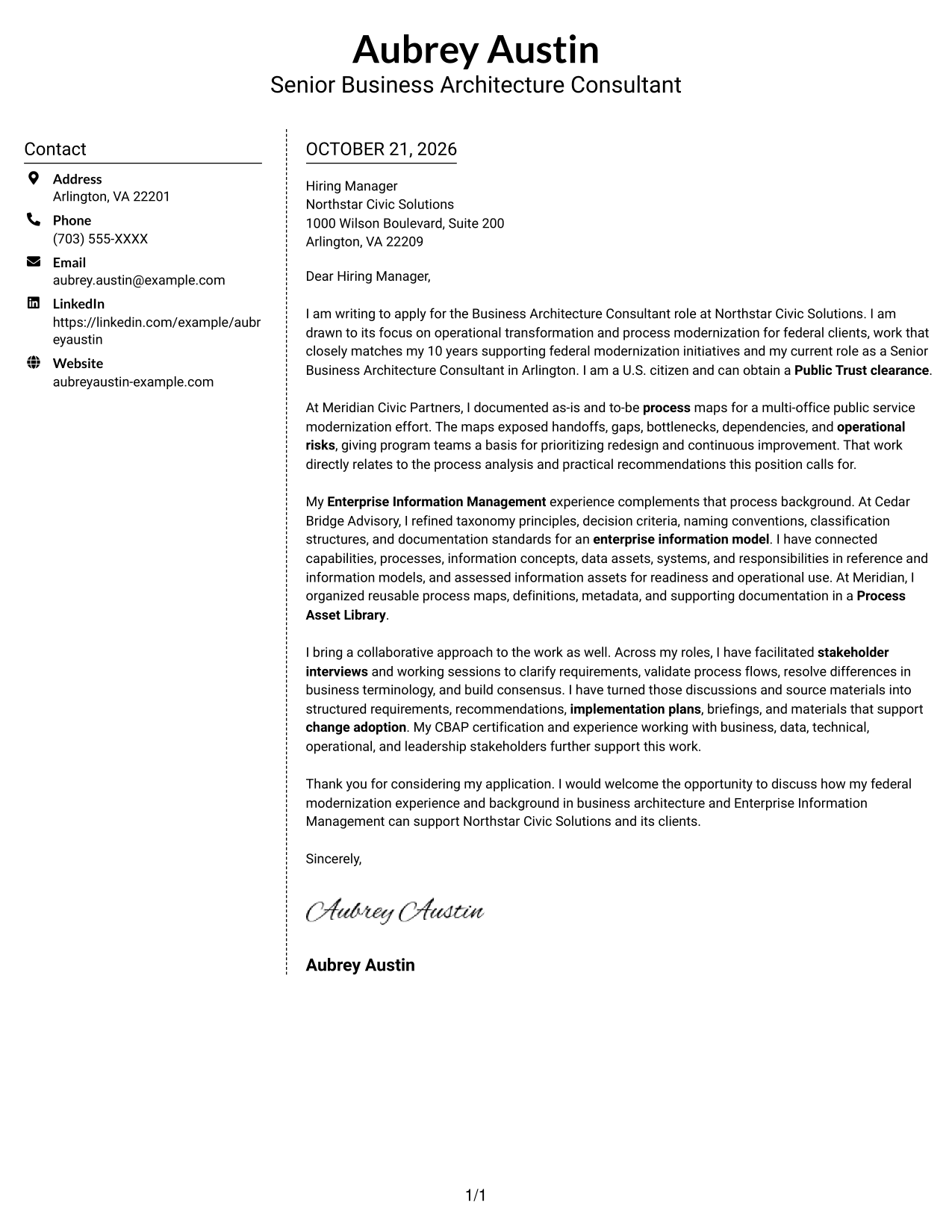
#5 Simple Two Column Format Cover Letter Example
A contact sidebar gives sender details a separate place beside the letter's continuous body.
Why This Format Works
- Sender details have their own area, apart from the application message.
- Opening, evidence, and closing remain paragraphs in one continuous letter body.
- A photo-free layout keeps the focus on written communication.
Best For
- Contact sidebar preference
- Photo-free correspondence
- Longer supporting narratives
- One continuous letter argument
- Written-first applications
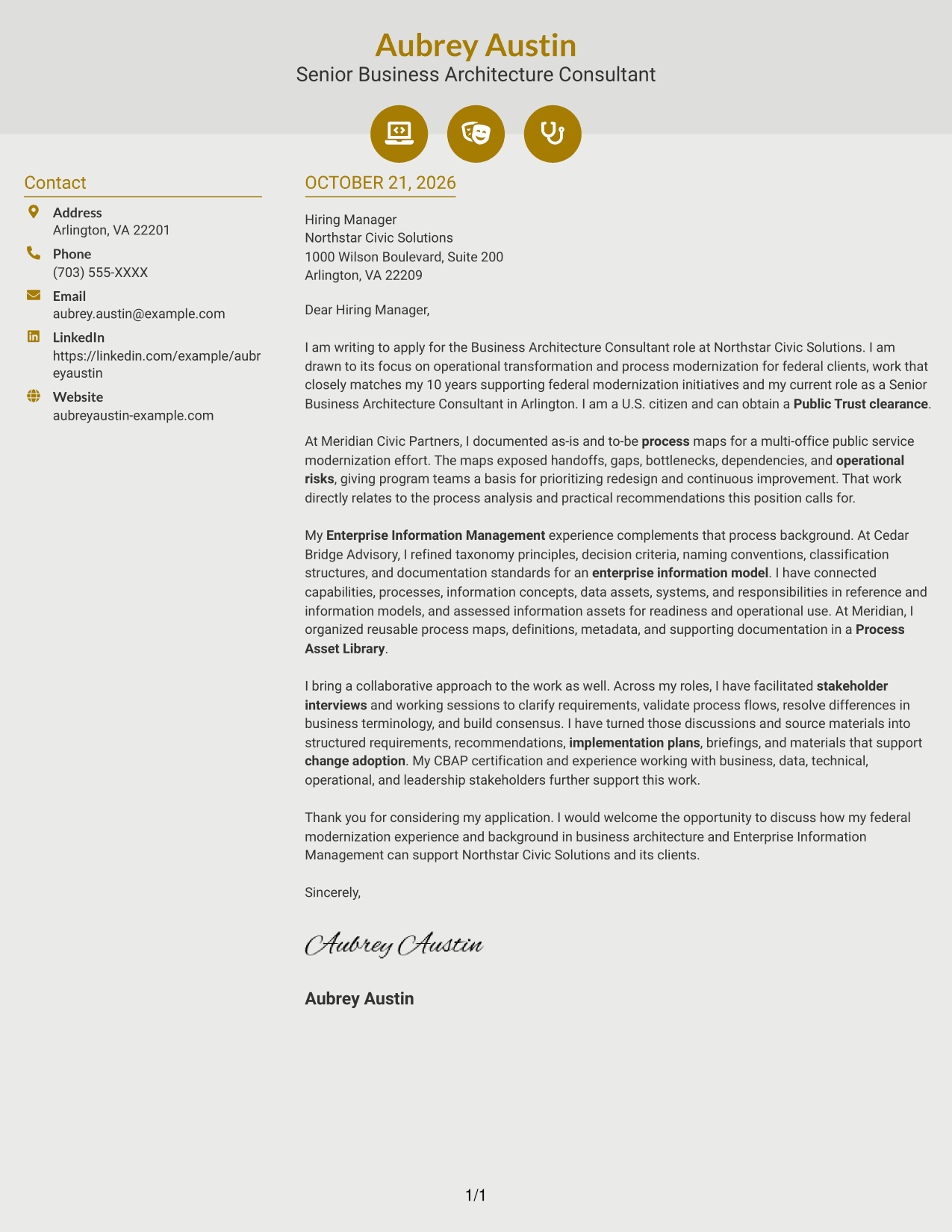
#6 Modern Icon Format Cover Letter Example
Contact icons add visual cues beside the sender details, while the two-column layout keeps them apart from the continuous letter.
Why This Format Works
- Icons provide contact cues without labeling motivation, evidence, or closing paragraphs.
- Sidebar placement separates sender information from the letter's persuasive message.
- The full message stays in one body, from opening through closing.
Best For
- Icon-cued contact details
- Sidebar contact layouts
- Photo-free applications
- Letters with several supporting points
- Continuous persuasive writing
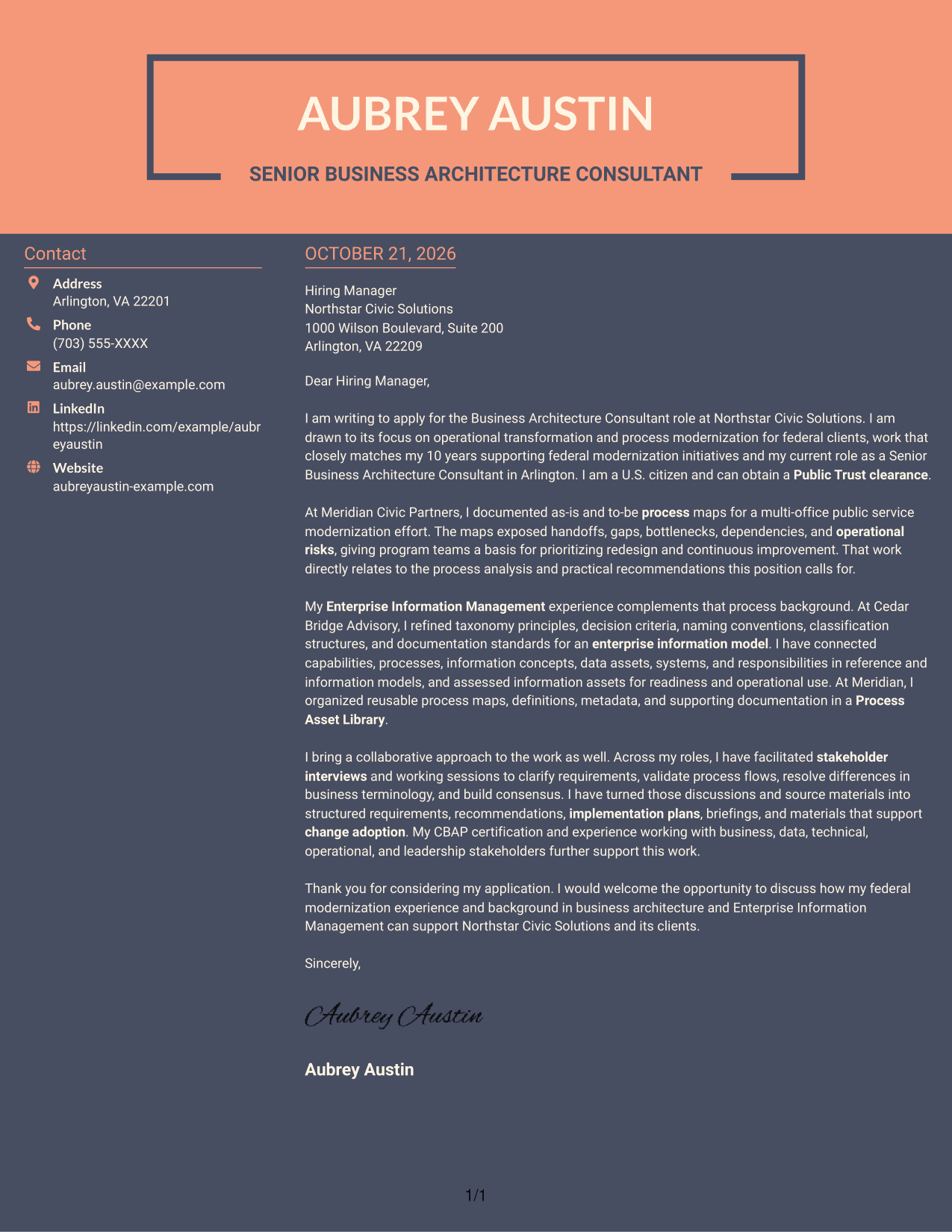
#7 Creative Two Tone Format Cover Letter Example
A contact sidebar sits beside the uninterrupted letter body, giving sender details a separate place without dividing the argument.
Why This Format Works
- Sender details occupy a sidebar, while the letter remains one continuous body.
- Separate contact placement leaves the persuasive message together from start to finish.
- A photo-free presentation keeps the emphasis on the written application.
Best For
- Federal consulting applications
- Photo-free applications
- Uninterrupted letter arguments
- Letters with detailed supporting paragraphs
- Contact details outside the message
See Also
- 7 Business Architecture Consultant - Enterprise Information Management Resume Templates with Example
- 33 Business Processes Chief Consultant - Regulated Manufacturing Resume Templates with Example
- 7 Enterprise Implementation Consultant Resume Templates with Example
- 33 AI Engineer Consultant Resume Templates with Example 2026 (ATS-Optimized)
- 7 Change Management and Adoption Consultant Resume Templates with Example
- 7 Clinical Data Audit Consultant Resume Templates with Example
- 7 Consultant - Databases Resume Templates with Example
- 7 Consultant - Energy Providers Resume Templates with Example
- 30+ AI Engineer Consultant Cover Letter Templates with Example 2026
- 7 Change Management and Adoption Consultant Cover Letter Templates with Example
Frequently Asked Questions
What should a Business Architecture Consultant - Enterprise Information Management cover letter include?
Explain your interest in the role, then connect relevant experience to process analysis, enterprise information models, reusable documentation, and stakeholder collaboration. End with a brief, confident closing.
How can I show that I can support process modernization?
Describe a specific example of documenting current and future processes or identifying gaps, handoffs, dependencies, and operational risks. State how the work helped teams consider practical improvements.
How do I explain my Enterprise Information Management experience?
Choose relevant work with information concepts, taxonomies, metadata, data dictionaries, or information models. Explain how your documentation helped make definitions, relationships, or responsibilities clearer.
Which cover letter style should I choose?
Choose a clean, easy-to-read layout that fits the employer and the way you need to communicate. Compare the image previews, then open an example in the editor if you want to customize it.
How can I make the letter feel specific to the employer?
Refer to the employer's stated work and connect it to evidence from your own background. For this role, you can focus on federal modernization, process improvement, information management, and clear stakeholder communication when those points match your experience.




