
7 Business Development Manager - Aerospace Components Cover Letter Templates with Example
This practical guide helps you write a focused Business Development Manager - Aerospace Components cover letter. Explore one example and 7 layouts to see how a clear letter can connect your experience to the role.
A strong letter shows how you develop customer opportunities, protect account growth, and explain the value of engineered components. Use relevant examples, such as planning accounts, shaping proposals, or supporting distributors, to make your fit clear.
Learn how to open with a direct reason for applying, choose evidence that supports your fit, and explain your interest in the employer’s work. The guide also shows how to close with confidence and choose a presentation that suits the communication context.
What Makes a Great Business Development Manager - Aerospace Components Cover Letter in 2026
A strong letter links your experience in aerospace component sales to the role’s goals for new business, account growth, and customer support. It should make your interest and fit clear from the opening paragraph.
Choose specific evidence, such as planning opportunities across 38 aerospace accounts, coordinating proposal reviews, or supporting distributor training. Explain how that work connects to the employer’s needs, and close with a clear, professional statement of interest.
The featured example moves from role interest to relevant account-planning and customer-support evidence, then closes with a clear statement of fit. Adapt this focused progression while choosing a presentation that suits the employer and communication context.
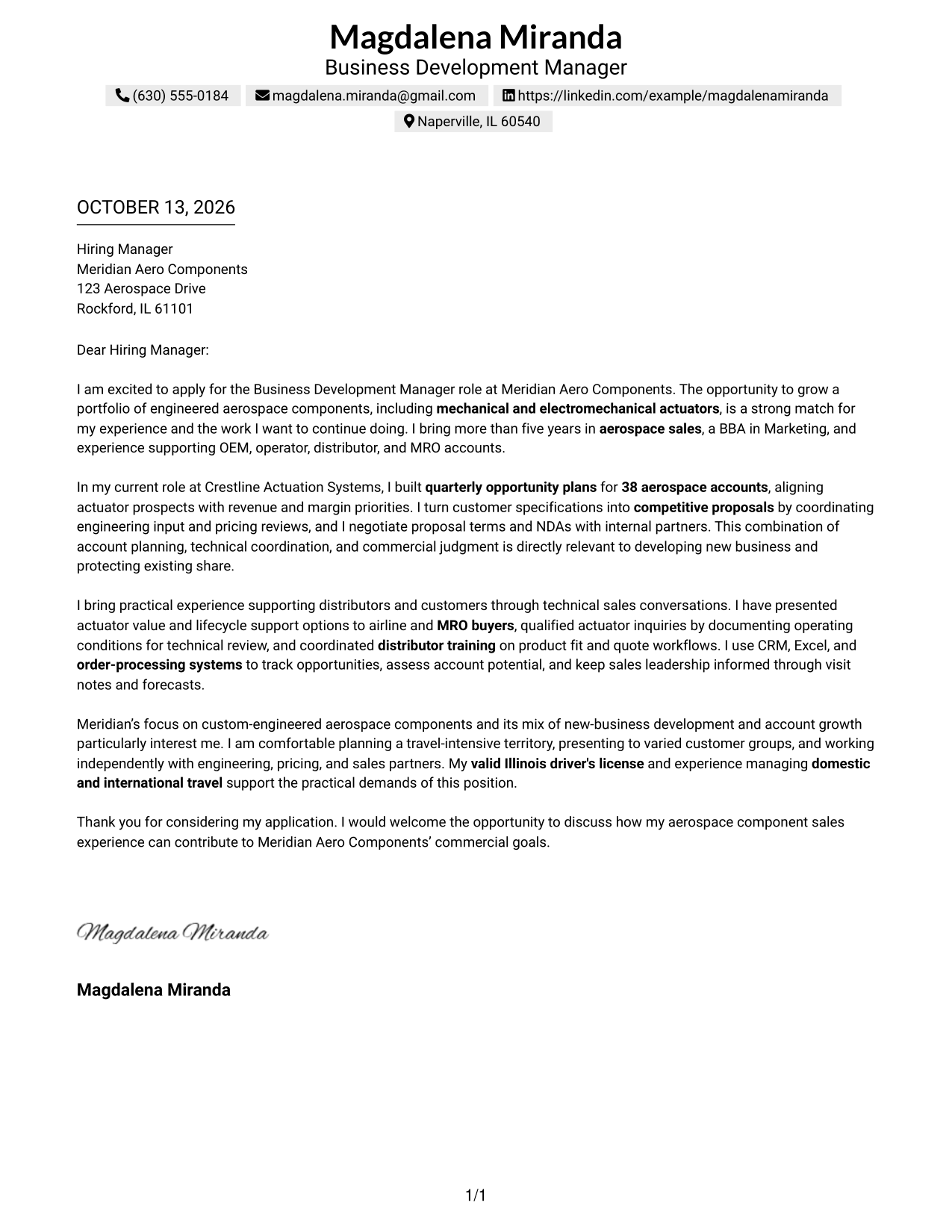
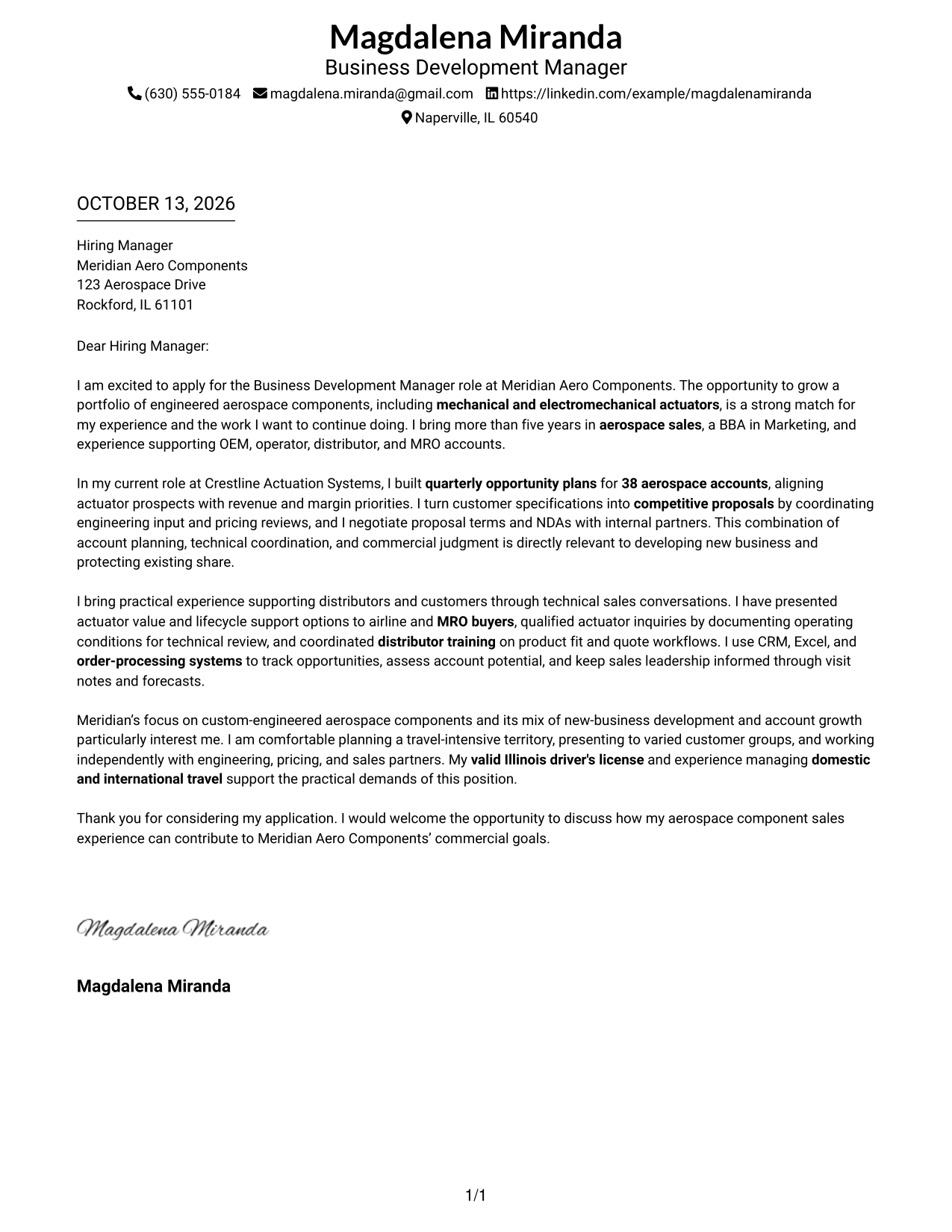
#1 Simple One Column Format Cover Letter Example
A single-column page keeps the greeting, motivation, evidence, and closing in one clear reading path.
Why This Format Works
- One reading path guides reviewers from the opening through evidence to the closing.
- Full-width paragraphs keep motivation and supporting detail together as one argument.
- Sender details in the header stay available without interrupting the letter's message.
Best For
- Single-column letter reading
- Opening-to-closing argument flow
- Full-width paragraph readability
- Header-based sender details
- Text-led application materials
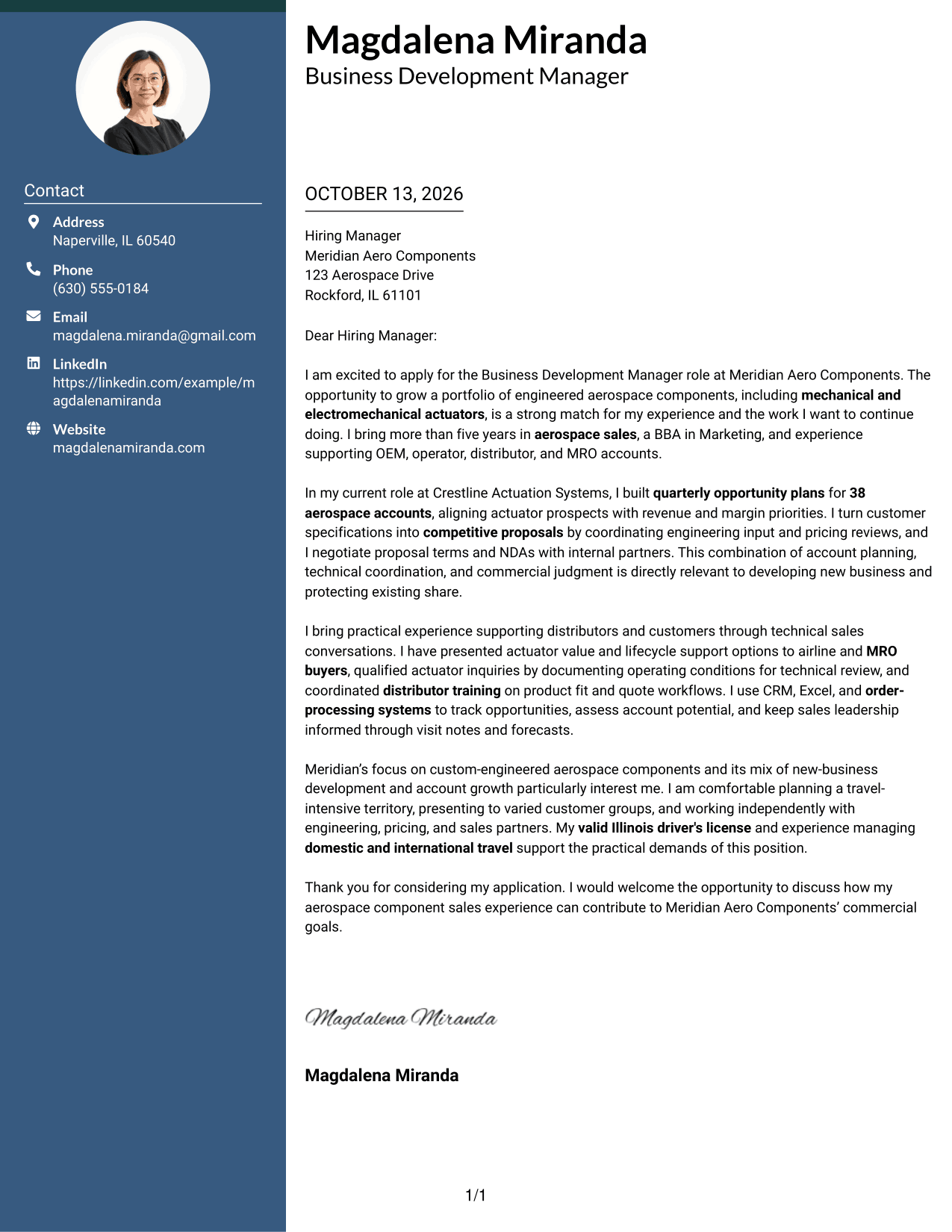
#2 Two Column Format Cover Letter Example
A contact sidebar sits beside one continuous letter body, separating sender details from the message.
Why This Format Works
- A contact sidebar keeps sender information separate from the continuous letter body.
- One continuous body lets reviewers follow motivation, evidence, and closing in order.
- Side-by-side organization makes contact details easy to find before reading the case.
Best For
- Separated contact and message areas
- Continuous persuasive letter body
- Quick access to sender details
- Clear opening-to-close sequence
- Side-by-side contact and letter layout
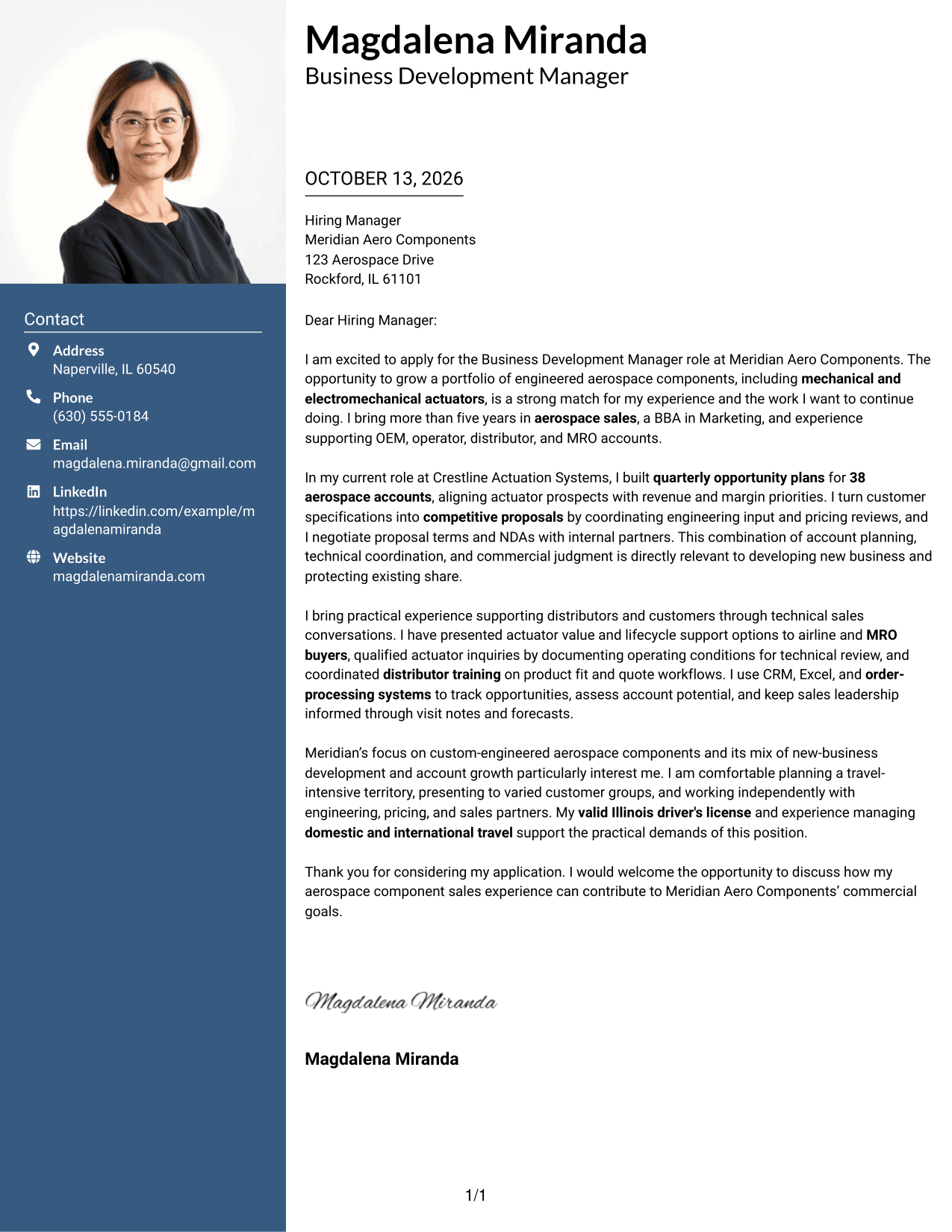
#3 Photo Header Two Column Format Cover Letter Example
A photo header and contact sidebar frame one continuous letter body for a clear, personal presentation.
Why This Format Works
- The contact sidebar leaves motivation and evidence in one uninterrupted letter body.
- One continuous body lets the opening build toward evidence and a clear closing.
- The photo header identifies the sender without changing the letter's reading order.
Best For
- Photo-forward sender identification
- Contact details beside letter text
- One uninterrupted argument
- Opening and evidence in sequence
- Visually distinct sender information
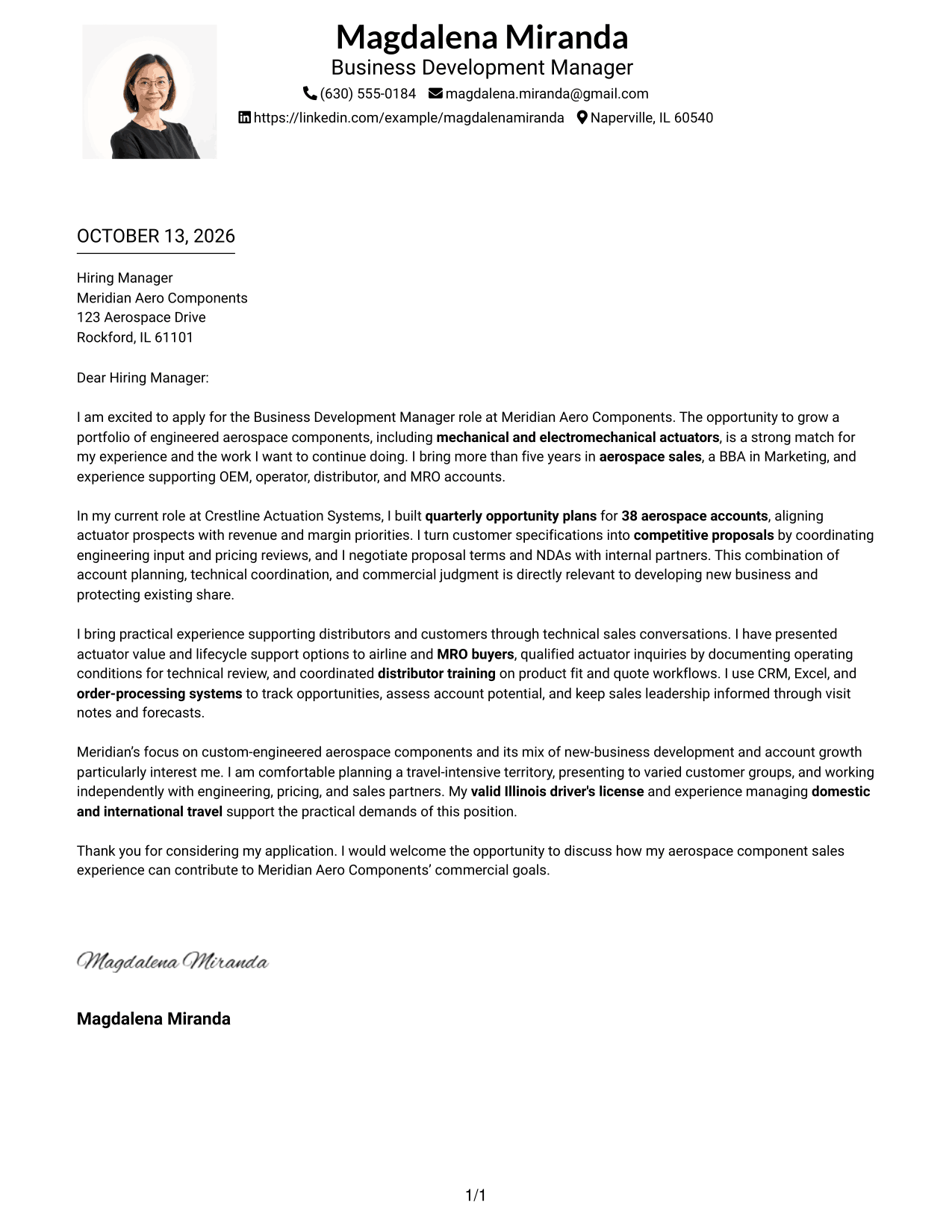
#4 One Column Format with Photo Cover Letter Example
A sender portrait sits above the single-column letter, keeping the message in one reading path.
Why This Format Works
- Full-width paragraphs keep the opening, evidence, and close in one reading path.
- Header details remain distinct, so the motivation can begin without a sidebar.
- Paragraph sequence lets role interest lead naturally into supporting evidence.
Best For
- Sender portrait in the header
- Single-column letter flow
- Full-width paragraph reading
- Photo-led sender identification
- Header details above the message
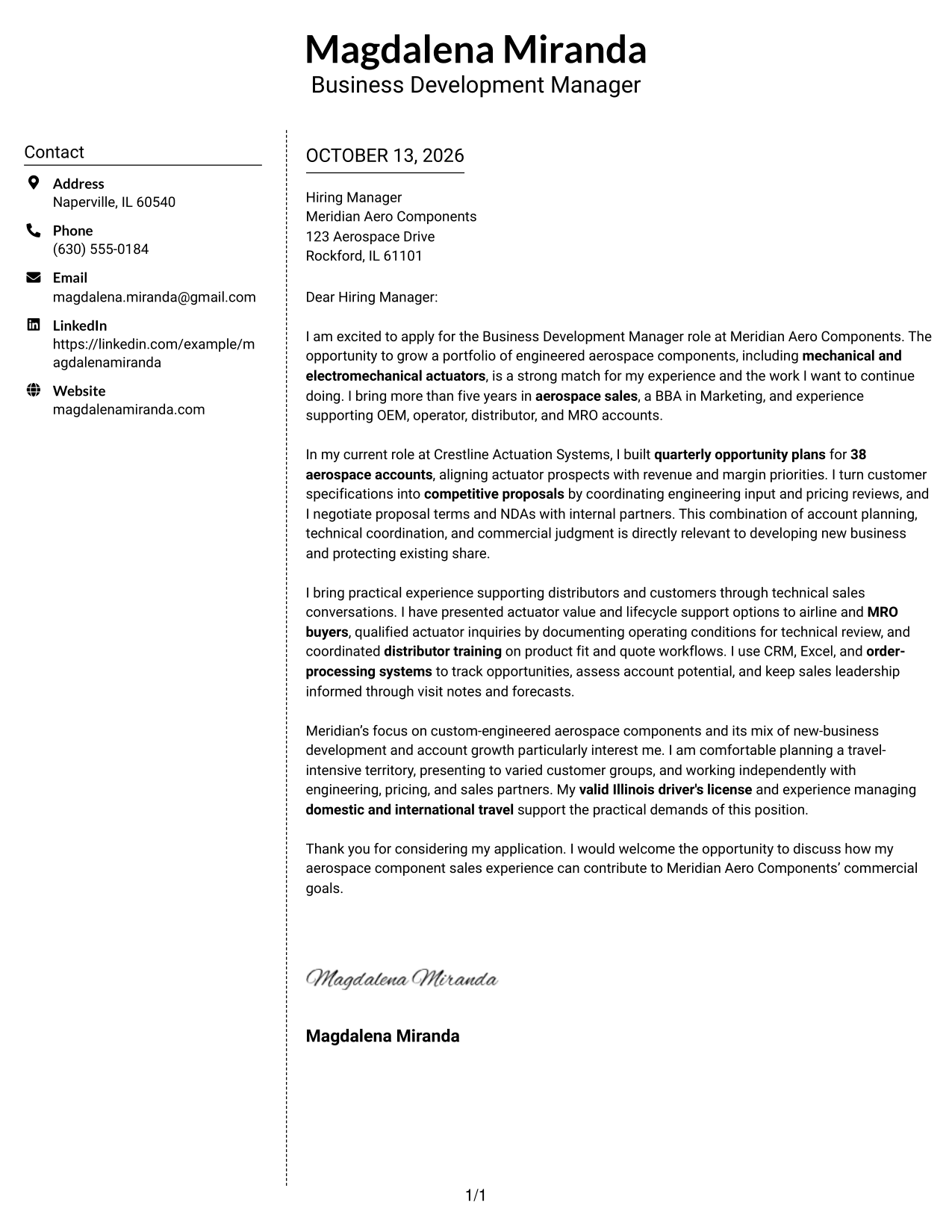
#5 Simple Two Column Format Cover Letter Example
The contact sidebar stays separate from the letter, giving the message a clear, uninterrupted path.
Why This Format Works
- Contact details sit apart, leaving the continuous body for the opening and case.
- Reviewers can follow motivation, examples, and closing without switching between columns.
- The sidebar offers a stable place to find sender information during letter review.
Best For
- Separate contact and letter areas
- A continuous persuasive message
- Easy access to sender details
- A clear argument from opening to close
- Side-by-side information organization
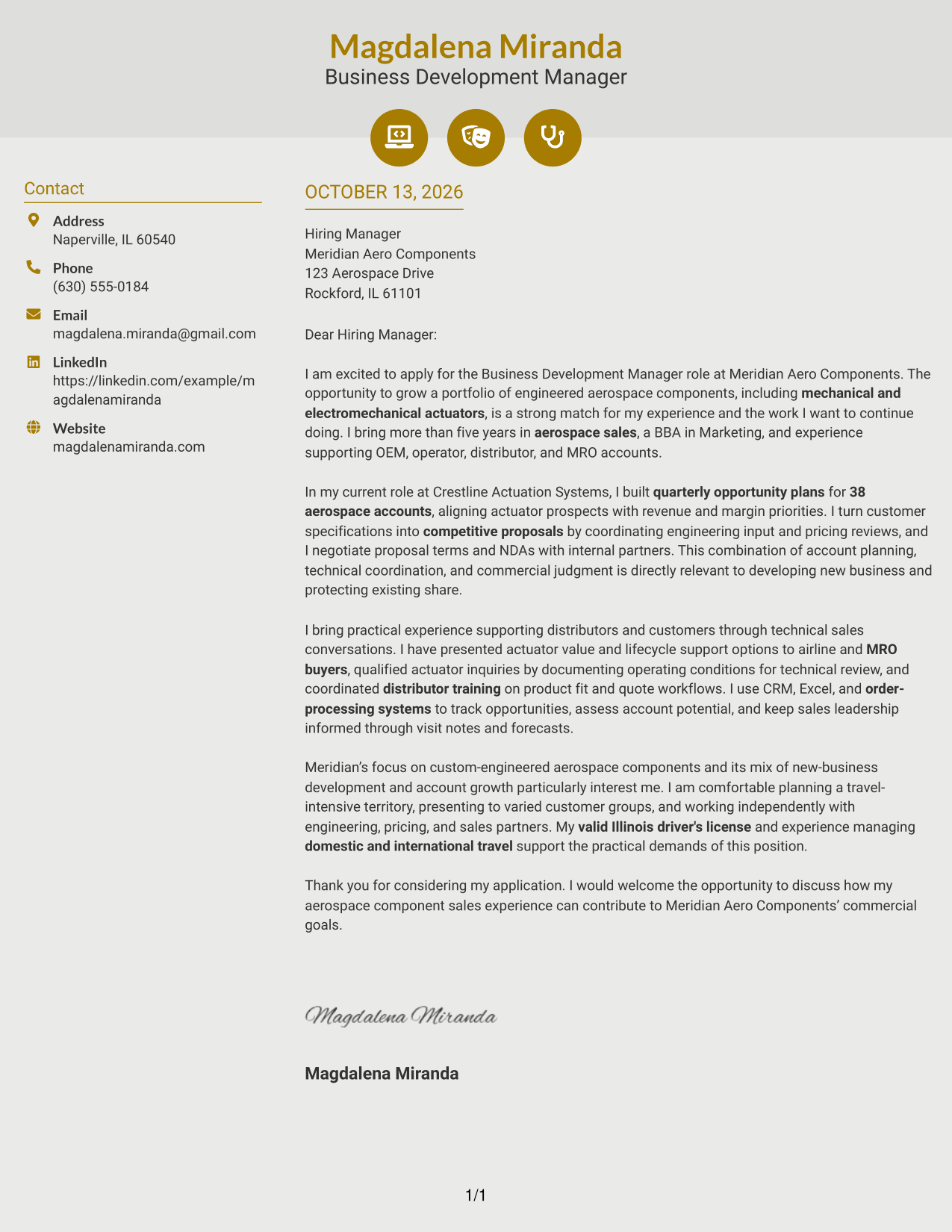
#6 Modern Icon Format Cover Letter Example
Contact icons and header accents sit alongside a continuous letter body in this two-column format.
Why This Format Works
- Contact icons cue sender details without labeling the letter's paragraphs.
- A continuous body helps reviewers connect motivation with supporting evidence.
- Header accents distinguish contact information while the closing stays in the same reading flow.
Best For
- Contact details with visual cues
- A continuous letter argument
- Quick location of sender information
- Clear separation of contact and message
- A structured opening-to-closing read
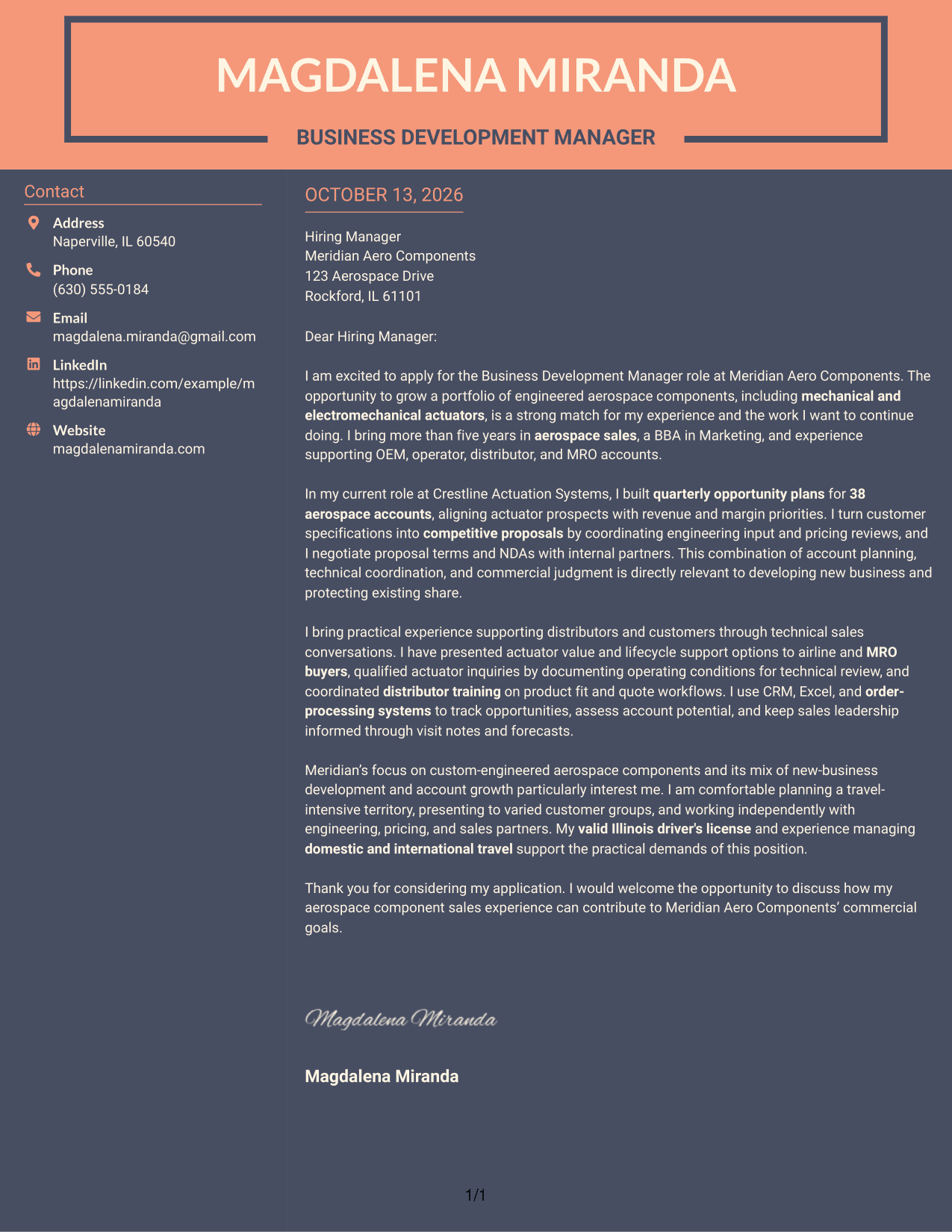
#7 Creative Two Tone Format Cover Letter Example
Two-tone areas set the contact sidebar apart from the continuous letter body and its persuasive message.
Why This Format Works
- Two-tone sections separate contact details from the letter body without splitting its argument.
- Contrast between areas helps reviewers return to the opening or closing quickly.
- The uninterrupted body keeps motivation and evidence together through the final request.
Best For
- Distinct contact and message areas
- A continuous persuasive argument
- Visible separation between letter sections
- Easy return to opening or closing
- Two-tone information organization
See Also
- 7 Business Development Manager - Aerospace Components Resume Templates with Example
- 7 Air Service & Business Development Manager Resume Templates with Example
- 33 Business Development Manager Resume Templates with Example 2026 (ATS-Optimized)
- 7 Coordinator - Small Business Development Center Resume Templates with Example
- 7 Entry-Level Digital Marketing Business Development Representative Resume Templates with Example
- 33 Entry Level Sales/Business Development Resume Templates with Example 2026 (ATS-Optimized)
- 7 Marine Business Development Manager Resume Templates with Example
- 7 General Manager - Retail Store Operations Resume Templates with Example
- 7 Mid-Level Manufacturing Operations Analyst - Inventory and Tool Control Resume Templates with Example
- 7 Pharmacy Technician - Specialty Outreach Resume Templates with Example
Frequently Asked Questions
What should a Business Development Manager - Aerospace Components cover letter include?
Connect your experience to business growth, customer relationships, and aerospace components. Include relevant evidence, such as opportunity planning, proposal coordination, distributor support, or technical customer conversations.
How can I show account-planning experience in my letter?
Give a clear example and explain its purpose. For instance, the featured letter describes quarterly opportunity plans for 38 aerospace accounts, aligned with revenue and margin priorities.
How should I discuss technical products without making the letter hard to read?
Name relevant products, such as mechanical and electromechanical actuators, and explain your role in addressing customer needs. Keep technical detail tied to a proposal, customer conversation, or product application.
How can I show that I understand distributor and MRO customers?
Describe relevant work with distributors, operators, or maintenance, repair, and overhaul (MRO) customers. Explain how you supported product questions, quote workflows, or customer discussions.
What is a good way to explain my interest in the employer?
Refer to the employer’s work with engineered aerospace components and its focus on both new business and account growth. Connect that interest to your own relevant commercial experience, without making claims you cannot support.
How should I close this kind of cover letter?
Thank the reader and state that you would welcome a discussion about how your experience can support the company’s commercial goals. Keep the closing direct and professional.
Which cover letter layout should I choose for this role?
Choose a clear, professional layout that makes the opening, supporting evidence, and closing easy to follow. Consider the employer and the communication setting when choosing how much visual detail to use.




