
7 Business Development Manager Construction Cover Letter Templates with Example
This practical guide to a Business Development Manager Construction cover letter offers one example in 7 layouts to help you present your fit clearly.
What Makes a Great Business Development Manager Construction Cover Letter in 2026
A strong letter links client relationships, qualified commercial construction opportunities, and clear pursuit planning to the employer’s goals. Its opening should show specific interest, while the body explains how you work with project teams and decision makers.
Use relevant evidence, such as proposal coordination, Salesforce CRM, formal sales training, or work with healthcare, higher education, manufacturing, and aviation clients, when it reflects your background. Close by connecting your experience to the employer’s regional growth and long-term client partnerships.
The featured example moves from interest in the role to pursuit work, client relationships, and company alignment, then closes with a clear next step. Adapt this focused progression to your own evidence, choosing a presentation that suits the employer and communication context.
#1 Simple One Column Format Cover Letter Example
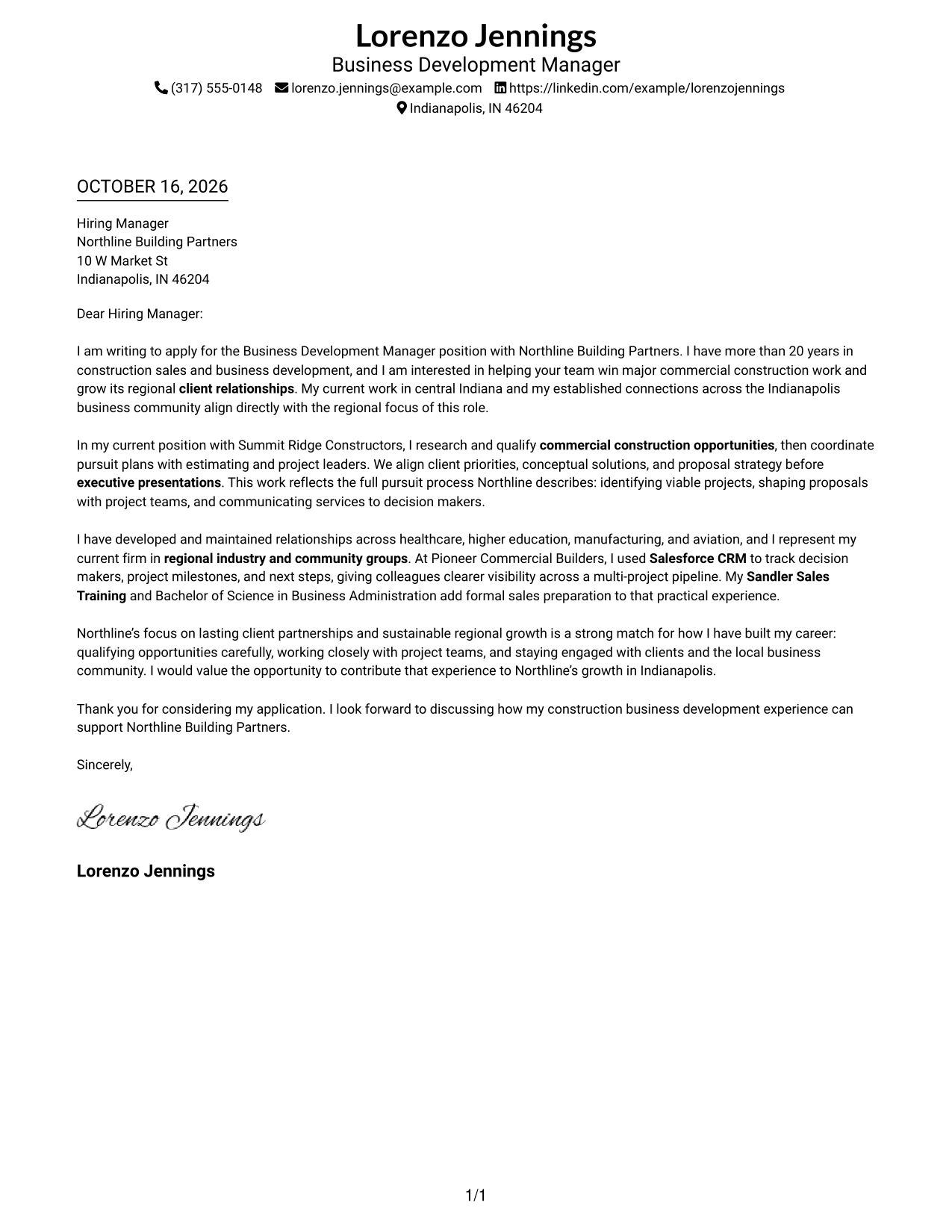
A single-column layout keeps sender details in the header and gives the letter a direct path from opening to closing.
Why This Format Works
- Sender details stay in the header, apart from the message itself.
- One body column carries the opening, evidence, and closing in order.
- Paragraph breaks give each part room without adding argument labels.
Best For
- One-column correspondence
- Header-based contact details
- Paragraph-led persuasion
- Company-specific applications
- Letters with several supporting points
#2 Two Column Format Cover Letter Example
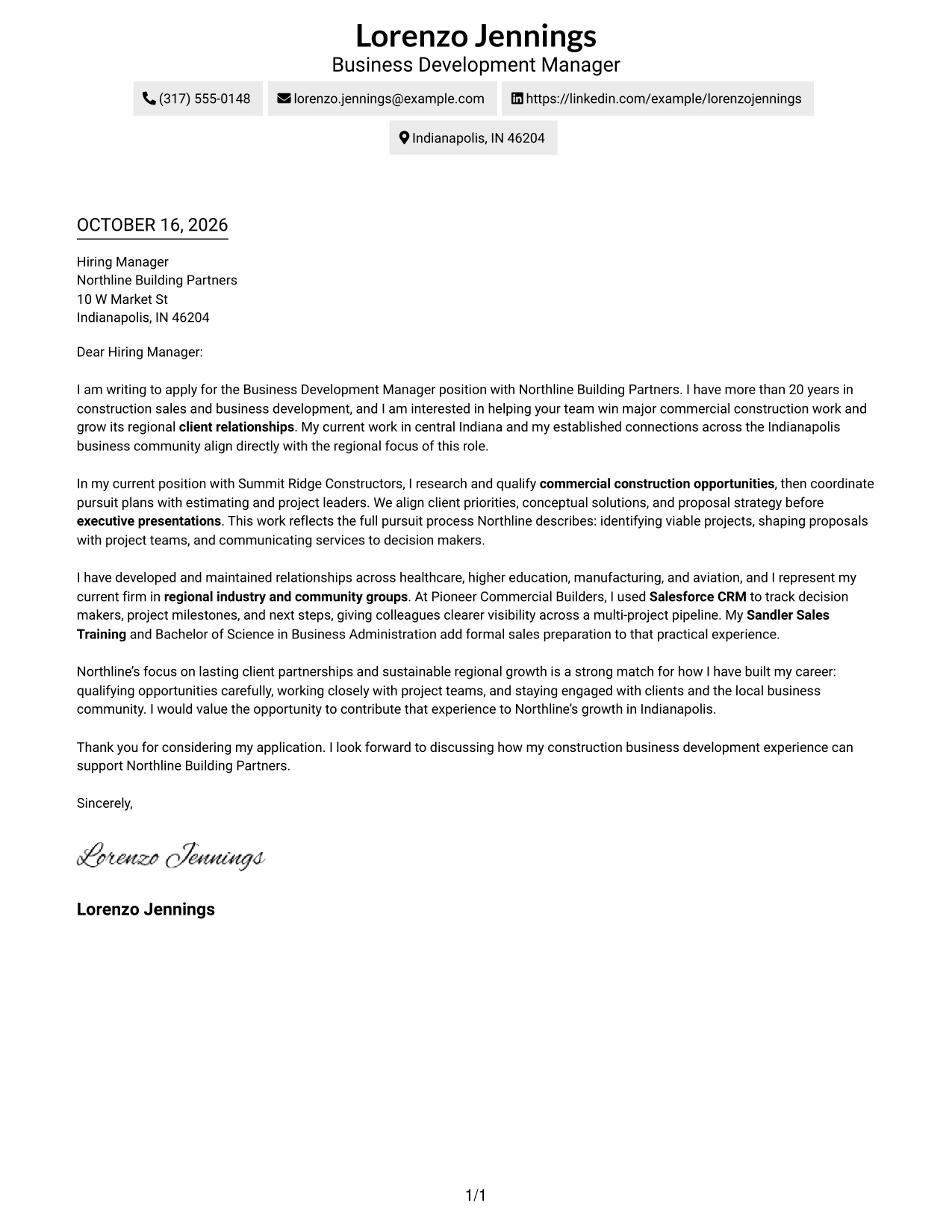
The contact sidebar sits beside the letter in this two-column format, keeping sender information separate from the message.
Why This Format Works
- The sidebar keeps sender details distinct from the letter's message.
- The single body column carries the opening, evidence, and close in order.
- Paragraph breaks help the reader follow each point without argument labels.
Best For
- Sidebar contact information
- Single-body letter flow
- Contact-first document review
- Multi-paragraph applications
- Business-to-business correspondence
#3 Photo Header Two Column Format Cover Letter Example
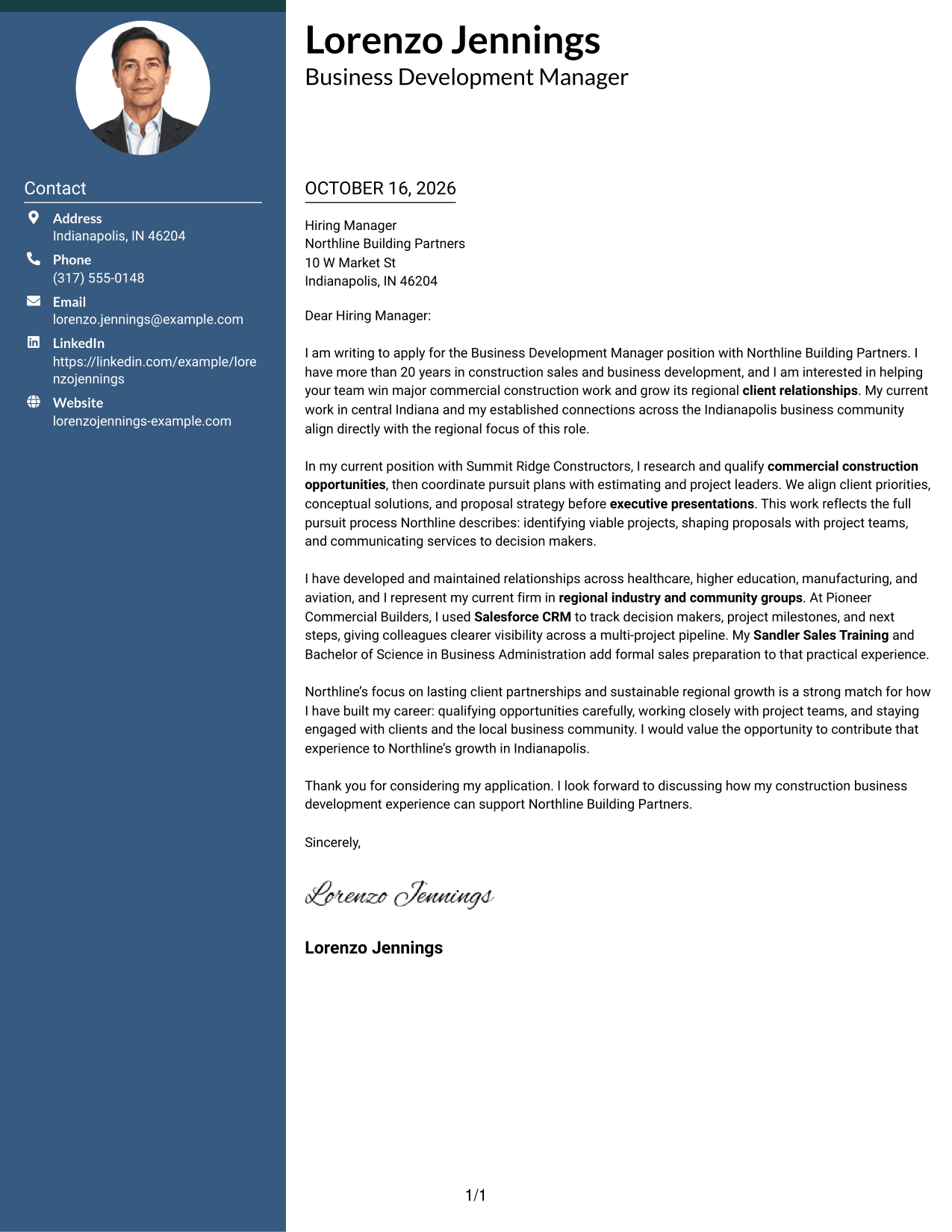
A photo and contact sidebar accompany the single-column letter body, offering a portrait-inclusive presentation while keeping the message distinct.
Why This Format Works
- The contact sidebar separates sender information from the letter's main message.
- A single body column keeps the opening, supporting points, and close together.
- The photo offers a visual option for readers who prefer a portrait.
Best For
- Photo-inclusive applications
- Sidebar contact details
- Single-column letter bodies
- Client-facing correspondence
- Multi-paragraph letter arguments
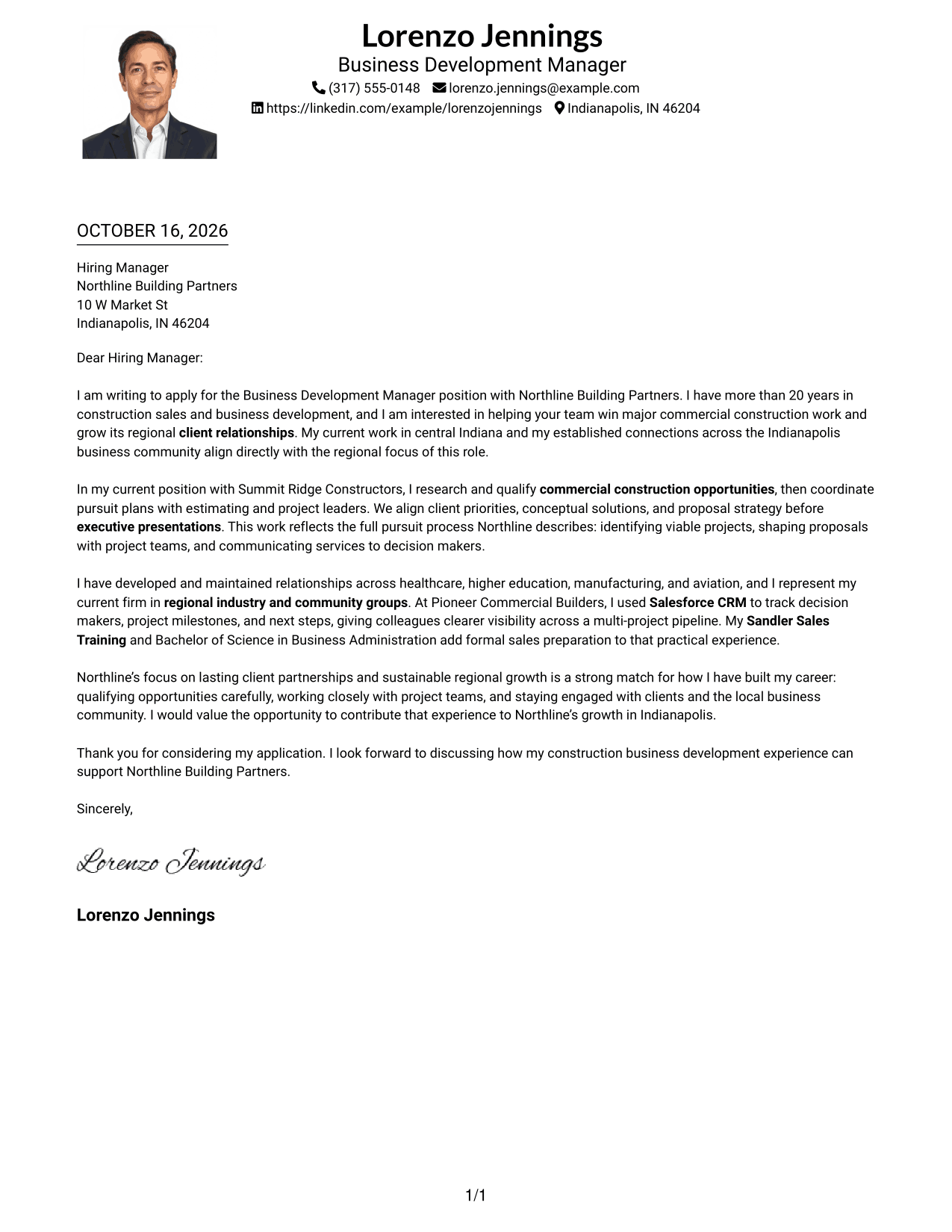
#4 One Column Format with Photo Cover Letter Example
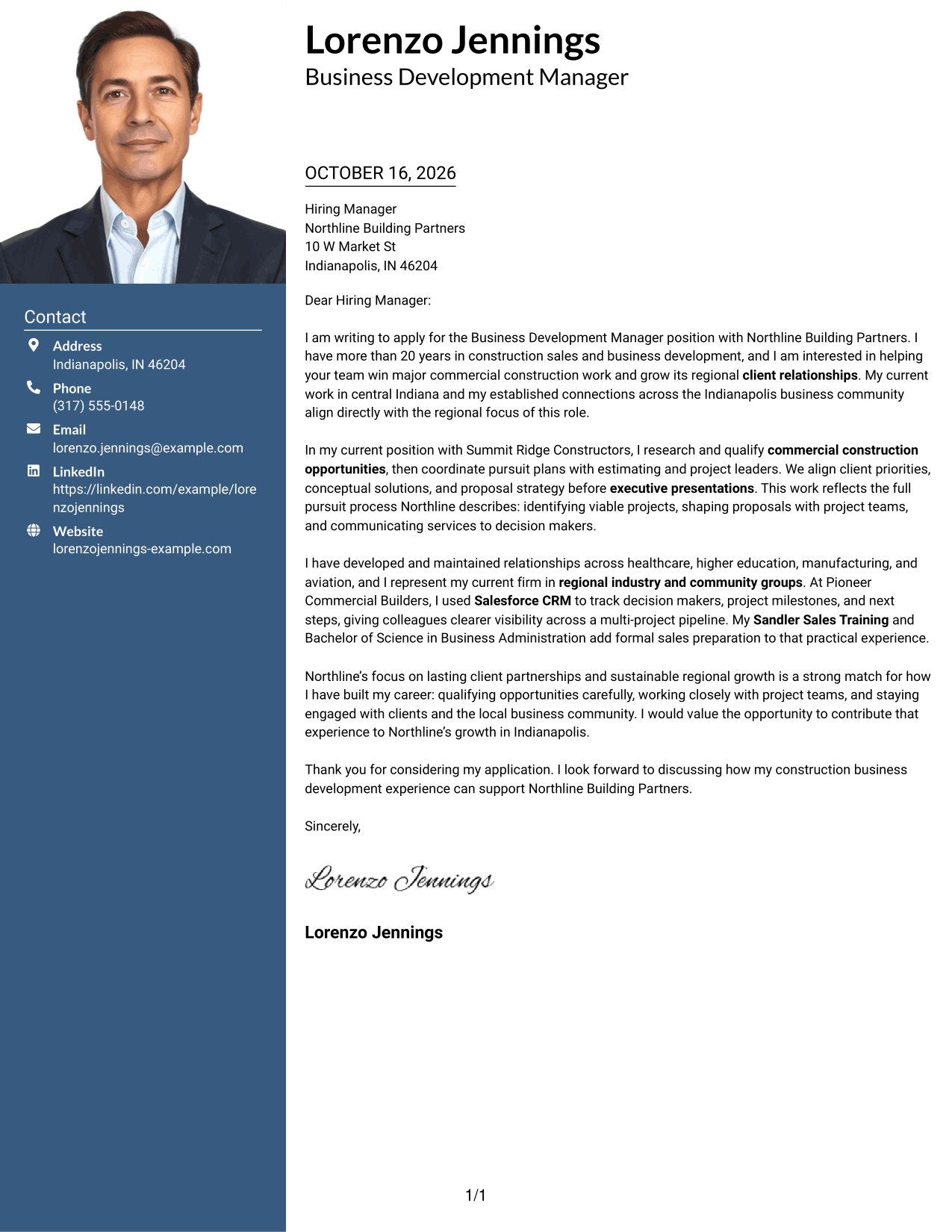
A photo accompanies the single-column letter, giving portrait-inclusive applications a clear option without changing the message's reading path.
Why This Format Works
- The one-column body keeps the letter's opening, evidence, and closing in sequence.
- Sender details remain in the header, separate from the letter paragraphs.
- The photo adds a portrait choice without dividing the written message.
Best For
- Portrait-inclusive letters
- One-column message flow
- Header-based contact details
- Direct application letters
- Paragraph-led persuasion
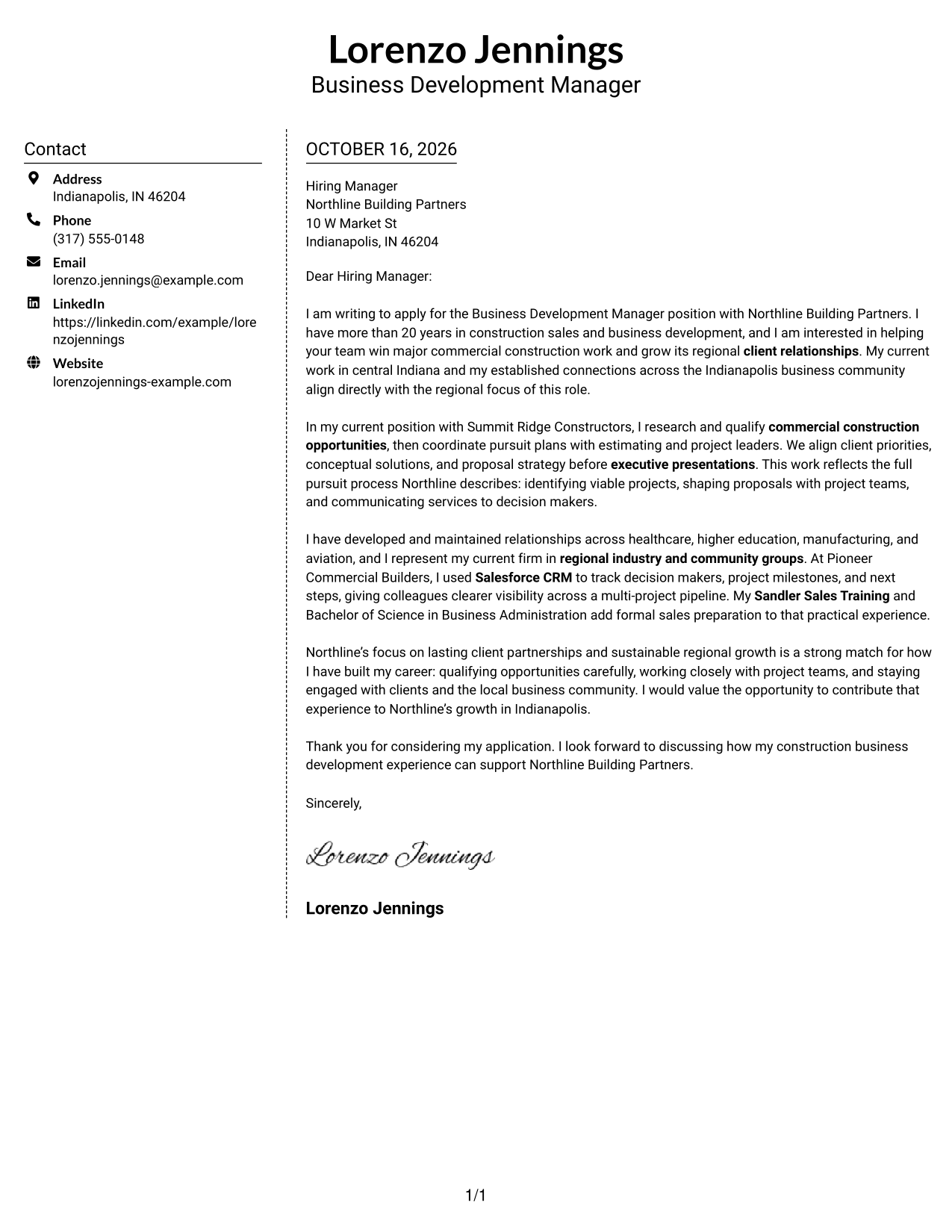
#5 Simple Two Column Format Cover Letter Example
The contact sidebar and continuous letter body form two clear columns, so sender details stay apart from the message.
Why This Format Works
- The sidebar gives contact details a clear place beside the letter.
- The continuous body lets the opening and closing read as one message.
- Paragraph spacing helps separate ideas without adding headings to the argument.
Best For
- Sidebar-based contact details
- Continuous letter messages
- Text-focused applications
- Multi-paragraph correspondence
- Company-specific letters
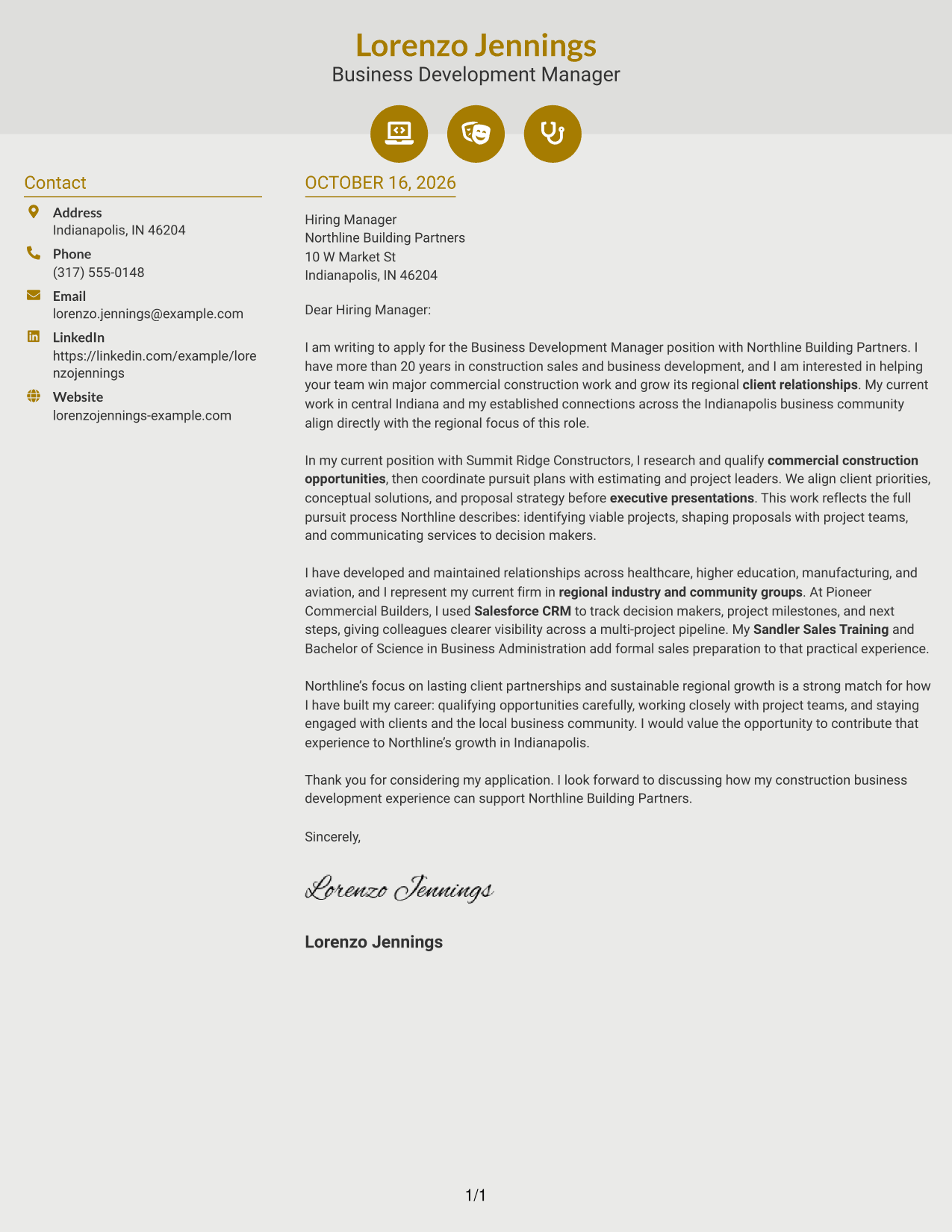
#6 Modern Icon Format Cover Letter Example
Contact icons sit beside the continuous letter body in this two-column format, helping keep sender information distinct from the message.
Why This Format Works
- Contact icons help readers identify sender details beside the letter body.
- The body remains one continuous column for the full written message.
- A separate contact area keeps personal details apart from the letter's argument.
Best For
- Icon-marked contact information
- Two-column contact separation
- Continuous letter bodies
- Applications that favor visual cues
- Client-focused correspondence
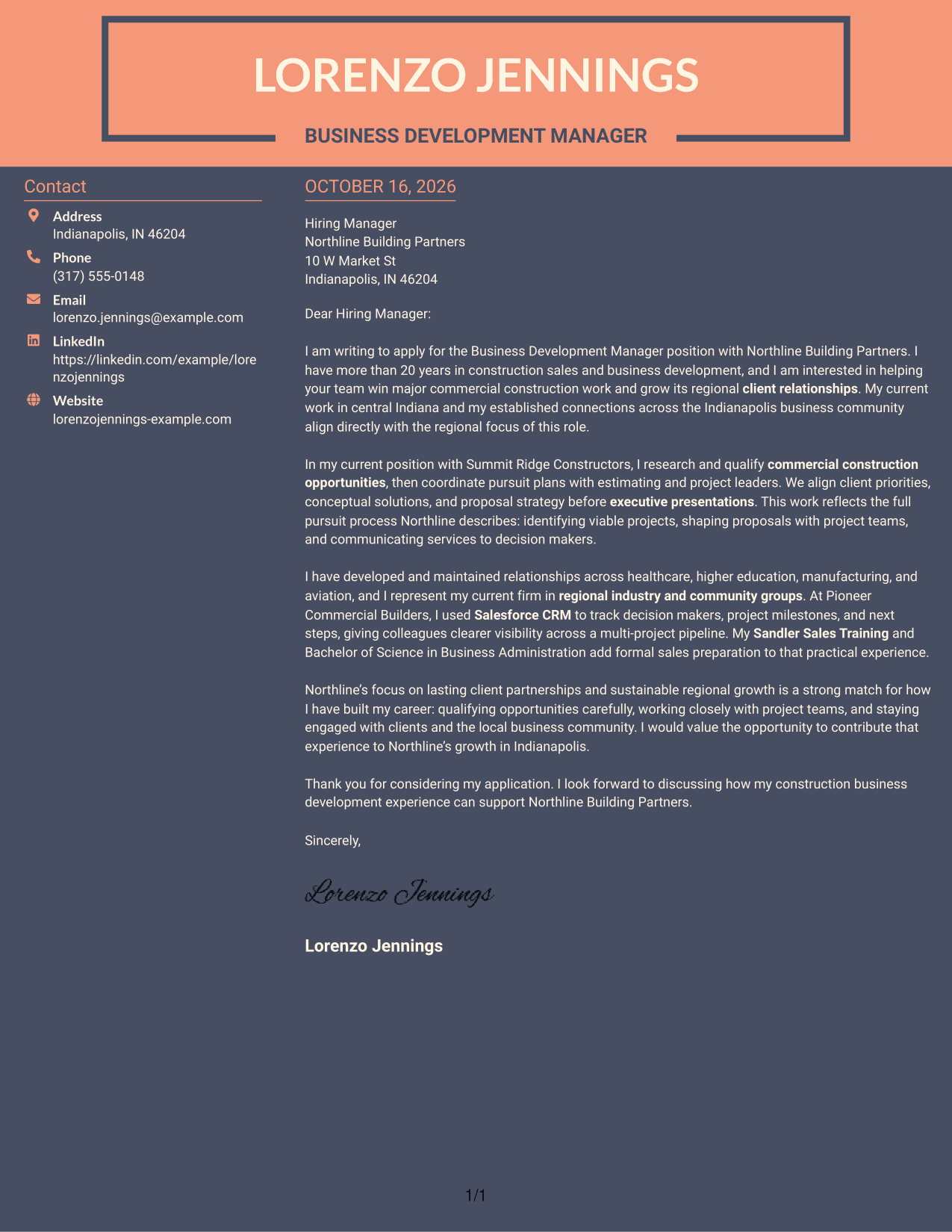
#7 Creative Two Tone Format Cover Letter Example
A contact sidebar sits beside the single-column letter body, giving contact information its own space while the message remains continuous.
Why This Format Works
- The sidebar gives sender details a separate place beside the letter.
- A single body column keeps motivation and supporting points in sequence.
- The continuous paragraphs let the message move naturally toward its closing.
Best For
- Sidebar contact details
- Single-column letter bodies
- Continuous written arguments
- Company-specific outreach
- Text-focused client letters
Why Use ResumeInMinutes for a Business Development Manager Construction Cover Letter
ResumeInMinutes gives you an example to review and customize for the role. Compare the image previews, then open an example in the editor to shape a letter around your experience and the employer’s needs.
- Role-focused cover letter examples
- Different presentation styles
- Clear, readable layouts
- Opening and closing guidance
- Editor links for customization
- Construction business development focus
Keep your message direct: show how you build client trust, coordinate thoughtful pursuits, and support lasting regional growth.
See Also
- 7 Business Development Manager Construction Resume Templates with Example
- 7 Business Student - Construction Operations Support Resume Templates with Example
- 7 Air Service & Business Development Manager Resume Templates with Example
- 7 Business Development Manager - Aerospace Components Resume Templates with Example
- 33 Business Development Manager Resume Templates with Example 2026 (ATS-Optimized)
- 7 Coordinator - Small Business Development Center Resume Templates with Example
- 7 Entry-Level Digital Marketing Business Development Representative Resume Templates with Example
- 33 Entry Level Sales/Business Development Resume Templates with Example 2026 (ATS-Optimized)
- 7 Business Development Manager - Aerospace Components Cover Letter Templates with Example
- 7 Carpenter - Commercial Construction Cover Letter Templates with Example
Frequently Asked Questions
What should a Business Development Manager Construction cover letter include?
Show why the role interests you, then connect your experience to client relationships, construction opportunities, pursuit planning, and communication with decision makers. Close by explaining how you could support the employer’s goals.
How can I make my cover letter specific to a construction employer?
Refer to the employer’s work and priorities, such as building long-term client partnerships or growing its regional business. Use relevant examples from your own background to show how you can contribute.
What evidence can strengthen the body of the letter?
Describe a real example of researching an opportunity, coordinating a proposal with project teams, or presenting a conceptual service to a client. Include details such as Salesforce CRM or relevant market knowledge only when they match your experience.
How should I structure the opening and closing paragraphs?
Use the opening to name the role and explain your interest. In the closing, restate your connection to the employer’s needs, thank the reader, and invite a conversation.
Can I view or customize the example?
Yes. Review the image preview, then use the editor link to open and customize the example.
Should I mention availability for non-traditional hours?
If the employer lists non-traditional hours as a condition and you are available, you can address that briefly and clearly in your letter.




