
7 Business Management Administrator - Construction Contracts Cover Letter Templates with Example
This practical guide presents a Business Management Administrator - Construction Contracts cover letter in seven layouts, helping you make a clear case for your fit.
What Makes a Great Business Management Administrator - Construction Contracts Cover Letter in 2026
A strong letter connects contract administration experience to the work, from award through closeout across EPCM and Alliance projects. Its opening, body, and closing should make the applicant’s interest and role fit clear.
Use relevant evidence, such as assessing changes and claims or coordinating payment certification and contract records. Then show how this experience supports the employer’s project teams and commercial needs.
The featured example moves from job interest to current contract responsibilities, broader experience, and a focused closing, giving you a progression to adapt while choosing a presentation that fits the employer and communication context.
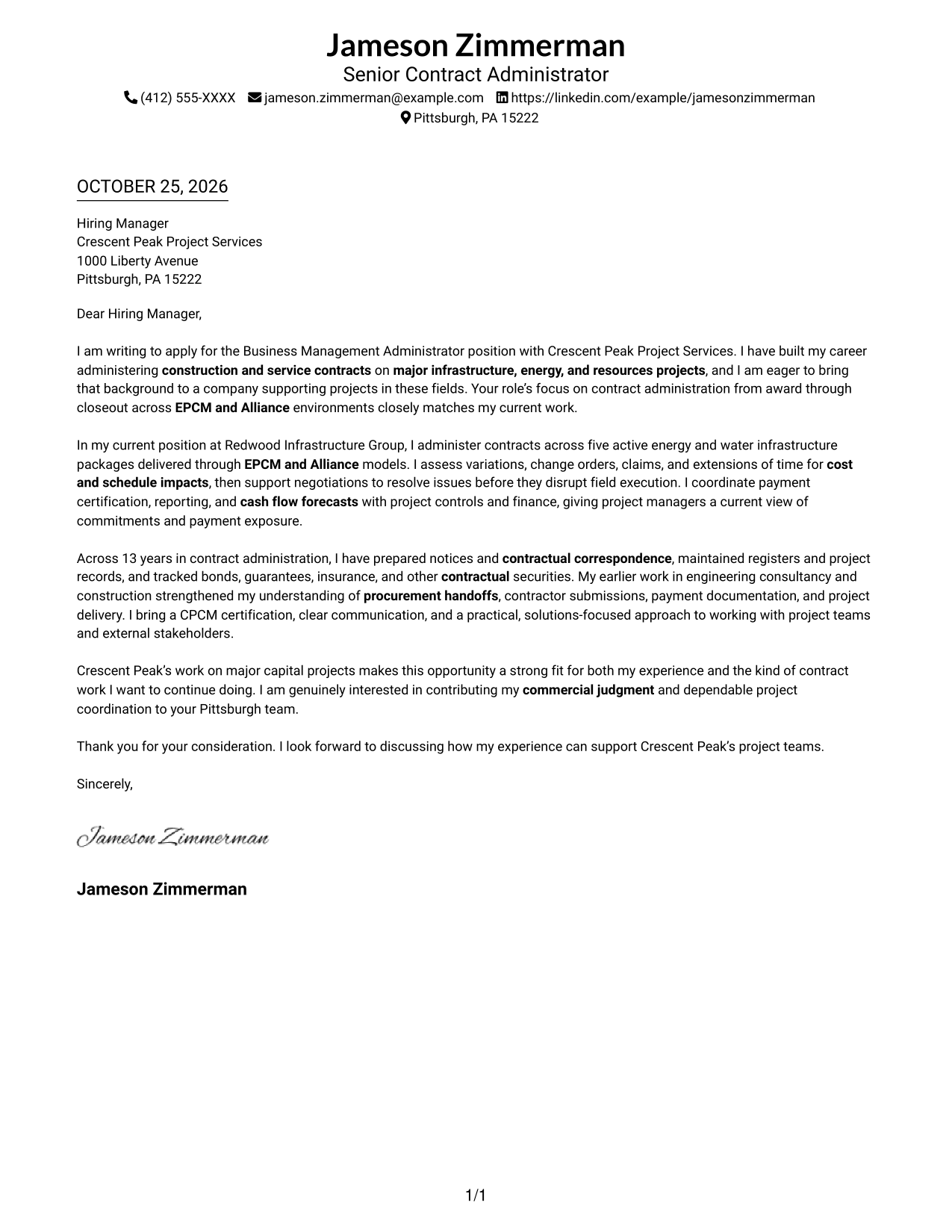
#1 Simple One Column Format Cover Letter Example
A single-column page keeps sender details in the header and the full letter in one continuous body.
Why This Format Works
- One reading path carries the opening, supporting points, and close in order.
- Sender details stay in the header, apart from the letter's main message.
- Without a photo, the page gives visual attention to the written appeal.
Best For
- Single-column letter preference
- Continuous paragraph reading
- Text-led correspondence
- Header-based contact details
- Direct applicant-to-employer communication
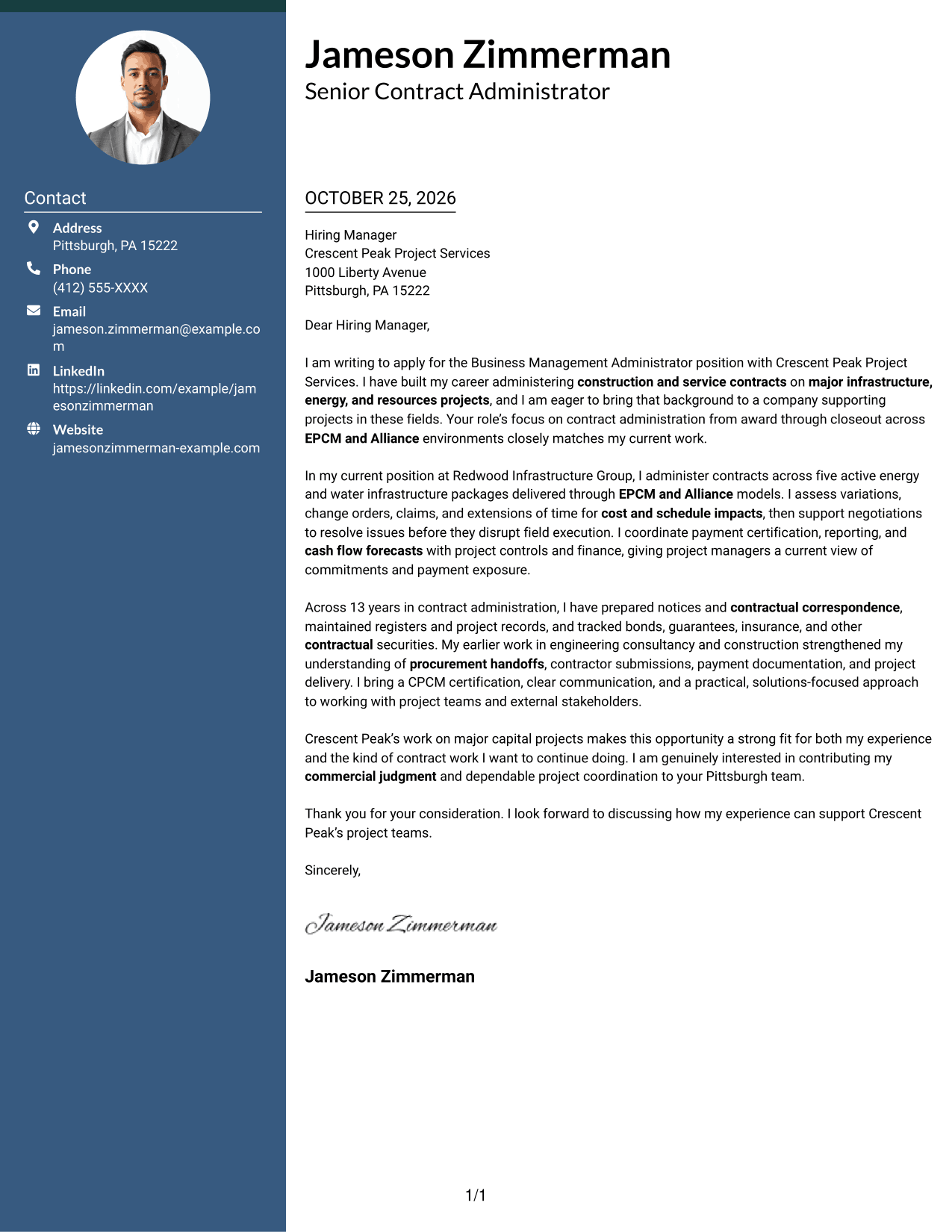
#2 Two Column Format Cover Letter Example
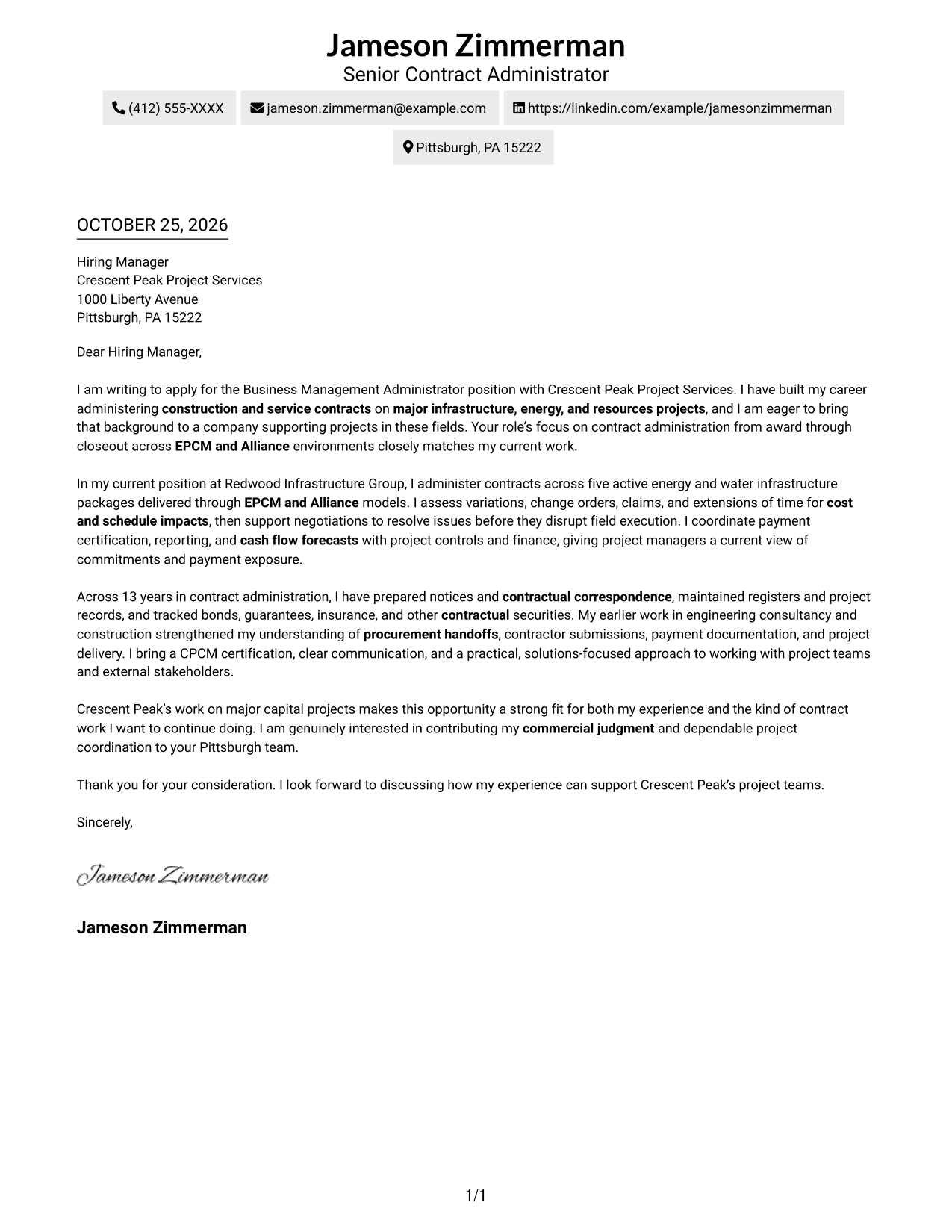
A contact sidebar sits beside one continuous letter body, keeping the sender details separate from the message.
Why This Format Works
- A separate contact sidebar keeps sender details distinct from the letter's argument.
- The single body lets the opening, motivation, evidence, and close read as one sequence.
- The no-photo presentation keeps visual focus on the written message.
Best For
- Separate contact and message areas
- Continuous persuasive paragraphs
- Photo-free correspondence
- Letters with several supporting points
- Company-specific interest letters
#3 Photo Header Two Column Format Cover Letter Example
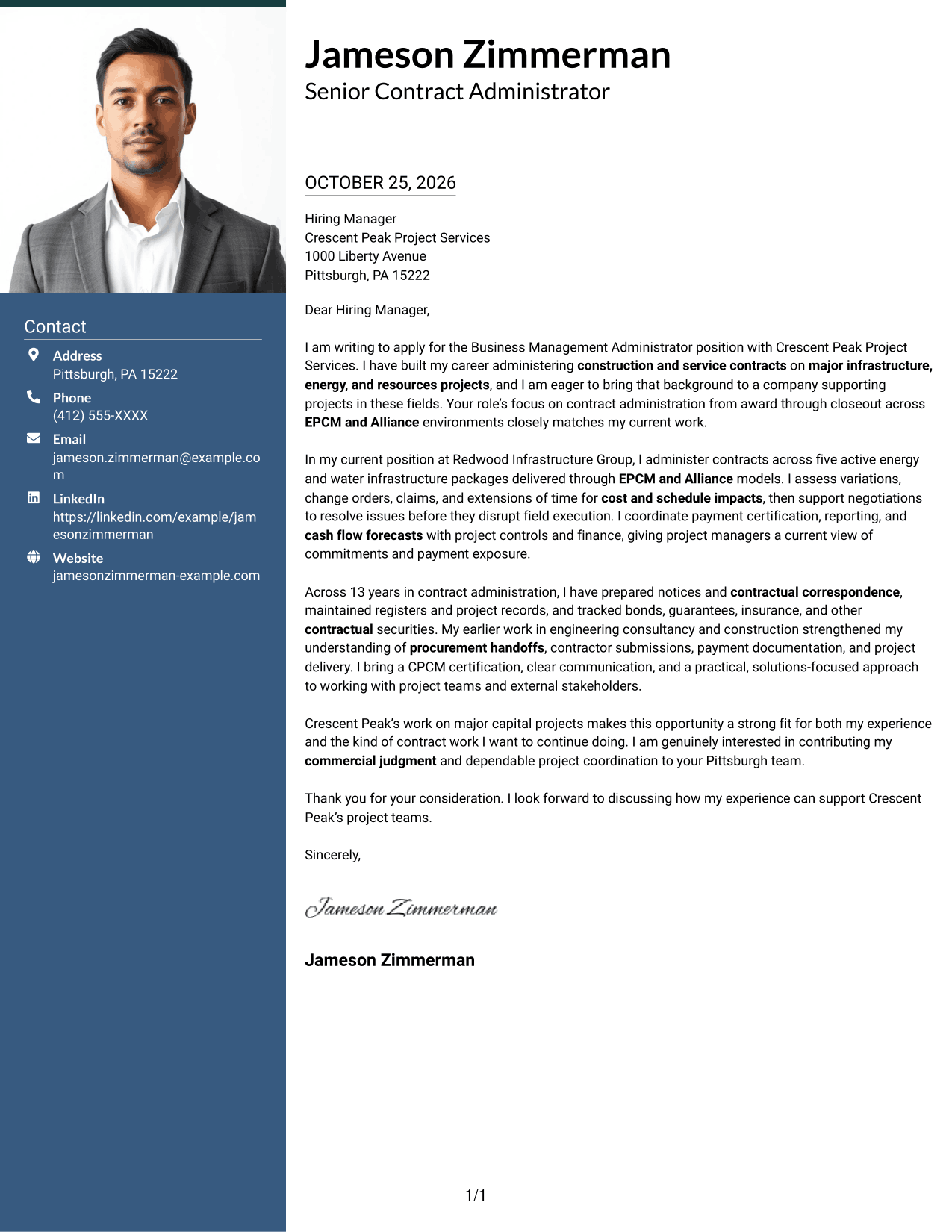
A header photo adds a personal visual element to this two-column layout, which pairs a contact sidebar with one continuous letter body.
Why This Format Works
- The header photo gives the contact area a clear visual identity.
- Contact details sit apart from the letter, making them easy to locate.
- One continuous body lets motivation and supporting evidence develop in sequence.
Best For
- Header photo preference
- Contact sidebar layouts
- Single-body letters
- Paragraph-based persuasion
- Role-specific applications
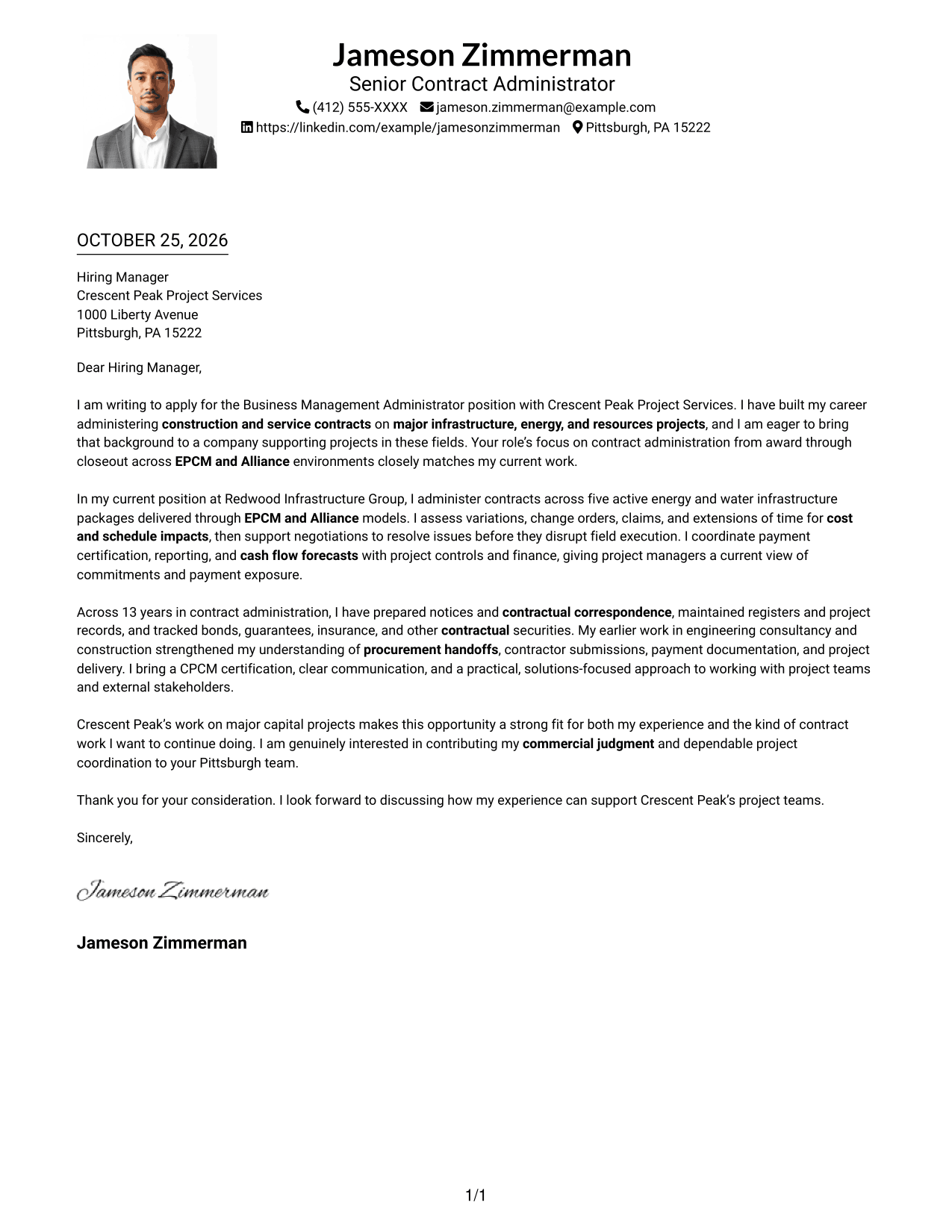
#4 One Column Format with Photo Cover Letter Example
This one-column design includes a photo while keeping the letter body continuous.
Why This Format Works
- A single reading path keeps the opening, evidence, and closing in paragraph order.
- The included photo adds a visible personal element without splitting the letter body.
- Sender details remain in the header, separate from the message itself.
Best For
- Photo-inclusive correspondence
- Single-column reading
- Header-based sender details
- Unbroken paragraph flow
- Personalized company interest
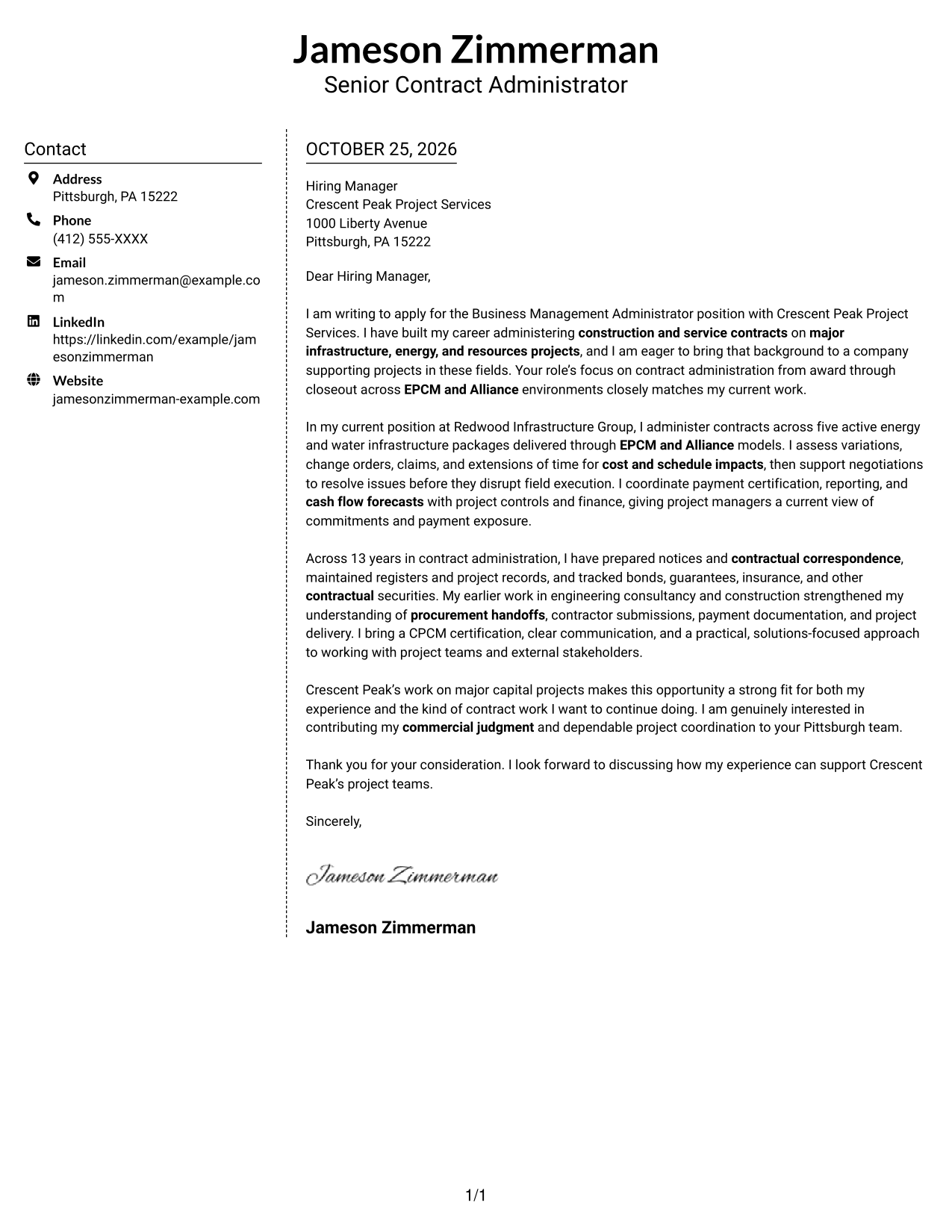
#5 Simple Two Column Format Cover Letter Example
A contact sidebar sits beside one continuous letter body, with no photo in the design.
Why This Format Works
- A contact sidebar separates sender information from the letter's main argument.
- One continuous body lets the opening and supporting points build naturally.
- The photo-free layout suits readers who prefer a text-led page.
Best For
- Contact details outside the message
- Continuous letter arguments
- Photo-free applications
- Letters with supporting evidence
- Company-focused applications
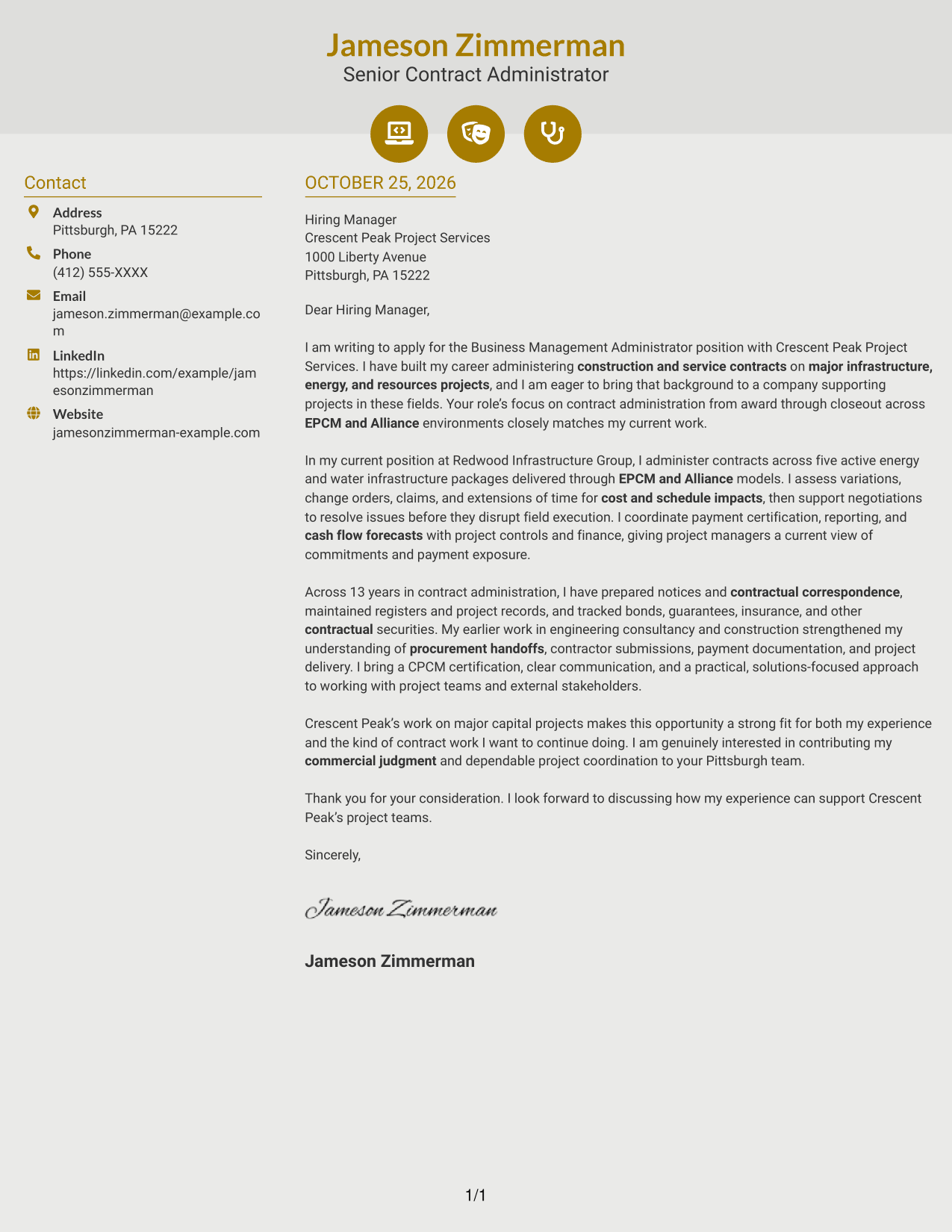
#6 Modern Icon Format Cover Letter Example
Contact icons cue key details in the sidebar, beside one continuous letter body.
Why This Format Works
- Contact icons help distinguish key details without labeling letter argument stages.
- The sidebar keeps sender information apart from the continuous letter body.
- Header accents remain decorative, while the message develops in paragraphs.
Best For
- Contact icons for quick reference
- Side-by-side letter layout
- Continuous paragraph messages
- Photo-free correspondence
- Icon-cued contact details
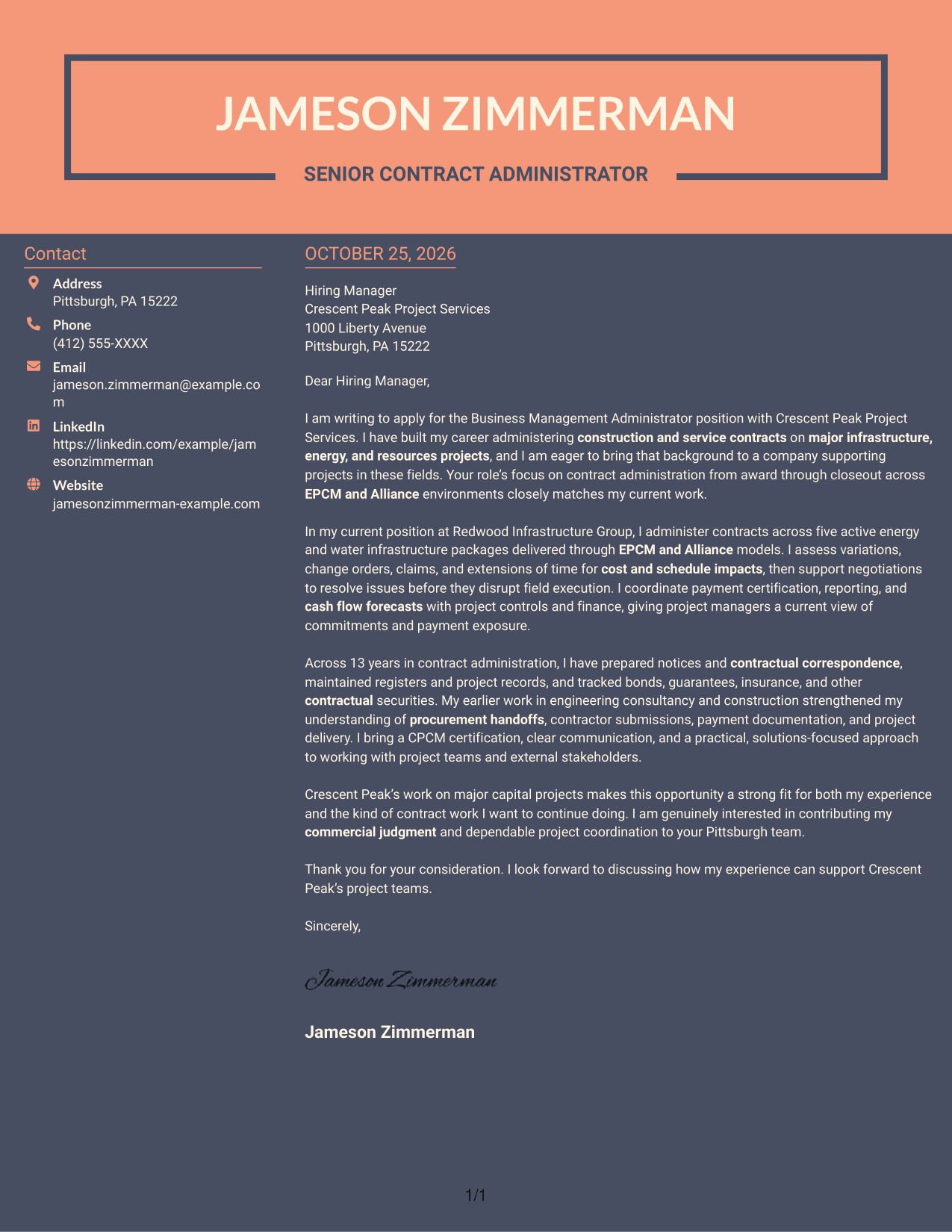
#7 Creative Two Tone Format Cover Letter Example
The contact sidebar gives sender details a separate place beside the continuous letter body, with no photo.
Why This Format Works
- The contact sidebar gives sender details a separate place beside the letter.
- A continuous body lets the reader follow the message without argument headings.
- With no photo, the format keeps attention on written communication.
Best For
- Separate sender details
- Letters without argument headings
- Photo-free applications
- Continuous written communication
- Company-specific cover letters
Why Use ResumeInMinutes for a Business Management Administrator - Construction Contracts Cover Letter
ResumeInMinutes lets you review cover letter examples and open an example in the editor to shape a letter around your role fit and message.
- Role-focused cover letter guidance
- Examples of clear openings and closings
- Readable presentation options
- PNG image previews
- Links to view examples in the editor
- Options to customize an example
Compare the image previews to find a presentation that suits your communication style, then open an example in the editor to customize your letter.
See Also
- 7 Business Management Administrator - Construction Contracts Resume Templates with Example
- 7 Business Administrator Intermediate - Academic Finance and Research Administration Resume Templates with Example
- 7 Bookkeeper / Office Administrator - Construction Office Operations Resume Templates with Example
- 7 Business Development Manager Construction Resume Templates with Example
- 7 Business Student - Construction Operations Support Resume Templates with Example
- 7 Entry-Level Business Data Analyst - Construction Resume Templates with Example
- 7 Accounts and Compliance Administrator - Purchasing and Financial Operations Resume Templates with Example
- 7 Administrator for Program Integrity Resume Templates with Example
- 7 Bookkeeper / Office Administrator - Construction Office Operations Cover Letter Templates with Example
- 7 Business Development Manager Construction Cover Letter Templates with Example
Frequently Asked Questions
What should the opening paragraph say for this role?
State your interest in the Business Management Administrator - Construction Contracts position and connect it to contract administration work on major projects. Make the role fit clear without trying to cover every qualification at once.
What evidence can strengthen this cover letter?
Choose specific duties that match the position, such as assessing variations and claims, coordinating payment certification, or maintaining contract records. Explain how your work supports project decisions and steady contract delivery.
How can I show interest in the employer?
Link your interest to the employer’s project work and the responsibilities in the posting. Explain why contract administration across EPCM and Alliance environments is relevant to the contribution you hope to make.
How should I choose a cover letter layout?
Choose a readable layout that suits the employer and the way you want to communicate. Use the PNG previews to compare presentations, then open an example in the editor if you want to customize it.
Should a cover letter repeat every detail from my work history?
No. Select a few details that support your fit, such as contract change assessment, commercial coordination, or clear communication with project stakeholders. Use the letter to explain why those details matter for this role.




