
7 Business Manager - Semiconductor Equipment Accounts Cover Letter Templates with Example
This guide to the Business Manager - Semiconductor Equipment Accounts cover letter presents seven layouts to help you make a focused case for account strategy and customer alignment.
What Makes a Great Business Manager - Semiconductor Equipment Accounts Cover Letter in 2026
A strong letter connects the role’s account goals with customer needs and product strategy. Its opening should show clear interest in the work, while the body explains how your experience fits.
Use specific evidence, such as coordinating RFQ responses, shaping value-pricing recommendations, or managing customer evaluations. Link that evidence to the employer’s needs and close with a clear statement of motivation.
The featured example moves from role fit to relevant account and customer work, then to motivation and a courteous next step. Adapt this progression to your own evidence, and choose a presentation that suits the employer and the communication context.
#1 Simple One Column Format Cover Letter Example
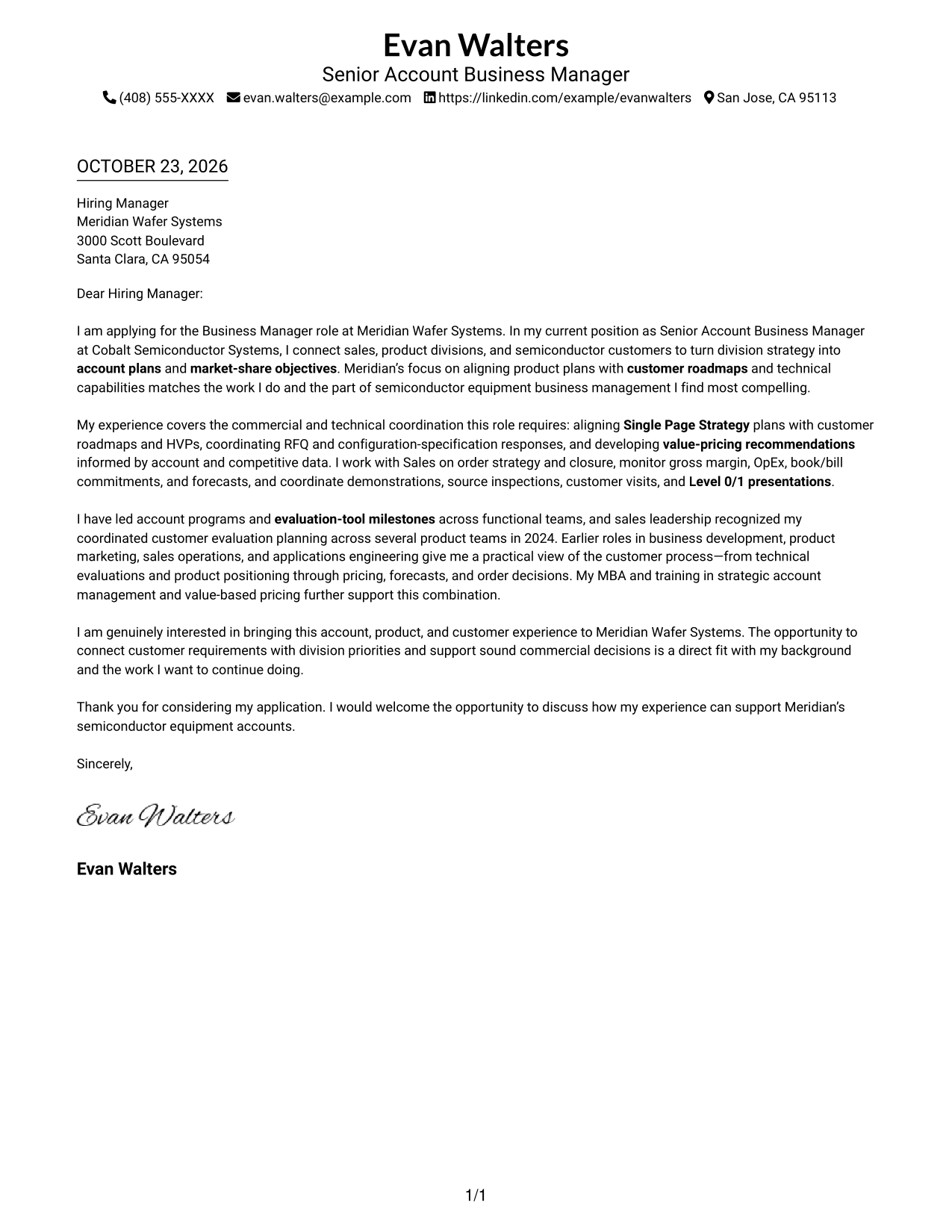
A single body column keeps the cover letter's opening, case for fit, and close on one direct reading path.
Why This Format Works
- Sender details stay in the header, keeping attention on the letter's message.
- The reviewer can follow motivation, evidence, and closing in one reading path.
- One body column gives each paragraph room to carry its point.
Best For
- Direct opening and closing paragraphs
- Company-specific motivation
- Several connected points of role alignment
- Formal recipient information
- Text-first application materials
#2 Two Column Format Cover Letter Example
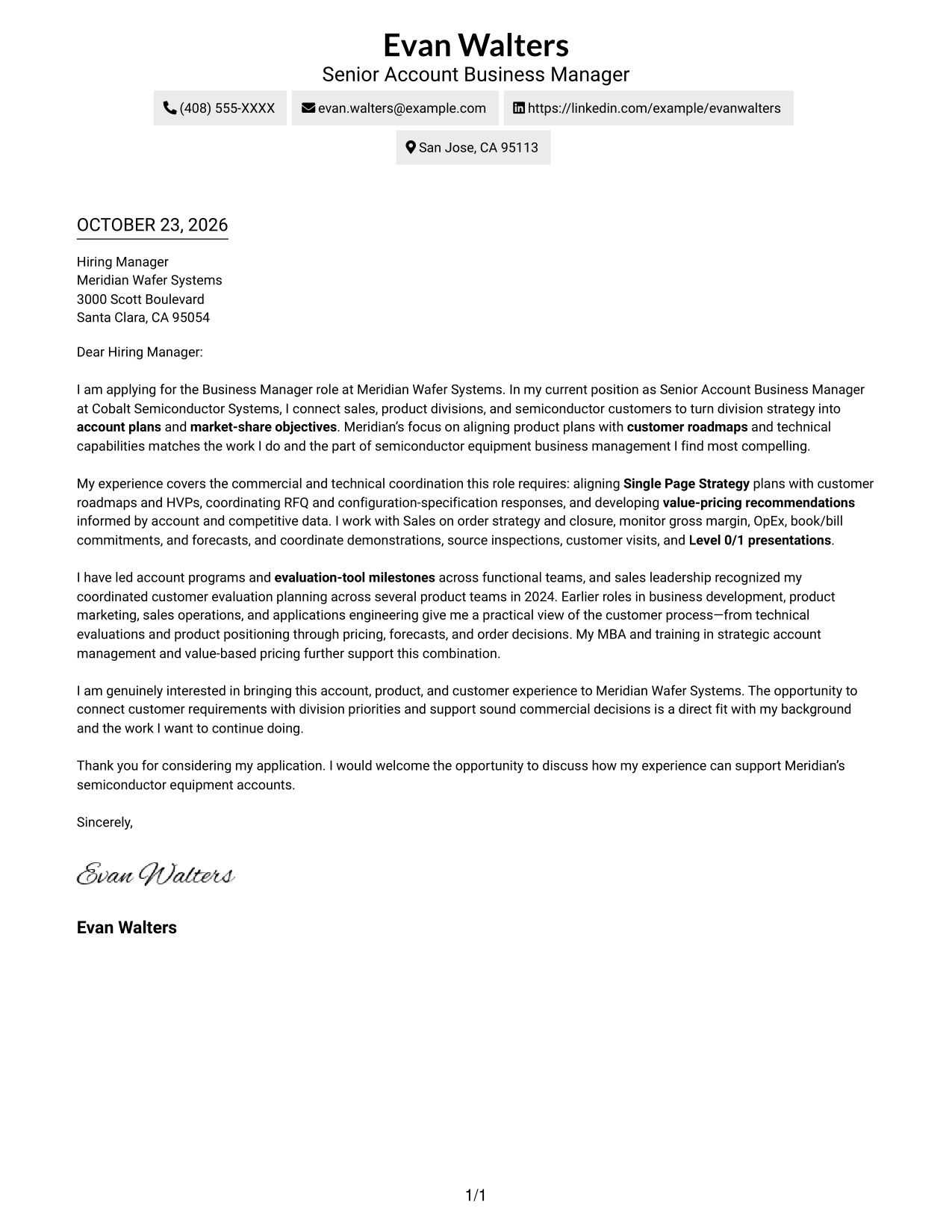
A contact sidebar sits beside the continuous letter body, keeping sender information distinct from the message.
Why This Format Works
- Contact details sit apart from the message, so reviewers can locate them quickly.
- The continuous body carries motivation and supporting points in their intended paragraph order.
- Both columns stay visible together, keeping contact information close to the letter.
Best For
- Compact sender contact details
- Paragraph-based persuasion
- Company-specific openings
- Several supporting points
- Business role applications
#3 Photo Header Two Column Format Cover Letter Example
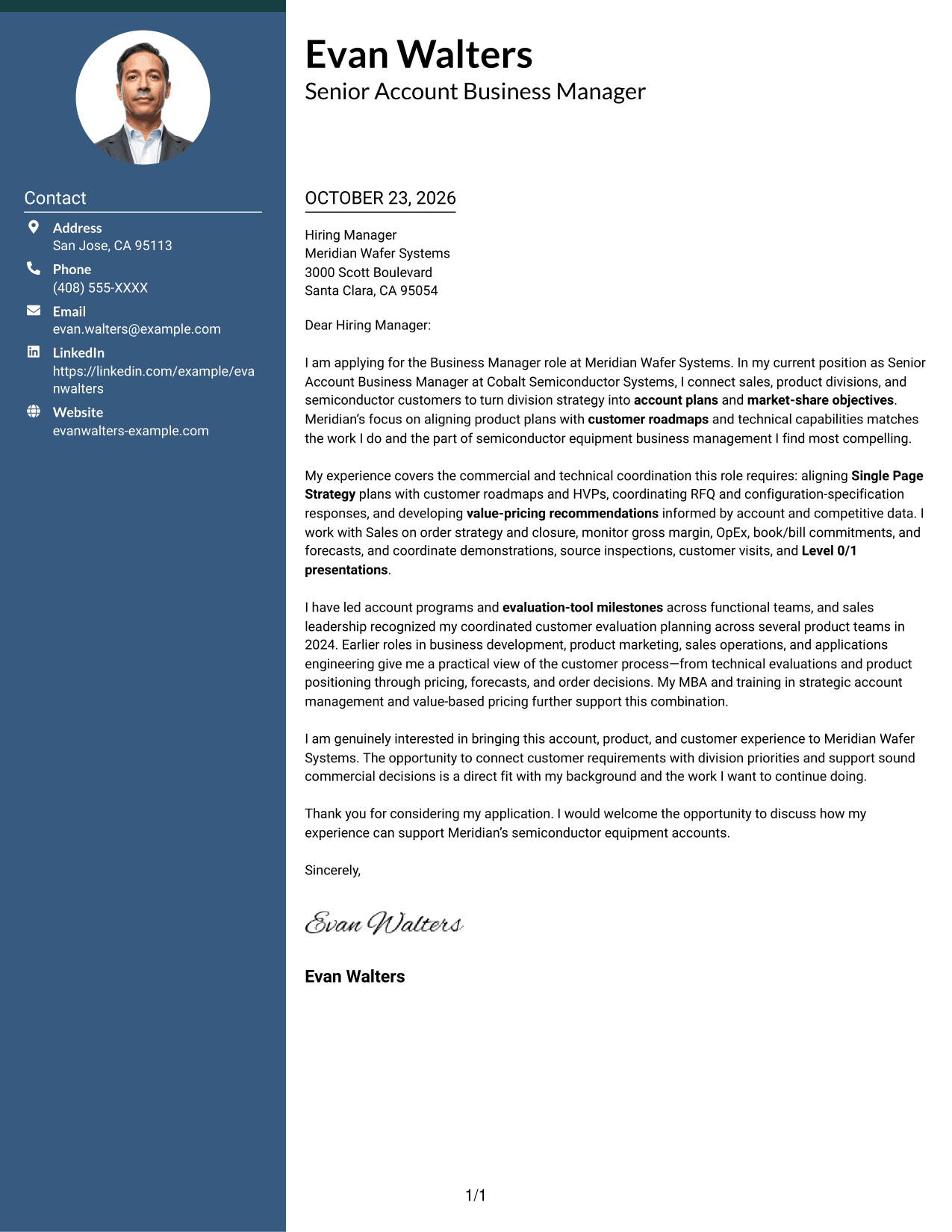
A portrait adds a personal visual element, while the contact sidebar keeps sender details apart from the continuous letter.
Why This Format Works
- A portrait adds a personal visual element for readers who prefer a photo.
- Contact details remain in their own sidebar beside the complete letter body.
- The two-column arrangement keeps the contact area and message visible together.
Best For
- Photo-inclusive correspondence
- Side-by-side contact access
- Paragraph-led role alignment
- Company-specific motivation
- Technical and commercial fit cases
#4 One Column Format with Photo Cover Letter Example
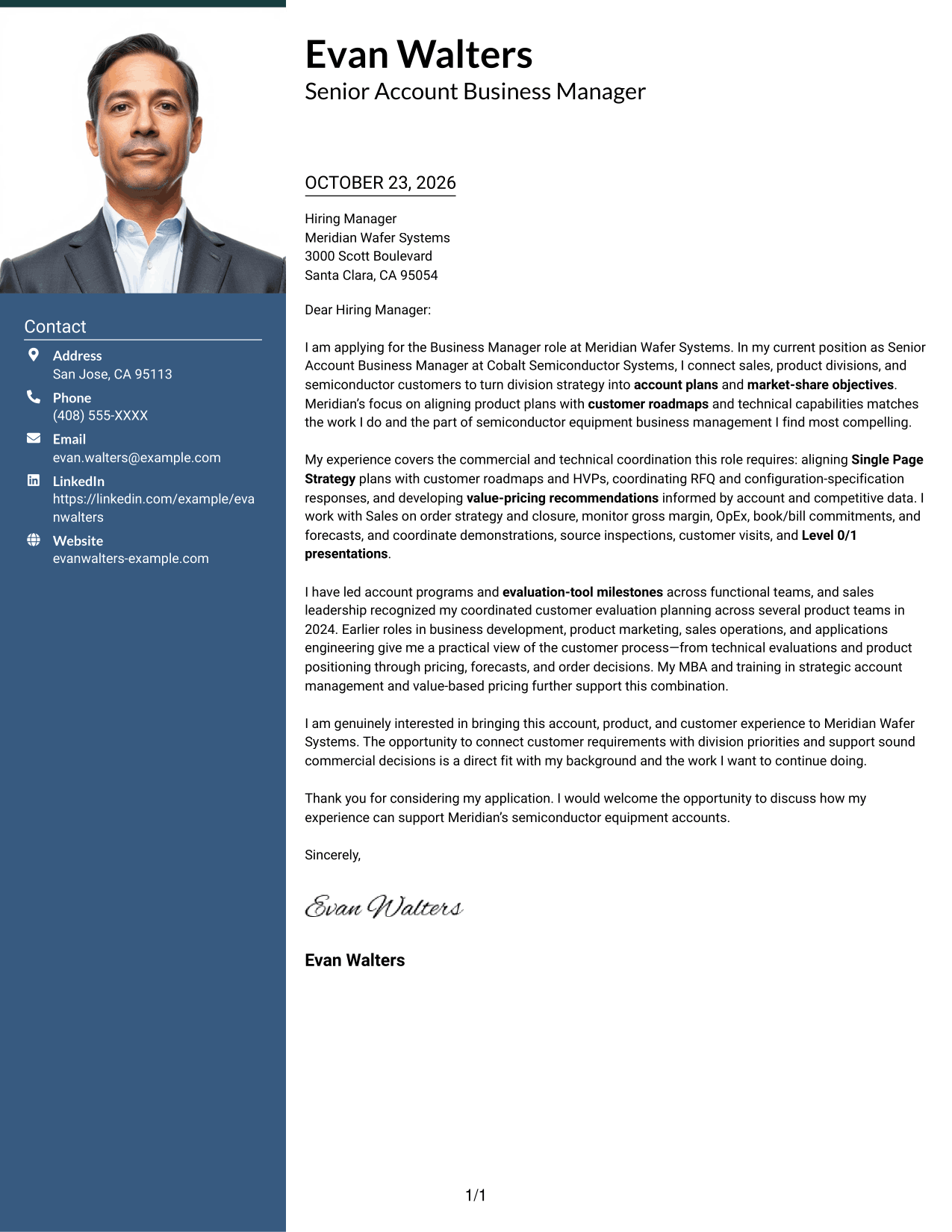
The single-column body keeps the letter's message on one reading path, with a portrait as a personal visual choice.
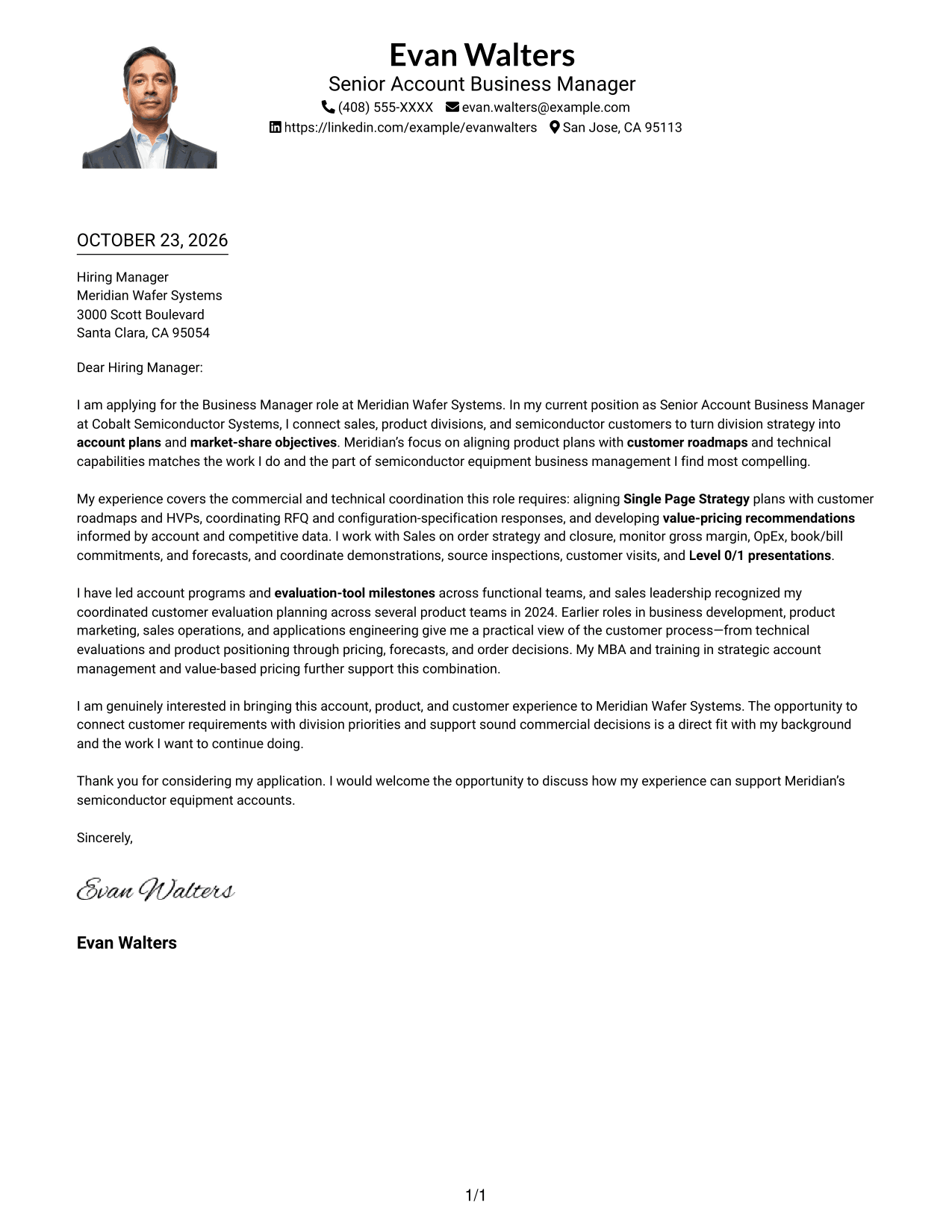
Why This Format Works
- The portrait offers a personal visual choice while the message stays in one body column.
- Header-based sender details keep contact information apart from the letter's argument.
- One column carries the opening, supporting points, and close in sequence.
Best For
- Photo-inclusive single-column letters
- Direct business correspondence
- Paragraph-based evidence
- Role-alignment arguments
- Formal closing statements
#5 Simple Two Column Format Cover Letter Example
A contact sidebar places sender details beside the uninterrupted letter body, giving each a clear area.
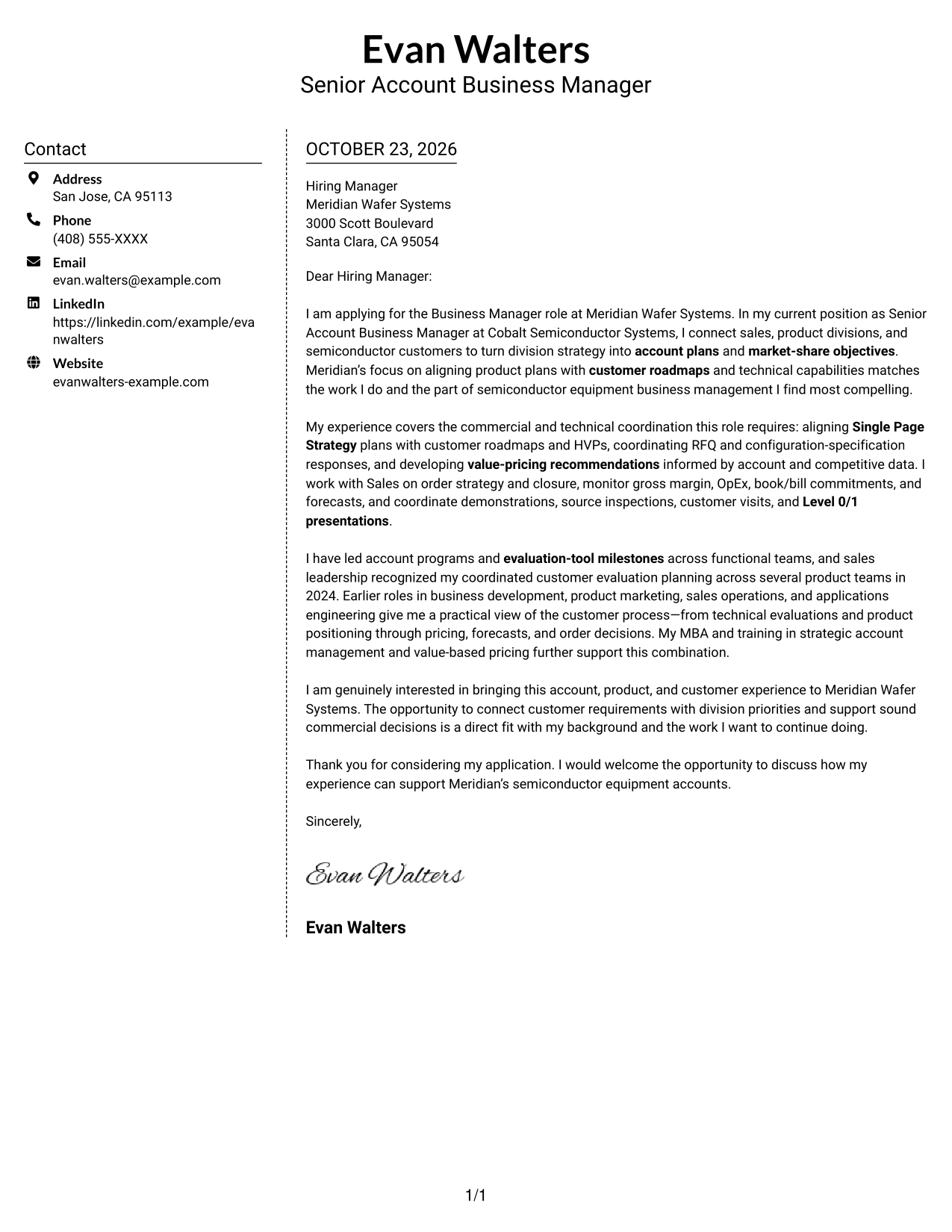
Why This Format Works
- Sender details have a dedicated sidebar, leaving the body to carry the full message.
- One continuous body keeps the opening and closing within the same letter flow.
- The two areas remain visible together for a side-by-side view of contact and message.
Best For
- Concise contact-detail placement
- Business-to-business applications
- Evidence-led persuasion
- Formal greetings and closings
- Distinct contact and message areas
#6 Modern Icon Format Cover Letter Example
Icons cue contact details in the sidebar, while the letter remains a single continuous body alongside it.
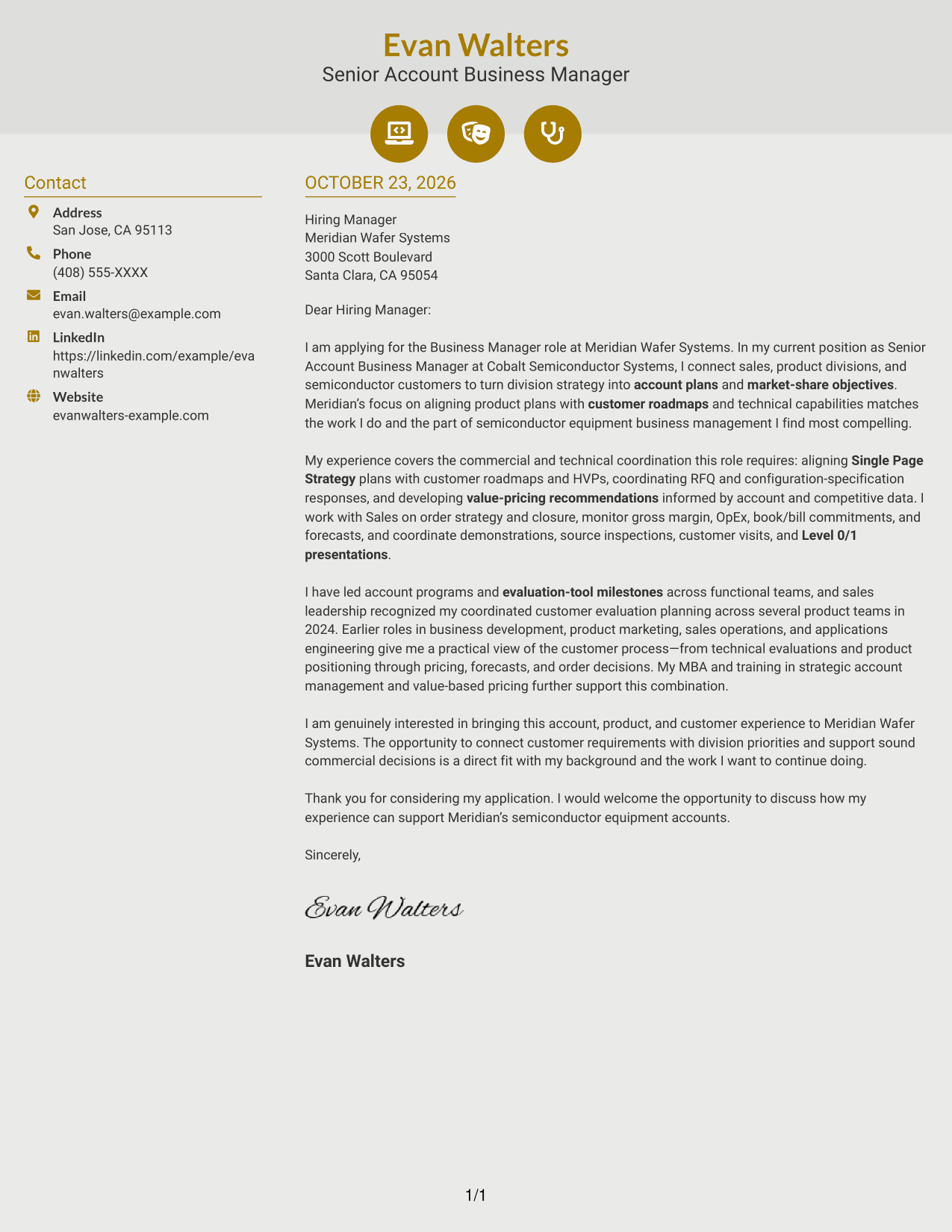
Why This Format Works
- Icons cue contact details, helping distinguish sender information from letter content.
- Contact details stay grouped in a sidebar beside the uninterrupted letter body.
- Opening, supporting points, and closing stay in one body column.
Best For
- Icon-cued contact information
- Side-by-side message review
- Text-led cover letters
- Company-specific opening paragraphs
- Formal business applications
#7 Creative Two Tone Format Cover Letter Example
The contact sidebar and continuous letter body form separate columns, keeping sender details apart from the message.
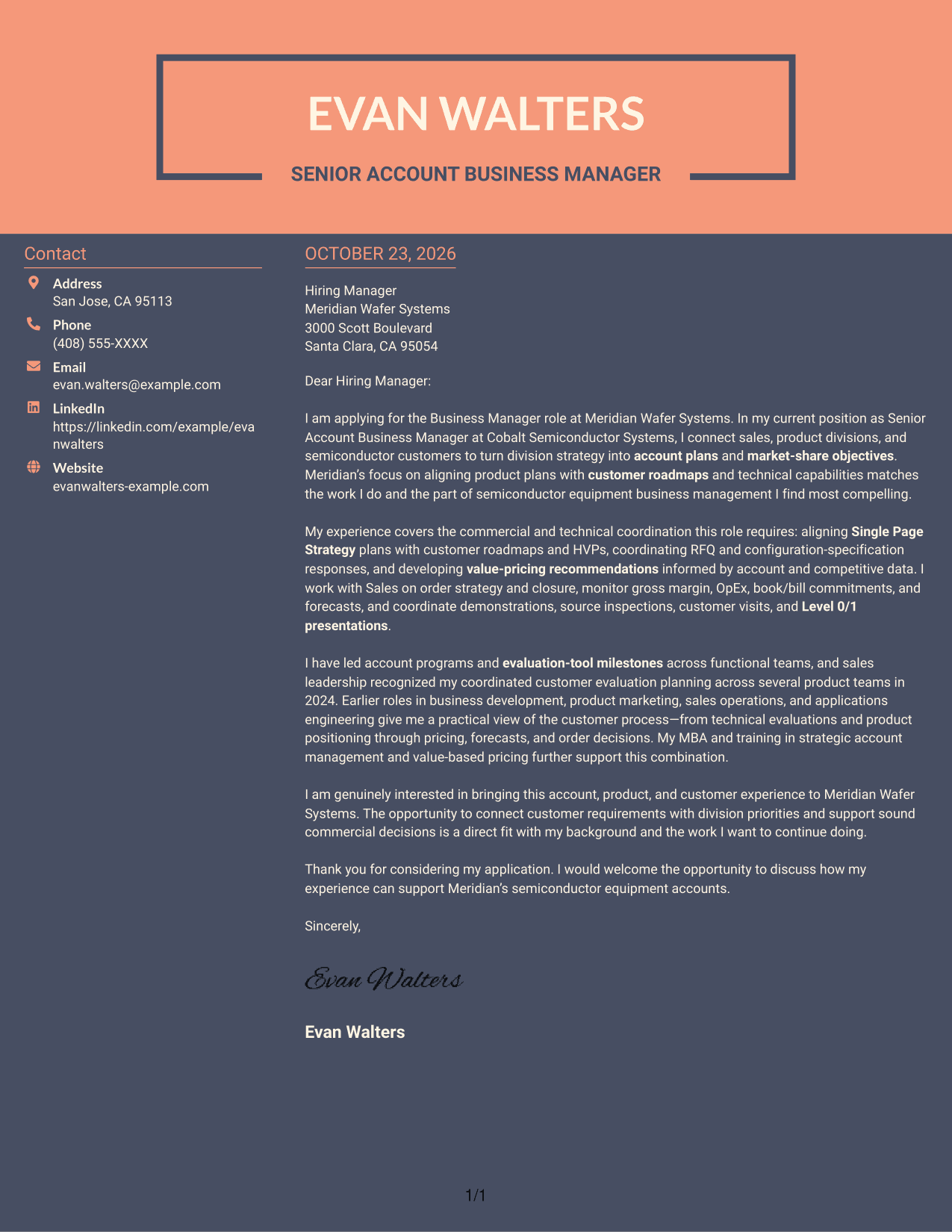
Why This Format Works
- The sidebar gathers sender details without dividing the letter into parallel arguments.
- The body carries the argument from greeting to sign-off as one continuous message.
- A photo-free layout suits applications where written communication should remain the main focus.
Best For
- Applications preferring no portrait
- Separated sender details
- Continuous letter arguments
- Detailed role alignment
- Formal business correspondence
Why Use ResumeInMinutes for a Business Manager - Semiconductor Equipment Accounts Cover Letter
Compare the image preview with the example in the editor, then shape your letter around the account responsibilities that matter most to the role.
- Clear cover letter structure
- Professional presentation styles
- Role-focused writing guidance
- Image previews for comparison
- Example links to the editor
- Opening, body, and closing guidance
For this role, connect customer roadmaps and product capabilities with account plans, RFQ coordination, pricing judgment, and well-managed evaluations.
See Also
- 7 Business Manager - Semiconductor Equipment Accounts Resume Templates with Example
- 33 Expert, Government Business Care - Federal Account Support Resume Templates with Example 2026 (ATS-Optimized)
- 33 Retail to Business Account Executive - Commercial Customer Acquisition Resume Templates with Example 2026 (ATS-Optimized)
- 33 Retail to Business Account Executive - SMB Mobile Sales Resume Templates with Example 2026 (ATS-Optimized)
- 33 AI Business Automation Engineer Resume Templates with Example 2026 (ATS-Optimized)
- 7 Air Service & Business Development Manager Resume Templates with Example
- 7 Assistant HR Business Partner Resume Templates with Example
- 33 Associate, Business Services M&A Resume Templates with Example 2026 (ATS-Optimized)
- 30+ AI Business Automation Engineer Cover Letter Templates with Example 2026
- 30+ Associate, Business Services M&A Cover Letter Templates with Example 2026
Frequently Asked Questions
What should a Business Manager - Semiconductor Equipment Accounts cover letter emphasize?
Show how you connect account strategy, customer roadmaps, and product capabilities. You can also explain relevant work with RFQs, value pricing, financial plans, and customer evaluations.
Does this page show separate cover letters?
It features one example letter presented in different visual layouts. Use the preview and editor link to compare the presentation and consider which one fits your communication needs.
How can I make my opening paragraph relevant to this role?
Name the role and state why its account and customer focus interests you. Then connect that interest to a relevant part of your own background.
What evidence can I use in the body of my cover letter?
Choose accurate examples that show your role in account planning, specification responses, pricing recommendations, financial tracking, or customer evaluations. Explain what you contributed and how it relates to the employer’s needs.
How should I close a cover letter for this position?
Restate your interest in connecting customer requirements with division priorities, then thank the reader and express interest in discussing your fit for the role.




