
7 Business Solutions Architect Steel Manufacturing Cover Letter Templates with Example
This practical guide to a Business Solutions Architect Steel Manufacturing cover letter shows you how to connect steel-operations needs with clear solution-design evidence across seven layouts.
What Makes a Great Business Solutions Architect Steel Manufacturing Cover Letter in 2026
A strong Business Solutions Architect Steel Manufacturing cover letter links plant needs to practical solution design. Its opening states your interest, while the body and close make your fit clear.
Use specific evidence, such as translating production workflows into specifications or building Kafka data flows. Then connect that evidence to the employer’s needs and delivery approach.
The featured Business Solutions Architect Steel Manufacturing letter moves from role interest to specific architecture and integration evidence, then closes with a clear request to talk. Adapt that progression and choose a presentation that fits the employer and the communication context.
#1 Simple One Column Format Cover Letter Example
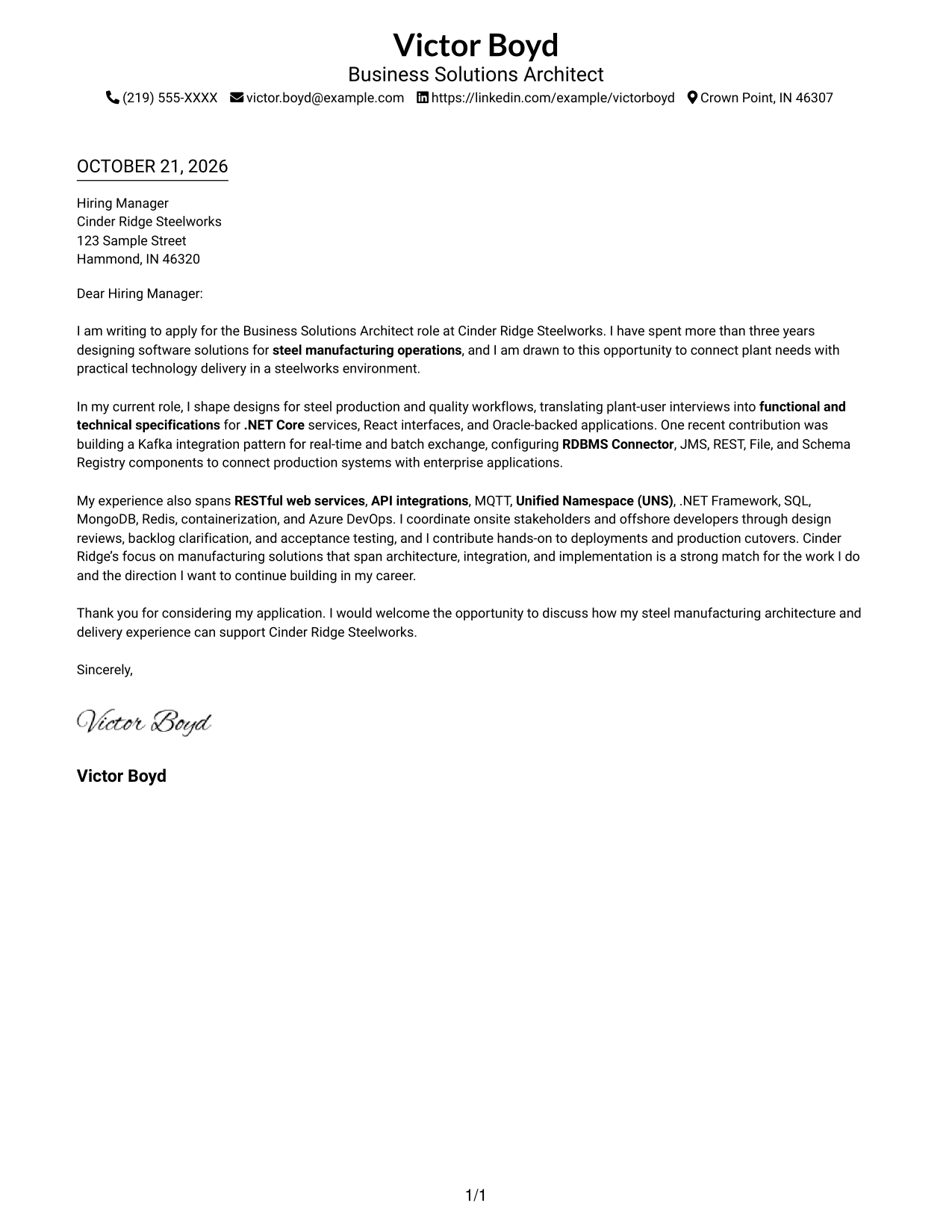
Simple One Column Format places sender details in the header above one continuous letter body, giving the message a direct top-to-bottom path.
Why This Format Works
- Sender details stay in the header, separate from the letter's persuasive message.
- One body column lets readers follow the opening, evidence, and closing in order.
- A text-led page suits readers who prefer correspondence without a photo.
Best For
- Direct top-to-bottom reading
- Header-based sender details
- Continuous letter paragraphs
- Text-led application materials
- Photo-free page preference
#2 Two Column Format Cover Letter Example
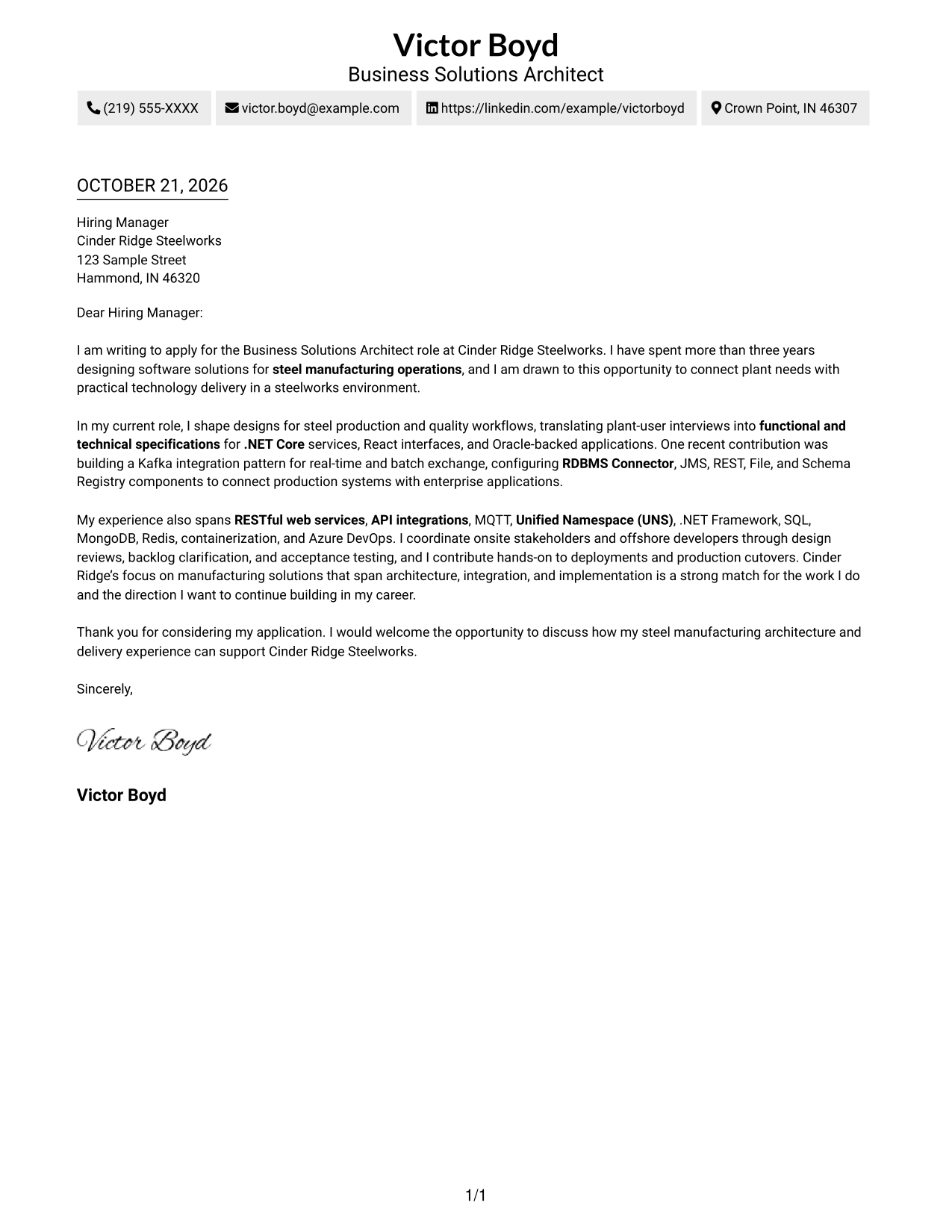
Two Column Format sets a contact sidebar beside one continuous letter body, keeping contact information apart while the persuasive message stays together.
Why This Format Works
- Contact information sits apart from the letter while the message remains continuous.
- One body column lets readers follow motivation, evidence, and closing in sequence.
- The photo-free presentation suits readers who prefer a restrained, text-led letter.
Best For
- Sidebar-based contact access
- One continuous letter argument
- Clear separation of contact details
- Text-focused correspondence
- Photo-free presentation
#3 Photo Header Two Column Format Cover Letter Example
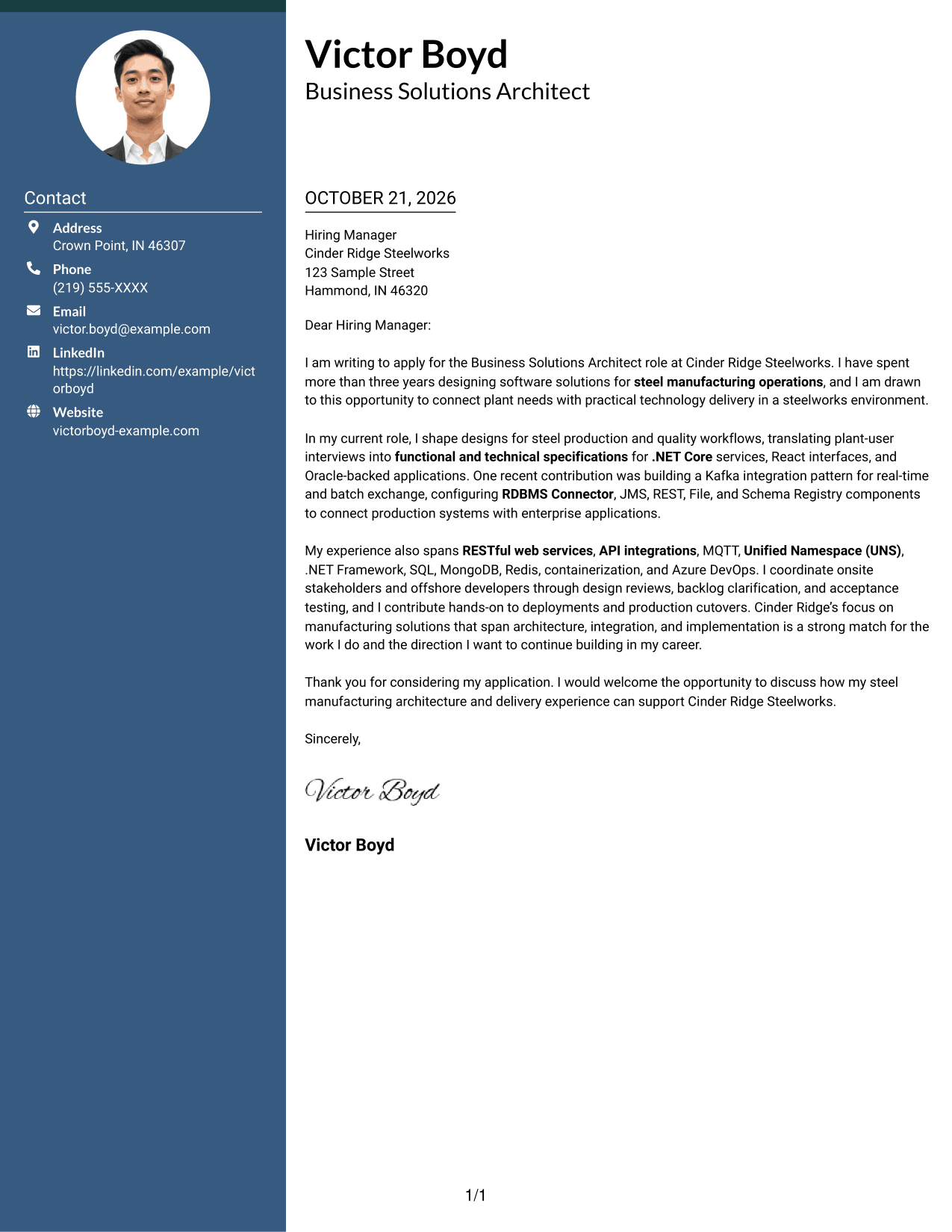
Photo Header Two Column Format places a photo in the header and contact details in a sidebar beside one continuous letter body, adding a personal visual element while keeping the message intact.
Why This Format Works
- A contact sidebar holds sender details beside, not within, the letter's argument.
- The single body column preserves a clear path from interest through closing.
- A header photo adds a visible personal identifier without interrupting the message.
Best For
- Header photo presentation
- Sidebar contact details
- One uninterrupted letter body
- Personal visual identification
- Clear message reading order
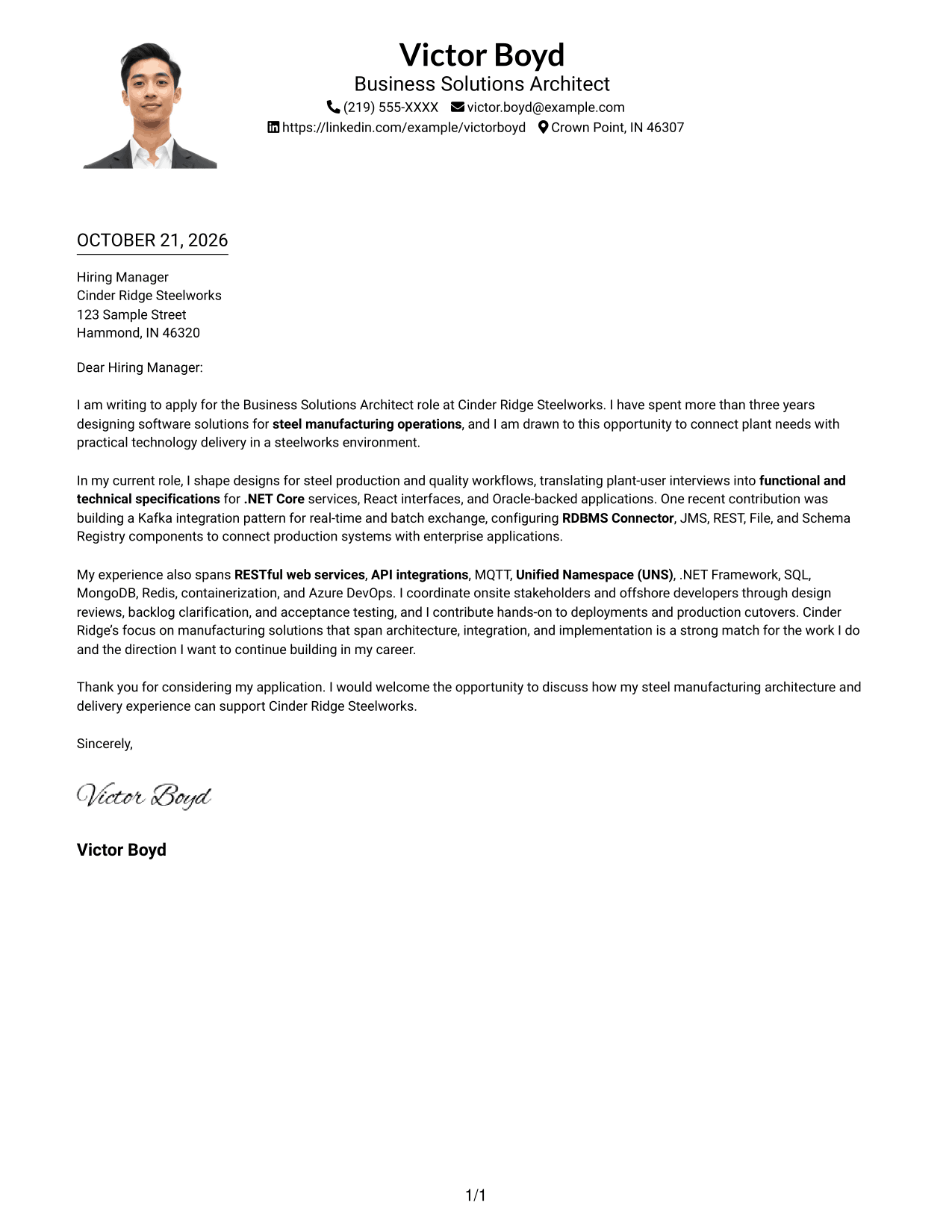
#4 One Column Format with Photo Cover Letter Example
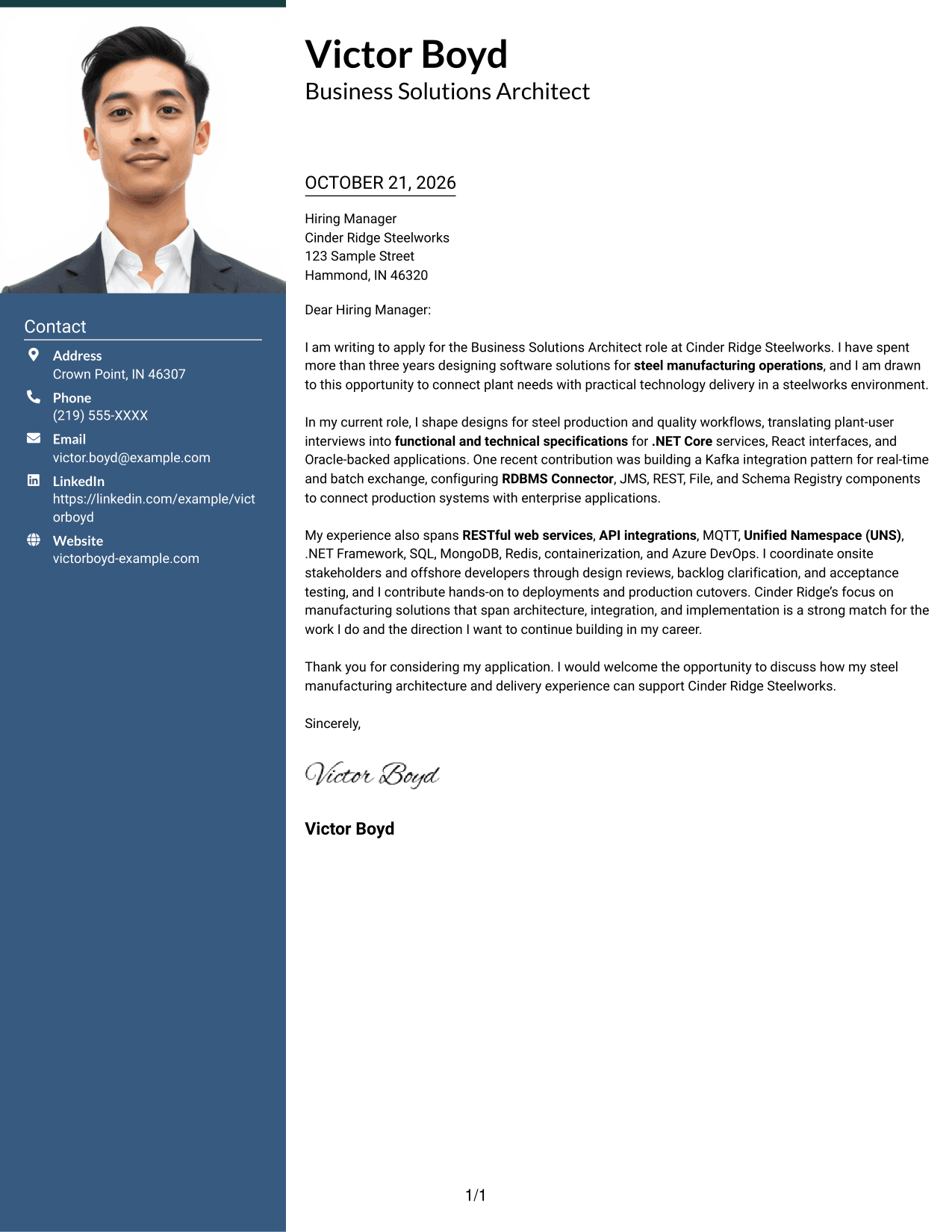
One Column Format with Photo keeps sender details in the header and the letter in one continuous column, with a photo adding a personal visual element.
Why This Format Works
- Sender details remain in the header, with the letter arranged in one reading column.
- The continuous body keeps motivation, evidence, and closing connected in sequence.
- A header photo gives the page a personal visual element while the prose stays central.
Best For
- Single-column correspondence
- Header-based contact information
- Photo in the header
- Connected letter paragraphs
- Personal visual presentation
#5 Simple Two Column Format Cover Letter Example
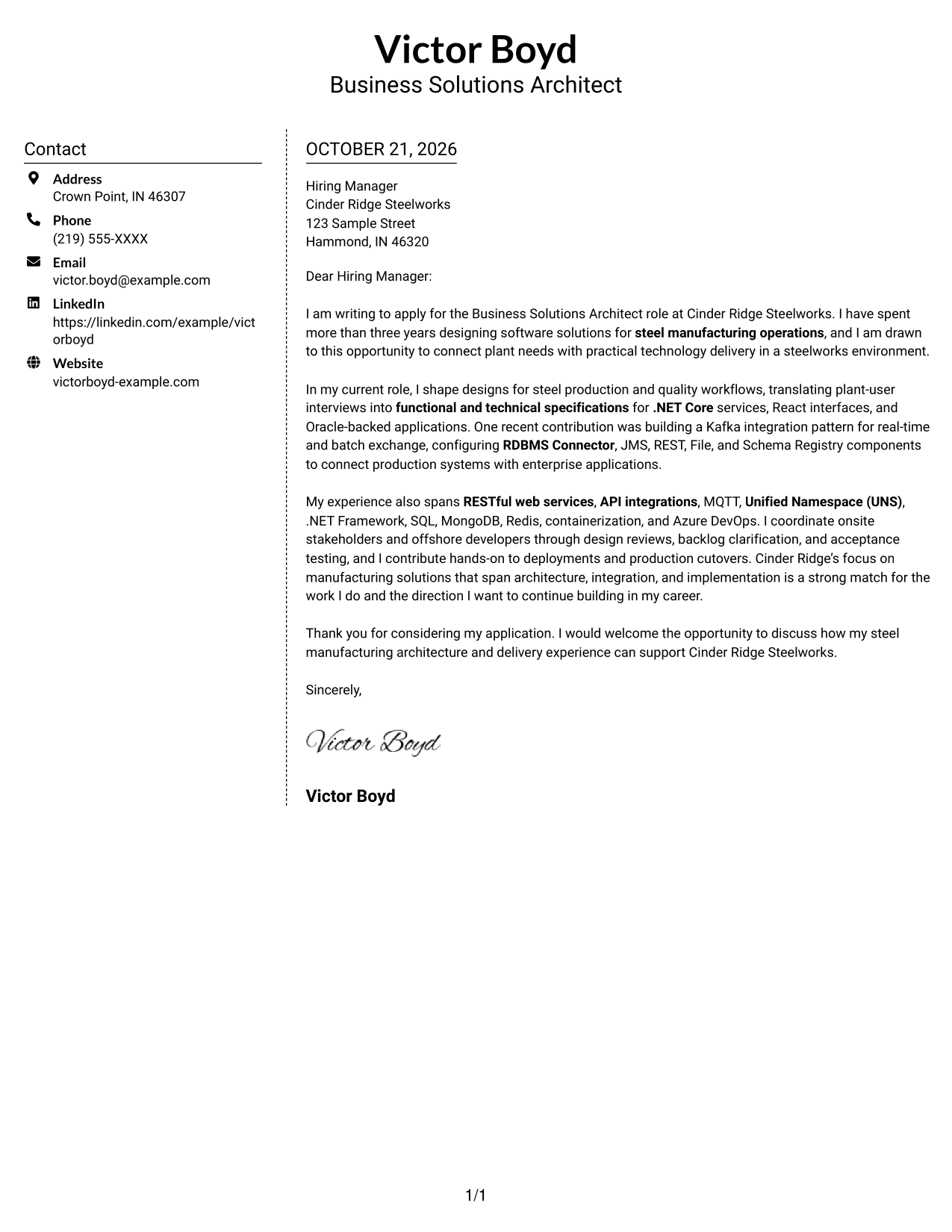
Simple Two Column Format places contact details in a sidebar beside one continuous letter body, separating the sender information from the persuasive message.
Why This Format Works
- The sidebar keeps contact information distinct from the letter's persuasive content.
- Readers can follow one continuous message without switching between body columns.
- A photo-free layout keeps the page focused on the written case.
Best For
- Separate contact sidebar
- Uninterrupted persuasive message
- Simple two-area organization
- Written-case focus
- Photo-free correspondence
#6 Modern Icon Format Cover Letter Example
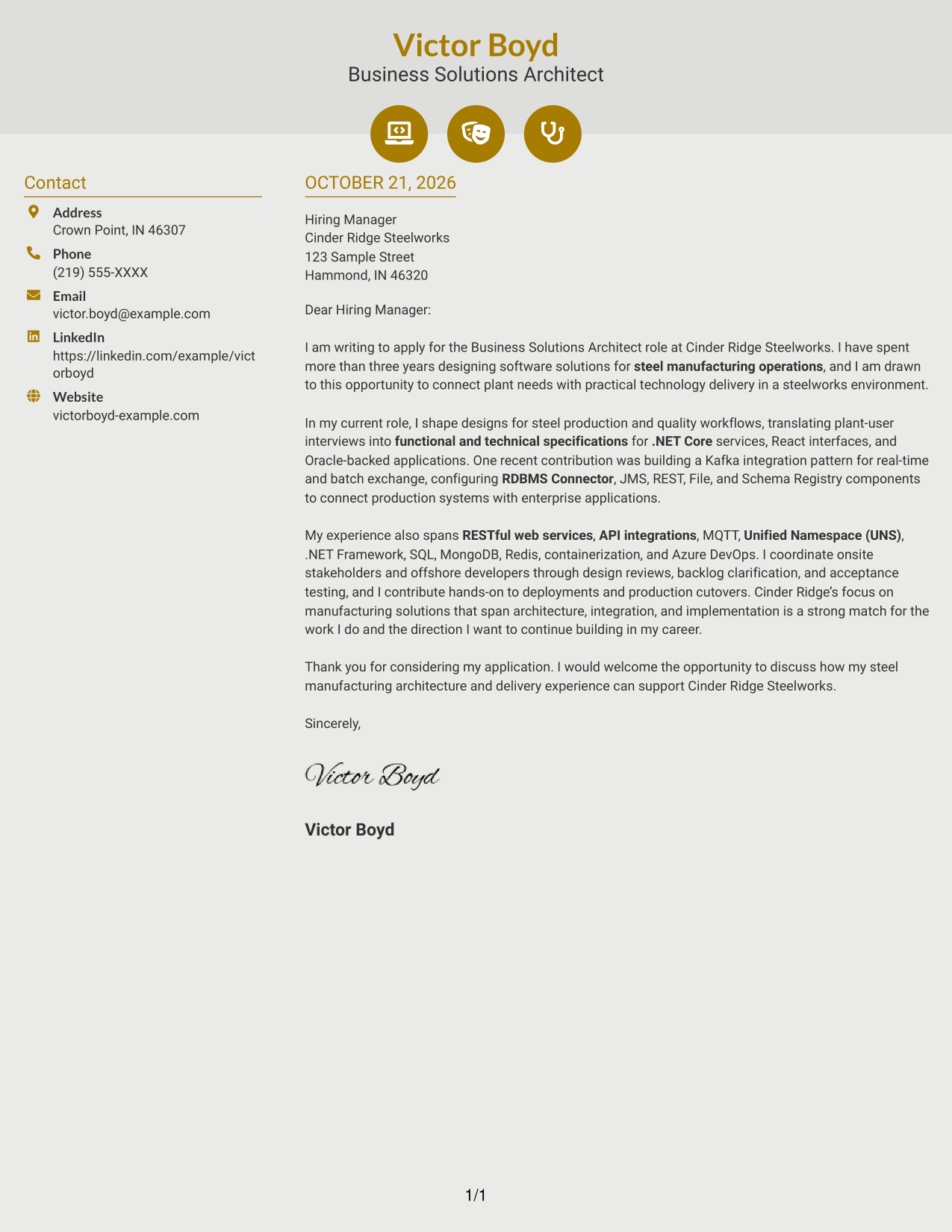
Modern Icon Format uses two columns, with contact cues in the sidebar and one continuous letter body, so icons support contact lookup rather than divide the argument.
Why This Format Works
- Contact cues help readers locate sender details in the sidebar.
- Icons stay tied to contact information, never to stages of the letter's case.
- A single letter column keeps the opening and closing in one connected sequence.
Best For
- Icon-guided contact details
- Sidebar and letter separation
- A connected opening-to-close message
- Visual contact cues
- Photo-free correspondence
#7 Creative Two Tone Format Cover Letter Example
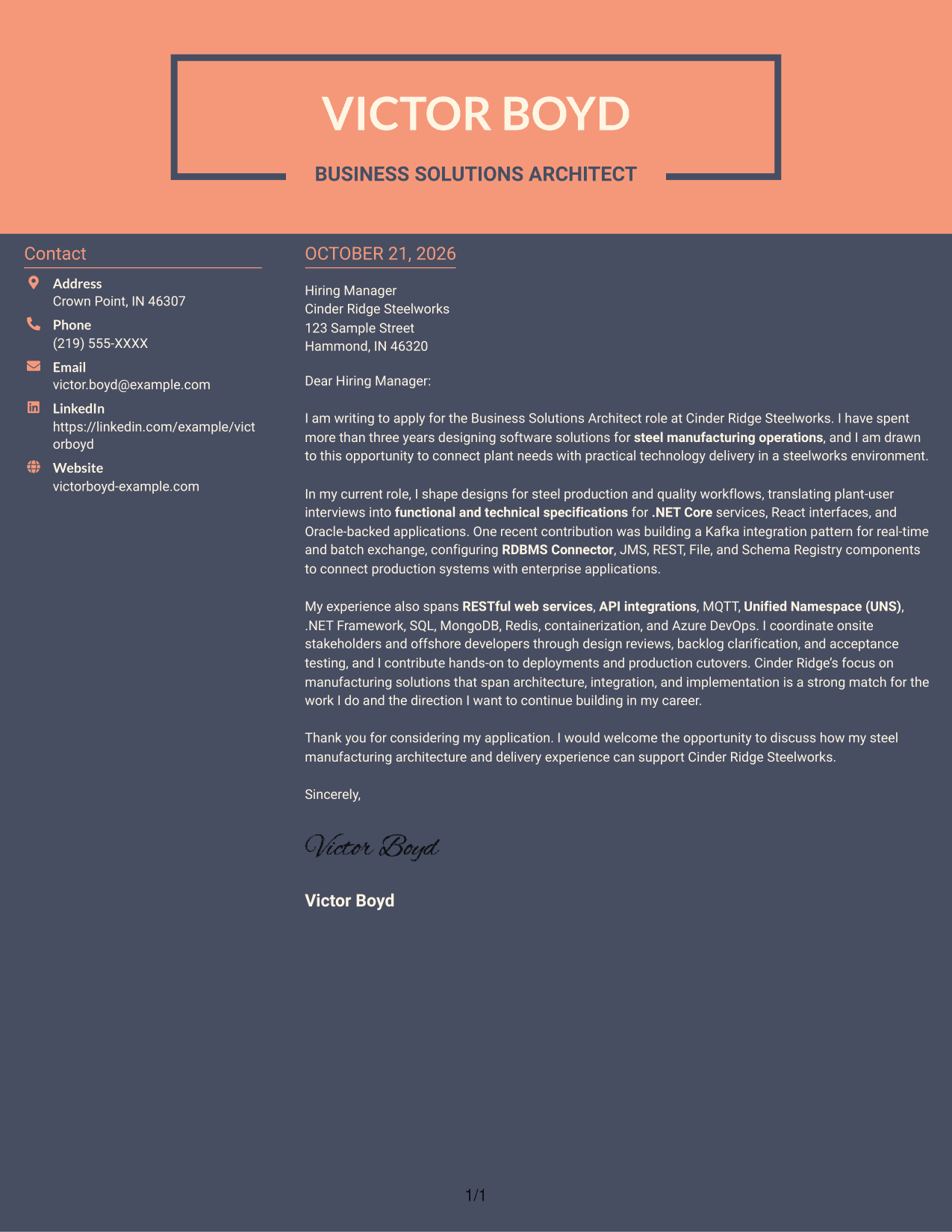
Creative Two Tone Format places contact details in a sidebar beside one uninterrupted letter body, keeping the page's two content areas distinct.
Why This Format Works
- The sidebar gives contact details a separate place beside the letter.
- The continuous body keeps the full argument in one reading lane.
- Without a photo, the page keeps attention on the written message.
Best For
- Sidebar contact access
- Single-lane letter reading
- Distinct contact and message areas
- Written-message focus
- Photo-free application materials
See Also
- 7 Business Solutions Architect Steel Manufacturing Resume Templates with Example
- 7 Agentic Solution Architect Resume Templates with Example
- 7 AI Application Solutions Architect - Generative AI Resume Templates with Example
- 7 AI Engineering Solutions Architect Resume Templates with Example
- 33 AI/ML Solutions Architect Resume Templates with Example 2026 (ATS-Optimized)
- 33 AI Solutions Architect Resume Templates with Example 2026 (ATS-Optimized)
- 7 Associate AI Solution Architect - Enterprise GenAI Resume Templates with Example
- 7 AWS Cloud Solutions Architect Resume Templates with Example
- 7 Agentic Solution Architect Cover Letter Templates with Example
- 7 AI Application Solutions Architect - Generative AI Cover Letter Templates with Example
Frequently Asked Questions
What should a Business Solutions Architect Steel Manufacturing cover letter emphasize?
Show how you connect manufacturing needs with software design and delivery. Explain your role in shaping specifications, coordinating technical teams, and supporting implementation or deployment.
How can I describe integration experience clearly?
Name relevant tools only when they match your experience, then explain the purpose of the work. The featured example describes Kafka flows with RDBMS Connector, JMS, REST, File, and Schema Registry components, along with MQTT and Unified Namespace patterns.
How should I connect my experience to an employer?
Refer to the employer’s manufacturing needs and show how your solution design, communication, or deployment work relates to them. Keep the link specific and supported by your own experience.
What tone works well for this cover letter?
Use a clear, direct tone that balances technical detail with plain language. Explain how your work supports manufacturing teams, business users, and software delivery partners.
How can I adapt the featured cover letter?
Keep its progression from motivation to relevant evidence and a focused close. Adjust the details and presentation to fit the position, employer, and communication context.




