
7 Capability Building Partner - Lean Manufacturing Cover Letter Templates with Example
This practical guide to a Capability Building Partner - Lean Manufacturing cover letter presents seven layouts and shows how to connect operational priorities to a clear case for fit.
What Makes a Great Capability Building Partner - Lean Manufacturing Cover Letter in 2026
A strong letter links capability building to lean manufacturing priorities, including Safety, Quality, Delivery, and Cost. It explains why the role interests you and how your approach can support practical learning at work.
Use specific evidence, such as a learning path improved through assessment and participant feedback. Connect that example to the employer’s needs and show how you would support adoption and ongoing improvement.
The featured application moves from role-specific interest to current scope, a clear example, relevant qualifications, and a concise close; adapt this focused progression while choosing a presentation that suits the employer and communication context.
#1 Simple One Column Format Cover Letter Example
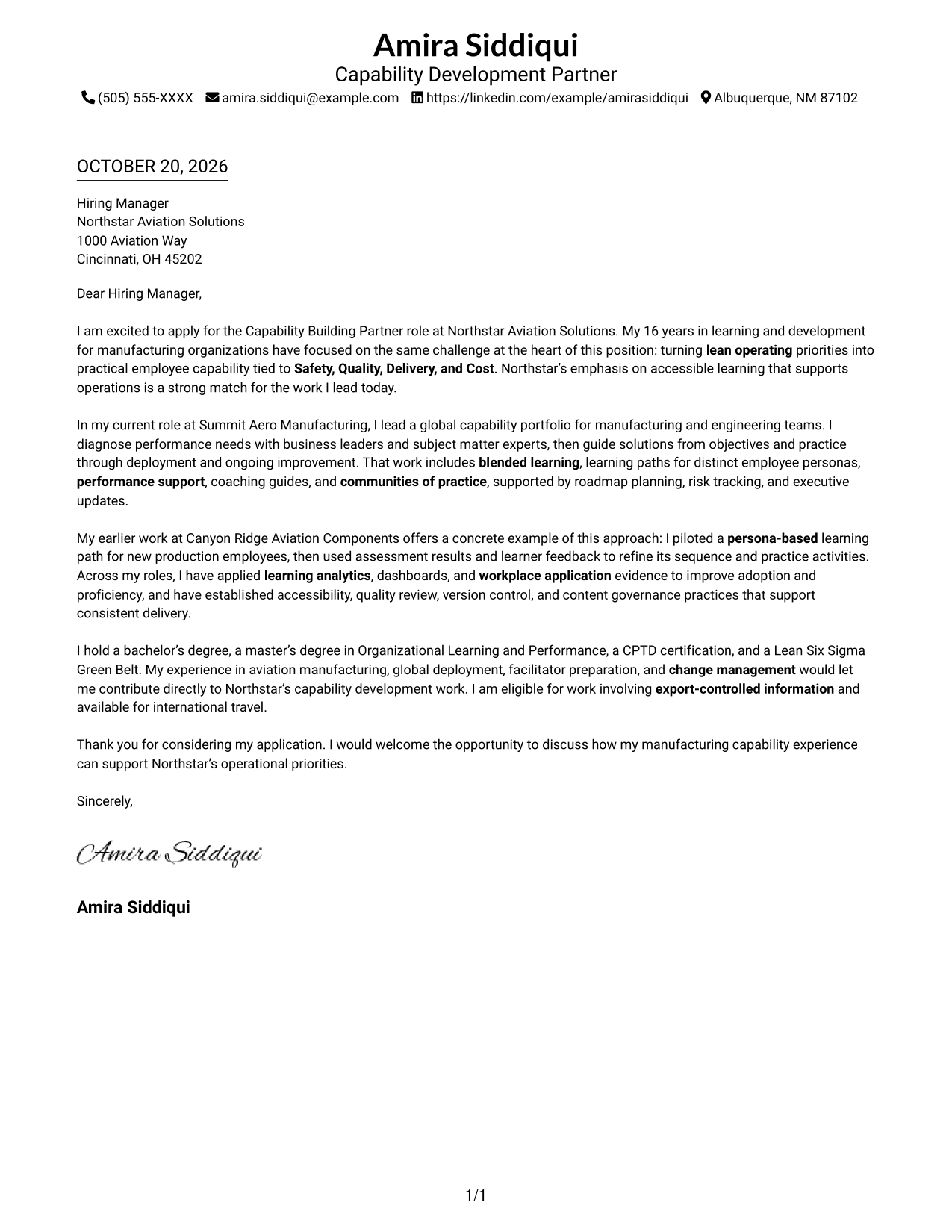
A single-column layout keeps sender details in the header and the letter body on one direct path, a practical choice for readers who prefer a text-first presentation.
Why This Format Works
- Sender details remain easy to find without interrupting the letter's main message.
- Continuous paragraphs carry motivation, supporting evidence, and the closing as one argument.
- One reading path suits reviewers who prefer a straightforward, text-led letter.
Best For
- Text-first letter presentation
- Header-based contact details
- Paragraph-led persuasion
- Simple sender-to-recipient communication
- Single-path reading
#2 Two Column Format Cover Letter Example
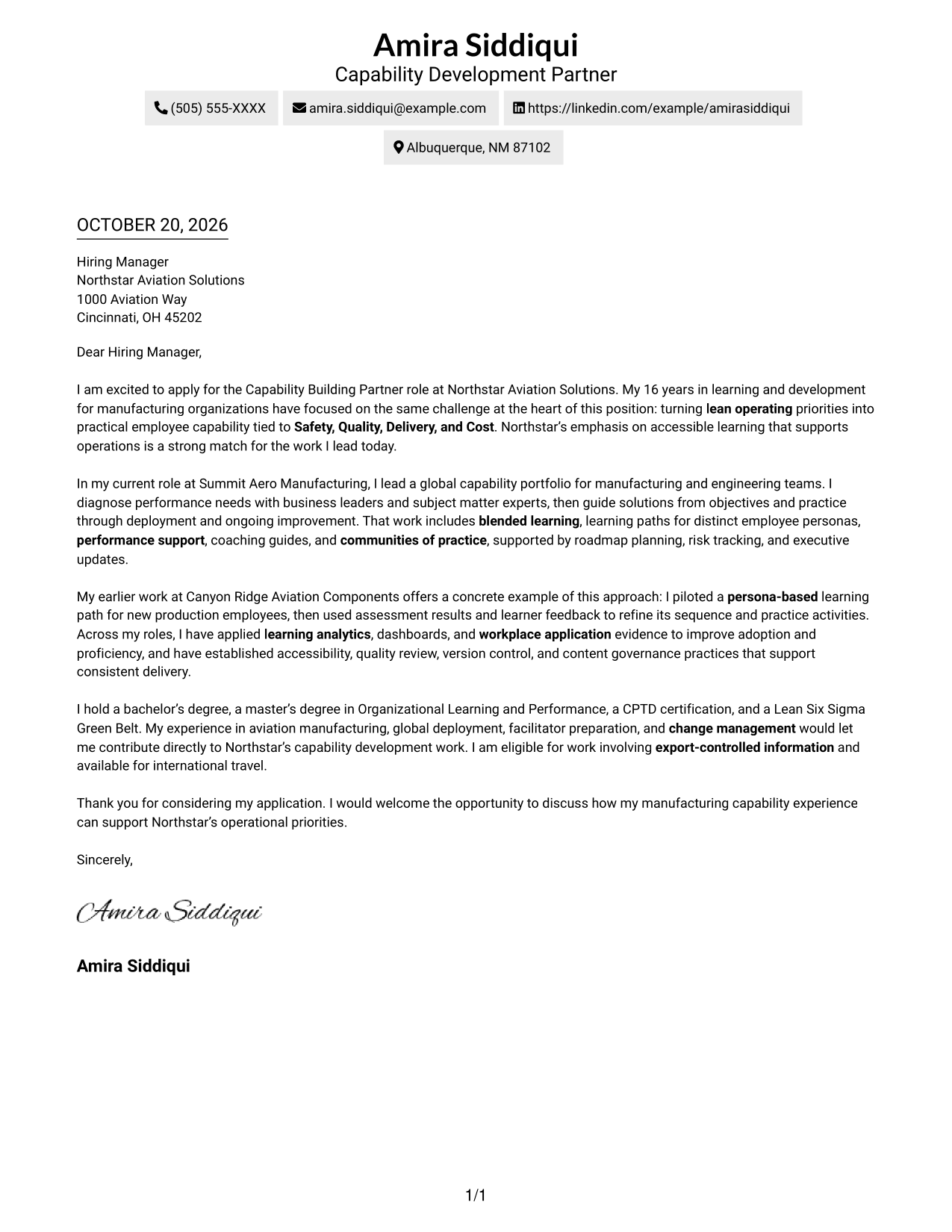
A contact sidebar sits beside one continuous letter body, giving contact details a separate place while keeping the message in paragraph form.
Why This Format Works
- Contact information sits apart from the message, so reviewers can locate it quickly.
- One continuous body preserves the progression from interest to evidence and closing.
- The letter has no section headings, letting its opening and close read naturally.
Best For
- Separate contact and message areas
- Continuous paragraph arguments
- Quick access to sender details
- No-photo presentation preference
- Clear contact-to-letter reading order
#3 Photo Header Two Column Format Cover Letter Example
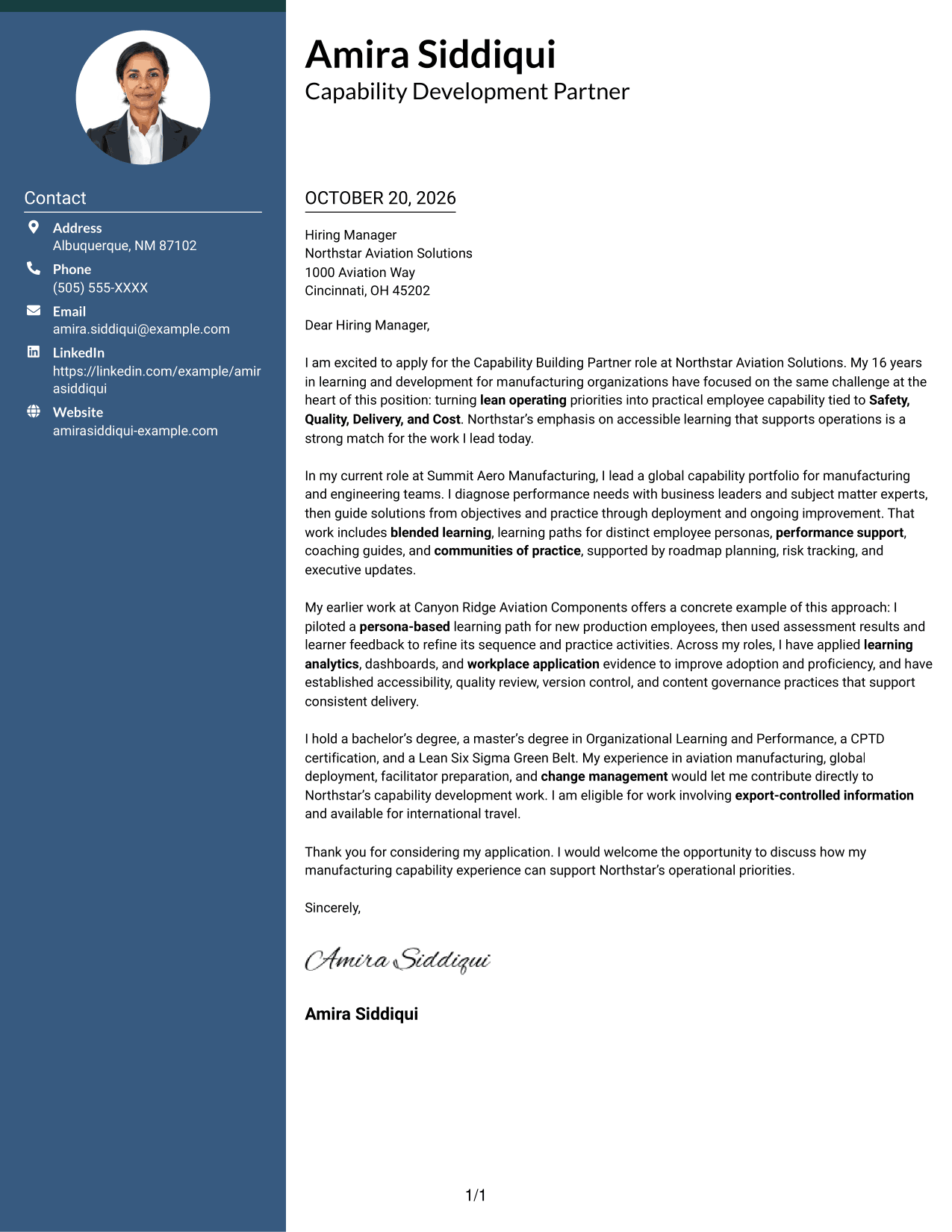
A photo appears in this two-column layout alongside a contact sidebar and one continuous letter body, suiting applications where a personal image is part of the chosen presentation.
Why This Format Works
- The photo adds a personal visual element without dividing the letter's message.
- A contact sidebar keeps sender information distinct from the persuasive paragraphs.
- The continuous body lets reviewers follow the letter from opening through closing.
Best For
- Photo-inclusive application materials
- Separate contact and message areas
- Continuous letter arguments
- Personal visual presentation
- Contact details outside the letter body
#4 One Column Format with Photo Cover Letter Example
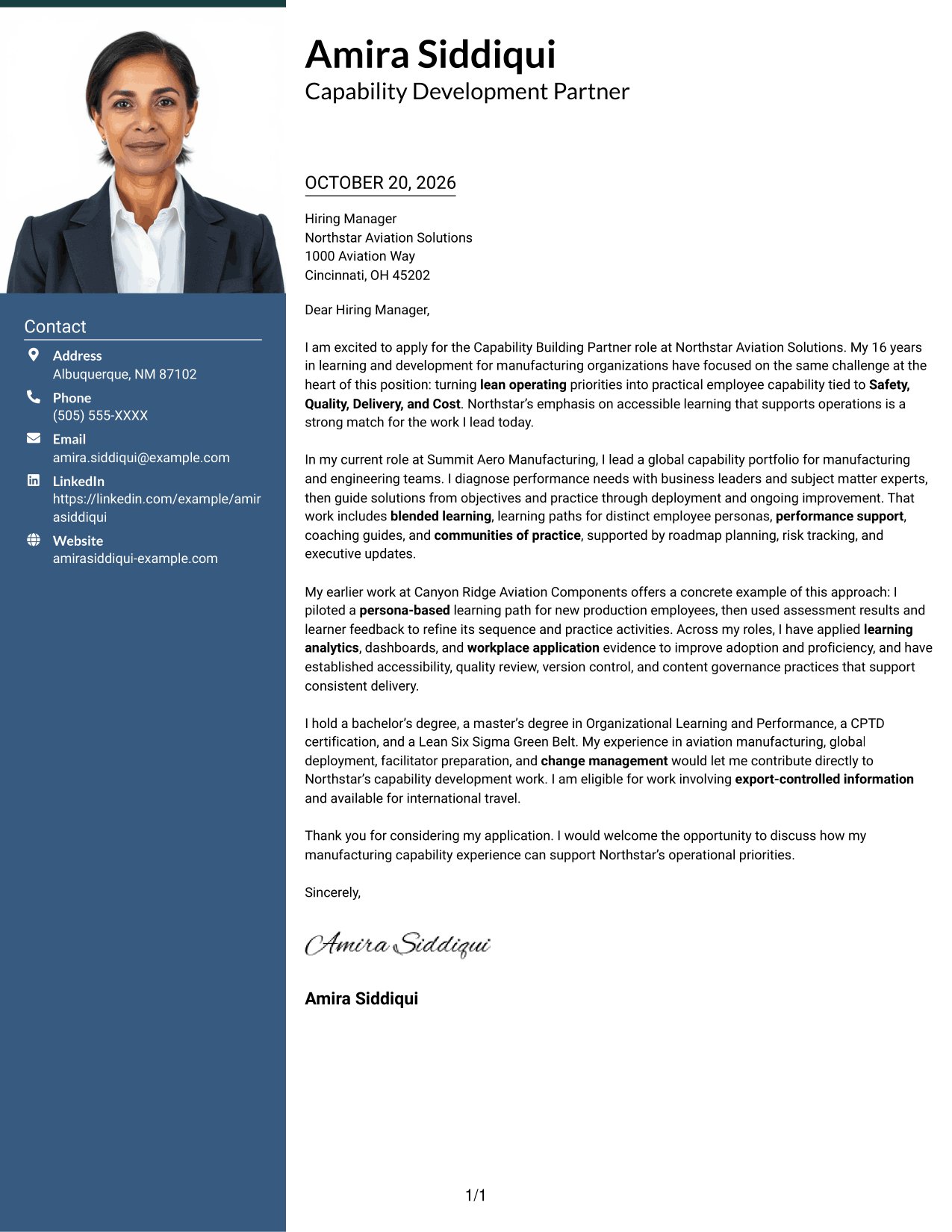
This one-column letter includes a photo while keeping sender details in the header and the message on one reading path, a useful choice for a personal visual element without a contact sidebar.
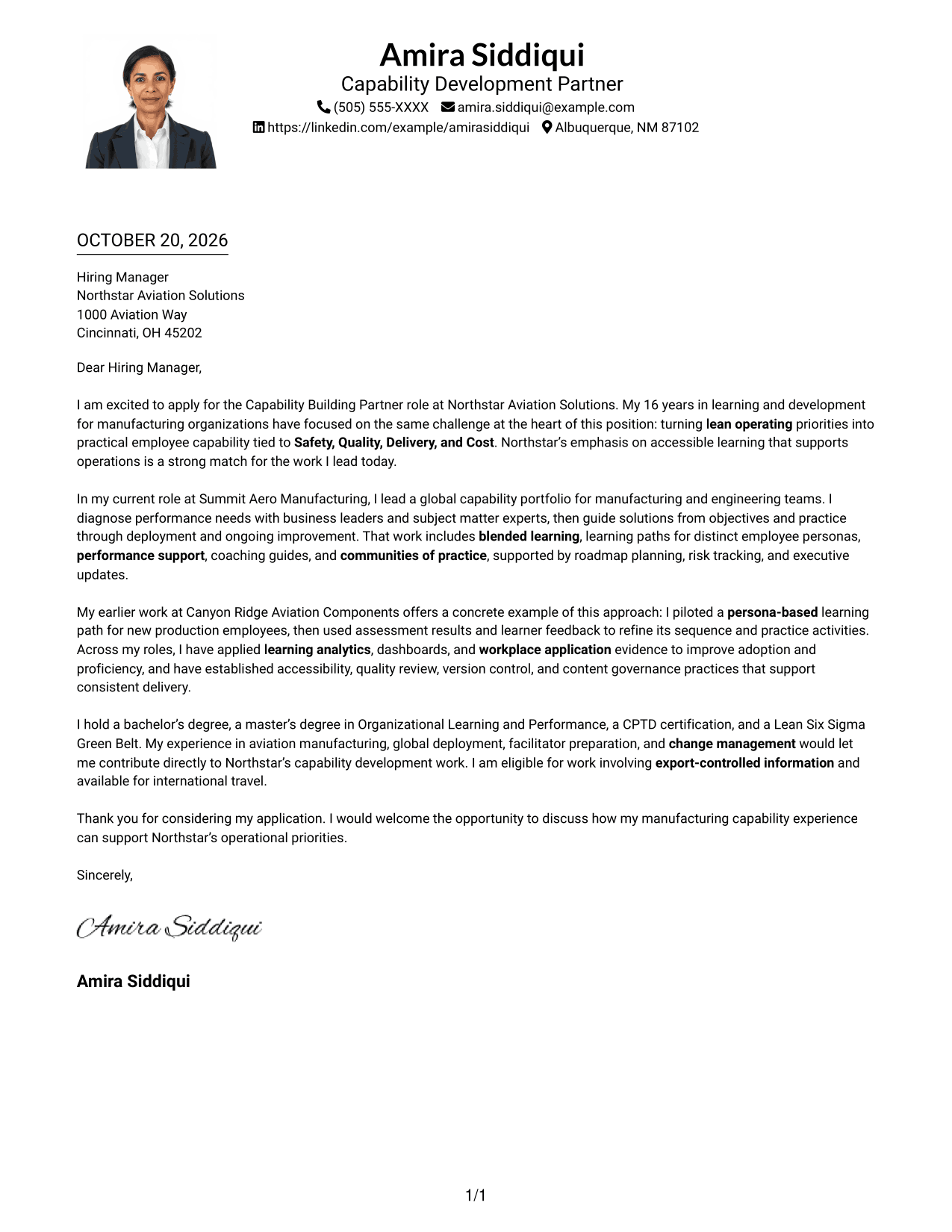
Why This Format Works
- Header-based sender details remain separate from the letter's persuasive paragraphs.
- The photo adds a visual point of personal presentation without changing the message.
- A single reading path keeps the opening, evidence, and closing together.
Best For
- Single-column letter reading
- Photo-inclusive letters
- Header-based contact information
- Continuous persuasive writing
- Personal visual presentation
#5 Simple Two Column Format Cover Letter Example
A contact sidebar stands beside the continuous letter body, a useful arrangement when contact information should remain distinct from the persuasive paragraphs.
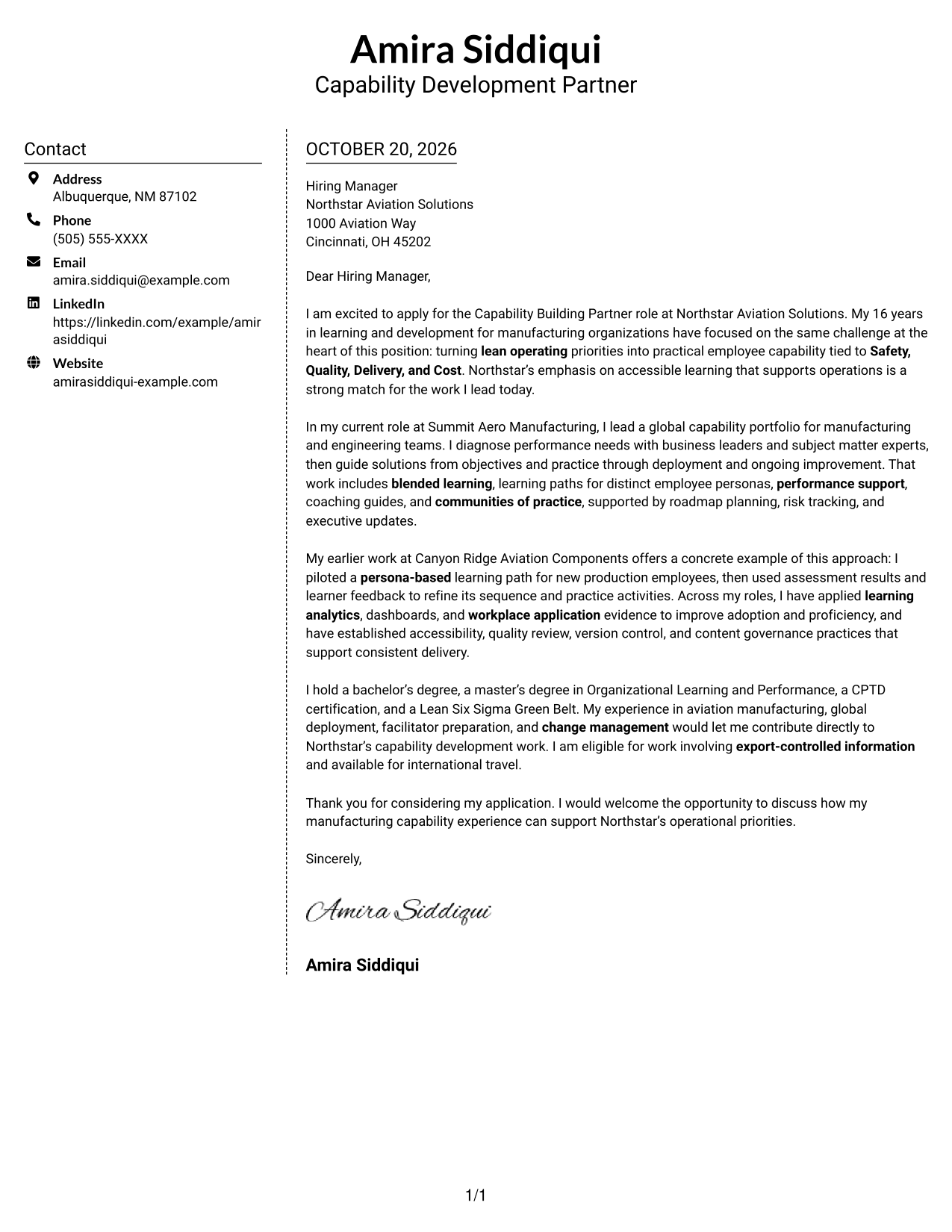
Why This Format Works
- The sidebar gives contact details a separate place beside the message.
- Paragraphs keep the letter's reasoning together, from interest through the closing.
- Without section headings, the body reads as a direct personal appeal.
Best For
- Distinct contact information
- Paragraph-based letter writing
- Direct personal appeals
- No-photo presentation preference
- Side-by-side contact and message
#6 Modern Icon Format Cover Letter Example
Contact icons provide visual cues in the sidebar beside one continuous letter body, helping distinguish contact details from the message without labeling its argument.
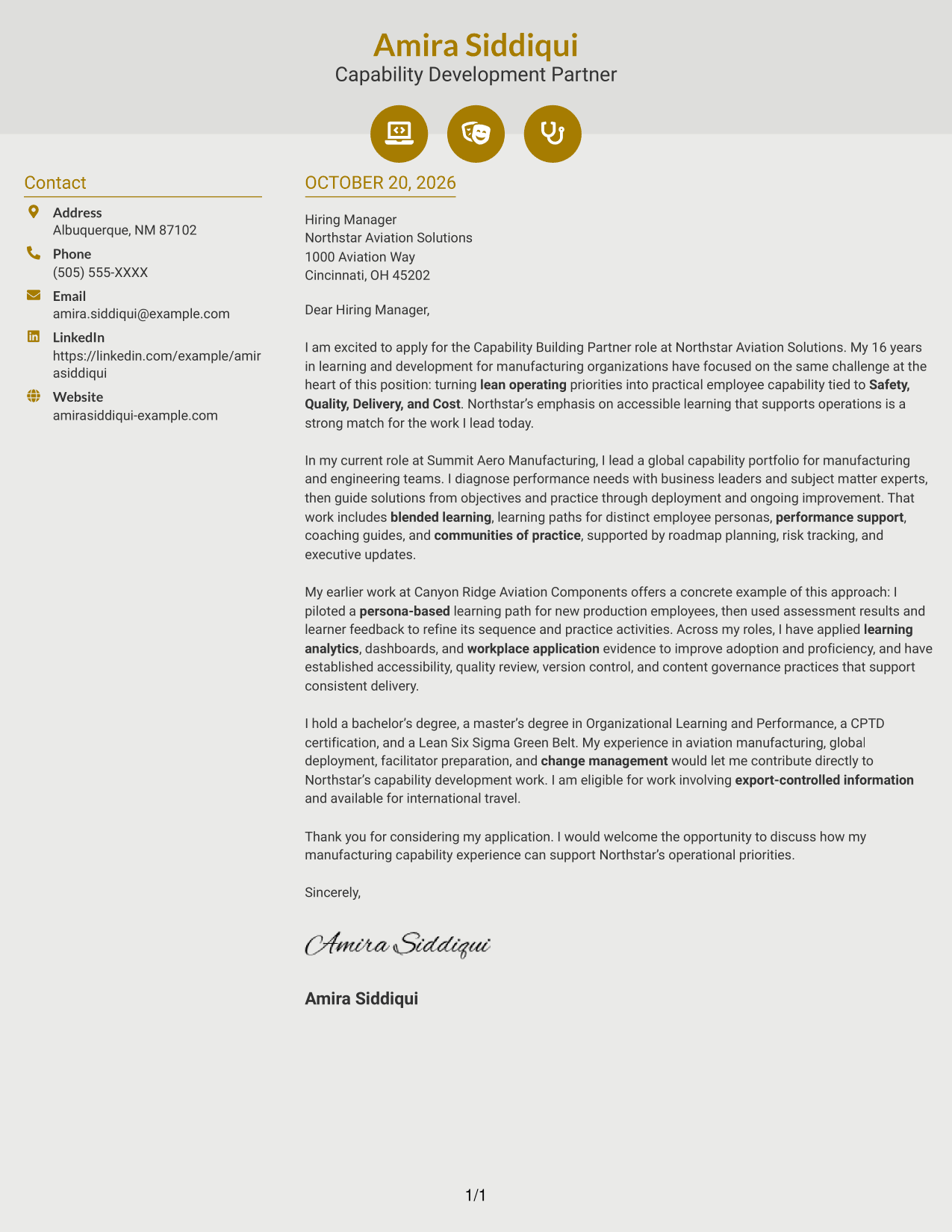
Why This Format Works
- Contact icons help readers identify sender details in the sidebar.
- The letter remains one body, so motivation and evidence stay connected.
- Icons support contact navigation without marking stages of the argument.
Best For
- Icon-cued contact details
- Distinct contact and message areas
- Continuous letter paragraphs
- Visual contact navigation
- No-photo presentation preference
#7 Creative Two Tone Format Cover Letter Example
A two-column layout keeps sender details in a contact sidebar beside the continuous letter, helping readers move between contact information and the message without splitting its paragraphs.
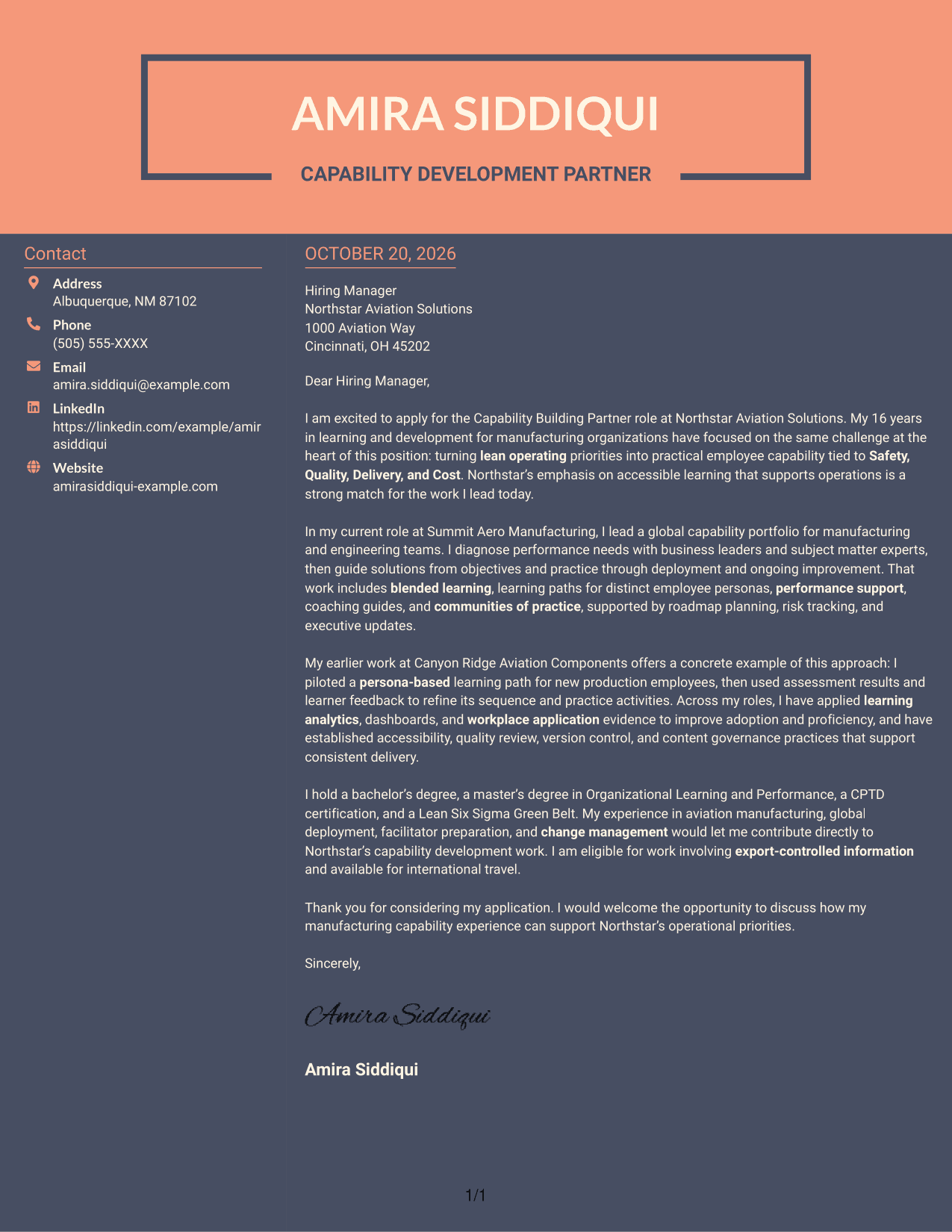
Why This Format Works
- The sidebar separates contact information from the letter's persuasive content.
- A single body keeps the message intact from its opening to its close.
- Readers can move between sender details and the letter without parallel arguments.
Best For
- Contact details beside the message
- Uninterrupted letter paragraphs
- Direct opening-to-closing flow
- No-photo presentation preference
- Side-by-side information reading
Explore Capability Building Partner - Lean Manufacturing Cover Letter Examples
Use the PNG previews to compare visual presentations, then open an example in the editor to review or customize its content.
- Role-focused cover letter guidance
- PNG image previews
- Examples to view in the editor
- Opening, body, and closing guidance
- Operational alignment advice
- Practical application examples
Build a clear case for fit by linking your motivation, relevant evidence, and understanding of lean operating priorities.
See Also
- 7 Capability Building Partner - Lean Manufacturing Resume Templates with Example
- 7 Senior Talent Partner - Semiconductor Manufacturing Resume Templates with Example
- 7 Assistant HR Business Partner Resume Templates with Example
- 7 Clinical Partner / Certified Nursing Assistant (CNA) - Acute Care Resume Templates with Example
- 7 Executive Business Partner, Creator Ecosystem Resume Templates with Example
- 7 Human Resources Business Partner Resume Templates with Example
- 7 Partner AI Solution Consultant Advisor - oCFO Resume Templates with Example
- 7 People Success Partner Resume Templates with Example
- 7 Clinical Partner / Certified Nursing Assistant (CNA) - Acute Care Cover Letter Templates with Example
- 7 Assistant Building Official - Building Inspections and Plan Review Cover Letter Templates with Example
Frequently Asked Questions
What should a Capability Building Partner - Lean Manufacturing cover letter emphasize?
Show how your learning and development work connects to operational needs. Explain how you assess performance needs, shape useful learning, and support adoption and improvement.
How can I show alignment with lean manufacturing priorities?
Connect your examples to Safety, Quality, Delivery, and Cost. Explain how the learning approach supports practical work and helps employees apply the intended practices.
What evidence can strengthen this cover letter?
Use a specific example that shows your contribution and the result. The featured letter describes a persona-based learning path refined with assessment results and learner feedback.
How should I describe learning program results?
Share relevant evidence, such as adoption, proficiency, participant feedback, or workplace application. Explain how you used those findings to improve the learning solution.
How do I choose a cover letter presentation?
Compare the PNG previews and choose a clear presentation that fits the employer and communication context. You can open an example in the editor to review or customize it.




