7 Capacity Deployment Lead - Data Center Operations Resume Templates with Example
This practical guide shows you how to build a Capacity Deployment Lead - Data Center Operations resume that is clear, focused, and easy for recruiters to review. You will learn how to organize strong evidence of deployment ownership and business impact without turning the resume into a long task list.
For this role, the strongest resumes connect field execution to outcomes. Show how you moved capacity from readiness through acceptance, directed partners and vendors, used schedule, ticket, and telemetry data, and improved standards for later deployment waves.
The same complete resume is shown in 7 ATS-friendly layouts so you can compare reading order, section balance, and visual structure. Each example keeps the evidence consistent while showing how format choices can change recruiter scanning.
What Makes a Great Capacity Deployment Lead - Data Center Operations Resume in 2026
A strong resume makes ownership easy to verify. It shows deployment scope, field leadership, acceptance discipline, and the results of better operating controls.
Use direct keywords such as ready for service, integration QA, network turn up, burn in, telemetry, liquid cooling, accelerator systems, vendor management, and acceptance standards where the experience supports them.
The examples shown below are intentionally detailed to demonstrate a range of experiences, skills, accomplishments and relevant keywords. We prefer detailed resumes as they provide more context to the hiring managers and also help the ATS systems identify relevant qualifications and score your resume better for a match. But the length of a resume is an individual choice. If you want a one page resume, just keep the most relevant experience and information for the job. Note: Resume examples are for educational purposes only. Use only information that accurately reflects your experience and qualifications. References to real organizations do not imply affiliation or endorsement.
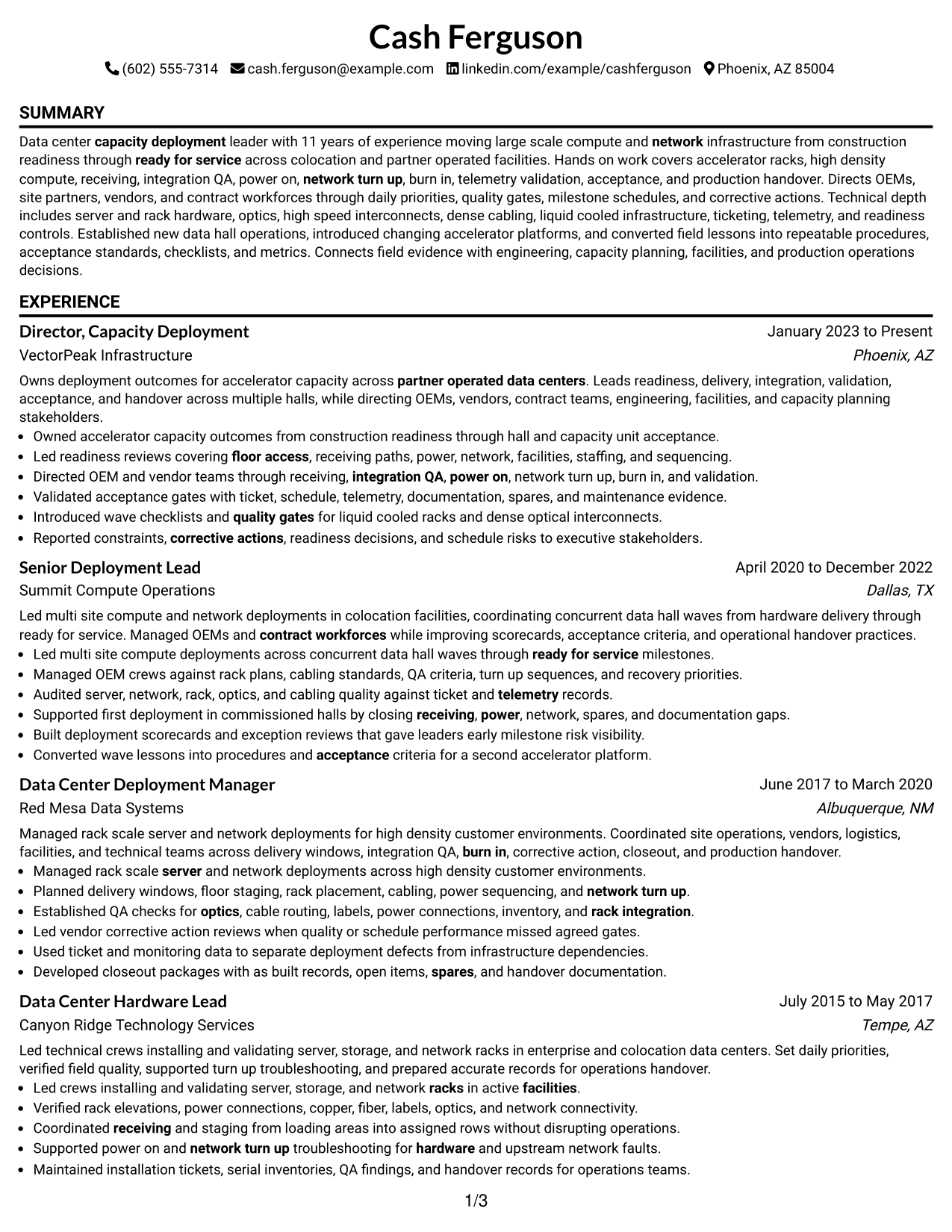
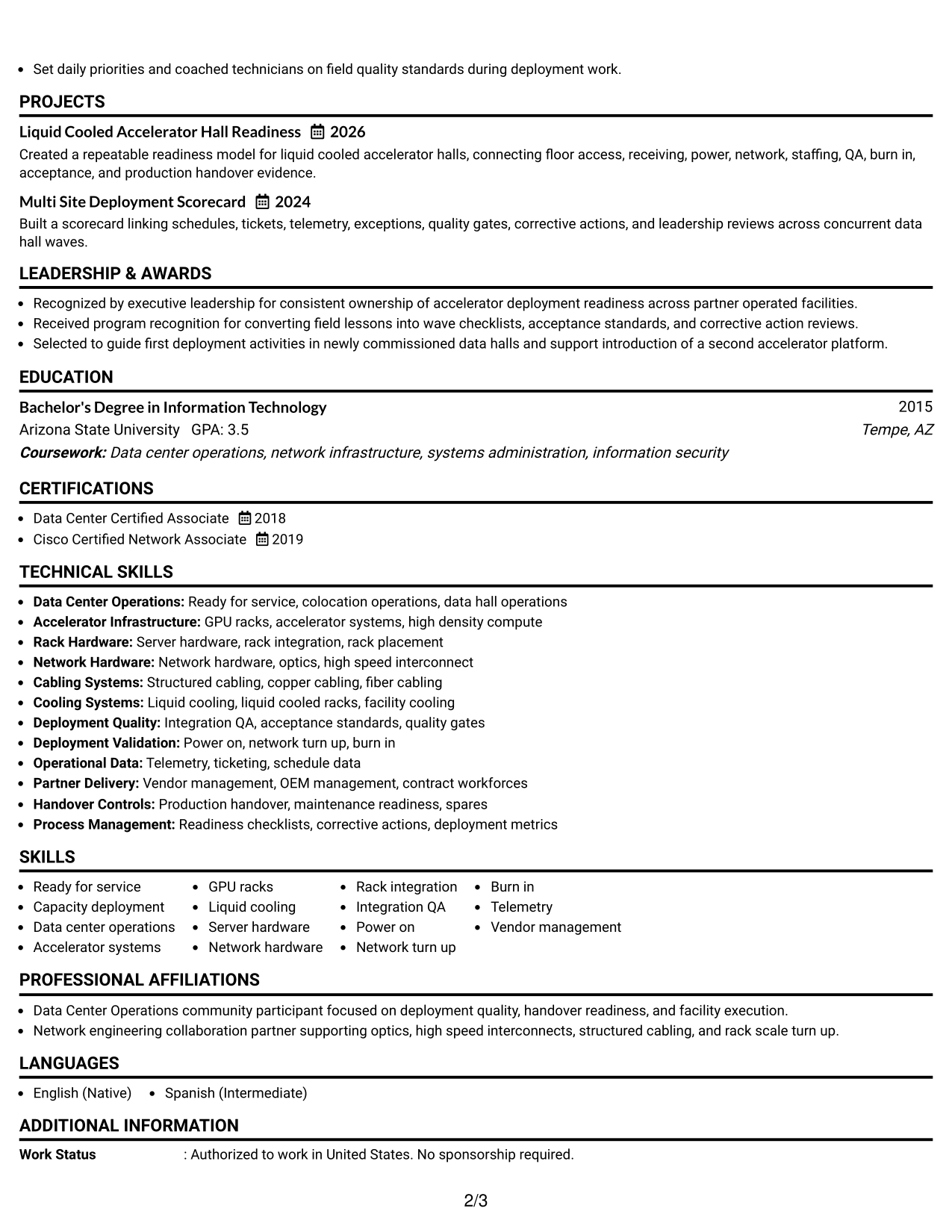
#1 Simple One Column Format Resume Example
A straight one-column flow keeps the reading order obvious, helping recruiters scan the resume from summary through credentials without switching tracks.
Why This Format Works
- Linear reading keeps career progression easy to follow from role to role.
- Full-width sections give achievements enough space to stay clear and readable.
- Simple section breaks help recruiters move quickly between skills and credentials.
Best For
- Detailed career progression
- Longer achievement bullets
- Sequential recruiter reading
- Clear section hierarchy
- ATS-focused applications
Resume Keywords
- Capacity Deployment Lead
- Data Center Operations
- ready for service
- accelerator systems
- liquid cooling
- integration QA
- network turn up
- burn in
- telemetry
- vendor management
- acceptance standards
- process improvement
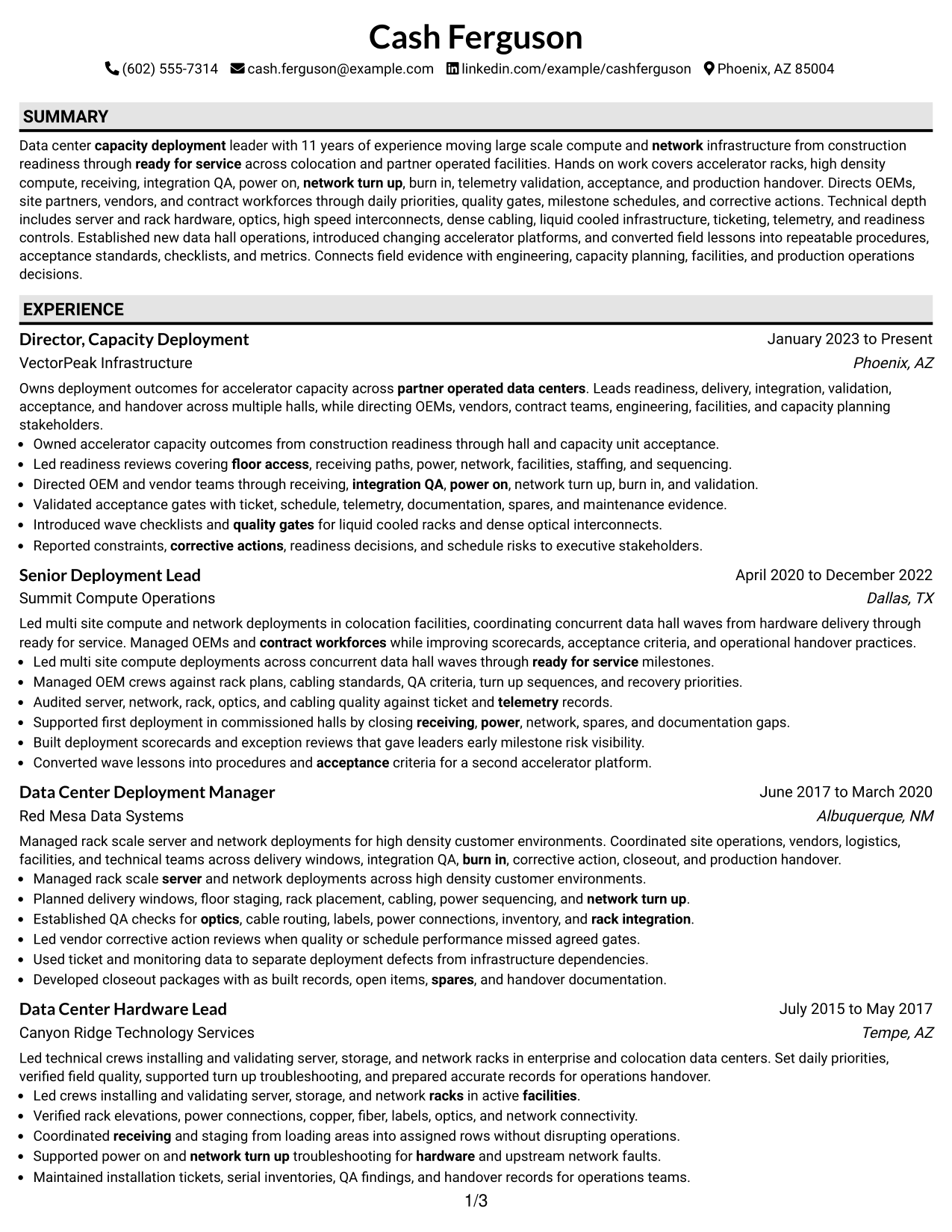
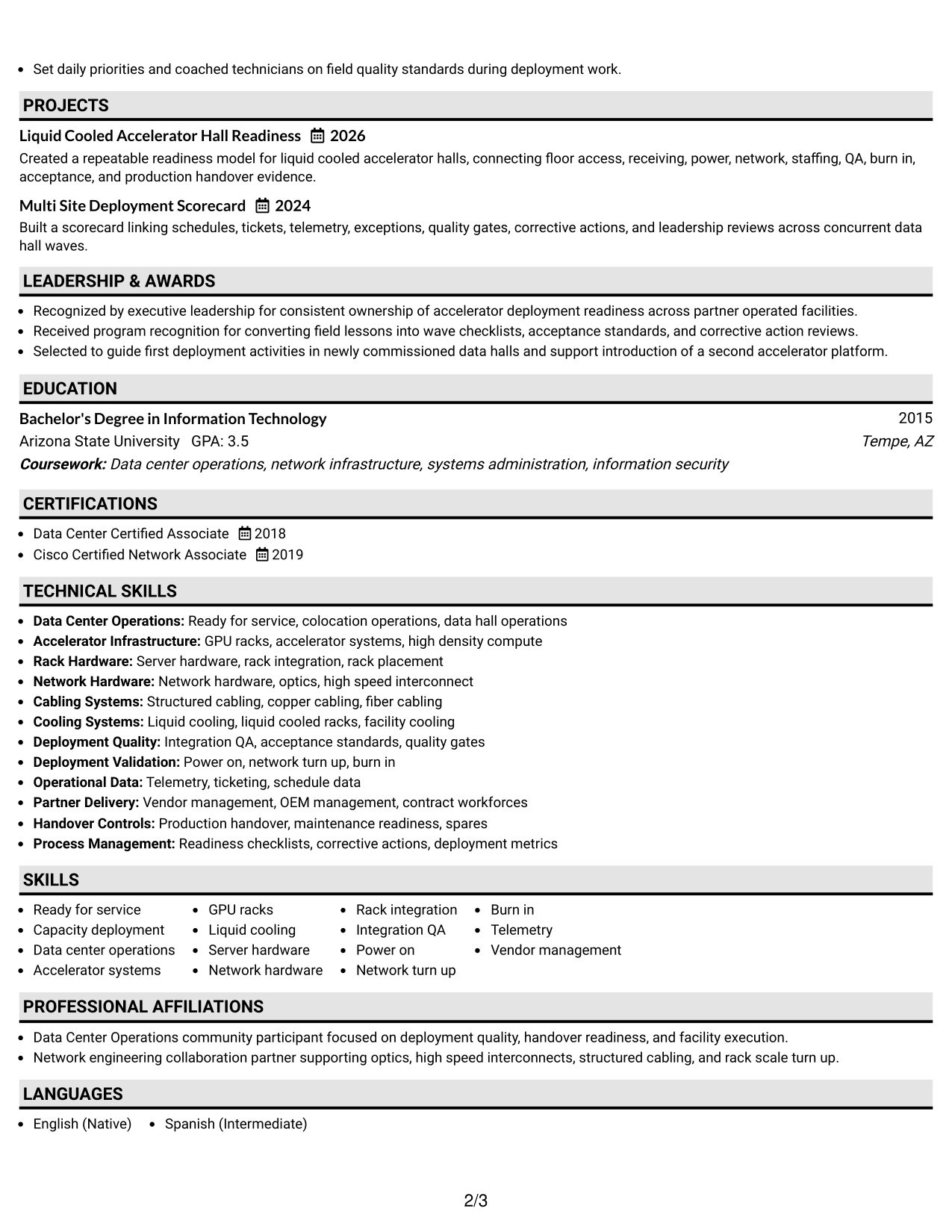
#2 Plain One Column with Shaded Labels Resume Example
Shaded section labels mark each content block clearly while the one-column body lets recruiters scan the resume in one steady sequence.
Why This Format Works
- Shaded labels separate experience, skills, education, and credentials without changing reading order.
- One-column spacing lets achievement bullets remain visible without narrow text blocks.
- Clear section markers help recruiters return to specific resume content quickly.
Best For
- Strong section separation
- Dense experience sections
- Frequent recruiter scanning
- Traditional reading order
- Credential-rich resumes
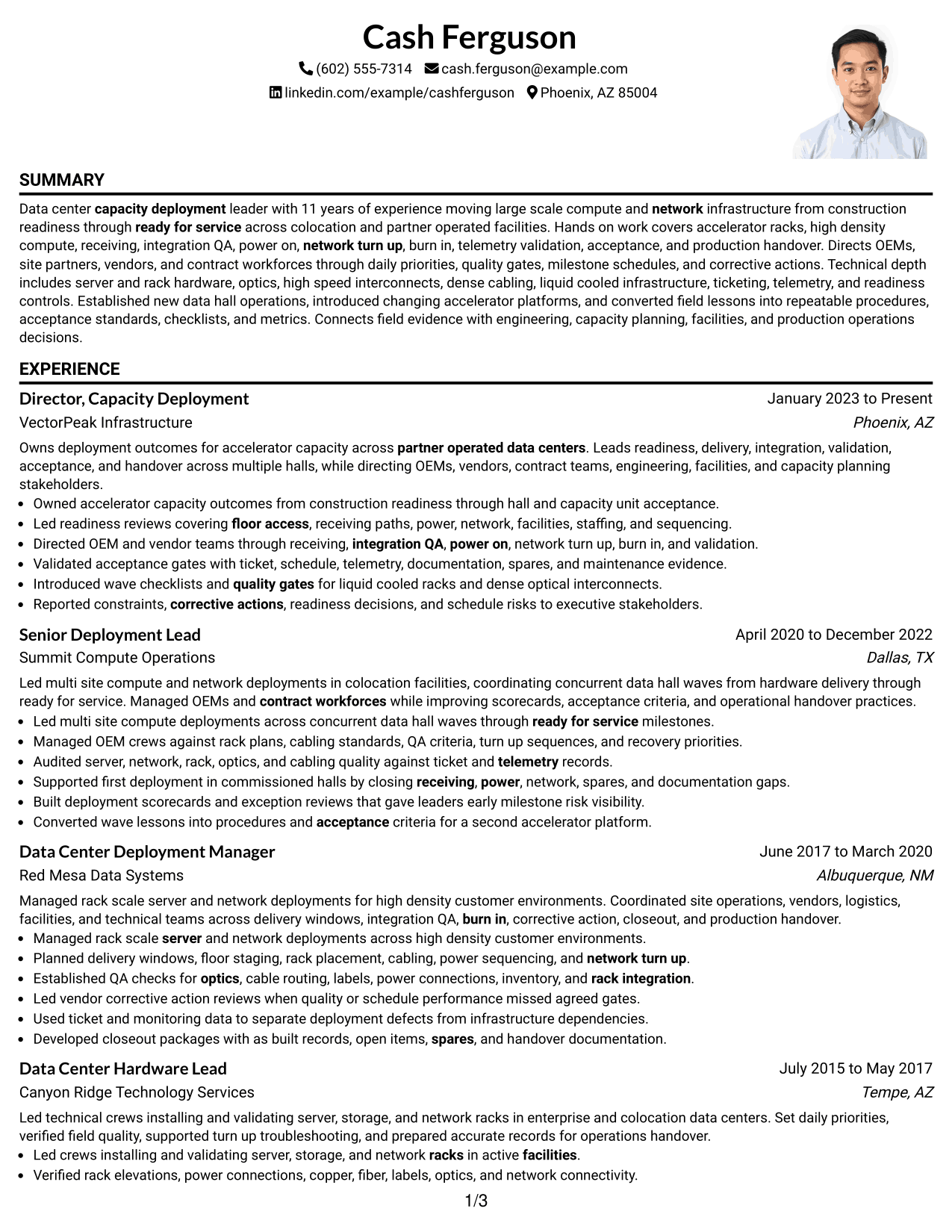
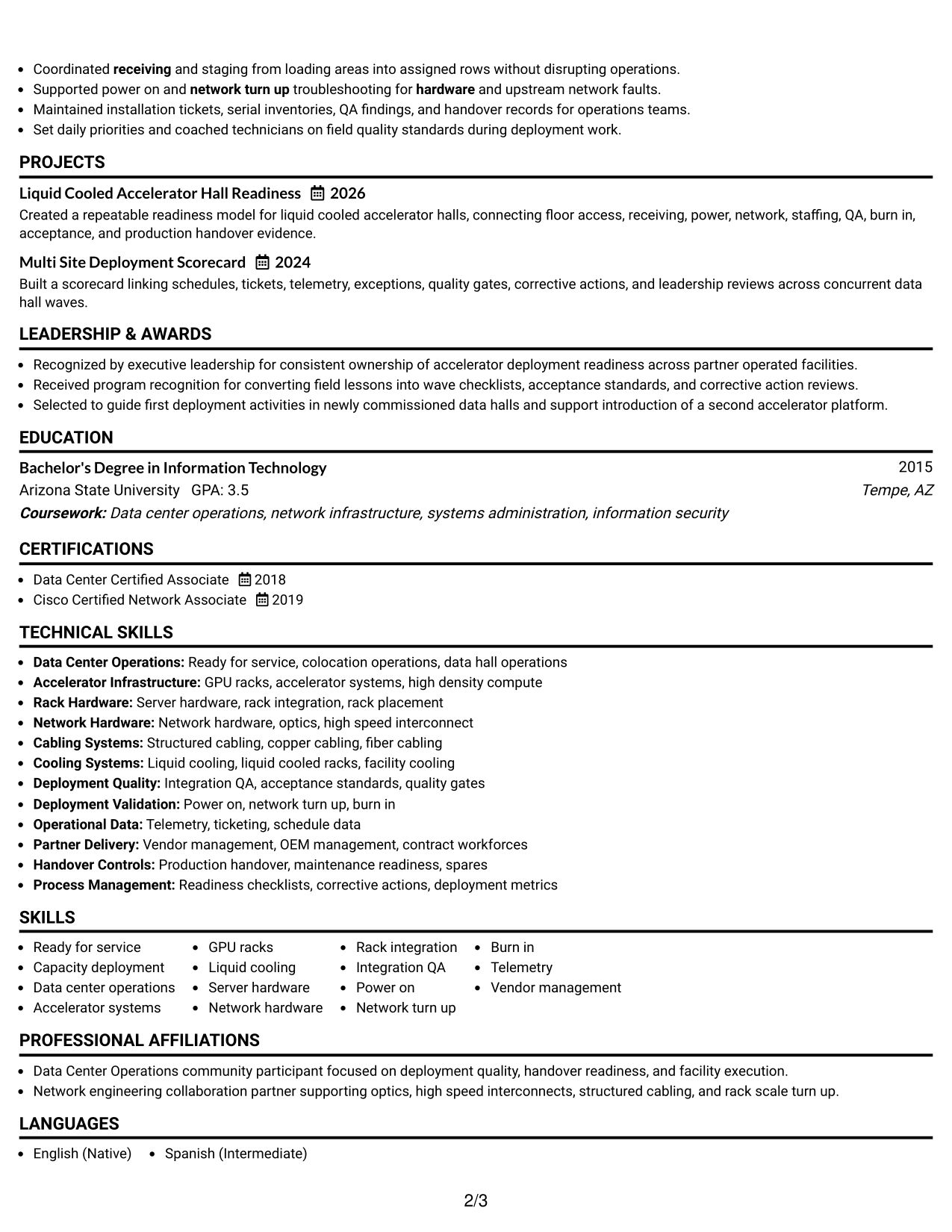
#3 One Column Format with Photo Right Resume Example
A right-side header photo adds personal identification while the one-column body preserves a direct scan through the resume sections.
Why This Format Works
- The single body column keeps experience and achievements in a predictable sequence.
- A separate header photo does not interrupt the resume's main content flow.
- Full-width sections leave room for skills, education, and credentials to stay readable.
Best For
- Markets where photos are customary
- Direct section-by-section reading
- Career histories with longer bullets
- Full-width achievement detail
- Simple content navigation
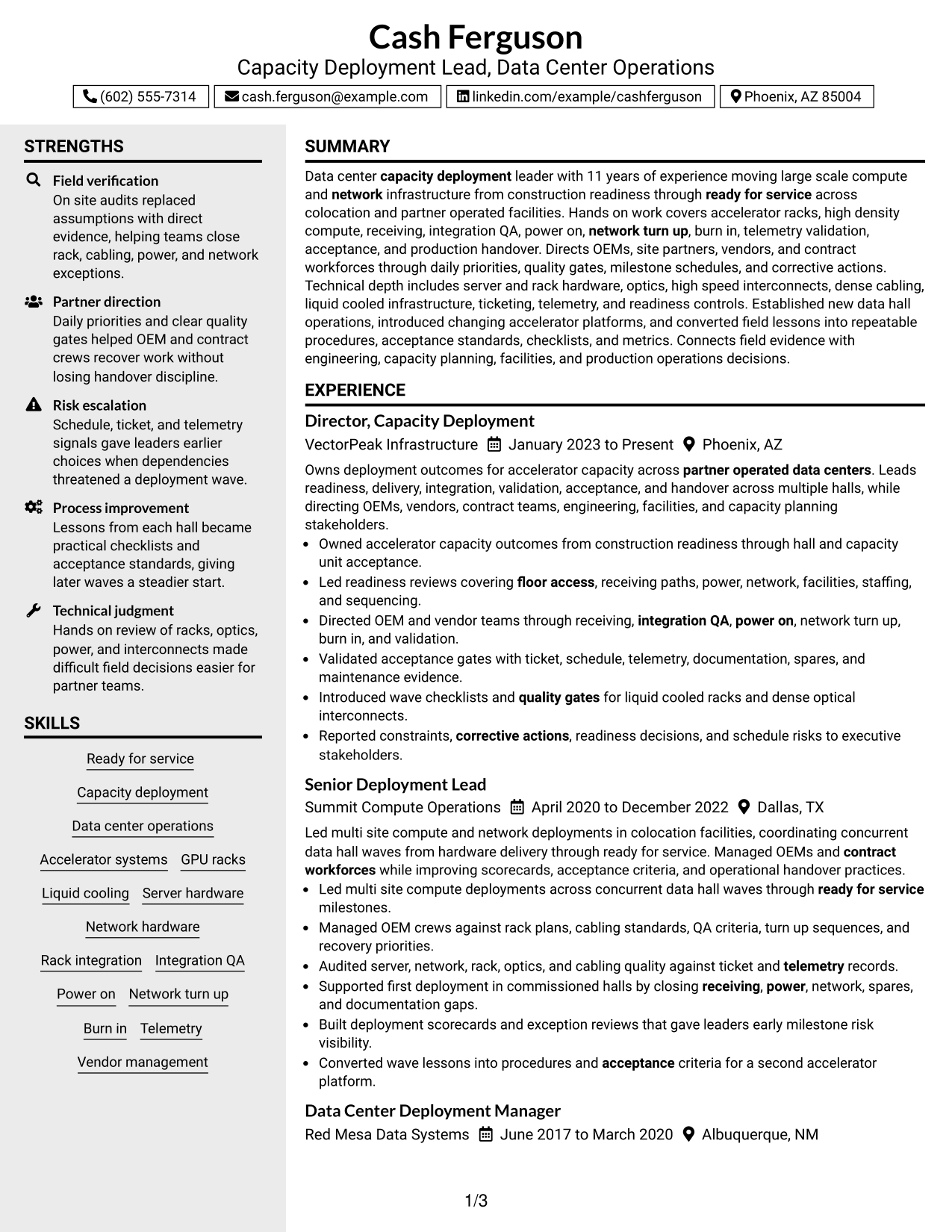
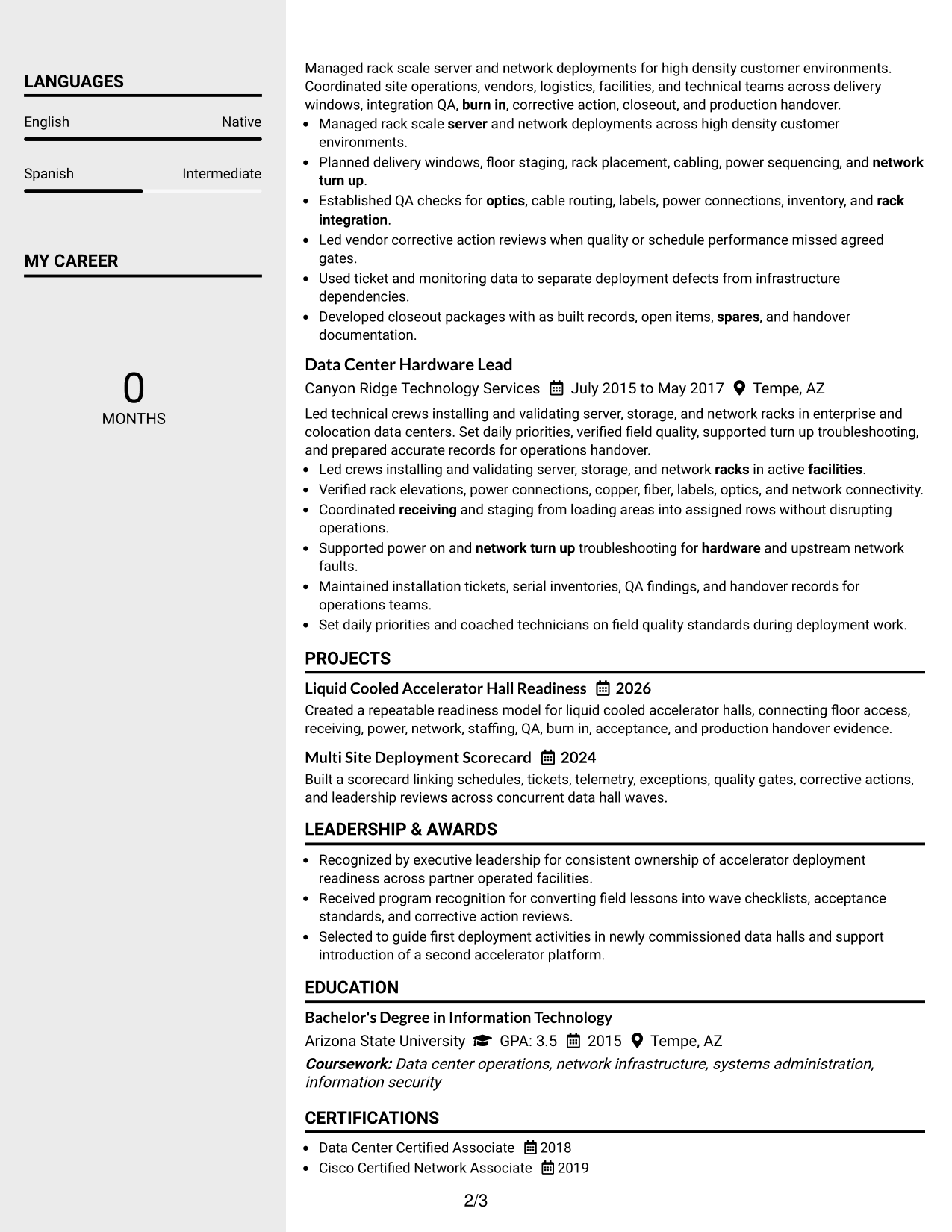
#4 Clean Two Column Sidebar Format Resume Example
A clean sidebar separates compact details from the main career story, giving recruiters two clear zones for fast review.
Why This Format Works
- The main column keeps experience and achievements together for continuous career review.
- The sidebar creates a separate area for compact skills and credential information.
- Two visual zones help recruiters distinguish evidence from supporting resume details.
Best For
- Compact skills organization
- Experience-heavy resumes
- Fast separation of supporting details
- Two-zone visual scanning
- Balanced career and credential content
#5 Two Column Format Resume Example
A balanced two-column body lets recruiters compare core career evidence with supporting sections without forcing everything into one vertical stream.
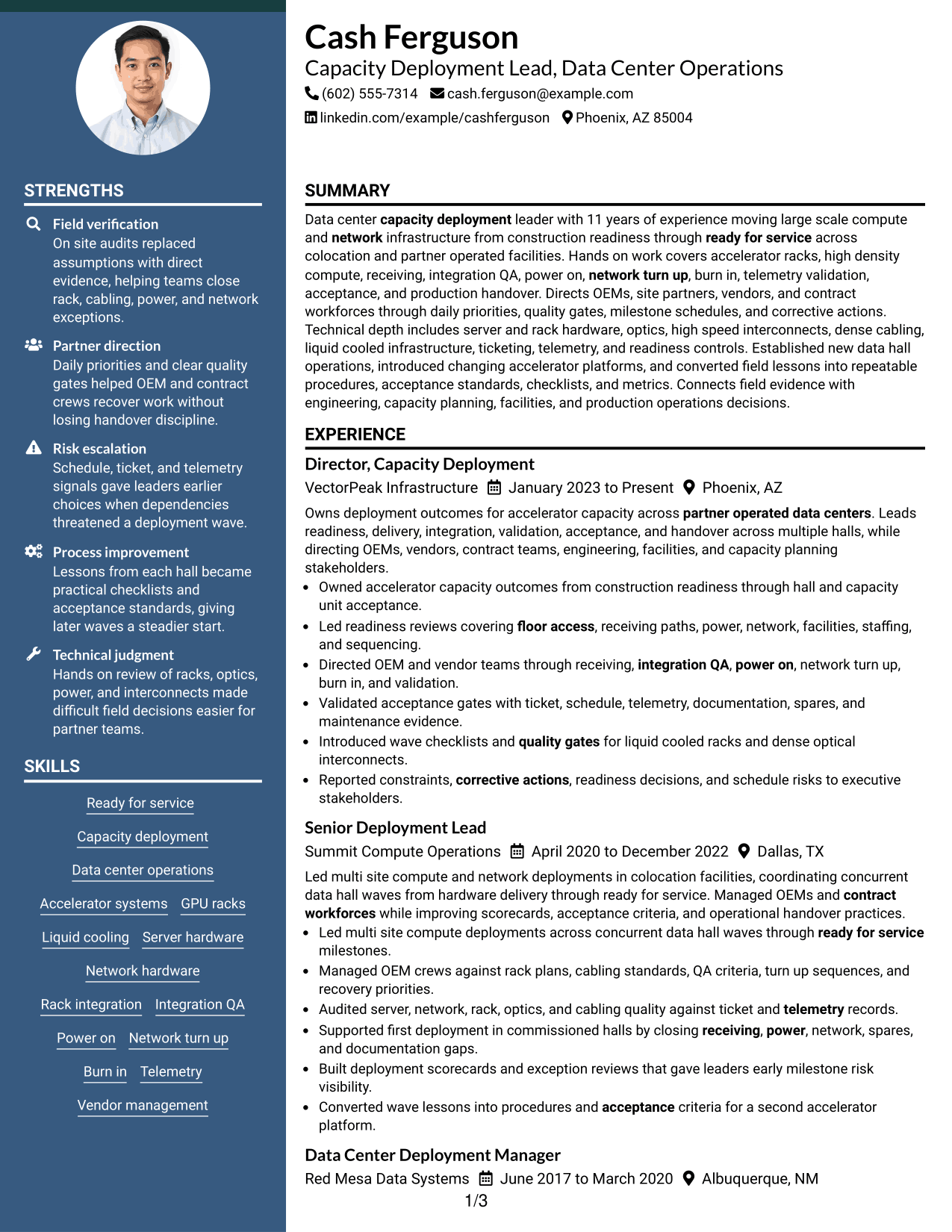
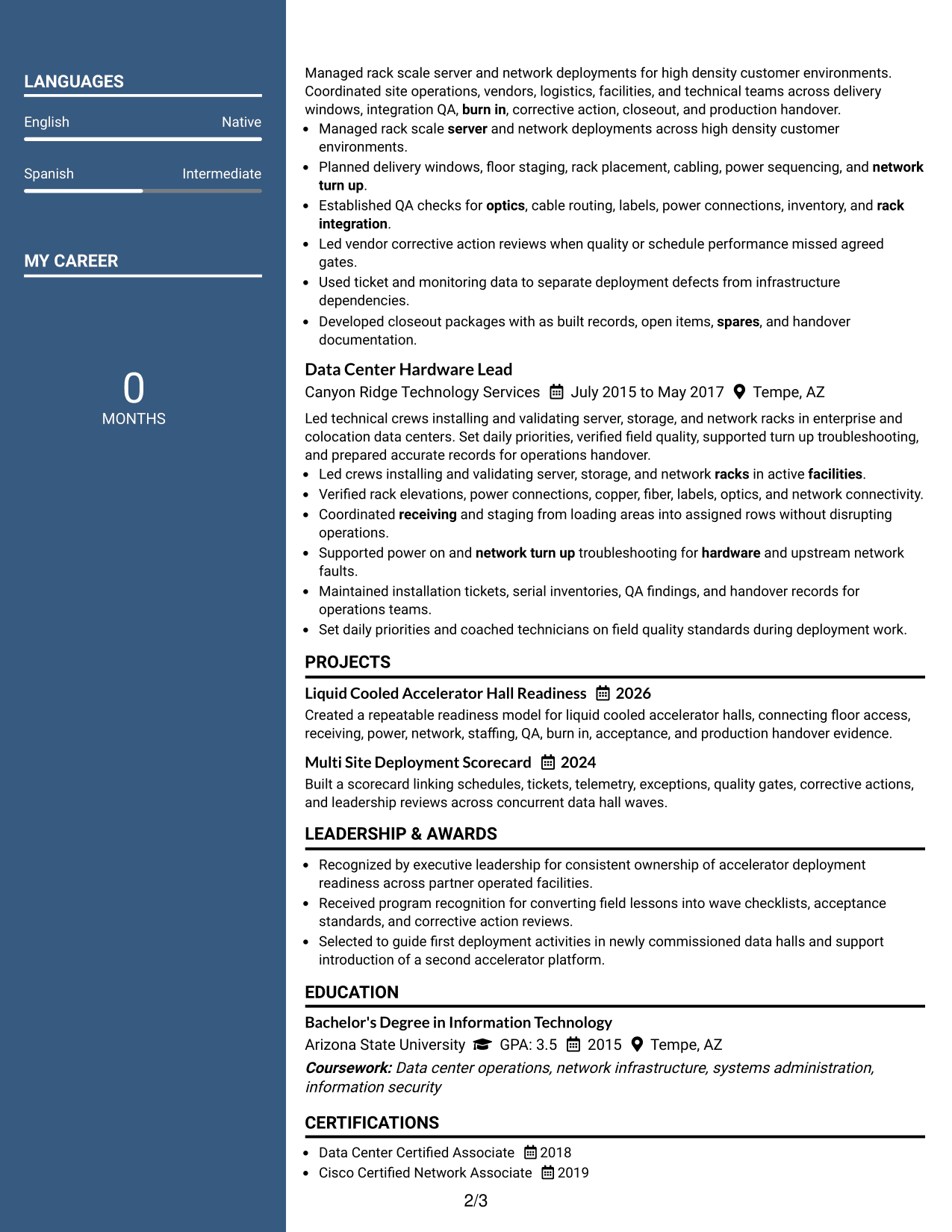
Why This Format Works
- Parallel columns reduce vertical searching when the resume contains several content types.
- Experience can remain prominent while skills and credentials stay easy to locate.
- Balanced section widths support quick comparison between career evidence and qualifications.
Best For
- Mixed experience and skills content
- Compact qualification review
- Readers comparing multiple sections
- Moderate information density
- Balanced two-column organization
#6 Photo Header Two Column Format Resume Example
A photo-led header gives the resume a strong identity area while two body columns help recruiters scan career evidence and supporting sections side by side.
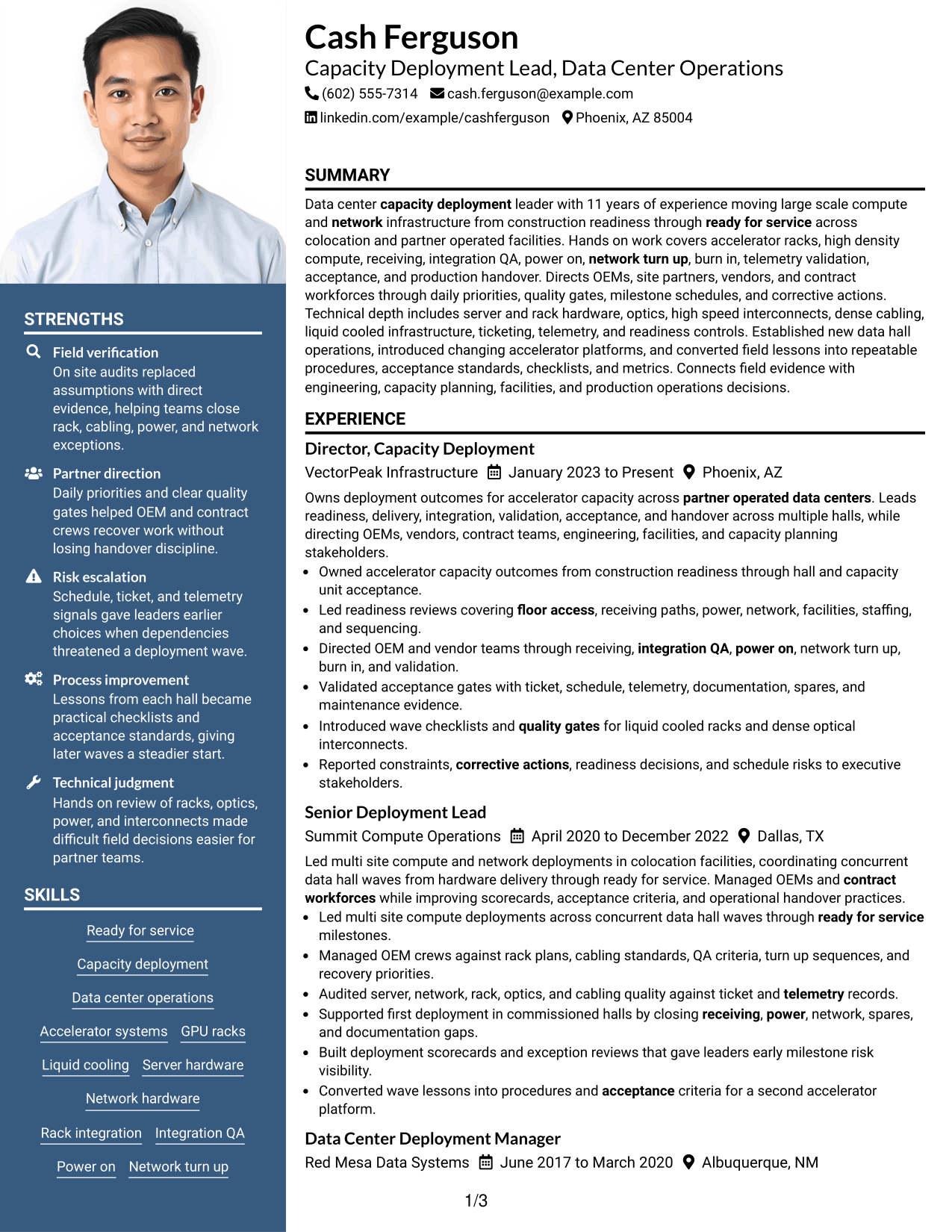
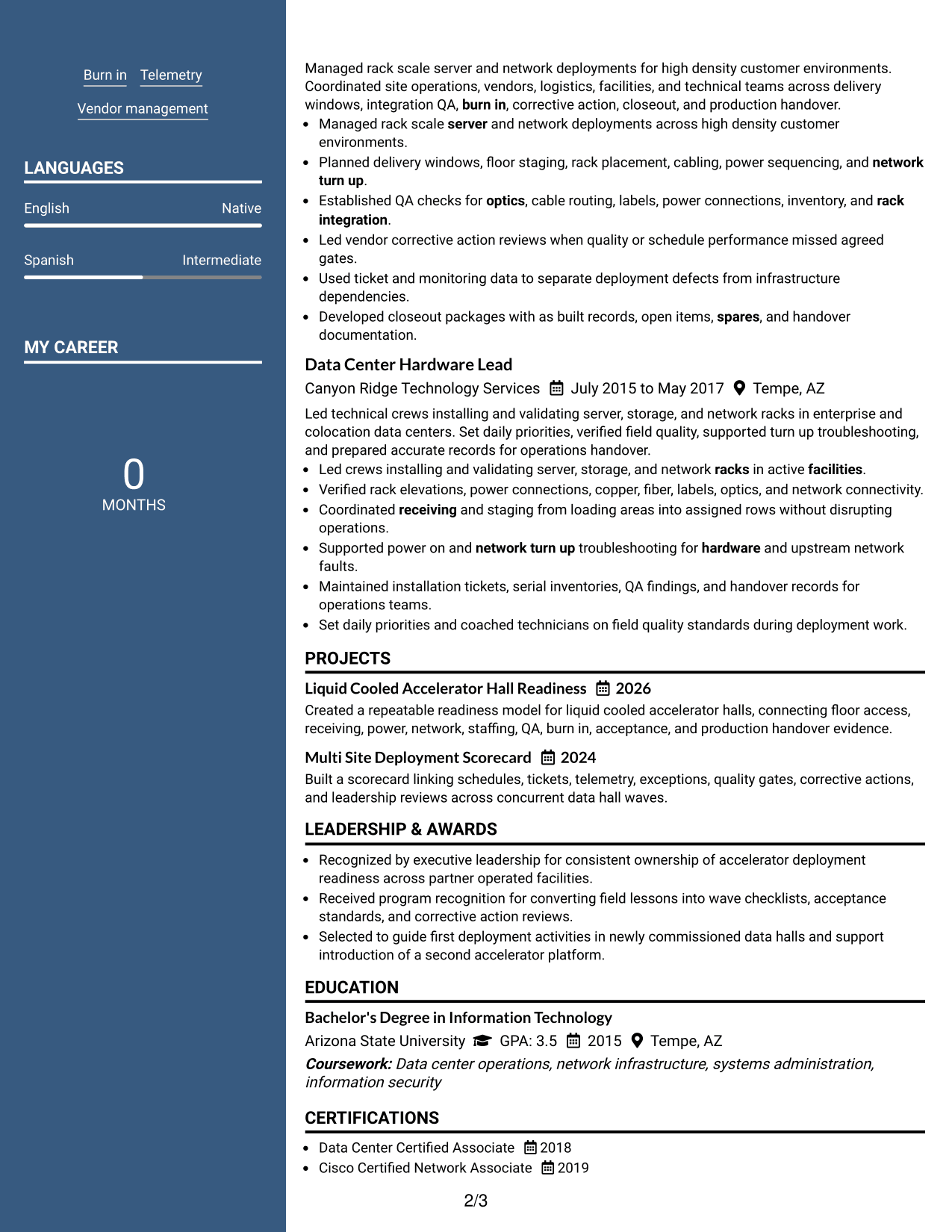
Why This Format Works
- The two-column body separates detailed experience from shorter supporting content cleanly.
- Header identification stays visually distinct from achievements, skills, and credentials below.
- Side-by-side sections shorten the search path across varied resume information.
Best For
- Photo-appropriate application markets
- Strong identity header needs
- Side-by-side section review
- Varied resume content types
- Compact supporting information
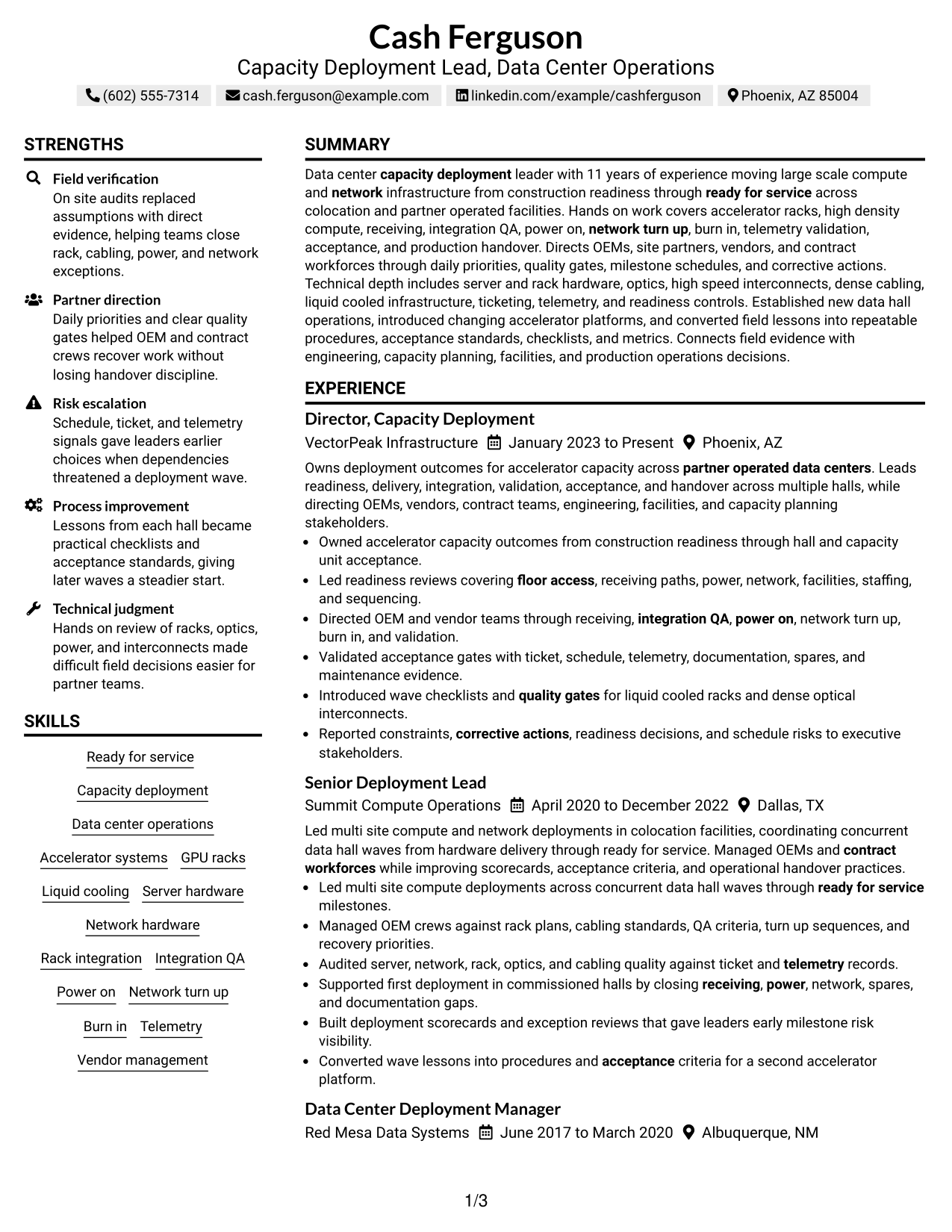
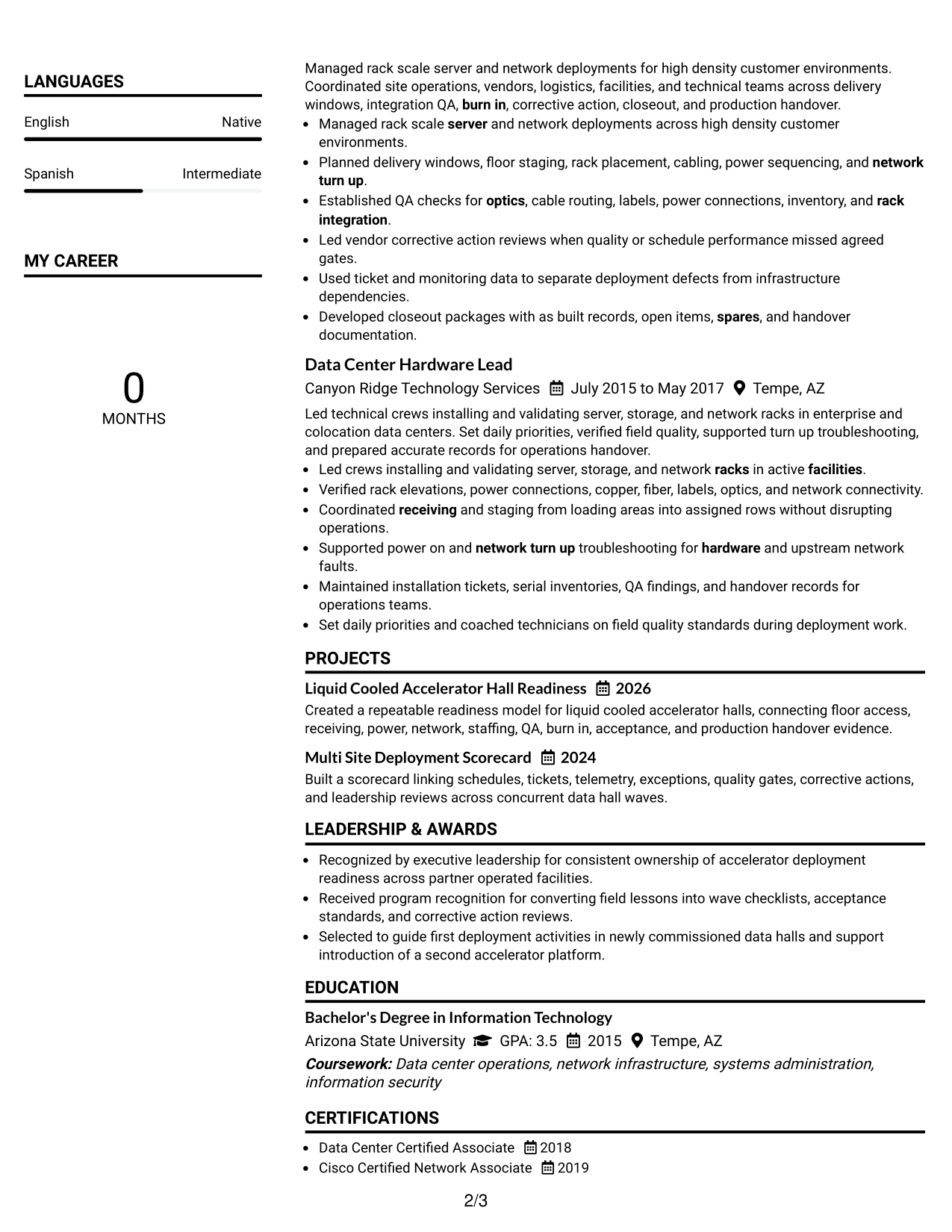
#7 Simple Two Column Format Resume Example
A simple two-column structure keeps supporting sections compact while giving recruiters a clear path through the resume's main evidence.
Why This Format Works
- Compact columns make skills and credentials easier to find without crowding experience.
- Clear section grouping helps achievements remain connected to the relevant career history.
- Simple visual separation supports quick review without adding complex navigation cues.
Best For
- Compact skills and credentials
- Clear career evidence flow
- Simple two-column scanning
- Resume sections of mixed length
- Low-decoration professional layouts
See Also
- 7 Deployment Strategist Resume Templates with Example
- 33 Field-Driven AI Product Engineer for Edge Deployments Resume Templates with Example 2026 (ATS-Optimized)
- 33 Forward Deployment Engineer Intern Resume Templates with Example 2026 (ATS-Optimized)
- 33 MLOps Engineer: Reliable Deployments & Cloud Observability Resume Templates with Example 2026 (ATS-Optimized)
- 33 MLOps Engineer: Scalable ML Infra & Deployment Resume Templates with Example 2026 (ATS-Optimized)
- 33 Network Engineer, Deployment & Support Resume Templates with Example 2026 (ATS-Optimized)
- 7 Senior AI Deployment Architect Resume Templates with Example
- 7 North America Import / Export Specialist Resume Templates with Example
- 30+ Field-Driven AI Product Engineer for Edge Deployments Cover Letter Templates with Example 2026
- 30+ Forward Deployment Engineer Intern Cover Letter Templates with Example 2026
Frequently Asked Questions
Are these Capacity Deployment Lead - Data Center Operations resume templates ATS-friendly?
They use clear section structure and readable headings that support ATS review. Your results still depend on accurate content, relevant keywords, and clean file formatting.
Are these different resumes?
No. The guide uses one complete resume and presents the same evidence through different visual formats.
What should a Capacity Deployment Lead - Data Center Operations resume include?
Include a focused summary, deployment leadership experience, measurable outcomes, technical skills, education, certifications, and evidence of readiness, QA, acceptance, partner direction, and process improvement.
Which achievements matter most for this resume?
Prioritize outcomes tied to ready-for-service milestones, risk closure, acceptance quality, repeatable deployment controls, and successful handover into production operations.
How should I show vendor and OEM leadership?
Use bullets that show what you directed, which quality or schedule gates you managed, how you handled exceptions, and what improved after corrective action.
How can I make technical depth easy to scan?
Group related skills clearly and support them with experience bullets. Keep the skills section concise, then prove the strongest capabilities through deployment, QA, turn-up, and acceptance work.
Should I include a photo on my resume?
For most U.S. applications, a no-photo format is the safer default. Use a photo only when it is customary and appropriate for the application market.
Can I customize these resume templates?
Yes. Adjust section order, wording, keywords, and visual style while keeping the underlying facts accurate and easy to verify.