
7 Carpenter - Commercial Construction Cover Letter Templates with Example
This practical guide helps you create a Carpenter - Commercial Construction cover letter, with seven layouts to compare and adapt.
What Makes a Great Carpenter - Commercial Construction Cover Letter in 2026
A strong letter connects your interest in commercial construction carpentry to clear examples of hands-on work. A focused opening, specific body, and direct closing help make your fit easy to understand.
Use relevant evidence, such as reading plans, installing doors and windows, or forming and placing concrete. Then connect that experience to the employer’s work and explain why the role interests you.
The featured Carpenter - Commercial Construction example follows a focused progression from interest to relevant work and a clear close. Adapt that flow while choosing a presentation that suits the employer and the communication context.
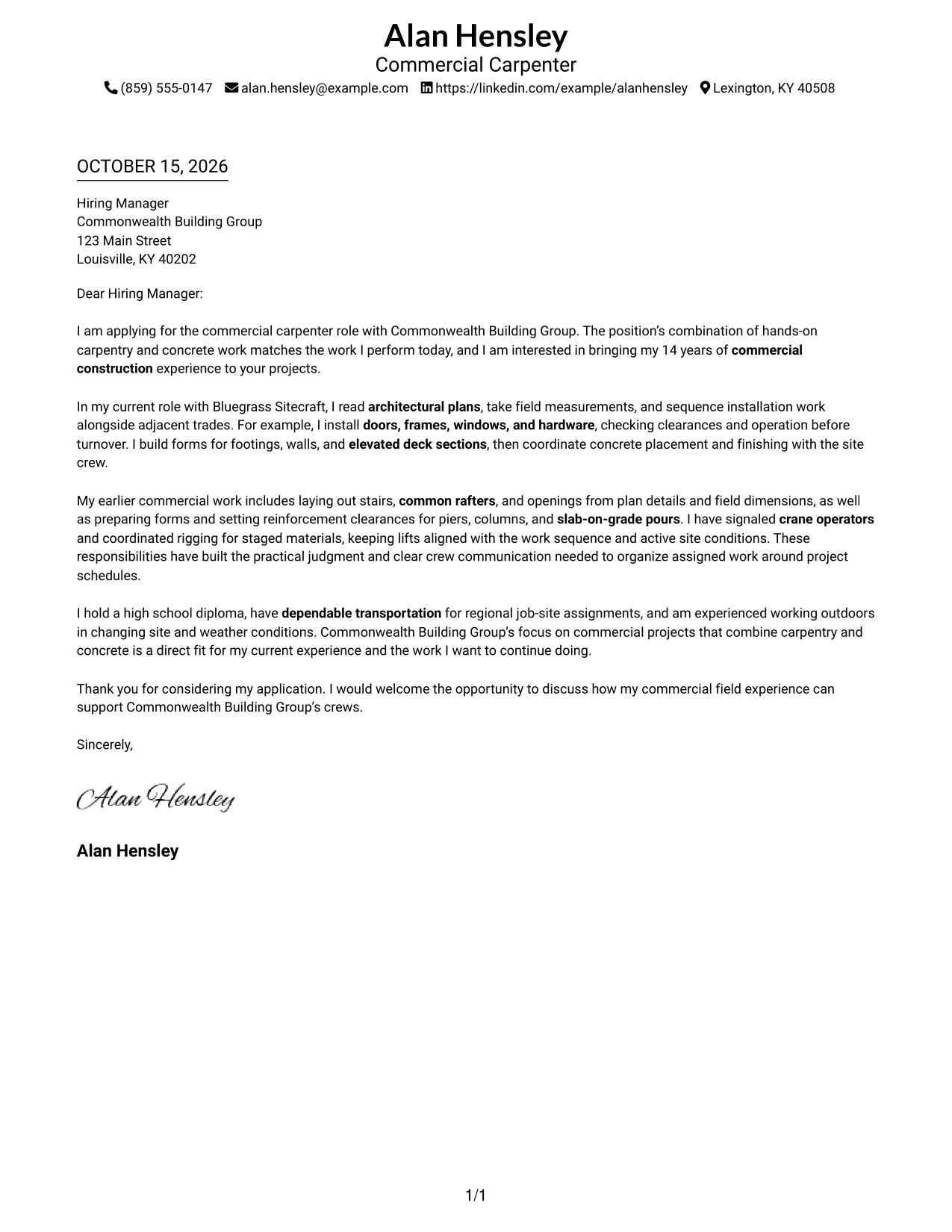
#1 Simple One Column Format Cover Letter Example
A single-column layout keeps the sender details in the header and the letter body together for a direct reading path.
Why This Format Works
- Header placement keeps sender details separate from the letter's message.
- One body column lets readers follow the greeting, argument, and closing in order.
- The single reading lane keeps the letter's paragraphs in their intended sequence.
Best For
- Header-based sender details
- Single-column letter reading
- Continuous persuasive prose
- Letters with several supporting points
- Commercial construction applications
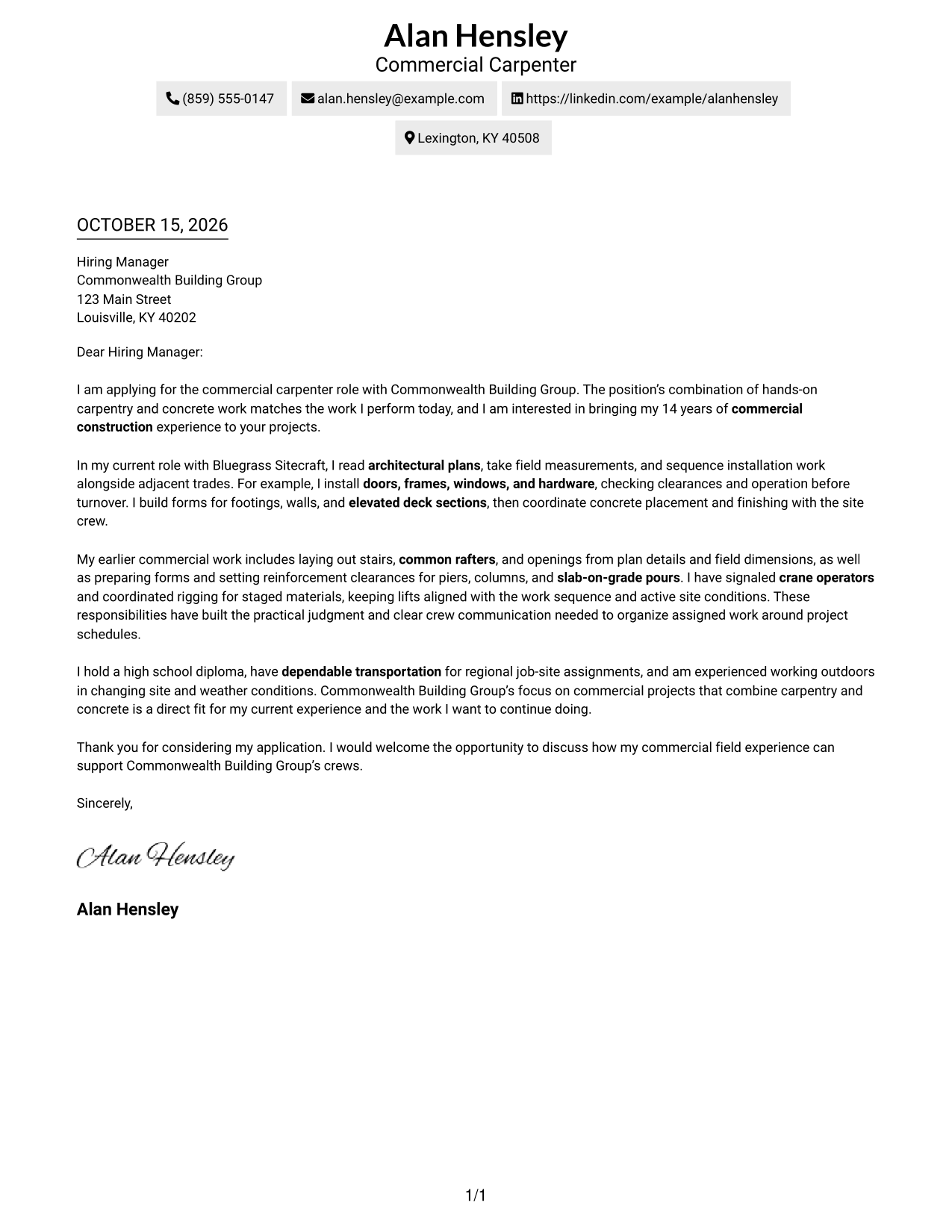
#2 Two Column Format Cover Letter Example
A contact sidebar sits beside one continuous letter body, giving sender details a separate place without splitting the message.
Why This Format Works
- The sidebar gives the reviewer a clear place to find contact details.
- One continuous body keeps the opening and close within the same letter.
- The two areas distinguish sender information from the message itself.
Best For
- Contact details beside the message
- Letters with a clear opening and close
- Paragraph-based evidence
- Readers who prefer a contact sidebar
- Applications with a sustained argument
#3 Photo Header Two Column Format Cover Letter Example
A photo in the header adds a personal visual element, while the contact sidebar keeps sender details apart from the continuous letter body.
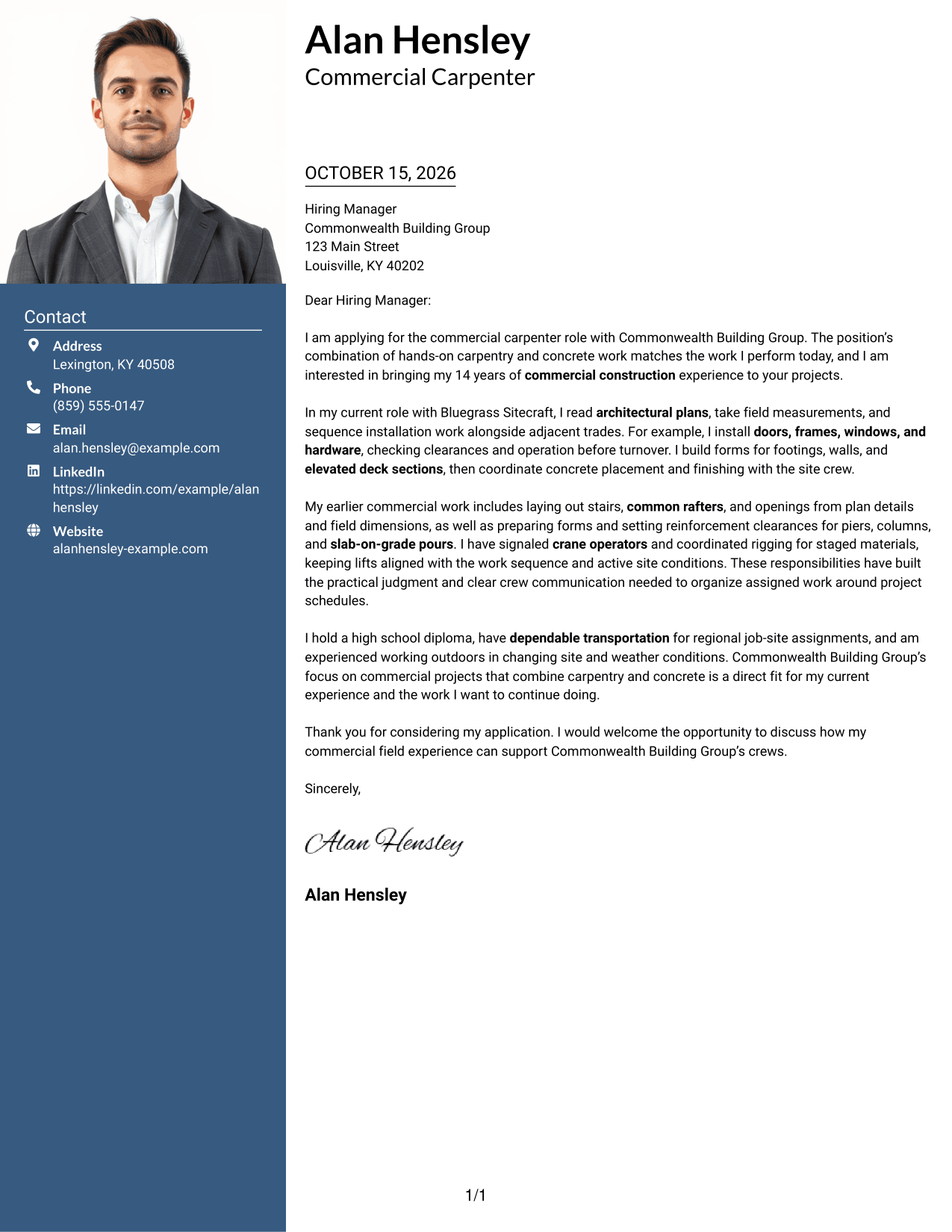
Why This Format Works
- The header photo offers a personal visual choice for the letter's presentation.
- Contact details remain apart from the paragraphs that carry the message.
- The continuous body keeps the opening, supporting points, and closing together.
Best For
- Header photo presentation
- Separate contact and message areas
- Letters with multiple supporting paragraphs
- A continuous argument from opening to close
- Applications where a personal image is preferred
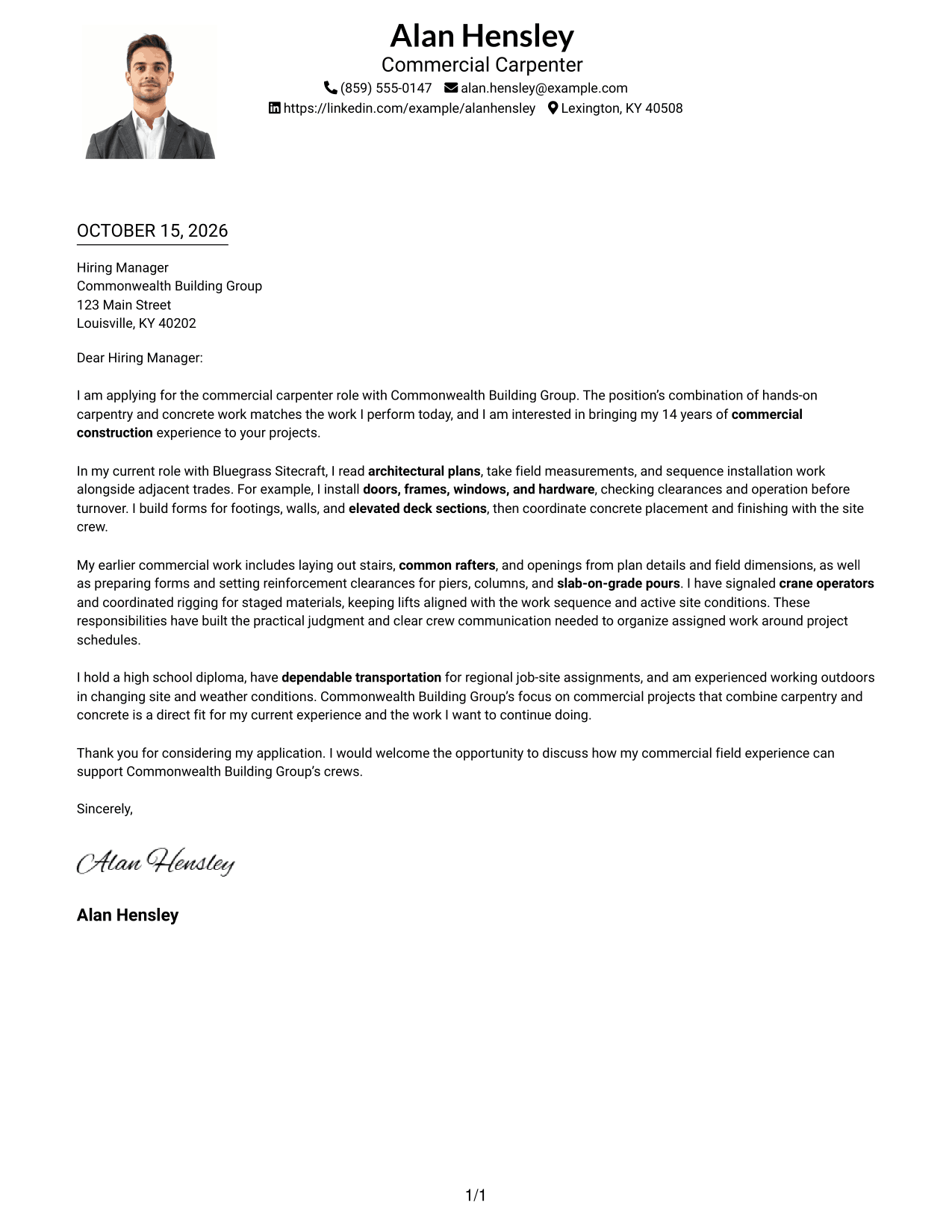
#4 One Column Format with Photo Cover Letter Example
A header photo adds a personal visual touch, while the single-column body keeps the letter in one reading sequence.
Why This Format Works
- The photo gives the header a personal visual element without dividing the letter body.
- One body column keeps each paragraph in the same reading lane.
- The reviewer can follow the message from greeting through closing in order.
Best For
- A photo in the header
- Single-column letter reading
- Personal visual presentation
- Letters with a clear paragraph sequence
- Applications that keep the message in one body
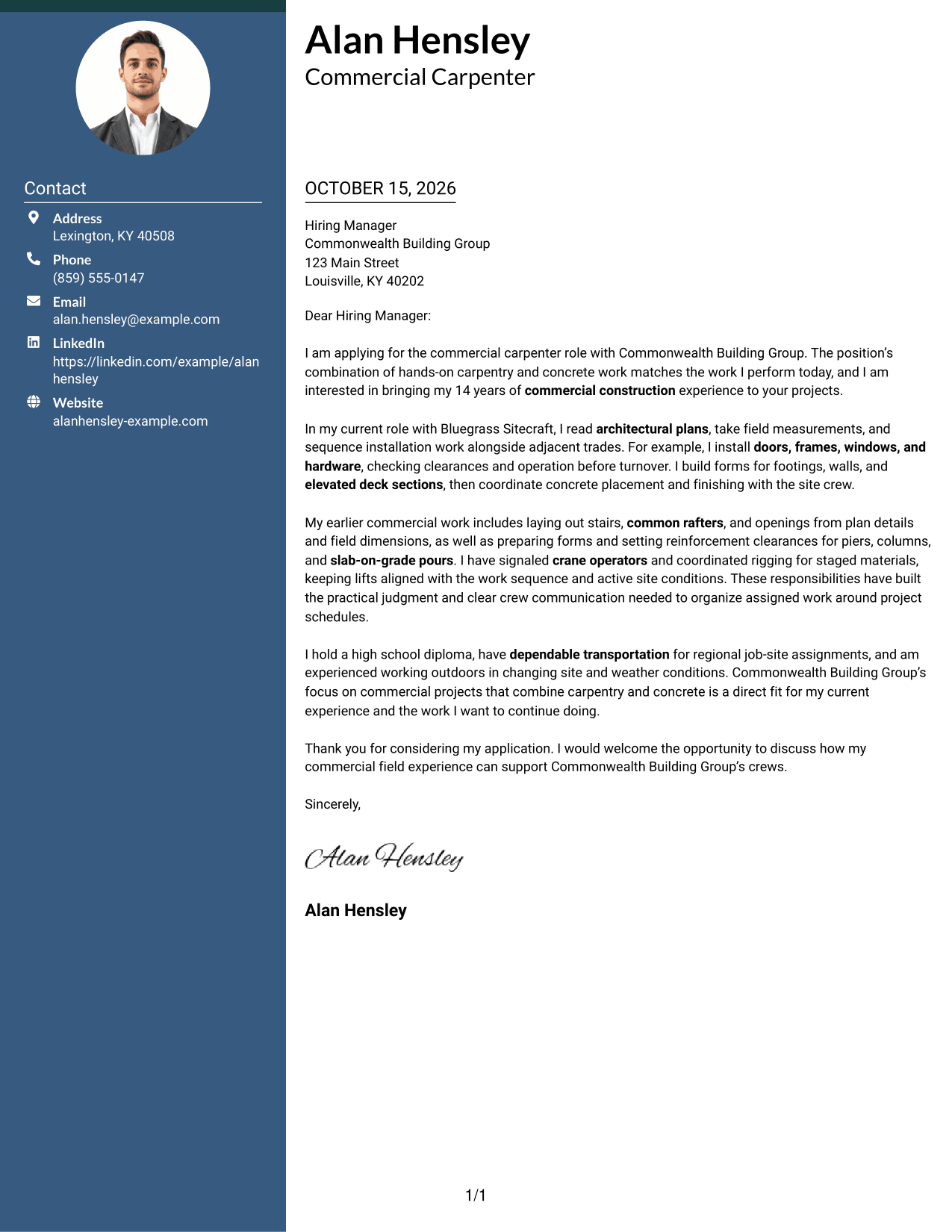
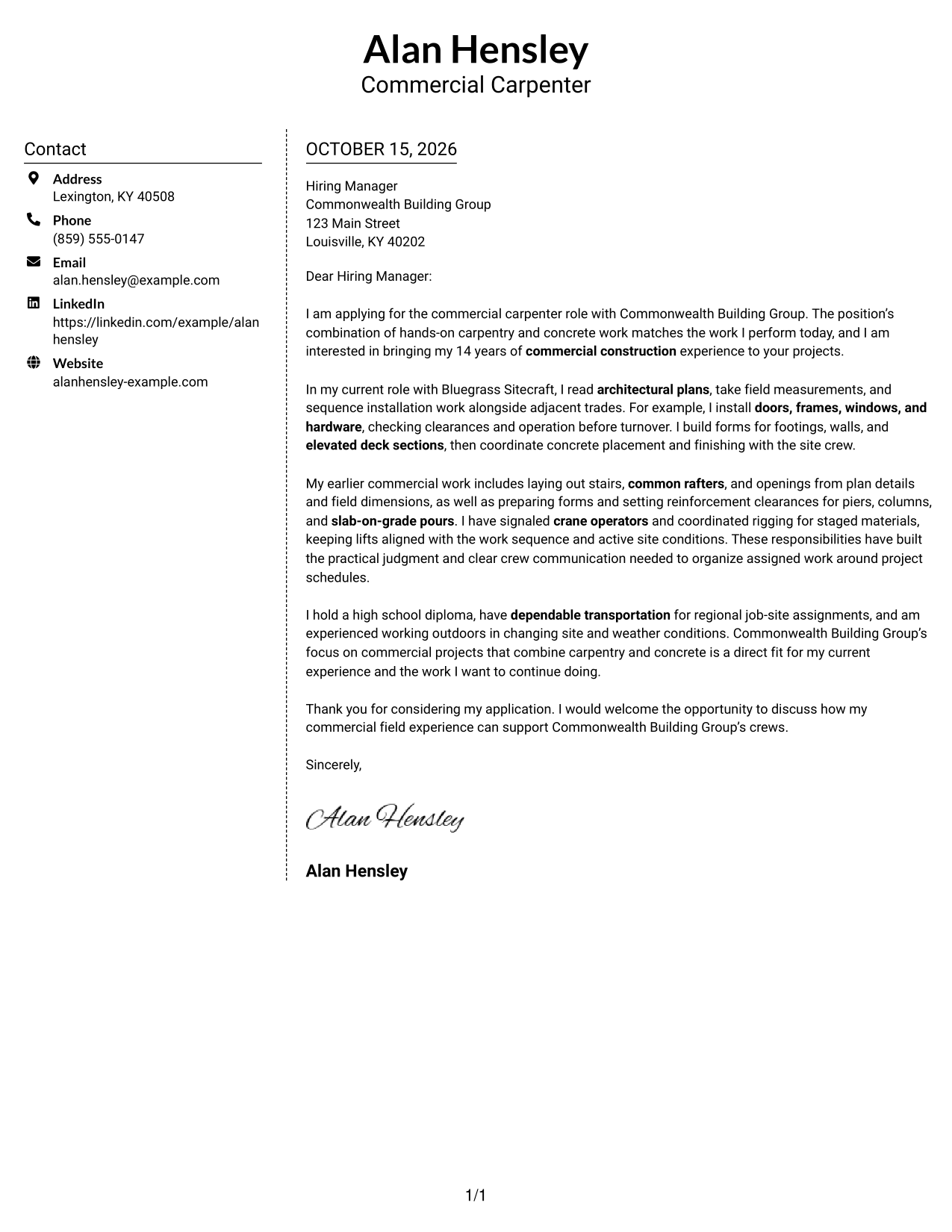
#5 Simple Two Column Format Cover Letter Example
The contact sidebar gives sender information its own place beside the continuous letter body, keeping the message together for readers.
Why This Format Works
- Sender information sits apart from the letter's persuasive paragraphs.
- The continuous body keeps motivation and supporting evidence within one message.
- The side-by-side arrangement separates contact details from the letter itself.
Best For
- A sidebar for contact information
- Letters built from connected paragraphs
- A clear distinction between sender and message
- Applications with several points of evidence
- Readers who prefer side-by-side organization
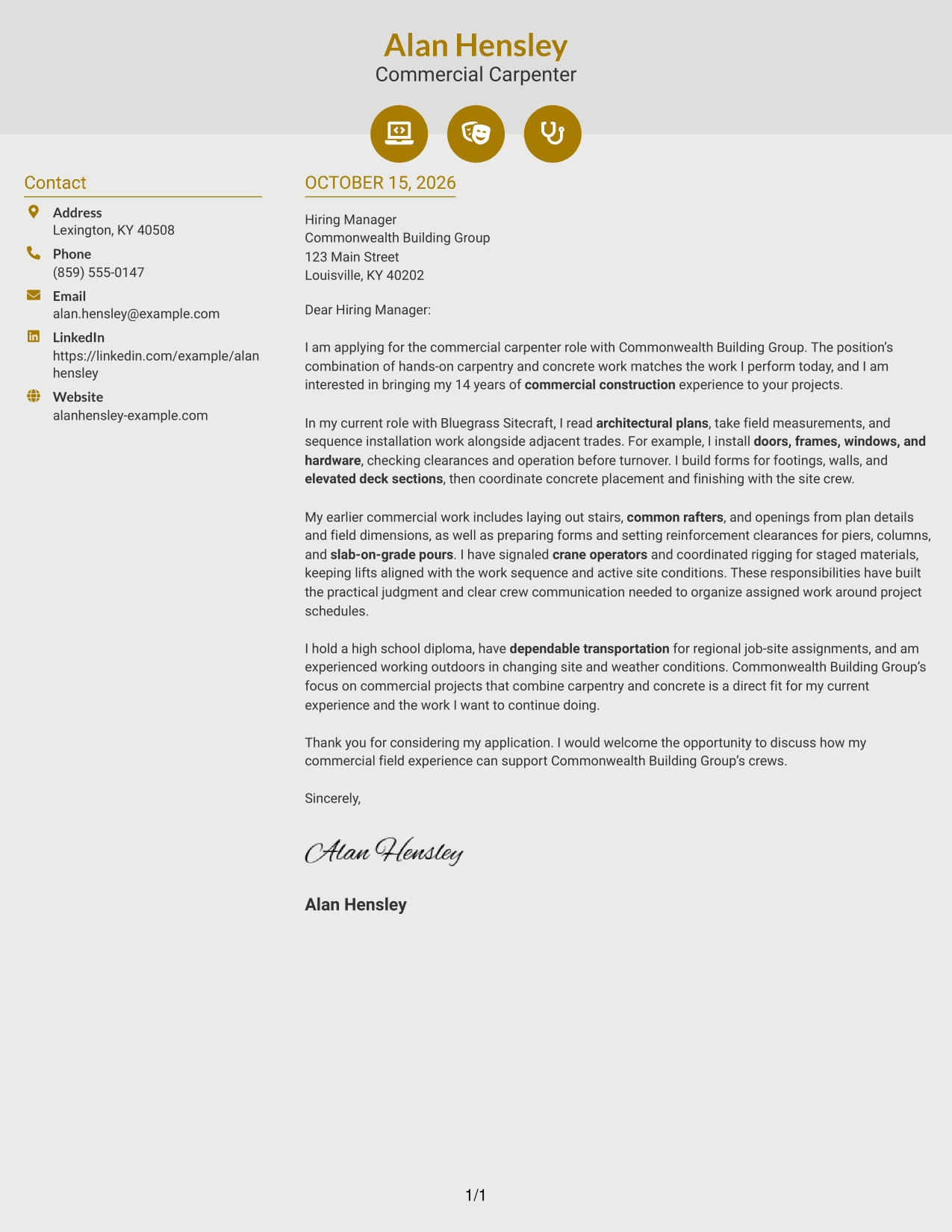
#6 Modern Icon Format Cover Letter Example
Contact icons provide visual cues beside sender details, while the two-column layout keeps the continuous letter body in its own area.
Why This Format Works
- Contact icons help distinguish sender details from the letter's paragraphs.
- The separate contact area leaves the message as one continuous body.
- Header accents add visual cues without labeling the letter's argument.
Best For
- Icon cues beside contact details
- A separate area for sender information
- Letters that rely on continuous paragraphs
- Clear separation between contact and message
- A restrained visual touch in the header
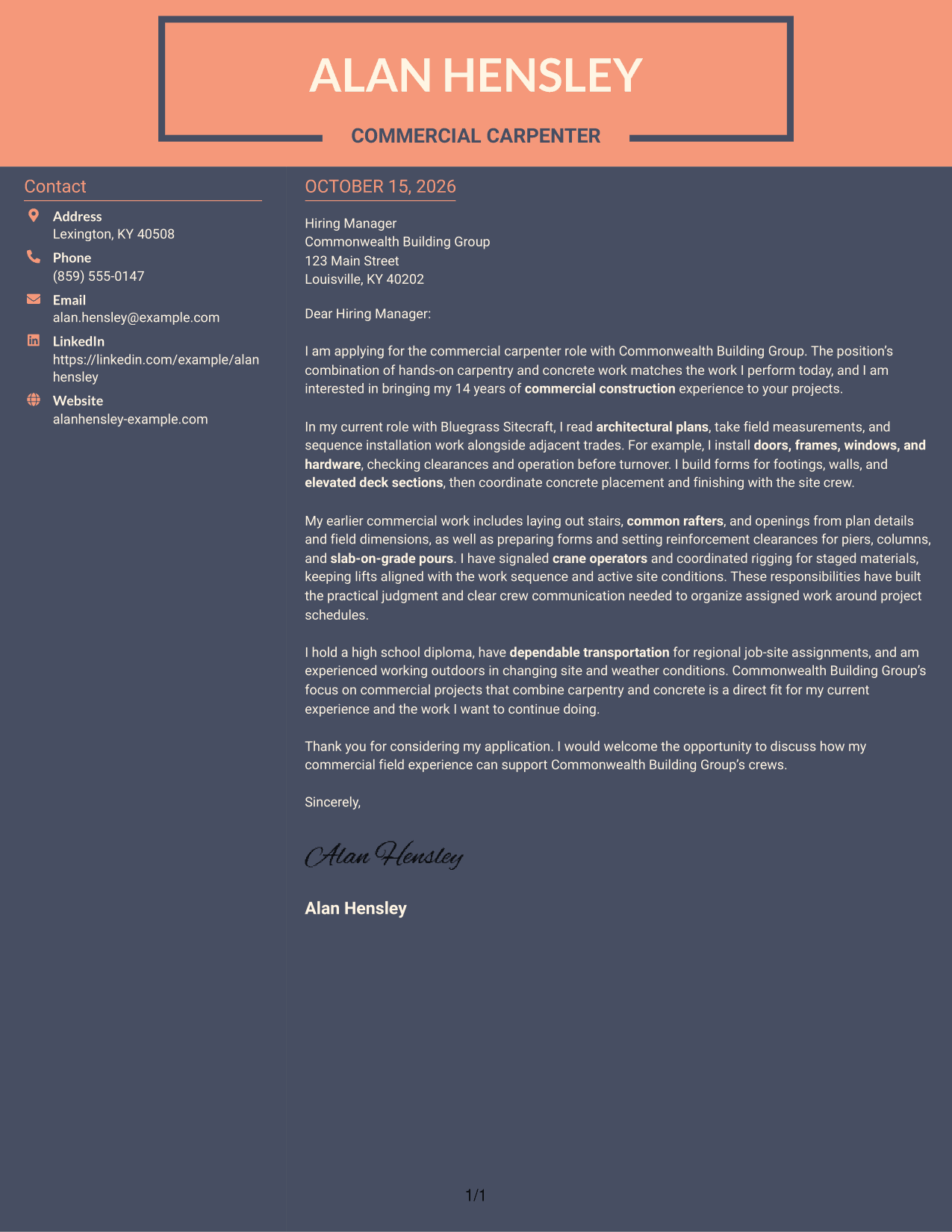
#7 Creative Two Tone Format Cover Letter Example
The contact sidebar sits next to one continuous letter body, keeping sender information separate while the message remains in a single sequence.
Why This Format Works
- The sidebar gives contact information a distinct place beside the letter.
- A continuous body keeps the opening, evidence, and close within one message.
- The reviewer can distinguish sender details from the letter's paragraphs.
Best For
- Contact details set beside the message
- Continuous letter-body reading
- Paragraph-led explanations of role fit
- Letters that connect motivation with evidence
- Applications without a photo
See Also
- 7 Carpenter - Commercial Construction Resume Templates with Example
- 7 Carpenter I - Rough and Finish Carpentry Resume Templates with Example
- 7 Carpenter/Maintenance Technician Resume Templates with Example
- 7 Carpenter - Resort Building Maintenance Resume Templates with Example
- 7 Press Assistant / Press Secretary - Financial Policy Communications Resume Templates with Example
- 7 Steward - Patient Food Service Resume Templates with Example
- 7 Registered Nurse - Long-Term Care Resume Templates with Example
- 7 Talent Acquisition Analyst - Full-Cycle Recruiting Resume Templates with Example
- 7 Plant Manager - Wastewater Resume Templates with Example
- 7 Therapy Assistant I - Therapeutic Recreation Resume Templates with Example
Frequently Asked Questions
What should a Carpenter - Commercial Construction cover letter include?
Open with your interest in the role, then share relevant examples of carpentry, blueprint reading, layout, or concrete work. Close by linking your experience to the employer’s needs and inviting a conversation.
Do the examples show different cover letters?
The guide presents one cover letter example in different layouts. Compare the PNG image previews, then open an example in the editor to view or customize it.
Which cover letter style works well for commercial construction?
Choose a clear, easy-to-read layout that gives your opening, work examples, and closing room to stand out. A simple presentation can keep attention on your relevant field experience.
How can I show my fit for commercial carpentry work?
Use specific examples that match the role, such as interpreting plans, laying out stairs or openings, installing doors and hardware, forming concrete, and coordinating material movement. Explain how your work supports accurate installation and the project schedule.
Should I include a photo on my cover letter?
For U.S. applications, a photo is usually unnecessary. A no-photo layout keeps the focus on your message and job-related experience.




