
7 Carpenter II - Concrete Flatwork Cover Letter Templates with Example
This guide helps you create a focused Carpenter II - Concrete Flatwork cover letter and compare seven layouts for presenting your fit clearly.
What Makes a Great Carpenter II - Concrete Flatwork Cover Letter in 2026
A strong letter connects concrete flatwork, foundations, and public-facility maintenance to the Carpenter II - Concrete Flatwork role. It opens with clear interest and explains why this work matters to you.
Give specific evidence, such as preparing forms, checking work against drawings and accessibility standards, or completing light concrete finishing. Then connect your approach to the employer’s need for safe, dependable municipal facilities.
The featured Carpenter II - Concrete Flatwork example follows a focused progression from interest and role fit to relevant work and a clear close. Adapt that approach while choosing a presentation that suits the employer and the communication context.
#1 Simple One Column Format Cover Letter Example
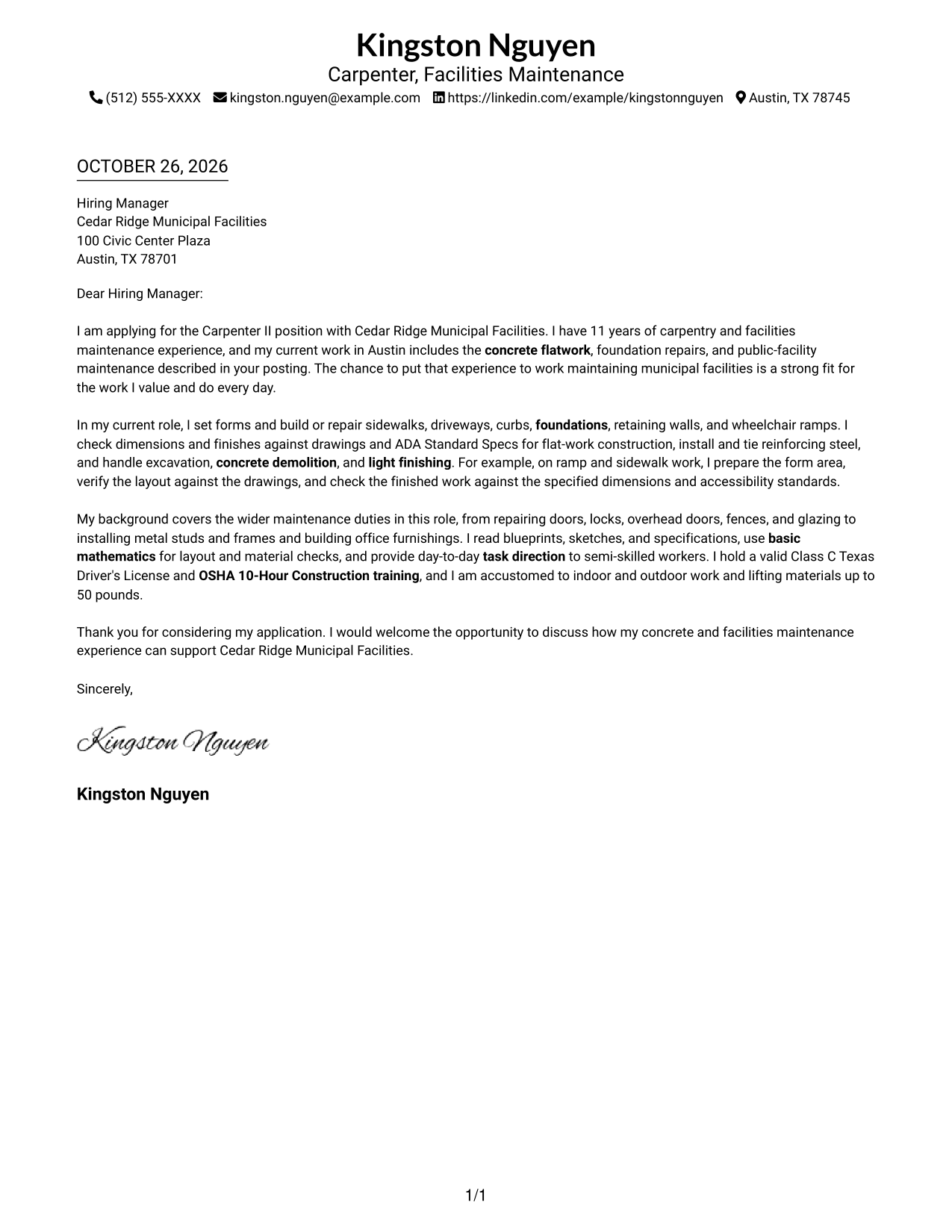
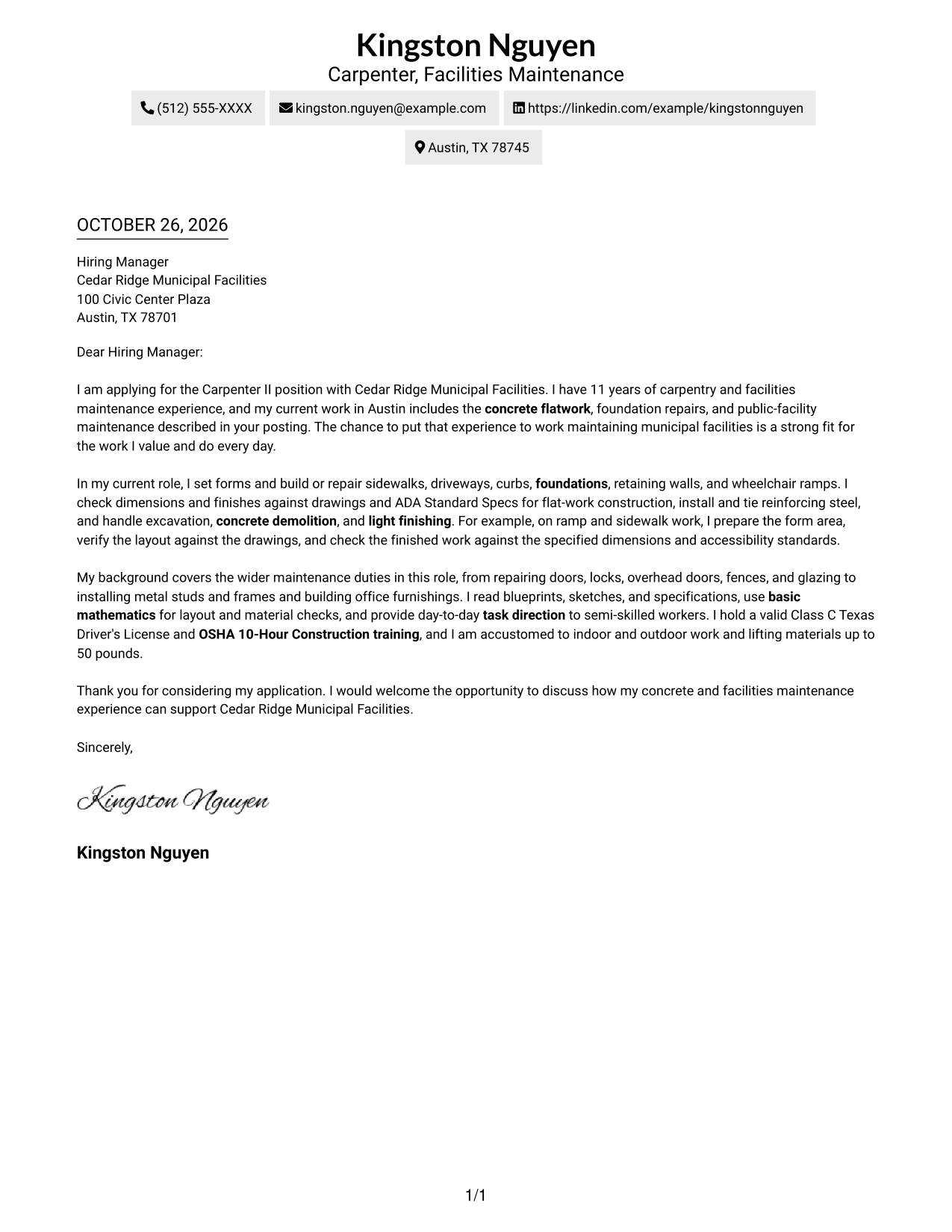
A single-column layout places sender details in the header and keeps the letter body on one reading path.
Why This Format Works
- Sender details remain in the header, apart from the letter's central message.
- One body column keeps the opening, supporting evidence, and closing in sequence.
- Paragraph order carries the reader through the application without argument-section headings.
Best For
- Single-column letter reading
- Header-based contact details
- Paragraph-led application messages
- Letters without body headings
- Photo-free document preference
#2 Two Column Format Cover Letter Example
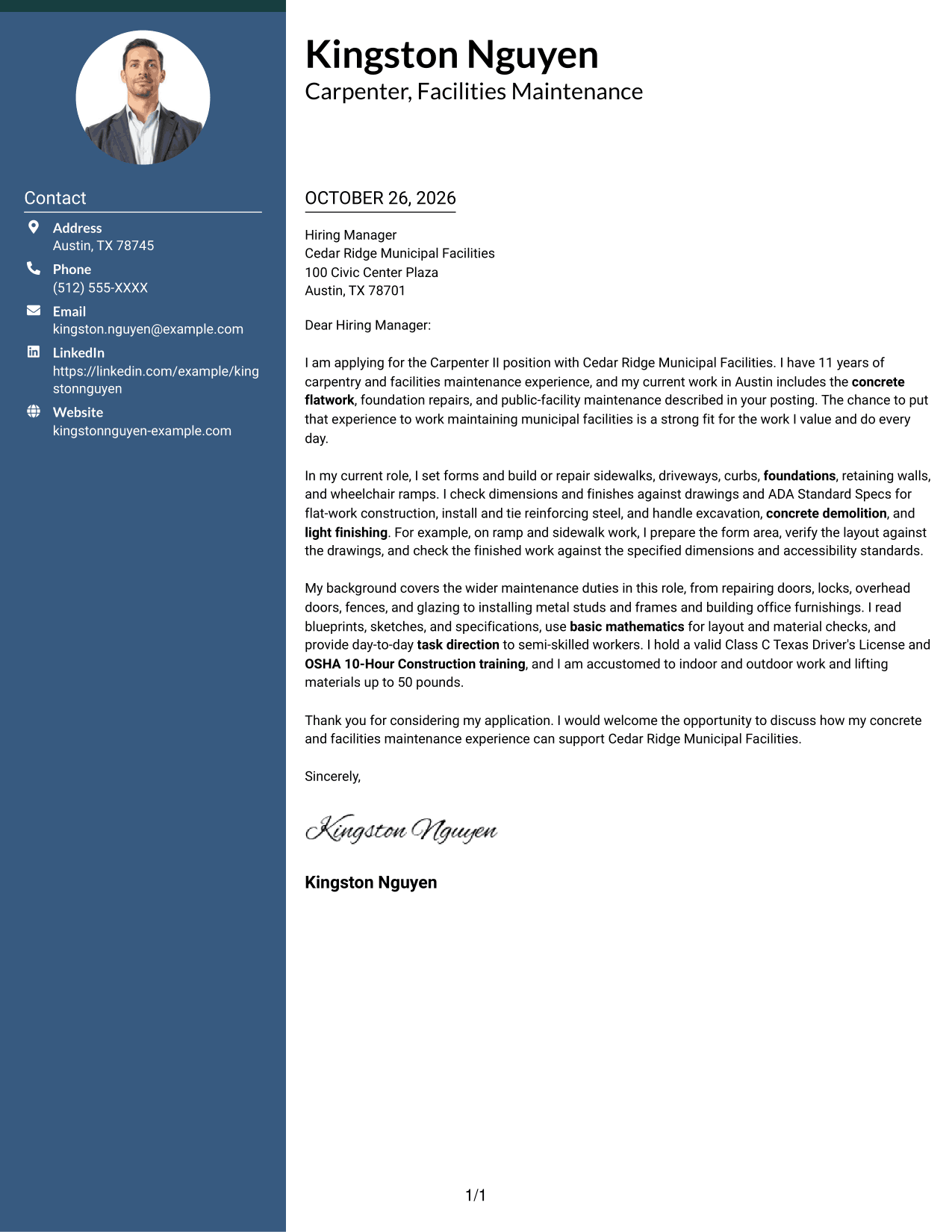
A contact sidebar sits beside the single-column letter body, keeping contact information distinct from the message.
Why This Format Works
- The contact sidebar gives sender information its own place beside the letter.
- The main column keeps motivation, supporting evidence, and closing in reading order.
- Paragraphs carry the argument, since the letter body has no section headings.
Best For
- Sidebar contact lookup
- One-column letter body
- Side-by-side page organization
- Several sender contact channels
- No-photo sidebar layouts
#3 Photo Header Two Column Format Cover Letter Example
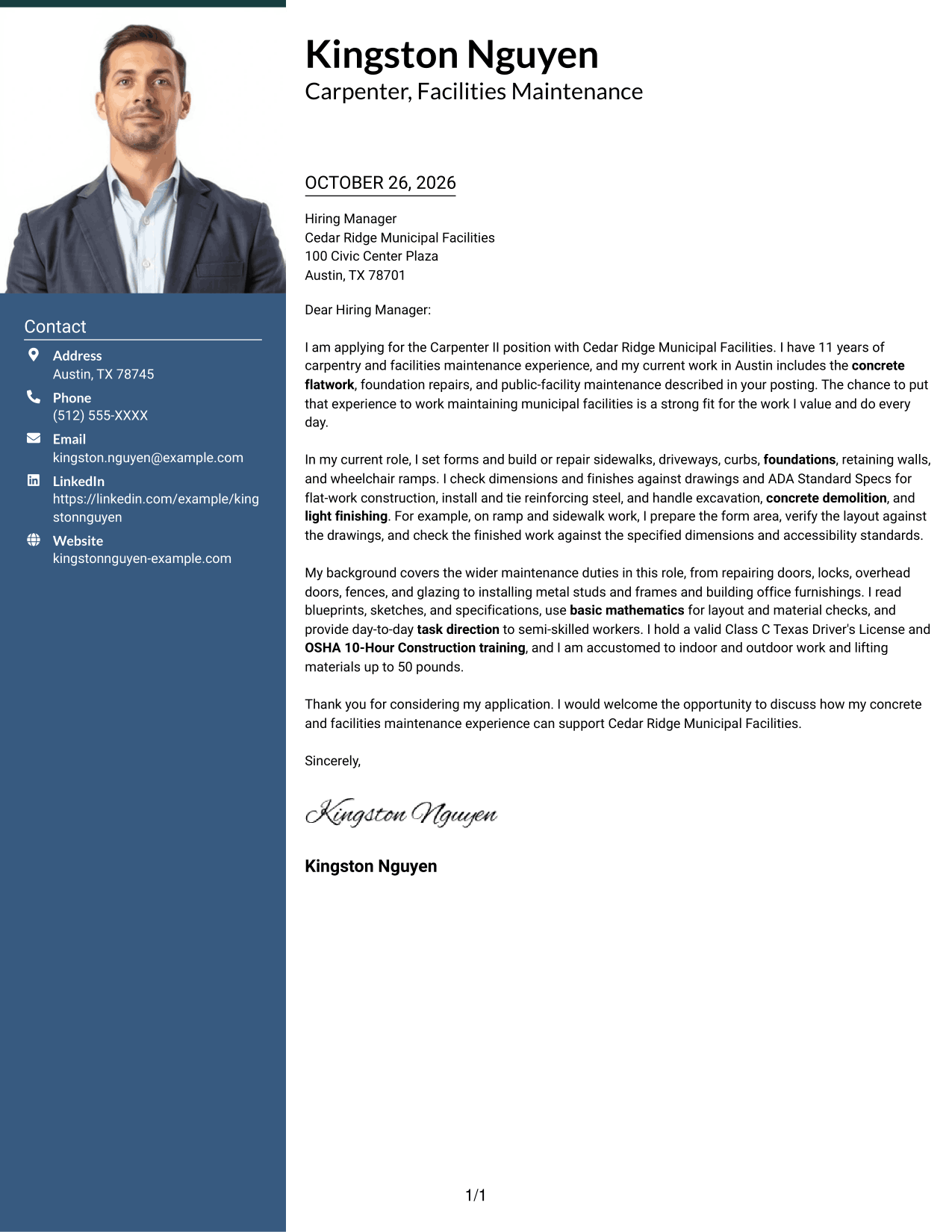
A photo appears with contact details beside the letter's single-column body, keeping the message continuous.
Why This Format Works
- Contact information stays apart from the letter while remaining easy to locate.
- One body column keeps the opening, work example, and close in order.
- The photo adds a visual feature without dividing the letter's paragraphs.
Best For
- Photo-inclusive letter headers
- Sidebar contact lookup
- One-column letter body
- Unheaded persuasive messages
- Side-by-side page organization
#4 One Column Format with Photo Cover Letter Example
A photo in the header adds a visual element above the continuous body of this one-column letter.
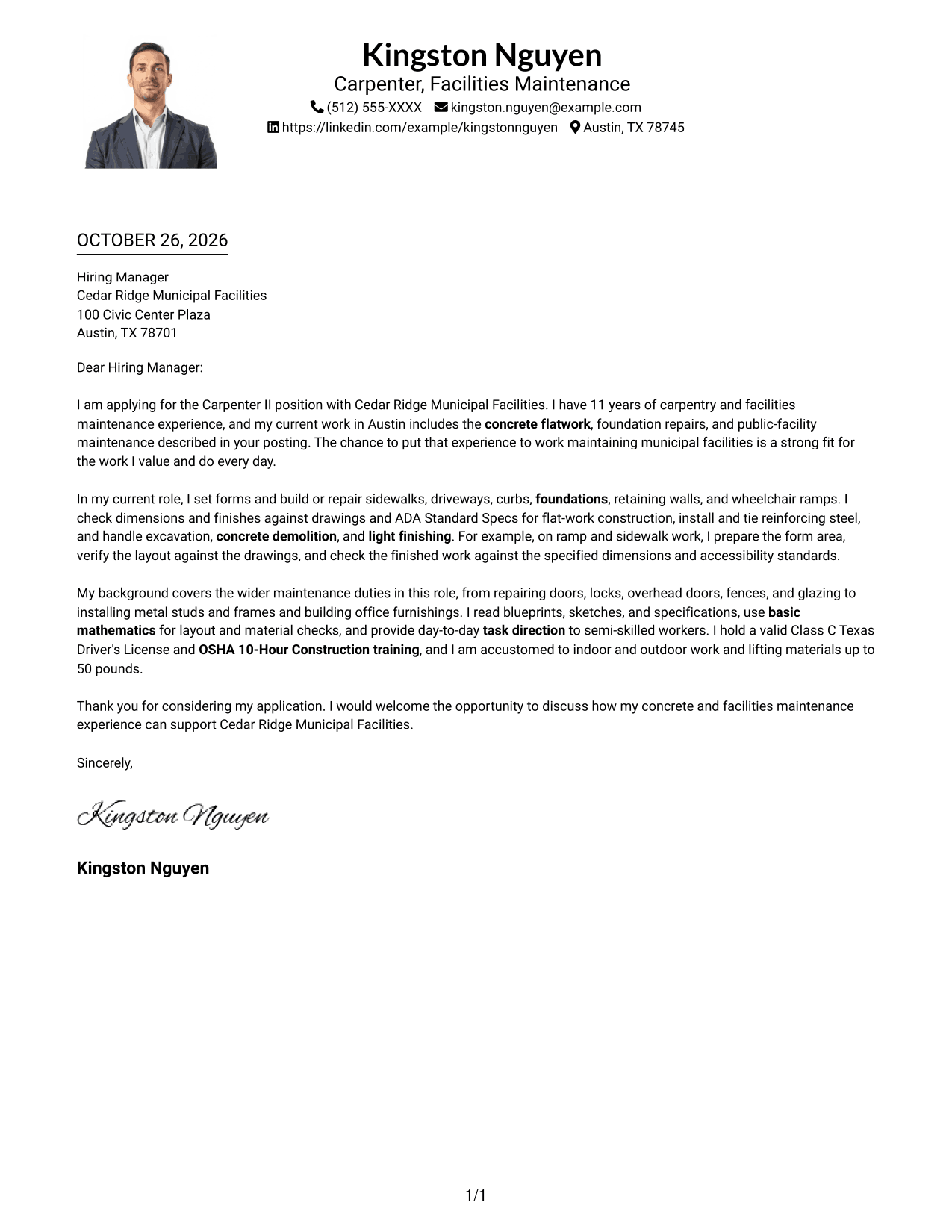
Why This Format Works
- Sender details and the photo sit in the header, above the letter body.
- One body column keeps the application message in a familiar reading sequence.
- Paragraphs move from motivation to evidence and closing without section labels.
Best For
- Header photo preference
- Single-column letter body
- Header-based contact details
- Unheaded application messages
- Photo-inclusive document layouts
#5 Simple Two Column Format Cover Letter Example
A contact sidebar sits beside one continuous letter body, separating sender information from the application message.
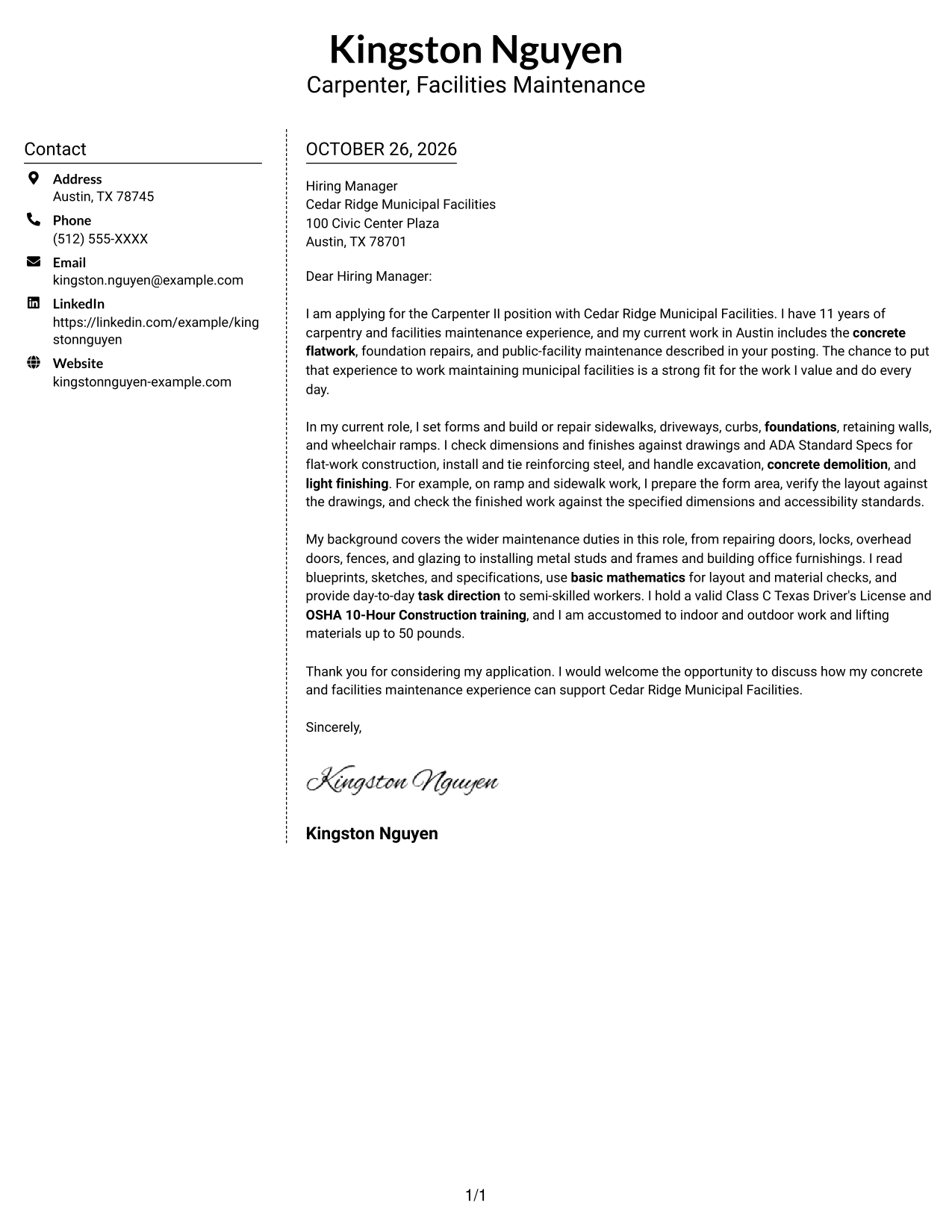
Why This Format Works
- The sidebar sets contact details apart from the continuous letter message.
- Readers can follow the application in one body column from opening to close.
- Without argument headings, each paragraph contributes to the letter's case.
Best For
- Contact sidebar presentation
- Continuous one-column letter body
- Photo-free application layouts
- Unheaded letter arguments
- Multi-channel sender details
#6 Modern Icon Format Cover Letter Example
Icons mark contact details in the sidebar, while the letter remains a single continuous body beside them.
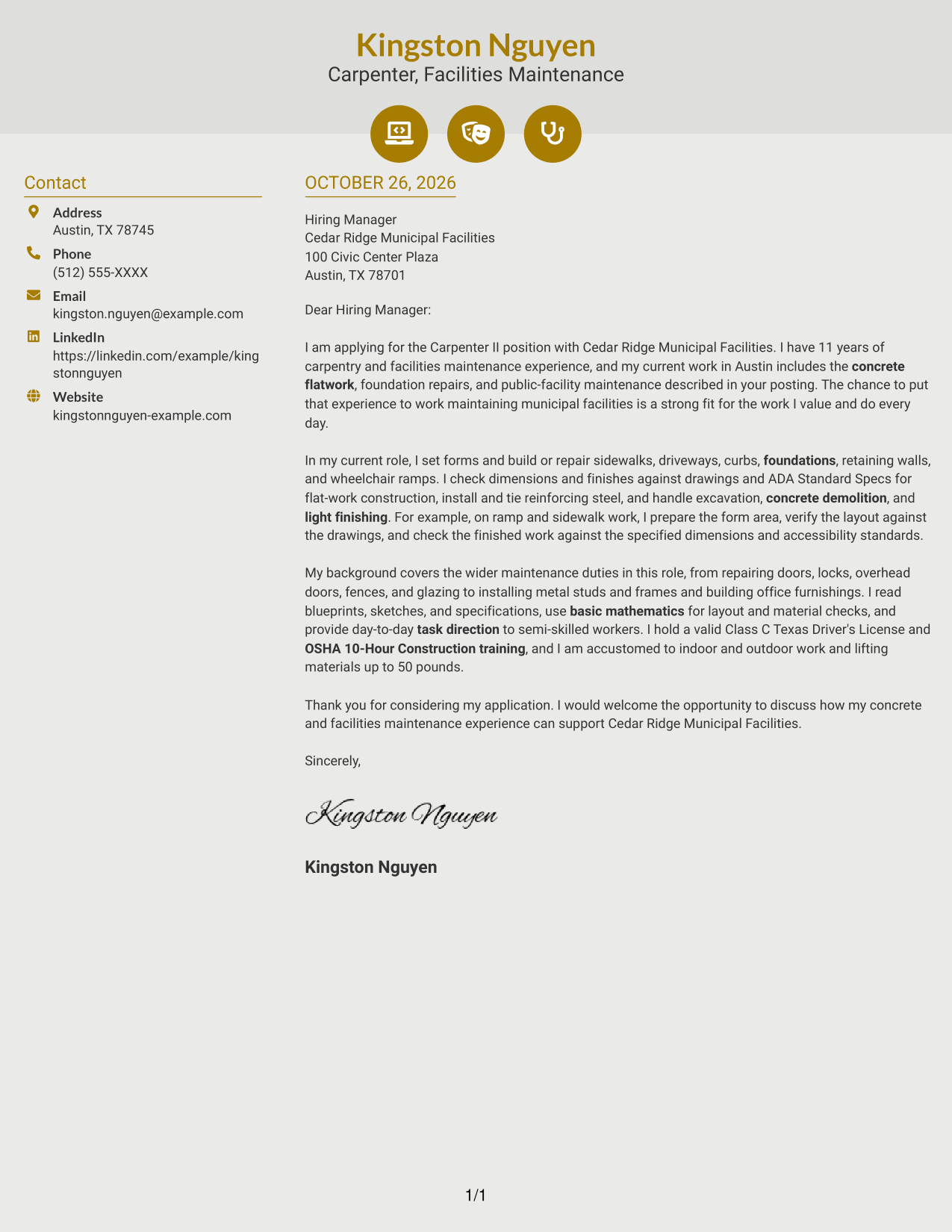
Why This Format Works
- Contact icons help distinguish sender details in the sidebar from the message.
- The letter remains a single body column, so its argument stays in sequence.
- Decorative header icons add visual cues without assigning labels to letter paragraphs.
Best For
- Contact icon cues
- Sidebar sender details
- Single-column letter body
- Unheaded paragraph messages
- Two-column letter layouts
#7 Creative Two Tone Format Cover Letter Example
The contact sidebar and continuous letter body form two columns, while the letter itself remains in one reading column.
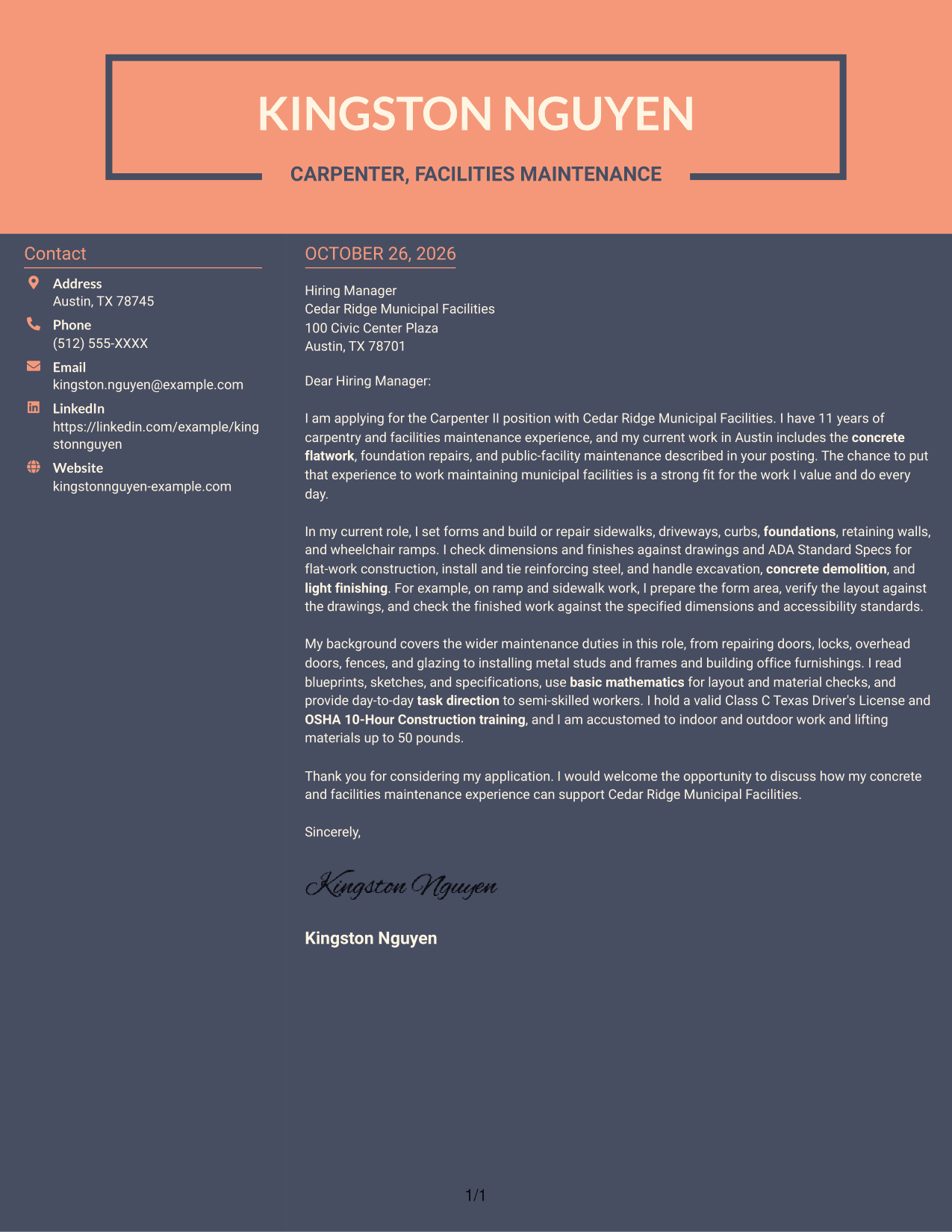
Why This Format Works
- Contact details occupy a sidebar beside the letter's single continuous body.
- The body column preserves the application's order from opening to close.
- Paragraphs, not section labels, guide the reader through the letter's case.
Best For
- Two-column contact presentation
- Single-column letter body
- Sidebar-based contact details
- Paragraph-led application messages
- No-photo two-column layouts
Why Use ResumeInMinutes for a Carpenter II - Concrete Flatwork Cover Letter
ResumeInMinutes gives you cover letter examples to review as image previews and lets you open an example in the editor. Use these options to compare how different presentations support a clear, job-focused message.
- Cover letter examples
- Image previews
- Editor access
- Role-focused writing guidance
- Professional presentation options
- Clear application messaging
For this role, connect your concrete and facilities maintenance experience to the work described in the posting, and keep your reasons for applying direct and specific.
See Also
- 7 Carpenter II - Concrete Flatwork Resume Templates with Example
- 7 Carpenter - Commercial Construction Resume Templates with Example
- 7 Carpenter I - Rough and Finish Carpentry Resume Templates with Example
- 7 Carpenter/Maintenance Technician Resume Templates with Example
- 7 Carpenter - Resort Building Maintenance Resume Templates with Example
- 7 Accountant II - Billing Operations Resume Templates with Example
- 7 Accounting Specialist II, Accounts Payable Resume Templates with Example
- 7 Administrative Assistant II - Math, Science, and Health Services Resume Templates with Example
- 7 Carpenter - Commercial Construction Cover Letter Templates with Example
- 7 Accountant II - Billing Operations Cover Letter Templates with Example
Frequently Asked Questions
What should a Carpenter II - Concrete Flatwork cover letter emphasize?
Show how your experience relates to forms, concrete flatwork, foundations, reinforcing steel, and light finishing. Include an example of how you check dimensions or follow drawings and accessibility standards.
How can I explain my approach to accessibility work?
Describe relevant work on access features, such as preparing a ramp form area, checking layout against drawings, and reviewing finished dimensions against applicable standards. Use details that match your own experience.
How should I connect other maintenance duties to this role?
Briefly mention related work with doors, locks, overhead doors, fences, glazing, metal frames, or office furnishings. Explain how this experience supports reliable maintenance at public facilities.
Which cover letter style works well for this position?
Choose a clear, readable style that makes your opening, relevant work, and closing easy to follow. Compare the image previews, then open an example in the editor to review its presentation.
What should I include in the closing paragraph?
Thank the reader, restate your interest in the Carpenter II - Concrete Flatwork position, and invite a conversation about how your experience could support the employer’s facilities work.




