
7 Cell Operator - Robotic Material Handling Cover Letter Templates with Example
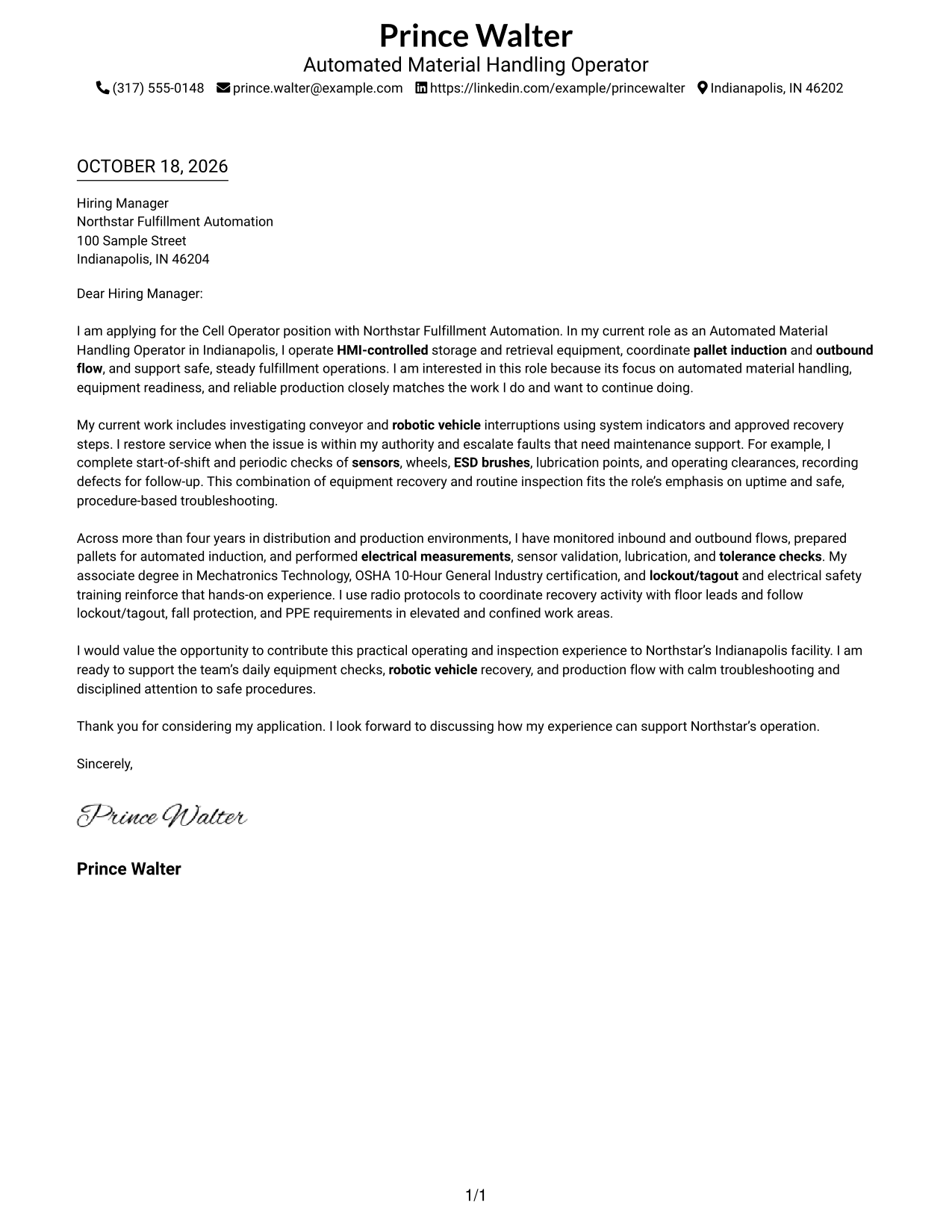
This practical guide helps you create a Cell Operator - Robotic Material Handling cover letter and compare its message across seven layouts.
What Makes a Great Cell Operator - Robotic Material Handling Cover Letter in 2026
A strong letter connects your interest in the role with clear examples of equipment operation, inspections, and safe recovery work. Show how your approach can support reliable production.
Use specific evidence, such as HMI operation, pallet induction, equipment checks, or radio communication, when it reflects your experience. Link that evidence to the employer’s focus on equipment readiness, uptime, and safe procedures.
The featured example moves from role interest to hands-on evidence, broader qualifications, and a clear closing. Adapt that focused progression while choosing a presentation that suits the employer and the way you will communicate.
#1 Simple One Column Format Cover Letter Example
A single text column keeps sender details in the header and gives the letter a clear path from opening to close.
Why This Format Works
- Sender details remain in the header, keeping contact information apart from the message.
- One text column gives the opening, supporting points, and closing a clear order.
- Paragraphs without internal headings preserve the natural tone of a personal letter.
Best For
- Uninterrupted letter reading
- Header-held sender information
- Straightforward contact lookup
- Paragraph-led messages
- Text-first application materials
#2 Two Column Format Cover Letter Example
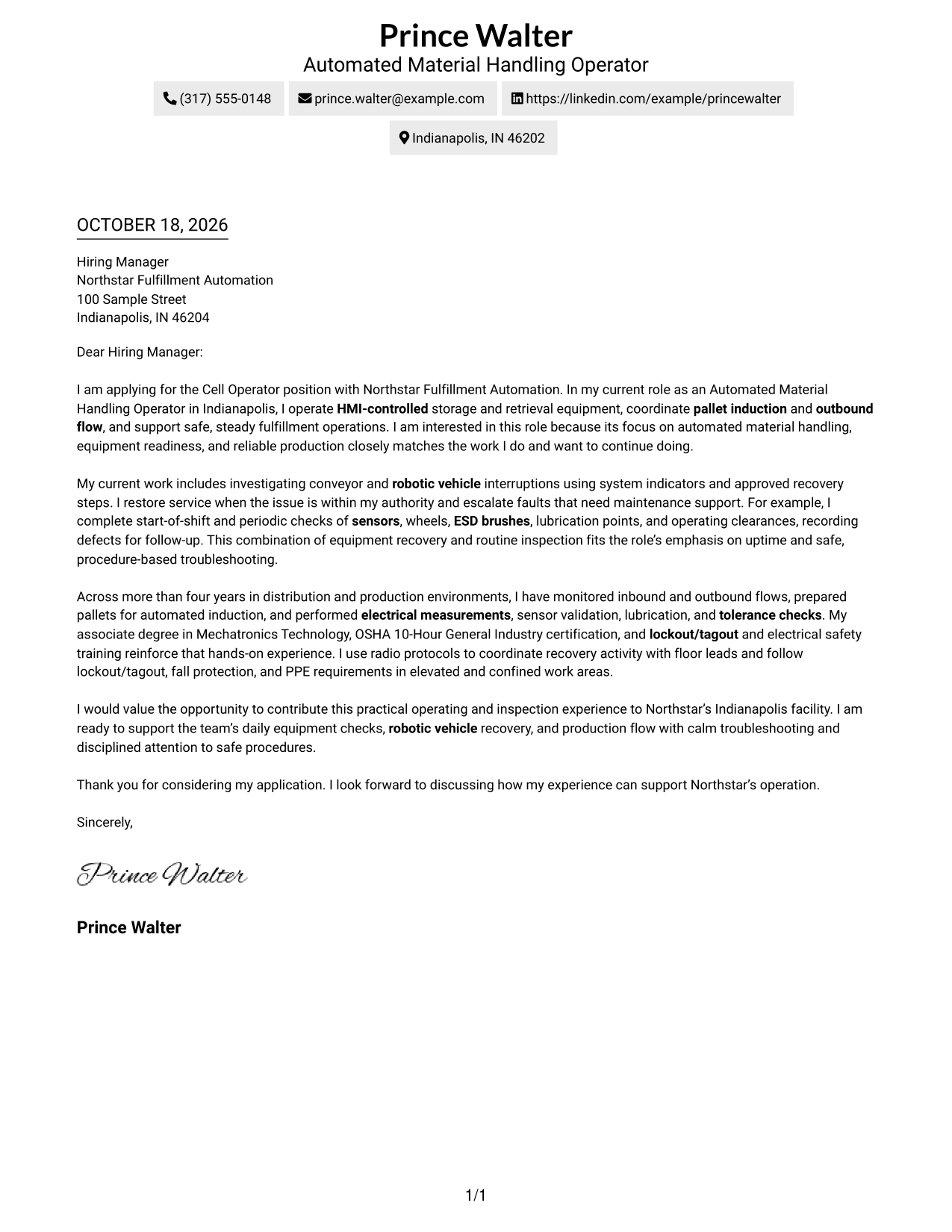
A contact sidebar sits beside one continuous letter column, keeping response details separate from the message.
Why This Format Works
- Contact details stay separate from the letter's persuasive message.
- Opening, evidence, and closing remain together in one reading column.
- Without argument headings, the paragraphs retain a direct, letter-like tone.
Best For
- Separate contact details
- One-column letter flow
- Quick contact lookup
- Paragraph-based arguments
- Side-by-side information
#3 Photo Header Two Column Format Cover Letter Example
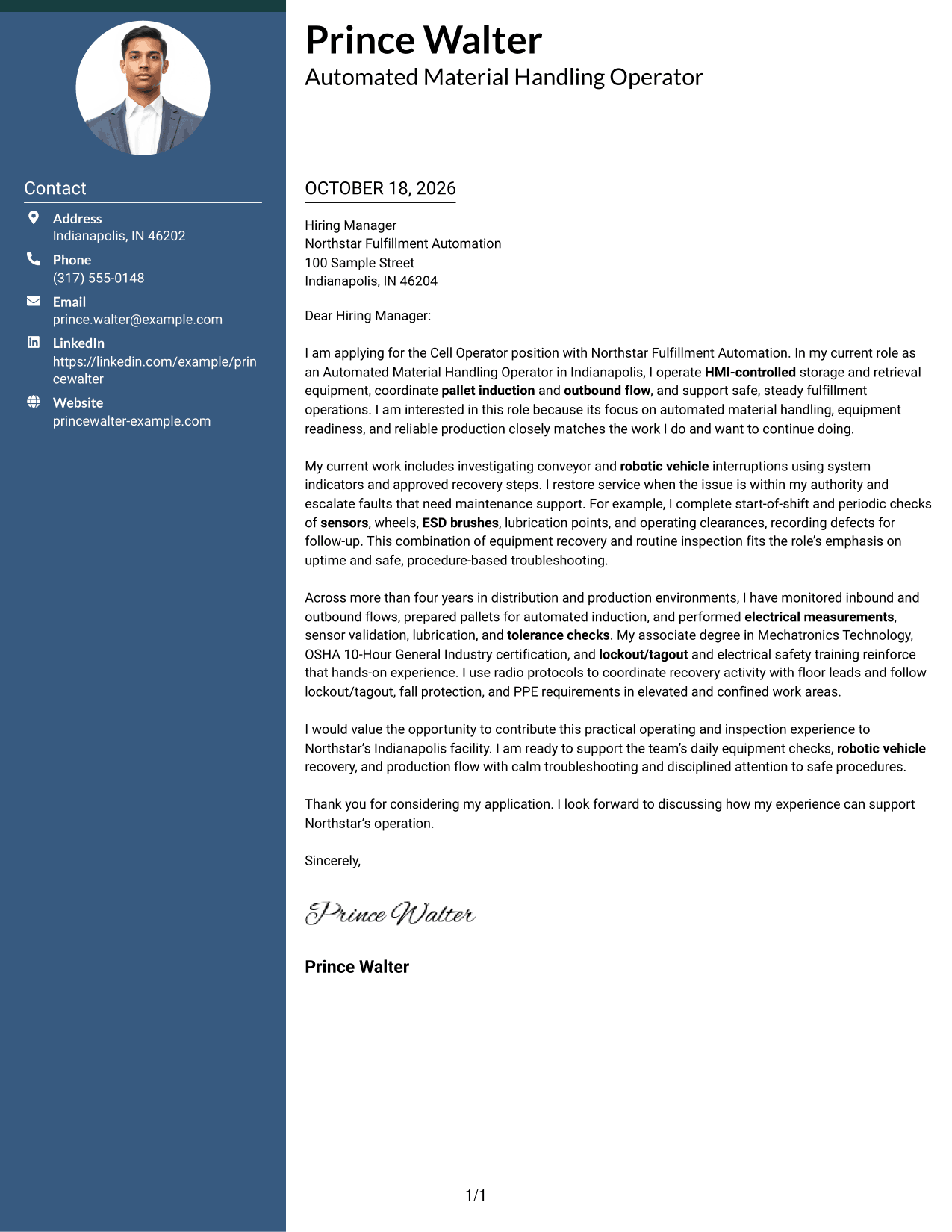
A photo adds a personal visual element to the two-column layout, while the letter remains in one continuous body.
Why This Format Works
- The photo offers a visual point of personal presentation without changing the letter's message.
- A separate contact sidebar keeps practical details apart from the letter body.
- The single letter column preserves the order of the opening, evidence, and close.
Best For
- Photo-led personal presentation
- Contact details beside the message
- Continuous letter paragraphs
- Clear separation of contact information
- Visual profile with a focused letter
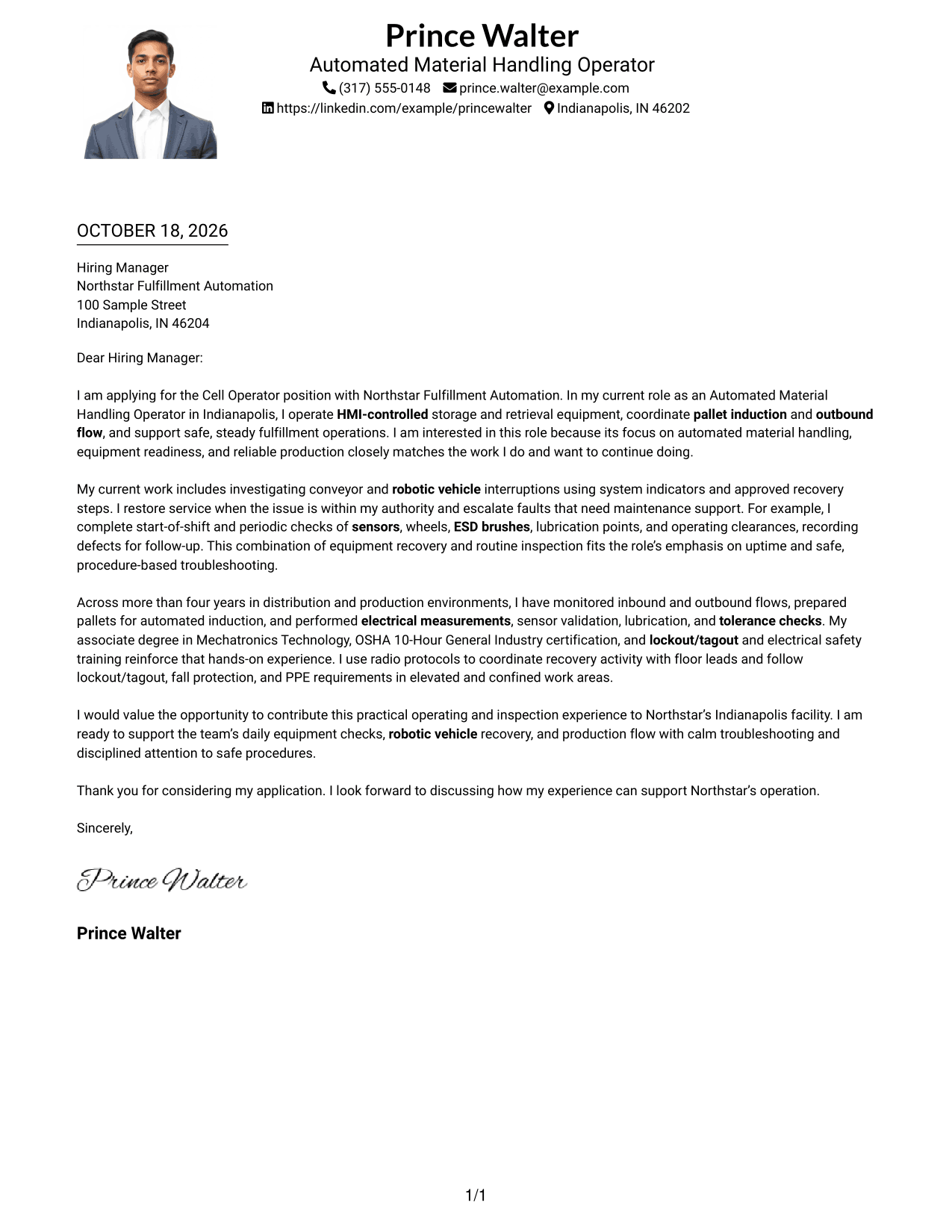
#4 One Column Format with Photo Cover Letter Example
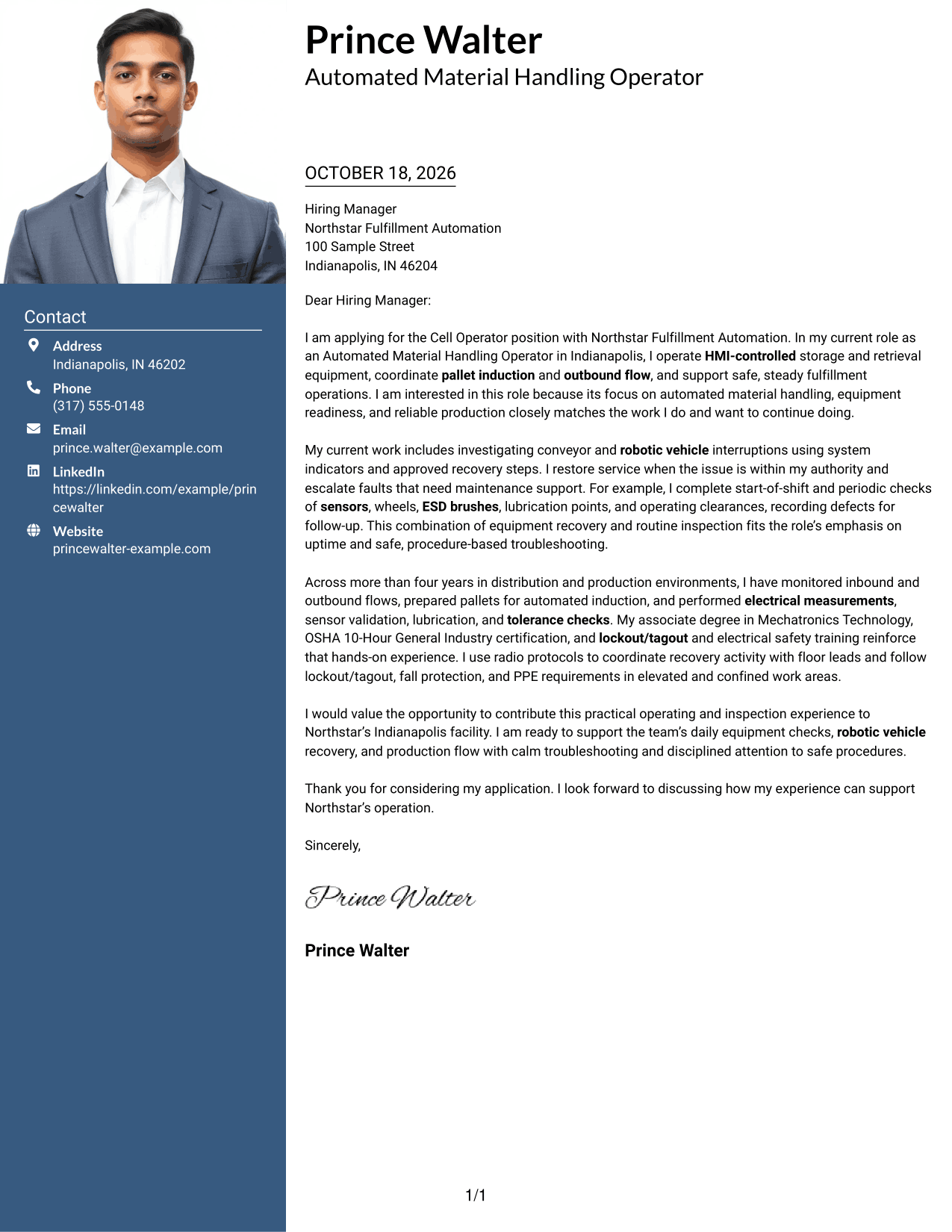
A photo adds a personal visual touch to this one-column letter, with sender details in the header and paragraphs in one reading path.
Why This Format Works
- The photo adds a personal visual detail while leaving the letter's argument intact.
- Sender details in the header keep contact information distinct from the message.
- One reading column lets reviewers follow each paragraph in order.
Best For
- One-column letter flow
- Photo-inclusive personal presentation
- Header-based contact details
- Continuous paragraph reading
- Text paired with a portrait
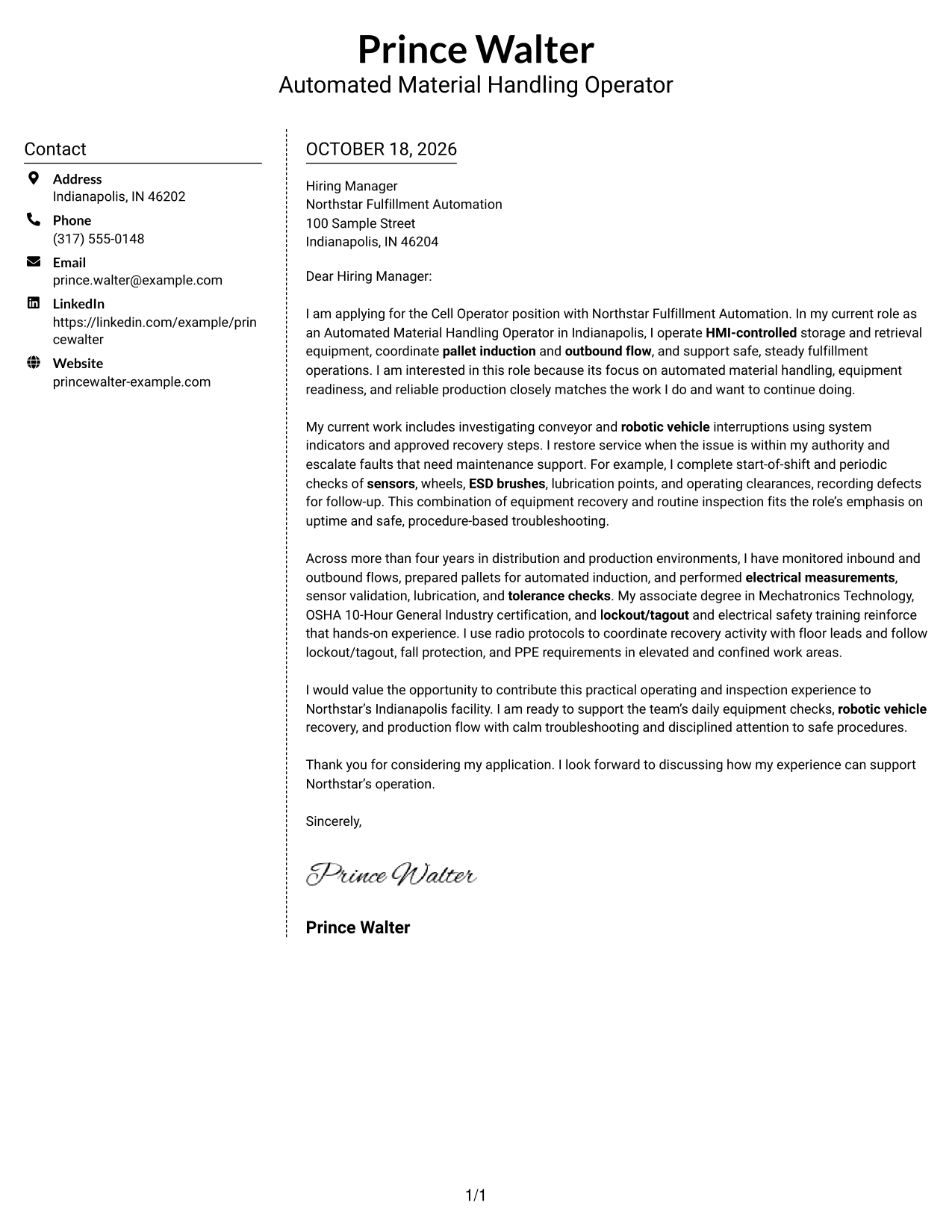
#5 Simple Two Column Format Cover Letter Example
The contact sidebar gives practical details a place beside the message, while the letter itself stays in one continuous column.
Why This Format Works
- The contact sidebar separates practical information from the letter's persuasive content.
- One continuous text area keeps the paragraphs in their intended order.
- The simple two-column arrangement makes contact details easy to locate.
Best For
- Contact details set apart
- Single-column letter body
- Fast contact lookup
- Continuous persuasive paragraphs
- Separate information areas
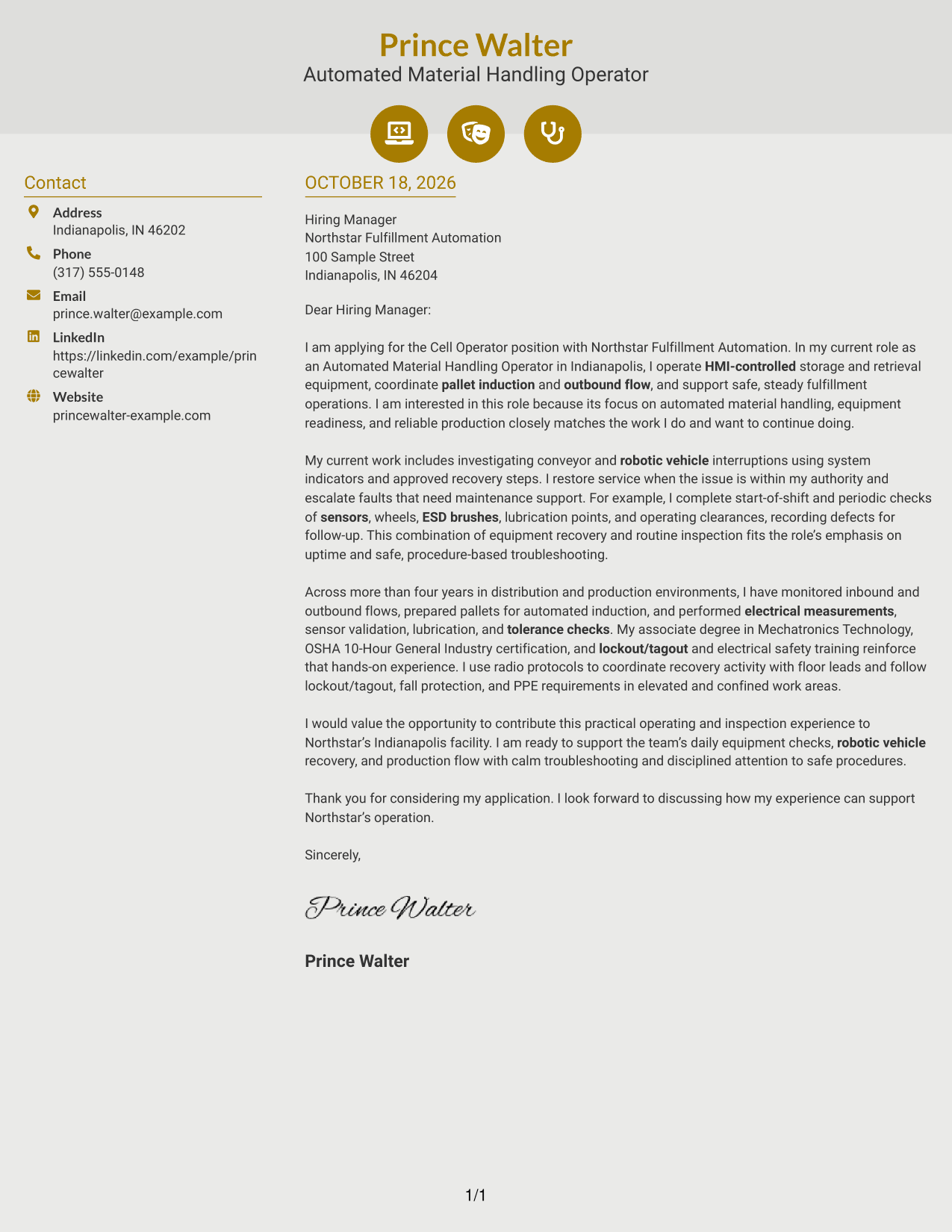
#6 Modern Icon Format Cover Letter Example
Contact icons and a sidebar set practical details apart from the continuous letter body, keeping the message in one column.
Why This Format Works
- Icons cue contact details, not the letter's opening or supporting points.
- The sidebar keeps practical information apart from the continuous letter body.
- Reviewers can follow the paragraphs without icons dividing the message.
Best For
- Icon-cued contact details
- One-column letter body
- Contact information at a glance
- Uninterrupted paragraph reading
- Distinct contact and message areas
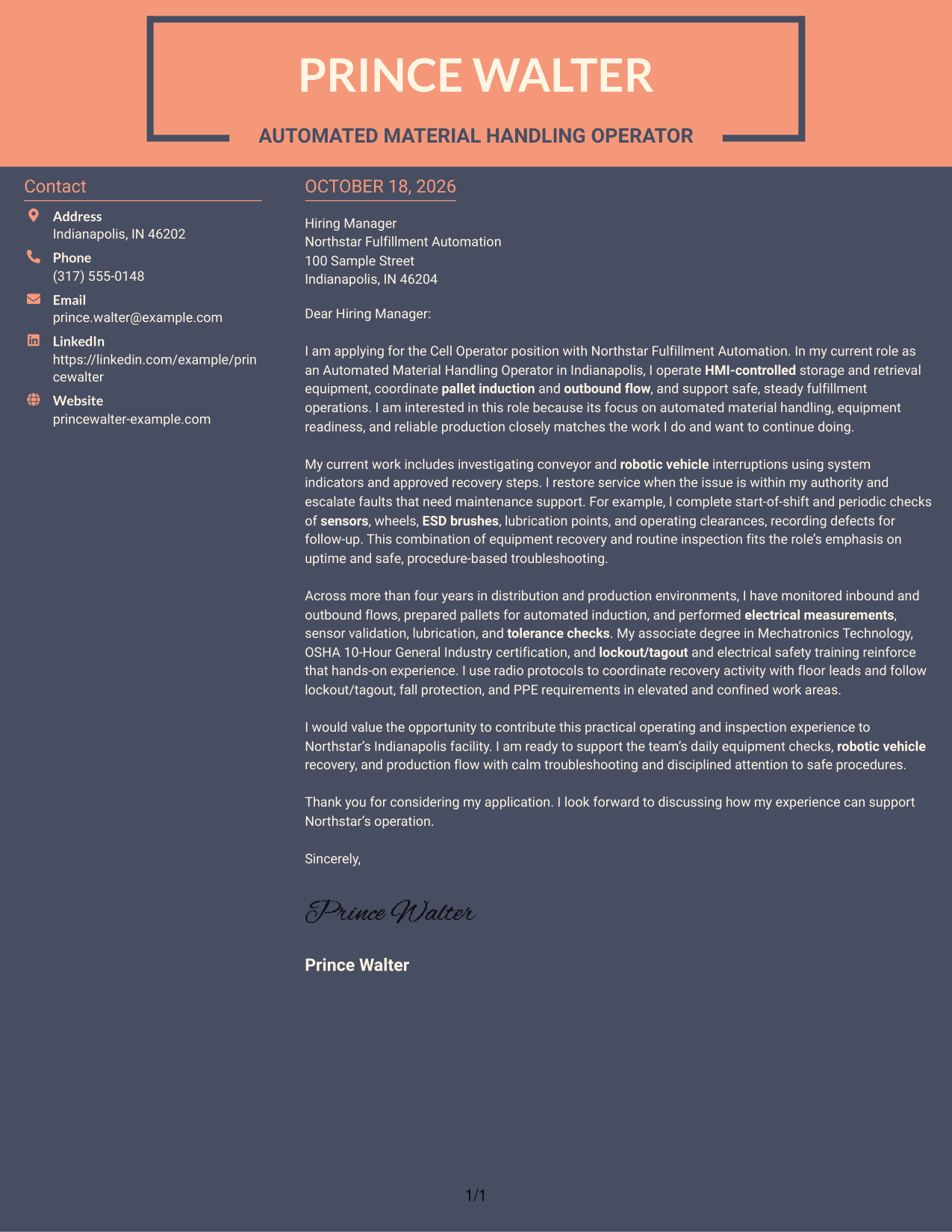
#7 Creative Two Tone Format Cover Letter Example
A contact sidebar sits beside one continuous letter body, giving practical details their own space while keeping the message together.
Why This Format Works
- The sidebar makes contact information distinct from the letter's main message.
- A single body keeps the opening, supporting points, and close together.
- Paragraphs without argument headings maintain a direct letter format.
Best For
- Contact details beside the message
- Single-body letter reading
- Clear contact and message separation
- Paragraph-led application letters
- Continuous opening-to-close flow
Why Use ResumeInMinutes for a Cell Operator - Robotic Material Handling Cover Letter
Review the preview images to compare letter presentations, then open an example in the editor to shape a clear message for the role.
- Role-focused letter guidance
- Clear opening, body, and closing
- Readable visual styles
- Preview images for comparison
- Examples available in the editor
- Guidance on showing role fit
Build your message around relevant equipment experience, safe work practices, and a clear reason for pursuing this specific role.
See Also
- 7 Cell Operator - Robotic Material Handling Resume Templates with Example
- 7 Mobile Equipment Operator - Rail Yard Material Handling Resume Templates with Example
- 7 Shipping & Receiving Operator - Grain Handling Resume Templates with Example
- 33 Registered Nurse, Stem Cell/ICU Resume Templates with Example 2026 (ATS-Optimized)
- 7 Automated Long Arm Sewing Machine Operator Resume Templates with Example
- 7 Braider & Winder Operator Resume Templates with Example
- 33 Call Center Operator Resume Templates with Example 2026 (ATS-Optimized)
- 7 Control Operator - Fire Resume Templates with Example
- 7 Mobile Equipment Operator - Rail Yard Material Handling Cover Letter Templates with Example
- 30+ Registered Nurse, Stem Cell/ICU Cover Letter Templates with Example 2026
Frequently Asked Questions
Are these cover letter templates suitable for Cell Operator - Robotic Material Handling applications?
Yes. Use a clear layout and connect your experience to the role’s focus on HMI operation, equipment readiness, robotic vehicle recovery, production flow, and safe procedures.
Does this page show different letters or different presentations?
It presents one role-focused cover letter example in several visual layouts. Compare the image previews, then open an example in the editor to adapt its message and presentation.
Which cover letter style works well for this role?
A simple, readable style helps hiring teams follow your reasons for applying and the evidence you share. Choose a presentation that supports clear communication and fits the employer’s setting.
What experience should I highlight in this cover letter?
Choose examples that are true for you, such as HMI operation, automated storage and retrieval, pallet induction, equipment inspections, troubleshooting, or robotic vehicle recovery. Explain what you did and how you followed approved procedures.
Should I mention safety practices in my cover letter?
Yes, if they are part of your experience. You can describe how you follow lockout/tagout, fall protection, and PPE requirements while carrying out inspections or recovery work.




