
7 Certified Nursing Assistant - Obstetrics Cover Letter Templates with Example
This guide helps you create a Certified Nursing Assistant - Obstetrics cover letter and compare seven layouts to choose a clear, role-focused presentation.
What Makes a Great Certified Nursing Assistant - Obstetrics Cover Letter in 2026
A strong letter shows how you provide respectful basic care under licensed nurse direction. It connects your communication and attention to patient comfort and safety with the needs of obstetric care.
Use brief examples of care tasks, vital signs, clear reporting, or infection prevention that reflect your experience. Explain how your approach supports the employer’s care setting and the patients it serves.
The featured example moves from role-specific interest to evidence of patient care and clear communication, then closes with credentials and a direct next step. Adapt this focused progression while choosing a presentation that fits the employer and the way you want to communicate.
#1 Simple One Column Format Cover Letter Example
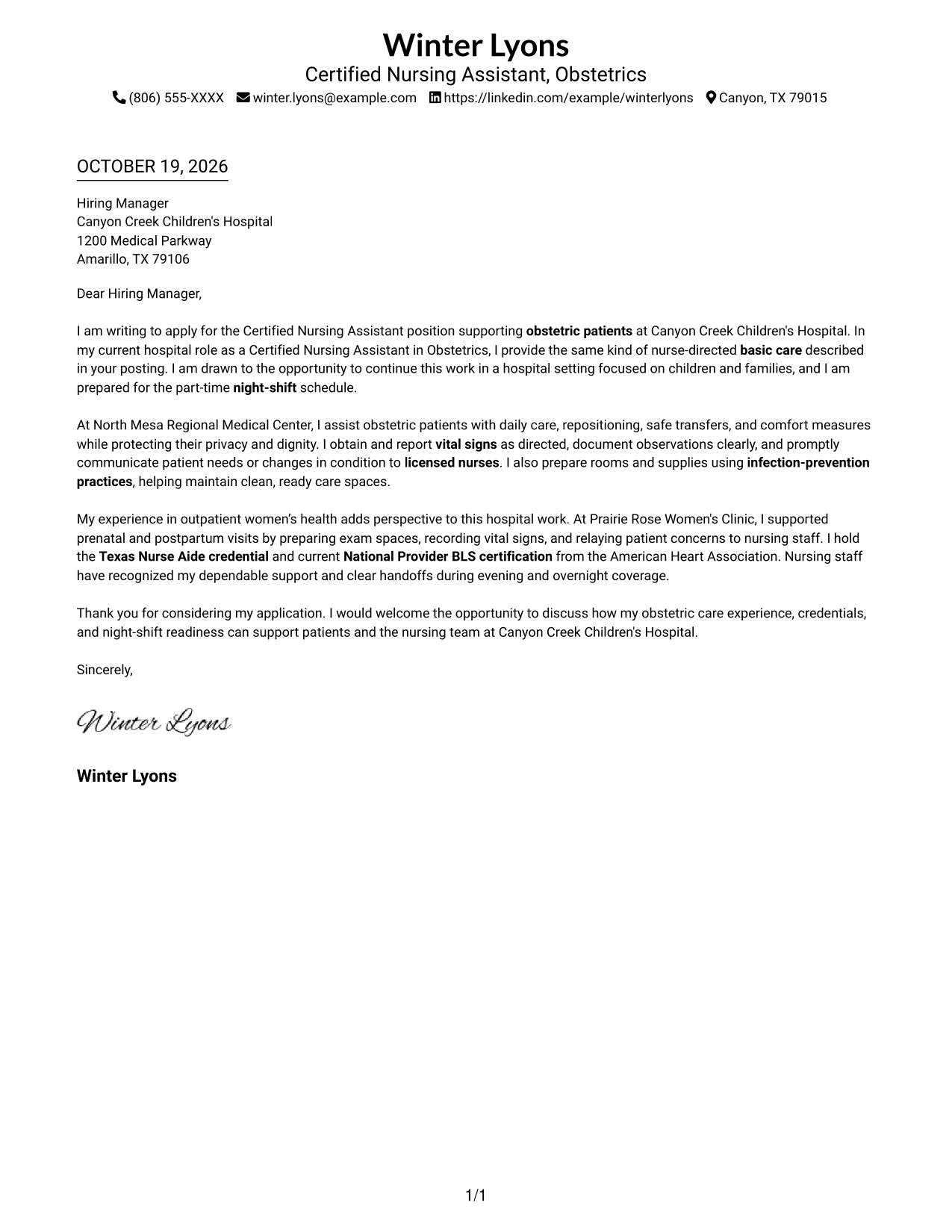
The Simple One Column Format places sender details in the header above one continuous letter body, keeping the message easy to follow.
Why This Format Works
- Sender details remain easy to find without competing with the application message.
- Paragraph breaks distinguish the opening, evidence, credentials, and closing without argument headings.
- One reading path carries the letter's case from greeting through sign-off.
Best For
- Single-column reading preference
- Header-based contact details
- Text-led application letters
- Paragraph-based persuasion
- Direct opening-to-closing flow
#2 Two Column Format Cover Letter Example
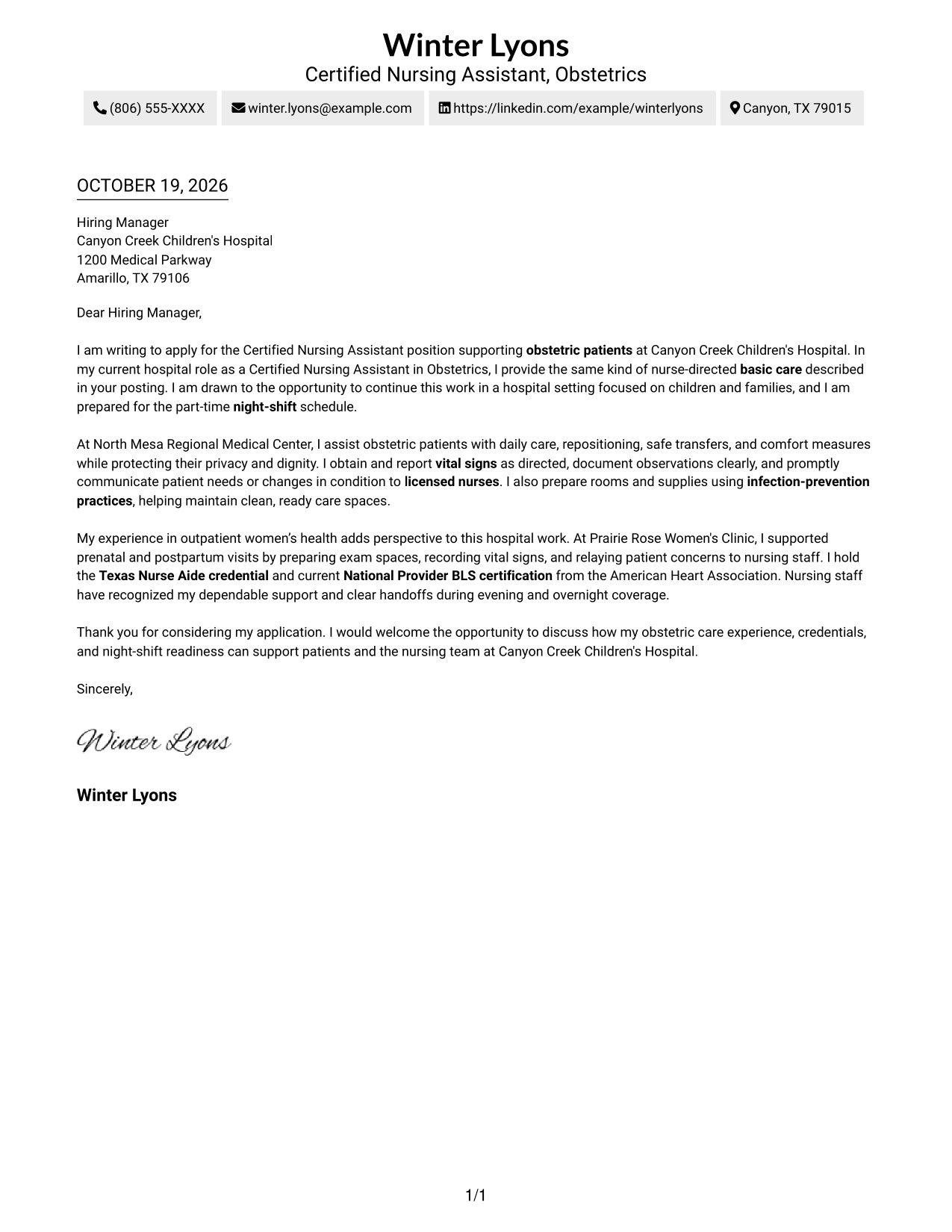
The Two Column Format places contact details in a sidebar beside one continuous letter body, separating contact information from the application message.
Why This Format Works
- The sidebar gives sender contact information a distinct place beside the letter.
- Paragraph breaks separate the opening, evidence, credentials, and closing without adding headings.
- A continuous body keeps the persuasive sequence together from greeting to sign-off.
Best For
- Contact sidebar preference
- Separate sender information
- Continuous letter text
- Paragraph-led evidence
- Two-area page organization
#3 Photo Header Two Column Format Cover Letter Example
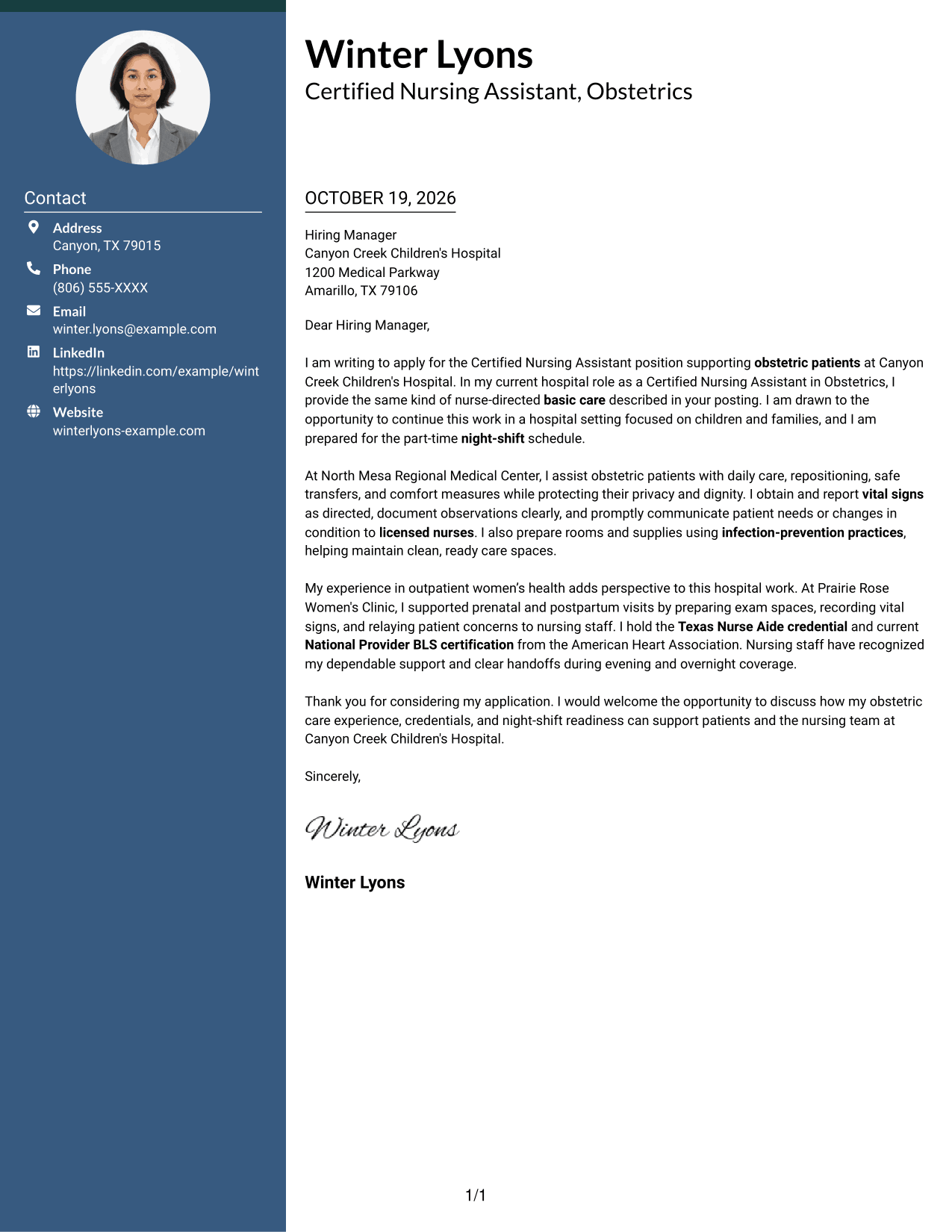
The Photo Header Two Column Format includes a photo and contact sidebar while keeping the letter in one continuous body, so contact details stay apart from the message.
Why This Format Works
- The contact sidebar keeps sender information separate from the application paragraphs.
- Paragraph breaks let reviewers follow the opening, evidence, credentials, and closing in order.
- The photo offers a visual choice without changing the letter's argument structure.
Best For
- Photo-inclusive letter design
- Header photo preference
- Sidebar contact presentation
- Continuous letter argument
- Paragraph-based application messages
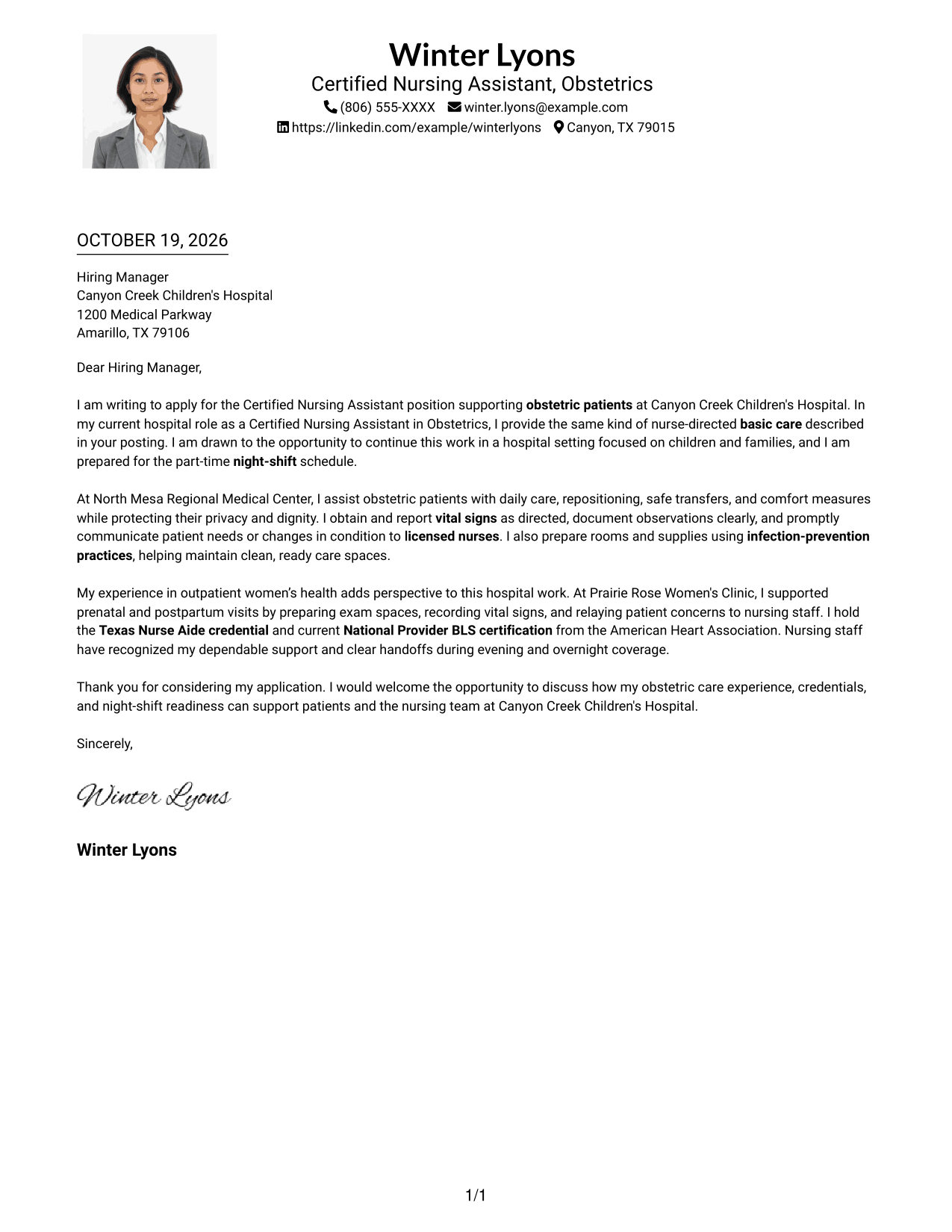
#4 One Column Format with Photo Cover Letter Example
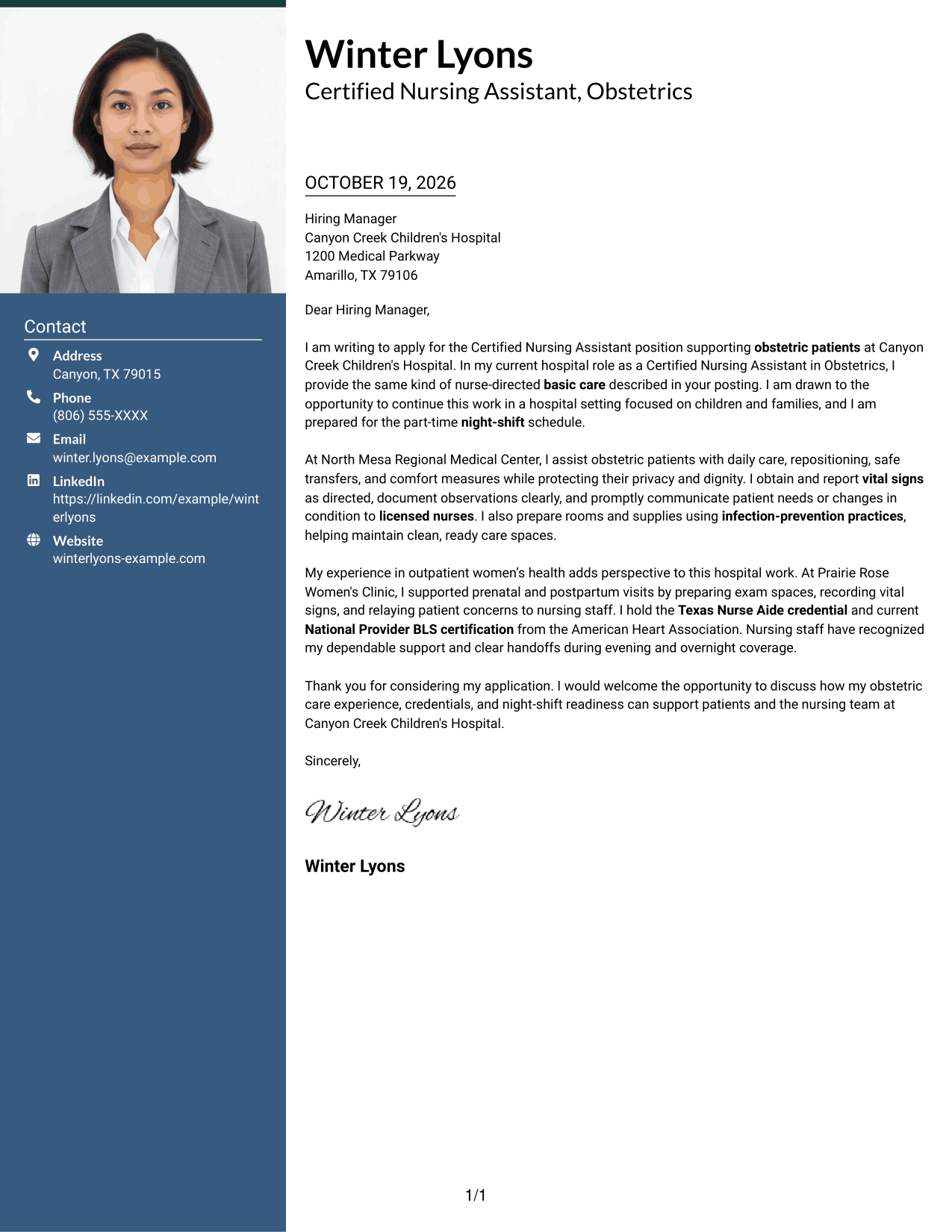
One Column Format with Photo combines a photo with a single-column letter, keeping the body on one clear reading path.
Why This Format Works
- The single-column body keeps the opening, evidence, and closing in one reading order.
- Paragraph breaks give each part of the message room to stand apart.
- The photo adds a personal visual element while leaving the letter's wording central.
Best For
- Single-column page preference
- Letters with a photo
- Text-first body reading
- Paragraph-based letter messaging
- One-path application review
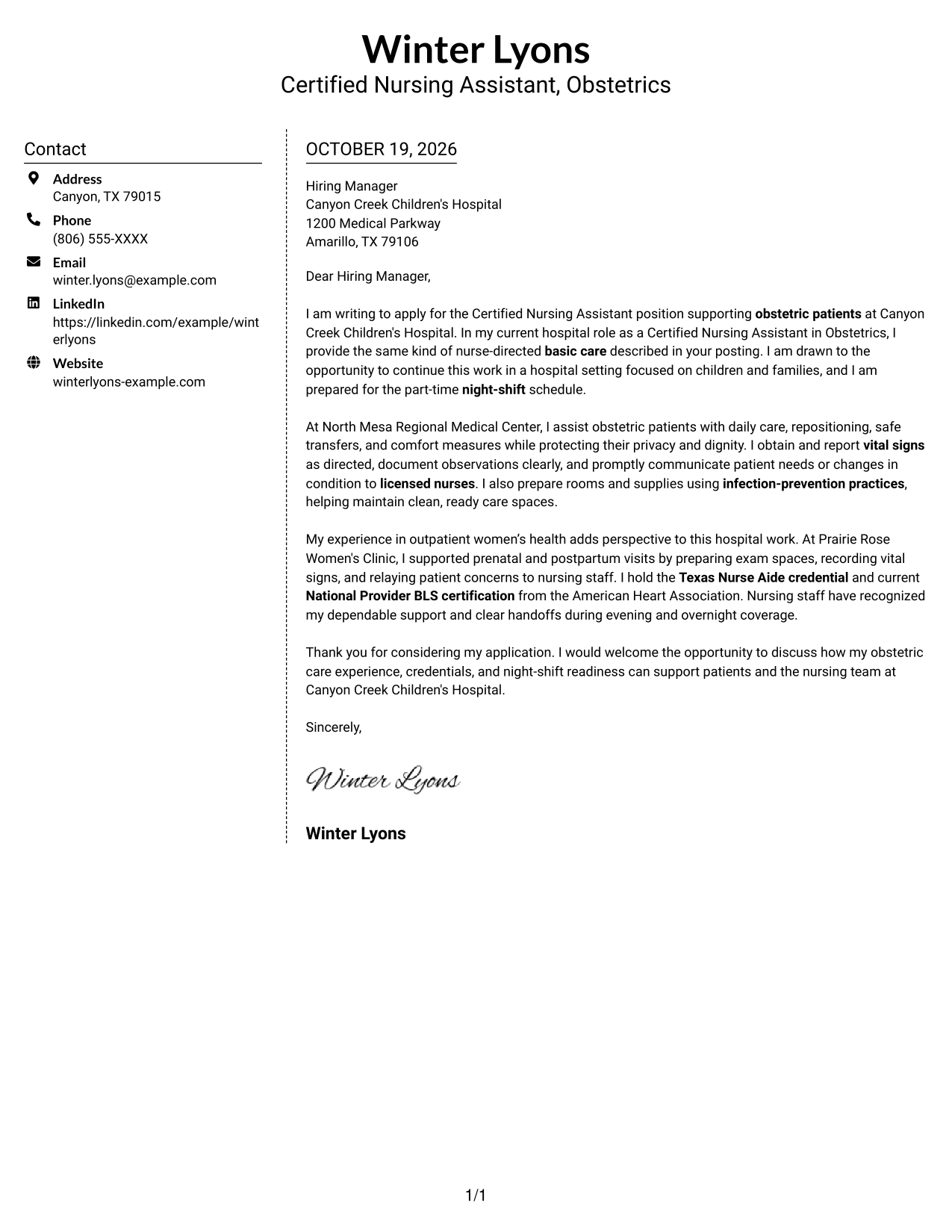
#5 Simple Two Column Format Cover Letter Example
The Simple Two Column Format keeps contact information in a sidebar and the application message in one continuous letter body.
Why This Format Works
- The separate sidebar makes sender contact details easy to locate.
- Paragraph breaks help reviewers distinguish the opening, supporting evidence, credentials, and closing.
- The letter's continuous body keeps its main message together.
Best For
- Sidebar contact access
- Separate contact presentation
- Continuous application message
- Paragraph-led letter structure
- Two-column page preference
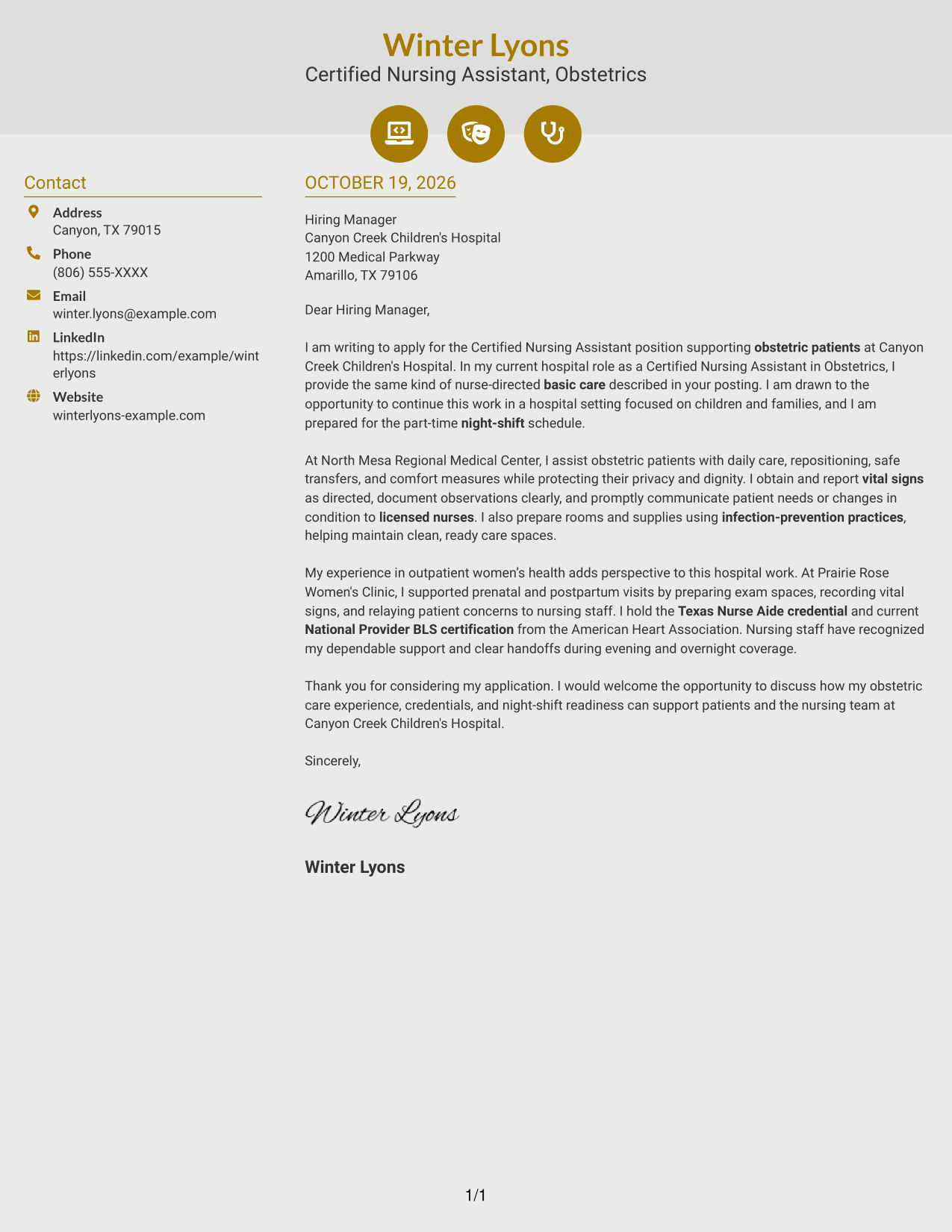
#6 Modern Icon Format Cover Letter Example
Modern Icon Format uses visual cues for contact details in a two-column layout, while the letter itself stays in one continuous body.
Why This Format Works
- Contact cues help distinguish contact information from the letter's message.
- The continuous body carries the application case without dividing it into side-by-side arguments.
- Paragraph breaks separate the opening, evidence, credentials, and closing for easy reference.
Best For
- Contact icons for reference
- Two-column layout preference
- Continuous letter argument
- Icon-accented contact details
- Paragraph-based application letters
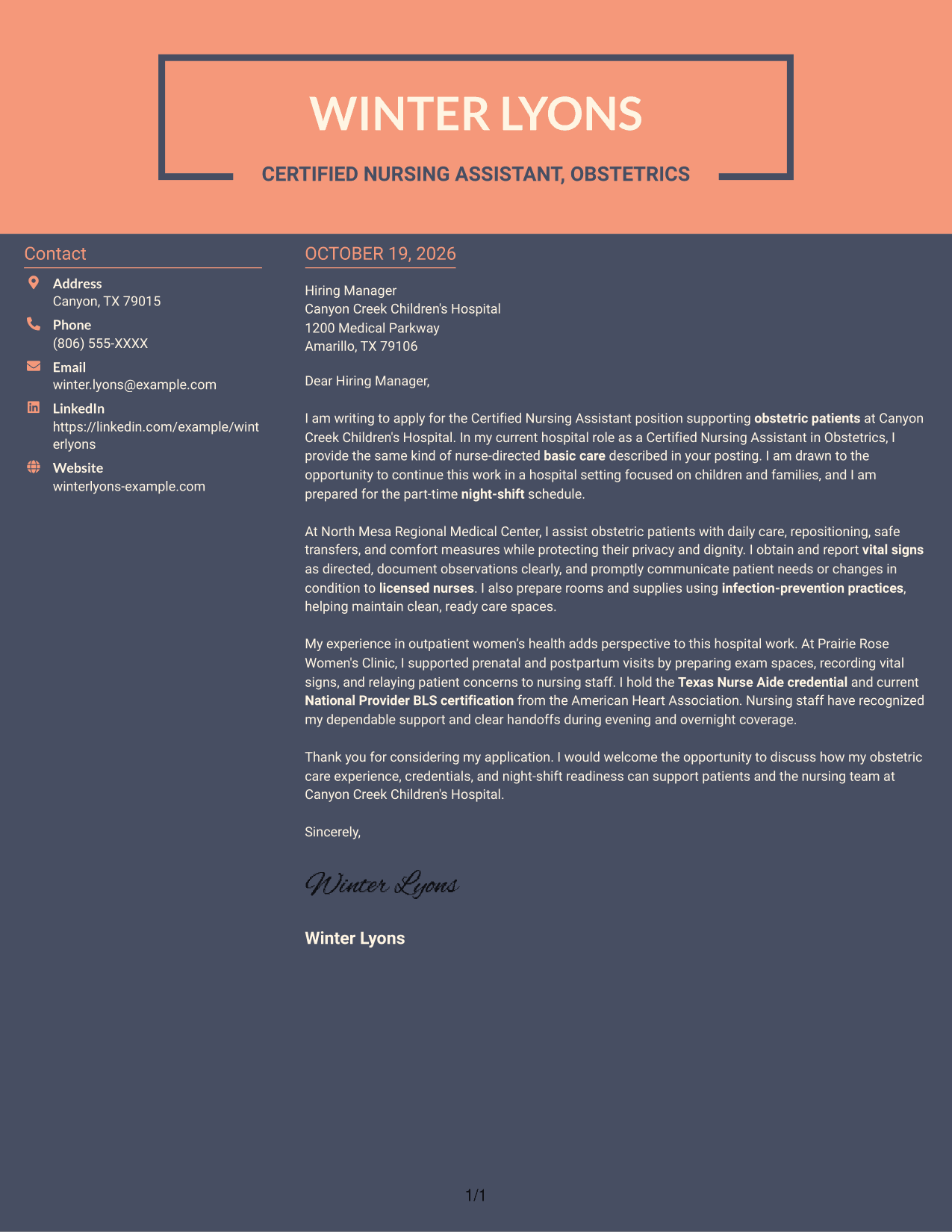
#7 Creative Two Tone Format Cover Letter Example
Creative Two Tone Format places a contact sidebar beside one continuous letter body, keeping personal details apart from the application message.
Why This Format Works
- The sidebar gives contact information its own place beside the letter.
- Paragraph breaks help readers follow the opening, evidence, credentials, and closing.
- One continuous body keeps the application message together instead of splitting its argument.
Best For
- Contact sidebar preference
- Distinct sender information
- Single-body letter structure
- Paragraph-based persuasion
- Two-column reading order
Why Use ResumeInMinutes for a Certified Nursing Assistant - Obstetrics Cover Letter
Review the PNG image previews to compare presentation styles, then open an example in the editor to customize your cover letter.
- PNG image previews
- Examples to view in the editor
- Layouts for a clear, professional letter
- Role-focused cover letter guidance
- A practical starting point for your message
- Options for presenting your experience
Build a focused message around nurse-directed patient care, respectful communication, and your interest in obstetric support. Choose a layout that makes your letter easy to read and supports a confident, professional tone.
See Also
- 7 Certified Nursing Assistant - Obstetrics Resume Templates with Example
- 33 Certified Nursing Assistant (CNA) Resume Templates with Example 2026 (ATS-Optimized)
- 33 Certified Nursing Assistant I Resume Templates with Example 2026 (ATS-Optimized)
- 33 Certified Nursing Assistant II Resume Templates with Example 2026 (ATS-Optimized)
- 7 Certified Nursing Assistant/Medication Aide - Assisted Living and Memory Support Resume Templates with Example
- 33 Certified Nursing Assistant Resume Templates with Example 2026 (ATS-Optimized)
- 7 Clinical Partner / Certified Nursing Assistant (CNA) - Acute Care Resume Templates with Example
- 33 Hospice Certified Nursing Assistant, CNA Resume Templates with Example 2026 (ATS-Optimized)
- 30+ Certified Nursing Assistant (CNA) Cover Letter Templates with Example 2026
- 30+ Certified Nursing Assistant Cover Letter Templates with Example 2026
Frequently Asked Questions
What should a Certified Nursing Assistant - Obstetrics cover letter include?
Show your interest in obstetric care and give clear examples of nurse-directed basic care, patient support, and communication. Mention relevant credentials, such as the Texas Nurse Aide credential and American Heart Association BLS certification, when you hold them.
Does this guide show different cover letter designs?
It presents one role-focused example in different visual layouts. Compare the PNG previews and open an example in the editor to customize your letter.
How can I show my fit for an obstetric CNA role?
Describe specific care tasks, such as assisting with daily needs, safe transfers, comfort measures, or vital signs as directed. Explain how you protect patient dignity and share concerns with licensed nurses.
How should I explain my interest in a hospital role?
Connect your interest to the patient care setting and the responsibilities in the posting. If you have a genuine reason for wanting to work at that hospital, state it clearly without making claims you cannot support.
What tone works well in an obstetric nursing assistant cover letter?
Use a calm, respectful, and direct tone. Show care for patient comfort and privacy, and describe how you communicate with patients, families, and nursing staff.




