
7 Certified Peer Specialist - Behavioral Health Recovery Support Cover Letter Templates with Example
This practical guide to a Certified Peer Specialist - Behavioral Health Recovery Support cover letter shows how seven layouts can help you present role fit through clear, focused writing.
What Makes a Strong Certified Peer Specialist Cover Letter in 2026
A strong letter connects the role’s peer recovery support, patient follow-up, and resource navigation to relevant experience. Its opening should show clear motivation, while the body should explain how the applicant can support practical next steps with respect and care.
Use specific evidence, such as supervised outreach, careful documentation, or referral work, when it reflects your own experience. Then connect that evidence to the employer’s integrated care and regional service needs without claiming results you cannot support.
The featured application moves from role-specific motivation to supervised outreach and referral experience, then to relevant preparation and a direct closing. Use that focused progression as a guide, while choosing a presentation that suits the employer and the communication context.
#1 Simple One Column Format Cover Letter Example
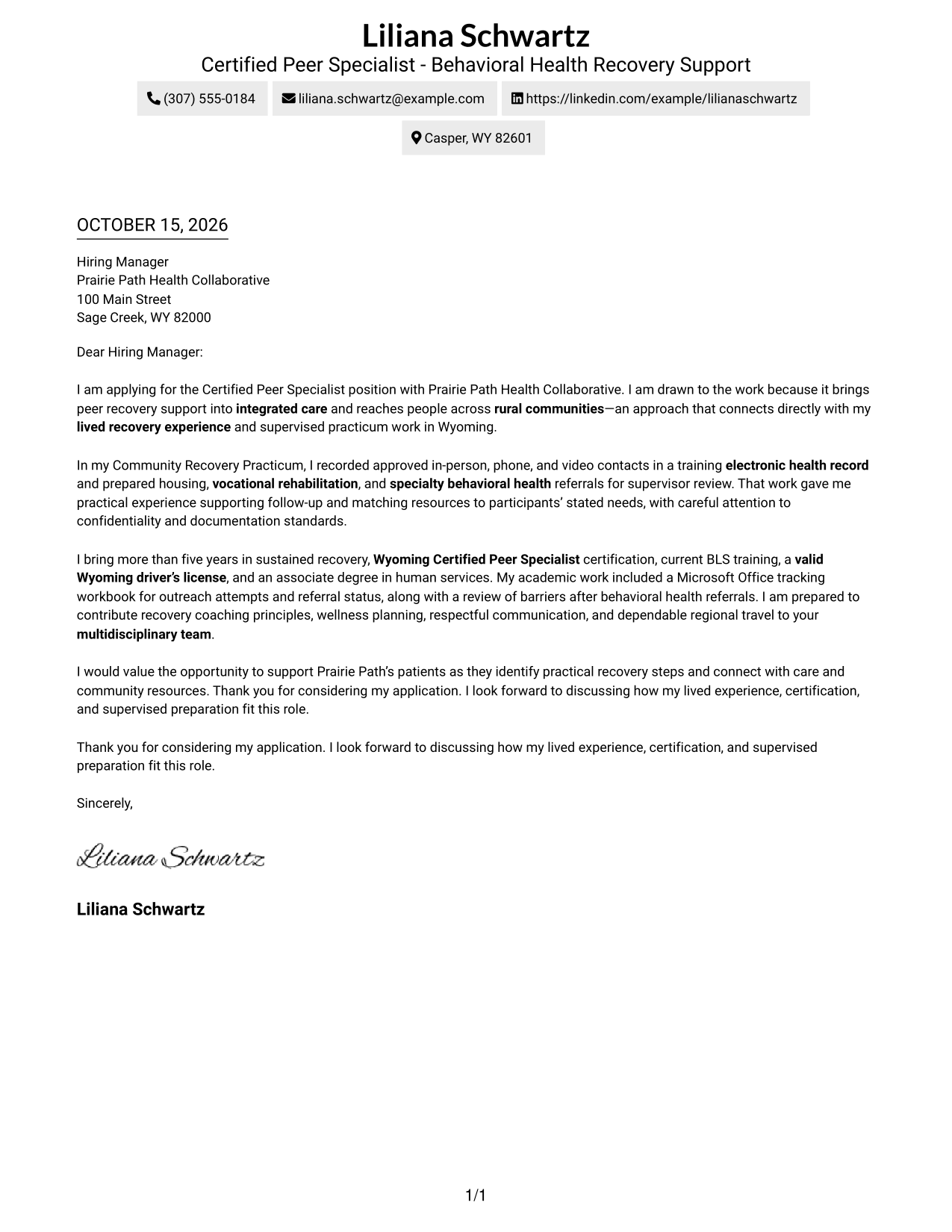
The Simple One Column Format places sender details in the header above one continuous letter body, giving readers a direct path through the message.
Why This Format Works
- Sender details in the header stay easy to find before the letter begins.
- One body column keeps the opening, supporting points, and closing in order.
- The single-column page suits readers who prefer a familiar letter layout.
Best For
- Familiar business-letter structure
- Header-based contact details
- Paragraph-led application messages
- Text-centered written communication
- Photo-free submission preference
#2 Two Column Format Cover Letter Example
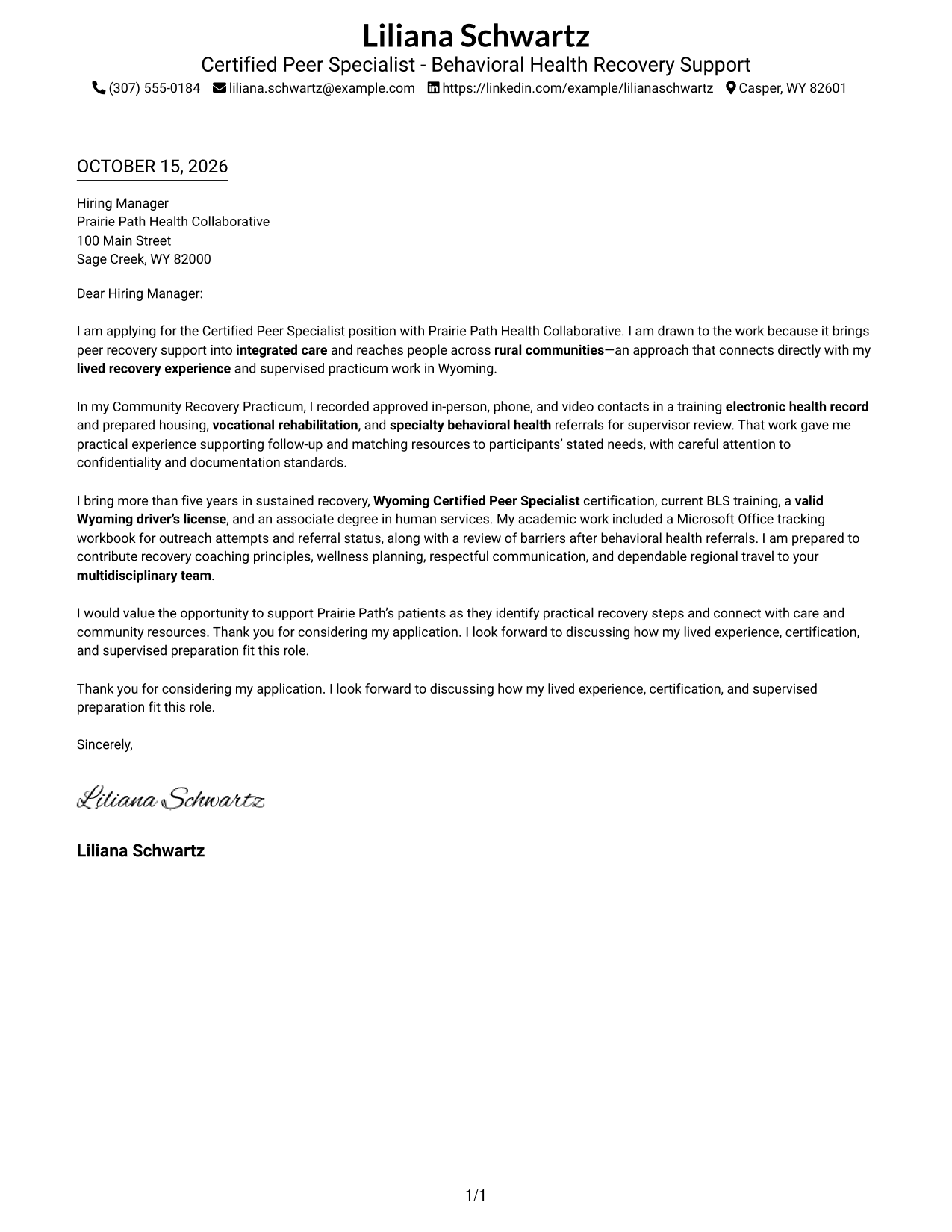
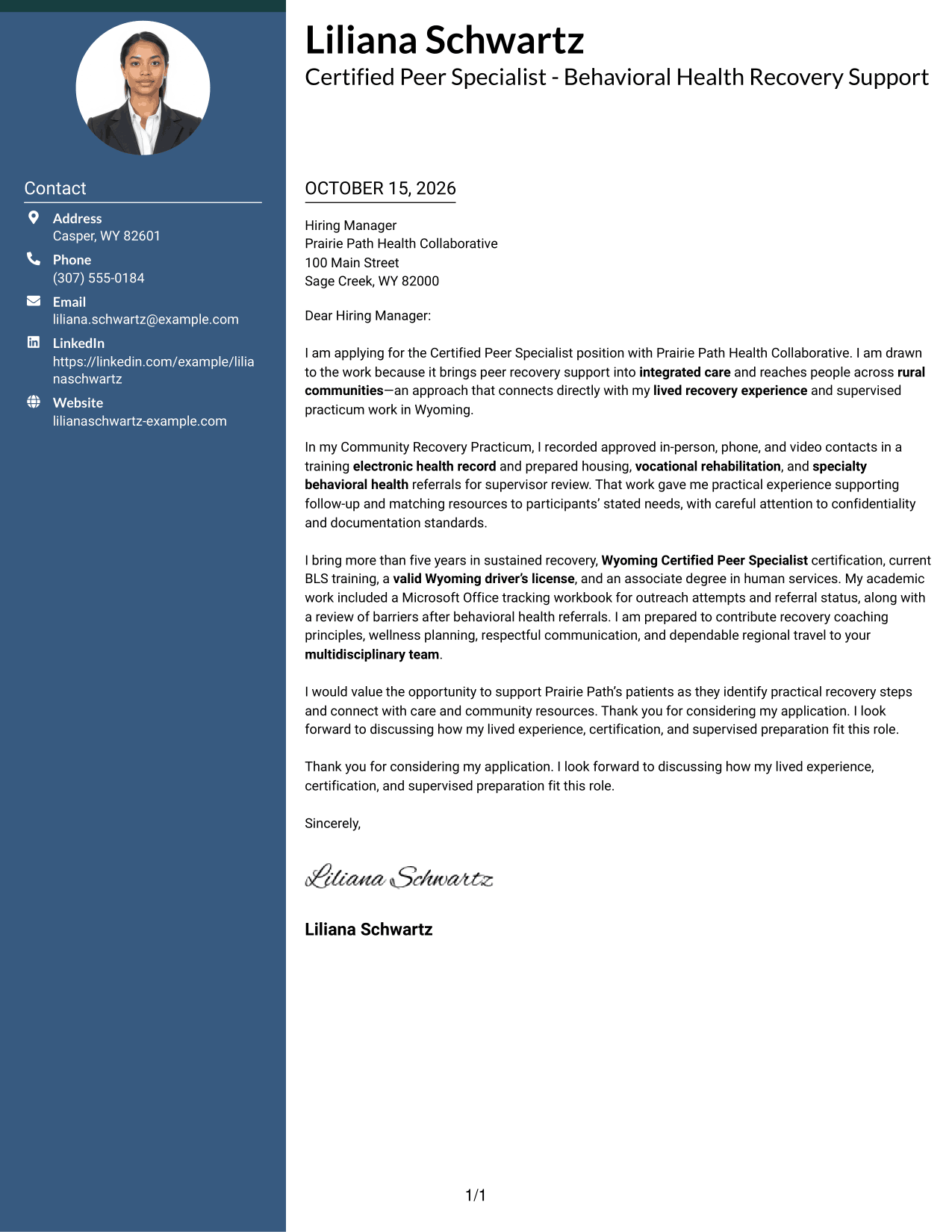
The Two Column Format places a contact sidebar beside one continuous letter body, keeping contact details distinct while the message reads in one column.
Why This Format Works
- Contact details have a separate sidebar, leaving the letter paragraphs together.
- The body stays in one column, so the argument reads from opening to close.
- Without a photo, the page keeps attention on written communication.
Best For
- Separate contact and message areas
- Single-column persuasive letter body
- Easy access to sender details
- Continuous paragraph-based arguments
- Photo-free application materials
#3 Photo Header Two Column Format Cover Letter Example
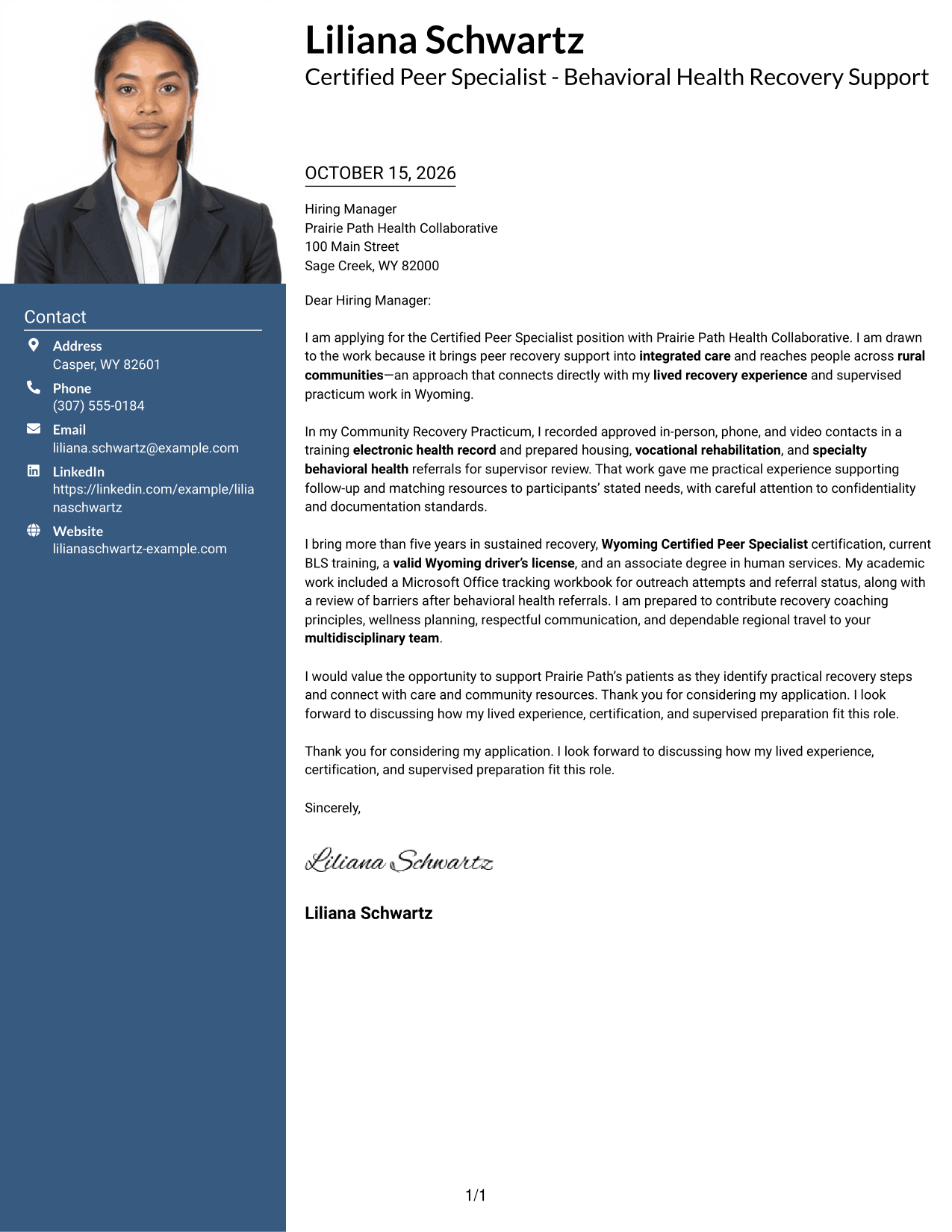
The Photo Header Two Column Format pairs a photo and contact sidebar with one continuous letter body, adding a visual sender cue while keeping the message together.
Why This Format Works
- Photo and contact details sit apart from the continuous letter body.
- One body column keeps the motivation, supporting points, and closing together.
- The photo offers a visual point of identification without changing the message flow.
Best For
- Photo-led personal identification
- Contact details beside the message
- Continuous letter paragraphs
- A single-column argument
- Applications where a portrait is preferred
#4 One Column Format with Photo Cover Letter Example
The One Column Format with Photo combines a photo with one continuous letter body, adding a visual personal cue while preserving a direct reading path.
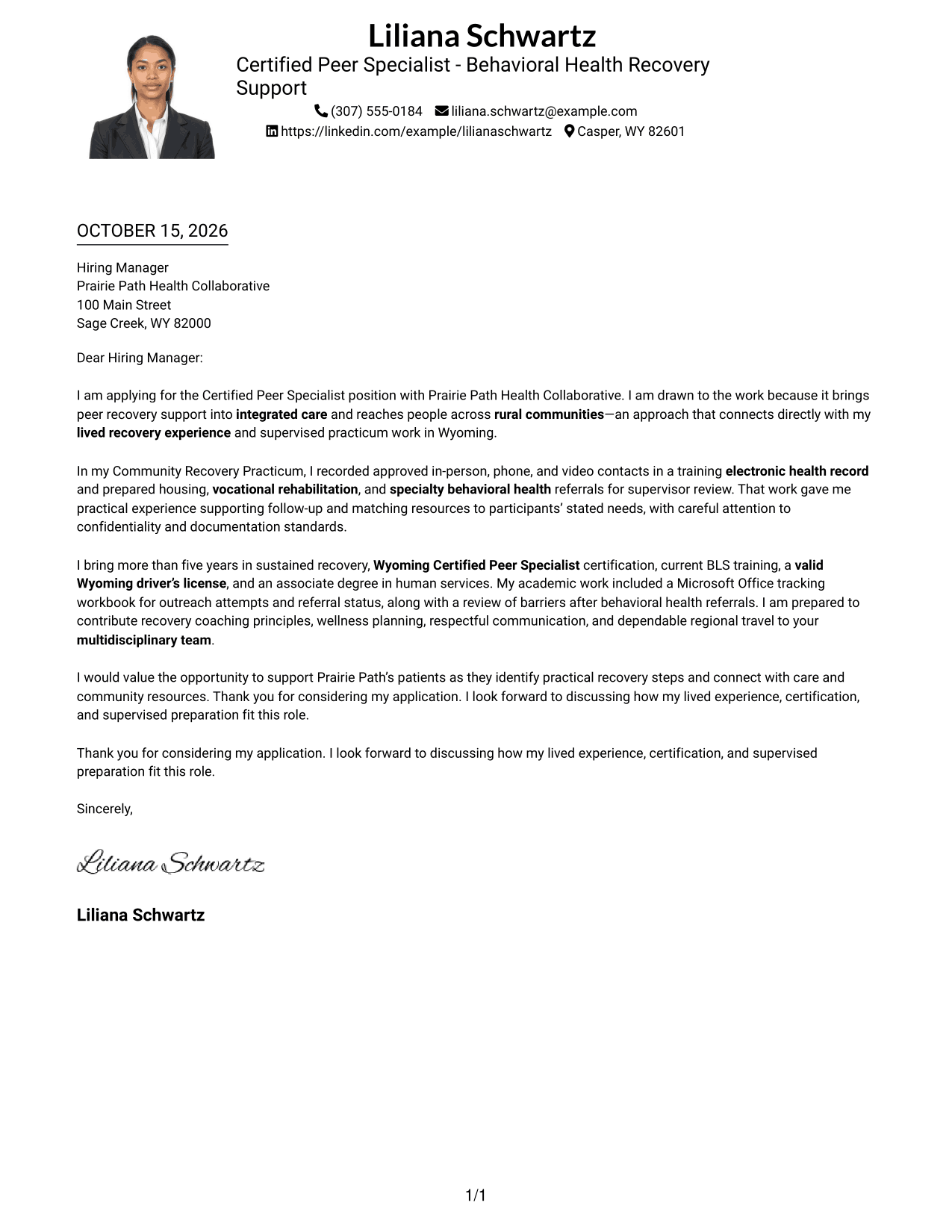
Why This Format Works
- One body column lets readers follow the letter without switching between columns.
- Sender details remain in the header, apart from the continuous message.
- The photo adds a visual personal cue while the text stays central.
Best For
- One-column letter reading
- A portrait with written communication
- Header-based sender information
- Direct paragraph-to-paragraph flow
- Applications with a preferred photo
#5 Simple Two Column Format Cover Letter Example
The Simple Two Column Format sets a contact sidebar beside one continuous letter body, giving sender information its own place without splitting the message.
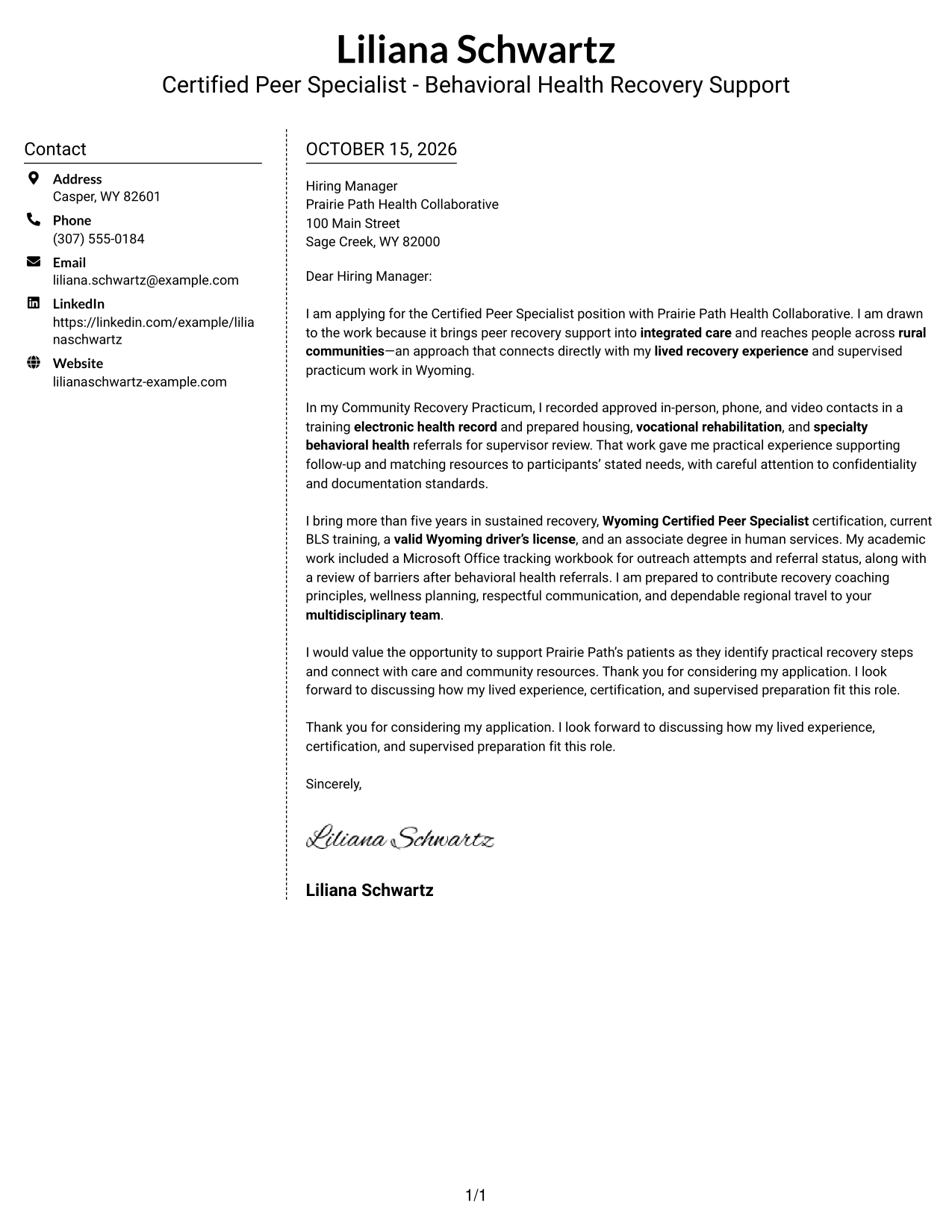
Why This Format Works
- Contact information has its own sidebar, separate from the letter paragraphs.
- The single body column keeps the argument in a familiar reading order.
- With no photo, the layout puts its visual emphasis on written content.
Best For
- Distinct contact and message areas
- A continuous written case for fit
- Quick access to sender information
- Photo-free document preferences
- Paragraph-based application letters
#6 Modern Icon Format Cover Letter Example
The Modern Icon Format uses contact cues in its two-column layout, helping readers spot sender details while the letter remains one continuous body.
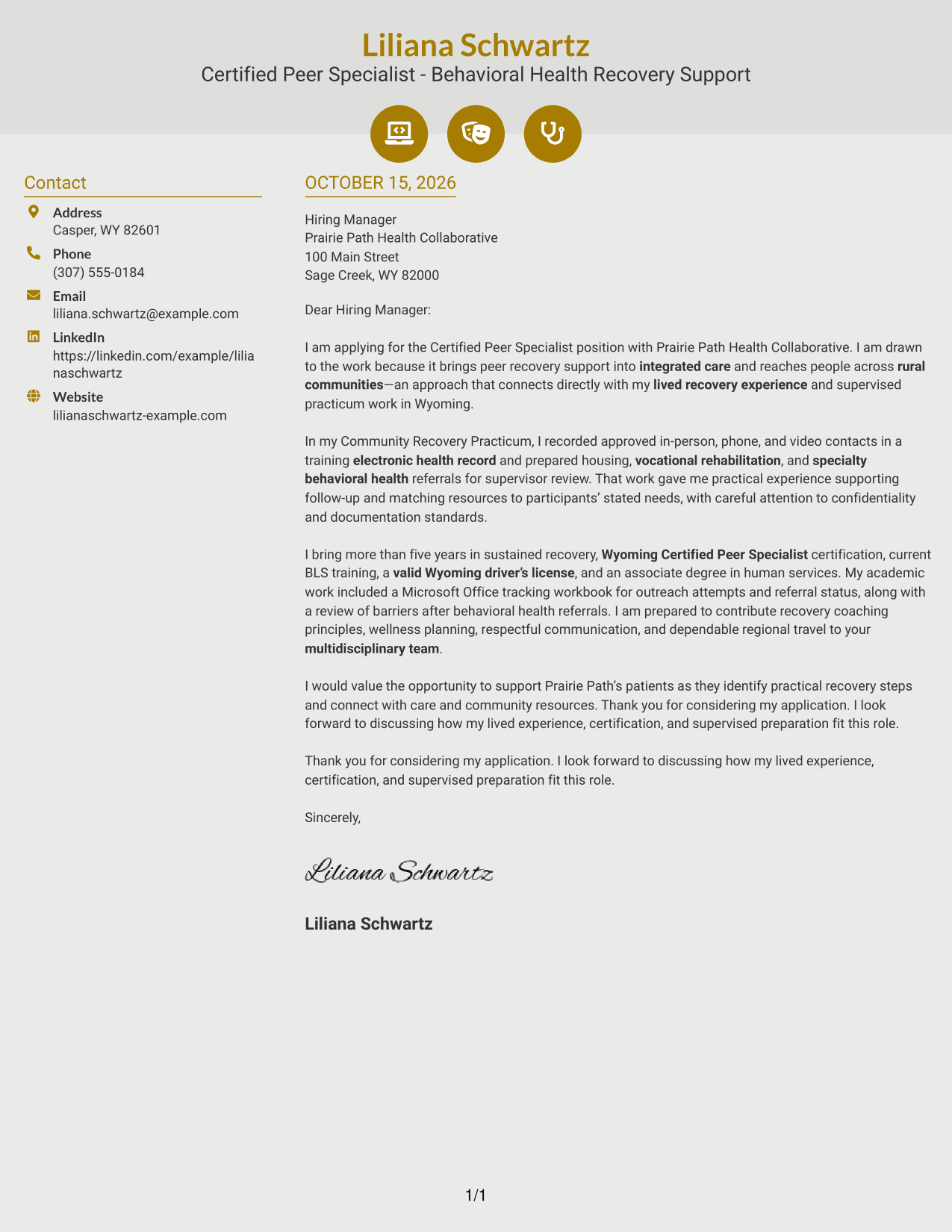
Why This Format Works
- Contact icons help readers spot key sender details in the sidebar.
- The letter stays in one body column, keeping its paragraphs together.
- Decorative header accents add visual cues without dividing the letter's argument.
Best For
- Icon-marked contact information
- A separate contact sidebar
- One-column letter paragraphs
- Visual cues in the header
- Continuous written arguments
#7 Creative Two Tone Format Cover Letter Example
The Creative Two Tone Format places a contact sidebar beside one continuous letter body, separating sender information from the message without dividing its paragraphs.
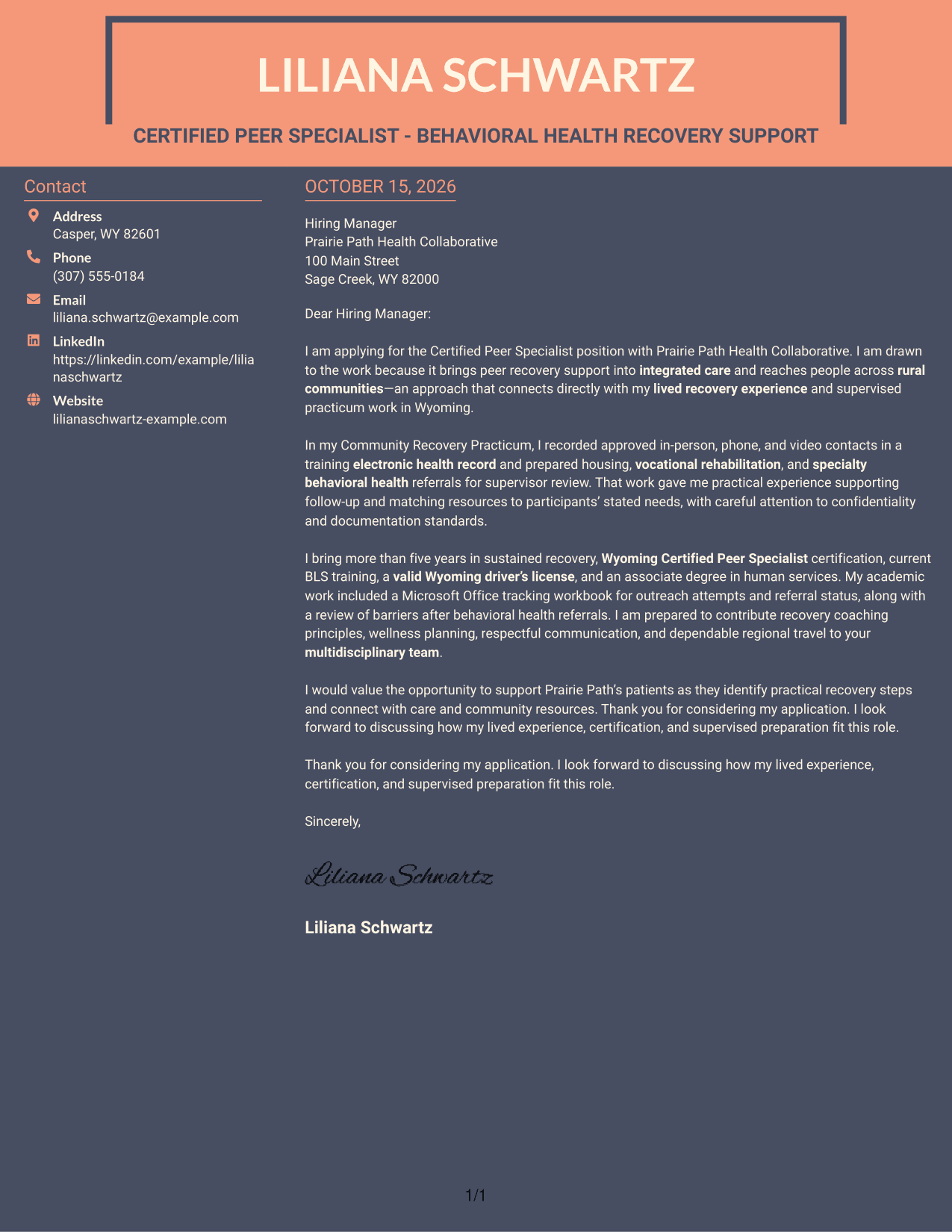
Why This Format Works
- Contact details have a separate sidebar, apart from the letter's body.
- The single-column message lets readers follow motivation and evidence in sequence.
- Without a photo, the page keeps its focus on the written case.
Best For
- Contact details in a dedicated area
- A single-column persuasive message
- Motivation and evidence in sequence
- Photo-free written applications
- Continuous letter paragraphs
Why Use ResumeInMinutes for a Certified Peer Specialist Cover Letter
ResumeInMinutes lets you compare cover letter image previews and open an example in the editor. Use the example to shape a clear message about your interest, relevant evidence, and fit with the work.
- Distinct writing styles
- Clear, readable layouts
- Role-focused cover letter guidance
- Examples to view in the editor
- Professional letter presentation
- Support for tailored applications
For this role, make the connection between peer recovery support and integrated care easy to see. Explain how your communication, follow-up, and resource navigation experience can support the needs described in the job posting.
See Also
- 7 Certified Peer Specialist - Behavioral Health Recovery Support Resume Templates with Example
- 7 Peer Support/Engagement Specialist - Follow Up Resume Templates with Example
- 7 Peer Support/Engagement Specialist Resume Templates with Example
- 33 Certified Dental Assistant Resume Templates with Example 2026 (ATS-Optimized)
- 33 CERTIFIED INPATIENT MEDICAL CODER Resume Templates with Example 2026 (ATS-Optimized)
- 33 Certified Medical Assistant Resume Templates with Example 2026 (ATS-Optimized)
- 33 Certified Medication Assistant Resume Templates with Example 2026 (ATS-Optimized)
- 33 Certified Nursing Assistant (CNA) Resume Templates with Example 2026 (ATS-Optimized)
- 30+ Certified Dental Assistant Cover Letter Templates with Example 2026
- 30+ CERTIFIED INPATIENT MEDICAL CODER Cover Letter Templates with Example 2026
Frequently Asked Questions
What should a Certified Peer Specialist cover letter emphasize?
Show why peer recovery support interests you, then connect relevant experience to patient engagement, follow-up, wellness planning, or resource navigation. Keep each point specific and truthful.
How can I show fit for behavioral health recovery support?
Use a brief example that shows how you communicate respectfully, support a person’s own goals, or help connect them with appropriate resources. Explain your part in the work and avoid overstating outcomes.
How should I address regional travel and team communication?
When these points match your background, state your readiness for scheduled regional travel and give an example of clear communication with a supervisor or care team. Keep the focus on how this supports reliable follow-up.
What cover letter style suits this role?
Choose a clean, easy-to-read presentation that helps the reader follow your motivation, evidence, and closing. Compare the image previews and open an example in the editor to review its layout.
How can I make my cover letter feel specific to the employer?
Refer to the role’s stated focus, such as integrated care, rural communities, or coordination with a multidisciplinary team. Explain why that work matters to you, and link your interest to relevant experience you can support.




