
7 Certified Sterile Processing Technician II - Surgical Instrument Reprocessing Cover Letter Templates with Example
This practical guide helps you write a focused Certified Sterile Processing Technician II - Surgical Instrument Reprocessing cover letter, with seven layouts to compare and adapt to your communication style.
What Makes a Great Certified Sterile Processing Technician II - Surgical Instrument Reprocessing Cover Letter in 2026
A strong cover letter shows how careful instrument reprocessing supports patient safety. Its opening should name the role, while the body connects relevant hospital experience and CRCST certification to the work.
Choose a clear example, such as resolving a tray discrepancy or reporting a defect, and link it to the employer's needs. Close with a direct statement of interest and a respectful request to discuss your fit.
The featured example moves from a clear opening to specific processing evidence, role alignment, and a direct close, giving you a focused progression to adapt while choosing a presentation that fits the employer and communication context.
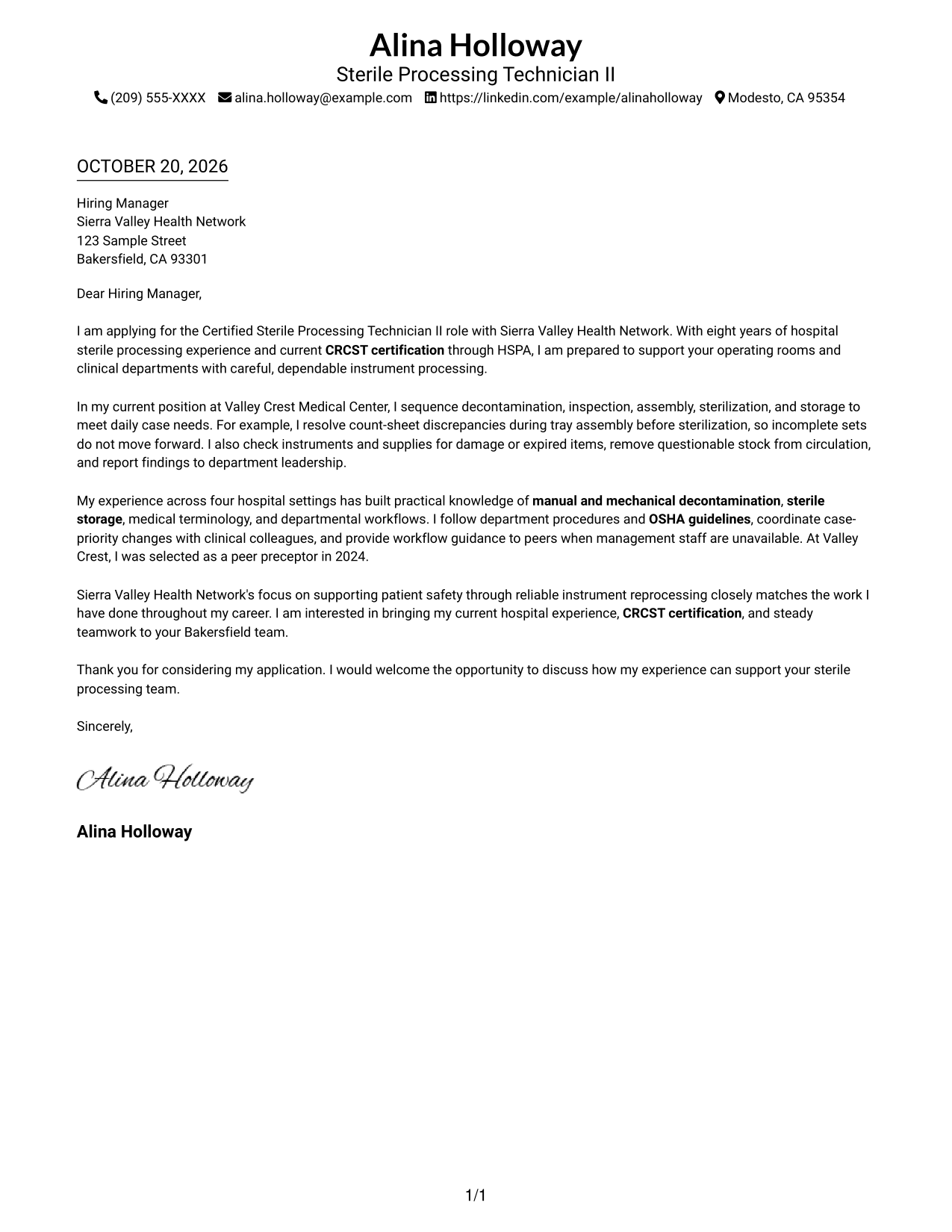
#1 Simple One Column Format Cover Letter Example
Sender details appear in the header above the one-column letter, giving contact information a clear place.
Why This Format Works
- The continuous body lets readers follow the opening, evidence, and closing in sequence.
- One column gives the letter a single, steady reading path.
- Header placement keeps sender information separate from the letter's persuasive message.
Best For
- One-column letter reading
- Paragraph-led arguments
- Header-based contact details
- Simple page organization
- Letters without a photo
#2 Two Column Format Cover Letter Example
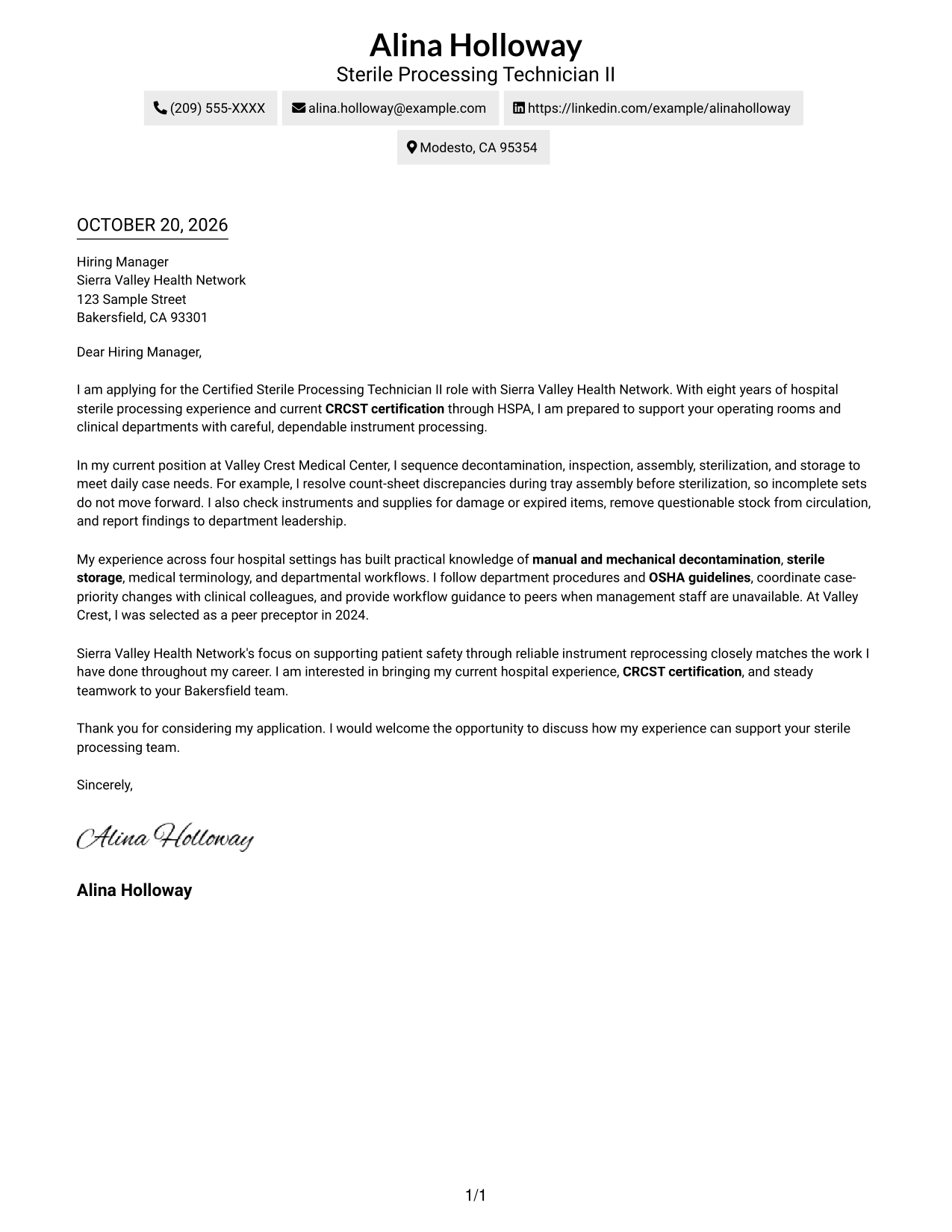
A contact sidebar sits beside the continuous letter body, placing practical details apart from the message.
Why This Format Works
- A dedicated contact sidebar makes sender details easy to locate.
- The letter stays in one body, keeping its persuasive case together.
- Separate reading areas distinguish practical contact information from the main message.
Best For
- Contact details beside the letter
- Continuous paragraph arguments
- Two-column page organization
- Quick access to sender information
- Letters without a photo
#3 Photo Header Two Column Format Cover Letter Example
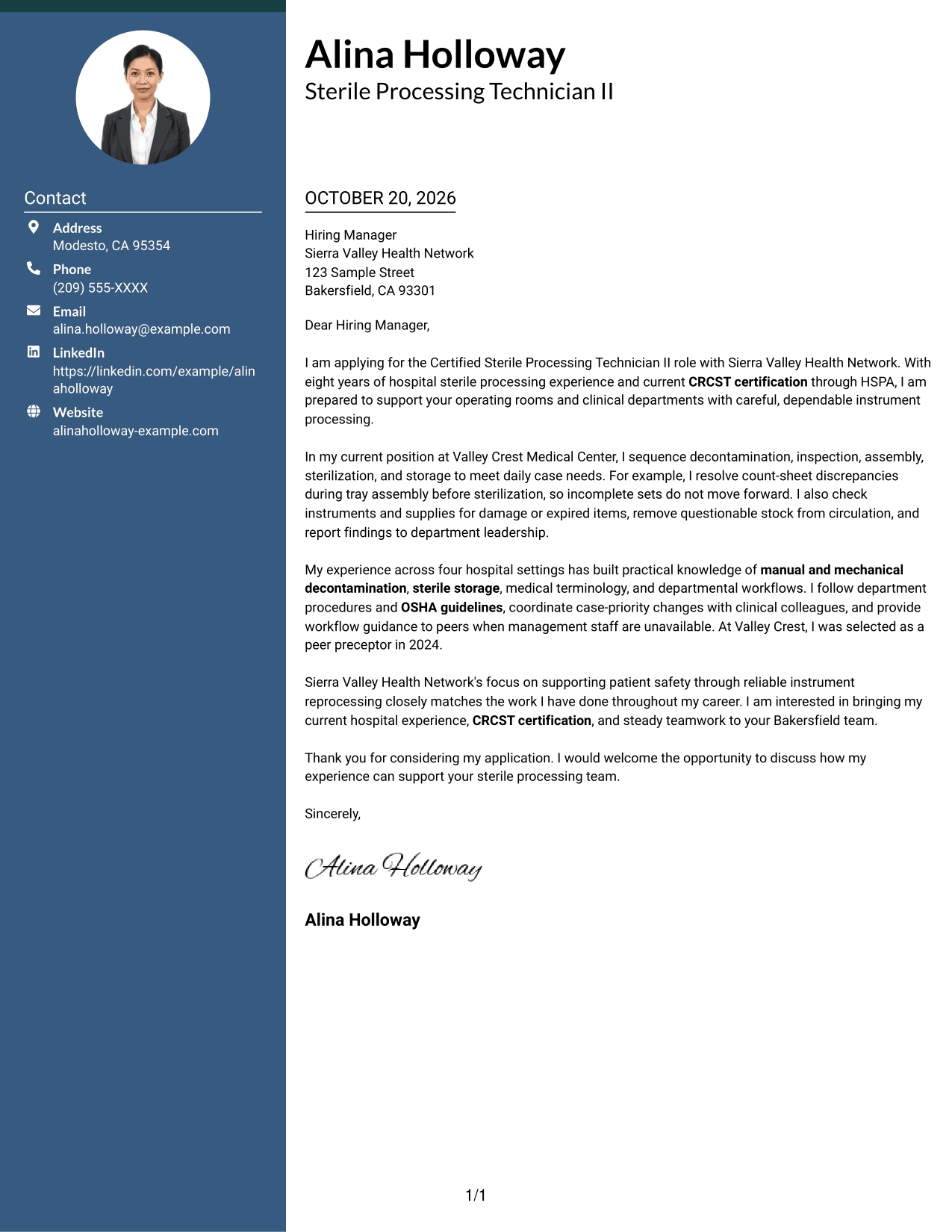
A photo and contact sidebar accompany the continuous letter body, suiting readers who want a photo-inclusive two-column layout.
Why This Format Works
- The contact sidebar gives sender details a place beside the letter.
- The continuous body keeps the persuasive message together from opening to close.
- A photo adds a personal visual element without dividing the letter's paragraphs.
Best For
- Photo-inclusive letters
- Contact details beside the message
- Continuous paragraph arguments
- Two-column reading
- Personal visual presentation
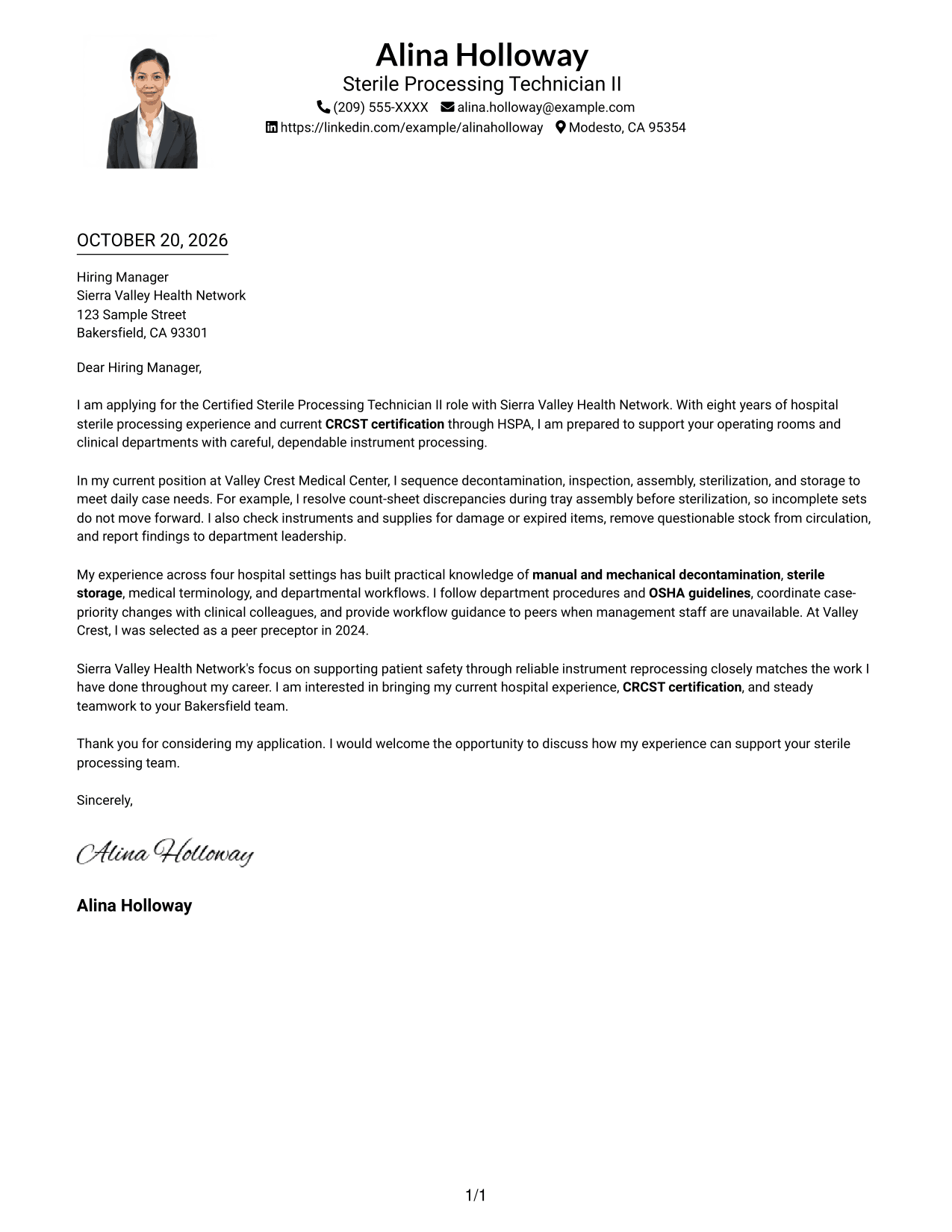
#4 One Column Format with Photo Cover Letter Example
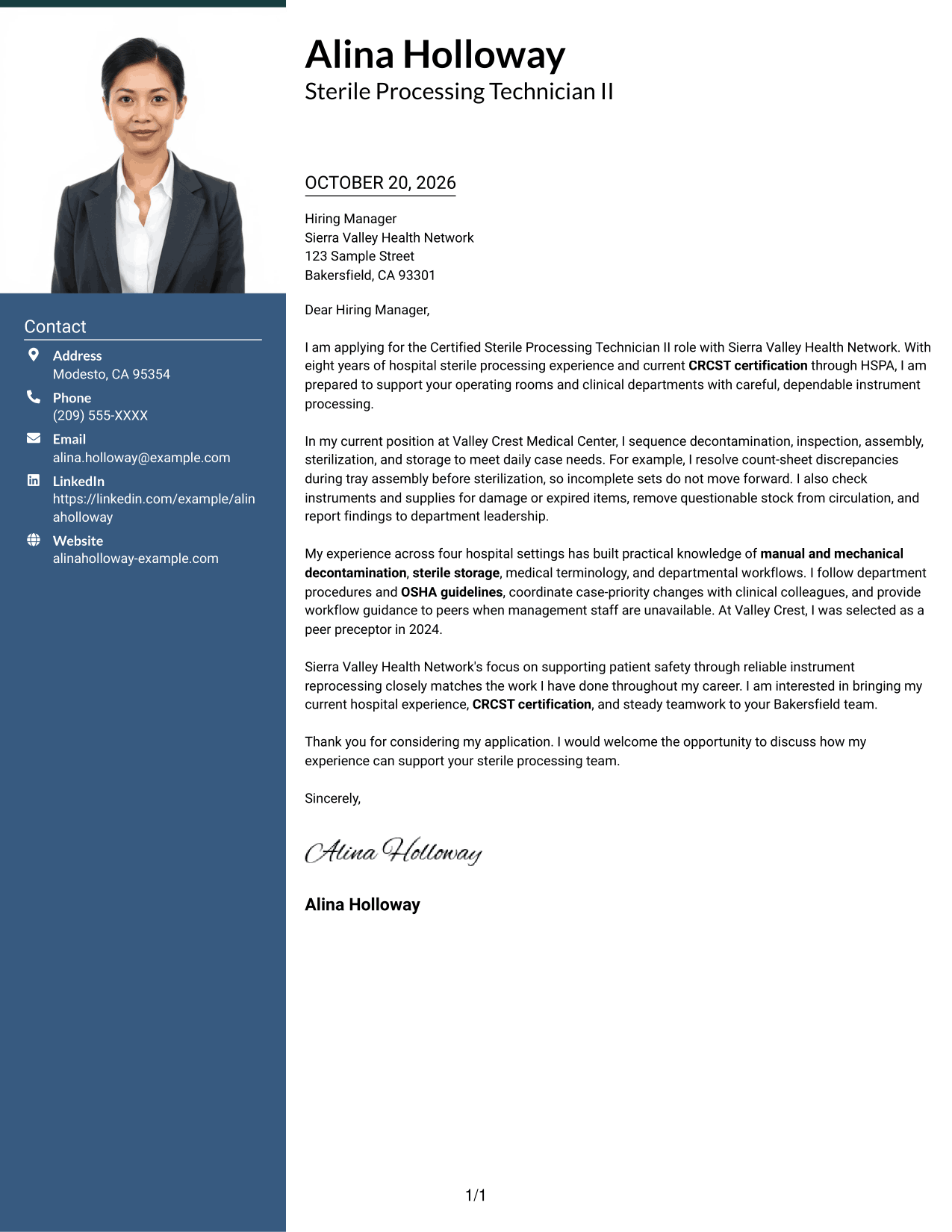
A photo accompanies the one-column letter, offering a personal visual element while keeping the body in one reading path.
Why This Format Works
- The one-column body keeps the letter's opening, evidence, and close together.
- A single reading path helps readers follow the message in order.
- The photo adds a visual point of personal presentation.
Best For
- One-column letter reading
- Photo-inclusive presentation
- Paragraph-led persuasion
- A personal visual detail
- Letters with a continuous message
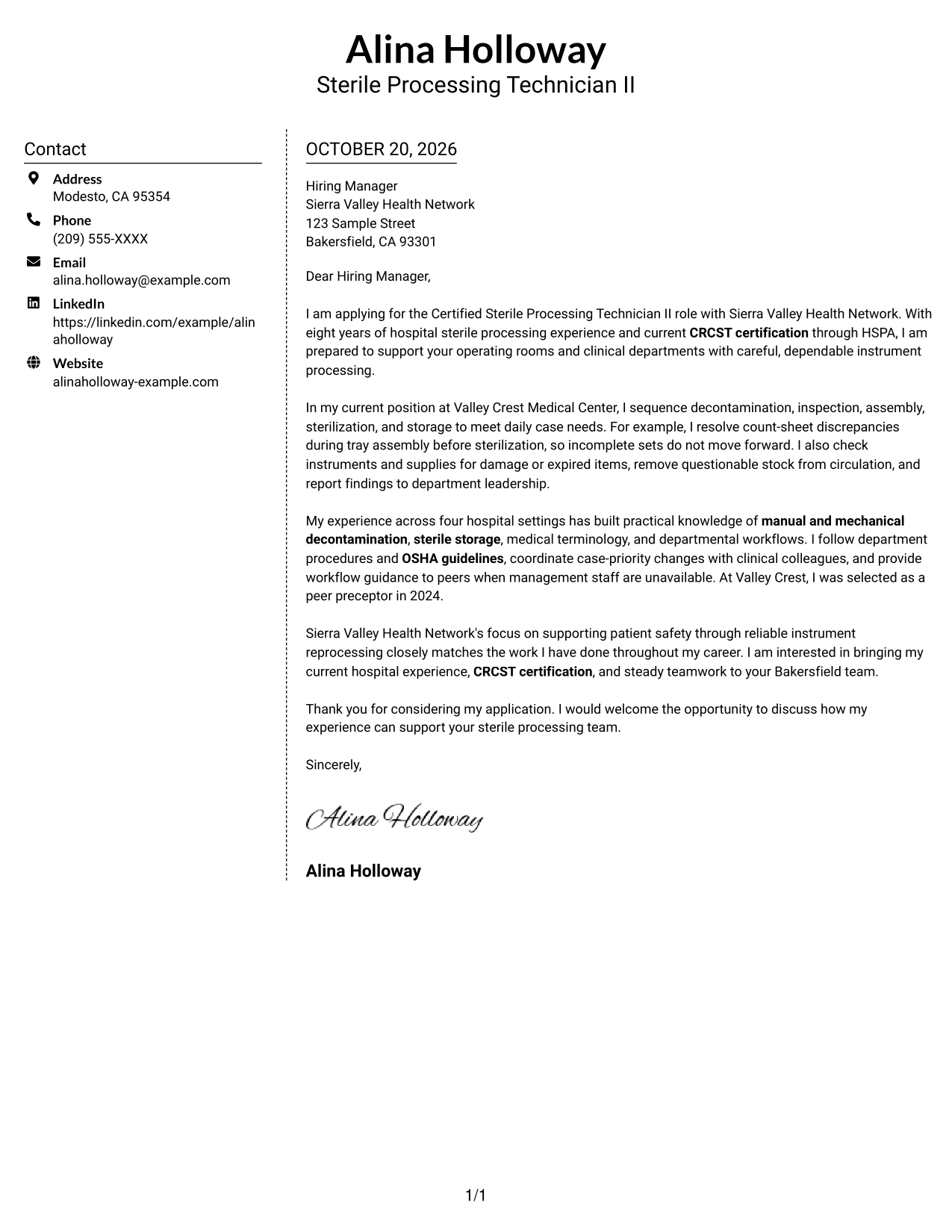
#5 Simple Two Column Format Cover Letter Example
A contact sidebar and continuous letter body form two clear areas, keeping sender information apart from the message.
Why This Format Works
- Readers can find contact details in the sidebar without searching the letter.
- The body stays continuous, so the argument reads as one message.
- Two distinct areas make the contact information and letter easy to tell apart.
Best For
- Sidebar contact information
- A continuous letter body
- Two-area page organization
- Easy access to sender details
- Letters without a photo
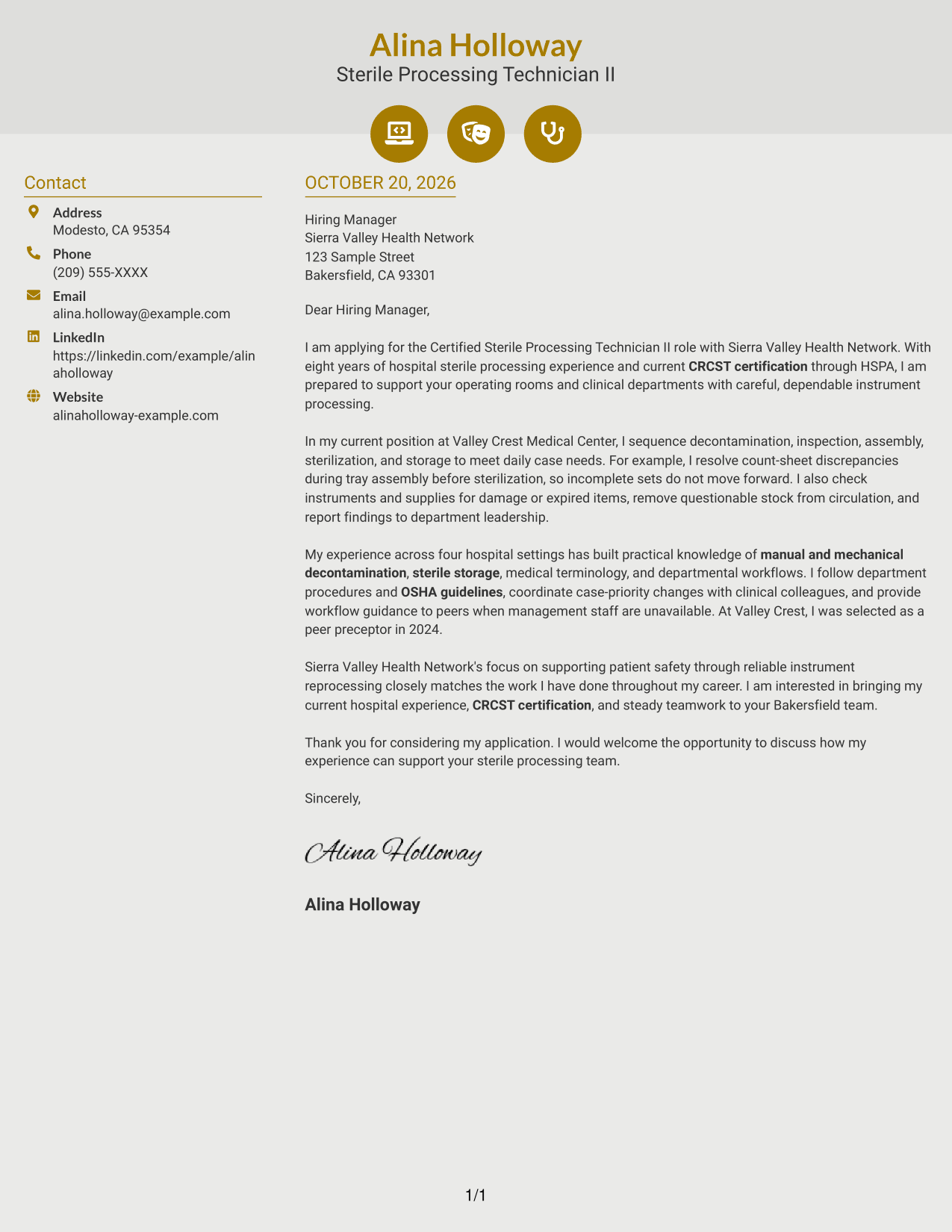
#6 Modern Icon Format Cover Letter Example
Contact icons accompany a sidebar beside the continuous letter body, giving contact details visual cues without labeling the message.
Why This Format Works
- Icons help identify contact details without labeling parts of the letter argument.
- The sidebar keeps sender information separate from the continuous message.
- The letter body remains together, preserving a clear opening-to-close sequence.
Best For
- Icon-marked contact details
- Sidebar information beside the letter
- Continuous paragraph arguments
- Two-column reading
- Letters without a photo
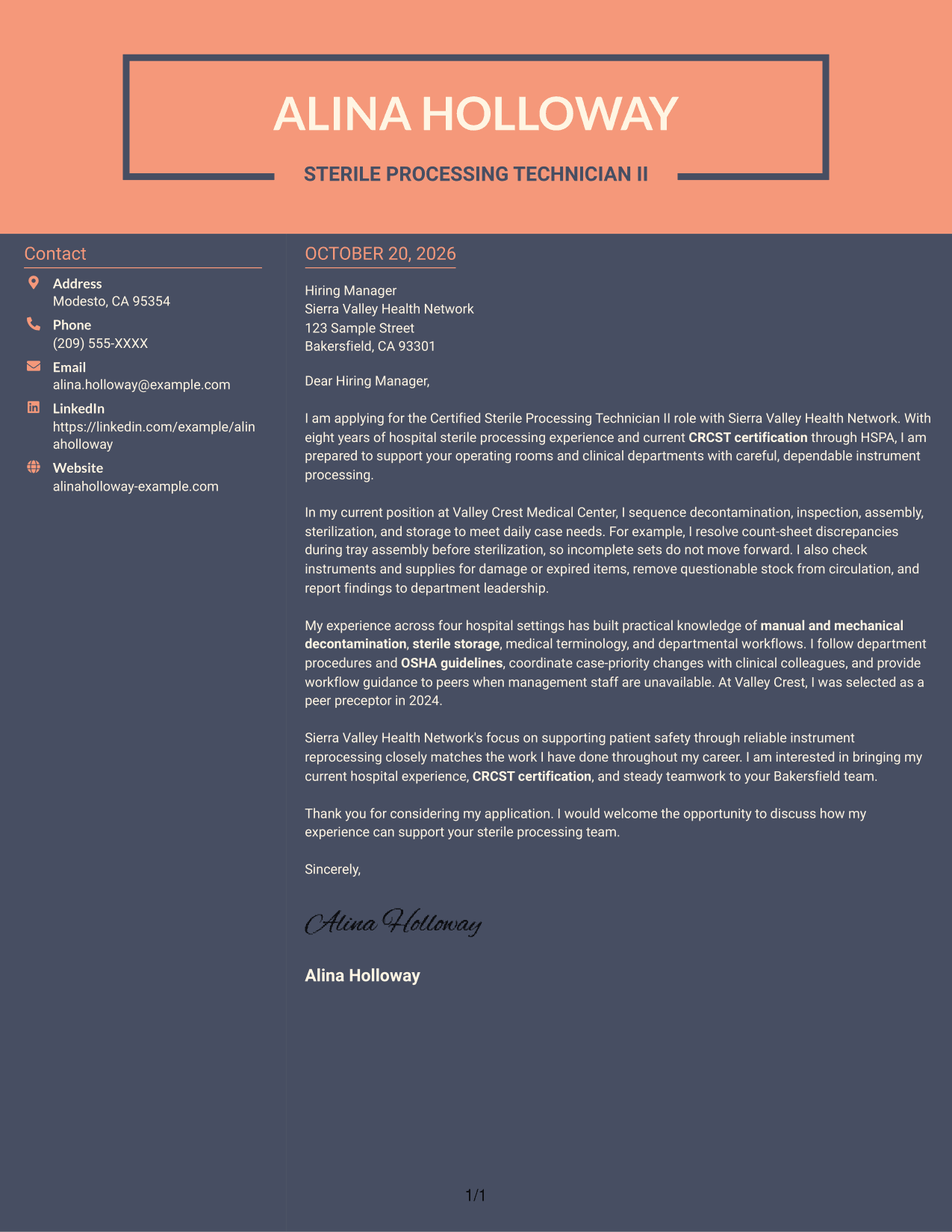
#7 Creative Two Tone Format Cover Letter Example
The contact sidebar sits beside the continuous letter body, offering two-column organization for readers who prefer contact details apart from the message.
Why This Format Works
- Contact details remain in the sidebar rather than interrupting the letter's paragraphs.
- A continuous body lets the message develop from opening through closing.
- The two-column arrangement gives contact information and the letter distinct reading areas.
Best For
- Contact details outside the letter
- Continuous paragraph messages
- Two-column page organization
- Separate contact and message areas
- Letters without a photo
See Also
- 7 Certified Sterile Processing Technician II - Surgical Instrument Reprocessing Resume Templates with Example
- 7 Sterile Processing Technician, Central Sterile Resume Templates with Example
- 33 Sterile Compounding Pharmacy Technician Resume Templates with Example 2026 (ATS-Optimized)
- 7 Evidence/Supply Technician - Crime Scene Processing Resume Templates with Example
- 7 Plasma Processing Technician Resume Templates with Example
- 33 Certified Pharmacy Technician Resume Templates with Example 2026 (ATS-Optimized)
- 33 Pharmacy Technician Certified Resume Templates with Example 2026 (ATS-Optimized)
- 33 Pharmacy Technician III - Advanced Certified Resume Templates with Example 2026 (ATS-Optimized)
- 30+ Sterile Compounding Pharmacy Technician Cover Letter Templates with Example 2026
- 7 Evidence/Supply Technician - Crime Scene Processing Cover Letter Templates with Example
Frequently Asked Questions
What should the opening paragraph say for this role?
Name the Certified Sterile Processing Technician II - Surgical Instrument Reprocessing role and state your interest. Then briefly connect your relevant hospital experience or CRCST certification to safe, reliable instrument processing.
What evidence can make this cover letter more persuasive?
Use one specific example that shows careful work, such as finding a tray count discrepancy before sterilization or reporting an instrument defect. Explain how that action helped keep supplies ready for clinical use.
How can I show interest in the employer?
Connect your work approach to the employer's stated focus on patient safety and reliable instrument reprocessing. Add another detail only if you can confirm it and explain why it matters to you.
Which cover letter layout should I choose?
Choose a clear layout that makes the opening, supporting example, and closing easy to follow. The image previews let you compare the presentations, and you can open an example in the editor to customize it.
Can I view and customize an example?
Yes. Review the PNG image preview, then use the editor link to view or customize the example.




