
7 Change Management and Adoption Consultant Cover Letter Templates with Example
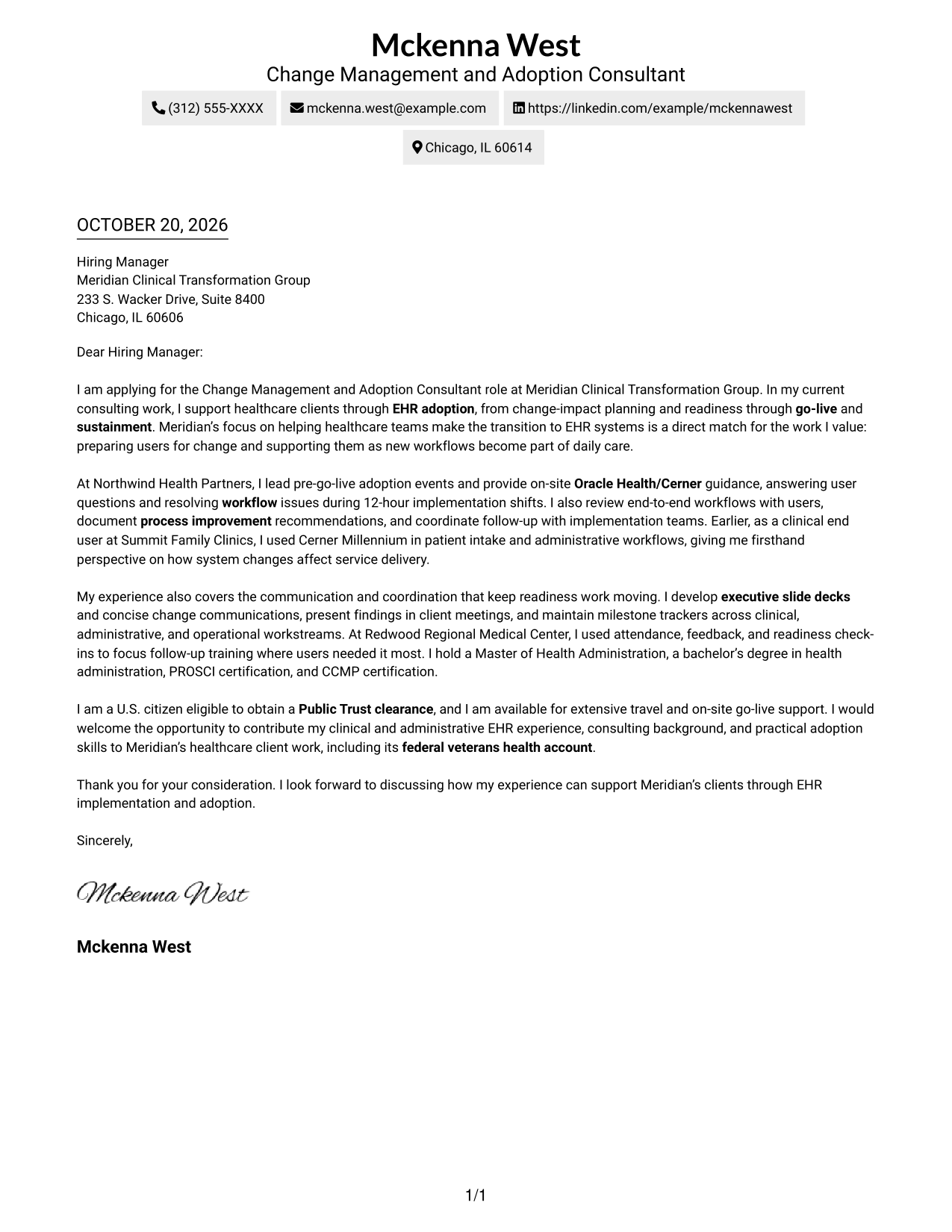
This practical guide helps you create a Change Management and Adoption Consultant cover letter, with seven layouts to compare and one focused example to guide your approach.
What Makes a Great Change Management and Adoption Consultant Cover Letter in 2026
A strong Change Management and Adoption Consultant cover letter links a clear change approach to healthcare EHR adoption. It shows how communication, readiness support, workflow review, and go-live guidance can help users manage change.
Choose a specific example that shows how you supported users or kept readiness work moving. Connect that evidence to the employer’s needs and explain why its healthcare transformation work interests you.
The featured example moves from interest and role fit to implementation evidence, relevant strengths, and a clear close, giving you a focused progression to adapt while choosing a presentation that suits the employer and communication context.
#1 Simple One Column Format Cover Letter Example
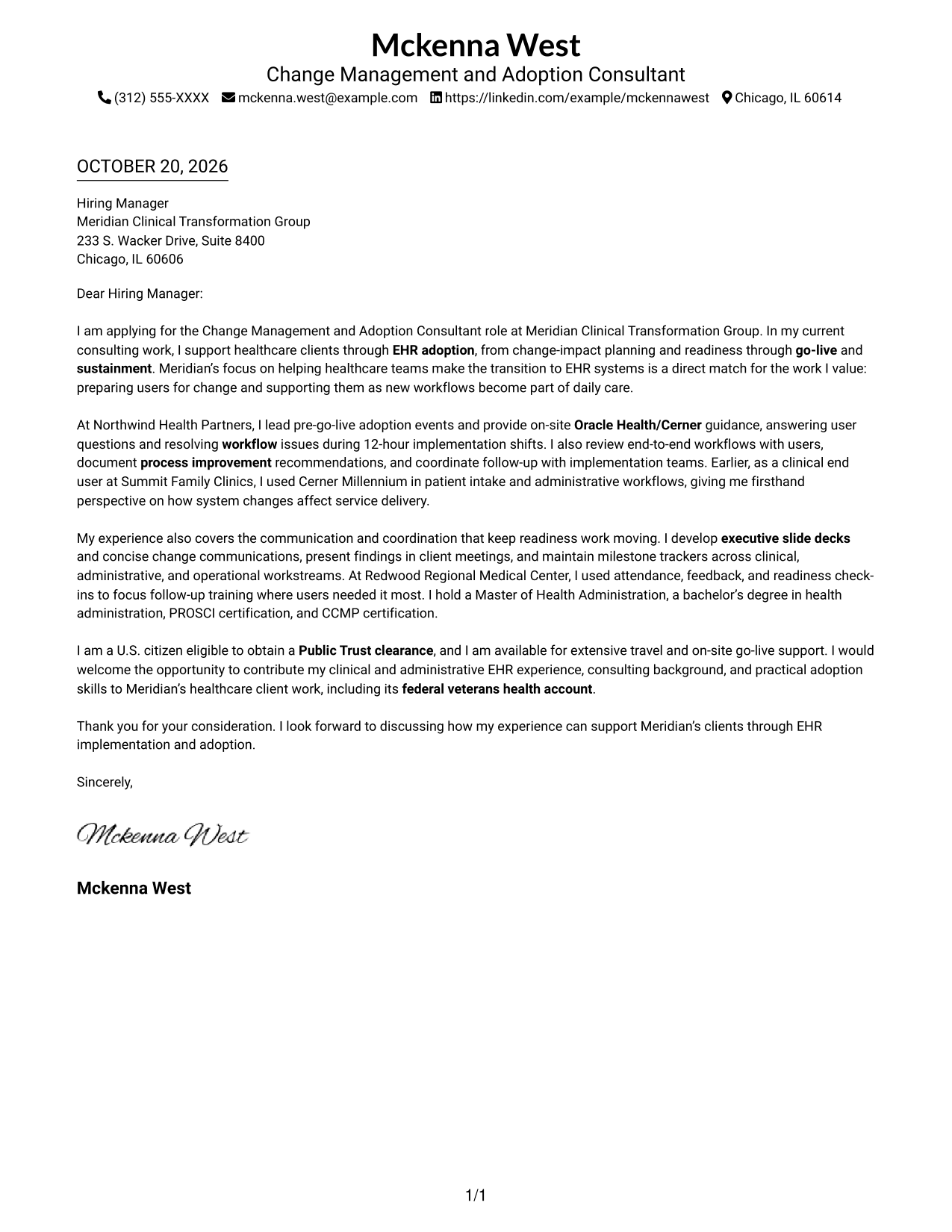
The Simple One Column Format keeps sender details and the letter in one column, a practical choice for readers who prefer a direct reading path.
Why This Format Works
- Sender details share the page's single column with the letter, keeping contact information easy to locate.
- The continuous body lets motivation, supporting evidence, and closing read in one sequence.
- Paragraphs carry the argument without labels dividing the letter into artificial stages.
Best For
- Single-column reading preference
- Sender details in the same column
- Letters with unheaded paragraphs
- Direct opening-to-closing progression
- Concise role-specific applications
#2 Two Column Format Cover Letter Example
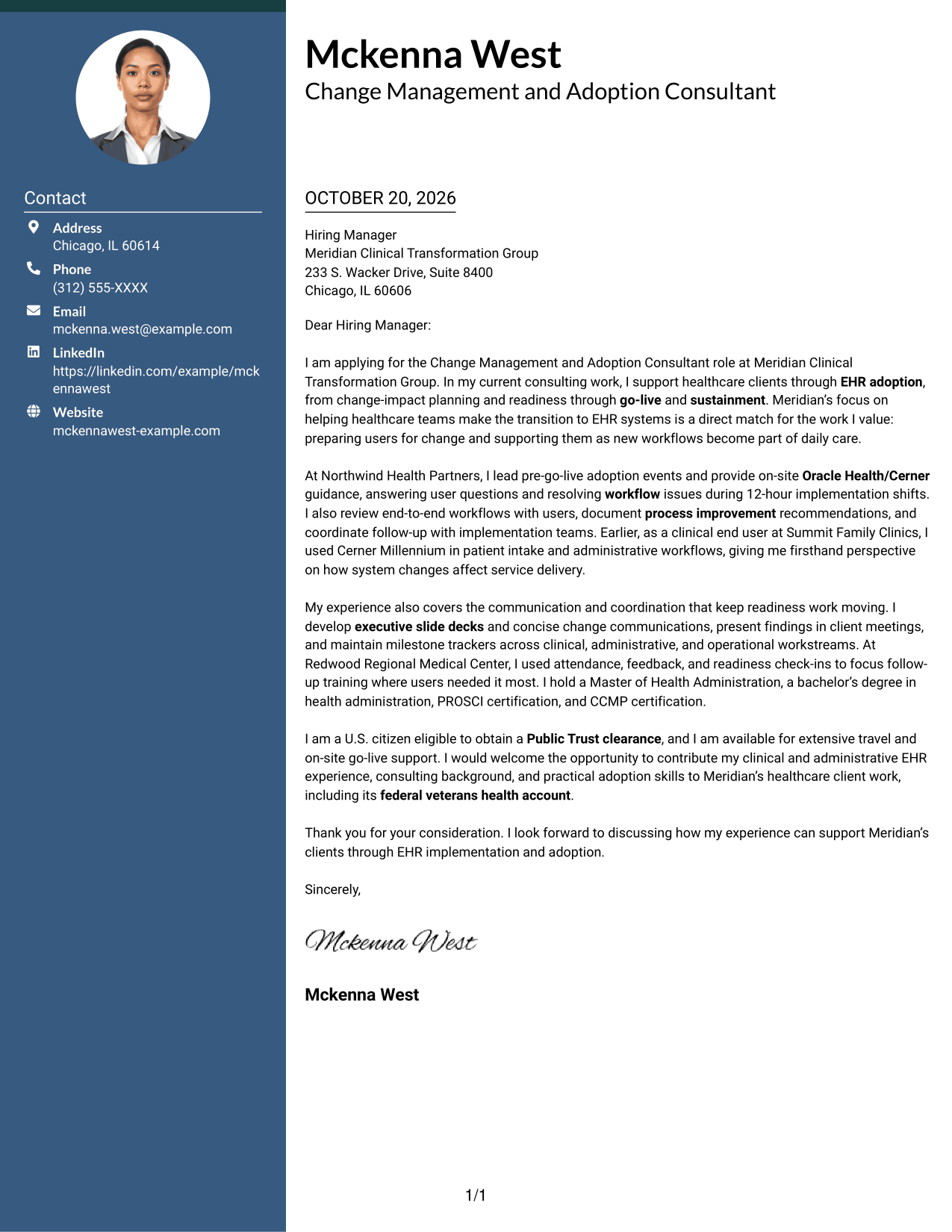
The Two Column Format places a contact sidebar beside one continuous letter body, making sender details easy to find without dividing the message.
Why This Format Works
- A contact sidebar keeps sender details apart from the letter for quick reference.
- The single body preserves a clear path from motivation through evidence to closing.
- Unheaded paragraphs let the case develop naturally without dividing the argument into sections.
Best For
- Sidebar-based contact access
- A continuous letter message
- Letters without argument headings
- Paragraph-led role alignment
- Applications with a concise opening
#3 Photo Header Two Column Format Cover Letter Example
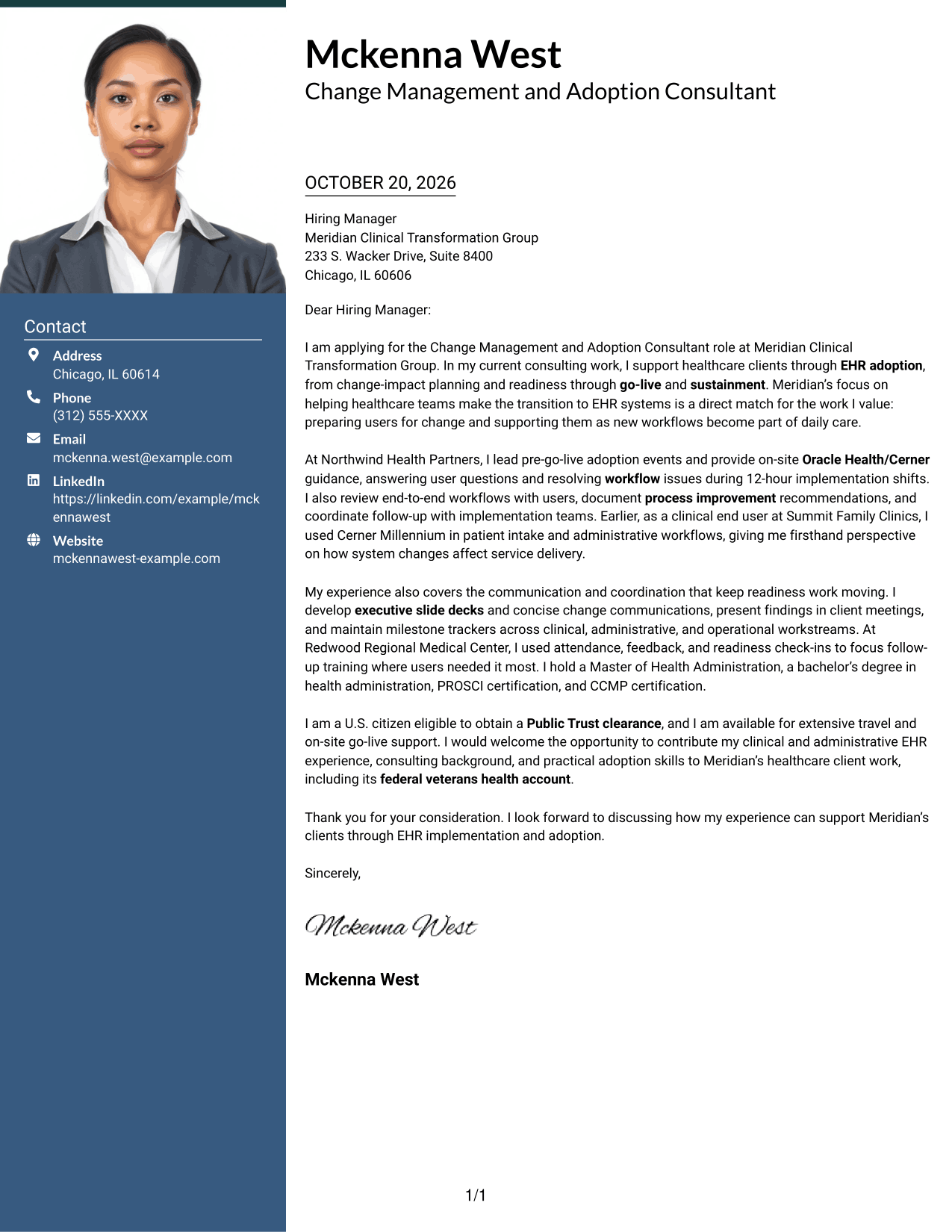
The Photo Header Two Column Format includes a photo and places contact details beside one continuous letter body, suiting readers who want a personal visual element and separate contact information.
Why This Format Works
- A photo adds a personal visual element, while the sidebar keeps contact details distinct.
- One continuous body lets motivation, evidence, and closing develop in a single reading path.
- The contact area stays separate from the message, giving each a clear place.
Best For
- Applications that include a sender photo
- Letters with a continuous body
- Visible contact details beside the message
- Unheaded letter paragraphs
- Role-specific motivation and evidence
#4 One Column Format with Photo Cover Letter Example
The One Column Format with Photo combines a photo with a single-column letter, a useful choice for readers who want a personal visual element and one direct reading path.
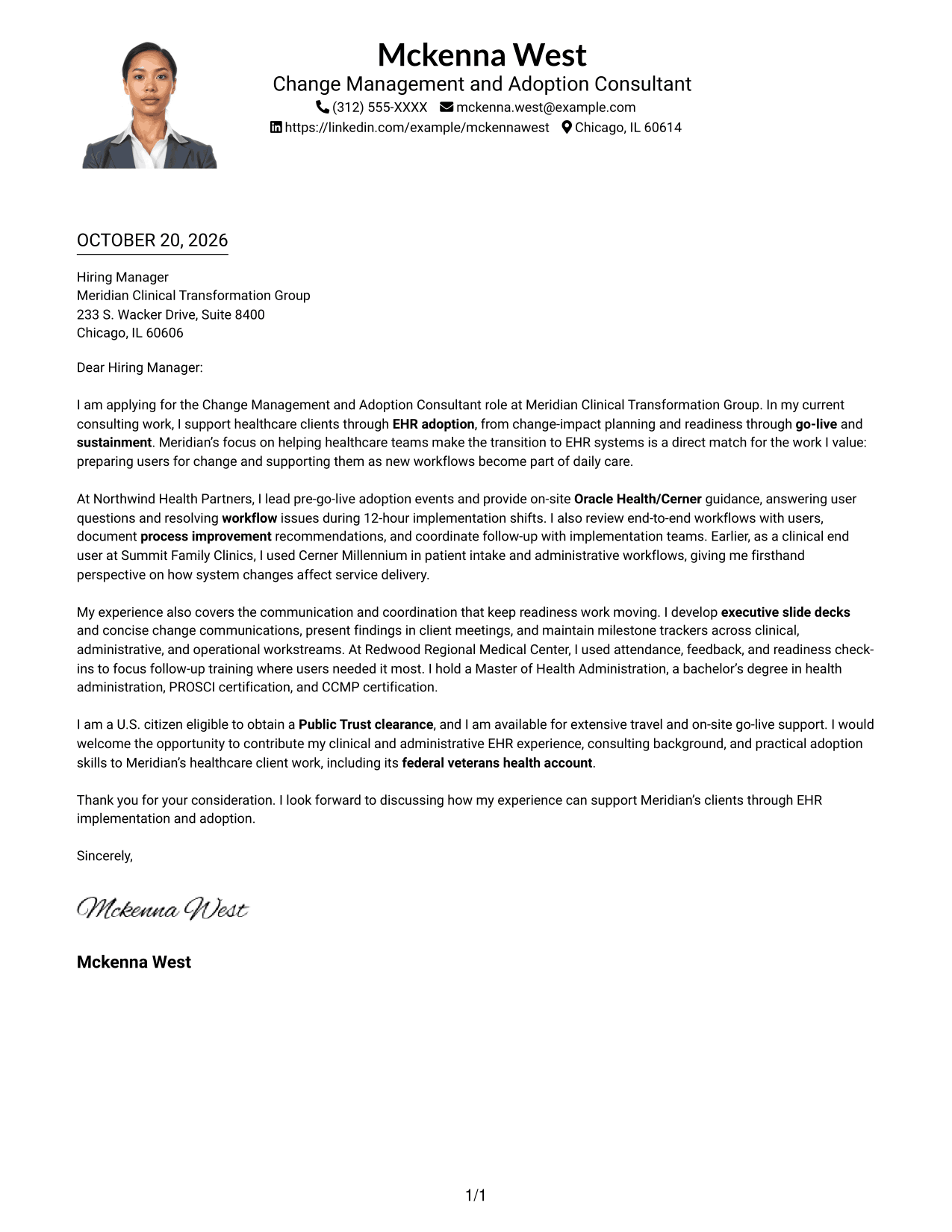
Why This Format Works
- The included photo gives the sender a visual point of identification.
- A single-column page keeps the message in one direct reading order.
- Unheaded paragraphs let the opening, supporting case, and closing flow as a letter.
Best For
- Single-column letter preference
- Letters that include a sender photo
- Unheaded paragraph structure
- Direct opening-to-closing progression
- Concise role-specific communication
#5 Simple Two Column Format Cover Letter Example
The Simple Two Column Format separates the contact sidebar from the continuous letter body, a practical option when readers want sender information apart from the message.
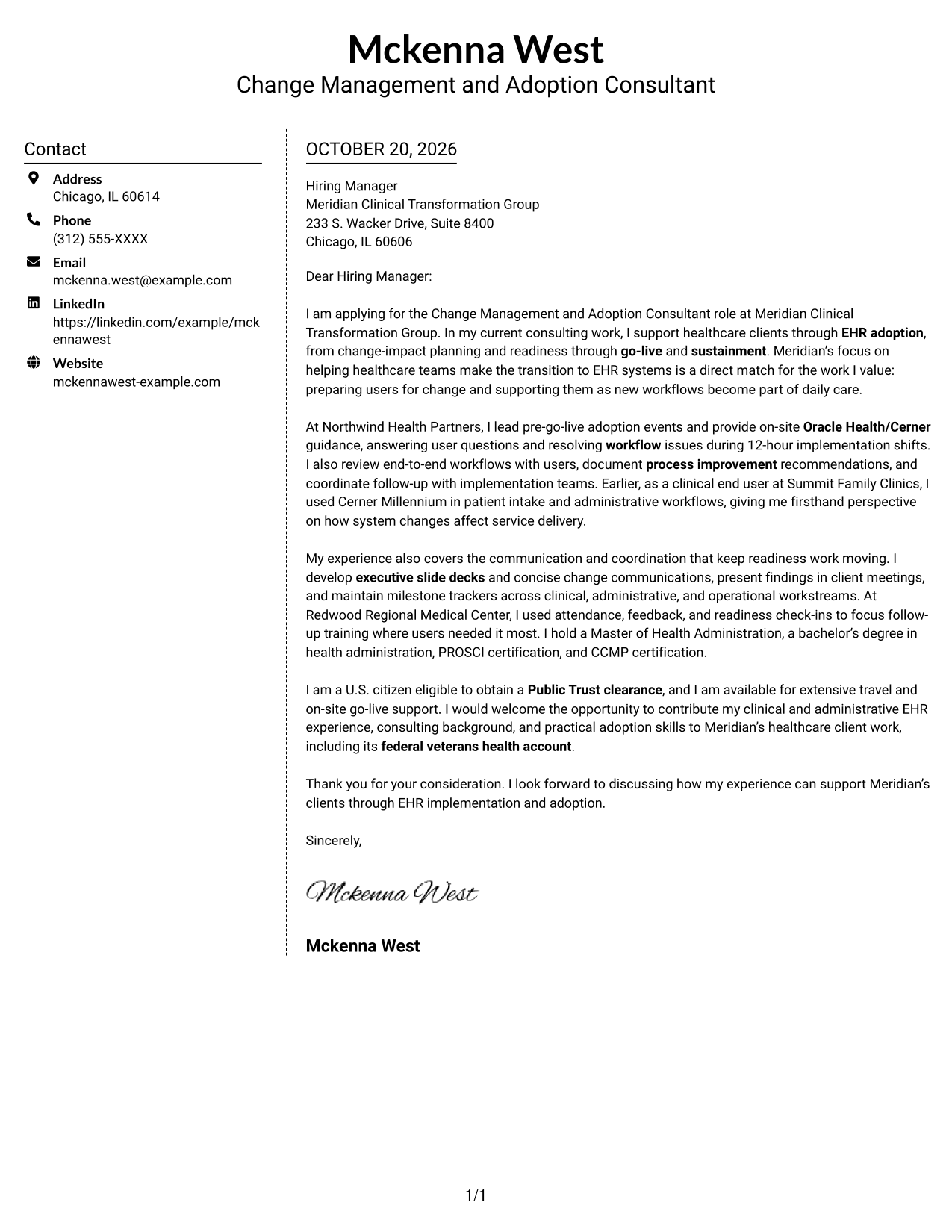
Why This Format Works
- Contact details occupy a sidebar, leaving the letter body as one continuous message.
- The body stays in one reading path from opening through closing.
- Without argument headings, paragraphs can make the case in a natural letter voice.
Best For
- Sidebar contact presentation
- Continuous body paragraphs
- Letters without body section headings
- Clear role-specific opening
- Concise supporting evidence
#6 Modern Icon Format Cover Letter Example
The Modern Icon Format pairs contact icons and header accents with a sidebar beside one continuous letter body, helping readers identify contact details while keeping the message intact.
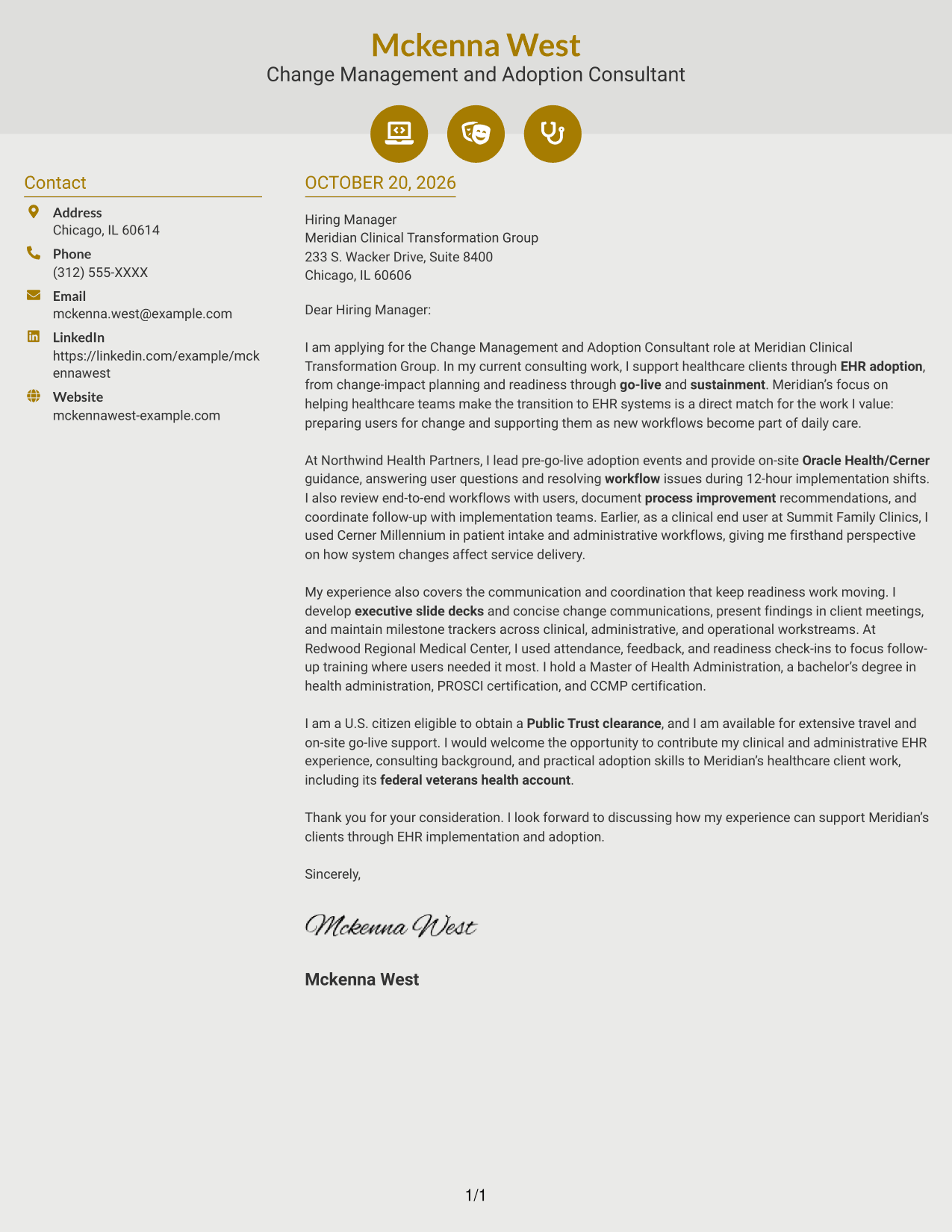
Why This Format Works
- Contact icons help identify sender details without labeling parts of the argument.
- The sidebar gives contact information a distinct place beside the continuous letter body.
- The message stays in one reading path from opening to closing.
Best For
- Icon cues for contact details
- A continuous letter message
- Letters with unheaded paragraphs
- Distinct contact and message areas
- Paragraph-led employer interest
#7 Creative Two Tone Format Cover Letter Example
The Creative Two Tone Format places contact details in a sidebar beside one uninterrupted letter body, suiting readers who want contact information distinct from the message.
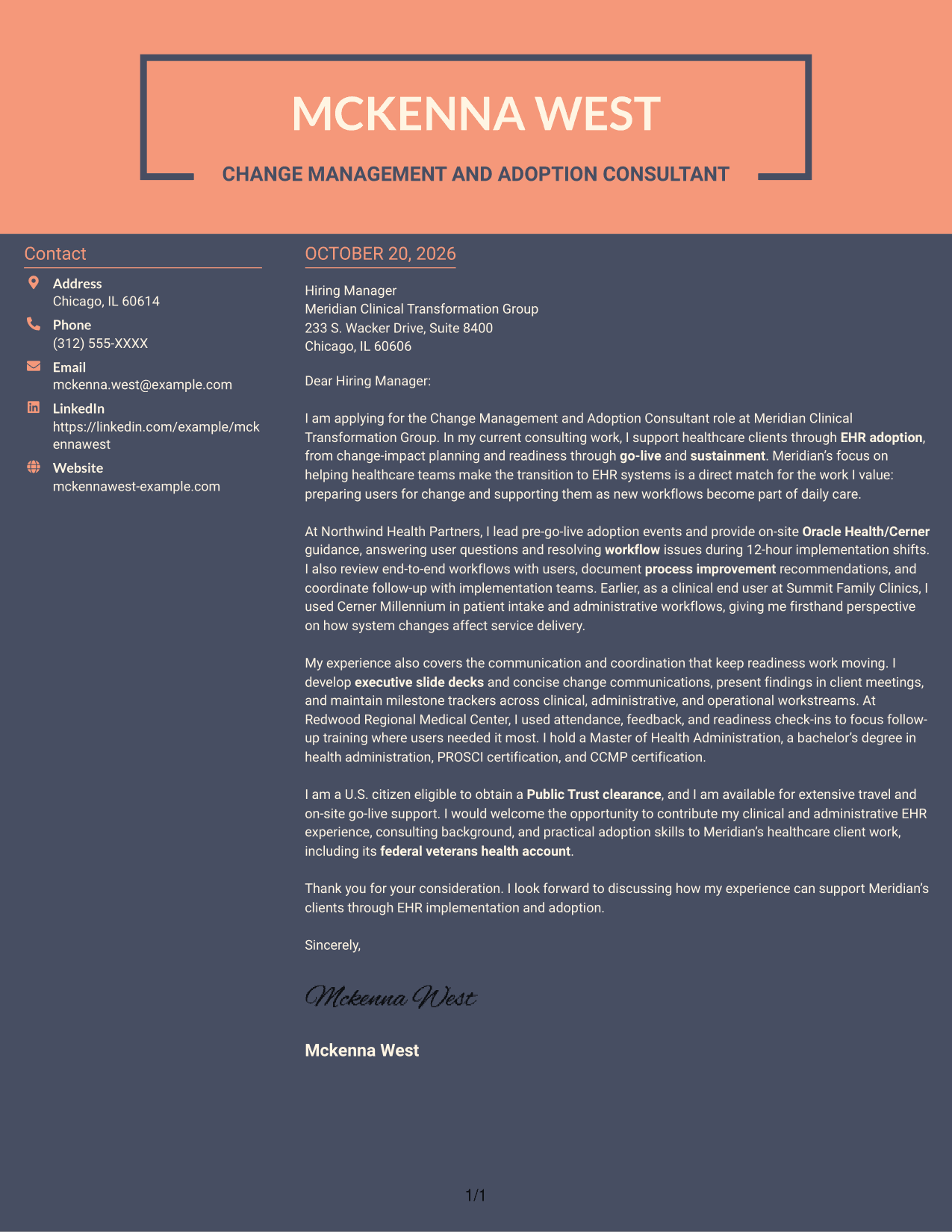
Why This Format Works
- A contact sidebar puts sender information apart from the letter's continuous message.
- One body preserves the intended sequence from introduction to supporting case and close.
- Argument paragraphs remain free of section labels, supporting a familiar letter structure.
Best For
- Separate contact and message areas
- Letters with a continuous argument
- Unheaded persuasive paragraphs
- A direct opening-to-closing sequence
- Concise role-specific communication
Why Use ResumeInMinutes for a Change Management and Adoption Consultant Cover Letter
Review a cover letter example that connects healthcare EHR adoption work with user readiness, workflow support, clear client communication, and go-live guidance.
- Professional cover letter examples
- Clear, readable layouts
- Role-specific communication
- Focused opening and closing guidance
- PNG image previews
- Options to view or customize examples in the editor
Compare the image preview, then open an example in the editor to customize a cover letter around your experience and the employer’s needs.
See Also
- 7 Change Management and Adoption Consultant Resume Templates with Example
- 7 Lead Change Management Consultant Resume Templates with Example
- 33 AI Engineer Consultant Resume Templates with Example 2026 (ATS-Optimized)
- 33 Business Processes Chief Consultant - Regulated Manufacturing Resume Templates with Example
- 7 Clinical Data Audit Consultant Resume Templates with Example
- 7 Consultant - Databases Resume Templates with Example
- 7 Consultant - Energy Providers Resume Templates with Example
- 33 Cybersecurity Senior Consultant Resume Templates with Example 2026 (ATS-Optimized)
- 30+ AI Engineer Consultant Cover Letter Templates with Example 2026
- 7 Clinical Data Audit Consultant Cover Letter Templates with Example
Frequently Asked Questions
What should a Change Management and Adoption Consultant cover letter include?
Connect your interest in the role to relevant change management work. Give a clear example of supporting EHR adoption, preparing users, reviewing workflows, or guiding teams during go-live.
How can I show direct fit for healthcare EHR adoption work?
Explain your part in readiness, training, stakeholder communication, workflow review, or sustainment. If you have used Oracle Health or Cerner as an end user, describe how that experience helps you understand user needs.
What belongs in the opening paragraph?
Name the Change Management and Adoption Consultant role, state your interest, and give a brief reason your background fits healthcare EHR change. Save detailed examples for the body of the letter.
How should I discuss go-live and travel expectations?
If accurate for you, state your availability for on-site go-live support and travel. You can also give a brief example of helping users during a busy implementation period.
How can I choose a cover letter layout?
Choose a clean layout that makes your message easy to read and fits the employer’s communication style. Compare the PNG previews, then open an example in the editor to customize it.




