
7 Child Welfare Case Manager - Investigations Cover Letter Templates with Example
This practical guide shows you how to shape a persuasive Child Welfare Case Manager - Investigations cover letter across seven layouts.
What Makes a Strong Child Welfare Case Manager - Investigations Cover Letter in 2026
A strong letter connects your interest in this role with clear examples of sound safety assessment, timely investigations, and respectful family engagement.
Show how your work with safety plans, case records, or family supports fits the employer's focus on child safety and well-being. Keep each example factual and explain why it matters to the role.
The featured example moves from interest in the role to investigation evidence, broader case coordination, and a clear close. Adapt that progression while choosing a presentation suited to the employer and the communication context.
#1 Simple One Column Format Cover Letter Example
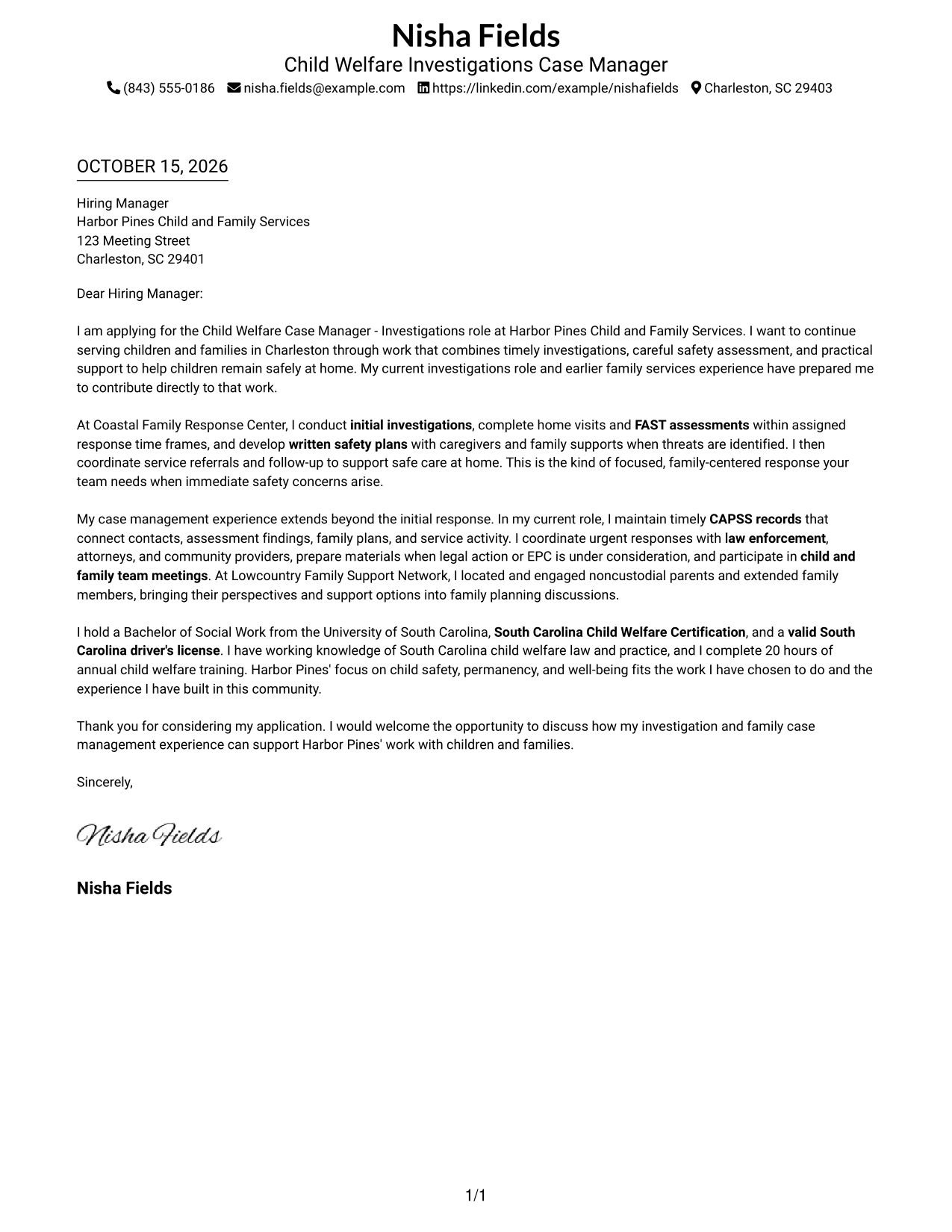
A single-column page keeps sender details in the header and gives the letter one clear reading path.
Why This Format Works
- Contact details remain in the header, separate from the letter's case for fit.
- The single-column body lets readers follow the message from greeting to closing.
- The photo-free presentation suits readers who prefer written correspondence without a portrait.
Best For
- Single-column reading preference
- Header-based contact details
- Paragraph-led cover letters
- Photo-free correspondence
- A continuous case for fit
#2 Two Column Format Cover Letter Example
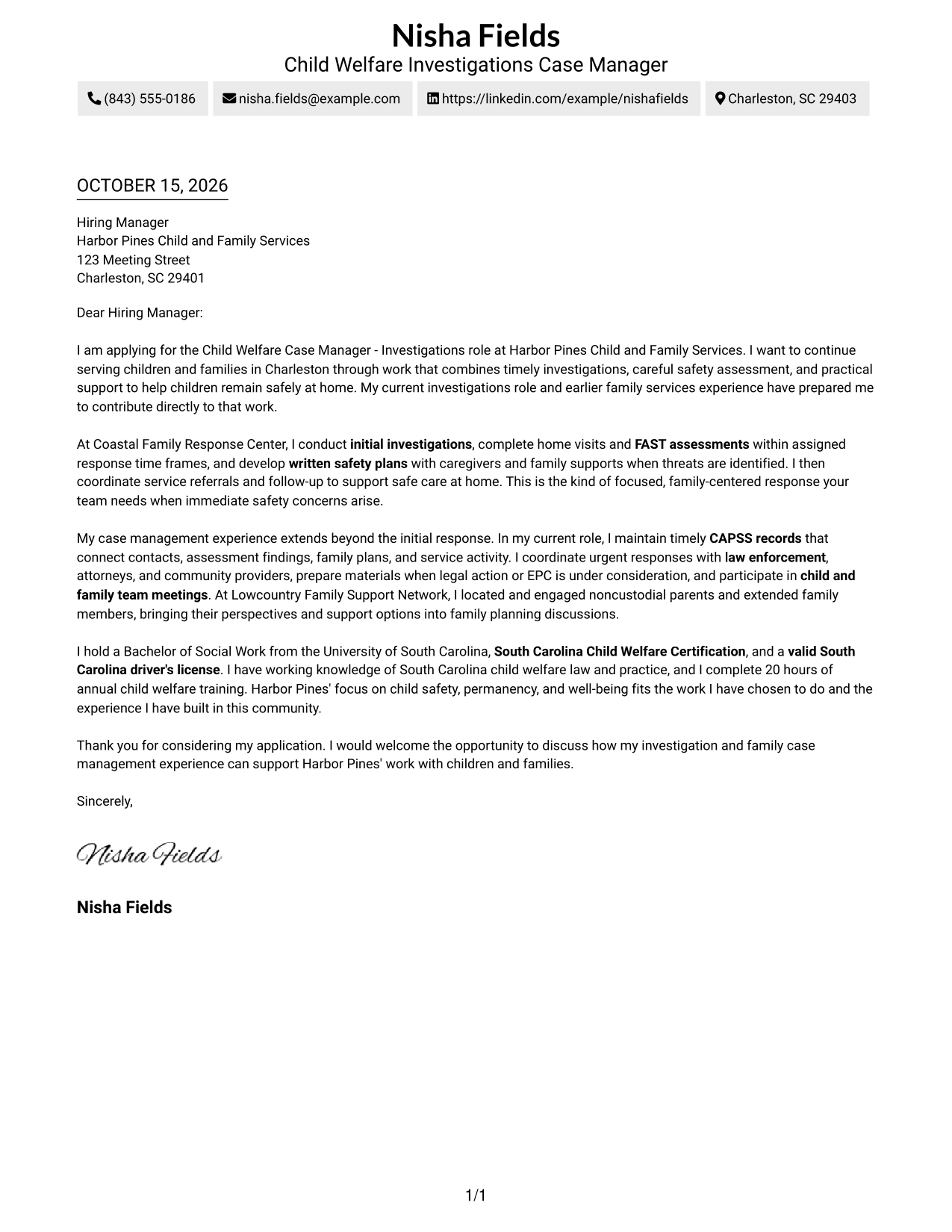
A contact sidebar beside the one-column letter body keeps sender details distinct while the message reads in sequence.
Why This Format Works
- A separate contact sidebar makes sender details easy to find at a glance.
- The letter body keeps the opening, supporting paragraphs, and closing together.
- Readers can follow the full argument without switching between parallel body columns.
Best For
- Sidebar-based contact access
- A single letter body
- Separate sender information
- Photo-free correspondence
- Opening-to-close letter flow
#3 Photo Header Two Column Format Cover Letter Example
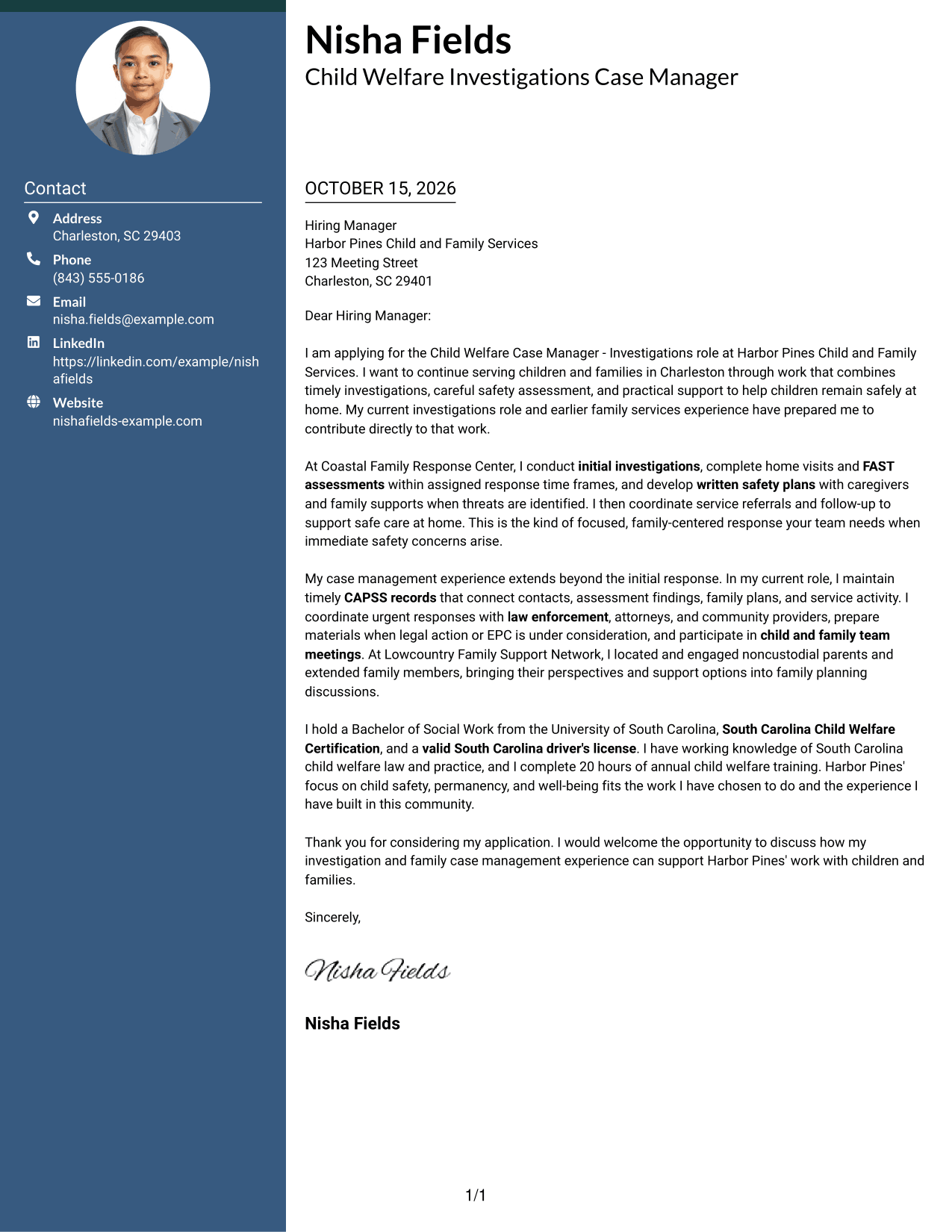
A photo in the header adds a personal visual element, while the contact sidebar sits beside one continuous letter body.
Why This Format Works
- The header photo adds a visible personal element without interrupting the letter body.
- Contact details in the sidebar remain distinct from the persuasive message.
- The continuous body keeps the greeting, supporting case, and close in sequence.
Best For
- Photo-led header preference
- Sidebar-based contact access
- A continuous letter body
- Personal visual identification
- Opening-to-close persuasion
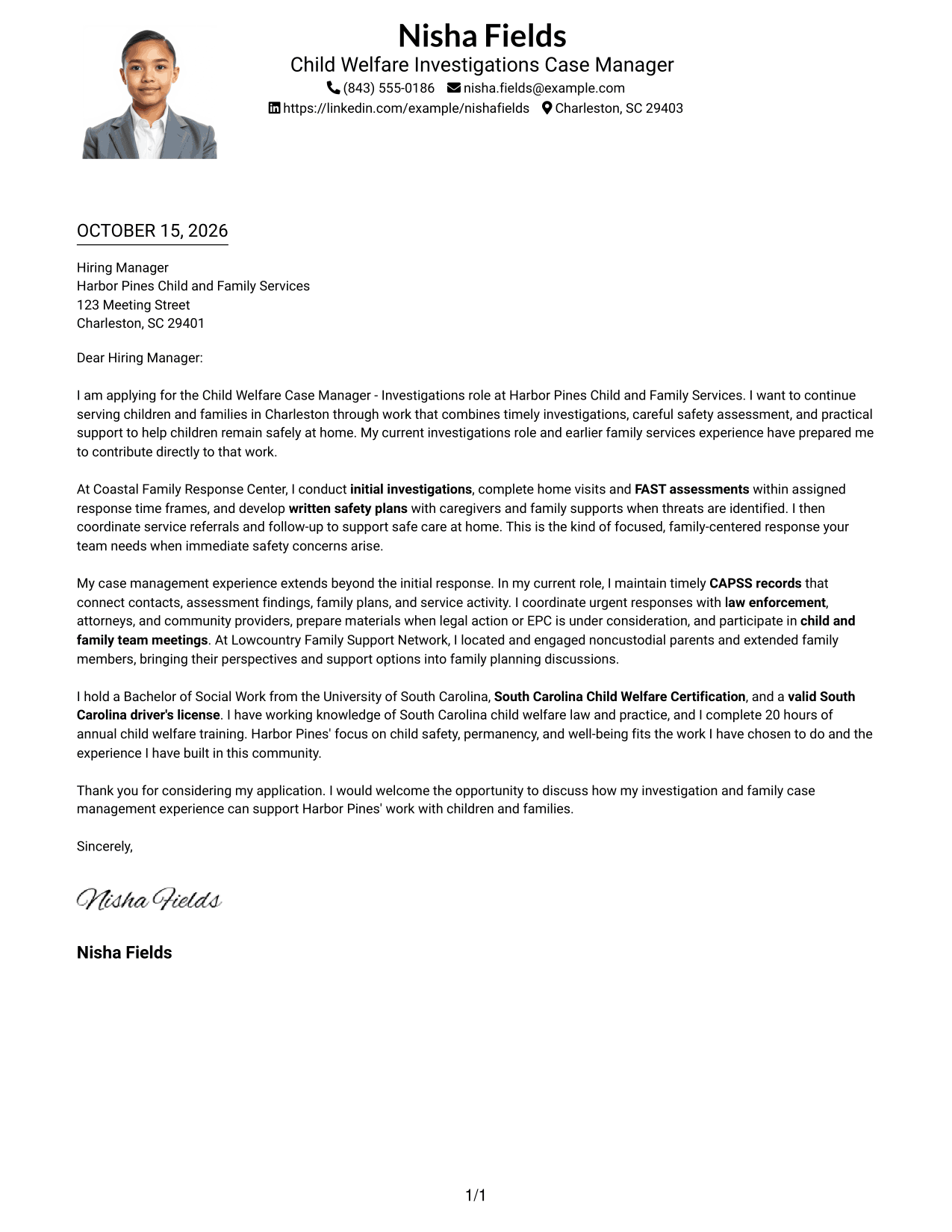
#4 One Column Format with Photo Cover Letter Example
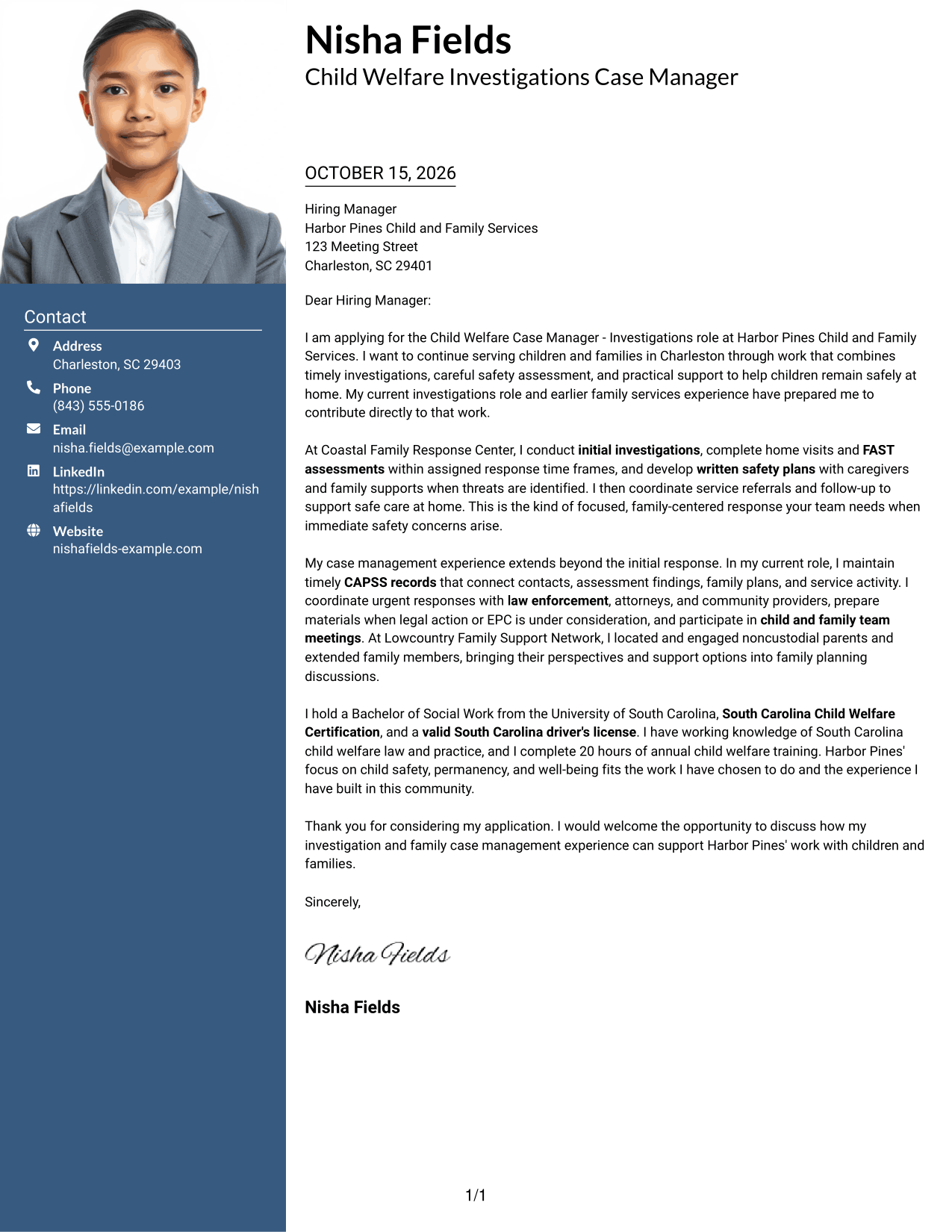
The one-column design includes a photo while keeping the letter in a single, continuous reading path.
Why This Format Works
- One body column keeps every paragraph in the same reading sequence.
- The photo adds a personal visual detail without dividing the letter's argument.
- Sender details remain in the header, apart from the continuous letter body.
Best For
- One-column letter reading
- Cover letters with a photo
- A continuous persuasive message
- Header-based contact details
- Single-path reading preference
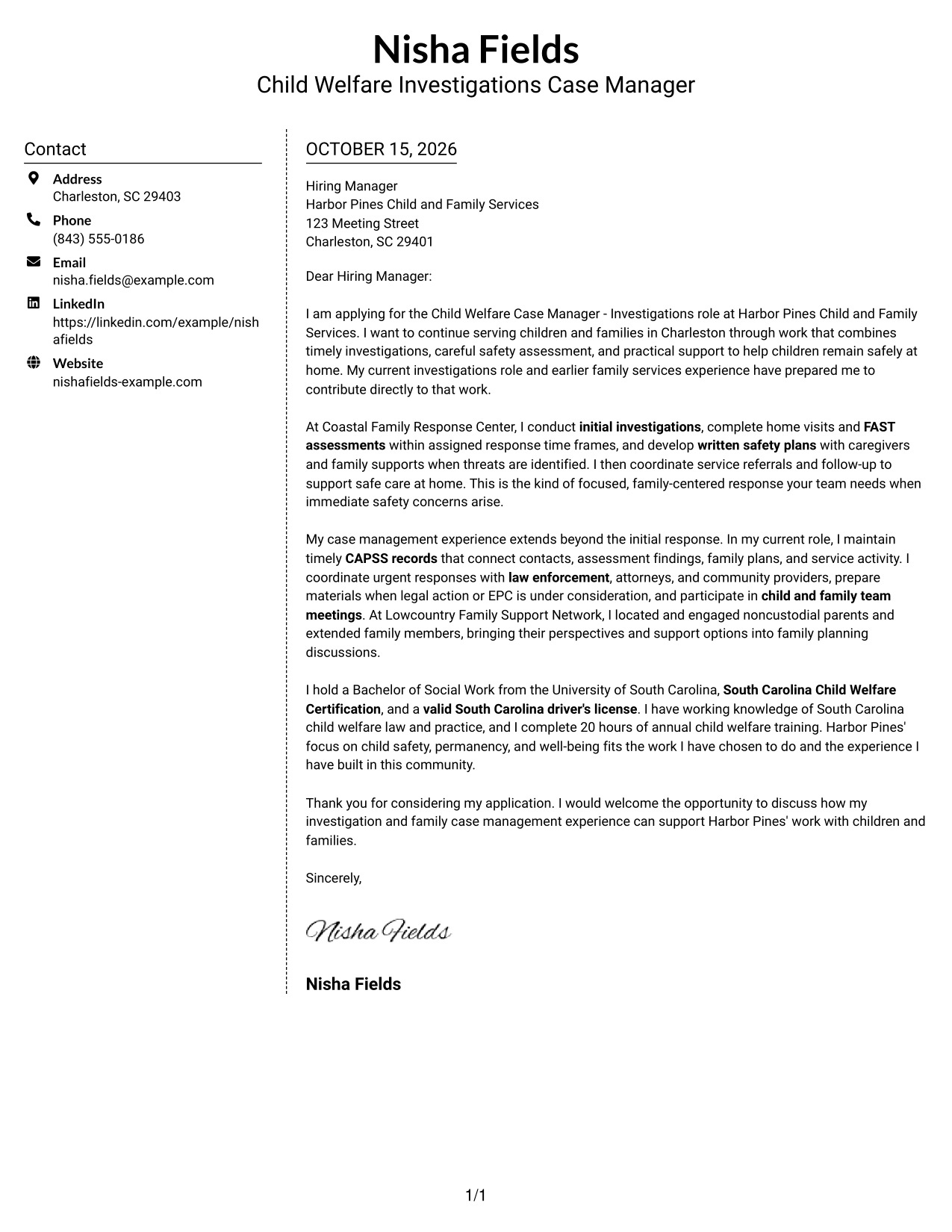
#5 Simple Two Column Format Cover Letter Example
A contact sidebar gives sender details their own area beside the letter's single, continuous body.
Why This Format Works
- The sidebar keeps contact information separate from the letter's argument.
- A single body column presents the message in its natural paragraph order.
- Readers can move through the opening, role fit, and closing without a split argument.
Best For
- Contact sidebar preference
- One-column letter body
- Clearly separated sender details
- Photo-free application materials
- Paragraph-led persuasion
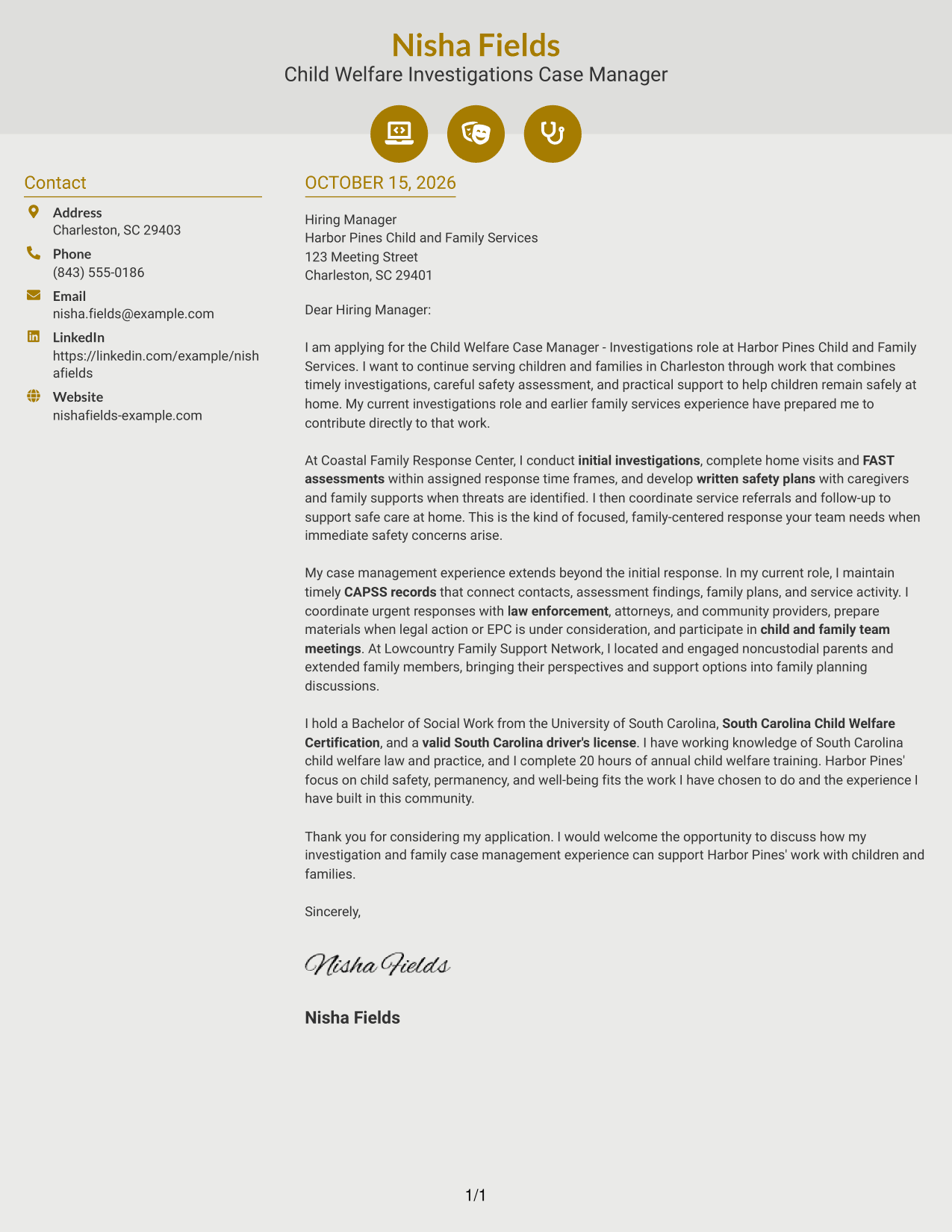
#6 Modern Icon Format Cover Letter Example
Contact icons add visual cues in the sidebar, while the letter remains one continuous body beside it.
Why This Format Works
- Icons provide visual cues for contact details, not stages of the letter argument.
- The sidebar keeps sender information apart from the persuasive paragraphs.
- A single letter body carries the message from greeting through closing.
Best For
- Icon-cued contact details
- Sidebar-based contact access
- One continuous letter body
- A visual contact reference
- Photo-free correspondence
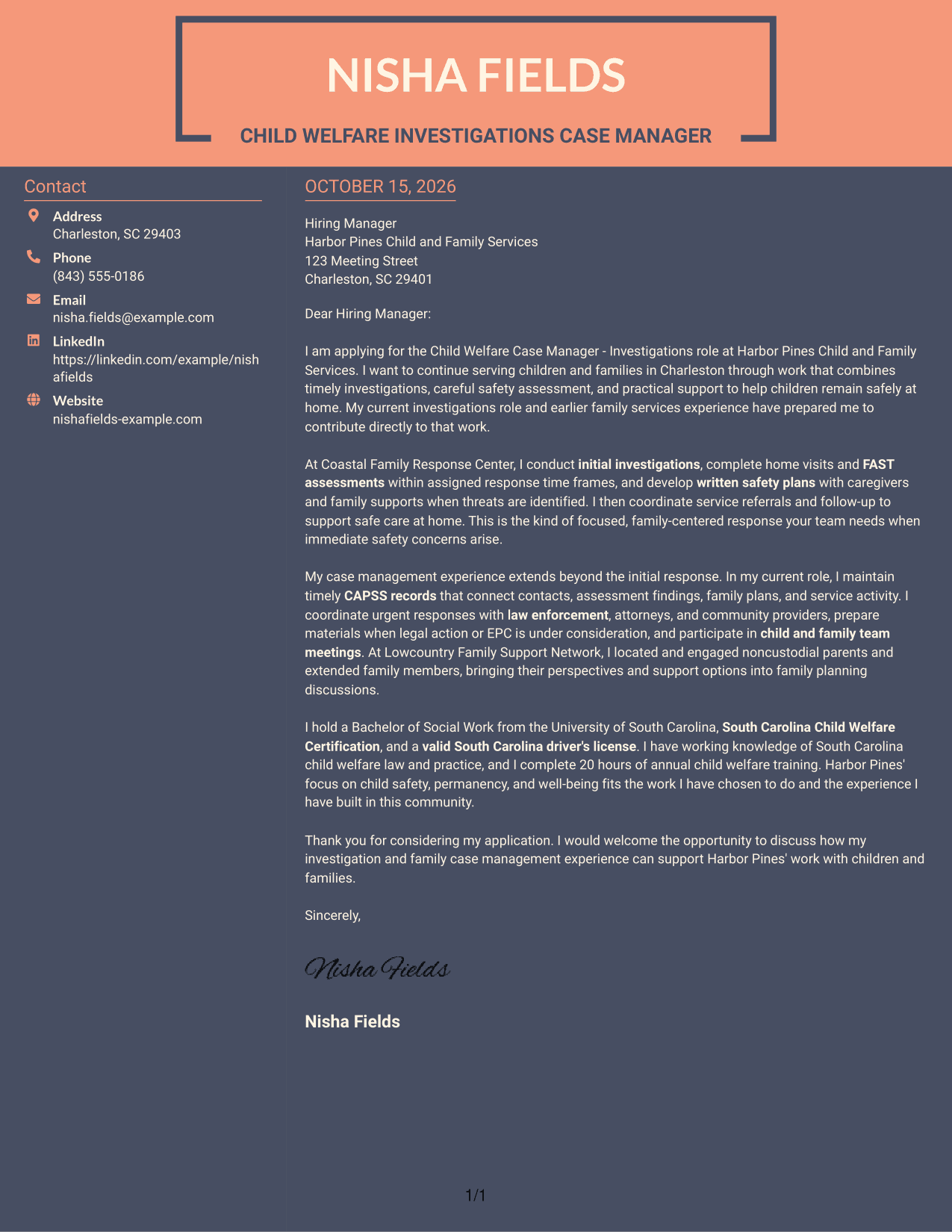
#7 Creative Two Tone Format Cover Letter Example
The two-column layout places contact details beside the continuous letter body, keeping the message in one reading sequence.
Why This Format Works
- The contact sidebar gives sender details a distinct place beside the letter.
- All argument paragraphs stay together in one continuous body.
- The reader can follow the letter from its greeting to its final request.
Best For
- Sidebar contact presentation
- A single persuasive message
- Separate sender information
- Photo-free letter layouts
- Sequential letter reading
See Also
- 7 Child Welfare Case Manager - Investigations Resume Templates with Example
- 7 Child Welfare Specialist Trainee Resume Templates with Example
- 7 CPS & Foster Care Services Specialist - Child Welfare Resume Templates with Example
- 7 Workforce Development Administrative Manager - Welfare-to-Work Programs Resume Templates with Example
- 7 Child Care Resource Specialist Resume Templates with Example
- 7 Director of Child Care Resume Templates with Example
- 7 Family Services Worker I - Child Protective Services Resume Templates with Example
- 7 Licensing Specialist - Child Care Licensing Resume Templates with Example
- 7 Workforce Development Administrative Manager - Welfare-to-Work Programs Cover Letter Templates with Example
- 7 Family Services Worker I - Child Protective Services Cover Letter Templates with Example
Frequently Asked Questions
What should the opening of a Child Welfare Case Manager - Investigations cover letter say?
State the role you are applying for and give a clear reason for your interest. Then connect that interest to the work of investigating safety concerns and supporting children and families.
What evidence can strengthen this cover letter?
Use specific examples of investigation work, FAST assessments, safety planning, CAPSS records, family engagement, and coordination with partners. Describe only work and qualifications that are true for you.
How can I show that my approach fits the position?
Explain how your communication and judgment support child safety, family involvement, and timely follow-up. Where relevant, connect your approach to the employer's stated focus on safety, permanency, and well-being.
Which cover letter layout should I choose?
Choose a clear layout that is easy to read and suits the employer and application context. Compare the image previews, then open an example in the editor to view or customize it.
How should I close the letter?
Thank the reader for considering your application and make a direct, polite request to discuss how your relevant experience could support the team.




