
7 Claims Administrative Support Specialist Cover Letter Templates with Example
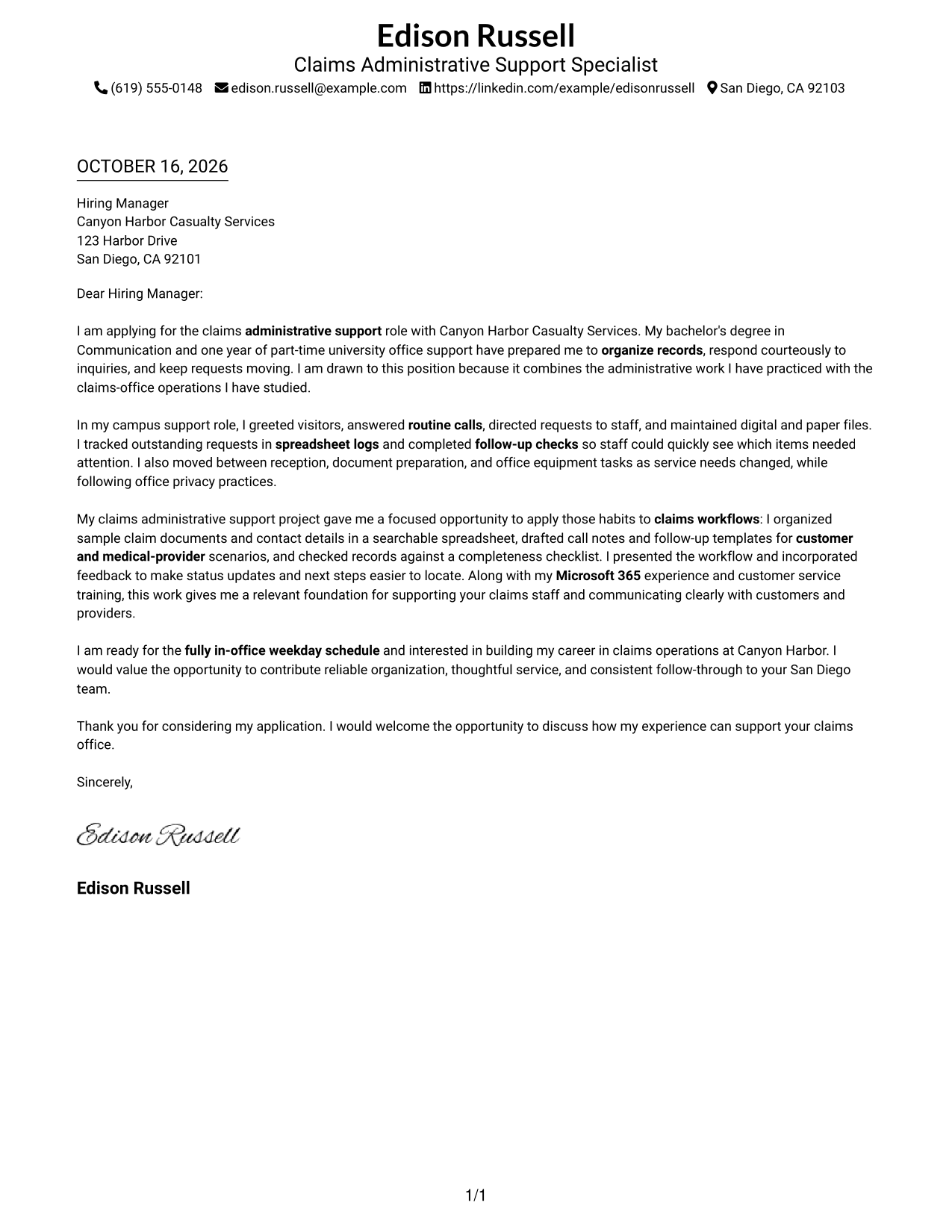
This guide helps you write a focused Claims Administrative Support Specialist cover letter and compare seven layouts for clear, courteous communication.
What Makes a Great Claims Administrative Support Specialist Cover Letter in 2026
A strong letter shows how you can organize claims records, respond clearly to inquiries, and follow up on open requests. Its opening should connect your interest in claims office work to the role.
Use relevant examples, such as handling office records, tracking requests, or practicing claims intake, when they reflect your real experience. Link those examples to the employer’s need for accurate, courteous support.
The featured example moves from interest in the role to office support evidence, a claims-focused example, and a clear closing. Adapt that focused progression while choosing a presentation that suits the employer and the communication context.
#1 Simple One Column Format Cover Letter Example
The Simple One Column Format keeps the letter in one text column, giving the message a direct reading path.
Why This Format Works
- Sender details sit apart from the letter, keeping contact information easy to locate.
- One continuous body lets the reader follow the message from interest through closing.
- Without a portrait, the letter's wording remains the sole personal presentation.
Best For
- Direct letter reading order
- Contact details in the header
- Continuous paragraph-based argument
- Text-focused application materials
- Cover letters without portraits
#2 Two Column Format Cover Letter Example
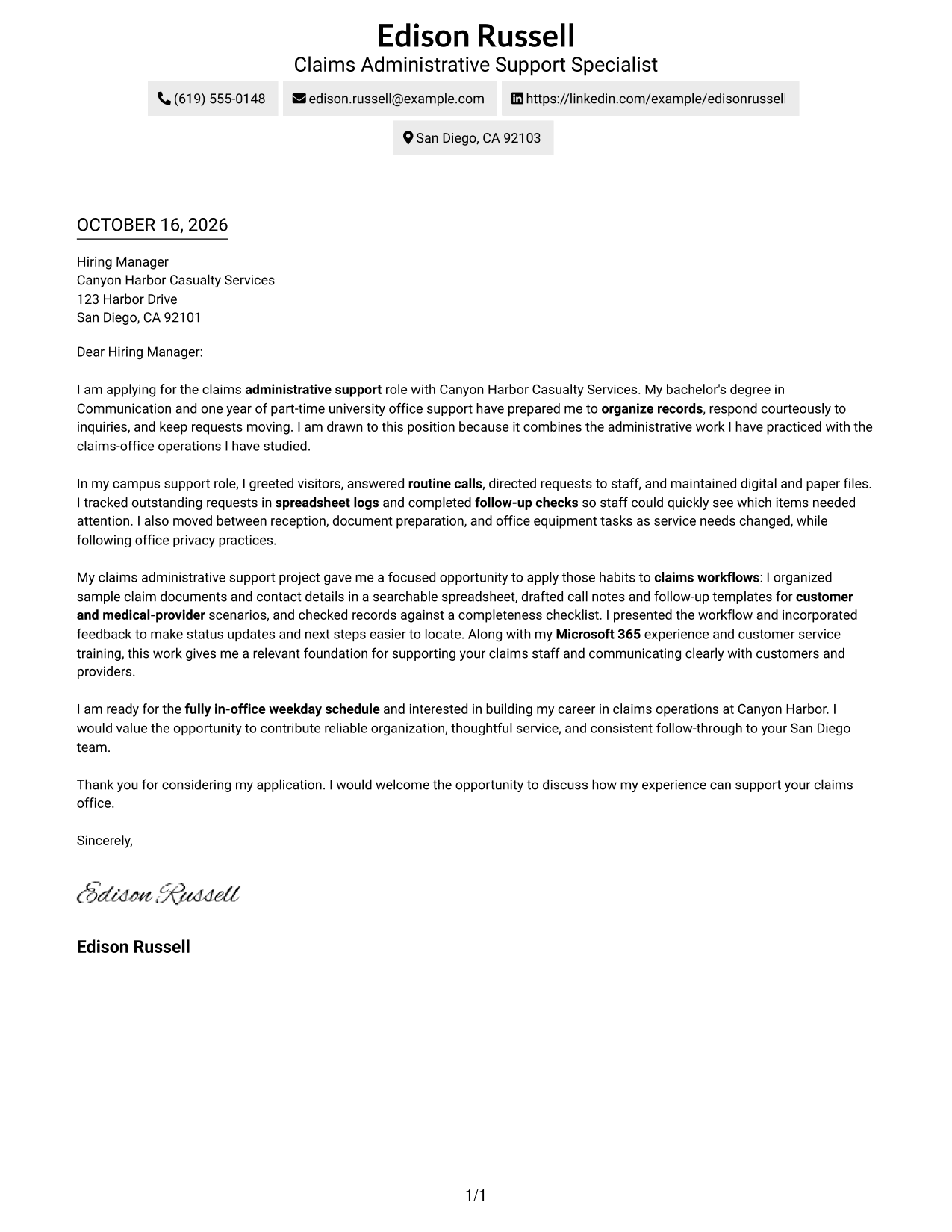
The Two Column Format places a contact sidebar beside one continuous letter body, keeping contact details apart from the message.
Why This Format Works
- The sidebar gives sender contact details a separate, easy-to-find place.
- Opening, supporting examples, and closing stay together in one letter body.
- A portrait-free presentation suits readers who prefer text over personal imagery.
Best For
- Contact details beside the letter
- One-column letter body
- Clear separation of contact information
- Portrait-free correspondence
- Paragraph-led application messages
#3 Photo Header Two Column Format Cover Letter Example
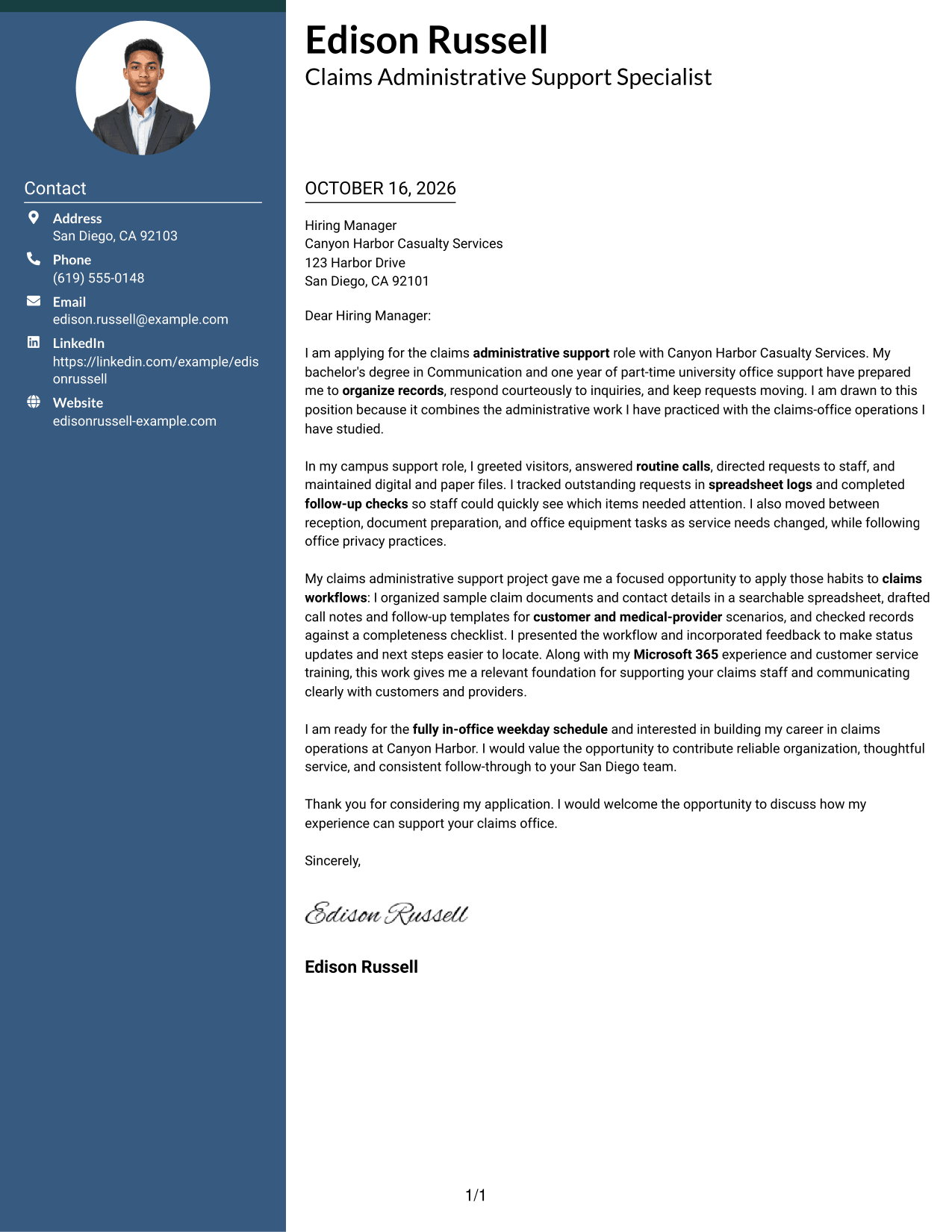
The Photo Header Two Column Format pairs a contact sidebar and continuous letter body with a photo, for readers who prefer a portrait in the presentation.
Why This Format Works
- Sender contact details have their own place beside the letter text.
- A single body keeps the opening, examples, and closing in sequence.
- The photo adds a personal visual element without labeling the letter's argument.
Best For
- Portrait-inclusive letter presentation
- Separate sender contact details
- Continuous letter paragraphs
- A single body for the message
- Applications where a photo is preferred
#4 One Column Format with Photo Cover Letter Example
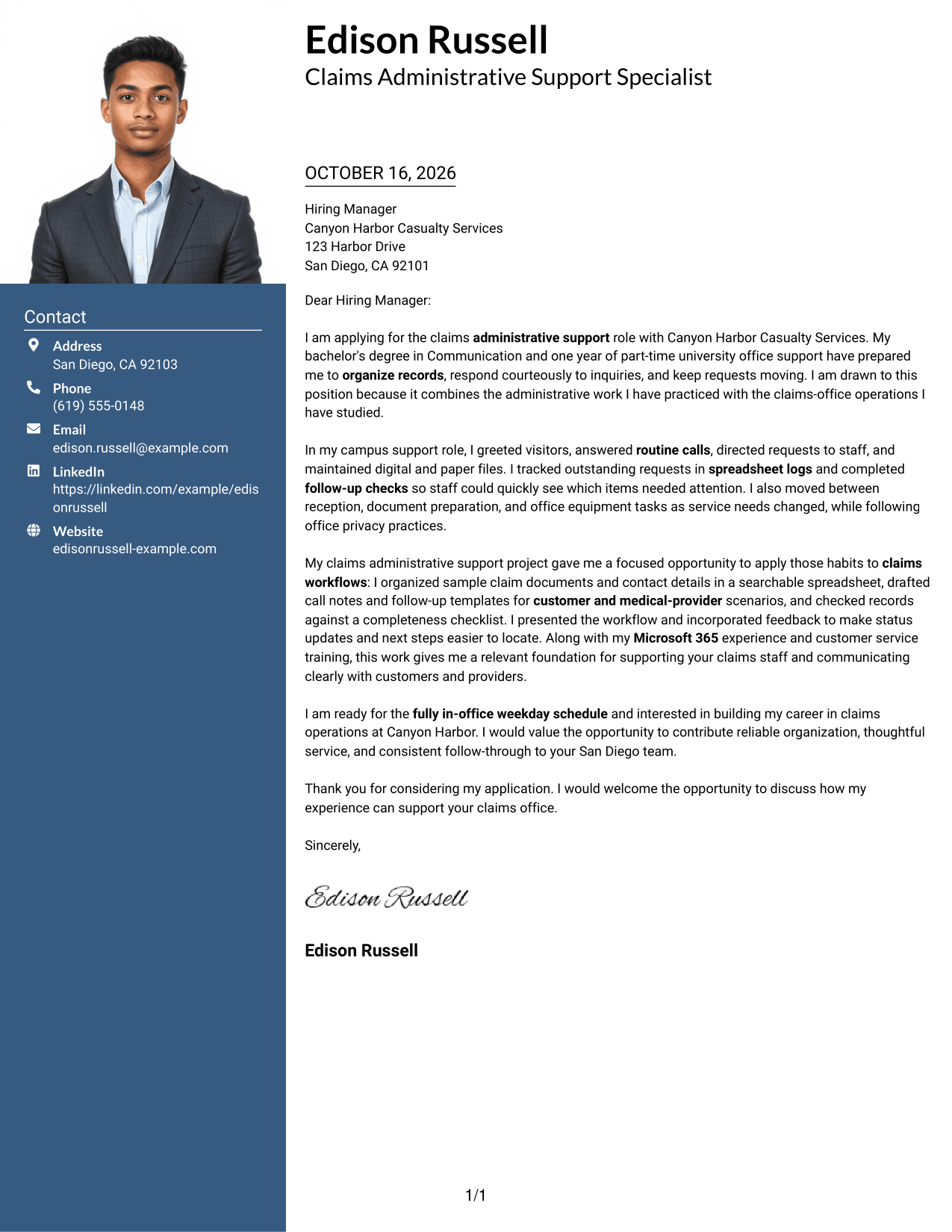
The One Column Format with Photo keeps the letter in one text column and includes a photo, combining a direct reading path with a portrait.
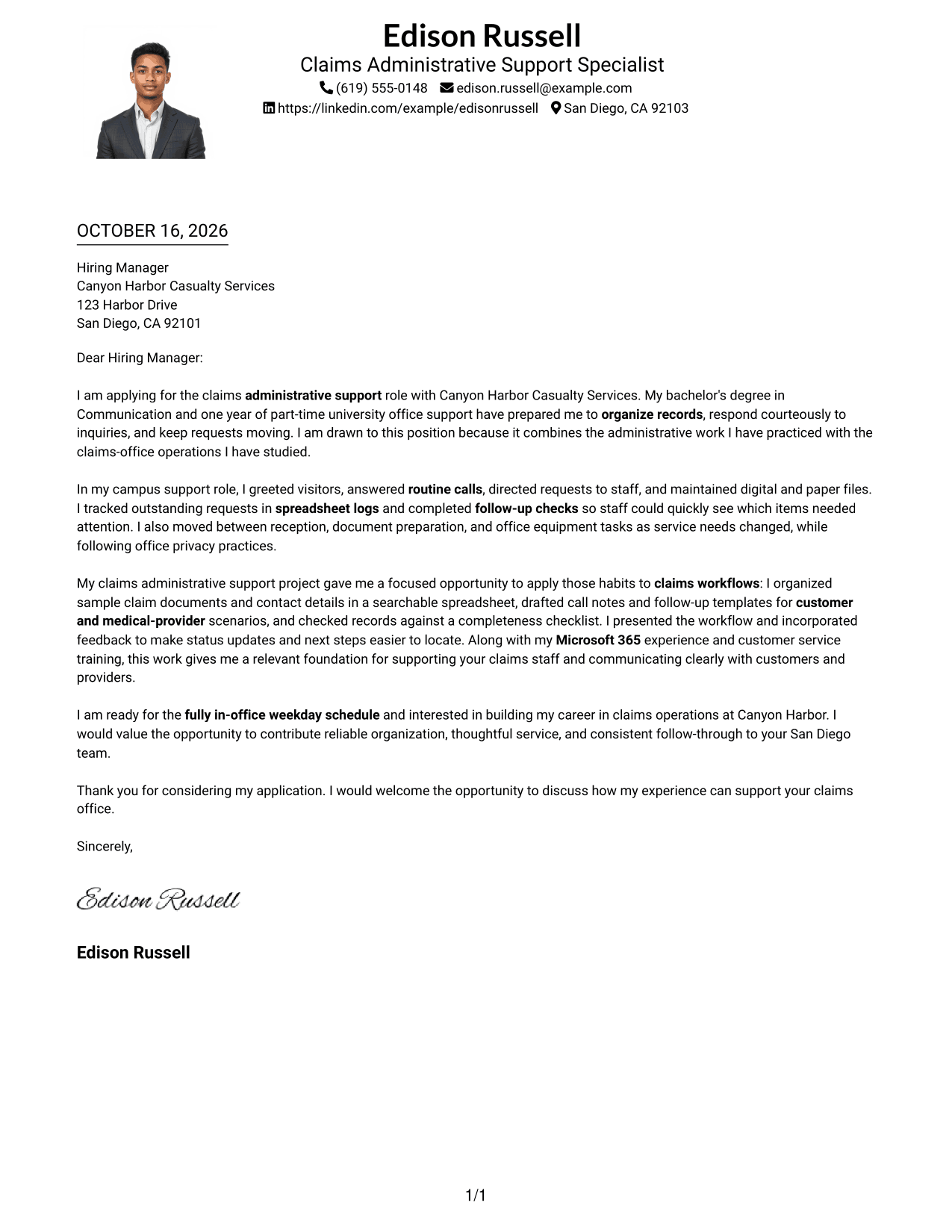
Why This Format Works
- Sender details stay in the header, apart from the letter's paragraphs.
- The one-column body keeps the letter's points in their intended order.
- A portrait offers a clear visual introduction alongside the written message.
Best For
- One-column letter reading
- Photo-inclusive correspondence
- Sender details in the header
- Continuous message paragraphs
- Portrait as part of the presentation
#5 Simple Two Column Format Cover Letter Example
The Simple Two Column Format sets contact details in a sidebar beside the continuous letter body, offering a clear separation between them.
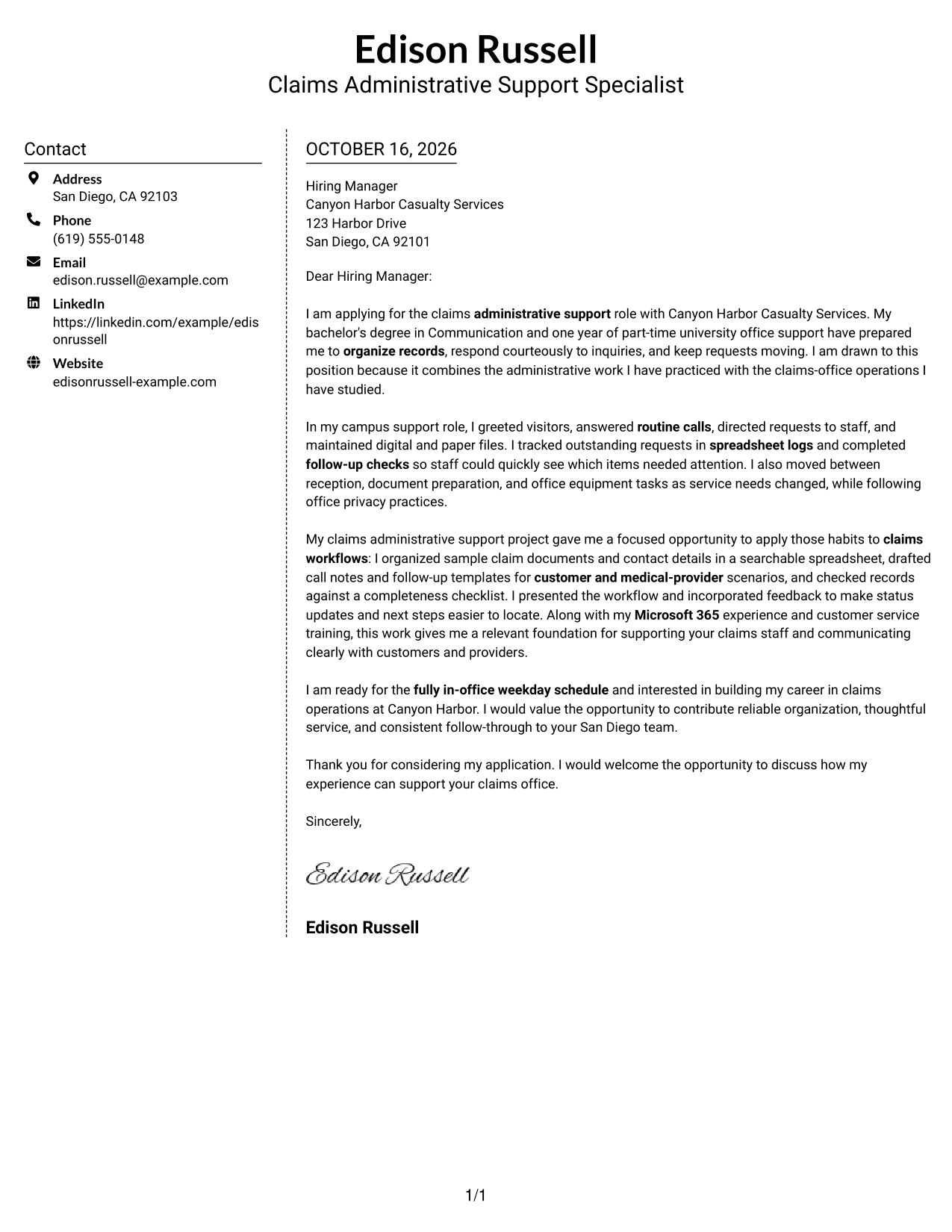
Why This Format Works
- The contact sidebar lets readers locate sender details without searching the letter.
- The message stays in one body rather than being split between columns.
- A layout without a photo suits text-centered application materials.
Best For
- Contact sidebar beside the letter
- Continuous body text
- Quick access to sender details
- Photo-free correspondence
- A direct written message
#6 Modern Icon Format Cover Letter Example
The Modern Icon Format uses two columns for contact details and the letter body, with icons serving as contact cues or header accents.
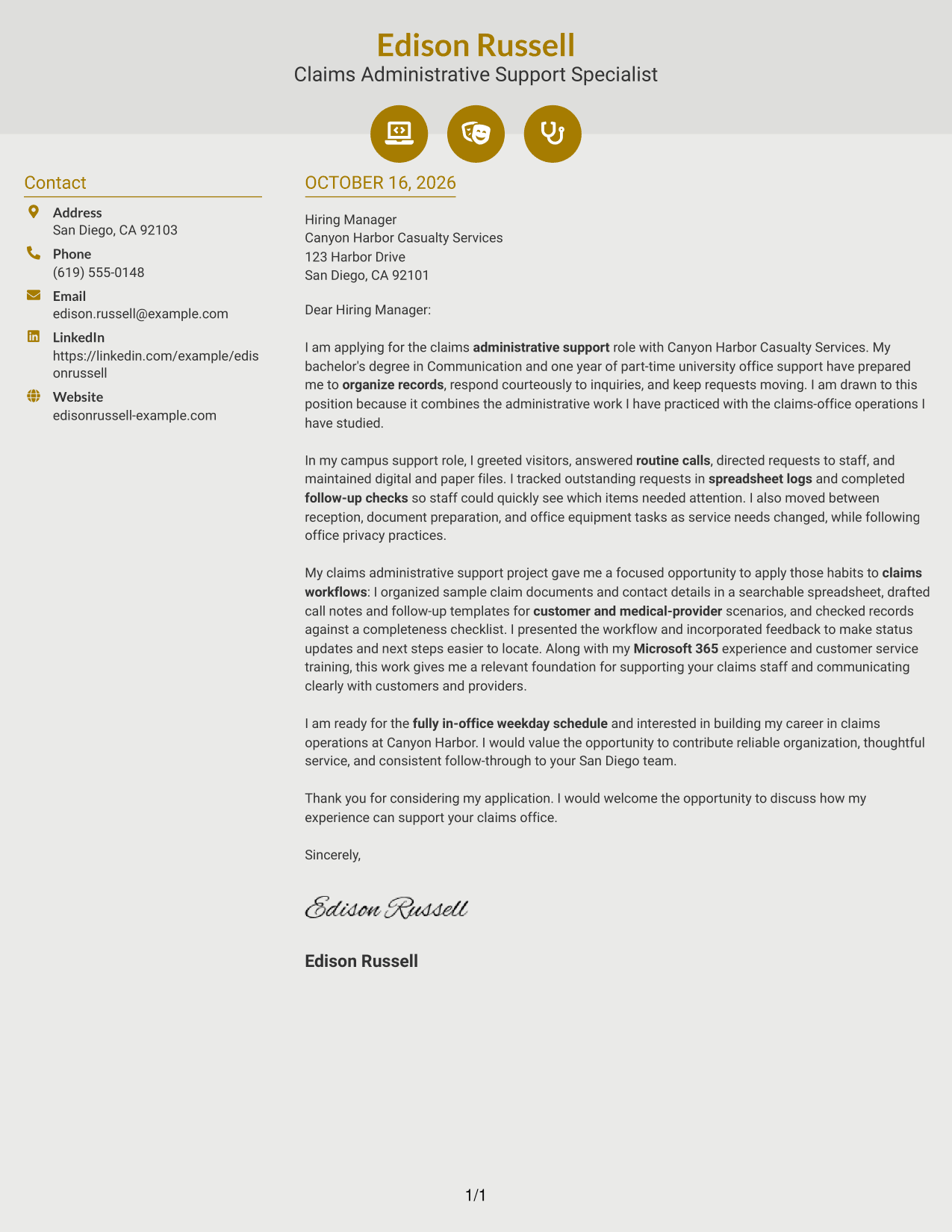
Why This Format Works
- Contact cues help distinguish ways to reach the sender from the letter text.
- The continuous body keeps the message's paragraphs in their original sequence.
- Icons decorate contact details or the header, not the letter's argument.
Best For
- Icon-marked contact details
- A continuous letter body
- Two-column contact and message layout
- Decorative header accents
- Correspondence without a portrait
#7 Creative Two Tone Format Cover Letter Example
The Creative Two Tone Format places a contact sidebar beside one continuous letter body, separating contact information from the written message.
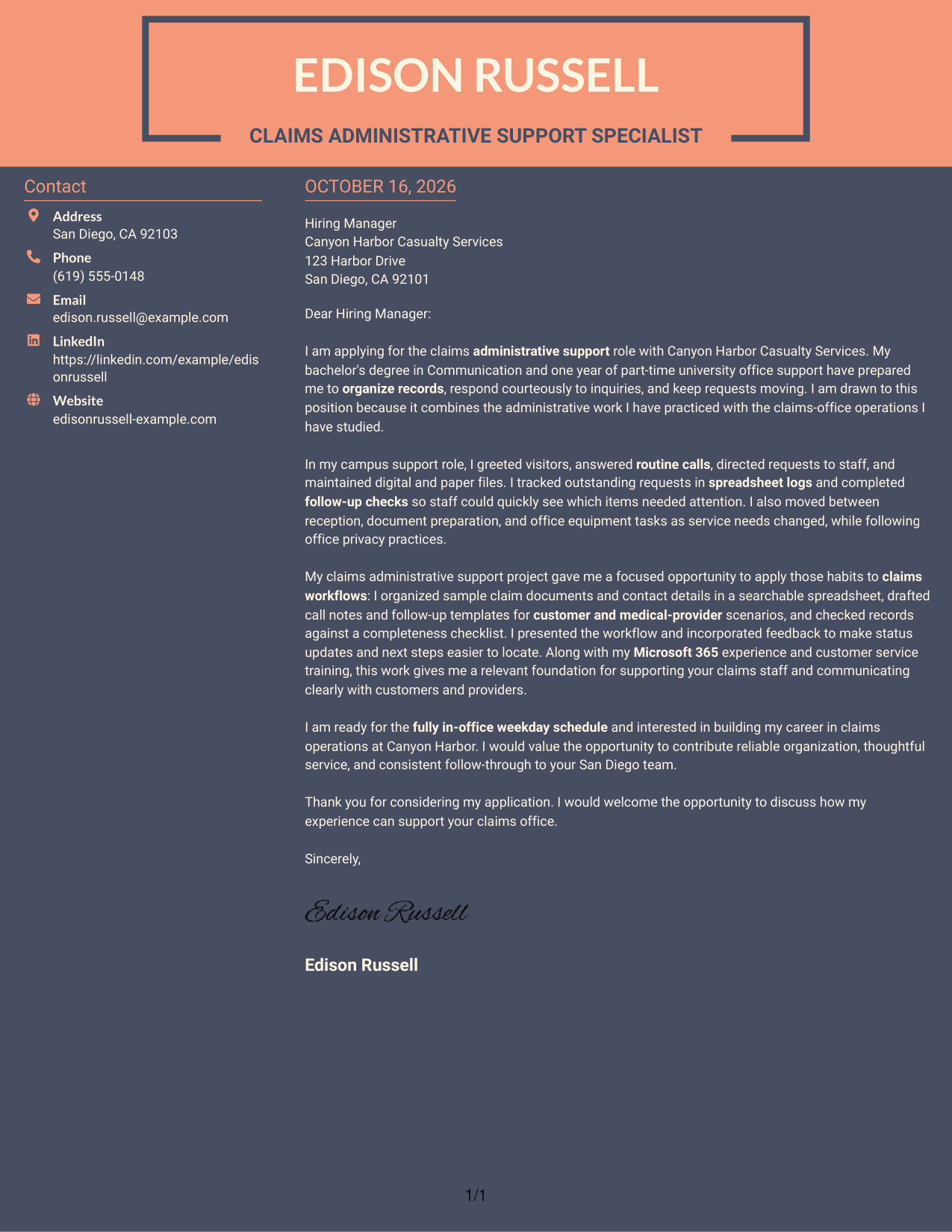
Why This Format Works
- Sender details remain grouped in the sidebar rather than mixed into the letter.
- The letter's opening, supporting points, and closing stay in one body.
- A layout without a portrait keeps the presentation focused on written communication.
Best For
- Separate contact information
- One continuous letter body
- Written-message focused applications
- A clear contact and message division
- Correspondence without portraits
Why Use ResumeInMinutes for a Claims Administrative Support Specialist Cover Letter
Compare the image previews to see how different layouts present a cover letter, then open an example in the editor to customize it for the role.
- Different writing styles
- Clear, readable layouts
- Role-focused cover letter examples
- Easy-to-review image previews
- Professional templates
- Editor customization
For a claims support application, keep the message direct and courteous. Show how your record-keeping, communication, and follow-up examples relate to the work described in the job posting.
See Also
- 7 Claims Administrative Support Specialist Resume Templates with Example
- 7 Administrative Assistant - Executive and Office Support Resume Templates with Example
- 7 Administrative Assistant VI - Executive-Level Administrative Support Resume Templates with Example
- 7 Administrative Support Assistant - Executive Office Support Resume Templates with Example
- 7 Administrative Support Assistant III Resume Templates with Example
- 7 Administrative Support II - Career Success Resume Templates with Example
- 7 HR Administrative Support Resume Templates with Example
- 33 Intermediate Clerk - Administrative Records Support Resume Templates with Example
- 7 Accounts Payable Assistant - Claims Payments Cover Letter Templates with Example
- 7 Claims Adjuster I - Auto and Liability Claims Cover Letter Templates with Example
Frequently Asked Questions
What should a Claims Administrative Support Specialist cover letter include?
Include a clear reason for your interest, relevant office support examples, and a closing that welcomes further discussion. Explain how your communication, record organization, and follow-up can support claims office work.
How can I show claims-related experience if I have not worked in a claims office?
Use truthful examples from office support, training, or supervised simulations. You might describe organizing records, practicing intake documentation, tracking requests, or preparing follow-up notes if these reflect your experience.
What belongs in the opening paragraph?
Name the Claims Administrative Support Specialist role, explain your interest, and briefly connect your background to its office needs. Keep this opening focused so the reader can quickly understand your purpose.
How should I describe communication and follow-up skills?
Give a specific example of answering inquiries, directing requests, or checking on open items. State what you did and how it helped keep information clear and organized.
Should I use a photo on my cover letter?
Use a photo only if it is common or expected in your country or field. For U.S. applications, a cover letter without a photo is usually the safer choice.




