
7 Client Services Manager - Talent Acquisition Resume Templates with Example
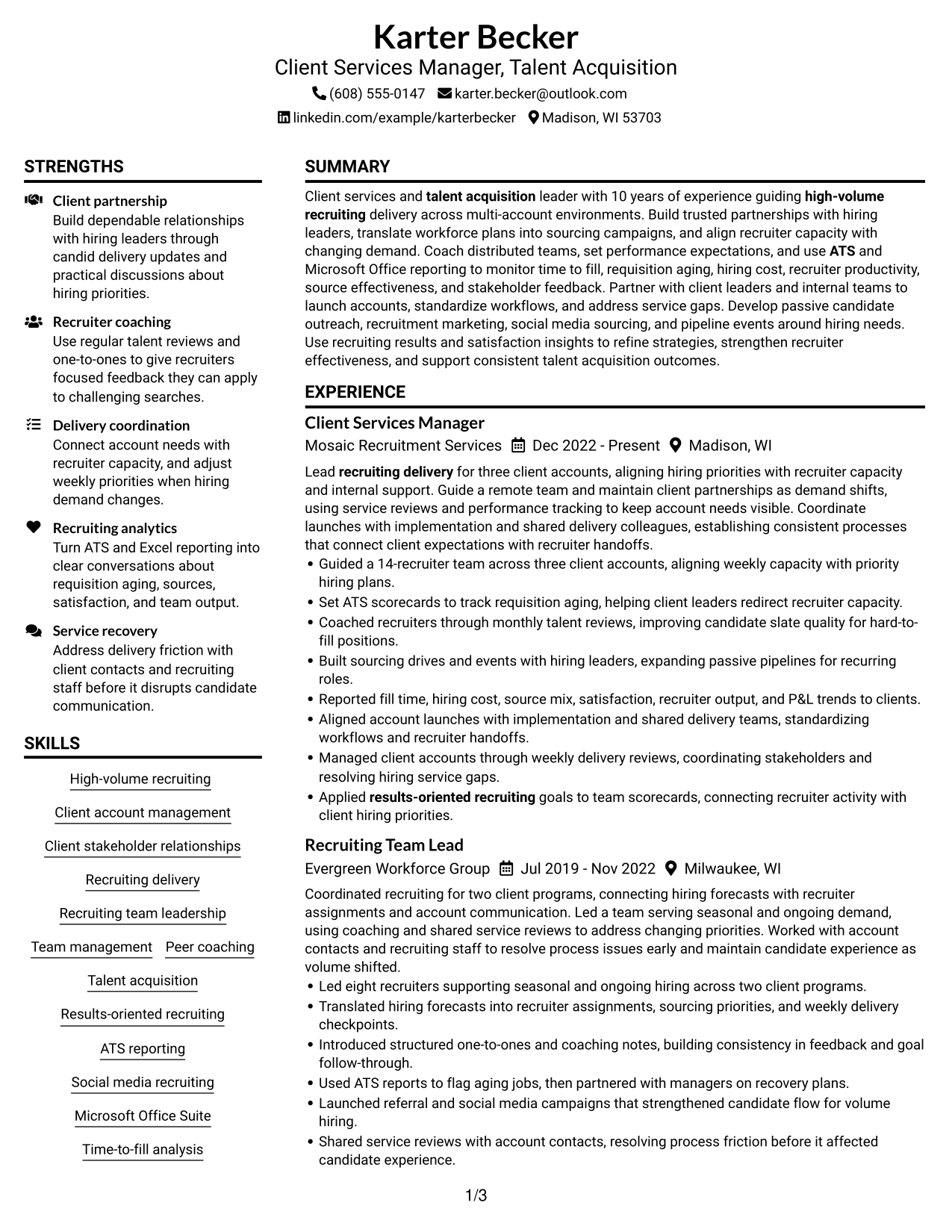
This practical guide shows you how to build a Client Services Manager - Talent Acquisition resume that presents account leadership and recruiting delivery clearly. You will learn how to organize your experience and choose a format that helps reviewers find your strongest evidence.
A strong resume connects client partnerships, recruiter coaching, and team performance with clear results. Use concise bullet points to show how you manage account needs, respond to hiring changes, and improve recruiting service.
The examples present this resume in 7 layouts, with guidance on ATS-friendly sections, recruiting metrics, skills, and relevant keywords such as time to fill, requisition aging, cost per hire, ATS reporting, and P&L reporting.
What Makes a Great Client Services Manager - Talent Acquisition Resume in 2026
A strong resume makes account leadership, recruiter coaching, and recruiting results easy to scan. Use clear sections and specific bullet points to show how you align team capacity with client hiring needs.
Support claims with evidence such as team size, account scope, and reporting responsibilities. Include relevant terms like ATS reporting, requisition aging, time to fill, cost per hire, candidate pipelines, and client service.
The examples shown below are intentionally detailed to demonstrate a range of experiences, skills, accomplishments and relevant keywords. We prefer detailed resumes as they provide more context to the hiring managers and also help the ATS systems identify relevant qualifications and score your resume better for a match. But the length of a resume is an individual choice. If you want a one page resume, just keep the most relevant experience and information for the job. Note: Resume examples are for educational purposes only. Use only information that accurately reflects your experience and qualifications. References to real organizations do not imply affiliation or endorsement.
#1 Plain Two Column Format Resume Example
The Plain Two Column Format places resume content in two side-by-side areas, giving recruiters separate paths through experience, skills, and education.
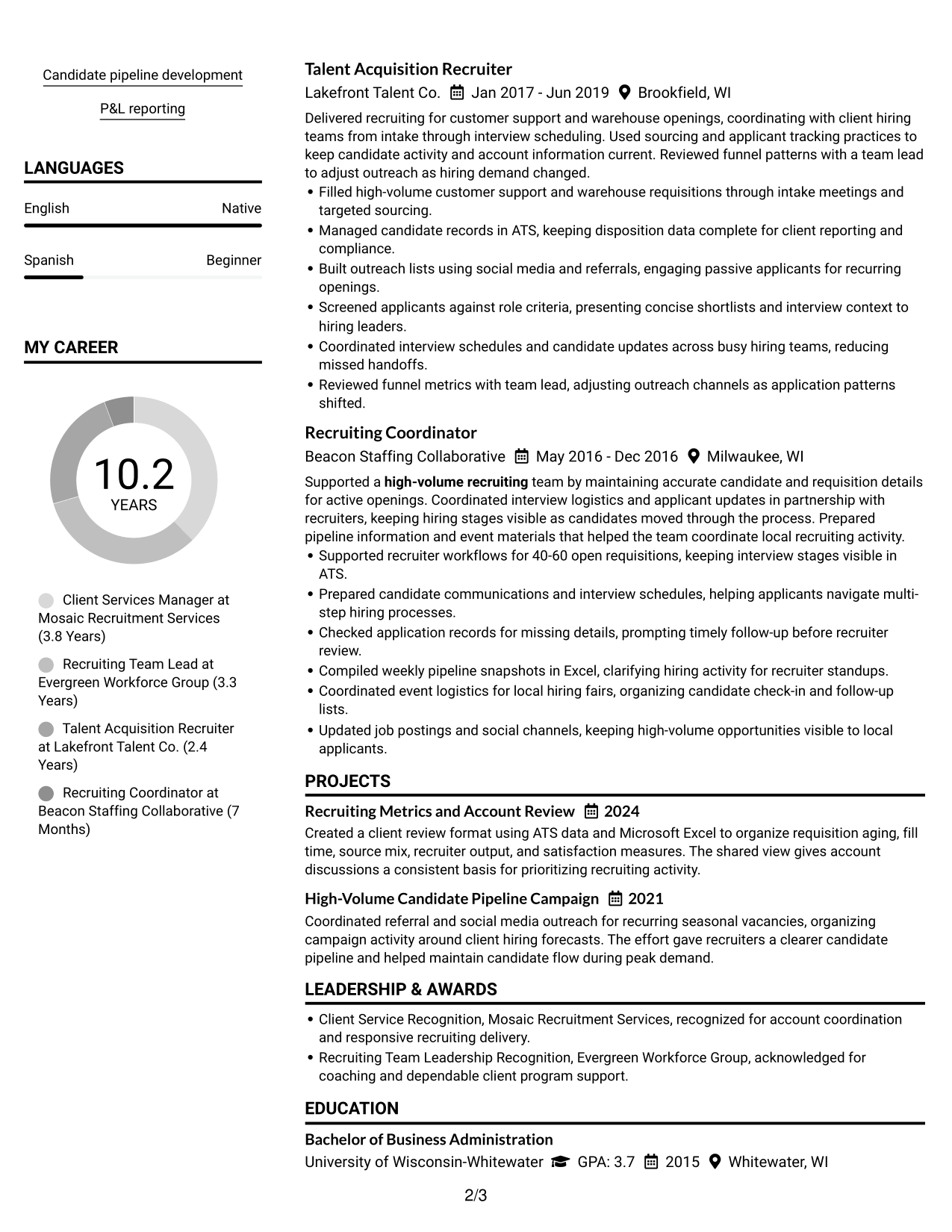
Resume Snapshot
- 10 years of high-volume recruiting experience
- Leadership across three client accounts with a 14-recruiter team
- Bachelor of Business Administration in Human Resource Management
- SHRM-CP and AIRS Certified Internet Recruiter certifications
Why This Format Works
- Paired columns give skills and career history distinct routes during an initial scan.
- Separate content areas help education and credentials stand out from longer experience details.
- Parallel sections make achievement bullets easier to compare across different roles.
Best For
- Side-by-side section review
- Compact skills and education sections
- Quick comparison of qualifications and career history
- Resumes with varied section content
- Readers who prefer parallel scanning
Resume Keywords
- High-volume recruiting
- Client account management
- Client stakeholder relationships
- Recruiting delivery
- Recruiting team leadership
- Team management
- Peer coaching
- Talent Acquisition
- Results-oriented recruiting
- ATS
- Microsoft Office Suite
- management
#2 Simple One Column Format Resume Example
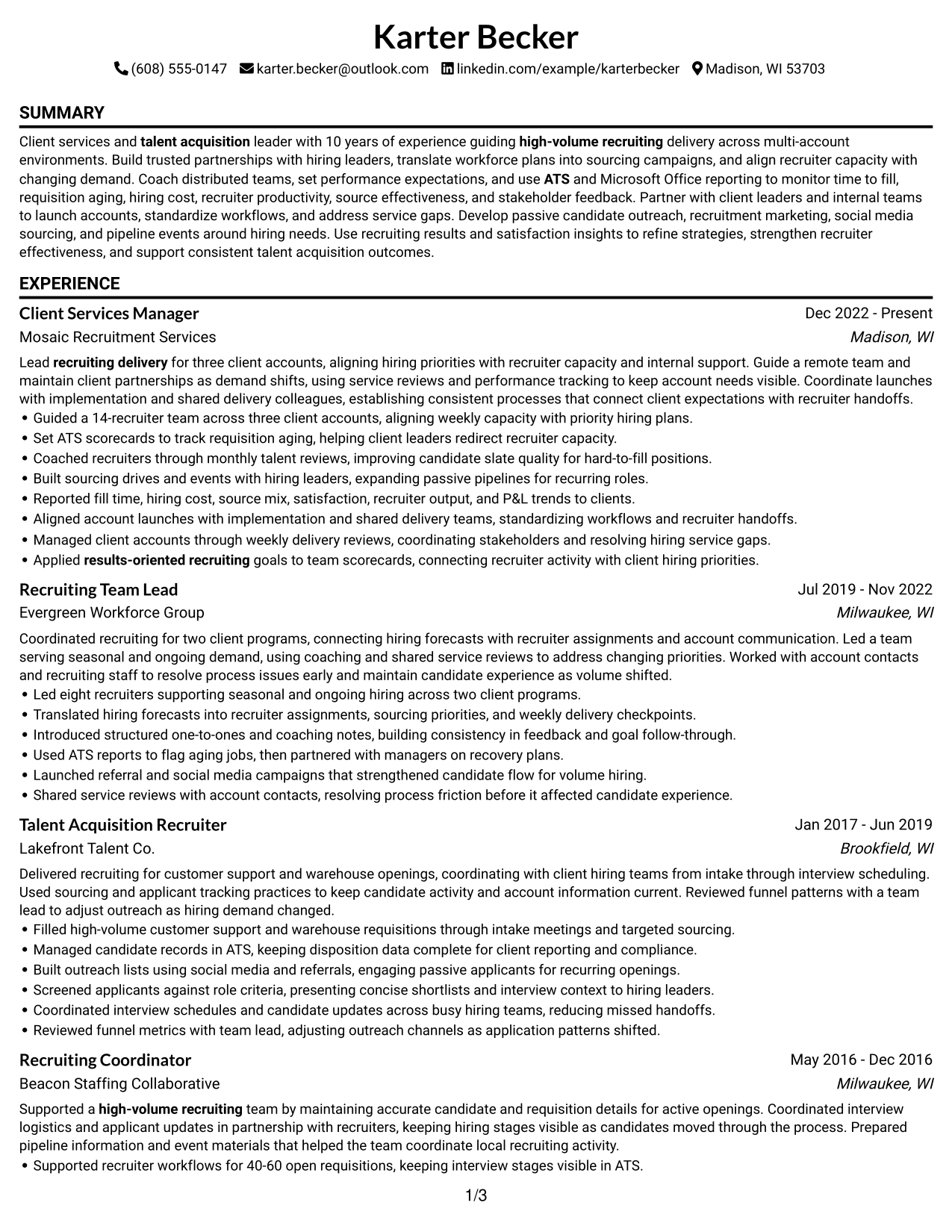
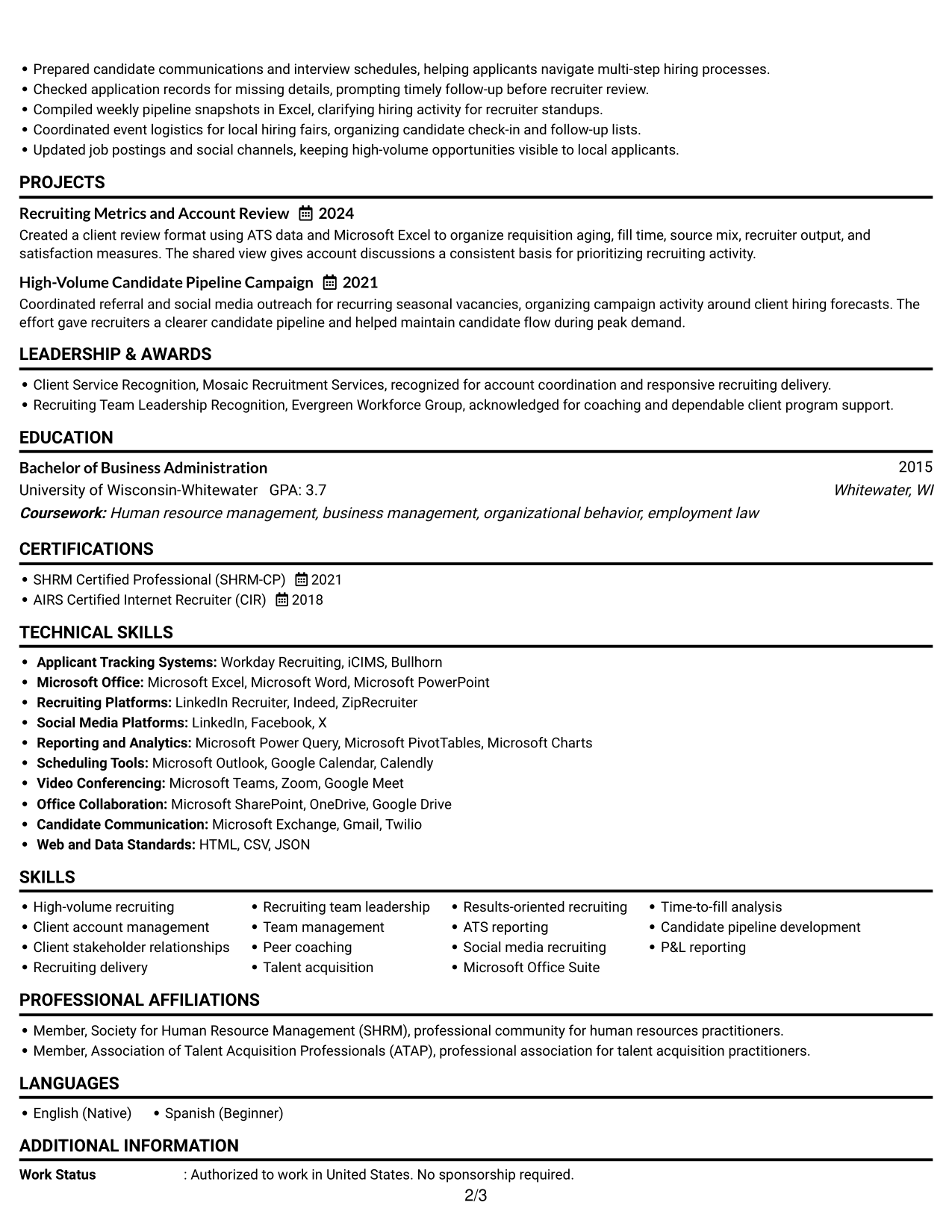
The Simple One Column Format keeps resume sections in one vertical sequence, so recruiters can follow career history without switching between columns.
Why This Format Works
- A single reading path lets reviewers follow career progression in sequence.
- One vertical structure keeps experience details connected to their achievement bullets.
- Consistent downward movement helps readers locate education and credentials without column switching.
Best For
- Straight top-to-bottom review
- Chronological career histories
- Role descriptions needing a clear sequence
- Text-first resume review
- Readers who prefer one reading path
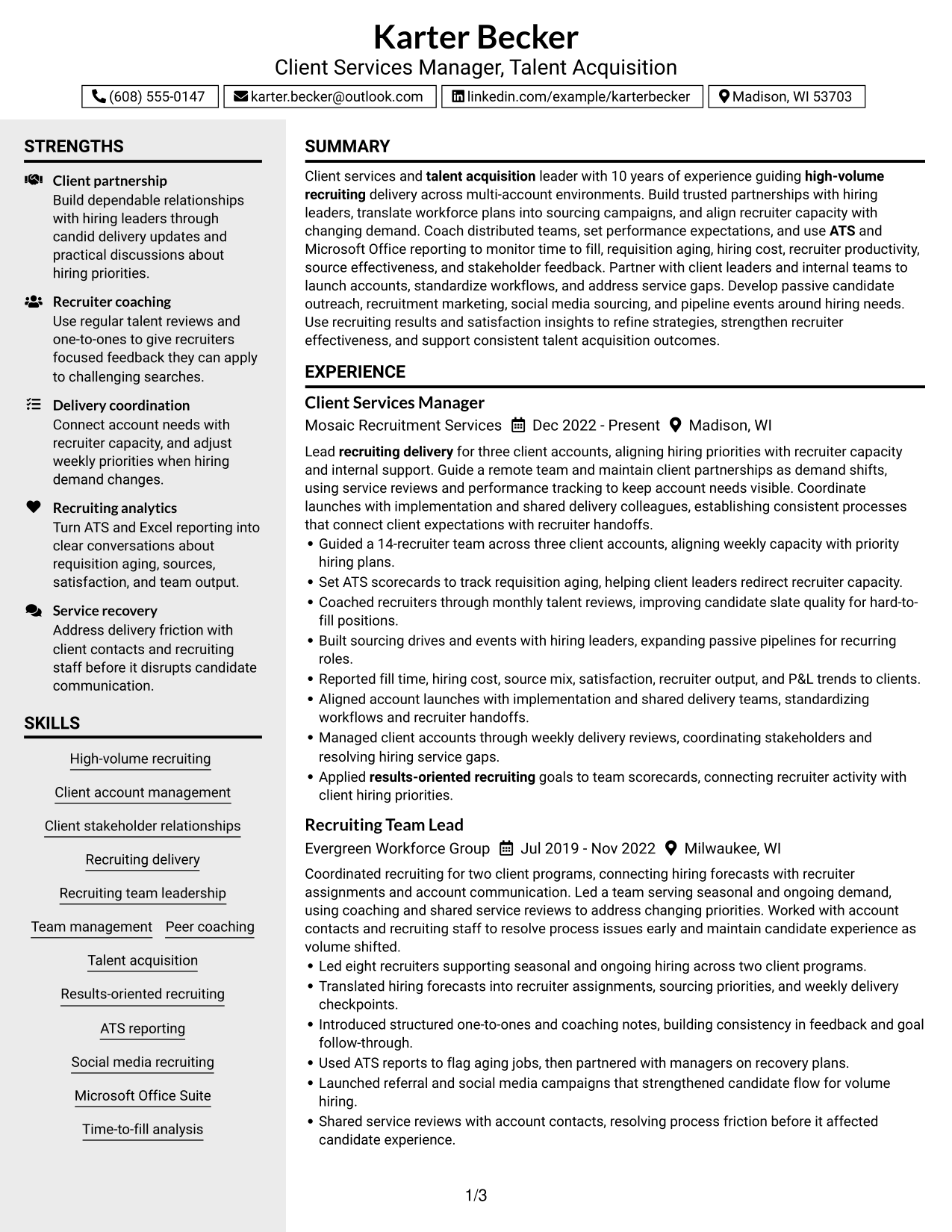
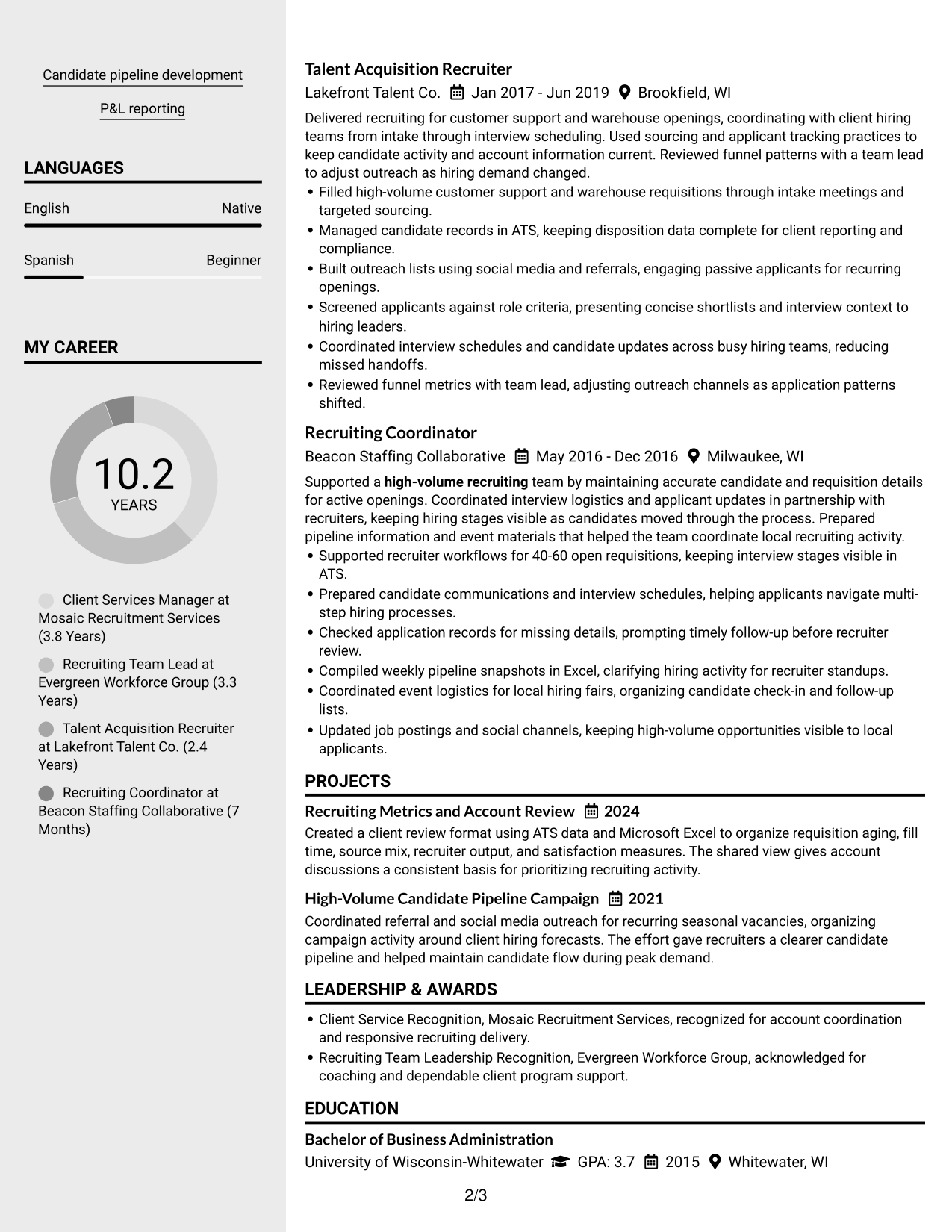
#3 Clean Two Column Sidebar Format Resume Example
The Clean Two Column Sidebar Format separates the sidebar from the main content area, giving recruiters a clear route through resume sections.
Why This Format Works
- The sidebar creates a separate visual route for concise skills and qualifications.
- Main-content reading space lets recruiters follow experience and achievement details in order.
- Clear separation helps education and credentials remain distinct from career history.
Best For
- Sidebar and main-content separation
- Quick access to concise qualifications
- Experience details needing a clear reading area
- Resume sections with different levels of detail
- Readers who scan for skills before career history
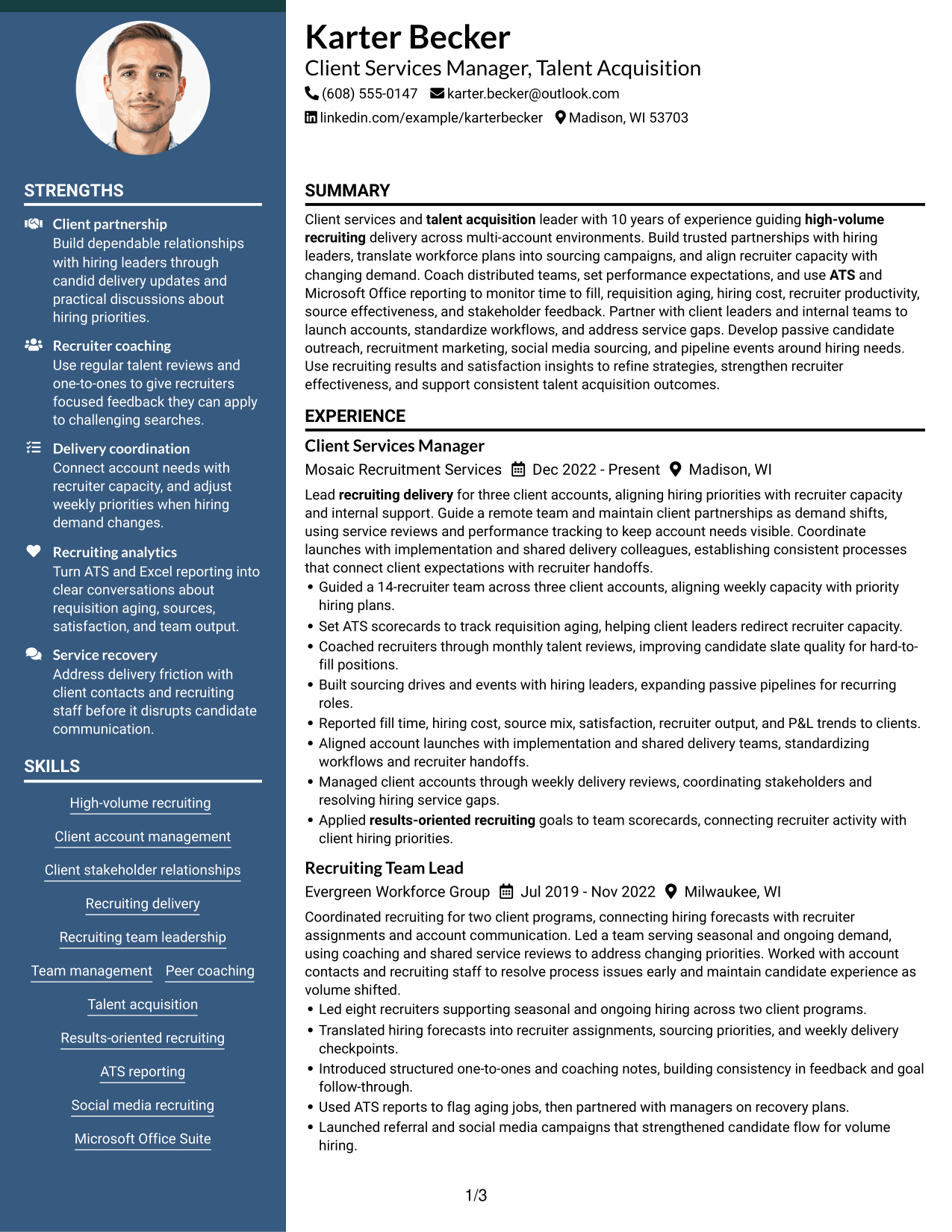
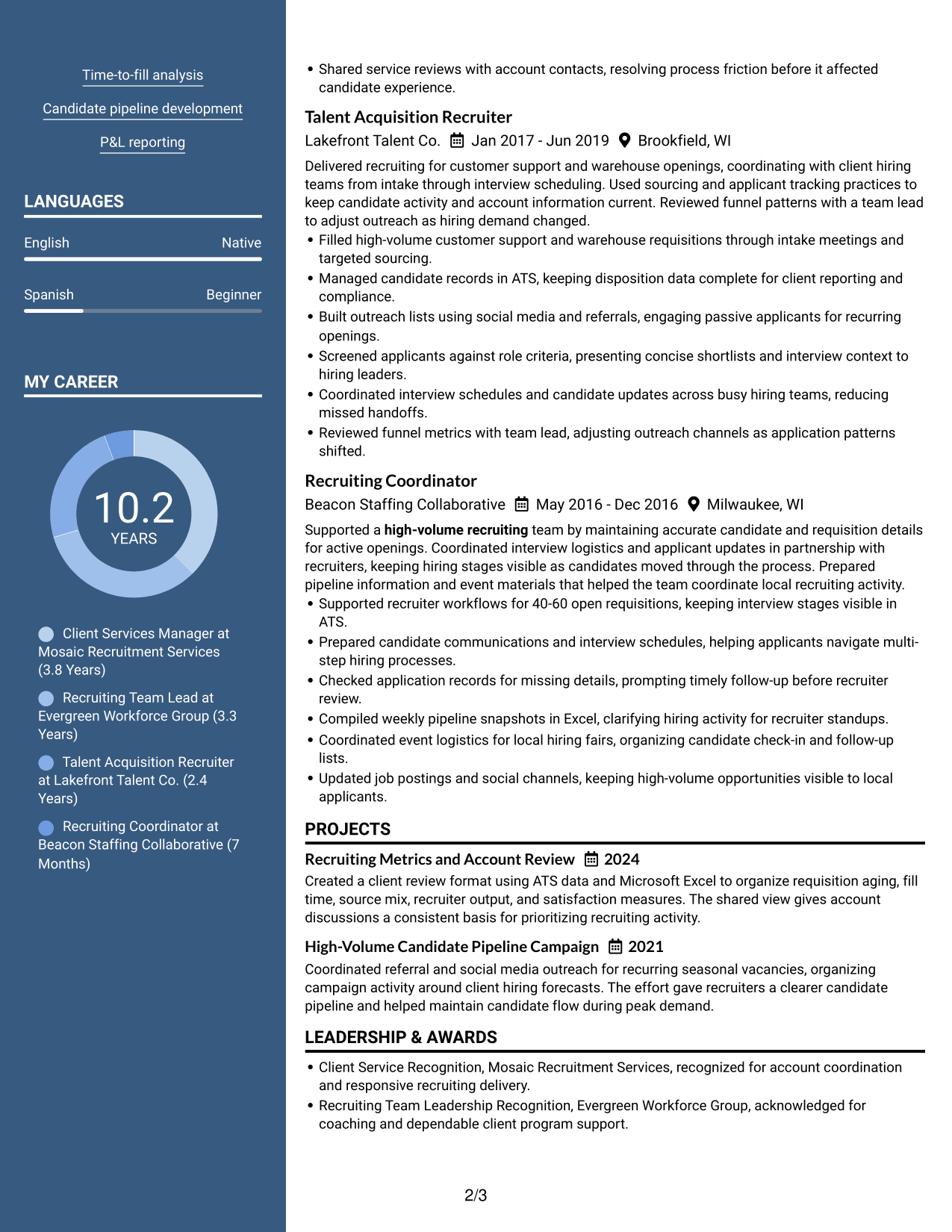
#4 Two Column Format Resume Example
The Two Column Format uses parallel content areas to help recruiters scan experience and supporting qualifications in a compact visual structure.
Why This Format Works
- Parallel content areas let reviewers scan skills alongside the broader career timeline.
- Two-column reading gives education and credentials a separate visual path from experience.
- Distinct areas help achievement bullets stay easy to locate during section-by-section review.
Best For
- Balanced section groups
- Parallel review of experience and credentials
- Resumes combining several content types
- Scanning across distinct content areas
- Readers comparing sections side by side
#5 Photo Header Two Column Format Resume Example
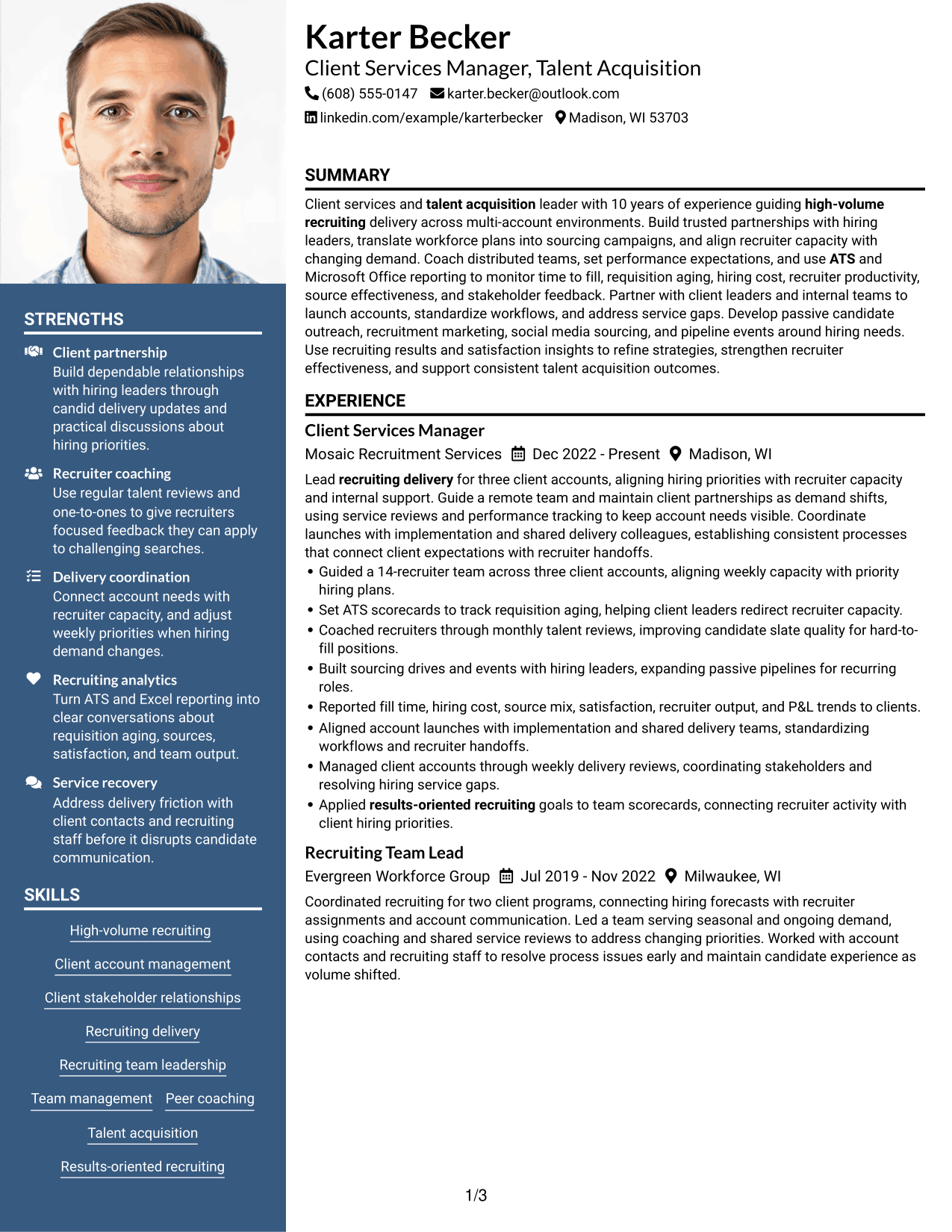
The Photo Header Two Column Format pairs a portrait in the header with two body columns, giving recruiters a visual entry point and separate paths through resume sections.
Why This Format Works
- Body columns help reviewers move between career history and supporting qualifications.
- Column separation helps recruiters locate education and credentials without interrupting career-history review.
- Achievement bullets remain easier to scan when resume content has distinct reading areas.
Best For
- Applications requesting a professional photo
- Photo-led header presentation
- Two-column section organization
- Resumes with varied content sections
- Readers who prefer parallel scanning
#6 Colored Two Column Format Resume Example
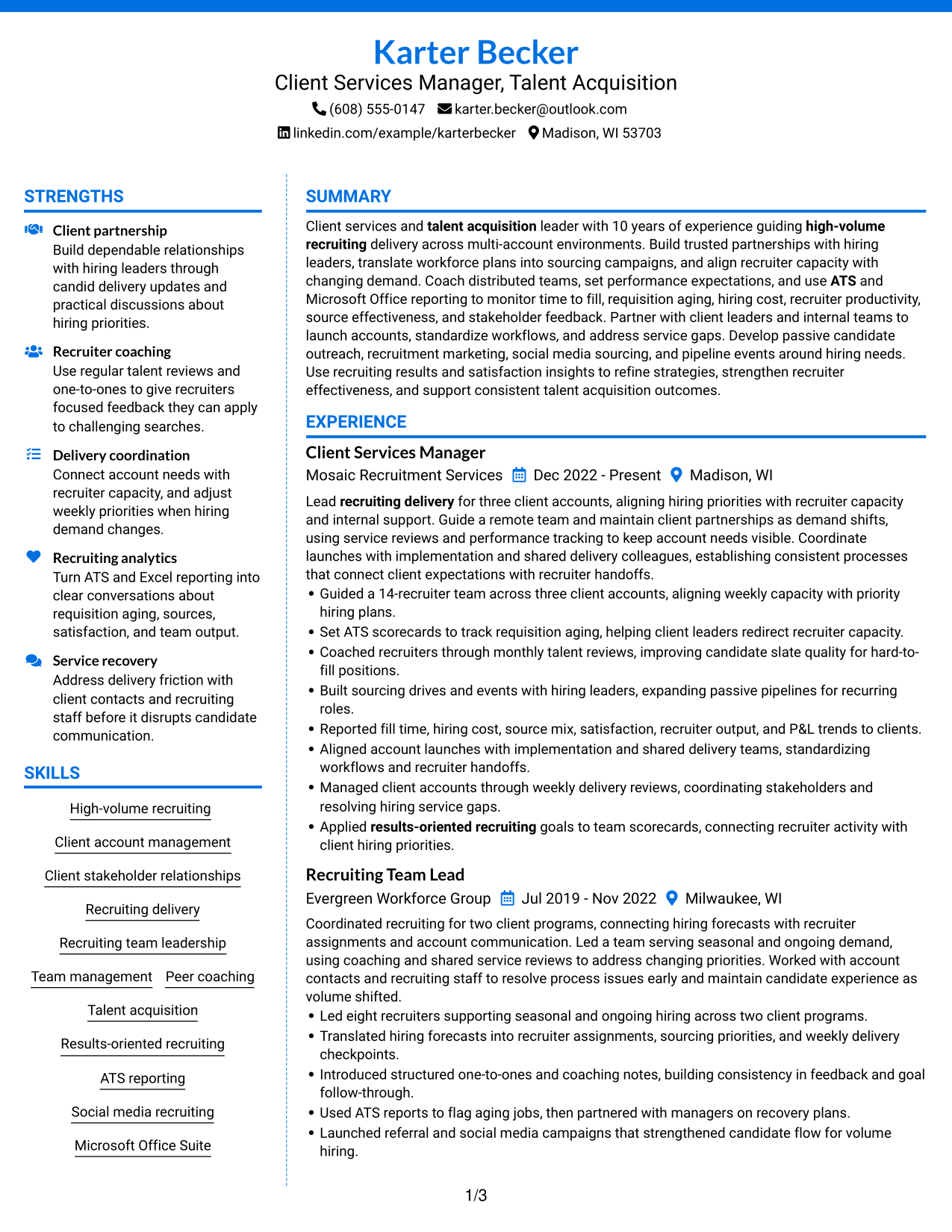
The Colored Two Column Format uses a colored sidebar beside the main content, helping recruiters distinguish resume areas while scanning qualifications and career history.
Why This Format Works
- Color contrast marks the sidebar boundary, separating concise qualifications from career-history reading.
- Distinct columns help reviewers find education and credentials without losing the experience sequence.
- Clear visual separation keeps achievement details easier to locate during a focused scan.
Best For
- Color-guided section navigation
- Sidebar and main-column separation
- Qualifications beside detailed experience
- Resume content needing clear visual grouping
- Readers scanning distinct content areas
#7 Stylish Two Column Designer Format Resume Example
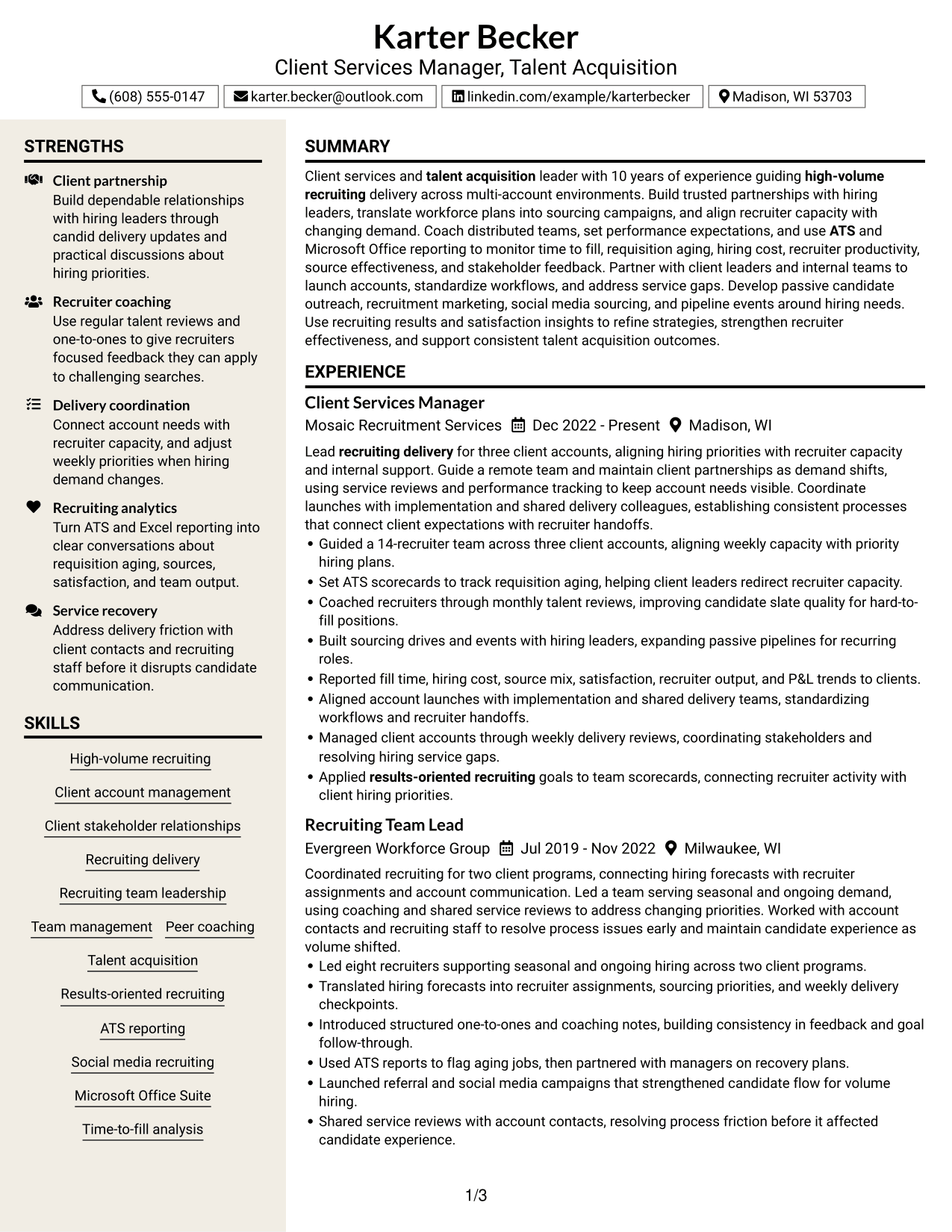
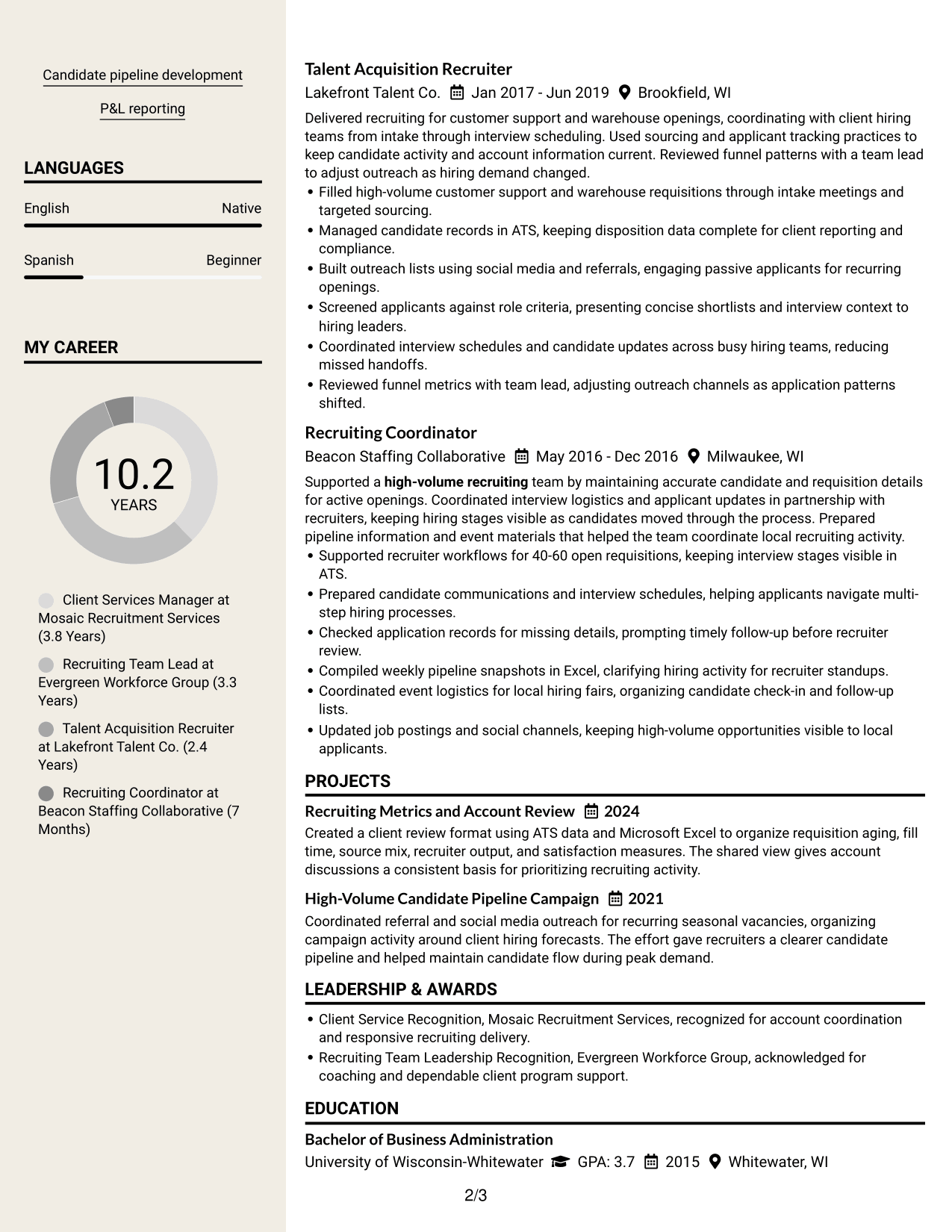
The Stylish Two Column Designer Format pairs two content columns with square bullet styling, helping reviewers scan section headings and achievement details.
Why This Format Works
- Square bullet markers make achievement details easier to track within the two-column reading order.
- Side-by-side sections help reviewers move between skills and career history.
- Distinct columns give education and credentials a clear place in the section scan.
Best For
- Resume content with many achievement bullets
- Sidebar-based section navigation
- Designer-led visual presentation
- Side-by-side review of qualifications
- Readers who scan bullet lists
Why Build Your Client Services Manager - Talent Acquisition Resume with ResumeInMinutes
ResumeInMinutes helps you organize client services and recruiting experience into clear resume sections. You can present team leadership, account work, recruiting tools, and measurable results in a format that is easy to review.
- Professional resume formats
- Clear, ATS-friendly sections
- Role-relevant keyword guidance
- Organized skills and experience
- Free PDF resume previews
- Resume editing and customization
Build a resume that puts account leadership, recruiting analytics, team coaching, and service improvements in a clear order. Choose the layout that makes your evidence easiest to find.
See Also
- 33 Client Services Manager - Pharma Talent Acquisition Resume Templates with Example 2026 (ATS-Optimized)
- 33 Annual Reports Client Service Representative Resume Templates with Example 2026 (ATS-Optimized)
- 33 Client Service Representative II Resume Templates with Example 2026 (ATS-Optimized)
- 33 Client Service Representative Resume Templates with Example 2026 (ATS-Optimized)
- 7 Client Services Manager - RPO Resume Templates with Example
- 33 Client Services Representative Resume Templates with Example 2026 (ATS-Optimized)
- 33 ER Client Service Representative Resume Templates with Example 2026 (ATS-Optimized)
- 33 Veterinary Client Service Representative Resume Templates with Example 2026 (ATS-Optimized)
- 7 Client Services Manager - Talent Acquisition Cover Letter Templates with Example
- 30+ Annual Reports Client Service Representative Cover Letter Templates with Example 2026
Frequently Asked Questions
Are these Client Services Manager - Talent Acquisition resume templates ATS-friendly?
They use clear sections and readable headings. Add accurate role terms such as client account management, recruiting delivery, ATS reporting, recruiter coaching, and time-to-fill analysis to help show relevant experience.
Do the examples show different resumes or layouts?
This guide presents one role-focused resume example in different layouts. The content demonstrates how to organize account leadership, recruiting metrics, and team experience.
What should a Client Services Manager - Talent Acquisition resume include?
Include a focused summary, work experience, education, relevant certifications, and skills. Use experience bullets to show account scope, recruiter coaching, ATS reporting, client communication, and results.
Can I download the resume templates as PDFs?
Yes. You can preview the resume layouts as PDFs and choose the one that presents your experience clearly.
Which resume style works well for this role?
A simple layout with clear headings is a strong choice. It helps reviewers find account responsibilities, team leadership, recruiting metrics, and skills, while keeping the resume easy for ATS software to read.
How can I show recruiting team leadership on my resume?
State the size of the team and the scope of the accounts you supported when those details apply. Add examples of coaching, capacity planning, performance tracking, and how you addressed delivery gaps.
Which recruiting metrics should I include?
Use the metrics you tracked, such as time to fill, requisition aging, cost per hire, recruiter productivity, source mix, and candidate or hiring leader satisfaction. Explain how you used the data to guide account or team decisions.
Can I customize these resume templates?
Yes. You can edit the resume text and layout to present your own account work, recruiting tools, skills, certifications, and achievements accurately.




