
7 Clinical Documentation Educator Cover Letter Templates with Example
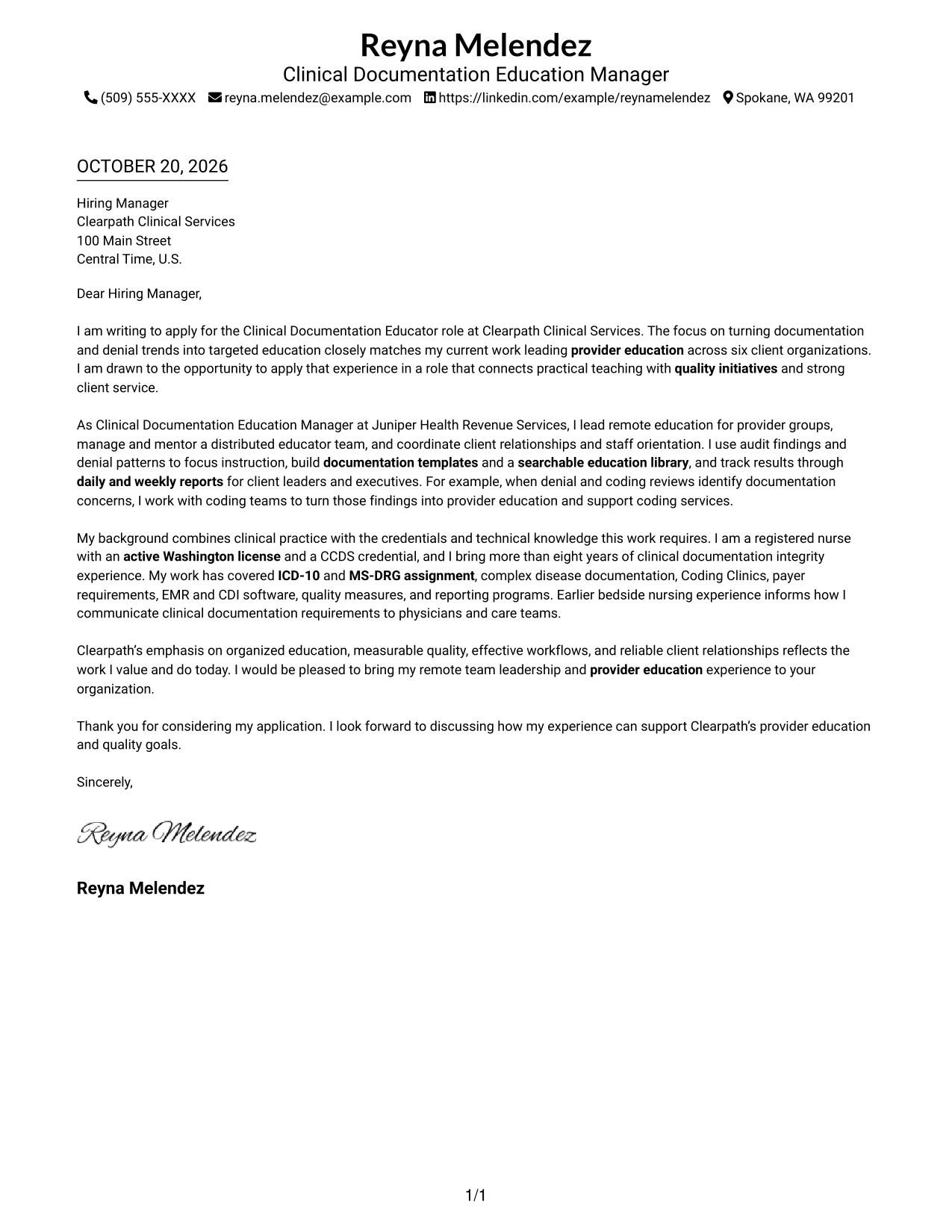
This practical guide to a Clinical Documentation Educator cover letter presents seven layouts to help you make a clear case for your experience in provider education.
What Makes a Great Clinical Documentation Educator Cover Letter in 2026
A strong Clinical Documentation Educator cover letter links provider education, documentation quality, and client service to the needs of the role. A focused opening states your interest and makes the connection clear.
Use specific evidence, such as turning audit findings and denial trends into targeted teaching, and explain how your approach supports quality goals. Show why the employer’s focus on education, reporting, and reliable client relationships fits the work you want to do.
The featured example moves from role interest to current responsibilities, relevant qualifications, employer alignment, and a clear close. Adapt that focused progression to your own evidence, and choose a presentation that suits the employer and communication context.
#1 Simple One Column Format Cover Letter Example
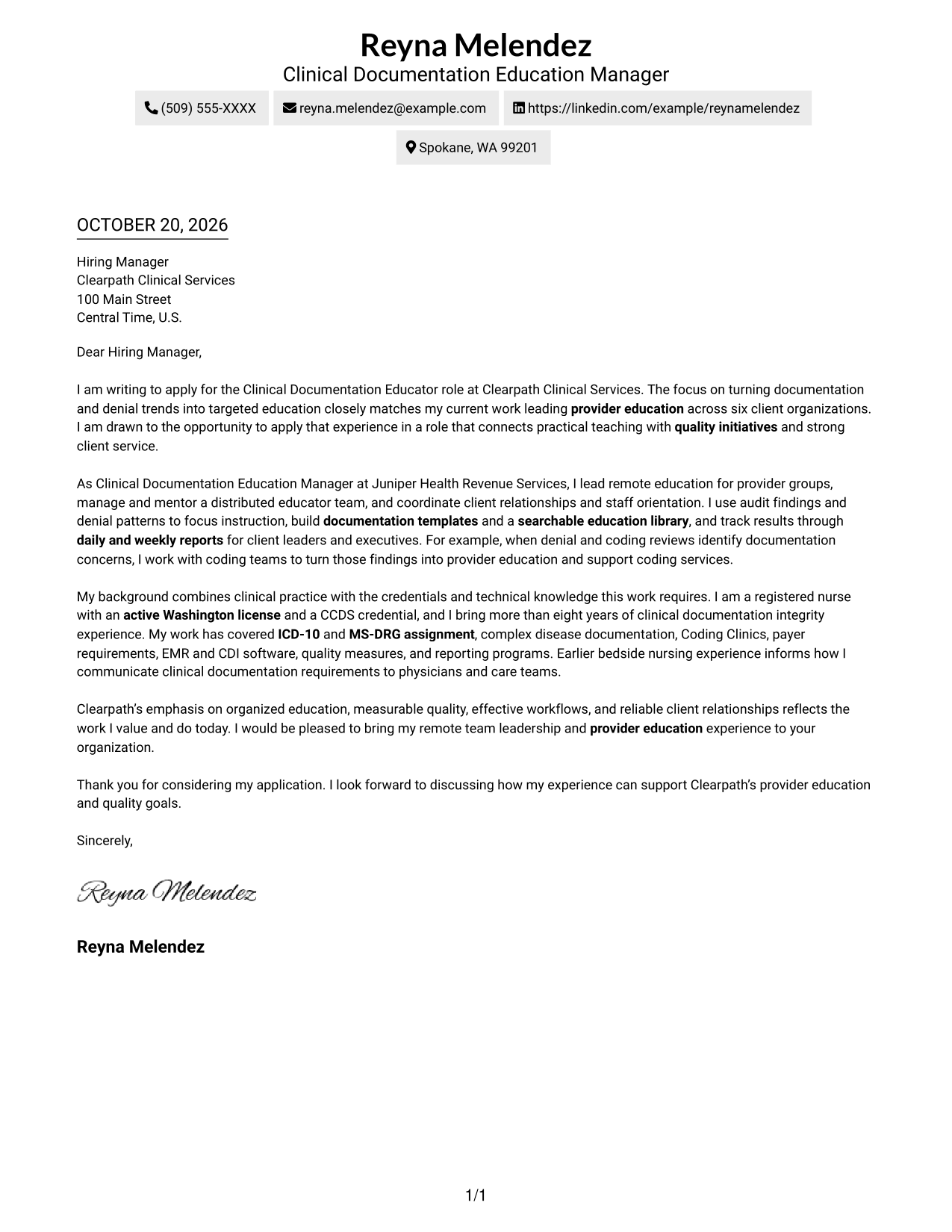
The single-column layout keeps sender details in the header and the letter body in one reading path, a direct choice for a focused message.
Why This Format Works
- Header-based contact details stay apart from the greeting and the main message.
- One reading path lets reviewers follow the letter’s points in order.
- The photo-free presentation suits readers who want the written message to lead.
Best For
- Single-column reading preference
- Direct, paragraph-led messages
- Header-based contact details
- Letters without a portrait
- Familiar letter structure
#2 Two Column Format Cover Letter Example
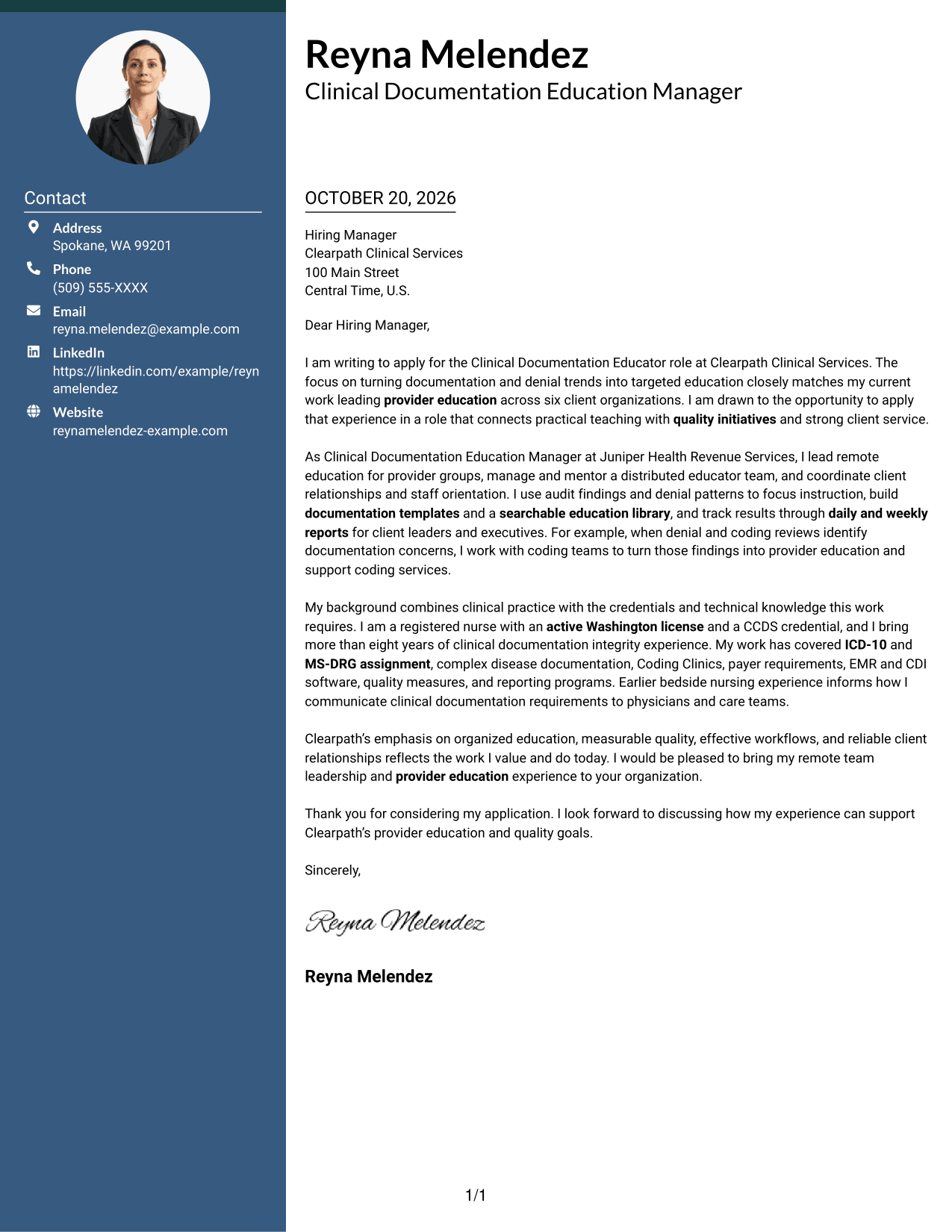
A contact sidebar sits beside one continuous letter body, separating contact information from the message while keeping the argument in one reading column.
Why This Format Works
- The sidebar gives sender details a distinct place beside the letter.
- A single body column preserves the sequence of the persuasive paragraphs.
- The message has no section headings to interrupt its standard letter form.
Best For
- Separate contact details
- Continuous letter narratives
- Readers who scan contact information first
- Paragraph-based employer communication
- Two-column page organization
#3 Photo Header Two Column Format Cover Letter Example
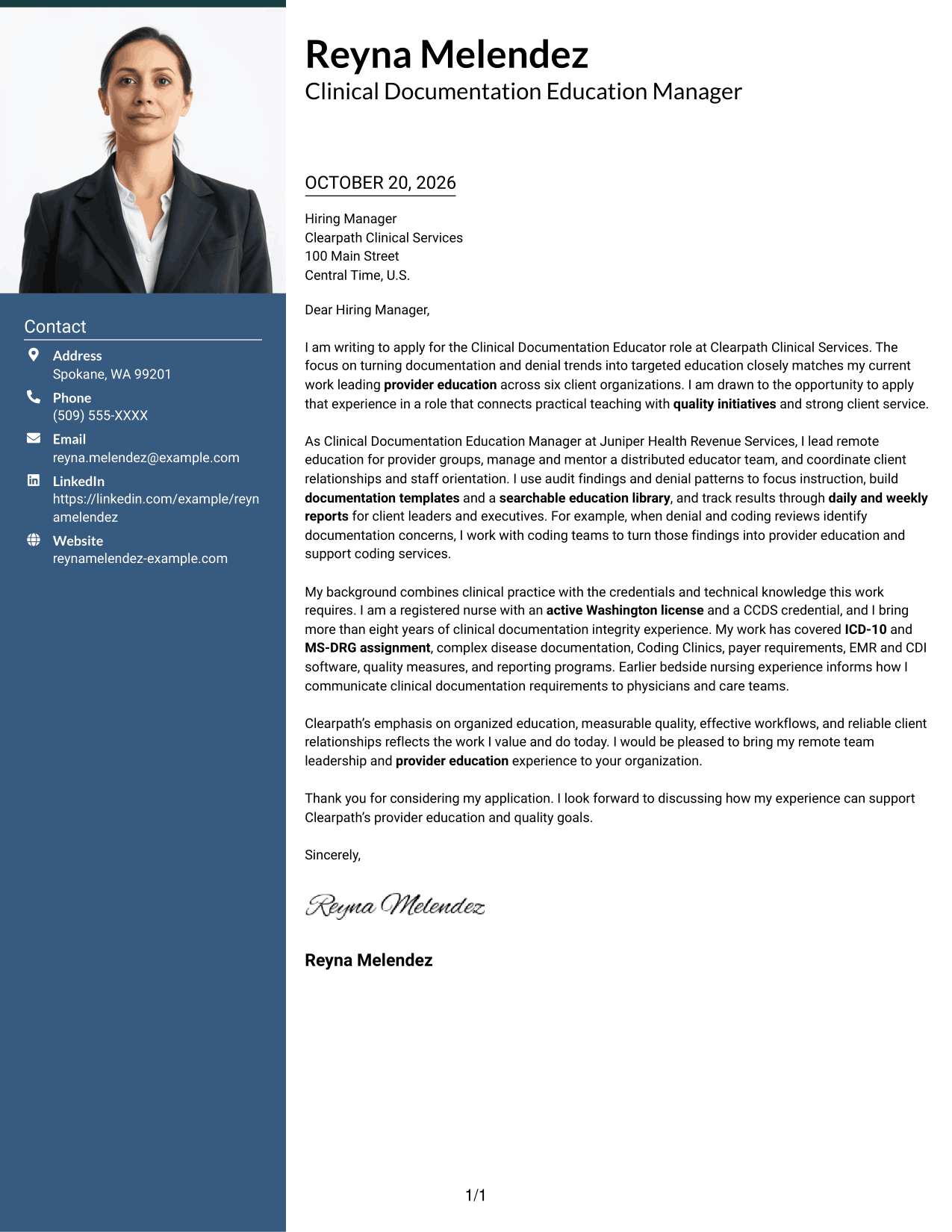
The two-column layout pairs a portrait with a contact sidebar beside the continuous letter body, for readers who want a photo included without dividing the message.
Why This Format Works
- The portrait adds a personal visual element to the contact area.
- Sender details remain apart from the body’s persuasive paragraphs.
- The letter stays in one body column from its opening through its close.
Best For
- Portrait-inclusive letters
- Distinct contact information
- One-column letter narratives
- Applications where a photo is preferred
- Clear separation of contact and message
#4 One Column Format with Photo Cover Letter Example
The one-column design includes a photo while keeping sender details in the header and the letter body in a single reading path.
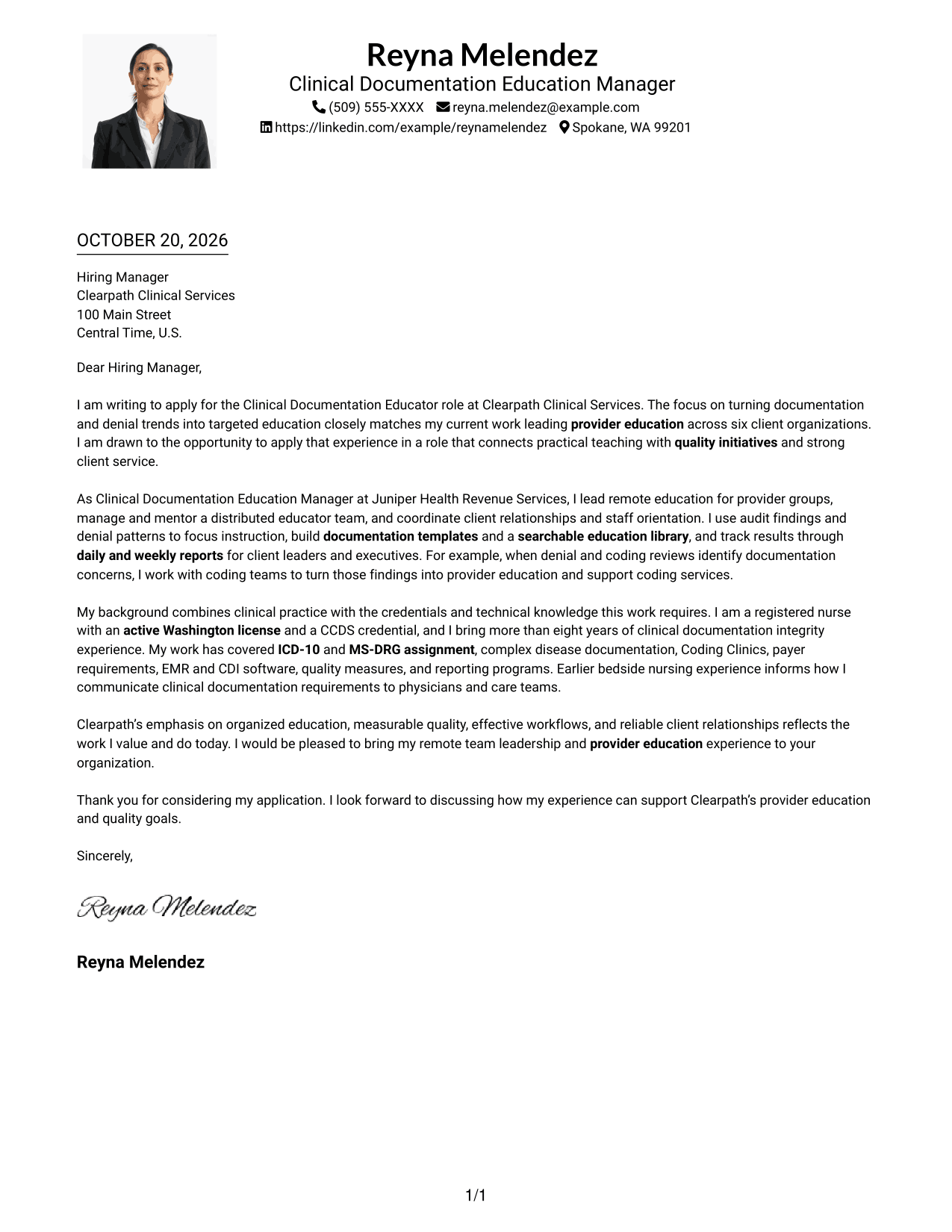
Why This Format Works
- The photo brings a personal visual element to a single-column page.
- Header contact details are easy to distinguish from the letter’s message.
- The body’s continuous paragraphs preserve the order of the argument.
Best For
- Single-column letter reading
- Photo-inclusive presentation
- Header-based contact details
- Continuous persuasive messages
- Readers who prefer a personal visual element
#5 Simple Two Column Format Cover Letter Example
The contact sidebar and one-column letter body create a two-column layout that keeps personal details separate from the complete message.
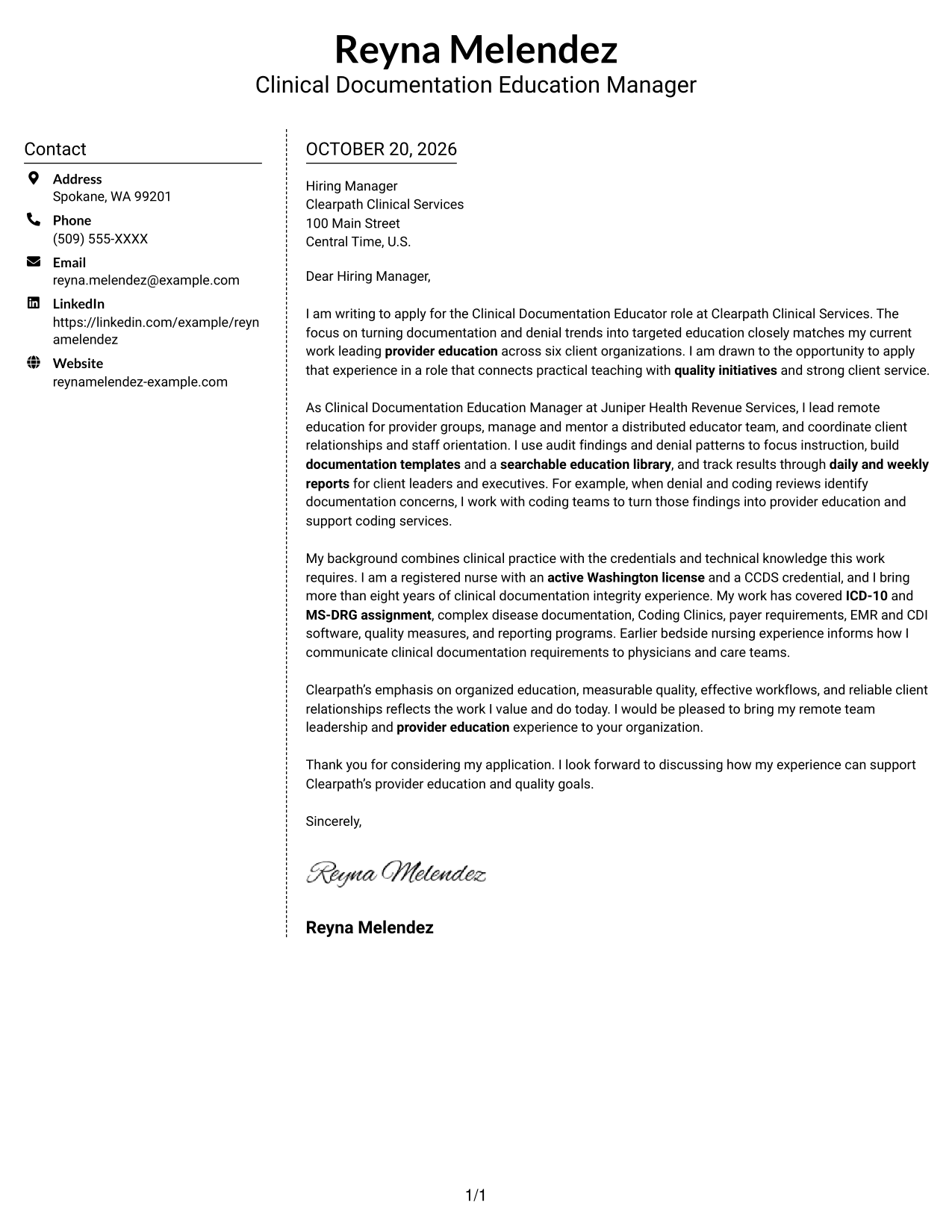
Why This Format Works
- A separate contact area keeps sender information out of the letter body.
- The message remains a single sequence of paragraphs, not parallel text.
- No photo keeps the presentation centered on written communication.
Best For
- Contact sidebar organization
- Letters without a portrait
- Single-column message flow
- Written communication as the main focus
- Readers who prefer separated contact details
#6 Modern Icon Format Cover Letter Example
The two-column layout uses icons as contact cues or decorative header accents, while the letter’s argument stays together in one body column.
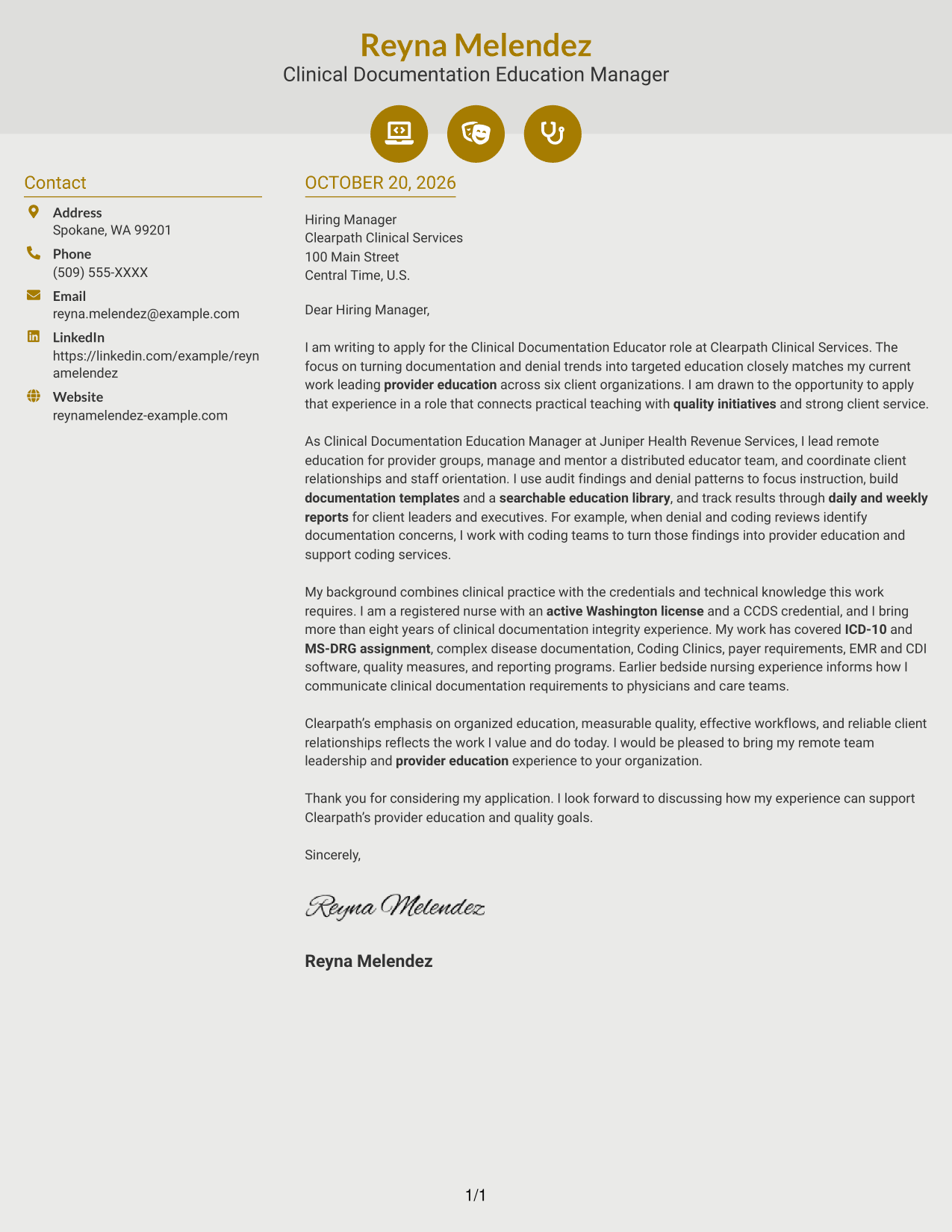
Why This Format Works
- Contact icons can help reviewers spot sender details in the sidebar.
- The body stays continuous, without icons labeling argument stages.
- Header accents provide a visual choice while the message remains in paragraph form.
Best For
- Icon-marked contact details
- Two-column page organization
- Letters with a continuous body
- Decorative header accents
- Photo-free communication
#7 Creative Two Tone Format Cover Letter Example
The two-column arrangement places contact details in a sidebar beside the uninterrupted letter body, keeping the message together while setting apart sender information.
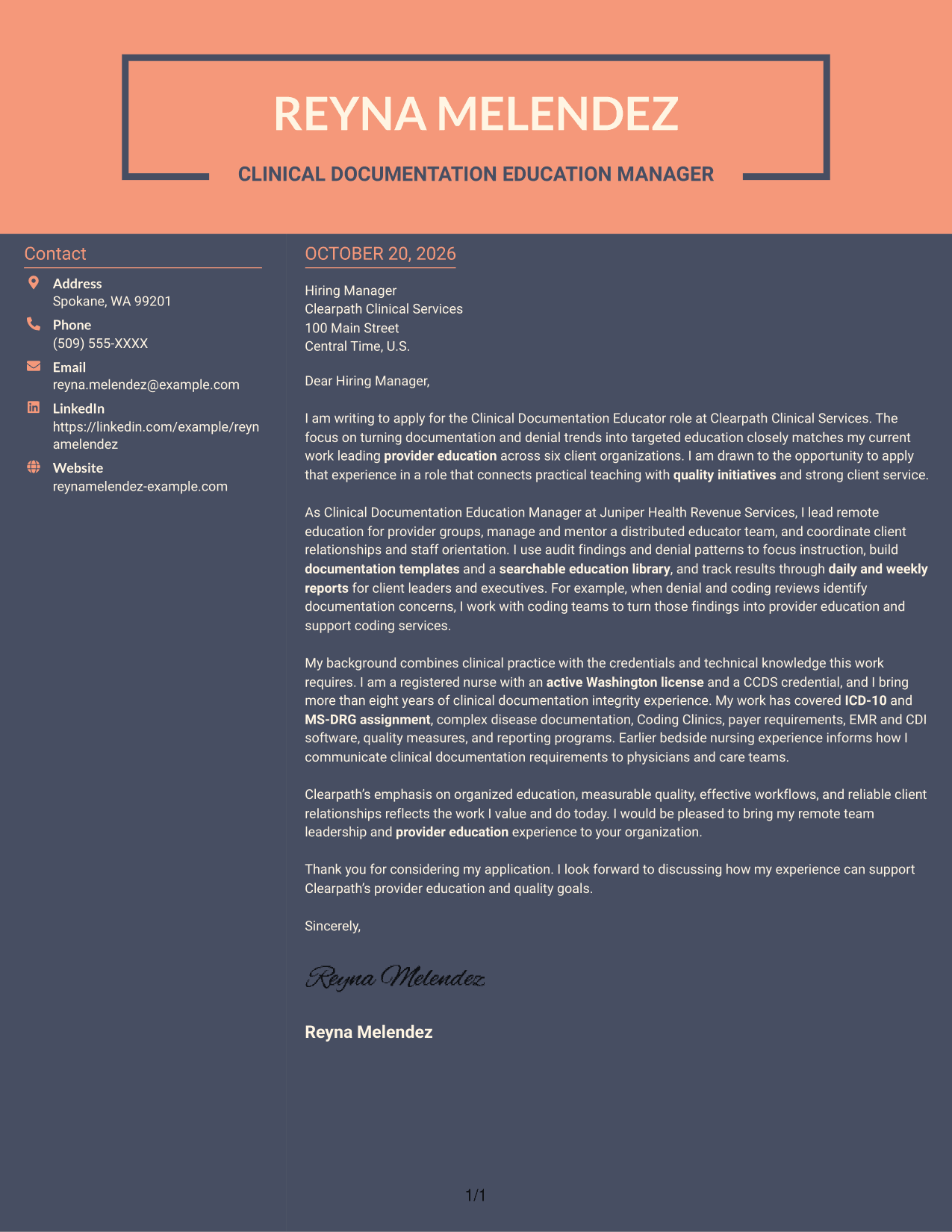
Why This Format Works
- The sidebar separates contact details from the employer-focused message.
- One letter-body column keeps the opening, supporting points, and close together.
- The continuous paragraphs maintain a familiar letter-reading order.
Best For
- Sidebar contact presentation
- Uninterrupted letter bodies
- Readers who prefer a clear contact area
- Paragraph-led application messages
- Two-column reading organization
Why Use ResumeInMinutes for a Clinical Documentation Educator Cover Letter
Review the PNG previews to compare how each example presents the letter, then open a template in the editor to customize its content and presentation for your application.
- Clear, professional letter layouts
- Examples centered on provider education
- Space to explain role fit
- Focused opening and closing paragraphs
- Presentation choices for different contexts
- Templates you can customize in the editor
Keep your message grounded in your own work. For this role, explain how you use education, documentation insights, and communication with providers and client teams to support quality goals.
See Also
- 7 Clinical Documentation Educator Resume Templates with Example
- 7 Registered Nurse - Clinical AI Documentation Resume Templates with Example
- 33 Clinical Nurse Educator Resume Templates with Example 2026 (ATS-Optimized)
- 33 Medtech Clinical Nurse Educator Resume Templates with Example 2026 (ATS-Optimized)
- 33 Flex Nurse Educator Resume Templates with Example 2026 (ATS-Optimized)
- 33 Nurse Educator Resume Templates with Example 2026 (ATS-Optimized)
- 7 Nutrition Services Educator - WIC Resume Templates with Example
- 7 Nutritional Educator - WIC Resume Templates with Example
- 7 Registered Nurse - Clinical AI Documentation Cover Letter Templates with Example
- 30+ Clinical Nurse Educator Cover Letter Templates with Example 2026
Frequently Asked Questions
What should a Clinical Documentation Educator cover letter emphasize?
Connect provider education to documentation quality, denial trends, and client needs. Support your points with relevant examples, such as building education materials, reporting results, or working with providers and revenue cycle teams.
What does this guide include?
It shows one Clinical Documentation Educator cover letter example in different visual layouts. The example highlights provider education, remote team and client management, quality initiatives, and relevant nursing and CCDS credentials.
How should I choose a cover letter layout?
Choose a layout that is easy to read and suits the employer and communication context. Compare the PNG previews, then open an example in the editor to customize its presentation.
How can I show that my experience fits this role?
Describe specific work that matches the role, such as using audit findings and denial patterns to guide provider education, mentoring staff, or reporting education metrics. Include only experience and results you can support.
Should I include a photo on my cover letter?
For U.S. applications, a no-photo layout is generally a suitable choice. Follow any clear instructions from the employer and keep the focus on your message and role fit.




