
7 Clinical Nurse IV - Oncology Infusion Cover Letter Templates with Example
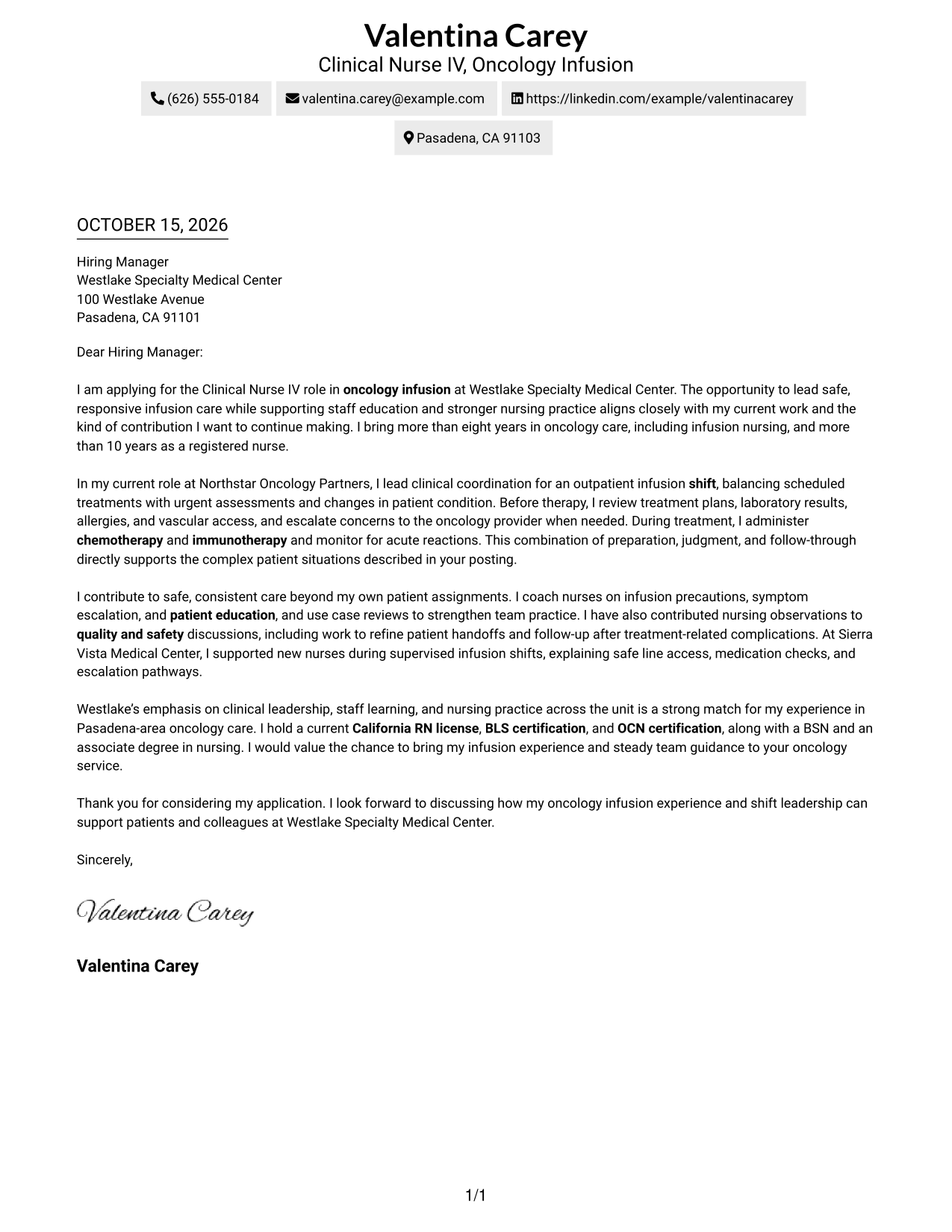
This guide helps you shape a clear Clinical Nurse IV - Oncology Infusion cover letter and compare seven layouts through image previews.
What Makes a Great Clinical Nurse IV - Oncology Infusion Cover Letter in 2026
A strong letter shows sound judgment in treatment readiness, infusion monitoring, and changes in a patient’s condition.
Use clear examples of shift coordination, nurse coaching, and patient education, then connect them to the employer’s focus on safe care and staff learning.
The featured example moves from role interest to clinical evidence, team contribution, and a clear close. Adapt this progression, then choose a presentation that fits the employer and communication context.
#1 Simple One Column Format Cover Letter Example
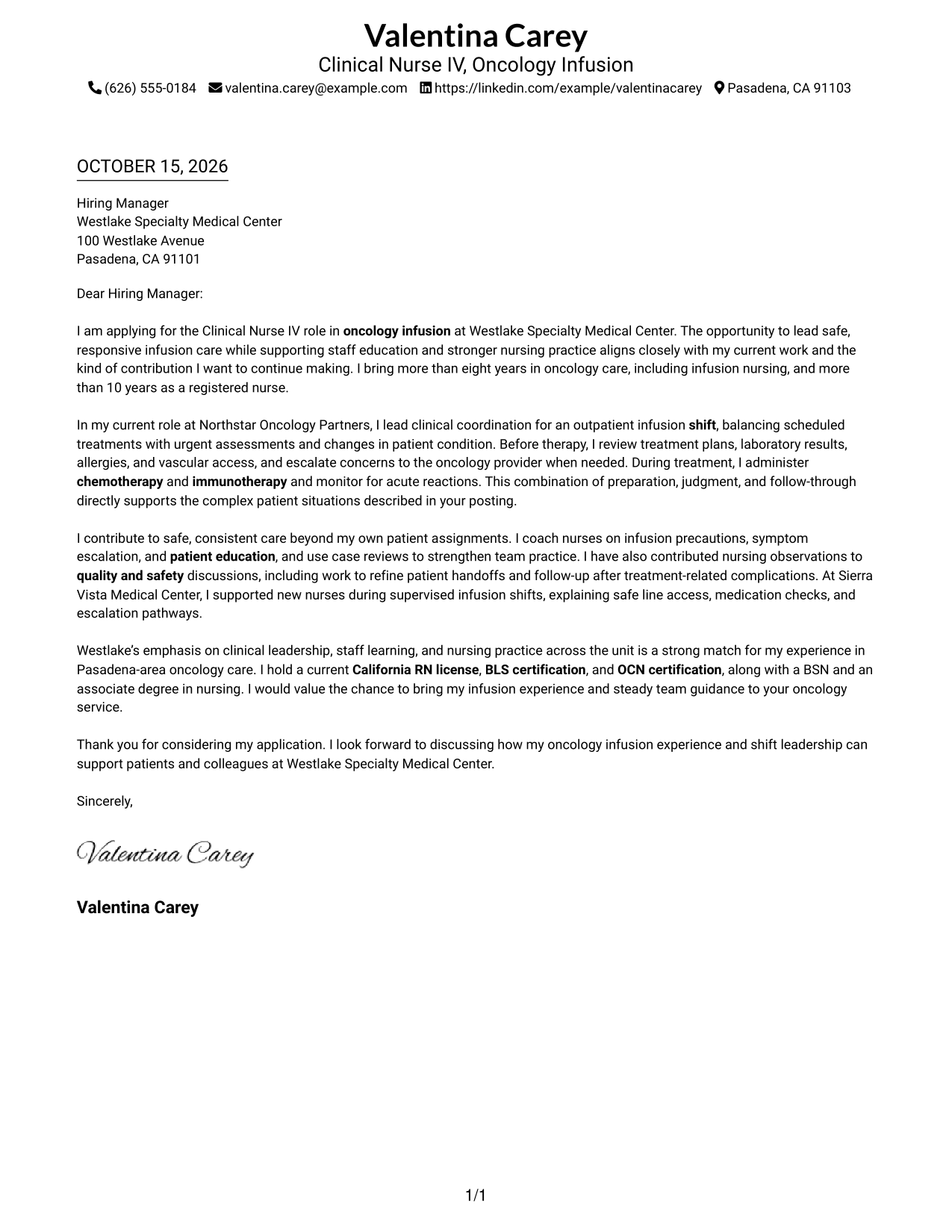
The Simple One Column Format keeps sender details in the header and the letter in one continuous column, giving the message a direct reading path.
Why This Format Works
- Sender details remain in the header, apart from the letter's message.
- Paragraphs carry the opening, motivation, evidence, and close without body labels.
- One column gives the reviewer a direct top-to-bottom reading order.
Best For
- Single-column letter layouts
- Header-based contact details
- Continuous persuasive paragraphs
- Traditional business-letter reading order
- Text-led application materials
#2 Two Column Format Cover Letter Example
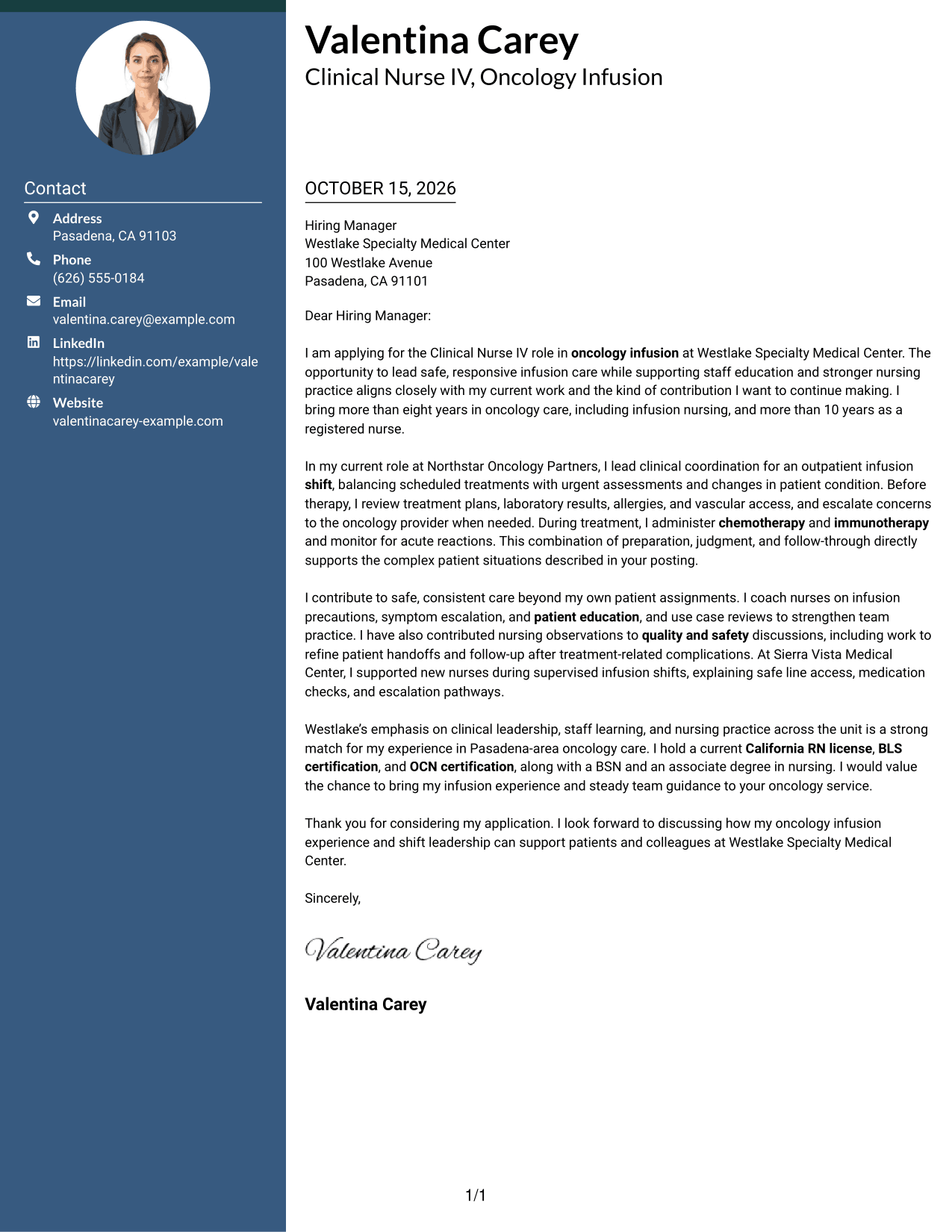
The Two Column Format places contact details in a sidebar beside one continuous letter body, keeping the message distinct from personal information.
Why This Format Works
- The contact sidebar gives personal details a distinct place beside the letter.
- The letter body stays together, so its paragraphs are read in sequence.
- No body headings preserve the natural progression from opening to closing.
Best For
- Contact details beside the message
- Letters with connected evidence
- Side-by-side page organization
- Uninterrupted letter paragraphs
- Quick access to contact information
#3 Photo Header Two Column Format Cover Letter Example
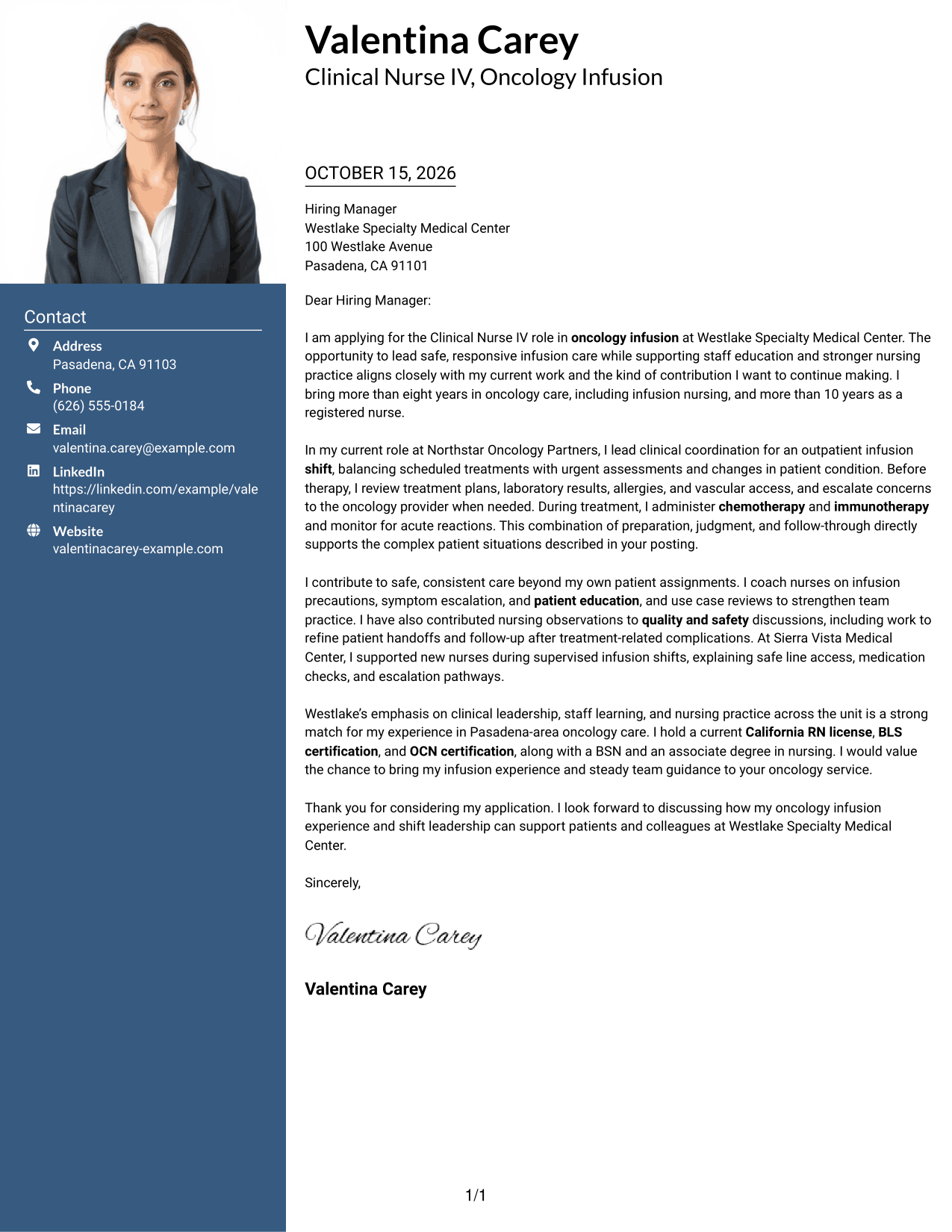
The Photo Header Two Column Format pairs a photo header with a contact sidebar, while keeping the letter itself in one continuous body.
Why This Format Works
- The photo appears in the header, separate from the letter's argument.
- A contact sidebar keeps personal details apart from the message text.
- The continuous body lets the reviewer follow each paragraph in order.
Best For
- Photo-forward header preference
- Contact details beside the message
- Letters with a continuous argument
- Personal details kept separate
- Photo-inclusive application materials
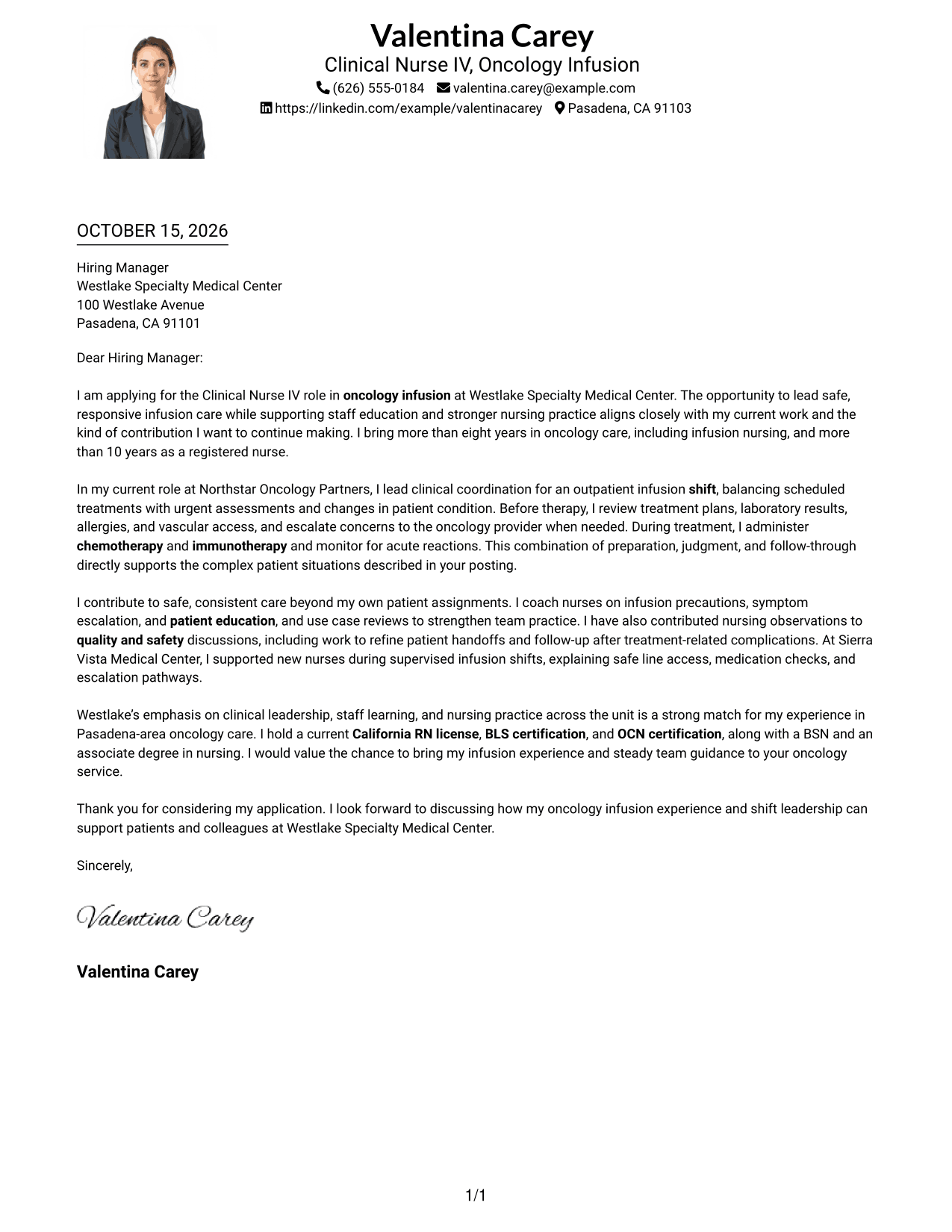
#4 One Column Format with Photo Cover Letter Example
The One Column Format with Photo keeps the letter in one body column and includes a photo for readers who prefer that presentation.
Why This Format Works
- A single body column keeps the letter's paragraphs in a clear reading order.
- The photo adds a personal visual element without dividing the letter text.
- Sender details in the header stay distinct from the main message.
Best For
- One-column letter reading
- Photo-inclusive document preference
- Header-based contact details
- Letters with connected paragraphs
- A personal visual touch
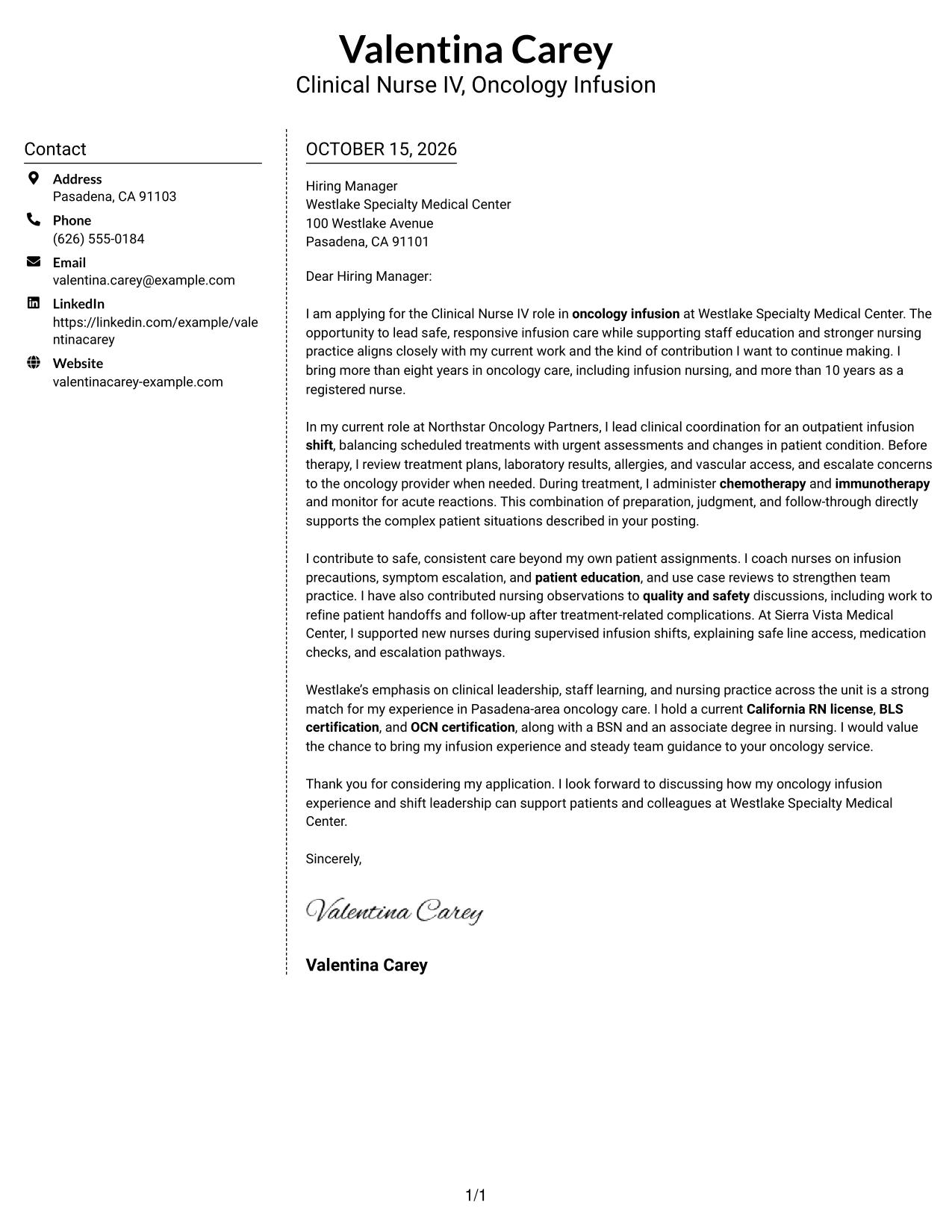
#5 Simple Two Column Format Cover Letter Example
The Simple Two Column Format gives contact details a sidebar and leaves the adjacent column for the complete, continuous letter.
Why This Format Works
- Contact information sits apart from the letter, so the two remain easy to distinguish.
- The full message stays in one column rather than splitting across both.
- Paragraphs without body labels retain the familiar form of a letter.
Best For
- Contact sidebar layouts
- One-column letter text
- Letters with a clear message sequence
- Side-by-side information placement
- Simple contact reference
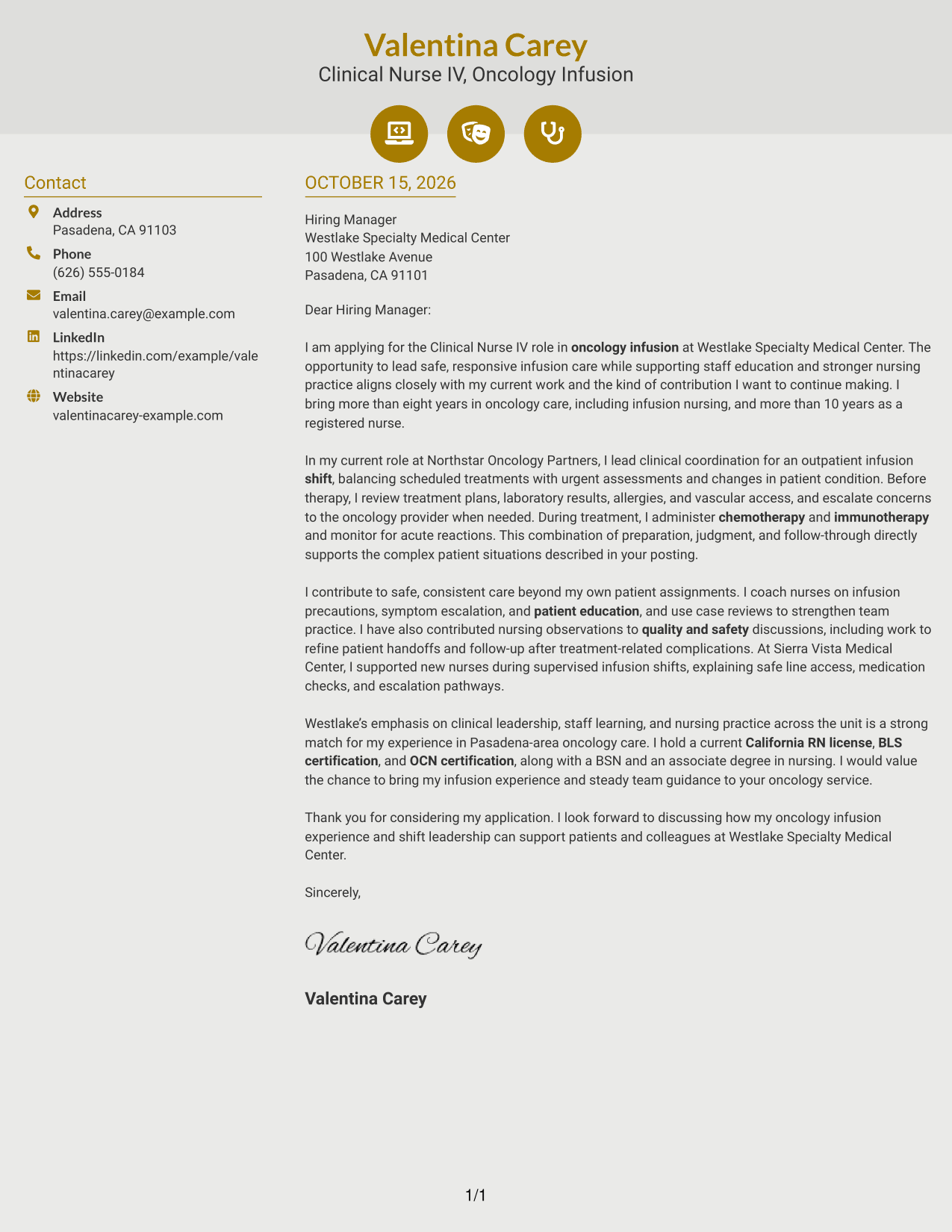
#6 Modern Icon Format Cover Letter Example
The Modern Icon Format uses two columns for contact details and the continuous letter, with icons serving as contact cues rather than body labels.
Why This Format Works
- Icons cue contact details, helping distinguish them from the letter's message.
- The separate letter column keeps the full argument in one place.
- The body remains continuous, without icons dividing its paragraphs into stages.
Best For
- Icon-marked contact details
- A continuous letter body
- Contact information beside the message
- Letters without body section labels
- Two-column document organization
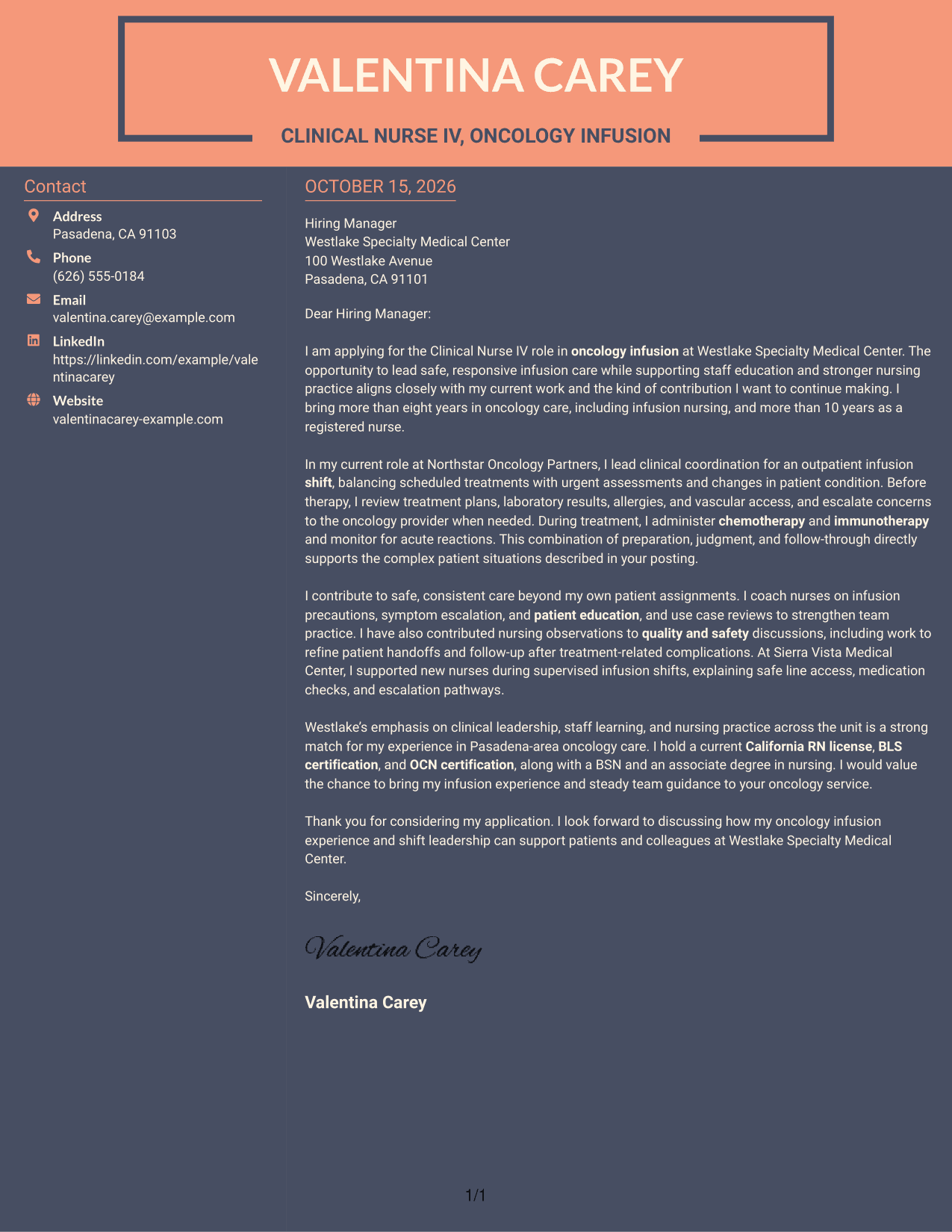
#7 Creative Two Tone Format Cover Letter Example
The Creative Two Tone Format places a contact sidebar beside the continuous letter body, keeping contact information separate from the message.
Why This Format Works
- Contact details sit in their own column, apart from the letter's paragraphs.
- The message remains a single body, so its ideas are read in order.
- The sidebar and letter body make the two content areas easy to distinguish.
Best For
- Separate contact information
- A single-column letter message
- Side-by-side content organization
- Letters with a steady paragraph flow
- Contact details easy to locate
See Also
- 7 Clinical Nurse IV - Oncology Infusion Resume Templates with Example
- 33 Clinical Nurse Educator Resume Templates with Example 2026 (ATS-Optimized)
- 7 Clinical Nurse I - Cardiac Surgery Intermediate Care Resume Templates with Example
- 7 Clinical Nurse II - Vascular Surgery Resume Templates with Example
- 33 Clinical Nurse - Interventional Radiology PRN Resume Templates with Example 2026 (ATS-Optimized)
- 7 Clinical Nurse RN - Surgery Resume Templates with Example
- 33 Clinical Nurse Supervisor Resume Templates with Example 2026 (ATS-Optimized)
- 7 Clinical Review Nurse - Concurrent Review Resume Templates with Example
- 30+ Clinical Nurse Educator Cover Letter Templates with Example 2026
- 30+ Clinical Nurse - Interventional Radiology PRN Cover Letter Templates with Example 2026
Frequently Asked Questions
What should a Clinical Nurse IV - Oncology Infusion cover letter emphasize?
Focus on clinical judgment, safe infusion care, and clear communication. Give examples of treatment-readiness reviews, response to patient changes, and coordination during a shift when these match your experience.
Does this guide show one letter or different letter examples?
It presents one cover letter example in different visual layouts. Compare the image previews, then open a style in the editor to view or customize it.
How can I show that I can guide an oncology infusion team?
Describe a specific contribution, such as coordinating shift care, coaching nurses on infusion precautions, or supporting patient teaching. Explain how your actions helped the team provide safe and consistent care.
How should I connect my experience to the employer?
Refer to the role’s focus on clinical leadership, staff learning, and strong nursing practice. Link that focus to relevant examples from your own work, without making claims you cannot support.
Which cover letter style should I choose?
Choose a clear layout that makes your opening, evidence, and closing easy to follow. Keep the tone professional and direct, and select a presentation that suits the employer and how you will communicate with them.




