
7 Clinical Specialist - Urology Device Case Coverage Cover Letter Templates with Example
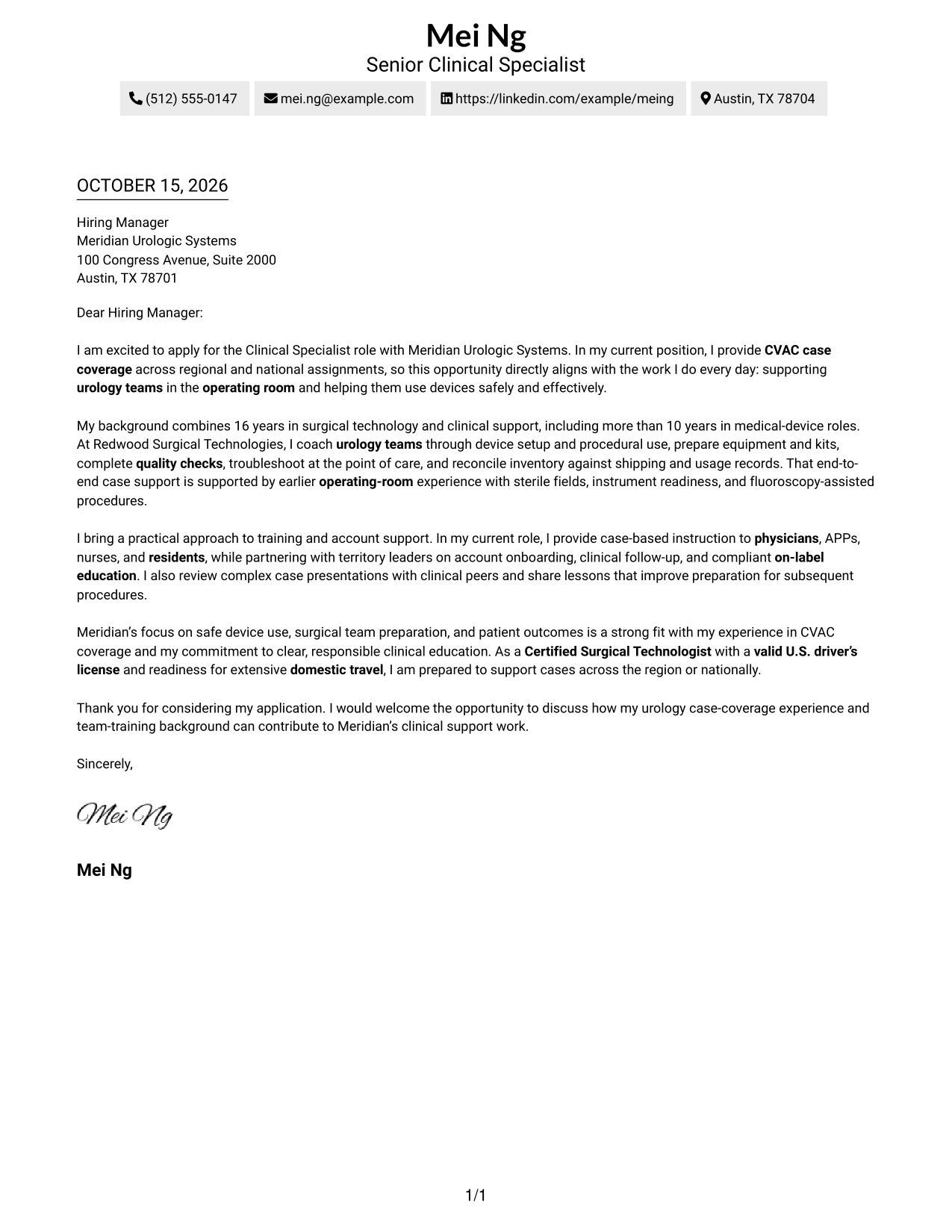
This practical guide to the Clinical Specialist - Urology Device Case Coverage cover letter presents seven layouts and shows how to connect CVAC case support with clear, role-focused communication.
What Makes a Great Clinical Specialist - Urology Device Case Coverage Cover Letter in 2026
A strong letter links interest in the role to safe device use, urology case coverage, and effective support for operating-room teams. It should make the applicant’s fit clear from the opening through the closing.
Use specific evidence, such as CVAC case coverage, intraoperative coaching, equipment checks, or staff education. Connect that experience to the employer’s focus on patient outcomes, preparation, and responsible clinical support.
The featured Clinical Specialist - Urology Device Case Coverage example moves from role-specific interest to case-support evidence, team training, employer alignment, and a clear close, giving readers a focused progression to adapt while choosing a presentation that suits the employer and communication context.
#1 Simple One Column Format Cover Letter Example
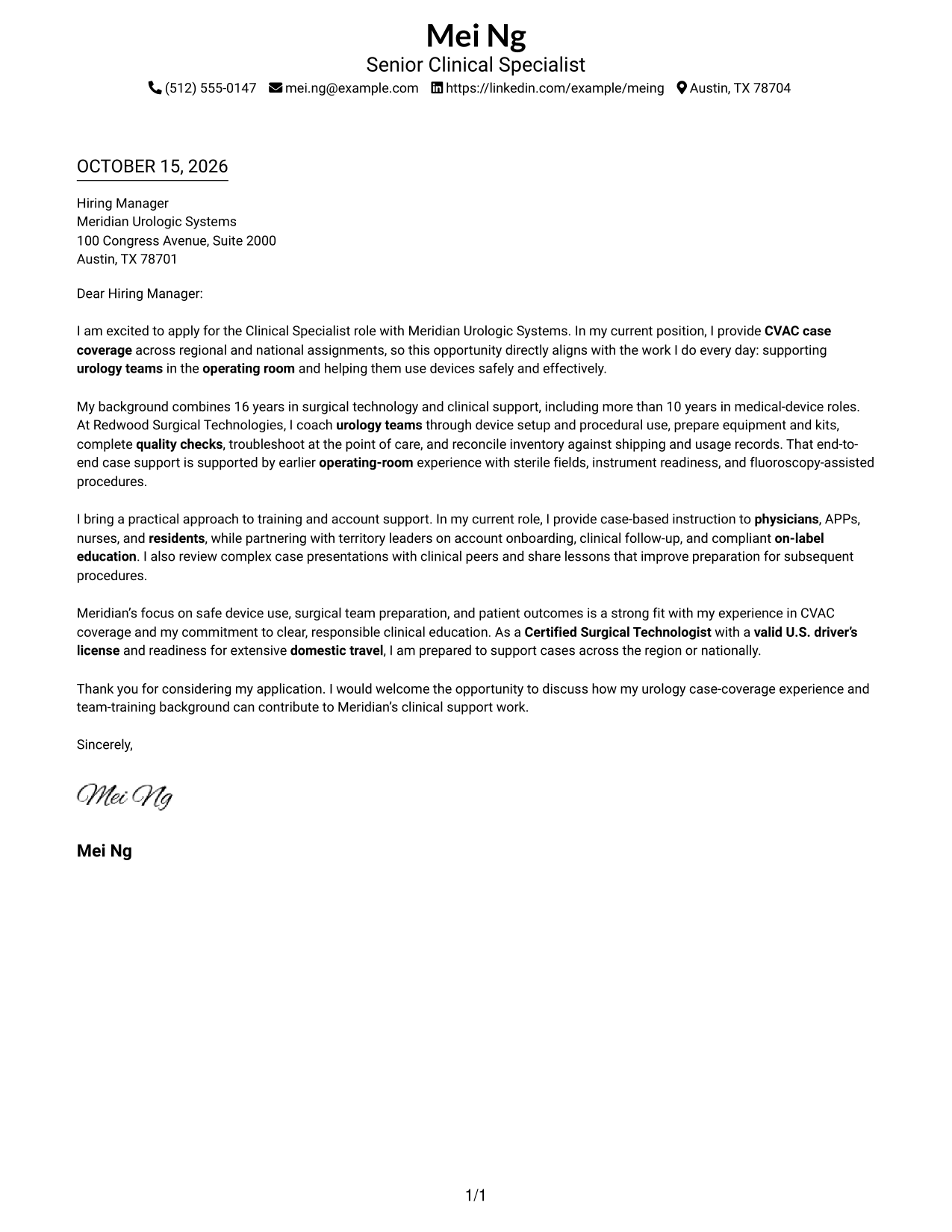
The Simple One Column Format places sender details in the header above one continuous letter column, giving the message a direct reading order.
Why This Format Works
- Sender details appear before the message, giving reviewers a direct route into the letter.
- Opening, supporting points, and closing stay within one continuous letter body.
- One text column avoids asking readers to move between parallel message areas.
Best For
- Full sender contact blocks
- Continuous paragraph-based arguments
- Straightforward reading order
- Text-first letter presentation
- Multi-paragraph cover letters
#2 Two Column Format Cover Letter Example
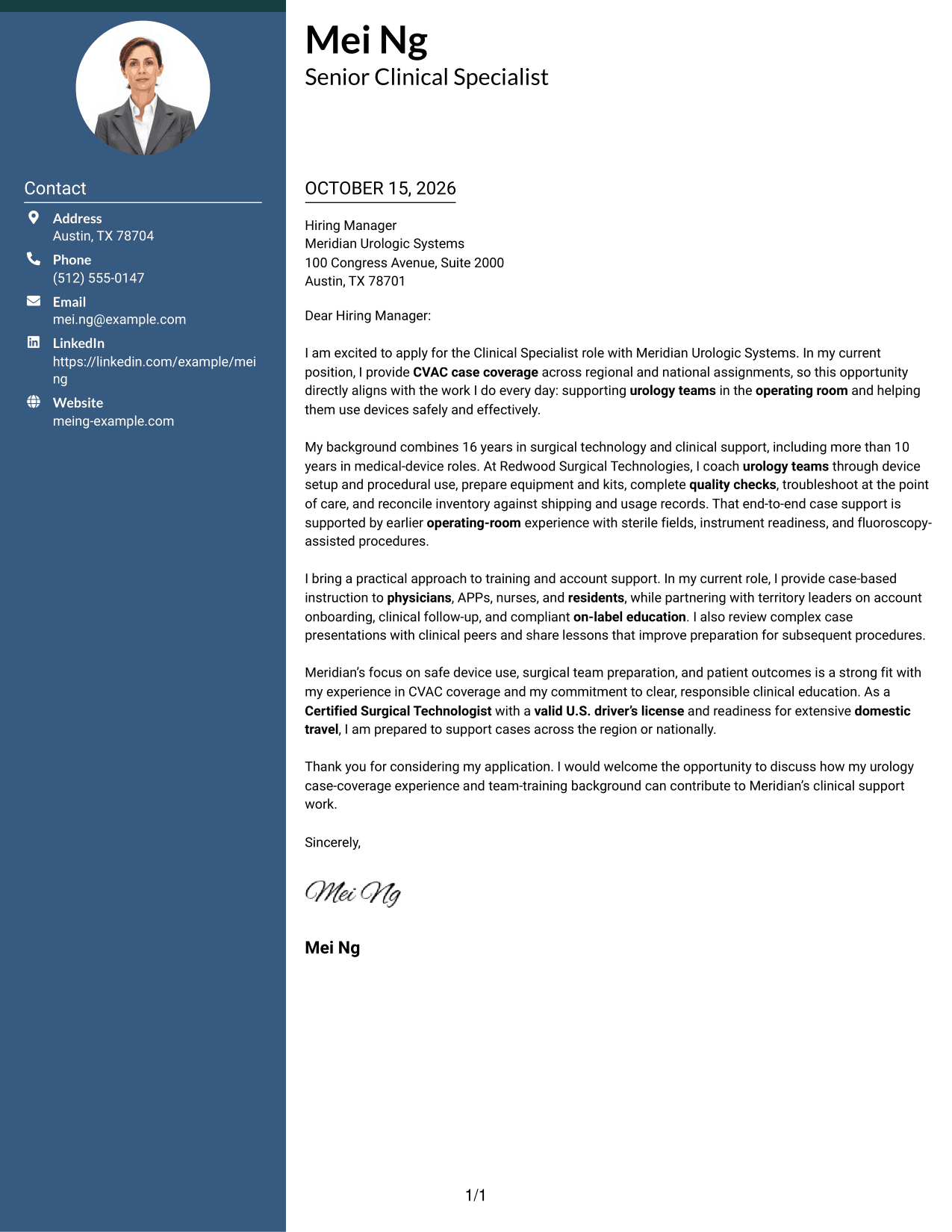
The Two Column Format places a contact sidebar beside one continuous letter body, keeping practical details separate from the message.
Why This Format Works
- A contact sidebar keeps sender details easy to locate beside the letter.
- The continuous body lets readers follow the argument from greeting through closing.
- Side-by-side areas give contact information and persuasive writing distinct visual places.
Best For
- Contact details beside the message
- Continuous persuasive paragraphs
- Side-by-side reading preference
- Full professional contact blocks
- Multi-paragraph application letters
#3 Photo Header Two Column Format Cover Letter Example
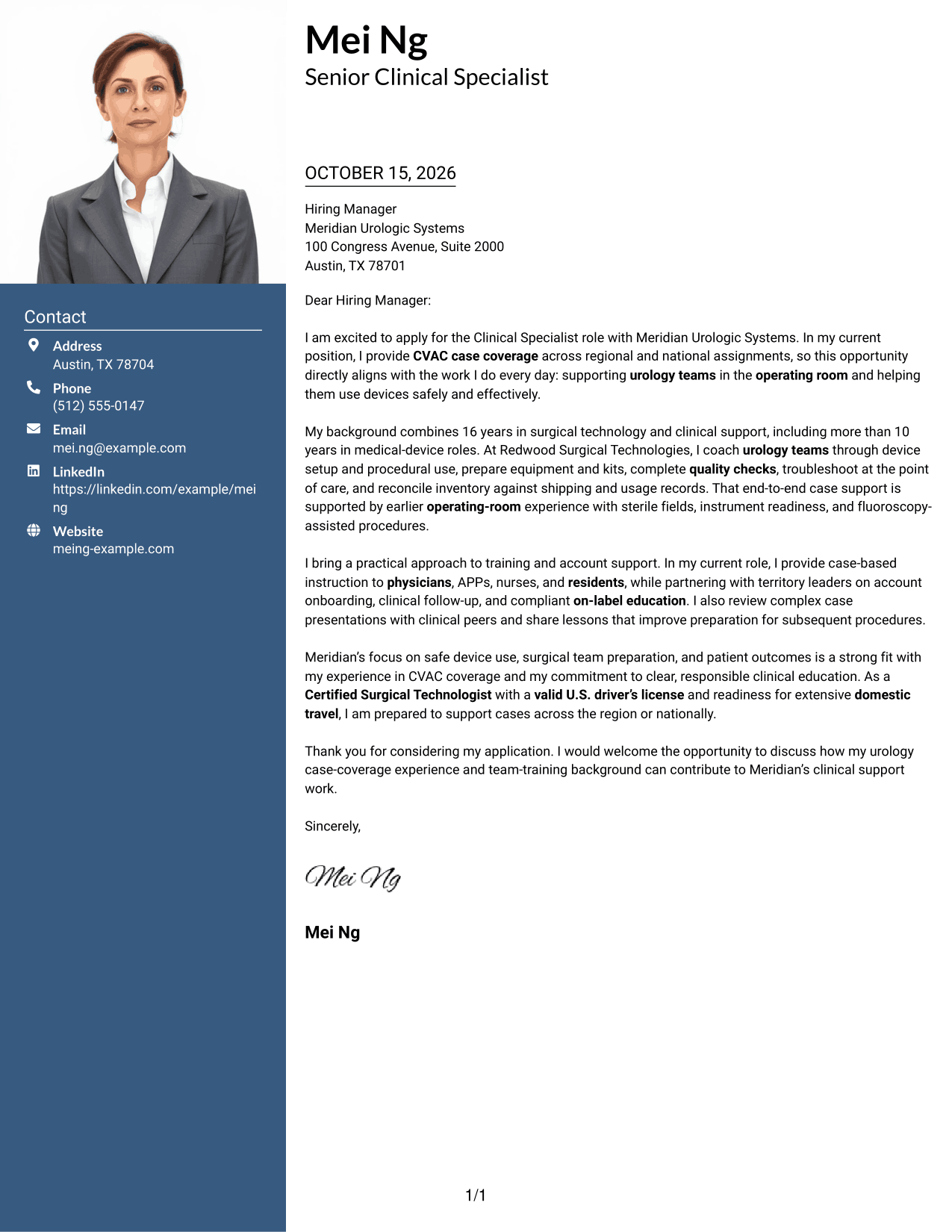
The Photo Header Two Column Format combines a photo with a contact sidebar and a single continuous letter body for readers who want a portrait alongside the message.
Why This Format Works
- The photo offers a visible personal detail for readers who prefer a portrait.
- A separate contact area keeps sender information distinct from the letter's message.
- One continuous body preserves the sequence of the opening, evidence, and closing.
Best For
- Portrait-inclusive letter presentation
- Contact details outside the prose
- One continuous letter argument
- Photo-forward document preference
- Full sender contact information
#4 One Column Format with Photo Cover Letter Example
The One Column Format with Photo pairs a portrait with a single-column letter, a useful choice when a photo is part of the preferred presentation.
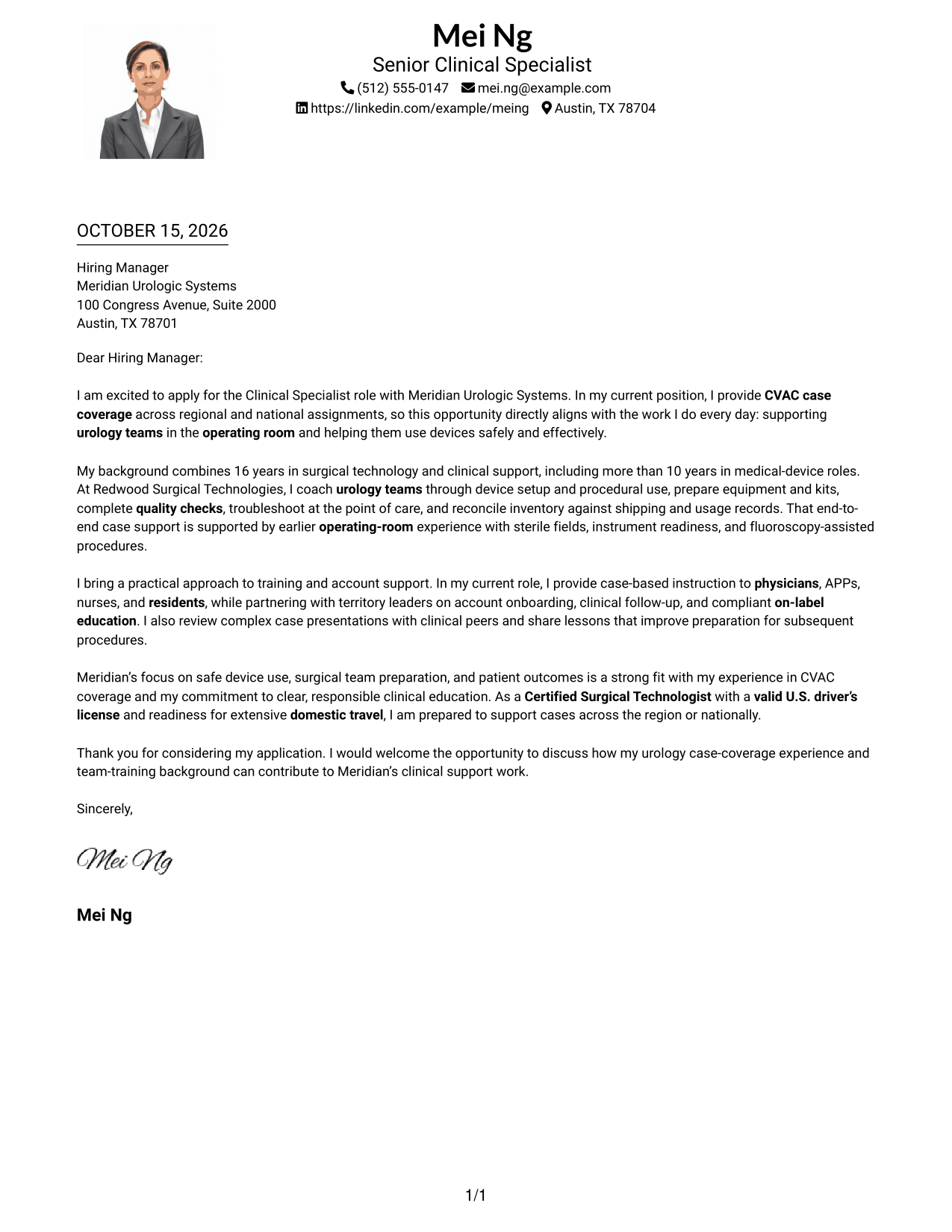
Why This Format Works
- A single body column gives the letter a direct top-to-bottom reading order.
- The photo adds a visual element without dividing the letter into parallel columns.
- The continuous paragraphs keep the greeting, case for fit, and close together.
Best For
- Photo-inclusive letter presentation
- Single-column reading preference
- One continuous letter argument
- Multi-paragraph application letters
- Portrait alongside letter text
#5 Simple Two Column Format Cover Letter Example
The Simple Two Column Format places contact details in a sidebar beside the continuous letter body, offering a clear division between sender information and the message.
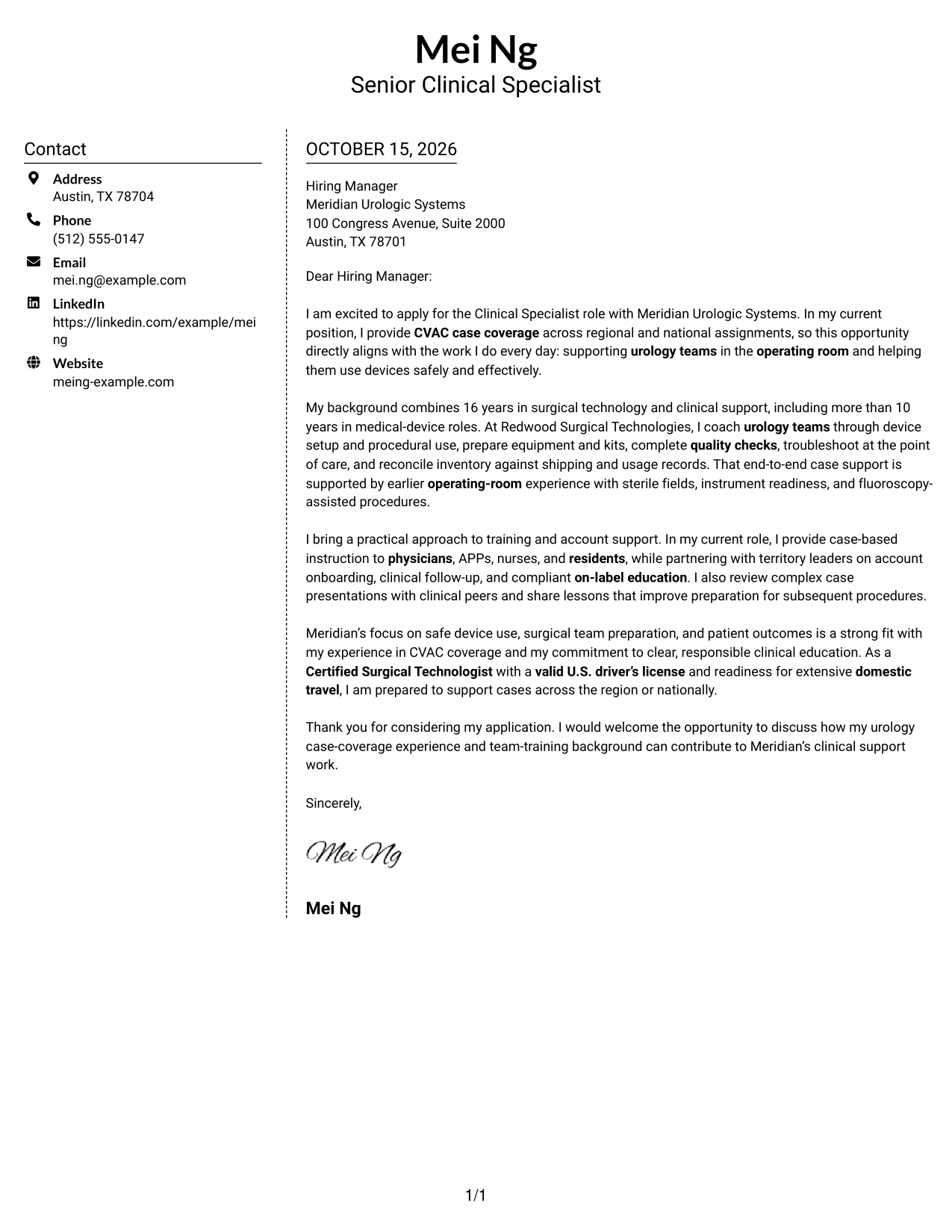
Why This Format Works
- The sidebar gives contact details a consistent place beside the letter text.
- Readers can follow the letter's paragraphs in one continuous body column.
- The layout suits readers who prefer contact information apart from the message.
Best For
- Sidebar contact reference
- Continuous letter paragraphs
- Separated sender information
- Two-column document preference
- Full contact details with letter text
#6 Modern Icon Format Cover Letter Example
The Modern Icon Format uses contact cues and decorative header accents alongside a contact sidebar and continuous letter body, keeping icons focused on contact presentation.
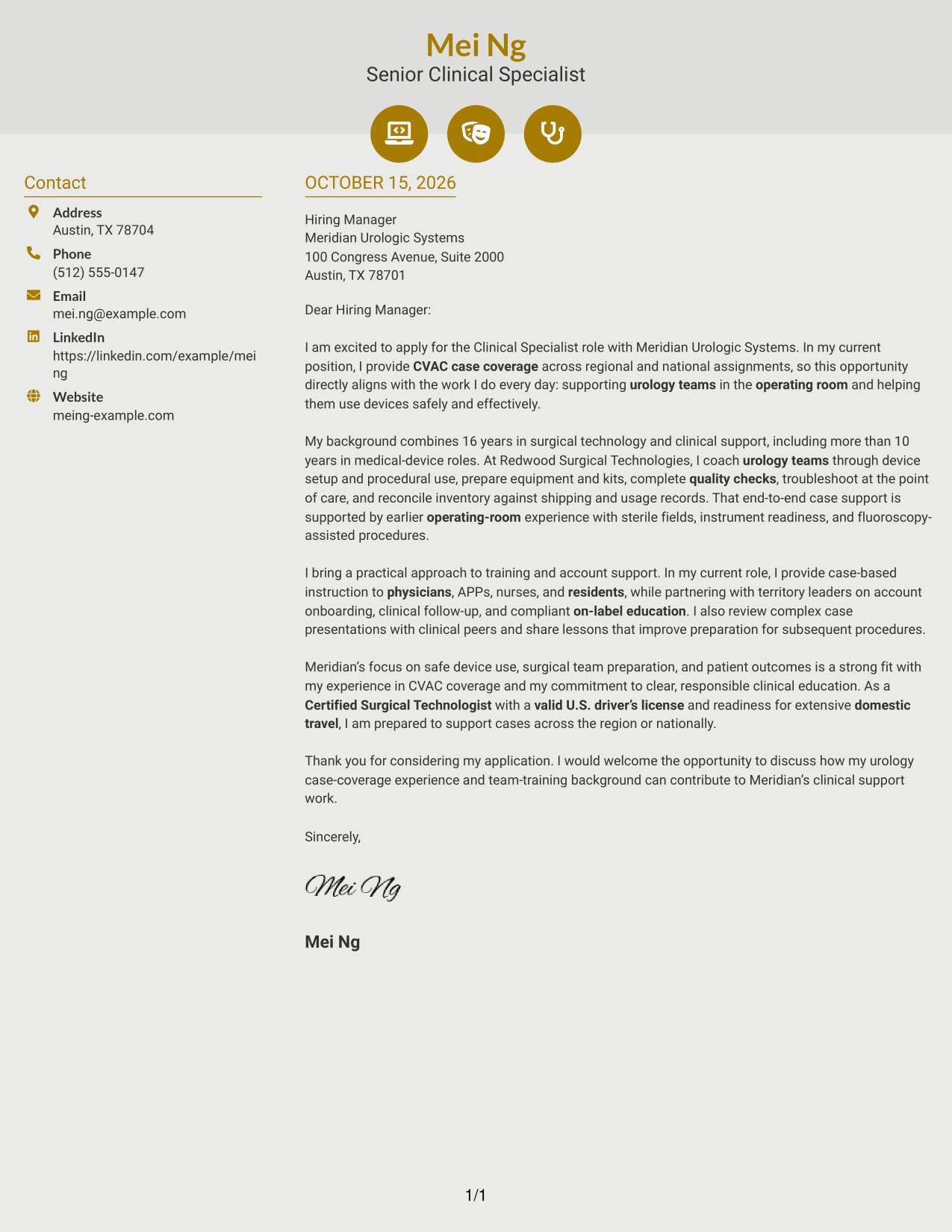
Why This Format Works
- Contact icons help readers identify contact details without labeling the letter's argument.
- The sidebar keeps sender information apart from the continuous message.
- A single letter column maintains a clear sequence from opening to close.
Best For
- Icon-led contact details
- Continuous letter argument
- Contact information beside prose
- Visual contact cues
- Two-column reading preference
#7 Creative Two Tone Format Cover Letter Example
The Creative Two Tone Format sets a contact sidebar beside a continuous letter body, a practical option for readers who prefer distinct areas for contact details and the message.
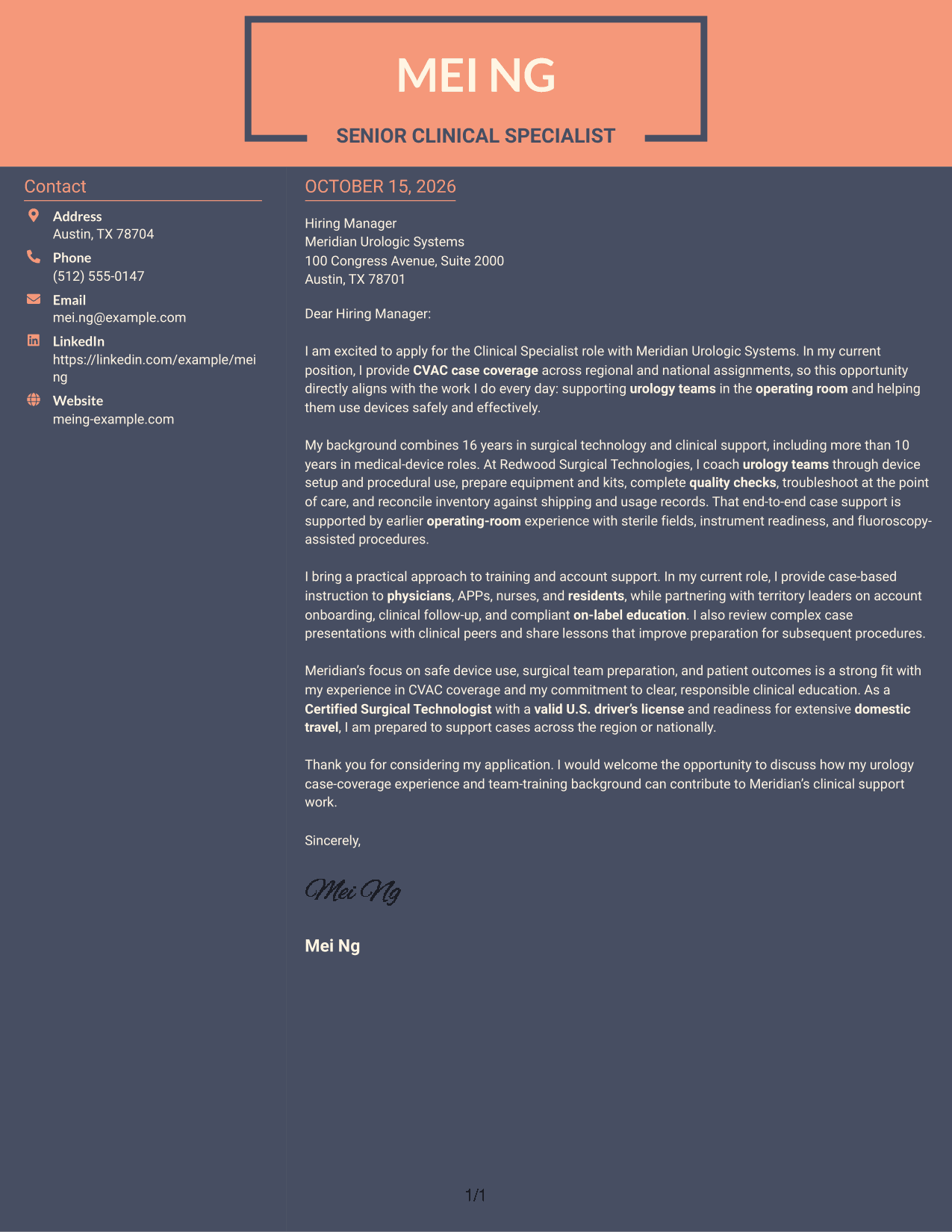
Why This Format Works
- Contact details remain separate from the paragraphs making the case for fit.
- The continuous body keeps the letter's opening and closing in one reading sequence.
- A sidebar offers a dedicated place for sender information beside the message.
Best For
- Distinct contact and message areas
- Continuous persuasive writing
- Sidebar contact reference
- Two-column letter preference
- Full sender contact details
Why Use ResumeInMinutes for a Clinical Specialist - Urology Device Case Coverage Cover Letter
ResumeInMinutes lets you compare cover letter image previews and open an example in the editor to customize its presentation and wording for a clinical specialist role.
- Clear, professional layouts
- Readable cover letter formatting
- Role-focused writing guidance
- Simple editing in the editor
- Cover letter examples
- Options for different communication needs
Use the examples to shape a direct opening, explain your CVAC and urology case-support experience, and close with a clear statement of interest.
See Also
- 7 Clinical Specialist - Urology Device Case Coverage Resume Templates with Example
- 7 Senior Clinical Trial Case Manager - Pharmacovigilance Operations Resume Templates with Example
- 33 Ambulatory Clinical Pharmacist Resume Templates with Example 2026 (ATS-Optimized)
- 33 Applied AI Engineer, Clinical Informatics Resume Templates with Example 2026 (ATS-Optimized)
- 7 Assistant Clinical Professor - Food and Nutrition Resume Templates with Example
- 7 Clinical Administrative Coordinator - PA Program Resume Templates with Example
- 33 Clinical Customer Care Staff Pharmacist Resume Templates with Example 2026 (ATS-Optimized)
- 33 Clinical Data Analyst Resume Templates with Example 2026 (ATS-Optimized)
- 30+ Ambulatory Clinical Pharmacist Cover Letter Templates with Example 2026
- 30+ Applied AI Engineer, Clinical Informatics Cover Letter Templates with Example 2026
Frequently Asked Questions
What should a Clinical Specialist - Urology Device Case Coverage cover letter include?
Explain your interest in the role, then give relevant evidence of urology case coverage, device support, team coaching, equipment readiness, and clear clinical communication. Close by connecting your approach to safe device use and patient-focused care.
How can I show relevant experience in a clinical specialist cover letter?
Use specific examples of work you have done, such as CVAC case coverage, intraoperative coaching, equipment preparation, inventory reconciliation, or training physicians and operating-room staff. Do not claim experience you cannot support.
How should I connect my experience to the employer?
Refer to the employer’s stated focus on safe device use, surgical team preparation, and patient outcomes. Show how your clinical support and education approach can contribute to those priorities.
What tone works well for this cover letter?
Use a confident, practical, and professional tone. Keep the writing clear, show respect for hospital procedures, and describe how you communicate with surgeons and other clinical staff.
Can I view and customize the cover letter examples?
Yes. Compare the PNG image previews, then use the editor link to open an example and customize its presentation and content.




