
7 Clinical Technician 1 - Progressive Care Unit Cover Letter Templates with Example
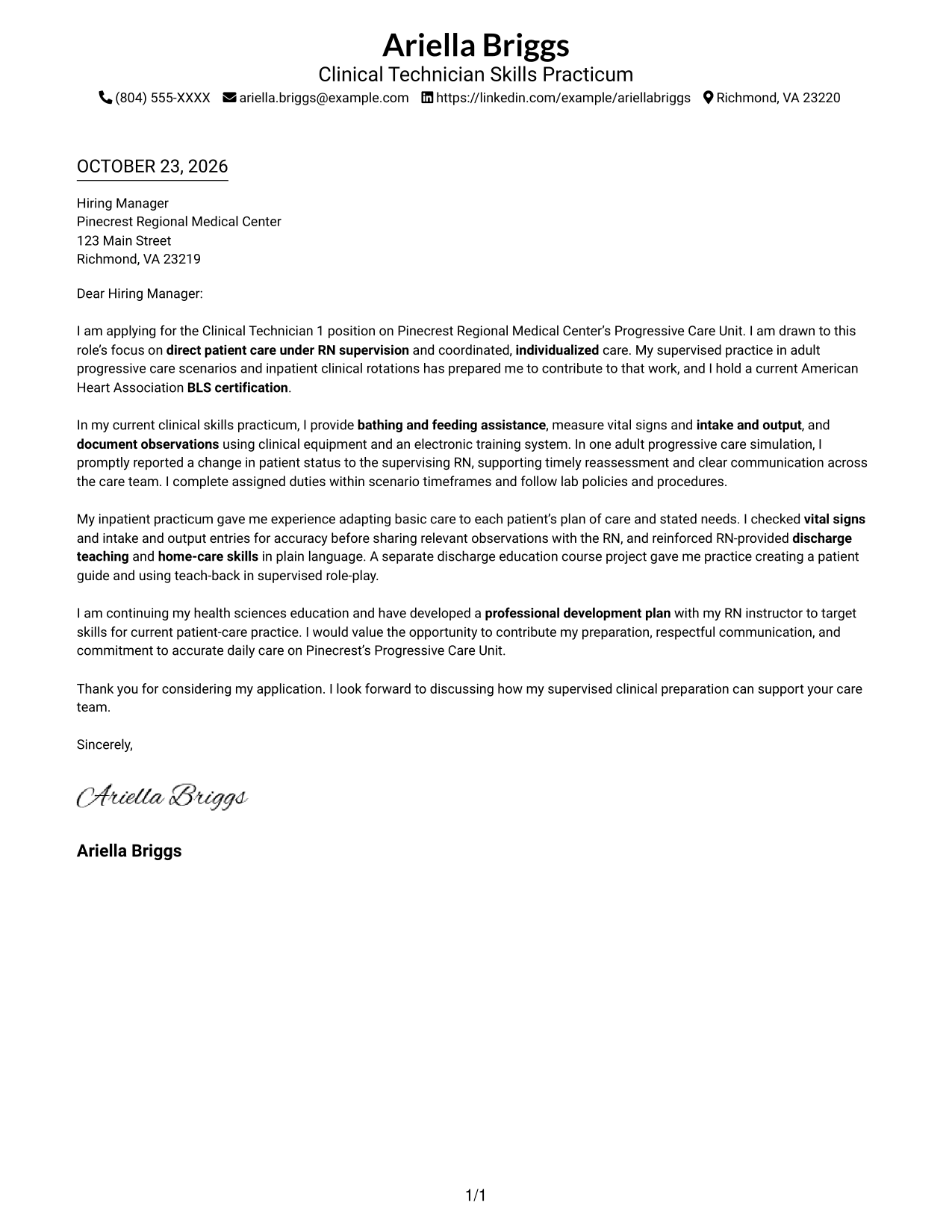
This practical guide presents the Clinical Technician 1 - Progressive Care Unit cover letter in 7 layouts, helping you choose a clear way to show your role fit.
What Makes a Great Clinical Technician 1 - Progressive Care Unit Cover Letter in 2026
A strong letter connects your interest in this role with safe, direct patient care under RN supervision. It shows how you can follow individualized plans, provide daily care, document accurately, and report changes promptly.
Use specific evidence from supervised practice, such as measuring vital signs, supporting discharge teaching, or communicating a patient-status change. Link that evidence to the unit’s needs and explain how you would work with the RN and care team.
The featured Clinical Technician 1 - Progressive Care Unit example moves from interest in the role to supervised care evidence, patient education, and a clear close. Adapt that focused progression, then choose a presentation that fits the employer and the communication context.
#1 Simple One Column Format Cover Letter Example
A single-column format keeps sender details in the header and the letter in one reading path, a practical choice for readers who prefer a straightforward page.
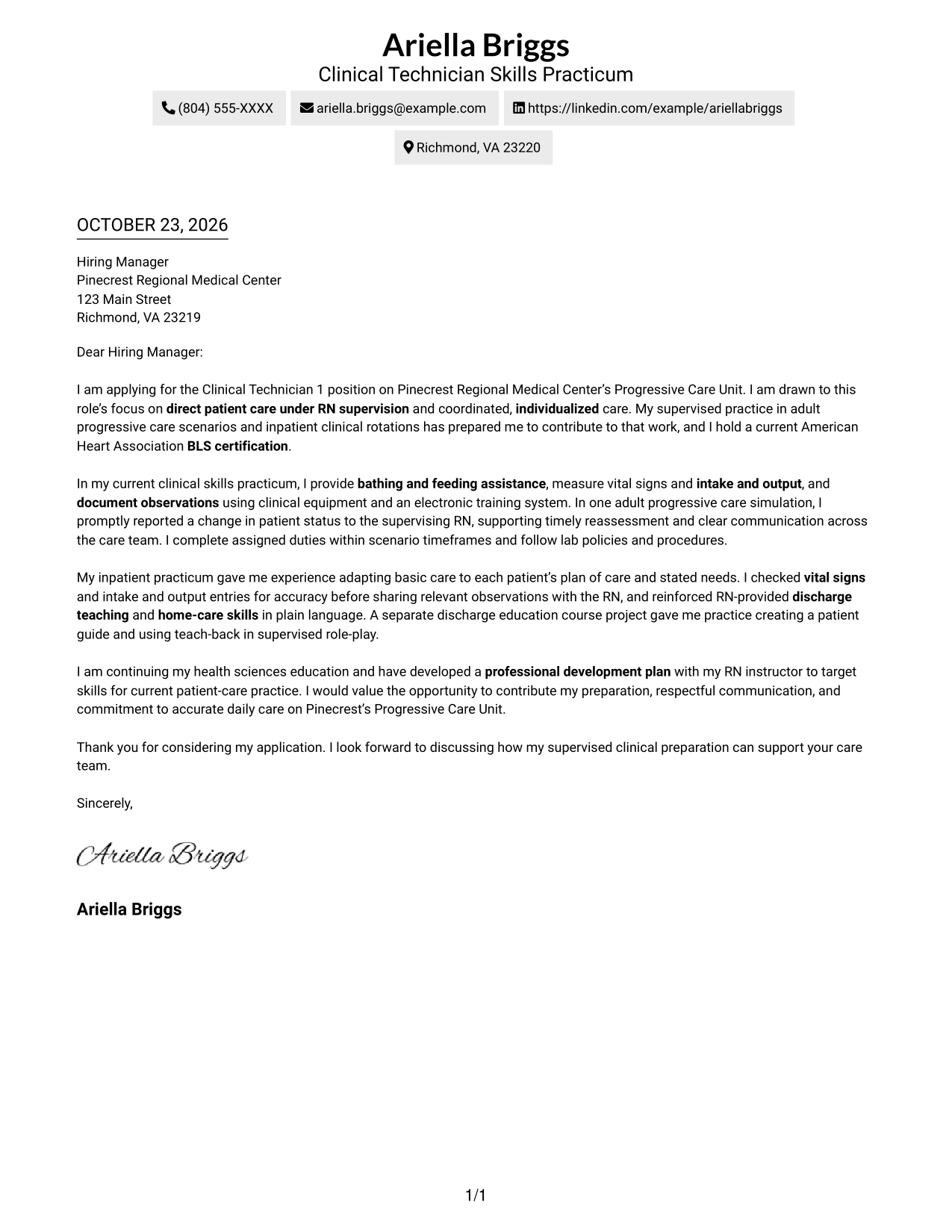
Why This Format Works
- Opening, supporting paragraphs, and closing follow one clear reading path.
- Sender details sit in the header, apart from the letter's main message.
- The photo-free presentation suits readers who prefer a portrait-free letter.
Best For
- Single-column page preference
- Header-based contact details
- Photo-free correspondence
- Unheaded letter paragraphs
- Sequential written messages
#2 Two Column Format Cover Letter Example
A contact sidebar sits beside one continuous letter body, giving readers a separate place to find contact details while the message stays in one column.
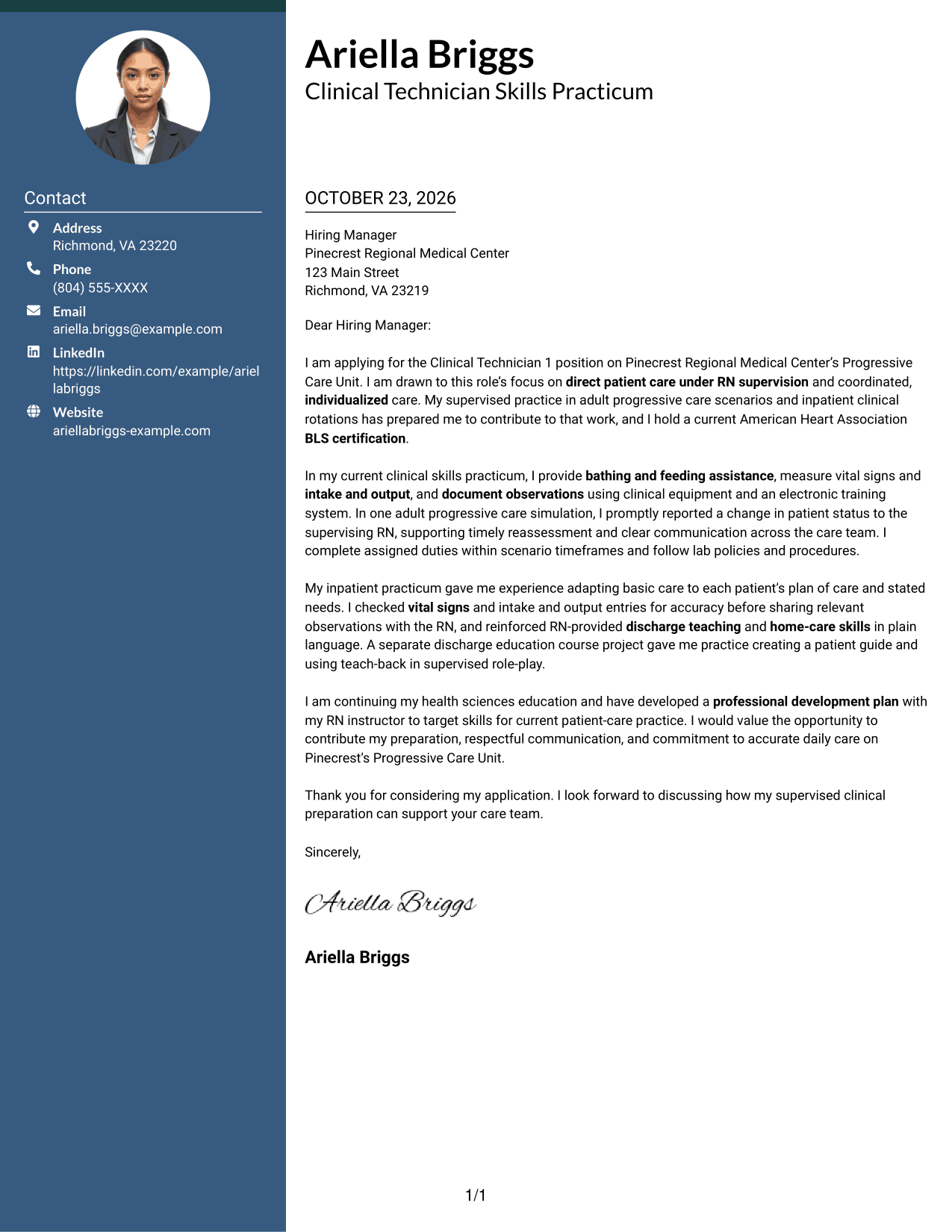
Why This Format Works
- Contact details occupy their own sidebar, apart from the persuasive message.
- One body column preserves the letter's paragraph sequence from greeting through closing.
- The no-photo choice suits applications that favor written details over portraits.
Best For
- Sidebar contact information
- Single-column letter body
- Photo-free application materials
- Unheaded letter paragraphs
- Separate sender and message areas
#3 Photo Header Two Column Format Cover Letter Example
A photo is included in this two-column format, a choice for applications where a portrait is part of the preferred presentation.
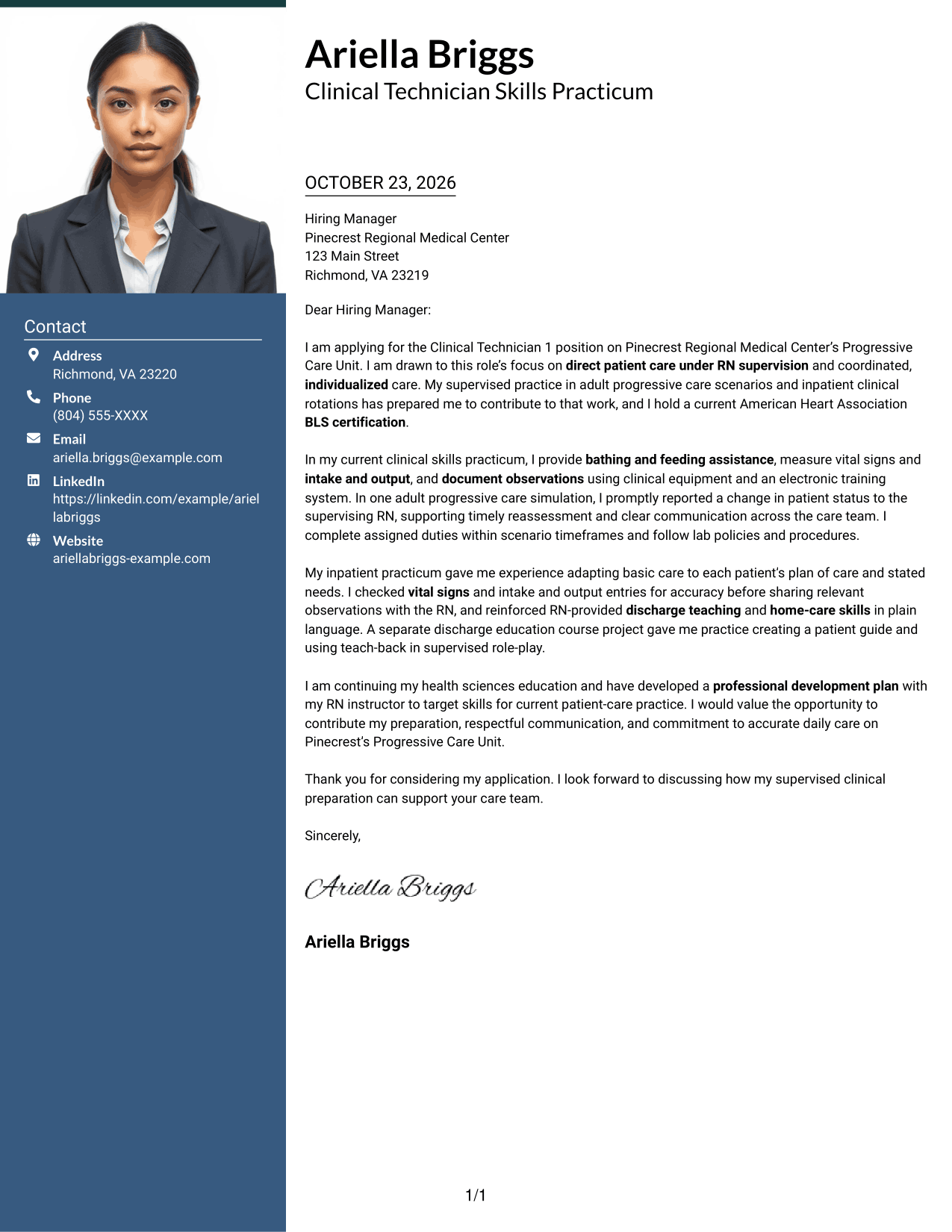
Why This Format Works
- Contact details have a separate sidebar, distinct from the continuous message.
- The single-column body keeps the letter's argument in a familiar reading order.
- An included photo suits readers who want a portrait in the document's visual presentation.
Best For
- Portrait-inclusive correspondence
- Sidebar contact information
- One-column letter reading
- Continuous paragraph messages
- Applications with a photo preference
#4 One Column Format with Photo Cover Letter Example
A one-column letter pairs the body with a photo, offering a portrait-inclusive option while keeping the message in one reading path.
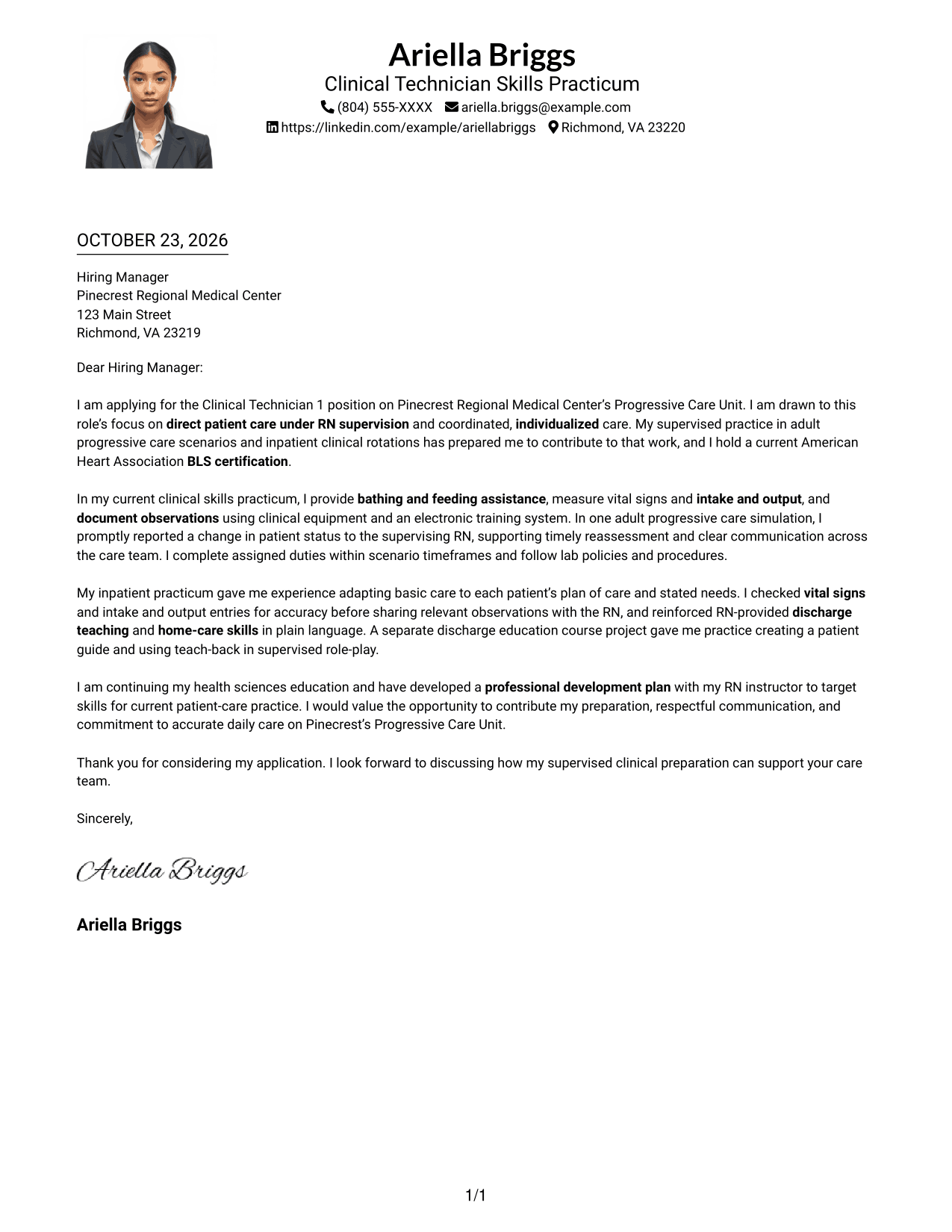
Why This Format Works
- The body moves from greeting through closing without parallel text.
- A photo-inclusive choice suits readers who want a portrait on the letter.
- Sender details stay in the header, outside the continuous letter paragraphs.
Best For
- One-column letter reading
- Portrait-inclusive documents
- Header-based contact details
- Unheaded letter paragraphs
- Sequential cover-letter messages
#5 Simple Two Column Format Cover Letter Example
The contact sidebar sits beside the uninterrupted letter body, separating sender details from the message without dividing its paragraphs.
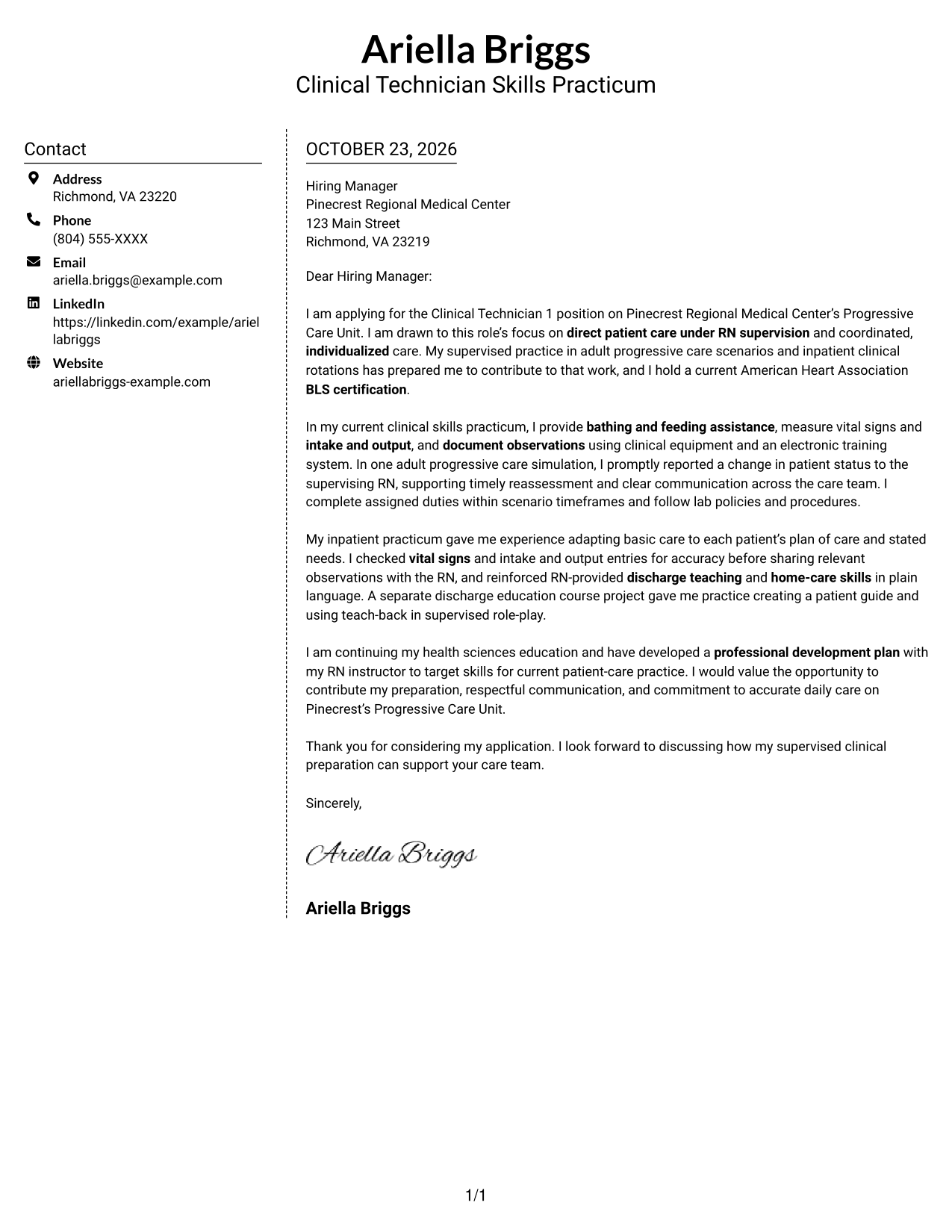
Why This Format Works
- Contact details occupy a sidebar, leaving the message in one continuous body column.
- Readers can distinguish sender information from the letter without argument headings.
- Photo-free presentation suits applications that avoid portraits in written materials.
Best For
- Separate contact sidebar
- Continuous letter paragraphs
- Photo-free application documents
- Unheaded message format
- Distinct contact and message areas
#6 Modern Icon Format Cover Letter Example
Contact icons cue details in the sidebar, while the letter itself remains one continuous body.
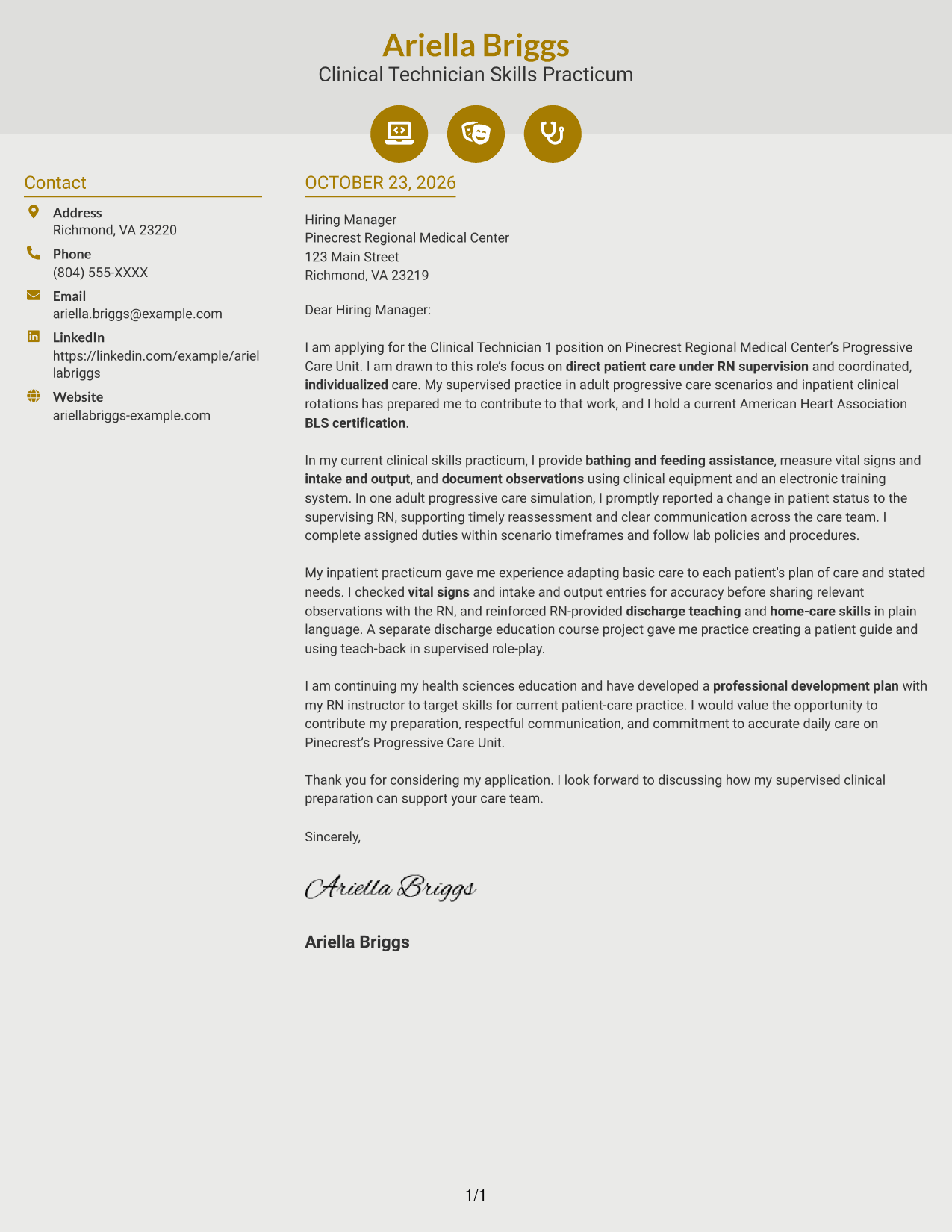
Why This Format Works
- Icons cue contact details, not the letter's opening, evidence, or closing.
- The sidebar keeps sender information beside, but separate from, the body.
- One continuous body lets the message retain its paragraph sequence.
Best For
- Icon-cued contact details
- Sidebar beside the message
- Unheaded letter paragraphs
- Single-column body text
- Photo-free correspondence
#7 Creative Two Tone Format Cover Letter Example
The two-column layout places contact details apart from the continuous letter body, useful when a distinct contact area is preferred.
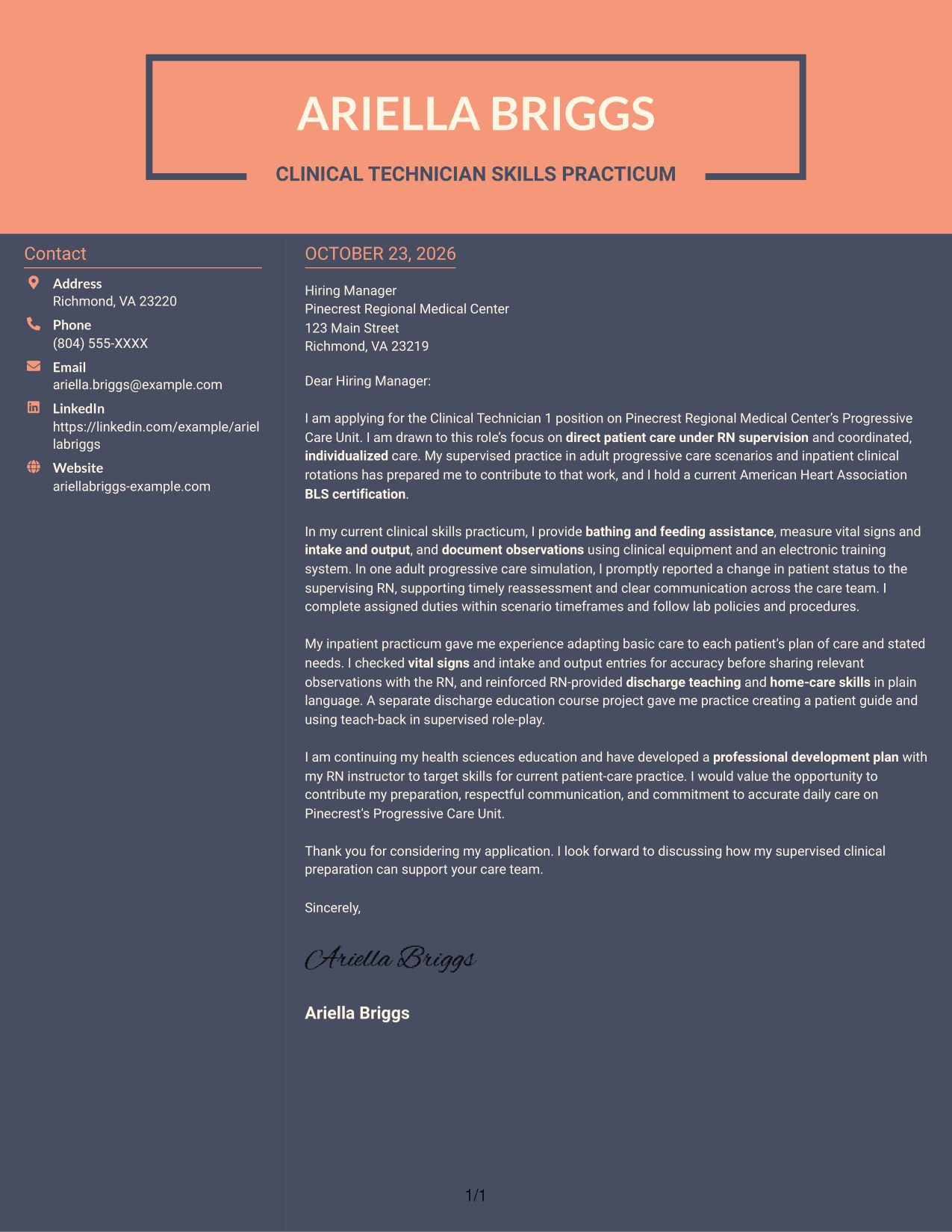
Why This Format Works
- Contact details have their own sidebar, while the body remains a single letter column.
- Readers can follow the message without switching between parallel argument areas.
- Photo-free styling suits a written presentation that does not use a portrait.
Best For
- Separate contact information
- Single-column letter body
- Photo-free written materials
- Continuous persuasive paragraphs
- Clear contact-to-message distinction
See Also
- 7 Clinical Technician 1 - Progressive Care Unit Resume Templates with Example
- 7 Clinical Research Technician - Ophthalmic Research Resume Templates with Example
- 33 Emergency Medical Technician - Prehospital Emergency Care Resume Templates with Example 2026 (ATS-Optimized)
- 7 Emergency Technician - Emergency Department Care Resume Templates with Example
- 7 Patient Care Technician I - Cardiac Thoracic Step Down Resume Templates with Example
- 33 Patient Care Technician (PCT) Resume Templates with Example 2026 (ATS-Optimized)
- 7 Patient Care Technician - Telemetry Resume Templates with Example
- 33 Pharmacy Technician - Acute Care Resume Templates with Example 2026 (ATS-Optimized)
- 7 Emergency Technician - Emergency Department Care Cover Letter Templates with Example
- 30+ Patient Care Technician (PCT) Cover Letter Templates with Example 2026
Frequently Asked Questions
What should a Clinical Technician 1 - Progressive Care Unit cover letter emphasize?
Show how you would support basic patient care under RN supervision. Address activities such as bathing and feeding, measuring vital signs and intake and output, accurate documentation, timely communication about changes, and reinforcement of discharge teaching.
Does this guide show several different cover letters?
No. It presents one featured cover letter example in different visual styles. You can compare the PNG previews and open an example in the editor to customize it.
How can I show role fit if my patient-care practice was supervised?
State clearly that your experience came from supervised clinical practice, placements, or simulations. Give a brief example, such as reporting a change to an RN, and explain how you followed the care plan and unit procedures.
Which cover letter style works well for this position?
Choose a clear, easy-to-read style that helps the hiring manager follow your opening, care evidence, and closing. Keep the tone respectful and direct, and select a presentation that suits the employer and communication context.
Should I mention Basic Life Support certification in my cover letter?
If you hold current Basic Life Support certification, mention it briefly because it is relevant to this role. State your certification accurately and do not imply that you hold a license unless you do.
Should I use a photo on my cover letter?
For U.S. applications, a cover letter without a photo is usually the safer choice. Follow the employer’s application instructions if they give specific guidance.




